 Скачать презентацию Lecture 5 Bits bytes data storage color encodings
Lecture_5.pptx
- Количество слайдов: 22



Lecture 5 Bits, bytes, data storage, color, encodings
Binary is used to represent data stored in memory Binary system is used in operations in CPU Bytes contain 8 byte So byte can store 28 = 256 different numbers.
Storing information bit can contain only two values: 0 and 1 2 bits can contain four values: 00, 01, 10, 11 and so on: 8 bits can store 256 different data
Hexadecimal Since it takes excessive place to represent byte, hexadecimal is used to represent it. 01001001 is 49 in hexadecimal We divide number in binary into parts by 4 digits and then convert each part of binary number into hexadecimal
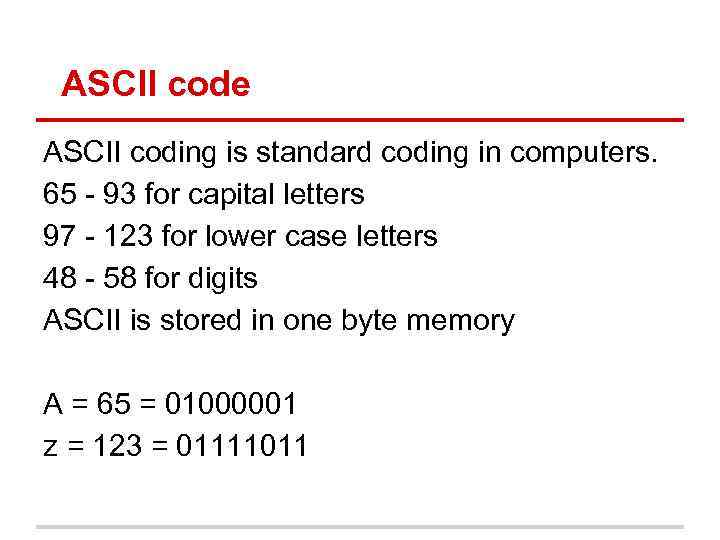
ASCII code ASCII coding is standard coding in computers. 65 - 93 for capital letters 97 - 123 for lower case letters 48 - 58 for digits ASCII is stored in one byte memory A = 65 = 01000001 z = 123 = 01111011
Problem: World alphabets There are many alphabets that are used in the world: Latin (spanish, german, finnish), Arabic (Persian), Hebrew, Chinese hieroglyphs, Korean, Japanese (Hiragana, Katakana), Cyrillic (Kazakh, Tatar, Serbian, Ukrainian), Tamil, Armenian, Mongolian, Greek, georgian. How to represent all of them?
Different encodings Windows-1250 for Central European languages that use Latin script, (Polish, Czech, Slovak, Hungarian, Slovene, Serbian, Croatian, Romanian and Albanian) Windows-1251 for Cyrillic alphabets Windows-1252 for Western languages Windows-1253 for Greek Windows-1254 for Turkish Windows-1255 for Hebrew and etc.
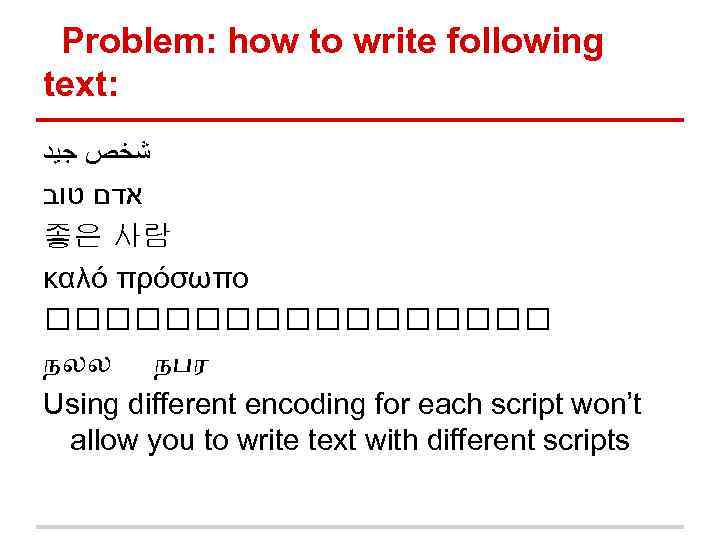
Problem: how to write following text: ﺷﺨﺺ ﺟﻴﺪ אדם טוב 좋은 사람 καλό πρόσωπο நலல நபர Using different encoding for each script won’t allow you to write text with different scripts
Unicode All symbols stored in one table. Modern version contains 28 ancient and historic scripts (alphabets) and 72 modern scripts Contains 110, 000 characters Can store text containing different scripts
UTF-8 what is it? UTF-8 (UCS Transformation Format— 8 -bit) is a variable-width encoding that can represent every character in the Unicode character set. It is compatible with ASCII ● means any file stored by UTF-8 but from symbols that are present in ASCII, will be same as stored by UTF-8 Can be from one byte to four byte
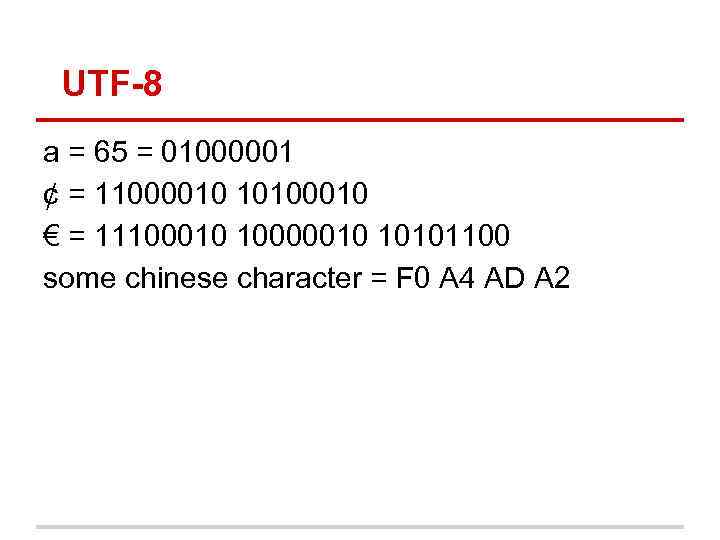
UTF-8 a = 65 = 01000001 ¢ = 11000010 10100010 € = 11100010 10000010 10101100 some chinese character = F 0 A 4 AD A 2
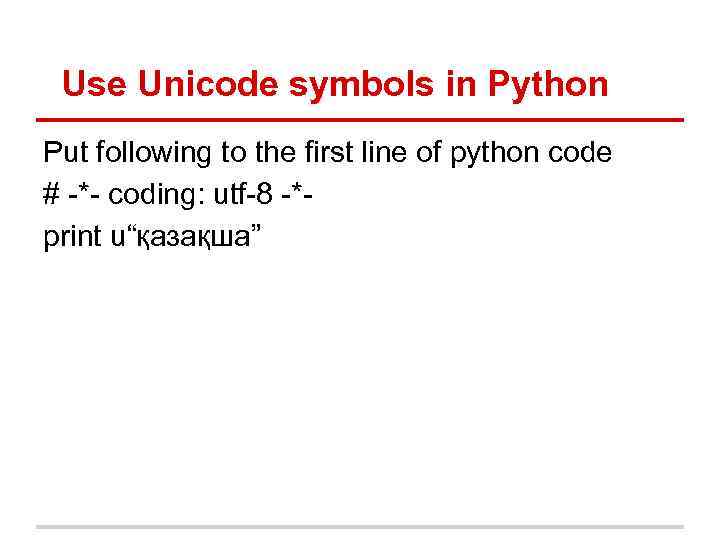
Use Unicode symbols in Python Put following to the first line of python code # -*- coding: utf-8 -*print u“қазақша”
Storing data Saving A symbol in notepad, will result in 2 bytes of memory. one byte is taken by A symbol second byte by symbol end of the file if you type Word document that contains only A symbol and it will contain 4. 8 kb A symbol will contain only 1 byte Other memory will be provided by information about font size, font family and many other information
How does this work? Restore files that were deleted Actually file consists of two parts: ● link to data ● data itself When you press Shift+Delete, it will delete only link to data, not data itself
Plain text data/file formats That are standard data formats that are stored in plain form This file formats are used to interchange data in web, applications and etc. ● JSON ● XML ○ HTML ● CSV
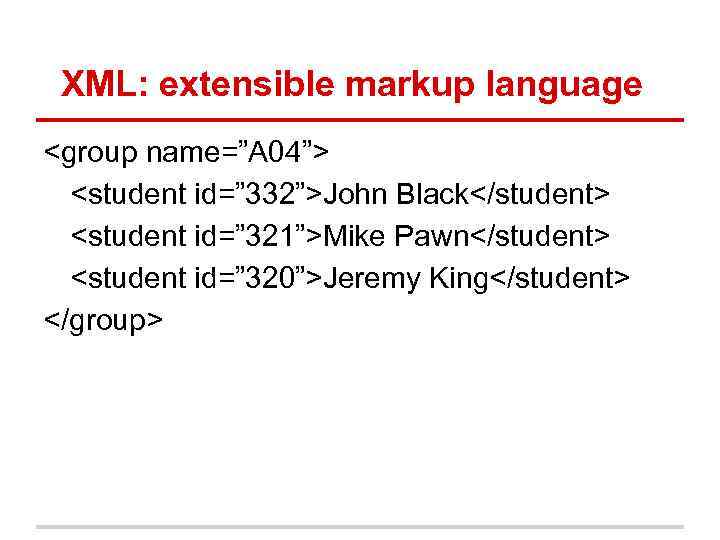
XML: extensible markup language <group name=”A 04”> <student id=” 332”>John Black</student> <student id=” 321”>Mike Pawn</student> <student id=” 320”>Jeremy King</student> </group>
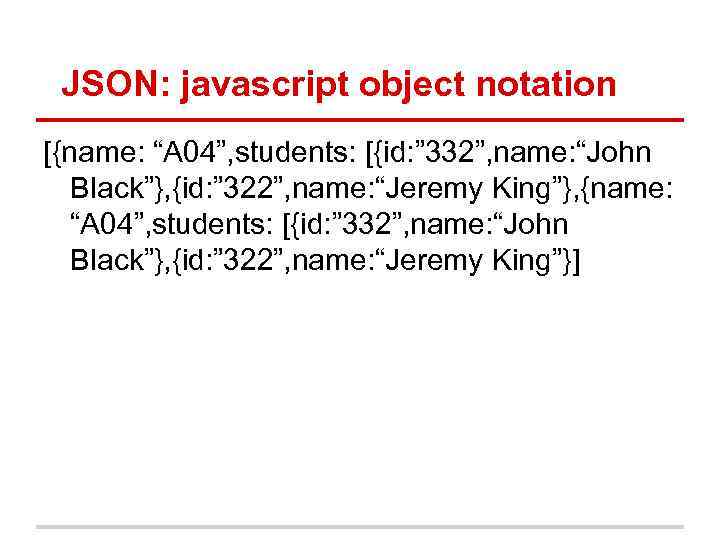
JSON: javascript object notation [{name: “A 04”, students: [{id: ” 332”, name: “John Black”}, {id: ” 322”, name: “Jeremy King”}, {name: “A 04”, students: [{id: ” 332”, name: “John Black”}, {id: ” 322”, name: “Jeremy King”}]
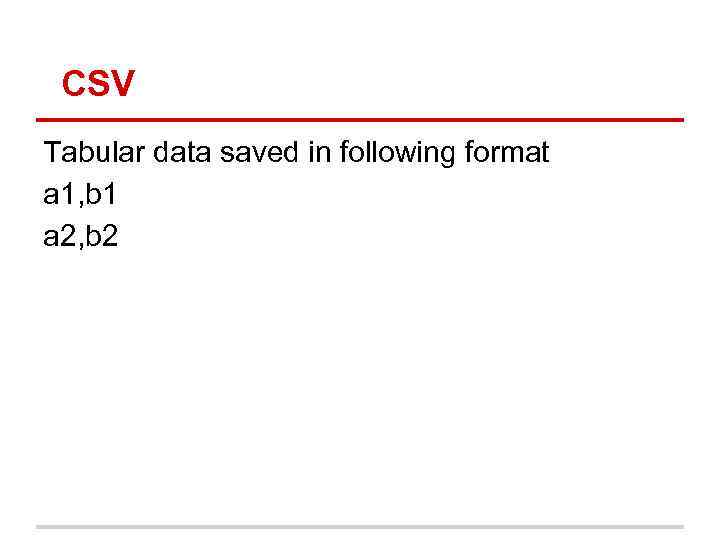
CSV Tabular data saved in following format a 1, b 1 a 2, b 2
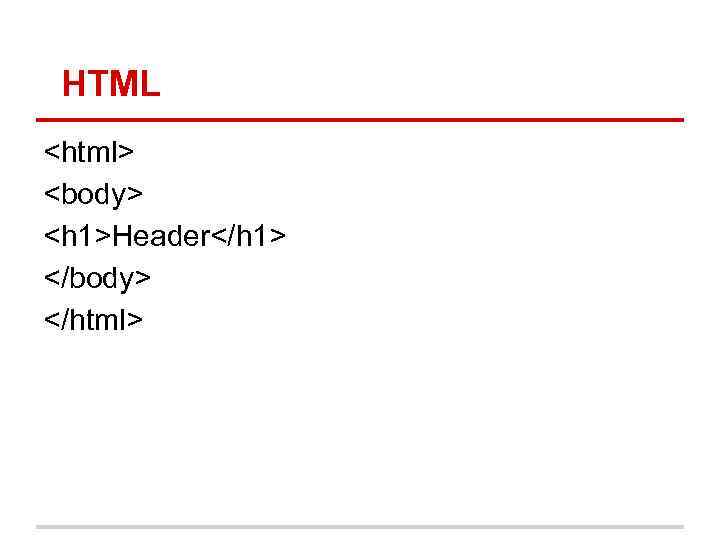
HTML <html> <body> <h 1>Header</h 1> </body> </html>
Browsers Web browsers retrieve data (mostly HTML code) from server and displays it on screen Nowadays browsers are free, but before people had to buy browsers
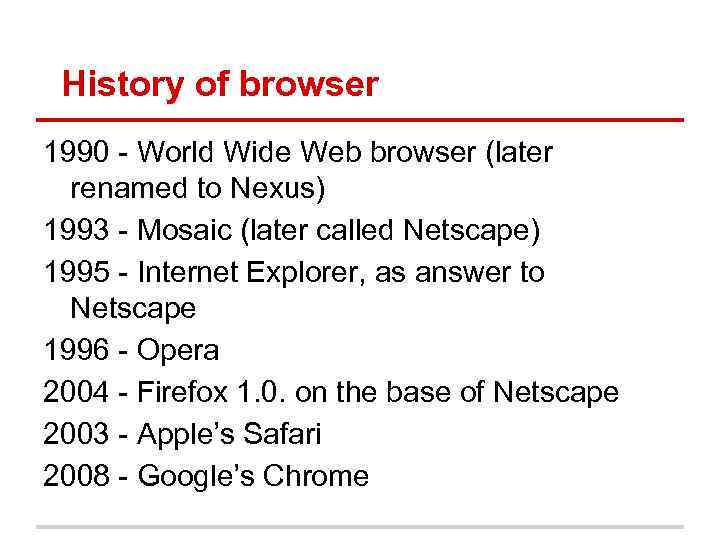
History of browser 1990 - World Wide Web browser (later renamed to Nexus) 1993 - Mosaic (later called Netscape) 1995 - Internet Explorer, as answer to Netscape 1996 - Opera 2004 - Firefox 1. 0. on the base of Netscape 2003 - Apple’s Safari 2008 - Google’s Chrome
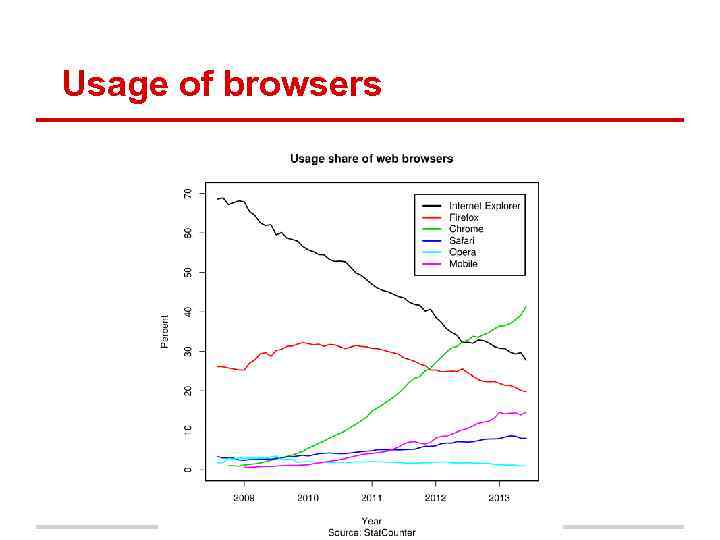
Usage of browsers
Скачать презентацию Lecture 5 Bits bytes data storage color encodings
Lecture_5.pptx