


 Скачать презентацию Lecture 4 SQL Thursday January 11 2001 1
27f9cc5353865a63526e6a33ca5eb17a.ppt
- Количество слайдов: 48
 Lecture 4: SQL Thursday, January 11, 2001 1
 Outline • • • Semantics Nested Queries Aggregation Database Modifications Defining a Relation Schema in SQL View Definitions • Reading: 5. 2, 5. 3, 5. 4, 5. 5, 5. 6 2
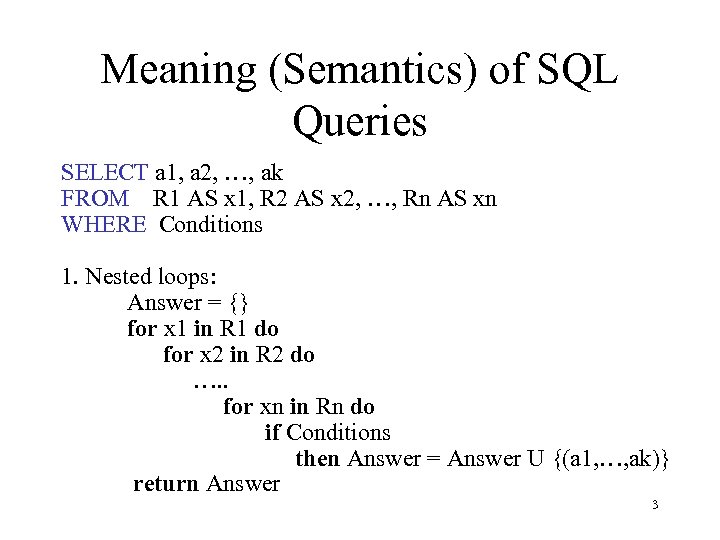 Meaning (Semantics) of SQL Queries SELECT a 1, a 2, …, ak FROM R 1 AS x 1, R 2 AS x 2, …, Rn AS xn WHERE Conditions 1. Nested loops: Answer = {} for x 1 in R 1 do for x 2 in R 2 do …. . for xn in Rn do if Conditions then Answer = Answer U {(a 1, …, ak)} return Answer 3
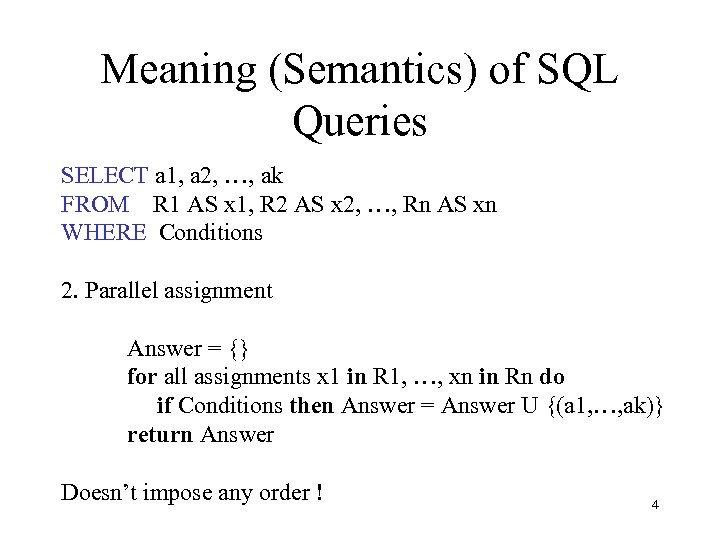 Meaning (Semantics) of SQL Queries SELECT a 1, a 2, …, ak FROM R 1 AS x 1, R 2 AS x 2, …, Rn AS xn WHERE Conditions 2. Parallel assignment Answer = {} for all assignments x 1 in R 1, …, xn in Rn do if Conditions then Answer = Answer U {(a 1, …, ak)} return Answer Doesn’t impose any order ! 4
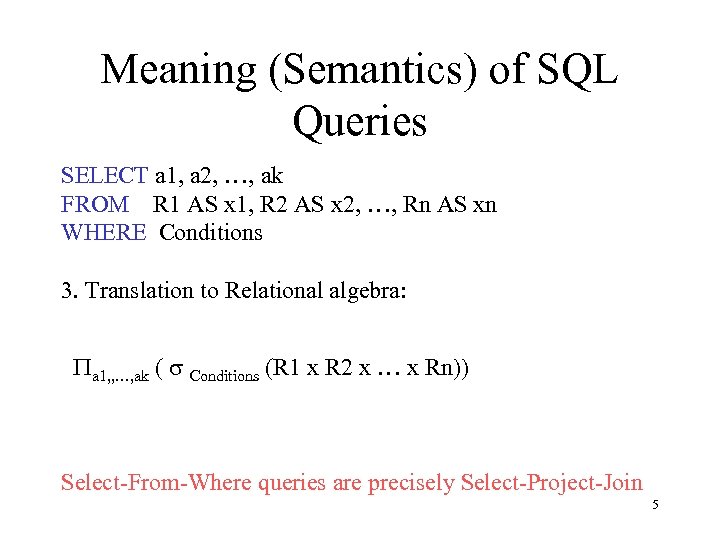 Meaning (Semantics) of SQL Queries SELECT a 1, a 2, …, ak FROM R 1 AS x 1, R 2 AS x 2, …, Rn AS xn WHERE Conditions 3. Translation to Relational algebra: Pa 1, , …, ak ( s Conditions (R 1 x R 2 x … x Rn)) Select-From-Where queries are precisely Select-Project-Join 5
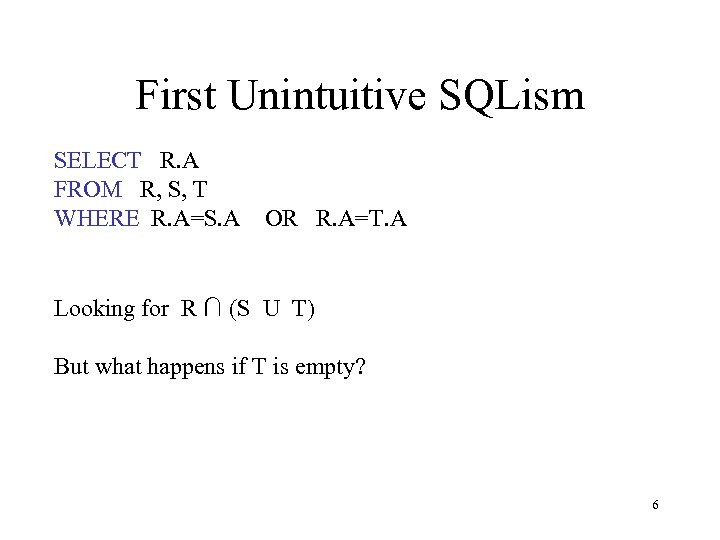 First Unintuitive SQLism SELECT R. A FROM R, S, T WHERE R. A=S. A OR R. A=T. A Looking for R ∩ (S U T) But what happens if T is empty? 6
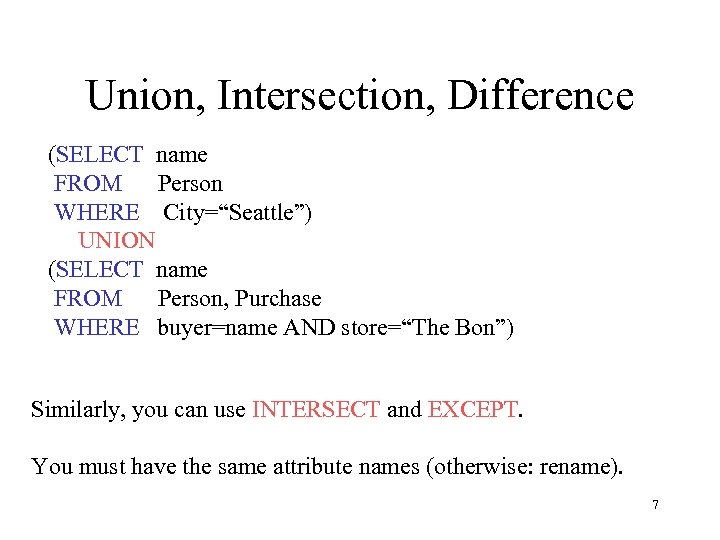 Union, Intersection, Difference (SELECT name FROM Person WHERE City=“Seattle”) UNION (SELECT name FROM Person, Purchase WHERE buyer=name AND store=“The Bon”) Similarly, you can use INTERSECT and EXCEPT. You must have the same attribute names (otherwise: rename). 7
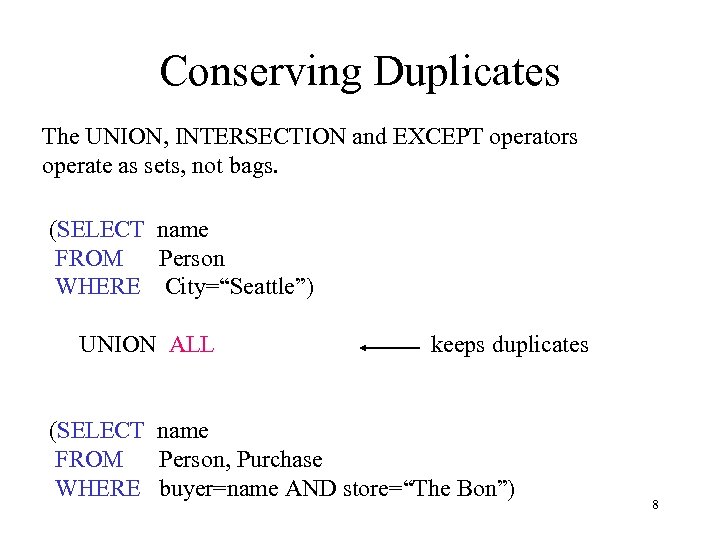 Conserving Duplicates The UNION, INTERSECTION and EXCEPT operators operate as sets, not bags. (SELECT name FROM Person WHERE City=“Seattle”) UNION ALL keeps duplicates (SELECT name FROM Person, Purchase WHERE buyer=name AND store=“The Bon”) 8
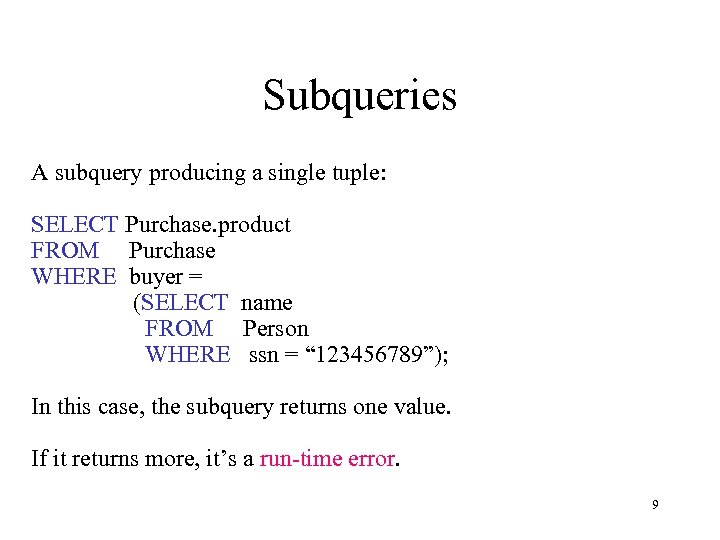 Subqueries A subquery producing a single tuple: SELECT Purchase. product FROM Purchase WHERE buyer = (SELECT name FROM Person WHERE ssn = “ 123456789”); In this case, the subquery returns one value. If it returns more, it’s a run-time error. 9
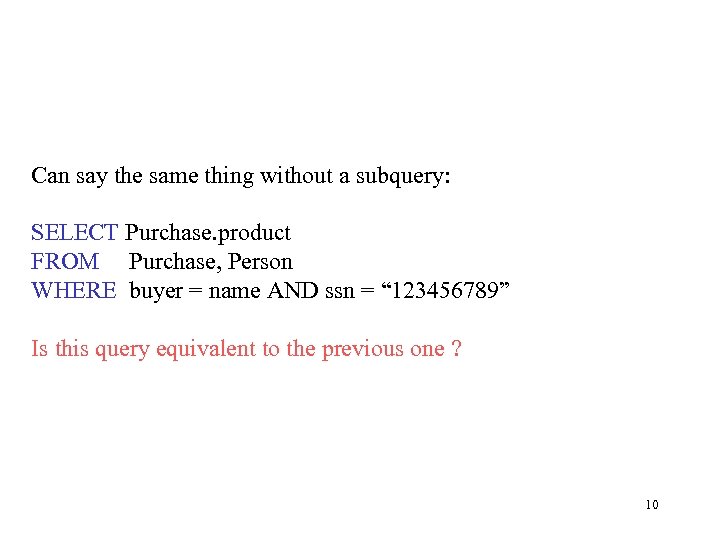 Can say the same thing without a subquery: SELECT Purchase. product FROM Purchase, Person WHERE buyer = name AND ssn = “ 123456789” Is this query equivalent to the previous one ? 10
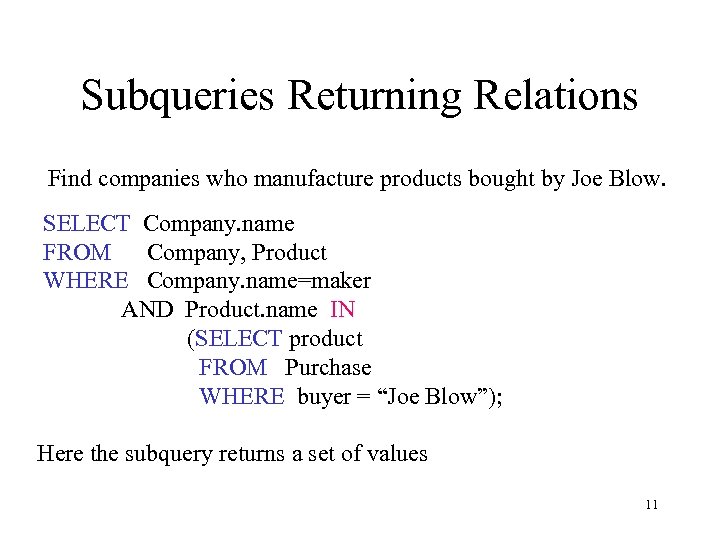 Subqueries Returning Relations Find companies who manufacture products bought by Joe Blow. SELECT Company. name FROM Company, Product WHERE Company. name=maker AND Product. name IN (SELECT product FROM Purchase WHERE buyer = “Joe Blow”); Here the subquery returns a set of values 11
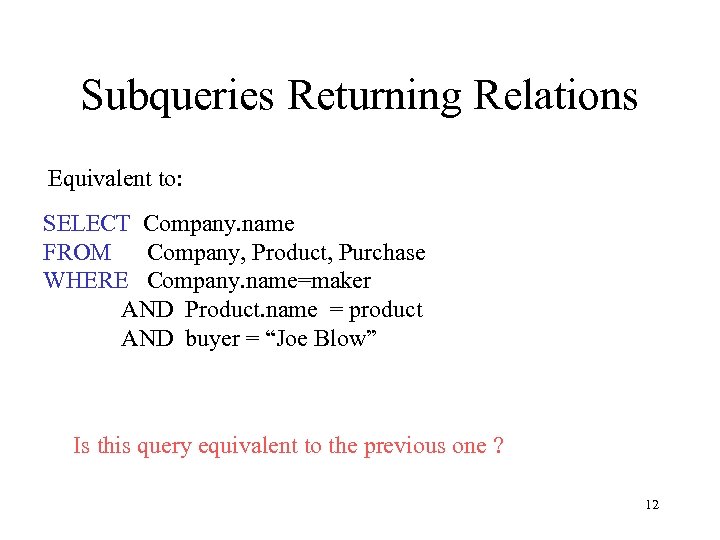 Subqueries Returning Relations Equivalent to: SELECT Company. name FROM Company, Product, Purchase WHERE Company. name=maker AND Product. name = product AND buyer = “Joe Blow” Is this query equivalent to the previous one ? 12
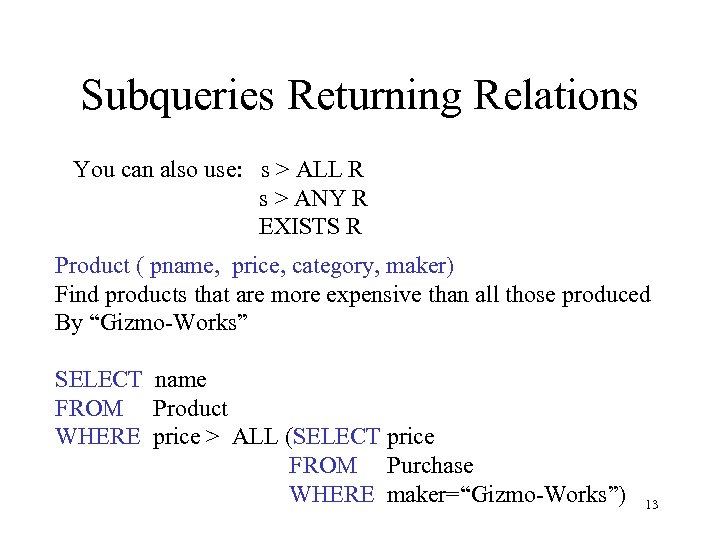 Subqueries Returning Relations You can also use: s > ALL R s > ANY R EXISTS R Product ( pname, price, category, maker) Find products that are more expensive than all those produced By “Gizmo-Works” SELECT name FROM Product WHERE price > ALL (SELECT price FROM Purchase WHERE maker=“Gizmo-Works”) 13
 Question for Database Fans • Can we express this query as a single SELECT-FROM-WHERE query, without subqueries ? • Hint: show that all SFW queries are monotone (figure out what this means). A query with ALL is not monotone 14
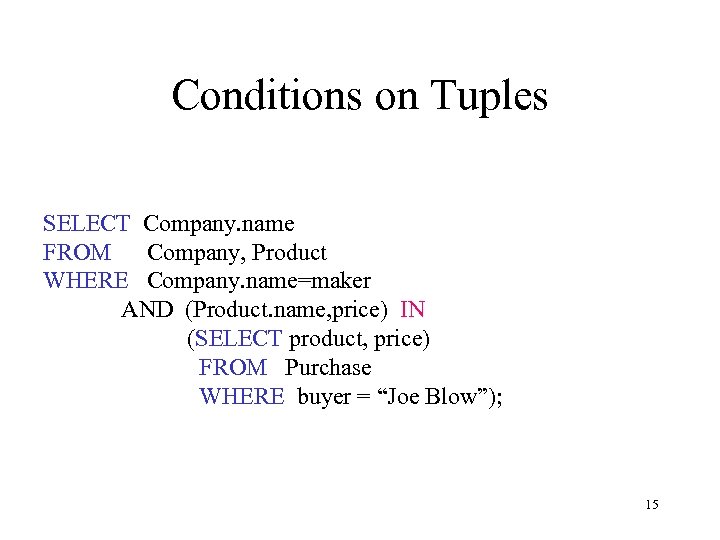 Conditions on Tuples SELECT Company. name FROM Company, Product WHERE Company. name=maker AND (Product. name, price) IN (SELECT product, price) FROM Purchase WHERE buyer = “Joe Blow”); 15
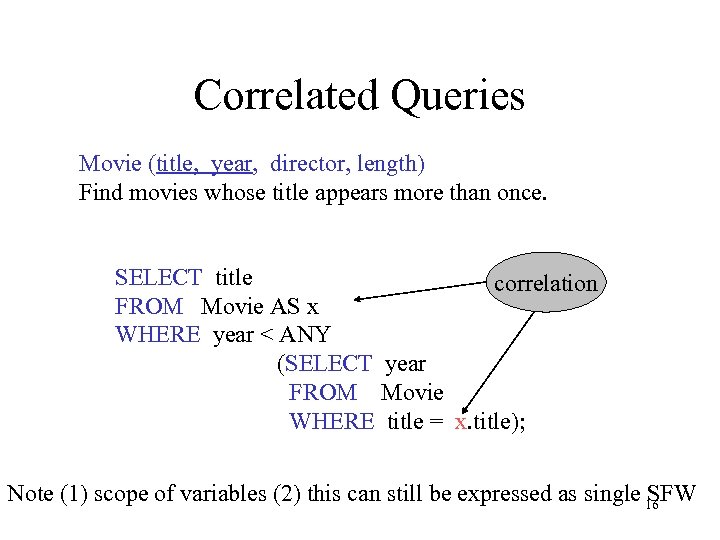 Correlated Queries Movie (title, year, director, length) Find movies whose title appears more than once. SELECT title correlation FROM Movie AS x WHERE year < ANY (SELECT year FROM Movie WHERE title = x. title); Note (1) scope of variables (2) this can still be expressed as single 16 SFW
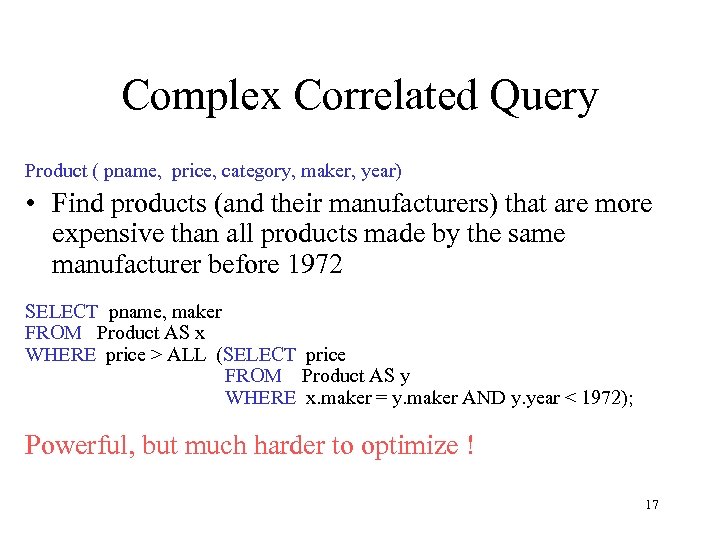 Complex Correlated Query Product ( pname, price, category, maker, year) • Find products (and their manufacturers) that are more expensive than all products made by the same manufacturer before 1972 SELECT pname, maker FROM Product AS x WHERE price > ALL (SELECT price FROM Product AS y WHERE x. maker = y. maker AND y. year < 1972); Powerful, but much harder to optimize ! 17
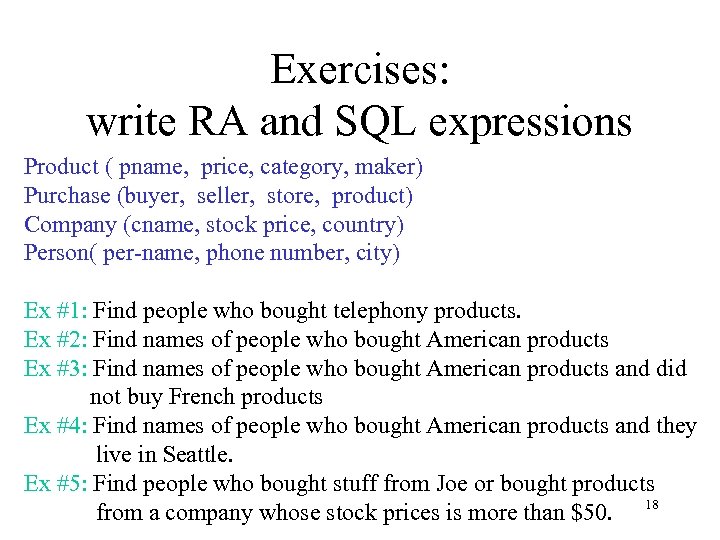 Exercises: write RA and SQL expressions Product ( pname, price, category, maker) Purchase (buyer, seller, store, product) Company (cname, stock price, country) Person( per-name, phone number, city) Ex #1: Find people who bought telephony products. Ex #2: Find names of people who bought American products Ex #3: Find names of people who bought American products and did not buy French products Ex #4: Find names of people who bought American products and they live in Seattle. Ex #5: Find people who bought stuff from Joe or bought products from a company whose stock prices is more than $50. 18
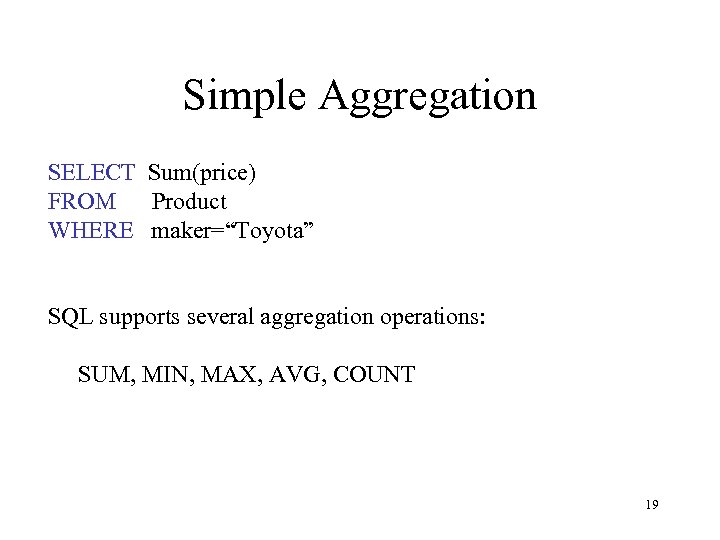 Simple Aggregation SELECT Sum(price) FROM Product WHERE maker=“Toyota” SQL supports several aggregation operations: SUM, MIN, MAX, AVG, COUNT 19
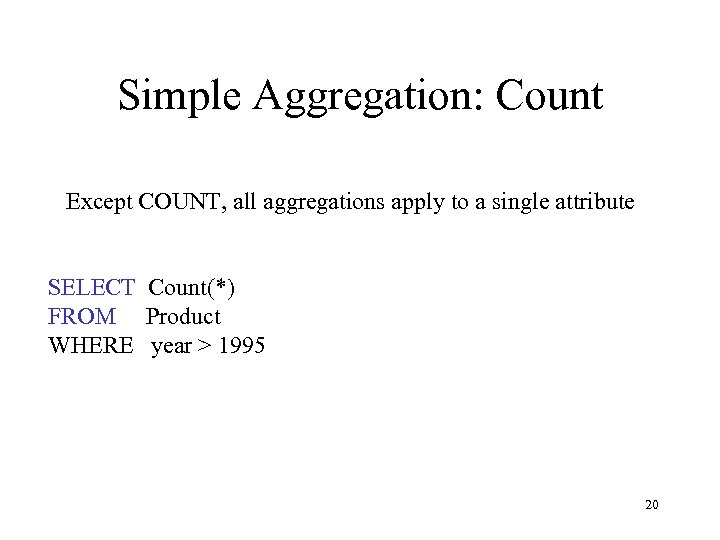 Simple Aggregation: Count Except COUNT, all aggregations apply to a single attribute SELECT Count(*) FROM Product WHERE year > 1995 20
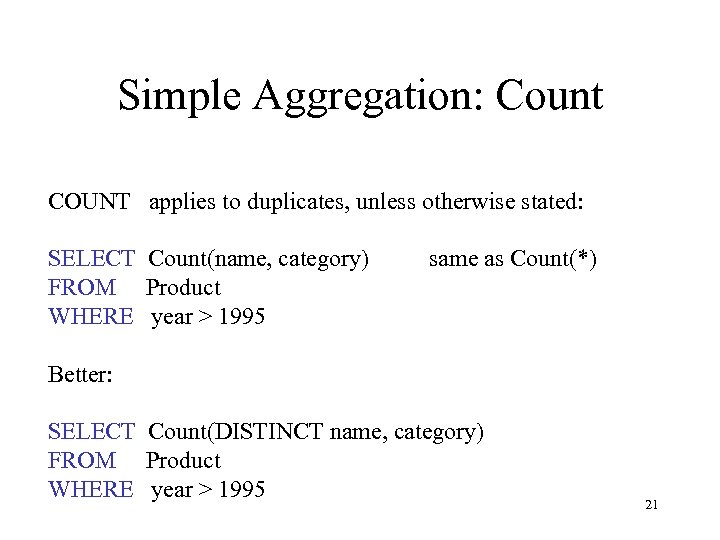 Simple Aggregation: Count COUNT applies to duplicates, unless otherwise stated: SELECT Count(name, category) FROM Product WHERE year > 1995 same as Count(*) Better: SELECT Count(DISTINCT name, category) FROM Product WHERE year > 1995 21
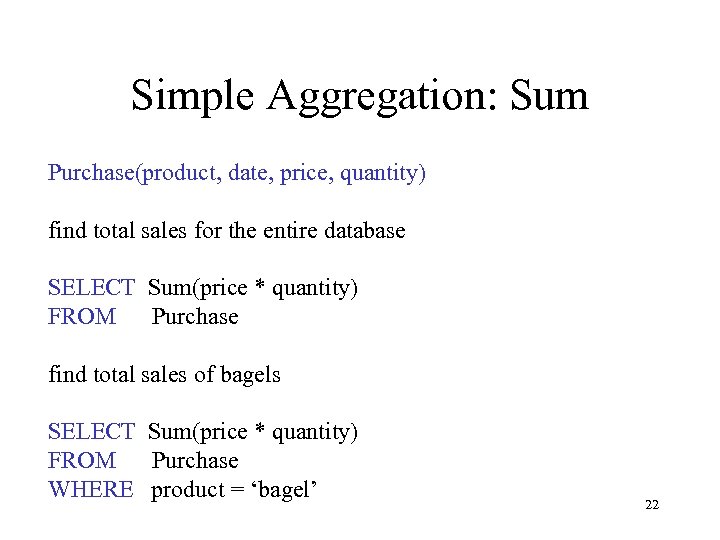 Simple Aggregation: Sum Purchase(product, date, price, quantity) find total sales for the entire database SELECT Sum(price * quantity) FROM Purchase find total sales of bagels SELECT Sum(price * quantity) FROM Purchase WHERE product = ‘bagel’ 22
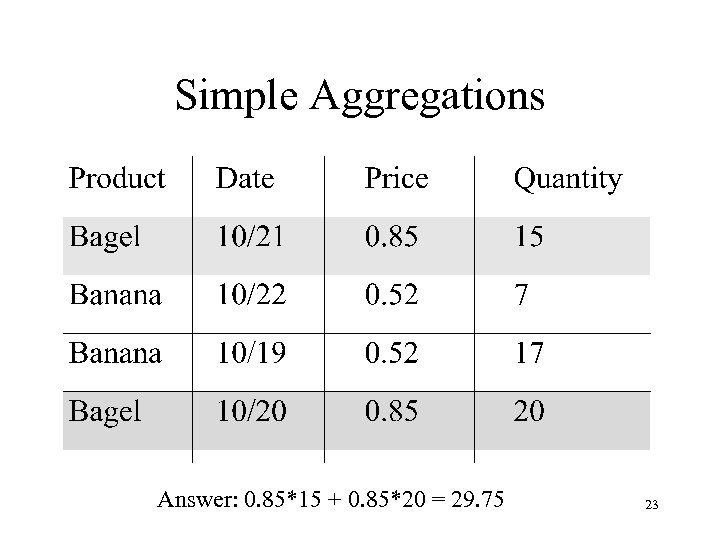 Simple Aggregations Answer: 0. 85*15 + 0. 85*20 = 29. 75 23
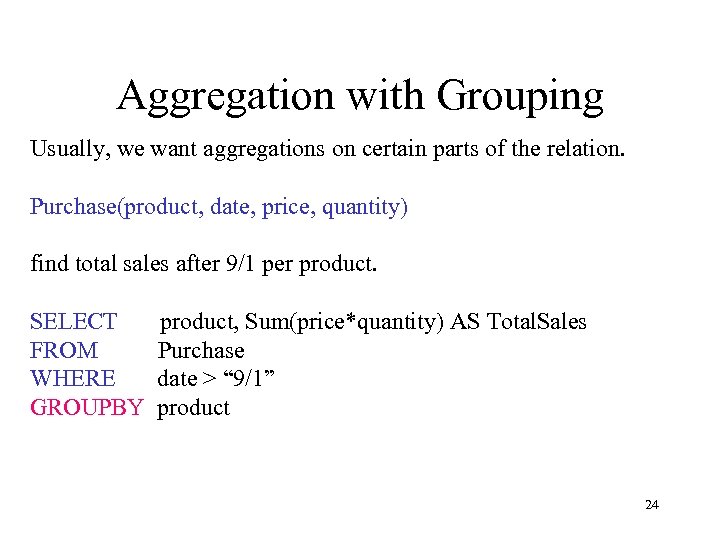 Aggregation with Grouping Usually, we want aggregations on certain parts of the relation. Purchase(product, date, price, quantity) find total sales after 9/1 per product. SELECT FROM WHERE GROUPBY product, Sum(price*quantity) AS Total. Sales Purchase date > “ 9/1” product 24
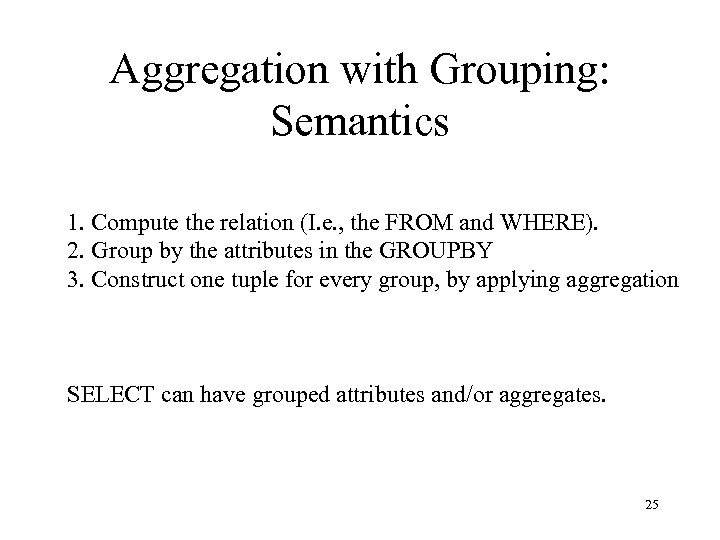 Aggregation with Grouping: Semantics 1. Compute the relation (I. e. , the FROM and WHERE). 2. Group by the attributes in the GROUPBY 3. Construct one tuple for every group, by applying aggregation SELECT can have grouped attributes and/or aggregates. 25
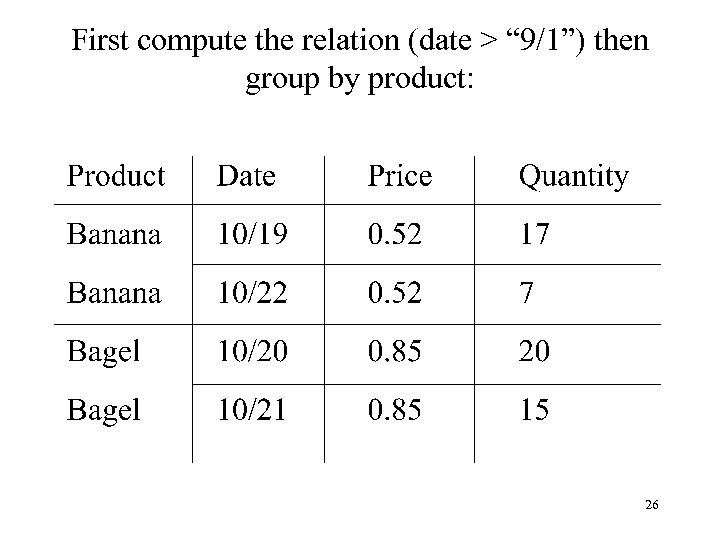 First compute the relation (date > “ 9/1”) then group by product: 26
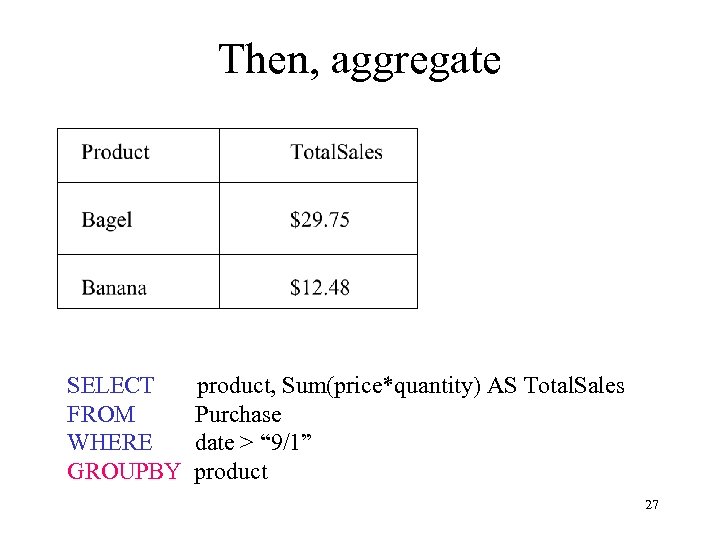 Then, aggregate SELECT FROM WHERE GROUPBY product, Sum(price*quantity) AS Total. Sales Purchase date > “ 9/1” product 27
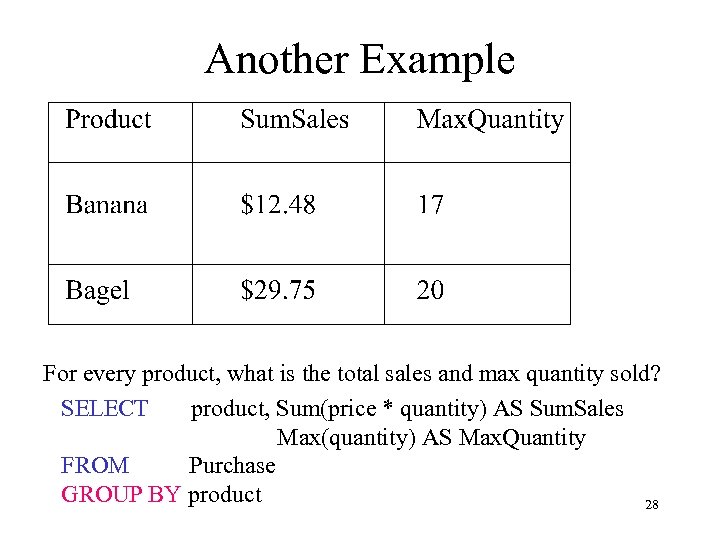 Another Example For every product, what is the total sales and max quantity sold? SELECT product, Sum(price * quantity) AS Sum. Sales Max(quantity) AS Max. Quantity FROM Purchase GROUP BY product 28
 HAVING Clause Same query, except that we consider only products that had at least 100 buyers. SELECT product, Sum(price * quantity) FROM Purchase WHERE date > “ 9/1” GROUP BY product HAVING count(*) > 100 HAVING clause contains conditions on aggregates. 29
 General form of Grouping and Aggregation SELECT S FROM R 1, …, Rn WHERE C 1 GROUP BY a 1, …, ak HAVING C 2 S = may contain attributes a 1, …, ak and/or any aggregates but NO OTHER ATTRIBUTES C 1 = is any condition on the attributes in R 1, …, Rn C 2 = is any condition on aggregate expressions 30
 Semantics Revisited SELECT S FROM R 1, …, Rn WHERE C 1 GROUP BY a 1, …, ak HAVING C 2 Semantics in 4 steps: 1. Compute the FROM-WHERE part, obtain a table with all attributes in R 1, …, Rn 2. Group by the attributes a 1, …, ak 3. Compute the aggregates in C 2 and keep only groups satisfying C 2 4. Compute aggregates in S and return the result 31
 Modifying the Database We have 3 kinds of modifications: • Insertions • Deletions • Updates 32
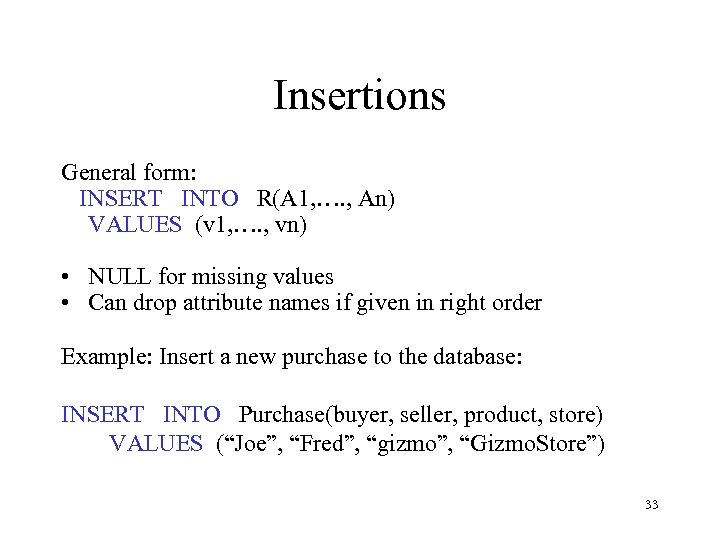 Insertions General form: INSERT INTO R(A 1, …. , An) VALUES (v 1, …. , vn) • NULL for missing values • Can drop attribute names if given in right order Example: Insert a new purchase to the database: INSERT INTO Purchase(buyer, seller, product, store) VALUES (“Joe”, “Fred”, “gizmo”, “Gizmo. Store”) 33
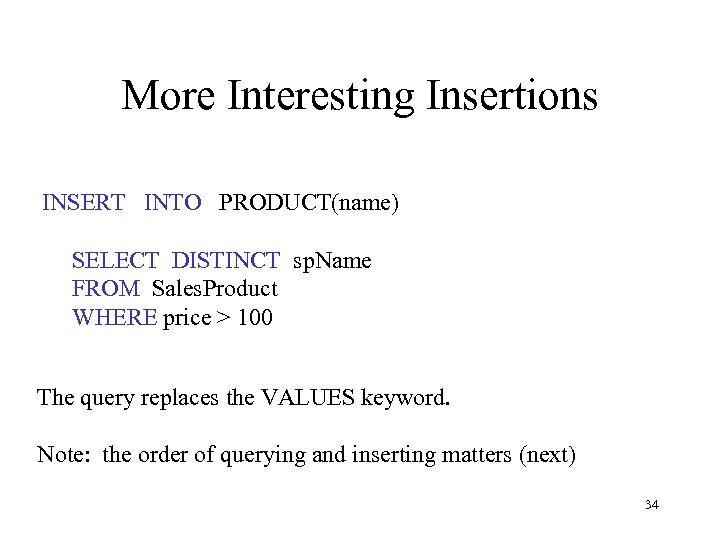 More Interesting Insertions INSERT INTO PRODUCT(name) SELECT DISTINCT sp. Name FROM Sales. Product WHERE price > 100 The query replaces the VALUES keyword. Note: the order of querying and inserting matters (next) 34
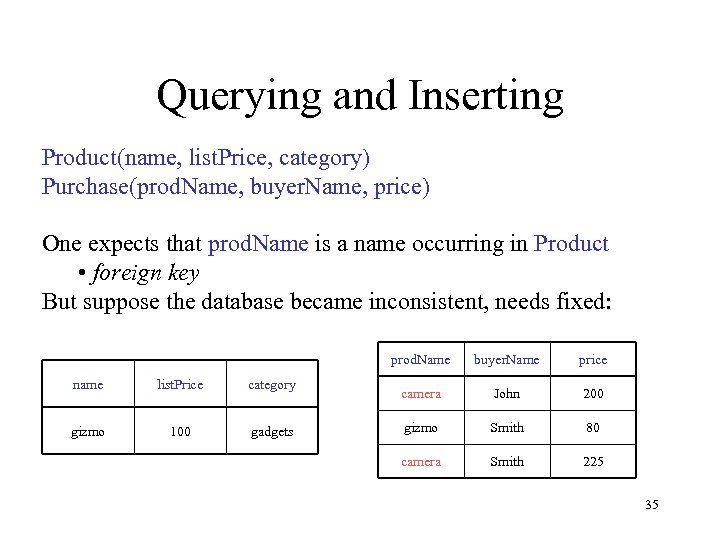 Querying and Inserting Product(name, list. Price, category) Purchase(prod. Name, buyer. Name, price) One expects that prod. Name is a name occurring in Product • foreign key But suppose the database became inconsistent, needs fixed: prod. Name name list. Price category gizmo 100 gadgets buyer. Name price camera John 200 gizmo Smith 80 camera Smith 225 35
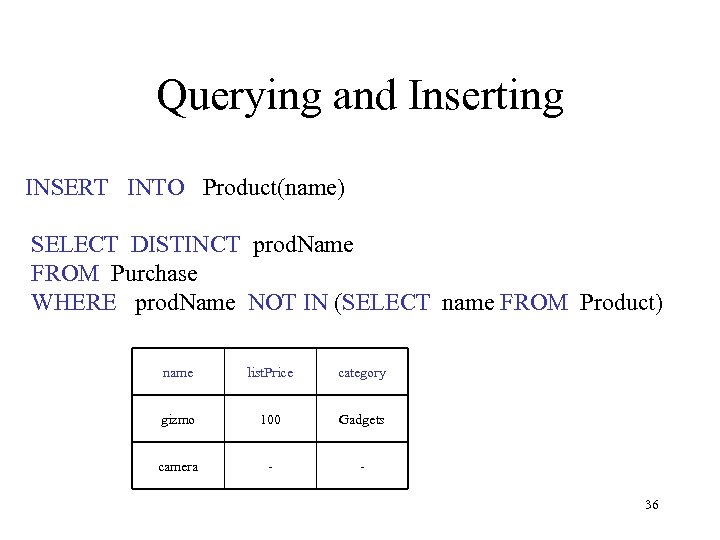 Querying and Inserting INSERT INTO Product(name) SELECT DISTINCT prod. Name FROM Purchase WHERE prod. Name NOT IN (SELECT name FROM Product) name list. Price category gizmo 100 Gadgets camera - 36
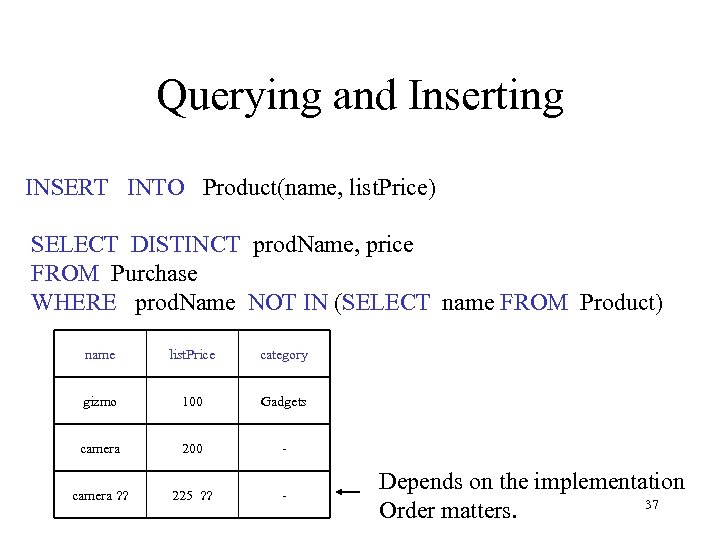 Querying and Inserting INSERT INTO Product(name, list. Price) SELECT DISTINCT prod. Name, price FROM Purchase WHERE prod. Name NOT IN (SELECT name FROM Product) name list. Price category gizmo 100 Gadgets camera 200 - camera ? ? 225 ? ? - Depends on the implementation 37 Order matters.
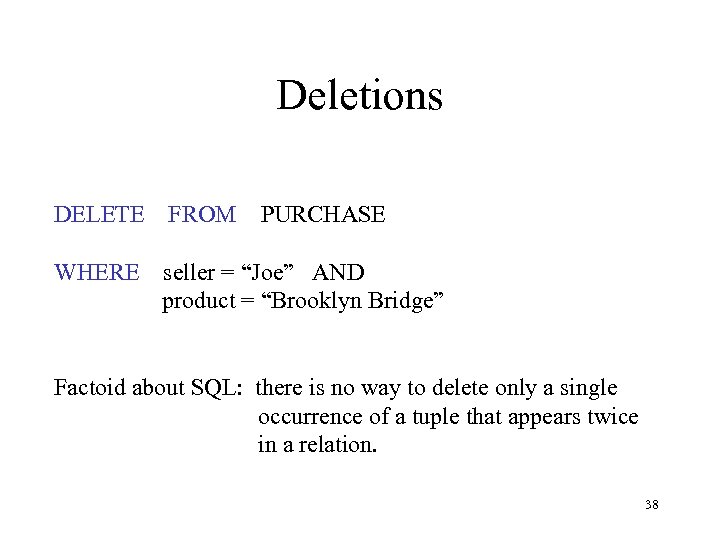 Deletions DELETE FROM WHERE PURCHASE seller = “Joe” AND product = “Brooklyn Bridge” Factoid about SQL: there is no way to delete only a single occurrence of a tuple that appears twice in a relation. 38
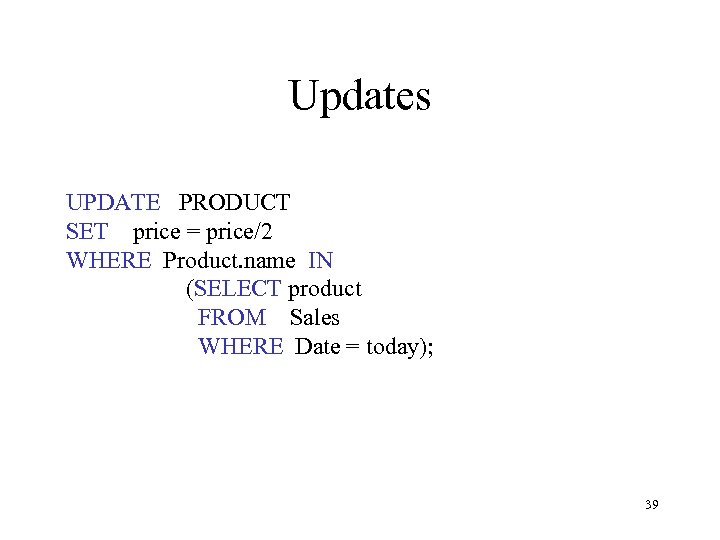 Updates UPDATE PRODUCT SET price = price/2 WHERE Product. name IN (SELECT product FROM Sales WHERE Date = today); 39
 Data Definition in SQL So far, SQL operations on the data. Data Manipulation Language (DML) Data definition: defining the schema. Data Definition Language (DDL) • • • Define data types Create/delete/modify tables Defining views 40
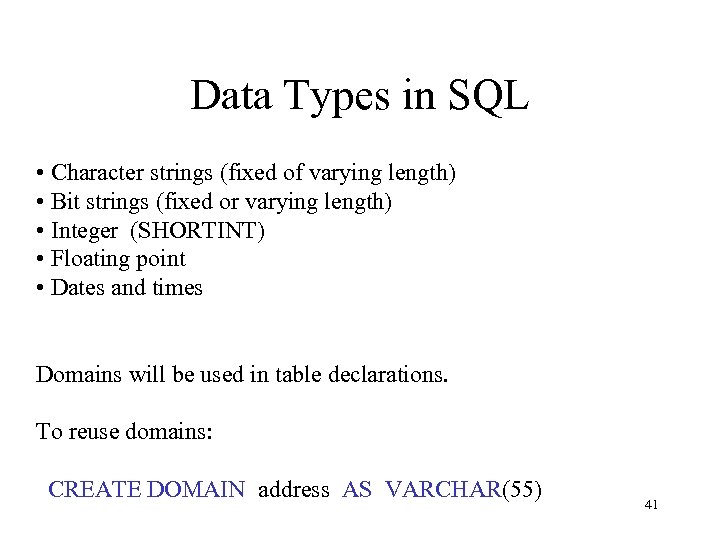 Data Types in SQL • Character strings (fixed of varying length) • Bit strings (fixed or varying length) • Integer (SHORTINT) • Floating point • Dates and times Domains will be used in table declarations. To reuse domains: CREATE DOMAIN address AS VARCHAR(55) 41
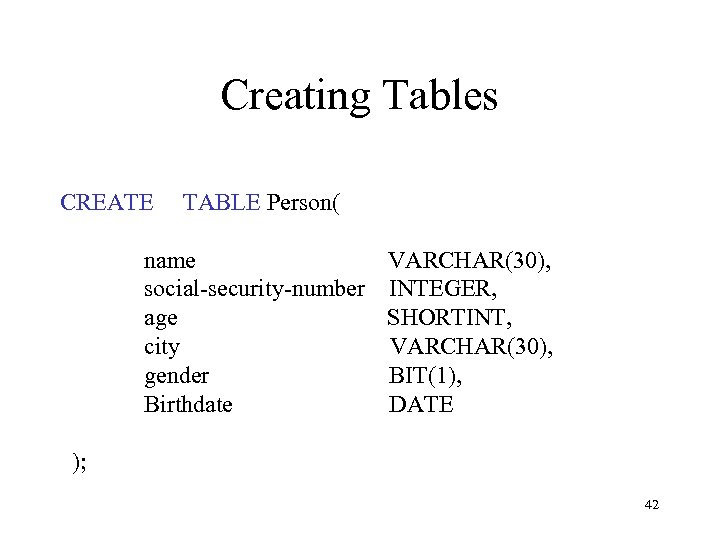 Creating Tables CREATE TABLE Person( name VARCHAR(30), social-security-number INTEGER, age SHORTINT, city VARCHAR(30), gender BIT(1), Birthdate DATE ); 42
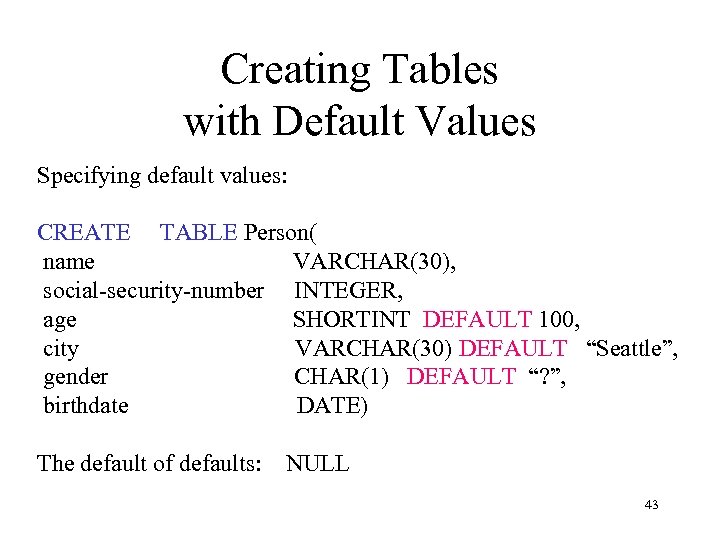 Creating Tables with Default Values Specifying default values: CREATE TABLE Person( name VARCHAR(30), social-security-number INTEGER, age SHORTINT DEFAULT 100, city VARCHAR(30) DEFAULT “Seattle”, gender CHAR(1) DEFAULT “? ”, birthdate DATE) The default of defaults: NULL 43
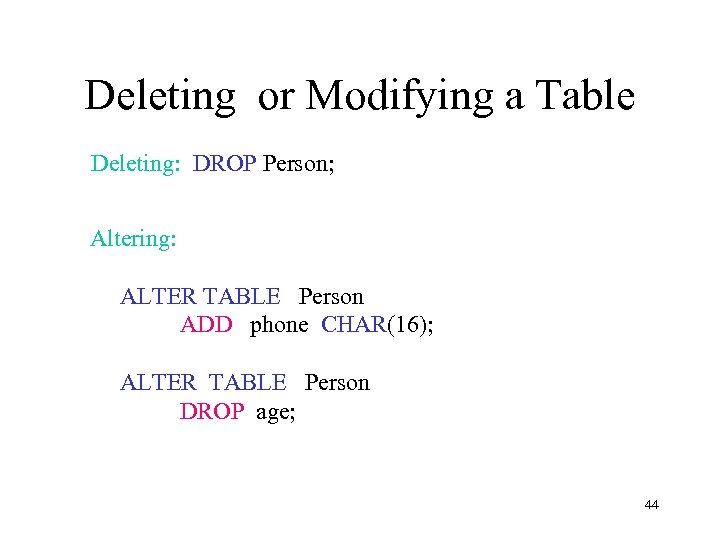 Deleting or Modifying a Table Deleting: DROP Person; Altering: ALTER TABLE Person ADD phone CHAR(16); ALTER TABLE Person DROP age; 44
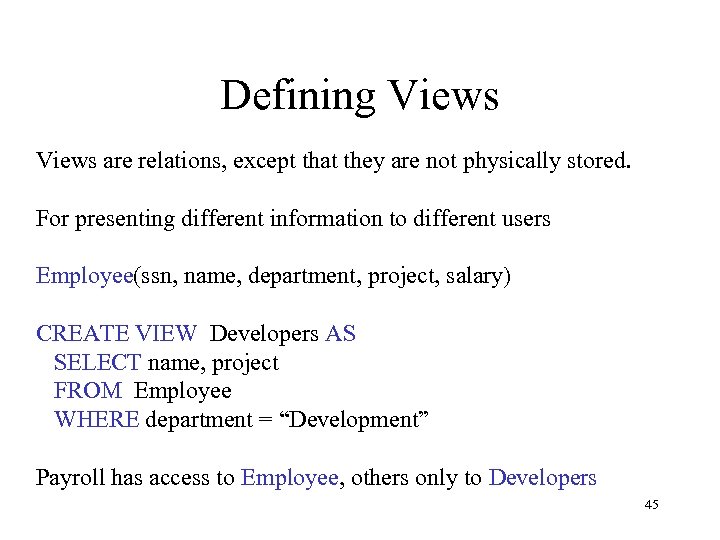 Defining Views are relations, except that they are not physically stored. For presenting different information to different users Employee(ssn, name, department, project, salary) CREATE VIEW Developers AS SELECT name, project FROM Employee WHERE department = “Development” Payroll has access to Employee, others only to Developers 45
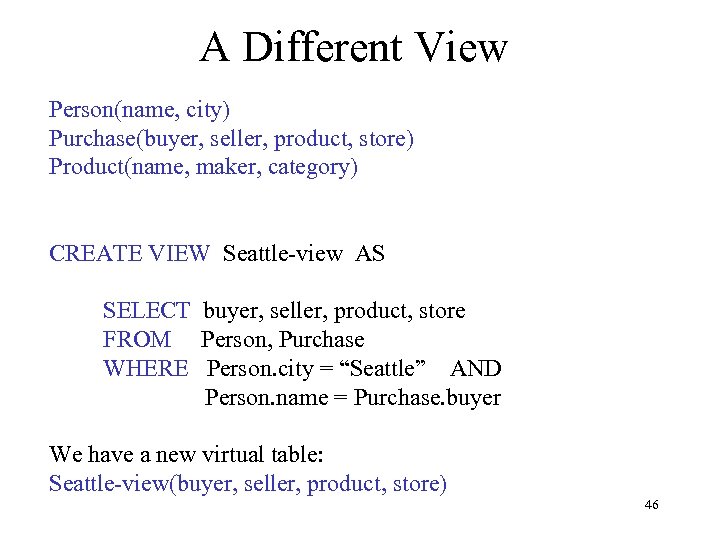 A Different View Person(name, city) Purchase(buyer, seller, product, store) Product(name, maker, category) CREATE VIEW Seattle-view AS SELECT buyer, seller, product, store FROM Person, Purchase WHERE Person. city = “Seattle” AND Person. name = Purchase. buyer We have a new virtual table: Seattle-view(buyer, seller, product, store) 46
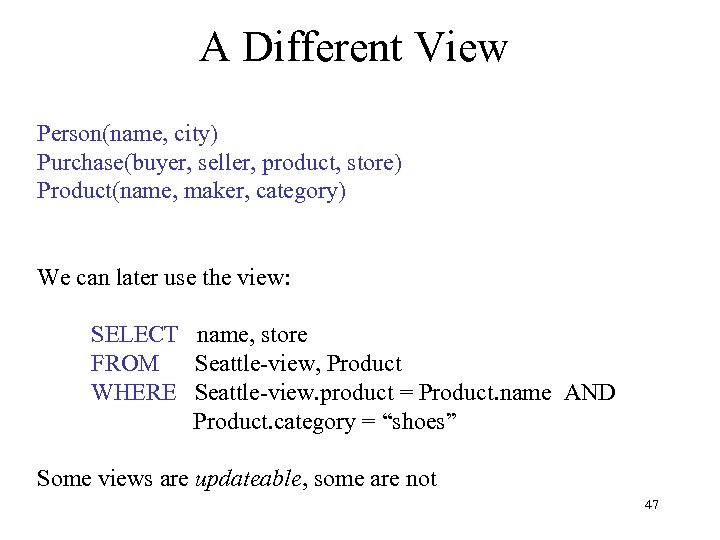 A Different View Person(name, city) Purchase(buyer, seller, product, store) Product(name, maker, category) We can later use the view: SELECT name, store FROM Seattle-view, Product WHERE Seattle-view. product = Product. name AND Product. category = “shoes” Some views are updateable, some are not 47
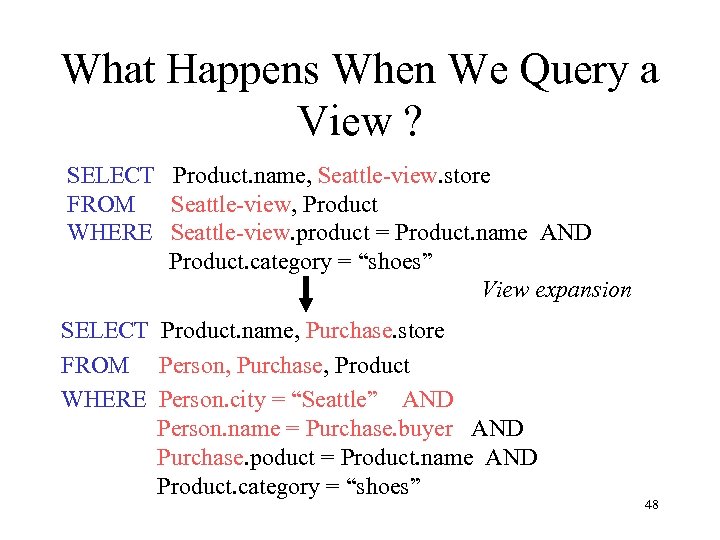 What Happens When We Query a View ? SELECT Product. name, Seattle-view. store FROM Seattle-view, Product WHERE Seattle-view. product = Product. name AND Product. category = “shoes” View expansion SELECT Product. name, Purchase. store FROM Person, Purchase, Product WHERE Person. city = “Seattle” AND Person. name = Purchase. buyer AND Purchase. poduct = Product. name AND Product. category = “shoes” 48