


Lecture 4 Chapter 19 Book: Java™ How to Program, Sixth Edition By H. M. Deitel - Deitel & Associates, Inc. , P. J. Deitel - Deitel & Associates, Inc. By: • Andrey Bogdanchikov
19 - Collections 2 Introduction Collections Overview Class Arrays Interface Collection and Class Collections Lists Collections Algorithms Stack Class of Package java. util Class Priority. Queue and Interface Queue Sets Maps Properties Class
Introduction In Chapter 17, we discussed how to create and manipulate data structures. The discussion was "low level“, means that each data structure was created by hand. In this chapter, we consider the Java collections framework, which contains prepackaged data structures, interfaces and algorithms for manipulating those data structures. 3
Collections Overview 4
Class Arrays provides static methods for manipulating arrays. Class Arrays provides high-level methods, such as sort for sorting an array, binary. Search for searching a sorted array, equals for comparing arrays and fill for placing values into an array. These methods are overloaded for primitivetype arrays and Object arrays. In addition, methods sort and binary. Search are overloaded with generic versions that allow programmers to sort and search arrays containing objects of any type. 5
![Example filled. Int. Array = new int [ 10 ]; // create int array](https://present5.com/presentation/-35597706_63654149/image-6.jpg "Example filled. Int. Array = new int [ 10 ]; // create int array")
Example filled. Int. Array = new int [ 10 ]; // create int array with 10 elements int. Array. Copy = new int [ int. Array. length ]; double. Array = {3. 6, 7. 2, 0. 4, -6. 4}; Arrays. fill( filled. Int. Array, 7 ); // fill with 7 s Arrays. sort( double. Array ); // sort double. Array ascending 6 // copy array int. Array into array int. Array. Copy System. arraycopy( int. Array, 0, int. Array. Copy, 0, int. Array. length ); return Arrays. binary. Search( int. Array, value );
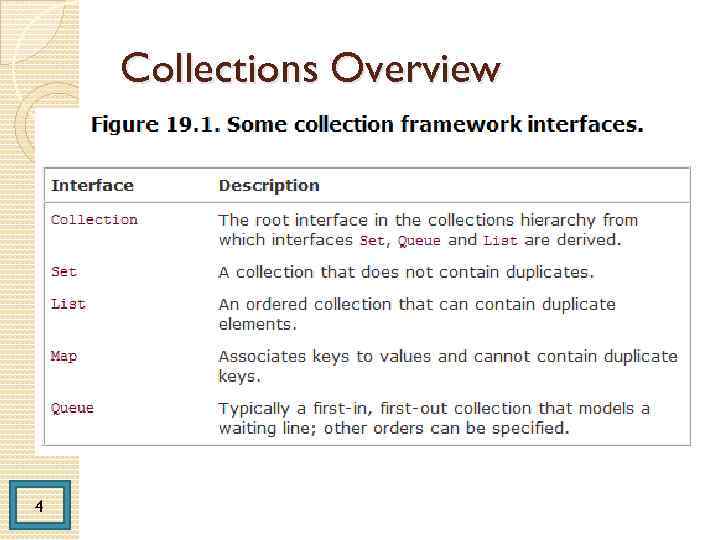
Interface Collection and Class Collections 7 Interface Collection is the root interface in the collection hierarchy from which interfaces Set, Queue and List are derived. Interface Set defines a collection that does not contain duplicates. Interface Queue defines a collection that represents a waiting line. Interface Collection contains bulk operations (i. e. , operations performed on an entire collection) for adding, clearing, comparing and retaining objects (or elements) in a collection. A Collection can also be converted to an array. In addition, interface Collection provides a method that returns an Iterator object, which allows a program to walk through the collection and remove elements from the collection during the iteration.
Class Collections provides static methods that manipulate collections polymorphically. These methods implement algorithms for searching, sorting and so on. Class Collections is some alternative version of class Arrays, used for any Collection type. 8
List A List (sometimes called a sequence) is an ordered Collection that can contain duplicate elements. Like array indices, List indices are zero based. In addition to the methods inherited from Collection, List provides methods for manipulating elements via their indices, manipulating a specified range of elements, searching for elements and getting a List. Iterator to access the elements Interface List is implemented by several classes, including classes Array. List, Linked. List and Vector. Class Array. List and Vector are resizable-array implementations of List. Class Linked. List is a linked-list implementation of interface List. 9
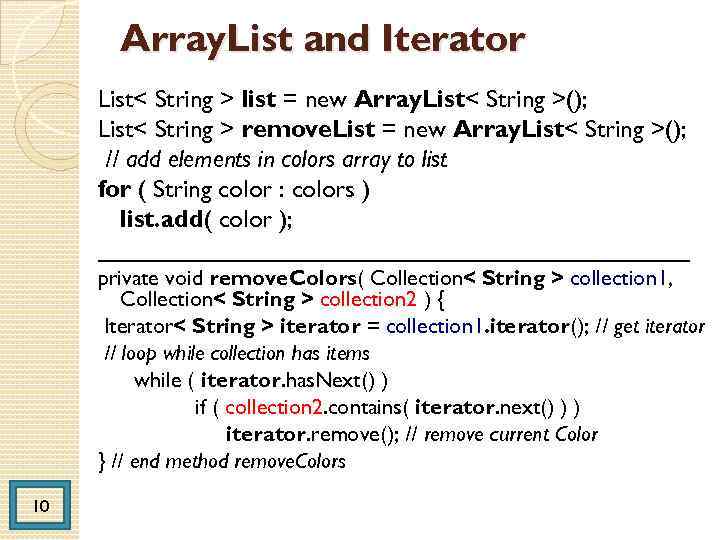
Array. List and Iterator List< String > list = new Array. List< String >(); List< String > remove. List = new Array. List< String >(); // add elements in colors array to list for ( String color : colors ) list. add( color ); ______________________ private void remove. Colors( Collection< String > collection 1, Collection< String > collection 2 ) { Iterator< String > iterator = collection 1. iterator(); // get iterator // loop while collection has items while ( iterator. has. Next() ) if ( collection 2. contains( iterator. next() ) ) iterator. remove(); // remove current Color } // end method remove. Colors 10
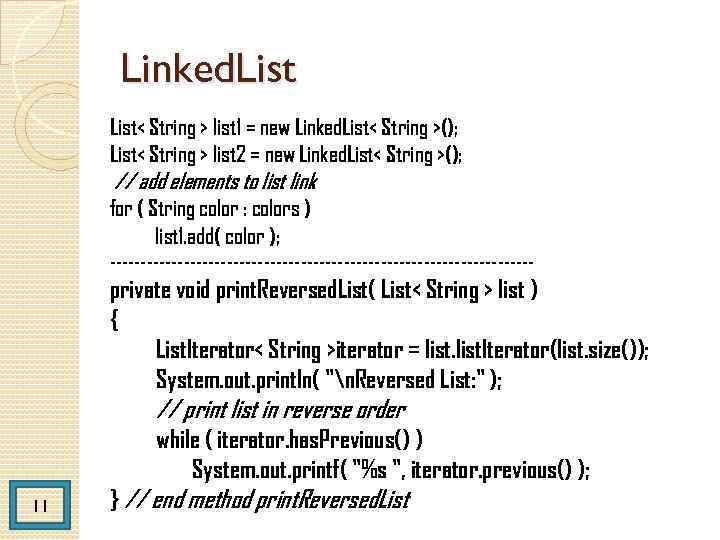
Linked. List< String > list 1 = new Linked. List< String >(); List< String > list 2 = new Linked. List< String >(); // add elements to list link for ( String color : colors ) list 1. add( color ); ----------------------------------- private void print. Reversed. List( List< String > list ) { List. Iterator< String >iterator = list. Iterator(list. size()); System. out. println( "n. Reversed List: " ); // print list in reverse order while ( iterator. has. Previous() ) System. out. printf( "%s ", iterator. previous() ); 11 } // end method print. Reversed. List
![List method to. Array String colors[] = { "black", "blue", "yellow" }; Linked. List<](https://present5.com/presentation/-35597706_63654149/image-12.jpg "List method to. Array String colors[] = { \"black\", \"blue\", \"yellow\" }; Linked. List<")
List method to. Array String colors[] = { "black", "blue", "yellow" }; Linked. List< String > links = new Linked. List< String >( Arrays. as. List( colors ) ); links. add. Last( "red" ); // add as last item links. add( "pink" ); // add to the end links. add( 3, "green" ); // add at 3 rd index links. add. First( "cyan" ); // add as first item 12 // get Linked. List elements as an array colors = links. to. Array( new String[ links. size() ] );
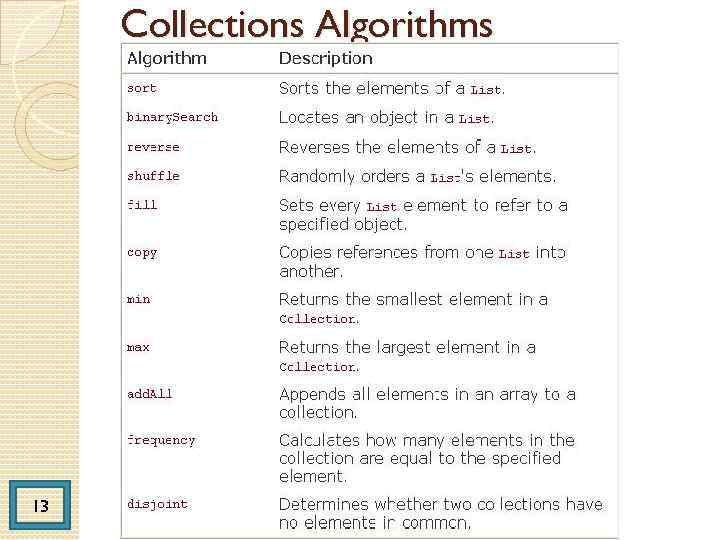
Collections Algorithms 13
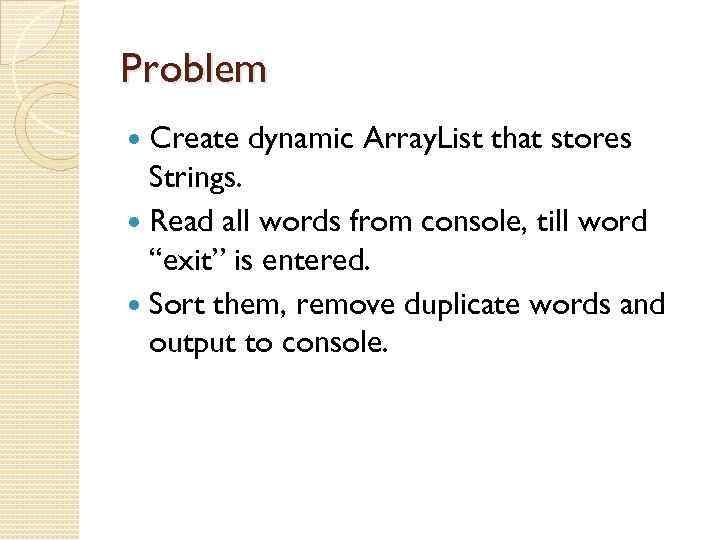
Problem Create dynamic Array. List that stores Strings. Read all words from console, till word “exit” is entered. Sort them, remove duplicate words and output to console.
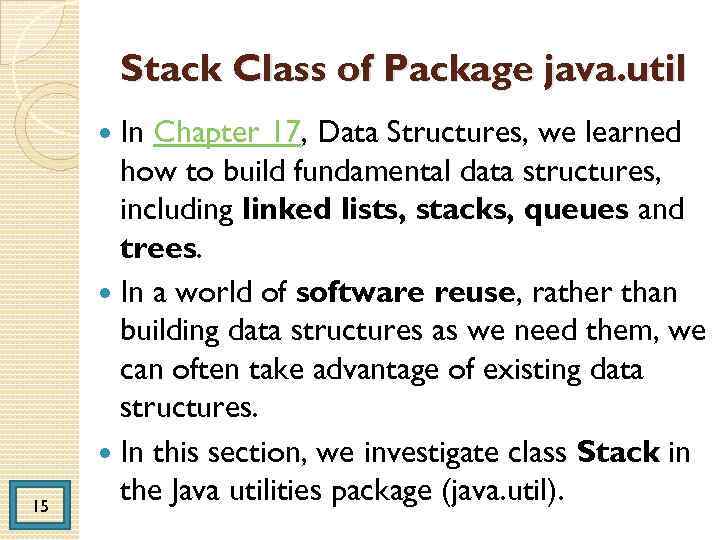
Stack Class of Package java. util In Chapter 17, Data Structures, we learned how to build fundamental data structures, including linked lists, stacks, queues and trees. In a world of software reuse, rather than building data structures as we need them, we can often take advantage of existing data structures. In this section, we investigate class Stack in the Java utilities package (java. util). 15
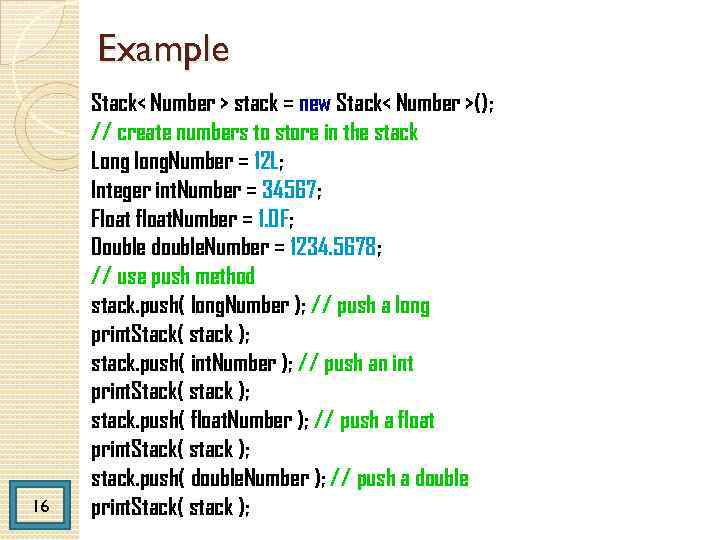
Example 16 Stack< Number > stack = new Stack< Number >(); // create numbers to store in the stack Long long. Number = 12 L; Integer int. Number = 34567; Float float. Number = 1. 0 F; Double double. Number = 1234. 5678; // use push method stack. push( long. Number ); // push a long print. Stack( stack ); stack. push( int. Number ); // push an int print. Stack( stack ); stack. push( float. Number ); // push a float print. Stack( stack ); stack. push( double. Number ); // push a double print. Stack( stack );
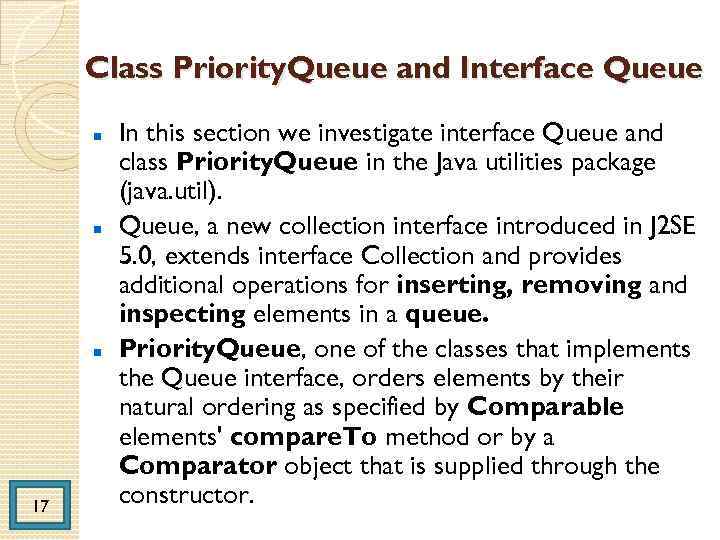
Class Priority. Queue and Interface Queue 17 In this section we investigate interface Queue and class Priority. Queue in the Java utilities package (java. util). Queue, a new collection interface introduced in J 2 SE 5. 0, extends interface Collection and provides additional operations for inserting, removing and inspecting elements in a queue. Priority. Queue, one of the classes that implements the Queue interface, orders elements by their natural ordering as specified by Comparable elements' compare. To method or by a Comparator object that is supplied through the constructor.
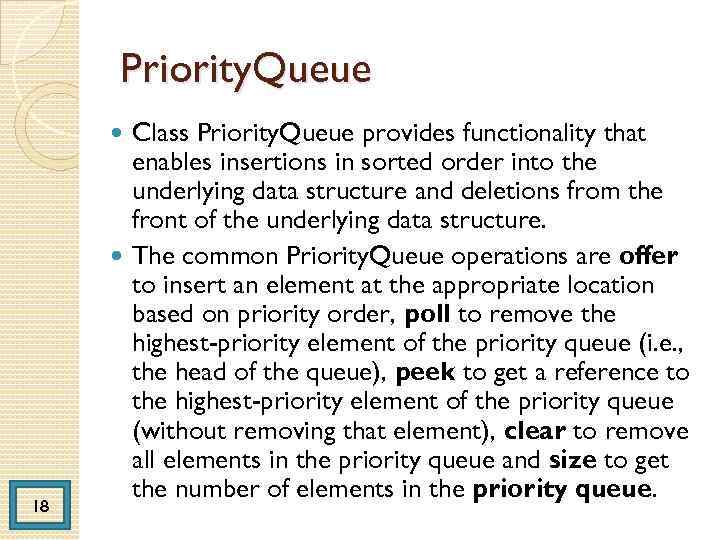
Priority. Queue Class Priority. Queue provides functionality that enables insertions in sorted order into the underlying data structure and deletions from the front of the underlying data structure. The common Priority. Queue operations are offer to insert an element at the appropriate location based on priority order, poll to remove the highest-priority element of the priority queue (i. e. , the head of the queue), peek to get a reference to the highest-priority element of the priority queue (without removing that element), clear to remove all elements in the priority queue and size to get the number of elements in the priority queue. 18
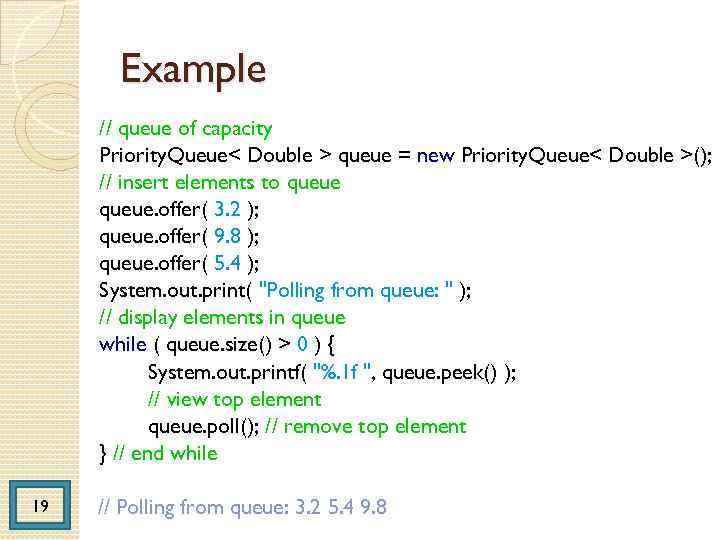
Example // queue of capacity Priority. Queue< Double > queue = new Priority. Queue< Double >(); // insert elements to queue. offer( 3. 2 ); queue. offer( 9. 8 ); queue. offer( 5. 4 ); System. out. print( "Polling from queue: " ); // display elements in queue while ( queue. size() > 0 ) { System. out. printf( "%. 1 f ", queue. peek() ); // view top element queue. poll(); // remove top element } // end while 19 // Polling from queue: 3. 2 5. 4 9. 8
Sets A Set is a Collection that contains unique elements (i. e. , no duplicate elements). The collections framework contains several Set implementations, including Hash. Set and Tree. Set. Hash. Set stores its elements in a hash table, and Tree. Set stores its elements in a tree. The concept of hash tables is presented in Section 19. 9. Figure 19. 18 uses a Hash. Set to remove duplicate strings from a List. 20
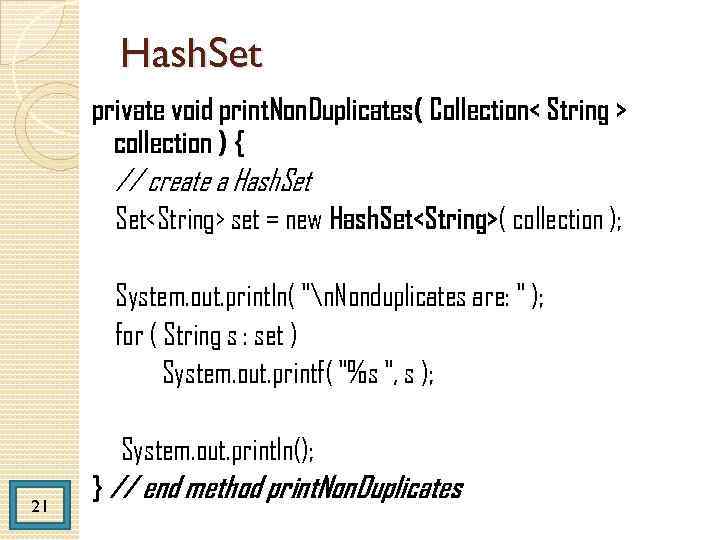
Hash. Set private void print. Non. Duplicates( Collection< String > collection ) { // create a Hash. Set<String> set = new Hash. Set<String>( collection ); System. out. println( "n. Nonduplicates are: " ); for ( String s : set ) System. out. printf( "%s ", s ); System. out. println(); 21 } // end method print. Non. Duplicates
Sorted Sets The collections framework also includes interface Sorted. Set (which extends Set) for sets that maintain their elements in sorted order either the elements' natural order (e. g. , numbers are in ascending order) or an order specified by a Comparator. Class Tree. Set implements Sorted. Set. 22
![Tree. Set String names[] = { "yellow", "green", “black", "tan", "grey", "white", "orange", "red",](https://present5.com/presentation/-35597706_63654149/image-23.jpg "Tree. Set String names[] = { \"yellow\", \"green\", “black\", \"tan\", \"grey\", \"white\", \"orange\", \"red\",")
Tree. Set String names[] = { "yellow", "green", “black", "tan", "grey", "white", "orange", "red", "green" }; // create Tree. Set Sorted. Set<String> tree = new Tree. Set<String> (Arrays. as. List( names )); for ( String s : set ) System. out. printf( "%s ", s ); 23
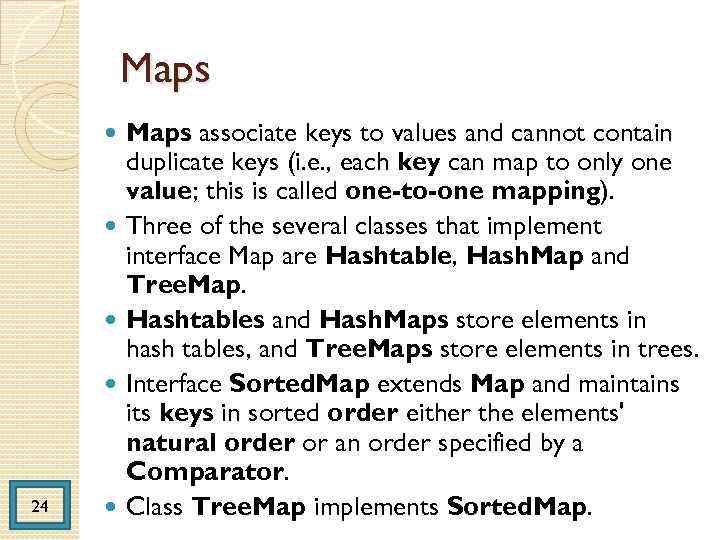
Maps 24 Maps associate keys to values and cannot contain duplicate keys (i. e. , each key can map to only one value; this is called one-to-one mapping). Three of the several classes that implement interface Map are Hashtable, Hash. Map and Tree. Map. Hashtables and Hash. Maps store elements in hash tables, and Tree. Maps store elements in trees. Interface Sorted. Map extends Map and maintains its keys in sorted order either the elements' natural order or an order specified by a Comparator. Class Tree. Map implements Sorted. Map.
Hash table 25 Hash tables are complex to program. Computer science students study hashing schemes in courses called "Data Structures" and "Algorithms. " This concept is profoundly important in our study of object -oriented programming. As discussed in earlier chapters, classes encapsulate and hide complexity (i. e. , implementation details) and offer user-friendly interfaces. Figure 19. 20 uses a Hash. Map to count the number of occurrences of each word in a string.
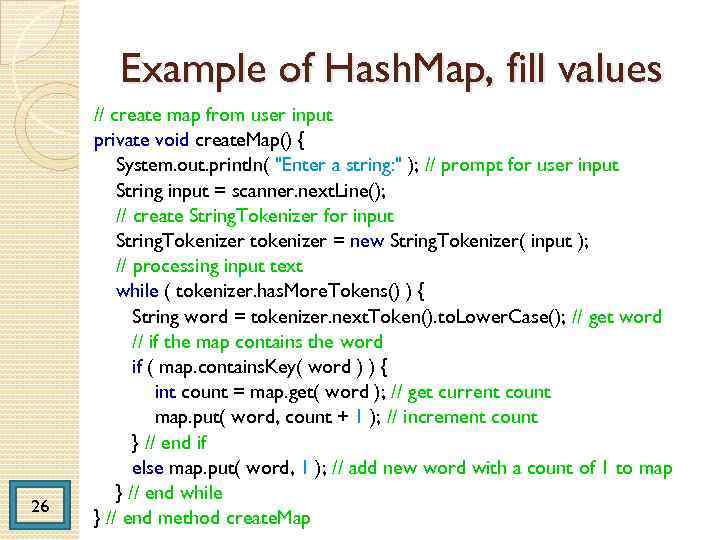
Example of Hash. Map, fill values 26 // create map from user input private void create. Map() { System. out. println( "Enter a string: " ); // prompt for user input String input = scanner. next. Line(); // create String. Tokenizer for input String. Tokenizer tokenizer = new String. Tokenizer( input ); // processing input text while ( tokenizer. has. More. Tokens() ) { String word = tokenizer. next. Token(). to. Lower. Case(); // get word // if the map contains the word if ( map. contains. Key( word ) ) { int count = map. get( word ); // get current count map. put( word, count + 1 ); // increment count } // end if else map. put( word, 1 ); // add new word with a count of 1 to map } // end while } // end method create. Map
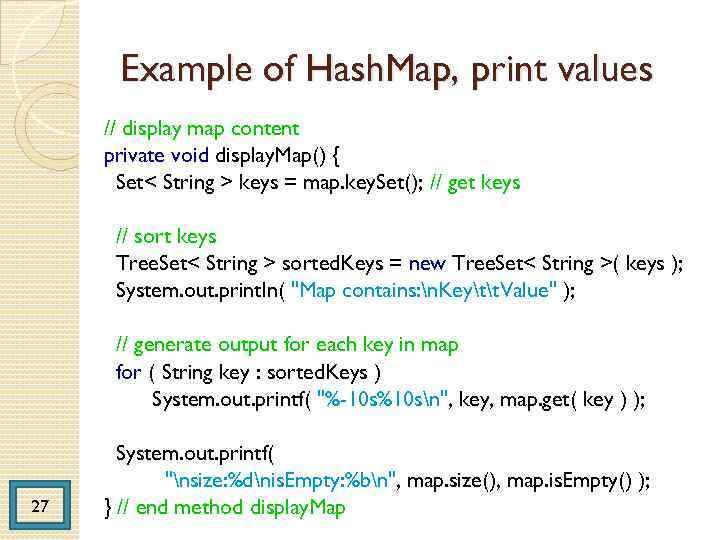
Example of Hash. Map, print values // display map content private void display. Map() { Set< String > keys = map. key. Set(); // get keys // sort keys Tree. Set< String > sorted. Keys = new Tree. Set< String >( keys ); System. out. println( "Map contains: n. Keytt. Value" ); // generate output for each key in map for ( String key : sorted. Keys ) System. out. printf( "%-10 s%10 sn", key, map. get( key ) ); 27 System. out. printf( "nsize: %dnis. Empty: %bn", map. size(), map. is. Empty() ); } // end method display. Map
Properties Class 28 A Properties object is a persistent Hashtable that normally stores key-value pairs of strings assuming that you use methods set. Property and get. Property to manipulate the table rather than inherited Hashtable methods put and get. By "persistent, " we mean that the Properties object can be written to an output stream (possibly a file) and read back in through an input stream. In fact, most objects in Java can be output and input with Java's object serialization, presented in Chapter 14.
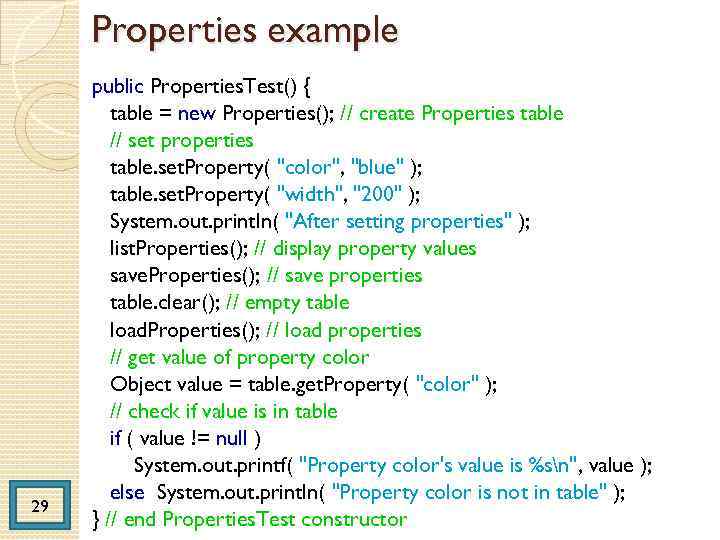
Properties example 29 public Properties. Test() { table = new Properties(); // create Properties table // set properties table. set. Property( "color", "blue" ); table. set. Property( "width", "200" ); System. out. println( "After setting properties" ); list. Properties(); // display property values save. Properties(); // save properties table. clear(); // empty table load. Properties(); // load properties // get value of property color Object value = table. get. Property( "color" ); // check if value is in table if ( value != null ) System. out. printf( "Property color's value is %sn", value ); else System. out. println( "Property color is not in table" ); } // end Properties. Test constructor

THE END THANK YOU
