

Lecture #3 Supporting Different Devices Different Languages Just

 Скачать презентацию Lecture #3 Supporting Different Devices Different Languages Just
16814-lecture_3.ppt
- Количество слайдов: 13
Lecture #3 Supporting Different Devices
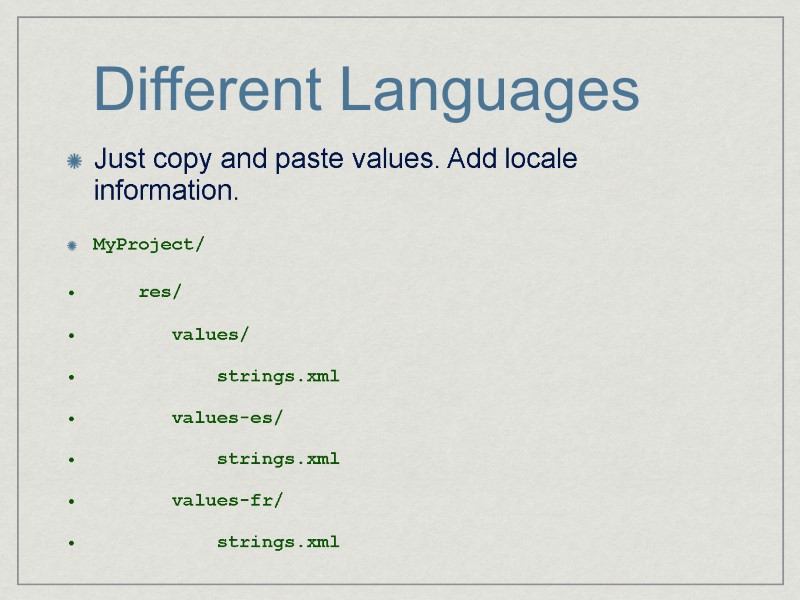
Different Languages Just copy and paste values. Add locale information. MyProject/ res/ values/ strings.xml values-es/ strings.xml values-fr/ strings.xml
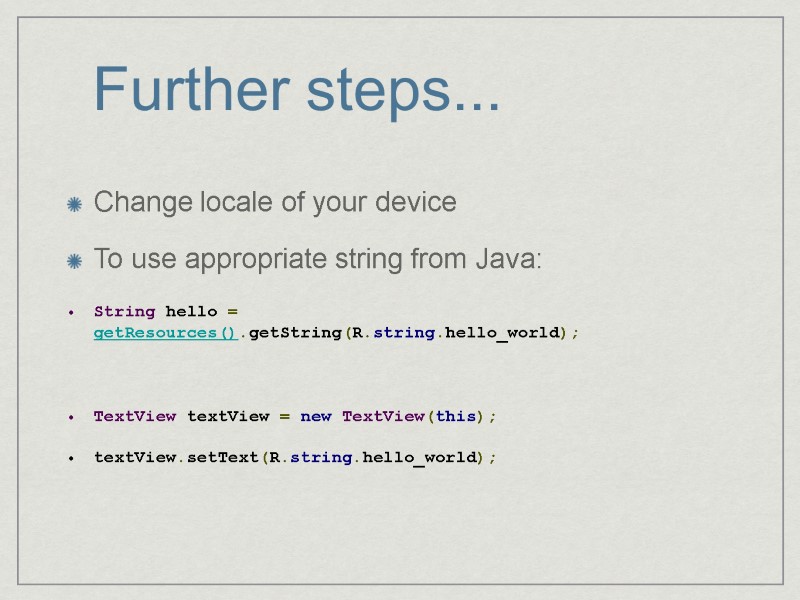
Further steps... Change locale of your device To use appropriate string from Java: String hello = getResources().getString(R.string.hello_world); TextView textView = new TextView(this); textView.setText(R.string.hello_world);
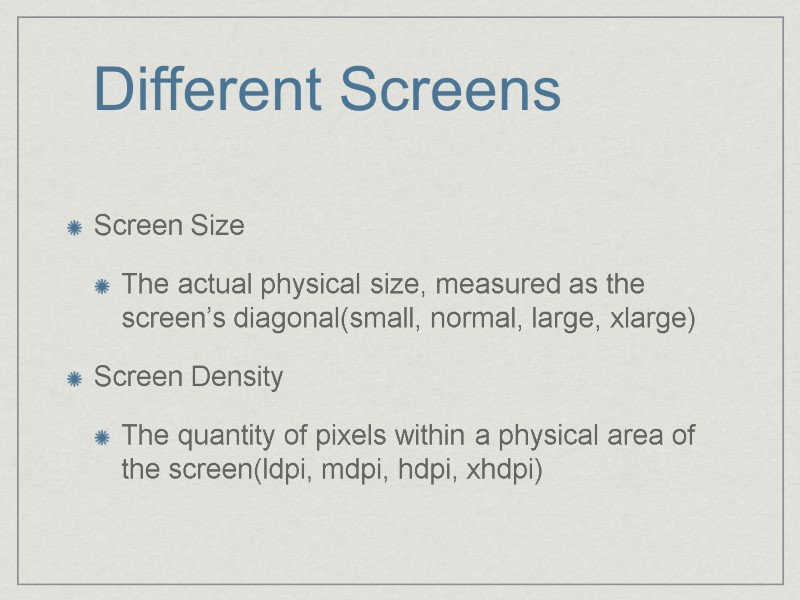
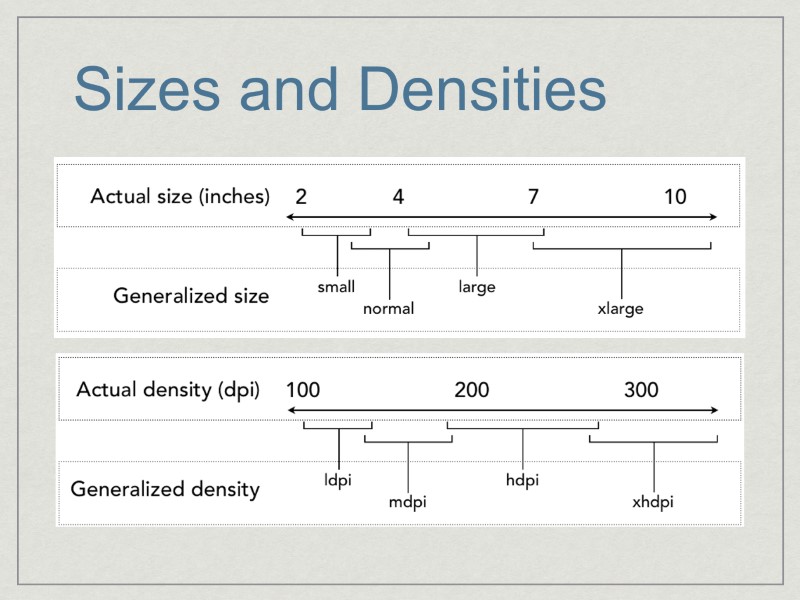
Different Screens Screen Size The actual physical size, measured as the screen’s diagonal(small, normal, large, xlarge) Screen Density The quantity of pixels within a physical area of the screen(ldpi, mdpi, hdpi, xhdpi)
Sizes and Densities
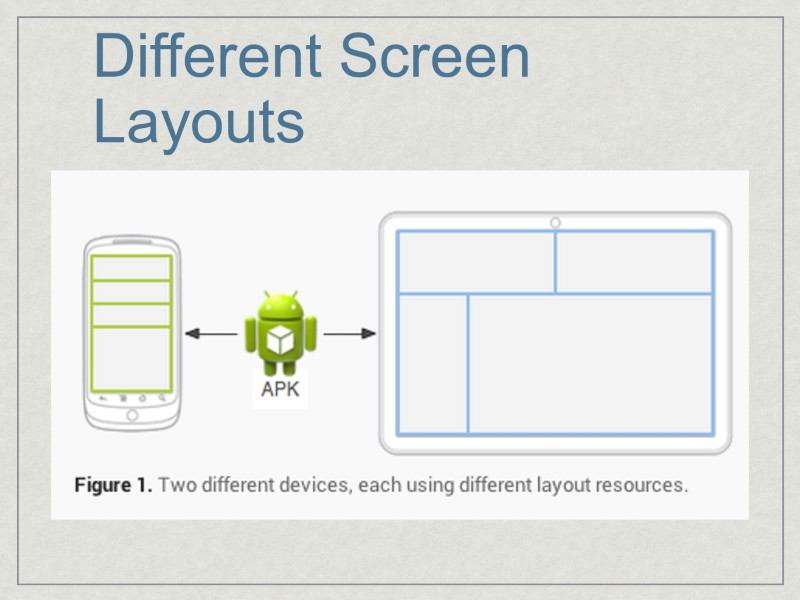
Different Screen Layouts
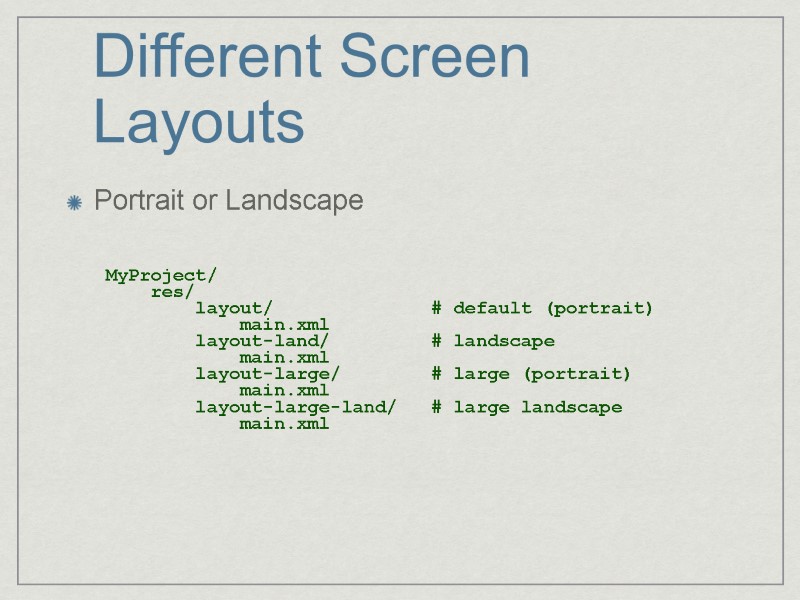
Different Screen Layouts Portrait or Landscape MyProject/ res/ layout/ # default (portrait) main.xml layout-land/ # landscape main.xml layout-large/ # large (portrait) main.xml layout-large-land/ # large landscape main.xml
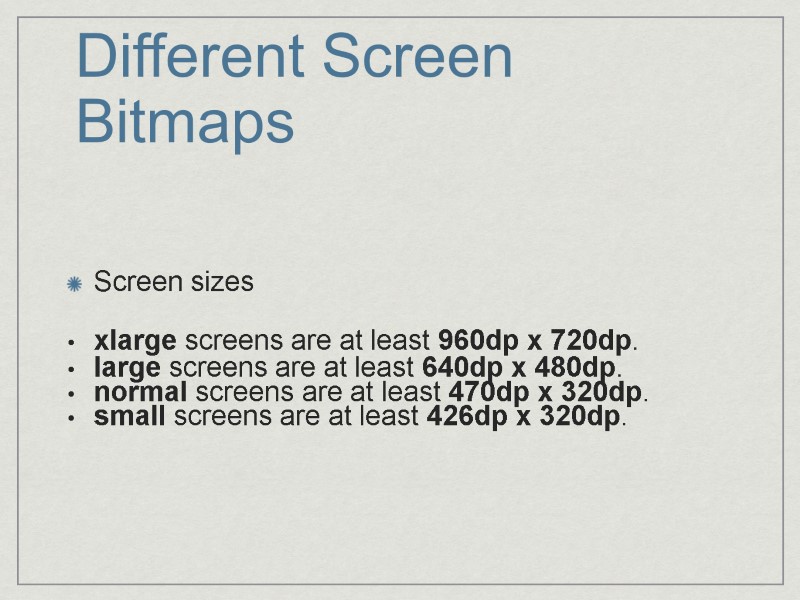
Different Screen Bitmaps Screen sizes xlarge screens are at least 960dp x 720dp. large screens are at least 640dp x 480dp. normal screens are at least 470dp x 320dp. small screens are at least 426dp x 320dp.
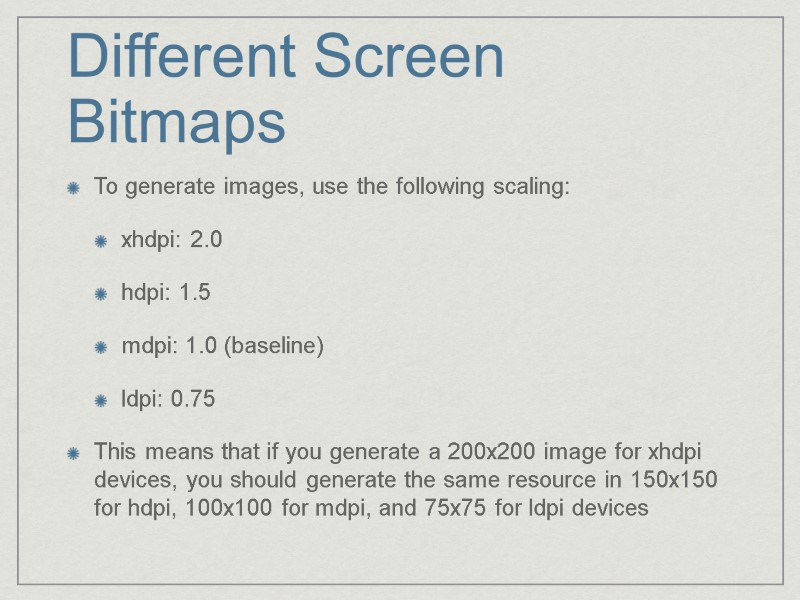
Different Screen Bitmaps To generate images, use the following scaling: xhdpi: 2.0 hdpi: 1.5 mdpi: 1.0 (baseline) ldpi: 0.75 This means that if you generate a 200x200 image for xhdpi devices, you should generate the same resource in 150x150 for hdpi, 100x100 for mdpi, and 75x75 for ldpi devices
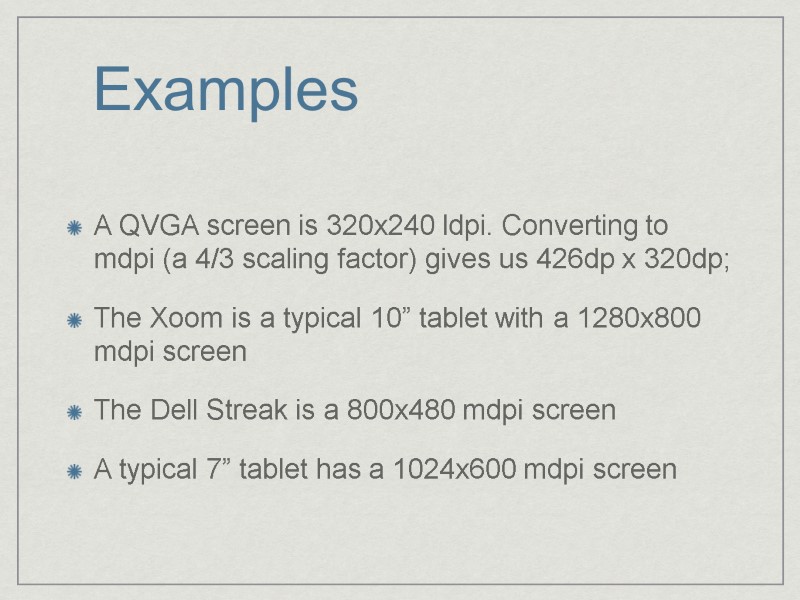
Examples A QVGA screen is 320x240 ldpi. Converting to mdpi (a 4/3 scaling factor) gives us 426dp x 320dp; The Xoom is a typical 10” tablet with a 1280x800 mdpi screen The Dell Streak is a 800x480 mdpi screen A typical 7” tablet has a 1024x600 mdpi screen
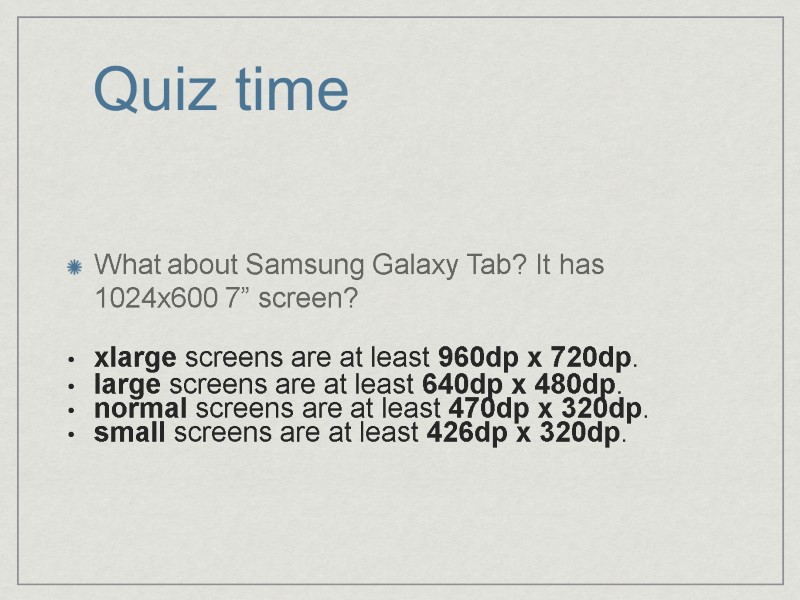
Quiz time What about Samsung Galaxy Tab? It has 1024x600 7” screen? xlarge screens are at least 960dp x 720dp. large screens are at least 640dp x 480dp. normal screens are at least 470dp x 320dp. small screens are at least 426dp x 320dp.
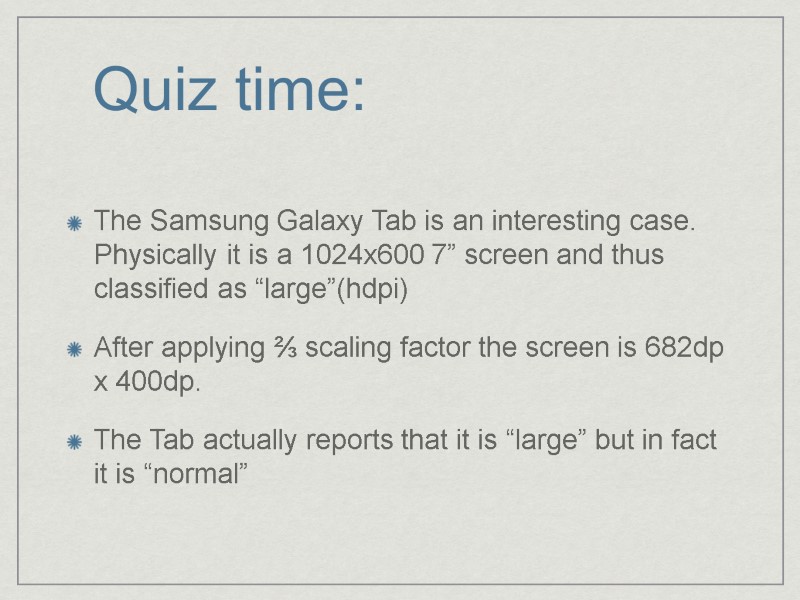
Quiz time: The Samsung Galaxy Tab is an interesting case. Physically it is a 1024x600 7” screen and thus classified as “large”(hdpi) After applying ⅔ scaling factor the screen is 682dp x 400dp. The Tab actually reports that it is “large” but in fact it is “normal”
The end