



 LECTURE #3
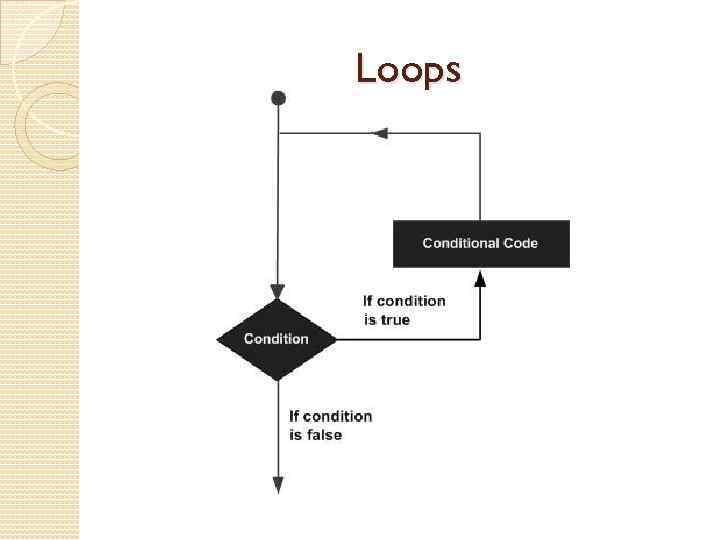 Loops
Loops
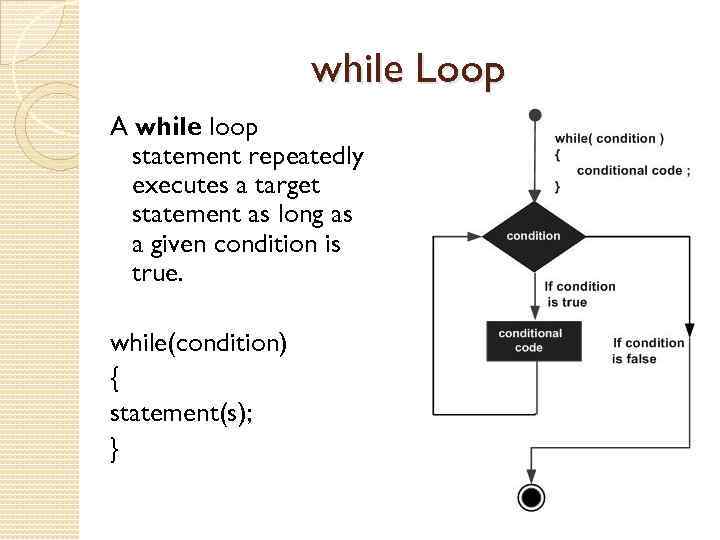 while Loop A while loop statement repeatedly executes a target statement as long as a given condition is true. while(condition) { statement(s); }
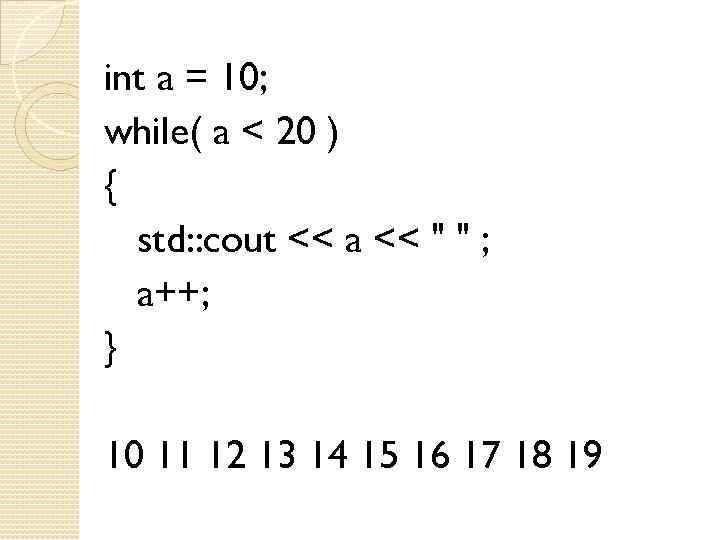 int a = 10; while( a < 20 ) { std: : cout << a << " " ; a++; } 10 11 12 13 14 15 16 17 18 19
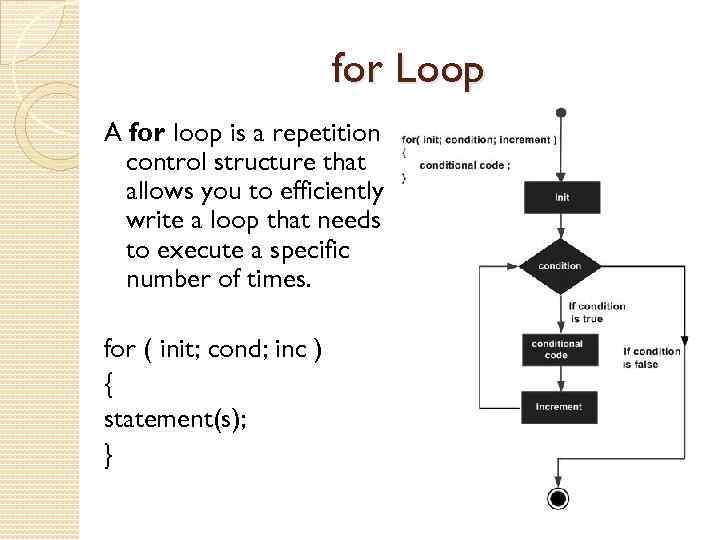 for Loop A for loop is a repetition control structure that allows you to efficiently write a loop that needs to execute a specific number of times. for ( init; cond; inc ) { statement(s); }
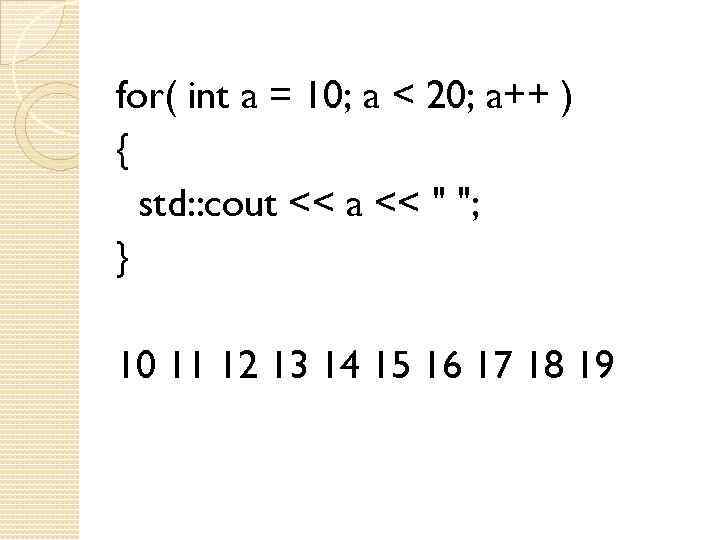 for( int a = 10; a < 20; a++ ) { std: : cout << a << " "; } 10 11 12 13 14 15 16 17 18 19
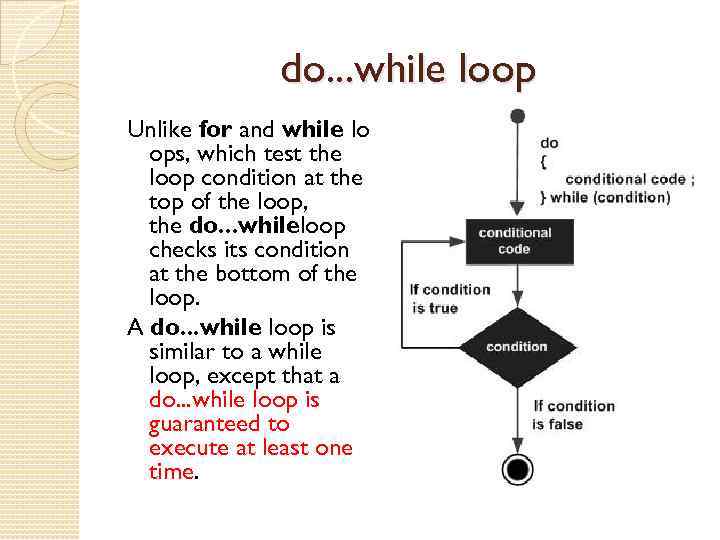 do. . . while loop Unlike for and while lo ops, which test the loop condition at the top of the loop, the do. . . whileloop checks its condition at the bottom of the loop. A do. . . while loop is similar to a while loop, except that a do. . . while loop is guaranteed to execute at least one time.
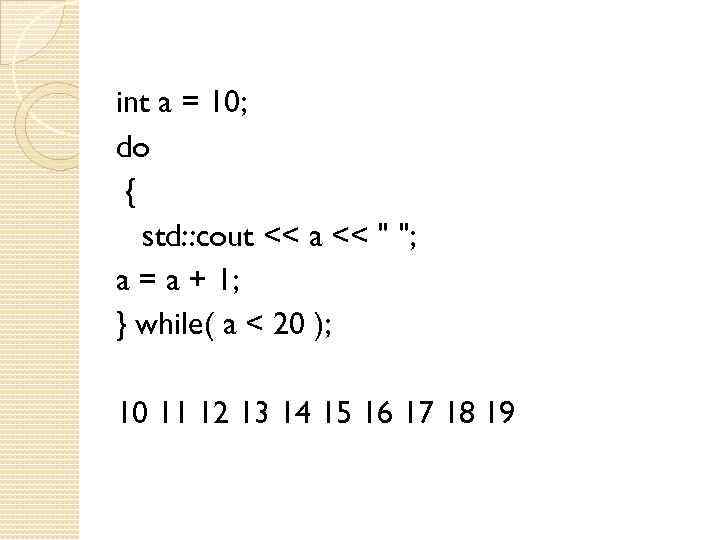 int a = 10; do { std: : cout << a << " "; a = a + 1; } while( a < 20 ); 10 11 12 13 14 15 16 17 18 19
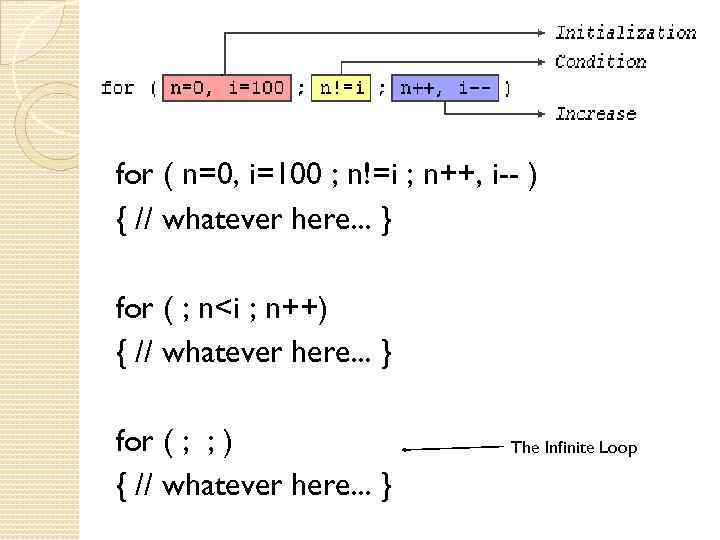 for ( n=0, i=100 ; n!=i ; n++, i-- ) { // whatever here. . . } for ( ; n
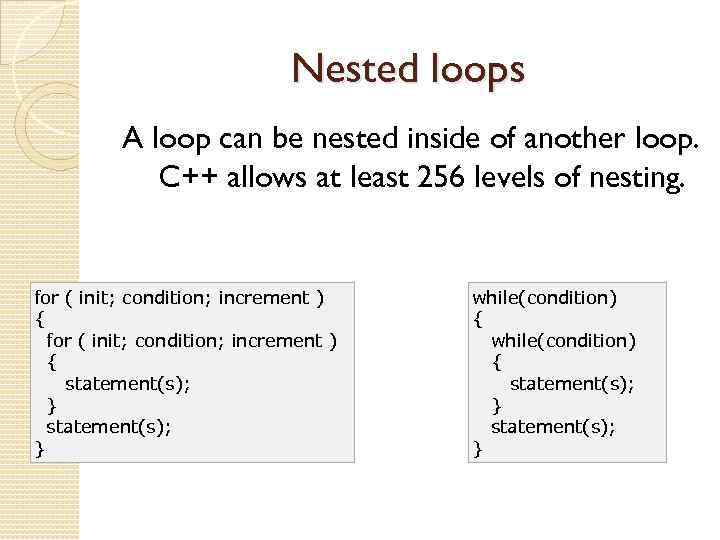 Nested loops A loop can be nested inside of another loop. C++ allows at least 256 levels of nesting. for ( init; condition; increment ) { statement(s); } while(condition) { statement(s); }
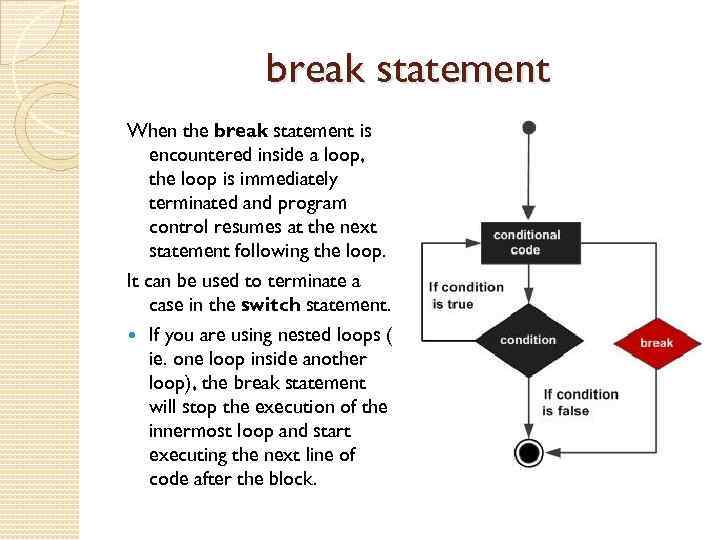 break statement When the break statement is encountered inside a loop, the loop is immediately terminated and program control resumes at the next statement following the loop. It can be used to terminate a case in the switch statement. If you are using nested loops ( ie. one loop inside another loop), the break statement will stop the execution of the innermost loop and start executing the next line of code after the block.
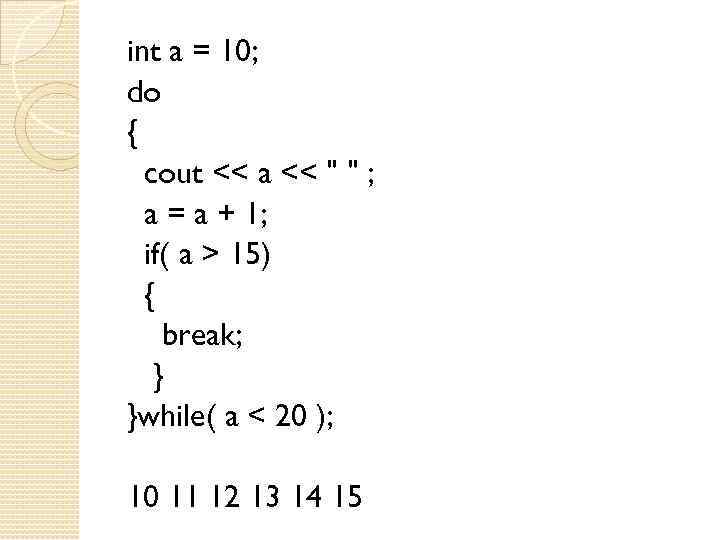 int a = 10; do { cout << a << " " ; a = a + 1; if( a > 15) { break; } }while( a < 20 ); 10 11 12 13 14 15
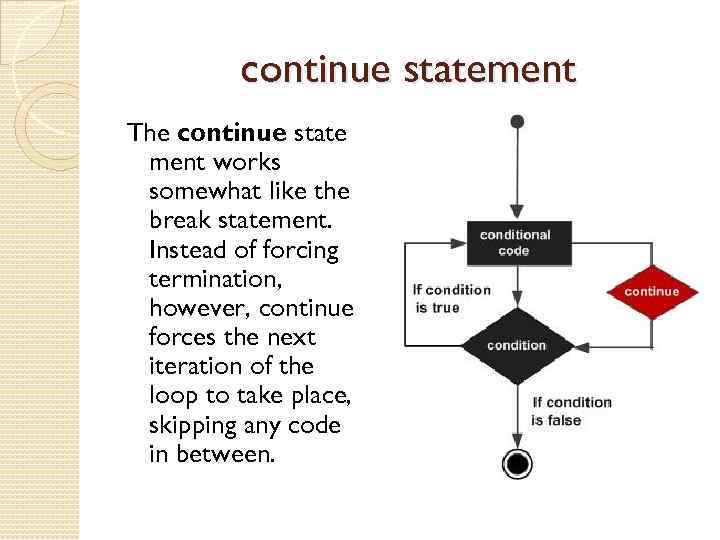 continue statement The continue state ment works somewhat like the break statement. Instead of forcing termination, however, continue forces the next iteration of the loop to take place, skipping any code in between.
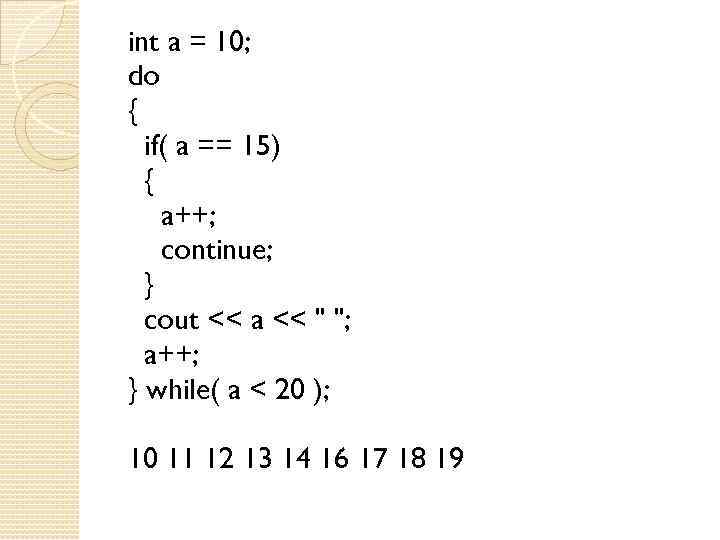 int a = 10; do { if( a == 15) { a++; continue; } cout << a << " "; a++; } while( a < 20 ); 10 11 12 13 14 16 17 18 19
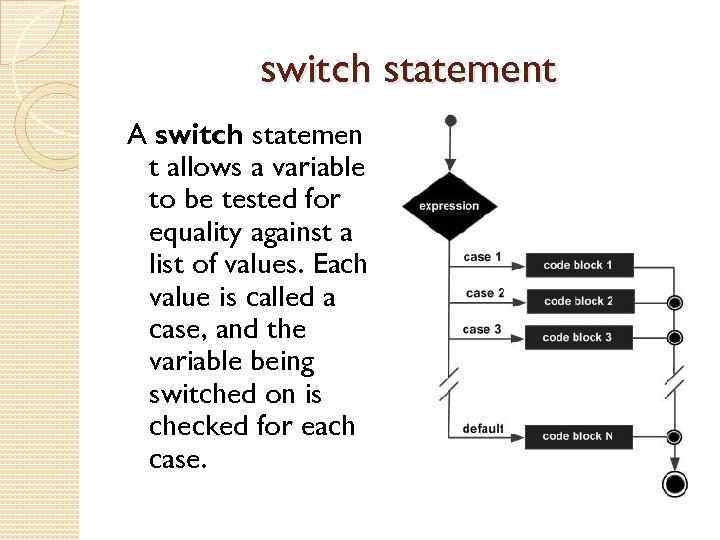 switch statement A switch statemen t allows a variable to be tested for equality against a list of values. Each value is called a case, and the variable being switched on is checked for each case.
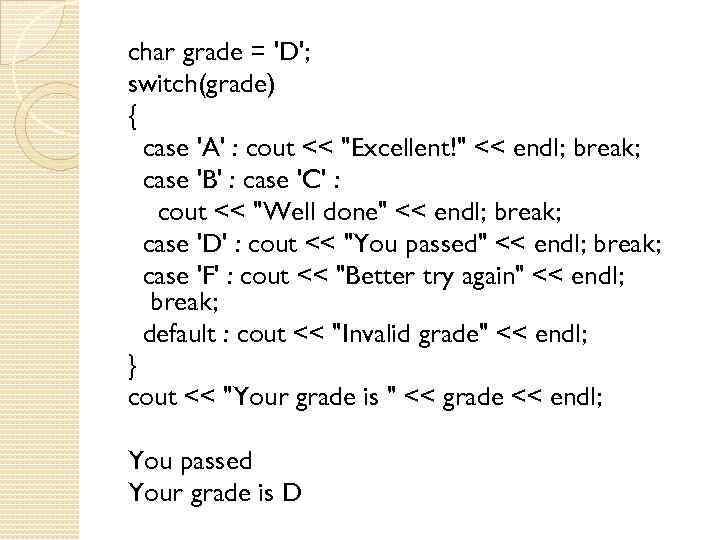 char grade = 'D'; switch(grade) { case 'A' : cout << "Excellent!" << endl; break; case 'B' : case 'C' : cout << "Well done" << endl; break; case 'D' : cout << "You passed" << endl; break; case 'F' : cout << "Better try again" << endl; break; default : cout << "Invalid grade" << endl; } cout << "Your grade is " << grade << endl; You passed Your grade is D
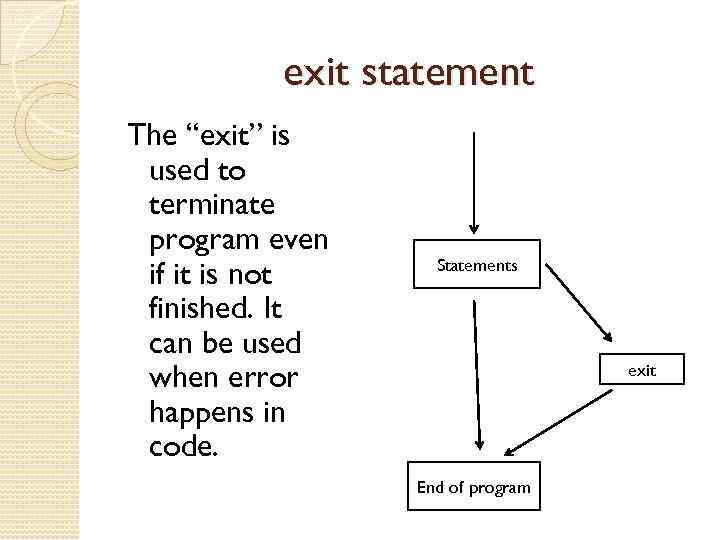 exit statement The “exit” is used to terminate program even if it is not finished. It can be used when error happens in code. Statements exit End of program
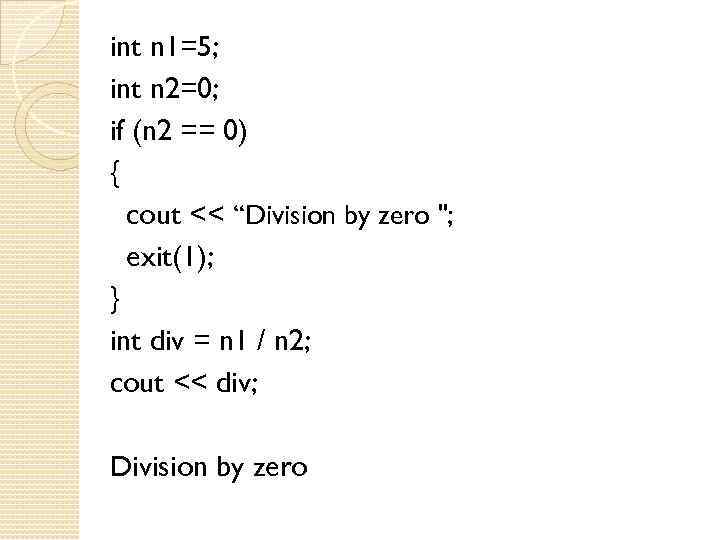 int n 1=5; int n 2=0; if (n 2 == 0) { cout << “Division by zero "; exit(1); } int div = n 1 / n 2; cout << div; Division by zero
 Using file in programs Using the iostream standard library, which provides cin and cout methods for reading from standard input and writing to standard output respectively. Another standard C++ library called fstream which defines three new data types: ofstream ifstream
>some_data; fout<
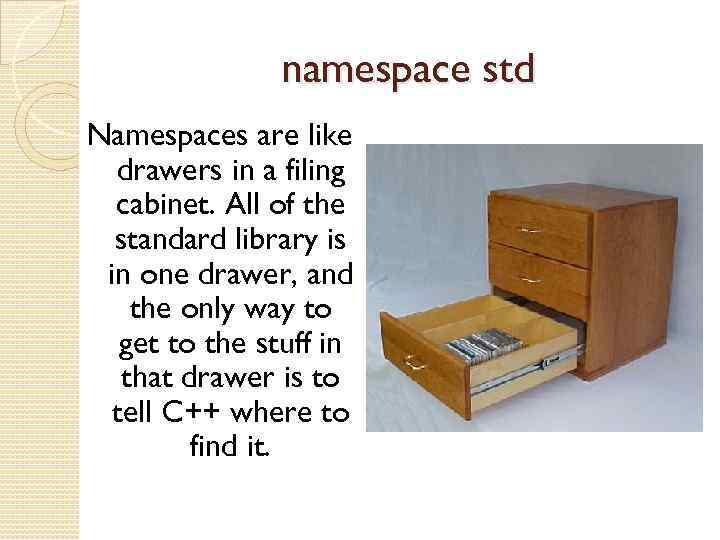 namespace std Namespaces are like drawers in a filing cabinet. All of the standard library is in one drawer, and the only way to get to the stuff in that drawer is to tell C++ where to find it.
 #include
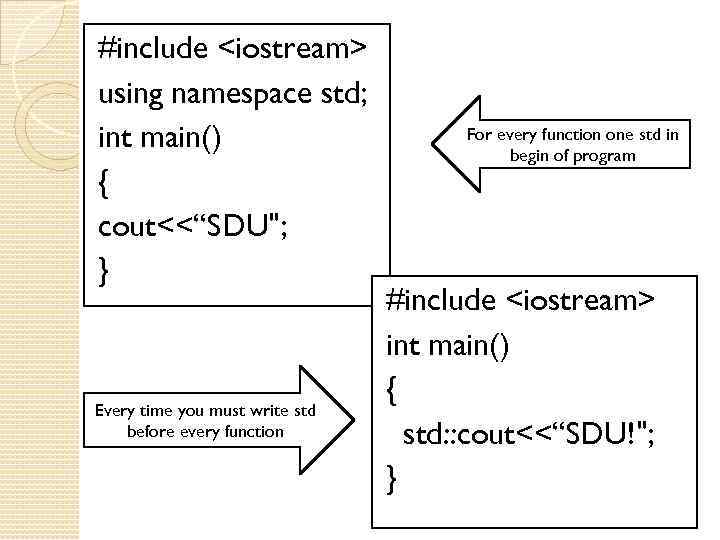 #include
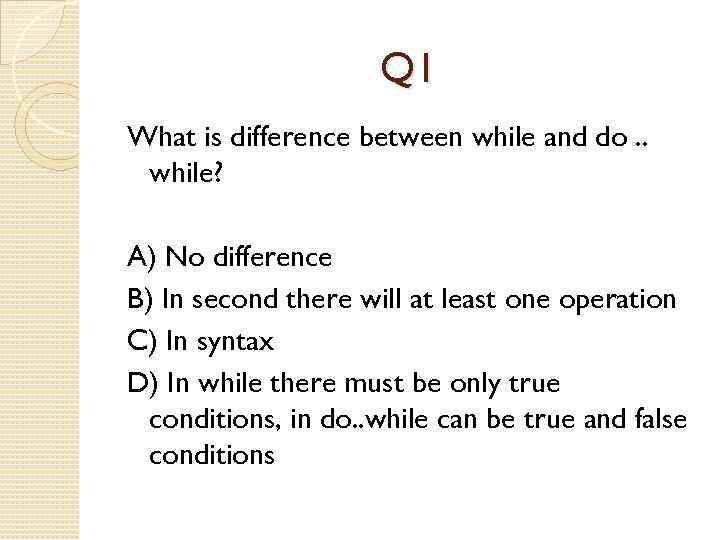 Q 1 What is difference between while and do. . while? A) No difference B) In second there will at least one operation C) In syntax D) In while there must be only true conditions, in do. . while can be true and false conditions
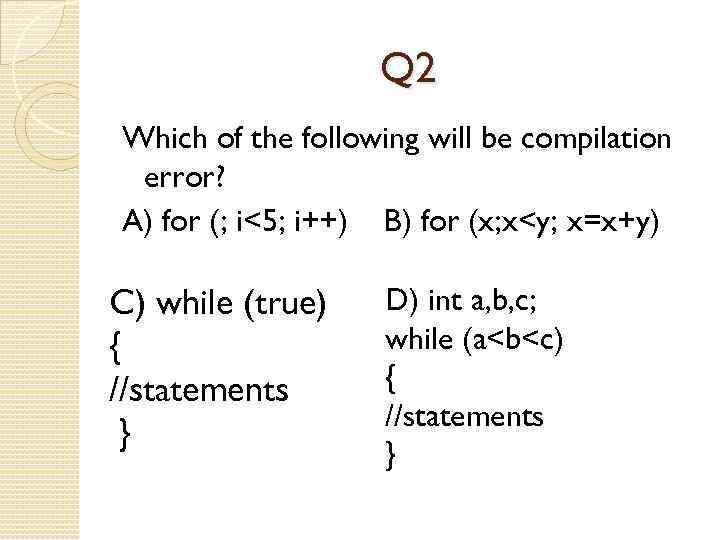 Q 2 Which of the following will be compilation error? A) for (; i<5; i++) B) for (x; x
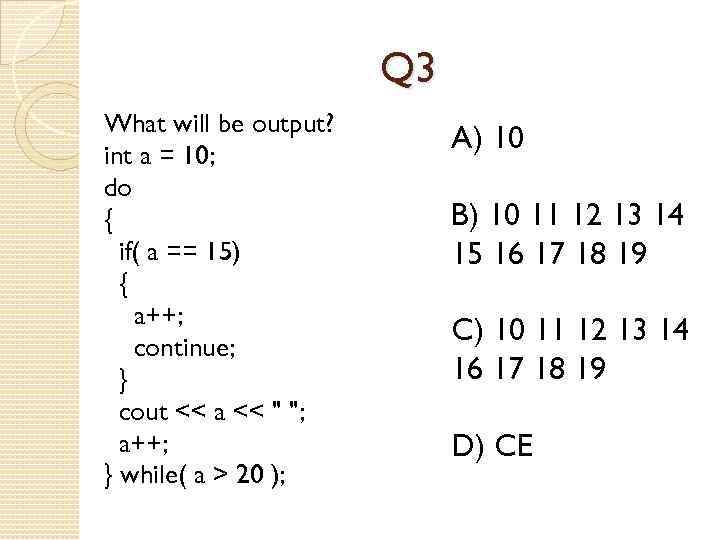 Q 3 What will be output? int a = 10; do { if( a == 15) { a++; continue; } cout << a << " "; a++; } while( a > 20 ); A) 10 B) 10 11 12 13 14 15 16 17 18 19 C) 10 11 12 13 14 16 17 18 19 D) CE
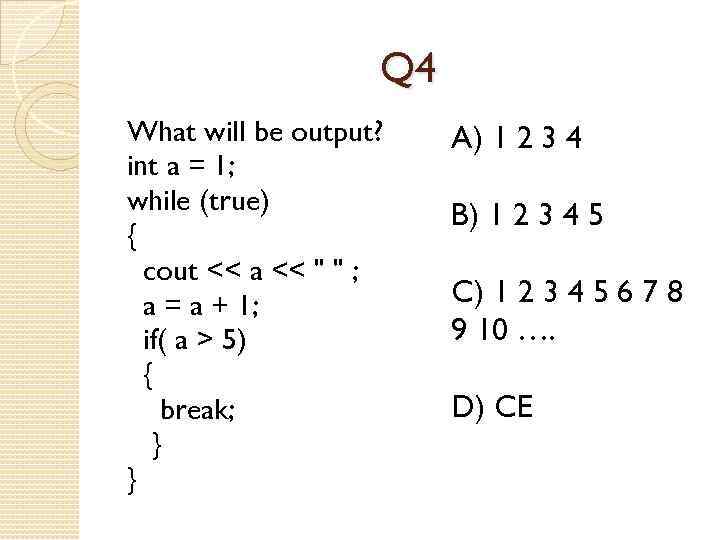 Q 4 What will be output? int a = 1; while (true) { cout << a << " " ; a = a + 1; if( a > 5) { break; } } A) 1 2 3 4 B) 1 2 3 4 5 C) 1 2 3 4 5 6 7 8 9 10 …. D) CE
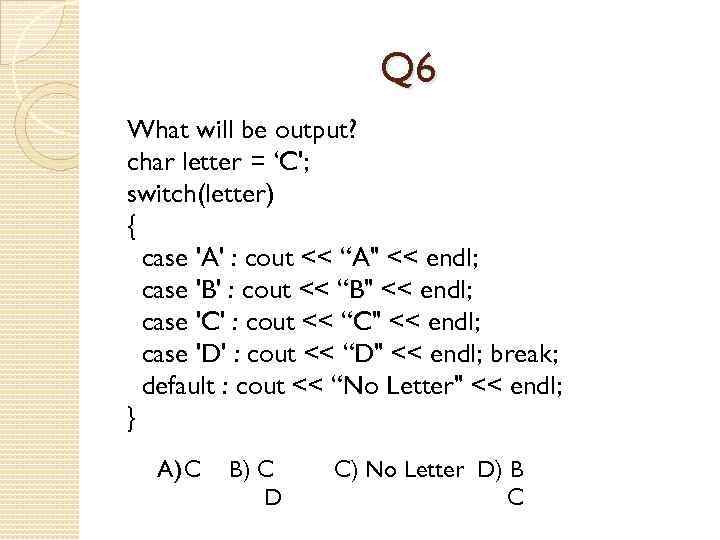 Q 6 What will be output? char letter = ‘C'; switch(letter) { case 'A' : cout << “A" << endl; case 'B' : cout << “B" << endl; case 'C' : cout << “C" << endl; case 'D' : cout << “D" << endl; break; default : cout << “No Letter" << endl; } A) C B) C D C) No Letter D) B C
 THANK YOU