 Скачать презентацию Lecture 28 Recovery Friday December 5 th 2003
7315dae26320e2879955d7233323dabc.ppt
- Количество слайдов: 22



Lecture 28: Recovery Friday, December 5 th, 2003 1
Outline • Recovery using undo logging 17. 2 2
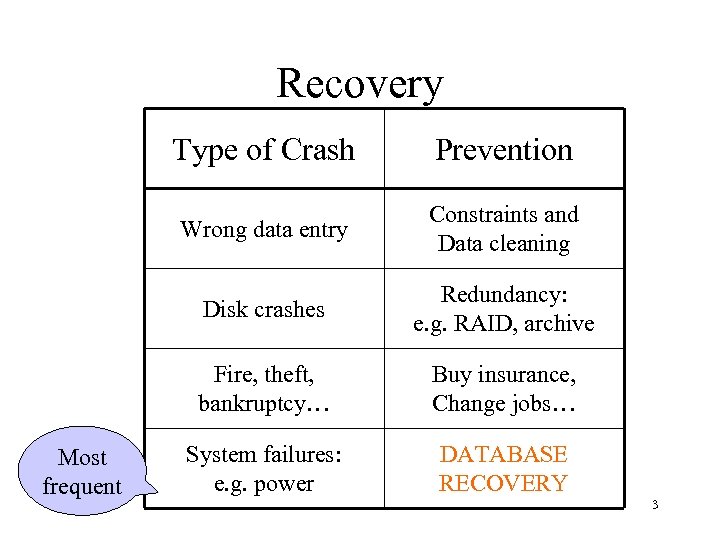
Recovery Type of Crash Wrong data entry Constraints and Data cleaning Disk crashes Redundancy: e. g. RAID, archive Fire, theft, bankruptcy… Most frequent Prevention Buy insurance, Change jobs… System failures: e. g. power DATABASE RECOVERY 3
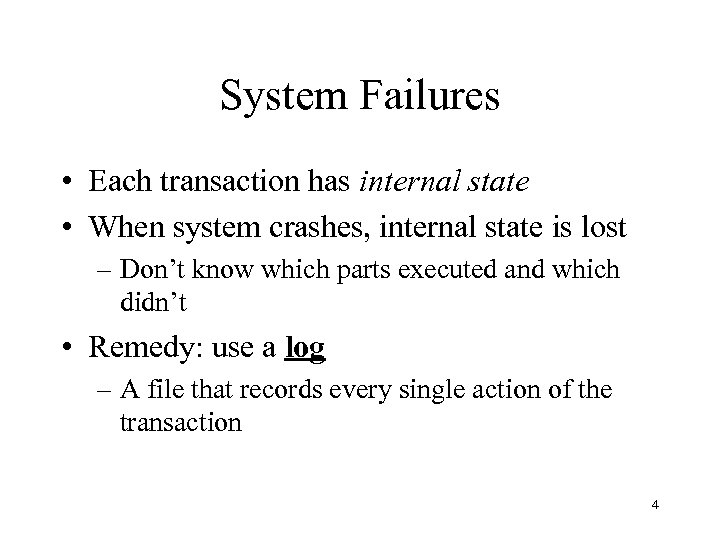
System Failures • Each transaction has internal state • When system crashes, internal state is lost – Don’t know which parts executed and which didn’t • Remedy: use a log – A file that records every single action of the transaction 4
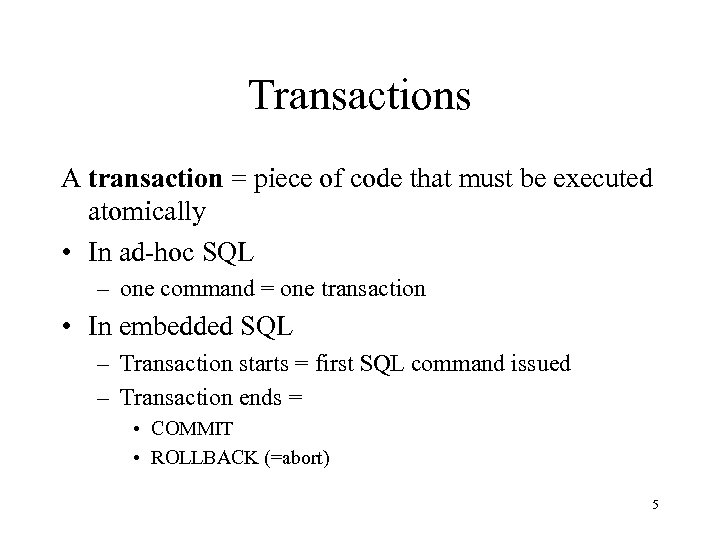
Transactions A transaction = piece of code that must be executed atomically • In ad-hoc SQL – one command = one transaction • In embedded SQL – Transaction starts = first SQL command issued – Transaction ends = • COMMIT • ROLLBACK (=abort) 5
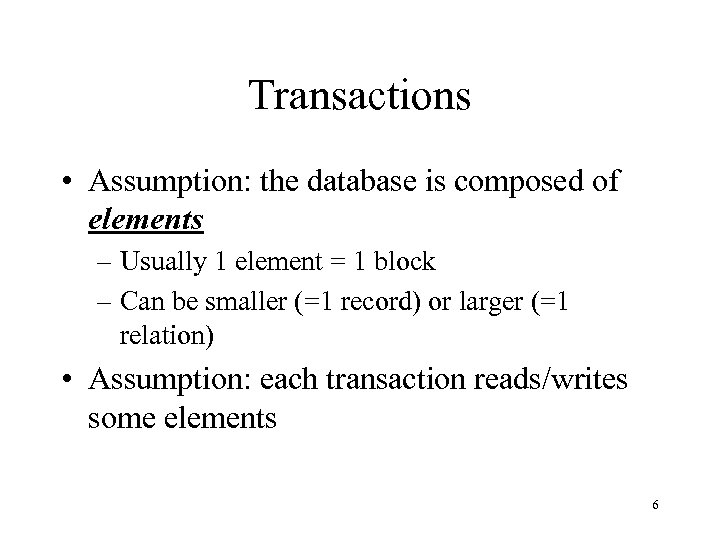
Transactions • Assumption: the database is composed of elements – Usually 1 element = 1 block – Can be smaller (=1 record) or larger (=1 relation) • Assumption: each transaction reads/writes some elements 6
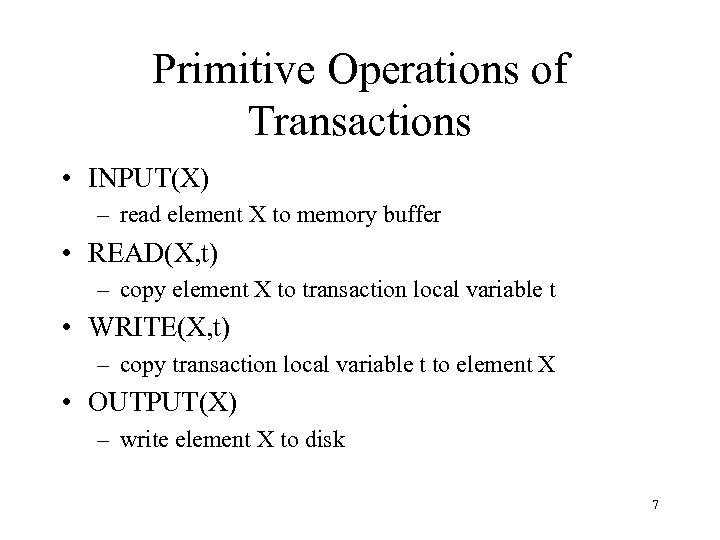
Primitive Operations of Transactions • INPUT(X) – read element X to memory buffer • READ(X, t) – copy element X to transaction local variable t • WRITE(X, t) – copy transaction local variable t to element X • OUTPUT(X) – write element X to disk 7
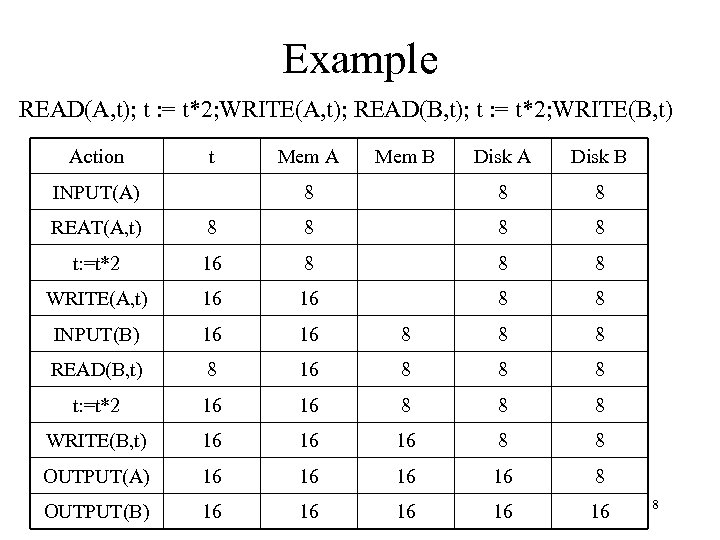
Example READ(A, t); t : = t*2; WRITE(A, t); READ(B, t); t : = t*2; WRITE(B, t) Action t Disk A Disk B 8 INPUT(A) Mem A Mem B 8 8 REAT(A, t) 8 8 t: =t*2 16 8 8 8 WRITE(A, t) 16 16 8 8 INPUT(B) 16 16 8 8 8 READ(B, t) 8 16 8 8 8 t: =t*2 16 16 8 8 8 WRITE(B, t) 16 16 16 8 8 OUTPUT(A) 16 16 8 OUTPUT(B) 16 16 16 8
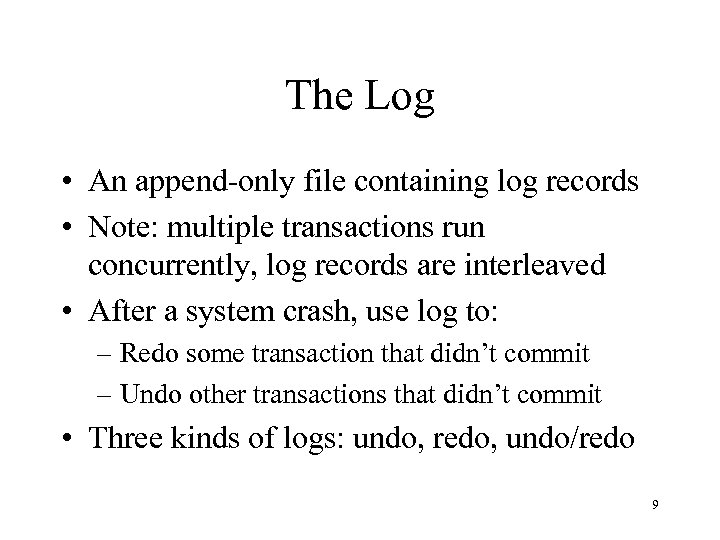
The Log • An append-only file containing log records • Note: multiple transactions run concurrently, log records are interleaved • After a system crash, use log to: – Redo some transaction that didn’t commit – Undo other transactions that didn’t commit • Three kinds of logs: undo, redo, undo/redo 9
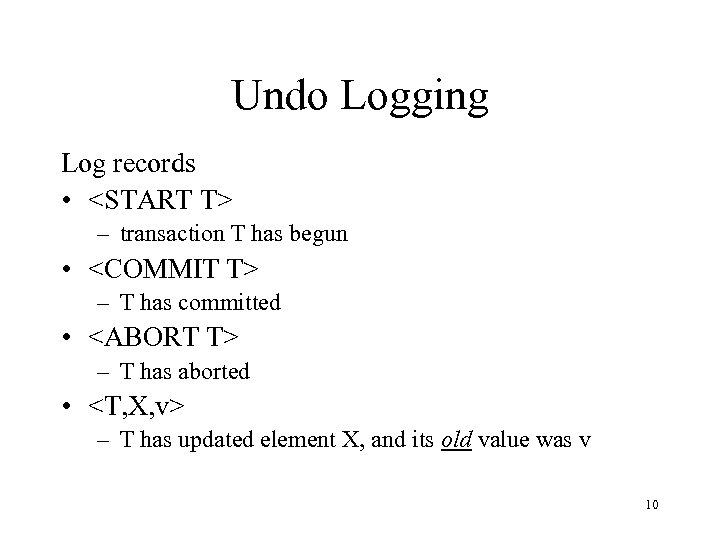
Undo Logging Log records • <START T> – transaction T has begun • <COMMIT T> – T has committed • <ABORT T> – T has aborted • <T, X, v> – T has updated element X, and its old value was v 10
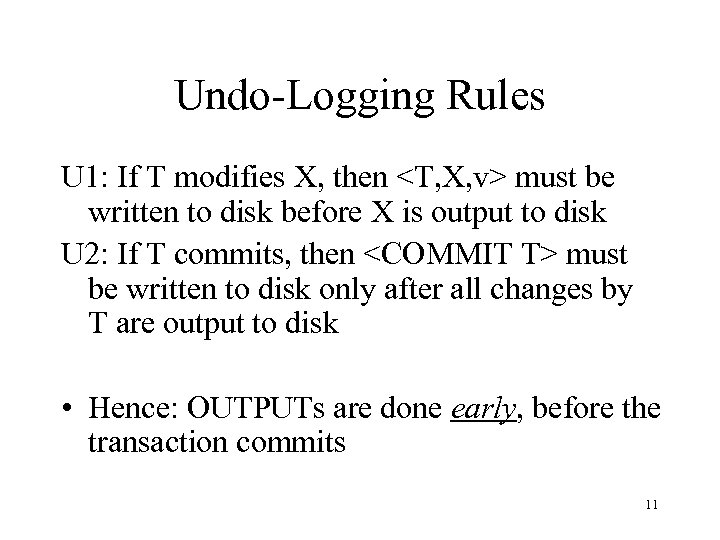
Undo-Logging Rules U 1: If T modifies X, then <T, X, v> must be written to disk before X is output to disk U 2: If T commits, then <COMMIT T> must be written to disk only after all changes by T are output to disk • Hence: OUTPUTs are done early, before the transaction commits 11
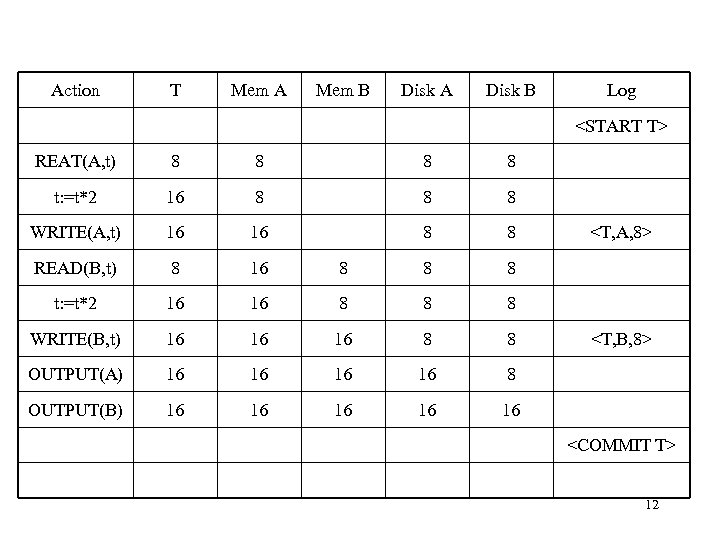
Action T Mem A Mem B Disk A Disk B Log <START T> REAT(A, t) 8 8 t: =t*2 16 8 8 8 WRITE(A, t) 16 16 8 8 READ(B, t) 8 16 8 8 8 t: =t*2 16 16 8 8 8 WRITE(B, t) 16 16 16 8 8 OUTPUT(A) 16 16 8 OUTPUT(B) 16 16 16 <T, A, 8> <T, B, 8> <COMMIT T> 12
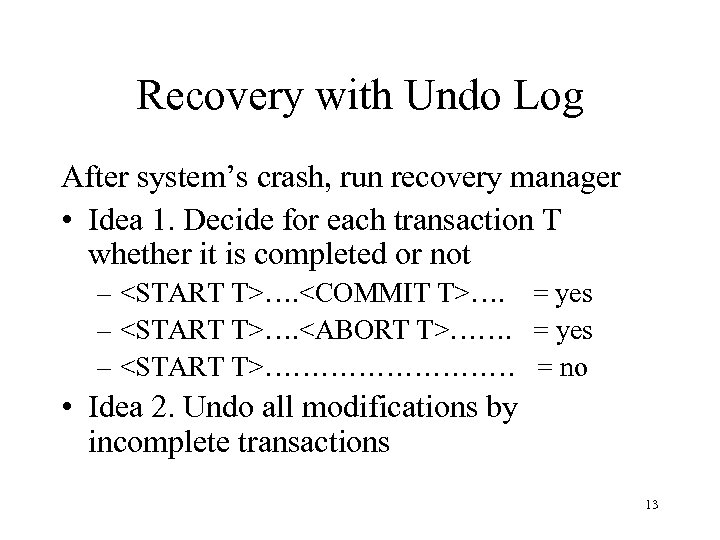
Recovery with Undo Log After system’s crash, run recovery manager • Idea 1. Decide for each transaction T whether it is completed or not – <START T>…. <COMMIT T>…. = yes – <START T>…. <ABORT T>……. = yes – <START T>…………… = no • Idea 2. Undo all modifications by incomplete transactions 13
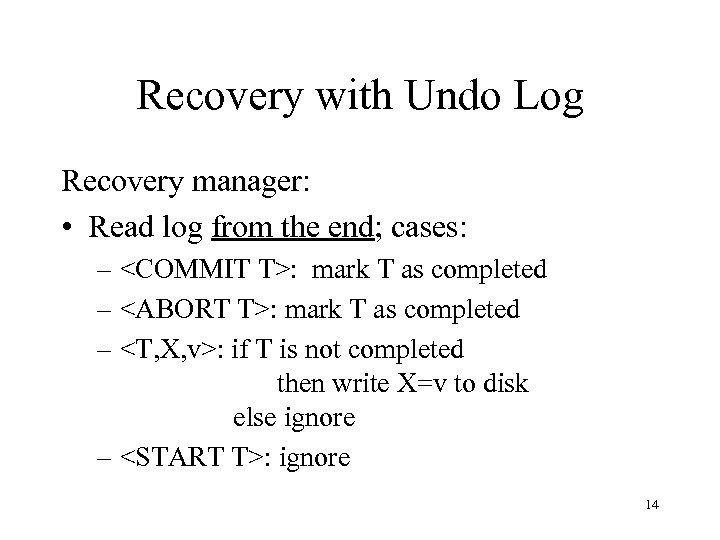
Recovery with Undo Log Recovery manager: • Read log from the end; cases: – <COMMIT T>: mark T as completed – <ABORT T>: mark T as completed – <T, X, v>: if T is not completed then write X=v to disk else ignore – <START T>: ignore 14
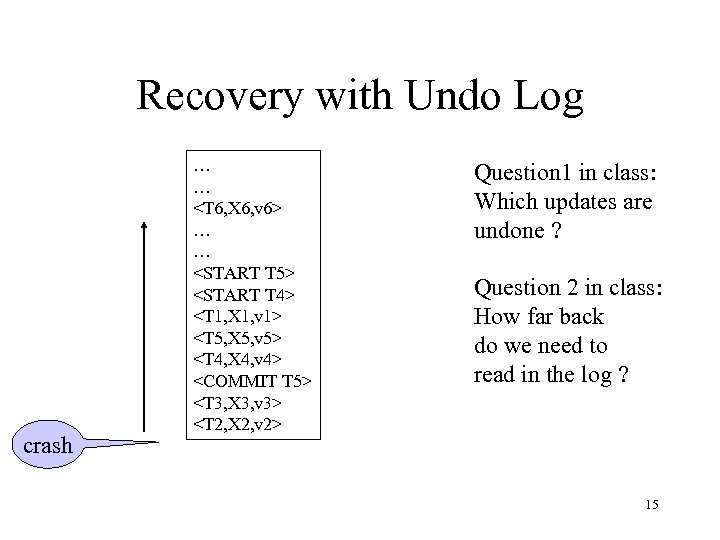
Recovery with Undo Log crash … … <T 6, X 6, v 6> … … <START T 5> <START T 4> <T 1, X 1, v 1> <T 5, X 5, v 5> <T 4, X 4, v 4> <COMMIT T 5> <T 3, X 3, v 3> <T 2, X 2, v 2> Question 1 in class: Which updates are undone ? Question 2 in class: How far back do we need to read in the log ? 15
Recovery with Undo Log • Note: all undo commands are idempotent – If we perform them a second time, no harm is done – E. g. if there is a system crash during recovery, simply restart recovery from scratch 16
Recovery with Undo Log When do we stop reading the log ? • We cannot stop until we reach the beginning of the log file • This is impractical • Better idea: use checkpointing 17
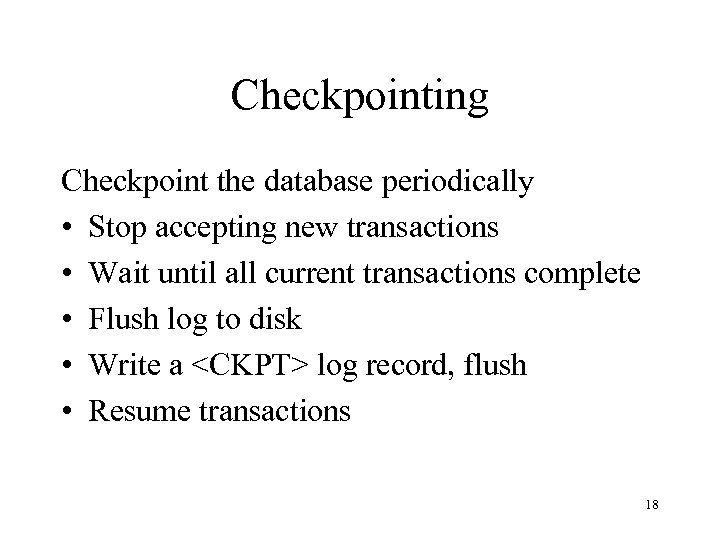
Checkpointing Checkpoint the database periodically • Stop accepting new transactions • Wait until all current transactions complete • Flush log to disk • Write a <CKPT> log record, flush • Resume transactions 18
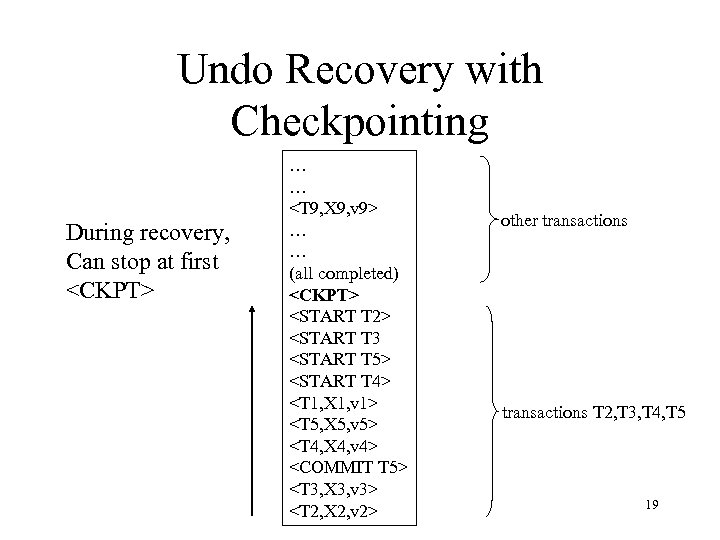
Undo Recovery with Checkpointing During recovery, Can stop at first <CKPT> … … <T 9, X 9, v 9> … … (all completed) <CKPT> <START T 2> <START T 3 <START T 5> <START T 4> <T 1, X 1, v 1> <T 5, X 5, v 5> <T 4, X 4, v 4> <COMMIT T 5> <T 3, X 3, v 3> <T 2, X 2, v 2> other transactions T 2, T 3, T 4, T 5 19
Nonquiescent Checkpointing • Problem with checkpointing: database freezes during checkpoint • Would like to checkpoint while database is operational • Idea: nonquiescent checkpointing Quiescent = being quiet, still, or at rest; inactive Non-quiescent = allowing transactions to be active 20
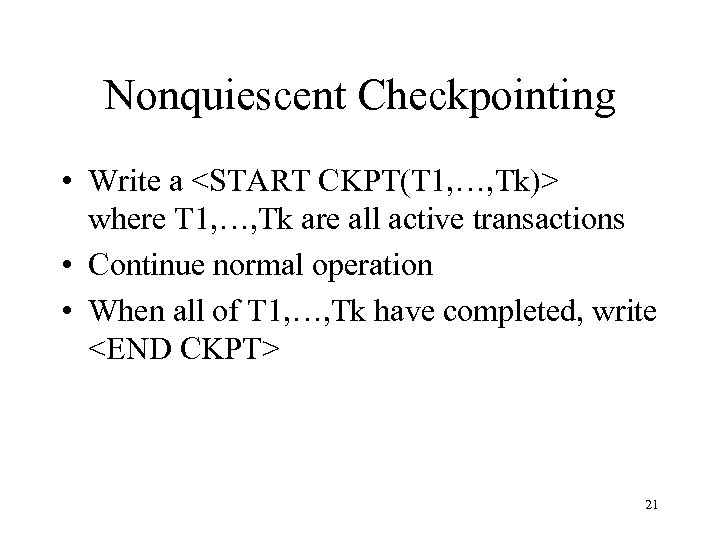
Nonquiescent Checkpointing • Write a <START CKPT(T 1, …, Tk)> where T 1, …, Tk are all active transactions • Continue normal operation • When all of T 1, …, Tk have completed, write <END CKPT> 21
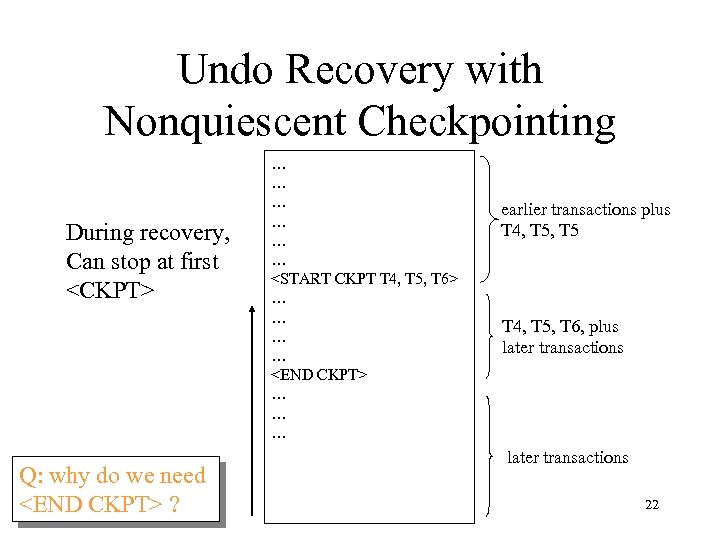
Undo Recovery with Nonquiescent Checkpointing During recovery, Can stop at first <CKPT> Q: why do we need <END CKPT> ? … … … <START CKPT T 4, T 5, T 6> … … <END CKPT> … … … earlier transactions plus T 4, T 5, T 6, plus later transactions 22
Скачать презентацию Lecture 28 Recovery Friday December 5 th 2003
7315dae26320e2879955d7233323dabc.ppt