 Скачать презентацию Lecture 2 COMSATS Islamabad Enterprise Systems Development CSC
d8961924b56dbd1234e6d881d594699f.ppt
- Количество слайдов: 45



Lecture 2 COMSATS Islamabad Enterprise Systems Development (CSC 447) uhammad Usman, Assistant Professor CI
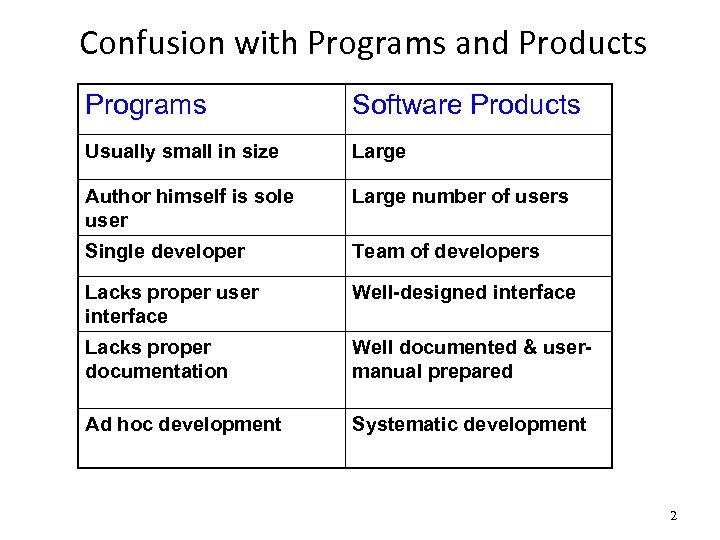
Confusion with Programs and Products Programs Software Products Usually small in size Large Author himself is sole user Large number of users Single developer Team of developers Lacks proper user interface Well-designed interface Lacks proper documentation Well documented & usermanual prepared Ad hoc development Systematic development 2
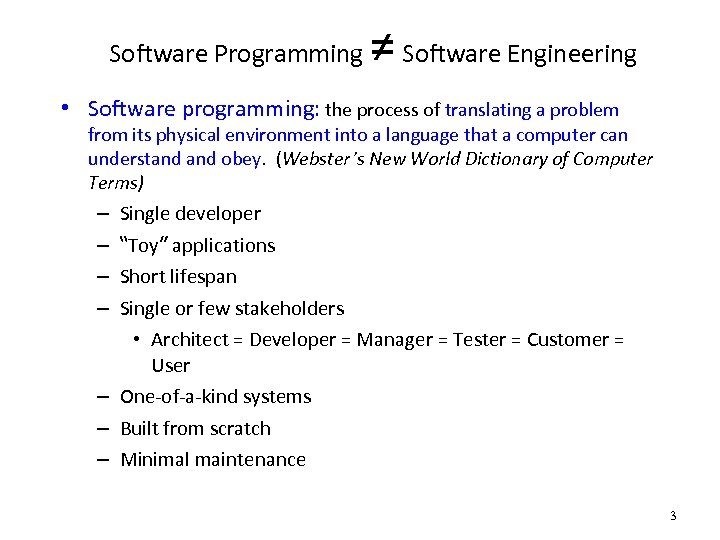
Software Programming ≠ Software Engineering • Software programming: the process of translating a problem from its physical environment into a language that a computer can understand obey. (Webster’s New World Dictionary of Computer Terms) – – Single developer “Toy” applications Short lifespan Single or few stakeholders • Architect = Developer = Manager = Tester = Customer = User – One-of-a-kind systems – Built from scratch – Minimal maintenance 3
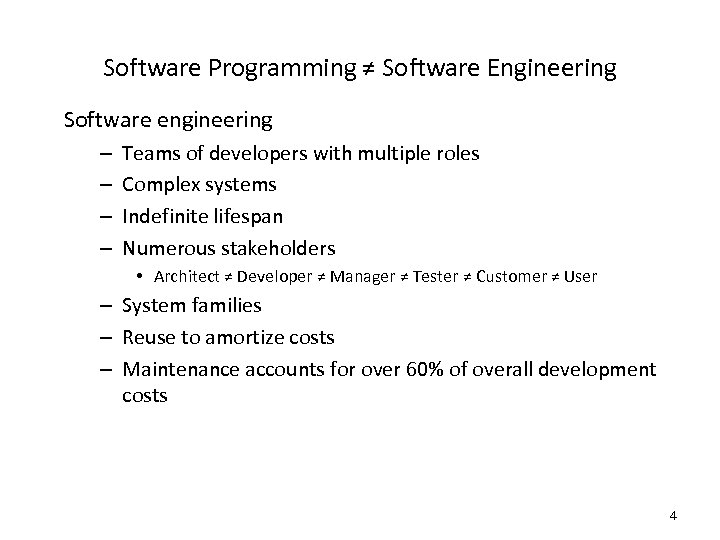
Software Programming ≠ Software Engineering Software engineering – – Teams of developers with multiple roles Complex systems Indefinite lifespan Numerous stakeholders • Architect ≠ Developer ≠ Manager ≠ Tester ≠ Customer ≠ User – System families – Reuse to amortize costs – Maintenance accounts for over 60% of overall development costs 4
Lecture 2 Software Systems and Their Development Life Cycle
Software Systems • Software Systems Vs Other Engineering Artifacts • Civil Engineers develop roads, bridges etc. • Electrical Engineers develop circuits, chips etc. • Aeronautical Engineers develop planes • Software Engineers develop software systems
Software Engineering Difficulties • Software engineers deal with unique set of problems – – Young field with tremendous expectations Building of vastly complex, but intangible systems Software is not useful on its own e. g. , unlike a car, thus It must conform to changes in other engineering areas • Some problems can be eliminated – These are Brooks’ “accidental difficulties” • Other problems can be lessened, but not eliminated – These are Brooks’ “essential difficulties” 7
Essential Difficulties • Only partial solutions exist for them, if any • Cannot be abstracted away – Complexity – Conformity – Changeability – Intangibility 8
Complexity • No two software parts are alike – If they are, they are abstracted away into one • Complexity grows non-linearly with size (scaling-up) – E. g. , it is impossible to enumerate all states of program – Except perhaps “toy” programs • From complexity comes the difficulty of – Communication – Enumerating – Less understanding of all the possible states of the program 9
Conformity • Natural Science – God VS Software – People • Much of the complexity that he (developer) must master is arbitrary complexity, forced without rhyme or reason by many human institutions and systems to which his interfaces must conform. • These (standards) differ from interface to interface, and from time to time, not because of necessity but only because they were designed by different people, rather than by God.
Changeability • The software entity is constantly subject to pressures for change. Of course, so are buildings, cars, and computers. But manufactured things are infrequently changed. • Software of a system embodies its function, and the function is the part that most feels the pressure of change • In part it is because software can be changed more easily – it is pure thought stuff, infinitely malleable
Changeability • Building do in fact get change but the high cost of change understood by all serve to dampen the whims of the changes • The software product is embodied in a cultural matrix of applications, users, laws, and machine vehicles. These change continually, and their changes inevitably force change upon the software product.
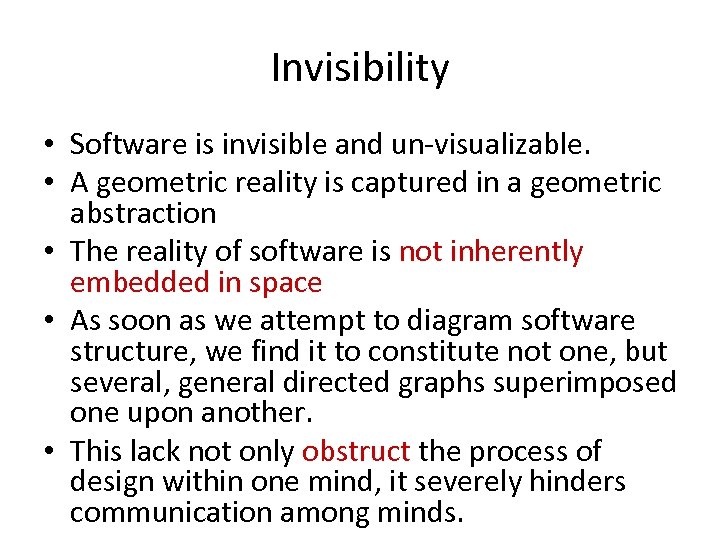
Invisibility • Software is invisible and un-visualizable. • A geometric reality is captured in a geometric abstraction • The reality of software is not inherently embedded in space • As soon as we attempt to diagram software structure, we find it to constitute not one, but several, general directed graphs superimposed one upon another. • This lack not only obstruct the process of design within one mind, it severely hinders communication among minds.
Software Systems • Software Systems are developed by software engineers. • What is software engineering? • Let us define it first and then we will move on with development of enterprise software systems
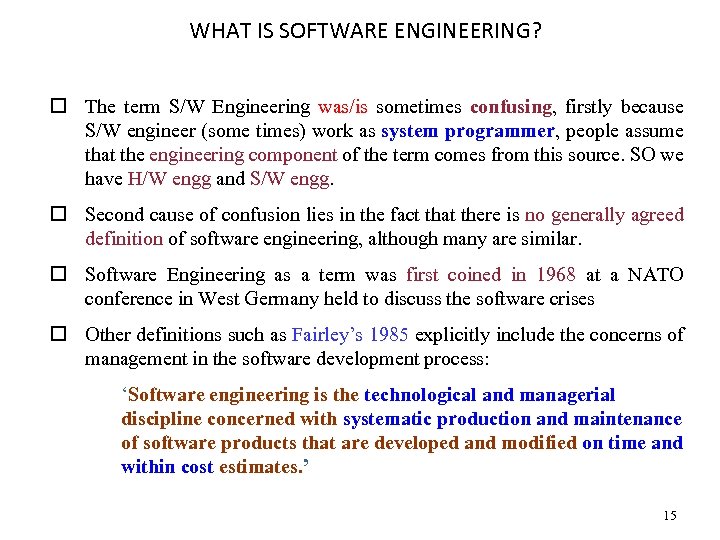
WHAT IS SOFTWARE ENGINEERING? o The term S/W Engineering was/is sometimes confusing, firstly because S/W engineer (some times) work as system programmer, people assume that the engineering component of the term comes from this source. SO we have H/W engg and S/W engg. o Second cause of confusion lies in the fact that there is no generally agreed definition of software engineering, although many are similar. o Software Engineering as a term was first coined in 1968 at a NATO conference in West Germany held to discuss the software crises o Other definitions such as Fairley’s 1985 explicitly include the concerns of management in the software development process: ‘Software engineering is the technological and managerial discipline concerned with systematic production and maintenance of software products that are developed and modified on time and within cost estimates. ’ 15
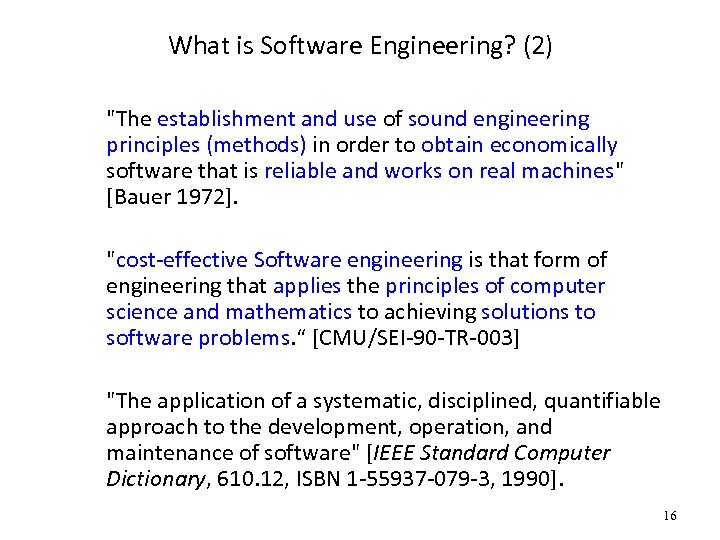
What is Software Engineering? (2) "The establishment and use of sound engineering principles (methods) in order to obtain economically software that is reliable and works on real machines" [Bauer 1972]. "cost-effective Software engineering is that form of engineering that applies the principles of computer science and mathematics to achieving solutions to software problems. “ [CMU/SEI-90 -TR-003] "The application of a systematic, disciplined, quantifiable approach to the development, operation, and maintenance of software" [IEEE Standard Computer Dictionary, 610. 12, ISBN 1 -55937 -079 -3, 1990]. 16
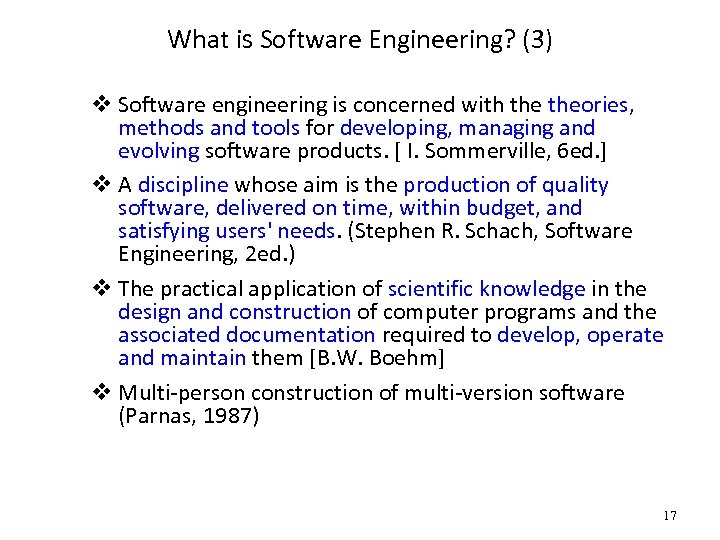
What is Software Engineering? (3) v Software engineering is concerned with theories, methods and tools for developing, managing and evolving software products. [ I. Sommerville, 6 ed. ] v A discipline whose aim is the production of quality software, delivered on time, within budget, and satisfying users' needs. (Stephen R. Schach, Software Engineering, 2 ed. ) v The practical application of scientific knowledge in the design and construction of computer programs and the associated documentation required to develop, operate and maintain them [B. W. Boehm] v Multi-person construction of multi-version software (Parnas, 1987) 17
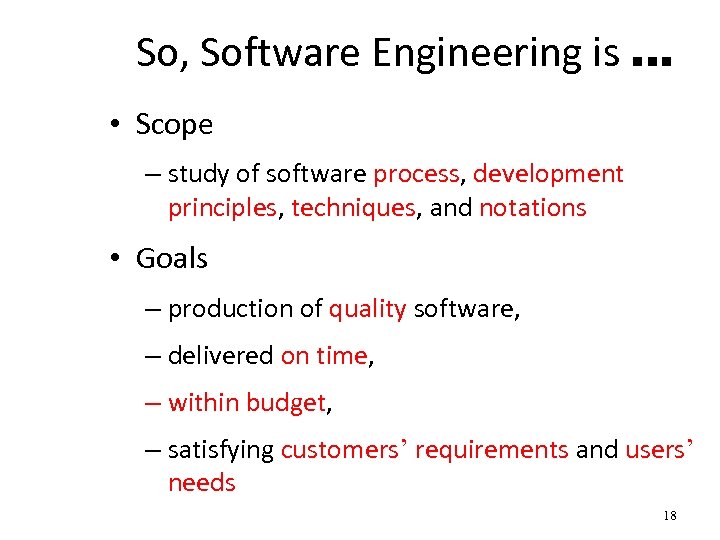
So, Software Engineering is … • Scope – study of software process, development principles, techniques, and notations • Goals – production of quality software, – delivered on time, – within budget, – satisfying customers’ requirements and users’ needs 18
Concept of Life Cycle • Software Systems, like other engineering artifacts, have a lifecycle • Examples – Your cell phone has a lifecycle • We human being also have a life cycle
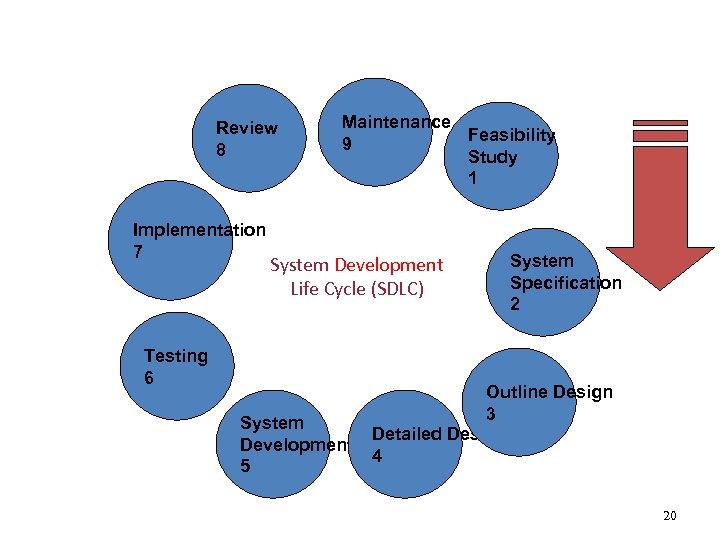
Review 8 Implementation 7 Maintenance Feasibility 9 Study 1 System Development Life Cycle (SDLC) Testing 6 System Development 5 System Specification 2 Outline Design 3 Detailed Design 4 20
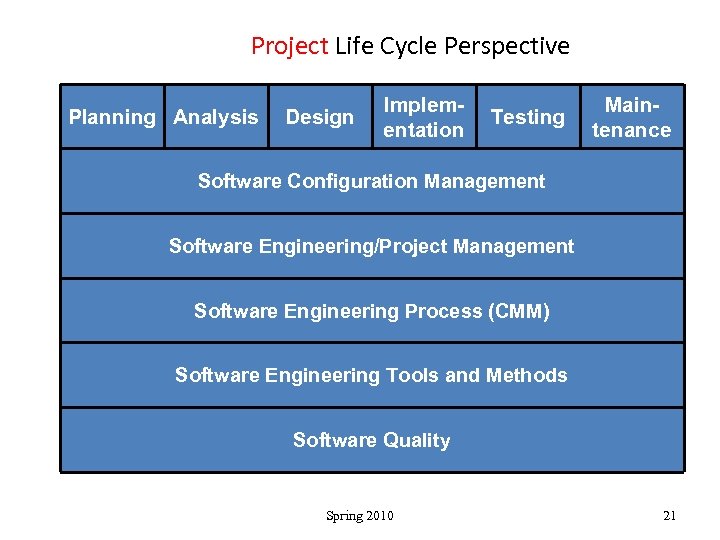
Project Life Cycle Perspective Planning Analysis Design Implementation Testing Maintenance Software Configuration Management Software Engineering/Project Management Software Engineering Process (CMM) Software Engineering Tools and Methods Software Quality Spring 2010 21
SOFTWARE DEVELOPMENT PROCESS MODELS ¨ Problem solving loop with basic four activities, i. e. , problem analysis, problem definition, technical development and solution integration. ¨ Regardless of the process model chosen, all the four activities coexist simultaneously at some level of detail. ¨ A process model is chosen based upon the: ¨ nature of the project, ¨ application, ¨ methods and tools to be used, and ¨ controls and deliverables that are required. 22
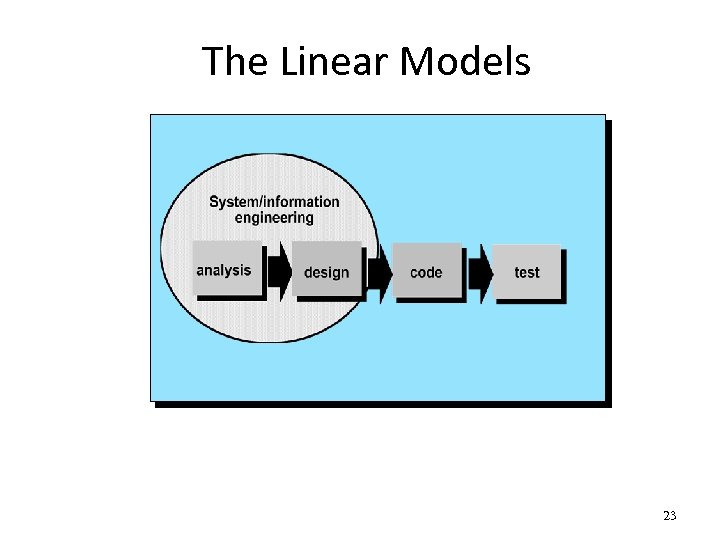
The Linear Models 23
(1) The waterfall model ¨ It suggests a systematic, sequential approach to s/w development. Important features u All activities are to be performed in an order and one after the other. The output of one is the input to the other. u Verification and validation is to be performed after the end of each phase. u The inputs & outputs at each phase must be defined (i. e. goal of each group is defined). u Once the outputs of a phase are produced (i. e. phase completed) then these should not be changed as it is input to the other. The certified output of a phase that is released for the next phase is called a baseline. 24
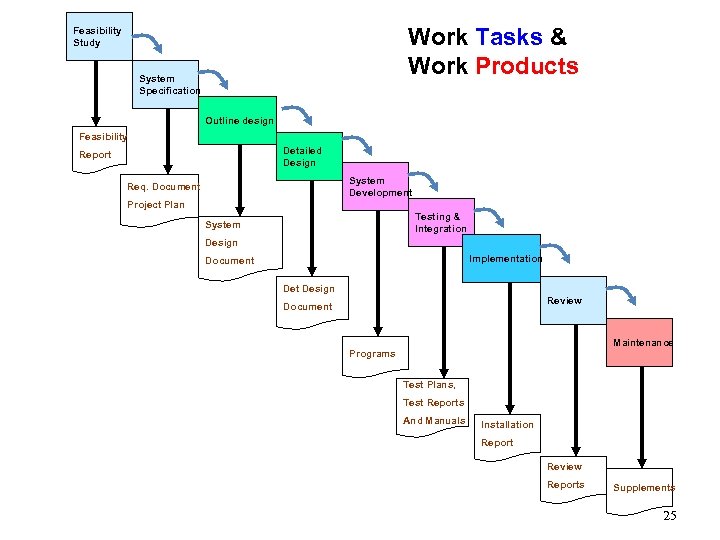
Work Tasks & Work Products Feasibility Study System Specification Outline design Feasibility Detailed Design Report System Development Req. Document Project Plan Testing & Integration System Design Implementation Document Design Review Document Maintenance Programs Test Plans, Test Reports And Manuals Installation Report Review Reports 25 Supplements 25
Limitations of Waterfall Model 1. Limits and freezes the requirements of the system. • Suits to the automation of existing manual system. But having unchanging (or changing few) requirements is unrealistic for new systems. 2. Freezing requirements may result in purchase of an obsolete hardware as the software development usually takes years (and h/w technology is changing fast). 3. Does not support partial system development. This is specially required as client also plays important role in the requirement specification. 26
(2) Prototyping ¨ This approach is developed to counter the first two limitations of the waterfall model. ¨ A customer may define a set of general objectives for software but does not identify detailed input, processing, or output requirements. ¨ The developer may be unsure of (1) the efficiency of an algorithm, (2) the adaptability of an operating system, or (3) the form the human machine interaction should take. ¨ Instead of freezing the requirements before design, coding can proceed, a throwaway prototype is built to help understand the requirements. 27
Prototyping…. . ¨ This prototype is based on the currently available requirements and put on trail. ¨ Although the development of prototype also goes through the design and coding phases but main stress is not put on formal procedures. ¨ By using the prototype the user gets the true working environment of the actual system to be designed and developed later on. ¨ Hence more realistic requirement of the required system are brought in. ¨ Typically useful for the areas where a system (manual or automated) does not exist or the overall system is very large and complex. ¨ Also provides an implemented feasibility, which provides effective method of demonstration. 28
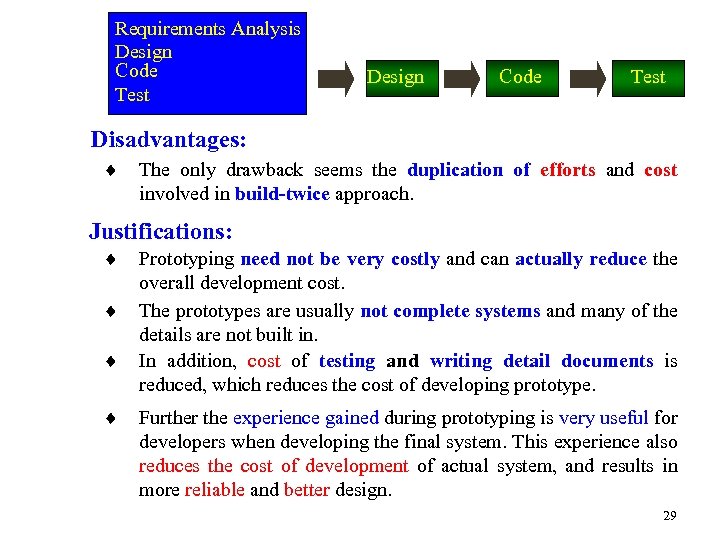
Requirements Analysis Design Code Test Disadvantages: ¨ The only drawback seems the duplication of efforts and cost involved in build-twice approach. Justifications: ¨ ¨ Prototyping need not be very costly and can actually reduce the overall development cost. The prototypes are usually not complete systems and many of the details are not built in. In addition, cost of testing and writing detail documents is reduced, which reduces the cost of developing prototype. Further the experience gained during prototyping is very useful for developers when developing the final system. This experience also reduces the cost of development of actual system, and results in more reliable and better design. 29
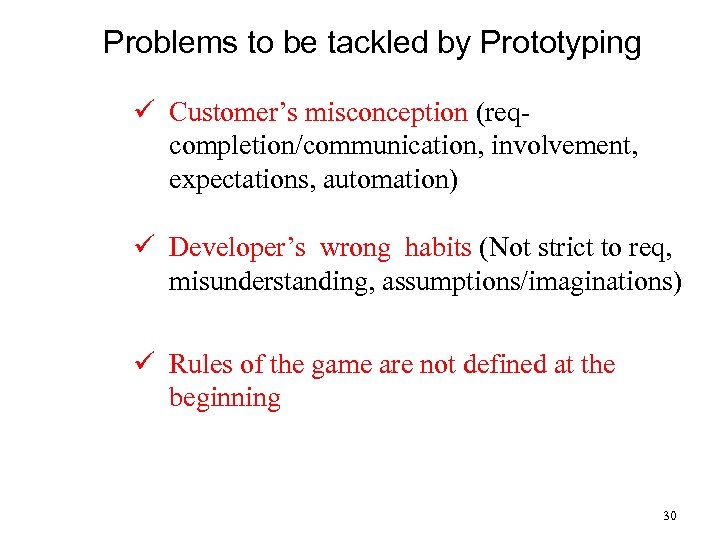
Problems to be tackled by Prototyping ü Customer’s misconception (reqcompletion/communication, involvement, expectations, automation) ü Developer’s wrong habits (Not strict to req, misunderstanding, assumptions/imaginations) ü Rules of the game are not defined at the beginning 30
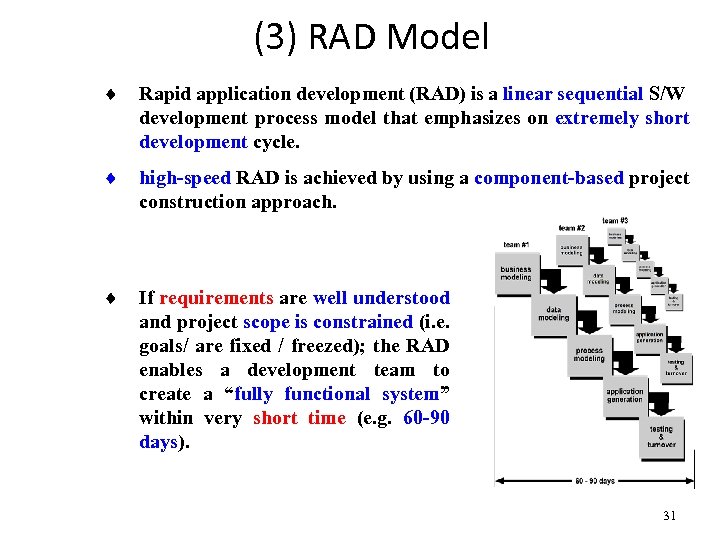
(3) RAD Model ¨ Rapid application development (RAD) is a linear sequential S/W development process model that emphasizes on extremely short development cycle. ¨ high-speed RAD is achieved by using a component-based project construction approach. ¨ If requirements are well understood and project scope is constrained (i. e. goals/ are fixed / freezed); the RAD enables a development team to create a “fully functional system” within very short time (e. g. 60 -90 days). 31
RAD Phases (1) 1. Business Modeling (Business Processes) Information flows among business functions is modeled such that answers the questions: • What information is generated? • Who generates it? • Who processes it? • Where does the information go? 2. Data Modeling (Entities) (1) The information flow is refined into a set of data objects that are needed to support the business. (2) Characteristics (attributes) of each object are identified and (3) Relationships between these objects are defined. 32
RAD Phases (2) 3. Process modeling (Processes/Functions) (1) The data object defined in the data modeling phase are transformed to achieve the information flow necessary to implement a business function (i. e. transformation of input-object to output object defines flow of information in a process/function) (2) Such processing descriptions are created for adding, modifying, deleting, or retrieving a data object. 4. Application Generation (1) RAD is based on the use of 4 GT, rather than using 3 GL. (2) RAD process works to re-use existing components (when possible). (3) Create re-useable components (when necessary). In all cases automated tools are used to facilitate construction of S/W. 33
RAD Phases (3) 5. Testing and Turnover (1) Re-use releases from testing, as such components, are already tested. (2) New components must be tested and all interfaces must be fully exercised Optimally, (3) If a business application can be modularized such that each major function can be completed in less than 3 months time, each can be addressed by a separate RAD team, and then integrated (to give working system in 3 -6 months) Drawbacks (1) For large scalable projects, RAD requires sufficient human resources to create right number of RAD teams. (2) RAD requires developers & customers committed to complete a system in a short time frame, other wise if commitment is lacking from either side, RAD projects will fail. 34
(4) The Incremental Model OR Iterative Enhancement Model 1. Solves the problem of 3 rd limitation of the waterfall model. 2. Basic idea: software should be developed in increments; each increment adding some functionality until the full system is implemented. 3. At each step, extensions and design modifications can be made. 4. Applies linear sequences in a staggered fashion as time progresses. 35
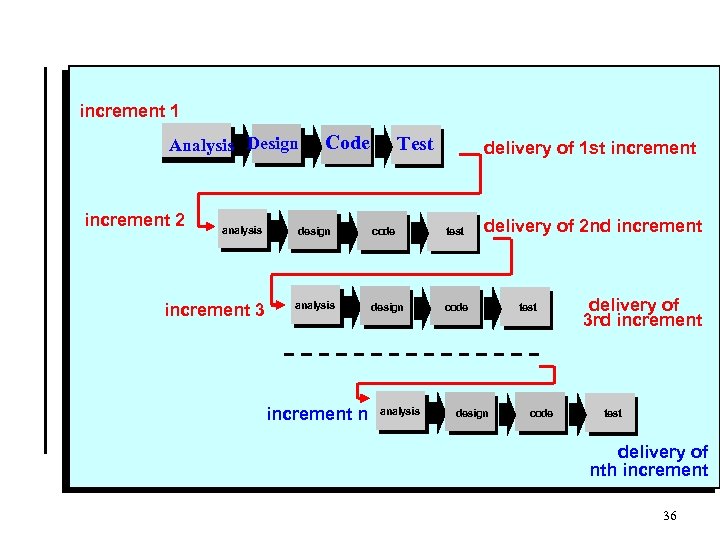
increment 1 Analysis Design increment 2 analysis increment 3 Code Test delivery of 1 st increment design code test analysis design delivery of 2 nd increment code increment n analysis design test code delivery of 3 rd increment test delivery of nth increment 36
Advantages 1. Major advantage: it can result in better testing since testing each increment is likely to be easier than testing the entire system. 2. Similar to prototype each increment provides feed back which is useful for determining further/final requirements of the system. 3. Model proceeds in steps starting from the simple and key aspects of the system. 4. A project control list is prepared that contains, in order, all the tasks to be implemented in the final system; provides a better control and progress monitoring of development. 37
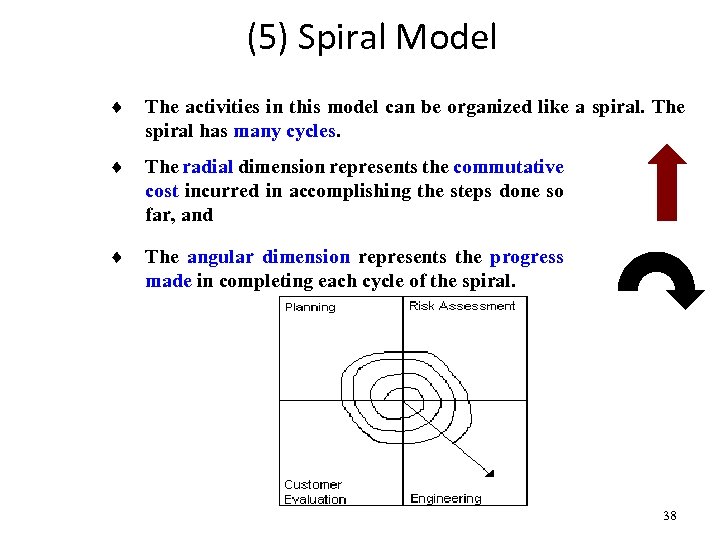
(5) Spiral Model ¨ The activities in this model can be organized like a spiral. The spiral has many cycles. ¨ The radial dimension represents the commutative cost incurred in accomplishing the steps done so far, and ¨ The angular dimension represents the progress made in completing each cycle of the spiral. 38
(1) Each cycle begins with the identification of objectives and different alternative possible to achieve the objectives. (2) In the next step different alternatives are evaluated and uncertainties and risks are identified. (3) Next step is to develop strategies that resolve uncertainties of risks and software development takes place. (4) Finally the evaluation is made to help plan the next stage. (5) The spiral is based on risk driven nature, which enables any mixture of specification-oriented, prototype-oriented, simulationoriented, or some other approach. 39
Features q Each Cycle is completed with a review, which covers all the products developed in that cycle. q Equally useful for development and enhancement projects. q More cycles can be added to add activities not covered in the model (e. g. feasibility) q Provides Project management and planning activities, in addition to development project. 40
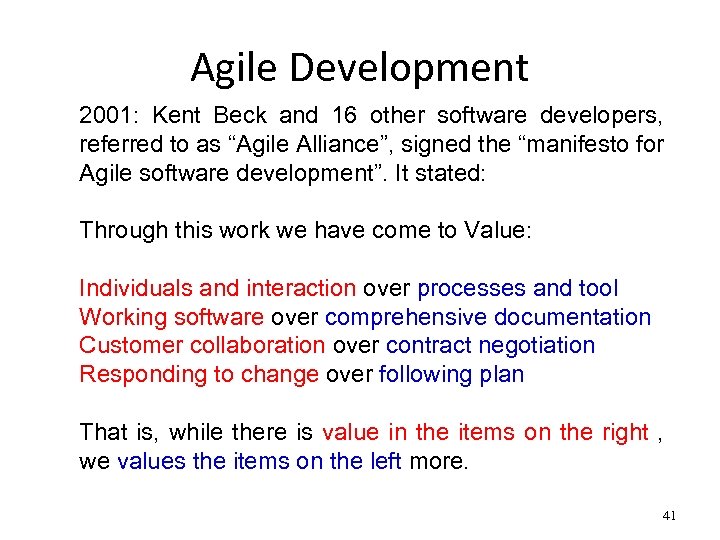
Agile Development 2001: Kent Beck and 16 other software developers, referred to as “Agile Alliance”, signed the “manifesto for Agile software development”. It stated: Through this work we have come to Value: Individuals and interaction over processes and tool Working software over comprehensive documentation Customer collaboration over contract negotiation Responding to change over following plan That is, while there is value in the items on the right , we values the items on the left more. 41
Agile Methods v Agile software development is a group of software development methodologies that are based on similar principles. v Agile methodologies generally promote a project management process that encourages – frequent inspection and adaptation – a leadership philosophy that encourages team work – a set of engineering best practices that allow for rapid delivery of high-quality software, and a business approach that aligns development with customer needs and company goals 42
What are Agile Methods? v Agile software development is a conceptual framework for undertaking software engineering projects. v Most agile methods attempt to minimize risk by developing software in short timeboxes, called iterations, which may typically last one to four weeks. v Each iteration is like a miniature software project of its own, and includes all of the tasks necessary to release the mini-increment of new functionality. 43
Agile Methods v/s Traditional Methods q Agile methods emphasize real time communication, preferably face-to-face, over written documents. q Agile methods like XP relies on the close collaboration of activity engaged individuals with ordinary talents and has the ability to flexibly schedule the implementation of functionality, responding to changing business needs. q Reference: Extreme Programming explained: Embrace Change By: Kent Beck with Cynthia Andres; 2 nd ed. , 2005 44
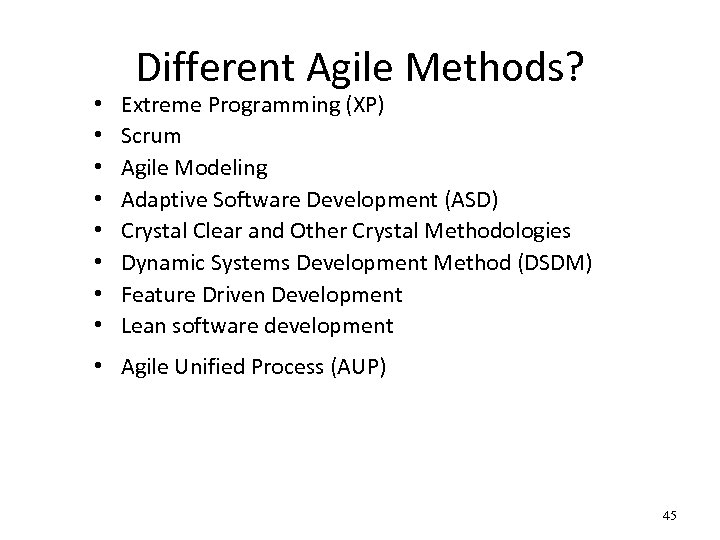
• • Different Agile Methods? Extreme Programming (XP) Scrum Agile Modeling Adaptive Software Development (ASD) Crystal Clear and Other Crystal Methodologies Dynamic Systems Development Method (DSDM) Feature Driven Development Lean software development • Agile Unified Process (AUP) 45
Скачать презентацию Lecture 2 COMSATS Islamabad Enterprise Systems Development CSC
d8961924b56dbd1234e6d881d594699f.ppt