 Скачать презентацию Learning Objectives Learning Objectives Overview
4ef33c59eb9289d6b6b336ebbaee1bc7.ppt
- Количество слайдов: 159





Learning Objectives
Learning Objectives

Overview
Key terms

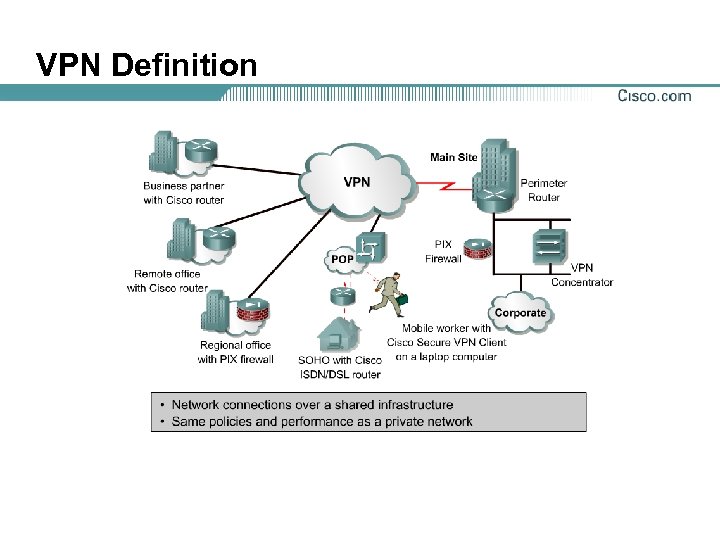
VPN Definition
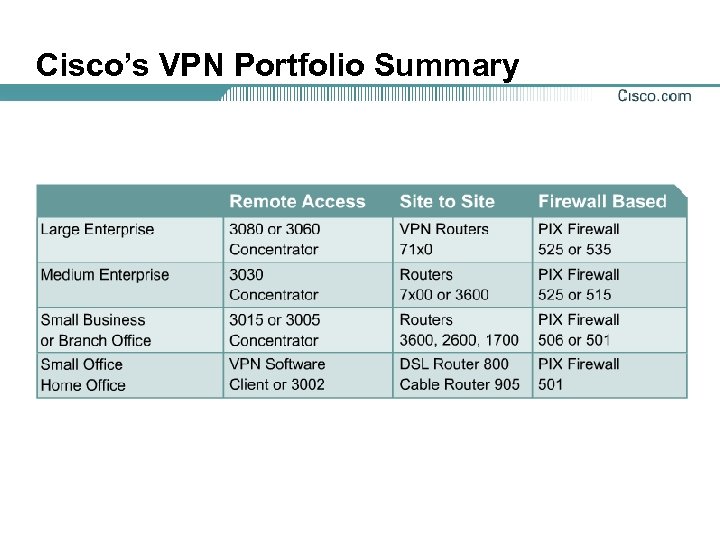
Cisco’s VPN Portfolio Summary
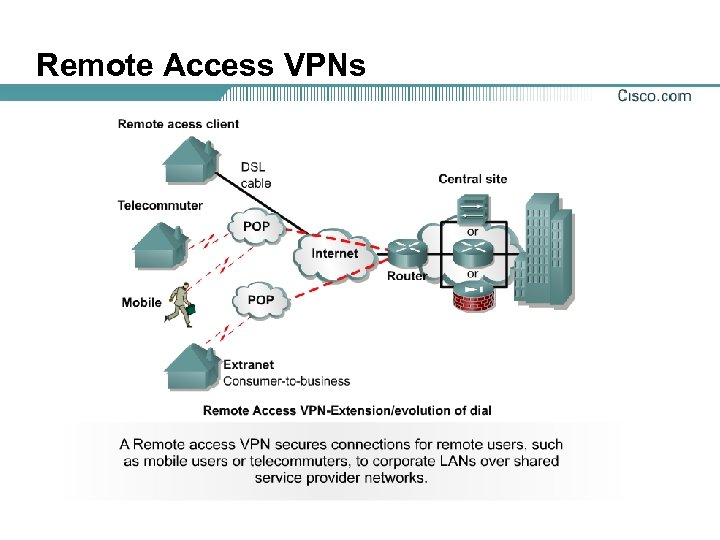
Remote Access VPNs
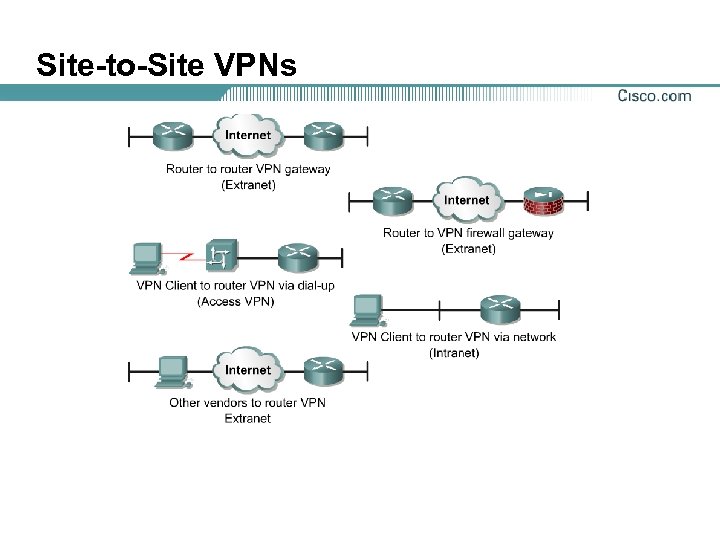
Site-to-Site VPNs
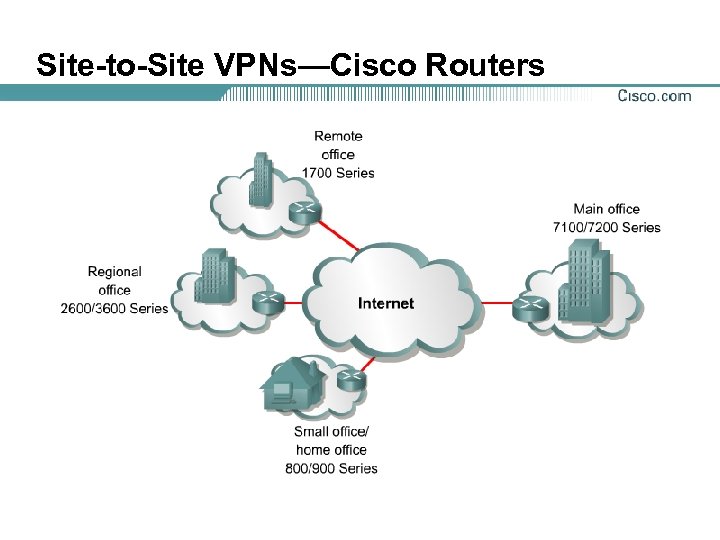
Site-to-Site VPNs—Cisco Routers
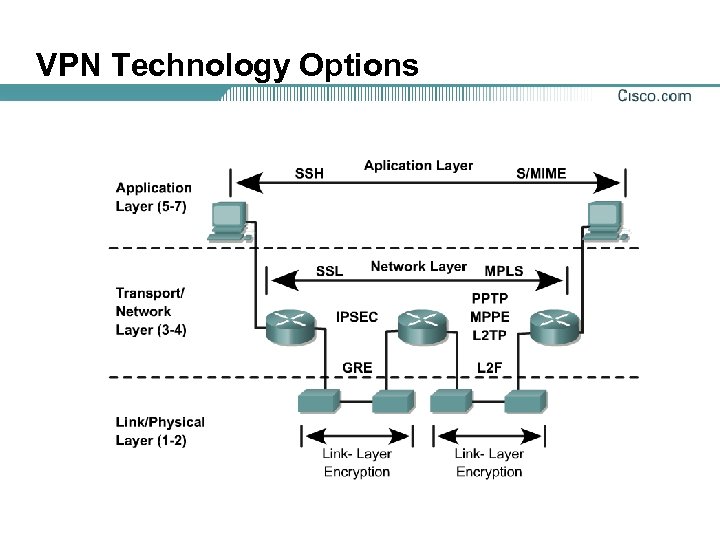
VPN Technology Options
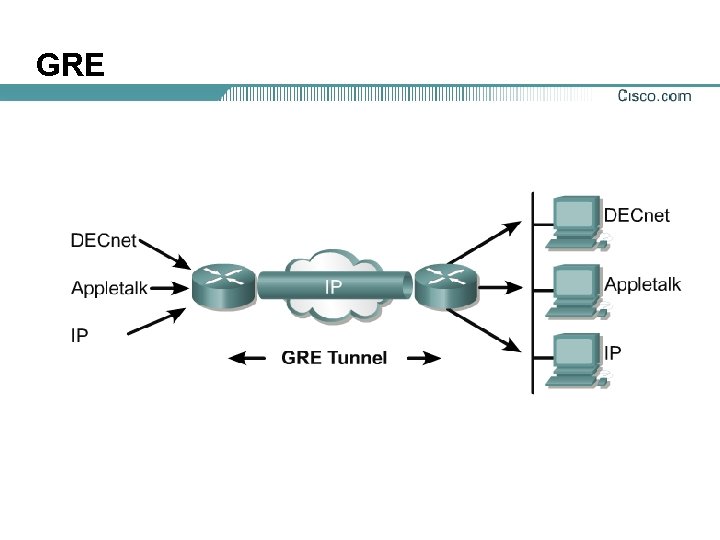
GRE

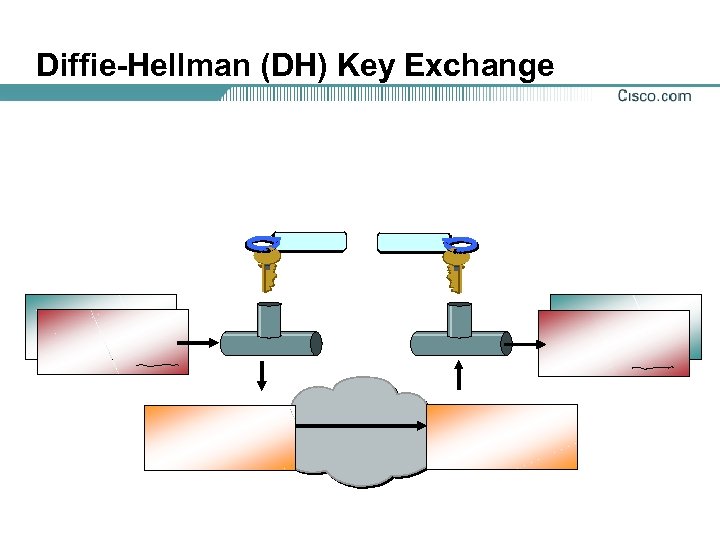
Diffie-Hellman (DH) Key Exchange
Diffie-Hellman Key Exchange
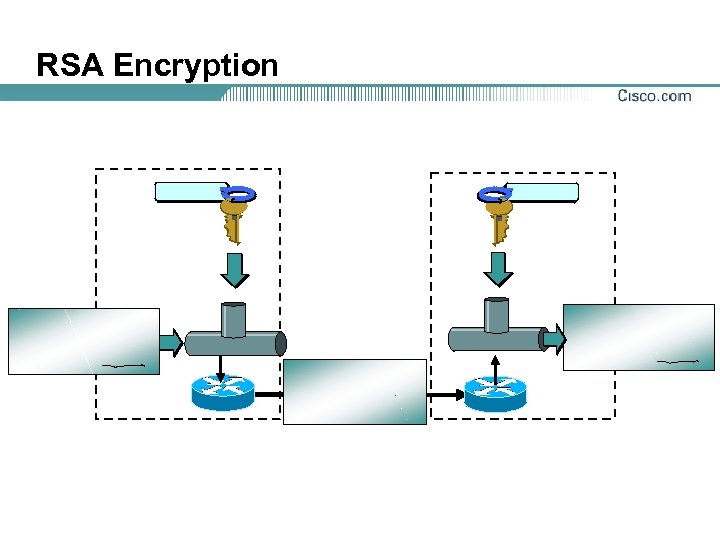
RSA Encryption
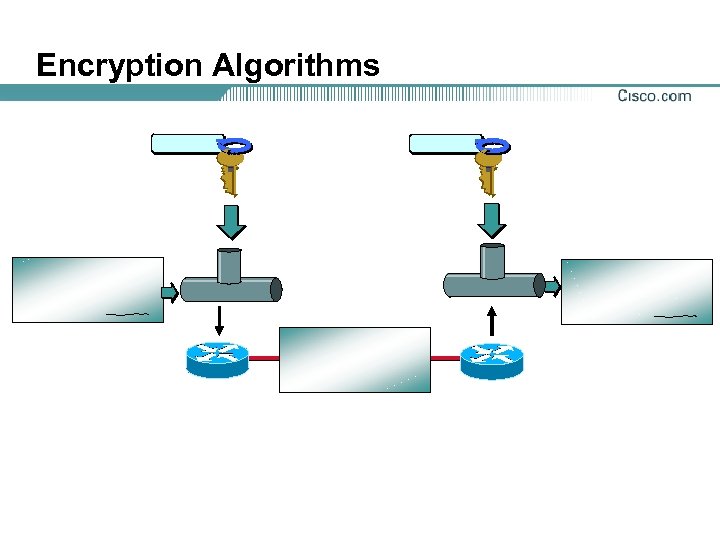
Encryption Algorithms
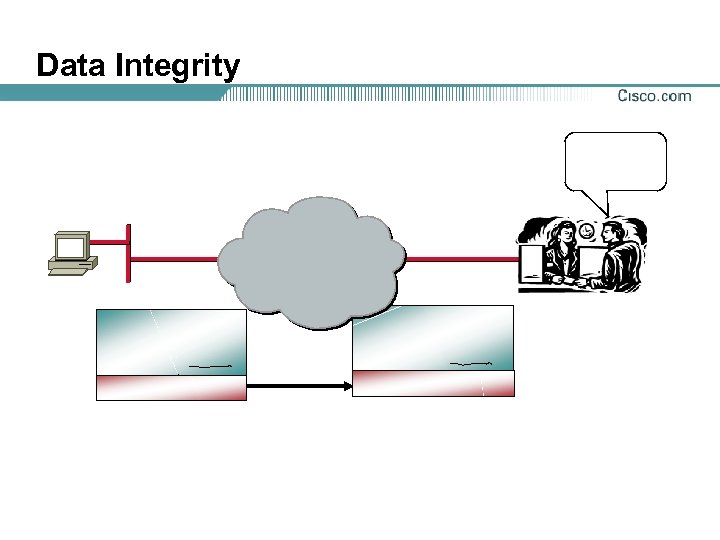
Data Integrity
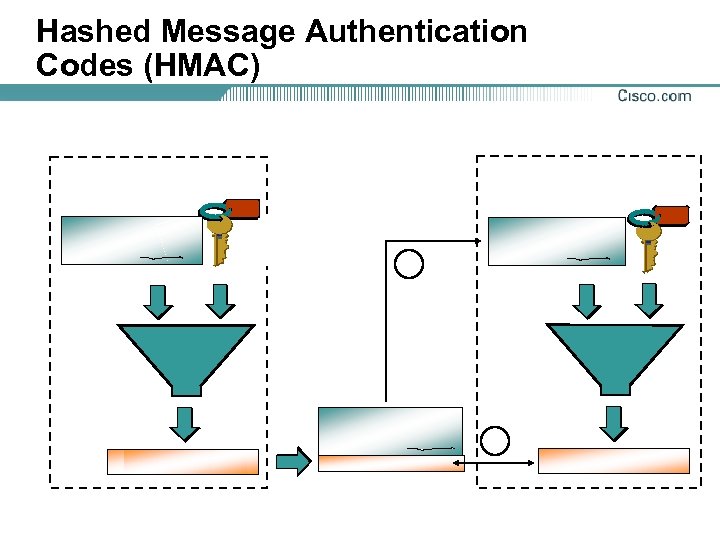
Hashed Message Authentication Codes (HMAC)
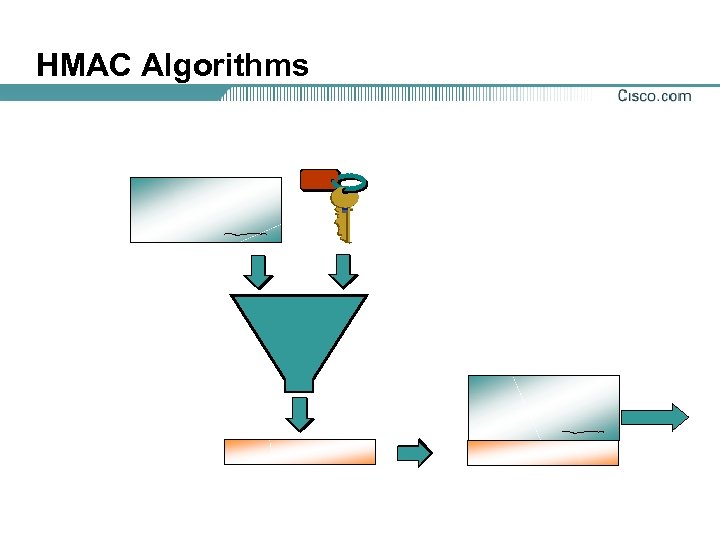
HMAC Algorithms
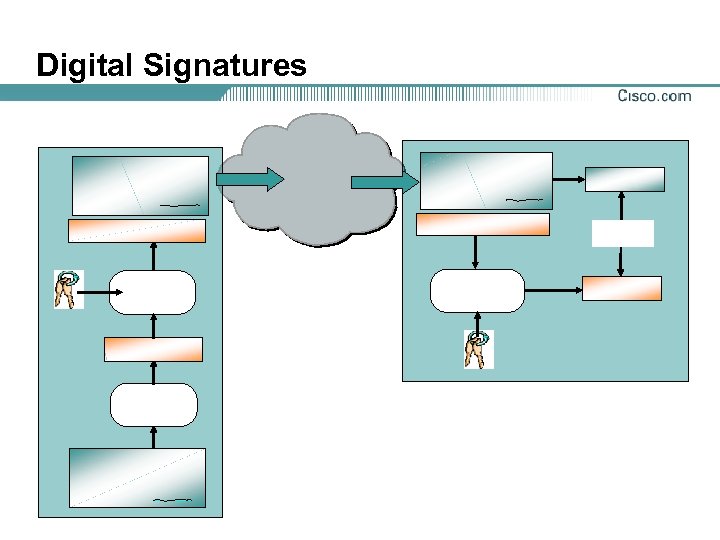
Digital Signatures

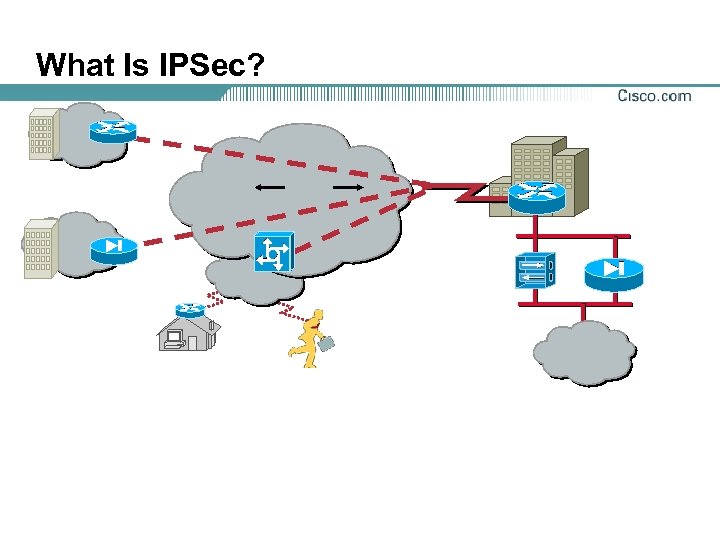
What Is IPSec?
IPSec Security Services
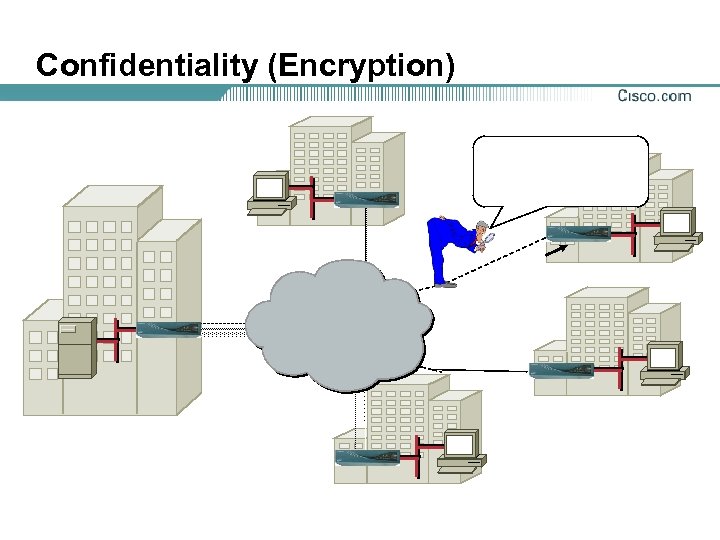
Confidentiality (Encryption)
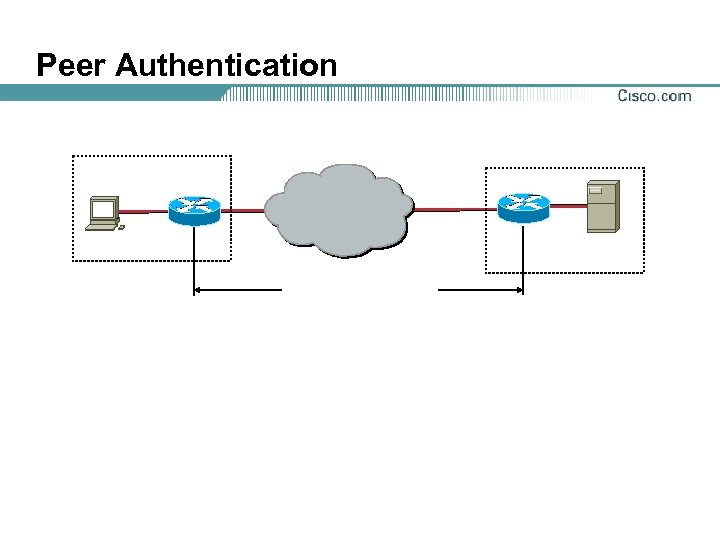
Peer Authentication
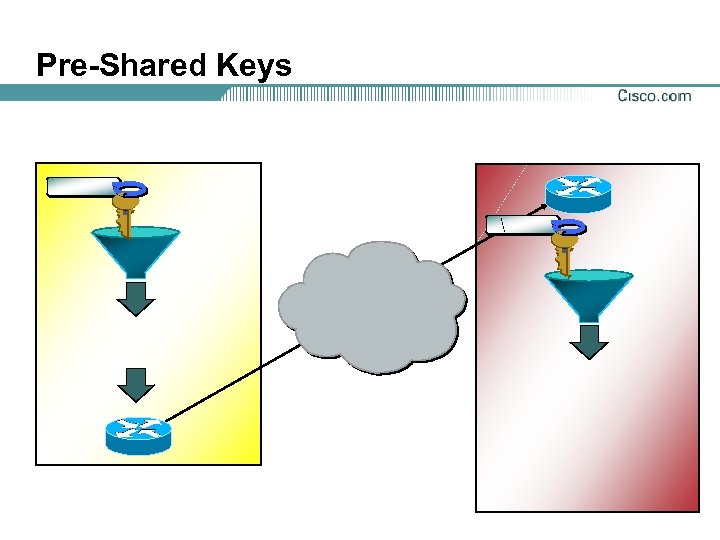
Pre-Shared Keys
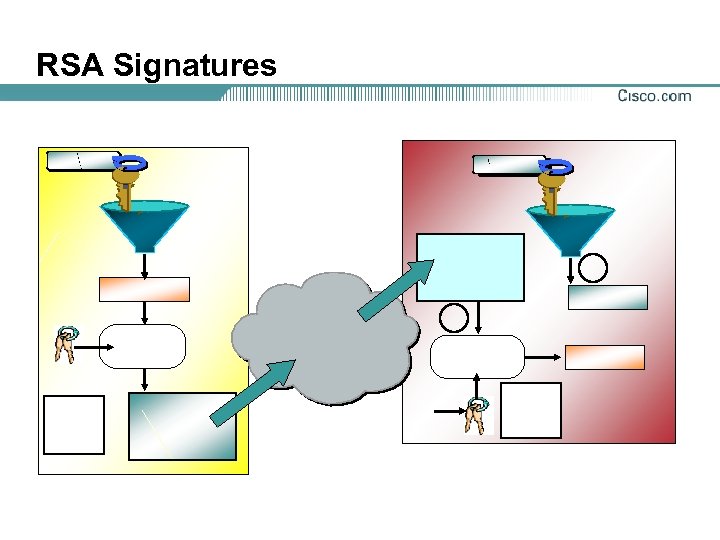
RSA Signatures
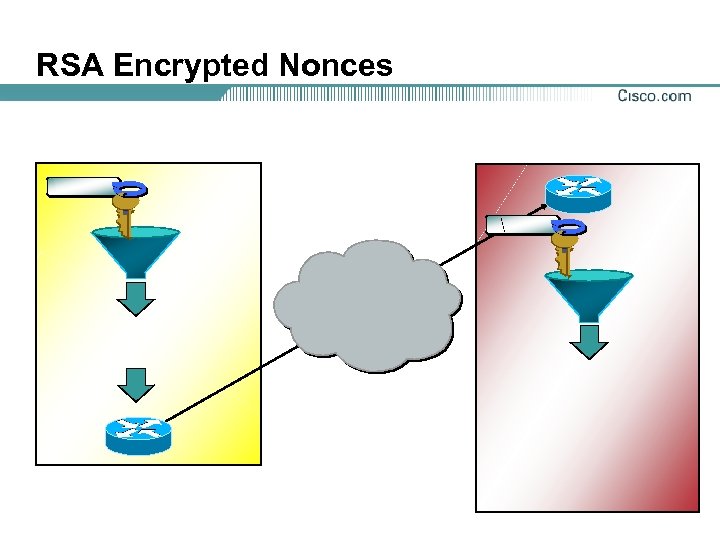
RSA Encrypted Nonces
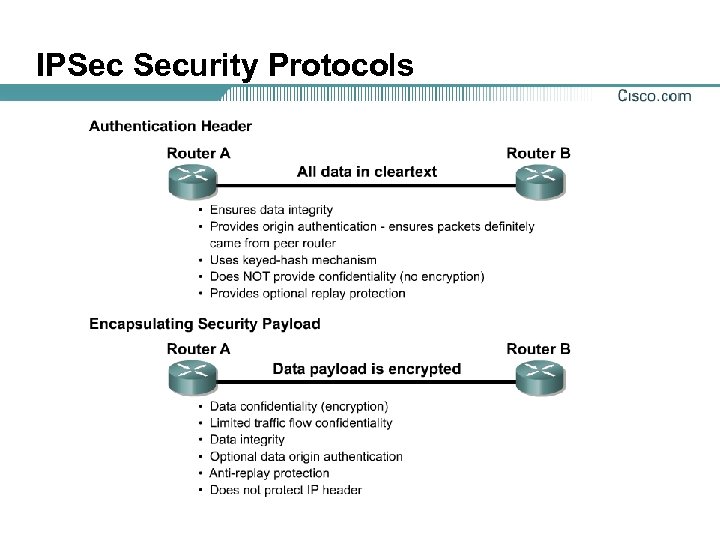
IPSec Security Protocols
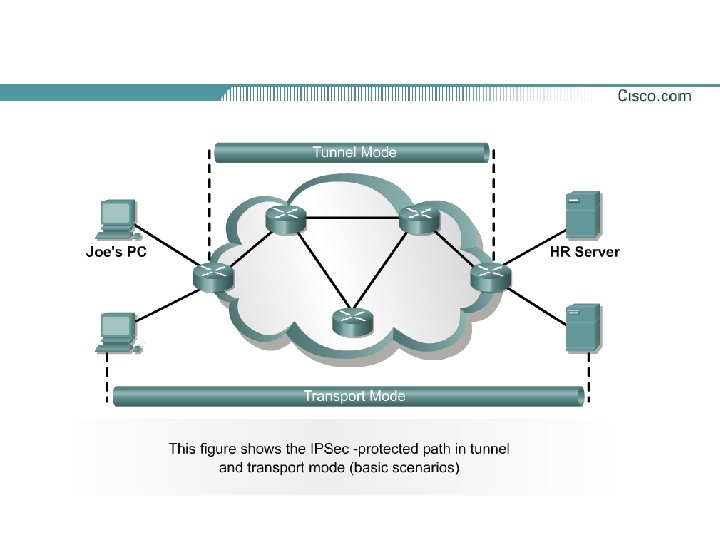
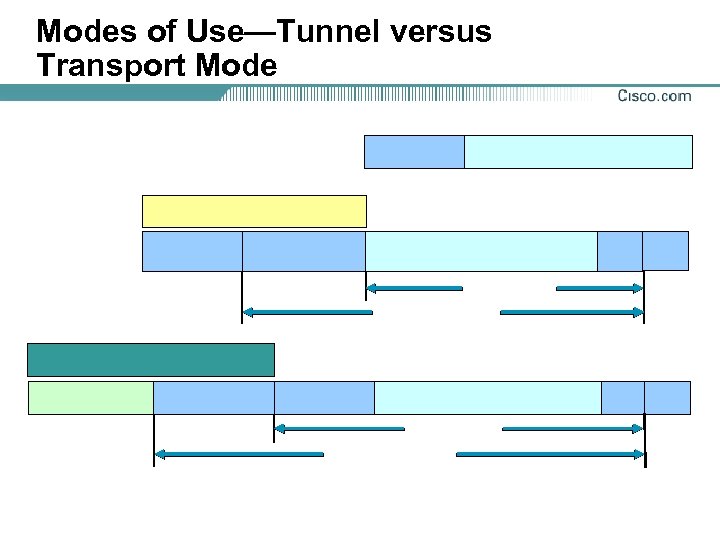
Modes of Use—Tunnel versus Transport Mode
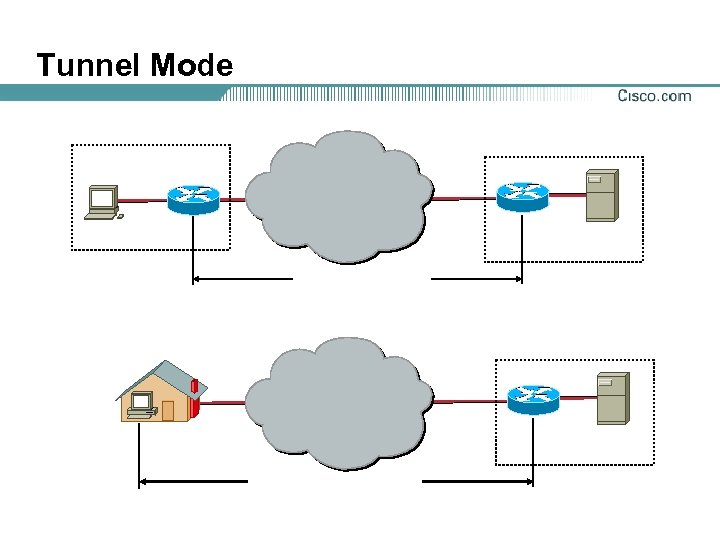
Tunnel Mode
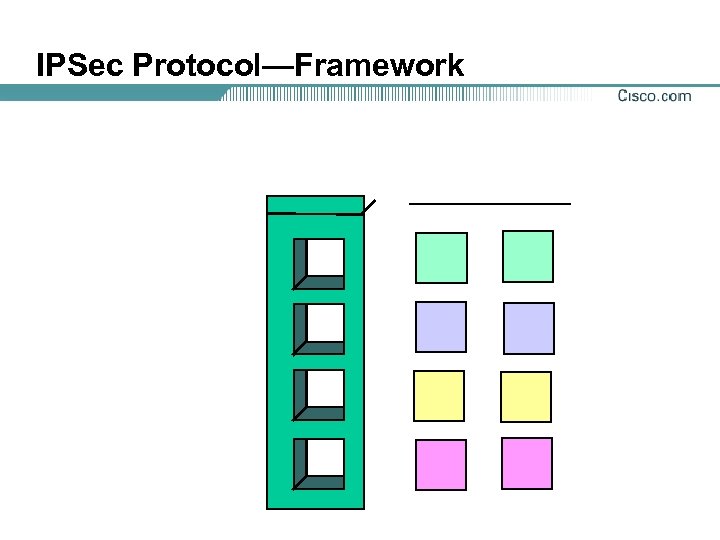
IPSec Protocol—Framework
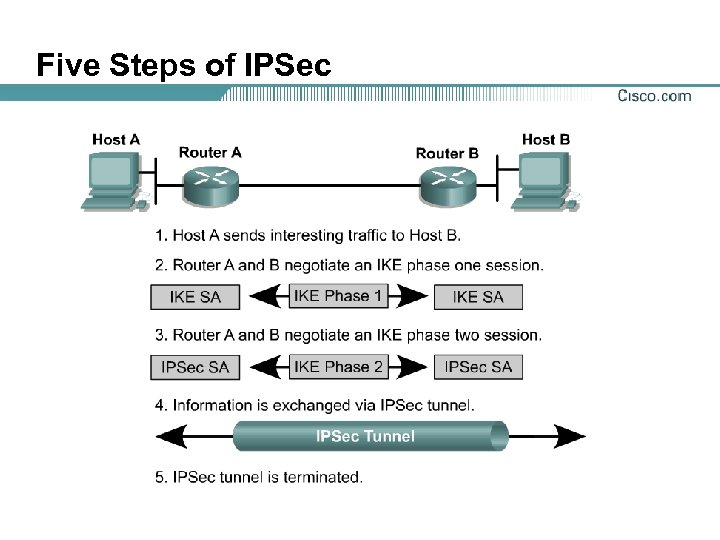
Five Steps of IPSec
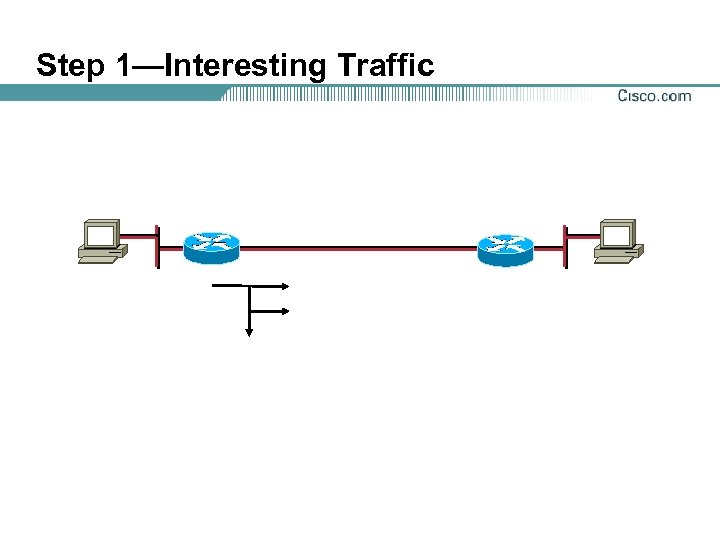
Step 1—Interesting Traffic
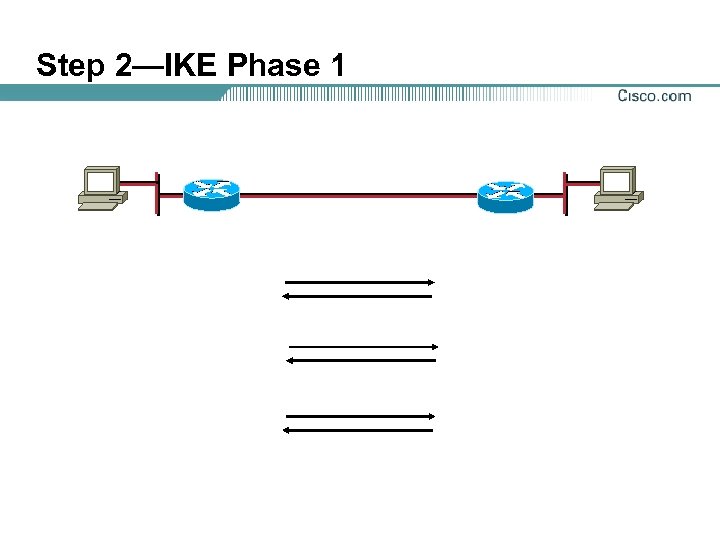
Step 2—IKE Phase 1
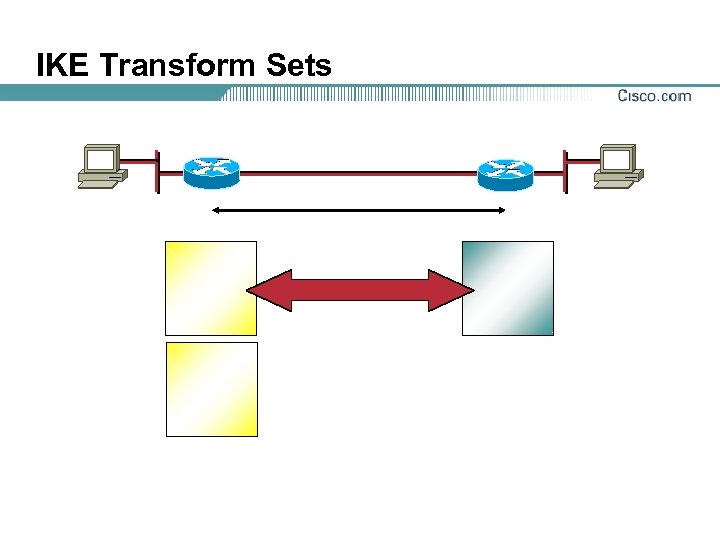
IKE Transform Sets
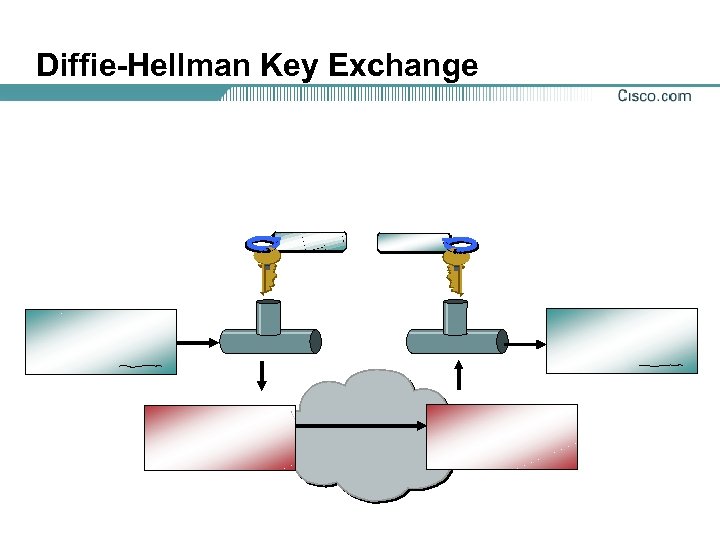
Diffie-Hellman Key Exchange
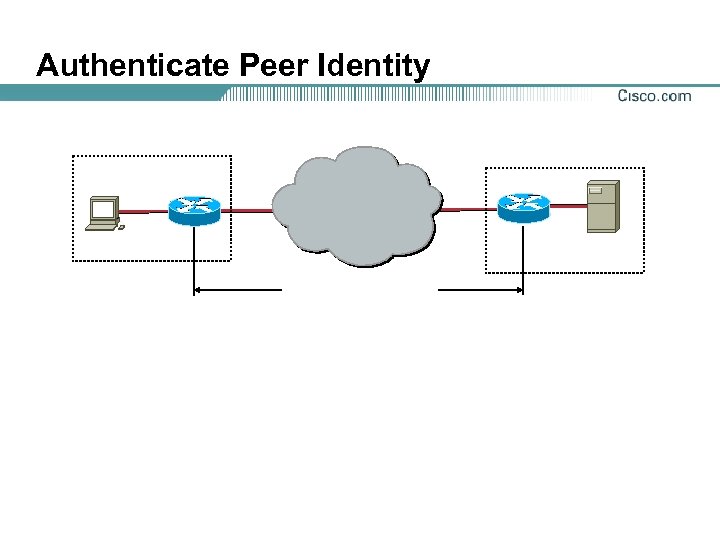
Authenticate Peer Identity
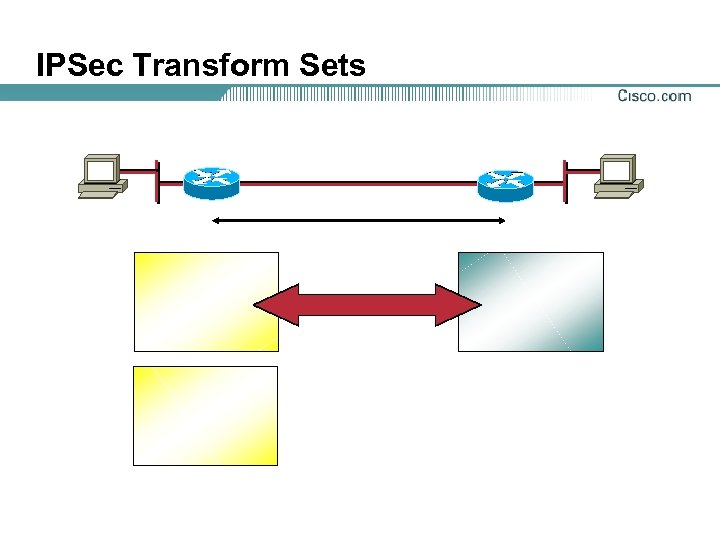
IPSec Transform Sets
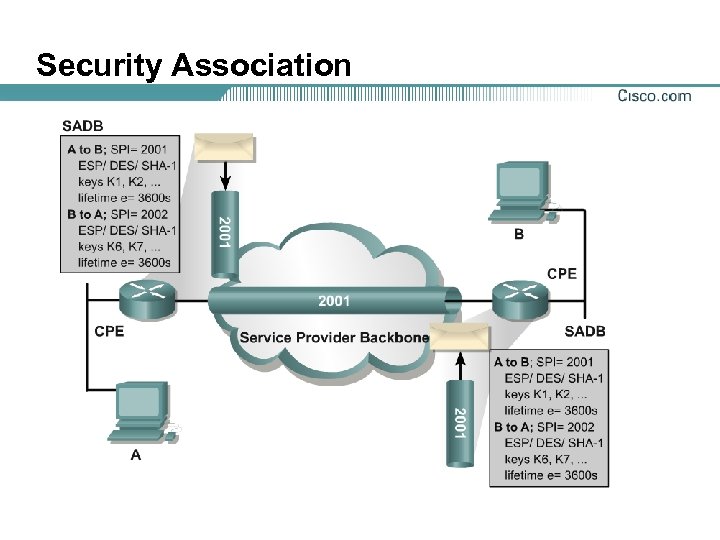
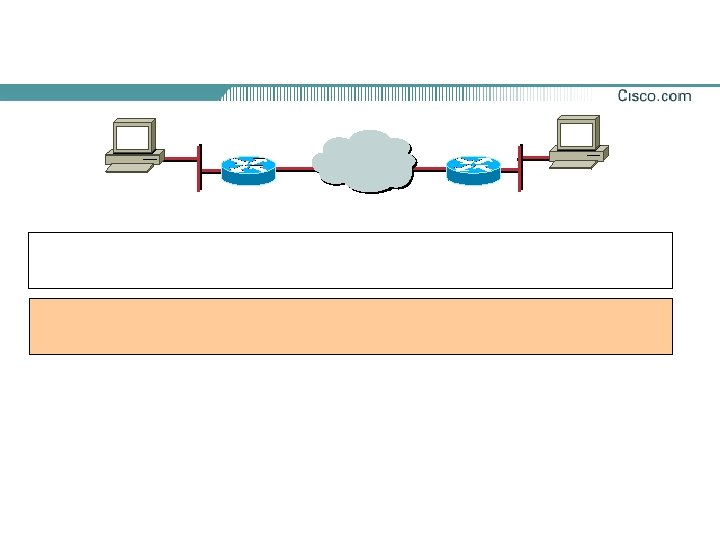
Security Association
Security Association Lifetime
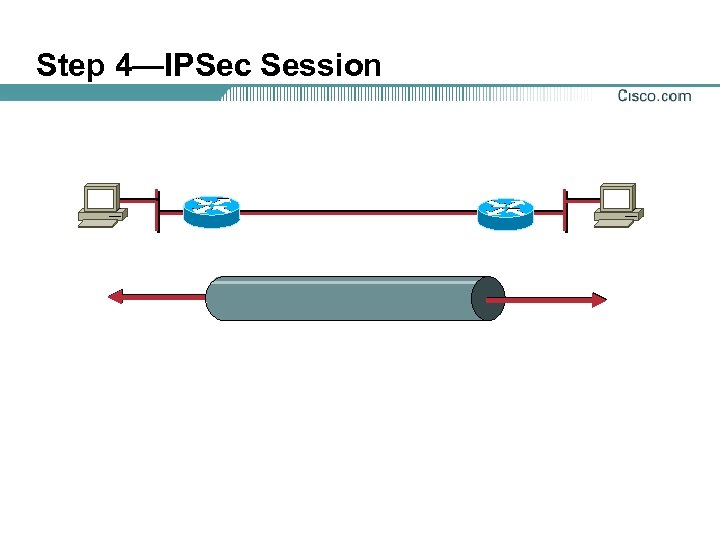
Step 4—IPSec Session
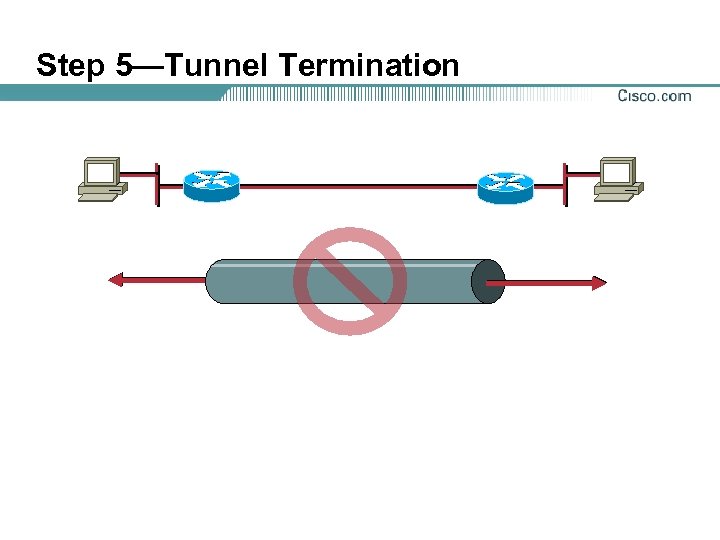
Step 5—Tunnel Termination

Tasks to Configure IPSec Encryption

Task 1—Prepare for IKE and IPSec
Step 1—Determine IKE (IKE Phase One) Policy
IKE Phase One Policy Parameters
IKE Policy Example
Step 2—Determine IPSec (IKE Phase Two) Policy
IPSec Transforms Supported in Cisco IOS Software
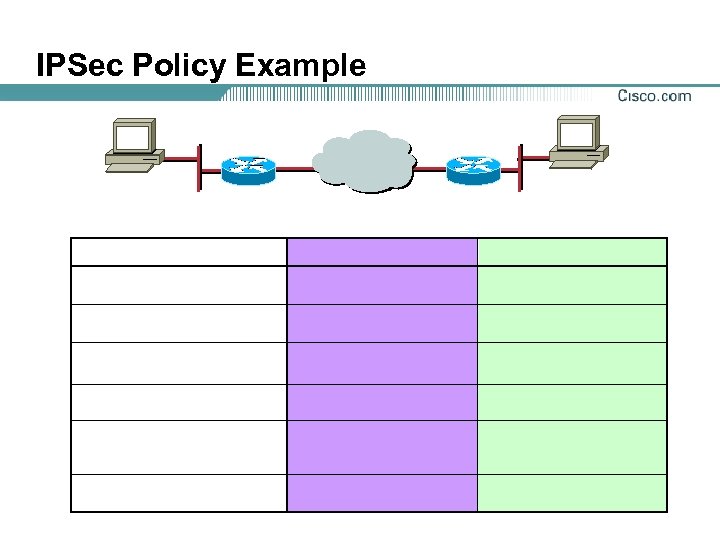
IPSec Policy Example
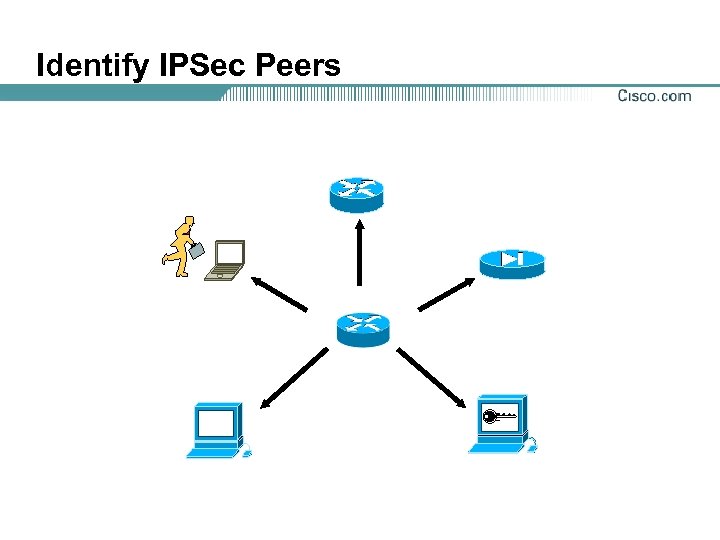
Identify IPSec Peers
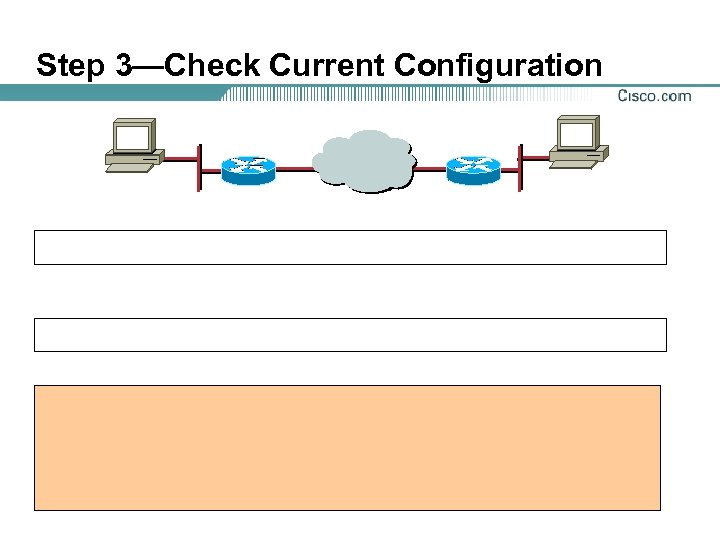
Step 3—Check Current Configuration
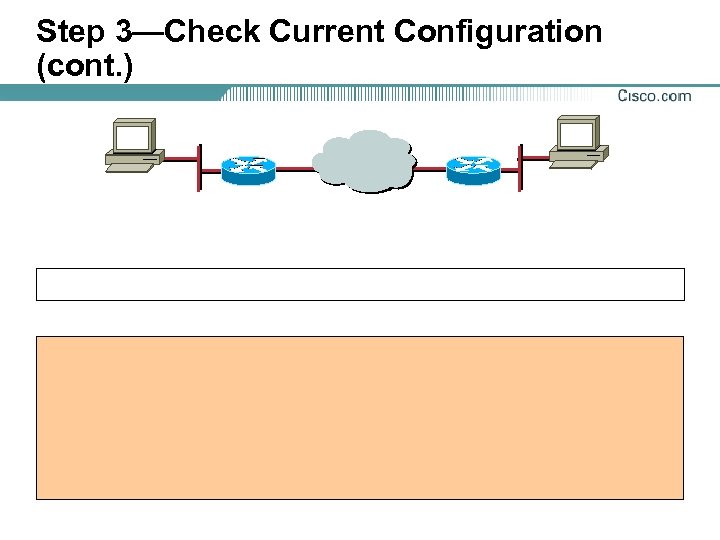
Step 3—Check Current Configuration (cont. )
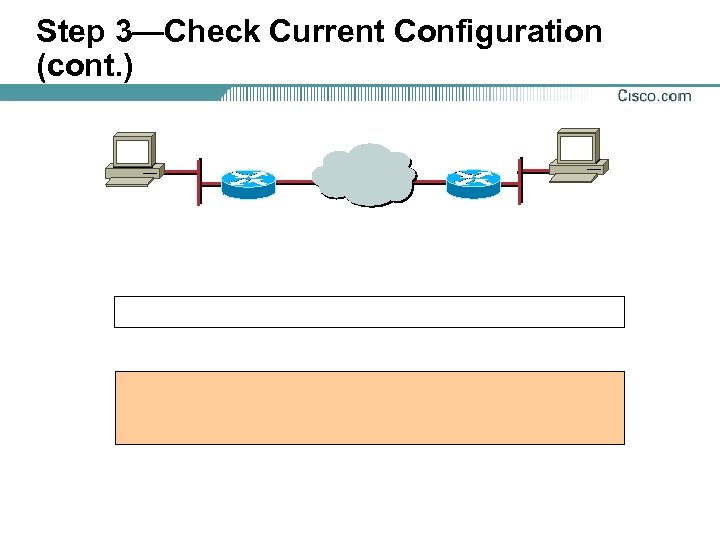
Step 3—Check Current Configuration (cont. )
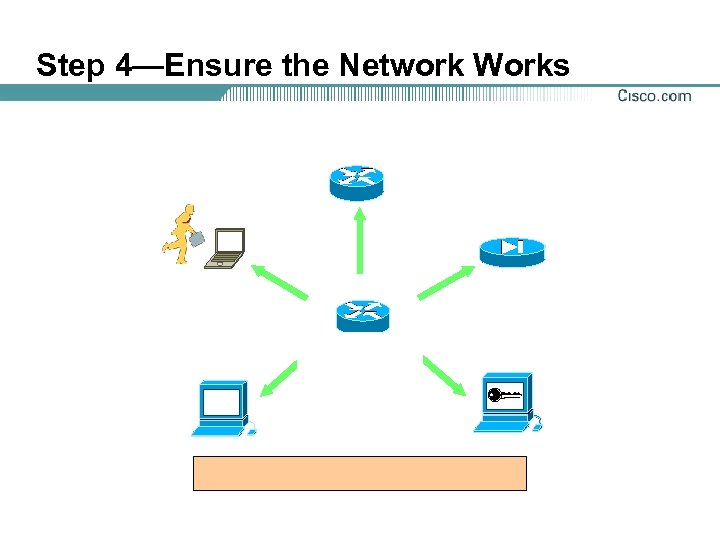
Step 4—Ensure the Network Works
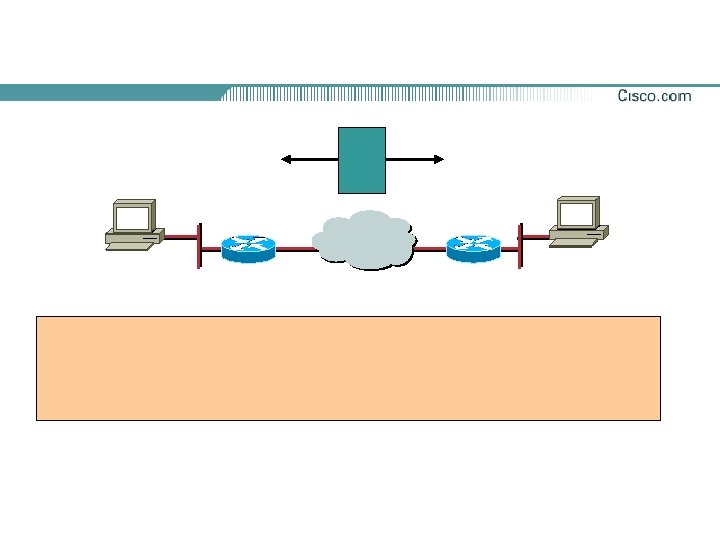

Task 2—Configure IKE
Step 1—Enable or Disable IKE
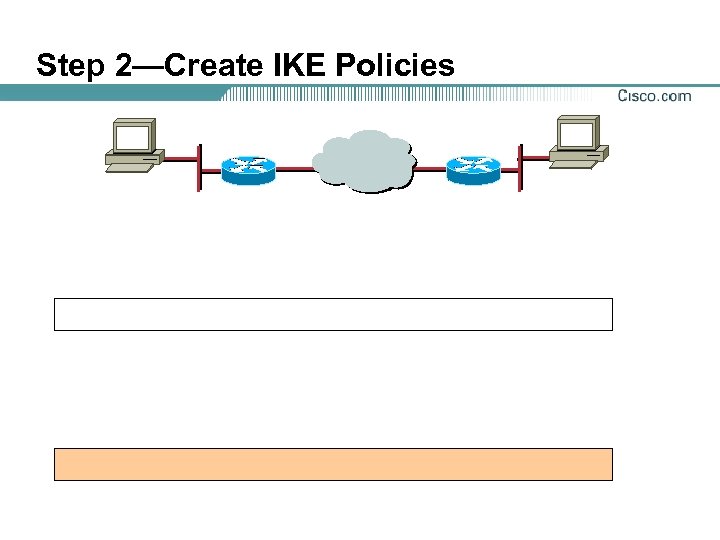
Step 2—Create IKE Policies
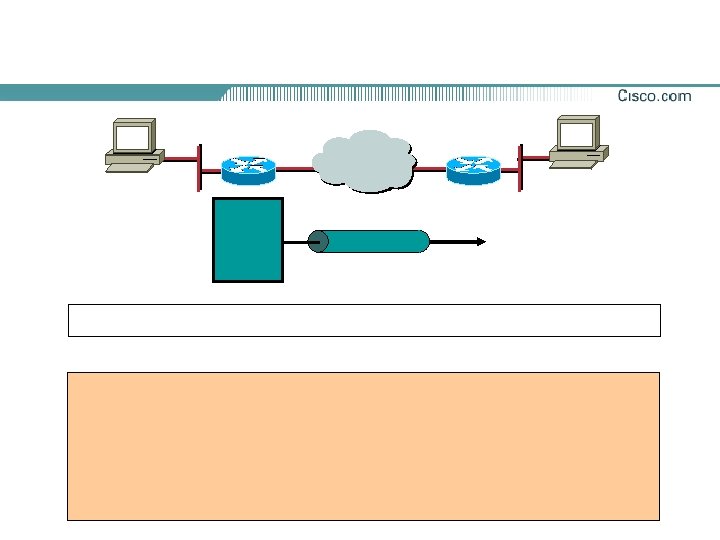
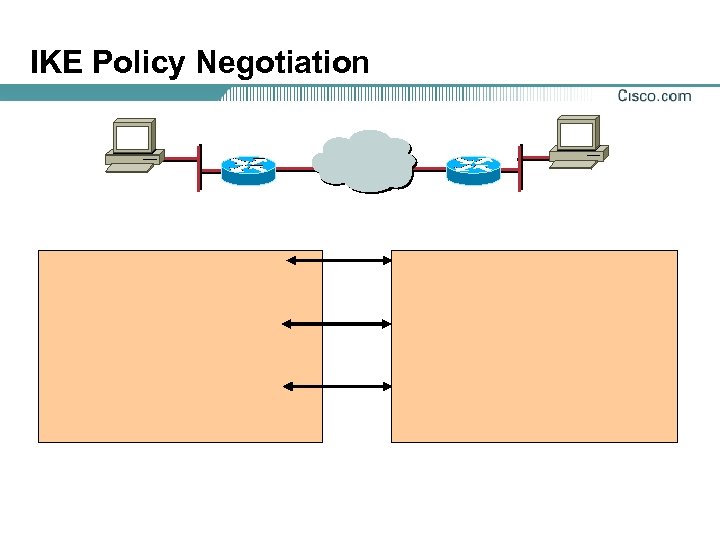
IKE Policy Negotiation
Step 3—Configure ISAKMP Identity
Step 3—Configure Pre-Shared Keys
Step 4—Verify the IKE Configuration

Task 3—Configure IPSec
Task 3—Configure IPSec (cont. )

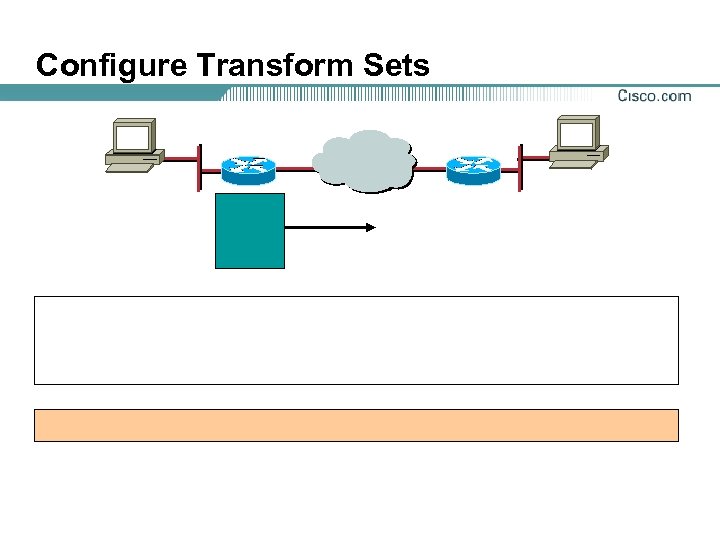
Configure Transform Sets
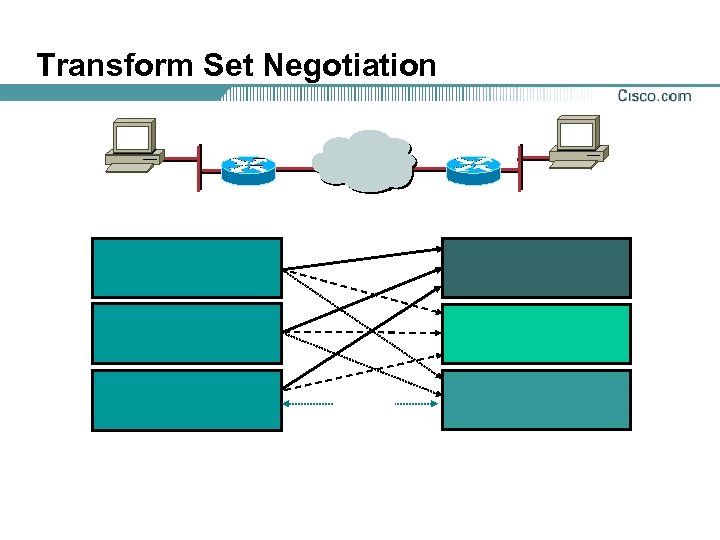
Transform Set Negotiation

Global Security Association Lifetime Examples

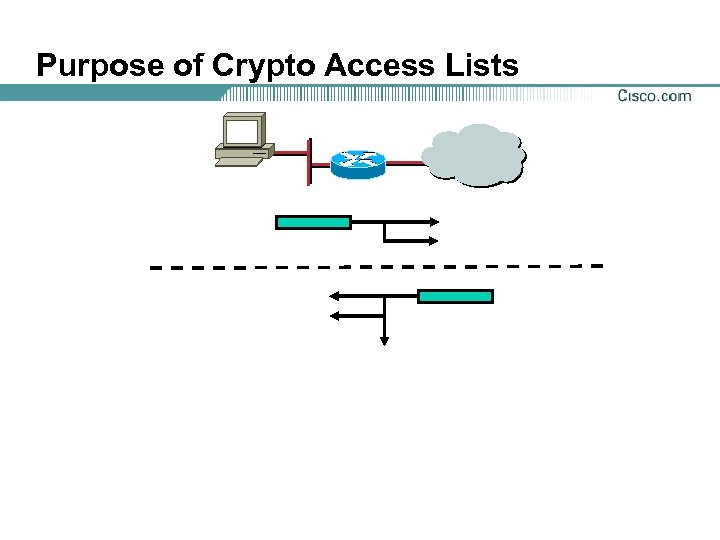
Purpose of Crypto Access Lists
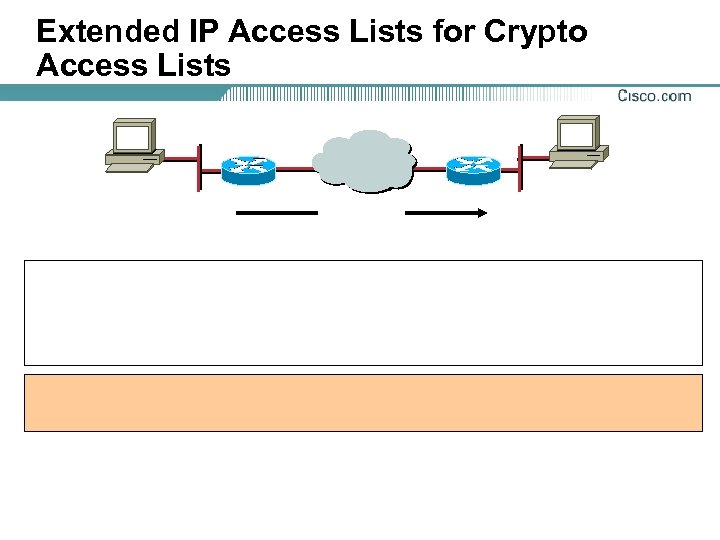
Extended IP Access Lists for Crypto Access Lists
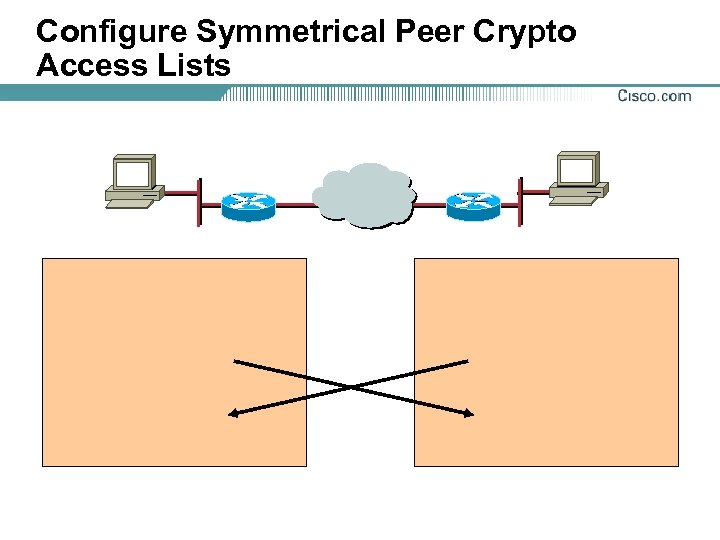
Configure Symmetrical Peer Crypto Access Lists

Purpose of Crypto Maps
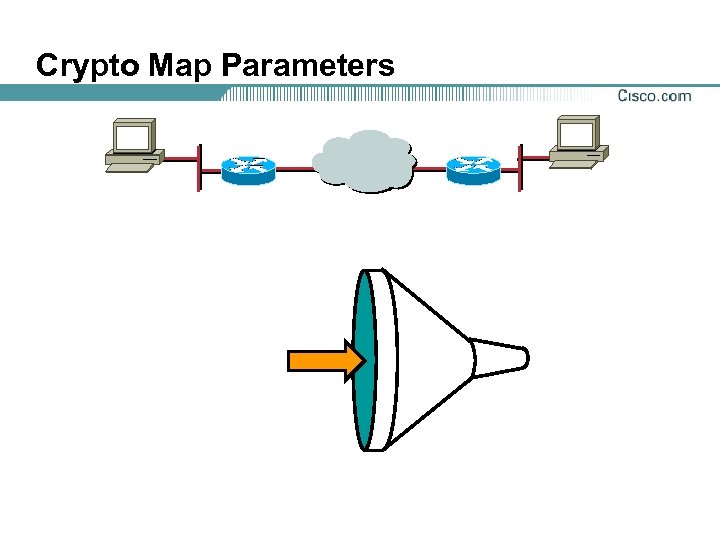
Crypto Map Parameters
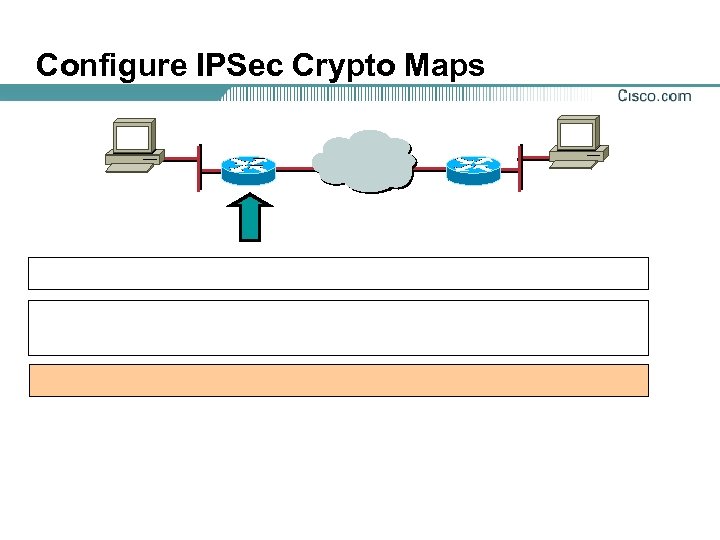
Configure IPSec Crypto Maps
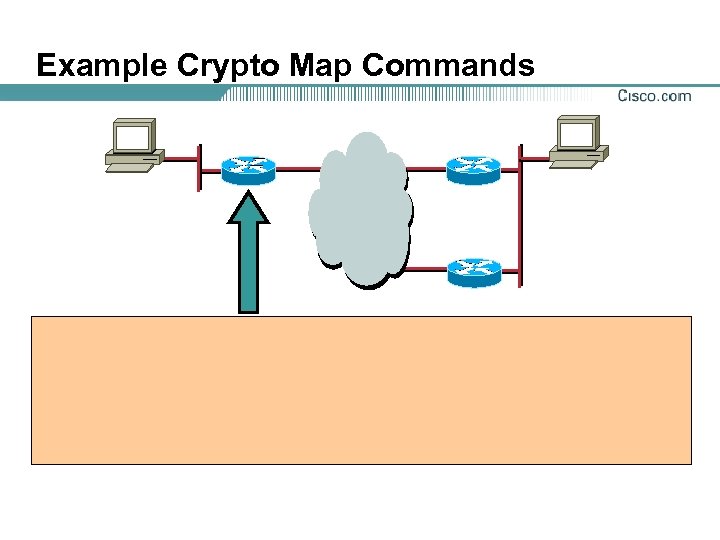
Example Crypto Map Commands

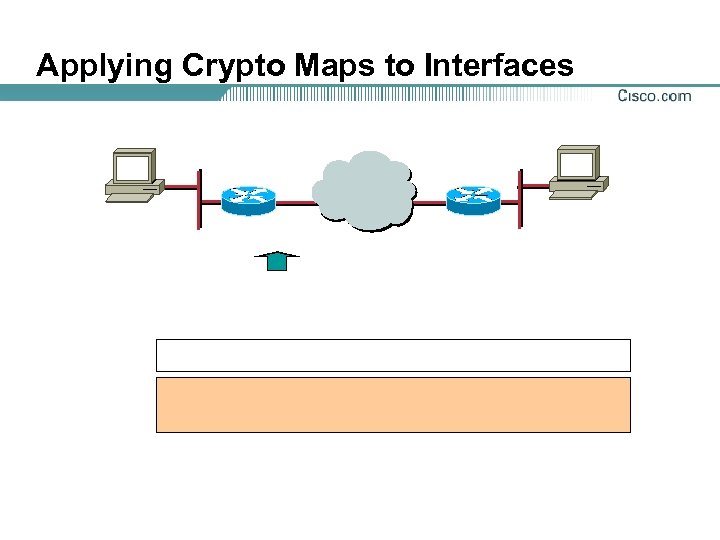
Applying Crypto Maps to Interfaces
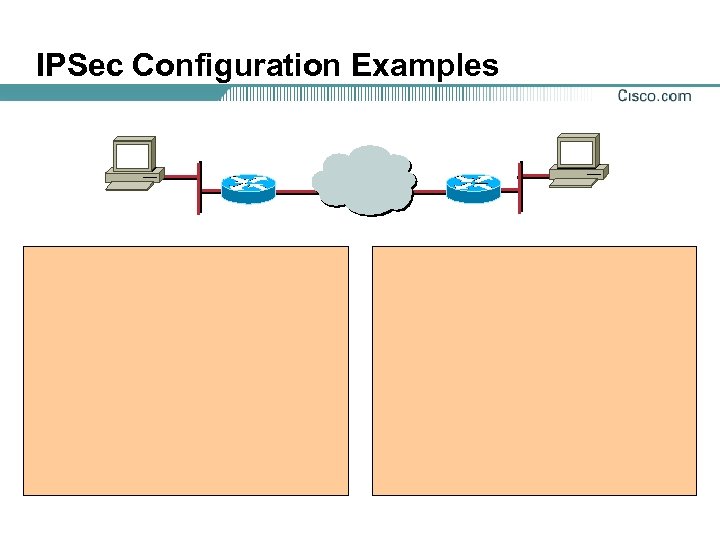
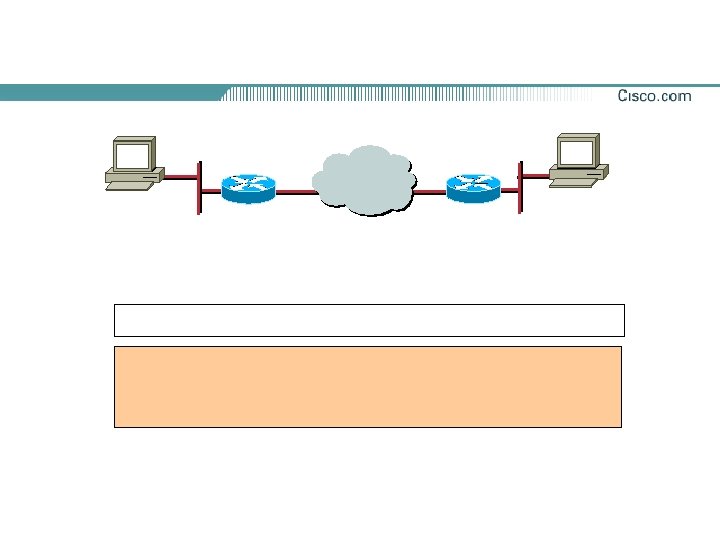
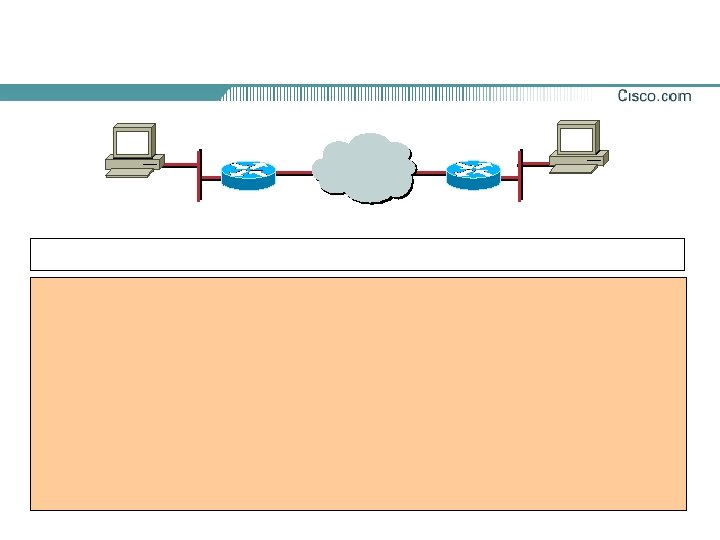
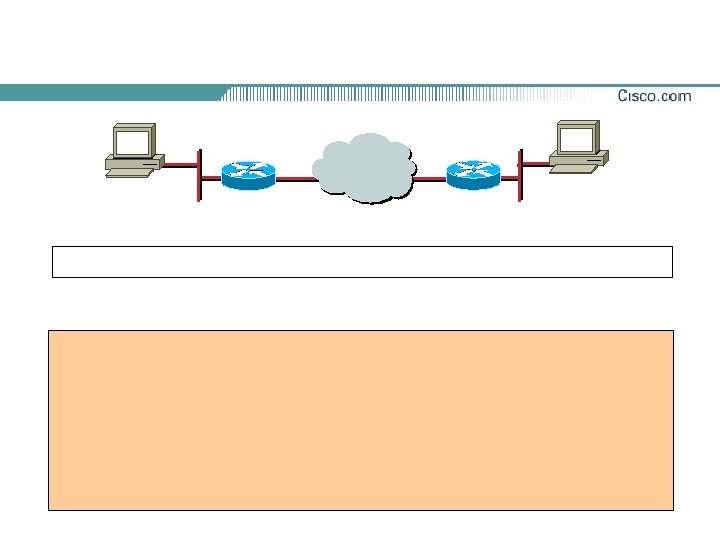
IPSec Configuration Examples



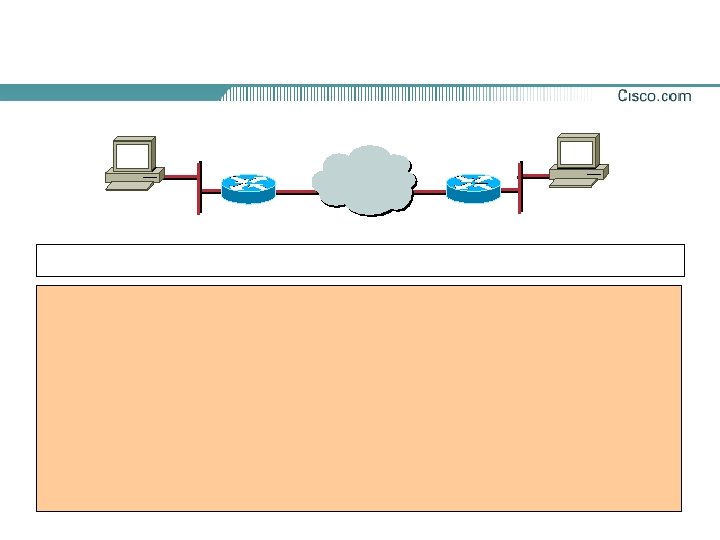


Tasks to Configure IPSec for RSA Encryption
Task 2—Configure RSA Keys
Task 2—Configure RSA Keys (cont. )
Task 2—Configure RSA Keys (cont. )


Configure CA Support Tasks

Task 1—Prepare for IPSec
Task 1—Prepare for IPSec (cont. )

Step 1—Plan for CA Support
Determine CA Server Details
Step 2—Determine IKE (IKE Phase One) Policy
IKE Phase 1 Policy Parameters
IKE Policy Example

Cisco IOS CA Support Standards
Simple Certificate Enrollment Protocol (SCEP)
CA Servers Interoperable with Cisco Routers
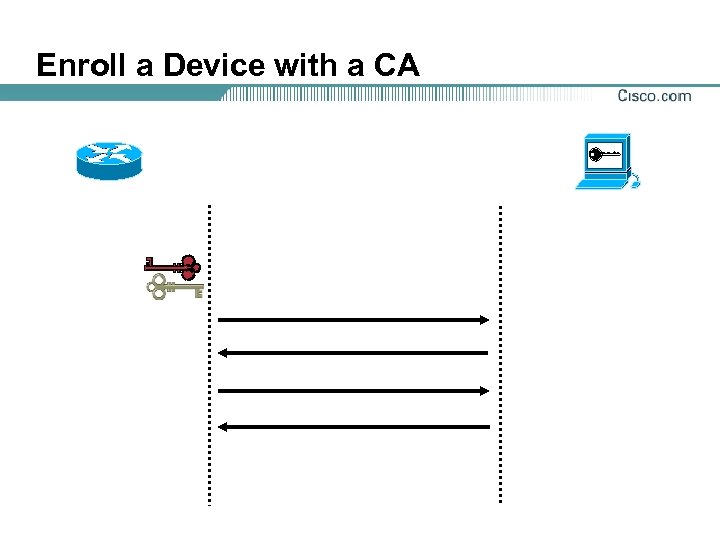
Enroll a Device with a CA

Cisco IOS CA Configuration Procedure
Cisco IOS CA Configuration Procedure (cont. )
Step 1—Manage NVRAM Memory Usage (Optional)
Step 2—Set the Router’s Time and Date
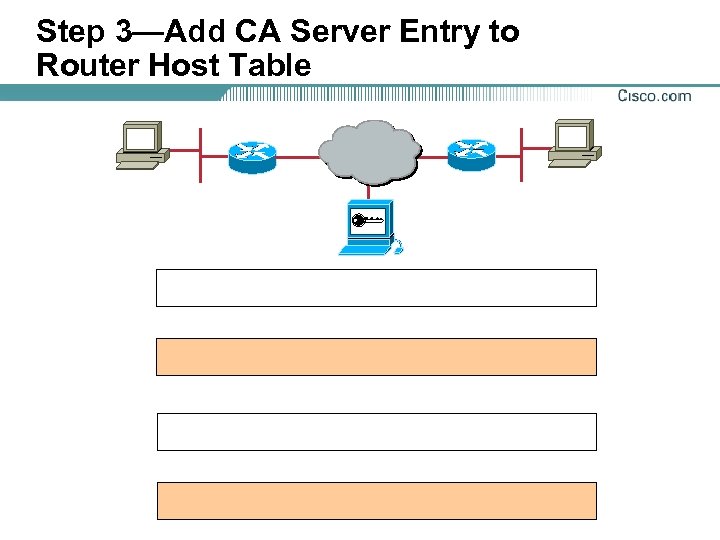
Step 3—Add CA Server Entry to Router Host Table
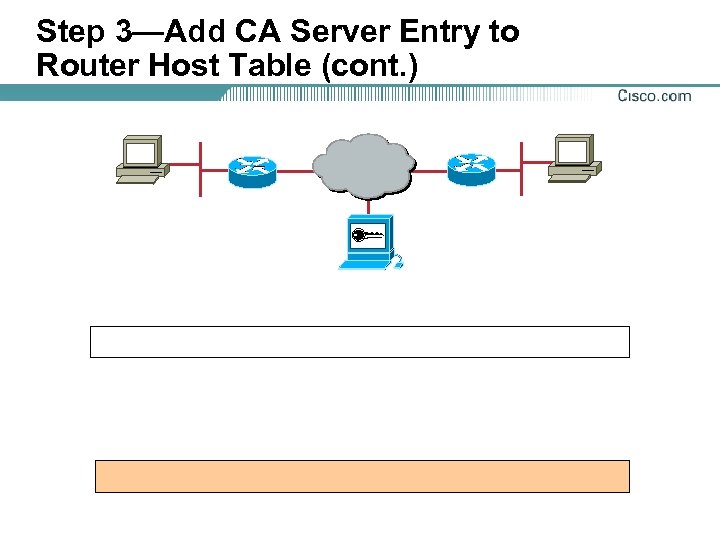
Step 3—Add CA Server Entry to Router Host Table (cont. )
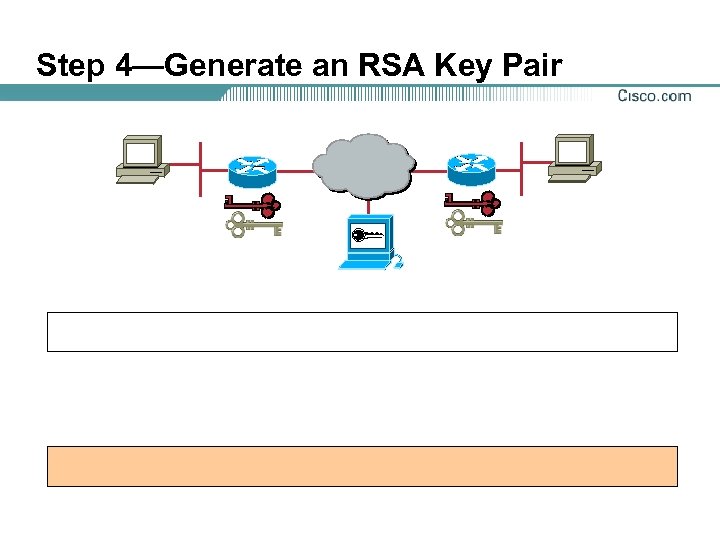
Step 4—Generate an RSA Key Pair
Step 4—Generate RSA Keys (Example Output)
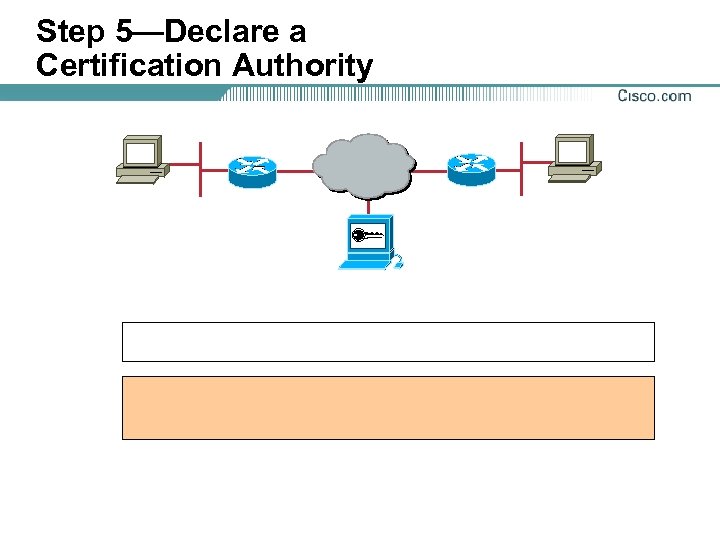
Step 5—Declare a Certification Authority
Step 5—Commands to Declare a Certification Authority
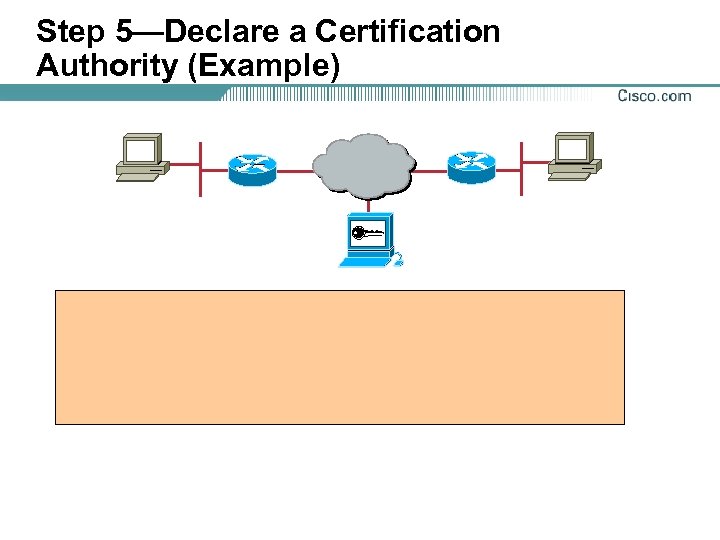
Step 5—Declare a Certification Authority (Example)
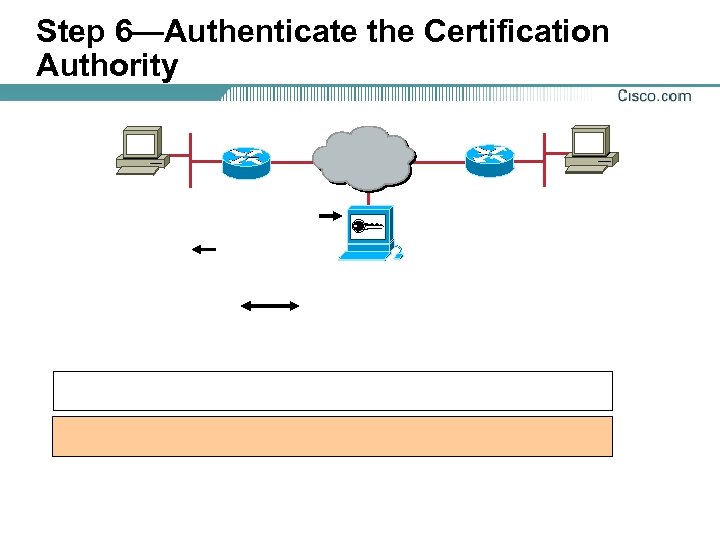
Step 6—Authenticate the Certification Authority
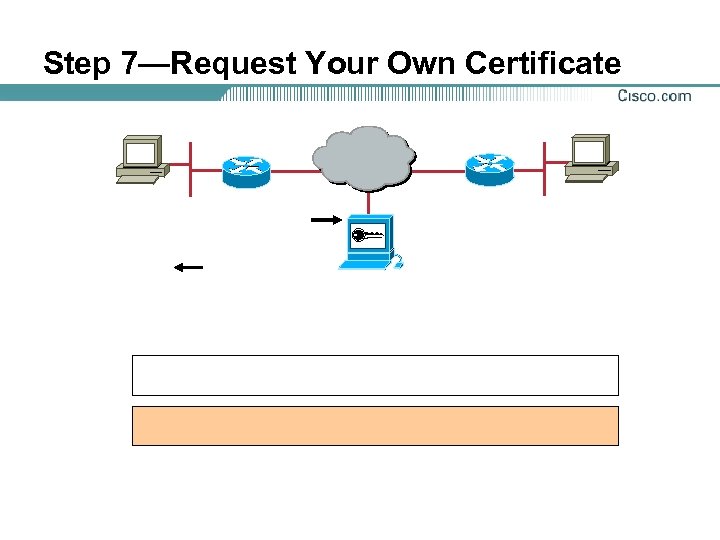
Step 7—Request Your Own Certificate
Step 8—Save the Configuration
Step 9—Monitor and Maintain CA Interoperability
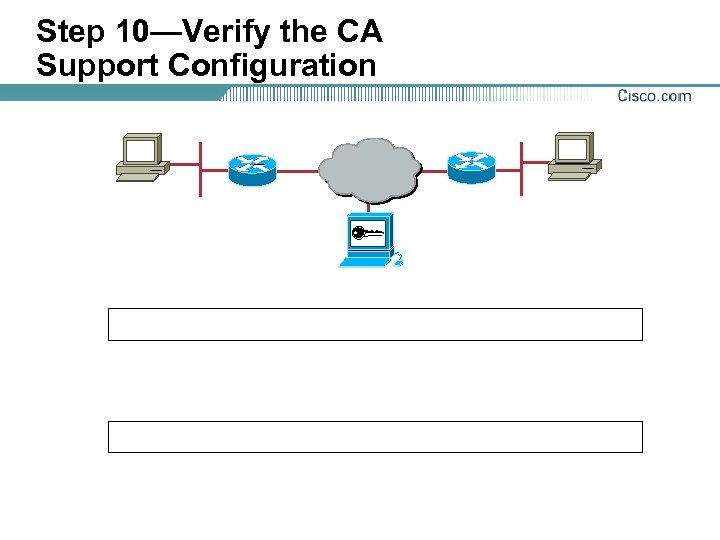
Step 10—Verify the CA Support Configuration
CA Support Configuration Example

Task 3—Configure IKE
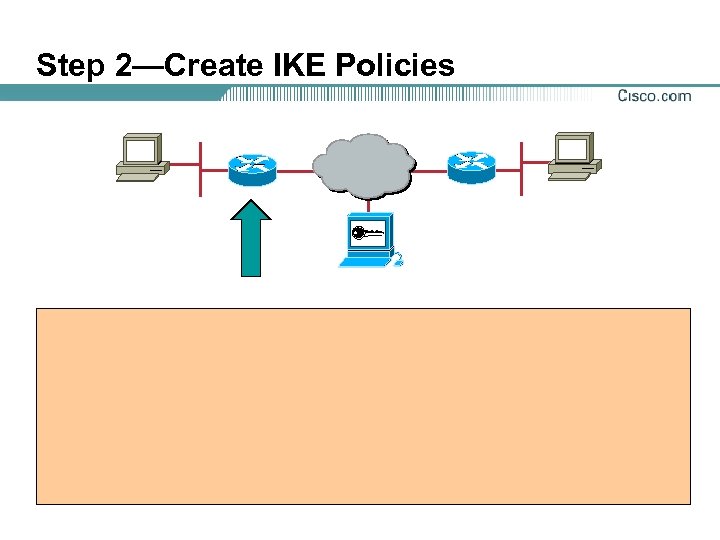
Step 2—Create IKE Policies

Steps to Complete Task 4—Configure IPSec
Task 4—Configure IPSec (cont. )

Completing Task 5—Test and Verify IPSec
Completing Task 5—Test and Verify IPSec (cont. )
Completing Task 5—Test and Verify IPSec (cont. )


Summary

Summary
 Скачать презентацию Learning Objectives Learning Objectives Overview
4ef33c59eb9289d6b6b336ebbaee1bc7.ppt