 Скачать презентацию Layered Acting for Character Animation By Mira Dontcheva
f3605ce4bc2693a03c55d803feefc6d9.ppt
- Количество слайдов: 26



Layered Acting for Character Animation By Mira Dontcheva Gary Yngve Zoran Popović SIGGRAPH 2003 presented by Danny House
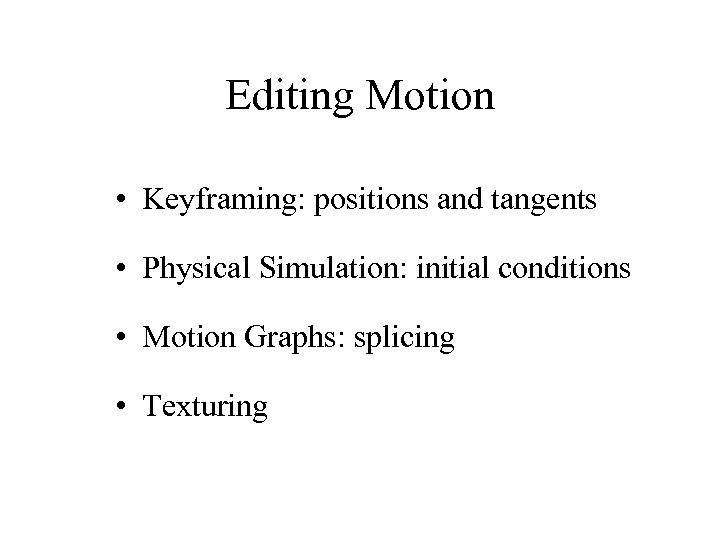
Editing Motion • Keyframing: positions and tangents • Physical Simulation: initial conditions • Motion Graphs: splicing • Texturing
Layered Editing Start with Broad Outline Top Down Construction
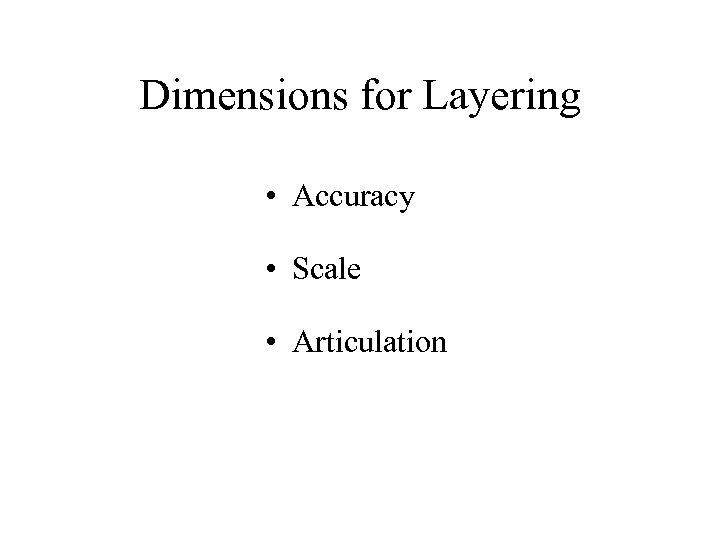
Dimensions for Layering • Accuracy • Scale • Articulation
Layers of Articulated Movement • Torso • Limbs to Fingers • Head to Face to Eyes • Secondary Motion
Interaction via Acting • Correspondence of Movement and Time • Not Quite Puppetry • Motion Capture
Imitation • Imitating the User • Imitating the Animated Character
System Overview • Hardware • Space and Time Interaction • Character Interaction • Synthesis and Editing With Layers
Hardware • 8 camera optical motion capture • wireless mouse • wall display screen • various animation widgets
Space and Time Interaction • • • Camera View and Studio Correspondence Distance to Object Affects Gain on Controls Ground Calibration Speed and Interval of Playback Anticipation Guides – Predictive Ghost Renderings – Projections of Trajectory Streamers
Character Interaction • User Features – position and orientation of widgets • Character Features • Correspondence Between Character and User Features
Character Features • Must be prespecified in the character model. • May include – joints – points on the body – DOFs – IK handles
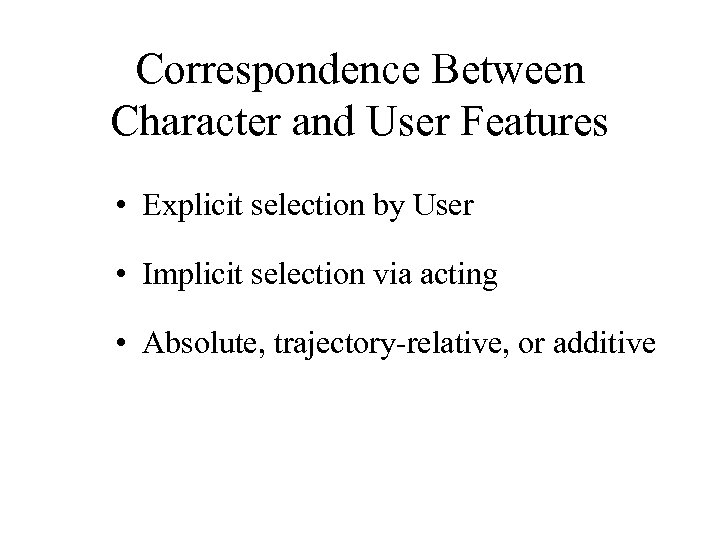
Correspondence Between Character and User Features • Explicit selection by User • Implicit selection via acting • Absolute, trajectory-relative, or additive
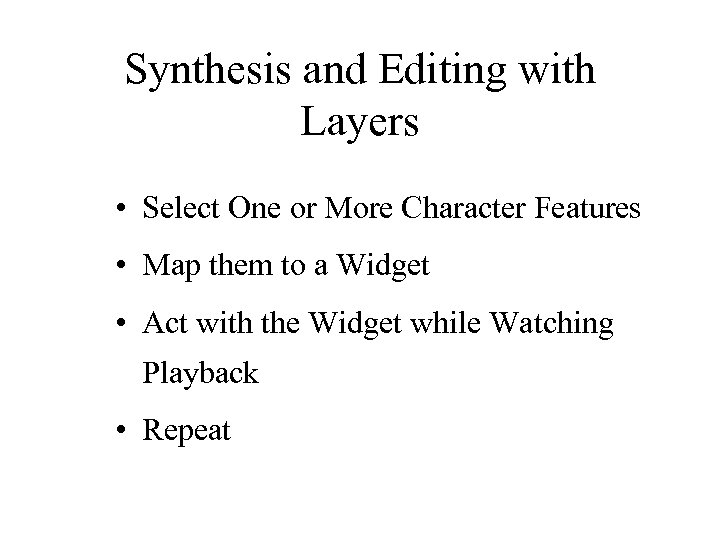
Synthesis and Editing with Layers • Select One or More Character Features • Map them to a Widget • Act with the Widget while Watching Playback • Repeat
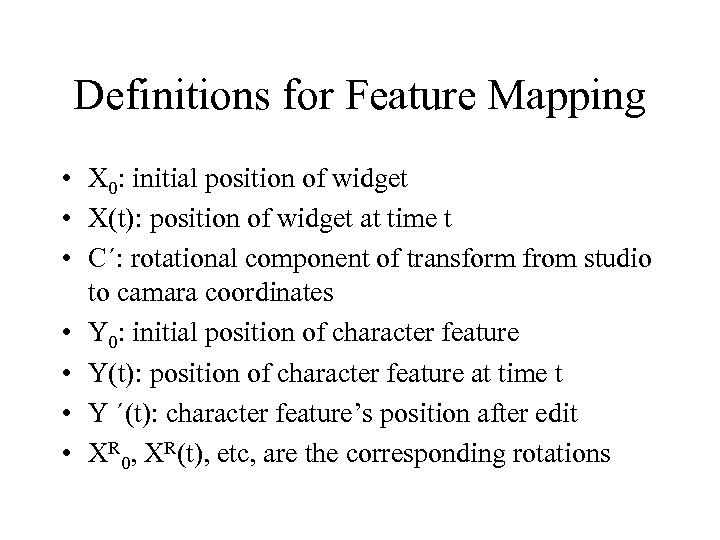
Definitions for Feature Mapping • X 0: initial position of widget • X(t): position of widget at time t • C´: rotational component of transform from studio to camara coordinates • Y 0: initial position of character feature • Y(t): position of character feature at time t • Y ´(t): character feature’s position after edit • XR 0, XR(t), etc, are the corresponding rotations
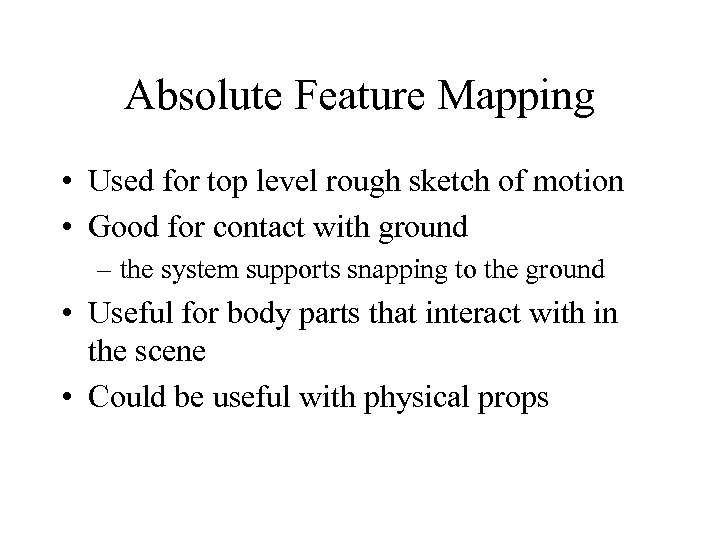
Absolute Feature Mapping • Used for top level rough sketch of motion • Good for contact with ground – the system supports snapping to the ground • Useful for body parts that interact with in the scene • Could be useful with physical props
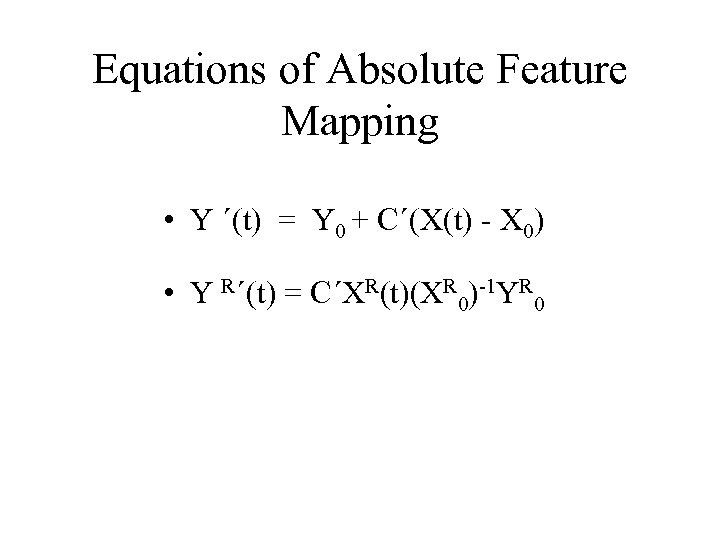
Equations of Absolute Feature Mapping • Y ´(t) = Y 0 + C´(X(t) - X 0) • Y R´(t) = C´XR(t)(XR 0)-1 YR 0
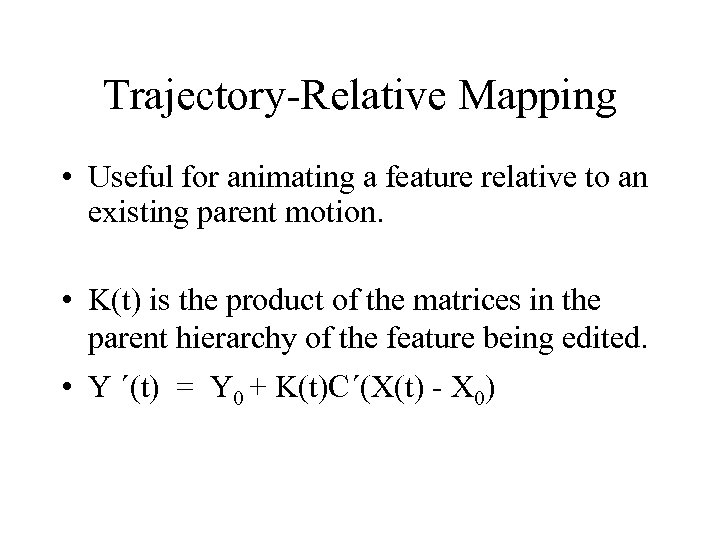
Trajectory-Relative Mapping • Useful for animating a feature relative to an existing parent motion. • K(t) is the product of the matrices in the parent hierarchy of the feature being edited. • Y ´(t) = Y 0 + K(t)C´(X(t) - X 0)
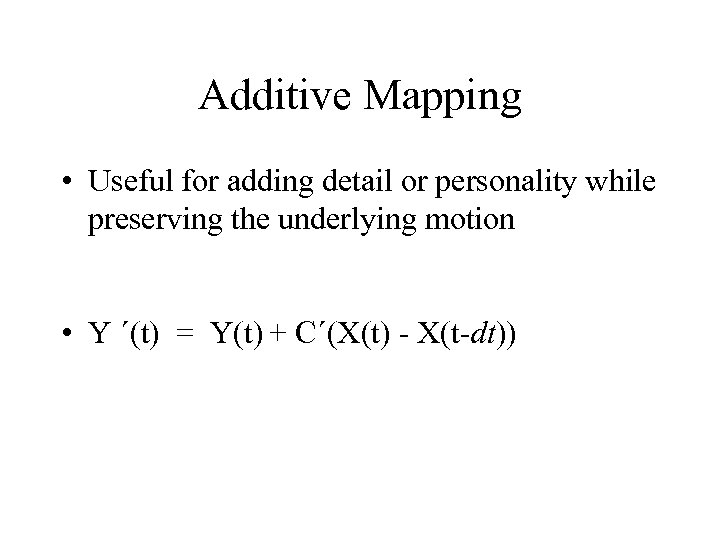
Additive Mapping • Useful for adding detail or personality while preserving the underlying motion • Y ´(t) = Y(t) + C´(X(t) - X(t-dt))
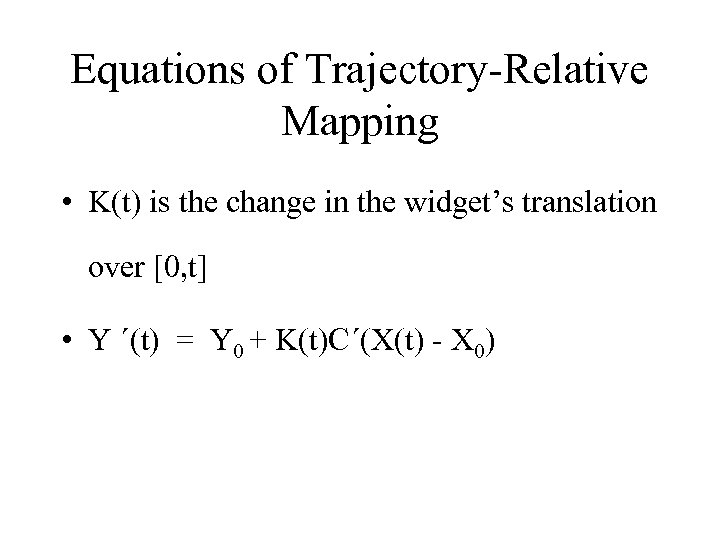
Equations of Trajectory-Relative Mapping • K(t) is the change in the widget’s translation over [0, t] • Y ´(t) = Y 0 + K(t)C´(X(t) - X 0)
Implicit Editing • The user selects the features to edit by imitating their behavior. • The system discovers the relevant features using a statistical technique called “Canonical Correlation Analysis” or CCA. • CCA is applied to each user/character feature pair. • Heuristics are used to choose the best pairs. They are non-robust but effective in practice.
Physically Based Motion Transformation • By Popović, Z. and Witkin, A. P. • SIGGRAPH 99 • Sophisticated retargeting of motion data.
Preparation for Editing • Character Simplification – manual elimination of many details • Spacetime Motion Fitting – manual capture of pose and mechanical constraints, addition of muscles, assumes optimality
Editing • Tweak the Constraints – change a pose, alter flexibility of a joint, introduce obstacles, alter gravity • Motion Reconstruction – automtic
Interactive Manipulation of Rigid Body Simulations • Popović, J. , Seitz, S. M. , Erdmann, M. , Popović, Z. , and Witkin, A. P. • SIGGRAPH 2000 • Allows goal oriented editing of physical simulations.
• User specifies waypoints and velocities in simulation. • Will alter initial conditions if permitted. • Obtains extra DOFs by tweaking surface normals, elasticity. • Small changes in these parameters are noticed by audience.
Скачать презентацию Layered Acting for Character Animation By Mira Dontcheva
f3605ce4bc2693a03c55d803feefc6d9.ppt