


 Скачать презентацию Law Practice Management Class 3 — The Law
aceb5ff3ec7496dbe879d2562977ec0e.ppt
- Количество слайдов: 68
 Law Practice Management Class #3 - The Law Office and Technology 2 (Startup Costs, Staffing and Employment, Filing and Office Procedures, Library and Research)
 Money Needed to Start Practice • • Savings Working Spouse Bank Loan or Gift
 Credit Cards? – Dodd-Frank Financial Reforms – Last Resort – Fast Trip to Bankruptcy
 Benefits of Credit Card Usage – Reduce check-writing costs – Eliminate bank service charges – Cut bookkeeping time
 Credit Card Tips • • Use Multiple Cards Get Rewards Cards Never Pay Late Never Miss a Payment Regularly Ask for Credit Limit Increase Stay Well Below Limit Understand which rate(s) apply to which cards Don’t mix business and personal charged on same credit card • Have Clear Plan for Repayment
 Debit Cards? – Debit cards don’t always have the typical $50 fraud or theft limit of credit cards – you can lose everything in the account if you delay reporting a lost or stolen card – Dodd-Frank lowered merchant fees on debit cards, but that may not benefit consumer much
 Getting the money • Refinance home (Dodd-Frank increased qualification standards significantly) • Loan from friend of relative – Offer tax advantages of leasing equipment and furniture to you (Foonberg pp 92 -93) • • Investment tax credit Depreciation Interest deduction on borrowed funds Other business expenses deductions consistent with leasing business
 Start-up costs • Internet service (office, home, mobile) • Paper/postage – Stationary, announcements, business cards, postage • Rent/Security Deposit – First, last (or last two month’s rent) • Furniture/decor – Consider buying used • Malpractice insurance – Leave adequate time to find a policy • Telephone service – Vo. IP (standalone), Bundled with cable or DSL, POTS
 Budget for Student Loan Repayment Visit Tuition. io and Read Blog 10 Things You Could Do If You Didn’t Have Student Loans
 Basic technology items for start-up • • • Personal Computer (notebook or desktop) Scanner Word processing software Email client or web mail PDF creation software (e-filing requirements) Laser printer – Ink jet not suitable for law office use (Foonberg wrong at p 107 in recommending ink jet) • Fax machine not essential – Foonberg again wrong at pp 107, 118 – Use Internet fax service instead, like Efax
 New office checklist Technology/Communication • Determine need for telephone equipment and lines – Place telephone order in advance (2 -6 weeks) – Reserve phone and fax numbers – Find right cell phone and plan – Answering service or virtual assistant?
 New office checklist Technology/Communication • Obtain high-speed Internet service – Look for fast “business-class” service • Consider Voice over Internet Protocol (Vo. IP) for telephone service – Vonage (and Virtual Number) – Skype subscription, online number, phone adapter, or phone. – Ring Central Office – Grasshopper – 8 x 8
 New office checklist Technology/Communication • Register Internet Domain (approx. $10/yr) – Check availability – Look for yourname. com or yournamelaw. com • Determines email address • Determines URL for Web site • Look for Web Site Hosting – Design Your Own and Use Cheap Hosting – Use a Web Designer who also handles hosting
 New office checklist Technology/Communication • Advertising – Yellow pages (expensive, not suitable for all practice types) – Community directories – School athletic programs – Web site or blog or both (Word. Press)
 New office checklist Furniture – How lavish? • • • May depend on the nature of your practice Expectations of clientele Consider skimping on personal office, putting more $$ into conference room and reception area • Most important item in lawyer’s office is comfortable chair
 New office checklist Furniture – Where to look • • • Look into furniture rental Buy rental returns (off-lease) Check classifieds in local legal newspapers or bar association publications
 New office checklist Furniture – Lawyer’s office • Desk – 6 ‘ wide • Desk chair – Comfort and appearance – Floor mat if office is carpeted • Table, desk, or return for computer equipment • Client chairs • Bookshelf
 New office checklist Other equipment • Secretary/Assistant desk or station • Chair – Let assistant choose own chair if possible • Dictation equipment – Digital, not analog • Small copier or scanner – Outsource larger copy jobs • Staples, Office Depot, Kinkos • Postage scale/meter or Web-based postage
 New office checklist Office supplies • Open charge account with one or more local office supply stores or office superstores – Staples • Staples Rewards Card rebates (example of savings) – Office Depot • Worklife Rewards Card rebates • On-line ordering – Create a basic list that makes re-ordering simple – Free delivery from some stores with $50 order • Consider recycled or store-brand toner cartridges
 New office procedures Dictation • Dictation is not a universal skill – Need equipment even if you do most of your own typing – Short tapes (analog) or files (digital) – Dictate punctuation if you expect it to be accurate, spell proper names or difficult legal terms • Use outside services – Speak. Write (1. 5 cents per word for legal work)
 New office procedures Filing • Use colored file folders for different types of cases • Use different colored paper in printer or copier to distinguish different types of documents • Design a new file information form (may want to match to data used by your practice management software • Consider 3 -ring notebooks (great for trial/litigation practice)
 New office procedures Mailing • Use self-printed stationary for non-critical communications (court copies, etc. ) • Use “Address Correction and Forwarding Requested on outgoing invoices • Be meticulous about complete and correct addresses – Suite numbers – 9 -digit Zip code • Open P. O. Box if post office is convenient to you – Get mail on weekends, evenings • Avoid USPS Express Mail for overnight deliveries – Go with Fed. Ex, UPS, DHL
 Technology/Equipment Purchases The Great Equalizer • False economy to have inadequate equipment • Right equipment and software makes you more efficient and profitable • Do everything a large firm can do, but often faster, better, and cheaper
 Law office technology Where to start • Ask around – Don’t start with technology vendors – Find a lawyer who has faced same problem – Copy their solution • Consultants – Good ones are hard to find – Once you find one, listen carefully
 Strategies Don’t Wait - Begin • Form a group of lawyers at same stage of practice – Have monthly meetings to discuss common problems and solutions • Contact a practice management advisor from the Bar – LOMAS in Florida • Work with a consultant recommended by other lawyers
 Used equipment? Not usually a bargain • Used PC’s are poor investment – Nearly new refurbished or factory outlet PC’s may be worth considering (Dell Outlet, HP Business Outlet, Lenovo Think. Pad Outllet, etc. ) or discounted new at Microsoft Store • Used laser printers – May be OK, if price is rock bottom and printer is HP Laser. Jet • Used photocopiers (better to outsource) – Only if you can get a service contract at a fair price
 Fax machines • If you must have one, get a plain paper laser fax – Not thermal – Not ink jet • Consider a laser multifunction machine that can do quadruple duty as printer, scanner, and light copier too – HP and Brother make several models
 Scanners • Auto document feeder (ADF) essential • Duplexing is nice extra (scan both sides in one pass) • Look for bundled software to convert scans to searchable PDF • Some large copiers have scanning and networking options, but few scan directly to searchable PDF format
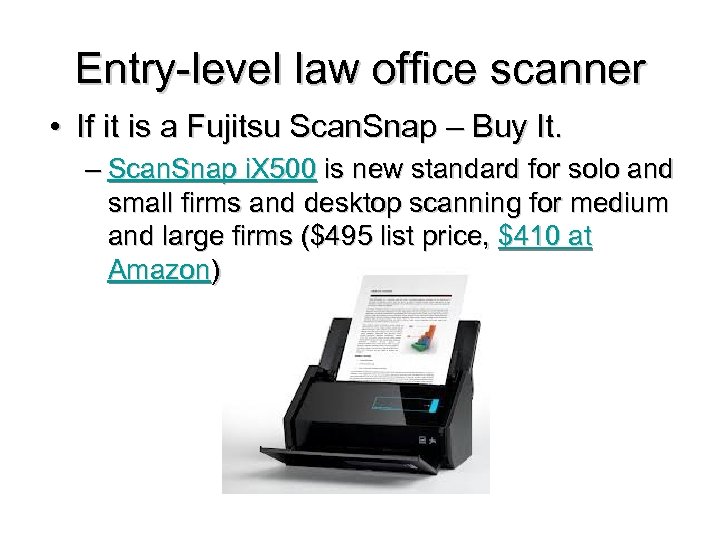 Entry-level law office scanner • If it is a Fujitsu Scan. Snap – Buy It. – Scan. Snap i. X 500 is new standard for solo and small firms and desktop scanning for medium and large firms ($495 list price, $410 at Amazon)
 Paper Shredders Protecting confidentiality • Trash can is not end of line for documents • Nothing of a confidential nature should go into trash can whole – Client information – Firm financial information • Buy own shredder or use mobile document shredding service – Cross-cut or confetti shredder is best option for office
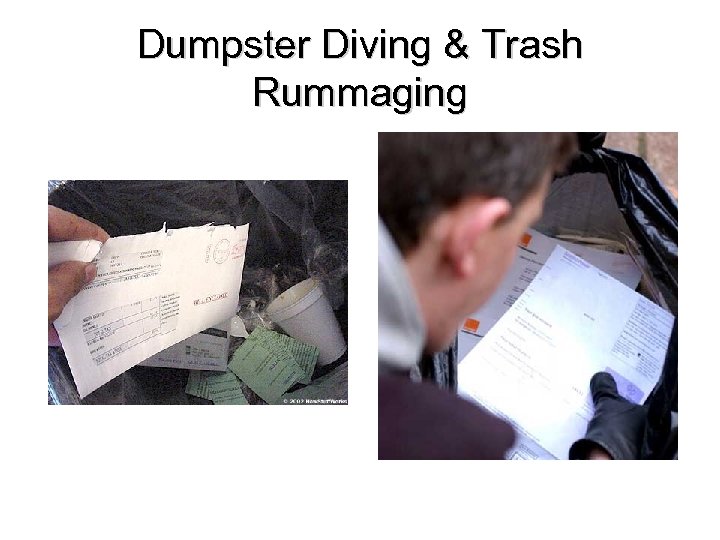 Dumpster Diving & Trash Rummaging
 Telephones • Buying own system can be prohibitively expensive for new lawyer – POTS local phone company – Vo. IP from dedicated provider – Digital phone from cable company • Voice mail is essential – Messages are often garbled in translation • Answering service with routing to your phone or to voice mail – Personal touch for $50+ per month without the staff expense – Despite usefulness, many clients hate voice mail
 Smart Phones • Best Choices – Android or i. Phone, with Windows Phone 8 improving (Blackberry is dying and nearly dead) • Network Coverage is Key (Verizon rates best, AT&T worst in most markets) • If Using Data Services for Tethering netbook, notebook, or i. Pad to phone, consider a 4 G phone – Cheaper to add tethering to smart phone than buy separate Mi-Fi device and subscription • Look for employee (spouse) discounts, family plans, association discounts
 Tablets • Can replace notebook computer for many lawyers • Apple i. Pad clearly top choice today for lawyers due to best app selection • Android tablets and others not yet truly competitive (No “i. Pad Killer” on market yet, but 2013 Nexus 7 is closest so far) • Microsoft Surface Pro 2 is expensive ($900+), but excellent
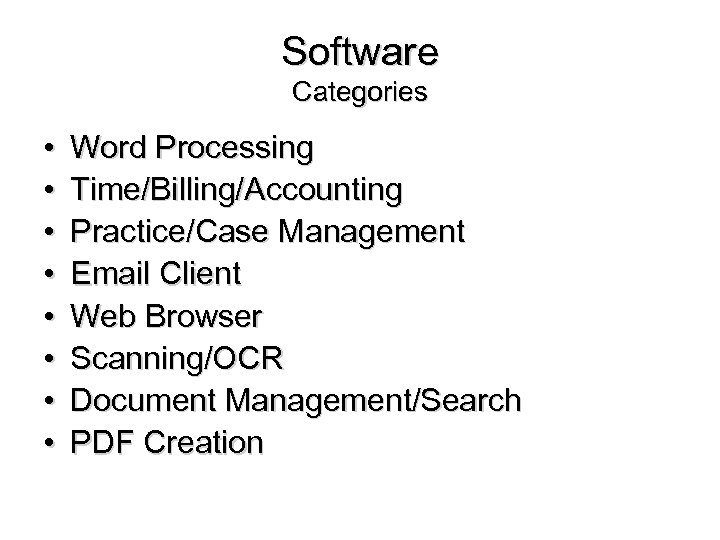 Software Categories • • Word Processing Time/Billing/Accounting Practice/Case Management Email Client Web Browser Scanning/OCR Document Management/Search PDF Creation
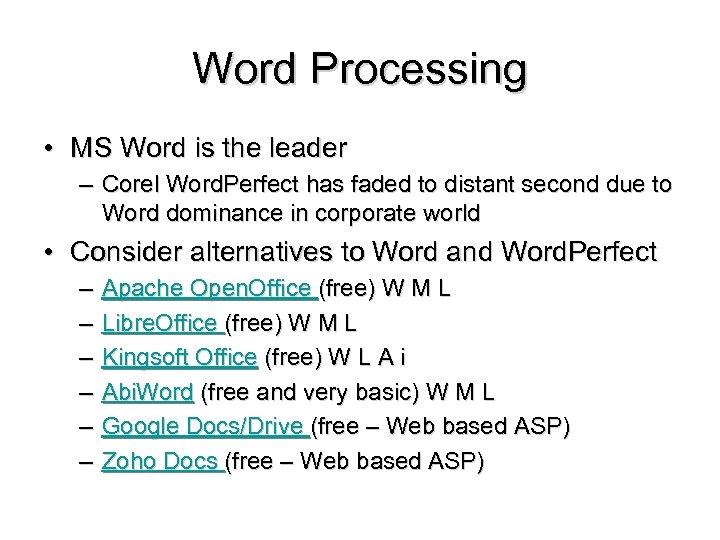 Word Processing • MS Word is the leader – Corel Word. Perfect has faded to distant second due to Word dominance in corporate world • Consider alternatives to Word and Word. Perfect – – – Apache Open. Office (free) W M L Libre. Office (free) W M L Kingsoft Office (free) W L A i Abi. Word (free and very basic) W M L Google Docs/Drive (free – Web based ASP) Zoho Docs (free – Web based ASP)
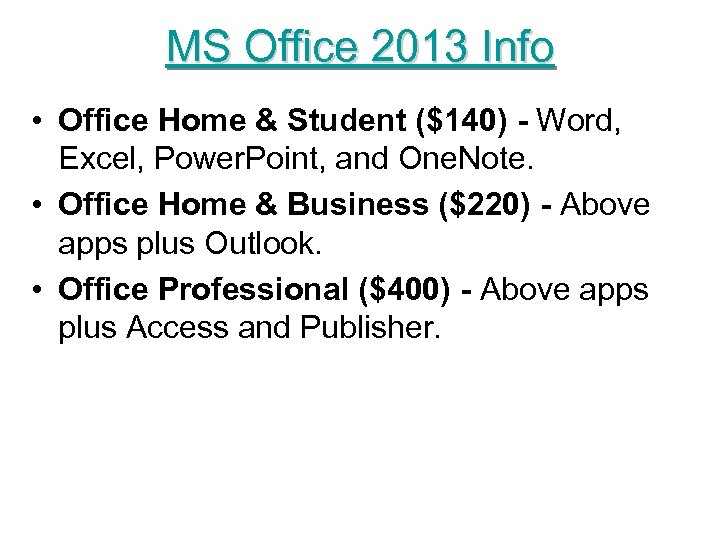 MS Office 2013 Info • Office Home & Student ($140) - Word, Excel, Power. Point, and One. Note. • Office Home & Business ($220) - Above apps plus Outlook. • Office Professional ($400) - Above apps plus Access and Publisher.
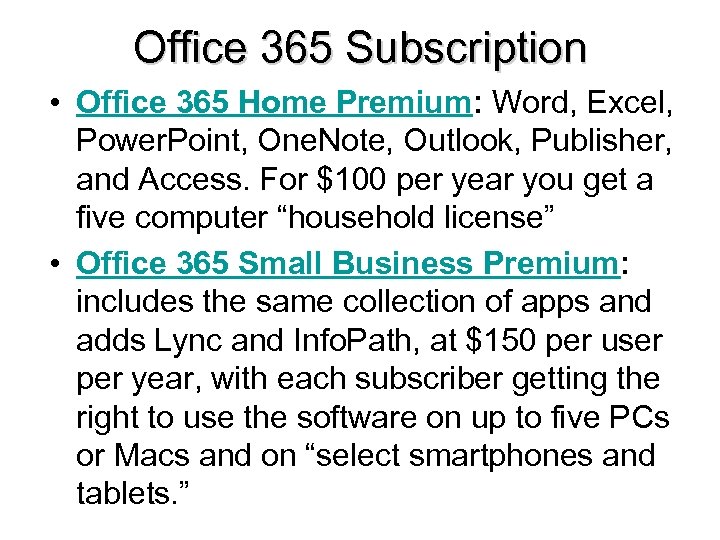 Office 365 Subscription • Office 365 Home Premium: Word, Excel, Power. Point, One. Note, Outlook, Publisher, and Access. For $100 per year you get a five computer “household license” • Office 365 Small Business Premium: includes the same collection of apps and adds Lync and Info. Path, at $150 per user per year, with each subscriber getting the right to use the software on up to five PCs or Macs and on “select smartphones and tablets. ”
 Office 365 Productivity Plus $12. 49 per month per user - Demo • Hosted Exchange Email – 50 GB Email Storage • Syncing of Email , Calendar, Contacts Across Devices • Sky. Drive Pro 25 GB Cloud Storage • Lync (aka Skype Pro) Online Meetings • Office Web Apps • Office Mobile Apps for i. OS, Android, Windows Phone • MS Office Desktop Software (Word, Excel, Power. Point, Outlook)
 Doing your own word processing? Could be a false economy • Some lawyers can type as fast as they can dictate long documents • Short documents often easier to dictate – But creating templates for common letters and documents can alter this somewhat • Speech recognition software – Naturally. Speaking 12 is best yet – Requires quality hardware – Meshes well with digital dictation – Not every lawyer can adapt to it
 Time/billing/accounting • Look for software designed for lawyers – Manage trust accounts – Do conflict checks • Integrate all three functions – Saves time – Reduces errors • Links to or incorporates practice/case management
 Practice/case management PIM (personal information manager) on steroids • Integrates calendar (docket), contacts, notes, document creation, email, time keeping, legal research, telephone calls, etc. • Understands that lawyers work on cases or matters, not contacts (flaw with using Outlook for practice management) • Look for link to or integration with time/billing/accounting functions • Training is critical – No one can use such a system without training
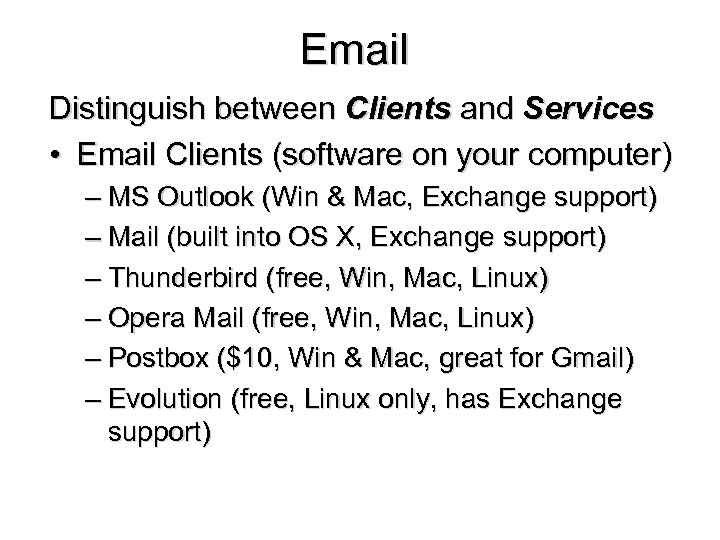 Email Distinguish between Clients and Services • Email Clients (software on your computer) – MS Outlook (Win & Mac, Exchange support) – Mail (built into OS X, Exchange support) – Thunderbird (free, Win, Mac, Linux) – Opera Mail (free, Win, Mac, Linux) – Postbox ($10, Win & Mac, great for Gmail) – Evolution (free, Linux only, has Exchange support)
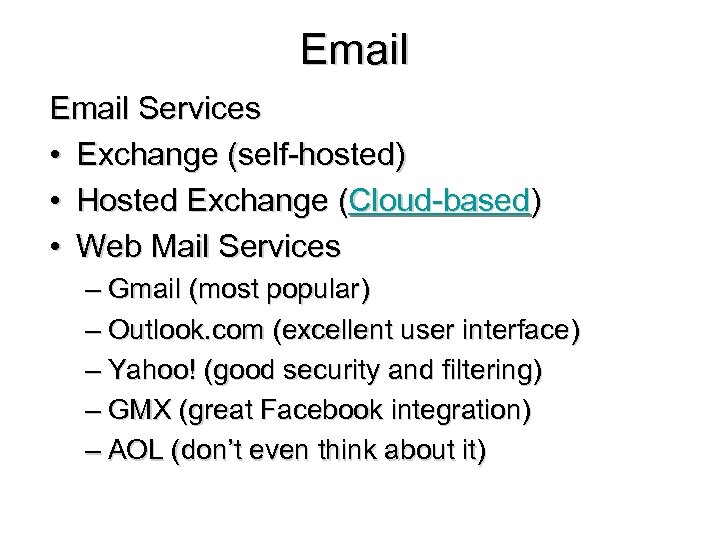 Email Services • Exchange (self-hosted) • Hosted Exchange (Cloud-based) • Web Mail Services – Gmail (most popular) – Outlook. com (excellent user interface) – Yahoo! (good security and filtering) – GMX (great Facebook integration) – AOL (don’t even think about it)
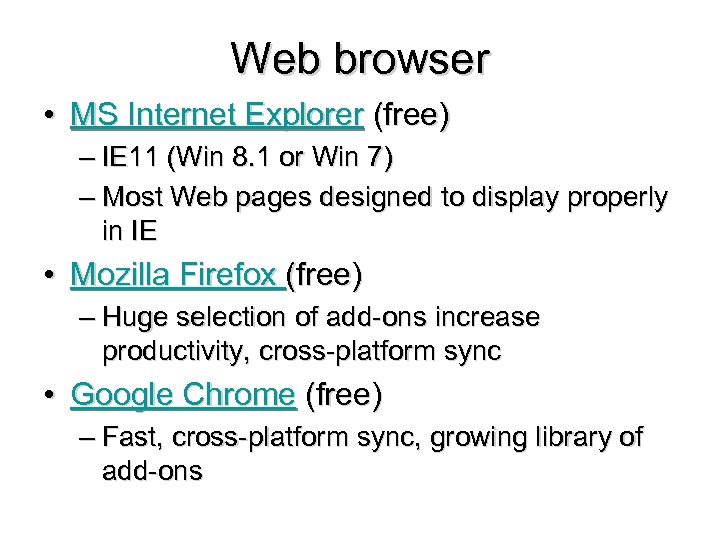 Web browser • MS Internet Explorer (free) – IE 11 (Win 8. 1 or Win 7) – Most Web pages designed to display properly in IE • Mozilla Firefox (free) – Huge selection of add-ons increase productivity, cross-platform sync • Google Chrome (free) – Fast, cross-platform sync, growing library of add-ons
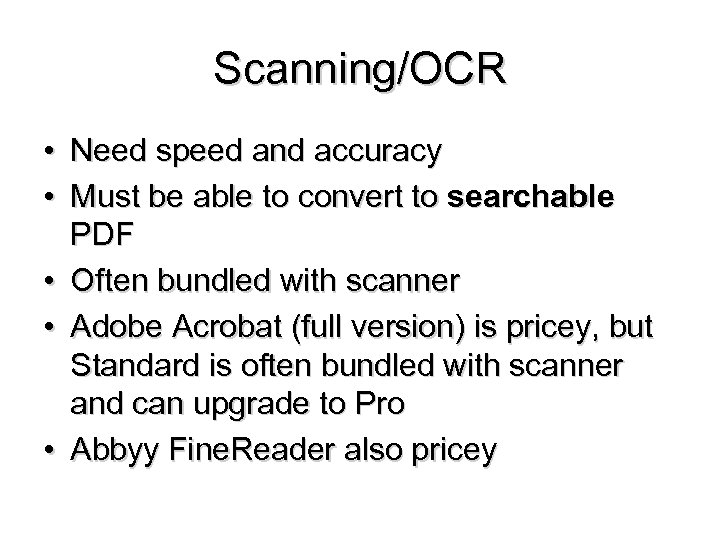 Scanning/OCR • Need speed and accuracy • Must be able to convert to searchable PDF • Often bundled with scanner • Adobe Acrobat (full version) is pricey, but Standard is often bundled with scanner and can upgrade to Pro • Abbyy Fine. Reader also pricey
 Document management/search • Amazingly useful, especially as you create more documents • Full-featured network-enabled software like WORLDOX • Free programs – Copernic Desktop Search – Locate 32 (searches only file/folder names, not data within a file) – Windows Search (what I use)
 PDF Creation & Editing Necessary for efiling, doc sharing, etc. • Adobe Acrobat XI Professional (full version) expensive at $450 • Good Alternative – Nitro Pro ($140) • Free alternatives – Cute PDF Writer – PDF 995 ($9. 95 without ads) – Primo. PDF • Adobe Reader – Free, but slow to load – Fast alternative is Foxit Reader
 Personnel Issues • Hire staff (traditional employer-employee relationship) • Do it yourself (may be only choice if budget is tight • Virtual Assistant (could be located anywhere in world with Vo. IP and other technology) • PEO (Professional Employer Organization) and lease your staff – Tri. Net and ADP are large players in local market.
 Other start-up issues • • Keeping track of prospective clients Getting info from prospective clients Bookkeeping/Accounting Filing
 “Prospective client” file • Cases you turned down or client went elsewhere • Can still be source of referral business • Always record names and addresses along with basic facts – Will need this for conflict checks – enter into time/billing program or practice management program – Consider adding to mailing list for newsletters, announcements, etc.
 Ready for first clients? Before the initial meeting • Get info first, then advise and quote fee • Get info by phone if possible, do research before initial meeting • Have prospective client fax or email key documents in advance of meeting • Consider having an intake form on web site for client to fill-in or download and return in advance or at meeting
 Personnel Manual • Can’t be an “ad hoc” employer dealing only with issues as they come up • Don’t reinvent the wheel – Copy another firm’s manual – Buy a manual with CD from the ABA – Buy CD with sample policies from LOMAS – Customize as needed, carefully • If you go with a PEO, they will provide manual
 Bookkeeping/Accounting • Get a CPA – Tax planning – Tax return preparation – Referrals • Consider a payroll service – Traditional • ADP • Paychex – On-line (ASP) • Intuit Payroll – Use Accounting software (and backup!)
 Use a filing system • Vertical instead of horizontal file orientation saves space • Keep it simple – New file for each matter – Reverse chronological order (newest on top) – Use Year-Matter numbering system (coordinate with practice management and time/billing software)
 Maintain a filing system • • • Keep current in filing (yes, it’s a pain) Remove duplicate copies Return valuable original documents to clients Move closed files to lower cost storage Keep an index of closed files and their location Know when to close and when to destroy a file – Include file destruction policy in fee agreement
 File destruction policy Clause in fee agreement The Client understands that the Attorney is not obligated to keep the Client's file indefinitely. The Client consents in advance to the Attorney destroying the Client's file 2 years after the file is closed and the matters for which the Attorney was engaged have been completed or 2 years after the Attorney has been discharged by the Client or has ceased representation of the Client by operation of law or court rule, whichever occurs first.
 Client communication issues • Get client OK in writing before sending information by email, fax, or to work address – Include options in client intake form • Indicate your preference to client – Email much easier than telephone calls when budgeting time • Clients hate voice mail, so let them know that email may result in faster response
 Respond promptly • Client dissatisfaction rarely related to quality of legal work or advice • Nor is winning or losing the key factor • Failure to communicate in a timely way is the fault most likely to cause problems – Slow pay or non-payment of fee – Grievance with the Bar – Malpractice litigation • Lesson: Don’t procrastinate, even if the call will be unpleasant
 Problem #3 • What hardware, software, and services must you have to start your own law practice? • Are there ways to economize?
 Law Practice Management Class #3 (cont. ) - The Law Office and Technology 2 (Library and Research)
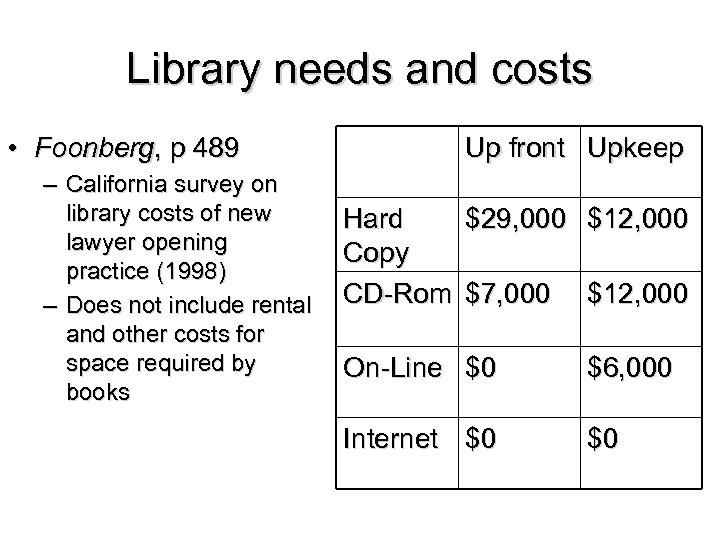 Library needs and costs • Foonberg, p 489 – California survey on library costs of new lawyer opening practice (1998) – Does not include rental and other costs for space required by books Up front Upkeep Hard $29, 000 $12, 000 Copy CD-Rom $7, 000 $12, 000 On-Line $0 $6, 000 Internet $0 $0
 Internet as library resource • More legal material coming into public domain and available on-line for free – State-specific sites for cases, statutes, rules, AG opinions, and forms – Portal sites such as Find. Law and Rominger – Lawyer sites such as Florida Law Online
 Useful sites • • Black Book Online Driver’s License Status Corporations and Other Entities, Jmt Liens Marriage Licenses and other recorded documents • Vehicle Records • Real Estate Records
 More Useful Sites • • • Prison inmates Arrest records (Pinellas Co. ) General Fact Finding (how-to article) Free Federal Research (how-to article) 11 th Circuit Opinions U. S. Supreme Court oral arguments
 Commercial Electronic Research • Lexis. com • West. Law – Need to work through their sales rep to determine cost
 Discount commercial electronic research providers • Lois. Law – $29. 95/mo and up • Versus. Law – $24. 95/mo for all states cases and statutes • Fast. Case – Free state case law for FL Bar Members – Upgrade to Federal and every state case law for $195/yr
 Problem #4 • How much would you budget for research costs? • How would that total budget be allocated? • Would you bill research costs directly (itemized or flat rate) or indirectly (hidden in overhead) to your clients?