 Скачать презентацию Knowledge and Usability Franz J Kurfess Computer Science
8fc1170a707cb6d1b7195ae58f9adf40.ppt
- Количество слайдов: 74




Knowledge and Usability Franz J. Kurfess Computer Science Department California Polytechnic State University San Luis Obispo, CA, U. S. A. Franz Kurfess: Knowledge Retrieval

Acknowledgements Some of the material in these slides was developed for a lecture series sponsored by the European Community under the BPD program with Vilnius University as host institution Franz Kurfess: Knowledge Retrieval
Use and Distribution of these Slides ❖ These slides are primarily intended for the students in classes I teach. In some cases, I only make PDF versions publicly available. If you would like to get a copy of the originals (Apple Key. Note or Microsoft Power. Point), please contact me via email at fkurfess@calpoly. edu. I hereby grant permission to use them in educational settings. If you do so, it would be nice to send me an email about it. If you’re considering using them in a commercial environment, please contact me first. © Franz J. Kurfess 5
Structure ❖ Introduction ❖ Dimensions of Knowledge Usability ❖ Metrics for Usability of Knowledge ❖ Knowledge-Intensive Activities ❖ Usability Evaluation Methods ❖ Problem Sources © Franz J. Kurfess 6
Introduction Terminology Data, Information, and Knowledge Using Knowledge Search Dimensions of Knowledge Usability 7
Using Knowledge ❖ search v ❖ augmentation v ❖ answers, not documents (that may or may not contain the answer)! knowledge and information relevant to the current task and context actionable knowledge v presented in a way that allows users to apply it immediately © Franz J. Kurfess 14
Example: Tables ❖ knowledge and information is often arranged in tables v columns identify categories v rows represent instances v cells are values in the respective category for an instance © Franz J. Kurfess 15
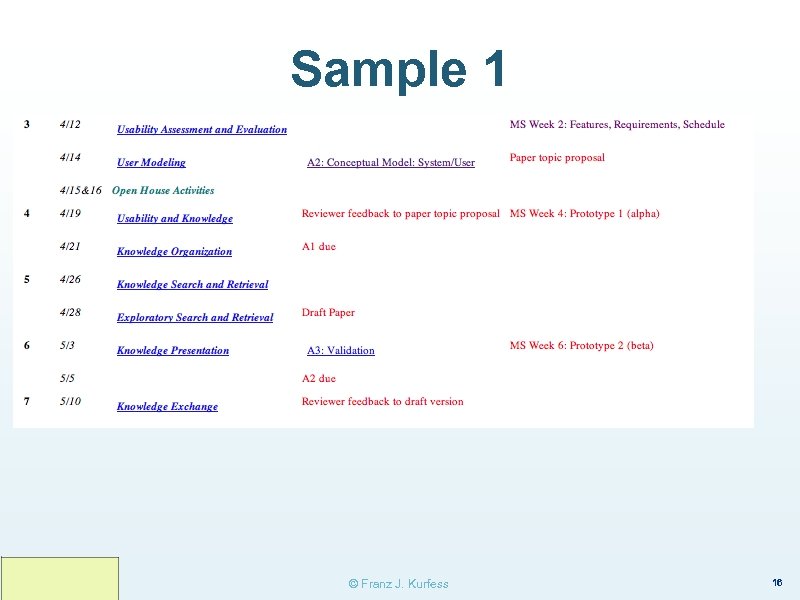
Sample 1 © Franz J. Kurfess 16
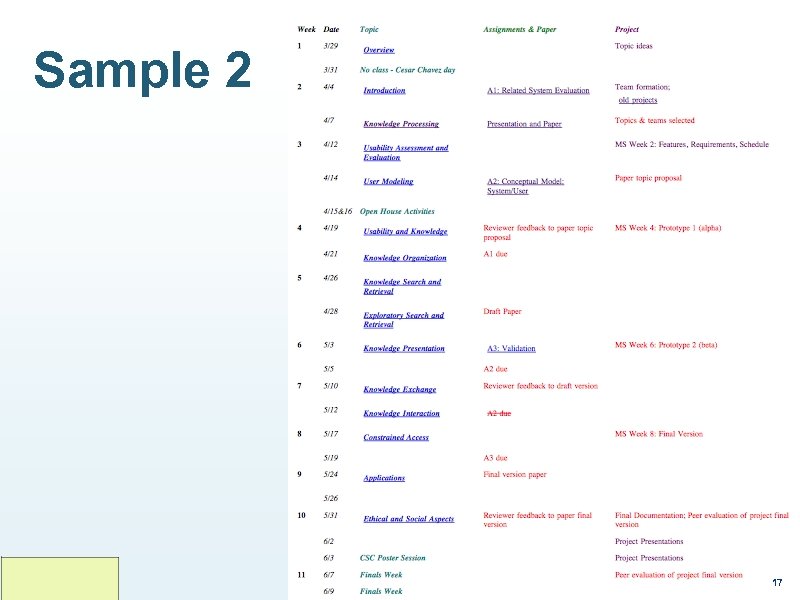
Sample 2 © Franz J. Kurfess 17
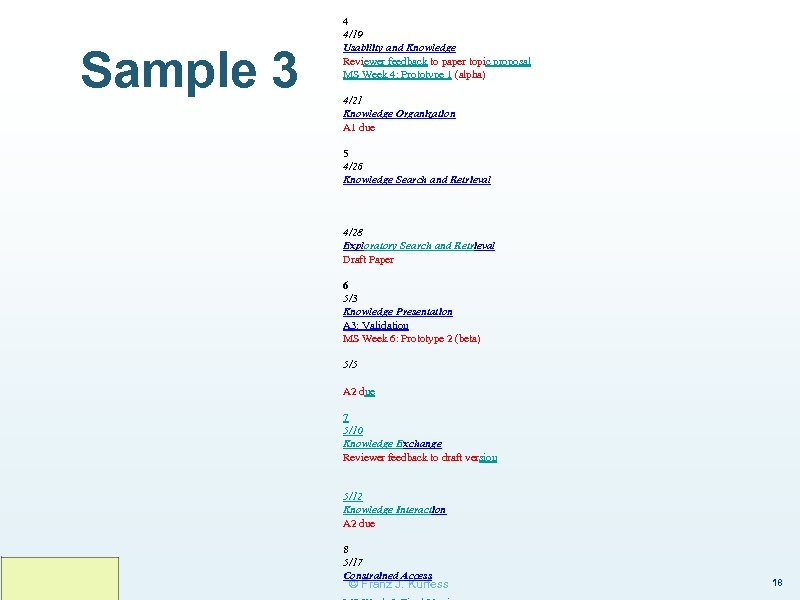
Sample 3 4 4/19 Usability and Knowledge Reviewer feedback to paper topic proposal MS Week 4: Prototype 1 (alpha) 4/21 Knowledge Organization A 1 due 5 4/26 Knowledge Search and Retrieval 4/28 Exploratory Search and Retrieval Draft Paper 6 5/3 Knowledge Presentation A 3: Validation MS Week 6: Prototype 2 (beta) 5/5 A 2 due 7 5/10 Knowledge Exchange Reviewer feedback to draft version 5/12 Knowledge Interaction A 2 due 8 5/17 Constrained Access © Franz J. Kurfess 18
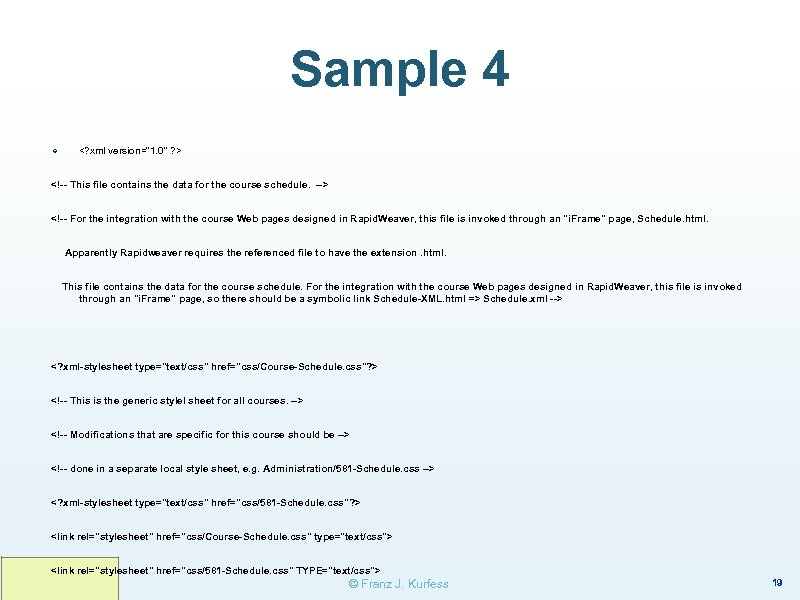
Sample 4 ❖ <? xml version="1. 0" ? > <!-- This file contains the data for the course schedule. --> <!-- For the integration with the course Web pages designed in Rapid. Weaver, this file is invoked through an "i. Frame" page, Schedule. html. Apparently Rapidweaver requires the referenced file to have the extension. html. This file contains the data for the course schedule. For the integration with the course Web pages designed in Rapid. Weaver, this file is invoked through an "i. Frame" page, so there should be a symbolic link Schedule-XML. html => Schedule. xml --> <? xml-stylesheet type="text/css" href="css/Course-Schedule. css"? > <!-- This is the generic stylel sheet for all courses. --> <!-- Modifications that are specific for this course should be --> <!-- done in a separate local style sheet, e. g. Administration/581 -Schedule. css --> <? xml-stylesheet type="text/css" href="css/581 -Schedule. css"? > <link rel="stylesheet" href="css/Course-Schedule. css" type="text/css"> <link rel="stylesheet" href="css/581 -Schedule. css" TYPE="text/css"> © Franz J. Kurfess 19
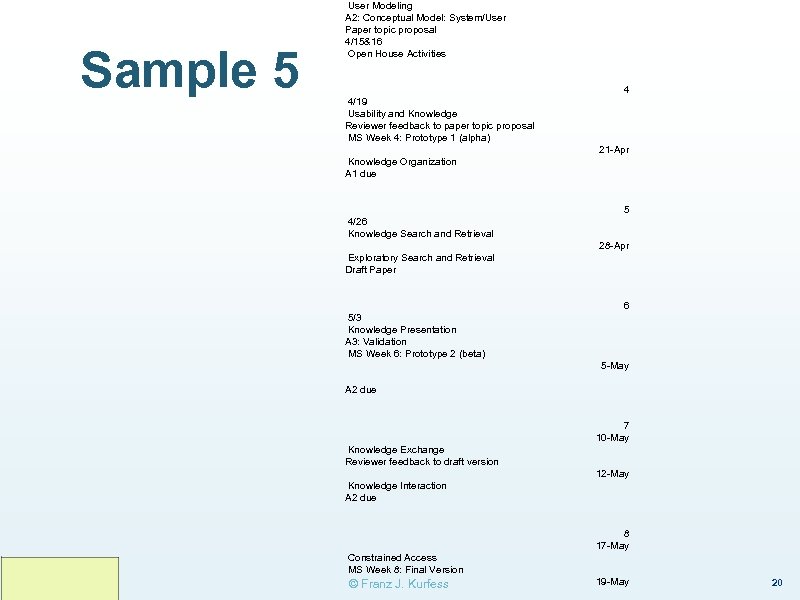
Sample 5 User Modeling A 2: Conceptual Model: System/User Paper topic proposal 4/15&16 Open House Activities 4 4/19 Usability and Knowledge Reviewer feedback to paper topic proposal MS Week 4: Prototype 1 (alpha) 21 -Apr Knowledge Organization A 1 due 5 4/26 Knowledge Search and Retrieval 28 -Apr Exploratory Search and Retrieval Draft Paper 6 5/3 Knowledge Presentation A 3: Validation MS Week 6: Prototype 2 (beta) 5 -May A 2 due 7 10 -May Knowledge Exchange Reviewer feedback to draft version 12 -May Knowledge Interaction A 2 due 8 17 -May Constrained Access MS Week 8: Final Version © Franz J. Kurfess 19 -May 20
Usability of Tables ❖ humans are good at interpreting the contents of tables even in the absence of headers v ❖ easy cases for computers v ❖ interpretation based on context, contents of cells, relationships between cells, likelihood of co-occurence of categories data bases, spread sheets, XML schemata, difficulties for computers v images v visually formatted text (e. g. PDF files) v tables in word processors v tables in Web pages © Franz J. Kurfess 21
Current Usage of Retrieval Systems ❖ tools to identify potentially relevant documents ❖ formulation of questions as unnatural queries v ❖ ranking of retrieved documents according to obscure criteria v ❖ either simplistic sets of keywords, or complex expressions re-formulation of queries to influence ranking mostly batch processing v v wait v ❖ submit query view result inconsistent, wrong context, … © Franz J. Kurfess 22
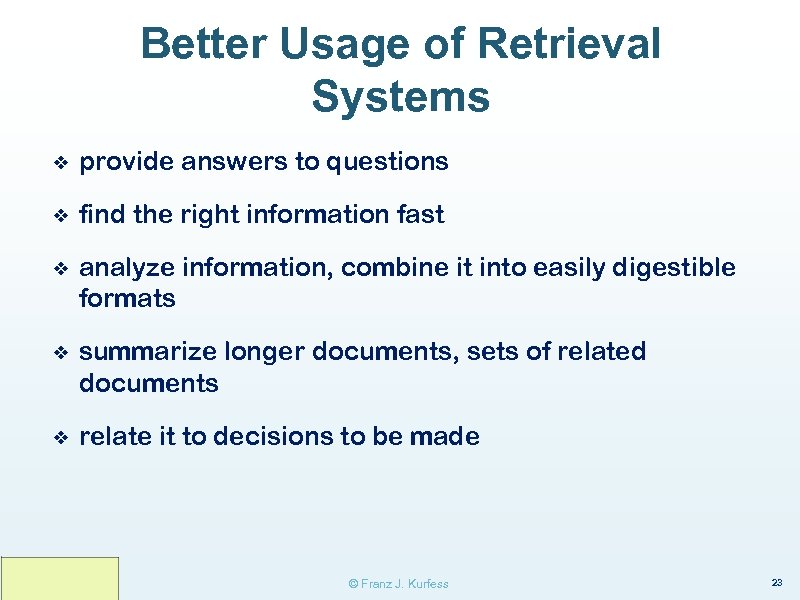
Better Usage of Retrieval Systems ❖ provide answers to questions ❖ find the right information fast ❖ analyze information, combine it into easily digestible formats ❖ summarize longer documents, sets of related documents ❖ relate it to decisions to be made © Franz J. Kurfess 23
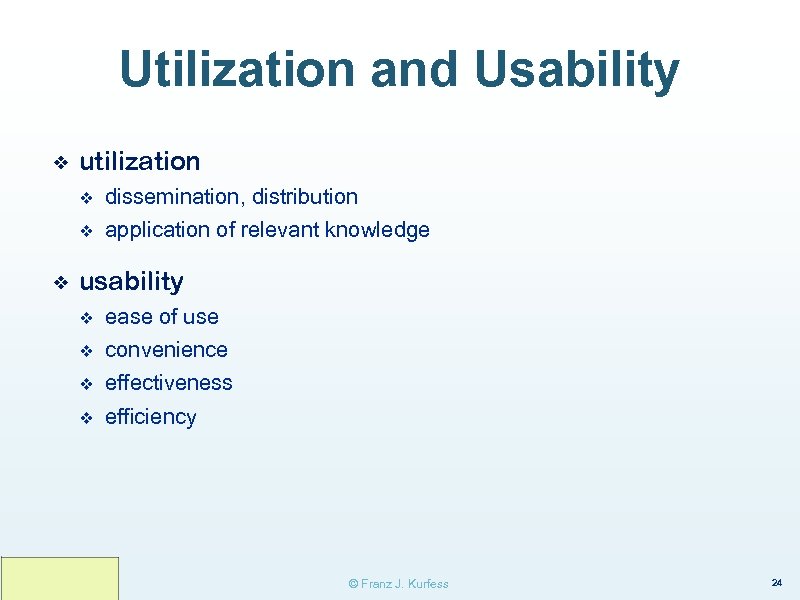
Utilization and Usability ❖ utilization v v ❖ dissemination, distribution application of relevant knowledge usability v ease of use v convenience v effectiveness v efficiency © Franz J. Kurfess 24
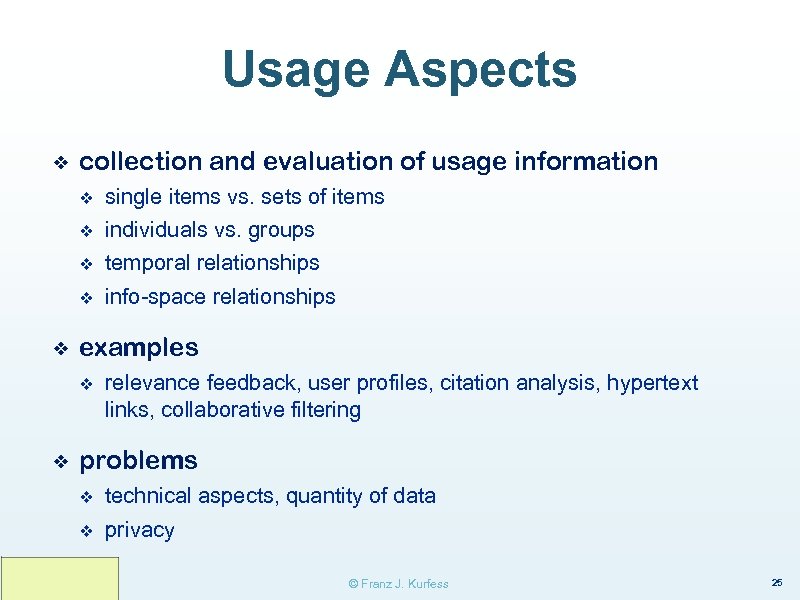
Usage Aspects ❖ collection and evaluation of usage information v v individuals vs. groups v temporal relationships v ❖ single items vs. sets of items info-space relationships examples v ❖ relevance feedback, user profiles, citation analysis, hypertext links, collaborative filtering problems v technical aspects, quantity of data v privacy © Franz J. Kurfess 25
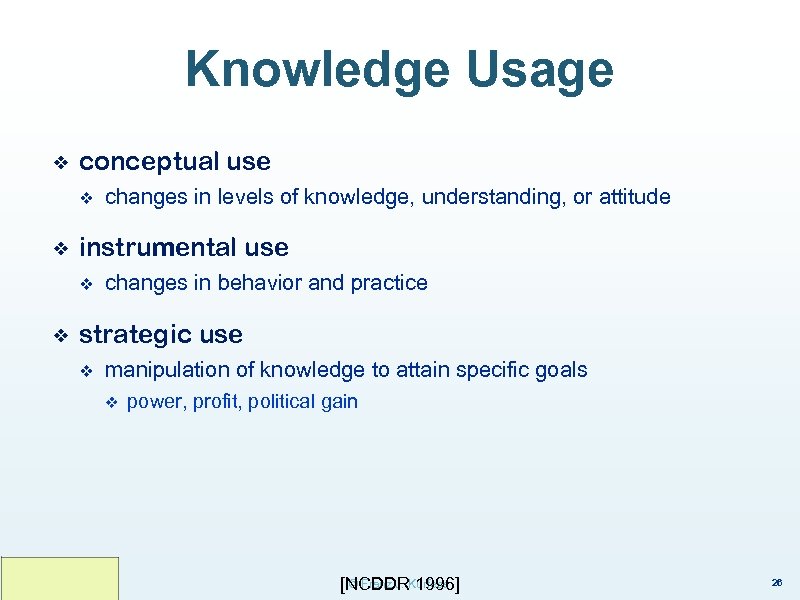
Knowledge Usage ❖ conceptual use v ❖ instrumental use v ❖ changes in levels of knowledge, understanding, or attitude changes in behavior and practice strategic use v manipulation of knowledge to attain specific goals v power, profit, political gain © Franz J. 1996] [NCDDRKurfess 26
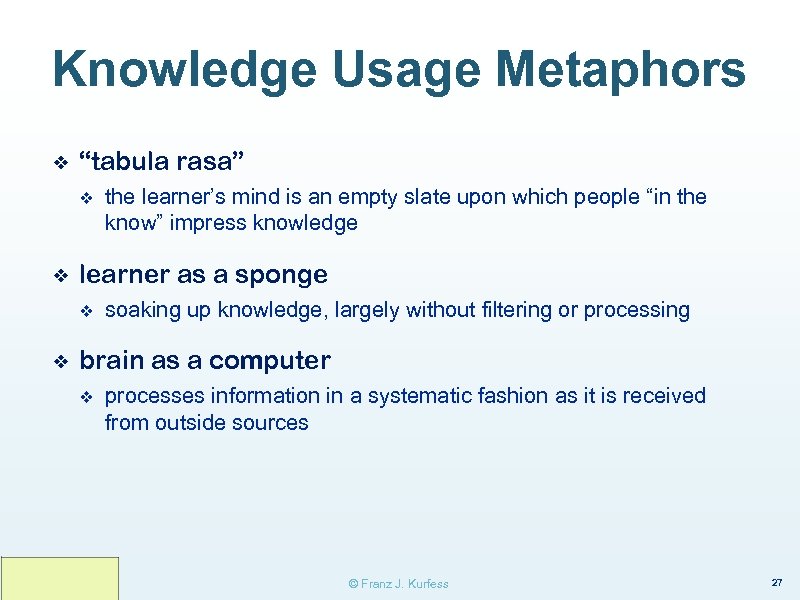
Knowledge Usage Metaphors ❖ “tabula rasa” v ❖ learner as a sponge v ❖ the learner’s mind is an empty slate upon which people “in the know” impress knowledge soaking up knowledge, largely without filtering or processing brain as a computer v processes information in a systematic fashion as it is received from outside sources © Franz J. Kurfess 27
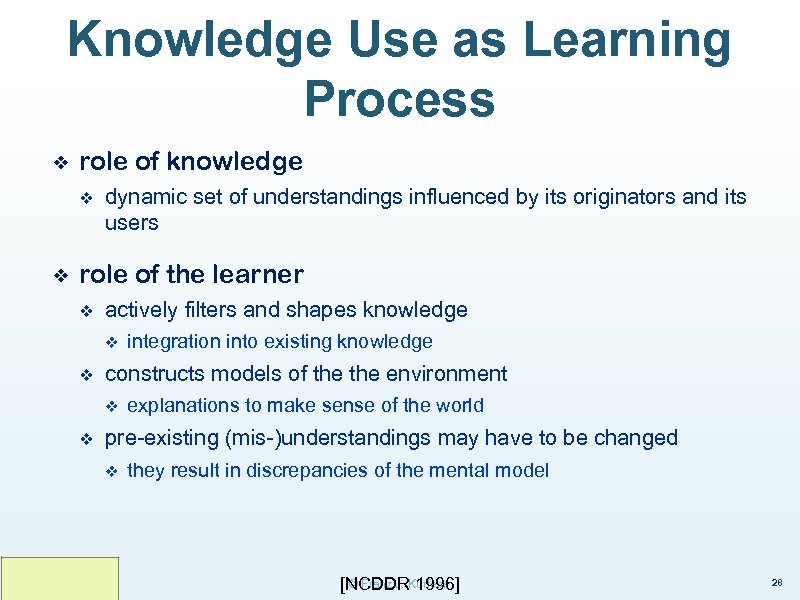
Knowledge Use as Learning Process ❖ role of knowledge v ❖ dynamic set of understandings influenced by its originators and its users role of the learner v actively filters and shapes knowledge v v constructs models of the environment v v integration into existing knowledge explanations to make sense of the world pre-existing (mis-)understandings may have to be changed v they result in discrepancies of the mental model © Franz J. 1996] [NCDDRKurfess 28
Dimensions of Knowledge Usability Functionality Task Completion User Satisfaction Consistency 39
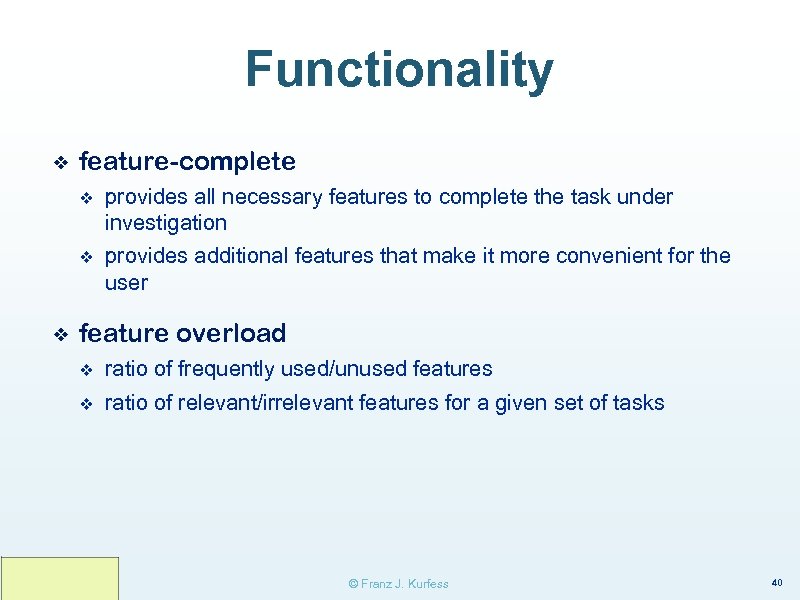
Functionality ❖ feature-complete v v ❖ provides all necessary features to complete the task under investigation provides additional features that make it more convenient for the user feature overload v ratio of frequently used/unused features v ratio of relevant/irrelevant features for a given set of tasks © Franz J. Kurfess 40
Task Completion ❖ time v v milestones v ❖ completion critical activities quality v final product v aspects of the final product v intermediate products © Franz J. Kurfess 41
User Satisfaction ❖ satisfied with the outcome ❖ easy, pleasant to use ❖ need for training ❖ rate of abandon © Franz J. Kurfess 42
Consistency ❖ internal ❖ in-family ❖ external © Franz J. Kurfess 43
Metrics for Usability of Knowledge based on the dimensions of usability identified above 44
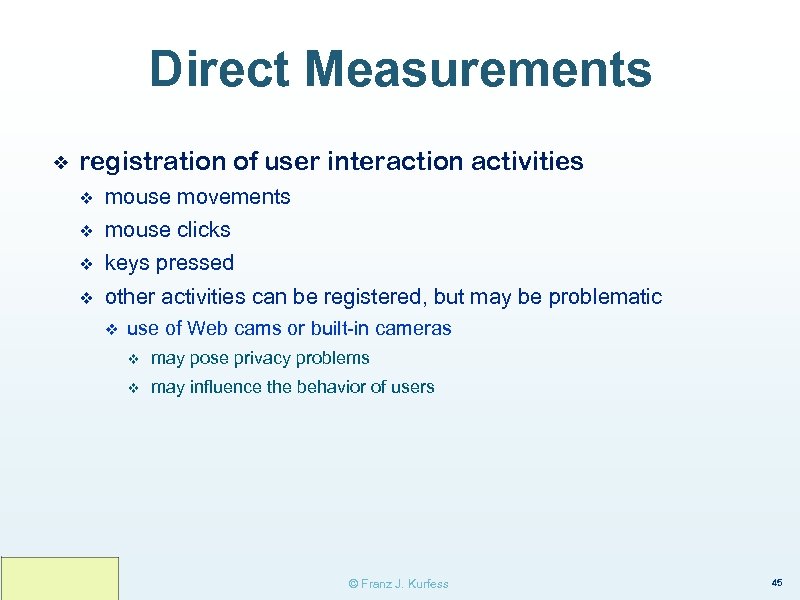
Direct Measurements ❖ registration of user interaction activities v mouse movements v mouse clicks v keys pressed v other activities can be registered, but may be problematic v use of Web cams or built-in cameras v may pose privacy problems v may influence the behavior of users © Franz J. Kurfess 45
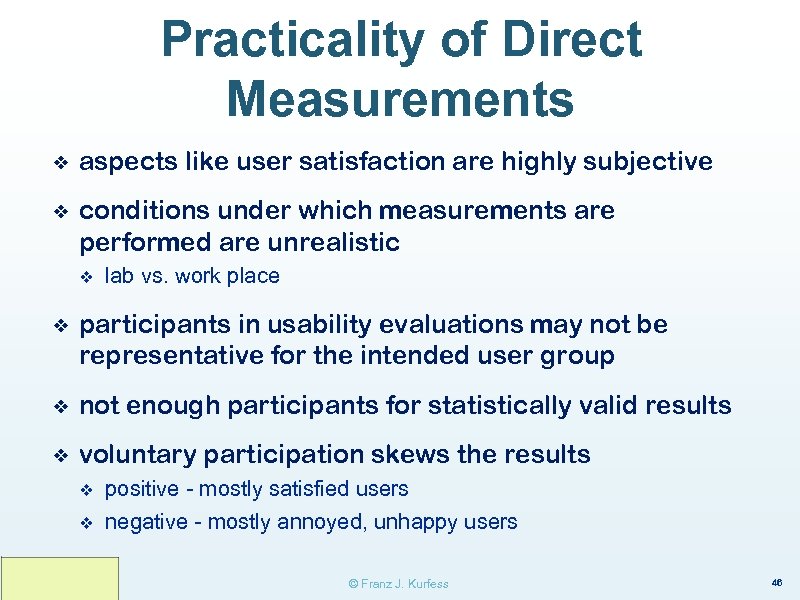
Practicality of Direct Measurements ❖ aspects like user satisfaction are highly subjective ❖ conditions under which measurements are performed are unrealistic v lab vs. work place ❖ participants in usability evaluations may not be representative for the intended user group ❖ not enough participants for statistically valid results ❖ voluntary participation skews the results v v positive - mostly satisfied users negative - mostly annoyed, unhappy users © Franz J. Kurfess 46
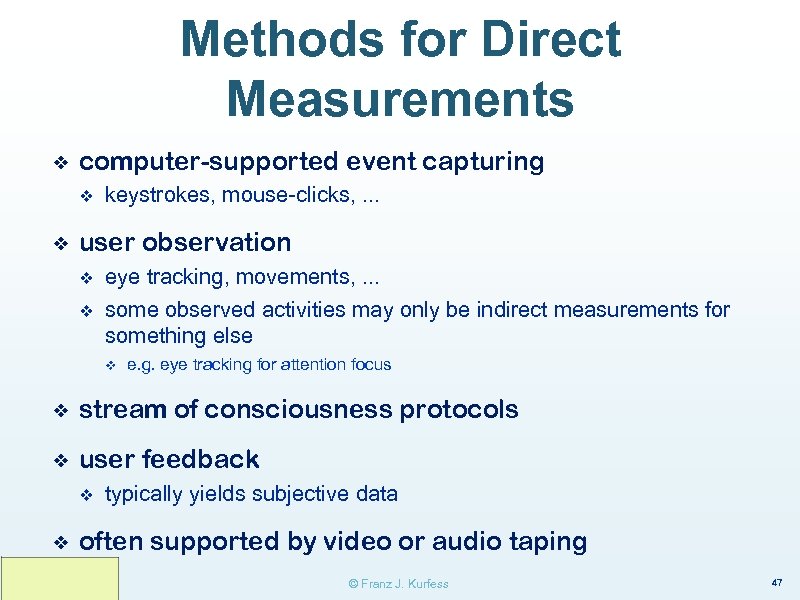
Methods for Direct Measurements ❖ computer-supported event capturing v ❖ keystrokes, mouse-clicks, . . . user observation v v eye tracking, movements, . . . some observed activities may only be indirect measurements for something else v e. g. eye tracking for attention focus ❖ stream of consciousness protocols ❖ user feedback v ❖ typically yields subjective data often supported by video or audio taping © Franz J. Kurfess 47
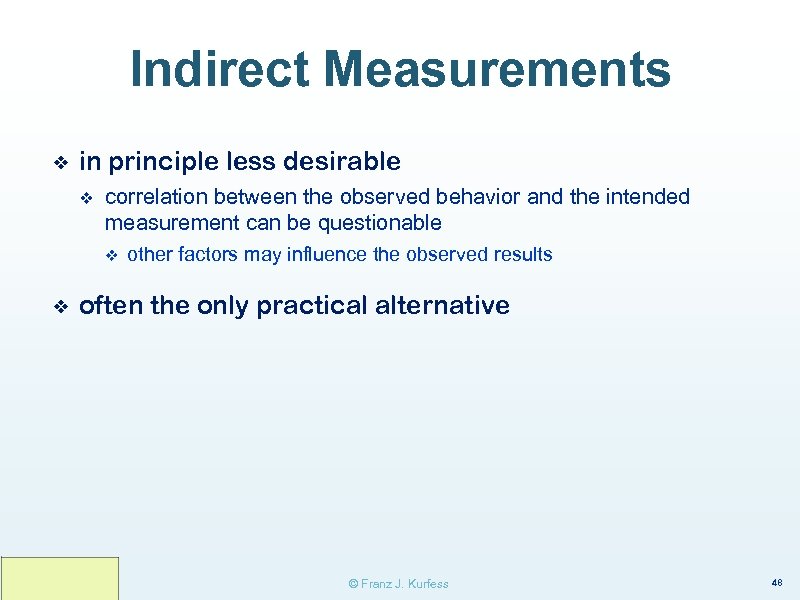
Indirect Measurements ❖ in principle less desirable v correlation between the observed behavior and the intended measurement can be questionable v ❖ other factors may influence the observed results often the only practical alternative © Franz J. Kurfess 48
Methods for Indirect Usability Measurements ❖ questionnaires, interviews, focus groups, . . . v ❖ stream of consciousness protocols v ❖ usually done after the experiment emphasis on implicit statements user observation v concentration, attention, comfort © Franz J. Kurfess 49
Knowledge Usability Measurement Examples ❖ Internet advertising v significant efforts in measurements v knowledge aspects unclear © Franz J. Kurfess 50
Internet advertising ❖ number of page views ❖ time spent on page ❖ click-through rates v emphasizes the last ad the viewer selected v neglects prior activities and interactions ❖ link trail analysis ❖ engagement mapping v ❖ social interactions v ❖ attempts to take into account all the interactions with a company's marketing message and brand that may have lead up to a purchase or other user action influence of other people close to the participant customer feedback v questionnaire about factors influencing purchasing decisions ❖ very important due to significant monetary interests ❖ soundness of the methods used may be questionable © Franz J. Kurfess 51
Knowledge-Intensive Activities presentation retrieval identification manipulation acquisition creation of knowledge 52
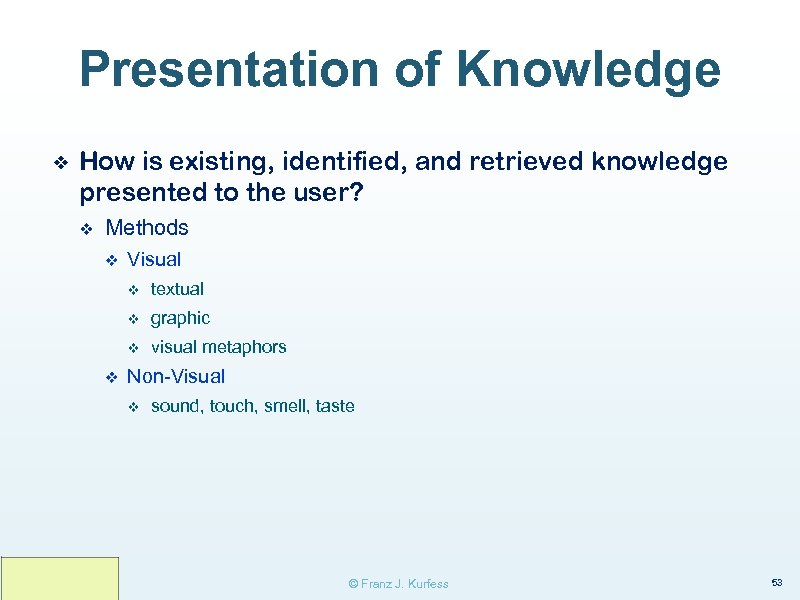
Presentation of Knowledge ❖ How is existing, identified, and retrieved knowledge presented to the user? v Methods v Visual v v graphic v v textual visual metaphors Non-Visual v sound, touch, smell, taste © Franz J. Kurfess 53
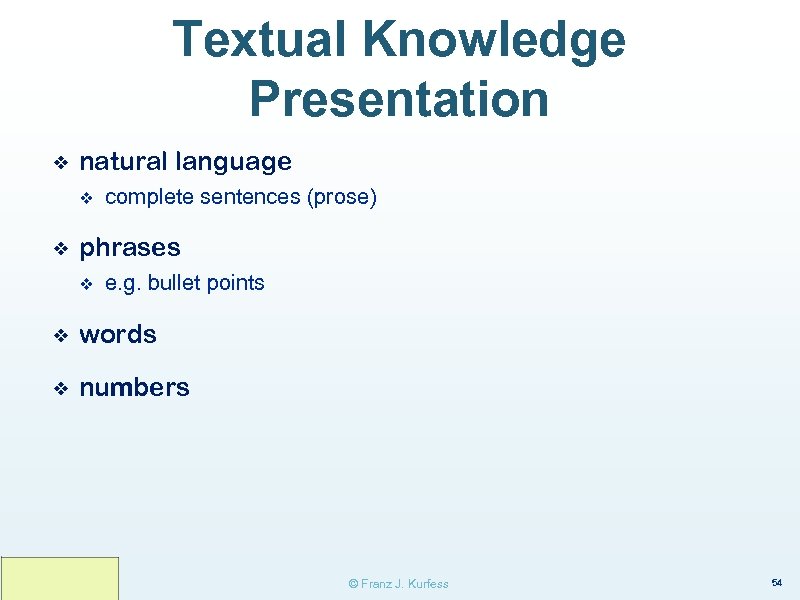
Textual Knowledge Presentation ❖ natural language v ❖ complete sentences (prose) phrases v e. g. bullet points ❖ words ❖ numbers © Franz J. Kurfess 54
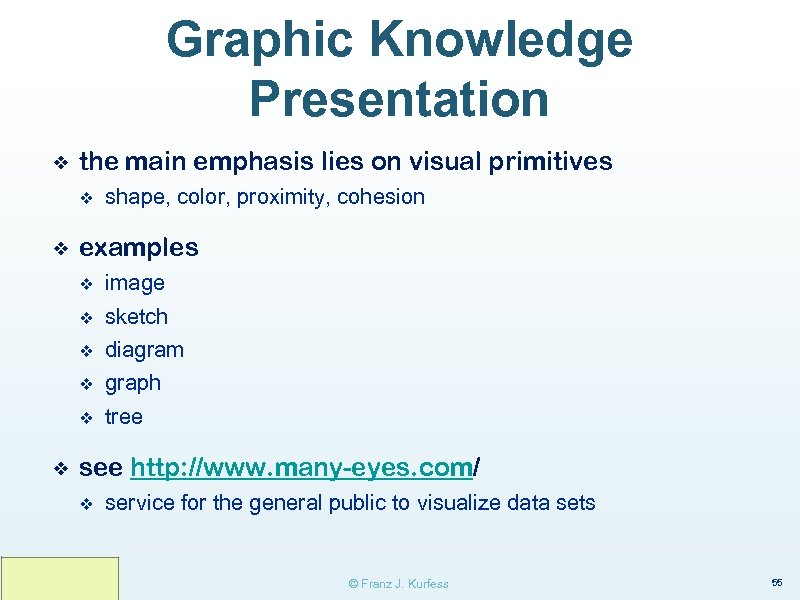
Graphic Knowledge Presentation ❖ the main emphasis lies on visual primitives v ❖ shape, color, proximity, cohesion examples v v sketch v diagram v graph v ❖ image tree see http: //www. many-eyes. com/ v service for the general public to visualize data sets © Franz J. Kurfess 55
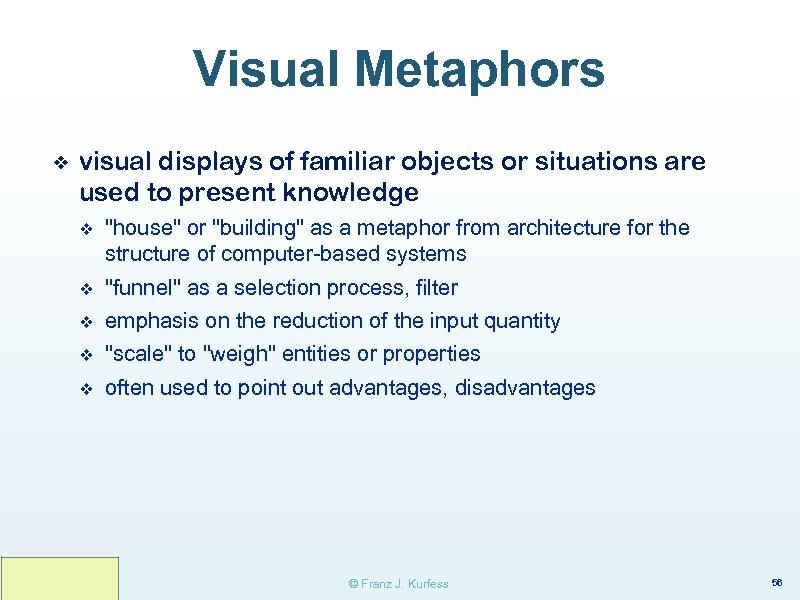
Visual Metaphors ❖ visual displays of familiar objects or situations are used to present knowledge v "house" or "building" as a metaphor from architecture for the structure of computer-based systems v "funnel" as a selection process, filter v emphasis on the reduction of the input quantity v "scale" to "weigh" entities or properties v often used to point out advantages, disadvantages © Franz J. Kurfess 56
Non-Visual ❖ sound v spoken language v music v soundscapes ❖ touch ❖ taste ❖ smell © Franz J. Kurfess 57
Critical Aspects Knowledge Presentation ❖ user background v How familiar is the user with the domain, task, system, . . . ? v How wide is the range of users? v ❖ abilities, motivation, task v v Will the same user perform the same task rarely, repeatedly, regularly? v ❖ What is the (set of) task(s) to be performed by the user? Complexity of the task? context v What is the environment in which the task is to be performed? v multi-tasking v noise © Franz J. Kurfess 58
Examples ❖ search results in search engines © Franz J. Kurfess 59
Retrieval of Knowledge ❖ How is existing and identified knowledge accessed, encapsulated, and transported to the user? © Franz J. Kurfess 60
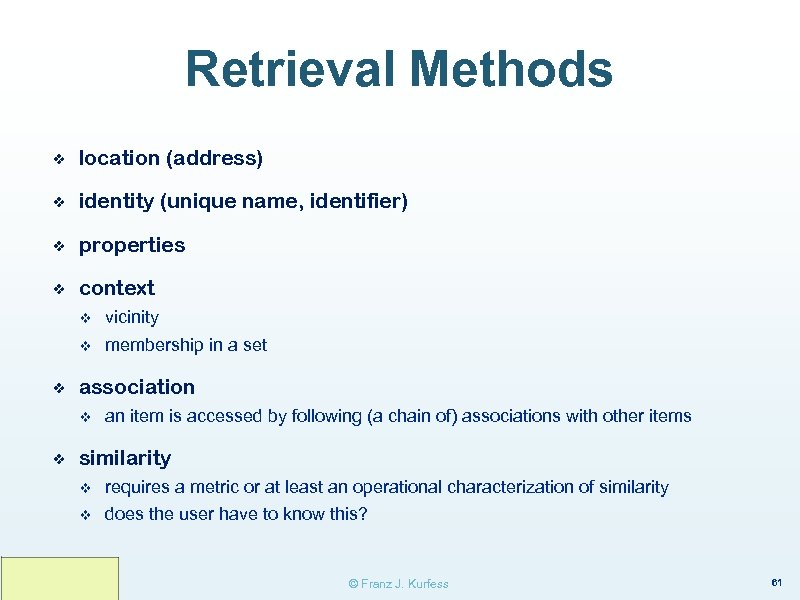
Retrieval Methods ❖ location (address) ❖ identity (unique name, identifier) ❖ properties ❖ context v v ❖ vicinity membership in a set association v ❖ an item is accessed by following (a chain of) associations with other items similarity v requires a metric or at least an operational characterization of similarity v does the user have to know this? © Franz J. Kurfess 61
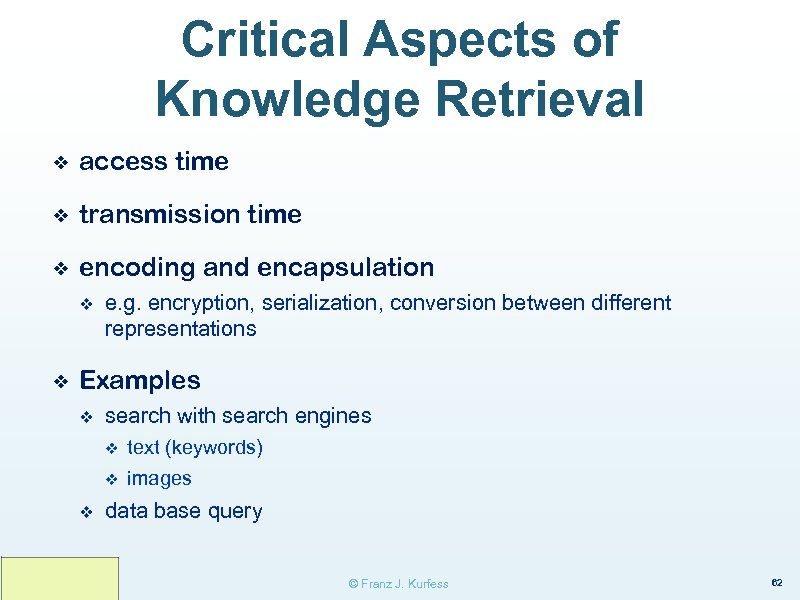
Critical Aspects of Knowledge Retrieval ❖ access time ❖ transmission time ❖ encoding and encapsulation v ❖ e. g. encryption, serialization, conversion between different representations Examples v search with search engines v v v text (keywords) images data base query © Franz J. Kurfess 62
Identification of Knowledge ❖ How does the user distinguish wanted from unwanted knowledge entities? © Franz J. Kurfess 63
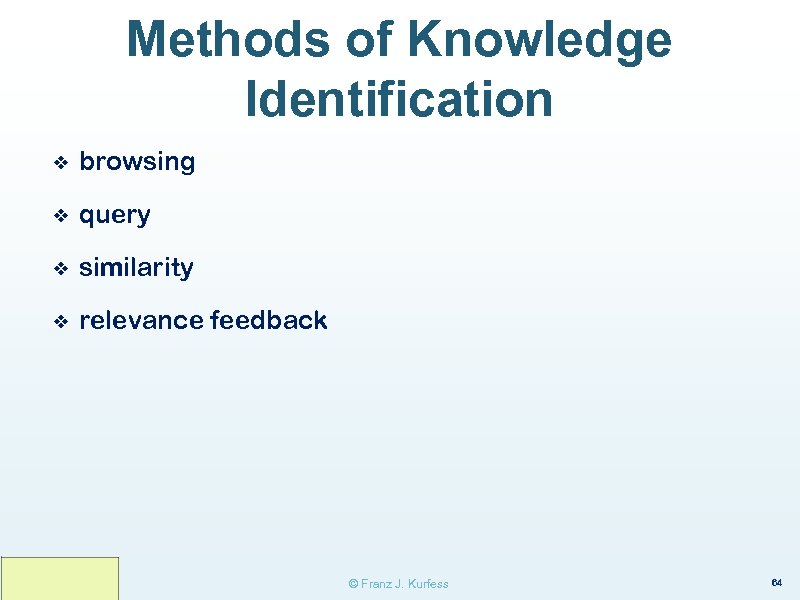
Methods of Knowledge Identification ❖ browsing ❖ query ❖ similarity ❖ relevance feedback © Franz J. Kurfess 64
Browsing ❖ the user follows an organizational structure of the collection v v v e. g. walking through the stacks of a library, scanning the table of contents in a magazine, following links on a Web page the organizational structure often is related to the content of the documents v e. g. topics can also be arranged according to other criteria v size v date of acquisition v external scheme v e. g. books by ISBN numbers © Franz J. Kurfess 65
Query ❖ the user tries to describe relevant aspects of the items to be identified v presence of keywords, phrases, sentences v sometimes also more complex queries v v e. g. Boolean operators description of properties v ranges or values of important features © Franz J. Kurfess 66
Relevance Feedback ❖ the user provides feedback on the suitability of the items presented ❖ very good basis for usability measurements © Franz J. Kurfess 67
Similarity ❖ the user identifies entities that share important aspects of the one to be identified ❖ there also have to be some undetermined properties v ❖ otherwise the entity is already identified can be combined with v query - identification of distinguishing features v browsing - looking at a set of similar items v relevance feedback - selecting a better instance © Franz J. Kurfess 68
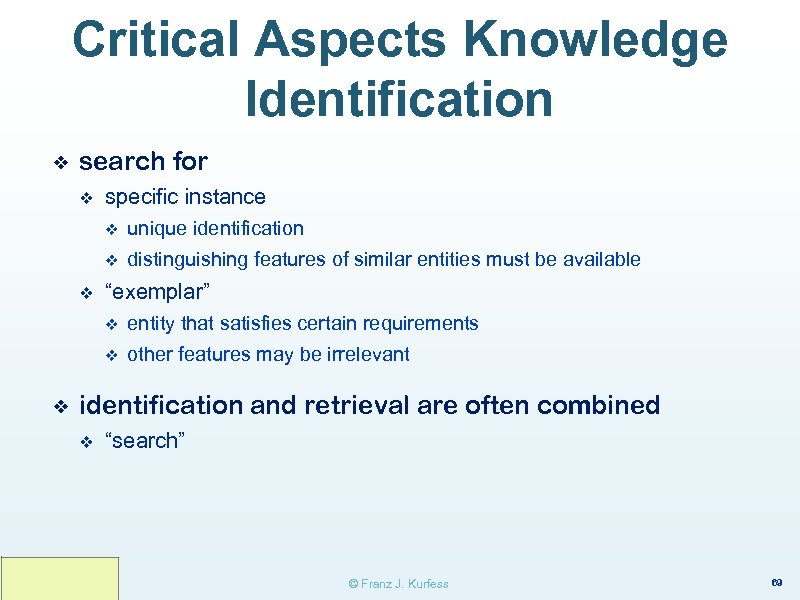
Critical Aspects Knowledge Identification ❖ search for v specific instance v v v unique identification distinguishing features of similar entities must be available “exemplar” v v ❖ entity that satisfies certain requirements other features may be irrelevant identification and retrieval are often combined v “search” © Franz J. Kurfess 69
Examples Knowledge Identification ❖ core activities of search engines v ❖ especially for search in “closed” systems data base queries © Franz J. Kurfess 70
Modification of Knowledge ❖ Methods ❖ Critical Aspects ❖ Examples © Franz J. Kurfess 71
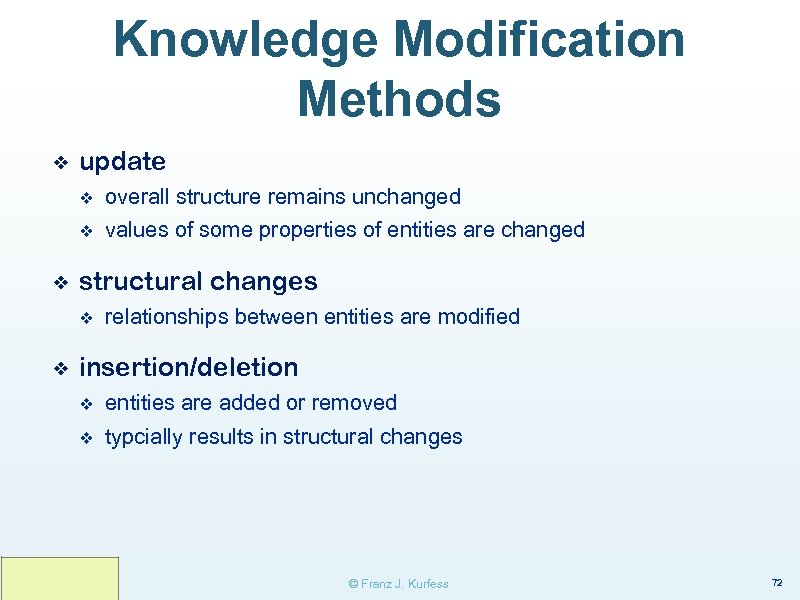
Knowledge Modification Methods ❖ update v v ❖ overall structure remains unchanged values of some properties of entities are changed structural changes v ❖ relationships between entities are modified insertion/deletion v entities are added or removed v typcially results in structural changes © Franz J. Kurfess 72

Critical Aspects Knowledge Modification © Franz J. Kurfess 73
Examples Knowledge Modification © Franz J. Kurfess 74
Acquisition of Knowledge ❖ explicit knowledge is converted into a representation suitable for storage on computers v often done by knowledge engineers to capture expertise v tacit knowledge has to be converted into explicit knowledge first ❖ Methods ❖ Critical Aspects ❖ Examples © Franz J. Kurfess 75
Knowledge Acquisition Methods ❖ interview ❖ refinement ❖ observation © Franz J. Kurfess 76
Creation of Knowledge ❖ knowledge is made explicit v conversion from the internal representation of the knowledge owner into one that can be shared with others ❖ Methods ❖ Critical Aspects ❖ Examples © Franz J. Kurfess 79
Problems Knowledge Usability ❖ Semantic Gap ❖ Observability and Controllability ❖ Task Specificity ❖ Context and Environment © Franz J. Kurfess 84
Semantic Gap ❖ in the knowledge-based systems domain, this refers to the difference between knowledge processing by humans and by computers v v ❖ humans: emphasis on understanding (semantics) computers: emphasis on symbol manipulation (syntax) here: gap between measurable and observable activities, and the achievement of the goal for a task v e. g. measuring that a user has "understood" the instructions for solving a computer setup problem © Franz J. Kurfess 85
Observability ❖ technical term from control theory v counterpart of controllability ❖ internal states of a system can be inferred by knowledge of its external outputs ❖ it is possible to determine the behavior of a system from its outputs © Franz J. Kurfess 86
Controllability ❖ technical term from control theory v ❖ counterpart of observability to move a system around in its entire configuration space using only certain admissible manipulations v typically inputs are manipulated v does not necessarily mean that the system can be kept in a certain state, only that it is possible to get to that state © Franz J. Kurfess 87
Usability and Observability ❖ internal states of users are typically unknown v v ❖ lack of a cognitive model insufficient information about the user mental activities are difficult to observe and measure v technology such as f. MRI exists, but is impractical for most situations v self-observation can be used, but is also problematic v subjective v probably has an impact on performance since it requires mental resources © Franz J. Kurfess 88
Usability and Controllability ❖ usually it is impractical (and unnecessary) to cover the entire configuration space of a system v ❖ with exceptions, e. g. safety-critical systems, legal requirements user may have to be considered part of the entire system © Franz J. Kurfess 89
Task Specificity ❖ goal criteria may be highly task-specific v difficult to generalize v usability metrics may depend on goal criteria © Franz J. Kurfess 90
Context and Environment ❖ knowledge can be highly context-dependent v ❖ environment can have a significant influence on user performance v ❖ makes measurements difficult lab vs. work environment observation effect v the behavior of the user may be different when observed © Franz J. Kurfess 91
Sources of Problems ❖ Conceptual Mismatch ❖ Labeling Mismatch ❖ Descriptive Mismatch ❖ Representational Mismatch © Franz J. Kurfess 92
Conceptual Mismatch ❖ The concepts the user has in mind do not match those utilized by the developers of the knowledge representation, retrieval, or presentation system. © Franz J. Kurfess 93
Labeling Mismatch ❖ The concepts used by the user and by the developer match reasonably well, but they use different labels (terms) for them. This may include ambiguities, homonyms, context (domains, everyday vs. technical terms) problems across languages © Franz J. Kurfess 94
Descriptive Mismatch ❖ User and developer describe relevant aspects of entities in different ways. v A user saw a pretty red skirt with polka dots and ruffles in a fashion magazine, and has problems finding it on the Internet using the above keywords. © Franz J. Kurfess 95
Representational Mismatch ❖ The internal structure of the representation of the knowledge is different from the one used by the user. v Example: A tall basketball player wants to buy a car, and needs one that can accommodate drivers larger than 2. 00 meters. Most knowledge sources for cars (data bases, reviews, manufacturer information) will only contain related data that may give hints, but not the full answer to such a requirement. © Franz J. Kurfess 96
![References ❖ [Gil 2000] Yolanda Gil, Knowledge Mobility. Dagstuhl Workshop “Semantics for the Web,](https://present5.com/presentation/8fc1170a707cb6d1b7195ae58f9adf40/image-73.jpg "References ❖ [Gil 2000] Yolanda Gil, Knowledge Mobility. Dagstuhl Workshop “Semantics for the Web,")
References ❖ [Gil 2000] Yolanda Gil, Knowledge Mobility. Dagstuhl Workshop “Semantics for the Web, ” March 2000. ❖ [NEEDS] National Engineering Digital Library, www. needs. org ❖ [Russell & Norvig 1995] Stuart Russell and Peter Norvig, Artificial Intelligence - A Modern Approach. Prentice Hall, 1995. © Franz J. Kurfess 99

© Franz J. Kurfess 105
Скачать презентацию Knowledge and Usability Franz J Kurfess Computer Science
8fc1170a707cb6d1b7195ae58f9adf40.ppt