 Скачать презентацию Kako razvijate PL SQL pakete File based PL SQL development
4a79c778313805ae6537c8bd925f1c5d.ppt
- Количество слайдов: 33



Kako razvijate PL/SQL pakete? File based PL/SQL development Mitja Golouh mitja. golouh@hermes. si SIOUG 2006, 11. 10. 2006
Agenda • • • Schema deployment Scripts and schema versioning PL/SQL development cycle Creating database schema from scripts Sqlmake - automated deploy tool 2
What is database schema? • The word schema comes from the Greek word "σχήμα" (skhēma), which means shape or more generally plan. • A database schema is a collection of logical structures of data, or schema objects. • A schema is owned by a database user and has the same name as that user. 3
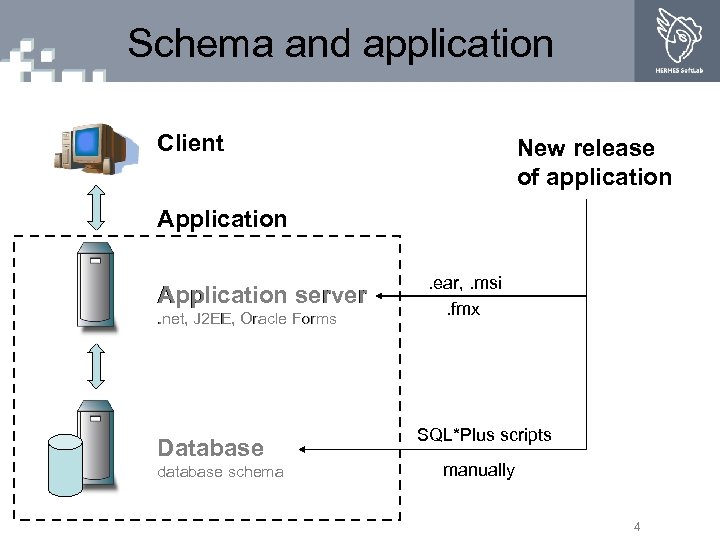
Schema and application Client New release of application Application server. net, J 2 EE, Oracle Forms Database database schema . ear, . msi. fmx SQL*Plus scripts manually 4
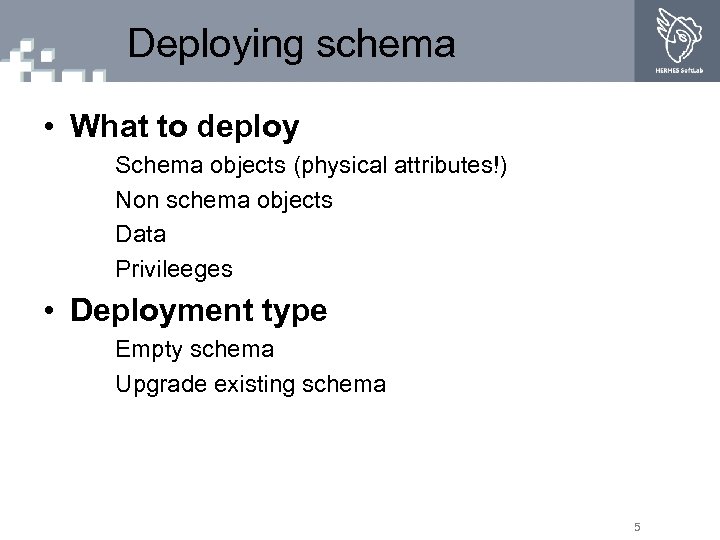
Deploying schema • What to deploy Schema objects (physical attributes!) Non schema objects Data Privileeges • Deployment type Empty schema Upgrade existing schema 5
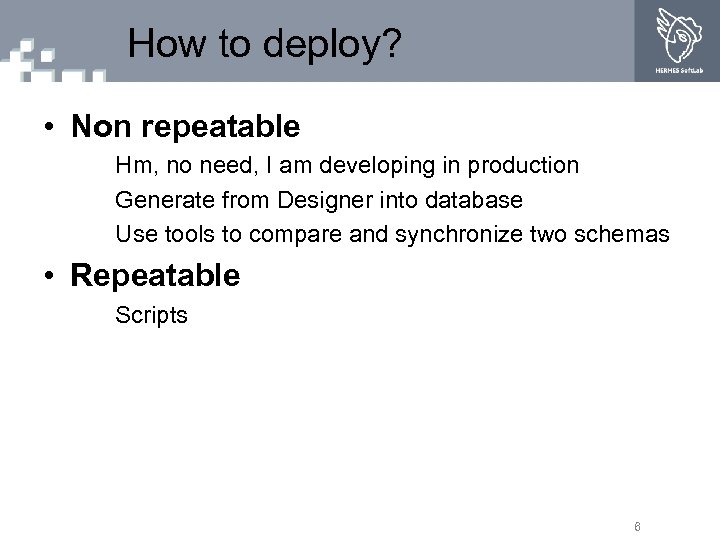
How to deploy? • Non repeatable Hm, no need, I am developing in production Generate from Designer into database Use tools to compare and synchronize two schemas • Repeatable Scripts 6
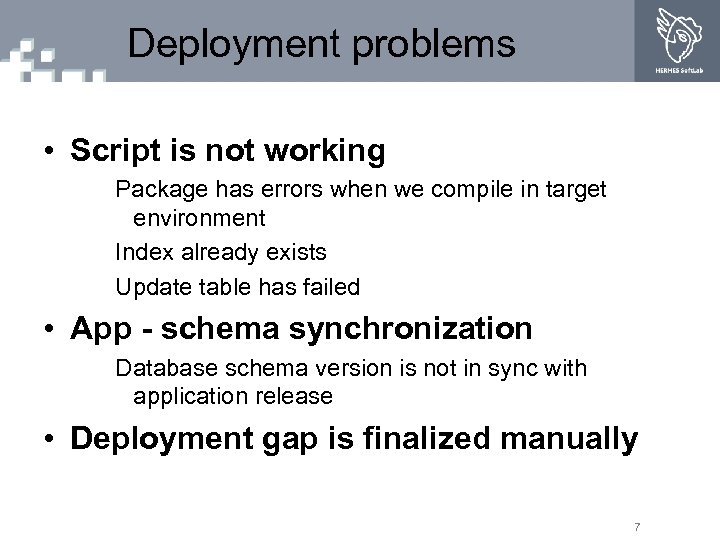
Deployment problems • Script is not working Package has errors when we compile in target environment Index already exists Update table has failed • App - schema synchronization Database schema version is not in sync with application release • Deployment gap is finalized manually 7
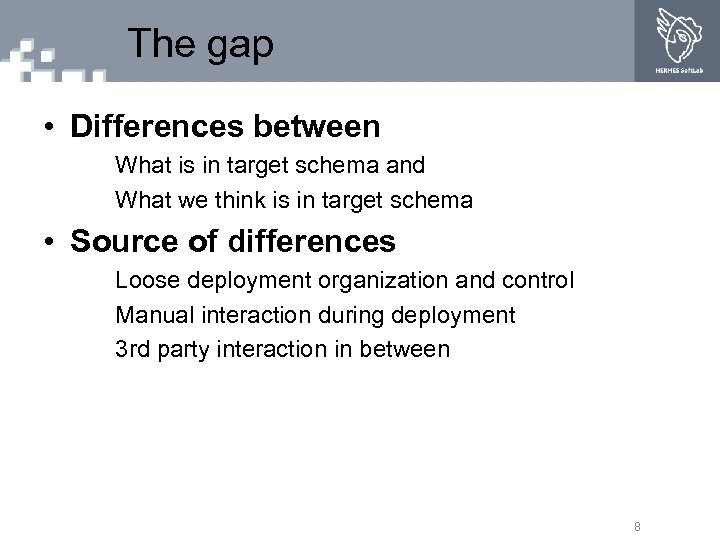
The gap • Differences between What is in target schema and What we think is in target schema • Source of differences Loose deployment organization and control Manual interaction during deployment 3 rd party interaction in between 8
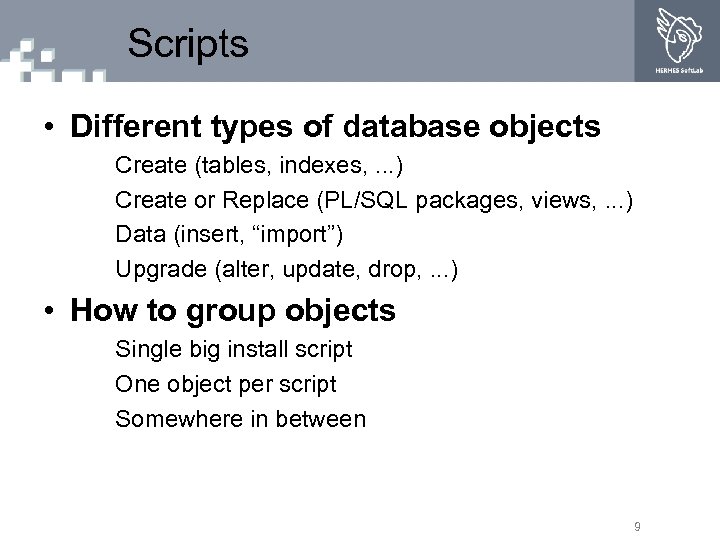
Scripts • Different types of database objects Create (tables, indexes, . . . ) Create or Replace (PL/SQL packages, views, . . . ) Data (insert, “import”) Upgrade (alter, update, drop, . . . ) • How to group objects Single big install script One object per script Somewhere in between 9
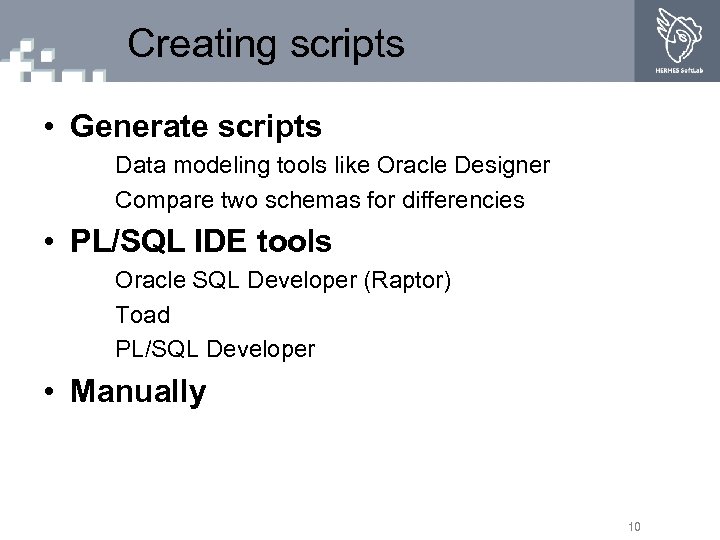
Creating scripts • Generate scripts Data modeling tools like Oracle Designer Compare two schemas for differencies • PL/SQL IDE tools Oracle SQL Developer (Raptor) Toad PL/SQL Developer • Manually 10
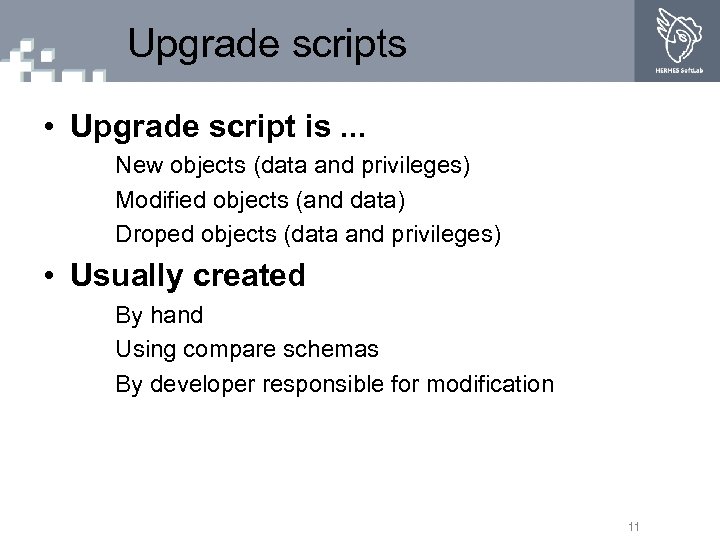
Upgrade scripts • Upgrade script is. . . New objects (data and privileges) Modified objects (and data) Droped objects (data and privileges) • Usually created By hand Using compare schemas By developer responsible for modification 11
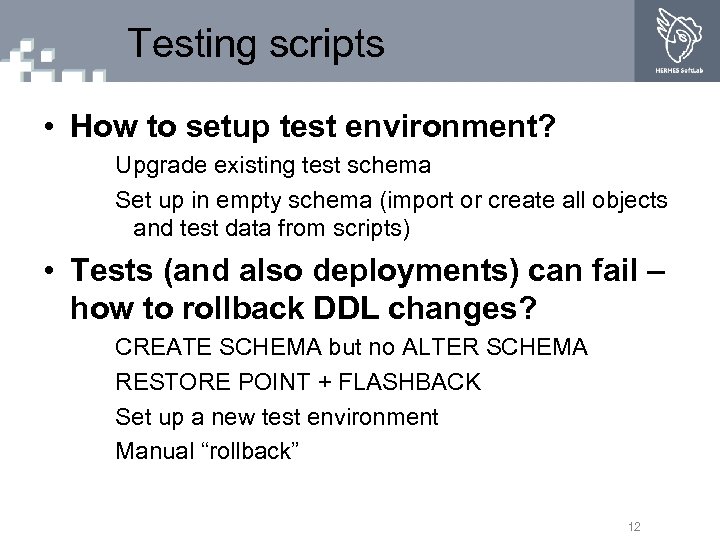
Testing scripts • How to setup test environment? Upgrade existing test schema Set up in empty schema (import or create all objects and test data from scripts) • Tests (and also deployments) can fail – how to rollback DDL changes? CREATE SCHEMA but no ALTER SCHEMA RESTORE POINT + FLASHBACK Set up a new test environment Manual “rollback” 12
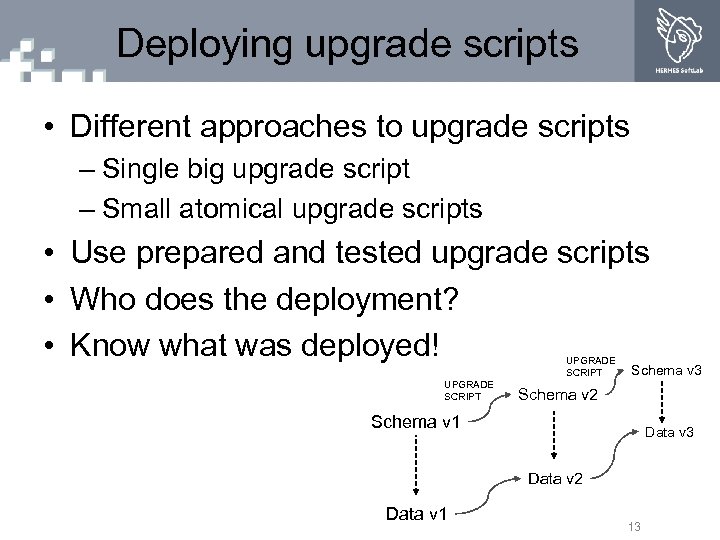
Deploying upgrade scripts • Different approaches to upgrade scripts – Single big upgrade script – Small atomical upgrade scripts • Use prepared and tested upgrade scripts • Who does the deployment? • Know what was deployed! UPGRADE SCRIPT Schema v 3 Schema v 2 Schema v 1 Data v 3 Data v 2 Data v 1 13
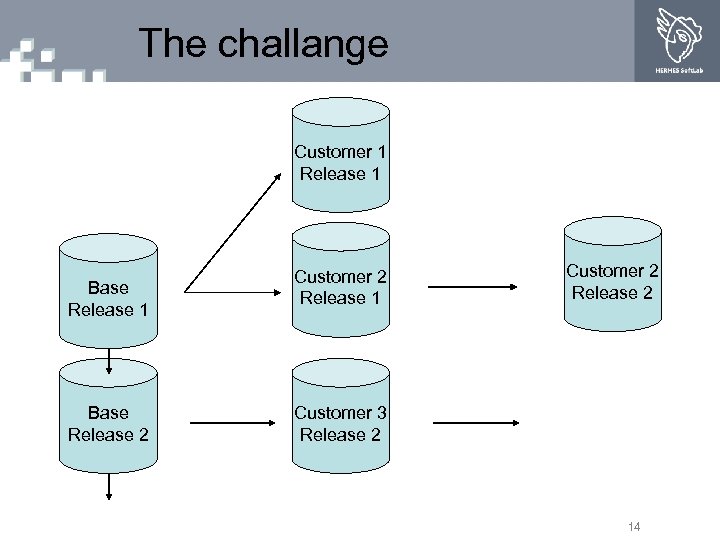
The challange Customer 1 Release 1 Base Release 2 Customer 2 Release 1 Customer 2 Release 2 Customer 3 Release 2 14
Schema versioning • Can we version database schema? Google keywords: schema evolution, schema versioning • Source Configuration Management (SCM) Clear Case, Subversion, Perforce, CVS Multiple developers Multiple target environments (branches) Change request tracking History tracking 15
How to use SCM • Data modeling tool Version generated scripts One big file or many small files • PL/SQL development Integrate into development cycle One package = one file • Data Version insert scripts 16
Oracle Designer SCM • Introduced in version 6 i • It looked promising but … • Statement of direction Oracle SCM has been placed into maintenance mode. This means that Oracle will continue to fix bugs but there will be no new features added to the product. • Not very user friendly PL/SQL development 17
3 rd party SCM • Inbuilt functionality with PL/SQL development tools TOAD (Team coding, Project Manager) PL/SQL Developer (Project, VCS plugin) SQL Developer (sorry, not there yet) • Versioning software works with file system 18
Versioning PL/SQL code • Frequent changes • No need for upgrade scripts due to CREATE or REPLACE syntax • Can deploy previous version • File based development and versioning supported by development tools 19
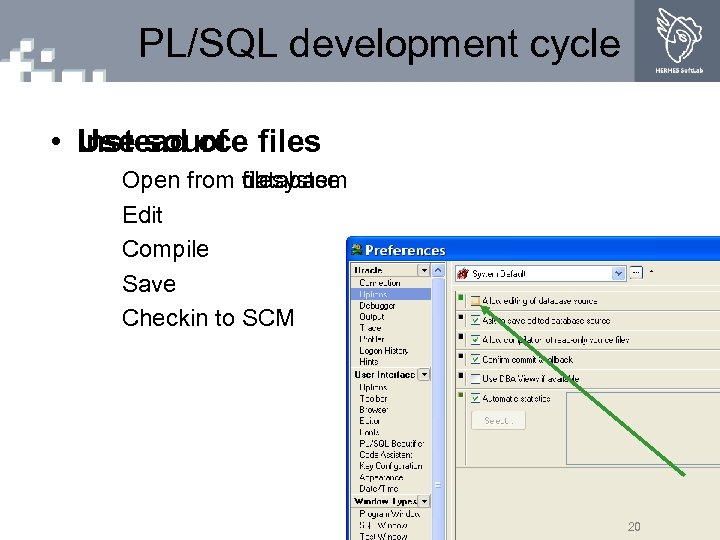
PL/SQL development cycle • Use source files Instead of Open from filesystem database Edit Compile Save Checkin to SCM 20
File based development • Top wish on new SQL Developer (Raptor) functionality survey File based PL/SQL support Added file browsing support • Every database object is scripted in a file • Privileeges are scripted in a file • Data is scripted in a file Test data System data List of values 21
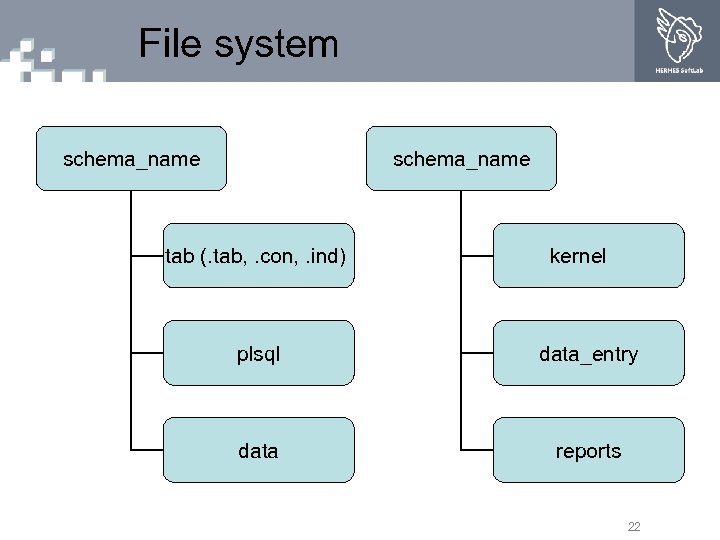
File system schema_name tab (. tab, . con, . ind) kernel plsql data_entry data reports 22
SPOC • Change of philosophy • Do you trust your file system? Drop your development or test schema Recreate it from scripts See if anyone complains • Single Point Of Control = File system SPOCK 23
Creating schema from scripts • Deploying 10, 100 or 1000 scripts is not easy • Alternatives Hand made install scripts Automated deploy tool like Designer Repository install 24
Hand made scripts • Good example found in ut. PLSQL install scripts • Use SQL*Plus commands @, @@ Substitution variables • Hard to maintain for large number of files in changing environment 25
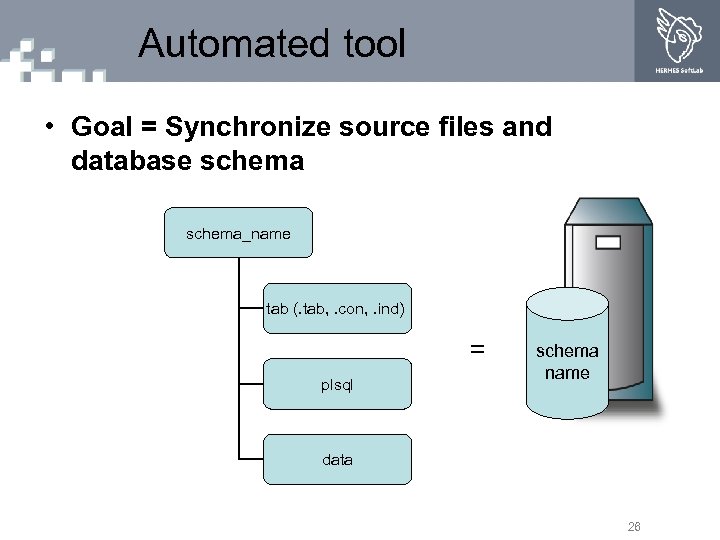
Automated tool • Goal = Synchronize source files and database schema_name tab (. tab, . con, . ind) = plsql schema name data 26
Sqlmake • Automated tool for database schema deployment • Predecessor used in live projects • Currently in development Ported to. net Adding new features 27
Sqlmake benefits • No need to manually create install scripts • Easy setup of new schema from release xy For a new developer For testing purposes For bug hunting • Easy upgrade of PL/SQL code (all database objects with replace syntax) • Controlled deployment of upgrade scripts (all database objects without replace syntax, data) 28
Sqlmake internals • Some obstacles found and solved Database object dependencies Performance (reinstall only modified files) Keep schema version information Upgrade scripts • To do Nant integration PL/SQL development tool integration 29
Summary • SCM can add value to database schema development • Automated tools like Sqlmake are helpful in a file based development • Take control of your development and deployment • Deployment organization is very important for good testing practices 30
Questions ? Mitja Golouh mitja. golouh@hermes. si 31
Usefull keywords • Versioning tools CVS Subversion • File compare tools Win. Merge • Extract DDL from export files DDL Wizard (Databee) 32
© 2004 HERMES Soft. Lab. All rights reserved. Logotype is a registered trademark of HERMES Soft. Lab d. d. All other names/logos may be registered trademarks of their respective owners.
Скачать презентацию Kako razvijate PL SQL pakete File based PL SQL development
4a79c778313805ae6537c8bd925f1c5d.ppt