


 Скачать презентацию JUnit Automated Software Testing Framework Paul Ammann
f69d624973043546ad8833a1915e1e56.ppt
- Количество слайдов: 16
 JUnit Automated Software Testing Framework Paul Ammann & Jeff Offutt http: //www. cs. gmu. edu/~offutt/softwaretest/ Thanks in part to Aynur Abdurazik
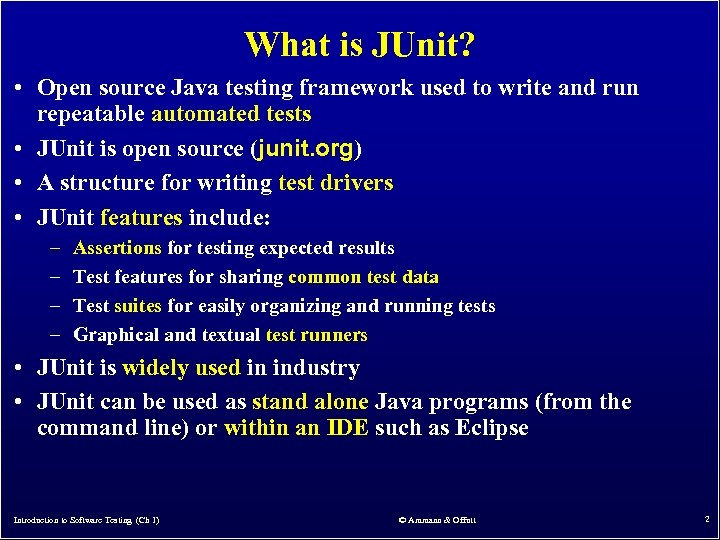 What is JUnit? • Open source Java testing framework used to write and run repeatable automated tests • JUnit is open source (junit. org) • A structure for writing test drivers • JUnit features include: – – Assertions for testing expected results Test features for sharing common test data Test suites for easily organizing and running tests Graphical and textual test runners • JUnit is widely used in industry • JUnit can be used as stand alone Java programs (from the command line) or within an IDE such as Eclipse Introduction to Software Testing (Ch 1) © Ammann & Offutt 2
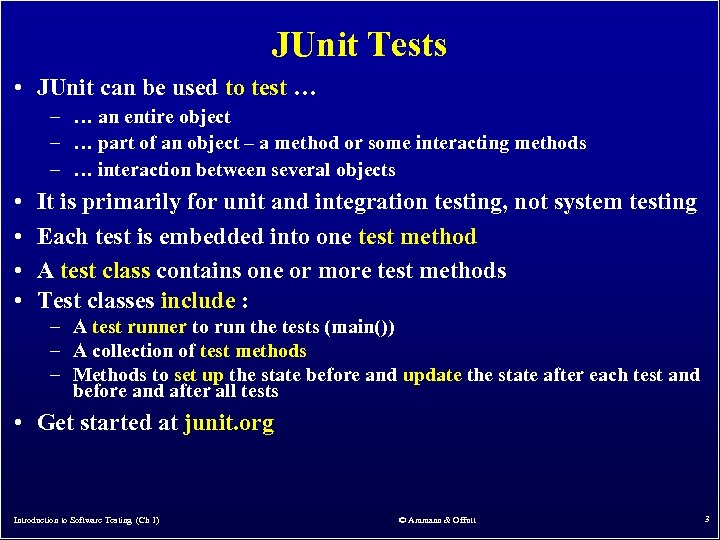 JUnit Tests • JUnit can be used to test … – … an entire object – … part of an object – a method or some interacting methods – … interaction between several objects • • It is primarily for unit and integration testing, not system testing Each test is embedded into one test method A test class contains one or more test methods Test classes include : – A test runner to run the tests (main()) – A collection of test methods – Methods to set up the state before and update the state after each test and before and after all tests • Get started at junit. org Introduction to Software Testing (Ch 1) © Ammann & Offutt 3
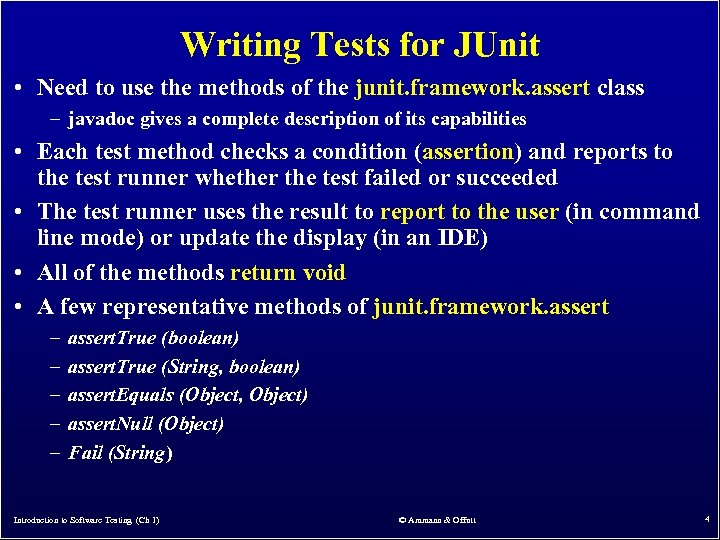 Writing Tests for JUnit • Need to use the methods of the junit. framework. assert class – javadoc gives a complete description of its capabilities • Each test method checks a condition (assertion) and reports to the test runner whether the test failed or succeeded • The test runner uses the result to report to the user (in command line mode) or update the display (in an IDE) • All of the methods return void • A few representative methods of junit. framework. assert – – – assert. True (boolean) assert. True (String, boolean) assert. Equals (Object, Object) assert. Null (Object) Fail (String) Introduction to Software Testing (Ch 1) © Ammann & Offutt 4
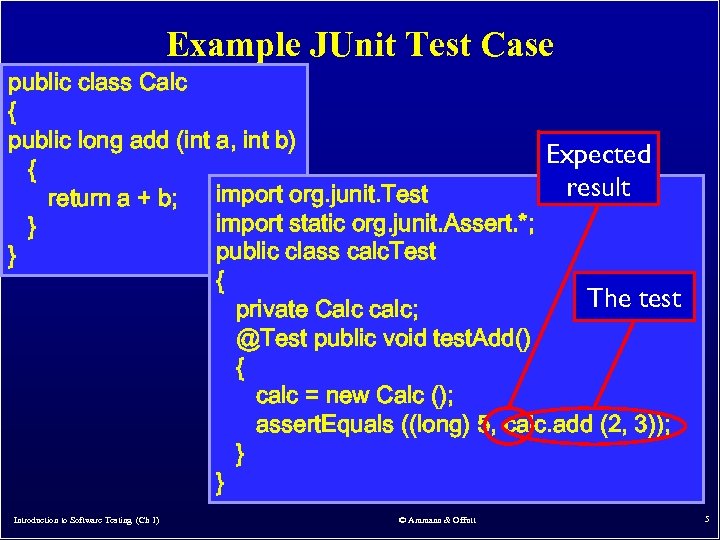 Example JUnit Test Case public class Calc { public long add (int a, int b) Expected { result import org. junit. Test return a + b; import static org. junit. Assert. *; } public class calc. Test } { The test private Calc calc; @Test public void test. Add() { calc = new Calc (); assert. Equals ((long) 5, calc. add (2, 3)); } } Introduction to Software Testing (Ch 1) © Ammann & Offutt 5
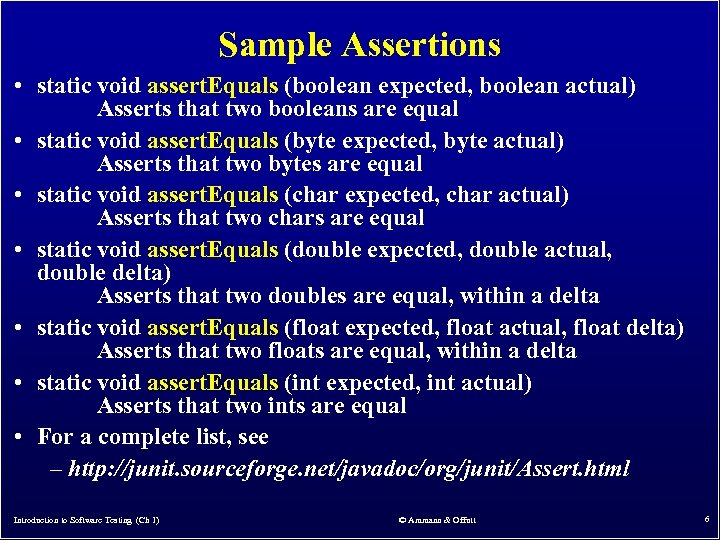 Sample Assertions • static void assert. Equals (boolean expected, boolean actual) Asserts that two booleans are equal • static void assert. Equals (byte expected, byte actual) Asserts that two bytes are equal • static void assert. Equals (char expected, char actual) Asserts that two chars are equal • static void assert. Equals (double expected, double actual, double delta) Asserts that two doubles are equal, within a delta • static void assert. Equals (float expected, float actual, float delta) Asserts that two floats are equal, within a delta • static void assert. Equals (int expected, int actual) Asserts that two ints are equal • For a complete list, see – http: //junit. sourceforge. net/javadoc/org/junit/Assert. html Introduction to Software Testing (Ch 1) © Ammann & Offutt 6
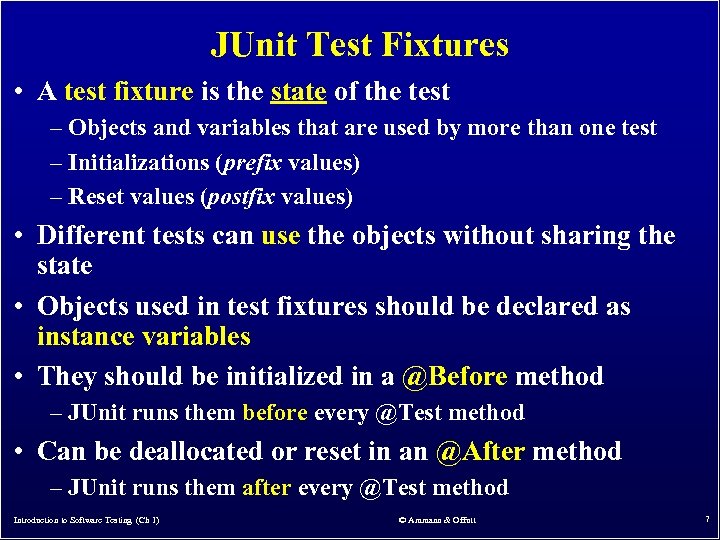 JUnit Test Fixtures • A test fixture is the state of the test – Objects and variables that are used by more than one test – Initializations (prefix values) – Reset values (postfix values) • Different tests can use the objects without sharing the state • Objects used in test fixtures should be declared as instance variables • They should be initialized in a @Before method – JUnit runs them before every @Test method • Can be deallocated or reset in an @After method – JUnit runs them after every @Test method Introduction to Software Testing (Ch 1) © Ammann & Offutt 7
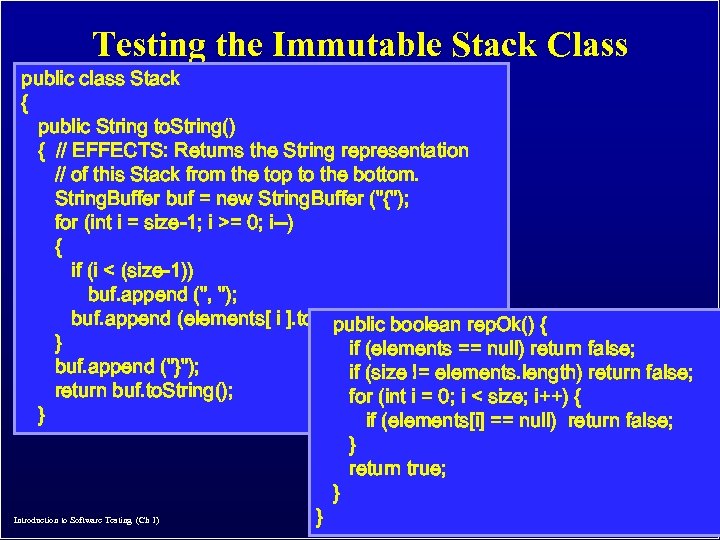 Testing the Immutable Stack Class public class Stack { public String to. String() { // EFFECTS: Returns the String representation // of this Stack from the top to the bottom. String. Buffer buf = new String. Buffer ("{"); for (int i = size-1; i >= 0; i--) { if (i < (size-1)) buf. append (", "); buf. append (elements[ i ]. to. String()); boolean rep. Ok() { public } if (elements == null) return false; buf. append ("}"); if (size != elements. length) return false; return buf. to. String(); for (int i = 0; i < size; i++) { } if (elements[i] == null) return false; } return true; } © Ammann & Offutt Introduction to Software Testing (Ch 1) } 8
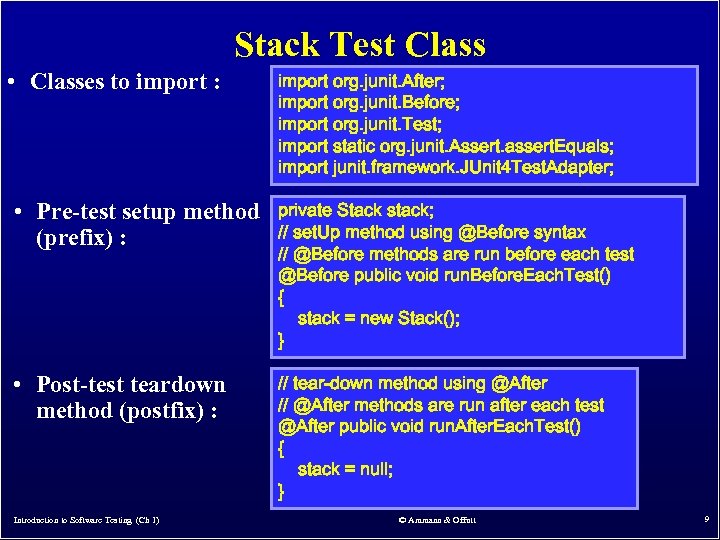 Stack Test Class • Classes to import : import org. junit. After; import org. junit. Before; import org. junit. Test; import static org. junit. Assert. assert. Equals; import junit. framework. JUnit 4 Test. Adapter; • Pre-test setup method (prefix) : private Stack stack; // set. Up method using @Before syntax // @Before methods are run before each test @Before public void run. Before. Each. Test() { stack = new Stack(); } • Post-test teardown method (postfix) : // tear-down method using @After // @After methods are run after each test @After public void run. After. Each. Test() { stack = null; } Introduction to Software Testing (Ch 1) © Ammann & Offutt 9
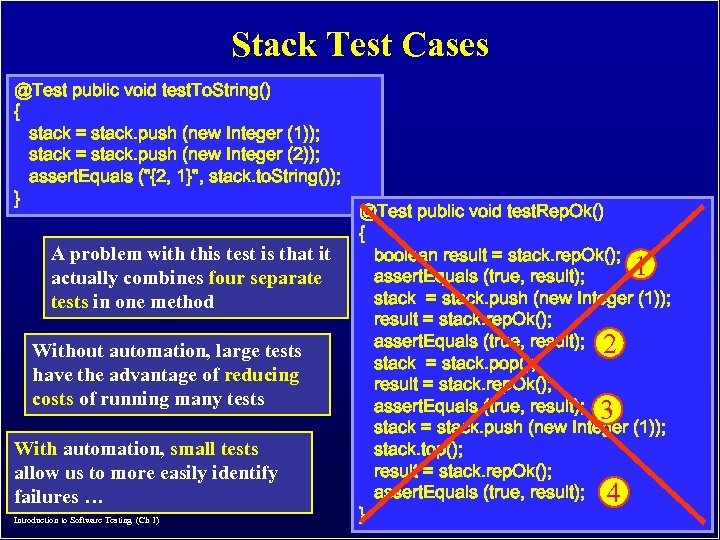 Stack Test Cases @Test public void test. To. String() { stack = stack. push (new Integer (1)); stack = stack. push (new Integer (2)); assert. Equals ("{2, 1}", stack. to. String()); } A problem with this test is that it actually combines four separate tests in one method Without automation, large tests have the advantage of reducing costs of running many tests With automation, small tests allow us to more easily identify failures … Introduction to Software Testing (Ch 1) @Test public void test. Rep. Ok() { boolean result = stack. rep. Ok(); 1 assert. Equals (true, result); stack = stack. push (new Integer (1)); result = stack. rep. Ok(); assert. Equals (true, result); 2 stack = stack. pop(); result = stack. rep. Ok(); assert. Equals (true, result); 3 stack = stack. push (new Integer (1)); stack. top(); result = stack. rep. Ok(); assert. Equals (true, result); 4 } © Ammann & Offutt 10
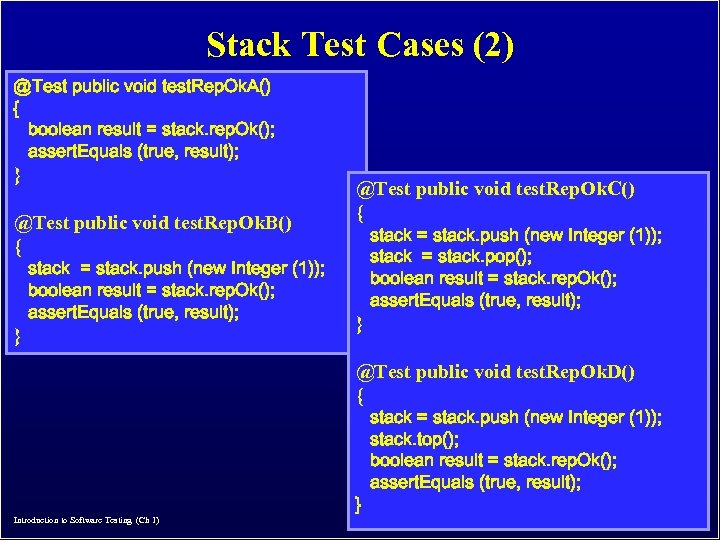 Stack Test Cases (2) @Test public void test. Rep. Ok. A() { boolean result = stack. rep. Ok(); assert. Equals (true, result); } @Test public void test. Rep. Ok. B() { stack = stack. push (new Integer (1)); boolean result = stack. rep. Ok(); assert. Equals (true, result); } @Test public void test. Rep. Ok. C() { stack = stack. push (new Integer (1)); stack = stack. pop(); boolean result = stack. rep. Ok(); assert. Equals (true, result); } @Test public void test. Rep. Ok. D() { Introduction to Software Testing (Ch 1) } stack = stack. push (new Integer (1)); stack. top(); boolean result = stack. rep. Ok(); assert. Equals (true, result); © Ammann & Offutt 11
 Running from a Command Line • This is all we need to run JUnit in an IDE (like Eclipse) • We need a main() for command line execution … Introduction to Software Testing (Ch 1) © Ammann & Offutt 12
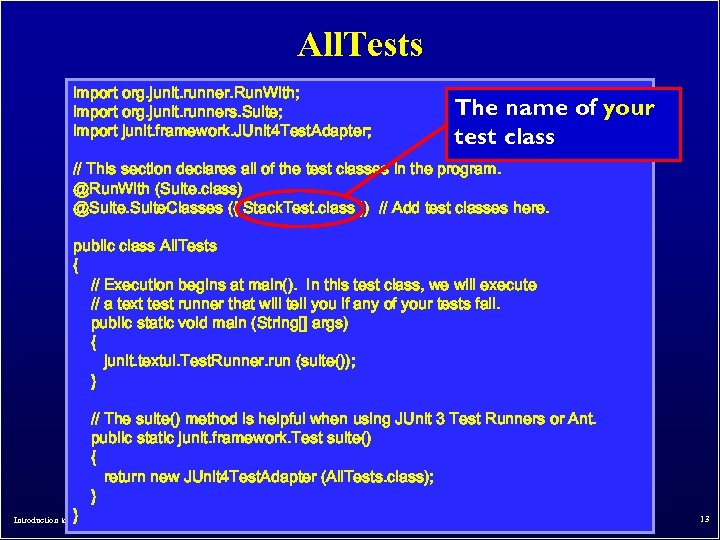 All. Tests import org. junit. runner. Run. With; import org. junit. runners. Suite; import junit. framework. JUnit 4 Test. Adapter; The name of your test class // This section declares all of the test classes in the program. @Run. With (Suite. class) @Suite. Classes ({ Stack. Test. class }) // Add test classes here. public class All. Tests { // Execution begins at main(). In this test class, we will execute // a text test runner that will tell you if any of your tests fail. public static void main (String[] args) { junit. textui. Test. Runner. run (suite()); } } // The suite() method is helpful when using JUnit 3 Test Runners or Ant. public static junit. framework. Test suite() { return new JUnit 4 Test. Adapter (All. Tests. class); } Introduction to Software Testing (Ch 1) © Ammann & Offutt 13
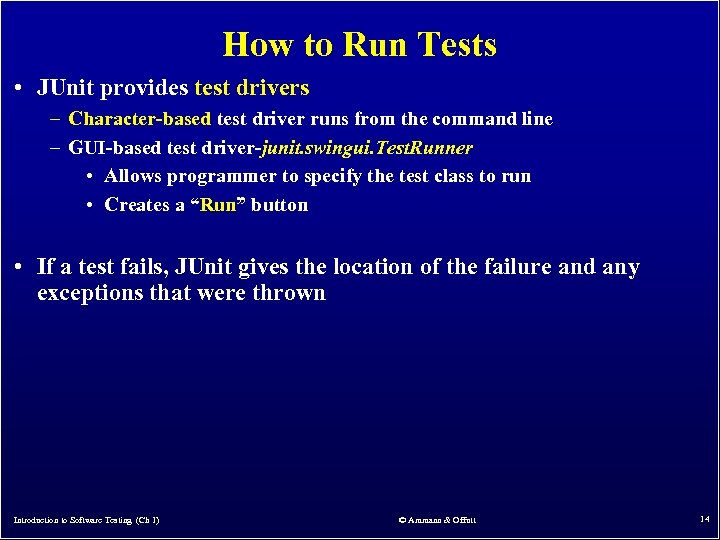 How to Run Tests • JUnit provides test drivers – Character-based test driver runs from the command line – GUI-based test driver-junit. swingui. Test. Runner • Allows programmer to specify the test class to run • Creates a “Run” button • If a test fails, JUnit gives the location of the failure and any exceptions that were thrown Introduction to Software Testing (Ch 1) © Ammann & Offutt 14
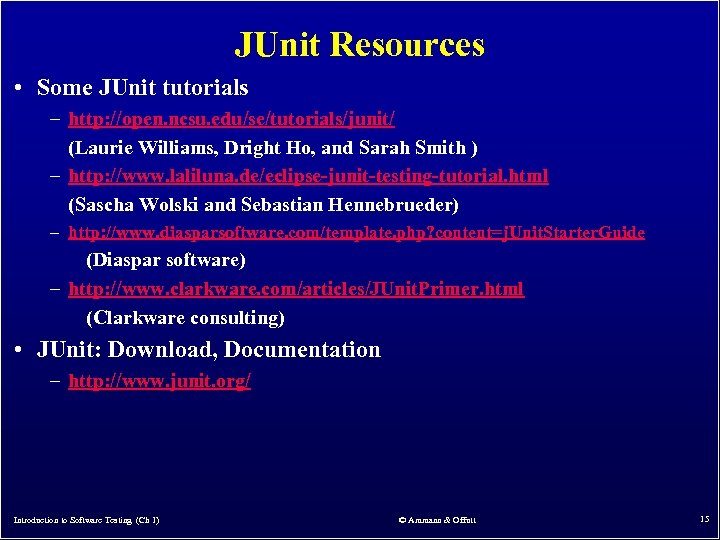 JUnit Resources • Some JUnit tutorials – http: //open. ncsu. edu/se/tutorials/junit/ (Laurie Williams, Dright Ho, and Sarah Smith ) – http: //www. laliluna. de/eclipse-junit-testing-tutorial. html (Sascha Wolski and Sebastian Hennebrueder) – http: //www. diasparsoftware. com/template. php? content=j. Unit. Starter. Guide (Diaspar software) – http: //www. clarkware. com/articles/JUnit. Primer. html (Clarkware consulting) • JUnit: Download, Documentation – http: //www. junit. org/ Introduction to Software Testing (Ch 1) © Ammann & Offutt 15
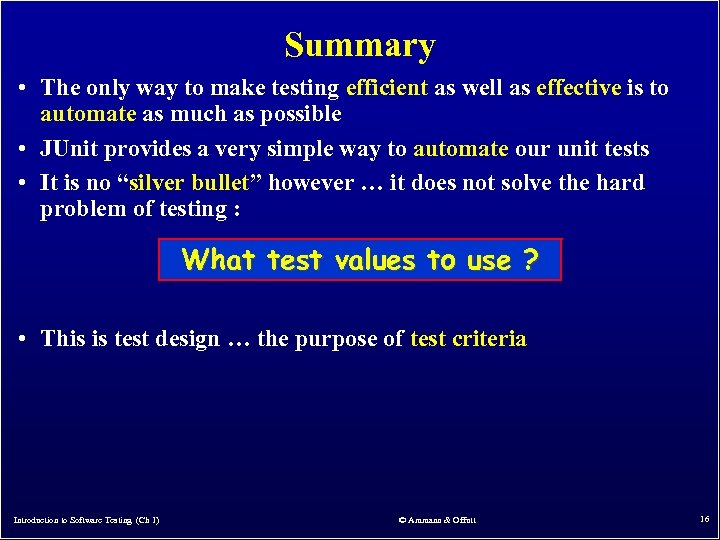 Summary • The only way to make testing efficient as well as effective is to automate as much as possible • JUnit provides a very simple way to automate our unit tests • It is no “silver bullet” however … it does not solve the hard problem of testing : What test values to use ? • This is test design … the purpose of test criteria Introduction to Software Testing (Ch 1) © Ammann & Offutt 16