 Скачать презентацию Juggling 10 000 Pounds Managing Computer Labs and
77be17bf2a03af714d71bc60feeb3b0c.ppt
- Количество слайдов: 72



Juggling 10, 000 Pounds: Managing Computer Labs and Classrooms at Brandeis University Anne Livermore Computer Classroom Facilities Manager anne@brandeis. edu 781 -736 -2080 http: //www. brandeis. edu/~anne/nercomp Anne Livermore - NERCOMP 2001
Talk Overview • Quick Tour of the Labs and Classrooms • Four Phases of the Upgrade Project 1) Discovering the Problems 2) Building Infrastructure 3) Consequences of Rapid Change 4) Reaping the Benefits • New Policies, Better Practices • Principles, Mistakes, and Lessons • The Powers of Fours Anne Livermore - NERCOMP 2001
Classrooms Tour Anne Livermore - NERCOMP 2001
What do I do? • • Computer Classroom Facilities Manager Work for Information Technology Services Part of the Academic Technology group Duties: – Manage the computer labs and classrooms – Help faculty implement courseware in the classrooms and on the academic file servers – Weekly seven hour shift in CIMTech Anne Livermore - NERCOMP 2001
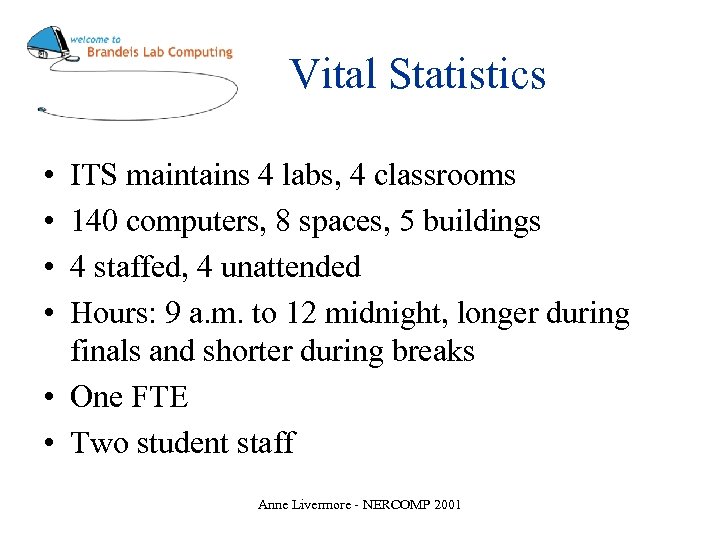
Vital Statistics • • ITS maintains 4 labs, 4 classrooms 140 computers, 8 spaces, 5 buildings 4 staffed, 4 unattended Hours: 9 a. m. to 12 midnight, longer during finals and shorter during breaks • One FTE • Two student staff Anne Livermore - NERCOMP 2001
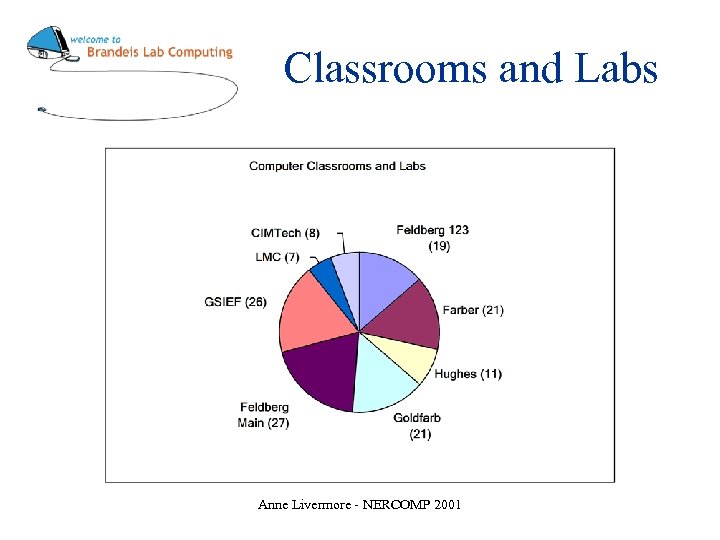
Classrooms and Labs Anne Livermore - NERCOMP 2001
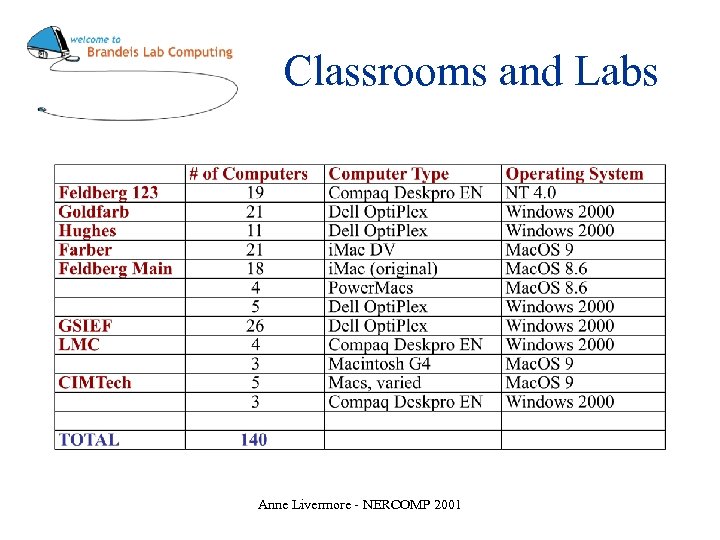
Classrooms and Labs Anne Livermore - NERCOMP 2001
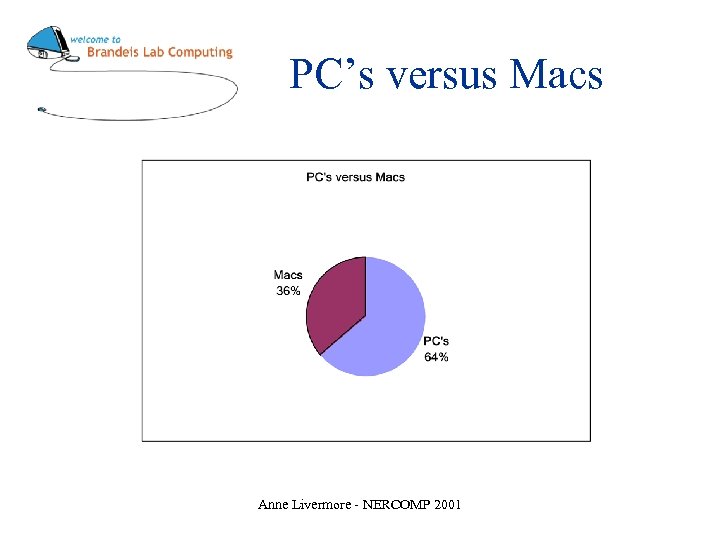
PC’s versus Macs Anne Livermore - NERCOMP 2001
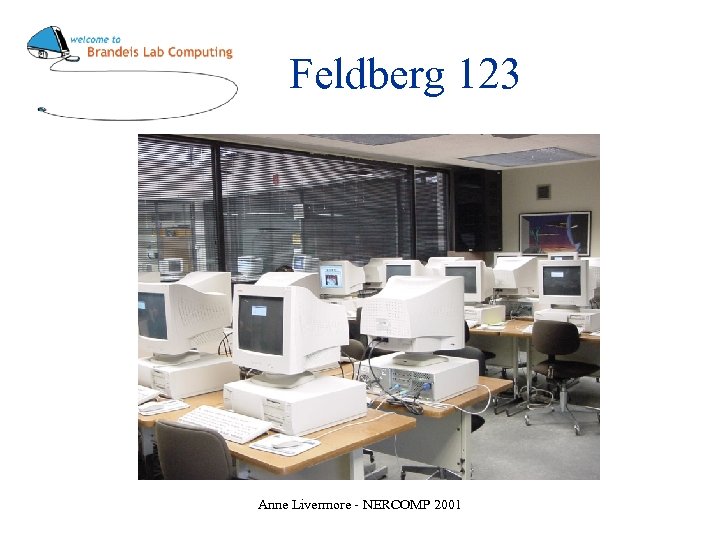
Feldberg 123 Anne Livermore - NERCOMP 2001
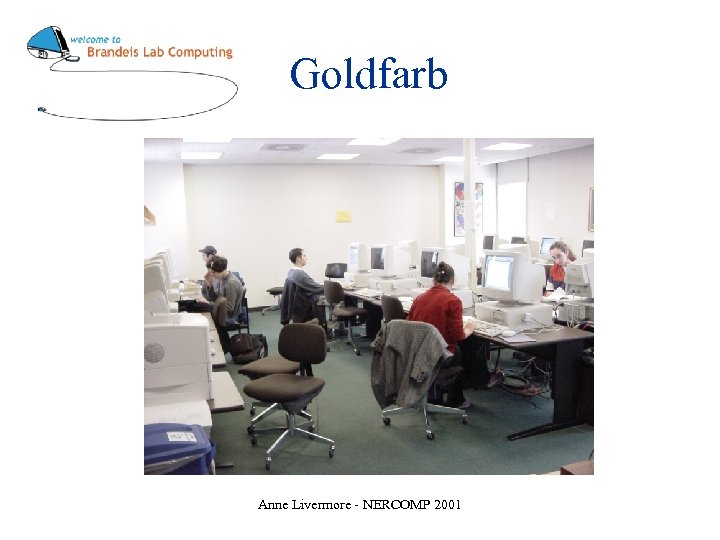
Goldfarb Anne Livermore - NERCOMP 2001
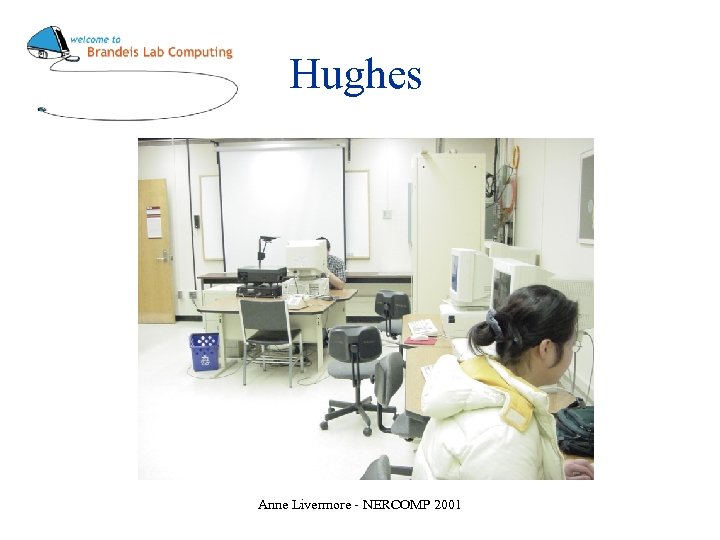
Hughes Anne Livermore - NERCOMP 2001
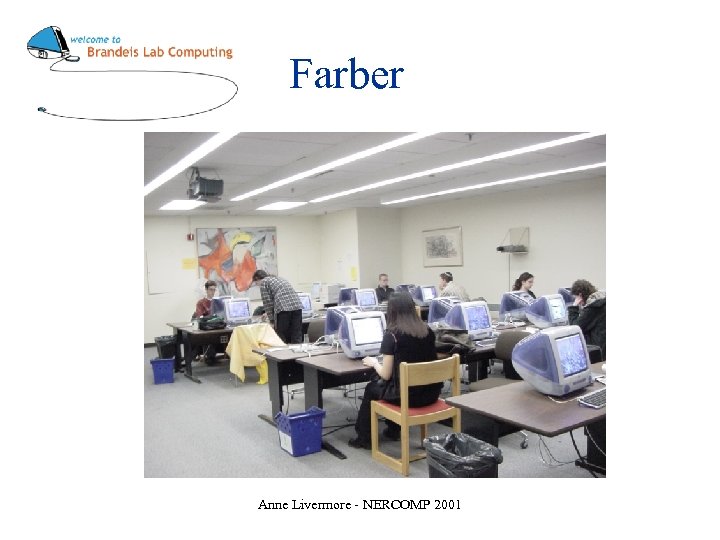
Farber Anne Livermore - NERCOMP 2001
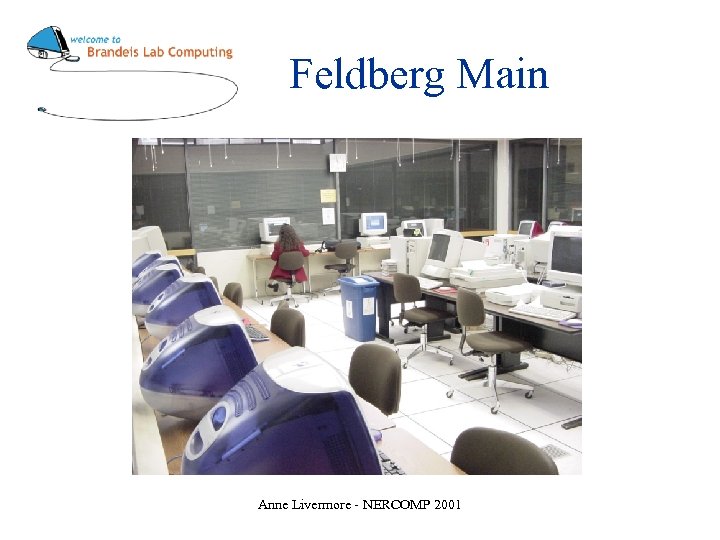
Feldberg Main Anne Livermore - NERCOMP 2001
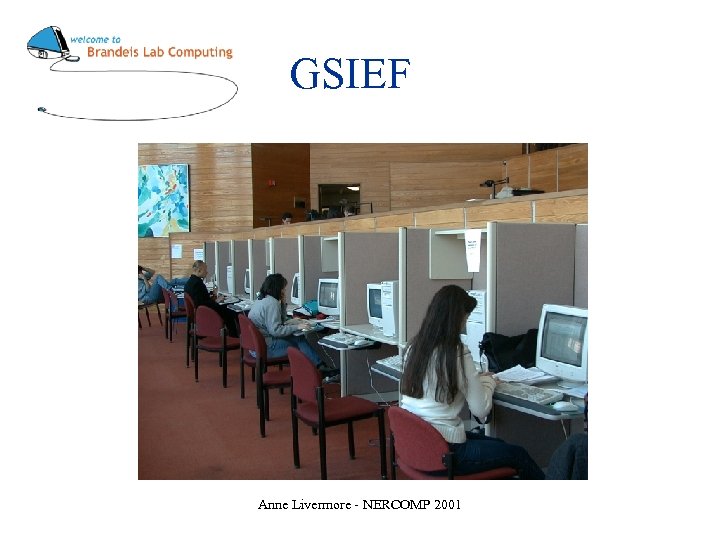
GSIEF Anne Livermore - NERCOMP 2001
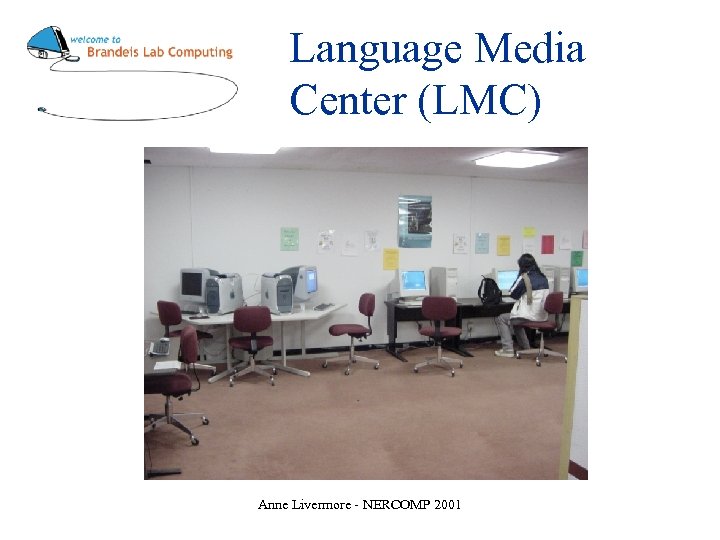
Language Media Center (LMC) Anne Livermore - NERCOMP 2001
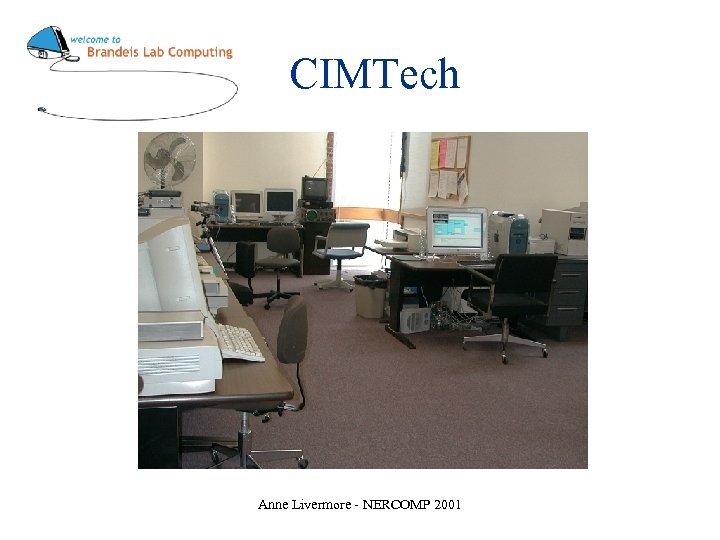
CIMTech Anne Livermore - NERCOMP 2001
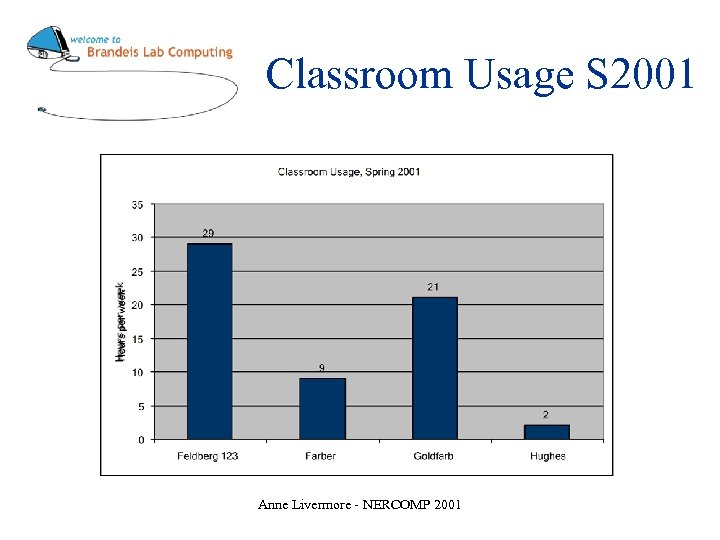
Classroom Usage S 2001 Anne Livermore - NERCOMP 2001
Four Phases of the Upgrade Project Anne Livermore - NERCOMP 2001
Phase One: Discovering the Problems Anne Livermore - NERCOMP 2001
Five Big Problems 1) Institutional problems 2) PC problems 3) Windows network problems 4) Macintosh problems 5) Print system problems Anne Livermore - NERCOMP 2001
Institutional Problems • • Classrooms not a high priority No overall policy Sketchy paper trail Initially, no money set aside for upgrades Anne Livermore - NERCOMP 2001
PC Problems • • • Aging, mismatched PC’s Restrictive permissions Slow imaging software Infrequent maintenance No central storage for PC Ghost images Anne Livermore - NERCOMP 2001
Windows Network Problems • Feldberg domain • Woodstock the Old (Feldberg PDC and Courseware file server) Anne Livermore - NERCOMP 2001
Macintosh Problems • Aging Macs • Old Macintosh Fileserver Anne Livermore - NERCOMP 2001
Print System Problems • Vended printing • Different cards from campus photocopiers and library printers • Card reader connected directly to printer Anne Livermore - NERCOMP 2001
On My Side • • Great team Supportive supervisor Strong advocate in the CIO Good departmental communication Anne Livermore - NERCOMP 2001
First steps toward a solution Anne Livermore - NERCOMP 2001
Philosophy “Clusters” Are these rooms classrooms or labs? Why does it matter? Anne Livermore - NERCOMP 2001
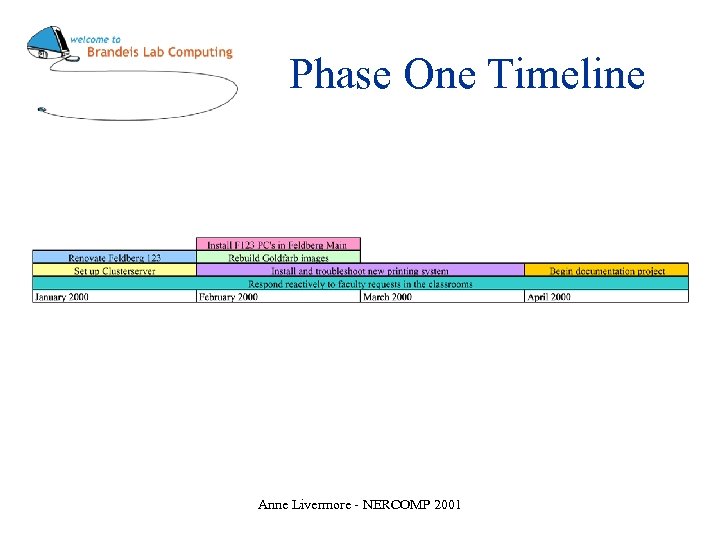
Phase One Timeline Anne Livermore - NERCOMP 2001
Phase One Results • • Clearer domain structure New computers, single image in Feldberg 123 Storage space for PC Ghost images Improved printing system Anne Livermore - NERCOMP 2001
Phase Two: Building Infrastructure Anne Livermore - NERCOMP 2001
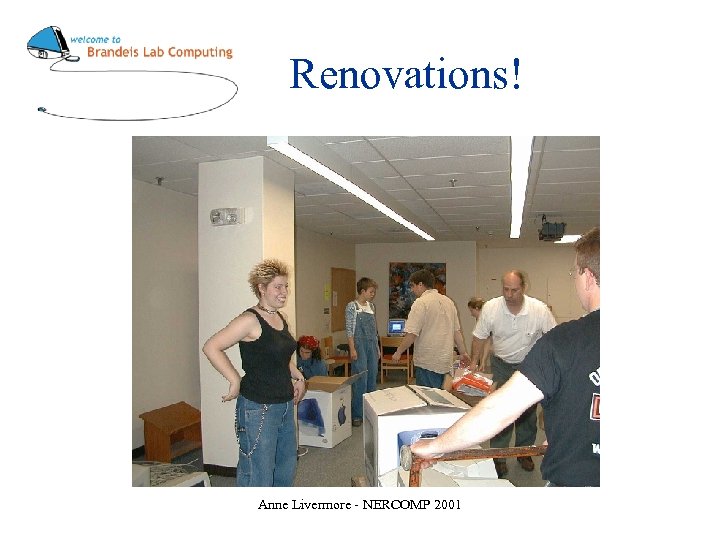
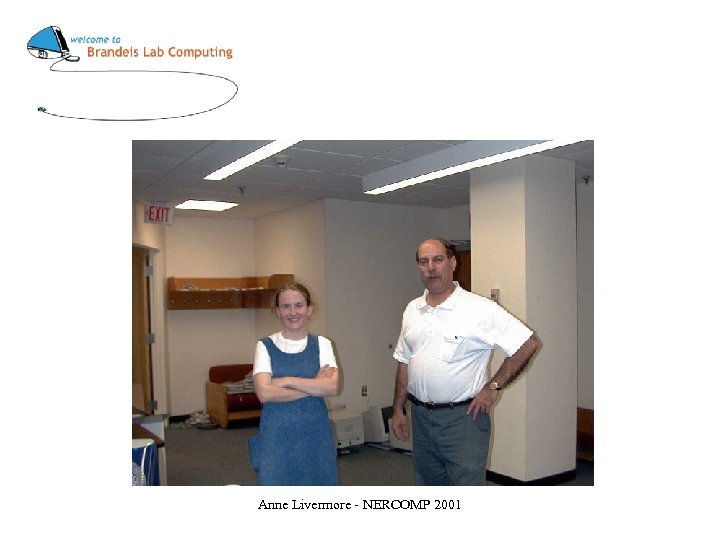
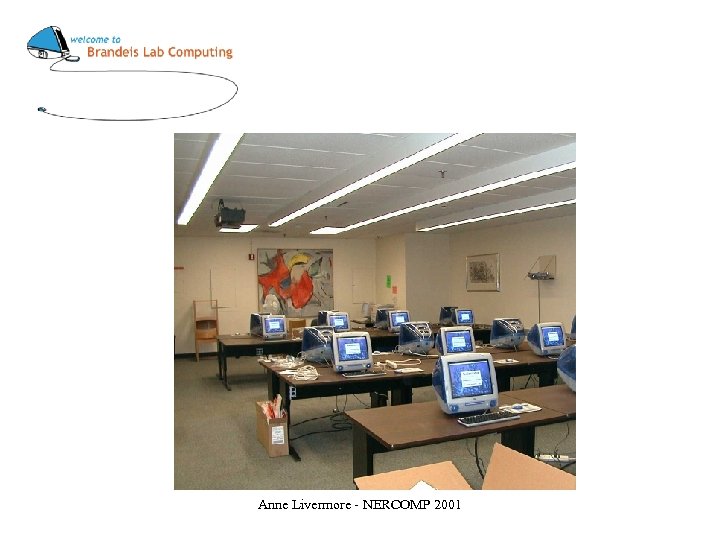
Renovations! Anne Livermore - NERCOMP 2001
Anne Livermore - NERCOMP 2001
Anne Livermore - NERCOMP 2001
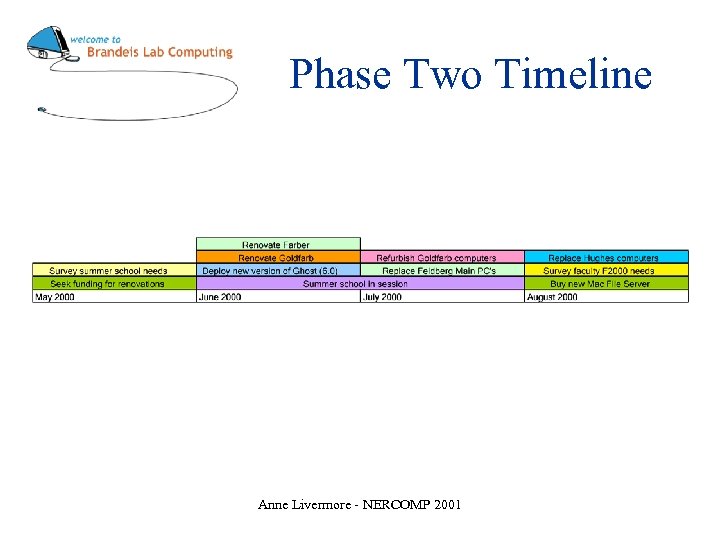
Phase Two Timeline Anne Livermore - NERCOMP 2001
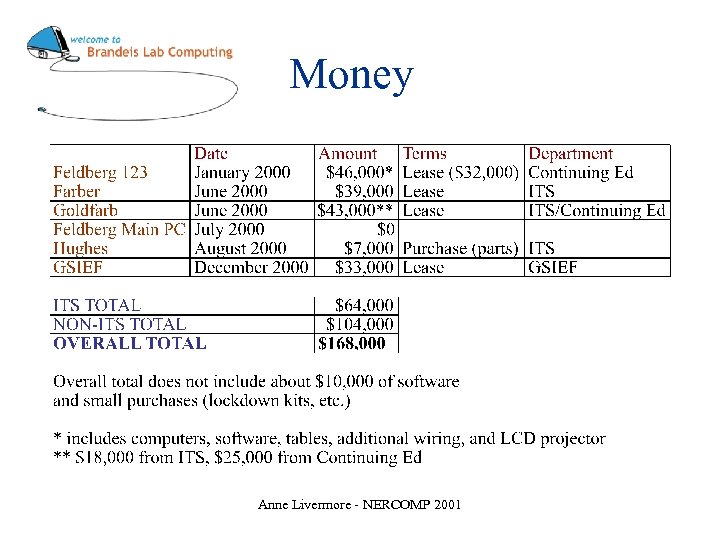
Money Anne Livermore - NERCOMP 2001
Phase Two Results • New computers, new image in Farber • New computers, single image in Goldfarb • Newer computers, new image, platform switch in Hughes • Newer PC’s in Feldberg Main • Current, faster version of Ghost (6. 0) Anne Livermore - NERCOMP 2001
Phase Three: Consequences of Rapid Change Anne Livermore - NERCOMP 2001
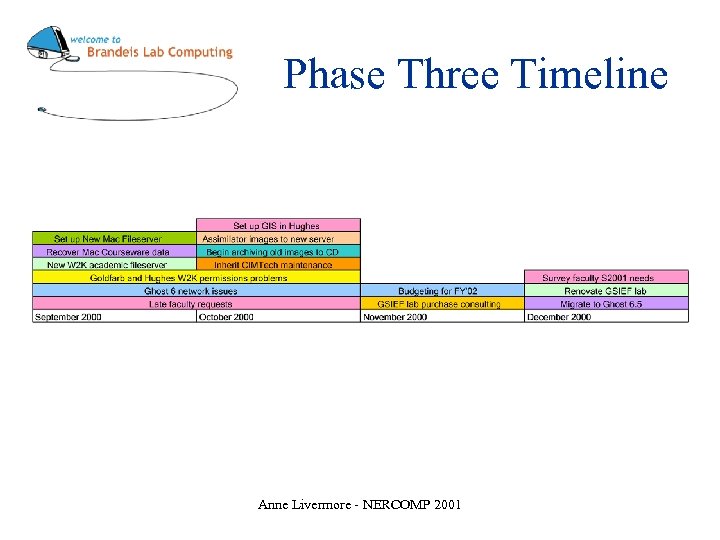
Phase Three Timeline Anne Livermore - NERCOMP 2001
Phase Three Results • New Mac fileserver resolves most Mac classroom issues • New Windows academic fileserver relieves space crunch • Inherited CIMTech and GSIEF • Migrated to Ghost 6. 5 Anne Livermore - NERCOMP 2001
Phase Four: Reaping the Benefits Anne Livermore - NERCOMP 2001
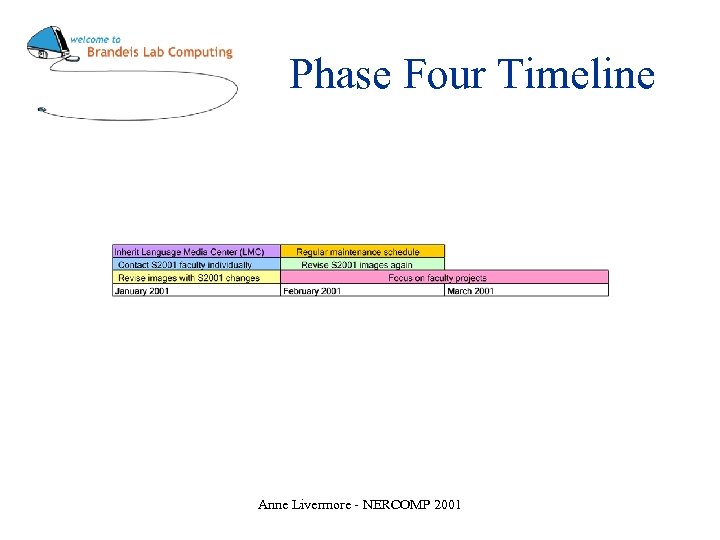
Phase Four Timeline Anne Livermore - NERCOMP 2001
Where we are now • Consistently meeting basic requirements – Fulfilling faculty requests in a timely way – Classroom computers are all working and regularly maintained – Robust servers and network • Spending more time on academic technology Anne Livermore - NERCOMP 2001
New Policies, Better Practices Anne Livermore - NERCOMP 2001
Hardware • Standardize computer hardware within classrooms • Buy swappers • Replace hardware every three years Anne Livermore - NERCOMP 2001
Routine Maintenance • • Post weekly room schedules Ghost the PC’s weekly Assimilate the Macs daily Reboot computers twice weekly Daily walk-throughs Maintain current hard drive images Avoid individual troubleshooting Anne Livermore - NERCOMP 2001
Documentation • • Archive old images Tasking and documentation in one step Write mini-docs as needed Put it on the Web http//www. brandeis. edu/its/resources/facilities/classrooms. html • Be organized; put things away Anne Livermore - NERCOMP 2001
Security Policy • Did away with local security • Installed lockdown kits • For Windows 2000, cluster guest login is local admin. Risky? Not really. – – – Local admin only, can’t administer domain Clusters is untrusted domain Switched network Servers require SSL connections Frequent and unadvertised refreshes Anne Livermore - NERCOMP 2001
Security Problems • Disable Assimilator • The Porn Fiend • Exploit hidden C$ share in Windows 2000 • Relatively little theft Anne Livermore - NERCOMP 2001
Principles, Mistakes, and Lessons Anne Livermore - NERCOMP 2001
The Eight Commandments Anne Livermore - NERCOMP 2001
1) Get help! Anne Livermore - NERCOMP 2001
Get Help - How? • Ask for advice and concrete help from colleagues • Always help a coworker in need • Make friends with the Systems people • Enlist the Help Desk to help notice and report problems Anne Livermore - NERCOMP 2001
• Invite everyone to rollout parties and bribe them with food • Get to know the hardware shop manager • Hire and retain good students Anne Livermore - NERCOMP 2001
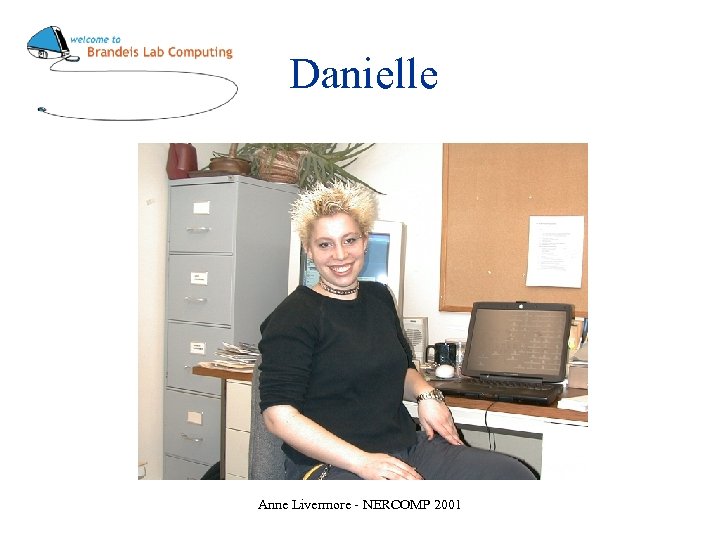
Danielle Anne Livermore - NERCOMP 2001
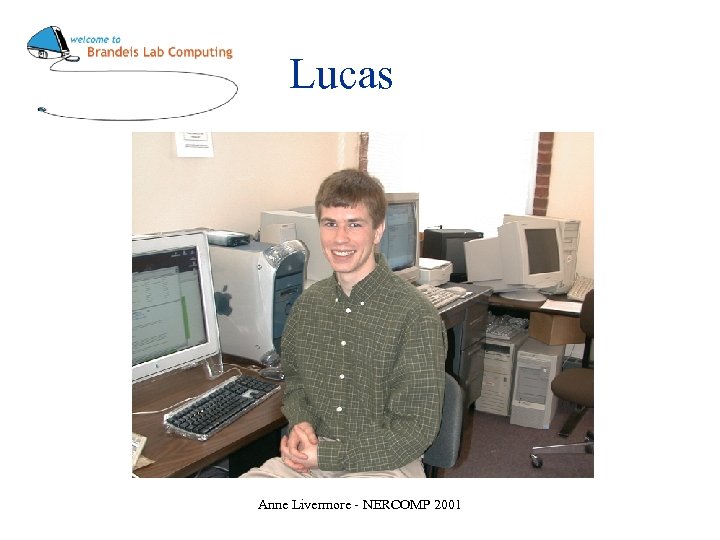
Lucas Anne Livermore - NERCOMP 2001
2) Spend your time on people, not on things. Anne Livermore - NERCOMP 2001
3) Talk to faculty individually. Anne Livermore - NERCOMP 2001
4) Convey deadlines by multiple means. Anne Livermore - NERCOMP 2001
5) Take time regularly to plan. Anne Livermore - NERCOMP 2001
6) Stay mobile and always reachable. Anne Livermore - NERCOMP 2001
7) Be honest about what you can do. Anne Livermore - NERCOMP 2001
8) Deal with the highest priority first. Anne Livermore - NERCOMP 2001
The Powers of Fours Anne Livermore - NERCOMP 2001
Four Most Common Problems • • Printing Computers down/broken Problems with new software Whatever you don’t expect. . . Anne Livermore - NERCOMP 2001
Four Big Mistakes • Don’t make purchasing decisions for political reasons. • Don’t underestimate down time in the classrooms • Don’t allow client departments to “own” you or your classrooms • Don’t adopt new technology too quickly Anne Livermore - NERCOMP 2001
Four Future Directions • Buy more applications for the classrooms • Become more knowledgeable about courseware applications • Institute a two-year classroom replacement schedule • More faculty outreach Anne Livermore - NERCOMP 2001
Appendices Anne Livermore - NERCOMP 2001
Indispensable Tools • Ghost http: //enterprisesecurity. symantec. com/products. cfm? product. ID=3 • Assimilator http: //www. digitalriver. com/dr/v 2/ec_MAIN. Entry 17 c? SP=10007&PN=5&CID=0&SID=274 12&PID=260197&DSP=&CUR=840&CACHE_ID=0 • • Printing system (we use Copico, http: //www. vendedcopiers. com/) CDRW and CD’s for archiving Segregated Clusters domain on switched network File servers (Mac and Windows) Anne Livermore - NERCOMP 2001
Indispensable Tools • • • Print server Micrsoft Sysprep utility Netsaint http: //webserver. brandeis. edu/netsaint Swappers and masters 2 dedicated cluster subnet ports in office Lockdowns http: //www. flexguard. com/ Anne Livermore - NERCOMP 2001
URL’s • Brandeis: http: //www. brandeis. edu • Brandeis ITS: http: //www. brandeis. edu/its • Classroom web pages: http: //www. brandeis. edu/its/resources/facilities/classrooms. html • This presentation: http: //www. brandeis. edu/~anne/nercomp Anne Livermore - NERCOMP 2001
Juggling 10, 000 Pounds: Managing Computer Labs and Classrooms at Brandeis University Anne Livermore Computer Classroom Facilities Manager anne@brandeis. edu 781 -736 -2080 http: //www. brandeis. edu/~anne/nercomp Anne Livermore - NERCOMP 2001
Скачать презентацию Juggling 10 000 Pounds Managing Computer Labs and
77be17bf2a03af714d71bc60feeb3b0c.ppt