 Скачать презентацию jsp JBoss Many servers like JBoss
5afb63f841d7fcd95554ccfec278cade.ppt
- Количество слайдов: 17



jsp
JBoss • Many servers (like JBoss and Glassfish) are Tomcat servers. • The file structures and format for deployment are the same. • Where (in what server directory) files get deployed varies. • These jsp examples were developed on JBoss
Webapps with only jsp • Jsp are compiled and run as if they were servlets by tomcat, but you write only script code and the container does the rest. • Jsp, css and html files will go at the root of the webapp and WEB-INF will contain just an empty web. xml: <? xml version="1. 0" encoding="ISO-8859 -1"? > <!DOCTYPE web-app PUBLIC "-//Sun Microsystems, Inc. //DTD Web Application 2. 2//EN" "http: //java. sun. com/j 2 ee/dtds/web-app_2_2. dtd"> <web-app><!—notice this is an empty tag? --> </web-app>
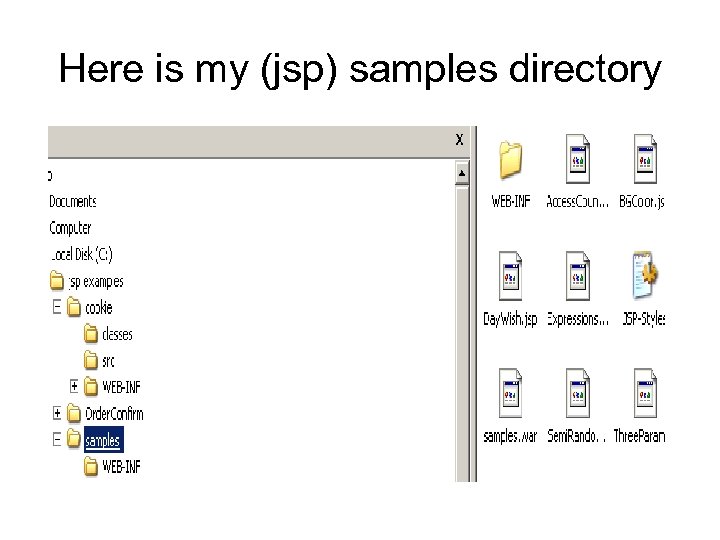
Here is my (jsp) samples directory
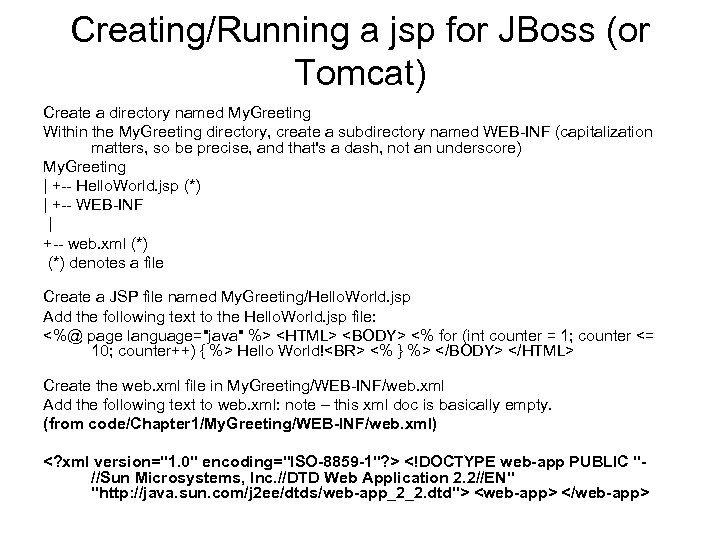
Creating/Running a jsp for JBoss (or Tomcat) Create a directory named My. Greeting Within the My. Greeting directory, create a subdirectory named WEB-INF (capitalization matters, so be precise, and that's a dash, not an underscore) My. Greeting | +-- Hello. World. jsp (*) | +-- WEB-INF | +-- web. xml (*) denotes a file Create a JSP file named My. Greeting/Hello. World. jsp Add the following text to the Hello. World. jsp file: <%@ page language="java" %> <HTML> <BODY> <% for (int counter = 1; counter <= 10; counter++) { %> Hello World!<BR> <% } %> </BODY> </HTML> Create the web. xml file in My. Greeting/WEB-INF/web. xml Add the following text to web. xml: note – this xml doc is basically empty. (from code/Chapter 1/My. Greeting/WEB-INF/web. xml) <? xml version="1. 0" encoding="ISO-8859 -1"? > <!DOCTYPE web-app PUBLIC "//Sun Microsystems, Inc. //DTD Web Application 2. 2//EN" "http: //java. sun. com/j 2 ee/dtds/web-app_2_2. dtd"> <web-app> </web-app>
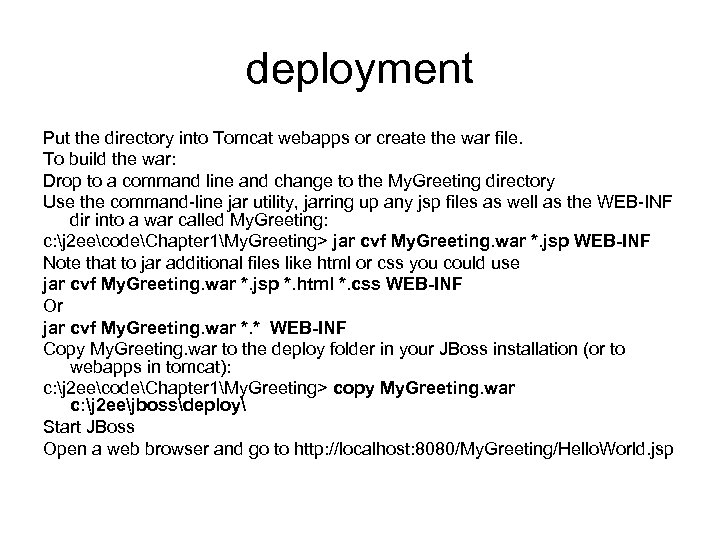
deployment Put the directory into Tomcat webapps or create the war file. To build the war: Drop to a command line and change to the My. Greeting directory Use the command-line jar utility, jarring up any jsp files as well as the WEB-INF dir into a war called My. Greeting: c: j 2 eecodeChapter 1My. Greeting> jar cvf My. Greeting. war *. jsp WEB-INF Note that to jar additional files like html or css you could use jar cvf My. Greeting. war *. jsp *. html *. css WEB-INF Or jar cvf My. Greeting. war *. * WEB-INF Copy My. Greeting. war to the deploy folder in your JBoss installation (or to webapps in tomcat): c: j 2 eecodeChapter 1My. Greeting> copy My. Greeting. war c: j 2 eejbossdeploy Start JBoss Open a web browser and go to http: //localhost: 8080/My. Greeting/Hello. World. jsp
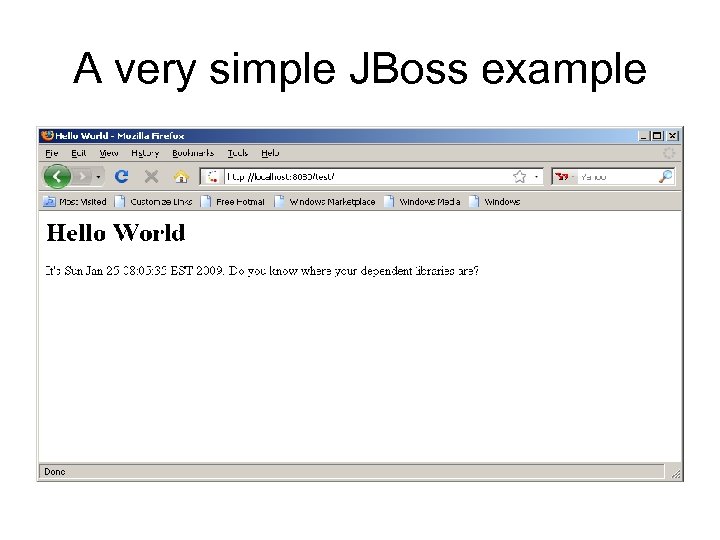
A very simple JBoss example
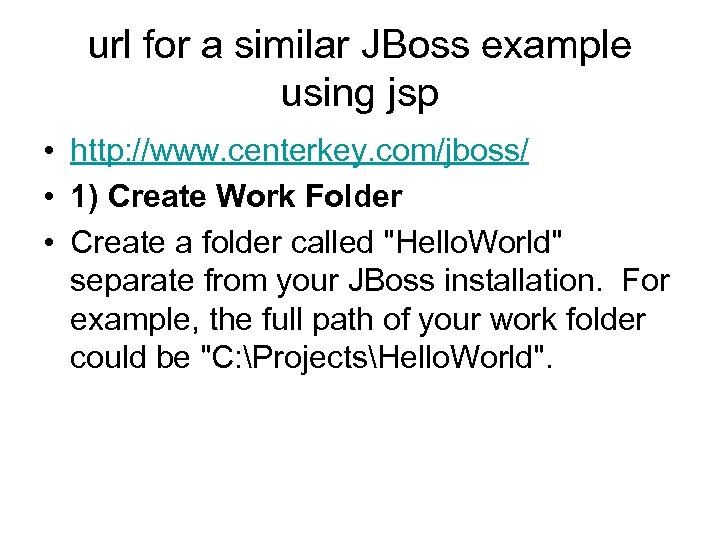
url for a similar JBoss example using jsp • http: //www. centerkey. com/jboss/ • 1) Create Work Folder • Create a folder called "Hello. World" separate from your JBoss installation. For example, the full path of your work folder could be "C: ProjectsHello. World".
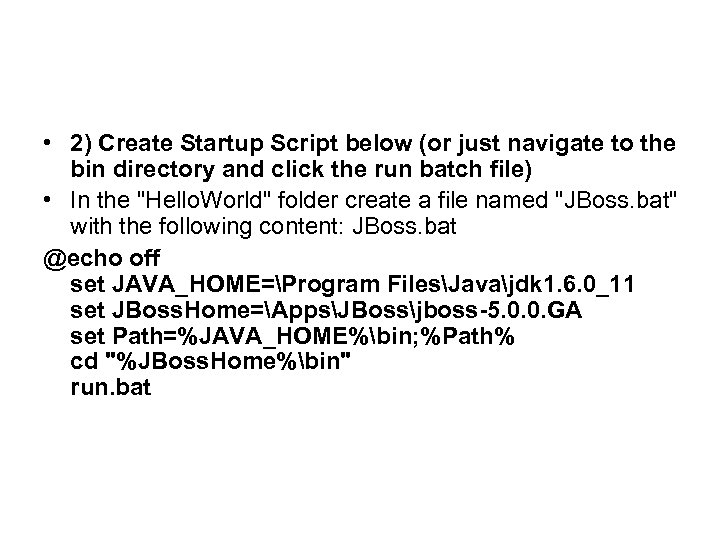
• 2) Create Startup Script below (or just navigate to the bin directory and click the run batch file) • In the "Hello. World" folder create a file named "JBoss. bat" with the following content: JBoss. bat @echo off set JAVA_HOME=Program FilesJavajdk 1. 6. 0_11 set JBoss. Home=AppsJBossjboss-5. 0. 0. GA set Path=%JAVA_HOME%bin; %Path% cd "%JBoss. Home%bin" run. bat
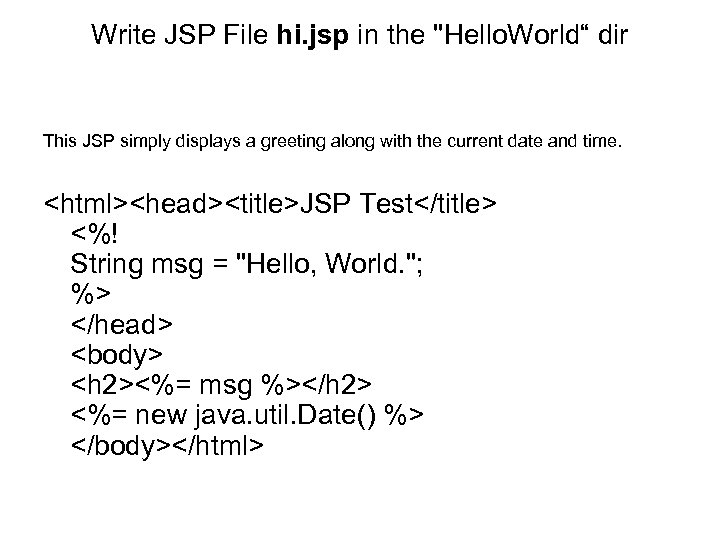
Write JSP File hi. jsp in the "Hello. World“ dir This JSP simply displays a greeting along with the current date and time. <html><head><title>JSP Test</title> <%! String msg = "Hello, World. "; %> </head> <body> <h 2><%= msg %></h 2> <%= new java. util. Date() %> </body></html>
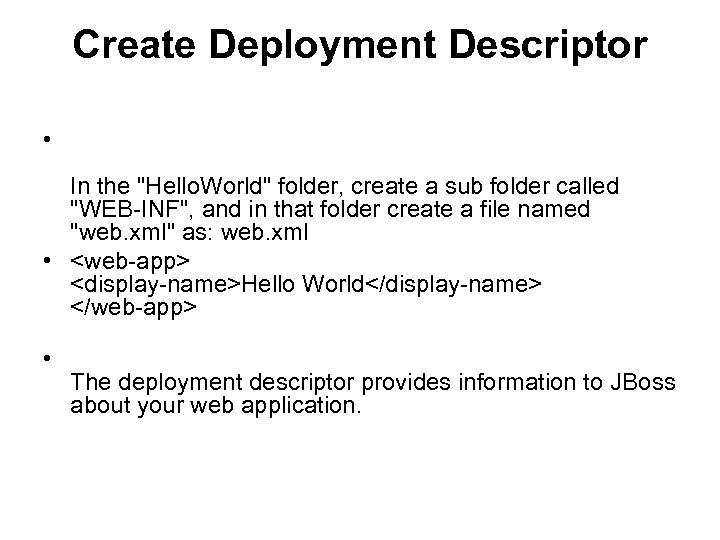
Create Deployment Descriptor • In the "Hello. World" folder, create a sub folder called "WEB-INF", and in that folder create a file named "web. xml" as: web. xml • <web-app> <display-name>Hello World</display-name> </web-app> • The deployment descriptor provides information to JBoss about your web application.
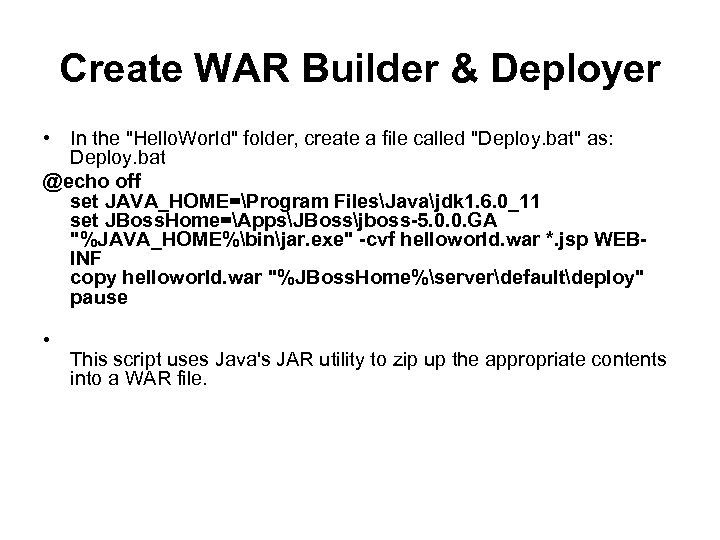
Create WAR Builder & Deployer • In the "Hello. World" folder, create a file called "Deploy. bat" as: Deploy. bat @echo off set JAVA_HOME=Program FilesJavajdk 1. 6. 0_11 set JBoss. Home=AppsJBossjboss-5. 0. 0. GA "%JAVA_HOME%binjar. exe" -cvf helloworld. war *. jsp WEBINF copy helloworld. war "%JBoss. Home%serverdefaultdeploy" pause • This script uses Java's JAR utility to zip up the appropriate contents into a WAR file.
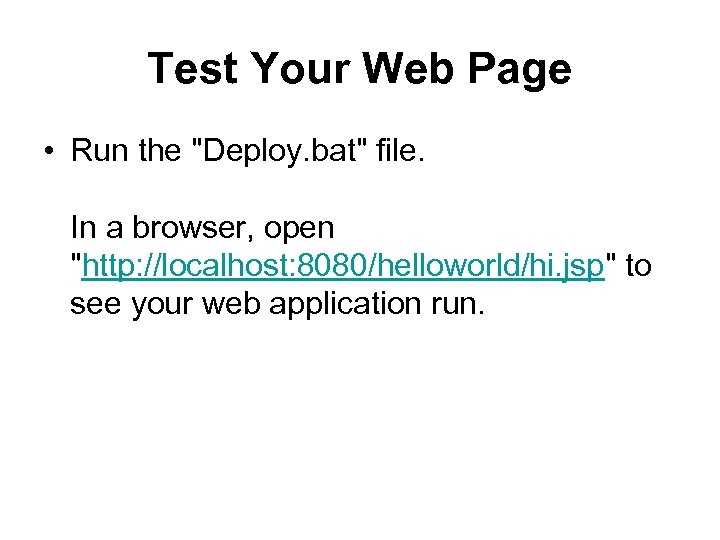
Test Your Web Page • Run the "Deploy. bat" file. In a browser, open "http: //localhost: 8080/helloworld/hi. jsp" to see your web application run.
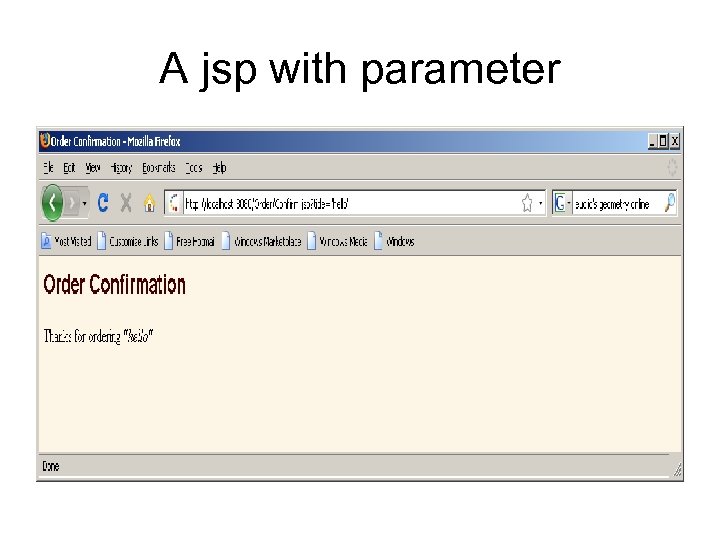
A jsp with parameter
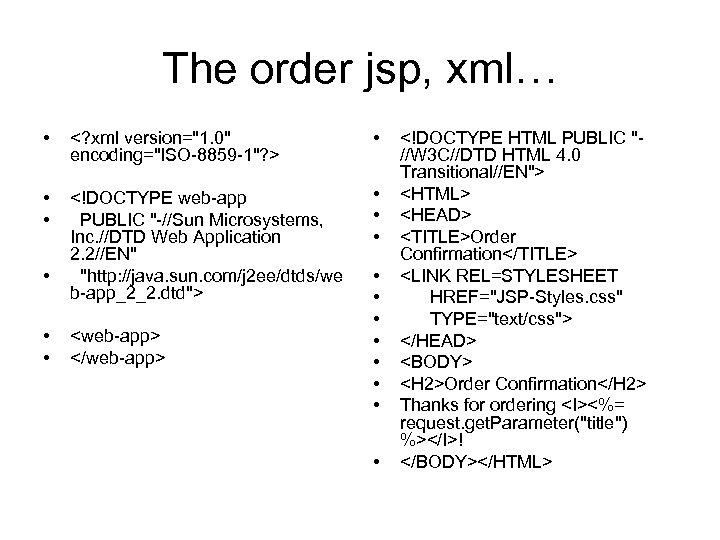
The order jsp, xml… • <? xml version="1. 0" encoding="ISO-8859 -1"? > • • • <!DOCTYPE web-app PUBLIC "-//Sun Microsystems, Inc. //DTD Web Application 2. 2//EN" "http: //java. sun. com/j 2 ee/dtds/we b-app_2_2. dtd"> • • • <web-app> </web-app> • • <!DOCTYPE HTML PUBLIC "//W 3 C//DTD HTML 4. 0 Transitional//EN"> <HTML> <HEAD> <TITLE>Order Confirmation</TITLE> <LINK REL=STYLESHEET HREF="JSP-Styles. css" TYPE="text/css"> </HEAD> <BODY> <H 2>Order Confirmation</H 2> Thanks for ordering <I><%= request. get. Parameter("title") %></I>! </BODY></HTML>
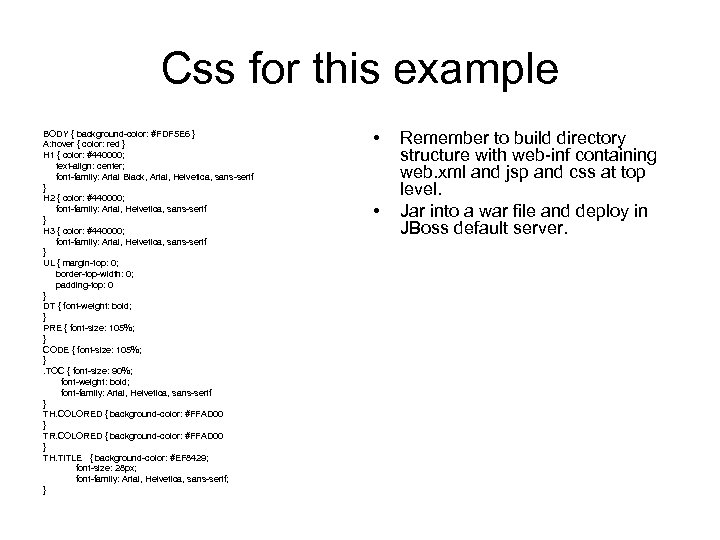
Css for this example BODY { background-color: #FDF 5 E 6 } A: hover { color: red } H 1 { color: #440000; text-align: center; font-family: Arial Black, Arial, Helvetica, sans-serif } H 2 { color: #440000; font-family: Arial, Helvetica, sans-serif } H 3 { color: #440000; font-family: Arial, Helvetica, sans-serif } UL { margin-top: 0; border-top-width: 0; padding-top: 0 } DT { font-weight: bold; } PRE { font-size: 105%; } CODE { font-size: 105%; }. TOC { font-size: 90%; font-weight: bold; font-family: Arial, Helvetica, sans-serif } TH. COLORED { background-color: #FFAD 00 } TR. COLORED { background-color: #FFAD 00 } TH. TITLE { background-color: #EF 8429; font-size: 28 px; font-family: Arial, Helvetica, sans-serif; } • • Remember to build directory structure with web-inf containing web. xml and jsp and css at top level. Jar into a war file and deploy in JBoss default server.
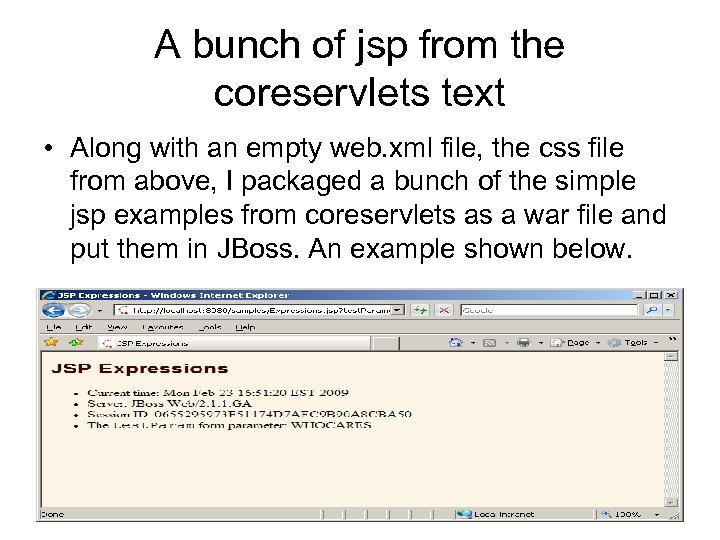
A bunch of jsp from the coreservlets text • Along with an empty web. xml file, the css file from above, I packaged a bunch of the simple jsp examples from coreservlets as a war file and put them in JBoss. An example shown below.
Скачать презентацию jsp JBoss Many servers like JBoss
5afb63f841d7fcd95554ccfec278cade.ppt