 Скачать презентацию Job Submission Job Submission — GJAPCTL u
17cb5969a775da374f91925c3ec39970.ppt
- Количество слайдов: 25




Job Submission
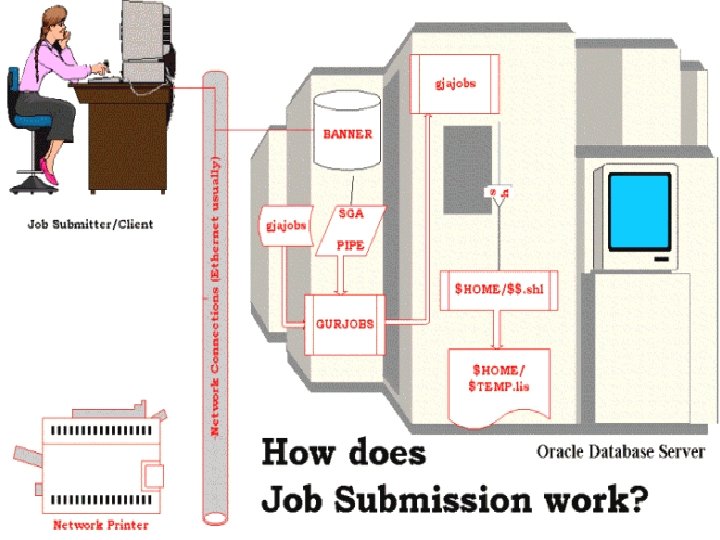
Job Submission - GJAPCTL u Job Submission is a multi-step process n n User requests process in an SCT Banner form passes request through the package dbms_pipe to a Pro*C program running on the RDBMS server
Job Submission - GURJOBS u GURJOBS n The program on the RDBMS server then builds a script to execute the requested job and passes that to the Operating System n Requested program executes n Results are then: u Stored in the database u Stored on a file system u Printed
Job Submission Process Types u There are four types of jobs that are currently supported by SCT Banner: n C - Pro*C n E - Pro*Cobol n P – Procedures (scripts) n R - Oracle Reports
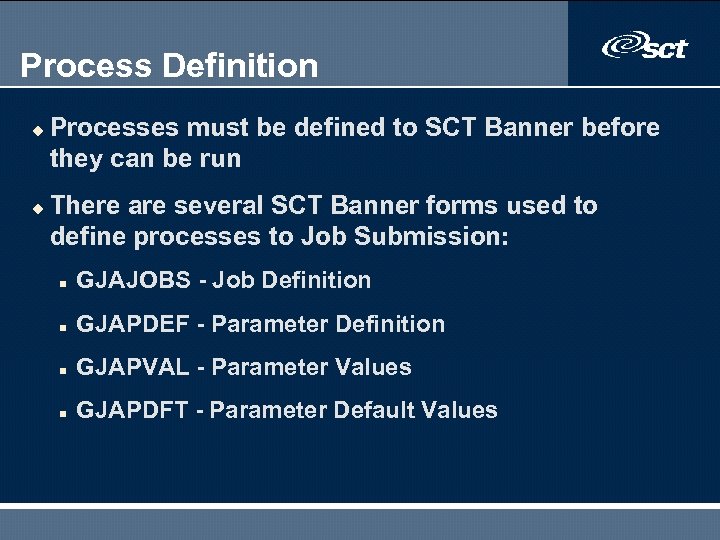
Process Definition u u Processes must be defined to SCT Banner before they can be run There are several SCT Banner forms used to define processes to Job Submission: n GJAJOBS - Job Definition n GJAPDEF - Parameter Definition n GJAPVAL - Parameter Values n GJAPDFT - Parameter Default Values
Parameter Definition u u These parameters must be accounted for in the Job Submission parameter handling routines of the process Defaults can be set in SCT Banner and/or in the program logic
Printer Definition u u u Printers must be defined to the O/S GTVPRNT is a separate form for configuring the print handling GTVPRNT must be populated before printers can be referenced n Define Printer port n Define landscape printer codes n Define portrait printer codes
Job Submission - The Process u u u This process is different on every platform Operating System and Network requirements may make modification of Job Submission processes mandatory Job Submission uses the GUAINST table to determine OS specifics that must be built into the job stream
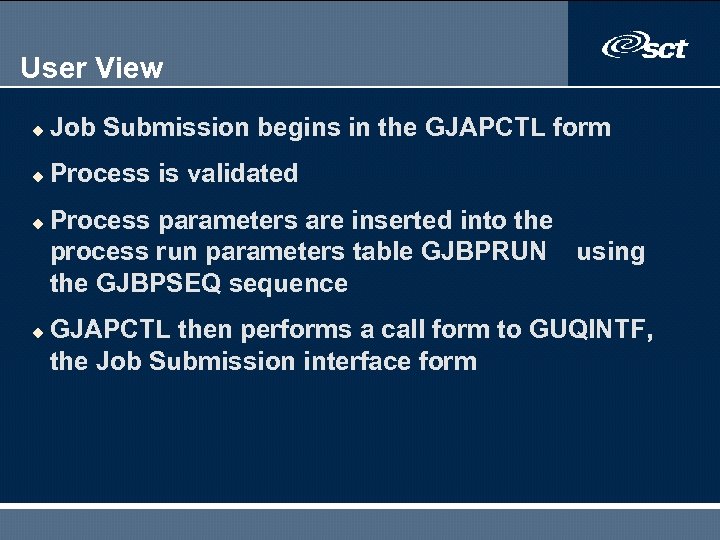
User View u Job Submission begins in the GJAPCTL form u Process is validated u u Process parameters are inserted into the process run parameters table GJBPRUN using the GJBPSEQ sequence GJAPCTL then performs a call form to GUQINTF, the Job Submission interface form
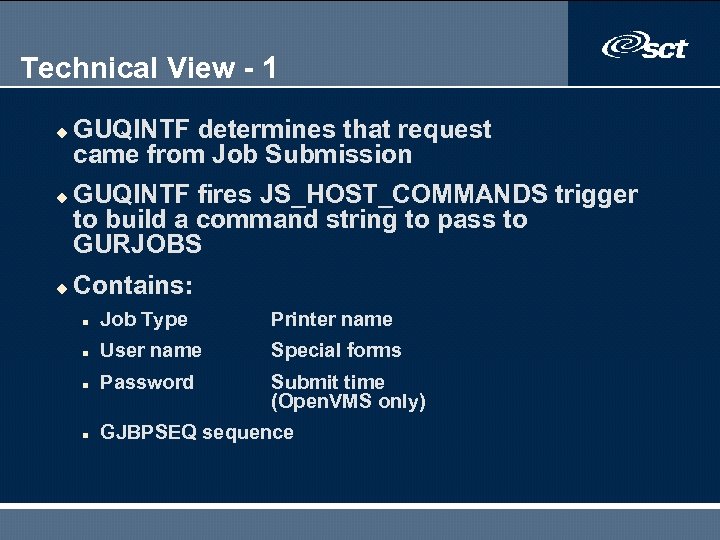
Technical View - 1 u u u GUQINTF determines that request came from Job Submission GUQINTF fires JS_HOST_COMMANDS trigger to build a command string to pass to GURJOBS Contains: n Job Type Printer name n User name Special forms n Password Submit time (Open. VMS only) n GJBPSEQ sequence
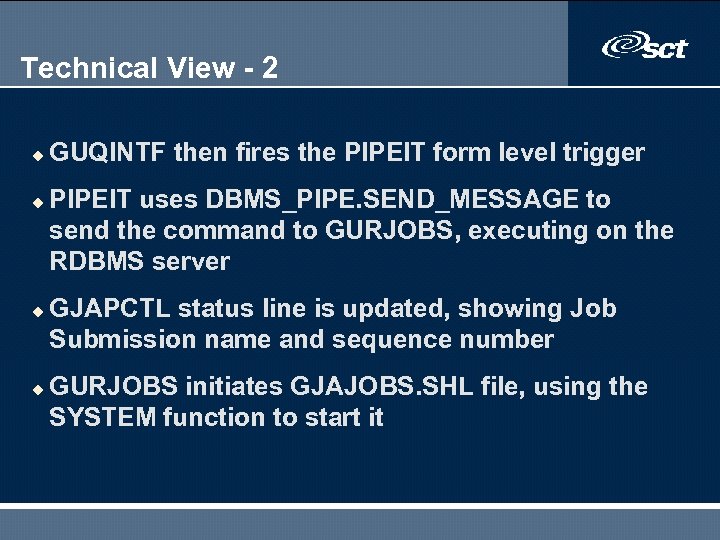
Technical View - 2 u u GUQINTF then fires the PIPEIT form level trigger PIPEIT uses DBMS_PIPE. SEND_MESSAGE to send the command to GURJOBS, executing on the RDBMS server GJAPCTL status line is updated, showing Job Submission name and sequence number GURJOBS initiates GJAJOBS. SHL file, using the SYSTEM function to start it
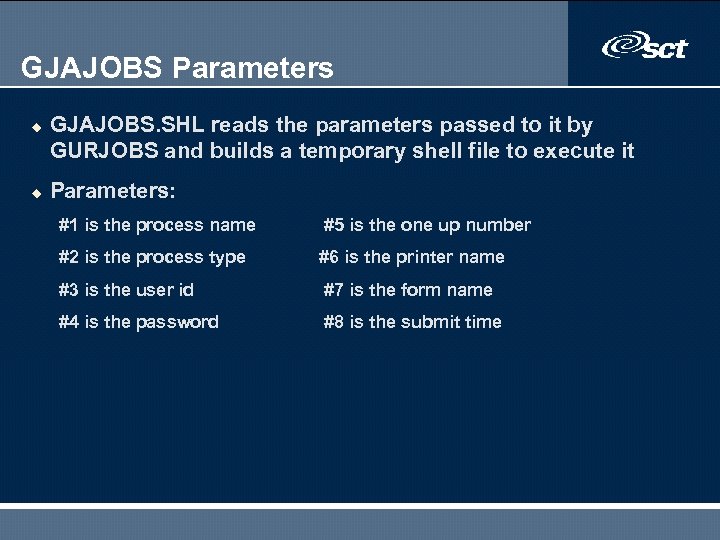
GJAJOBS Parameters u u GJAJOBS. SHL reads the parameters passed to it by GURJOBS and builds a temporary shell file to execute it Parameters: #1 is the process name #5 is the one up number #2 is the process type #6 is the printer name #3 is the user id #7 is the form name #4 is the password #8 is the submit time
Process execution u u TEMP. SHL file executes where the process picks up the program parameters from GJBPRUN based on the sequence number GJAJOBS. SHL determines from the PRNT variable if output is to be stored in the database If it is, then the GURINSO process is invoked to insert the data into the database Otherwise, DEFAULT_PRINTER and LOCAL DIRECTORY determine output placement in the form GJAJPRF
Output Destination u u u When submitting the job, the user can specify the destination If the destination is not defined, the default printer for the job is used DATABASE option can be specified to have the output placed in the database n GUBOUTP n GUROUTP
Reviewing The Output Online u u u After the output is placed in the database, it can be reviewed using the GJIREVO form User then has the option of saving the file locally or printing it User is also “supposed” to delete it when finished
The jobsub user u A UNIX user ID u Part of the banner user group u Used to start/stop the GURJOBS process u A good idea is to have a separate sub-directory for each database
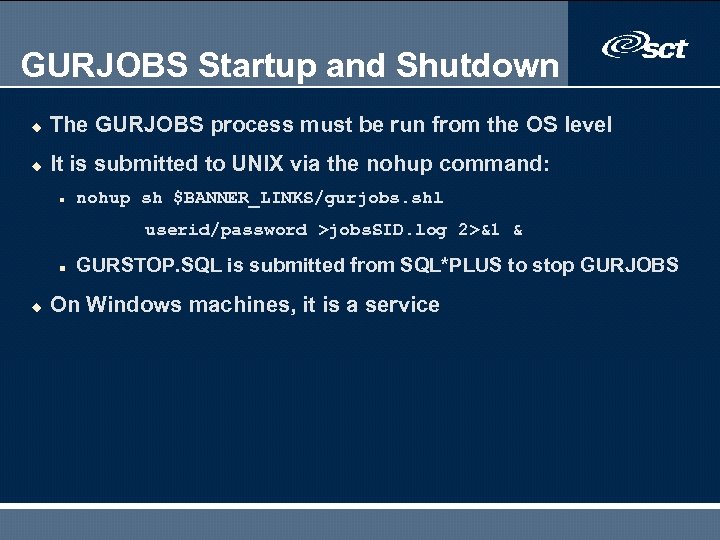
GURJOBS Startup and Shutdown u The GURJOBS process must be run from the OS level u It is submitted to UNIX via the nohup command: n nohup sh $BANNER_LINKS/gurjobs. shl userid/password >jobs. SID. log 2>&1 & n u GURSTOP. SQL is submitted from SQL*PLUS to stop GURJOBS On Windows machines, it is a service
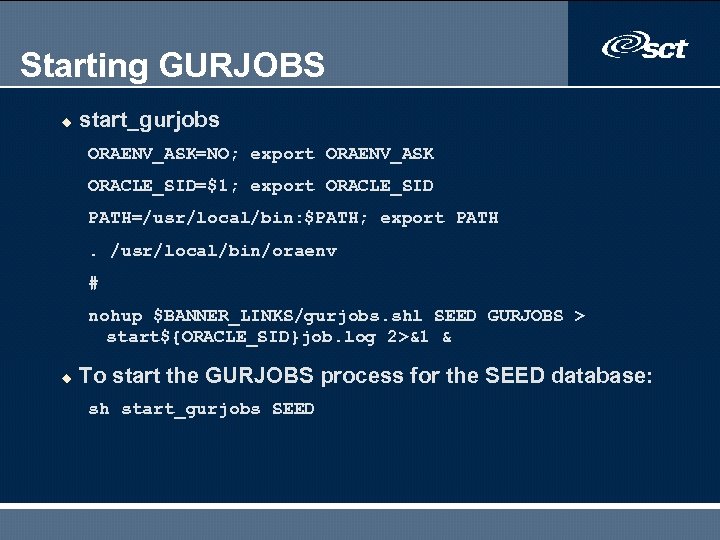
Starting GURJOBS u start_gurjobs ORAENV_ASK=NO; export ORAENV_ASK ORACLE_SID=$1; export ORACLE_SID PATH=/usr/local/bin: $PATH; export PATH. /usr/local/bin/oraenv # nohup $BANNER_LINKS/gurjobs. shl SEED GURJOBS > start${ORACLE_SID}job. log 2>&1 & u To start the GURJOBS process for the SEED database: sh start_gurjobs SEED
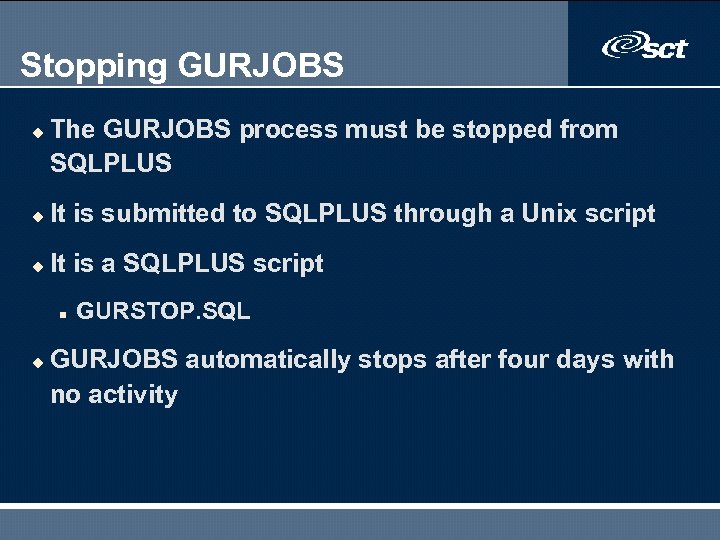
Stopping GURJOBS u The GURJOBS process must be stopped from SQLPLUS u It is submitted to SQLPLUS through a Unix script u It is a SQLPLUS script n u GURSTOP. SQL GURJOBS automatically stops after four days with no activity
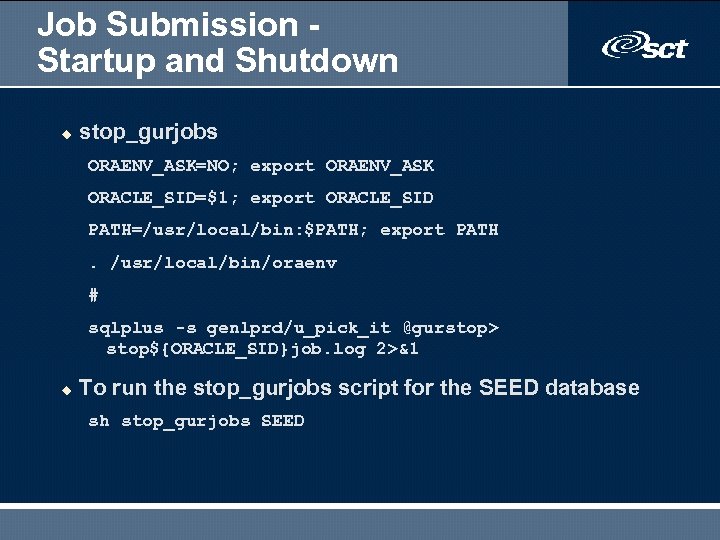
Job Submission Startup and Shutdown u stop_gurjobs ORAENV_ASK=NO; export ORAENV_ASK ORACLE_SID=$1; export ORACLE_SID PATH=/usr/local/bin: $PATH; export PATH. /usr/local/bin/oraenv # sqlplus -s genlprd/u_pick_it @gurstop> stop${ORACLE_SID}job. log 2>&1 u To run the stop_gurjobs script for the SEED database sh stop_gurjobs SEED
Job Submission - Cleanup u u One must set up scripts to automatically cleanup the various jobsub directories If centralized, output cleanup is easier If output is routed to the user's directories, cleanup is more difficult Must also clean up the database tables n GUBOUTP n GUROUTP
Summary/Review Objectives u Resize tables u Create a production database u Configure a database u Export and import data u Create a backup strategy u Locate Banner source code u Apply a Banner upgrade u Apply Banner security to users and sitecreated source code
End of Session Any Questions?

Thank you for your participation.
Скачать презентацию Job Submission Job Submission — GJAPCTL u
17cb5969a775da374f91925c3ec39970.ppt