 Скачать презентацию JAVASCRIPT Prototype-based scripting language 1 Smart Browsers
b2a6913b6f709fb3ad00bd39dff79257.ppt
- Количество слайдов: 83



JAVASCRIPT Prototype-based scripting language 1
Smart Browsers Most browsers support a <SCRIPT> tag that is used to include executable content in an HTML document. There a number of scripting languages that are supported 2
Client-Side Script Languages Netscape and others Java. Script Internet Explorer Jscript (MS name for Java. Script) VBScript Perl. Script 3
Java. Script Capabilities Add content to a web page dynamically. Alter a web page in response to user actions. React to user events. Interact with frames. Manipulate HTTP cookies 4
Java. Script is not Java. Script is a very simple scripting language. Syntax is similar to a subset of Java. Interpreted language. Uses objects, but doesn't really support the creation of new object types* *It almost does, but it's cumbersome. 5
Features Imperative and structured Dynamic 1. dynamic typing: As in most scripting languages, types are associated with values, not with variables. For example, a variable x could be bound to a number, then later rebound to a string. Java. Script supports various ways to test the type of an object, including duck typing. 2. run-time evaluation: Java. Script includes an eval function that can execute statements provided as strings at run-time. 6
Functional closures Java. Script allows nested functions to be created, with the lexical scope in force at their definition, and has a () operator to invoke them now or later. This combination of code that can be executed outside the scope in which it is defined, with its own scope to use during that execution, is called a closure in computer science 7
Security Java. Script and the DOM provide the potential for malicious authors to deliver scripts to run on a client computer via the web. Browser authors contain this risk using restrictions. scripts run in a sandbox in which they can only perform web-related actions, not generalpurpose programming tasks like creating files. Most Java. Script-related security bugs are breaches of either the same origin policy or the sandbox. 8
Language Elements Variables Literals Operators Control Structures Objects 9
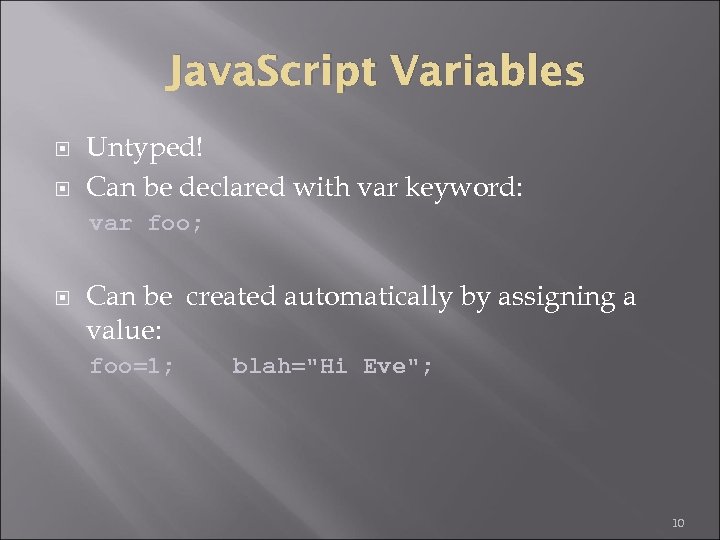
Java. Script Variables Untyped! Can be declared with var keyword: var foo; Can be created automatically by assigning a value: foo=1; blah="Hi Eve"; 10
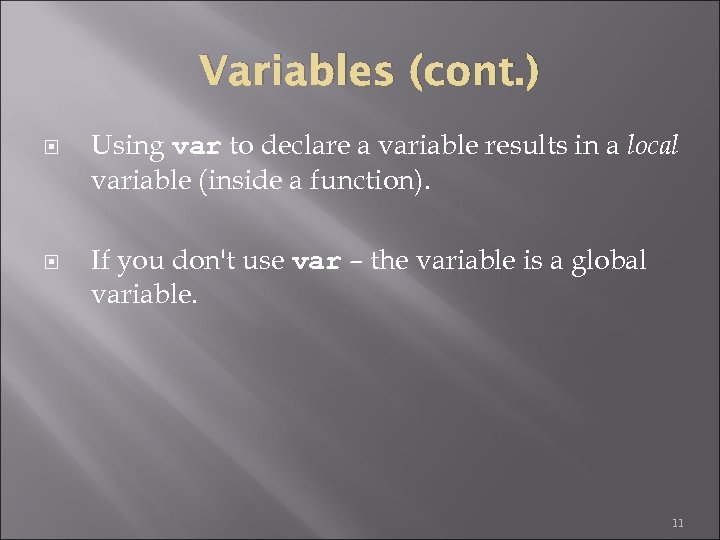
Variables (cont. ) Using var to declare a variable results in a local variable (inside a function). If you don't use var – the variable is a global variable. 11
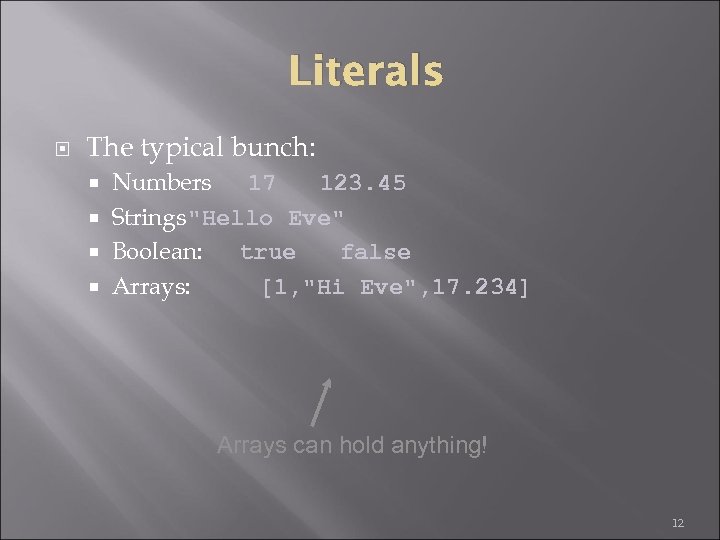
Literals The typical bunch: Numbers 17 123. 45 Strings"Hello Eve" Boolean: true false Arrays: [1, "Hi Eve", 17. 234] Arrays can hold anything! 12
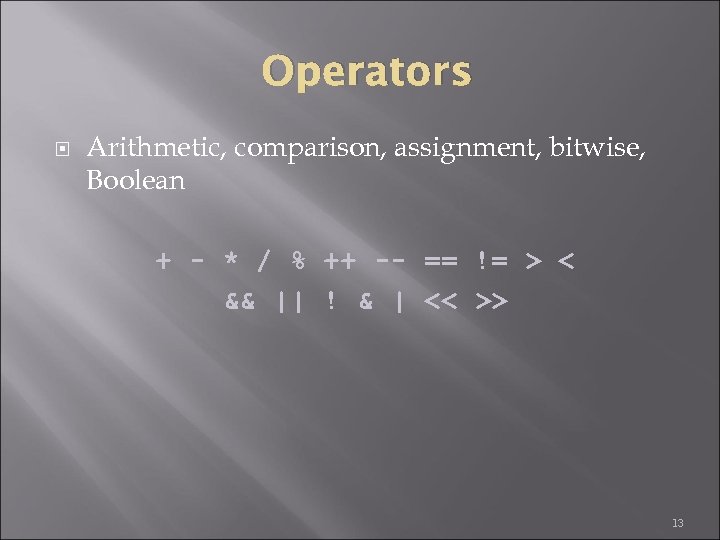
Operators Arithmetic, comparison, assignment, bitwise, Boolean + - * / % ++ -- == != > < && || ! & | << >> 13
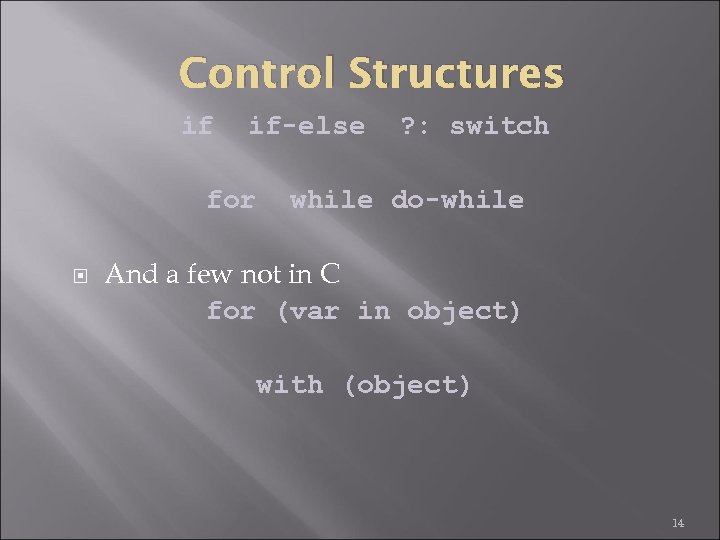
Control Structures if if-else for ? : switch while do-while And a few not in C for (var in object) with (object) 14
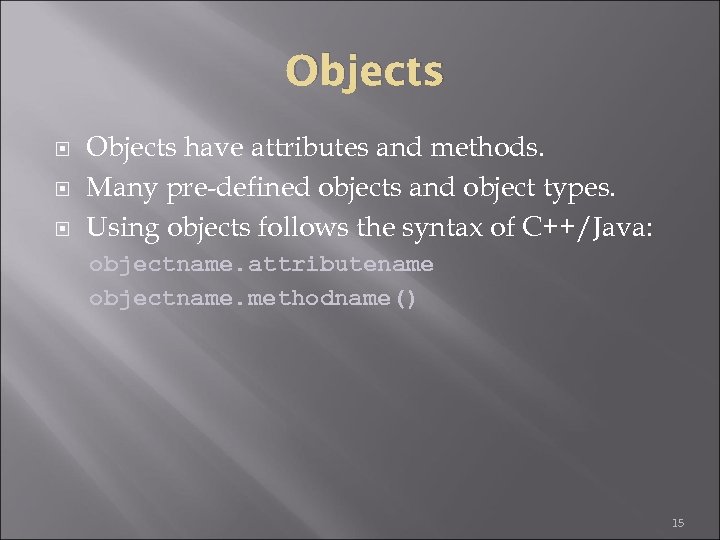
Objects have attributes and methods. Many pre-defined objects and object types. Using objects follows the syntax of C++/Java: objectname. attributename objectname. methodname() 15
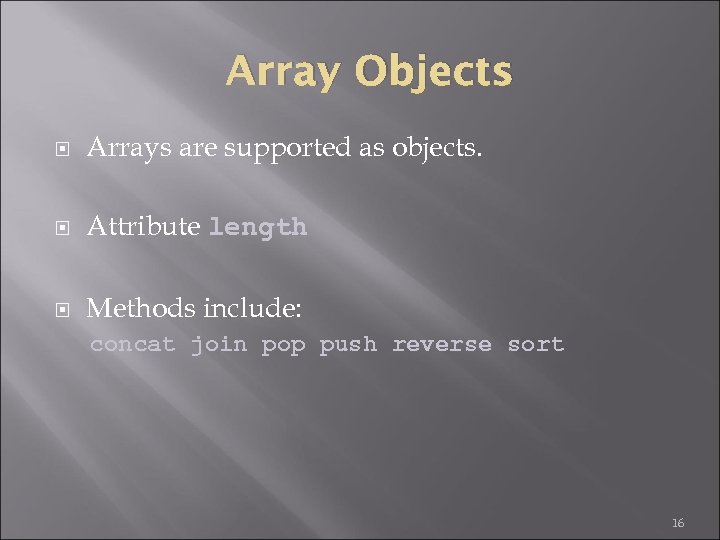
Array Objects Arrays are supported as objects. Attribute length Methods include: concat join pop push reverse sort 16
![Array example code var a = [8, 7, 6, 5]; for (i=0; i<a. length;](https://present5.com/presentation/b2a6913b6f709fb3ad00bd39dff79257/image-17.jpg "Array example code var a = [8, 7, 6, 5]; for (i=0; i<a. length;")
Array example code var a = [8, 7, 6, 5]; for (i=0; i<a. length; i++) a[i] += 2; b = a. reverse(); 17
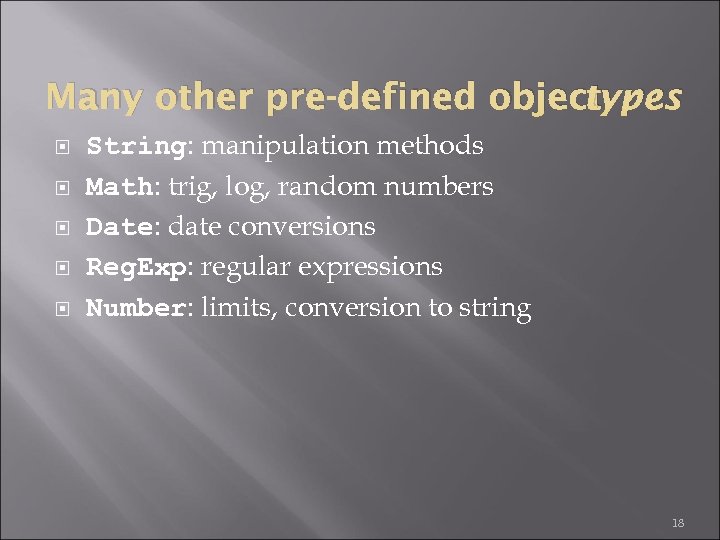
Many other pre-defined object types String: manipulation methods Math: trig, log, random numbers Date: date conversions Reg. Exp: regular expressions Number: limits, conversion to string 18
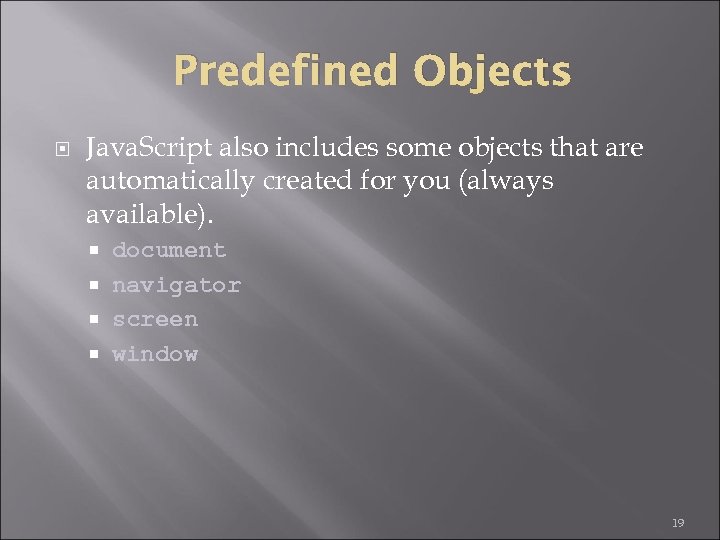
Predefined Objects Java. Script also includes some objects that are automatically created for you (always available). document navigator screen window 19
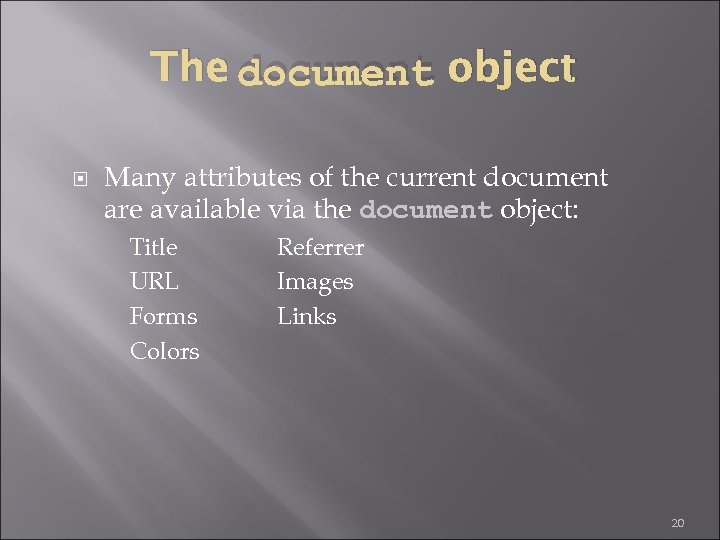
The document object Many attributes of the current document are available via the document object: Title URL Forms Colors Referrer Images Links 20
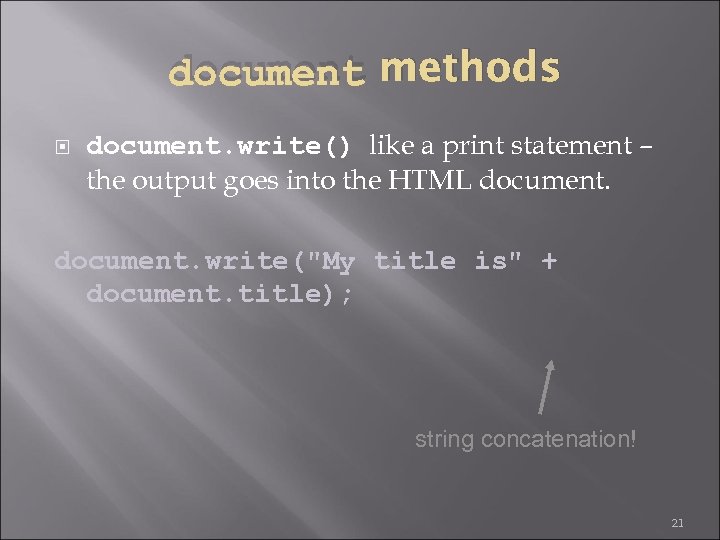
document methods document. write() like a print statement – the output goes into the HTML document. write("My title is" + document. title); string concatenation! 21
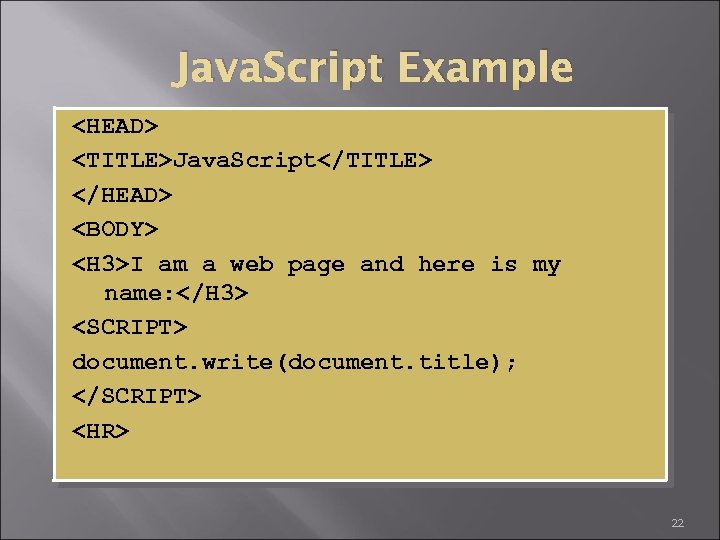
Java. Script Example <HEAD> <TITLE>Java. Script</TITLE> </HEAD> <BODY> <H 3>I am a web page and here is my name: </H 3> <SCRIPT> document. write(document. title); </SCRIPT> <HR> 22
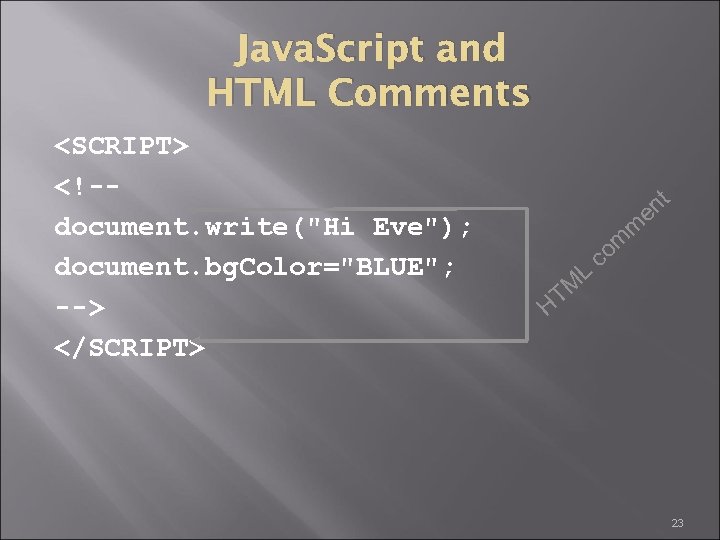
Java. Script and HTML Comments <SCRIPT> <!-document. write("Hi Eve"); document. bg. Color="BLUE"; --> </SCRIPT> m TM L nt e om c H 23
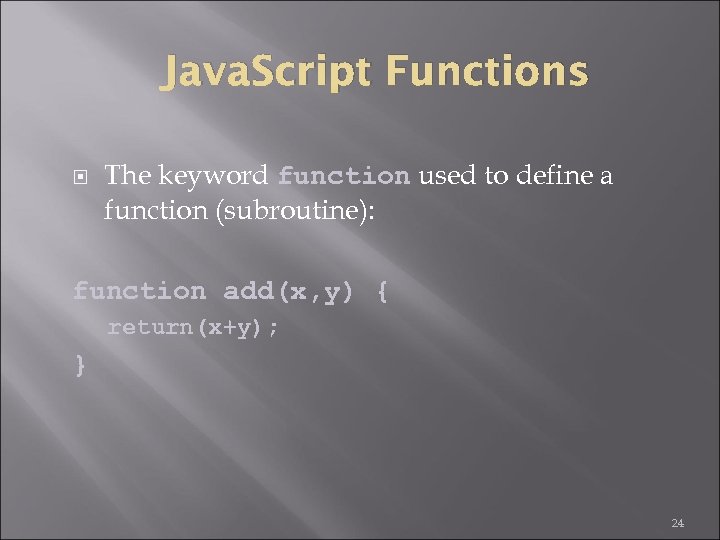
Java. Script Functions The keyword function used to define a function (subroutine): function add(x, y) { return(x+y); } 24
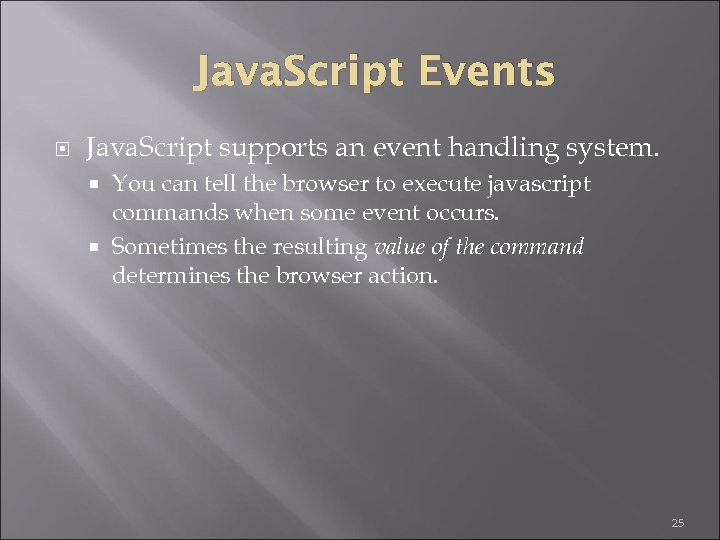
Java. Script Events Java. Script supports an event handling system. You can tell the browser to execute javascript commands when some event occurs. Sometimes the resulting value of the command determines the browser action. 25
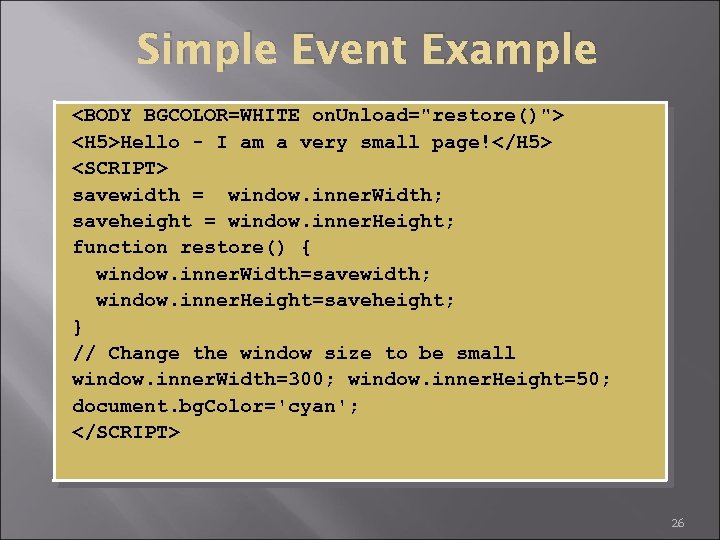
Simple Event Example <BODY BGCOLOR=WHITE on. Unload="restore()"> <H 5>Hello - I am a very small page!</H 5> <SCRIPT> savewidth = window. inner. Width; saveheight = window. inner. Height; function restore() { window. inner. Width=savewidth; window. inner. Height=saveheight; } // Change the window size to be small window. inner. Width=300; window. inner. Height=50; document. bg. Color='cyan'; </SCRIPT> 26
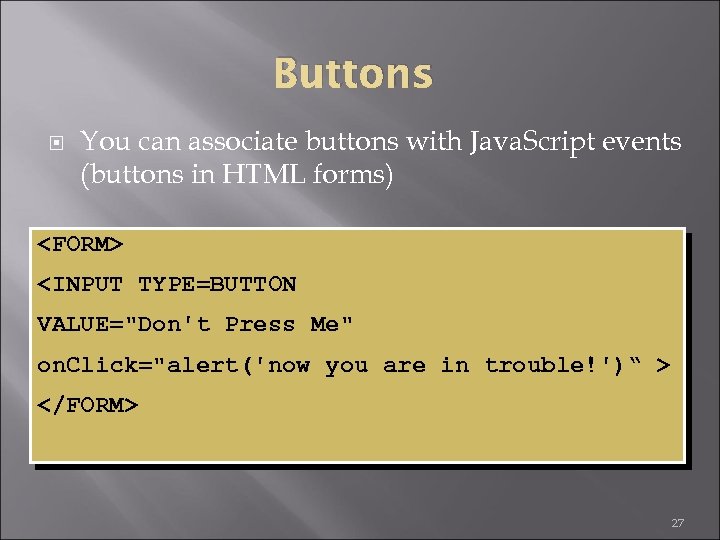
Buttons You can associate buttons with Java. Script events (buttons in HTML forms) <FORM> <INPUT TYPE=BUTTON VALUE="Don't Press Me" on. Click="alert('now you are in trouble!')“ > </FORM> 27
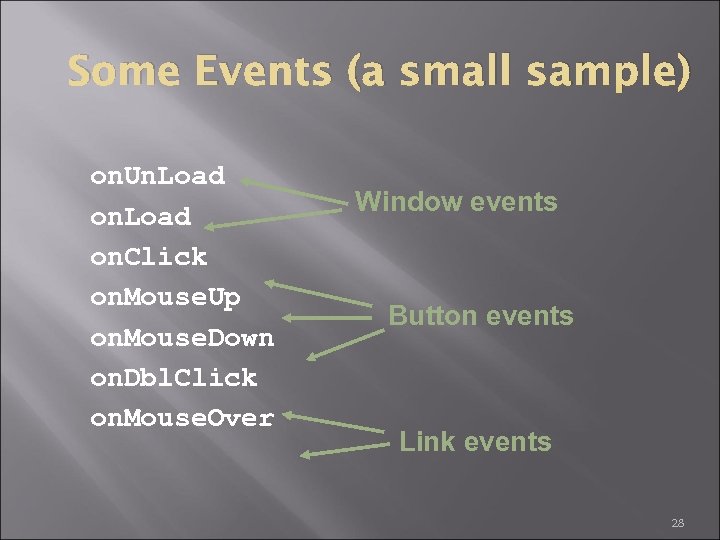
Some Events (a small sample) on. Un. Load on. Click on. Mouse. Up on. Mouse. Down on. Dbl. Click on. Mouse. Over Window events Button events Link events 28
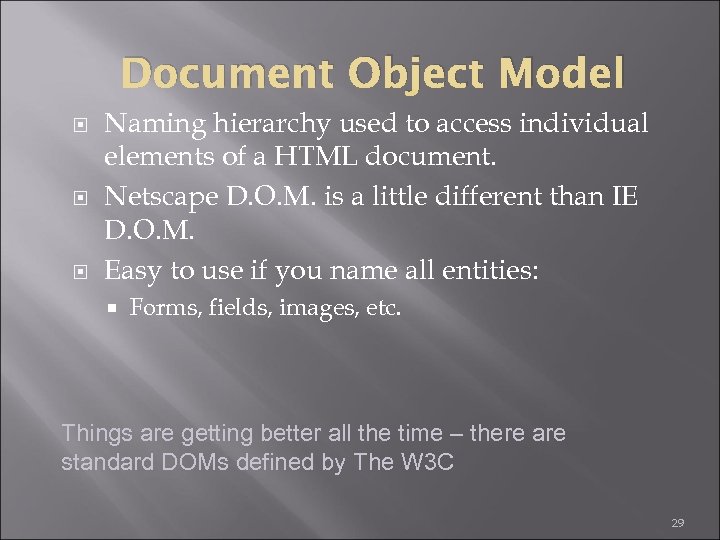
Document Object Model Naming hierarchy used to access individual elements of a HTML document. Netscape D. O. M. is a little different than IE D. O. M. Easy to use if you name all entities: Forms, fields, images, etc. Things are getting better all the time – there are standard DOMs defined by The W 3 C 29
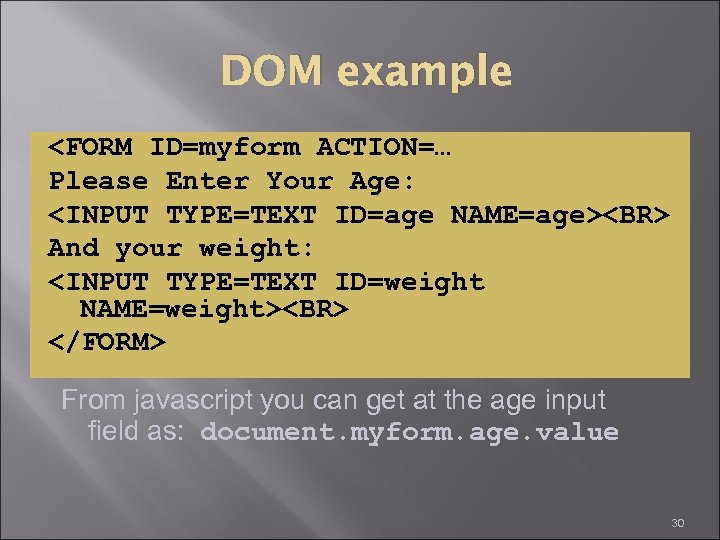
DOM example <FORM ID=myform ACTION=… Please Enter Your Age: <INPUT TYPE=TEXT ID=age NAME=age><BR> And your weight: <INPUT TYPE=TEXT ID=weight NAME=weight><BR> </FORM> From javascript you can get at the age input field as: document. myform. age. value 30
Form Field Validation You can have Java. Script code that makes sure the user enters valid information. When the submit button is pressed the script checks the values of all necessary fields: You can prevent the request from happening. 31
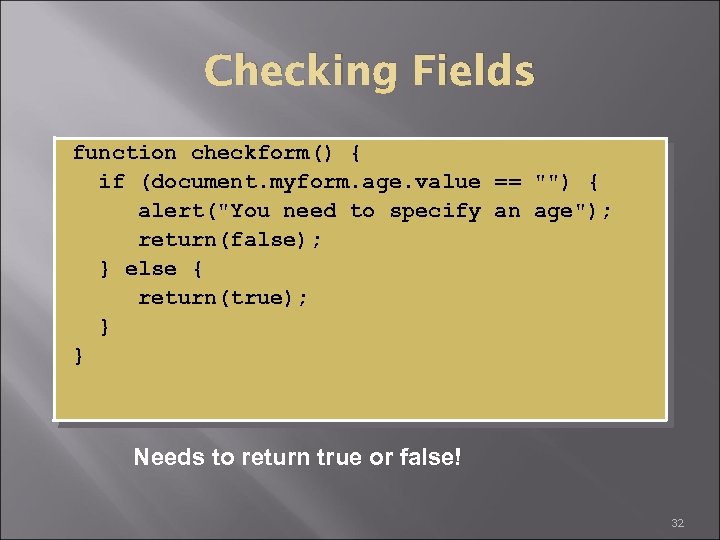
Checking Fields function checkform() { if (document. myform. age. value == "") { alert("You need to specify an age"); return(false); } else { return(true); } } Needs to return true or false! 32
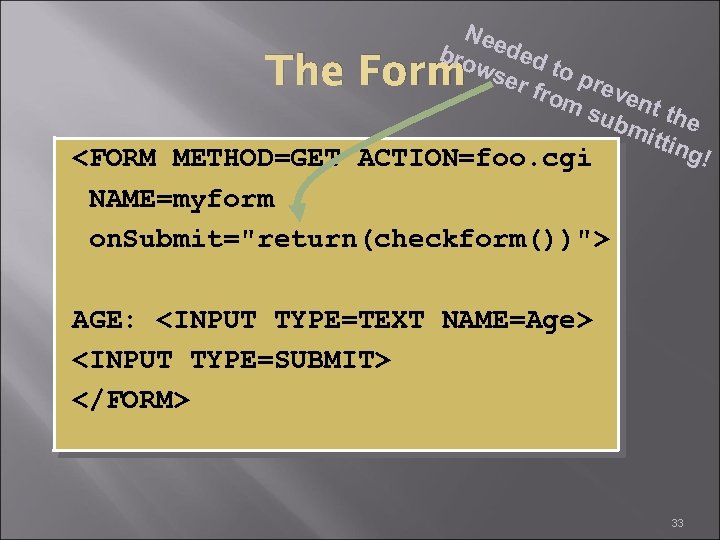
Nee bro ded wse to p r r fr om event sub the mit ting ! <FORM METHOD=GET ACTION=foo. cgi The Form NAME=myform on. Submit="return(checkform())"> AGE: <INPUT TYPE=TEXT NAME=Age> <INPUT TYPE=SUBMIT> </FORM> 33
Important Note about Form Validation It's a good idea to make sure the user fills out the form before submitting. Users can bypass your form – they can create requests manually (or their own forms). Your CGI programs cannot rely (soley) on Client-Side Java. Script to validate form fields! 34
Advantages of Java. Script Speed. Being client-side, Java. Script is very fast because any code functions can be run immediately instead of having to contact the server and wait for an answer. Simplicity. Java. Script is relatively simple to learn and implement. Versatility. Java. Script plays nicely with other languages and can be used in a huge variety of applications. Unlike PHP or SSI scripts, Java. Script can be inserted into any web page regardless of the file extension. Java. Script can also be used inside scripts written in other languages such as Perl and PHP. Server Load. Being client-side reduces the demand on the website server. 35
Disadvantages of Java. Script Security. Because the code executes on the users' computer, in some cases it can be exploited for malicious purposes. This is one reason some people choose to disable Java. Script. Reliance on End User. Java. Script is sometimes interpreted differently by different browsers. Whereas server-side scripts will always produce the same output, client-side scripts can be a little unpredictable. Don't be overly concerned by this though - as long as you test your script in all the major browsers you should be safe. 36

LUA 37
Lua from Portuguese meaning " moon ") is a lightweight multi-paradigm programming language designed as a scripting language with extensible semantics as a primary goal. Lua has a relatively simple C API compared to other scripting languages 38
Lua is a powerful, fast, lightweight, embeddable scripting language. Lua combines simple procedural syntax with powerful data description constructs based on associative arrays and extensible semantics. Lua is dynamically typed, runs by interpreting byte code for a register-based virtual machine, and has automatic memory management with incremental garbage collection, making it ideal for configuration, scripting, and rapid prototyping. 39
Lua's historical 'father and mother' were datadescription/configuration languages SOL (Simple Object Language) and DEL (data-entry language). They had been independently developed at Tecgraf in 1992 -1993 to add some flexibility into two different projects (both were interactive graphical programs for engineering applications at Petro bras company). 40
Features/ Characteristics Multi-paradigm language does not contain explicit support for inheritance easily with meta tables implement namespaces and classes first-class functional programming 41
Advantages of Lua is fastest language Lua is portable Lua is embeddable Lua is powerful (but simple) Lua is free open-source software 42
Disadvantages of Lua An inherent is that it’s a fairly rarely-used language. An implementation is that it currently dependent on an external Lua binary installation 43
Data Types § Boolean values § numbers (double-precision floating point by default) § strings. Typical data: § Arrays, sets, lists, and records can be represented using Lua’s single native data structure, the table, which is essentially a heterogeneous associative array Data Type 44
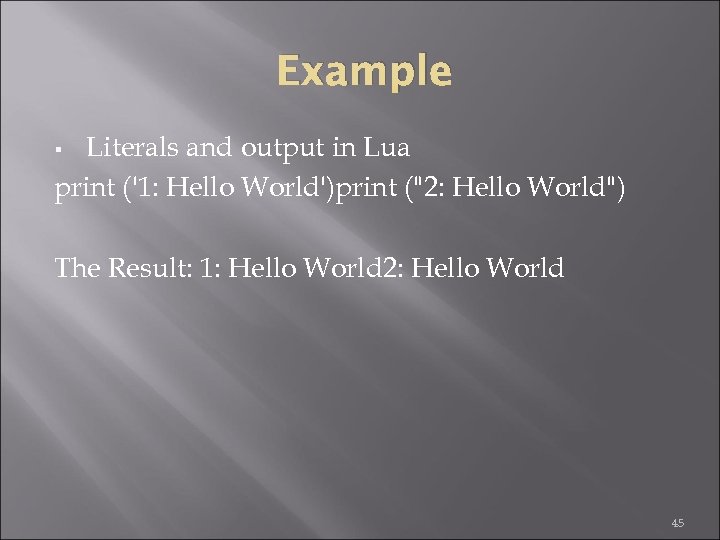
Example Literals and output in Lua print ('1: Hello World')print ("2: Hello World") § The Result: 1: Hello World 2: Hello World 45
![A simple array of strings array = { "a", "b", "c", "d" } print(array[2])](https://present5.com/presentation/b2a6913b6f709fb3ad00bd39dff79257/image-46.jpg "A simple array of strings array = { \"a\", \"b\", \"c\", \"d\" } print(array[2])")
A simple array of strings array = { "a", "b", "c", "d" } print(array[2]) print(#array) array[0] = "z" print(#array) An array of objects: function Point(x, y) return { x = x, y = y } end array = { Point(10, 20), Point(30, 40), Point(50, 60) } print(array[2]. y) 46
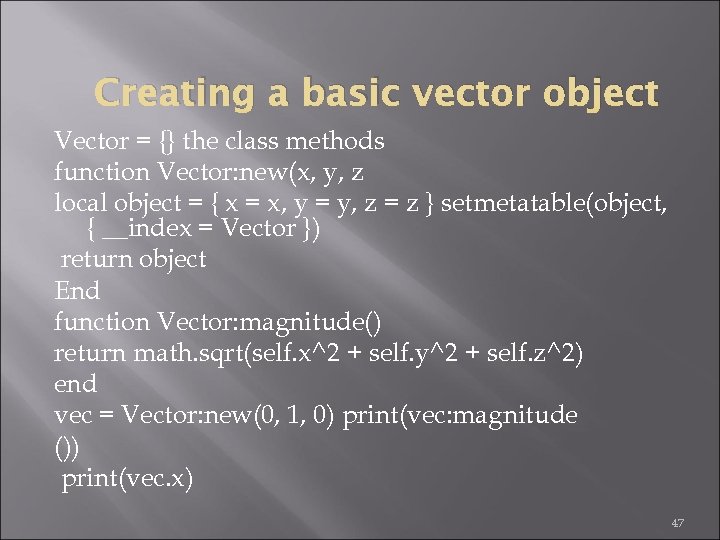
Creating a basic vector object Vector = {} the class methods function Vector: new(x, y, z local object = { x = x, y = y, z = z } setmetatable(object, { __index = Vector }) return object End function Vector: magnitude() return math. sqrt(self. x^2 + self. y^2 + self. z^2) end vec = Vector: new(0, 1, 0) print(vec: magnitude ()) print(vec. x) 47
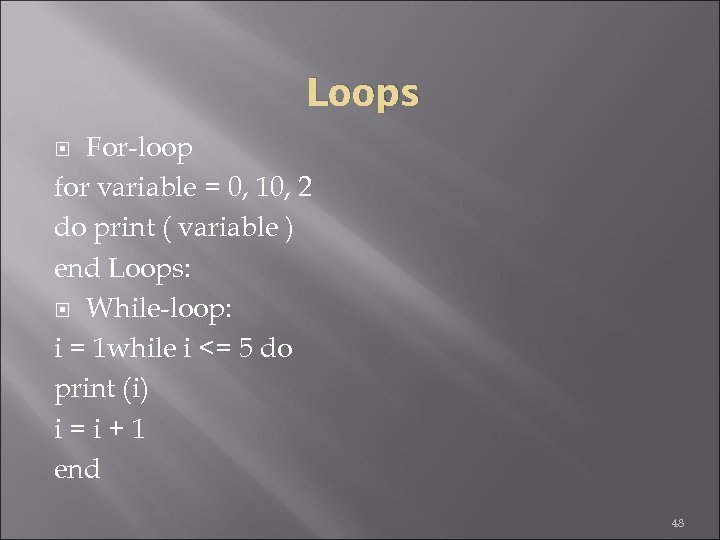
Loops For-loop for variable = 0, 10, 2 do print ( variable ) end Loops: While-loop: i = 1 while i <= 5 do print (i) i=i+1 end 48
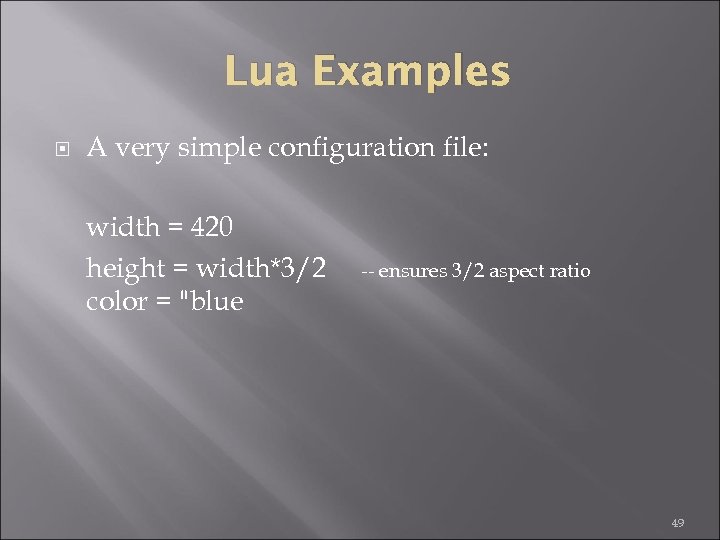
Lua Examples A very simple configuration file: width = 420 height = width*3/2 color = "blue -- ensures 3/2 aspect ratio 49
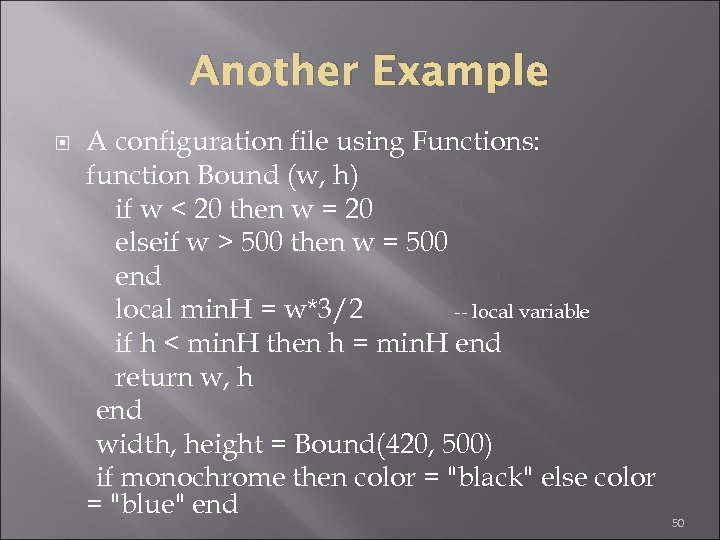
Another Example A configuration file using Functions: function Bound (w, h) if w < 20 then w = 20 elseif w > 500 then w = 500 end local min. H = w*3/2 -- local variable if h < min. H then h = min. H end return w, h end width, height = Bound(420, 500) if monochrome then color = "black" else color = "blue" end 50
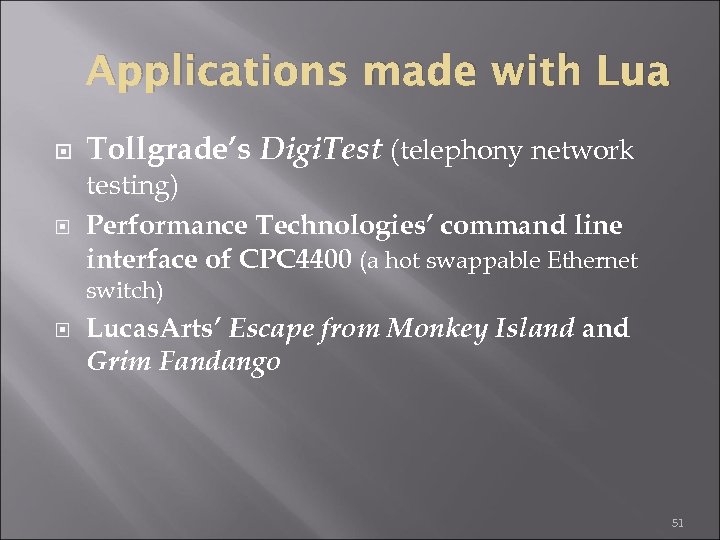
Applications made with Lua Tollgrade’s Digi. Test (telephony network testing) Performance Technologies’ command line interface of CPC 4400 (a hot swappable Ethernet switch) Lucas. Arts’ Escape from Monkey Island Grim Fandango 51
How does Lua apply the new configurations to the original program / application? Ans. There are two phases in Lua programming: compilation time (that is when all Lua functions and program lines are compiled) and runtime (that is when C and C++ functions of the original program are called by Lua to apply the new configurations the user has specified) 52
Fallbacks Extend the meaning of many syntactical constructions e. g. fallbacks can be used to implement different kinds of inheritance, a feature not present in Lua 53

EIFFEL 54

History 1985 Language Development Began Developed by Bertrand Meyer of Interactive Software Engineering 1986 First Compiler Delivered 1987 Commercial Applications Developed 1991 NICE Founded (Non-Profit International Consortium for Eiffel) NICE controls evolution, standardization and basic class definitions for Eiffel 1996 Commercial Eiffel based development system becomes available (iss-base). Decendent of Algol and ADA 55

Overview Pure object oriented language Strong statically typed Automatic memory management/Garbage collection Supports ADTs Supports Generic Classes Supports By Value and By reference semantics Promotes simplicity (Readable, not Writeable) Non-Object Oriented Capabilities/Low Level Functionality (C-Lang) Some Compilers only generate C source code Design By Contract (Reliability) Exception Handling Supports separate library compilation Supports In-Class Documentation Root class starts execution 56
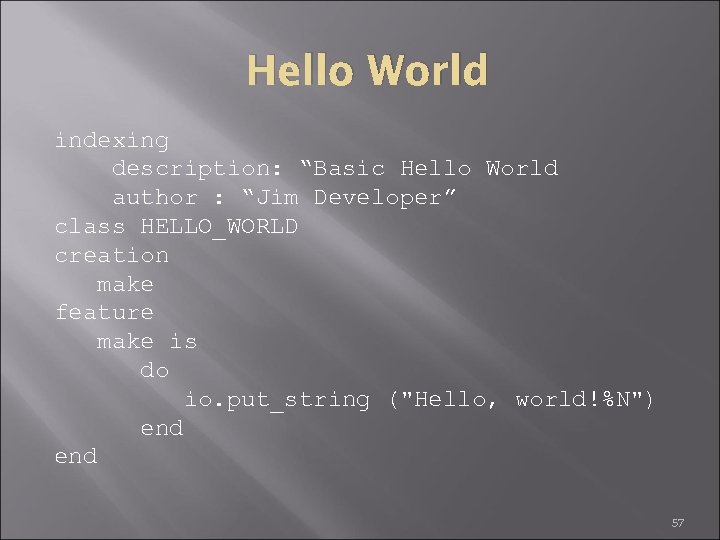
Hello World indexing description: “Basic Hello World author : “Jim Developer” class HELLO_WORLD creation make feature make is do io. put_string ("Hello, world!%N") end 57
Basic Instructions Assignment Object Creation Routine Call Conditional Iteration Choice/Switch/Case 58
Assignment i : = i + 1 Assignments cannot happen directly to class attributes. Methods/Routines must be used. Shortcut Assignments don’t exist 59
Object Creation Declaration acc: ACCOUNT acc is “void” when declared At runtime acc obtains an object by calling create acc Which creates a new instance of ACCOUNT and attaches acc can now be used: acc. open(“John”) acc. deposit(5000) 60
Data Types The following data types exist, the initialization of variables of these types is automatically initialized INTEGER initializes to zero REAL and DOUBLE initialize to 0. 0 BOOLEAN initializes to false CHARACTER initializes to null Reference types initialize to a null reference INTEGER, REAL, DOUBLE, BOOLEAN and CHARACTER are all considered Expanded types 61
Reference Types A reference is the default object type, when an instance of a class is created it is called a reference, this is created by either calling “create” or using “!!” 62
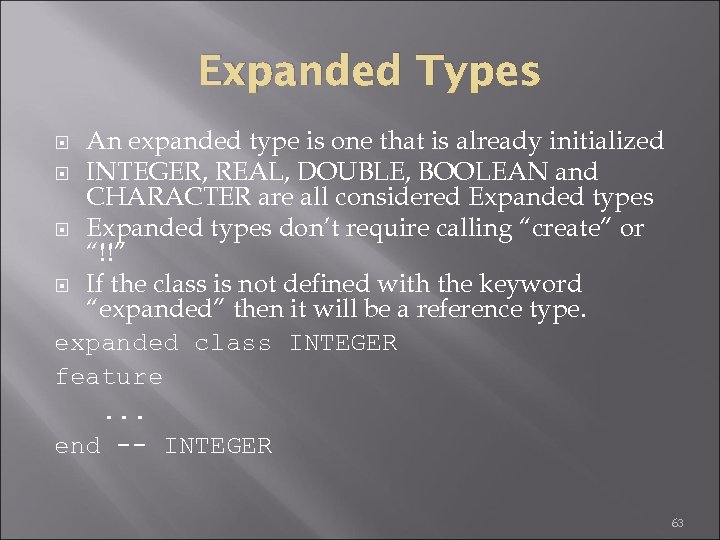
Expanded Types An expanded type is one that is already initialized INTEGER, REAL, DOUBLE, BOOLEAN and CHARACTER are all considered Expanded types don’t require calling “create” or “!!” If the class is not defined with the keyword “expanded” then it will be a reference type. expanded class INTEGER feature. . . end -- INTEGER 63
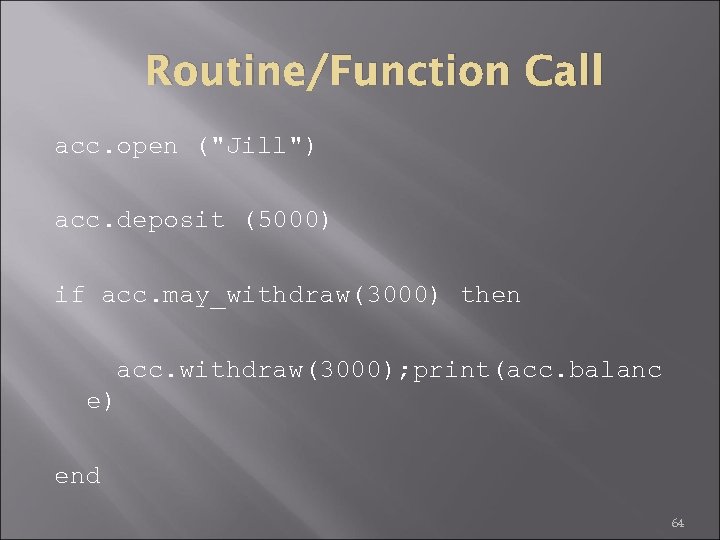
Routine/Function Call acc. open ("Jill") acc. deposit (5000) if acc. may_withdraw(3000) then acc. withdraw(3000); print(acc. balanc e) end 64
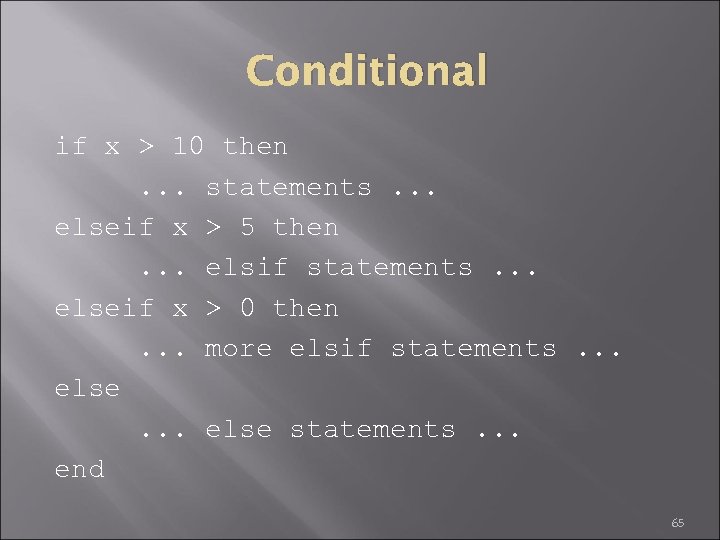
Conditional if x > 10 then. . . statements. . . elseif x > 5 then. . . elsif statements. . . elseif x > 0 then. . . more elsif statements. . . else statements. . . end 65
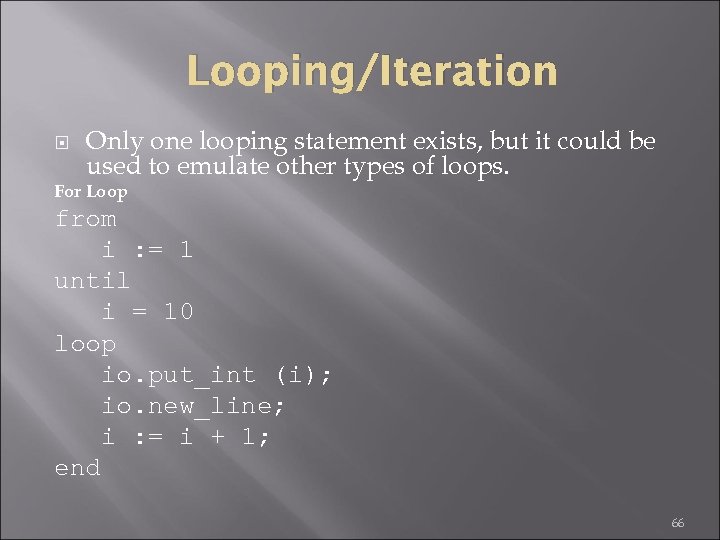
Looping/Iteration Only one looping statement exists, but it could be used to emulate other types of loops. For Loop from i : = 1 until i = 10 loop io. put_int (i); io. new_line; i : = i + 1; end 66
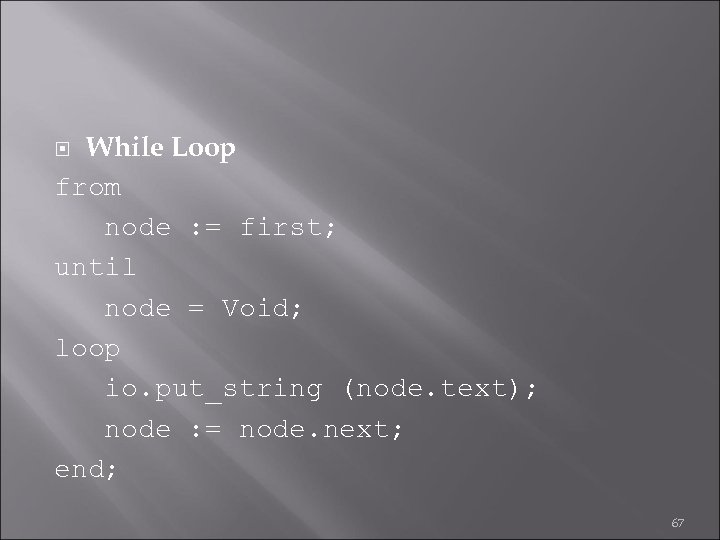
While Loop from node : = first; until node = Void; loop io. put_string (node. text); node : = node. next; end; 67
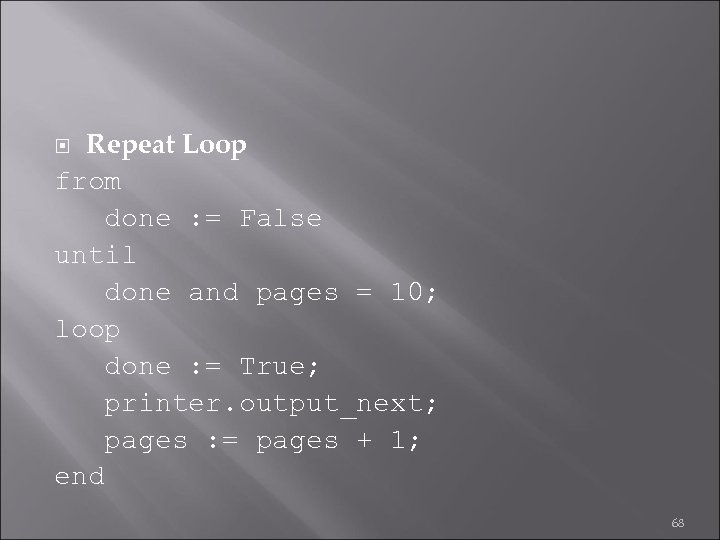
Repeat Loop from done : = False until done and pages = 10; loop done : = True; printer. output_next; pages : = pages + 1; end 68
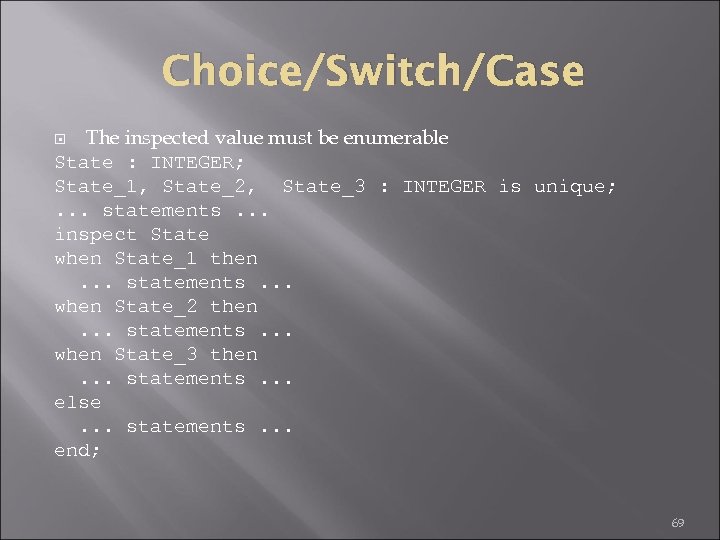
Choice/Switch/Case The inspected value must be enumerable State : INTEGER; State_1, State_2, State_3 : INTEGER is unique; . . . statements. . . inspect State when State_1 then. . . statements. . . when State_2 then. . . statements. . . when State_3 then. . . statements. . . else. . . statements. . . end; 69
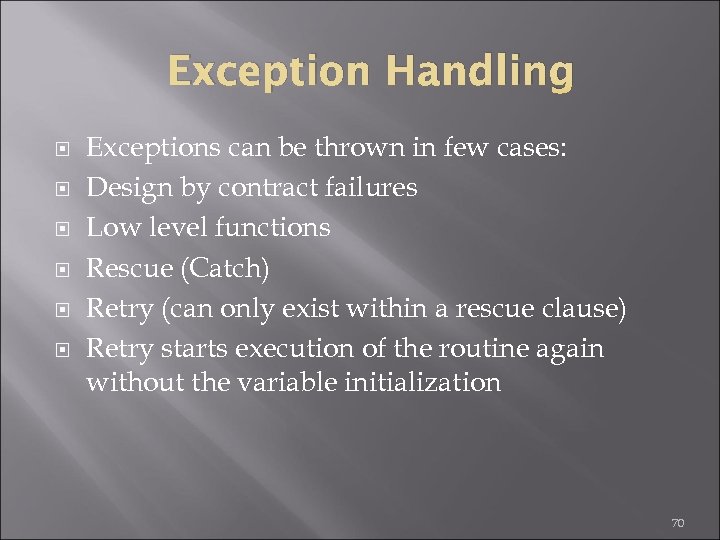
Exception Handling Exceptions can be thrown in few cases: Design by contract failures Low level functions Rescue (Catch) Retry (can only exist within a rescue clause) Retry starts execution of the routine again without the variable initialization 70
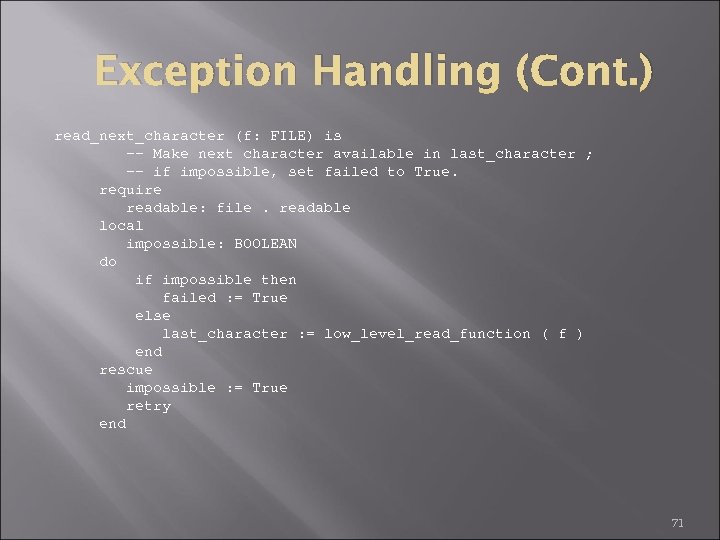
Exception Handling (Cont. ) read_next_character (f: FILE) is -- Make next character available in last_character ; -- if impossible, set failed to True. require readable: file. readable local impossible: BOOLEAN do if impossible then failed : = True else last_character : = low_level_read_function ( f ) end rescue impossible : = True retry end 71
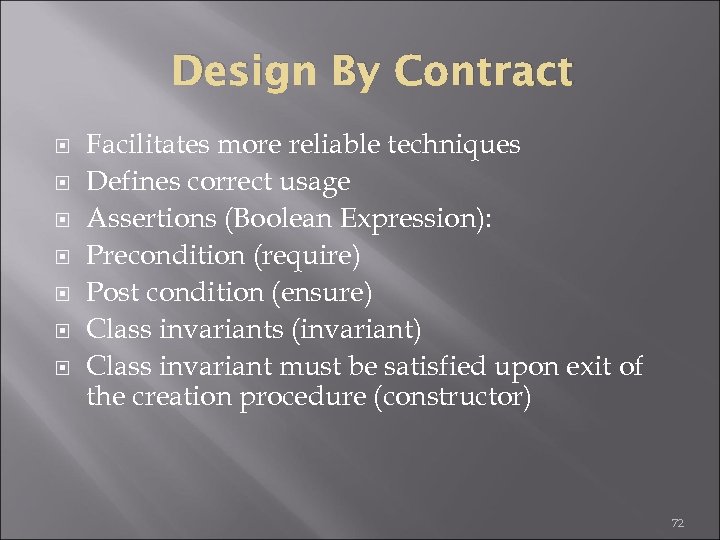
Design By Contract Facilitates more reliable techniques Defines correct usage Assertions (Boolean Expression): Precondition (require) Post condition (ensure) Class invariants (invariant) Class invariant must be satisfied upon exit of the creation procedure (constructor) 72
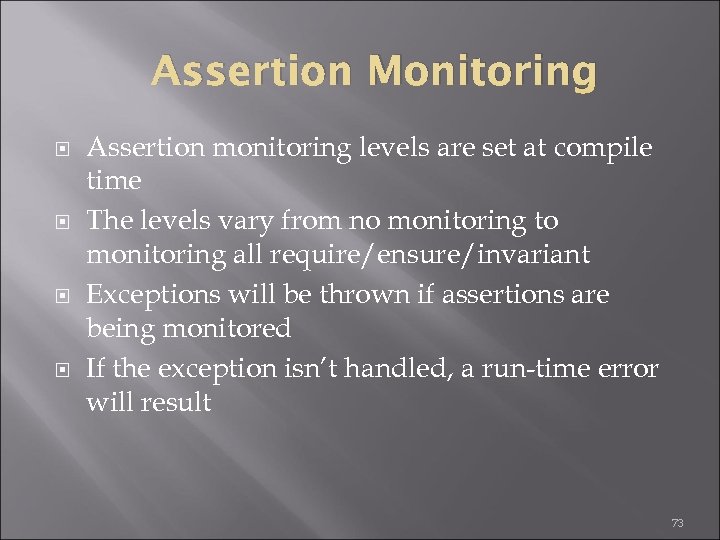
Assertion Monitoring Assertion monitoring levels are set at compile time The levels vary from no monitoring to monitoring all require/ensure/invariant Exceptions will be thrown if assertions are being monitored If the exception isn’t handled, a run-time error will result 73
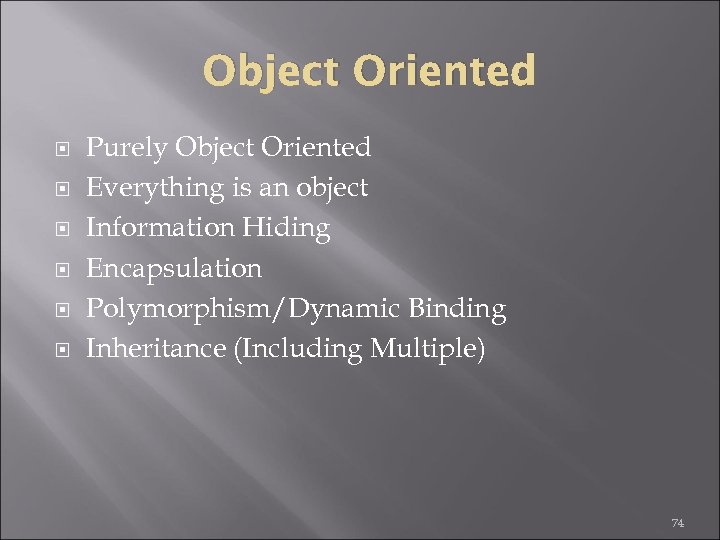
Object Oriented Purely Object Oriented Everything is an object Information Hiding Encapsulation Polymorphism/Dynamic Binding Inheritance (Including Multiple) 74

Object Oriented (Cont. ) Supports information hiding/encapsulation No attributes of a class are allowed to be modified directly. All modifications must happen within a subroutine No global variables are allowed No static functions are allowed Secret attributes/routines are equivalent to private variables/methods 75
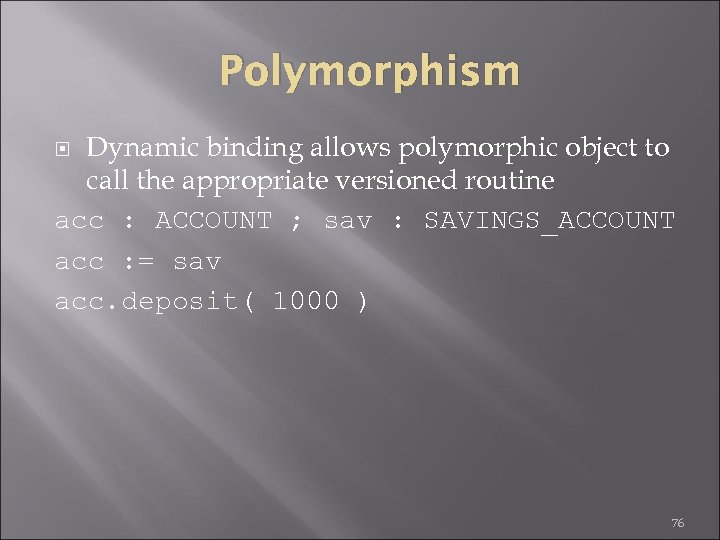
Polymorphism Dynamic binding allows polymorphic object to call the appropriate versioned routine acc : ACCOUNT ; sav : SAVINGS_ACCOUNT acc : = sav acc. deposit( 1000 ) 76
Inheritance Inheritance is supported Multiple inheritance is supported Routine can be overridden (redefine) Parent is known as a precursor Keyword precursor can be used to reference the parent Renaming allows conflicts with multiple inheritance to be resolved 77
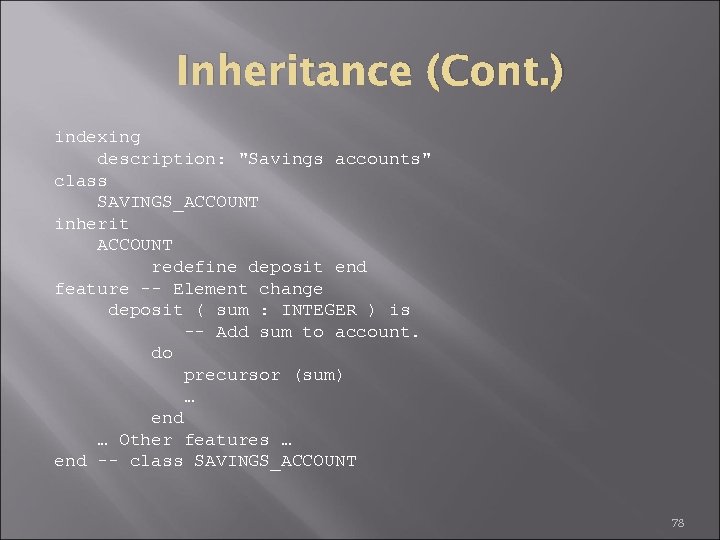
Inheritance (Cont. ) indexing description: "Savings accounts" class SAVINGS_ACCOUNT inherit ACCOUNT redefine deposit end feature -- Element change deposit ( sum : INTEGER ) is -- Add sum to account. do precursor (sum) … end … Other features … end -- class SAVINGS_ACCOUNT 78
Inheritance (Cont. ) The implementation of inheritance supplies many keywords to define how the parents members are recognized Rename allows renaming of a parent attribute/routine Export allows changing protection of a parent attribute/routine Redefine allows overriding a routine Undefine allows removing a routine 79
The Language The best page for a language overview is probably Eiffel on Wikipedia It is very different to other languages but also very simple (there are only a small amount of keywords to learn) Eiffel code is long compared to C (or similar languages). I. e. you have more words than symbols (end instead of }; from-until-loop-do instead of for(. . . ; . . . ) {. . . }). You can love or hate it. 80
Every part of the language is defined as much as possible (i. e. there is a BNF for the whole syntax). Design by Contract (Db. C) is part of the language (preconditions, post conditions, class invariants, state-checks, exception handling deeply connected to Db. C, etc. ). Garbage Collected (GC) or not - you can choose 81
Tools Apart from different compilers there is an IDE called Eiffel Studio with a lot of integrated tools (UML / BON diagrams, eiffel doc (similar to java doc), debugger, etc. ). The IDE should run fine on Windows and platforms that support GTK There are compilers that target. Net (Eiffel Software), Java (Smart Eiffel), interpreted (Beta, TE Comp) and C (which is compiled to native code) 82
Libraries There are the commercial ones from Eiffel. com Free, active ones like: Gobo and EWLC A lot of dead ones : ( , yeah, that is a BIG disadvantage of eiffel 83
Скачать презентацию JAVASCRIPT Prototype-based scripting language 1 Smart Browsers
b2a6913b6f709fb3ad00bd39dff79257.ppt