


 Скачать презентацию Java Script Defined DOM Document
6894d646679352f5704dc3f7b1c4b768.ppt
- Количество слайдов: 18
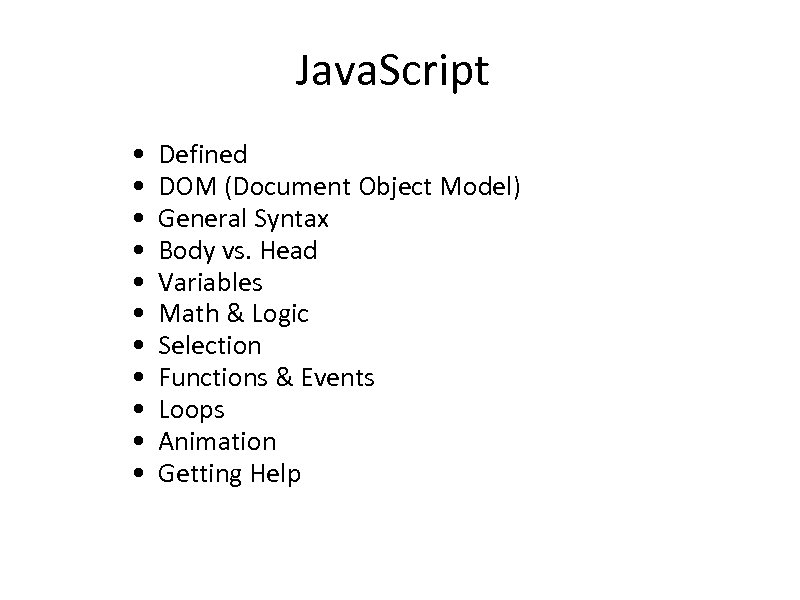 Java. Script • • • Defined DOM (Document Object Model) General Syntax Body vs. Head Variables Math & Logic Selection Functions & Events Loops Animation Getting Help
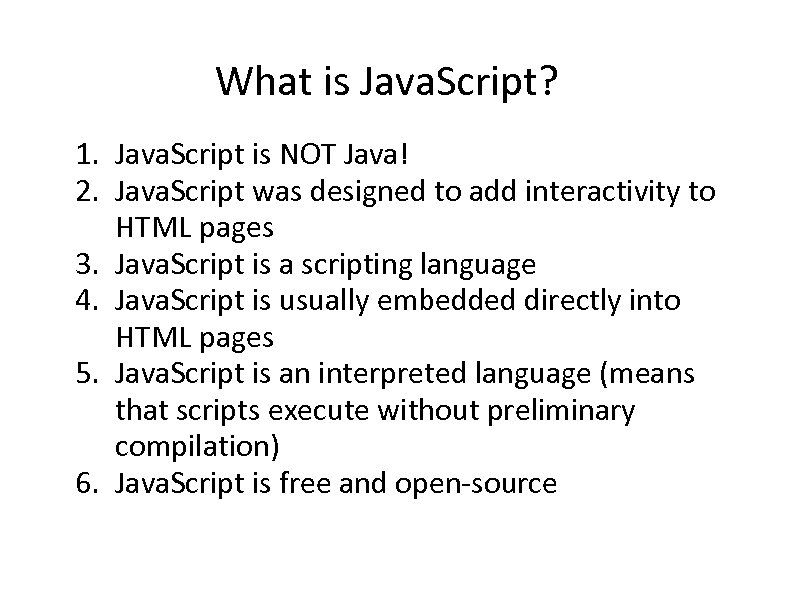 What is Java. Script? 1. Java. Script is NOT Java! 2. Java. Script was designed to add interactivity to HTML pages 3. Java. Script is a scripting language 4. Java. Script is usually embedded directly into HTML pages 5. Java. Script is an interpreted language (means that scripts execute without preliminary compilation) 6. Java. Script is free and open-source
 What can a Java. Script do? 1. Java. Script gives HTML designers a programming tool (very simple syntax) 2. Java. Script can put dynamic text into an HTML page 3. Java. Script can react to events 4. Java. Script can read and write HTML elements 5. Java. Script can be used to validate data (validate form data) 6. Java. Script can be used to detect the visitor's browser 7. Java. Script can be used to create cookies
 DOM (Document Object Model) • In object-oriented programming we look at a program as a collection of interacting objects. – Objects have properties (facts about them) • Length, width, – Objects have functions (things they can do) • write(), shoot() • In Java. Script the document is considered to be an object.
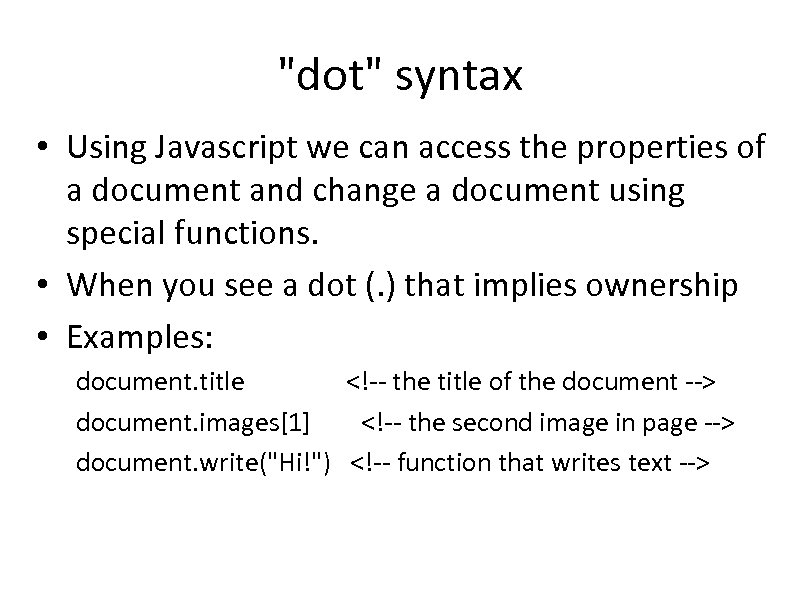 "dot" syntax • Using Javascript we can access the properties of a document and change a document using special functions. • When you see a dot (. ) that implies ownership • Examples: document. title document. images[1] document. write("Hi!")
Hello World! Hello World!
First Java. Script
function message() { alert("This alert box called" src="https://present5.com/presentation/6894d646679352f5704dc3f7b1c4b768/image-9.jpg" alt="Body vs. Head
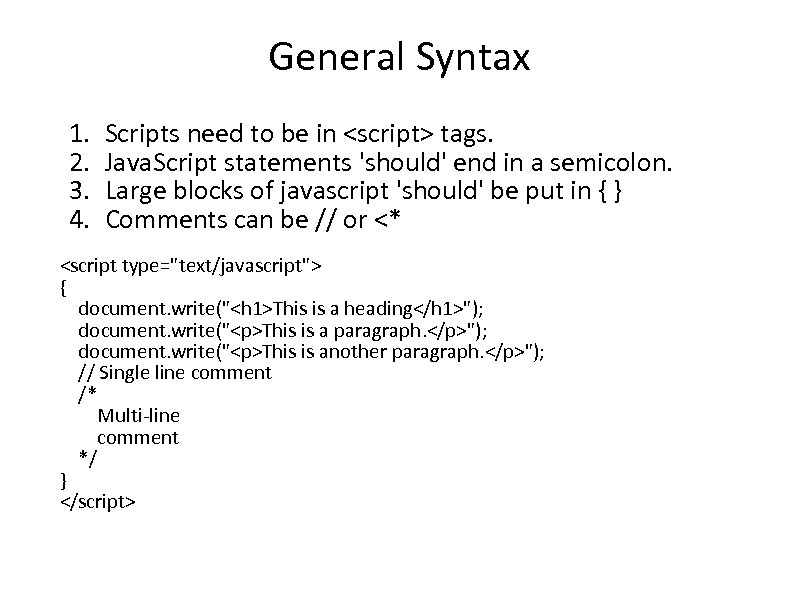 General Syntax 1. 2. 3. 4. Scripts need to be in
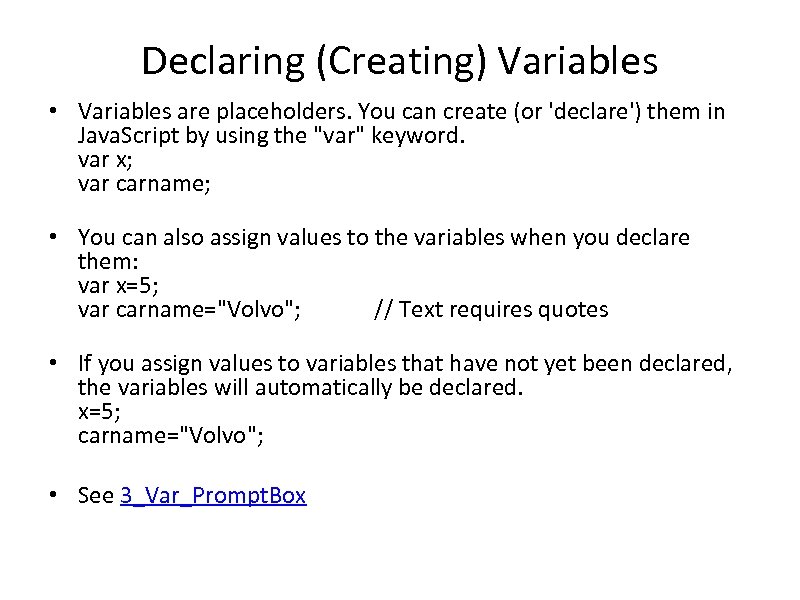 Declaring (Creating) Variables • Variables are placeholders. You can create (or 'declare') them in Java. Script by using the "var" keyword. var x; var carname; • You can also assign values to the variables when you declare them: var x=5; var carname="Volvo"; // Text requires quotes • If you assign values to variables that have not yet been declared, the variables will automatically be declared. x=5; carname="Volvo"; • See 3_Var_Prompt. Box
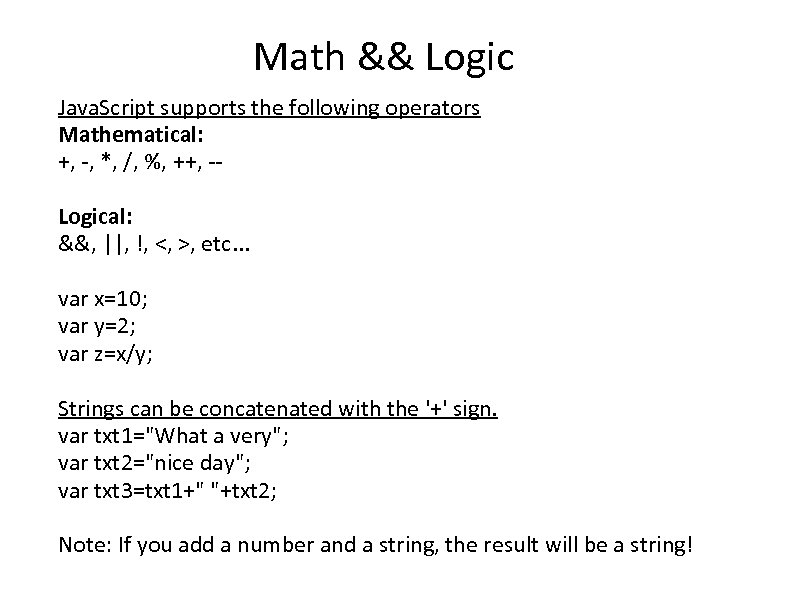 Math && Logic Java. Script supports the following operators Mathematical: +, -, *, /, %, ++, -Logical: &&, ||, !, <, >, etc. . . var x=10; var y=2; var z=x/y; Strings can be concatenated with the '+' sign. var txt 1="What a very"; var txt 2="nice day"; var txt 3=txt 1+" "+txt 2; Note: If you add a number and a string, the result will be a string!
// Comments are VERY important // If the" src="https://present5.com/presentation/6894d646679352f5704dc3f7b1c4b768/image-13.jpg" alt="Selection (the 'if' statement) See file 4_Selection
// This script shows the two common types of loops." src="https://present5.com/presentation/6894d646679352f5704dc3f7b1c4b768/image-14.jpg" alt="Repetition (loops) See file 5_Repetition
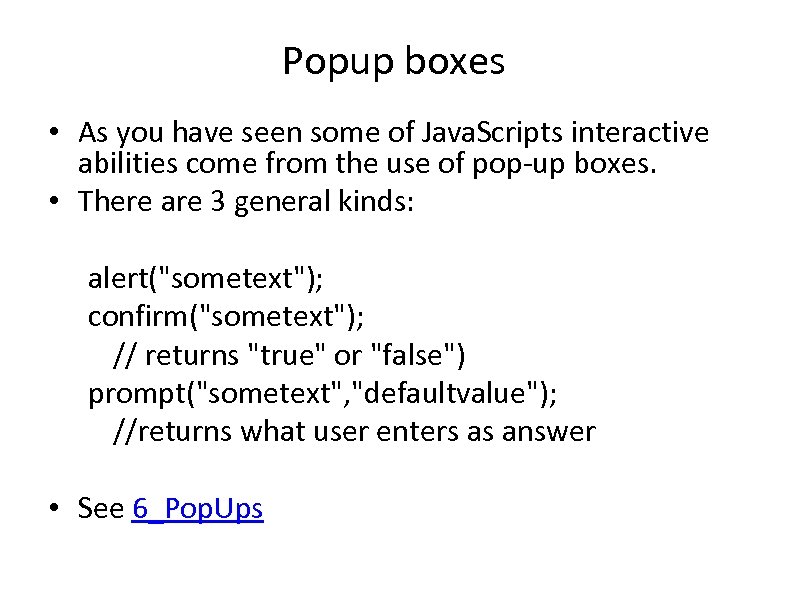 Popup boxes • As you have seen some of Java. Scripts interactive abilities come from the use of pop-up boxes. • There are 3 general kinds: alert("sometext"); confirm("sometext"); // returns "true" or "false") prompt("sometext", "defaultvalue"); //returns what user enters as answer • See 6_Pop. Ups
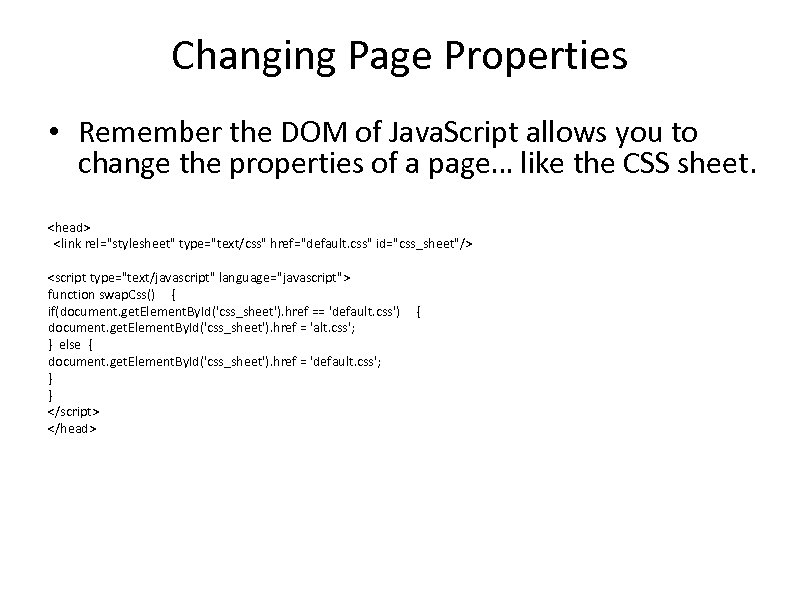 Changing Page Properties • Remember the DOM of Java. Script allows you to change the properties of a page… like the CSS sheet.
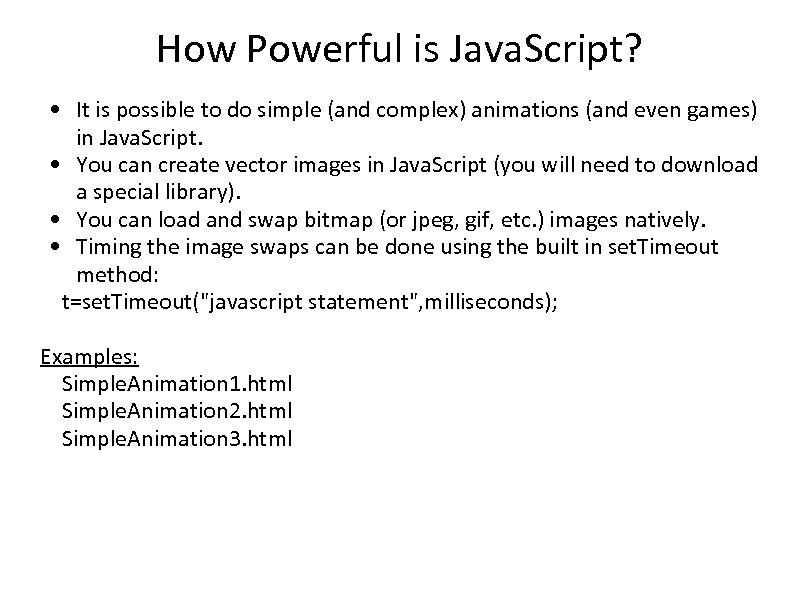 How Powerful is Java. Script? • It is possible to do simple (and complex) animations (and even games) in Java. Script. • You can create vector images in Java. Script (you will need to download a special library). • You can load and swap bitmap (or jpeg, gif, etc. ) images natively. • Timing the image swaps can be done using the built in set. Timeout method: t=set. Timeout("javascript statement", milliseconds); Examples: Simple. Animation 1. html Simple. Animation 2. html Simple. Animation 3. html
 Getting Help W 3 C Java. Script Tutorial: http: //www. w 3 schools. com/js/default. asp Java. Script Animations: http: //www. schillmania. com/content/projects/javascriptanimation-1/ Java. Script Games: http: //www. devx. com/webdev/10 Minute. Solution/27134