


 Скачать презентацию Java Programming From the Ground Up Chapter 20
be5687b2656ad281d6eafe0463e7faac.ppt
- Количество слайдов: 68
 Java Programming: From the Ground Up Chapter 20 A Case Study: Video Poker, Revisited
 Objective • The objective of this chapter is an understanding of the design principle that entails the separation of the data model from the interface, or more simply, the model from the view. • He we replace the text-based user interface developed in Chapter 11 with a more visual GUI that utilizes buttons, labels, and pictures. • The separation of model from view that was underscored in the case study of Chapter 11 enables us to plug in a new graphical interface with minimal effort. •
 A Quick Review • The poker application of Chapter 11 consists of seven interacting classes: – – – – Player Poker. Game Bet Deck Card Hand Bankroll
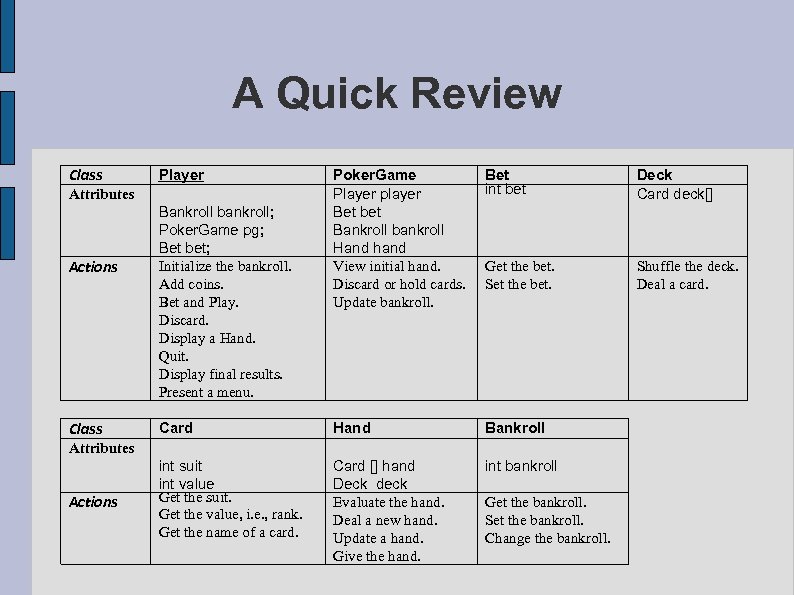 A Quick Review Class Player Poker. Game Player player Bet bet Bankroll bankroll Hand hand View initial hand. Discard or hold cards. Update bankroll. Bet int bet Deck Card deck[] Get the bet. Set the bet. Shuffle the deck. Deal a card. Card Hand Bankroll int suit int value Get the suit. Get the value, i. e. , rank. Get the name of a card. Card [] hand Deck deck Evaluate the hand. Deal a new hand. Update a hand. Give the hand. int bankroll Attributes Actions Class Bankroll bankroll; Poker. Game pg; Bet bet; Initialize the bankroll. Add coins. Bet and Play. Discard. Display a Hand. Quit. Display final results. Present a menu. Attributes Actions Get the bankroll. Set the bankroll. Change the bankroll.
 A Quick Review • The Player class provides a text-based user interface. • It is the Player class that we re-implement here, replacing text-based input and output with a GUI of buttons, labels, and pictures. • Replacing the text-based UI of Chapter 11 with a GUI does not require knowledge of the implementation details of the other classes.
 A Quick Review • To replace the old user interface with a GUI, all that is needed is information about the objectives and methods of some of the classes. • The next figures show those classes and methods that we use in creating a new GUI based poker game. • Except for the Player class, which handles all input and output, no previously developed class needs alteration.
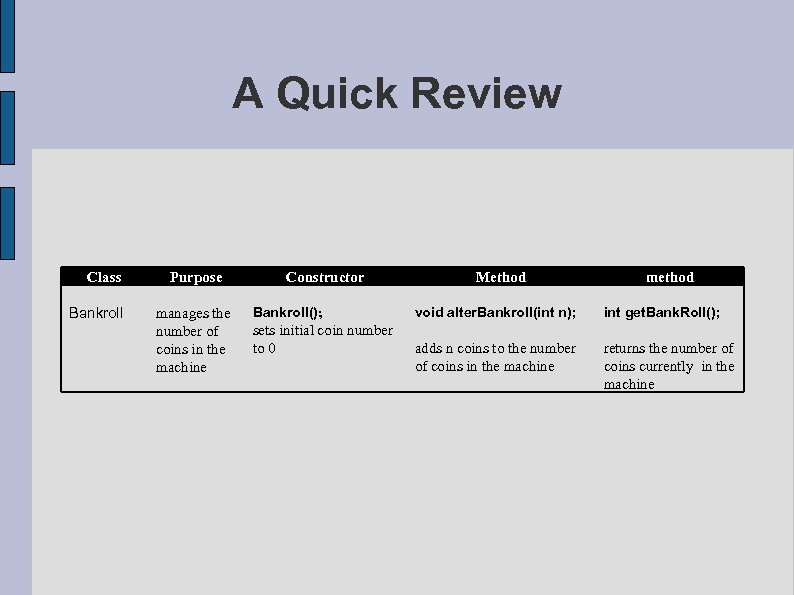 A Quick Review Class Bankroll Purpose manages the number of coins in the machine Constructor Bankroll(); sets initial coin number to 0 Method method void alter. Bankroll(int n); int get. Bank. Roll(); adds n coins to the number of coins in the machine returns the number of coins currently in the machine
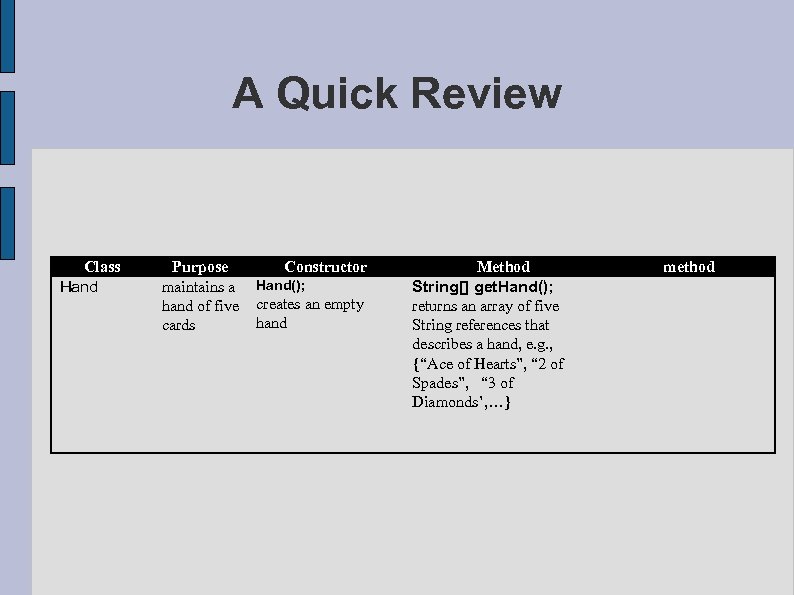 A Quick Review Class Hand Purpose maintains a hand of five cards Constructor Hand(); creates an empty hand Method String[] get. Hand(); returns an array of five String references that describes a hand, e. g. , {“Ace of Hearts”, “ 2 of Spades”, “ 3 of Diamonds’, …} method
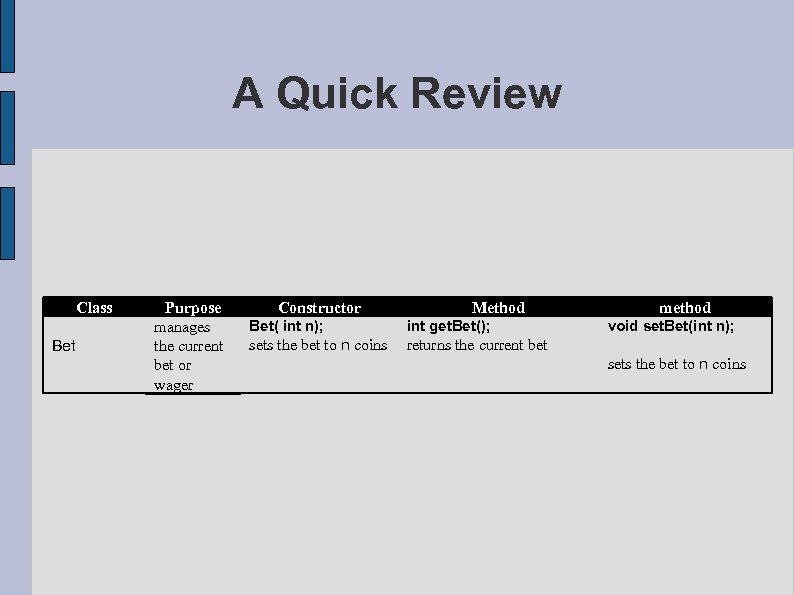 A Quick Review Class Bet Purpose manages the current bet or wager Constructor Method Bet( int n); int get. Bet(); sets the bet to n coins method void set. Bet(int n); returns the current bet sets the bet to n coins
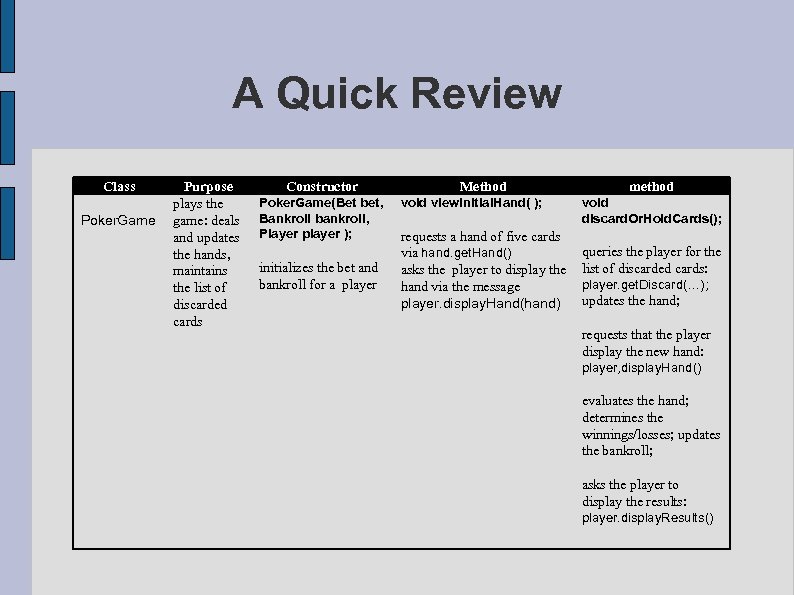 A Quick Review Class Poker. Game Purpose plays the game: deals and updates the hands, maintains the list of discarded cards Constructor Poker. Game(Bet bet, Bankroll bankroll, Player player ); initializes the bet and bankroll for a player Method void view. Initial. Hand( ); requests a hand of five cards via hand. get. Hand() asks the player to display the hand via the message player. display. Hand(hand) method void discard. Or. Hold. Cards(); queries the player for the list of discarded cards: player. get. Discard(…); updates the hand; requests that the player display the new hand: player, display. Hand() evaluates the hand; determines the winnings/losses; updates the bankroll; asks the player to display the results: player. display. Results()
 A Visual Poker Game • The GUI consists not of a text menu, but of buttons, labels, and images.
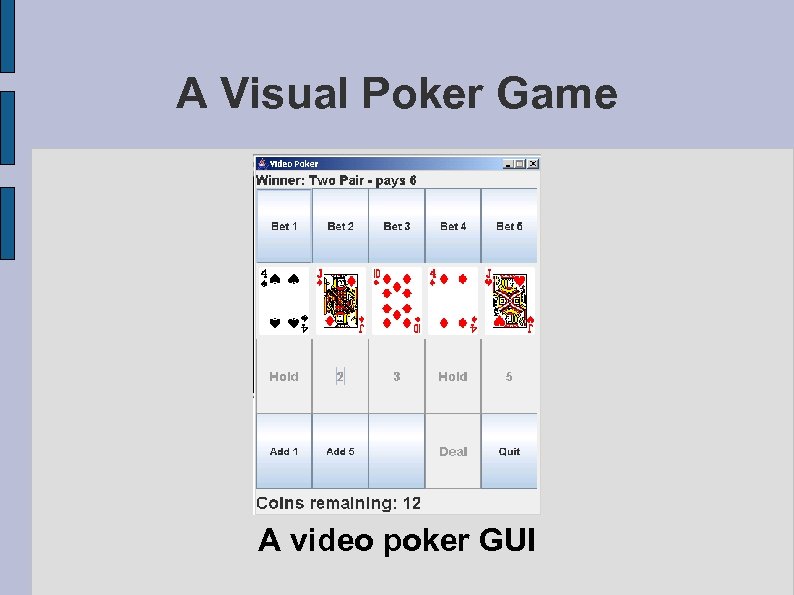 A Visual Poker Game A video poker GUI
 A Visual Poker Game • Before playing a hand of poker, a player must insert coins into the machine. • This action is simulated by clicking the Add 1 or the Add 5 button. • These buttons can be clicked repeatedly. • Each time a player clicks one of these buttons, either 1 or 5 coins are “inserted” into the machine. • The bottom panel of the GUI displays the current number of coins, that is, the bankroll.
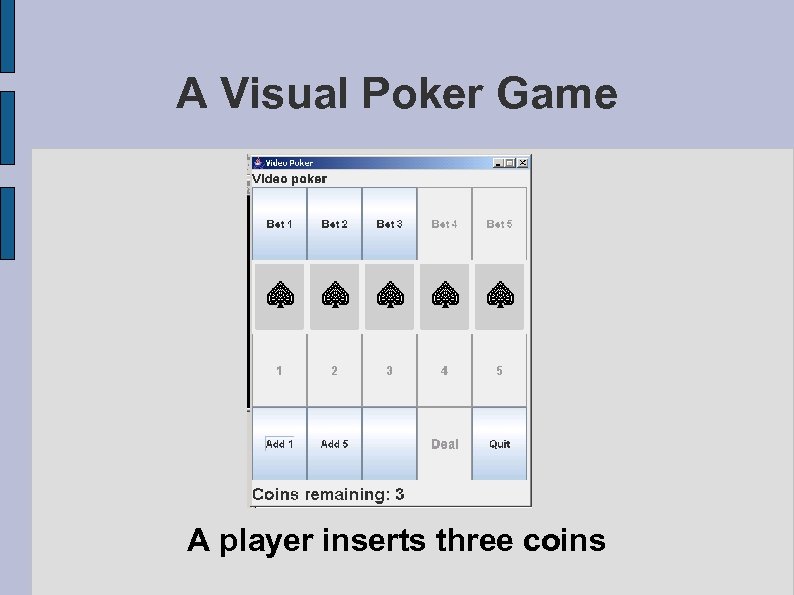 A Visual Poker Game A player inserts three coins
 A Visual Poker Game • Once a player inserts coins into the machine, he clicks one of the five Bet buttons • A bet from one to five coins is placed when clicked, but not more than the number of coins in the machine. • A hand of five cards is then dealt.
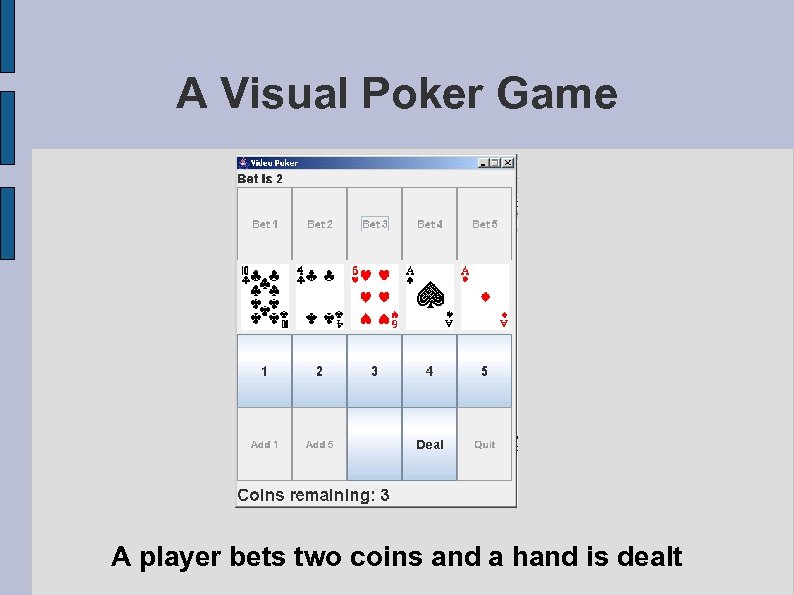 A Visual Poker Game A player bets two coins and a hand is dealt
 A Visual Poker Game • After the initial hand is dealt, a player has the option of keeping or discarding any of those five cards. • To “hold” or keep a card, a player clicks the number that is displayed below the card and that number is replaced by the word Hold.
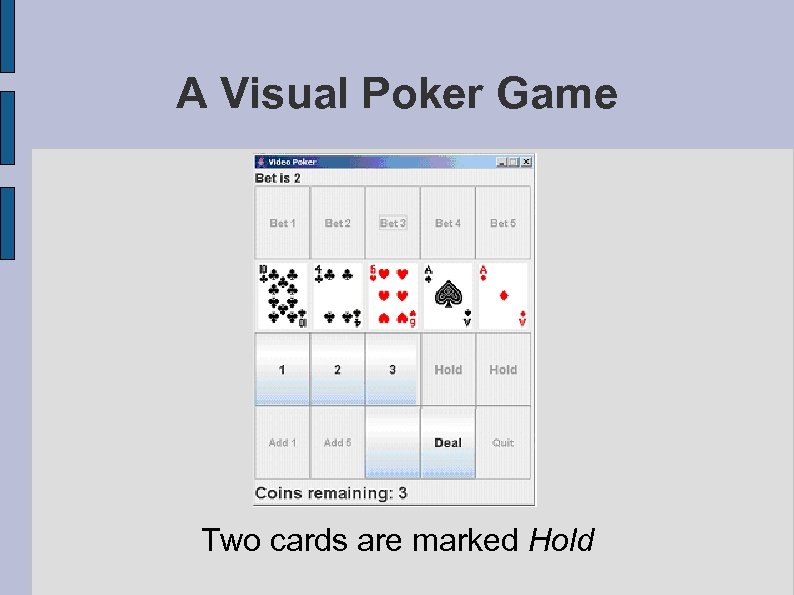 A Visual Poker Game Two cards are marked Hold
 A Visual Poker Game • A player then clicks the Deal button and those cards that the player chooses to discard are replaced with different cards. • The hand is scored and the number of coins updated.
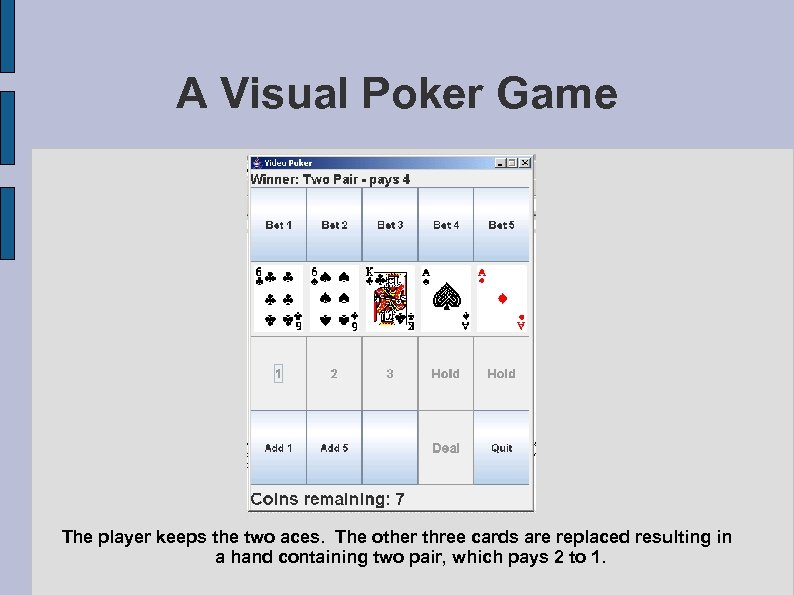 A Visual Poker Game The player keeps the two aces. The other three cards are replaced resulting in a hand containing two pair, which pays 2 to 1.
 Laying Out the Frame • First create a Player class that extends JFrame and includes the buttons and labels of the GUI. • The following code builds a non-functioning GUI, i. e. , a GUI with no listeners.
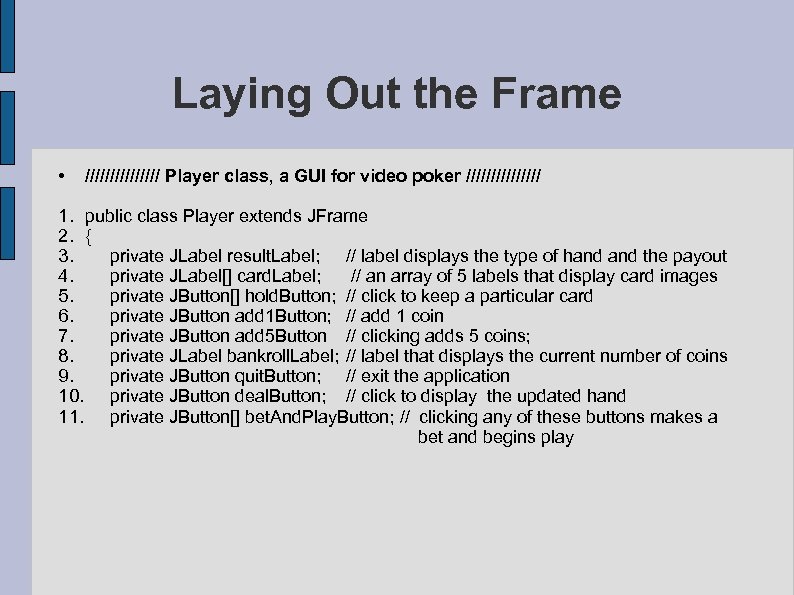 Laying Out the Frame • //////// Player class, a GUI for video poker //////// 1. public class Player extends JFrame 2. { 3. private JLabel result. Label; // label displays the type of hand the payout 4. private JLabel[] card. Label; // an array of 5 labels that display card images 5. private JButton[] hold. Button; // click to keep a particular card 6. private JButton add 1 Button; // add 1 coin 7. private JButton add 5 Button // clicking adds 5 coins; 8. private JLabel bankroll. Label; // label that displays the current number of coins 9. private JButton quit. Button; // exit the application 10. private JButton deal. Button; // click to display the updated hand 11. private JButton[] bet. And. Play. Button; // clicking any of these buttons makes a bet and begins play
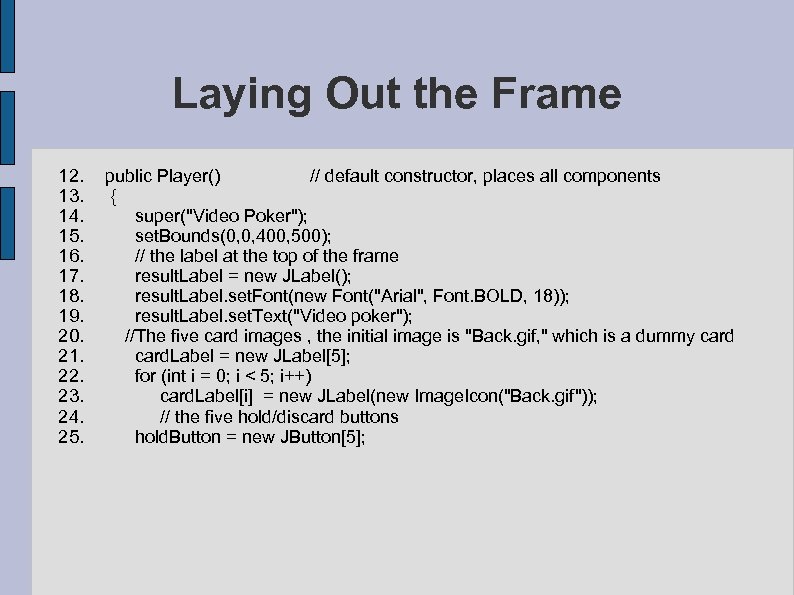 Laying Out the Frame 12. public Player() // default constructor, places all components 13. { 14. super("Video Poker"); 15. set. Bounds(0, 0, 400, 500); 16. // the label at the top of the frame 17. result. Label = new JLabel(); 18. result. Label. set. Font(new Font("Arial", Font. BOLD, 18)); 19. result. Label. set. Text("Video poker"); 20. //The five card images , the initial image is "Back. gif, " which is a dummy card 21. card. Label = new JLabel[5]; 22. for (int i = 0; i < 5; i++) 23. card. Label[i] = new JLabel(new Image. Icon("Back. gif")); 24. // the five hold/discard buttons 25. hold. Button = new JButton[5];
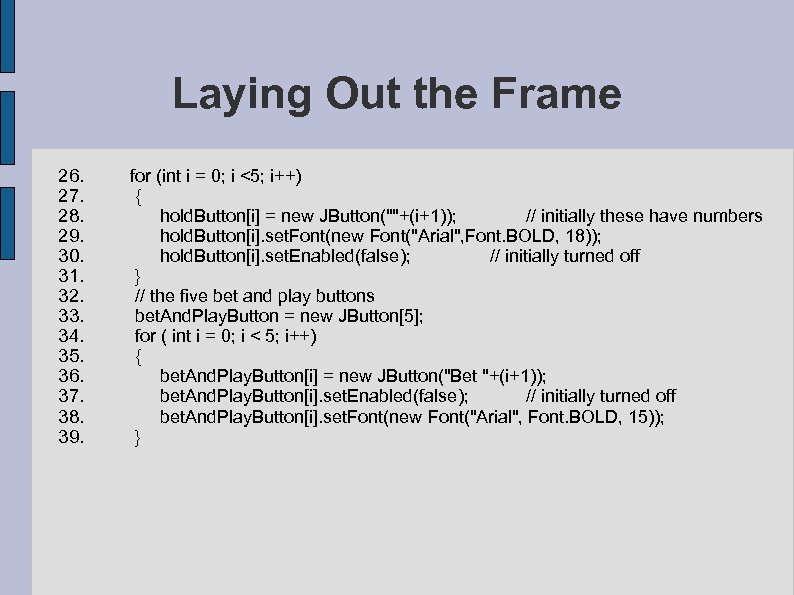 Laying Out the Frame 26. for (int i = 0; i <5; i++) 27. { 28. hold. Button[i] = new JButton(""+(i+1)); // initially these have numbers 29. hold. Button[i]. set. Font(new Font("Arial", Font. BOLD, 18)); 30. hold. Button[i]. set. Enabled(false); // initially turned off 31. } 32. // the five bet and play buttons 33. bet. And. Play. Button = new JButton[5]; 34. for ( int i = 0; i < 5; i++) 35. { 36. bet. And. Play. Button[i] = new JButton("Bet "+(i+1)); 37. bet. And. Play. Button[i]. set. Enabled(false); // initially turned off 38. bet. And. Play. Button[i]. set. Font(new Font("Arial", Font. BOLD, 15)); 39. }
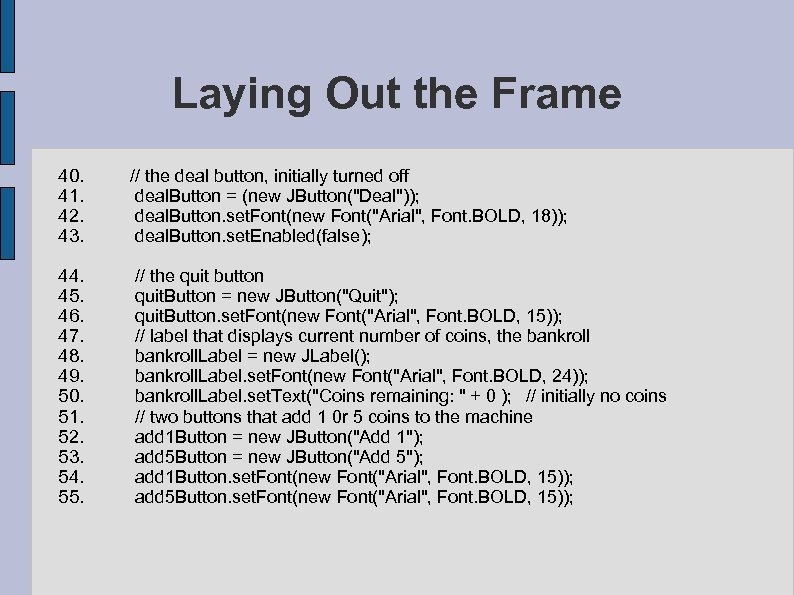 Laying Out the Frame 40. // the deal button, initially turned off 41. deal. Button = (new JButton("Deal")); 42. deal. Button. set. Font(new Font("Arial", Font. BOLD, 18)); 43. deal. Button. set. Enabled(false); 44. // the quit button 45. quit. Button = new JButton("Quit"); 46. quit. Button. set. Font(new Font("Arial", Font. BOLD, 15)); 47. // label that displays current number of coins, the bankroll 48. bankroll. Label = new JLabel(); 49. bankroll. Label. set. Font(new Font("Arial", Font. BOLD, 24)); 50. bankroll. Label. set. Text("Coins remaining: " + 0 ); // initially no coins 51. // two buttons that add 1 0 r 5 coins to the machine 52. add 1 Button = new JButton("Add 1"); 53. add 5 Button = new JButton("Add 5"); 54. add 1 Button. set. Font(new Font("Arial", Font. BOLD, 15)); 55. add 5 Button. set. Font(new Font("Arial", Font. BOLD, 15));
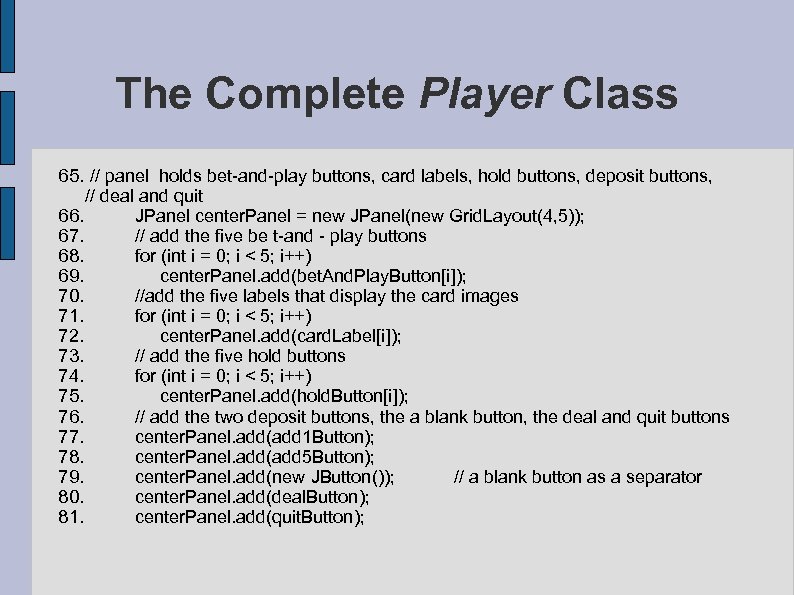
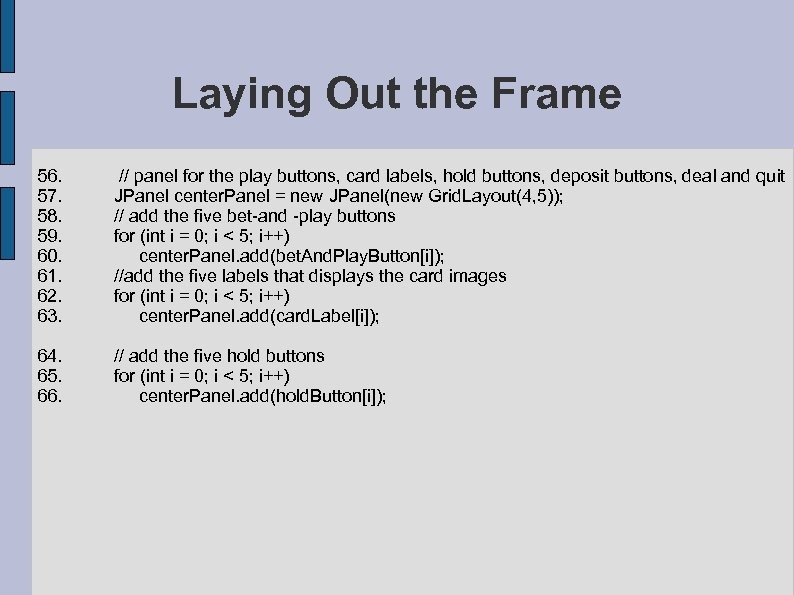 Laying Out the Frame 56. // panel for the play buttons, card labels, hold buttons, deposit buttons, deal and quit 57. JPanel center. Panel = new JPanel(new Grid. Layout(4, 5)); 58. // add the five bet-and -play buttons 59. for (int i = 0; i < 5; i++) 60. center. Panel. add(bet. And. Play. Button[i]); 61. //add the five labels that displays the card images 62. for (int i = 0; i < 5; i++) 63. center. Panel. add(card. Label[i]); 64. // add the five hold buttons 65. for (int i = 0; i < 5; i++) 66. center. Panel. add(hold. Button[i]);
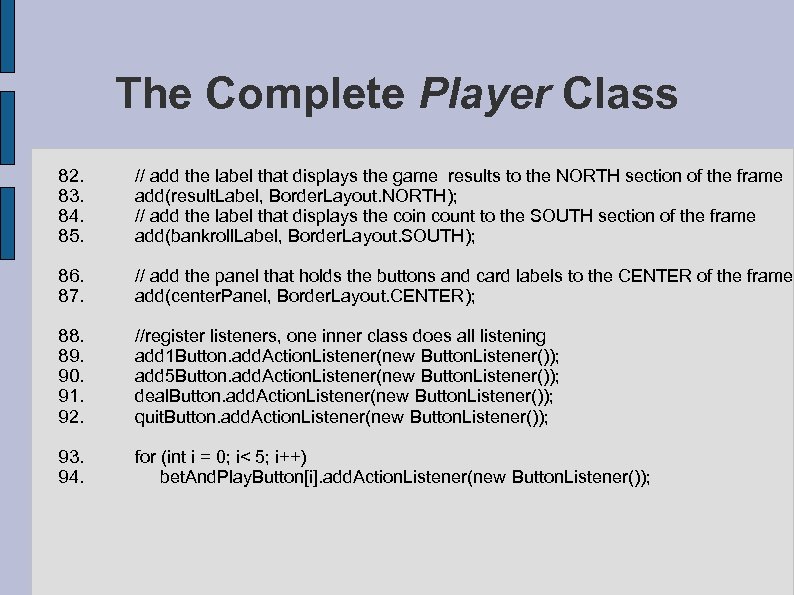
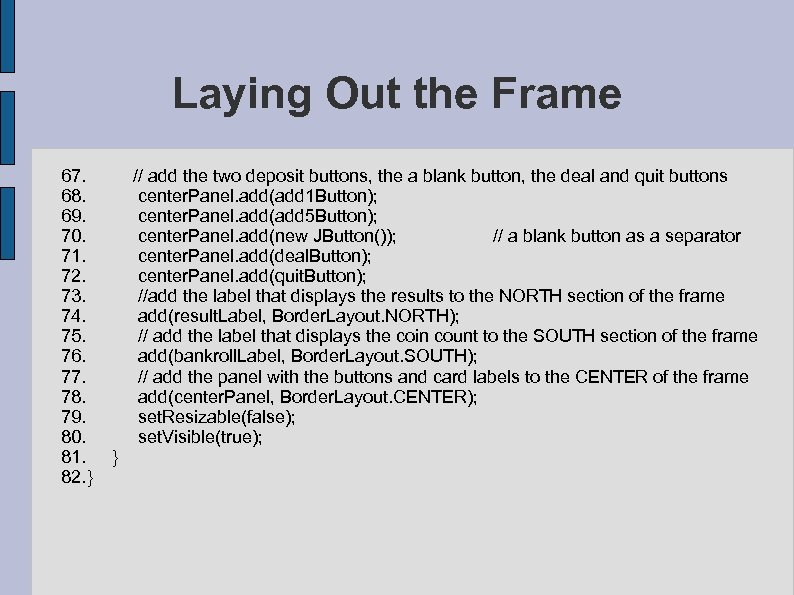 Laying Out the Frame 67. // add the two deposit buttons, the a blank button, the deal and quit buttons 68. center. Panel. add(add 1 Button); 69. center. Panel. add(add 5 Button); 70. center. Panel. add(new JButton()); // a blank button as a separator 71. center. Panel. add(deal. Button); 72. center. Panel. add(quit. Button); 73. //add the label that displays the results to the NORTH section of the frame 74. add(result. Label, Border. Layout. NORTH); 75. // add the label that displays the coin count to the SOUTH section of the frame 76. add(bankroll. Label, Border. Layout. SOUTH); 77. // add the panel with the buttons and card labels to the CENTER of the frame 78. add(center. Panel, Border. Layout. CENTER); 79. set. Resizable(false); 80. set. Visible(true); 81. } 82. }
 Adding Coins • Before a hand of poker can be played, a player must deposit coins into the machine. • This is accomplished by clicking the Add 1 button or Add 5 button. • Each click increases the bankroll by either one or five coins. • Once coins have been added, the appropriate Bet buttons are enabled. • For example, if a player deposits three coins, the buttons labeled Bet 1, Bet 2, and Bet 3 are enabled but Bet 4 and Bet 5 are not. • The Bet 4 and Bet 5 buttons are disabled because you cannot bet four or more coins when there are just three coins in the machine! • If a player deposits seven coins, then all five buttons are enabled. • A Bankroll object manages the number of coins deposited into the machine.
 Adding Coins • Clicking Add 1 or Add 5 generates an action event that we handle with an inner class called Button. Handler. • This listener handles all events from either button. • The following code: – declares and initializes a Bankroll reference, bankroll, and – implements Button. Listener, an inner class that responds to events generated by add 1 Button and add 5 Button. • The response of Button. Listener necessitates: – incrementing the bankroll, – displaying the number of coins in the machine on the label referenced by bankroll. Label, and – enabling the appropriate Bet and Play buttons.
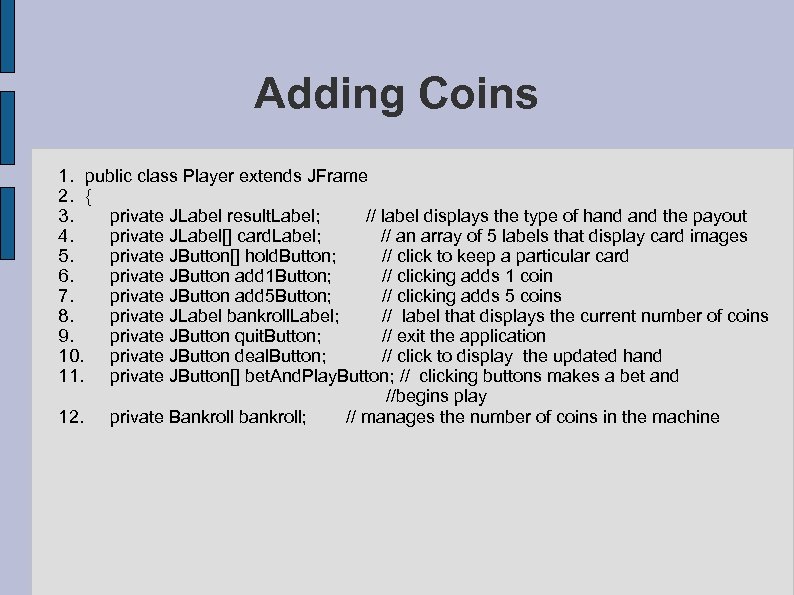 Adding Coins 1. public class Player extends JFrame 2. { 3. private JLabel result. Label; // label displays the type of hand the payout 4. private JLabel[] card. Label; // an array of 5 labels that display card images 5. private JButton[] hold. Button; // click to keep a particular card 6. private JButton add 1 Button; // clicking adds 1 coin 7. private JButton add 5 Button; // clicking adds 5 coins 8. private JLabel bankroll. Label; // label that displays the current number of coins 9. private JButton quit. Button; // exit the application 10. private JButton deal. Button; // click to display the updated hand 11. private JButton[] bet. And. Play. Button; // clicking buttons makes a bet and //begins play 12. private Bankroll bankroll; // manages the number of coins in the machine
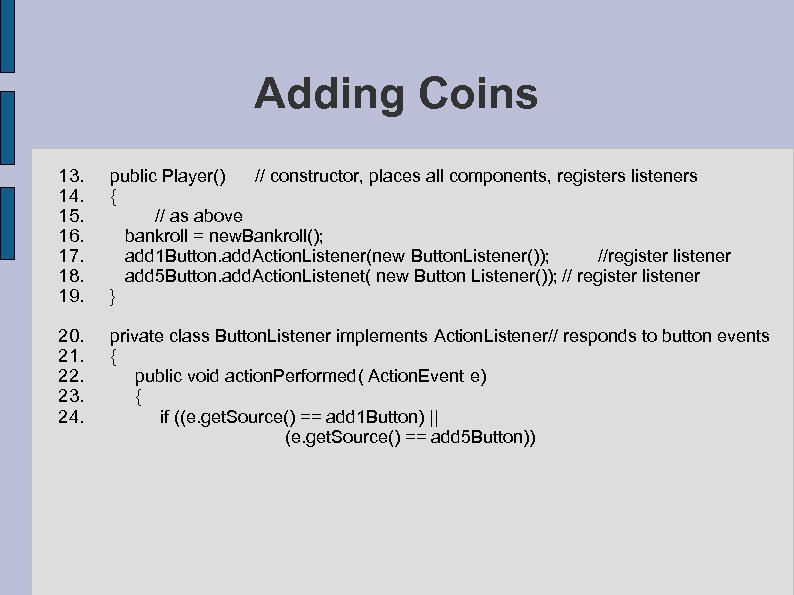 Adding Coins 13. public Player() // constructor, places all components, registers listeners 14. { 15. // as above 16. bankroll = new. Bankroll(); 17. add 1 Button. add. Action. Listener(new Button. Listener()); //register listener 18. add 5 Button. add. Action. Listenet( new Button Listener()); // register listener 19. } 20. private class Button. Listener implements Action. Listener// responds to button events 21. { 22. public void action. Performed( Action. Event e) 23. { 24. if ((e. get. Source() == add 1 Button) || (e. get. Source() == add 5 Button))
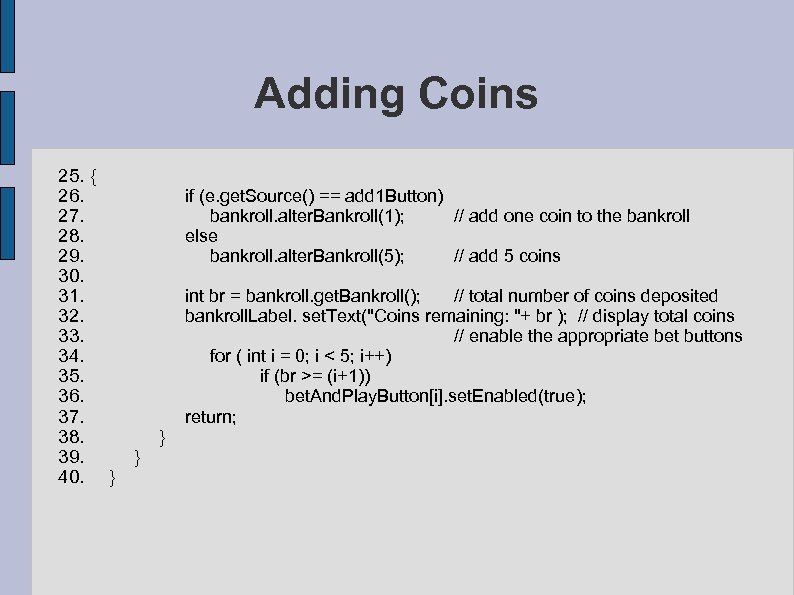 Adding Coins 25. { 26. if (e. get. Source() == add 1 Button) 27. bankroll. alter. Bankroll(1); // add one coin to the bankroll 28. else 29. bankroll. alter. Bankroll(5); // add 5 coins 30. 31. int br = bankroll. get. Bankroll(); // total number of coins deposited 32. bankroll. Label. set. Text("Coins remaining: "+ br ); // display total coins 33. // enable the appropriate bet buttons 34. for ( int i = 0; i < 5; i++) 35. if (br >= (i+1)) 36. bet. And. Play. Button[i]. set. Enabled(true); 37. return; 38. } 39. } 40. }
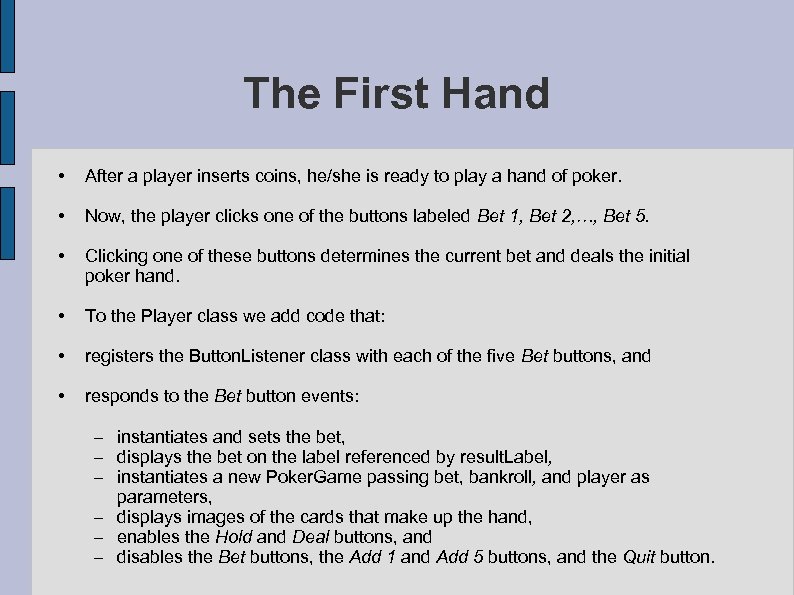 The First Hand • After a player inserts coins, he/she is ready to play a hand of poker. • Now, the player clicks one of the buttons labeled Bet 1, Bet 2, …, Bet 5. • Clicking one of these buttons determines the current bet and deals the initial poker hand. • To the Player class we add code that: • registers the Button. Listener class with each of the five Bet buttons, and • responds to the Bet button events: – instantiates and sets the bet, – displays the bet on the label referenced by result. Label, – instantiates a new Poker. Game passing bet, bankroll, and player as parameters, – displays images of the cards that make up the hand, – enables the Hold and Deal buttons, and – disables the Bet buttons, the Add 1 and Add 5 buttons, and the Quit button.
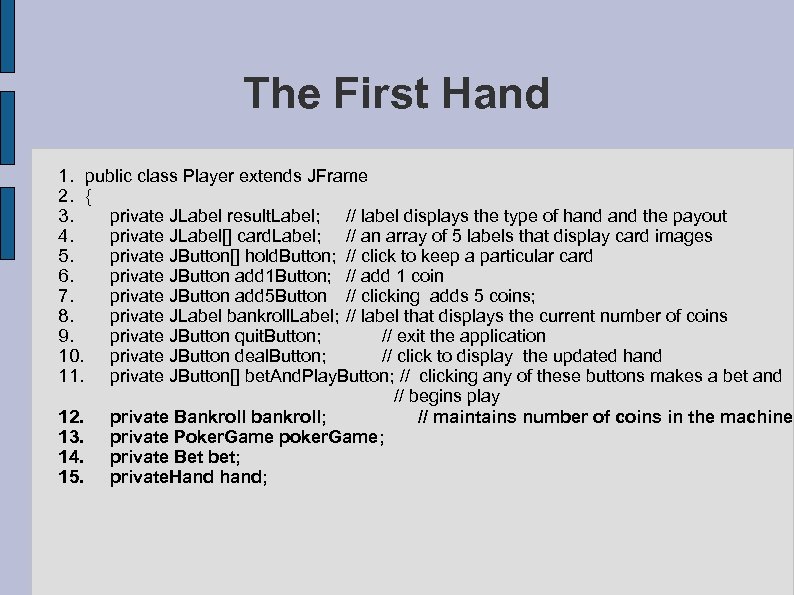 The First Hand 1. public class Player extends JFrame 2. { 3. private JLabel result. Label; // label displays the type of hand the payout 4. private JLabel[] card. Label; // an array of 5 labels that display card images 5. private JButton[] hold. Button; // click to keep a particular card 6. private JButton add 1 Button; // add 1 coin 7. private JButton add 5 Button // clicking adds 5 coins; 8. private JLabel bankroll. Label; // label that displays the current number of coins 9. private JButton quit. Button; // exit the application 10. private JButton deal. Button; // click to display the updated hand 11. private JButton[] bet. And. Play. Button; // clicking any of these buttons makes a bet and // begins play 12. private Bankroll bankroll; // maintains number of coins in the machine 13. private Poker. Game poker. Game; 14. private Bet bet; 15. private. Hand hand;
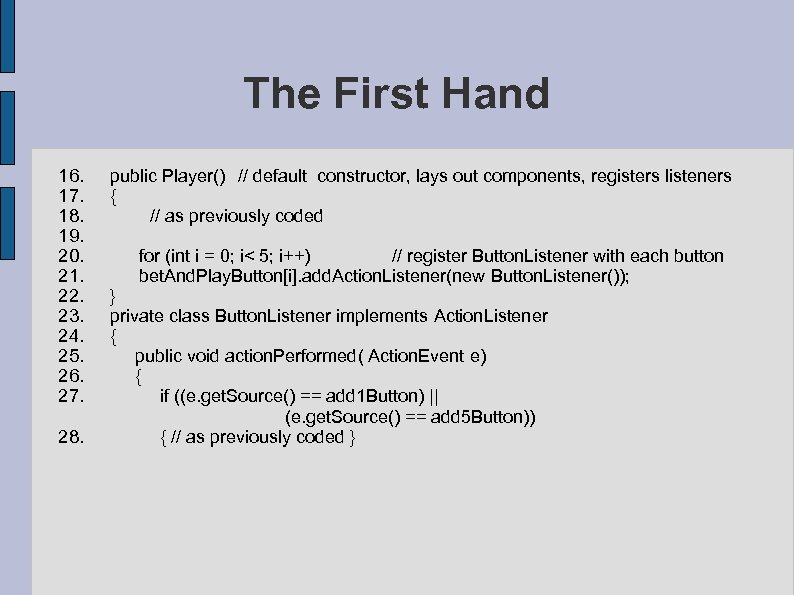 The First Hand 16. public Player() // default constructor, lays out components, registers listeners 17. { 18. // as previously coded 19. 20. for (int i = 0; i< 5; i++) // register Button. Listener with each button 21. bet. And. Play. Button[i]. add. Action. Listener(new Button. Listener()); 22. } 23. private class Button. Listener implements Action. Listener 24. { 25. public void action. Performed( Action. Event e) 26. { 27. if ((e. get. Source() == add 1 Button) || (e. get. Source() == add 5 Button)) 28. { // as previously coded }
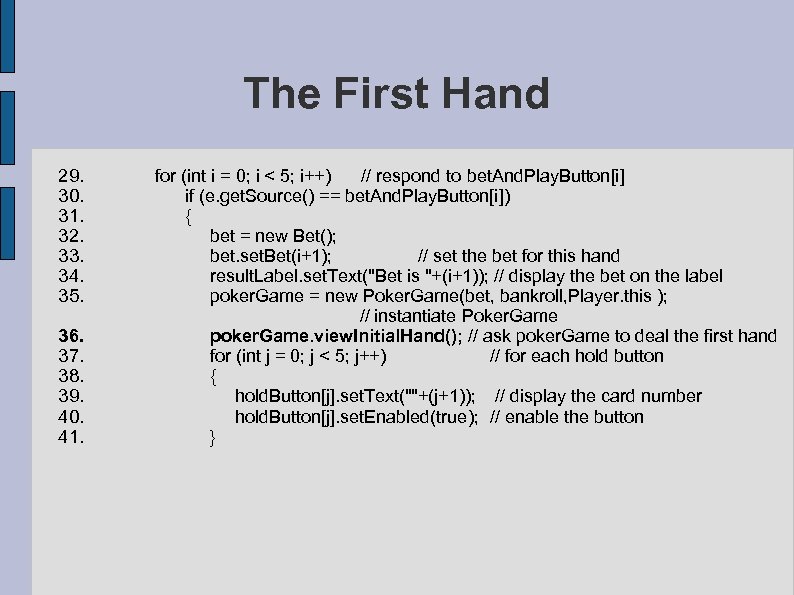 The First Hand 29. for (int i = 0; i < 5; i++) // respond to bet. And. Play. Button[i] 30. if (e. get. Source() == bet. And. Play. Button[i]) 31. { 32. bet = new Bet(); 33. bet. set. Bet(i+1); // set the bet for this hand 34. result. Label. set. Text("Bet is "+(i+1)); // display the bet on the label 35. poker. Game = new Poker. Game(bet, bankroll, Player. this ); // instantiate Poker. Game 36. poker. Game. view. Initial. Hand(); // ask poker. Game to deal the first hand 37. for (int j = 0; j < 5; j++) // for each hold button 38. { 39. hold. Button[j]. set. Text(""+(j+1)); // display the card number 40. hold. Button[j]. set. Enabled(true); // enable the button 41. }
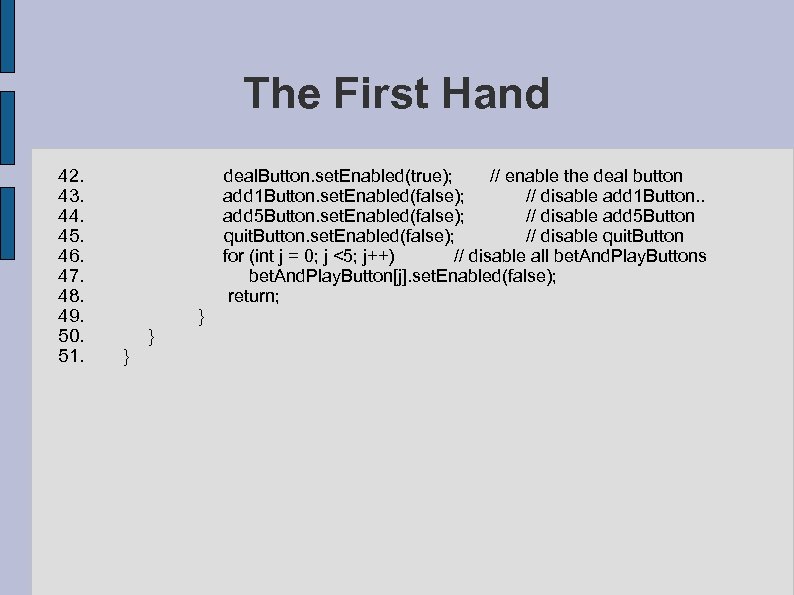 The First Hand 42. 43. 44. 45. 46. 47. 48. 49. 50. 51. deal. Button. set. Enabled(true); // enable the deal button add 1 Button. set. Enabled(false); // disable add 1 Button. . add 5 Button. set. Enabled(false); // disable add 5 Button quit. Button. set. Enabled(false); // disable quit. Button for (int j = 0; j <5; j++) // disable all bet. And. Play. Buttons bet. And. Play. Button[j]. set. Enabled(false); return; } } }
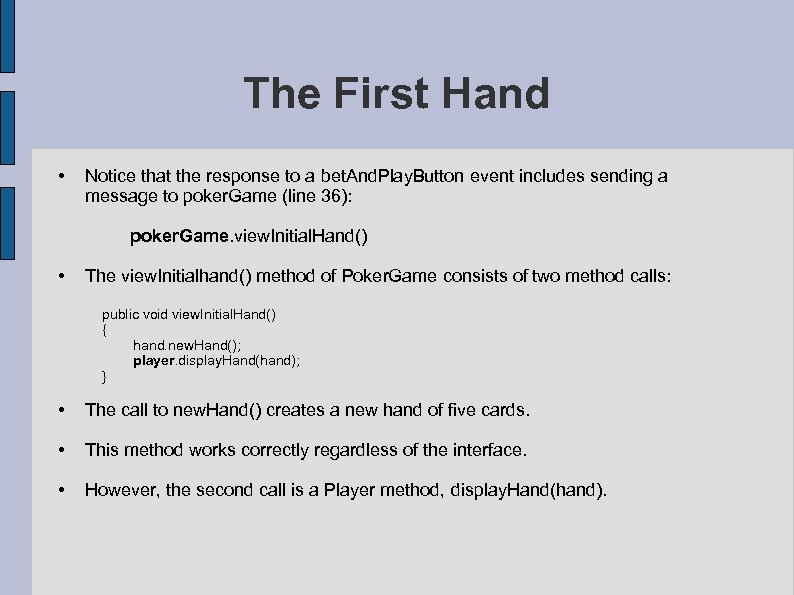 The First Hand • Notice that the response to a bet. And. Play. Button event includes sending a message to poker. Game (line 36): poker. Game. view. Initial. Hand() • The view. Initialhand() method of Poker. Game consists of two method calls: public void view. Initial. Hand() { hand. new. Hand(); player. display. Hand(hand); } • The call to new. Hand() creates a new hand of five cards. • This method works correctly regardless of the interface. • However, the second call is a Player method, display. Hand(hand).
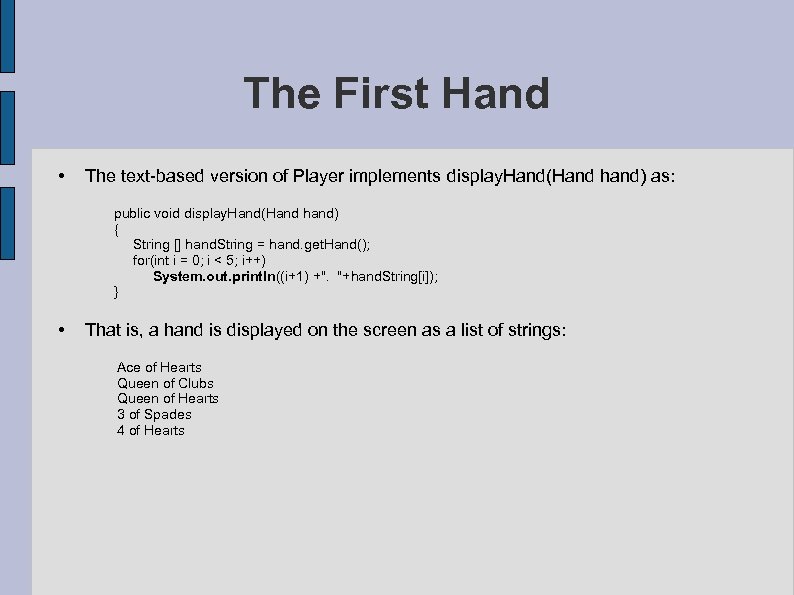 The First Hand • The text-based version of Player implements display. Hand(Hand hand) as: public void display. Hand(Hand hand) { String [] hand. String = hand. get. Hand(); for(int i = 0; i < 5; i++) System. out. println((i+1) +". "+hand. String[i]); } • That is, a hand is displayed on the screen as a list of strings: Ace of Hearts Queen of Clubs Queen of Hearts 3 of Spades 4 of Hearts
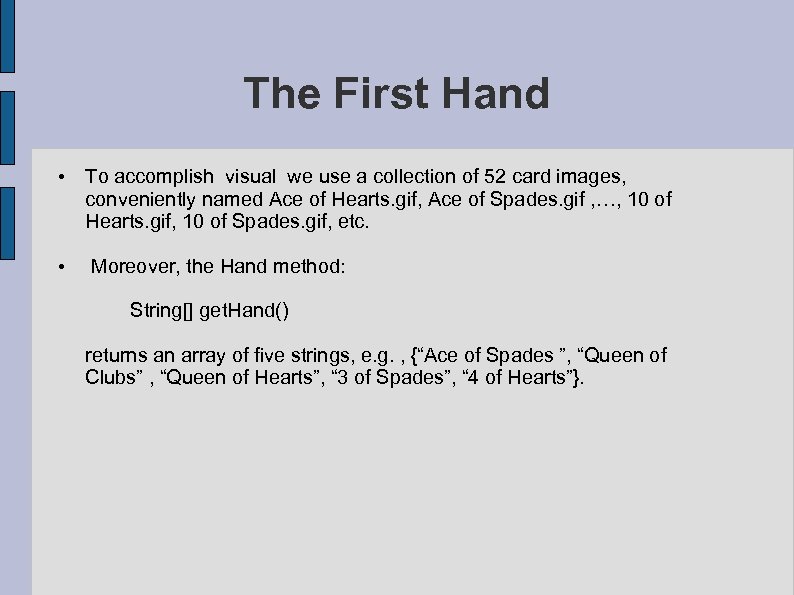 The First Hand • To accomplish visual we use a collection of 52 card images, conveniently named Ace of Hearts. gif, Ace of Spades. gif , …, 10 of Hearts. gif, 10 of Spades. gif, etc. • Moreover, the Hand method: String[] get. Hand() returns an array of five strings, e. g. , {“Ace of Spades ”, “Queen of Clubs” , “Queen of Hearts”, “ 3 of Spades”, “ 4 of Hearts”}.
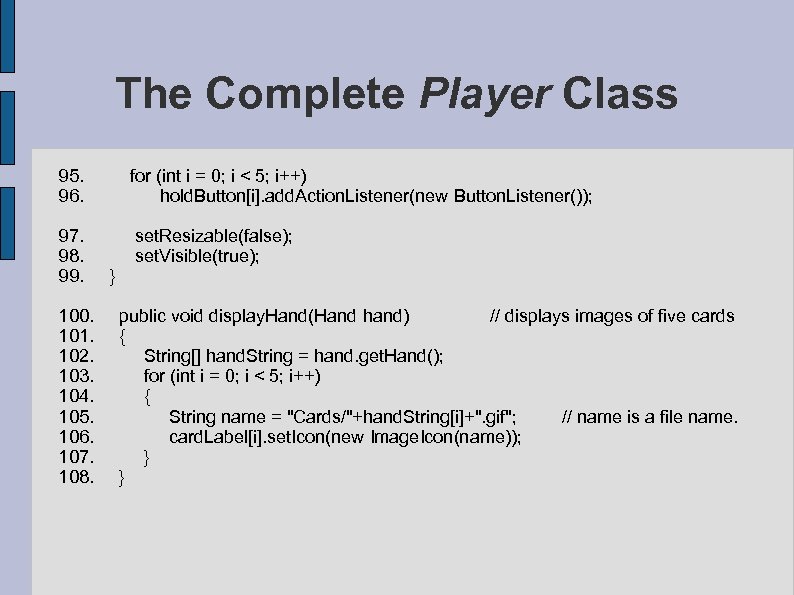
 The First Hand • A revised display. Hand() for a revised Player class can be written as: public void display. Hand(Hand hand) { String[] hand. String = hand. get. Hand(); for (int i = 0; i < 5; i++) { String name = hand. String[i]+". gif"; // name is an image file name card. Label[i]. set. Icon(new Image. Icon(name)); // display images on labels } } • Thus, in addition to the constructor and the inner class Button. Listener, the GUI version of Player, like the text version, implements the display. Hand(Hand hand) method.
 Holding Cards • A player has the option of holding or discarding any or all of his/her five cards. • To retain a card, a player presses the numbered button shown directly below the card. • The response to pressing any one of these buttons changes the button’s text from a number to the string “Hold” and disables the button. • To register a listener with each such button we add the following statement to the constructor: for (int i = 0; i < 5; i++) hold. Button[i]. add. Action. Listener(new Button. Listener());
 Holding Cards • To respond to events generated by these buttons, we add code to Button. Listener that changes a button’s text to “Hold” and disables the button: for (int i = 0; i < 5; i++) if (e. get. Source() == hold. Button[i]) // source is button[i] { hold. Button[i]. set. Text("Hold"); hold. Button[i]. set. Enabled(false); return; } • Once a player clicks a Hold button, the button is disabled and the decision cannot be reversed. • One could certainly add a mechanism that allows a player to change his/her mind, but we opt for simplicity.
 The New Hand • After a player decides which cards to hold and which to discard, he/she clicks the Deal button. • This action generates an event. • The response to this event: – invokes poker. Game. discard. Or. Hold. Cards(), – disables the Deal and Hold buttons, and – enables the other buttons.
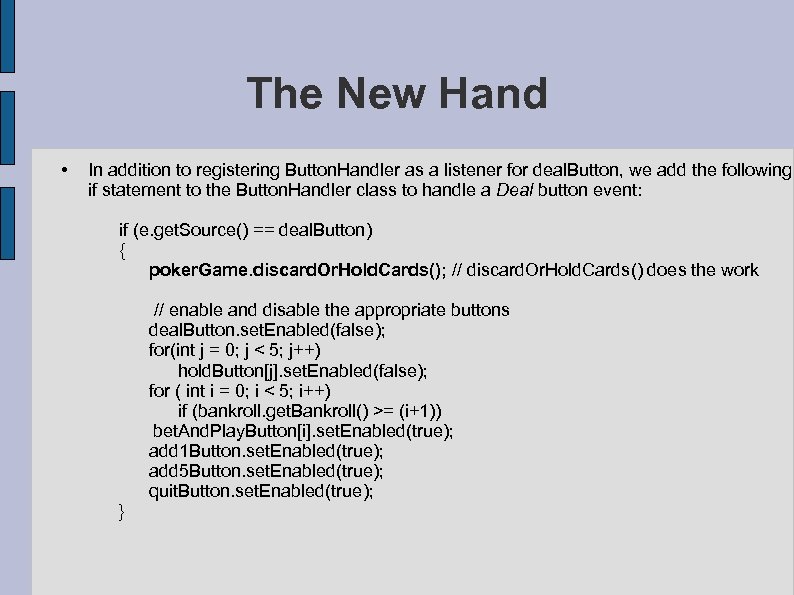 The New Hand • In addition to registering Button. Handler as a listener for deal. Button, we add the following if statement to the Button. Handler class to handle a Deal button event: if (e. get. Source() == deal. Button) { poker. Game. discard. Or. Hold. Cards(); // discard. Or. Hold. Cards() does the work // enable and disable the appropriate buttons deal. Button. set. Enabled(false); for(int j = 0; j < 5; j++) hold. Button[j]. set. Enabled(false); for ( int i = 0; i < 5; i++) if (bankroll. get. Bankroll() >= (i+1)) bet. And. Play. Button[i]. set. Enabled(true); add 1 Button. set. Enabled(true); add 5 Button. set. Enabled(true); quit. Button. set. Enabled(true); }
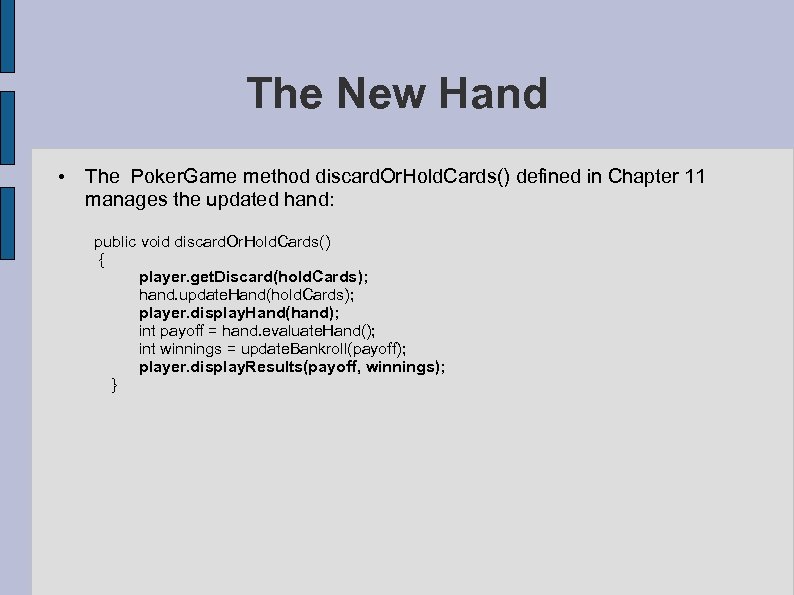 The New Hand • The Poker. Game method discard. Or. Hold. Cards() defined in Chapter 11 manages the updated hand: public void discard. Or. Hold. Cards() { player. get. Discard(hold. Cards); hand. update. Hand(hold. Cards); player. display. Hand(hand); int payoff = hand. evaluate. Hand(); int winnings = update. Bankroll(payoff); player. display. Results(payoff, winnings); }
 The New Hand • Notice that discard. Or. Hold. Cards() invokes three Player methods: – void get. Discard(boolean[] hold. Cards), – void display. Hand(Hand hand), and – void display. Results( int payoff, int winnings).
![The New Hand • The get. Discard(boolean[] hold. Cards) method of the text-based Player](https://present5.com/presentation/be5687b2656ad281d6eafe0463e7faac/image-48.jpg "The New Hand • The get. Discard(boolean[] hold. Cards) method of the text-based Player") The New Hand • The get. Discard(boolean[] hold. Cards) method of the text-based Player class sets hold. Cards[i] to true if the player opts to keep the ith card and false otherwise. • That is, the Player method get. Discard(…) tells the caller which cards to keep and which to discard. • The new GUI Player class must do likewise. • When a player retains a card, the corresponding Hold button is disabled.
The New Hand • The get. Discard(boolean[] hold. Cards) method of the text-based Player class sets hold. Cards[i] to true if the player opts to keep the ith card and false otherwise. • That is, the Player method get. Discard(…) tells the caller which cards to keep and which to discard. • The new GUI Player class must do likewise. • When a player retains a card, the corresponding Hold button is disabled.
![The New Hand • get. Discard(boolean[] hold. Cards) can be implemented by checking whether](https://present5.com/presentation/be5687b2656ad281d6eafe0463e7faac/image-49.jpg "The New Hand • get. Discard(boolean[] hold. Cards) can be implemented by checking whether") The New Hand • get. Discard(boolean[] hold. Cards) can be implemented by checking whether or not a Hold button is enabled: public void get. Discard(boolean[] hold. Cards) { for ( int i = 0; i < 5; i++) // check whether or not the Hold button is enabled if (hold. Button[i]. is. Enabled()) // button was not clicked hold. Cards[i] =false; else // button was clicked and enabled hold. Cards[i] = true; } • The display. Results( int payoff, int winnings) remains to be implemented.
The New Hand • get. Discard(boolean[] hold. Cards) can be implemented by checking whether or not a Hold button is enabled: public void get. Discard(boolean[] hold. Cards) { for ( int i = 0; i < 5; i++) // check whether or not the Hold button is enabled if (hold. Button[i]. is. Enabled()) // button was not clicked hold. Cards[i] =false; else // button was clicked and enabled hold. Cards[i] = true; } • The display. Results( int payoff, int winnings) remains to be implemented.
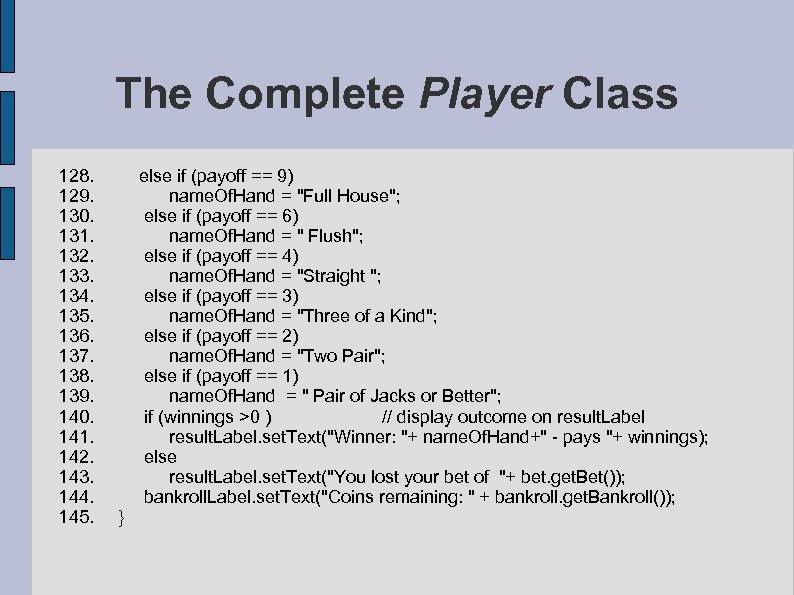
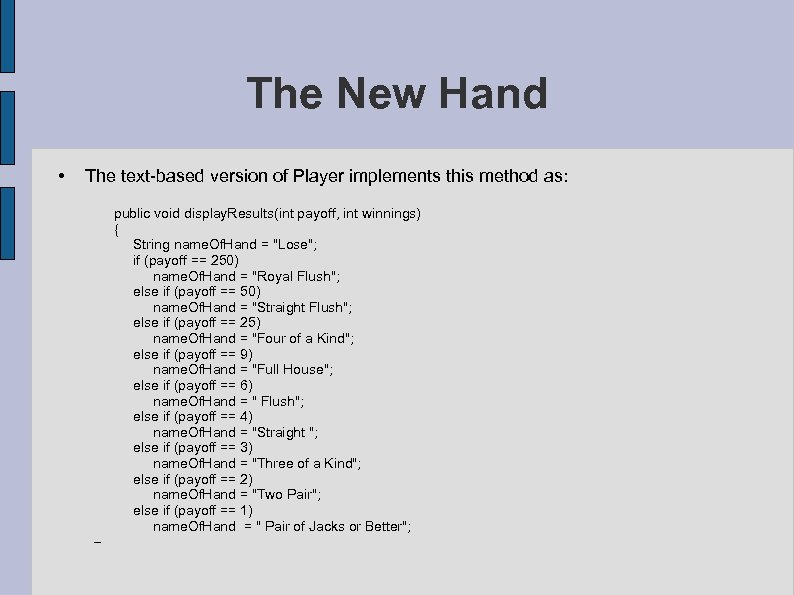 The New Hand • The text-based version of Player implements this method as: public void display. Results(int payoff, int winnings) { String name. Of. Hand = "Lose"; if (payoff == 250) name. Of. Hand = "Royal Flush"; else if (payoff == 50) name. Of. Hand = "Straight Flush"; else if (payoff == 25) name. Of. Hand = "Four of a Kind"; else if (payoff == 9) name. Of. Hand = "Full House"; else if (payoff == 6) name. Of. Hand = " Flush"; else if (payoff == 4) name. Of. Hand = "Straight "; else if (payoff == 3) name. Of. Hand = "Three of a Kind"; else if (payoff == 2) name. Of. Hand = "Two Pair"; else if (payoff == 1) name. Of. Hand = " Pair of Jacks or Better"; –
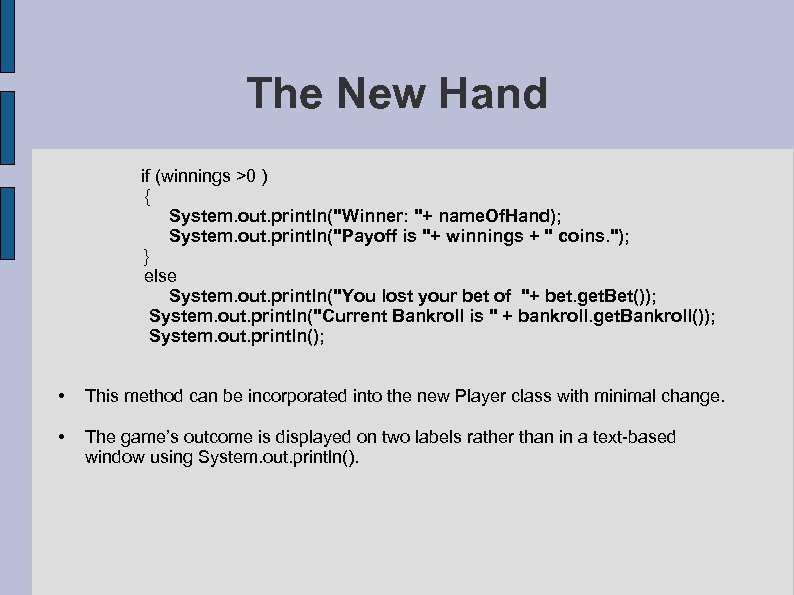 The New Hand if (winnings >0 ) { System. out. println("Winner: "+ name. Of. Hand); System. out. println("Payoff is "+ winnings + " coins. "); } else System. out. println("You lost your bet of "+ bet. get. Bet()); System. out. println("Current Bankroll is " + bankroll. get. Bankroll()); System. out. println(); • This method can be incorporated into the new Player class with minimal change. • The game’s outcome is displayed on two labels rather than in a text-based window using System. out. println().
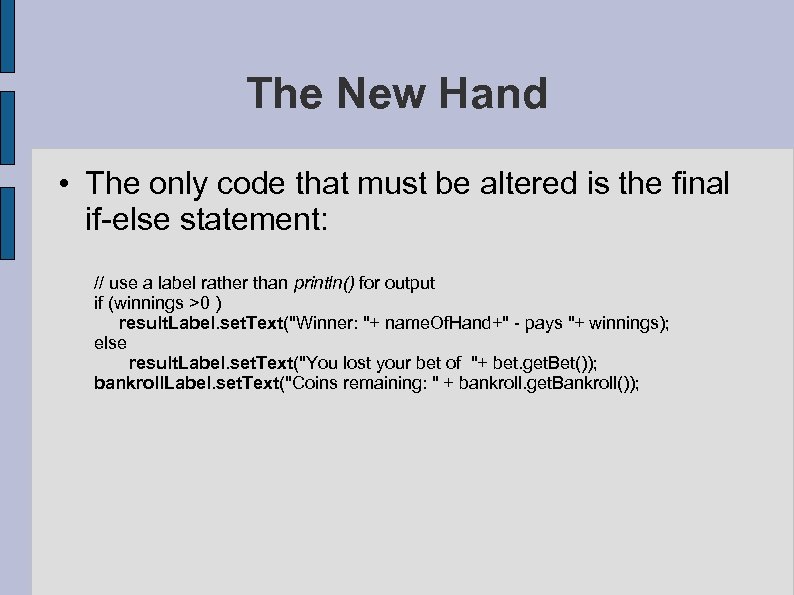 The New Hand • The only code that must be altered is the final if-else statement: // use a label rather than println() for output if (winnings >0 ) result. Label. set. Text("Winner: "+ name. Of. Hand+" - pays "+ winnings); else result. Label. set. Text("You lost your bet of "+ bet. get. Bet()); bankroll. Label. set. Text("Coins remaining: " + bankroll. get. Bankroll());
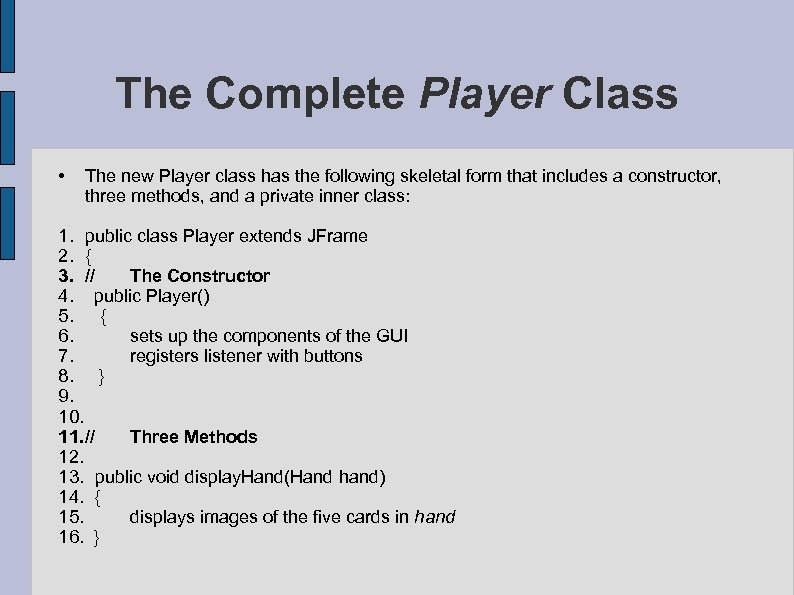 The Complete Player Class • The new Player class has the following skeletal form that includes a constructor, three methods, and a private inner class: 1. public class Player extends JFrame 2. { 3. // The Constructor 4. public Player() 5. { 6. sets up the components of the GUI 7. registers listener with buttons 8. } 9. 10. 11. // Three Methods 12. 13. public void display. Hand(Hand hand) 14. { 15. displays images of the five cards in hand 16. }
![The Complete Player Class 17. public void get. Discard(boolean[] hold. Cards) { 18. hold.](https://present5.com/presentation/be5687b2656ad281d6eafe0463e7faac/image-54.jpg "The Complete Player Class 17. public void get. Discard(boolean[] hold. Cards) { 18. hold.") The Complete Player Class 17. public void get. Discard(boolean[] hold. Cards) { 18. hold. Cards[i] == true // if the ith card is retained 19. } 20. 21. public void display. Results(int payoff, int winnings) 22. { 23. displays the outcome of a hand 24. } 25. 26. 27. // Listener – an Inner Class 28. private class Button. Listener implements Action. Listener 29. { 30. public void Action. Performed(Action. Event e) 31. { 32. responds to events generated by GUI buttons 33. } 34. }
The Complete Player Class 17. public void get. Discard(boolean[] hold. Cards) { 18. hold. Cards[i] == true // if the ith card is retained 19. } 20. 21. public void display. Results(int payoff, int winnings) 22. { 23. displays the outcome of a hand 24. } 25. 26. 27. // Listener – an Inner Class 28. private class Button. Listener implements Action. Listener 29. { 30. public void Action. Performed(Action. Event e) 31. { 32. responds to events generated by GUI buttons 33. } 34. }
 The Complete Player Class • The complete class, although rather lengthy, is direct and uncomplicated. • The card images are assumed to be in a folder, Cards, which is in the same directory as the Player class.
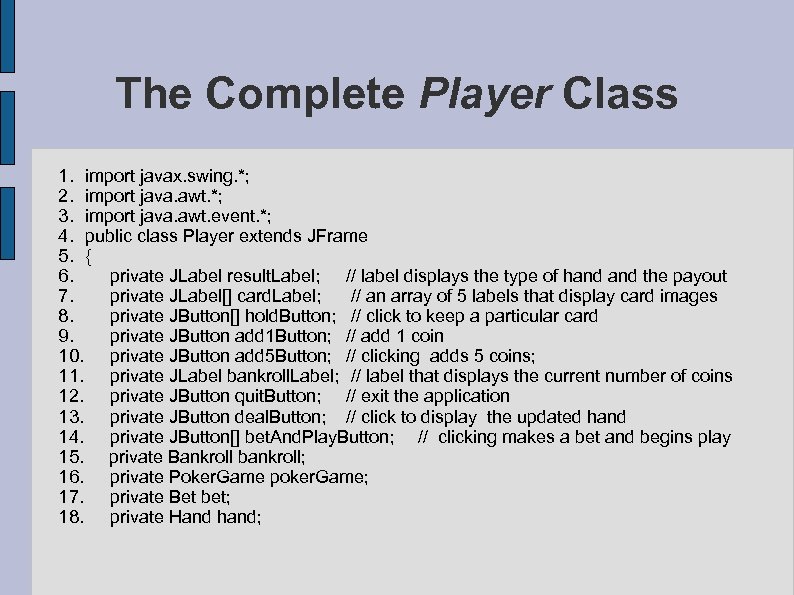 The Complete Player Class 1. import javax. swing. *; 2. import java. awt. *; 3. import java. awt. event. *; 4. public class Player extends JFrame 5. { 6. private JLabel result. Label; // label displays the type of hand the payout 7. private JLabel[] card. Label; // an array of 5 labels that display card images 8. private JButton[] hold. Button; // click to keep a particular card 9. private JButton add 1 Button; // add 1 coin 10. private JButton add 5 Button; // clicking adds 5 coins; 11. private JLabel bankroll. Label; // label that displays the current number of coins 12. private JButton quit. Button; // exit the application 13. private JButton deal. Button; // click to display the updated hand 14. private JButton[] bet. And. Play. Button; // clicking makes a bet and begins play 15. private Bankroll bankroll; 16. private Poker. Game poker. Game; 17. private Bet bet; 18. private Hand hand;
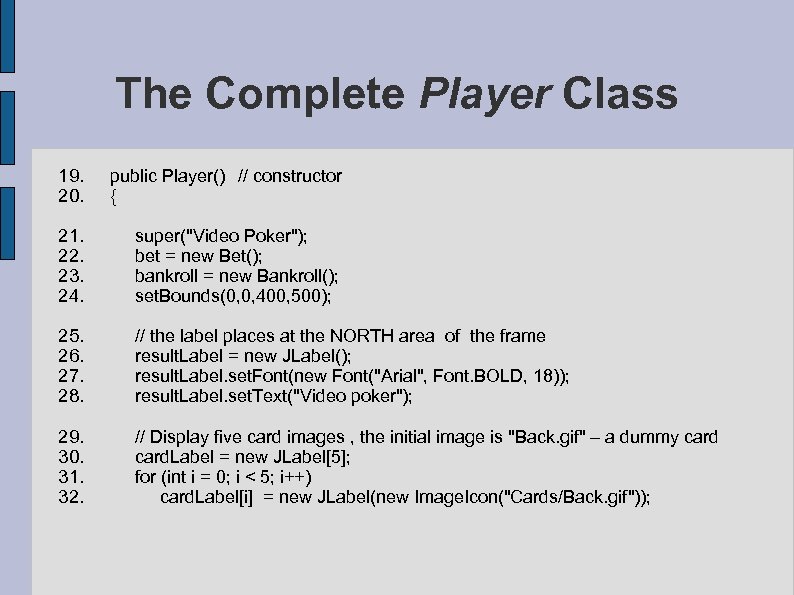 The Complete Player Class 19. public Player() // constructor 20. { 21. super("Video Poker"); 22. bet = new Bet(); 23. bankroll = new Bankroll(); 24. set. Bounds(0, 0, 400, 500); 25. // the label places at the NORTH area of the frame 26. result. Label = new JLabel(); 27. result. Label. set. Font(new Font("Arial", Font. BOLD, 18)); 28. result. Label. set. Text("Video poker"); 29. // Display five card images , the initial image is "Back. gif" – a dummy card 30. card. Label = new JLabel[5]; 31. for (int i = 0; i < 5; i++) 32. card. Label[i] = new JLabel(new Image. Icon("Cards/Back. gif"));
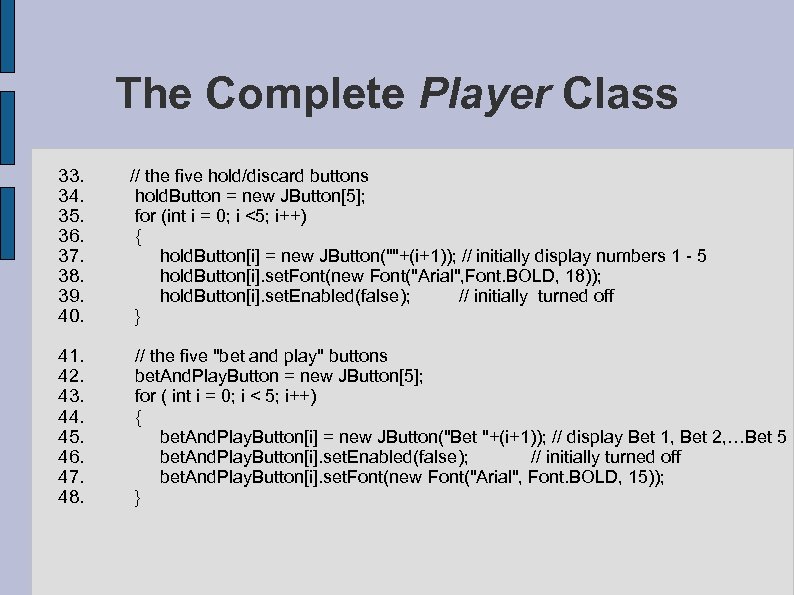 The Complete Player Class 33. // the five hold/discard buttons 34. hold. Button = new JButton[5]; 35. for (int i = 0; i <5; i++) 36. { 37. hold. Button[i] = new JButton(""+(i+1)); // initially display numbers 1 - 5 38. hold. Button[i]. set. Font(new Font("Arial", Font. BOLD, 18)); 39. hold. Button[i]. set. Enabled(false); // initially turned off 40. } 41. // the five "bet and play" buttons 42. bet. And. Play. Button = new JButton[5]; 43. for ( int i = 0; i < 5; i++) 44. { 45. bet. And. Play. Button[i] = new JButton("Bet "+(i+1)); // display Bet 1, Bet 2, …Bet 5 46. bet. And. Play. Button[i]. set. Enabled(false); // initially turned off 47. bet. And. Play. Button[i]. set. Font(new Font("Arial", Font. BOLD, 15)); 48. }
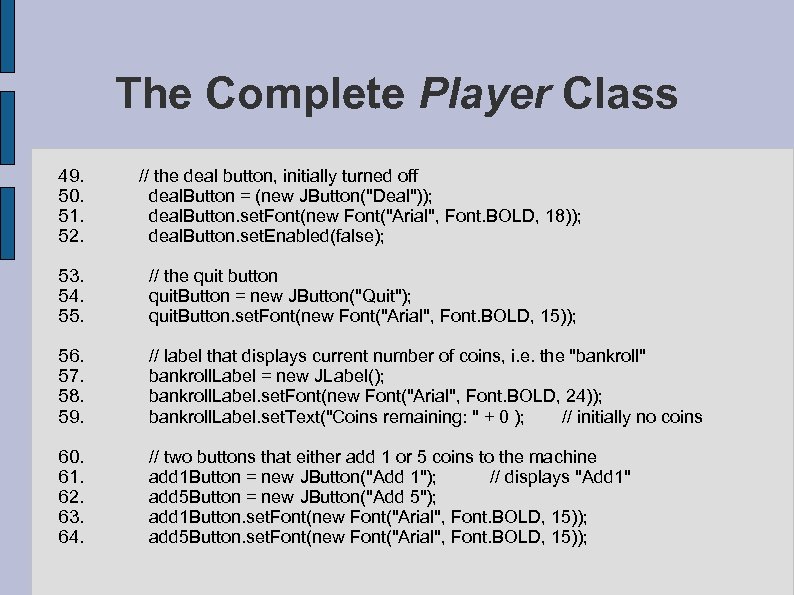 The Complete Player Class 49. 50. 51. 52. // the deal button, initially turned off deal. Button = (new JButton("Deal")); deal. Button. set. Font(new Font("Arial", Font. BOLD, 18)); deal. Button. set. Enabled(false); 53. // the quit button 54. quit. Button = new JButton("Quit"); 55. quit. Button. set. Font(new Font("Arial", Font. BOLD, 15)); 56. 57. 58. 59. // label that displays current number of coins, i. e. the "bankroll" bankroll. Label = new JLabel(); bankroll. Label. set. Font(new Font("Arial", Font. BOLD, 24)); bankroll. Label. set. Text("Coins remaining: " + 0 ); // initially no coins 60. 61. 62. 63. 64. // two buttons that either add 1 or 5 coins to the machine add 1 Button = new JButton("Add 1"); // displays "Add 1" add 5 Button = new JButton("Add 5"); add 1 Button. set. Font(new Font("Arial", Font. BOLD, 15)); add 5 Button. set. Font(new Font("Arial", Font. BOLD, 15));
 The Complete Player Class 65. // panel holds bet-and-play buttons, card labels, hold buttons, deposit buttons, // deal and quit 66. JPanel center. Panel = new JPanel(new Grid. Layout(4, 5)); 67. // add the five be t-and - play buttons 68. for (int i = 0; i < 5; i++) 69. center. Panel. add(bet. And. Play. Button[i]); 70. //add the five labels that display the card images 71. for (int i = 0; i < 5; i++) 72. center. Panel. add(card. Label[i]); 73. // add the five hold buttons 74. for (int i = 0; i < 5; i++) 75. center. Panel. add(hold. Button[i]); 76. // add the two deposit buttons, the a blank button, the deal and quit buttons 77. center. Panel. add(add 1 Button); 78. center. Panel. add(add 5 Button); 79. center. Panel. add(new JButton()); // a blank button as a separator 80. center. Panel. add(deal. Button); 81. center. Panel. add(quit. Button);
 The Complete Player Class 82. // add the label that displays the game results to the NORTH section of the frame 83. add(result. Label, Border. Layout. NORTH); 84. // add the label that displays the coin count to the SOUTH section of the frame 85. add(bankroll. Label, Border. Layout. SOUTH); 86. // add the panel that holds the buttons and card labels to the CENTER of the frame 87. add(center. Panel, Border. Layout. CENTER); 88. //register listeners, one inner class does all listening 89. add 1 Button. add. Action. Listener(new Button. Listener()); 90. add 5 Button. add. Action. Listener(new Button. Listener()); 91. deal. Button. add. Action. Listener(new Button. Listener()); 92. quit. Button. add. Action. Listener(new Button. Listener()); 93. for (int i = 0; i< 5; i++) 94. bet. And. Play. Button[i]. add. Action. Listener(new Button. Listener());
 The Complete Player Class 95. for (int i = 0; i < 5; i++) 96. hold. Button[i]. add. Action. Listener(new Button. Listener()); 97. set. Resizable(false); 98. set. Visible(true); 99. } 100. public void display. Hand(Hand hand) // displays images of five cards 101. { 102. String[] hand. String = hand. get. Hand(); 103. for (int i = 0; i < 5; i++) 104. { 105. String name = "Cards/"+hand. String[i]+". gif"; // name is a file name. 106. card. Label[i]. set. Icon(new Image. Icon(name)); 107. } 108. }
![The Complete Player Class 109. public void get. Discard(boolean[] hold. Cards) // maintains hold/discard](https://present5.com/presentation/be5687b2656ad281d6eafe0463e7faac/image-63.jpg "The Complete Player Class 109. public void get. Discard(boolean[] hold. Cards) // maintains hold/discard") The Complete Player Class 109. public void get. Discard(boolean[] hold. Cards) // maintains hold/discard information 110. { 111. for ( int i = 0; i < 5; i++) 112. { 113. if (hold. Button[i]. is. Enabled()) // card is discarded 114. hold. Cards[i] =false; 115. else // card is retained 116. hold. Cards[i] = true; 117. } 118. } 119. public void display. Results(int payoff, int winnings) // displays the final outcome l 120. { 121. String name. Of. Hand = "Lose"; 122. if (payoff == 250) 123. name. Of. Hand = "Royal Flush"; 124. else if (payoff == 50) 125. name. Of. Hand = "Straight Flush"; 126. else if (payoff == 25) 127. name. Of. Hand = "Four of a Kind";
The Complete Player Class 109. public void get. Discard(boolean[] hold. Cards) // maintains hold/discard information 110. { 111. for ( int i = 0; i < 5; i++) 112. { 113. if (hold. Button[i]. is. Enabled()) // card is discarded 114. hold. Cards[i] =false; 115. else // card is retained 116. hold. Cards[i] = true; 117. } 118. } 119. public void display. Results(int payoff, int winnings) // displays the final outcome l 120. { 121. String name. Of. Hand = "Lose"; 122. if (payoff == 250) 123. name. Of. Hand = "Royal Flush"; 124. else if (payoff == 50) 125. name. Of. Hand = "Straight Flush"; 126. else if (payoff == 25) 127. name. Of. Hand = "Four of a Kind";
 The Complete Player Class 128. else if (payoff == 9) 129. name. Of. Hand = "Full House"; 130. else if (payoff == 6) 131. name. Of. Hand = " Flush"; 132. else if (payoff == 4) 133. name. Of. Hand = "Straight "; 134. else if (payoff == 3) 135. name. Of. Hand = "Three of a Kind"; 136. else if (payoff == 2) 137. name. Of. Hand = "Two Pair"; 138. else if (payoff == 1) 139. name. Of. Hand = " Pair of Jacks or Better"; 140. if (winnings >0 ) // display outcome on result. Label 141. result. Label. set. Text("Winner: "+ name. Of. Hand+" - pays "+ winnings); 142. else 143. result. Label. set. Text("You lost your bet of "+ bet. get. Bet()); 144. bankroll. Label. set. Text("Coins remaining: " + bankroll. get. Bankroll()); 145. }
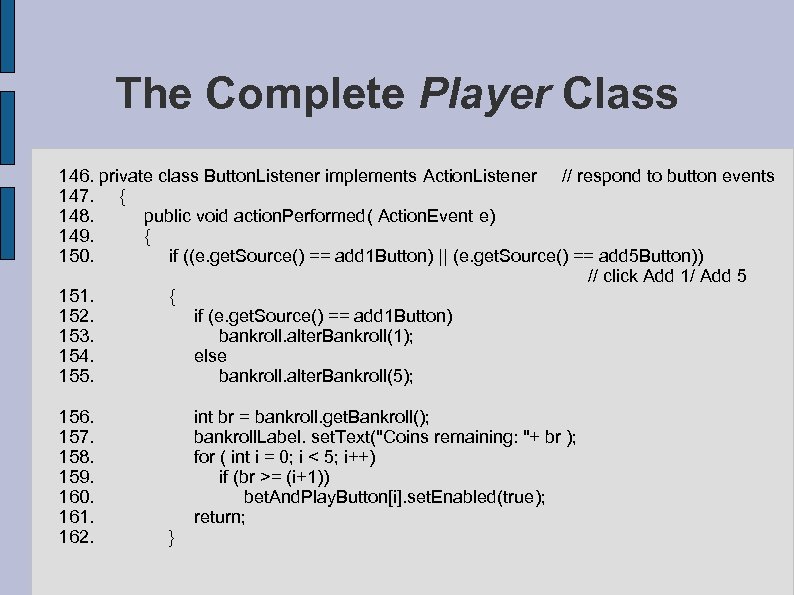 The Complete Player Class 146. private class Button. Listener implements Action. Listener // respond to button events 147. { 148. public void action. Performed( Action. Event e) 149. { 150. if ((e. get. Source() == add 1 Button) || (e. get. Source() == add 5 Button)) // click Add 1/ Add 5 151. { 152. if (e. get. Source() == add 1 Button) 153. bankroll. alter. Bankroll(1); 154. else 155. bankroll. alter. Bankroll(5); 156. int br = bankroll. get. Bankroll(); 157. bankroll. Label. set. Text("Coins remaining: "+ br ); 158. for ( int i = 0; i < 5; i++) 159. if (br >= (i+1)) 160. bet. And. Play. Button[i]. set. Enabled(true); 161. return; 162. }
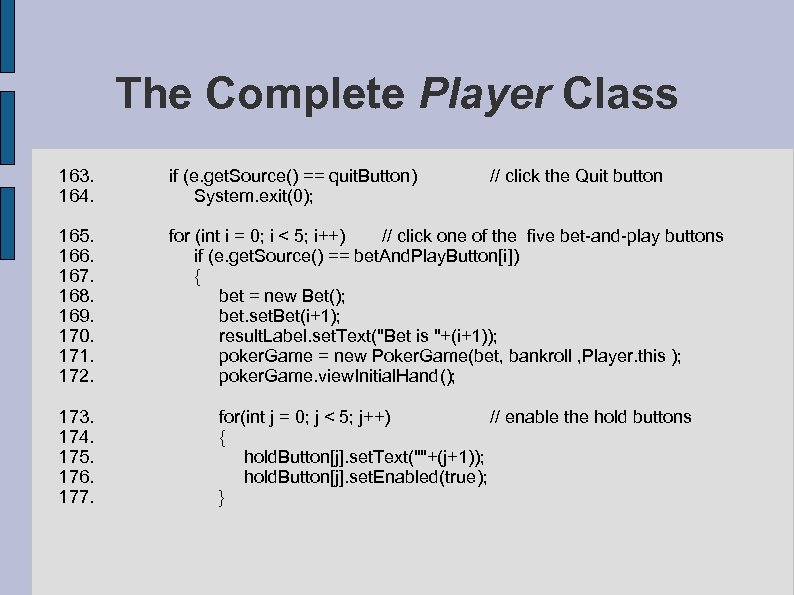 The Complete Player Class 163. if (e. get. Source() == quit. Button) 164. System. exit(0); // click the Quit button 165. for (int i = 0; i < 5; i++) // click one of the five bet-and-play buttons 166. if (e. get. Source() == bet. And. Play. Button[i]) 167. { 168. bet = new Bet(); 169. bet. set. Bet(i+1); 170. result. Label. set. Text("Bet is "+(i+1)); 171. poker. Game = new Poker. Game(bet, bankroll , Player. this ); 172. poker. Game. view. Initial. Hand(); 173. for(int j = 0; j < 5; j++) // enable the hold buttons 174. { 175. hold. Button[j]. set. Text(""+(j+1)); 176. hold. Button[j]. set. Enabled(true); 177. }
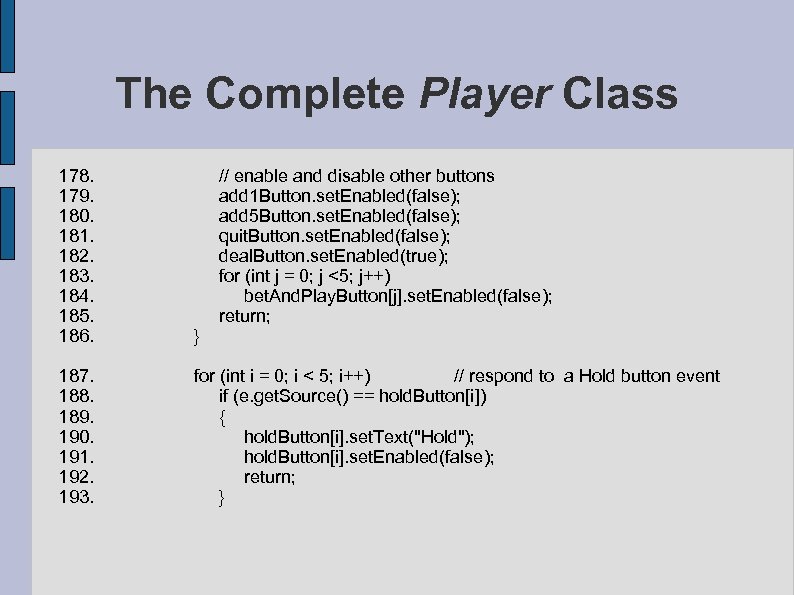 The Complete Player Class 178. // enable and disable other buttons 179. add 1 Button. set. Enabled(false); 180. add 5 Button. set. Enabled(false); 181. quit. Button. set. Enabled(false); 182. deal. Button. set. Enabled(true); 183. for (int j = 0; j <5; j++) 184. bet. And. Play. Button[j]. set. Enabled(false); 185. return; 186. } 187. for (int i = 0; i < 5; i++) // respond to a Hold button event 188. if (e. get. Source() == hold. Button[i]) 189. { 190. hold. Button[i]. set. Text("Hold"); 191. hold. Button[i]. set. Enabled(false); 192. return; 193. }
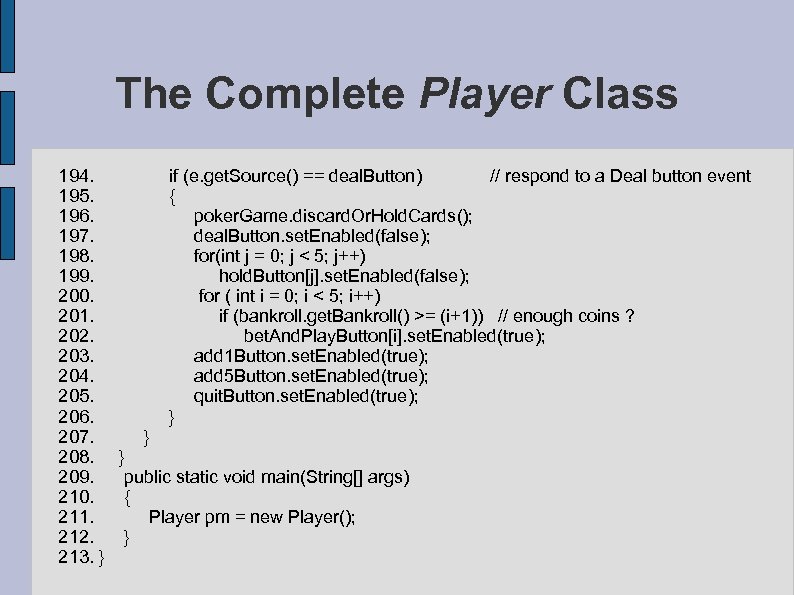 The Complete Player Class 194. if (e. get. Source() == deal. Button) // respond to a Deal button event 195. { 196. poker. Game. discard. Or. Hold. Cards(); 197. deal. Button. set. Enabled(false); 198. for(int j = 0; j < 5; j++) 199. hold. Button[j]. set. Enabled(false); 200. for ( int i = 0; i < 5; i++) 201. if (bankroll. get. Bankroll() >= (i+1)) // enough coins ? 202. bet. And. Play. Button[i]. set. Enabled(true); 203. add 1 Button. set. Enabled(true); 204. add 5 Button. set. Enabled(true); 205. quit. Button. set. Enabled(true); 206. } 207. } 208. } 209. public static void main(String[] args) 210. { 211. Player pm = new Player(); 212. } 213. }