


 Скачать презентацию Java IDEs What and Why We Use What
1d21fada23db5e4f164d0efefa18a94f.ppt
- Количество слайдов: 43
 Java IDEs: What and Why We Use What We Do Panel Presentation at the 33 rd SIGCSE Symposium March 1, 2002 Covington, KY
 Panelists • Barbara Boucher Owens, moderator, Southwestern University, overview • Delia Marx, Mercy College, presentation, Ready to Program • Jack Rehder, University of Waterloo, presentation, JBuilder • Dean Sanders, NW Missouri State, presentation, Blue. J • Don Slater, Carnegie Mellon, presentation , Code. Warrior Owens-1
 Audience Suggestions (web links) • • • JCreator mentioned by Bill Kraynek of FIU Dr. Java JJ - learn Java on Line Java Power Tools j. Grasp Owens-2
 Background • SIGCSE email from Byron Weber Becker – 12 -April-2001 • Which Java IDE do your students use? • Criteria for the perfect environment: – – – - simple user interface - JDK 1. 2 or 1. 3 - not a major resource hog - code completion (type an object and a - instructor-defined code templates - Java. Doc generation Owens-3
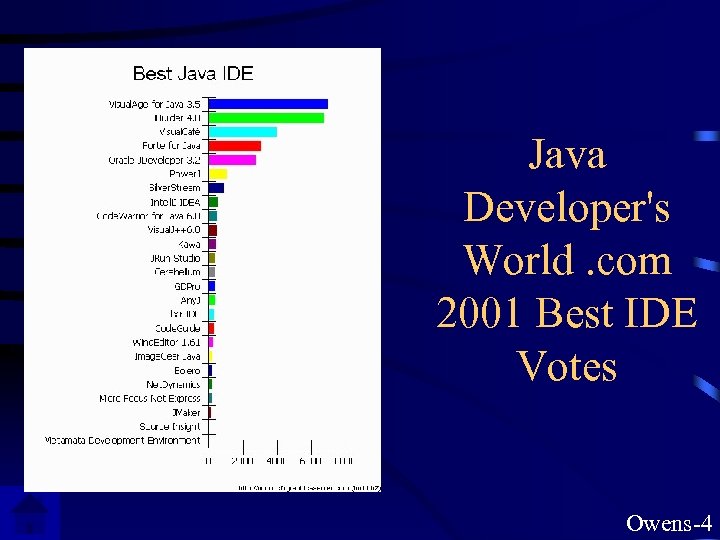 Java Developer's World. com 2001 Best IDE Votes Owens-4
![Raw Numbers Visual. Age for Java 3. 5 (IBM) [6966] GDPro (Embarcadero Technologies) [374]](https://present5.com/presentation/1d21fada23db5e4f164d0efefa18a94f/image-6.jpg "Raw Numbers Visual. Age for Java 3. 5 (IBM) [6966] GDPro (Embarcadero Technologies) [374]") Raw Numbers Visual. Age for Java 3. 5 (IBM) [6966] GDPro (Embarcadero Technologies) [374] JBuilder 4. 0 (Borland) [6745] Any. J (Netcomputing) [372] Visual. Café (Web. Gain) [3958] Elixir IDE (Elixir Technology) [325] Forte for Java (Sun Microsystems) [3060] Code. Guide (Omnicore Software) [323] Oracle JDeveloper 3. 2 (Oracle) [2782] Wing. Editor 1. 61 (Wing. Soft) [235] Power. J (Sybase) [1083] Image. Gear Java (Accusoft) [220] Silver. Stream (Silver. Stream) [904] Bolero (Software AG) [218] Intelli. J IDEA (Intelli. J Software) [513] Net. Dynamics (Sun Microsystems) [197] Code. Warrior for Java 6. 0 (Metrowerks) Micro Focus Net Express (MERANT) [490] [154] Visual. J++6. 0 (Microsoft) [481] JMaker (Jidea) [121] Kawa (Allaire Corporation) [450] Source Insight (Source Insight) [22] JRun Studio (Allaire) [394] Metamata Development Environment (Metamata) [14] Cerebellum (Cerebellum Software) [380] Owens-5
Raw Numbers Visual. Age for Java 3. 5 (IBM) [6966] GDPro (Embarcadero Technologies) [374] JBuilder 4. 0 (Borland) [6745] Any. J (Netcomputing) [372] Visual. Café (Web. Gain) [3958] Elixir IDE (Elixir Technology) [325] Forte for Java (Sun Microsystems) [3060] Code. Guide (Omnicore Software) [323] Oracle JDeveloper 3. 2 (Oracle) [2782] Wing. Editor 1. 61 (Wing. Soft) [235] Power. J (Sybase) [1083] Image. Gear Java (Accusoft) [220] Silver. Stream (Silver. Stream) [904] Bolero (Software AG) [218] Intelli. J IDEA (Intelli. J Software) [513] Net. Dynamics (Sun Microsystems) [197] Code. Warrior for Java 6. 0 (Metrowerks) Micro Focus Net Express (MERANT) [490] [154] Visual. J++6. 0 (Microsoft) [481] JMaker (Jidea) [121] Kawa (Allaire Corporation) [450] Source Insight (Source Insight) [22] JRun Studio (Allaire) [394] Metamata Development Environment (Metamata) [14] Cerebellum (Cerebellum Software) [380] Owens-5
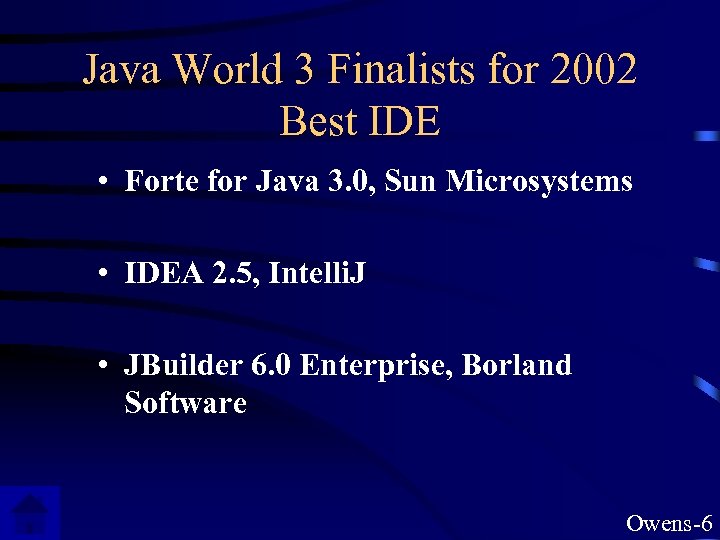 Java World 3 Finalists for 2002 Best IDE • Forte for Java 3. 0, Sun Microsystems • IDEA 2. 5, Intelli. J • JBuilder 6. 0 Enterprise, Borland Software Owens-6
 IDE collection from Java. World Owens-7
 Java IDE’s: Why and How We Use What We Do SIGCSE 2002 Delia Marx Mercy College, Dobbs Ferry, NY
 Why Ready to Program? • It’s simple. • It’s easy to learn. • It’s easy to install. • It was designed with education in mind. Ready-1
 Simple & Easy • The interface is plain. • No need to create ‘projects’. • Just click “Run” for applets or applications. • Can easily use any class library. Ready-2
 Installation • A single setup file. • Runs on a 486/66 with 16 Mb of RAM with Windows 95. • Not yet available for Mac. • Built on IBM’s Jikes Java compiler. • Can use Java 2. Ready-3
 Features: • • Full documentation of Java libraries at hand. Can insert templates. Syntax coloring. Can indent program and find the matching brace. Can easily comment-out code fragments. Good printing facilities. Syntax errors are highlighted (even if another file needs to be opened). • … and it does not interfere in your programming! Ready-4
 More information: • www. holtsoft. com/ready • chris@hsa. on. ca or • Tom West at the Holt booth, downstairs. • my e-mail: DMarx@Mercy. edu Ready-5
 Jack Rehder • University of Waterloo • JBuilder
 UW Perspective • • Teaching Java in CS 1 since 1998 Approximately 1200 new students per year Many (>85%) have their own computers We want to encourage students to use their own computers • We have a mix of platforms: Mac, PC and UNIX JBuilder-1
 Criteria for selection • • Low cost Multiple platforms Able to run both Java 1. 2 and 1. 3 Code completion feature Easy to use debugger Simple user interface Graphic UI Design tool JBuilder-2
 UW Experience • Have been using Borland JBuilder for our CS 0, CS 1 and CS 2 courses • JBuilder represents a compromise and meets most of our needs • Is installed on our PC-based Windows system and on our Win. Centre servers so it can be accessed from thin clients JBuilder-3
 JBuilder Advantages • Free to students; we burn our own CDs with JBuilder and other software and sell for $10 • Code Completion feature, allowing us to • Limited menu options; many students don’t even use more than the RUN button on the tool bar • Easy for students to install at home JBuilder-4
 Advantages (ctd) • Project manages class and source paths, allowing us to zip files and distribute via the web for use in our labs or at home. Our first programs make use of Karel the Robot libraries, so we need to manage libraries and paths easily. • Default project settings make it easy to start a new application from scratch. JBuilder-5
 JBuilder Disadvantages • No built in Java. Doc generation tool (although it can be configured) • Design tool generates code based on Borland layout managers rather than standard Java • Some work must be done to customize project settings, especially for students working at home JBuilder-6
 Background on Blue. J Dean Sanders Northwest Missouri State University sanders@mail. nwmissouri. edu
 Basic Facts • • Integrated development environment for Java Specifically designed for introductory courses Designed by John Rosenberg & Michael Kölling Developed at Monash University, Australia Under continuous development (current is 1. 1. 6) Written in Java Supported by Sun Microsystems Blue. J-1
 Environment • • • Fully integrated environment Interface is designed for beginners Built-in editor Seamless access to compiler Multilingual support (English, German, Swedish, Spanish, Japanese, …) Blue. J-2
 Classes and Objects • • • Graphical display of class structure Interactive object creation Interactive method calls Instantiation of library classes Object inspector Blue. J-3
 Programming Support • • • Incremental application development Interactive testing Customizable templates (class, method, applet …) Integrated debugger Integrated javadoc (no browser necessary) Import and export capabilities Blue. J-4
 Why Use Blue. J • • • Emphasizes classes and objects Easy to learn and use Encourages interaction and experimentation Automatically diagrams class structure Allows testing of a method in isolation Visually displays instantiated objects Works easily with various class libraries Built-in help for common syntax errors Fully customizable Blue. J-5
 Possible Concerns • Debugger can become unstable • No GUI designer • Best for small to medium sized projects Blue. J-6
 Availability and Support • Source: http: //www. bluej. org • Cost: FREE • Web site contains – – – Documentation Help & Info Tip of the “week” A few teaching resources List of users • Listserve Blue. J-7
 Let’s See It Work Blue. J-8
 Why and How We Use What We Do Carnegie Mellon University and Metrowerks Code. Warrior Don Slater, Lecturer dslater@andrew. cmu. edu alias for Rich Pattis
 History • Pascal and the Genie – ALOE: A Language Oriented Editor – Developed in house – For the Macintosh Platform • Switch to C – no Genie – Still Macintosh platform – Symantec Think Development Environment Code. Warrior-1
 Move to C++ • Symantec stopped supporting Think • We began to transition to Intel platform • Looked at a variety of products – Borland – Microsoft – Metrowerks Code. Warrior-2
 Considerations: Population • For our Introductory level programming students – majors and non-majors – wide range of previous experience – some terminal, some moving to upper level courses – most students have their own computers (but different platforms) Code. Warrior-3
 Considerations: Users • Only Intro students at CMU will use an IDE – All courses above Intro level use Unix/Linux and respective tools • This is still 800 - 1000 students per semester taking Intro courses Code. Warrior-4
 Considerations: Uses • Console-based, intro level applications and exercises • Simple graphic applications • Use the standard language libraries – STL (C++) – API (Java) • No Windows / GUI development Code. Warrior-5
 What we wanted in an IDE • It stays out of the way – of the students – of our teaching • Helpful to the students • Simplicity • Supports the standard language libraries Code. Warrior-6
 Staying out of the way • Interface is clean, uncluttered – Essentially, after a lab 0, the students can do everything we want them to do – Each instructor can create project and template files according to personal preference • Footprint is relatively small – Both for the IDE and projects that are created – Especially after a Minimum Install • Multi-platform compatibility Code. Warrior-7
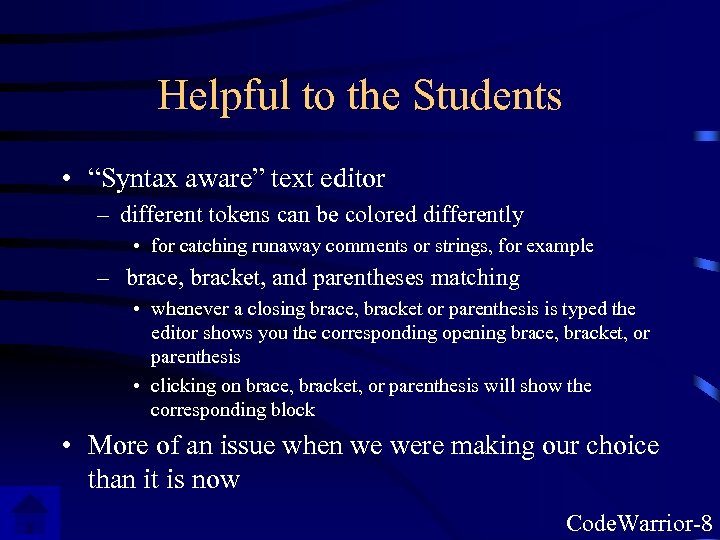 Helpful to the Students • “Syntax aware” text editor – different tokens can be colored differently • for catching runaway comments or strings, for example – brace, bracket, and parentheses matching • whenever a closing brace, bracket or parenthesis is typed the editor shows you the corresponding opening brace, bracket, or parenthesis • clicking on brace, bracket, or parenthesis will show the corresponding block • More of an issue when we were making our choice than it is now Code. Warrior-8
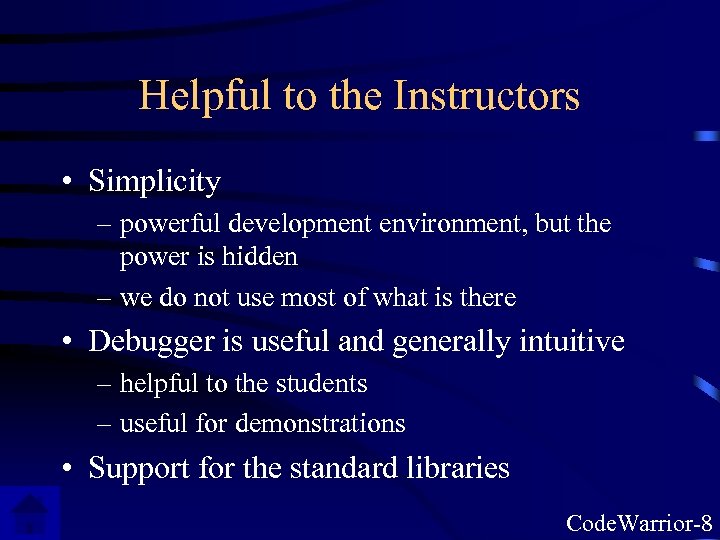 Helpful to the Instructors • Simplicity – powerful development environment, but the power is hidden – we do not use most of what is there • Debugger is useful and generally intuitive – helpful to the students – useful for demonstrations • Support for the standard libraries Code. Warrior-8
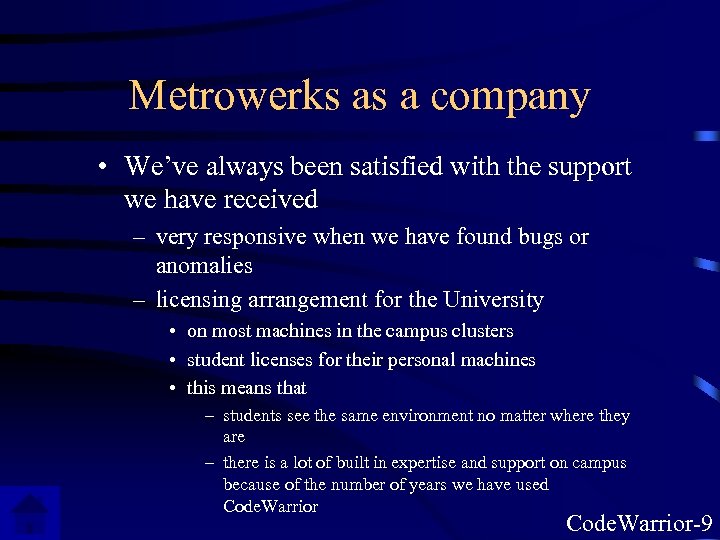 Metrowerks as a company • We’ve always been satisfied with the support we have received – very responsive when we have found bugs or anomalies – licensing arrangement for the University • on most machines in the campus clusters • student licenses for their personal machines • this means that – students see the same environment no matter where they are – there is a lot of built in expertise and support on campus because of the number of years we have used Code. Warrior-9
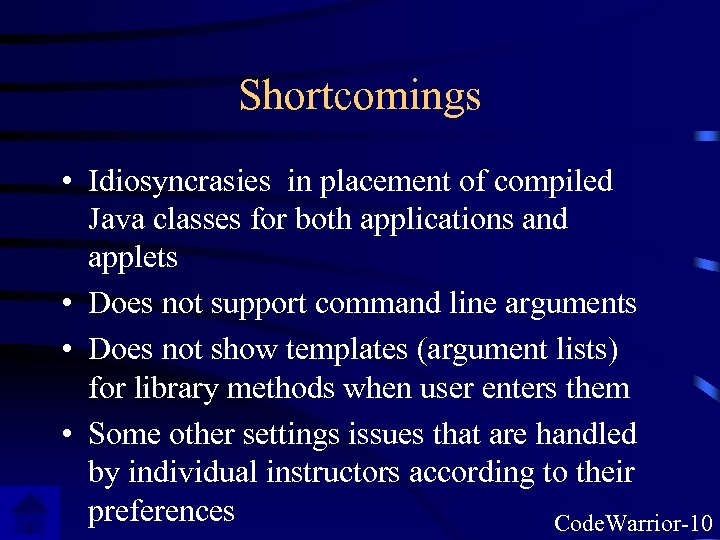 Shortcomings • Idiosyncrasies in placement of compiled Java classes for both applications and applets • Does not support command line arguments • Does not show templates (argument lists) for library methods when user enters them • Some other settings issues that are handled by individual instructors according to their preferences Code. Warrior-10
 Conclusion • May not be the best IDE • But we found early on that it best suited our circumstances • And even though we have looked at others over the years, we have never found any compelling reasons to change Code. Warrior-11