


 Скачать презентацию IT 3 Security Policies IT 3 All
df136f0b6b325f9f5c1f8fd243a465c6.ppt
- Количество слайдов: 60
 IT 3 Security Policies
 IT 3 All companies adopt ICT Security Policies to protect themselves against: - • Bad publicity • Security threats • Loss of data – accidental or deliberate Security Policies
 IT 3 Security Policies Consequences. • LOSS of income • LOSS of reputation from customers • Possible LEGAL action against the company [DPA] • Loss of computer time • Wasting staff time sorting out problems
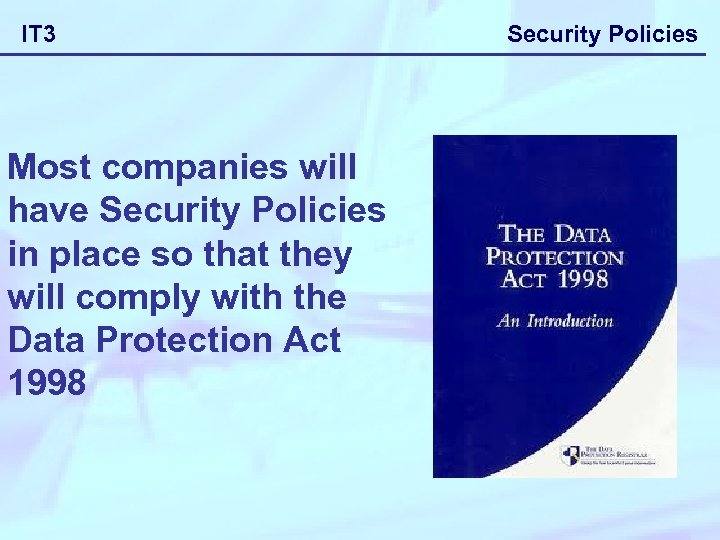 IT 3 Most companies will have Security Policies in place so that they will comply with the Data Protection Act 1998 Security Policies
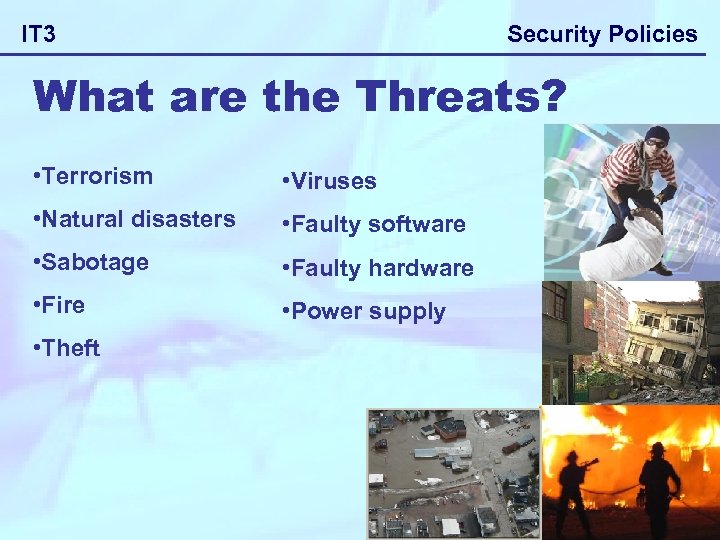 Security Policies IT 3 What are the Threats? • Terrorism • Viruses • Natural disasters • Faulty software • Sabotage • Faulty hardware • Fire • Power supply • Theft
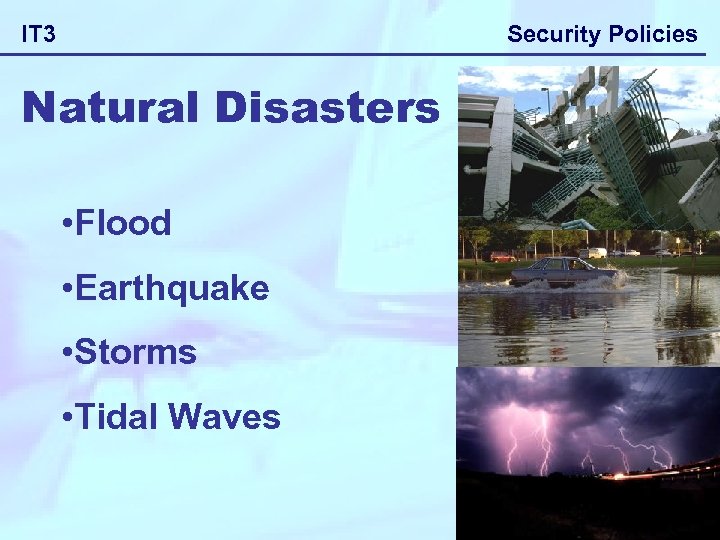 Security Policies IT 3 Natural Disasters • Flood • Earthquake • Storms • Tidal Waves
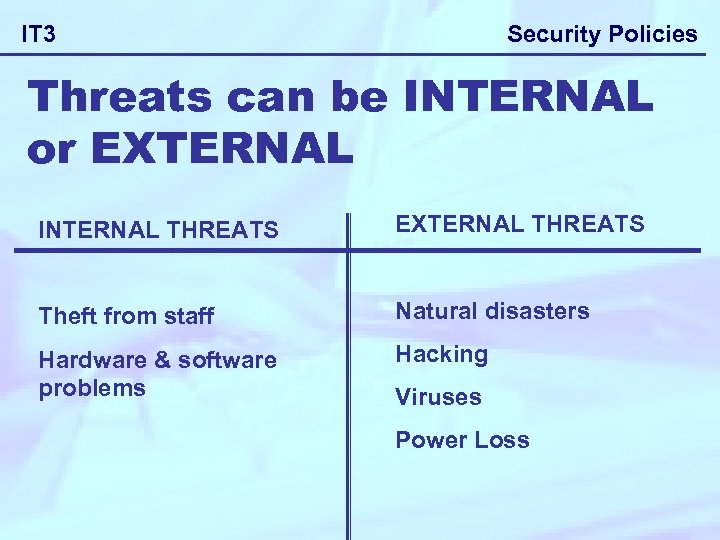 Security Policies IT 3 Threats can be INTERNAL or EXTERNAL INTERNAL THREATS EXTERNAL THREATS Theft from staff Natural disasters Hardware & software problems Hacking Viruses Power Loss
 IT 3 Security Policies A company can adopt many procedures to reduce risks and threats to its IT systems. Why companies need to have Security policies
 IT 3 Security Policies The purpose of a disaster recovery plan is to ensure the availability of essential resources (staff, buildings, power, computer equipment) should a disaster occur. The plan will usually cover the possibility of the following happening: Why companies need to have Security Policies
 Security Policies IT 3 - the total or partial loss of computing equipment computers or networks failing - the loss of essential services such as electricity, heating or air conditioning the loss of certain key employees (e. g. , losing all the qualified network staff in one go due to them choosing to form their own facilities organisation) the loss of maintenance or support services - the loss of data or software accidental or intentional loss of data - the complete or partial loss of the premises housing the IT equipment. Fire, earthquake or floods -set up a budget for it How much money can the company allocate to address the issues Why companies need to have Security Policies
 Security Policies IT 3 -likelihood of disaster occurring Some addresses and locations will be more susceptible to problems such as flooding or earthquakes. Some organisations will have a higher risk threat to terrorism - produce the plan of what to do if the worst happens This will be the Security Policy Plan - produce procedures for minimising the risks What are the steps taken to reduce the risk of the problem arising -test the plan on a regular basis to make sure it still sufficient Evaluate and monitor the situation and the procedures in place to implement the policy Why companies need to have Security Policies
 IT 3 Security Policies 1. Rules on Passwords and user id’s 2. Access rights 3. Firewalls 4. Virus checkers 5. Encryption 6. Physical security measures 7. Backup and restoration strategies 8. Staff code of conduct 9. Disciplinary procedures 10. User Accounts & Logs Factors that should be taken into account when designing security policies
 Security Policies IT 3 PHYSICAL SECURITY This involves methods used to protect the hardware and software from threats. Usually can be as straight forward as locking the IT rooms and preventing people access to computers and data storage facilities. Factors that should be taken into account when designing security policies
 Security Policies IT 3 Prevention of misuse There are TWO main methods available to companies: - 1. PHYSICAL METHODS 2. SOFTWARE METHODS Factors that should be taken into account when designing security policies
 Security Policies IT 3 1. PHYSICAL METHODS • Controlling access to building or IT rooms - security guards • Serial numbers – Keep a record of all serial numbers of software and hardware • Alarms – Protect computer room with burglar alarms. • Using Locks on computers • Security cameras in IT rooms Factors that should be taken into account when designing security
 Security Policies IT 3 1. PHYSICAL METHODS • Fire Protection – Use fire doors and smoke alarms • Controlling access to IT rooms, keys, codes or Biometric systems. • Fireproof safes to keep data protected • Prevent use of data storage devices in case of unauthorised copying of data Factors that should be taken into account when designing security
 Security Policies IT 3 2. SOFTWARE METHODS • All authorised users should be given user names and passwords. This will limit unauthorised access to the network. • Passwords should be un-guessable and should never be told to anyone or written down. Factors that should be taken into account when designing security policies
 Security Policies IT 3 2. SOFTWARE METHODS • Users should change their passwords frequently. • Unauthorised access can be reduced by assigning different users different access rights. For example, network managers can be given complete access to the network whilst other users may be limited to certain types of applications software such as word processors. Factors that should be taken into account when designing security policies
 Security Policies IT 3 OTHER FACTORS • Audit trails for detection • Continuous investigation of irregularities • System Access - establishing procedures for accessing data such as log on procedures, firewalls • Personnel administration • Operational procedures including disaster recovery planning and dealing with threats from viruses • Staff code of conduct and responsibilities • Disciplinary procedures. Factors that should be taken into account when designing security policies
 IT 3 AUDIT TRAIL. Keep records of all activities carried out by each user. Records of: • Number of documents printed. • Times and dates of logging on & off. • Web. Pages visited and downloaded. • Who has accessed data and who has changed any data Security Policies
 IT 3 Security Policies Continuous investigation of irregularities This is a continuous procedure of looking at anything out of the ordinary that has happened. A lot of credit card companies employ this method, if they see any transaction that is extremely high or out of the ordinary, they will usually stop the payment and contact the owner of the card to confirm that the payment is genuine. Companies do this with all transactions carried out. This could flag up any fraudulent activity within the company.
 IT 3 Security Policies System Access - establishing procedures for accessing data such as log on procedures, firewalls ACCESS RIGHTS Logging on procedures User name & Passwords FILES USE OF FIREWALL Read only files - employees can Prevent un-authorised access to the Network only add data but cannot delete from the outside or change existing data. [Hacking] Cannot open files at all
 IT 3 Security Policies Personnel administration Making sure that staff respect policies and security issues within the company. Make sure that they are also aware of disciplinary procedure if they were to break any rules. Train Staff on how to use equipment and use data responsibly Staff have the necessary skills or qualifications to carry out the job in hand.
 IT 3 Security Policies Operational procedures- including disaster recovery planning and dealing with threats from viruses 1. Screening/checking potential employees. 2. Make sure that employees don’t download games or music. Not using removable media in work eg USB Memory Stick 3. Routines to update virus software. 4. Rotating staff - used to prevent company fraud, less likely that two employees would carry out fraudulent activity together. 5. Establish a disaster recovery plan.
 IT 3 Security Policies “It is estimated that most large companies spend between 2% and 4% of their IT budget on disaster recovery planning, with the aim of avoiding larger losses in the event that the business cannot continue to function due to loss of IT infrastructure and data. Of companies that had a major loss of business data, 43% never reopen, 51% close within two years, and only 6% will survive long-term. As a result, preparation for continuation or recovery of systems needs to be taken very seriously. This involves a significant investment of time and money with the aim of ensuring minimal losses in the event of a disruptive event”
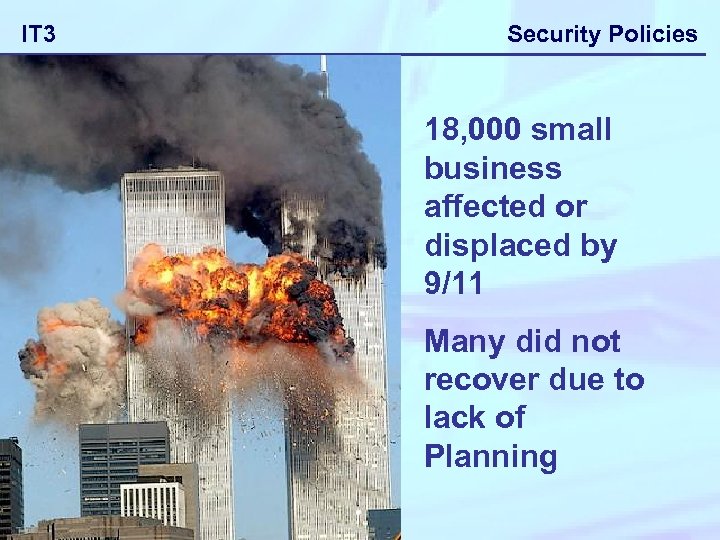 IT 3 Security Policies 18, 000 small business affected or displaced by 9/11 Many did not recover due to lack of Planning
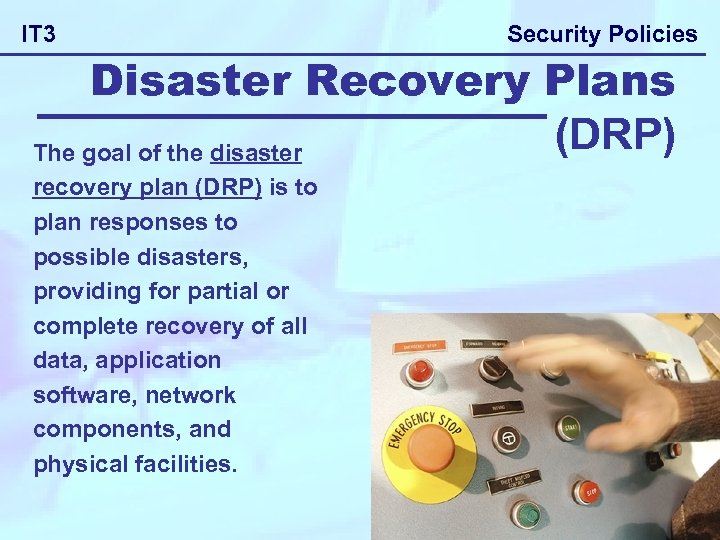 IT 3 Security Policies Disaster Recovery Plans (DRP) The goal of the disaster recovery plan (DRP) is to plan responses to possible disasters, providing for partial or complete recovery of all data, application software, network components, and physical facilities.
 Security Policies IT 3 It doesn’t matter how careful companies can be there is always a chance that data could be lost by accident. Remember hardware can be bought again, but it would be virtually impossible to regain lost data. In nearly 50% of cases businesses have gone out of business when they experienced a major data loss due to a disaster, losing data such as: - • Customers databases • Product databases • Supplier databases • Transaction and invoice databases • Staff details BACKING UP
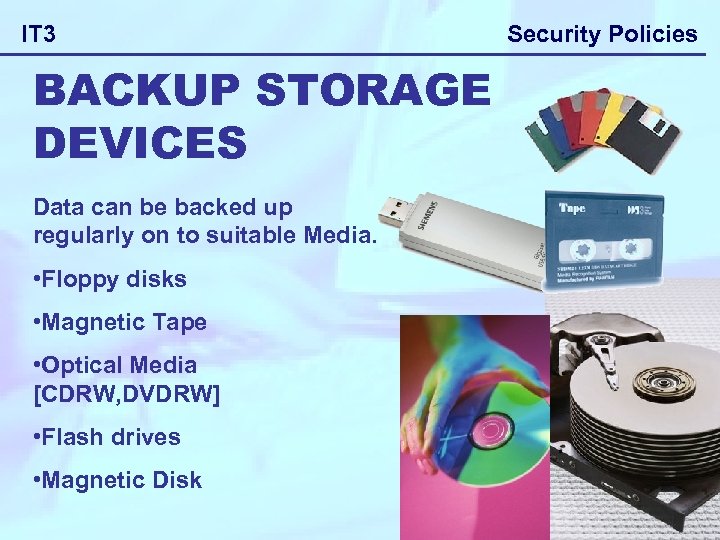 IT 3 BACKUP STORAGE DEVICES Data can be backed up regularly on to suitable Media. • Floppy disks • Magnetic Tape • Optical Media [CDRW, DVDRW] • Flash drives • Magnetic Disk Security Policies
 IT 3 Security Policies Types of procedures to do with backing up data Use a different tape or disk each day and have a system for rotating them, so that there is always a copy to restore with minimum chance of data loss. [Grandfather, Father and Son method] Make one person responsible for the taking of backups so that it doesn’t get forgotten or someone leaving it because they think someone else is responsible. The type of backup to be taken such as full, incremental or differential depending on how many items of data change. How often the backups should be taken such as continuously, every hour, every day, etc.
 IT 3 Security Policies Types of procedures to do with backing up data The backup medium/devices used such as magnetic tape/disk, etc. , depending on the speed with when they want to recover the data Who should be responsible for the taking and storage of backups – so that they are treated as high priority. Where the backup is to be held/stored – off-site, in fireproof safe, transferred using the internet, depending on cost and the likelihood of a fire, etc. , occurring, etc.
 IT 3 Security Policies Procedures that can be used: • Backup and recovery procedures. • Backups to storage media • RAID system - Redundant Array of Inexpensive Disc. • Grandfather, Father, Son systems • Backing up programme Prevention of accidental misuse.
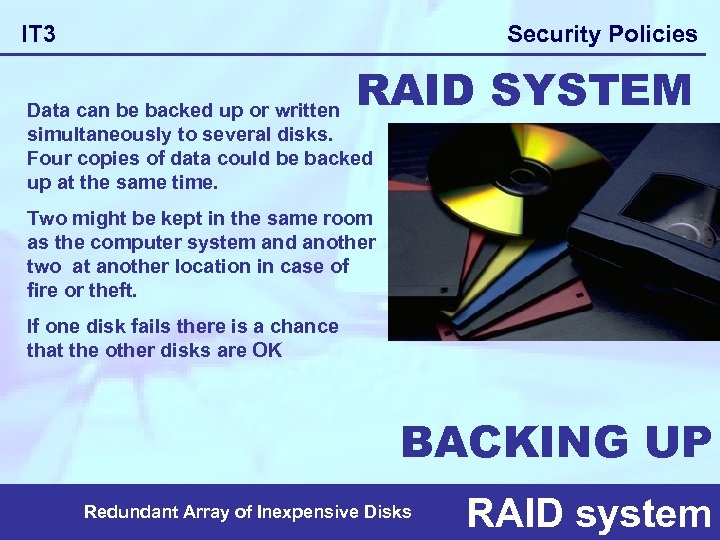 Security Policies IT 3 RAID SYSTEM Data can be backed up or written simultaneously to several disks. Four copies of data could be backed up at the same time. Two might be kept in the same room as the computer system and another two at another location in case of fire or theft. If one disk fails there is a chance that the other disks are OK BACKING UP Redundant Array of Inexpensive Disks RAID system
 Security Policies IT 3 Backing up Four generations of file are kept, before the oldest is overwritten. Two copies of the master file and each transaction file are kept. One pair is in a fireproof safe, and the other pair is off-site. Backing up is tedious, but well worth it. However in small organizations it can be tempting to take short-cuts. Just putting the back-up media into a fireproof safe in the office is no good. What would the company do if some thieves nicked not just the computer, but also the safe? It has happened. Grandfather, Father, Son system
![Security Policies IT 3 Monday Tuesday [Son] Tape 1 [Son] New Tape used Tape](https://present5.com/presentation/df136f0b6b325f9f5c1f8fd243a465c6/image-35.jpg "Security Policies IT 3 Monday Tuesday [Son] Tape 1 [Son] New Tape used Tape") Security Policies IT 3 Monday Tuesday [Son] Tape 1 [Son] New Tape used Tape 2 TAPE 1 [Backup is ONE day old] becomes FATHER Grandfather, Father, Son system
Security Policies IT 3 Monday Tuesday [Son] Tape 1 [Son] New Tape used Tape 2 TAPE 1 [Backup is ONE day old] becomes FATHER Grandfather, Father, Son system
![Security Policies IT 3 Wednesday [Son] Tape 3 New Tape used TAPE 1 [Backup](https://present5.com/presentation/df136f0b6b325f9f5c1f8fd243a465c6/image-36.jpg "Security Policies IT 3 Wednesday [Son] Tape 3 New Tape used TAPE 1 [Backup") Security Policies IT 3 Wednesday [Son] Tape 3 New Tape used TAPE 1 [Backup is TWO days old] becomes GRANDFATHER TAPE 2 [Backup is ONE day old] becomes FATHER Grandfather, Father, Son system
Security Policies IT 3 Wednesday [Son] Tape 3 New Tape used TAPE 1 [Backup is TWO days old] becomes GRANDFATHER TAPE 2 [Backup is ONE day old] becomes FATHER Grandfather, Father, Son system
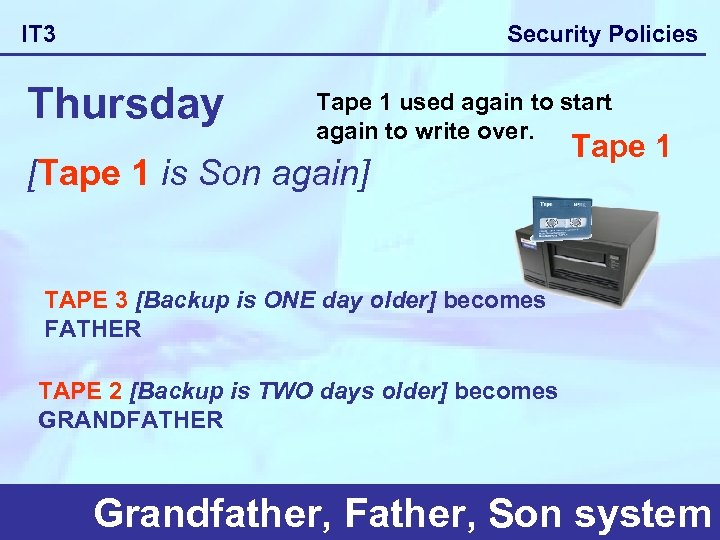 Security Policies IT 3 Thursday Tape 1 used again to start again to write over. [Tape 1 is Son again] Tape 1 TAPE 3 [Backup is ONE day older] becomes FATHER TAPE 2 [Backup is TWO days older] becomes GRANDFATHER Grandfather, Father, Son system
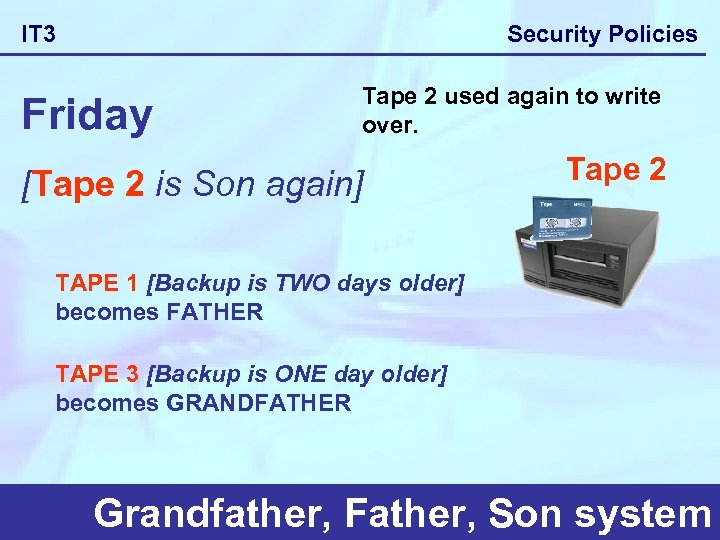 Security Policies IT 3 Friday Tape 2 used again to write over. [Tape 2 is Son again] Tape 2 TAPE 1 [Backup is TWO days older] becomes FATHER TAPE 3 [Backup is ONE day older] becomes GRANDFATHER Grandfather, Father, Son system
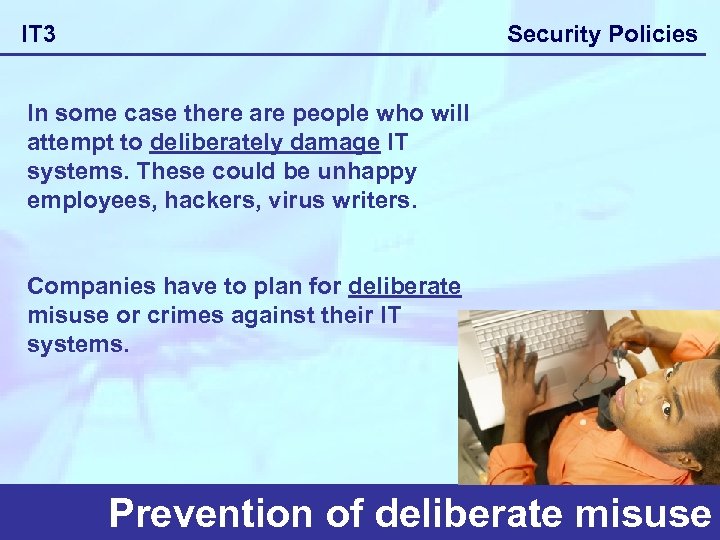 Security Policies IT 3 In some case there are people who will attempt to deliberately damage IT systems. These could be unhappy employees, hackers, virus writers. Companies have to plan for deliberate misuse or crimes against their IT systems. Prevention of deliberate misuse
 Security Policies IT 3 Methods used to reduce risk: • Control access to rooms. • Encryption methods used when transferring Data • Establish Firewalls • Proxy servers • Physical security on hardware and software. • Security of documents and filing systems Prevention of deliberate misuse
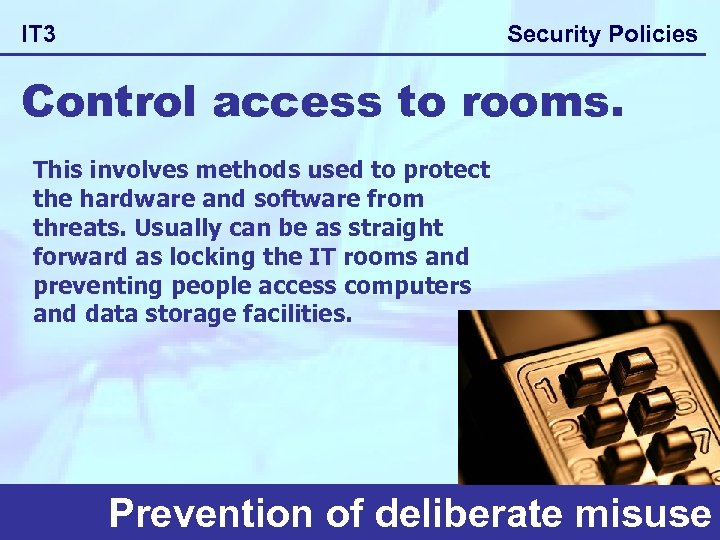 Security Policies IT 3 Control access to rooms. This involves methods used to protect the hardware and software from threats. Usually can be as straight forward as locking the IT rooms and preventing people access computers and data storage facilities. Prevention of deliberate misuse
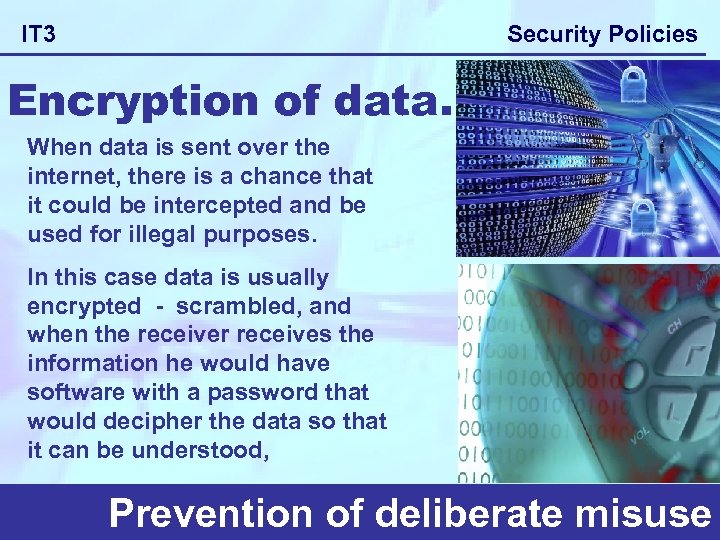 Security Policies IT 3 Encryption of data. When data is sent over the internet, there is a chance that it could be intercepted and be used for illegal purposes. In this case data is usually encrypted - scrambled, and when the receiver receives the information he would have software with a password that would decipher the data so that it can be understood, Prevention of deliberate misuse
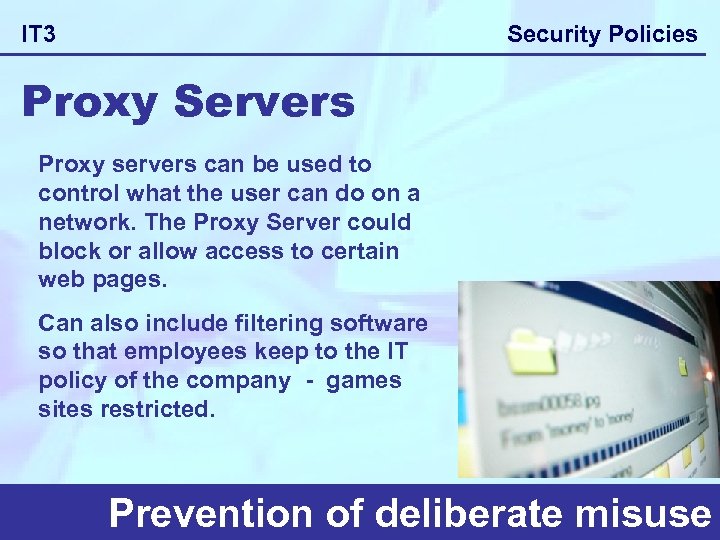 Security Policies IT 3 Proxy Servers Proxy servers can be used to control what the user can do on a network. The Proxy Server could block or allow access to certain web pages. Can also include filtering software so that employees keep to the IT policy of the company - games sites restricted. Prevention of deliberate misuse
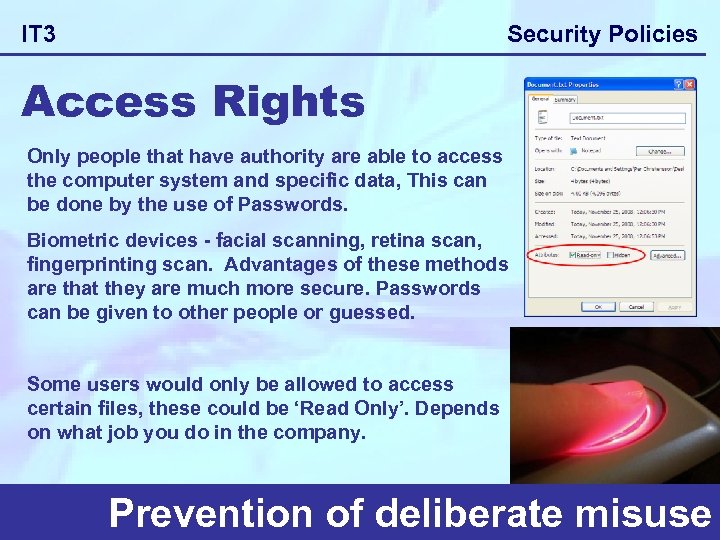 Security Policies IT 3 Access Rights Only people that have authority are able to access the computer system and specific data, This can be done by the use of Passwords. Biometric devices - facial scanning, retina scan, fingerprinting scan. Advantages of these methods are that they are much more secure. Passwords can be given to other people or guessed. Some users would only be allowed to access certain files, these could be ‘Read Only’. Depends on what job you do in the company. Prevention of deliberate misuse
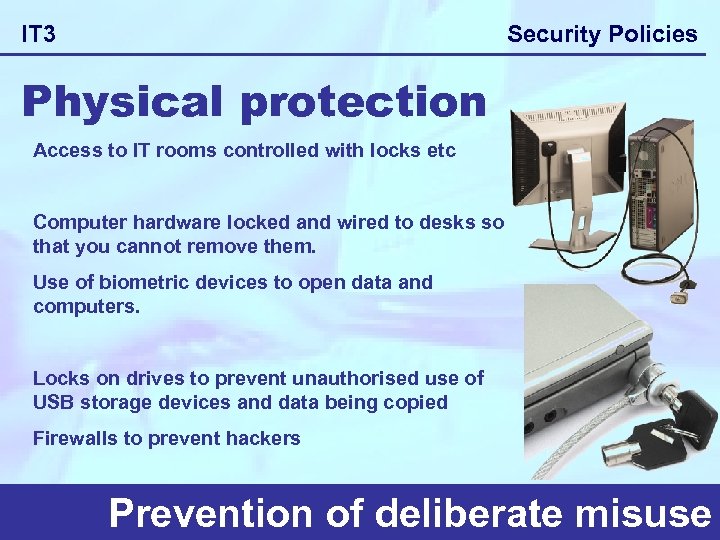 Security Policies IT 3 Physical protection Access to IT rooms controlled with locks etc Computer hardware locked and wired to desks so that you cannot remove them. Use of biometric devices to open data and computers. Locks on drives to prevent unauthorised use of USB storage devices and data being copied Firewalls to prevent hackers Prevention of deliberate misuse
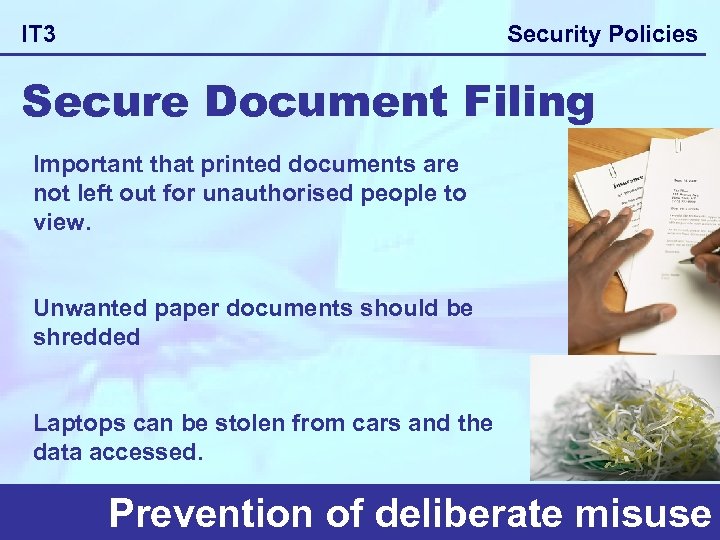 Security Policies IT 3 Secure Document Filing Important that printed documents are not left out for unauthorised people to view. Unwanted paper documents should be shredded Laptops can be stolen from cars and the data accessed. Prevention of deliberate misuse
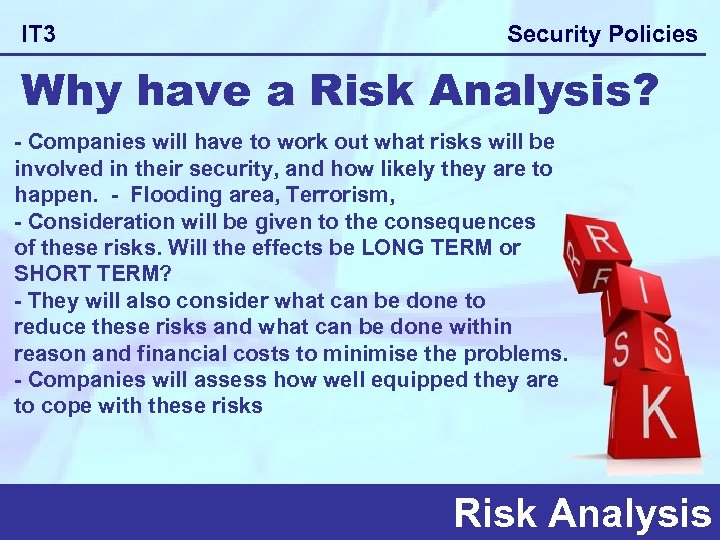 IT 3 Security Policies Why have a Risk Analysis? - Companies will have to work out what risks will be involved in their security, and how likely they are to happen. - Flooding area, Terrorism, - Consideration will be given to the consequences of these risks. Will the effects be LONG TERM or SHORT TERM? - They will also consider what can be done to reduce these risks and what can be done within reason and financial costs to minimise the problems. - Companies will assess how well equipped they are to cope with these risks Risk Analysis
 Security Policies IT 3 RISK ANALYSIS In order to perform a Risk Analysis the company will consider the following factors: - • What could happen to Hardware & Software • What could happen to Staff and employees • What could happen to Data Risk Analysis
 IT 3 Security Policies Consequences to company! All of these could have serious effect on the company: -Bad reputation from customers -Cash flow problems -Delivery problems -Stock problems - lack of stock, resulting in unhappy customers Risk Analysis
 Security Policies IT 3 Short Term Consequences -Staff would have to concentrate on trying to resolve the situation -Possible loss of money because orders weren't coming in, also company having to pay compensation if customers complained. -Bad reputation – customers not happy and spreading the word -Possible legal action if personal data of customers was disclosed to outside agencies. [Data Protection Act] Risk Analysis
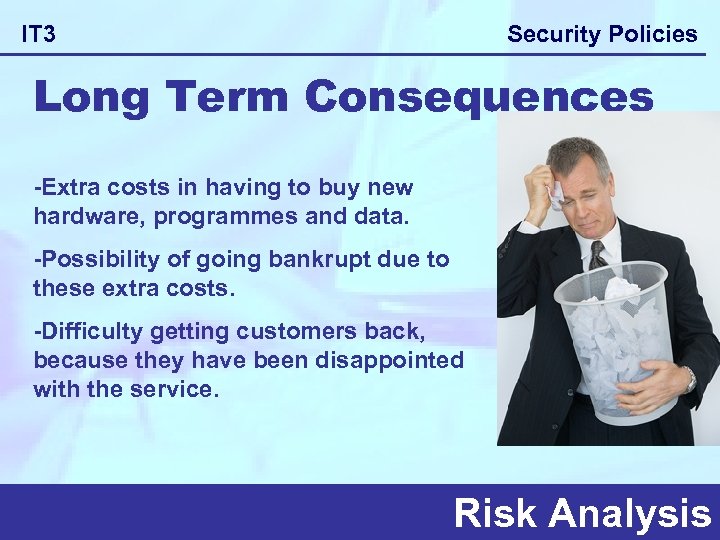 Security Policies IT 3 Long Term Consequences -Extra costs in having to buy new hardware, programmes and data. -Possibility of going bankrupt due to these extra costs. -Difficulty getting customers back, because they have been disappointed with the service. Risk Analysis
 Security Policies IT 3 How can we cope? A company will need to know on a continual basis of how well equipped they are to cope with such problems. Therefore they will create a Disaster Recovery Plan Risk Analysis
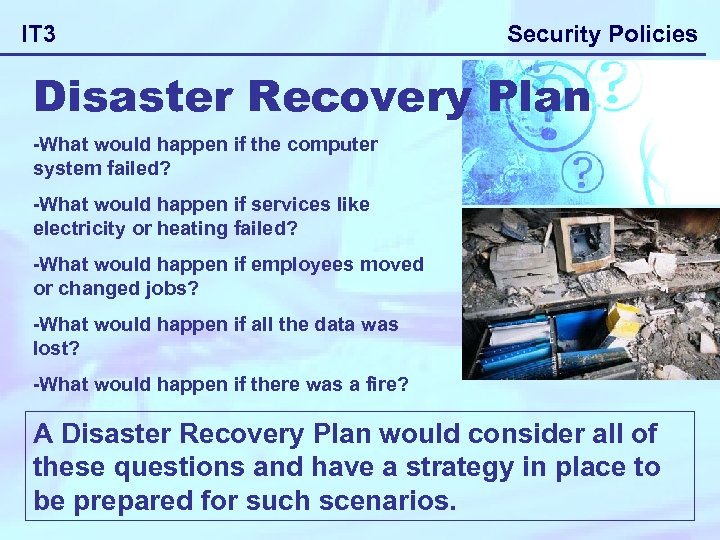 IT 3 Security Policies Disaster Recovery Plan -What would happen if the computer system failed? -What would happen if services like electricity or heating failed? -What would happen if employees moved or changed jobs? -What would happen if all the data was lost? -What would happen if there was a fire? A Disaster Recovery Plan would consider all of these questions and have a strategy in place to be prepared for such scenarios.
 Security Policies IT 3 Management for change Companies must plan ahead to make sure they can cope with changes. Changes can occur due to advancement in technology. They should consider the impact on hardware & software requirements of the company for the future. They should consider the impact these changes will have on workforce. A company that doesn’t plan for changes usually goes out of business
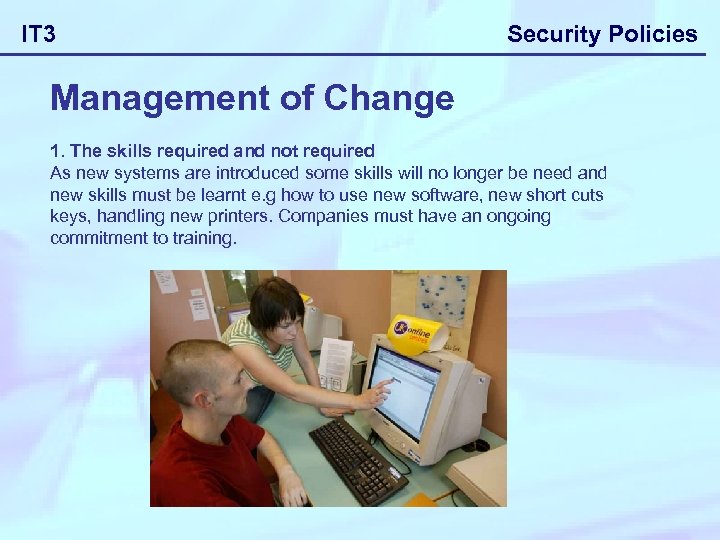 IT 3 Security Policies Management of Change 1. The skills required and not required As new systems are introduced some skills will no longer be need and new skills must be learnt e. g how to use new software, new short cuts keys, handling new printers. Companies must have an ongoing commitment to training.
 IT 3 Security Policies 2. Organisational structure New technologies often make certain levels of management or manual work redundant. e. g. introducing scanning technology may reduce the need for data entry clerks.
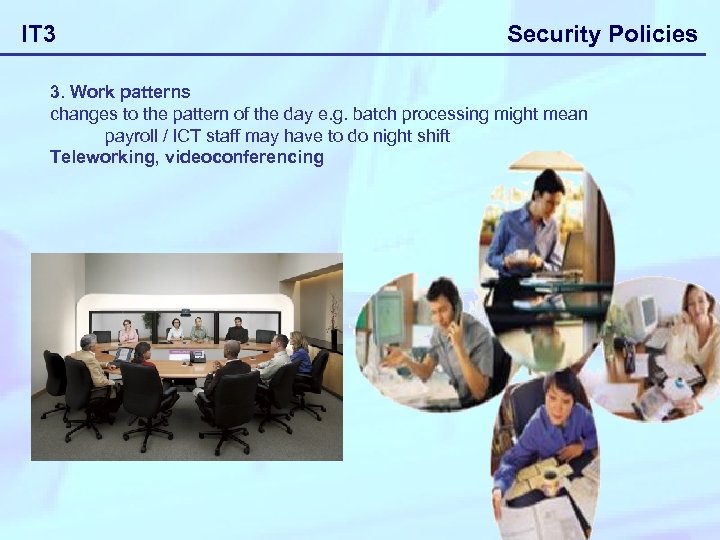 IT 3 Security Policies 3. Work patterns changes to the pattern of the day e. g. batch processing might mean payroll / ICT staff may have to do night shift Teleworking, videoconferencing
 IT 3 4. Internal procedures Some tasks would be automated making jobs easier Some jobs may increase in difficulty because they may be expected to improve productivity and perform tasks more quickly. Security Policies
 IT 3 Security Policies 5. The workforce (fears caused by introduction of change) When an organisation restructures the workforce will have certain worries. • Will they lose their job? • Will they have to learn new skills to do their existing job? • Will they have to move to a new job within the organisation? • Will they take a pay cut? • Will they have to change their work pattern, hours of work etc? • Will they lose their current status? • Companies must carefully address these fears if they are to manage change effectively without affecting staff moral or even involving union strike action.
 IT 3 Security Policies 1. You have been asked to set up an ICT Security Policy for a local business. Discuss the methods that could be adopted to prevent (a) accidental misuse and (b) deliberate misuse of the ICT equipment. 2 x [4] 2. Some IT applications use software which maintains an audit trail. Name one such application and state why the facility is necessary. [3] 3. A particular organisation uses a financial accounting software system which supports an audit trail. (a) Describe the functionality which should have been built into the audit trail. [2] (b) Explain why this functionality is required. [3] (c) State two potential system overheads caused by the operation of this functionality. [2]