 Скачать презентацию IS 101 Y CMSC 101 Dr Ravi Kuber Importance
6f7193e211ef049f38198d0888fa14ec.ppt
- Количество слайдов: 28



IS 101 Y/CMSC 101 Dr. Ravi Kuber Importance of Accessibility rkuber@umbc. edu
Universal Usability • Universal usability refers to design of information and communications products and services that are both accessible and usable by all • Ideally, this should come at no additional cost to the user • Relates to the disabled community 2
Disabilities Visible disabilities • Blind • Deaf & hard of hearing • Physical disabilities Invisible disabilities • Color blindness • Learning disabilities • Speech or language disabilities
Question Why should we take into account the needs of disabled communities when developing systems? 4
Why accessibility is important? • We are good people and want everyone to benefit from our systems, at no additional expense • We want to enable everyone to do tasks independently, with minimal reliance on others 5
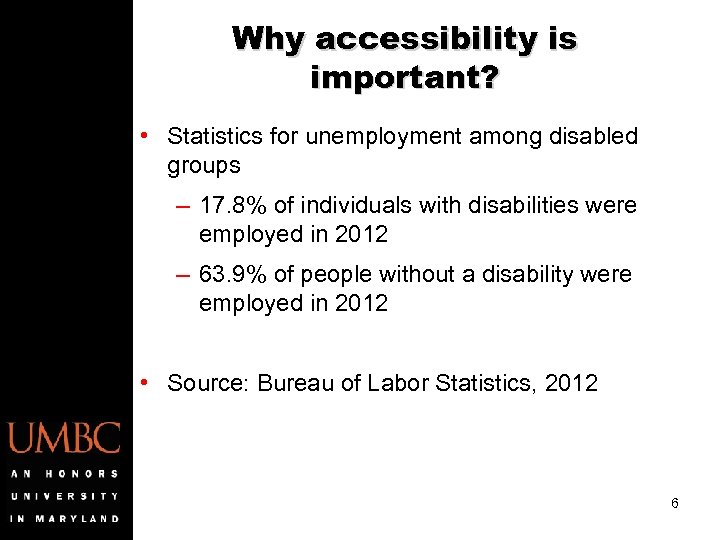
Why accessibility is important? • Statistics for unemployment among disabled groups – 17. 8% of individuals with disabilities were employed in 2012 – 63. 9% of people without a disability were employed in 2012 • Source: Bureau of Labor Statistics, 2012 6

Why accessibility is important? • Legislation – Section 508 – Designed to eliminate barriers to technology – Federal web sites need to be accessible to people of all abilities • Law suits filed – Target (2009) – More recently Penn State University 7
So what can I do? • Careers in accessibility consultancy – Examine web sites or applications within organizations – Identify the barriers faced by disabled users – Try to rectify these through redesign using Section 508 guidelines – Extensively test systems with disabled users 8
So what can I do? • Careers in research – Examine the challenges affecting disabled groups – Build new technologies to support them – Keep the user at the center of the design process 9
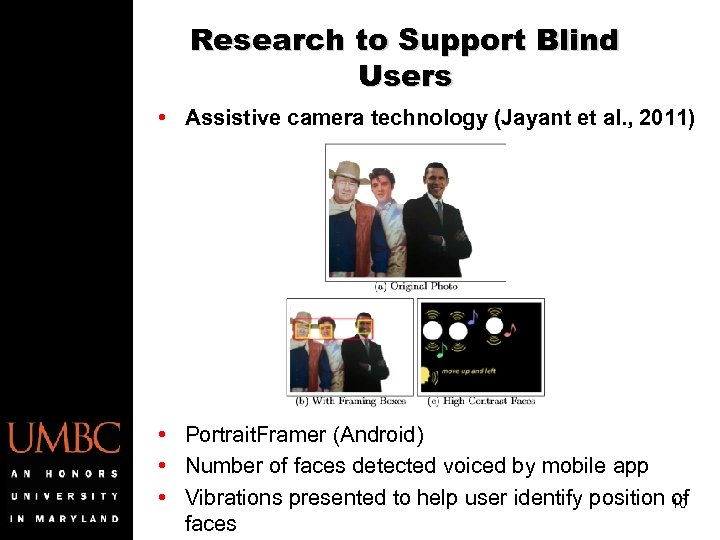
Research to Support Blind Users • Assistive camera technology (Jayant et al. , 2011) • Portrait. Framer (Android) • Number of faces detected voiced by mobile app • Vibrations presented to help user identify position 10 of faces
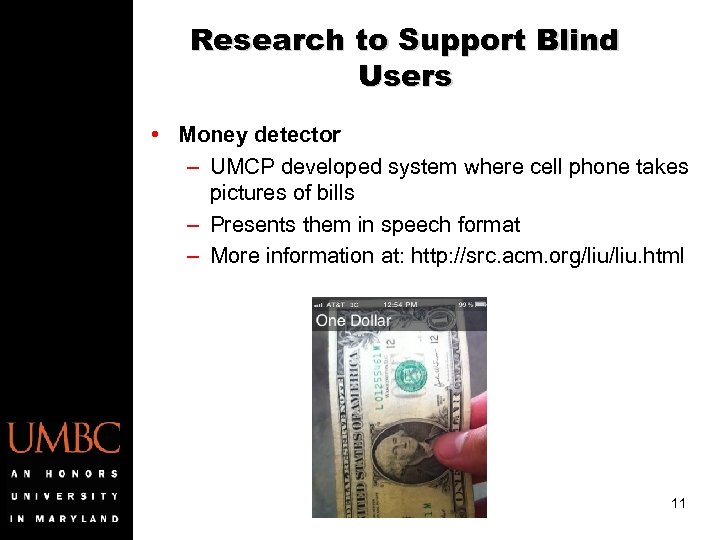
Research to Support Blind Users • Money detector – UMCP developed system where cell phone takes pictures of bills – Presents them in speech format – More information at: http: //src. acm. org/liu. html 11
Research to Support Blind Users • Color Detectors – Color Teller (Brytech www. brytech. com) – Handheld device detects colors, tints and shades – Color is spoken out to user – Can also tell you if lights are on in room or not 12
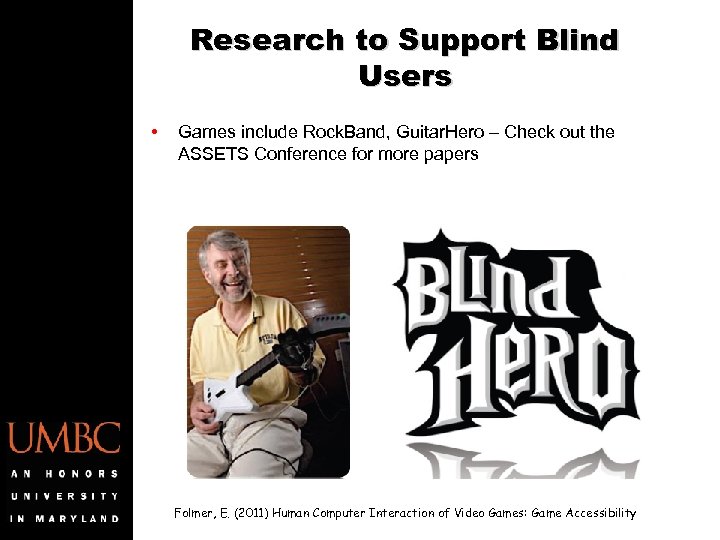
Research to Support Blind Users • Games include Rock. Band, Guitar. Hero – Check out the ASSETS Conference for more papers Folmer, E. (2011) Human Computer Interaction of Video Games: Game Accessibility
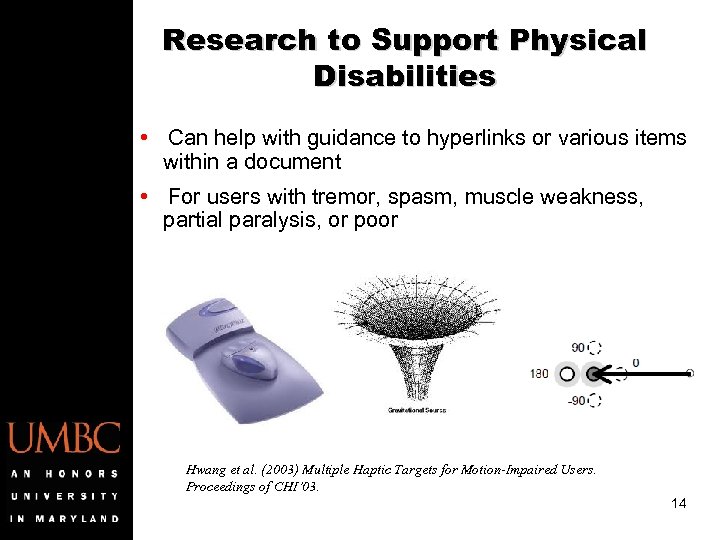
Research to Support Physical Disabilities • Can help with guidance to hyperlinks or various items within a document • For users with tremor, spasm, muscle weakness, partial paralysis, or poor Hwang et al. (2003) Multiple Haptic Targets for Motion-Impaired Users. Proceedings of CHI’ 03. 14
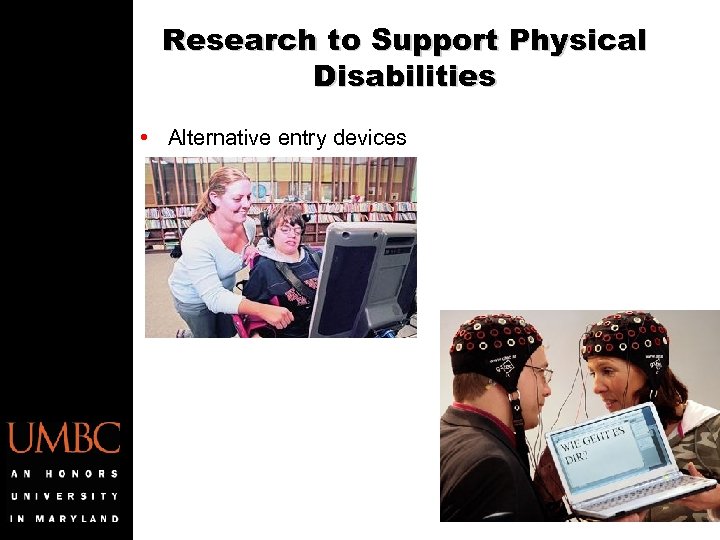
Research to Support Physical Disabilities • Alternative entry devices 15
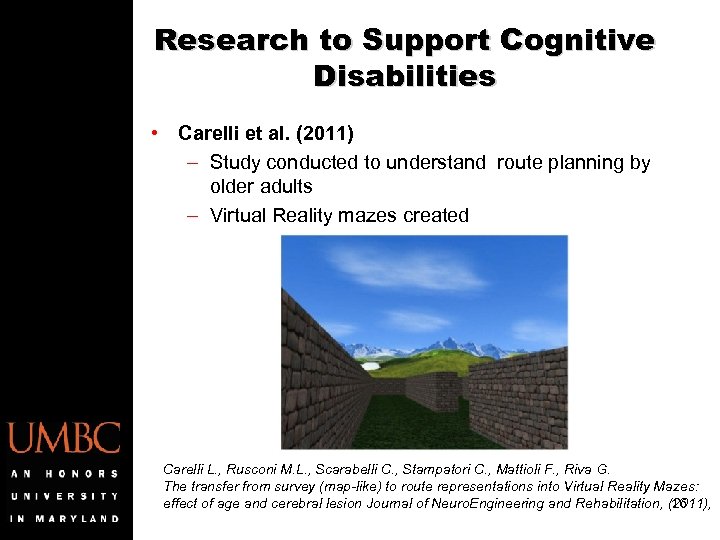
Research to Support Cognitive Disabilities • Carelli et al. (2011) – Study conducted to understand route planning by older adults – Virtual Reality mazes created Carelli L. , Rusconi M. L. , Scarabelli C. , Stampatori C. , Mattioli F. , Riva G. The transfer from survey (map-like) to route representations into Virtual Reality Mazes: effect of age and cerebral lesion Journal of Neuro. Engineering and Rehabilitation, (2011), 16
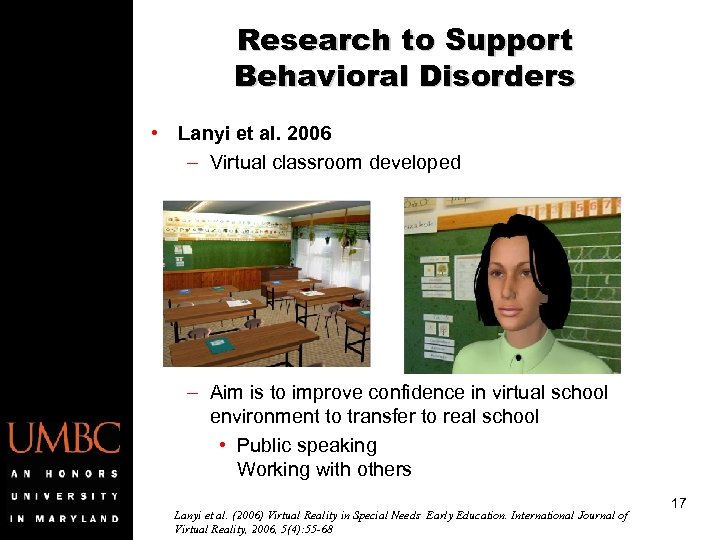
Research to Support Behavioral Disorders • Lanyi et al. 2006 – Virtual classroom developed – Aim is to improve confidence in virtual school environment to transfer to real school • Public speaking Working with others Lanyi et al. (2006) Virtual Reality in Special Needs Early Education. International Journal of Virtual Reality, 2006, 5(4): 55 -68 17
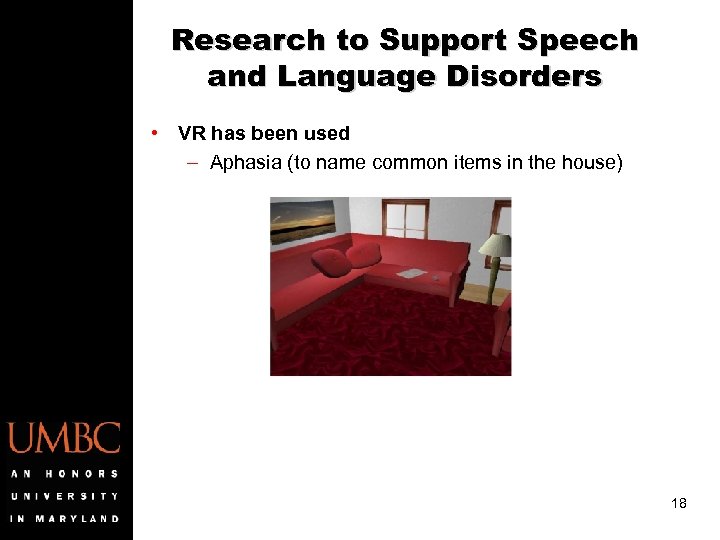
Research to Support Speech and Language Disorders • VR has been used – Aphasia (to name common items in the house) 18
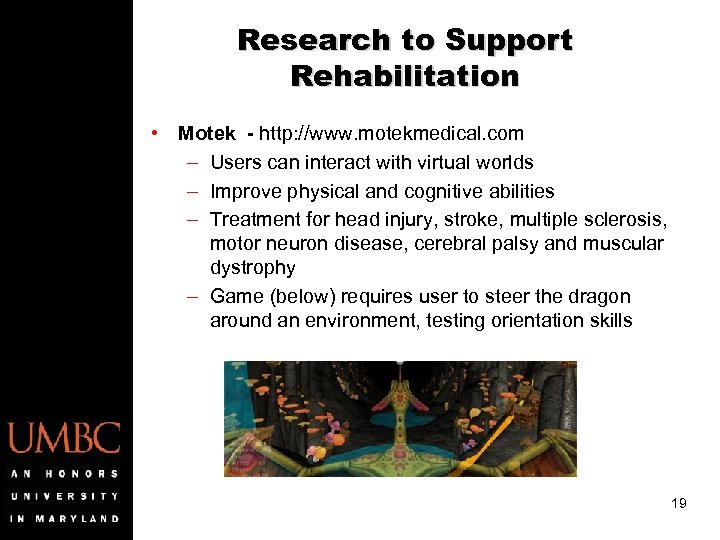
Research to Support Rehabilitation • Motek - http: //www. motekmedical. com – Users can interact with virtual worlds – Improve physical and cognitive abilities – Treatment for head injury, stroke, multiple sclerosis, motor neuron disease, cerebral palsy and muscular dystrophy – Game (below) requires user to steer the dragon around an environment, testing orientation skills 19
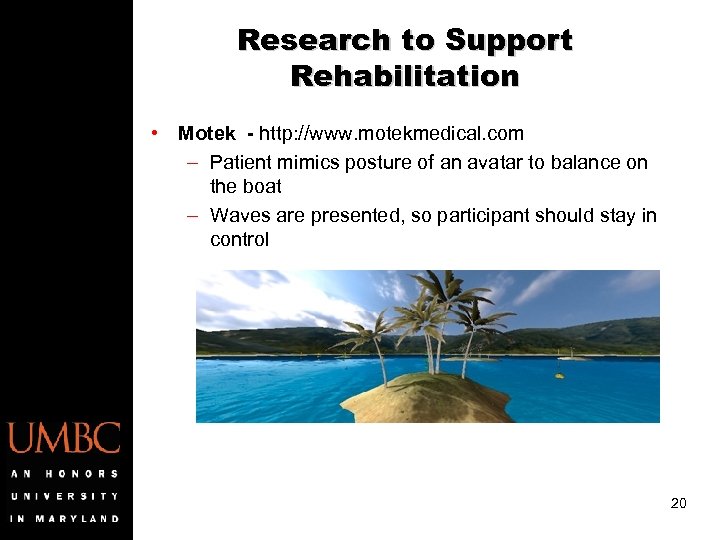
Research to Support Rehabilitation • Motek - http: //www. motekmedical. com – Patient mimics posture of an avatar to balance on the boat – Waves are presented, so participant should stay in control 20
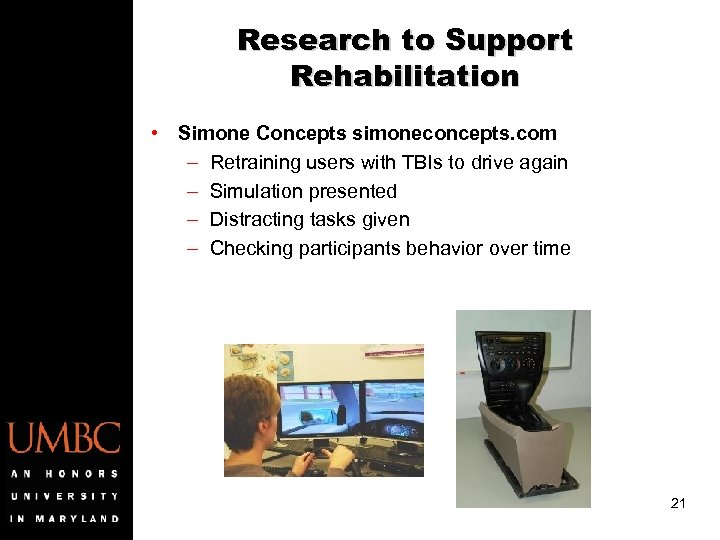
Research to Support Rehabilitation • Simone Concepts simoneconcepts. com – Retraining users with TBIs to drive again – Simulation presented – Distracting tasks given – Checking participants behavior over time 21
Biggest Challenges • Accessibility is not always prioritized • How to use low-cost technologies • Designing for multiple disabilities 22
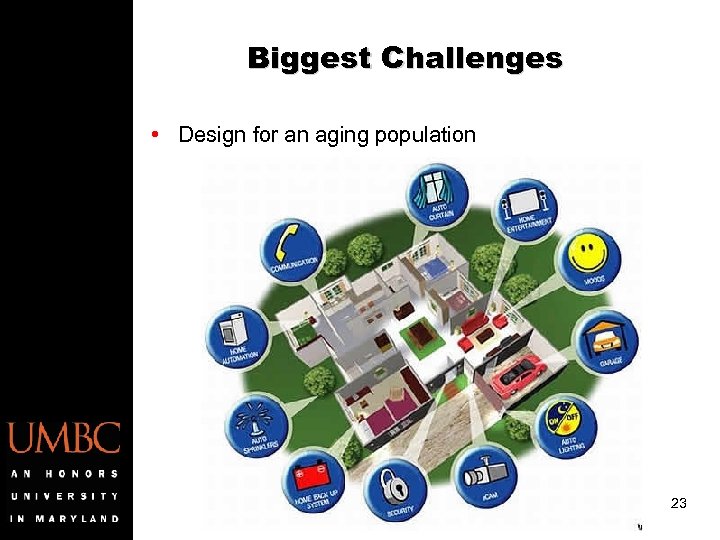
Biggest Challenges • Design for an aging population 23
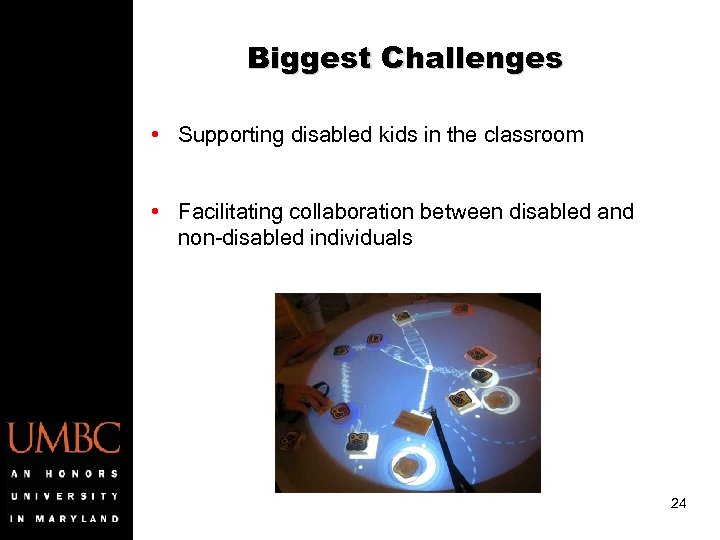
Biggest Challenges • Supporting disabled kids in the classroom • Facilitating collaboration between disabled and non-disabled individuals 24
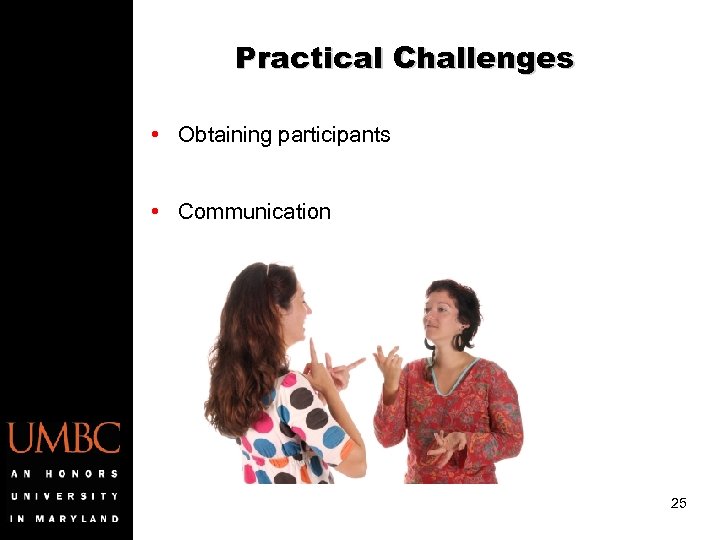
Practical Challenges • Obtaining participants • Communication 25
What can I do? • Take IS 303 for a stronger background in Human. Centered Computing • Look at the proceedings of the ASSETS conference (http: //assets 13. sigaccess. org/) • Think about getting involved in research at UMBC – Volunteer to participate in research studies – Work with faculty on projects – URA 26
Recruiting an undergraduate student for two semesters • Project looking at intellectual disabilities • Student needed to: – Review technologies developed – Develop a simple mobile application – Test this with target population • Can be registered as an independent study (IS 400/469) 27
Recruiting an undergraduate student for two semesters • Requirements: – Programming knowledge (IS 147/CMSC 201 is fine) – Mobile development experience is good, but not essential – Able to analyze data and write-up findings – Student must be within first four semesters at UMBC • If interested, please contact Dr. Kuber (rkuber@umbc. edu). 28
Скачать презентацию IS 101 Y CMSC 101 Dr Ravi Kuber Importance
6f7193e211ef049f38198d0888fa14ec.ppt