


 Скачать презентацию IR Workshop Digitisation 1 -3 April 2009 Presented
b09906ee1f1c3cbd416cf1d1e98274df.ppt
- Количество слайдов: 31
 IR Workshop Digitisation 1 -3 April 2009 Presented by Henning van Aswegen
 DIGITISATION - ? “Digitization is the process of converting information into a digital format. In this format, information is organized into discrete units of data (called bits) that can be separately addressed (usually in multiple-bit groups called bytes). This is the binary data that computers and many devices with computing capacity (such as digital cameras and digital hearing aids) can process. ” (whatis. com)
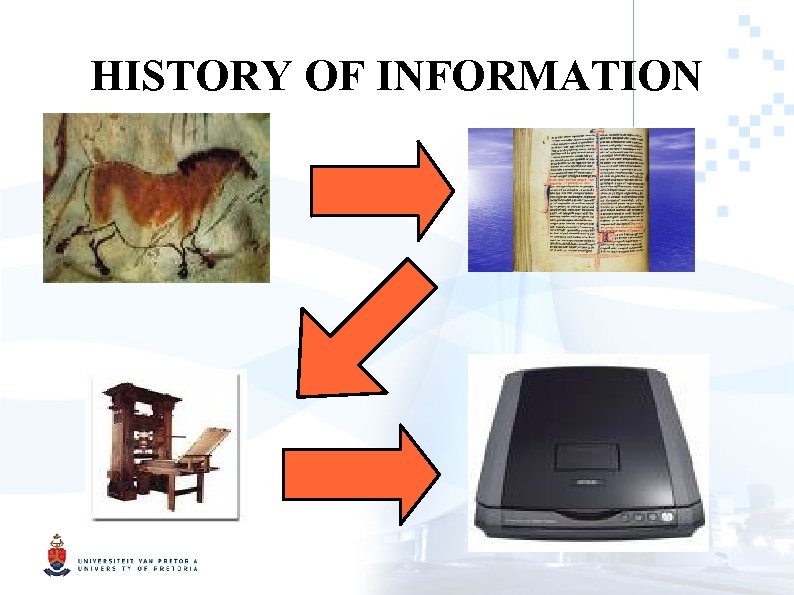 HISTORY OF INFORMATION
 PURPOSE Why do we need to digitise: For access or preservation? Preservation through access “The primary use of digital imaging into the near future will be to improve access” - Anne R. Kenney (1998) Alternative preservation methods “Microfilm possesses two simple advantages over most other media used for recording information: it is long-lived and it is readable by humans” - Suzanne Cates Dodson (2001)
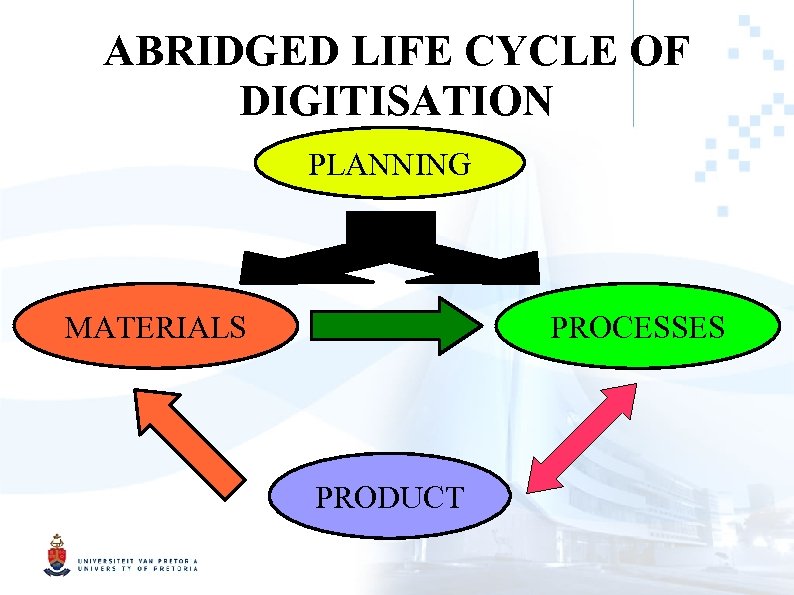 ABRIDGED LIFE CYCLE OF DIGITISATION PLANNING MATERIALS PROCESSES PRODUCT
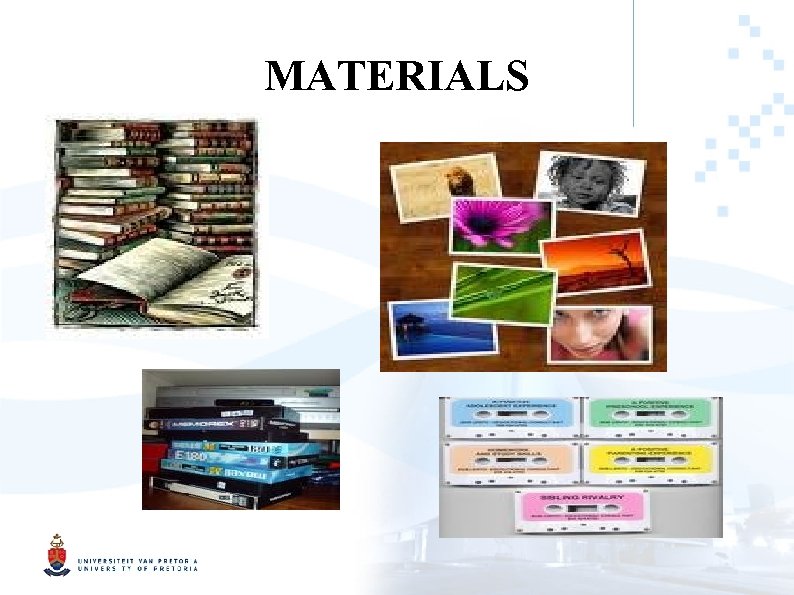 MATERIALS
 GUIDELINES Dependant on the purpose of any given institutional repositry Examples of existing and published guidelines: Selecting library and archive collections for digital reformatting (RLG, 1996) Digital Imaging Best Practices Version 2. 0 (BCR's CDP, 2008) Example of an existing institutional guideline: Selection criteria for digital reformatting (National Library of Medicine, 2008)
 MATERIAL SELECTION Know your purpose Know your originals Questions to ponder: Who owns the rights to the original? Does its nature warant digitisation? What is the physical condition of the original? Where will it be done? Who are the current and the potential users of the original? What are the costs and benefits of digitisation?
 KNOW YOUR ORIGINALS Format of the original Condition of the original: Automated processes, conservation required? Size of the original: Printed text, photographic material, audio, video, etc? Similarly sized originals smooth workflow Colour content of the original: Colour scanning more expensive and time intensive
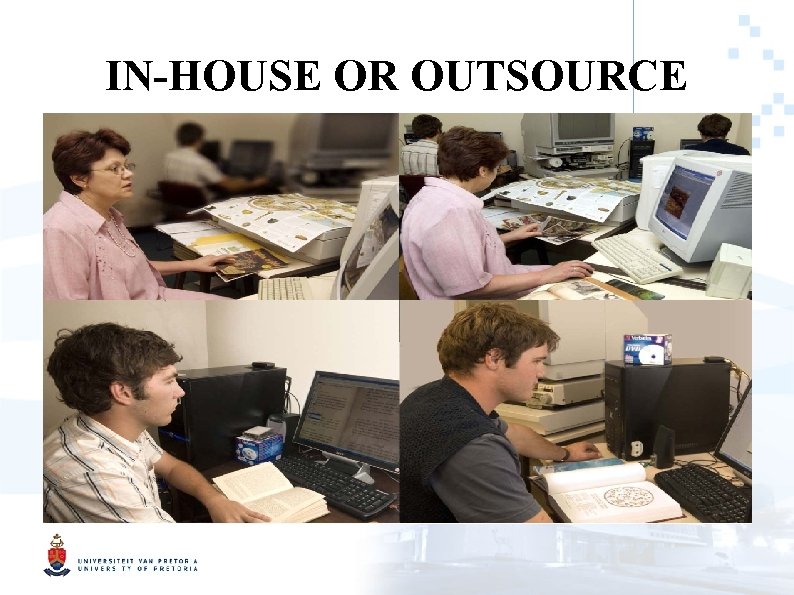 IN-HOUSE OR OUTSOURCE In-house Pros: Outsource Pros: Lower cost Control Less risk Experience Adjustment High production Cons: Large investment Less control Time intensive Complex contracts Limited production Lack of knowledge
 KNOW YOUR PURPOSE Cost: Hardware Staff Maintenance Benefits: Increased visibility Ease of access
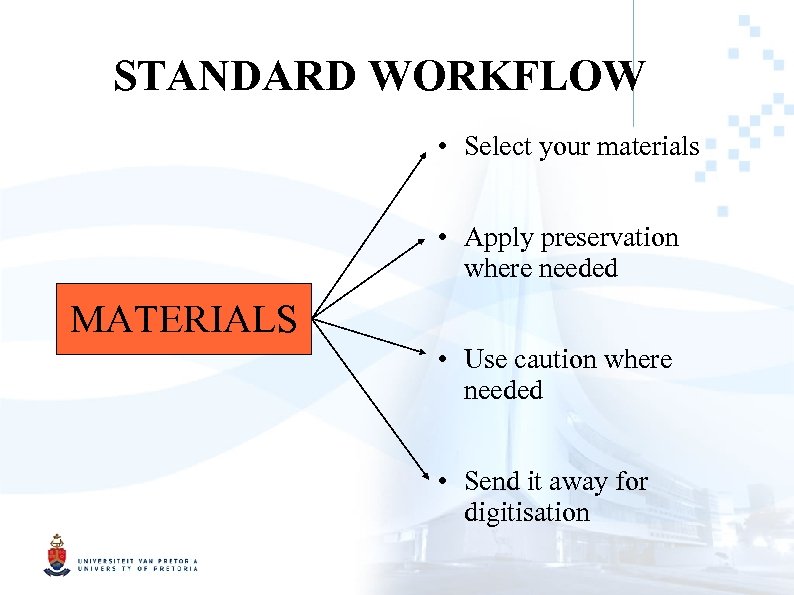 STANDARD WORKFLOW • Select your materials • Apply preservation where needed MATERIALS • Use caution where needed • Send it away for digitisation
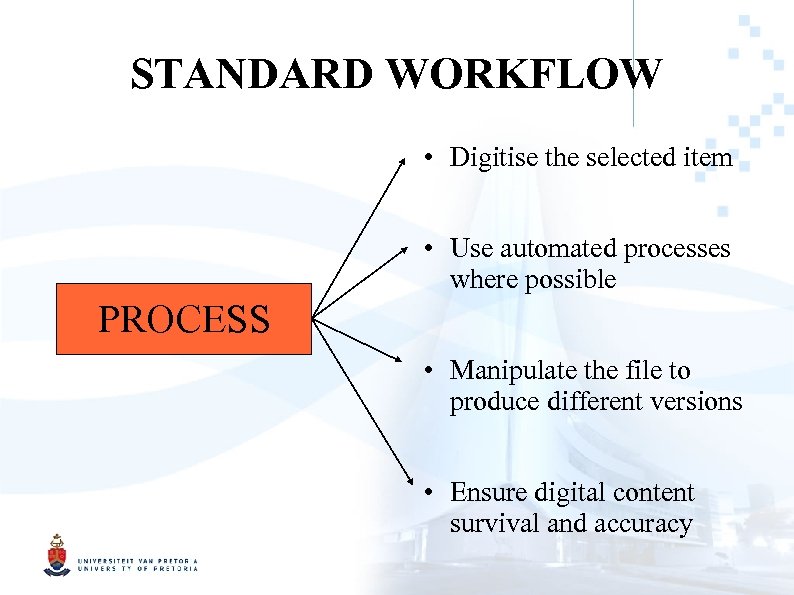 STANDARD WORKFLOW • Digitise the selected item • Use automated processes where possible PROCESS • Manipulate the file to produce different versions • Ensure digital content survival and accuracy
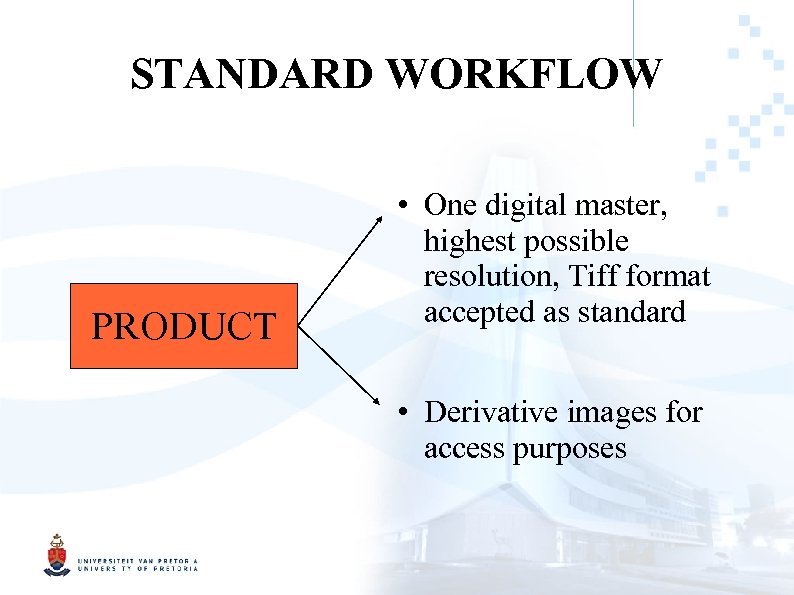 STANDARD WORKFLOW PRODUCT • One digital master, highest possible resolution, Tiff format accepted as standard • Derivative images for access purposes
 TECHNICAL OVERVIEW
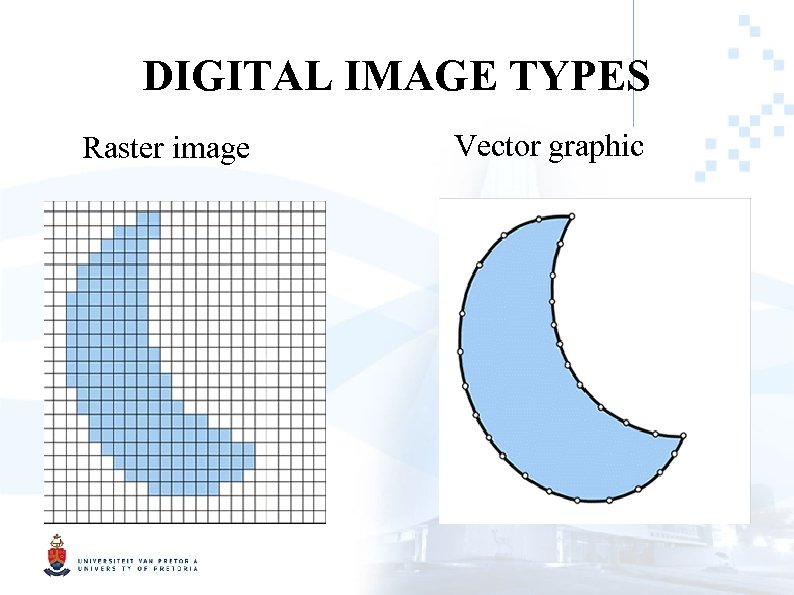 DIGITAL IMAGE TYPES Raster image Vector graphic
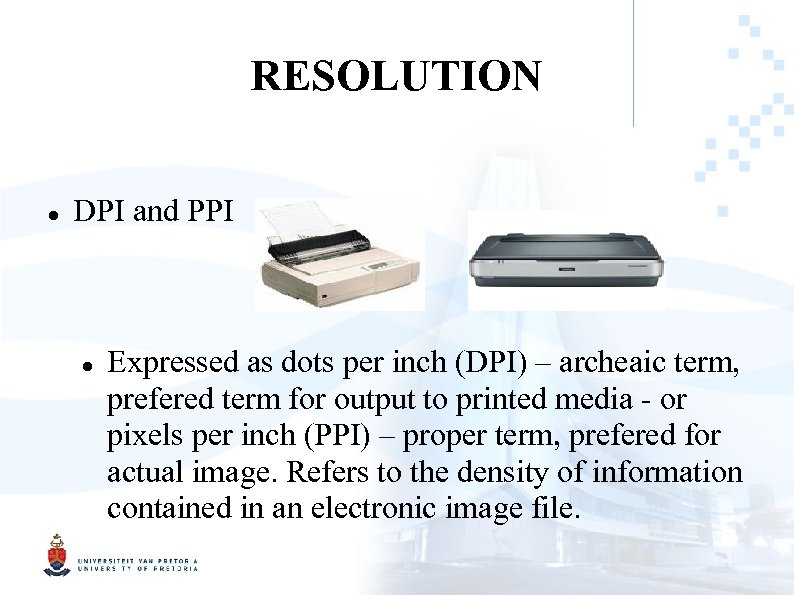 RESOLUTION DPI and PPI Expressed as dots per inch (DPI) – archeaic term, prefered term for output to printed media - or pixels per inch (PPI) – proper term, prefered for actual image. Refers to the density of information contained in an electronic image file.
 BIT-DEPTH Relates to the level of colour that will be captured. Attached to each individual pixel. Represents the tonal value of the pixel. 1 -bit image has only black and white (1 bit) 8 -bit image has 256 shades of grey (2^8 = 256 shades) 24 -bit image has millions of shades of colour (2^24 = 16, 777, 216 shades)
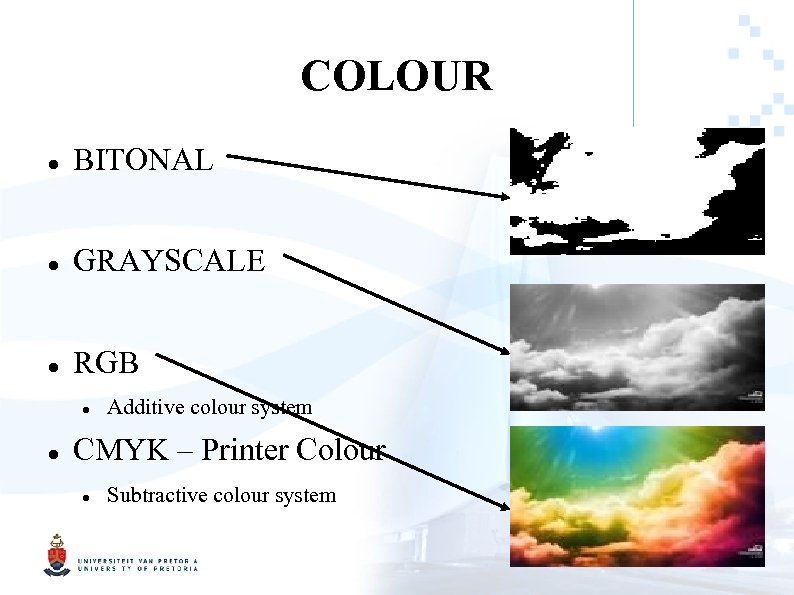 COLOUR BITONAL GRAYSCALE RGB Additive colour system CMYK – Printer Colour Subtractive colour system
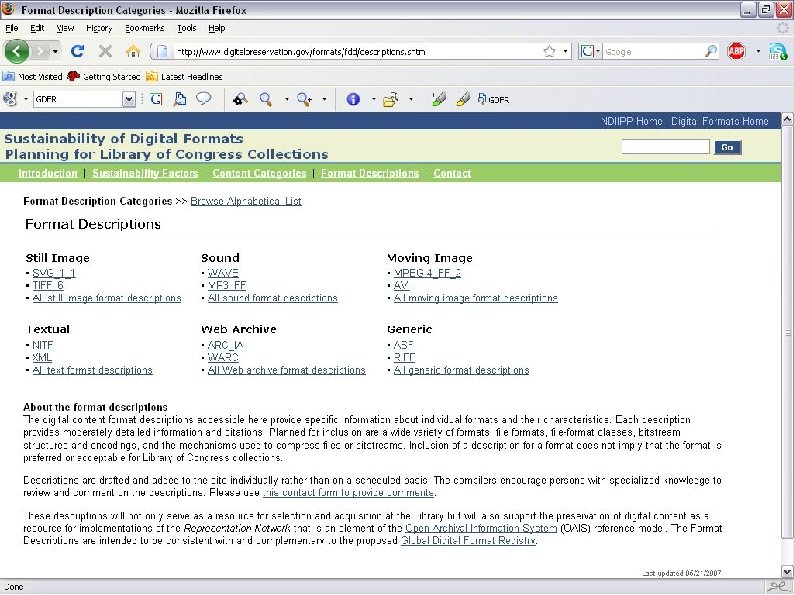
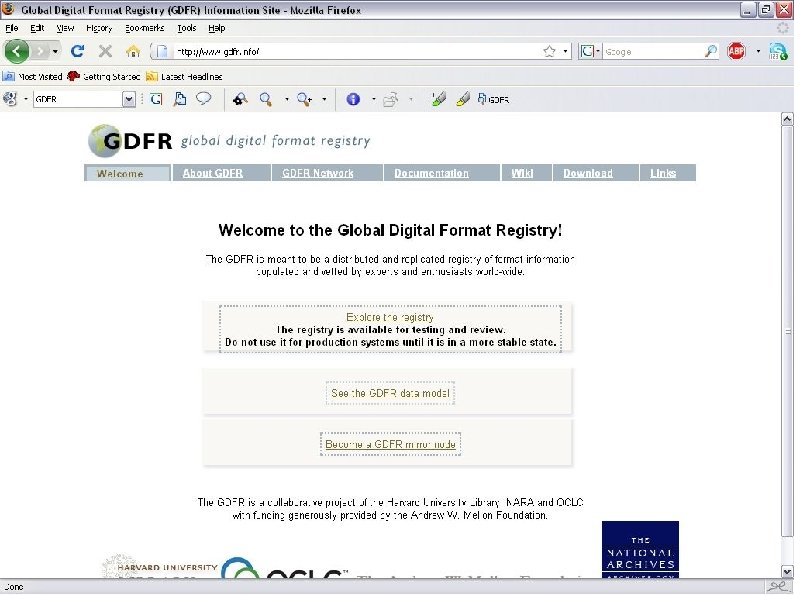
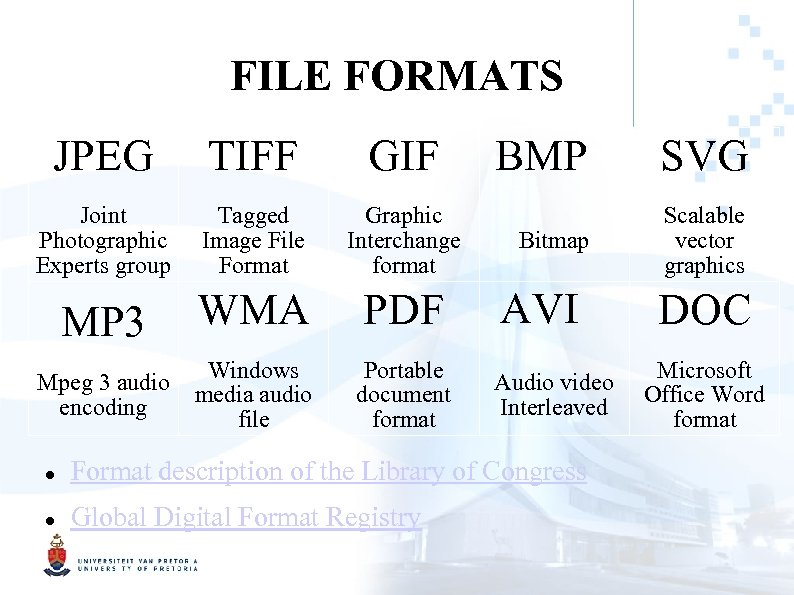 FILE FORMATS JPEG TIFF GIF Joint Photographic Experts group Tagged Image File Format Graphic Interchange format WMA PDF AVI Windows media audio file Portable document format Audio video Interleaved MP 3 Mpeg 3 audio encoding BMP SVG Bitmap Scalable vector graphics Format description of the Library of Congress Global Digital Format Registry DOC Microsoft Office Word format
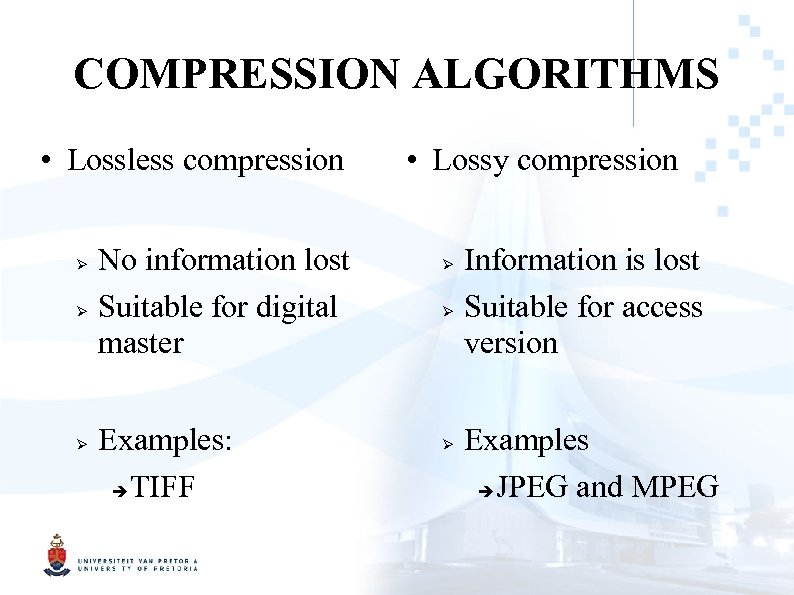 COMPRESSION ALGORITHMS • Lossless compression No information lost Suitable for digital master Examples: TIFF • Lossy compression Information is lost Suitable for access version Examples JPEG and MPEG
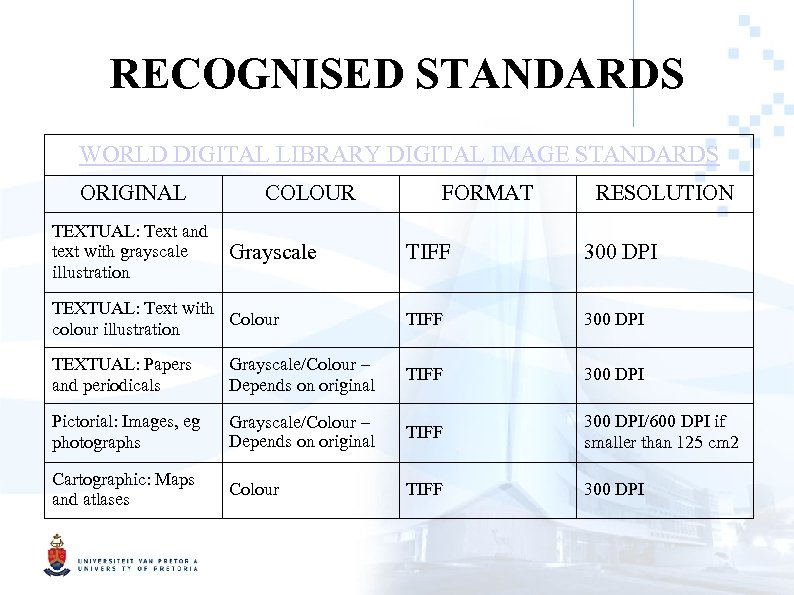 RECOGNISED STANDARDS WORLD DIGITAL LIBRARY DIGITAL IMAGE STANDARDS ORIGINAL TEXTUAL: Text and text with grayscale illustration COLOUR Grayscale FORMAT RESOLUTION TIFF 300 DPI TEXTUAL: Text with Colour colour illustration TIFF 300 DPI TEXTUAL: Papers and periodicals Grayscale/Colour – Depends on original TIFF 300 DPI Pictorial: Images, eg photographs Grayscale/Colour – Depends on original TIFF 300 DPI/600 DPI if smaller than 125 cm 2 Cartographic: Maps and atlases Colour TIFF 300 DPI
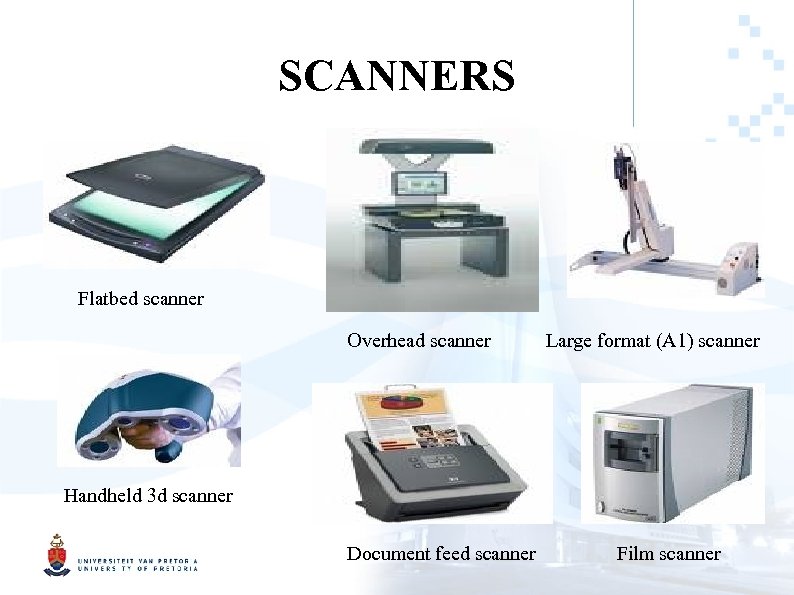 SCANNERS Flatbed scanner Overhead scanner Large format (A 1) scanner Handheld 3 d scanner Document feed scanner Film scanner
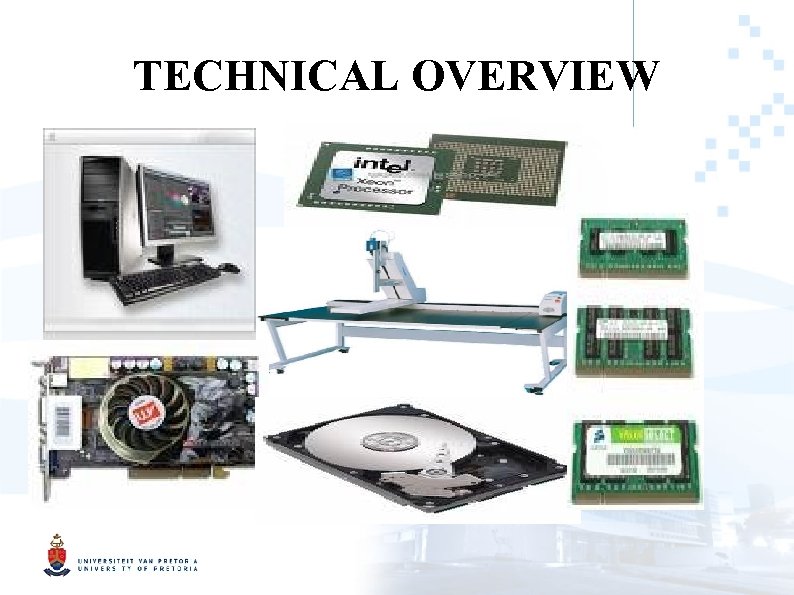
 HARDWARE • Large scale graphics processing • At least one powerfull workstation • At least one large backup server
 RECOMMENDATIONS • Scanner determined by collection • As much hardrive storage as possible • High end desktop graphics cards • As much memory (RAM) as possible • Mid level processor
 EXISTING DIGITISATION PROJECTS AND INSTITUTIONAL REPOSITORIES Michigan Digitization Project Australian digitisation projects Europeana Minnesota Digital Library World Digital Library Oxford Digital Library Native American Constitution and Law Digitization Project
 CONCLUSION Digitisation is a tool not a goal
 SOURCES AND ADDITIONAL READING • UKOLN • World Digital Library • BCR • Ask a geek