 Скачать презентацию IP Basics How the computer passport system works
bc6c0d2e967bcd7e0019c8523bfec2e2.ppt
- Количество слайдов: 22



IP Basics How the computer passport system works
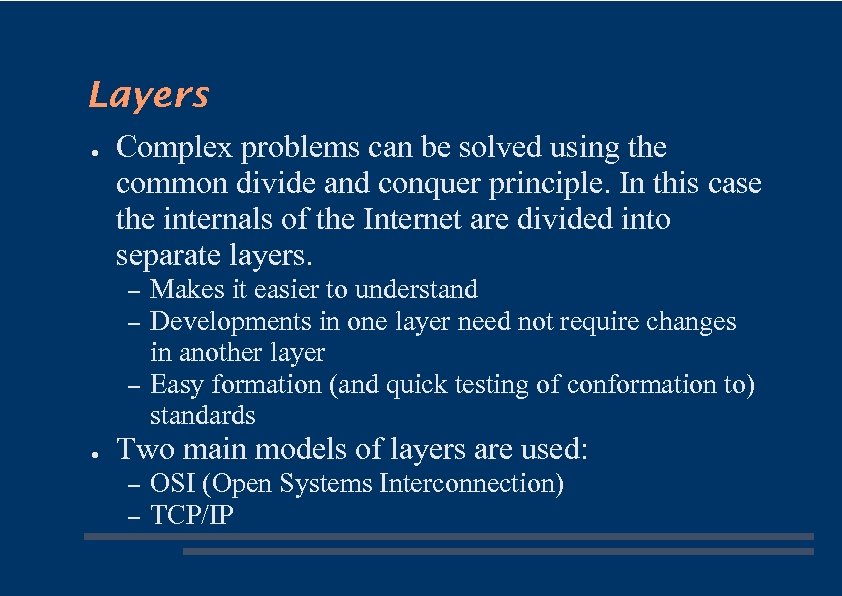
Layers ● Complex problems can be solved using the common divide and conquer principle. In this case the internals of the Internet are divided into separate layers. – – – ● Makes it easier to understand Developments in one layer need not require changes in another layer Easy formation (and quick testing of conformation to) standards Two main models of layers are used: – – OSI (Open Systems Interconnection) TCP/IP
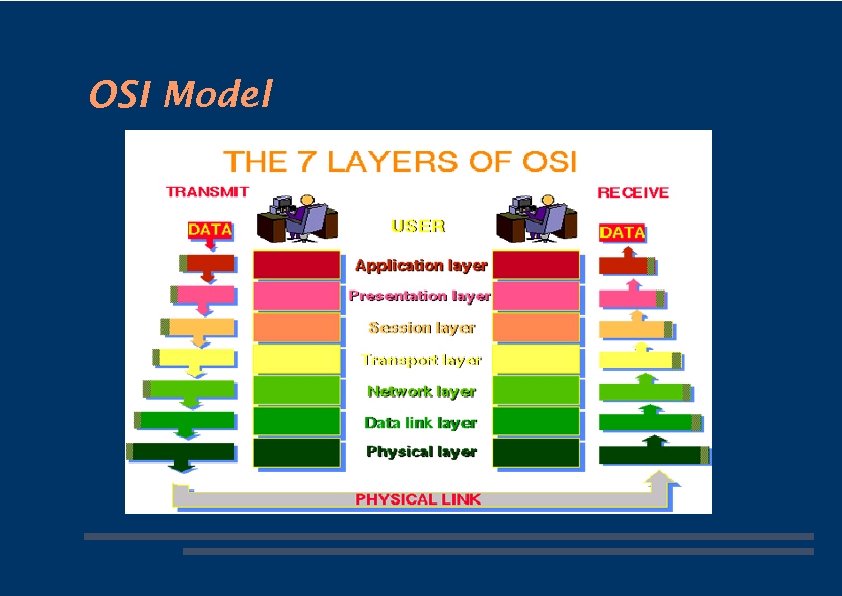
OSI Model
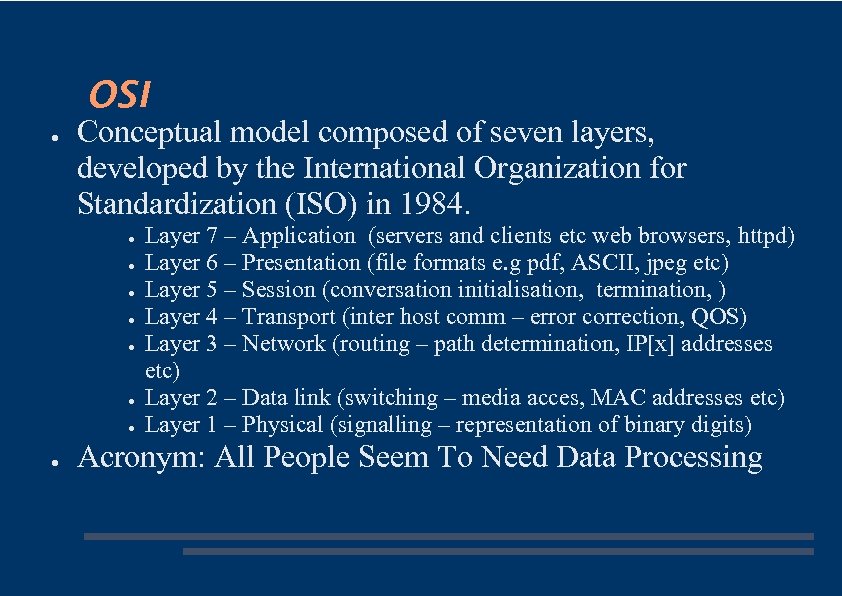
OSI ● Conceptual model composed of seven layers, developed by the International Organization for Standardization (ISO) in 1984. ● ● ● ● Layer 7 – Application (servers and clients etc web browsers, httpd) Layer 6 – Presentation (file formats e. g pdf, ASCII, jpeg etc) Layer 5 – Session (conversation initialisation, termination, ) Layer 4 – Transport (inter host comm – error correction, QOS) Layer 3 – Network (routing – path determination, IP[x] addresses etc) Layer 2 – Data link (switching – media acces, MAC addresses etc) Layer 1 – Physical (signalling – representation of binary digits) Acronym: All People Seem To Need Data Processing
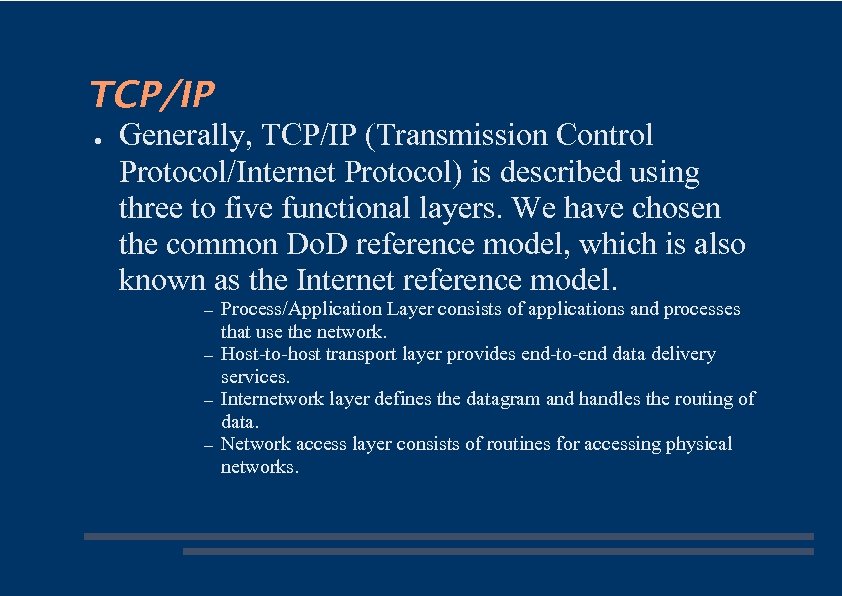
TCP/IP ● Generally, TCP/IP (Transmission Control Protocol/Internet Protocol) is described using three to five functional layers. We have chosen the common Do. D reference model, which is also known as the Internet reference model. – – Process/Application Layer consists of applications and processes that use the network. Host-to-host transport layer provides end-to-end data delivery services. Internetwork layer defines the datagram and handles the routing of data. Network access layer consists of routines for accessing physical networks.
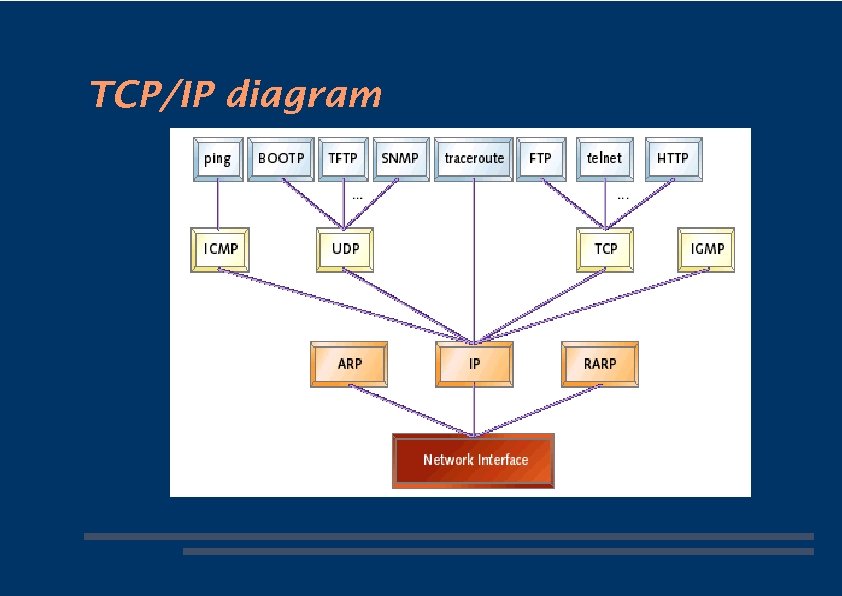
TCP/IP diagram
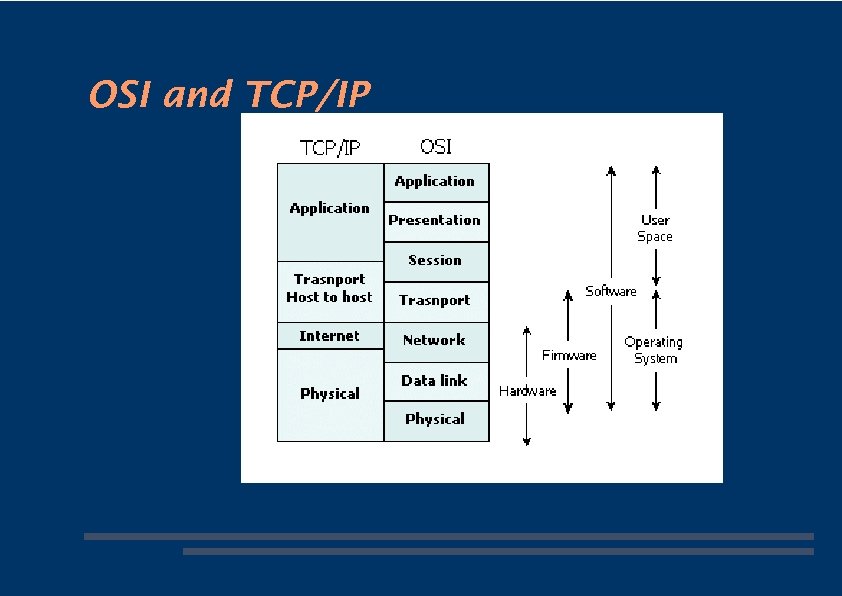
OSI and TCP/IP
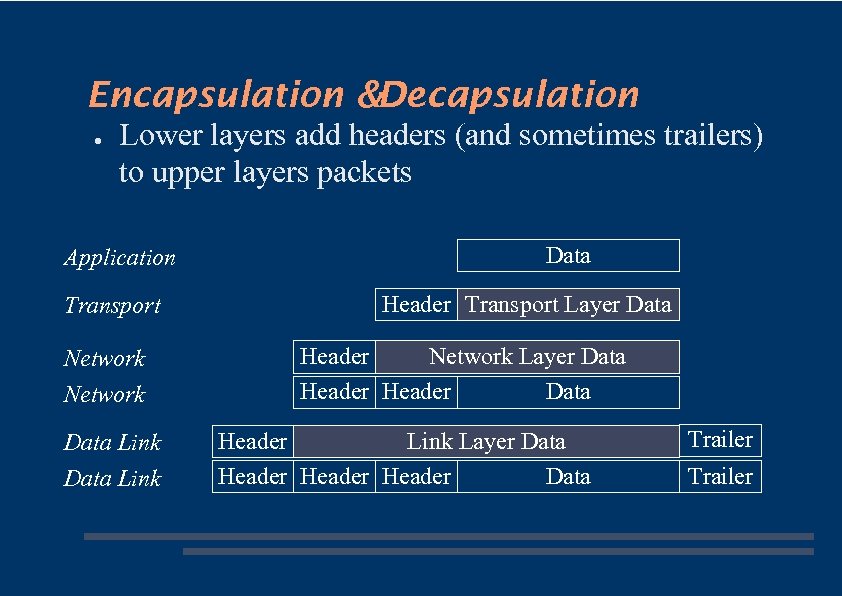
Encapsulation &Decapsulation ● Lower layers add headers (and sometimes trailers) to upper layers packets Application Transport Network Data Link Data Header Transport Layer Data Header Network Layer Data Header Link Layer Data Header Data Trailer
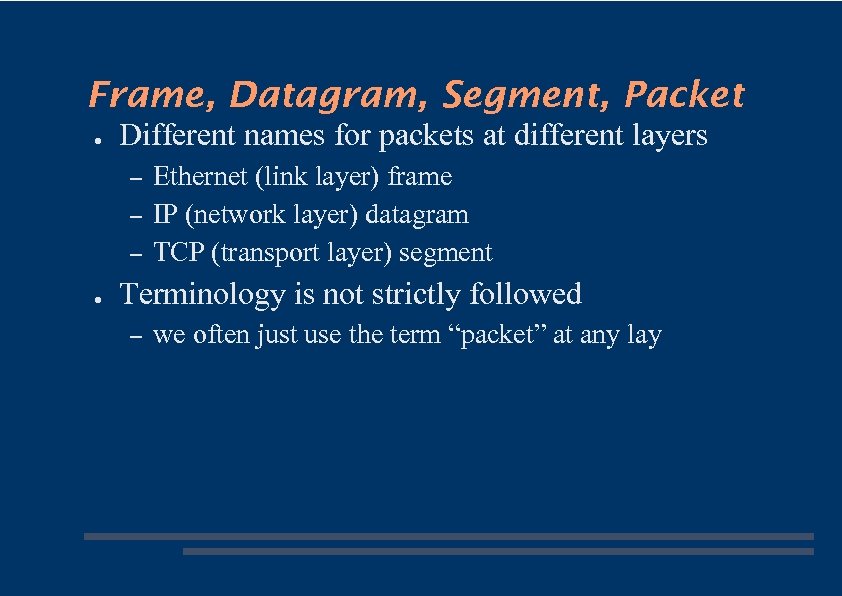
Frame, Datagram, Segment, Packet ● Different names for packets at different layers – – – ● Ethernet (link layer) frame IP (network layer) datagram TCP (transport layer) segment Terminology is not strictly followed – we often just use the term “packet” at any lay
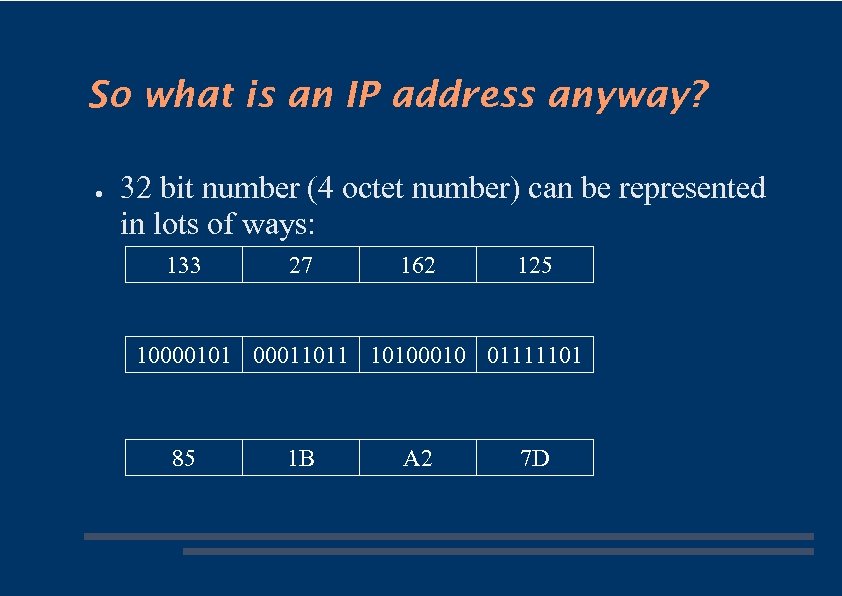
So what is an IP address anyway? ● 32 bit number (4 octet number) can be represented in lots of ways: 133 27 162 125 10000101 00011011 10100010 01111101 85 1 B A 2 7 D
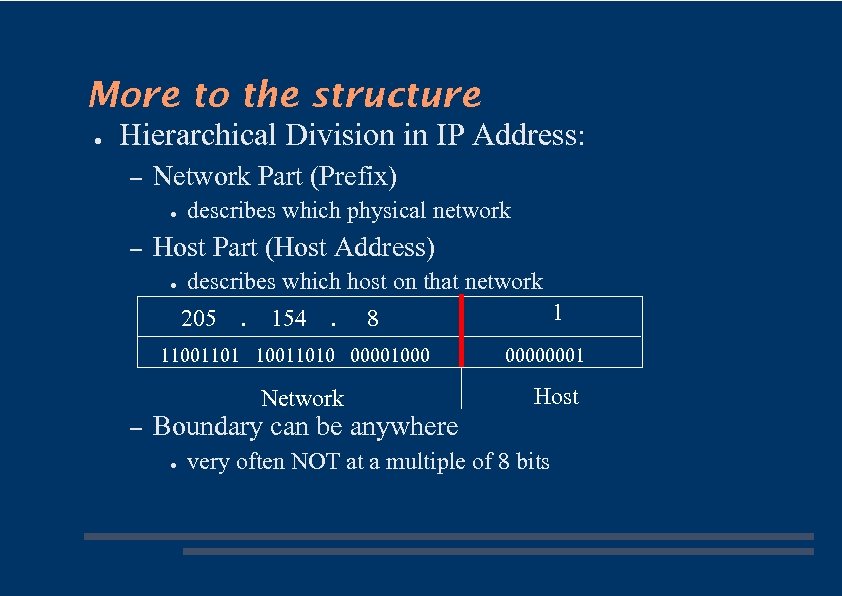
More to the structure ● Hierarchical Division in IP Address: – Network Part (Prefix) ● – describes which physical network Host Part (Host Address) ● describes which host on that network 205 . 154 . 110011010 00001000 Network – 1 8 00000001 Host Boundary can be anywhere ● very often NOT at a multiple of 8 bits
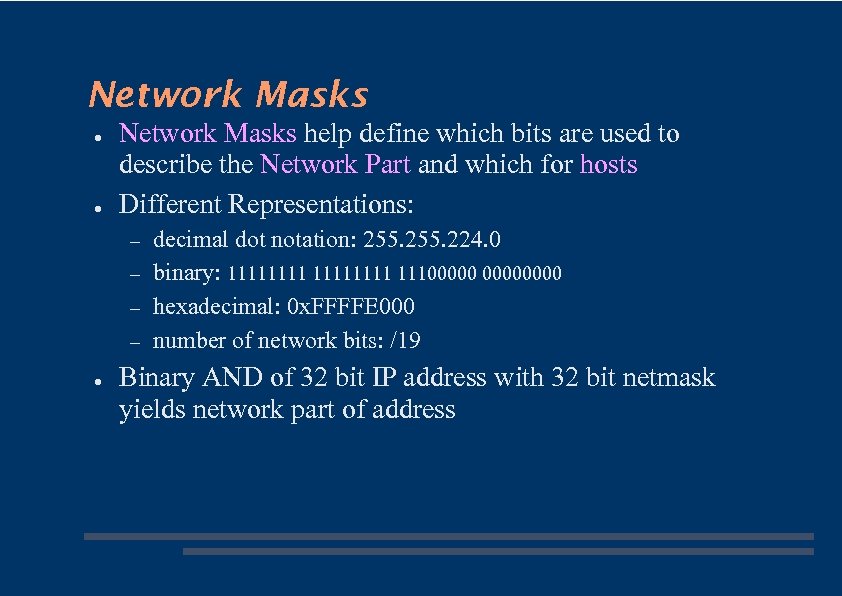
Network Masks ● ● Network Masks help define which bits are used to describe the Network Part and which for hosts Different Representations: – – ● decimal dot notation: 255. 224. 0 binary: 11111111 11100000 hexadecimal: 0 x. FFFFE 000 number of network bits: /19 Binary AND of 32 bit IP address with 32 bit netmask yields network part of address
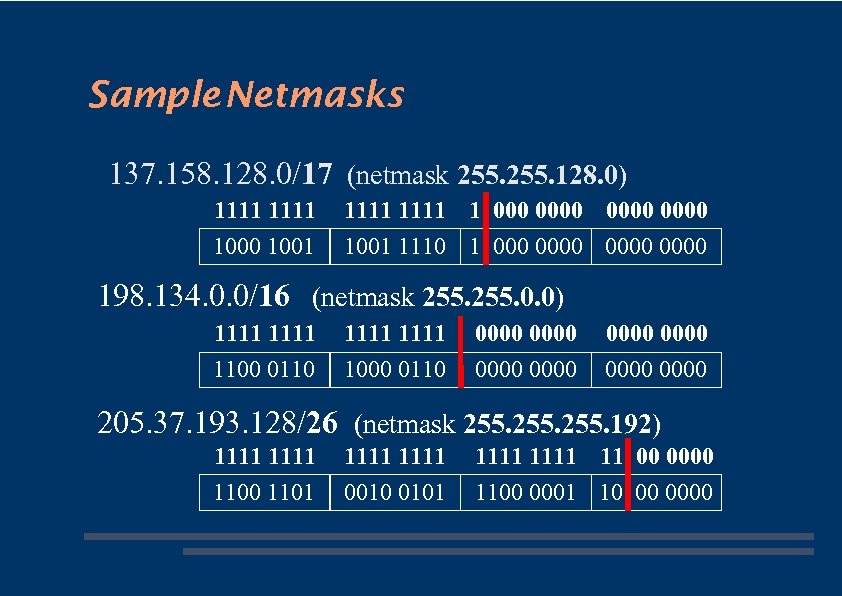
Sample Netmasks 137. 158. 128. 0/17 (netmask 255. 128. 0) 1111 1000 1001 1111 1 0000 1001 1110 1 0000 198. 134. 0. 0/16 (netmask 255. 0. 0) 1111 1100 0110 1111 1000 0110 0000 0000 205. 37. 193. 128/26 (netmask 255. 192) 1111 1100 1101 1111 0010 0101 1111 11 00 0000 1100 0001 10 00 0000
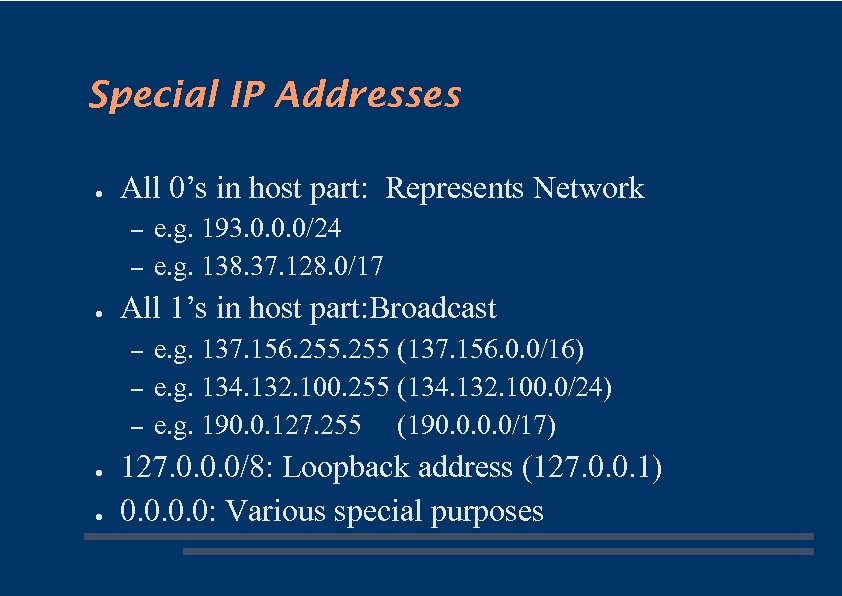
Special IP Addresses ● All 0’s in host part: Represents Network – – ● All 1’s in host part: Broadcast – – – ● ● e. g. 193. 0. 0. 0/24 e. g. 138. 37. 128. 0/17 e. g. 137. 156. 255 (137. 156. 0. 0/16) e. g. 134. 132. 100. 255 (134. 132. 100. 0/24) e. g. 190. 0. 127. 255 (190. 0/17) 127. 0. 0. 0/8: Loopback address (127. 0. 0. 1) 0. 0: Various special purposes
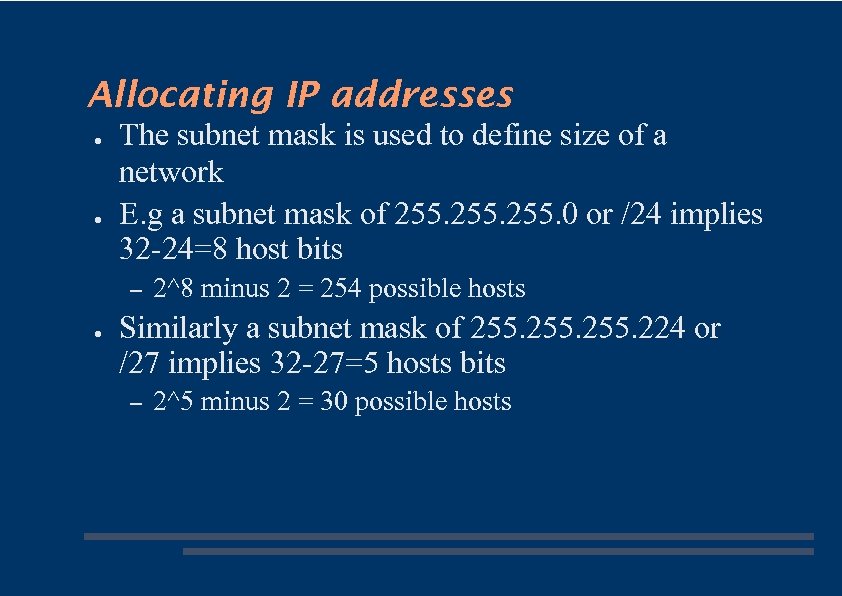
Allocating IP addresses ● ● The subnet mask is used to define size of a network E. g a subnet mask of 255. 0 or /24 implies 32 -24=8 host bits – ● 2^8 minus 2 = 254 possible hosts Similarly a subnet mask of 255. 224 or /27 implies 32 -27=5 hosts bits – 2^5 minus 2 = 30 possible hosts
Fun with subnets
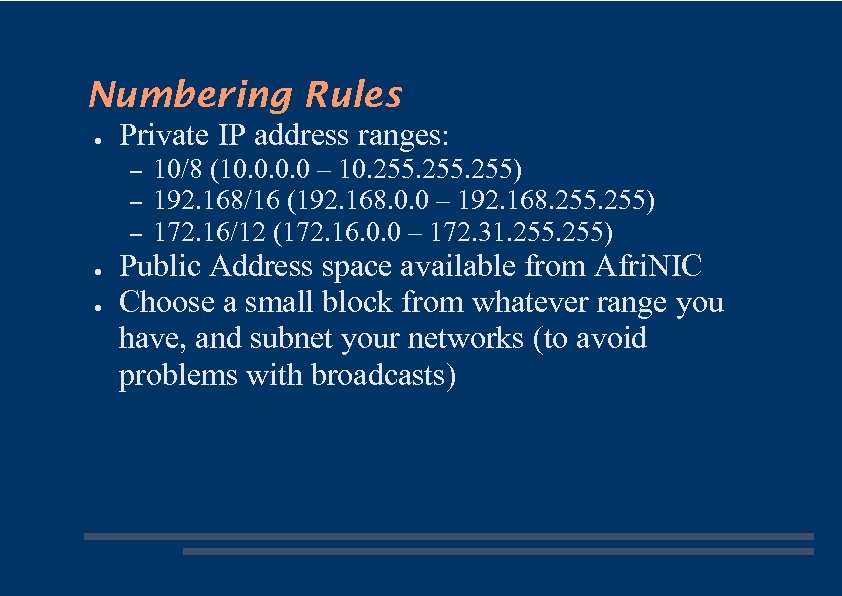
Numbering Rules ● Private IP address ranges: – – – ● ● 10/8 (10. 0 – 10. 255) 192. 168/16 (192. 168. 0. 0 – 192. 168. 255) 172. 16/12 (172. 16. 0. 0 – 172. 31. 255) Public Address space available from Afri. NIC Choose a small block from whatever range you have, and subnet your networks (to avoid problems with broadcasts)
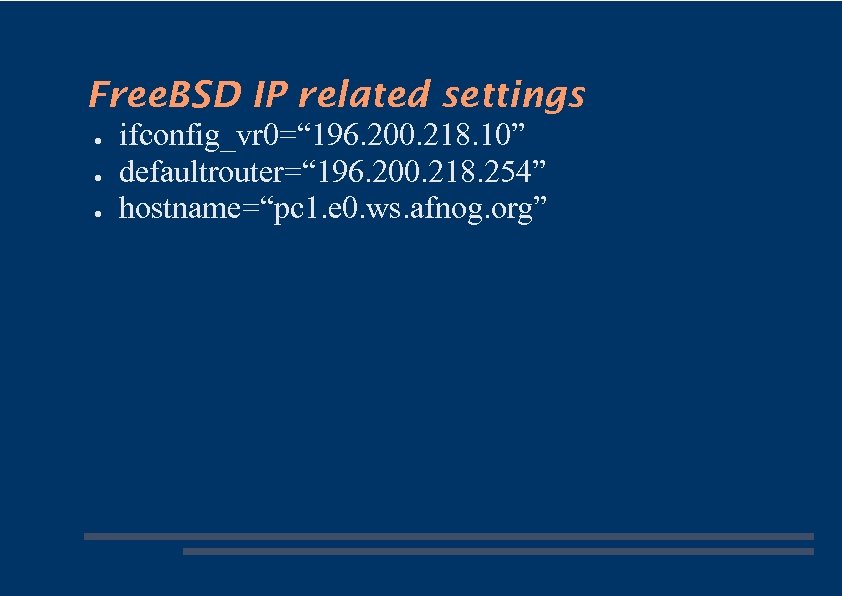
Free. BSD IP related settings ● ● ● ifconfig_vr 0=“ 196. 200. 218. 10” defaultrouter=“ 196. 200. 218. 254” hostname=“pc 1. e 0. ws. afnog. org”
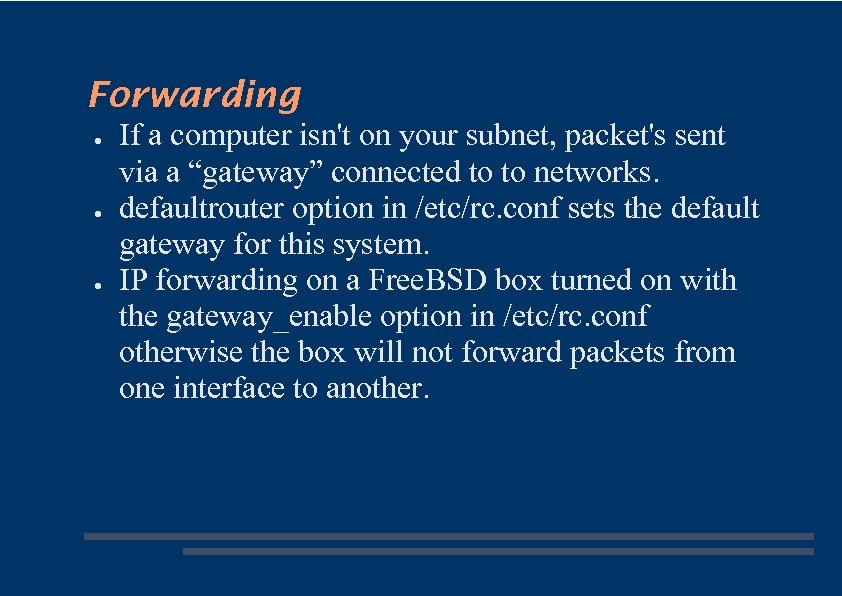
Forwarding ● ● ● If a computer isn't on your subnet, packet's sent via a “gateway” connected to to networks. defaultrouter option in /etc/rc. conf sets the default gateway for this system. IP forwarding on a Free. BSD box turned on with the gateway_enable option in /etc/rc. conf otherwise the box will not forward packets from one interface to another.
Packet Routing Exercise
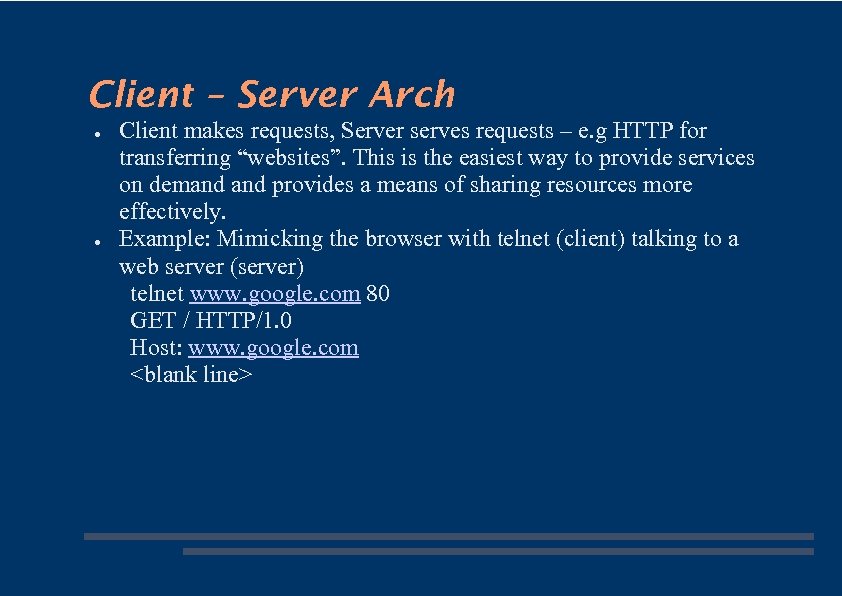
Client – Server Arch ● ● Client makes requests, Server serves requests – e. g HTTP for transferring “websites”. This is the easiest way to provide services on demand provides a means of sharing resources more effectively. Example: Mimicking the browser with telnet (client) talking to a web server (server) telnet www. google. com 80 GET / HTTP/1. 0 Host: www. google. com <blank line>
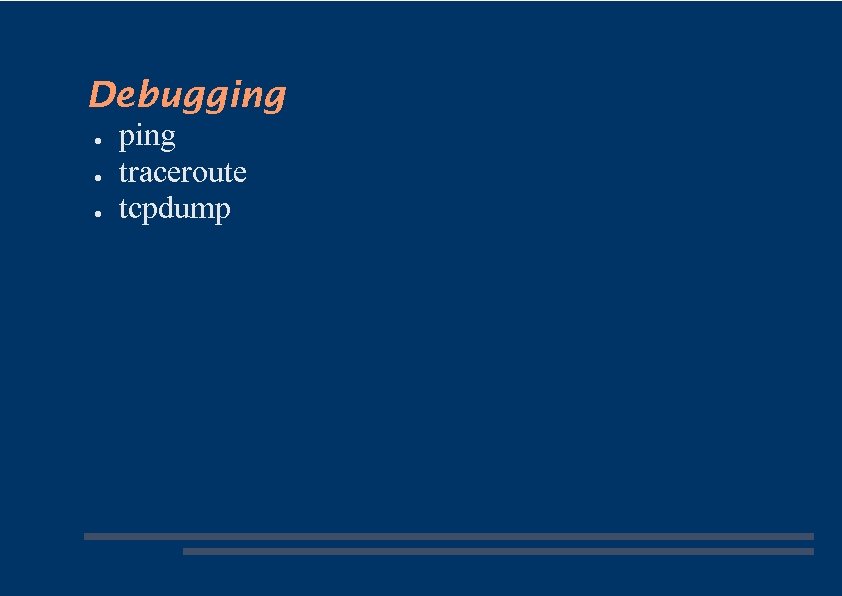
Debugging ● ● ● ping traceroute tcpdump
Скачать презентацию IP Basics How the computer passport system works
bc6c0d2e967bcd7e0019c8523bfec2e2.ppt