


 Скачать презентацию Invaders at The Gates Last Minute Defenses for
2dee5b8df2eb8c729a68ee508de66fcc.ppt
- Количество слайдов: 45
 Invaders at The Gates: Last Minute Defenses for Impending Attacks Mohammed ALDOUB Computer Engineer OWASP Kuwait chapter leader @Voulnet
 Introduction • OWASP is an organization of security volunteers with focus on openness and education. • +30, 000 subscribers, +190 chapters, +140 projects. • Vendor neutral. Really. • Focus on open source tools https: //www. owasp. org
 The Defender’s Dilemma • Defender: must protect everything at all times, and keep an eye on everything. • Attacker: needs just one weakness. One entry is enough. • • Advantage: Attackers • However, with the right tools and skills, you can turn the defender’s dilemma into…:
 The Intruder’s Dilemma* • Defender: Needs to detect just one attack attempt (even unsuccessful ones) to block attacker. • Attacker: Needs to hide all of his attack attempts. • Advantage: Defenders • * Defender’s Dilemma vs Intruder’s Dilemma, Richard Bejtlich
 Reactive Defense • Few defenders plan and install defenses ahead of time: • Project deadlines • Slow patching process: • Budgets • In reality, perfection is never the goal. The goal is to just fend off current attacks, buy time, and limit any possible damage. • Defenders must buy time and pinpoint attacks.
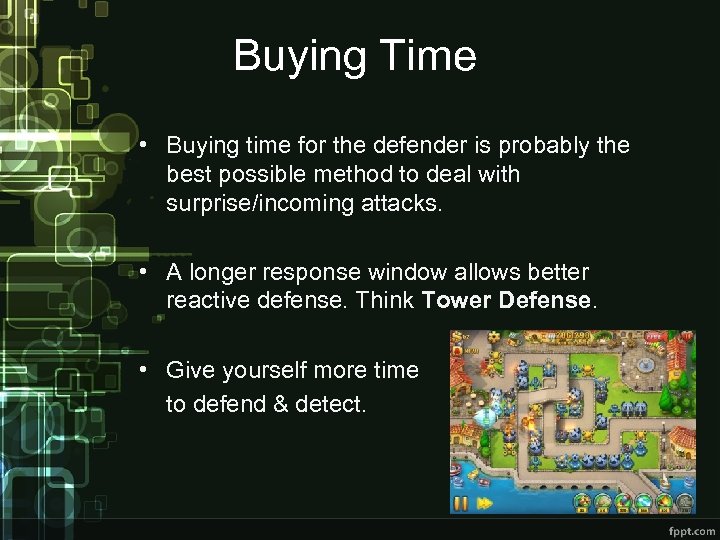 Buying Time • Buying time for the defender is probably the best possible method to deal with surprise/incoming attacks. • A longer response window allows better reactive defense. Think Tower Defense. • Give yourself more time to defend & detect.
 Impending Attacks • A hacking group declares war against your enterprise. • Or you receive notification on an incoming attack. • You are not prepared, possibly with lack of tools and policy. • Not all hope is lost, you can still save yourself!
 First Things First • Inform the other sysadmins, some lead developers, and possibly a manager. • Ask for the glaring holes: • Do we have something that is *very insecure*? • Any online systems (even if for testing) with weak credentials? (9/10 chance there are) • Is logging turned on? (you’ll need it soon) • You can’t buy time with these problems.
 Locking Down the Perimeter • If all of the working sysadmins are on-site, turn off remote access (SSH, RDP, VPN). • Turn off Remote Desktop anyways! • If sysadmins are not onsite, and need to work remotely: • Only allow their remote IP addresses • If passwords are weak, change them and send them out of band (Make sure they’re temporary!) • If there is a need to communicate, don’t use corporate email.
 Know Your Borders • Check all exposed ports and applications, and their versions. This will allow you to map the possible attack vectors and know your ground. • Expect: FTP, SMTP, test websites on port 8080, SQL exposed ports, old Wordress versions. • Don’t just use netstat, also nmap your machines from outside; this will give you a realistic result. • If possible, apply all security patches. If not possible, try Virtual Patching (coming later)
 DNS • Always overlooked! • Check your DNS zone. Take down any old, unnecessary or known-vulnerable domain. • Disable zone transfers except for trusted servers. • Don’t give attackers the luxury of knowing all of your domains.
 Defaults Are Deadly • Inquire about and remove any default accounts/passwords on your systems. People get compromised daily for this! • For IIS: Remove IISSamples, IISAdmin, IISHelp. Disable Web. DAV and FPSE. • Wordpress: Remove install. php • Oracle systems have MANY default accounts! • Attackers always check defaults (using scripts)
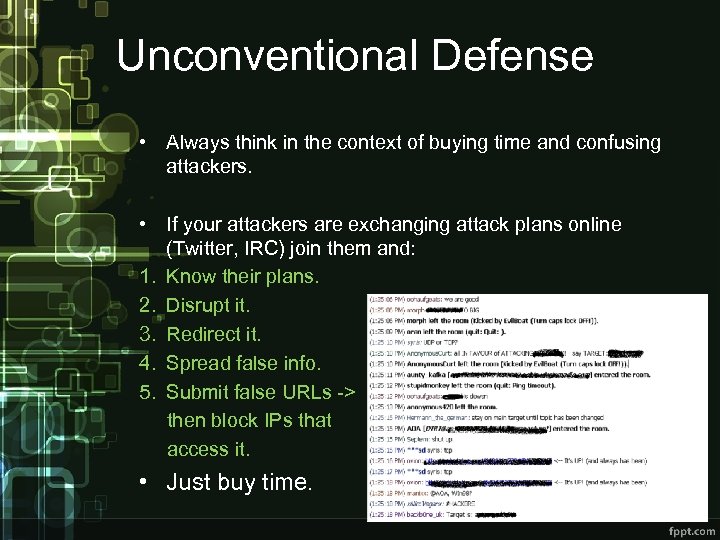 Unconventional Defense • Always think in the context of buying time and confusing attackers. • If your attackers are exchanging attack plans online (Twitter, IRC) join them and: 1. Know their plans. 2. Disrupt it. 3. Redirect it. 4. Spread false info. 5. Submit false URLs -> then block IPs that access it. • Just buy time.
 Unconventional Defense • Confuse your attackers (Or their tools) with false data. • Providing false data buys more time than no data. • Provide false server version and DB type. • Set server version info to an old vulnerable version: • Enjoy as hackers try old non-working exploits. • Buy yourself more time (and fun) • Allows you to better filter their IP addresses. • It’s okay to lie to attackers.
 Virtual Patching • Actual patching is not always feasible: • Updates may break dependencies. • Code updates take a long time • Enter Virtual Patching: • A security policy enforcement layer which prevents the exploitation of a known vulnerability. • OWASP has great resources on Virtual Patching: • Virtual Patching Best Practices • Virtual Patching Cheat Sheet
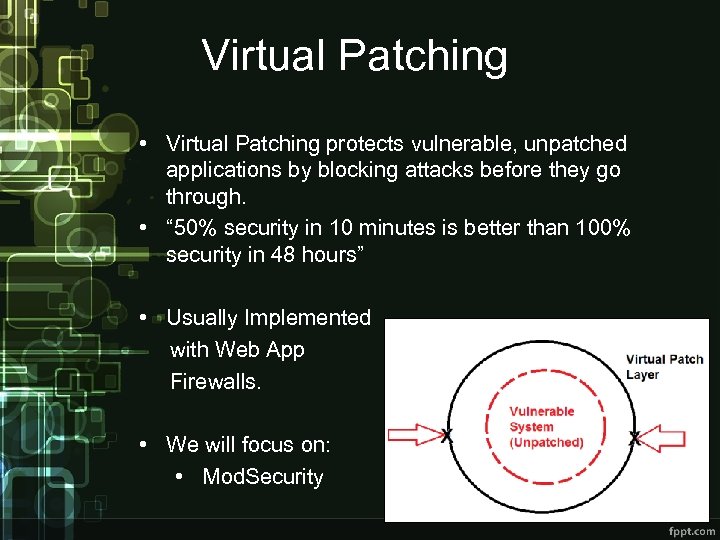 Virtual Patching • Virtual Patching protects vulnerable, unpatched applications by blocking attacks before they go through. • “ 50% security in 10 minutes is better than 100% security in 48 hours” • Usually Implemented with Web App Firewalls. • We will focus on: • Mod. Security
 Mod. Security • Mod. Security is a Web Application Firewall from Trustwave that detects attack patterns and blocks malicious requests before they reach an application. • Mod. Security works on Apache, IIS and Nginx. • Mod. Security needs rules to work. • OWASP publishes excellent rules.
 OWASP Mod. Security Core Rule Set Project • OWASP provides an excellent list of free rules for Mod. Security, protecting you against SQL Injection, XSS, Command Injection…etc • Easy to install on any system, and easy to configure. Can be done in 5 minutes! • A very important addition to your defenses! • You must try Mod. Security!
 OWASP Mod. Security Core Rule Set Project • Components: • A modsecurity. conf-recommended file to bootstrap Mod. Security rules. • The rest of the Mod. Security rules (We will use OWASP CRS rules) • The Mod. Security log files. • Setting up: • Windows: Use official installer. • Linux: Source or distro repositories.
 OWASP Mod. Security Core Rule Set Project • After installing Mod. Security, copy the OWASP CRS rule files into location (apache conf or IIS inetpub). • Set Sec. Rule. Engine to Detection. Only as a safe start in modsecurity. conf-recommended file. • When all is okay, set it to On to start blocking. • Copy or symlink the desired rules to activated_rules directory. • Include them in the modsecurity. conf-recommended file by adding: • Include modsecurity_crs_10_setup. conf • Include activated_rules*. conf
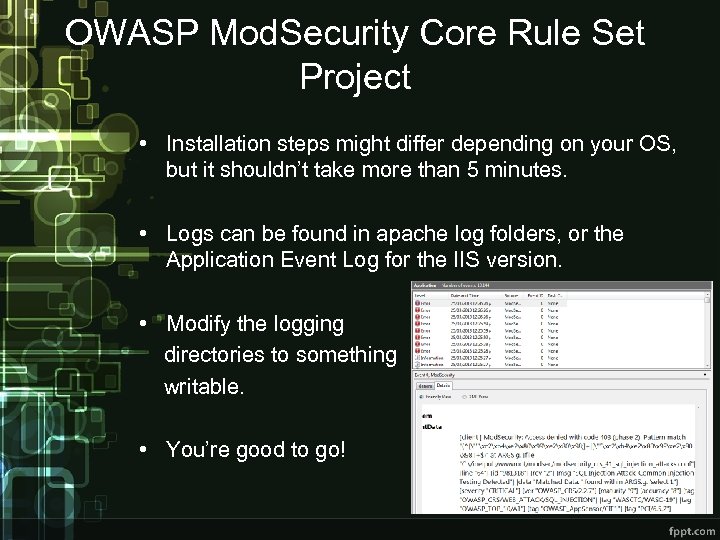 OWASP Mod. Security Core Rule Set Project • Installation steps might differ depending on your OS, but it shouldn’t take more than 5 minutes. • Logs can be found in apache log folders, or the Application Event Log for the IIS version. • Modify the logging directories to something writable. • You’re good to go!
 Augmented Virtual Patching • Instead of hoping your Mod. Security rules just work, you can augment it with dynamically-created rules. • More Mod. Security rules can be created out of Security Scanners results! • Scan with Arachni, OWASP ZAP Proxy and others. • Use arachni 2 modsec. pl and zap 2 modsec. pl scripts to generate rules based on your web app vulns.
 OWASP Zed Attack Proxy • An excellent, easy to use integrated security testing tool by OWASP. • Features: Active/Passive scanning, crawling, bruteforcing, spidering, fuzzing, smartcard support…etc • Use it against your web applications, then generate Mod. Security rules with the zap 2 modsec. pl script to block attacks. • An easy method to add another defense
 You still have to Secure It • Even with virtual patching, WAFs, and security patches, you still have to secure your configurations and watch your logs. • We will discuss quick and dirty security notes for Apache, IIS, Linux and Windows. • We won’t focus on hardening tips that take a lot of time and planning. If you had time, you shouldn’t be in trouble! • Understand what you do. Don’t screw your systems.
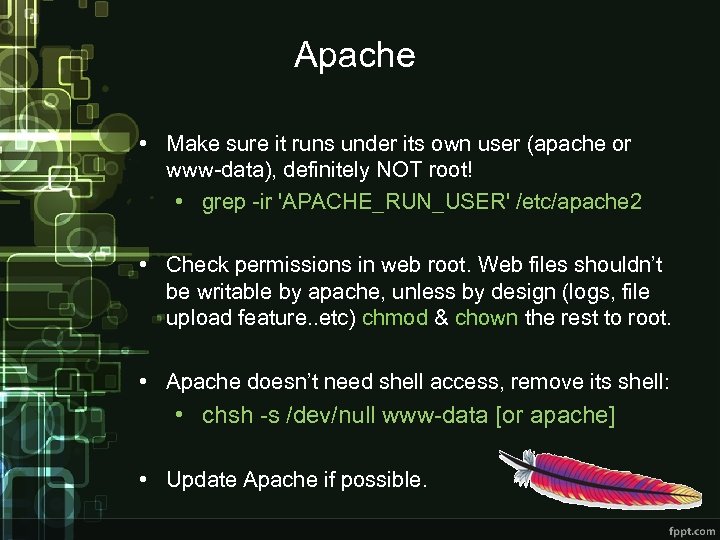 Apache • Make sure it runs under its own user (apache or www-data), definitely NOT root! • grep -ir 'APACHE_RUN_USER' /etc/apache 2 • Check permissions in web root. Web files shouldn’t be writable by apache, unless by design (logs, file upload feature. . etc) chmod & chown the rest to root. • Apache doesn’t need shell access, remove its shell: • chsh -s /dev/null www-data [or apache] • Update Apache if possible.
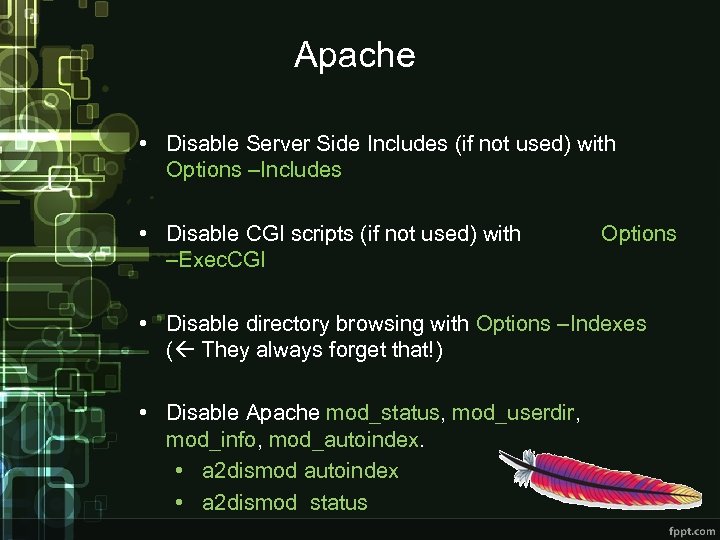 Apache • Disable Server Side Includes (if not used) with Options –Includes • Disable CGI scripts (if not used) with –Exec. CGI Options • Disable directory browsing with Options –Indexes ( They always forget that!) • Disable Apache mod_status, mod_userdir, mod_info, mod_autoindex. • a 2 dismod autoindex • a 2 dismod status
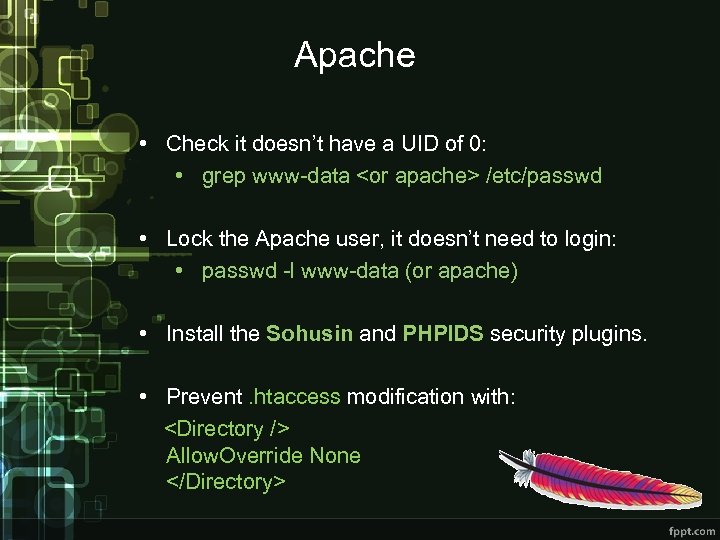 Apache • Check it doesn’t have a UID of 0: • grep www-data
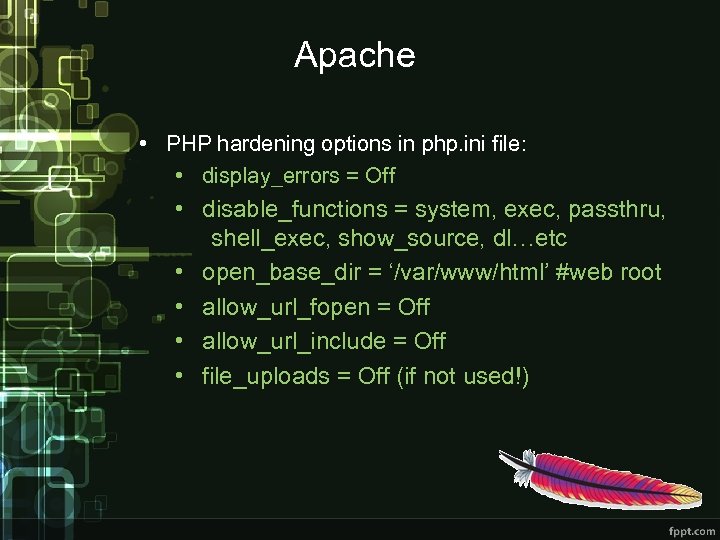 Apache • PHP hardening options in php. ini file: • display_errors = Off • disable_functions = system, exec, passthru, shell_exec, show_source, dl…etc • open_base_dir = ‘/var/www/html’ #web root • allow_url_fopen = Off • allow_url_include = Off • file_uploads = Off (if not used!)
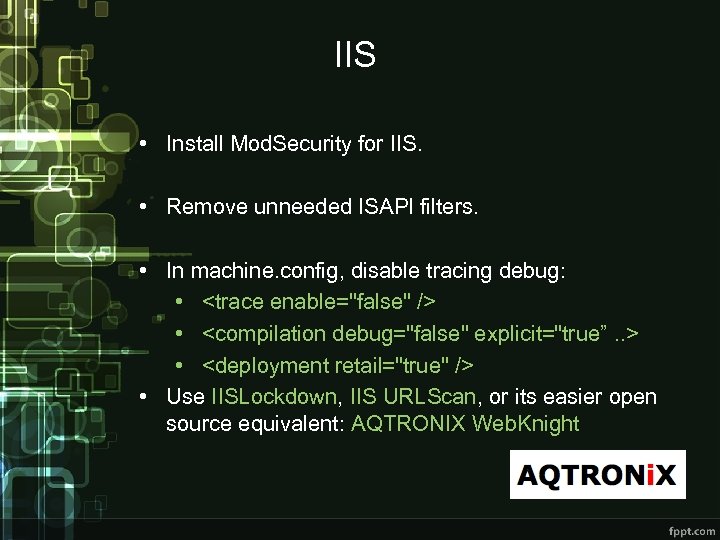 IIS • Install Mod. Security for IIS. • Remove unneeded ISAPI filters. • In machine. config, disable tracing debug: •
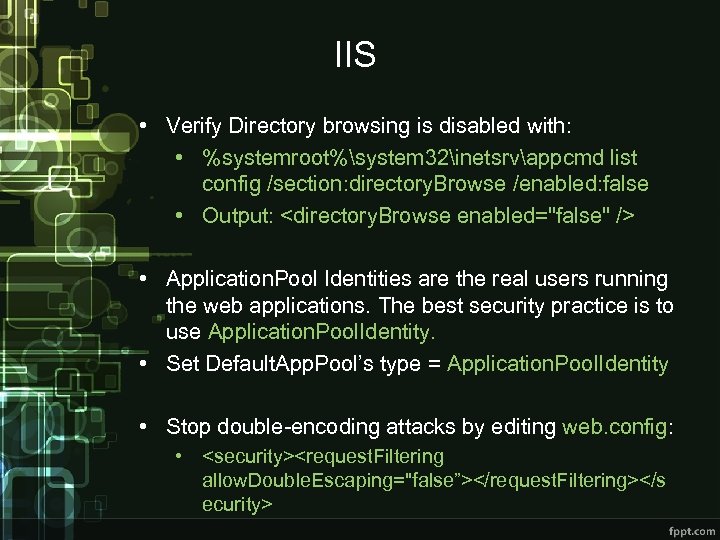 IIS • Verify Directory browsing is disabled with: • %systemroot%system 32inetsrvappcmd list config /section: directory. Browse /enabled: false • Output:
 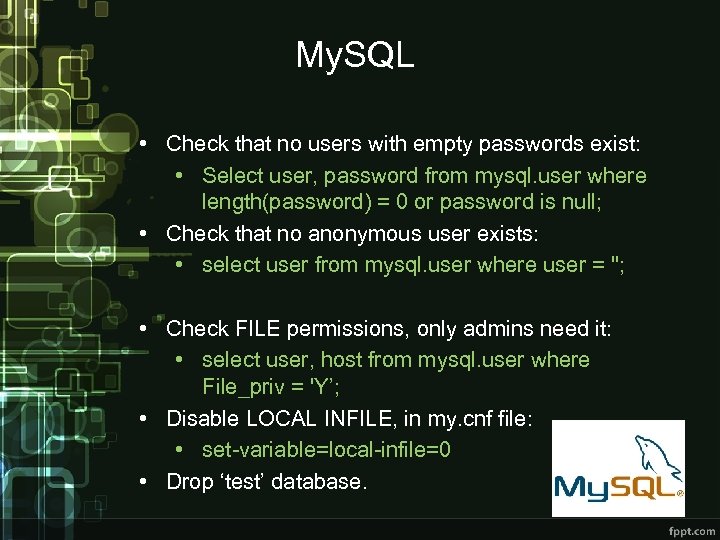 My. SQL • Check that no users with empty passwords exist: • Select user, password from mysql. user where length(password) = 0 or password is null; • Check that no anonymous user exists: • select user from mysql. user where user = ''; • Check FILE permissions, only admins need it: • select user, host from mysql. user where File_priv = 'Y’; • Disable LOCAL INFILE, in my. cnf file: • set-variable=local-infile=0 • Drop ‘test’ database.
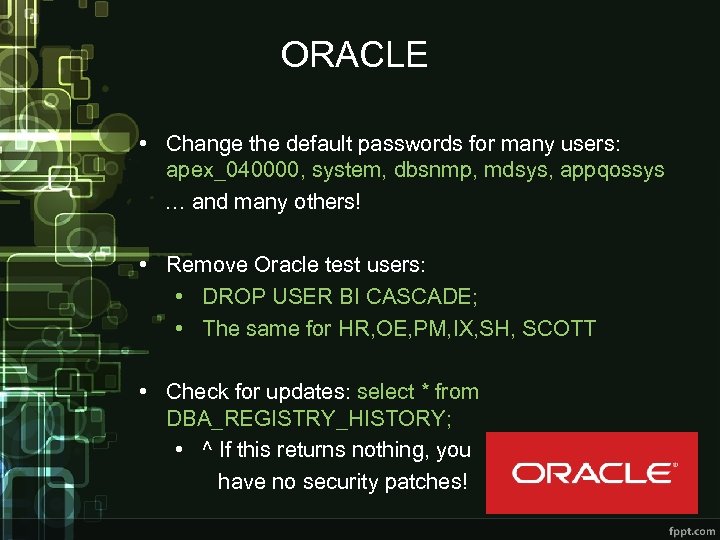 ORACLE • Change the default passwords for many users: apex_040000, system, dbsnmp, mdsys, appqossys … and many others! • Remove Oracle test users: • DROP USER BI CASCADE; • The same for HR, OE, PM, IX, SH, SCOTT • Check for updates: select * from DBA_REGISTRY_HISTORY; • ^ If this returns nothing, you have no security patches!
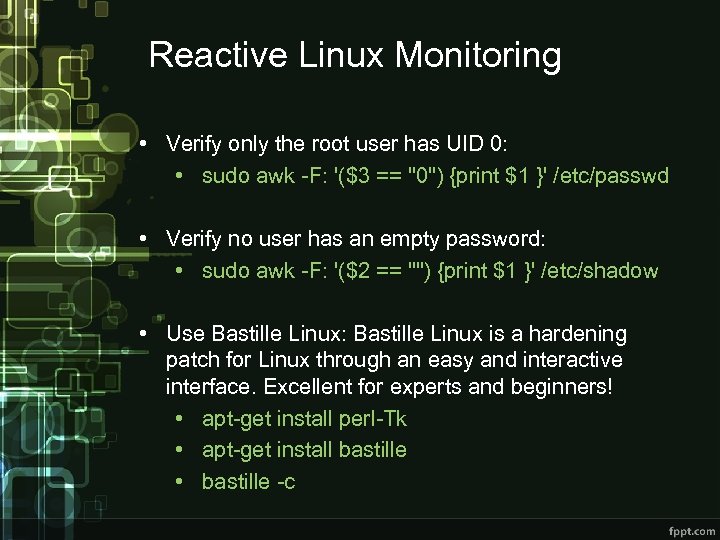 Reactive Linux Monitoring • Verify only the root user has UID 0: • sudo awk -F: '($3 == "0") {print $1 }' /etc/passwd • Verify no user has an empty password: • sudo awk -F: '($2 == "") {print $1 }' /etc/shadow • Use Bastille Linux: Bastille Linux is a hardening patch for Linux through an easy and interactive interface. Excellent for experts and beginners! • apt-get install perl-Tk • apt-get install bastille • bastille -c
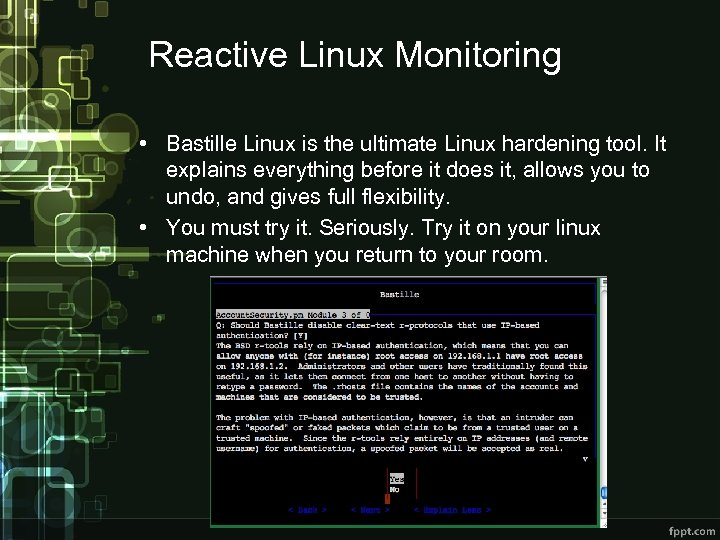 Reactive Linux Monitoring • Bastille Linux is the ultimate Linux hardening tool. It explains everything before it does it, allows you to undo, and gives full flexibility. • You must try it. Seriously. Try it on your linux machine when you return to your room.
 Reactive Linux Monitoring • Check the processes under a user, verify only verified ones are running: • top -u apache / top –U www-data • Check user login activitiy with w, who, lastlog • Check bash history with cat. bash_history • Check active cron jobs with ls /etc/cron. * • Check active processes with ps aux, note the ones running under root!
 Reactive Linux Monitoring • Check your network connections with netstat –tulpan • Entries with 0. 0 are open to all interfaces. • Or use lsof –i, it might be clearer for you: • root starts just one apache process to bind on port 80, don’t be scared by that. It is okay. • You might see connections with *. 1 e 100. net. Don’t worry, that is not malware. It’s just Google. • Use tcpdump to check connections on unusual ports: • tcpdump -i
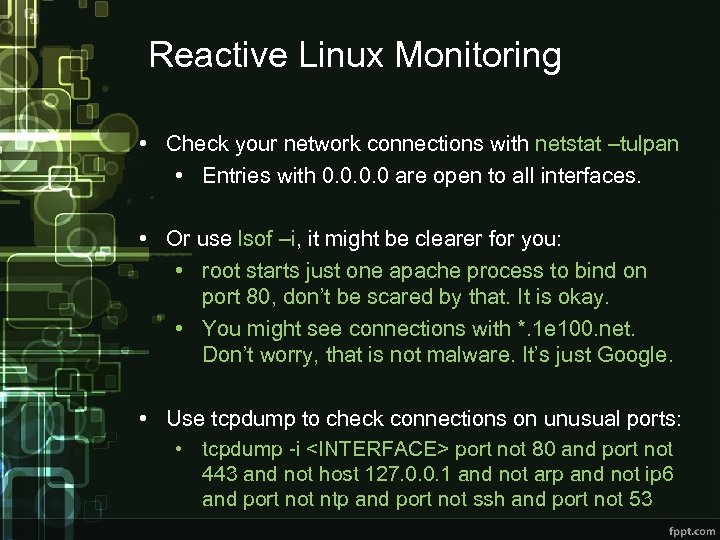 Reactive Linux Monitoring • Check your network connections with netstat –tulpan • Entries with 0. 0 are open to all interfaces. • Or use lsof –i, it might be clearer for you: • root starts just one apache process to bind on port 80, don’t be scared by that. It is okay. • You might see connections with *. 1 e 100. net. Don’t worry, that is not malware. It’s just Google. • Use tcpdump to check connections on unusual ports: • tcpdump -i
 OSSEC HIDS • You might want to check out OSSEC Host-based Intrusion Detection System. Free and open source! • http: //www. ossec. net/ • OSSEC performs excellent functions like file integrity/changes check, rootkit checks, CIS (Center for Internet Security) benchmark checks, VMware security checks, email alerts…etc • Works in almost all systems, and is very easy to setup. Give it a try.
 Reactive Windows Monitoring • The easiest way to start to secure your windows installation is by running Microsoft Baseline Security Analyzer (MBSA). • Use TCPView to check your network connections. • Use Filemon to check your file activities. Focus on the inetpub/wwwroot directory activities. • Use sigverif to verify integrity of system files.
 Reactive Windows Monitoring • Check Windows startup folders and registry keys for unauthorized entries: • • SoftwareMicrosoftWindowsCurrent. VersionRun. Once. Ex … and others. • Check no guest access or null sessions are allowed.
 Error Logging and Monitoring • The basis of reactive defense is watching errors as they come in. Attackers are very noisy with errors & exceptions. Watch your error logs! • Many tools exist, from simple grep & awk to commercial offerings. • Make sure you enabled advanced/detailed logging. • Watch 5 xx HTTP errors, as they usually point to failed attacks or application faults. • Too many 404, 403, 401 & 400 = possible attacks
 Error Logging and Monitoring • Search or grep for keywords such as authentication, error, access, 404, 403, denied, failed, password, exception, NULL, UNION, OR 1=1, --, * • You will always find interesting results! • Be careful about handling sensitive/personal data while checking error logs. If you ever need to submit it to somebody for review & help; remove such info! • Linux compresses older log files. Search with: • zgrep KEYWORD FILENAME • zcat FILENAME | grep KEYWORD
 Be on the Look Out • Always survey the internet for any signs of exposure or attacks against your systems. • Set up Google Alerts for your organization’s keywords. • Set up Pastebin alerts for any leak on your organization. • Search Twitter for any targeted links. • Keep an eye on what Google indexes on you!
 Reading Room • Visit www. owasp. org for detailed & thorough security guidelines, projects, tools, articles and more! • OWASP Top Ten • OWASP Mod. Security Core Rule Set • OWASP Cheat Sheets • OWASP Zed Attack Proxy (ZAP) • Center for Internet Security (CIS): • https: //benchmarks. cisecurity. org • A vast collection of security benchmarks and guidelines for a wide array of systems and software.
 References • • www. owasp. org https: //benchmarks. cisecurity. org/ https: //modsecurity. org SANS Intrusion Detection Cheat Sheets: • http: //pen-testing. sans. org/resources/downloads • http: //www. aqtronix. com/ • www. ossec. net