

Introduction to Vertex Shaders Richard Huddy [email protected] What

![Instruction format Generally of the form: OpName dest, [-]s1 [,[-]s2 [,[-]s3]] ;comment e.g.](https://present5.com/presentacii-2/20171208\20128-introduction_dx8_vertex_shaders.ppt\20128-introduction_dx8_vertex_shaders_18.jpg "Instruction format Generally of the form: OpName dest, [-]s1 [,[-]s2 [,[-]s3]] ;comment e.g.")
![Clamp to [0, 1] Range ; compute r0 = (r0 < 0) ? 0](https://present5.com/presentacii-2/20171208\20128-introduction_dx8_vertex_shaders.ppt\20128-introduction_dx8_vertex_shaders_37.jpg "Clamp to [0, 1] Range ; compute r0 = (r0 < 0) ? 0")

 Скачать презентацию Introduction to Vertex Shaders Richard Huddy [email protected] What
20128-introduction_dx8_vertex_shaders.ppt
- Количество слайдов: 45
Introduction to Vertex Shaders Richard Huddy [email protected]
What you guys have been asking for… Complete control of the transformation and lighting pipeline Custom vertex lighting Custom skinning and blending Custom texgen Custom texture matrix operations
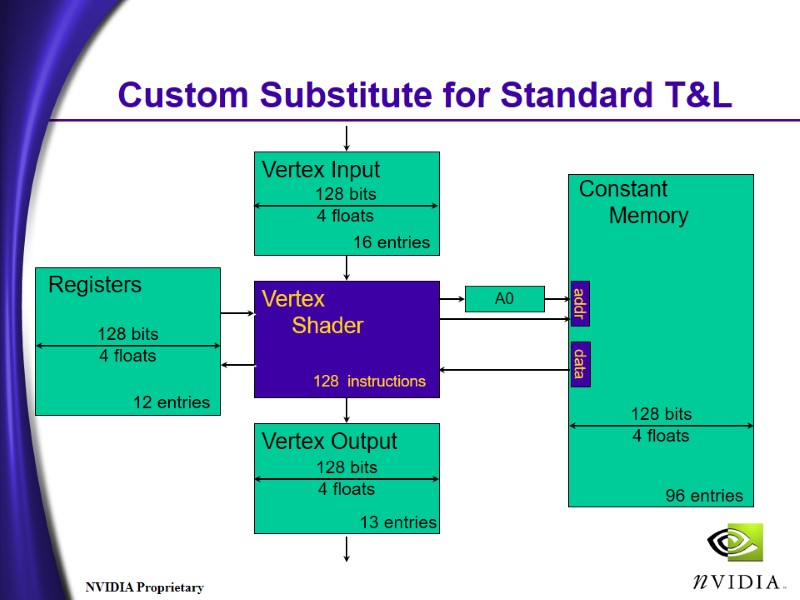
Enter the Vertex Shader Assembly language interface to the transformation and lighting engine Instruction set to perform all vertex TnL Constant table to store data (matrices, light position, attenuation, etc) Registers to save intermediate data Reads an untransformed, unlit vertex Creates a transformed and lit vertex
Assembly language Fixed, complete, very powerful SIMD instruction set Four operations simultaneously (argb, xyzw) Dynamically loaded between primitive calls Extensive support for vector and matrix operations (lighting, rotations, etc.) Capable of efficiently implementing the entire functionality of Fixed Function Pipeline
Custom Substitute for Standard T&L Constant Memory 96 entries 16 entries 13 entries 12 entries Vertex Input Vertex Output Registers Vertex Shader A0 128 instructions addr data
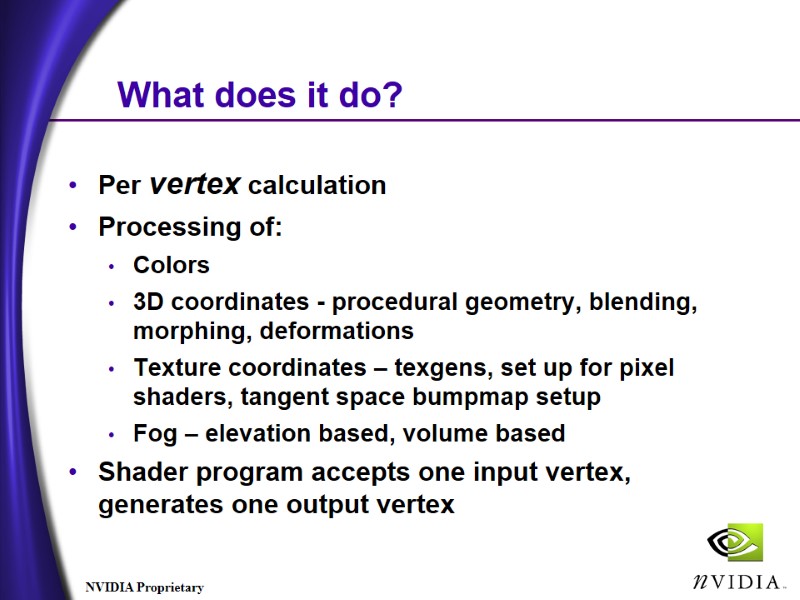
What does it do? Per vertex calculation Processing of: Colors 3D coordinates - procedural geometry, blending, morphing, deformations Texture coordinates – texgens, set up for pixel shaders, tangent space bumpmap setup Fog – elevation based, volume based Shader program accepts one input vertex, generates one output vertex
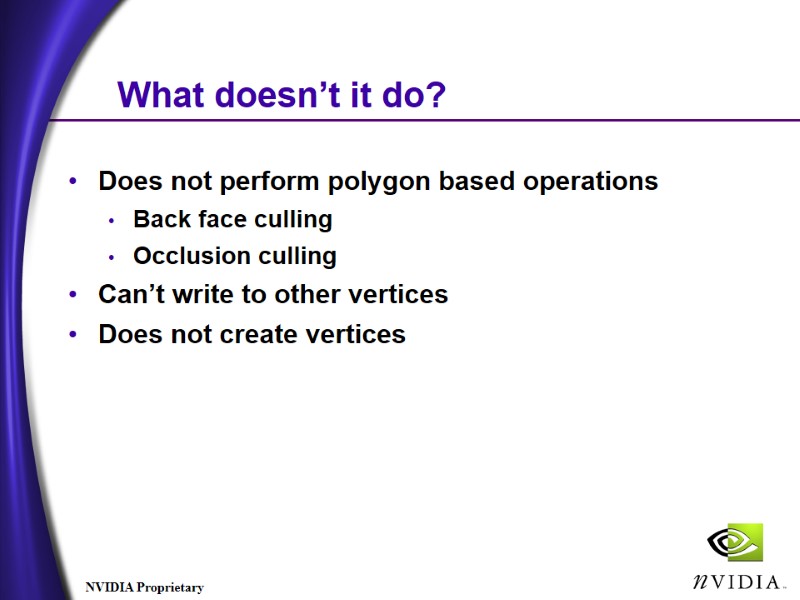
What doesn’t it do? Does not perform polygon based operations Back face culling Occlusion culling Can’t write to other vertices Does not create vertices
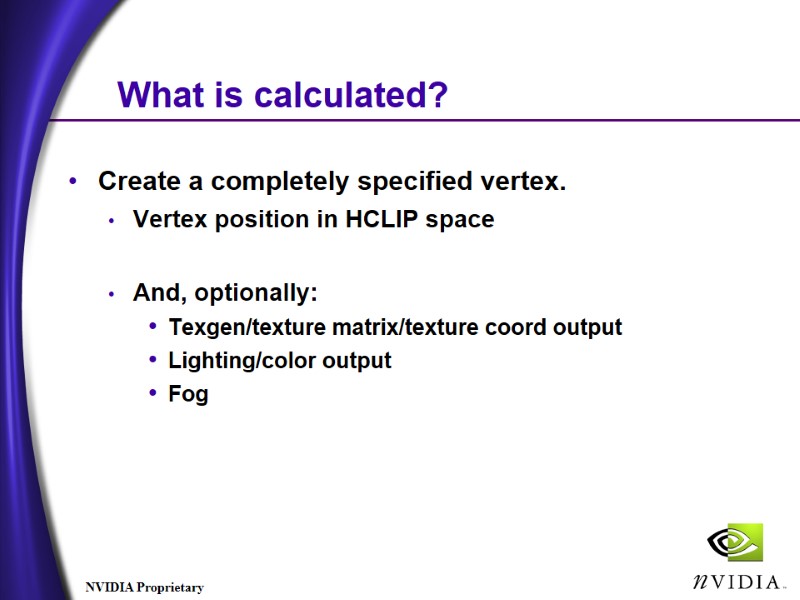
What is calculated? Create a completely specified vertex. Vertex position in HCLIP space And, optionally: Texgen/texture matrix/texture coord output Lighting/color output Fog
Then what happens? Frustum clip Homogenous divide Viewport Mapping Back Face Cull Rasterization
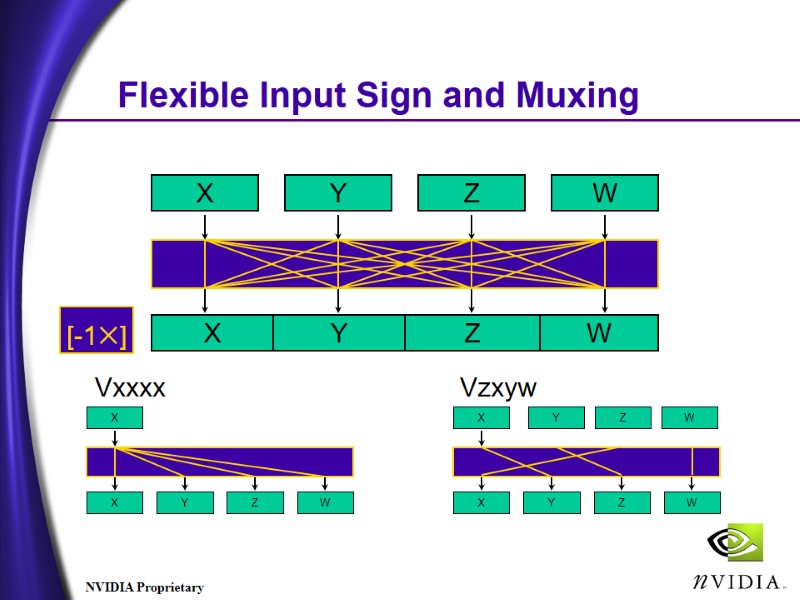
Flexible Input Sign and Muxing
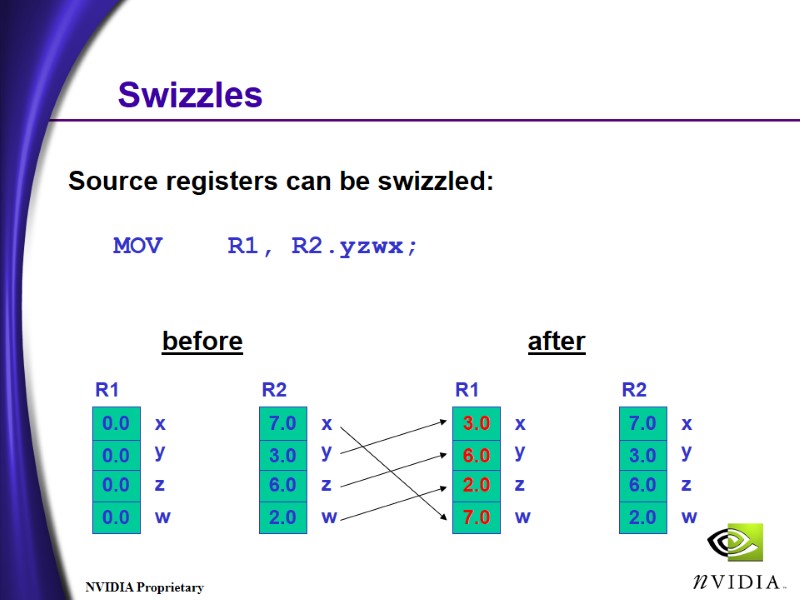
Swizzles Source registers can be swizzled: MOV R1, R2.yzwx; before after
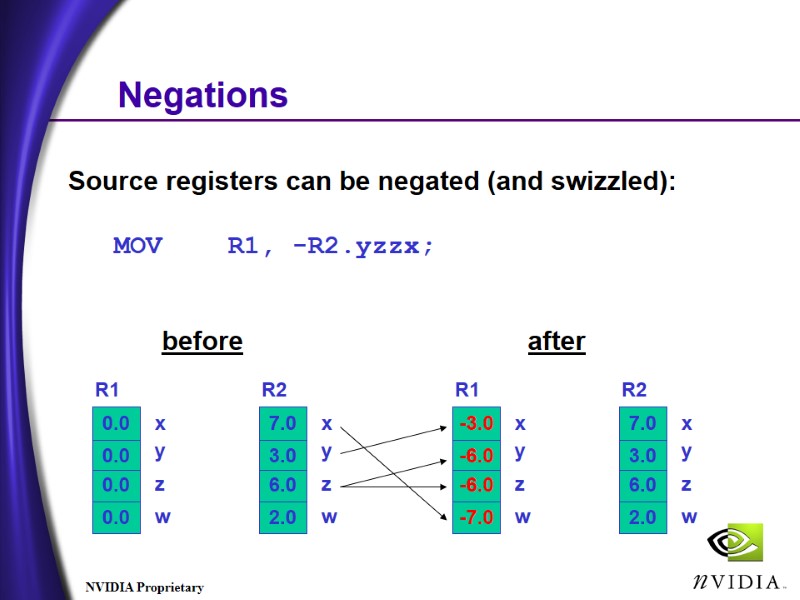
Negations Source registers can be negated (and swizzled): MOV R1, -R2.yzzx; before after
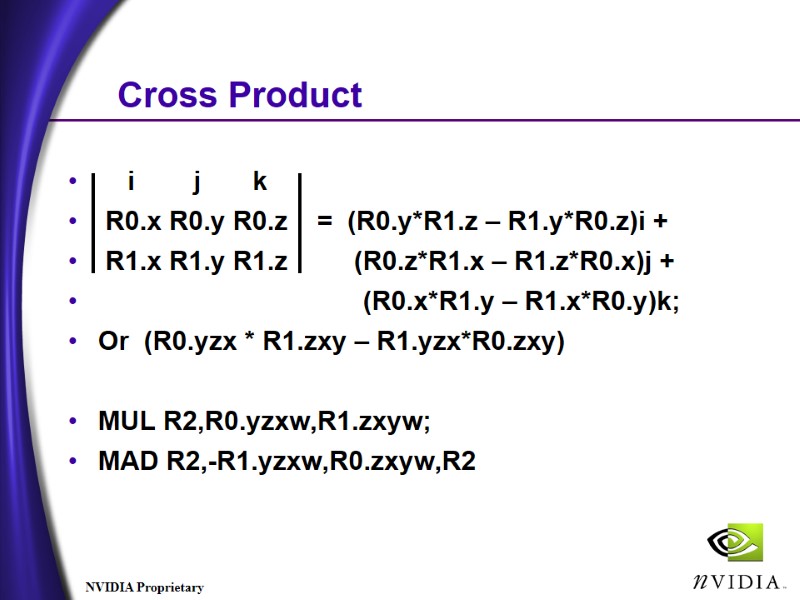
Cross Product i j k R0.x R0.y R0.z = (R0.y*R1.z – R1.y*R0.z)i + R1.x R1.y R1.z (R0.z*R1.x – R1.z*R0.x)j + (R0.x*R1.y – R1.x*R0.y)k; Or (R0.yzx * R1.zxy – R1.yzx*R0.zxy) MUL R2,R0.yzxw,R1.zxyw; MAD R2,-R1.yzxw,R0.zxyw,R2
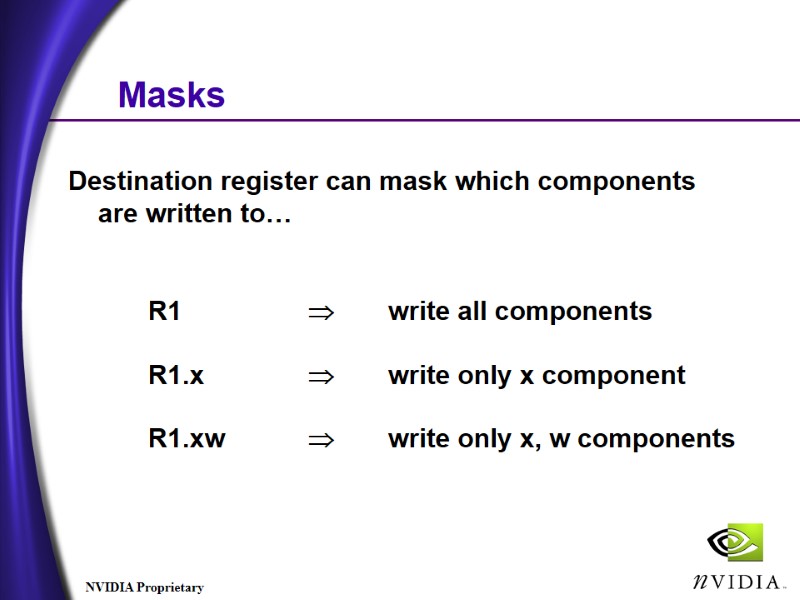
Masks Destination register can mask which components are written to… R1 write all components R1.x write only x component R1.xw write only x, w components
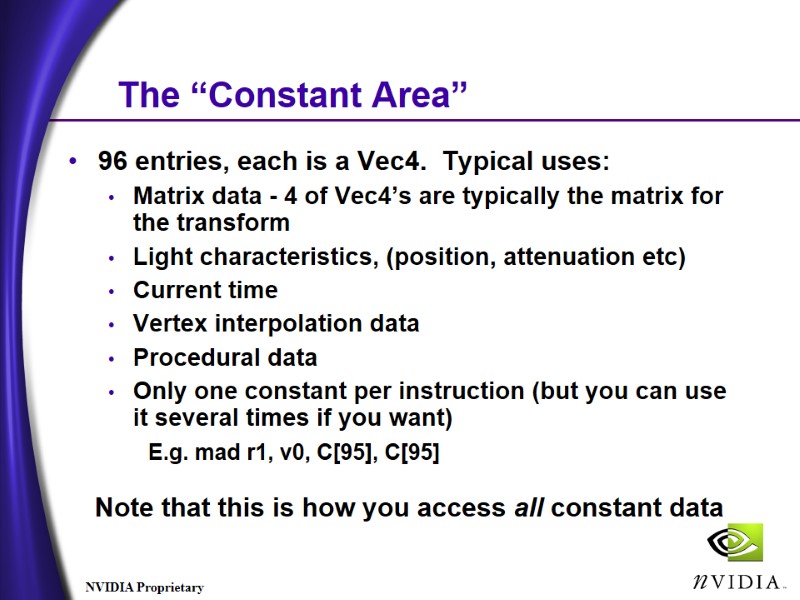
The “Constant Area” 96 entries, each is a Vec4. Typical uses: Matrix data - 4 of Vec4’s are typically the matrix for the transform Light characteristics, (position, attenuation etc) Current time Vertex interpolation data Procedural data Only one constant per instruction (but you can use it several times if you want) E.g. mad r1, v0, C[95], C[95] Note that this is how you access all constant data
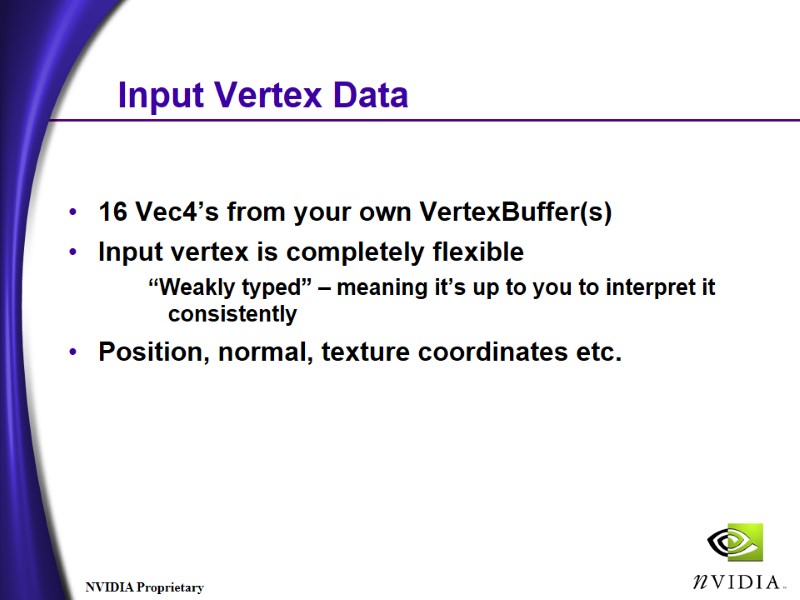
Input Vertex Data 16 Vec4’s from your own VertexBuffer(s) Input vertex is completely flexible “Weakly typed” – meaning it’s up to you to interpret it consistently Position, normal, texture coordinates etc.
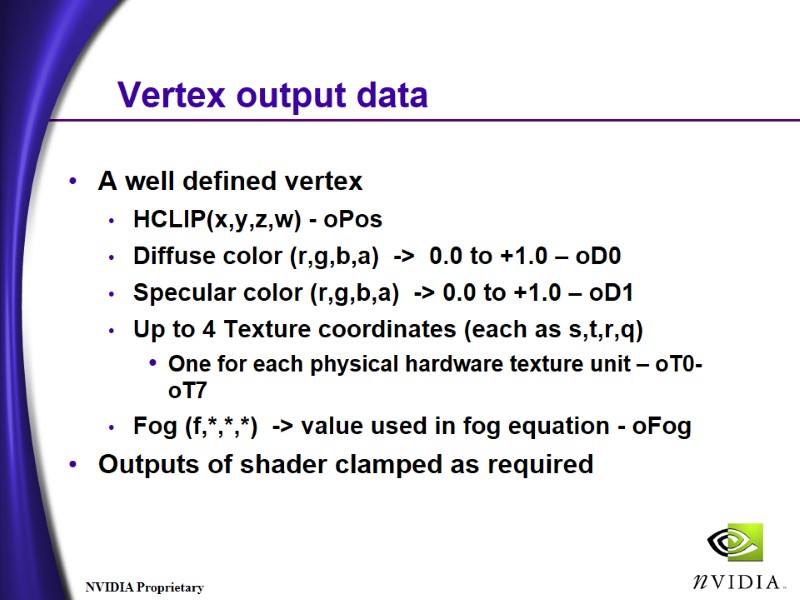
Vertex output data A well defined vertex HCLIP(x,y,z,w) - oPos Diffuse color (r,g,b,a) -> 0.0 to +1.0 – oD0 Specular color (r,g,b,a) -> 0.0 to +1.0 – oD1 Up to 4 Texture coordinates (each as s,t,r,q) One for each physical hardware texture unit – oT0-oT7 Fog (f,*,*,*) -> value used in fog equation - oFog Outputs of shader clamped as required
Instruction format Generally of the form: OpName dest, [-]s1 [,[-]s2 [,[-]s3]] ;comment e.g. mov r1, r2 mad r1, r2, r3, r4 Destination ‘r’ can have a write-mask Source ‘r’ can be swizzled e.g. mov r1.x, r2.y mov r1, r2.zxyw ‘[’ and ‘]’ indicate optional modifiers
What are the instructions? nop mov mul mad add rsq dp3 dp4 dst lit min max slt sge expp log rcp
nop, mov, mul nop Do nothing mov dest, src Move (with conditional sign change, mask and swizzle) mul dest, src1, src2 Set dest to the product of src1 and src2
add, mad, rsq add dest, src1, src2 Add src1 to src2. [And the optional negation creates subtraction] mad dest, src1, src2, src3 Multiply src1 by src2 and add src3 - into dst rsq dest, src Source must have one subscript… dest.x = dest.y = dest.z = dest.w = 1/sqrt(src) Reciprocal square root of src (much more useful than straight ‘square root’).
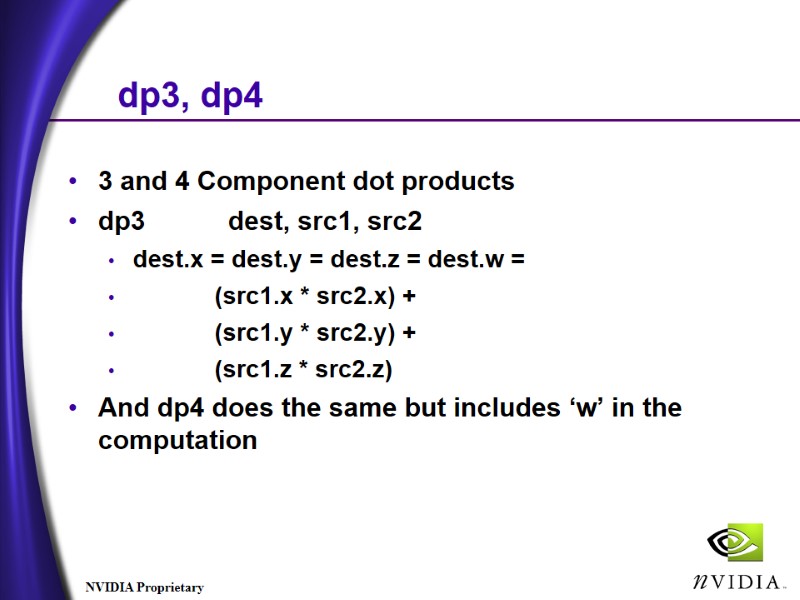
dp3, dp4 3 and 4 Component dot products dp3 dest, src1, src2 dest.x = dest.y = dest.z = dest.w = (src1.x * src2.x) + (src1.y * src2.y) + (src1.z * src2.z) And dp4 does the same but includes ‘w’ in the computation
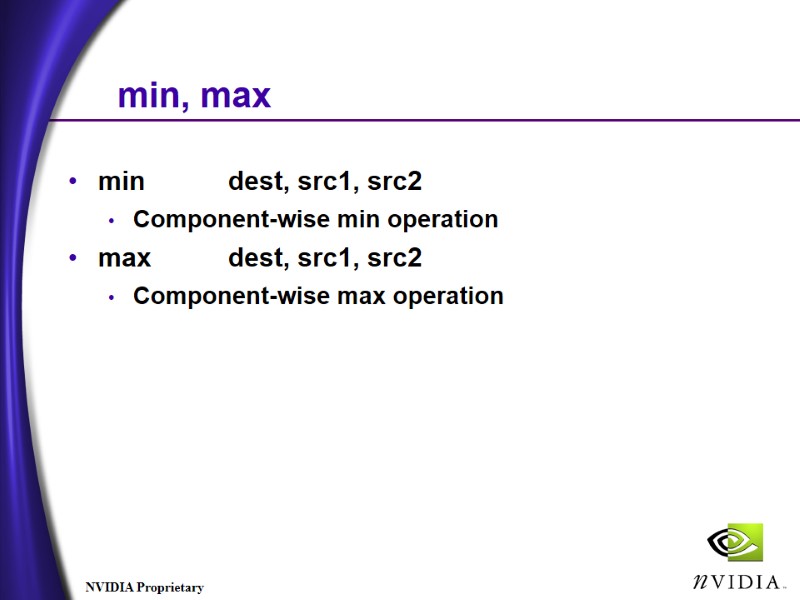
min, max min dest, src1, src2 Component-wise min operation max dest, src1, src2 Component-wise max operation
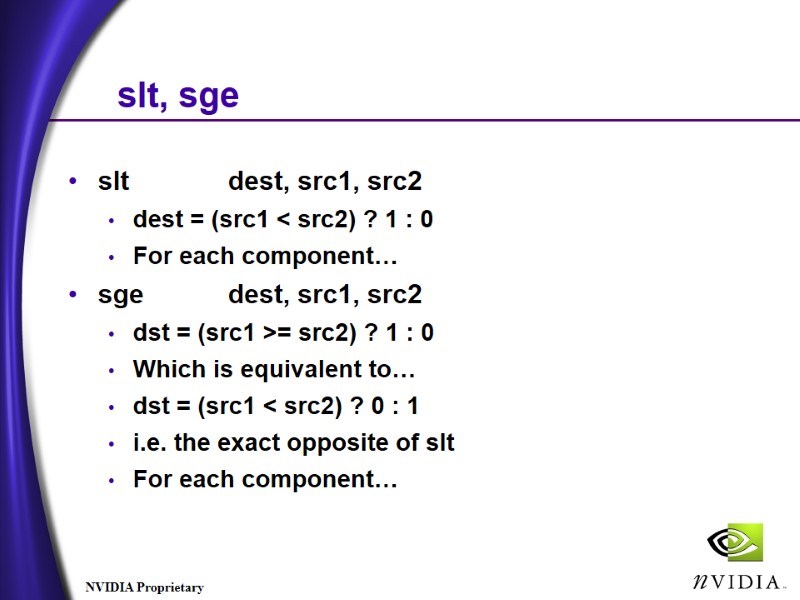
slt, sge slt dest, src1, src2 dest = (src1 < src2) ? 1 : 0 For each component… sge dest, src1, src2 dst = (src1 >= src2) ? 1 : 0 Which is equivalent to… dst = (src1 < src2) ? 0 : 1 i.e. the exact opposite of slt For each component…
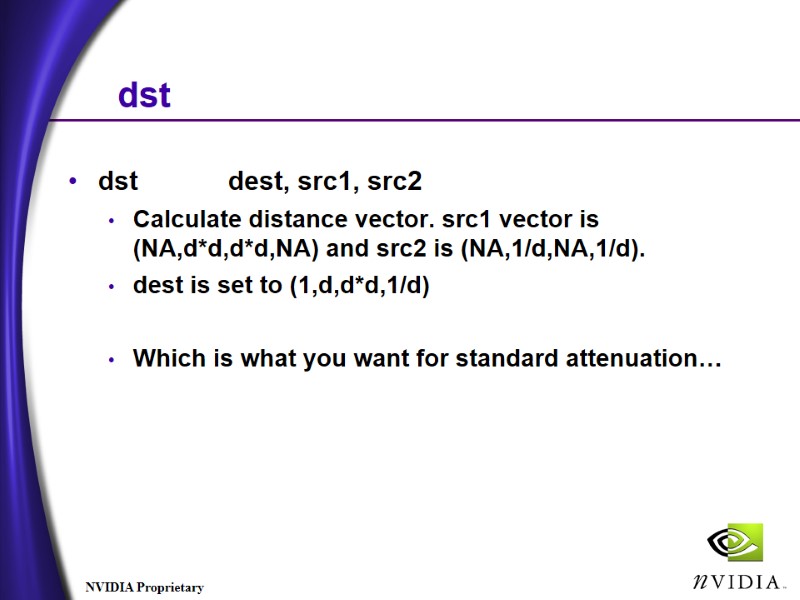
dst dst dest, src1, src2 Calculate distance vector. src1 vector is (NA,d*d,d*d,NA) and src2 is (NA,1/d,NA,1/d). dest is set to (1,d,d*d,1/d) Which is what you want for standard attenuation…
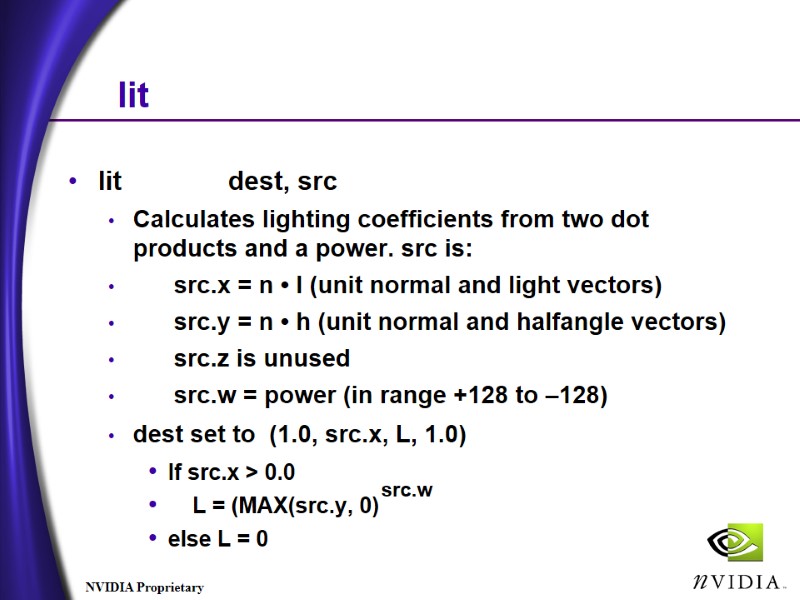
lit lit dest, src Calculates lighting coefficients from two dot products and a power. src is: src.x = n • l (unit normal and light vectors) src.y = n • h (unit normal and halfangle vectors) src.z is unused src.w = power (in range +128 to –128) dest set to (1.0, src.x, L, 1.0) If src.x > 0.0 L = (MAX(src.y, 0) else L = 0 src.w
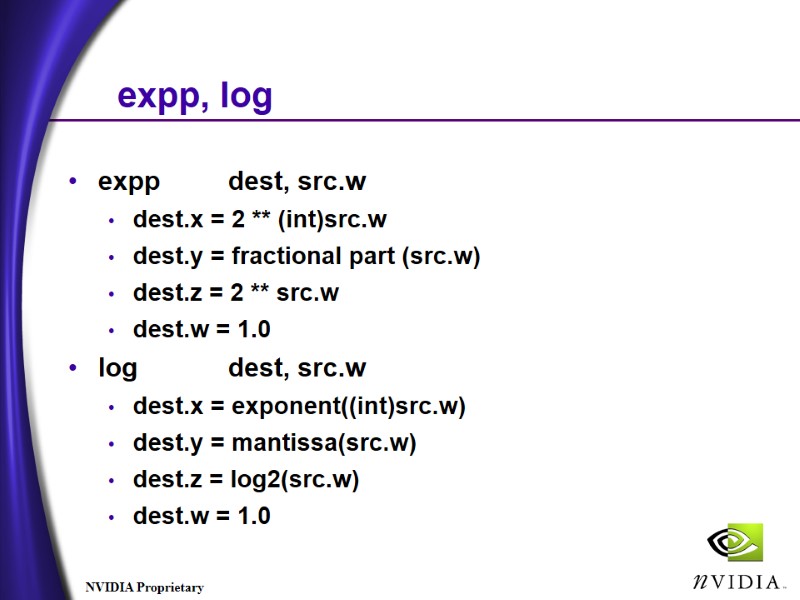
expp, log expp dest, src.w dest.x = 2 ** (int)src.w dest.y = fractional part (src.w) dest.z = 2 ** src.w dest.w = 1.0 log dest, src.w dest.x = exponent((int)src.w) dest.y = mantissa(src.w) dest.z = log2(src.w) dest.w = 1.0
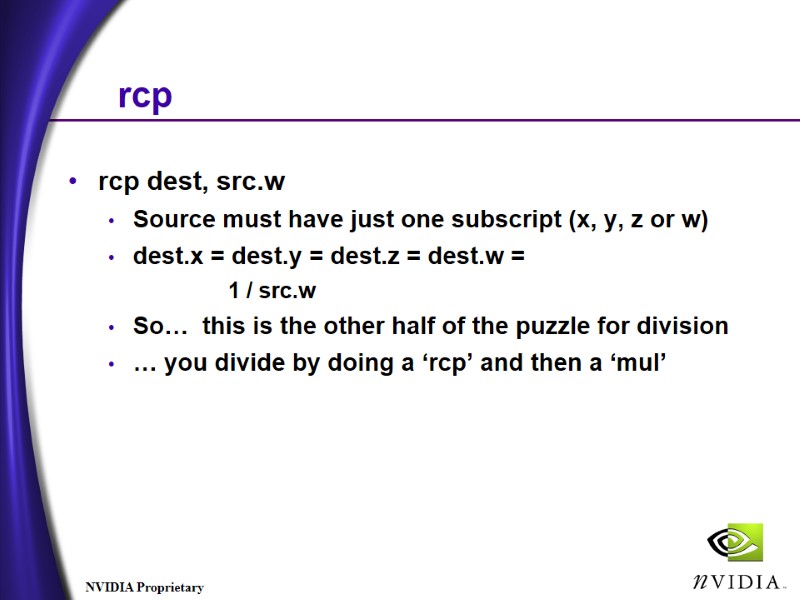
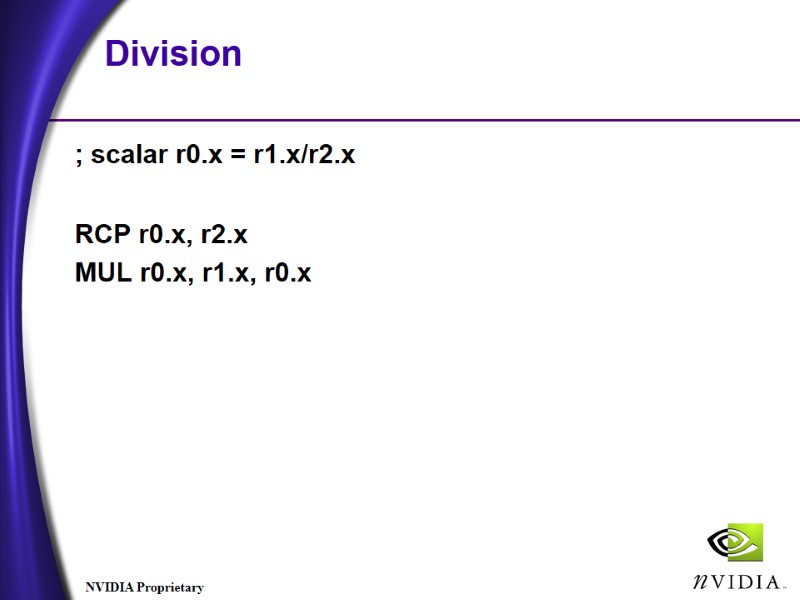
rcp rcp dest, src.w Source must have just one subscript (x, y, z or w) dest.x = dest.y = dest.z = dest.w = 1 / src.w So… this is the other half of the puzzle for division … you divide by doing a ‘rcp’ and then a ‘mul’
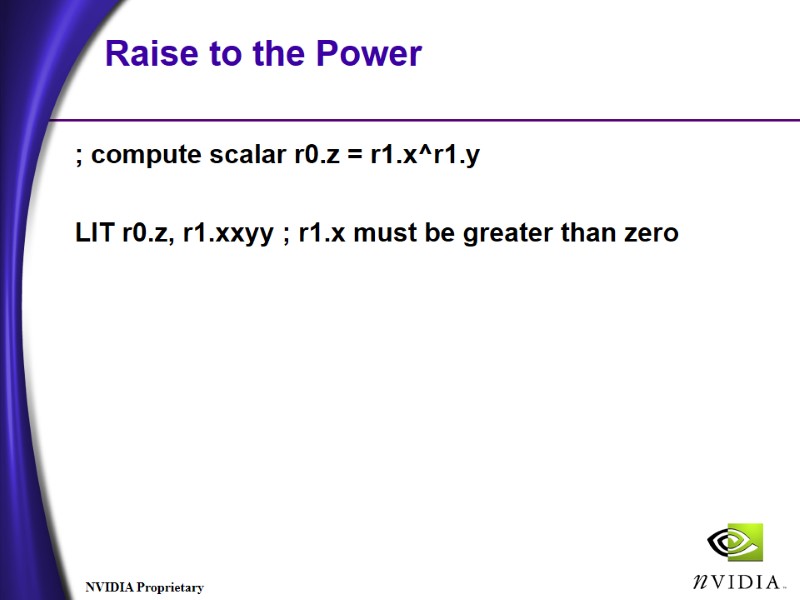
Raise to the Power ; compute scalar r0.z = r1.x^r1.y LIT r0.z, r1.xxyy ; r1.x must be greater than zero
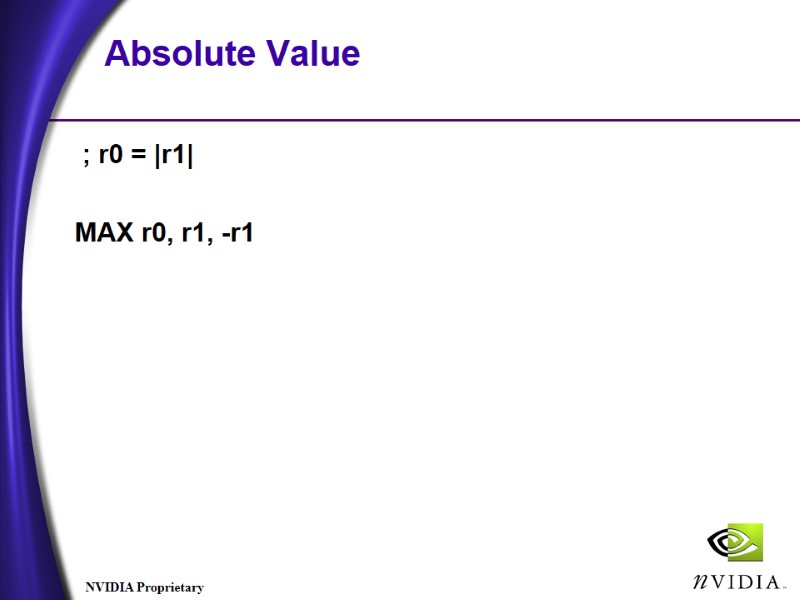
Absolute Value ; r0 = |r1| MAX r0, r1, -r1
Division ; scalar r0.x = r1.x/r2.x RCP r0.x, r2.x MUL r0.x, r1.x, r0.x
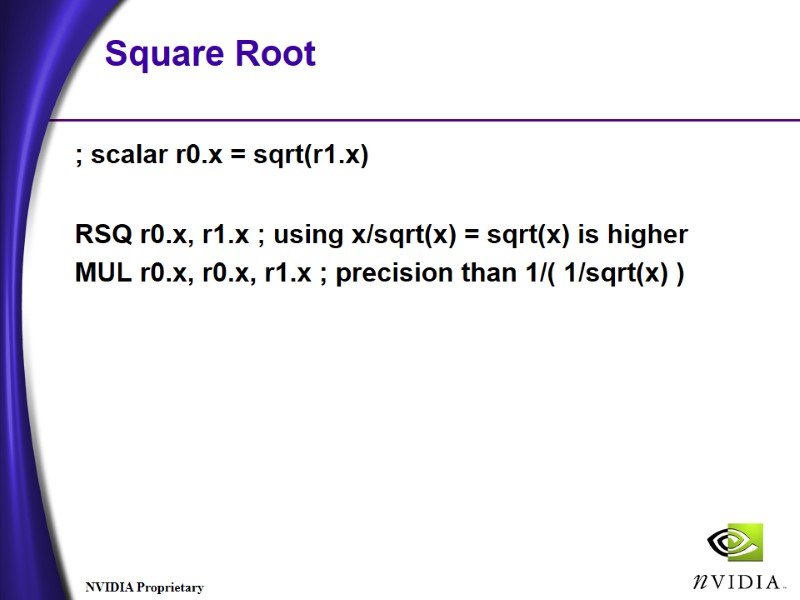
Square Root ; scalar r0.x = sqrt(r1.x) RSQ r0.x, r1.x ; using x/sqrt(x) = sqrt(x) is higher MUL r0.x, r0.x, r1.x ; precision than 1/( 1/sqrt(x) )
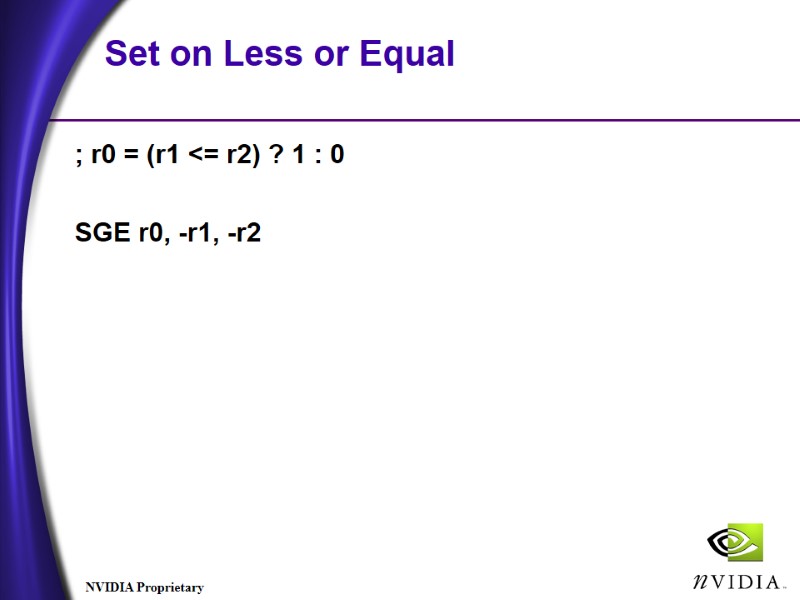
Set on Less or Equal ; r0 = (r1 <= r2) ? 1 : 0 SGE r0, -r1, -r2
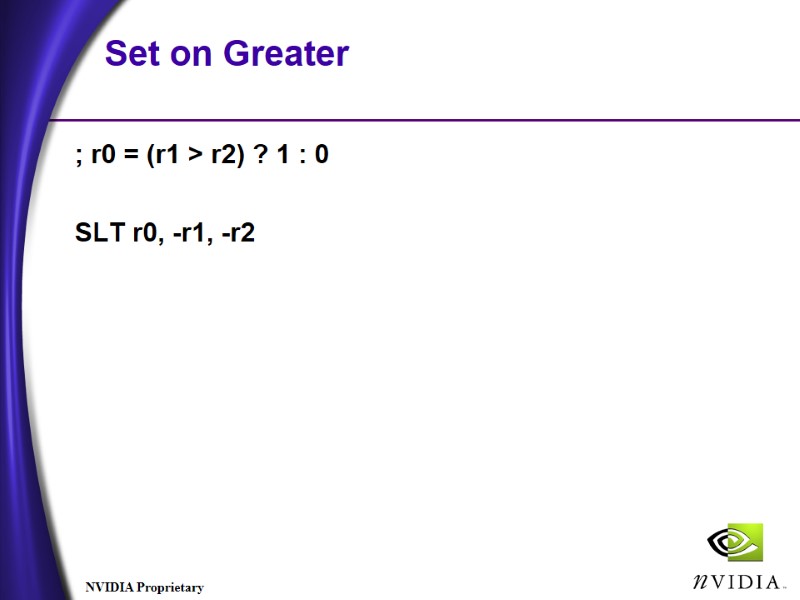
Set on Greater ; r0 = (r1 > r2) ? 1 : 0 SLT r0, -r1, -r2
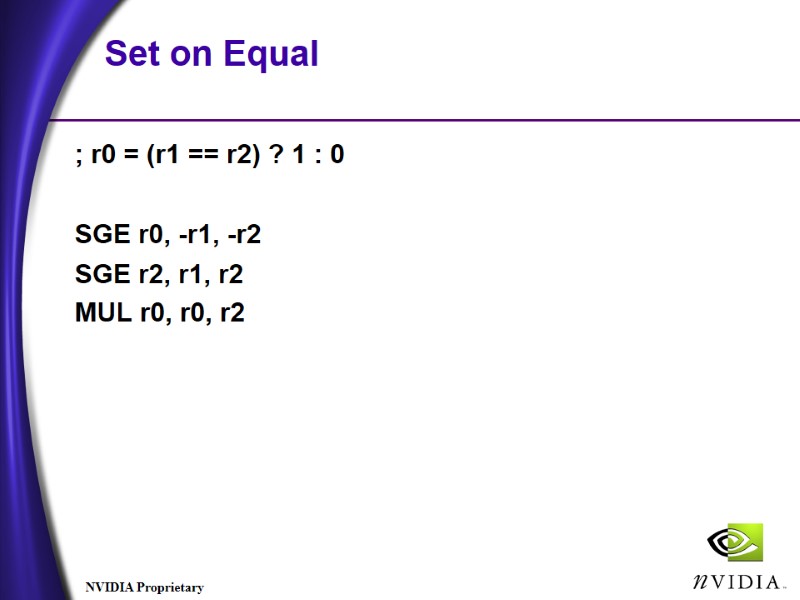
Set on Equal ; r0 = (r1 == r2) ? 1 : 0 SGE r0, -r1, -r2 SGE r2, r1, r2 MUL r0, r0, r2
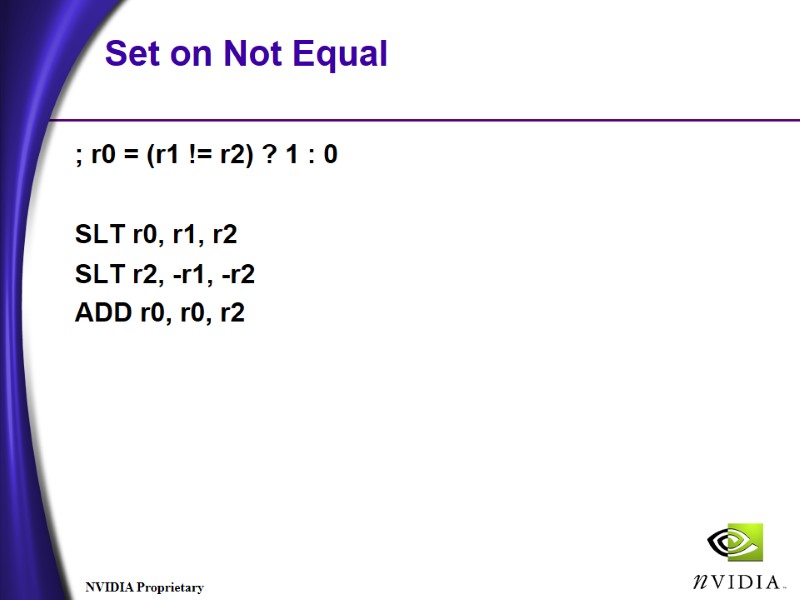
Set on Not Equal ; r0 = (r1 != r2) ? 1 : 0 SLT r0, r1, r2 SLT r2, -r1, -r2 ADD r0, r0, r2
Clamp to [0, 1] Range ; compute r0 = (r0 < 0) ? 0 : (r0 1) ? 1 : r0 DEF c0, 0.0f, 1.0f, 0.0f, 0.0f MAX r0, r0, c0.x MIN r0, r0, c0.y
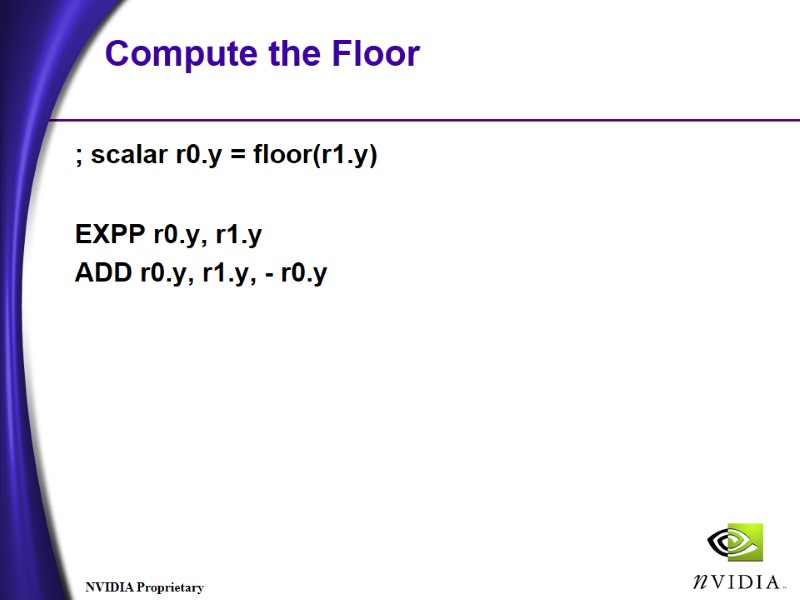
Compute the Floor ; scalar r0.y = floor(r1.y) EXPP r0.y, r1.y ADD r0.y, r1.y, - r0.y
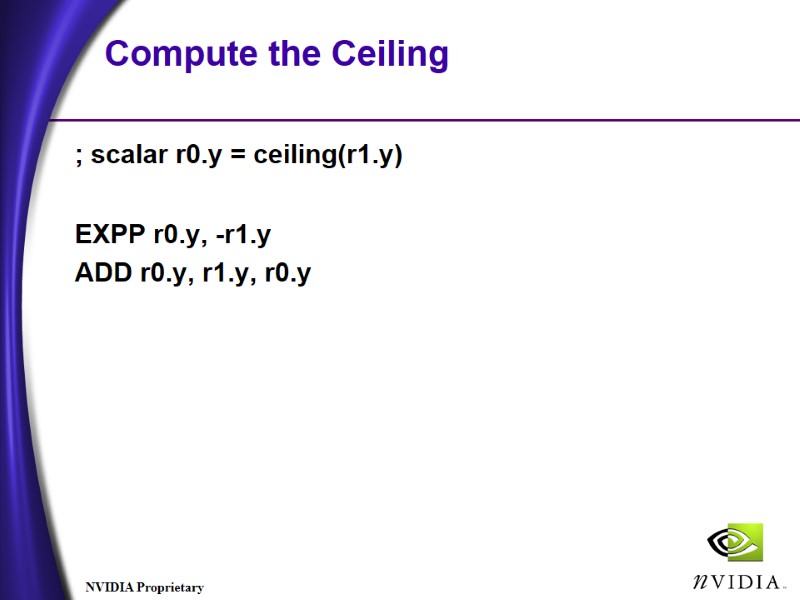
Compute the Ceiling ; scalar r0.y = ceiling(r1.y) EXPP r0.y, -r1.y ADD r0.y, r1.y, r0.y
How do I branch? No branching, no early out Why? Performance and predictability No execution dependencies You can multiply by zero, and accumulate
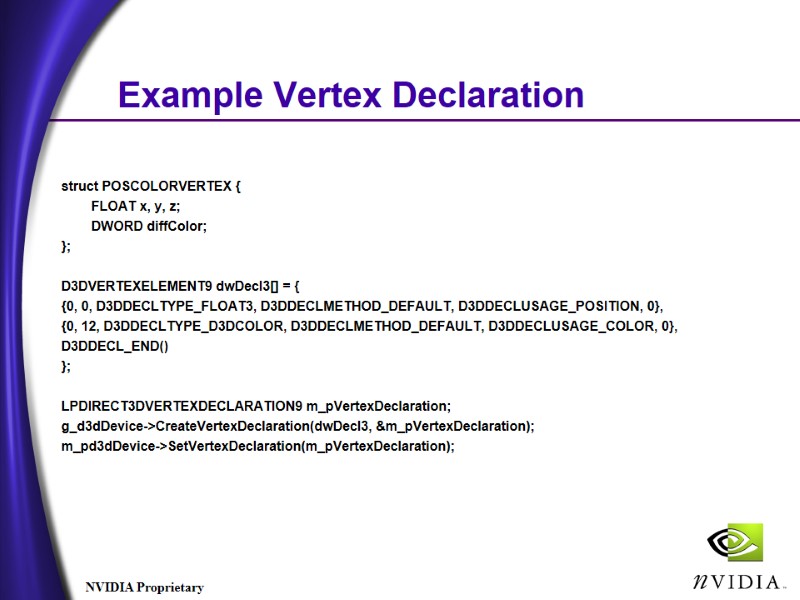
Example Vertex Declaration struct POSCOLORVERTEX { FLOAT x, y, z; DWORD diffColor; }; D3DVERTEXELEMENT9 dwDecl3[] = { {0, 0, D3DDECLTYPE_FLOAT3, D3DDECLMETHOD_DEFAULT, D3DDECLUSAGE_POSITION, 0}, {0, 12, D3DDECLTYPE_D3DCOLOR, D3DDECLMETHOD_DEFAULT, D3DDECLUSAGE_COLOR, 0}, D3DDECL_END() }; LPDIRECT3DVERTEXDECLARATION9 m_pVertexDeclaration; g_d3dDevice->CreateVertexDeclaration(dwDecl3, &m_pVertexDeclaration); m_pd3dDevice->SetVertexDeclaration(m_pVertexDeclaration);
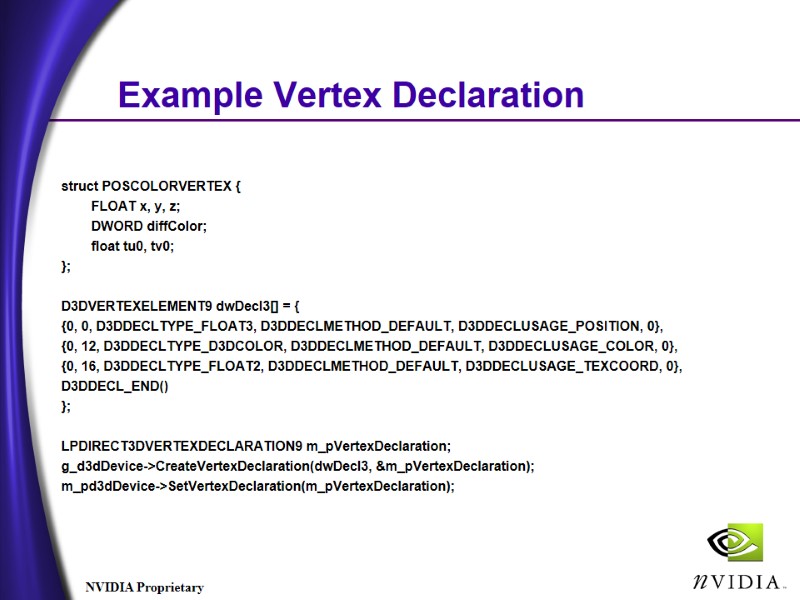
Example Vertex Declaration struct POSCOLORVERTEX { FLOAT x, y, z; DWORD diffColor; float tu0, tv0; }; D3DVERTEXELEMENT9 dwDecl3[] = { {0, 0, D3DDECLTYPE_FLOAT3, D3DDECLMETHOD_DEFAULT, D3DDECLUSAGE_POSITION, 0}, {0, 12, D3DDECLTYPE_D3DCOLOR, D3DDECLMETHOD_DEFAULT, D3DDECLUSAGE_COLOR, 0}, {0, 16, D3DDECLTYPE_FLOAT2, D3DDECLMETHOD_DEFAULT, D3DDECLUSAGE_TEXCOORD, 0}, D3DDECL_END() }; LPDIRECT3DVERTEXDECLARATION9 m_pVertexDeclaration; g_d3dDevice->CreateVertexDeclaration(dwDecl3, &m_pVertexDeclaration); m_pd3dDevice->SetVertexDeclaration(m_pVertexDeclaration);
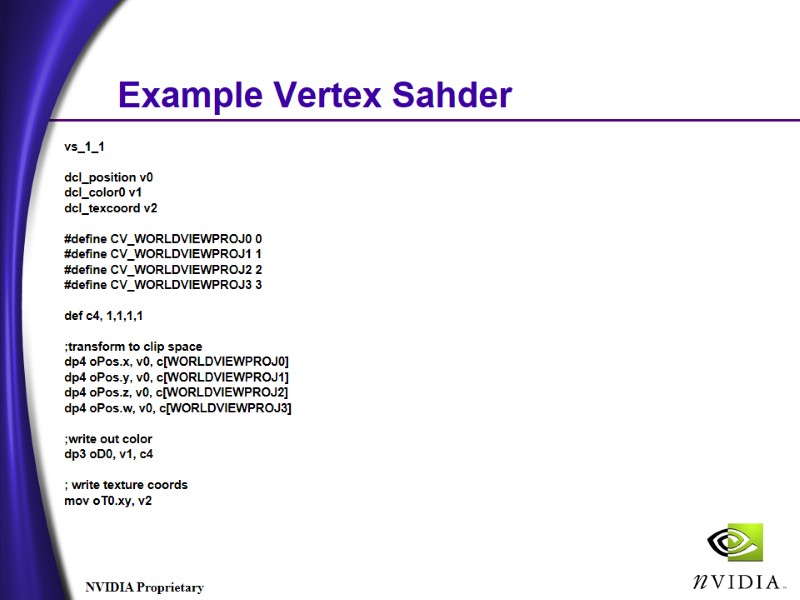
Example Vertex Sahder vs_1_1 dcl_position v0 dcl_color0 v1 dcl_texcoord v2 #define CV_WORLDVIEWPROJ0 0 #define CV_WORLDVIEWPROJ1 1 #define CV_WORLDVIEWPROJ2 2 #define CV_WORLDVIEWPROJ3 3 def c4, 1,1,1,1 ;transform to clip space dp4 oPos.x, v0, c[WORLDVIEWPROJ0] dp4 oPos.y, v0, c[WORLDVIEWPROJ1] dp4 oPos.z, v0, c[WORLDVIEWPROJ2] dp4 oPos.w, v0, c[WORLDVIEWPROJ3] ;write out color dp3 oD0, v1, c4 ; write texture coords mov oT0.xy, v2
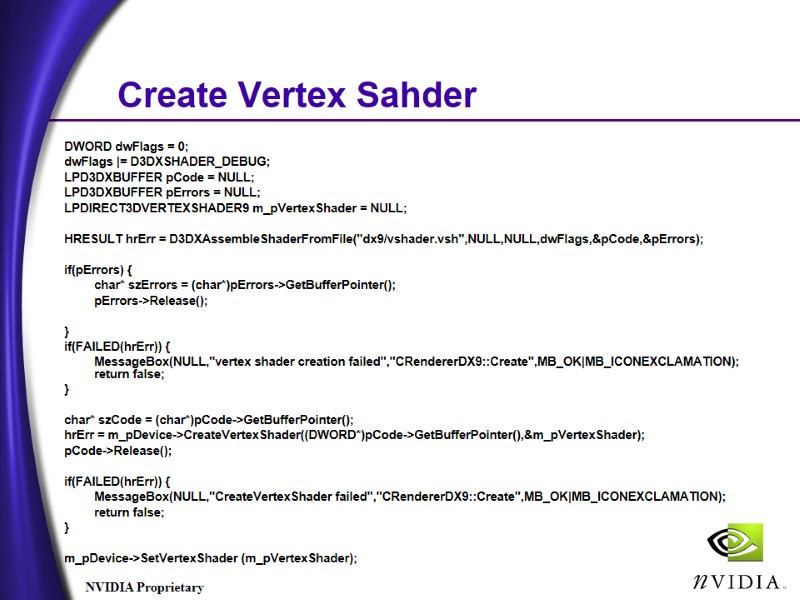
Create Vertex Sahder DWORD dwFlags = 0; dwFlags |= D3DXSHADER_DEBUG; LPD3DXBUFFER pCode = NULL; LPD3DXBUFFER pErrors = NULL; LPDIRECT3DVERTEXSHADER9 m_pVertexShader = NULL; HRESULT hrErr = D3DXAssembleShaderFromFile("dx9/vshader.vsh",NULL,NULL,dwFlags,&pCode,&pErrors); if(pErrors) { char* szErrors = (char*)pErrors->GetBufferPointer(); pErrors->Release(); } if(FAILED(hrErr)) { MessageBox(NULL,"vertex shader creation failed","CRendererDX9::Create",MB_OK|MB_ICONEXCLAMATION); return false; } char* szCode = (char*)pCode->GetBufferPointer(); hrErr = m_pDevice->CreateVertexShader((DWORD*)pCode->GetBufferPointer(),&m_pVertexShader); pCode->Release(); if(FAILED(hrErr)) { MessageBox(NULL,"CreateVertexShader failed","CRendererDX9::Create",MB_OK|MB_ICONEXCLAMATION); return false; } m_pDevice->SetVertexShader (m_pVertexShader);
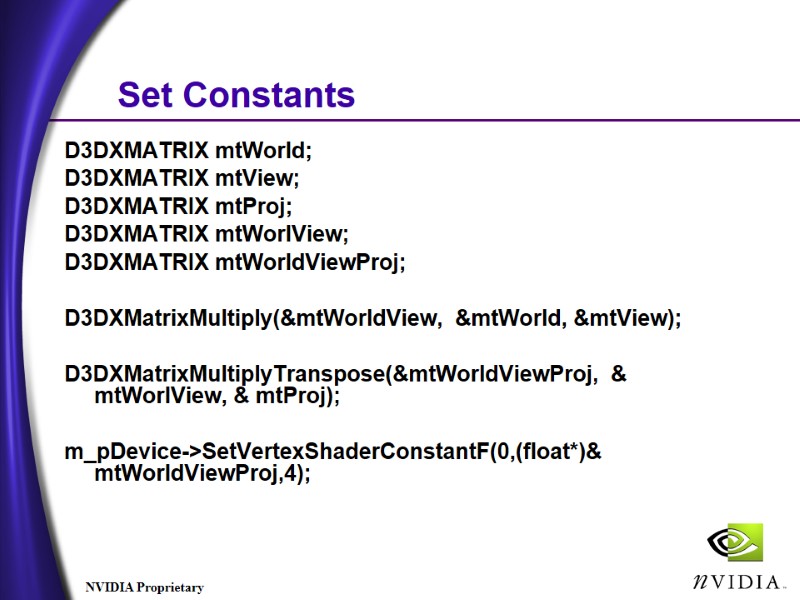
Set Constants D3DXMATRIX mtWorld; D3DXMATRIX mtView; D3DXMATRIX mtProj; D3DXMATRIX mtWorlView; D3DXMATRIX mtWorldViewProj; D3DXMatrixMultiply(&mtWorldView, &mtWorld, &mtView); D3DXMatrixMultiplyTranspose(&mtWorldViewProj, & mtWorlView, & mtProj); m_pDevice->SetVertexShaderConstantF(0,(float*)& mtWorldViewProj,4);