


 Скачать презентацию Introduction to the ca DSR Presented to HL
a9604dae911f703e5f706713e581f119.ppt
- Количество слайдов: 35
 Introduction to the ca. DSR Presented to HL 7 Vocab SIG January 24, 2005 Denise Warzel National Cancer Institute, Center for Bioinformatics ca. DSR Project Officer, Software Development 1
 Presentation Outline • ca. CORE Overview • ISO/IEC 11179 Overview • ca. DSR Implementation and tooling D. Warzel 2
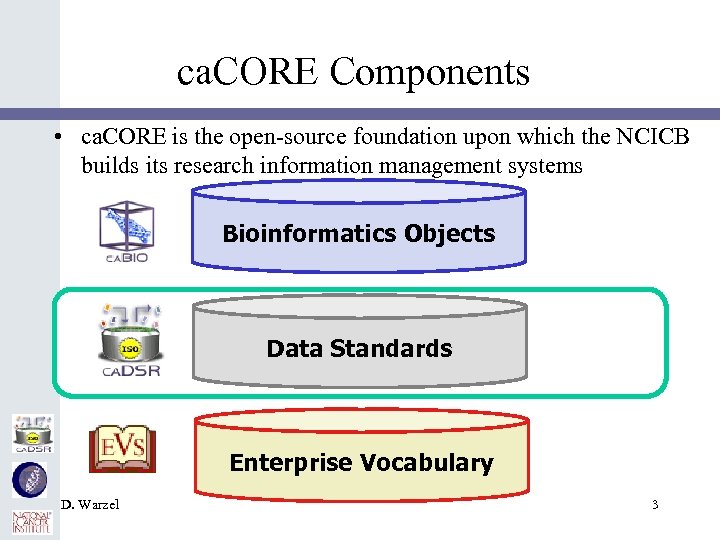 ca. CORE Components • ca. CORE is the open-source foundation upon which the NCICB builds its research information management systems Bioinformatics Objects Data Standards Enterprise Vocabulary D. Warzel 3
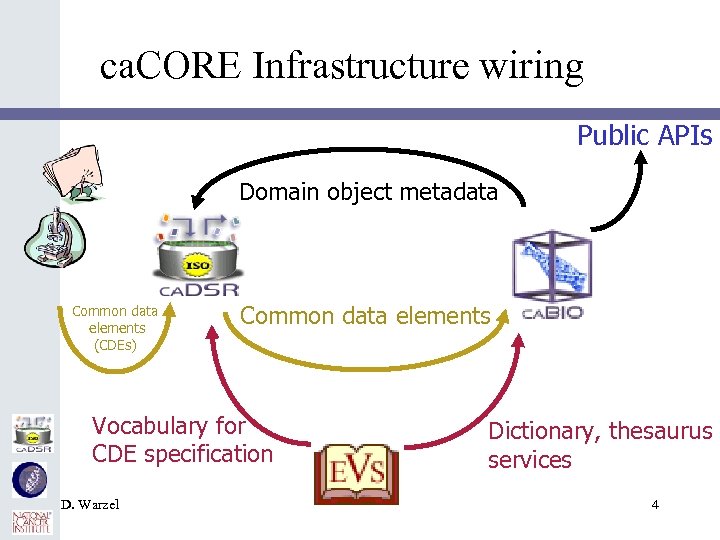 ca. CORE Infrastructure wiring Public APIs Domain object metadata Common data elements (CDEs) Common data elements Vocabulary for CDE specification D. Warzel Dictionary, thesaurus services 4
 Presentation Outline • ca. CORE Overview • ISO/IEC 11179 Overview • ca. DSR Implementation and tooling D. Warzel 5
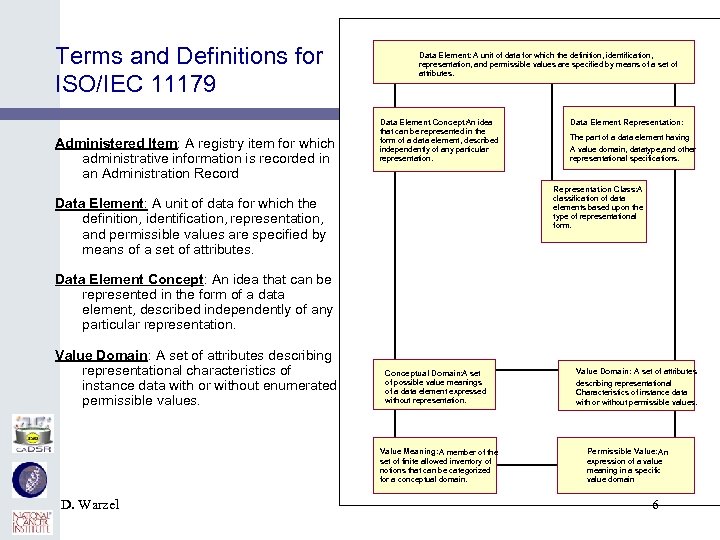 Terms and Definitions for ISO/IEC 11179 Administered Item: A registry item for which administrative information is recorded in an Administration Record Data Element: A unit of data for which the definition, identification, representation, and permissible values are specified by means of a set of attributes. Data Element Concept: An idea that can be represented in the form of a data element, described independently of any particular representation. Data Element Representation: The part of a data element having A value domain, datatype, and other representational specifications. Representation Class: A classification of data elements based upon the type of representational form. Data Element: A unit of data for which the definition, identification, representation, and permissible values are specified by means of a set of attributes. Data Element Concept: An idea that can be represented in the form of a data element, described independently of any particular representation. Value Domain: A set of attributes describing representational characteristics of instance data with or without enumerated permissible values. Conceptual Domain: A set of possible value meanings of a data element expressed without representation. Value Meaning: A member of the set of finite allowed inventory of notions that can be categorized for a conceptual domain. D. Warzel Value Domain: A set of attributes describing representational Characteristics of instance data with or without permissible values. Permissible Value: An expression of a value meaning in a specific value domain 6
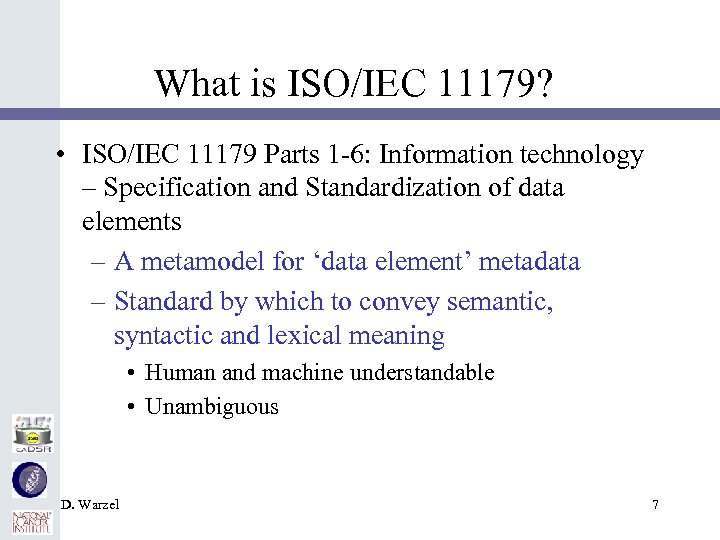 What is ISO/IEC 11179? • ISO/IEC 11179 Parts 1 -6: Information technology – Specification and Standardization of data elements – A metamodel for ‘data element’ metadata – Standard by which to convey semantic, syntactic and lexical meaning • Human and machine understandable • Unambiguous D. Warzel 7
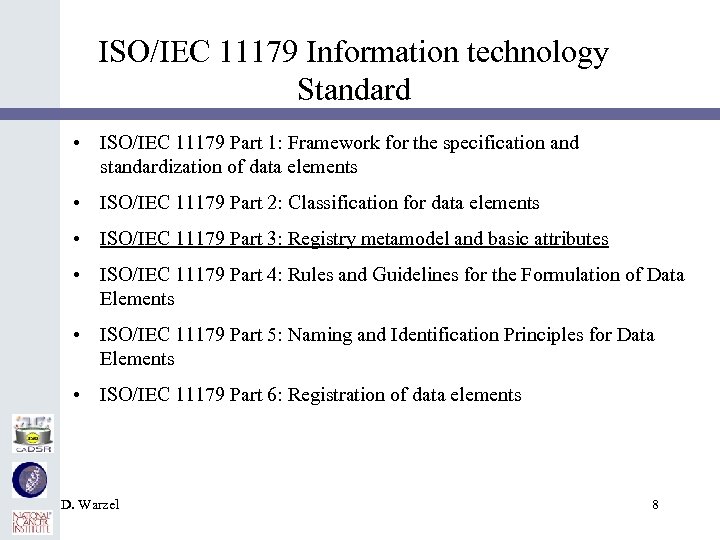 ISO/IEC 11179 Information technology Standard • ISO/IEC 11179 Part 1: Framework for the specification and standardization of data elements • ISO/IEC 11179 Part 2: Classification for data elements • ISO/IEC 11179 Part 3: Registry metamodel and basic attributes • ISO/IEC 11179 Part 4: Rules and Guidelines for the Formulation of Data Elements • ISO/IEC 11179 Part 5: Naming and Identification Principles for Data Elements • ISO/IEC 11179 Part 6: Registration of data elements D. Warzel 8
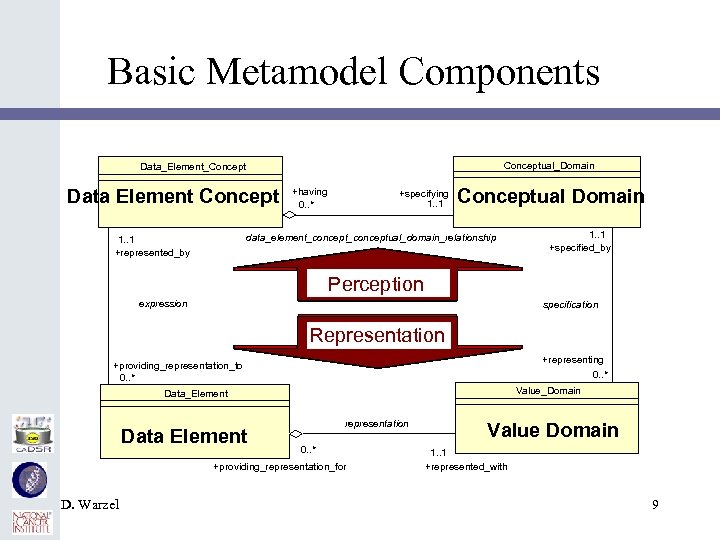 Basic Metamodel Components Conceptual_Domain Data_Element_Concept Data Element Concept +having 0. . * +specifying 1. . 1 Conceptual Domain data_element_conceptual_domain_relationship 1. . 1 +represented_by 1. . 1 +specified_by Perception expression specification Representation +representing 0. . * +providing_representation_to 0. . * Value_Domain Data_Element Data Element representation 0. . * +providing_representation_for D. Warzel Value Domain 1. . 1 +represented_with 9
 Why ISO/IEC 11179? • “What is this datum? ” – Provides concrete guidance on the creation and maintenance of discrete data element attributes and metadata (semantics) enabling the formulation of data elements in a consistent, standard manner – • “Metadata Repository/Registry” – Framework for Data element standardization and registration allow the creation of a shared data environment in much less time and with much less effort than it takes for conventional data management methodologies. • Adoption of 1179 Allowed us to “Get on with it” D. Warzel 10
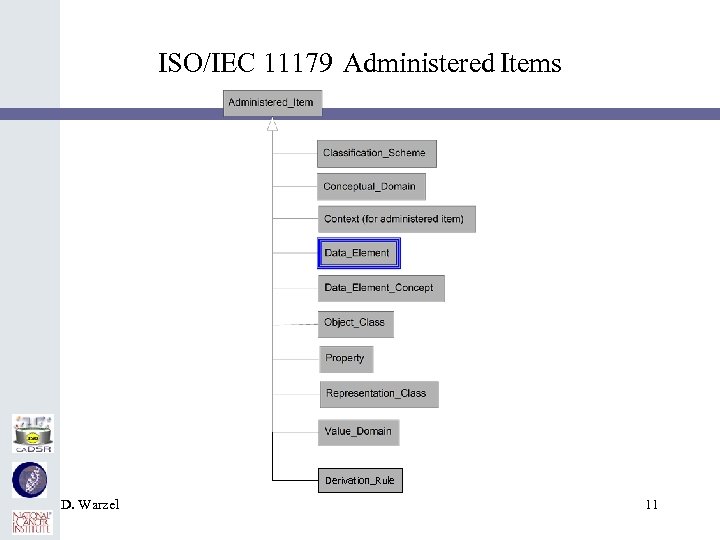 ISO/IEC 11179 Administered Items Derivation_Rule D. Warzel 11
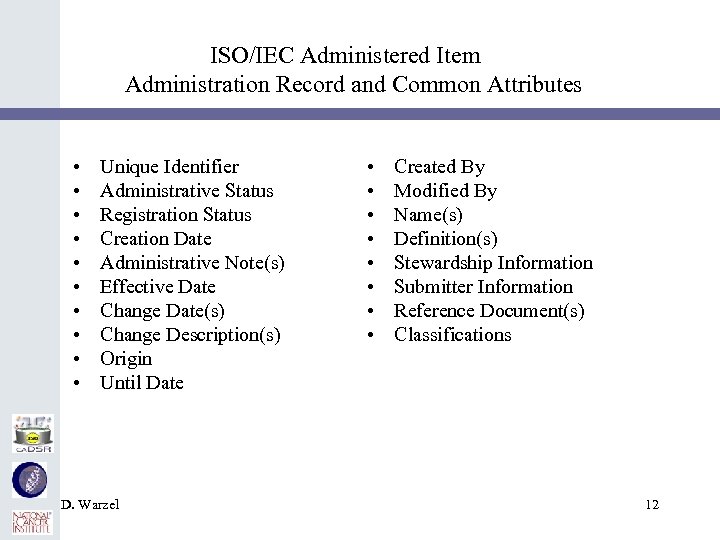 ISO/IEC Administered Item Administration Record and Common Attributes • • • Unique Identifier Administrative Status Registration Status Creation Date Administrative Note(s) Effective Date Change Date(s) Change Description(s) Origin Until Date D. Warzel • • Created By Modified By Name(s) Definition(s) Stewardship Information Submitter Information Reference Document(s) Classifications 12
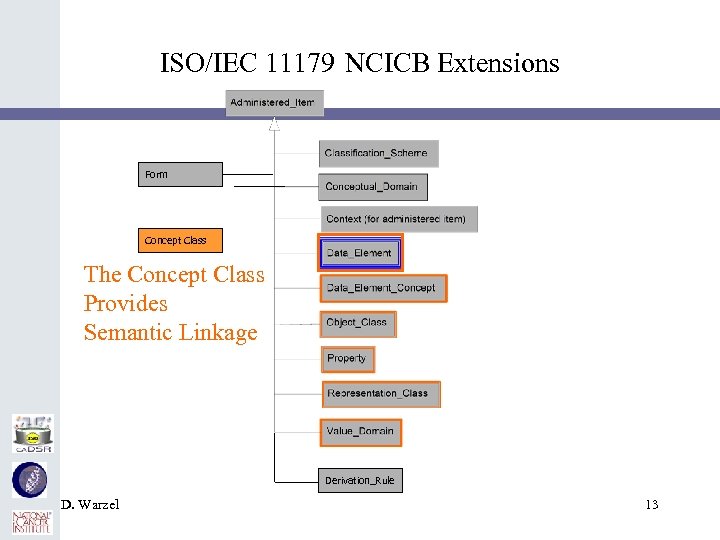 ISO/IEC 11179 NCICB Extensions Form Concept Class The Concept Class Provides Semantic Linkage Derivation_Rule D. Warzel 13
 NCICB Concept Class Common Attributes • Concept Class • Administered Item attributes + • Concept Unique Identifier • Pointer to an externally defined concept • Concept Definition Source • Names the source terminology/ontology/vocabulary • Concept Relationship • Semantic Order of the concepts • NOTE: ISO describes a ‘Concept Relationship’ as a semantic link among two or more concepts. There is a subtlety in our implementation. In ca. DSR use the concept relationships as more of a derivation rule, naming the order of the concepts - not semantic relationships in an ontologic or object model sense of ‘relationship’. • Object Class, Property, Representation term, Qualifier terms, Value Domains D. Warzel 14
 Why vocabularies/ontology important? • Goal: “Semantically unambiguous, interoperability” • Data Element curators are not necessarily vocabulary experts • NCI had a terminology and vocabulary services group: EVS • Semantic integration is achieved by tying Standard vocabulary identifier codes to the ca. DSR metadata • The ISO 11179 provides the framework – we were looking for something that could be computed without a human having to read and interpret definitions • By abstracting the curation of concepts in ca. DSR and instead relying on external vocabularies D. Warzel 15
 EVS and ca. DSR Distinctions • ca. DSR is a metadata repository – maintains metadata to permit a user to locate the correct data element defining the characteristics of a piece of datum, an instance of a specific concept, in sufficient detail to be collected and stored on a computer • EVS is a terminology server – provides services for synonymy, mapping between vocabularies, hierarchical structures, Subconcepts, Superconcepts, Roles, Semantic type, etc. D. Warzel 16
 Presentation Outline • ca. CORE Overview • ISO/IEC 11179 Overview • ca. DSR Implementation and tooling D. Warzel 17
 ca. DSR Overview • NCI Data Element Metadata repository and registry • Based on the ISO/IEC 11179 • Designed to integrate ca. CORE infrastructure • Supports the development and deployment of Data Elements that are used as metadata descriptors, primarily for NCI-sponsored research, with an ever widening girth of end users • Available as an open-source download D. Warzel 18
 ca. DSR Tools • Goals of ca. DSR Tools development: – Simplify development and creation of ISO/IEC 11179 compliant metadata by Data Element Curators and UML Modelers – Simplify consumption of Data Elements by end users and application developers – Enhance reuse of Data Elements for all – Enable semantic consistency across research domains – Support metadata life-cycle and governance processes D. Warzel 19
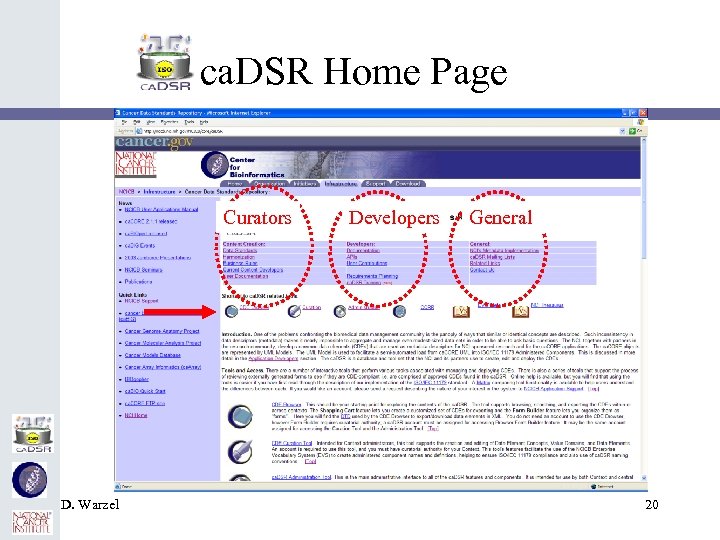 ca. DSR Home Page Curators D. Warzel Developers General 20
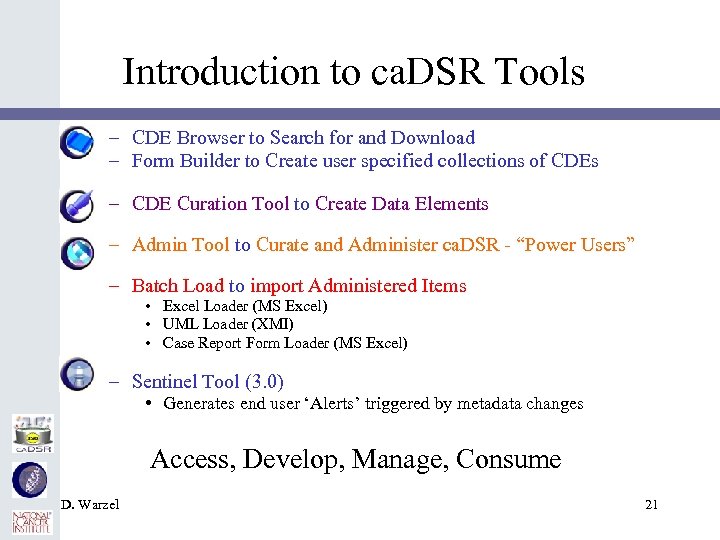 Introduction to ca. DSR Tools – CDE Browser to Search for and Download – Form Builder to Create user specified collections of CDEs – CDE Curation Tool to Create Data Elements – Admin Tool to Curate and Administer ca. DSR - “Power Users” – Batch Load to import Administered Items • Excel Loader (MS Excel) • UML Loader (XMI) • Case Report Form Loader (MS Excel) – Sentinel Tool (3. 0) • Generates end user ‘Alerts’ triggered by metadata changes Access, Develop, Manage, Consume D. Warzel 21
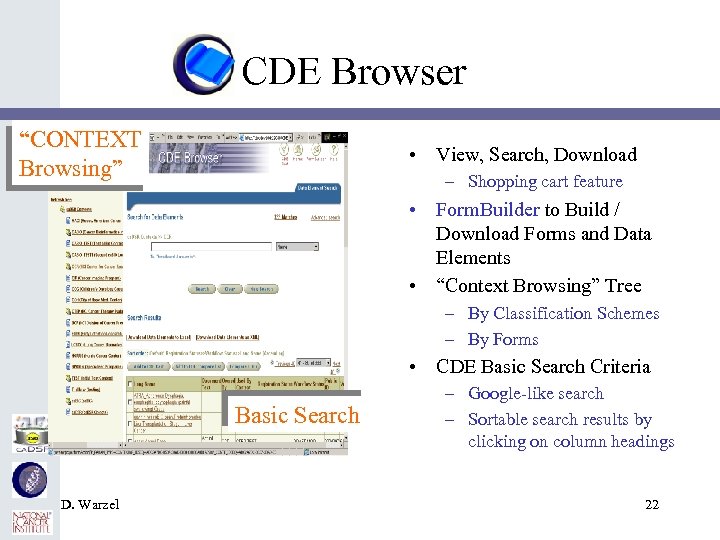 CDE Browser “CONTEXT Browsing” • View, Search, Download – Shopping cart feature • Form. Builder to Build / Download Forms and Data Elements • “Context Browsing” Tree – By Classification Schemes – By Forms • CDE Basic Search Criteria Basic Search D. Warzel – Google-like search – Sortable search results by clicking on column headings 22
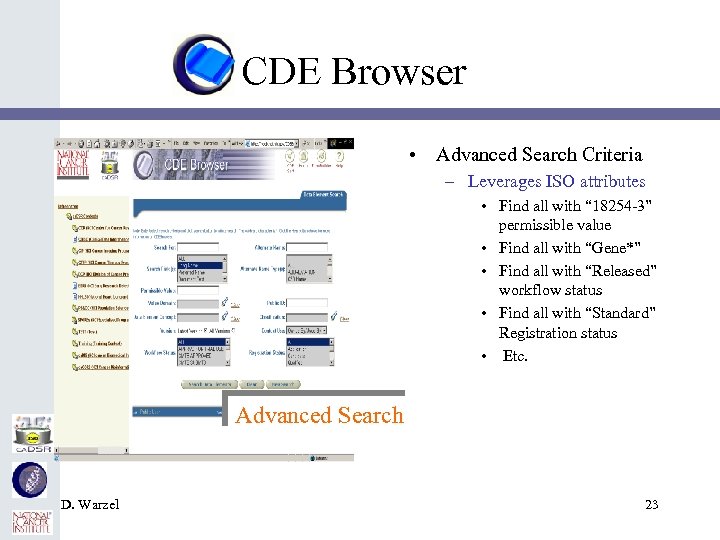 CDE Browser • Advanced Search Criteria – Leverages ISO attributes • Find all with “ 18254 -3” permissible value • Find all with “Gene*” • Find all with “Released” workflow status • Find all with “Standard” Registration status • Etc. Advanced Search D. Warzel 23
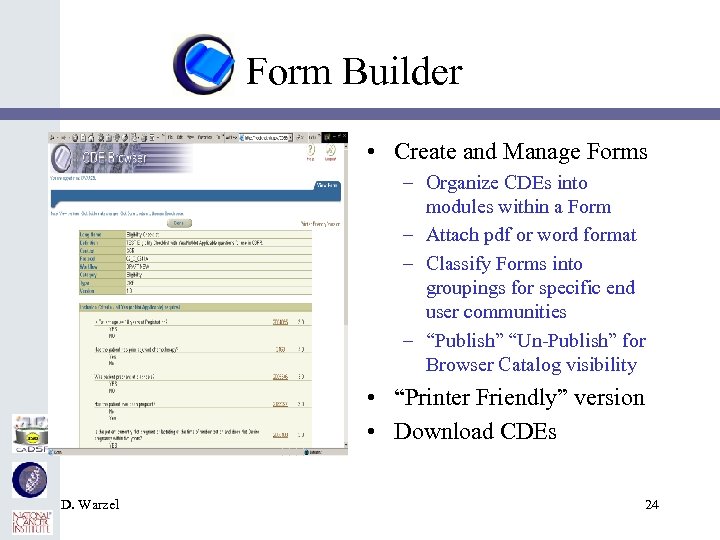 Form Builder • Create and Manage Forms – Organize CDEs into modules within a Form – Attach pdf or word format – Classify Forms into groupings for specific end user communities – “Publish” “Un-Publish” for Browser Catalog visibility • “Printer Friendly” version • Download CDEs D. Warzel 24
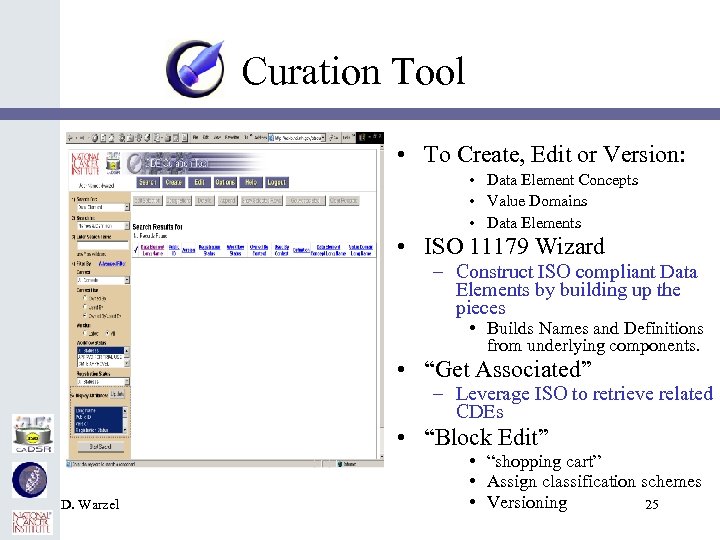 Curation Tool • To Create, Edit or Version: • Data Element Concepts • Value Domains • Data Elements • ISO 11179 Wizard – Construct ISO compliant Data Elements by building up the pieces • Builds Names and Definitions from underlying components. • “Get Associated” – Leverage ISO to retrieve related CDEs • “Block Edit” D. Warzel • “shopping cart” • Assign classification schemes • Versioning 25
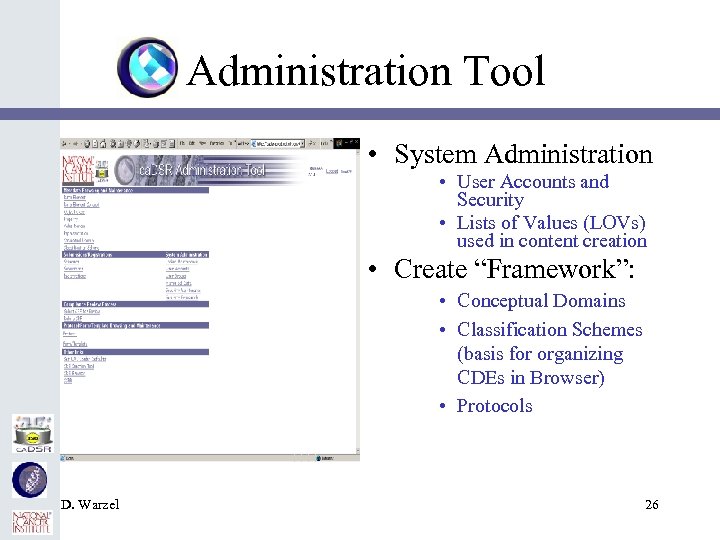 Administration Tool • System Administration • User Accounts and Security • Lists of Values (LOVs) used in content creation • Create “Framework”: • Conceptual Domains • Classification Schemes (basis for organizing CDEs in Browser) • Protocols D. Warzel 26
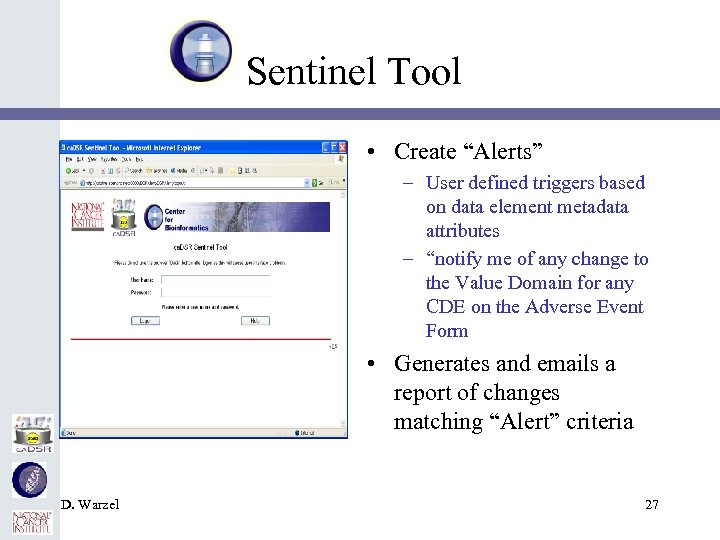 Sentinel Tool • Create “Alerts” – User defined triggers based on data element metadata attributes – “notify me of any change to the Value Domain for any CDE on the Adverse Event Form • Generates and emails a report of changes matching “Alert” criteria D. Warzel 27
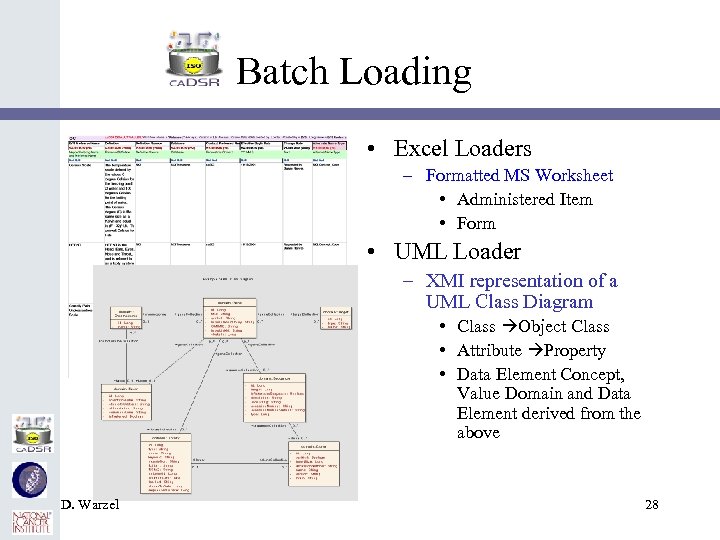 Batch Loading • Excel Loaders – Formatted MS Worksheet • Administered Item • Form • UML Loader – XMI representation of a UML Class Diagram • Class Object Class • Attribute Property • Data Element Concept, Value Domain and Data Element derived from the above D. Warzel 28
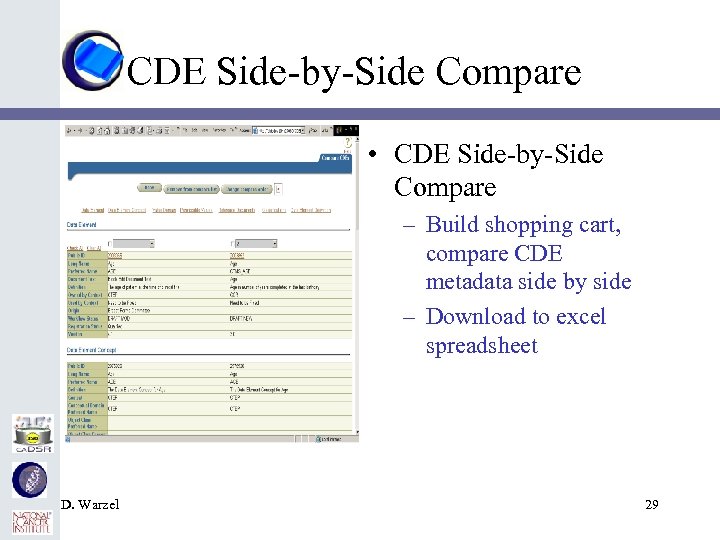 CDE Side-by-Side Compare • CDE Side-by-Side Compare – Build shopping cart, compare CDE metadata side by side – Download to excel spreadsheet D. Warzel 29
 Current User Base • • • Cancer Biomedical Informatics Grid (ca. BIG) – 820/466 * Center for Cancer Research (CCR) – 821/573 Clinical Data Interchange Standard Consortium (CDISC) - 3/0 Center for Cancer Imaging (CIP) - 238/151 Cancer Therapy Evaluation Program (CTEP) – 8027/2410 Division of Cancer Prevention (DCP) – 427/321 National Heart Lung and Blood Institute (NHLBI) – 0/0 Early Detection Research Network (EDRN) – 121/1 Divisions of Population Sciences and Cancer Control (PS & CC) 85/9 Specialized Programs of Research Excellence (SPOREs) – 719/197 Cancer Ontologic Research Environment (ca. CORE) – 1028/810 * Total CDEs/”Released” CDEs D. Warzel 30
 Exploring • National Institute of Neurological and Disorders and Syndromes (NINDS) • National Icelandic Center for Oncology • Cancergrid – UK D. Warzel 31
 Operating Environments • Database Repository – Oracle 98 i • Administration Tool – Oracle PL/SQL, Oracle 9 i Application Server • CDE Browser – Java, Oracle 9 i Application Server • CDE Curation Tool – Jakarta Tomcat D. Warzel 32
 Contact Information • ca. DSR Home Page – http: //ncicb. nci. nih. gov/core/ca. DSR • ca. DSR Training Home Page – http: //ncicb. nci. nih. gov/NCICB/core/ca. DSR/Tr aining • ca. DSR Training List. Serve – ca. DSR_Training-L@list. nih. gov D. Warzel 33
 Documentation/Recommended Reading Materials • ca. DSR Homepage: – http: //ncicb. nci. nih. gov/core/ca. DSR • ca. CORE User Application Manual: – ftp: //ftp 1. nci. nih. gov/pub/cacore/NCICBapplications/NCICBApp. Manual. pdf • ca. CORE Technical Guide: – ftp: //ftp 1. nci. nih. gov/pub/cacore/ca. CORE 2. 0_Tech_Guide. pdf – ca. DSR APIs • ca. DSR API Guide: – ftp: //ftp 1. nci. nih. gov/pub/cacore/ca. DSR/ca. CORE 2. 0_ca. DSR_API. pdf • ca. DSR Business Rules – http: //ncicb. nci. nih. gov/NCICB/core/ca. DSR/Business. Rules • ca. DSR Content Meetings – http: //ncicb. nci. nih. gov/NCICB/core/ca. DSR/Content • ca. DSR_Users List serv subscribe: – http: //list. nih. gov – Send Request for ca. DSR Account to: ncicb@pop. nci. nih. gov D. Warzel 34
 ca. DSR Tools Team • NCICB – Peter Covitz – Denise Warzel • Scen. Pro – – – Bill Mc. Curry Tom Phillips Robert Harding Jennifer Brush Larry Hebel Smita Hastak D. Warzel • Oracle – – – – Edmond Mulaire Ram Chilukuri Prerna Aggarwal Dan Ladino Christophe Ludet Shaji Kakkodi Jane Jiang • SAIC – Kathleen Gundry – Tommie Curtis – Brenda Maeske 35