


 Скачать презентацию Introduction to Speech Recognition Software Scott A Dougherty
db816331361381e8cea816e7e39cf85b.ppt
- Количество слайдов: 34
 Introduction to Speech Recognition Software Scott A. Dougherty, M. Ed. Cricket Rizzo, MS, OTR/L, ATP 2009 AT-OT-PT Summer Institute Tuesday, June 16, 2009 1: 30 – 4: 30 pm
 About the Presentation • Links are programmed into the globes at the lower right corner of the slide • Links are noted in the slide’s notes • The presentation is available electronically for download • Information on pricing and features was current as of May 2009 (i. e. , use at your own peril)
 About the Presenters • Cricket Rizzo, MS, OTR/L, ATP • Scott A. Dougherty, M. Ed. • Questions are welcome at any time • We like to pick on the people in the back row • We plan to enjoy these three hours – we hope you do, too
 Session Description • Explore the use of speech recognition software for writing • Explore the use of speech recognition software for computer access • Discuss common software and hardware • Demonstrate microphone initialization, dictation, and computer control • Share typical scenarios and obstacles
 Definitions AT SERVICES “Any services that directly assist in the selection, acquisition, or use of an assistive technology device. ” AT DEVICE “Any item, piece of equipment, or product system, whether acquired commercially off the shelf, modified or customized, that is used to increase, maintain, or improve the functional capabilities of individuals with disabilities. ” (PL 100 -407, Section 3, 1988)
 Assistive Technology in Legislation • IDEIA 2004 (34 CFR Parts 300 and 301 ) • Early Intervention Act (PL-99 -336) • Technology-Related Assistance for Individuals with Disabilities Act of 1988 or “The Tech Act” (PL-100407) • Americans with Disabilities Act (PL-101 -336) • Entitlement Legislation: – Rehabilitation Act of 1973 (PL-93 -112, as amended) – Rehabilitation Act Amendments of 1998 • Section 508 compliance
 Why explore speech recognition in schools? • My student has difficulty accessing the computer. • My student has difficulty using a pencil and/or keyboard. • My student has anxiety about writing with a pencil and/or keyboard. • I use it in my law/medical practice. It works beautifully and I believe my Kindergartener needs it, too.
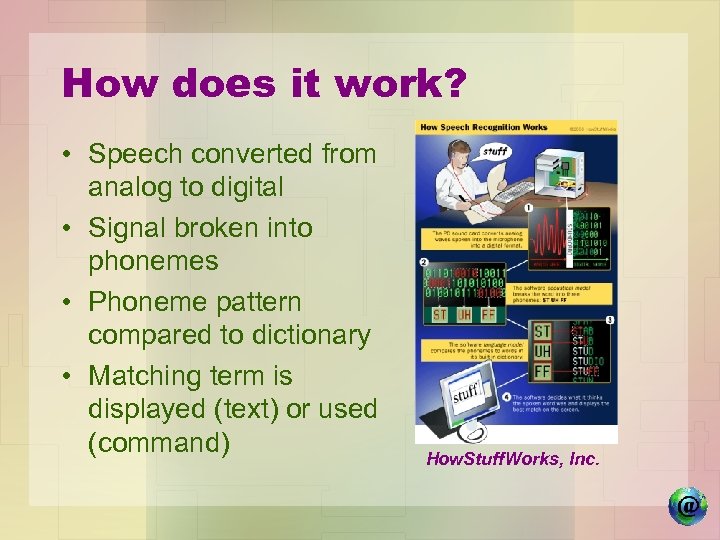 How does it work? • Speech converted from analog to digital • Signal broken into phonemes • Phoneme pattern compared to dictionary • Matching term is displayed (text) or used (command) How. Stuff. Works, Inc.
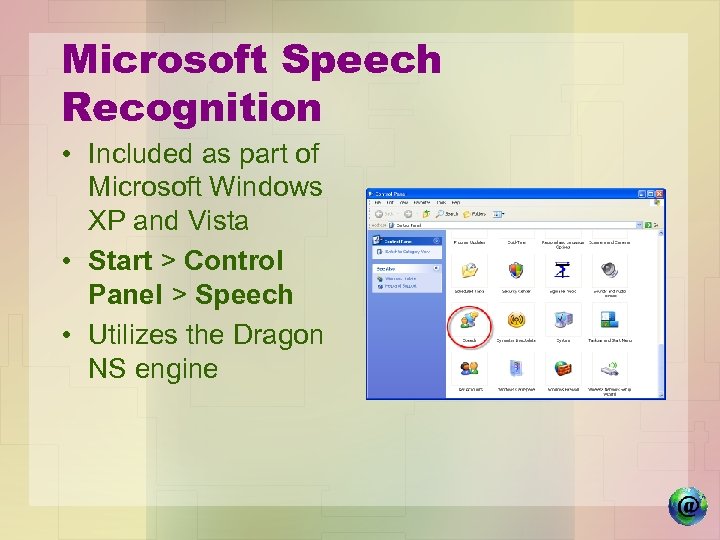 Microsoft Speech Recognition • Included as part of Microsoft Windows XP and Vista • Start > Control Panel > Speech • Utilizes the Dragon NS engine
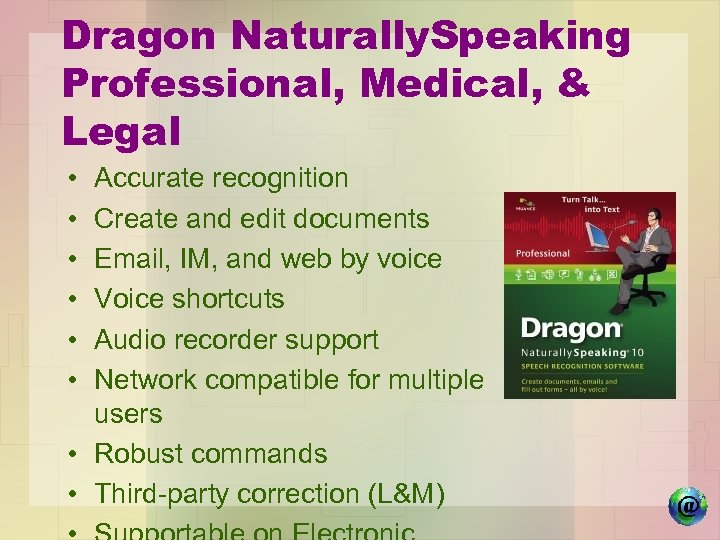 Dragon Naturally. Speaking Professional, Medical, & Legal • • • Accurate recognition Create and edit documents Email, IM, and web by voice Voice shortcuts Audio recorder support Network compatible for multiple users • Robust commands • Third-party correction (L&M)
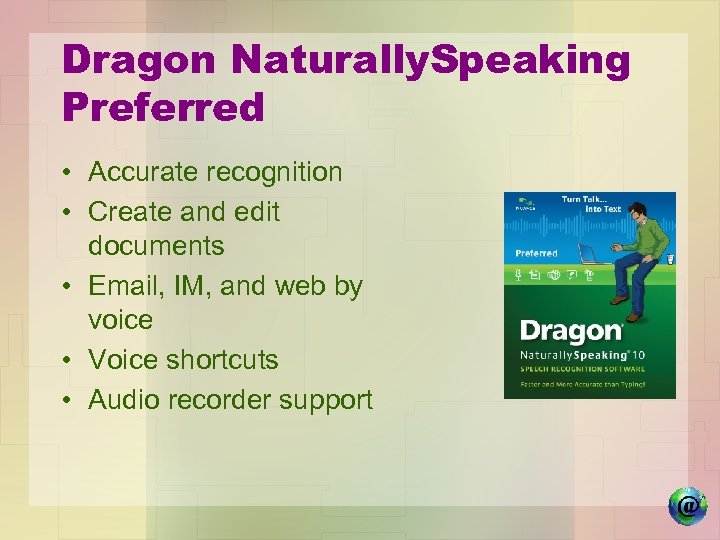 Dragon Naturally. Speaking Preferred • Accurate recognition • Create and edit documents • Email, IM, and web by voice • Voice shortcuts • Audio recorder support
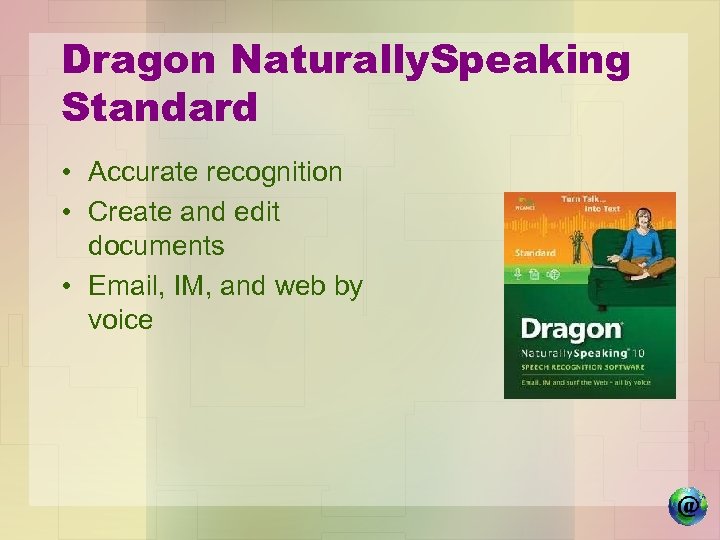 Dragon Naturally. Speaking Standard • Accurate recognition • Create and edit documents • Email, IM, and web by voice
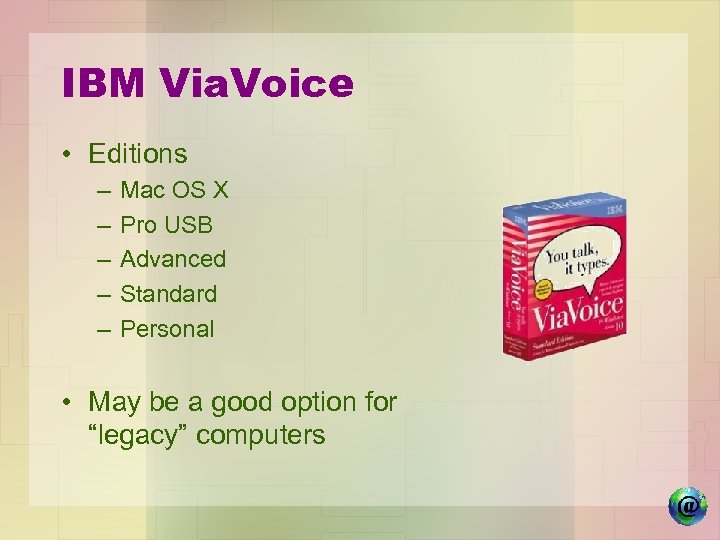 IBM Via. Voice • Editions – – – Mac OS X Pro USB Advanced Standard Personal • May be a good option for “legacy” computers
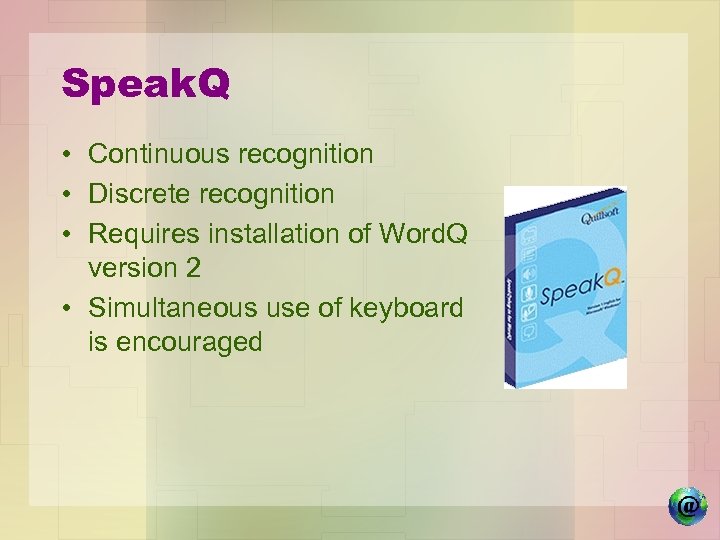 Speak. Q • Continuous recognition • Discrete recognition • Requires installation of Word. Q version 2 • Simultaneous use of keyboard is encouraged
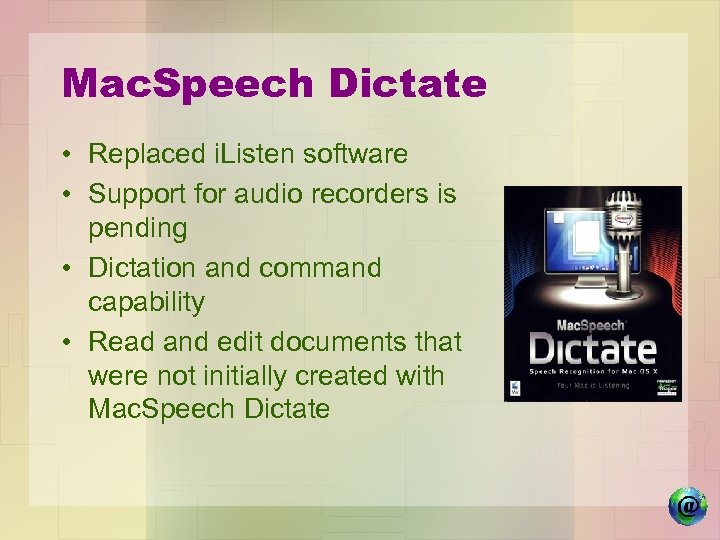 Mac. Speech Dictate • Replaced i. Listen software • Support for audio recorders is pending • Dictation and command capability • Read and edit documents that were not initially created with Mac. Speech Dictate
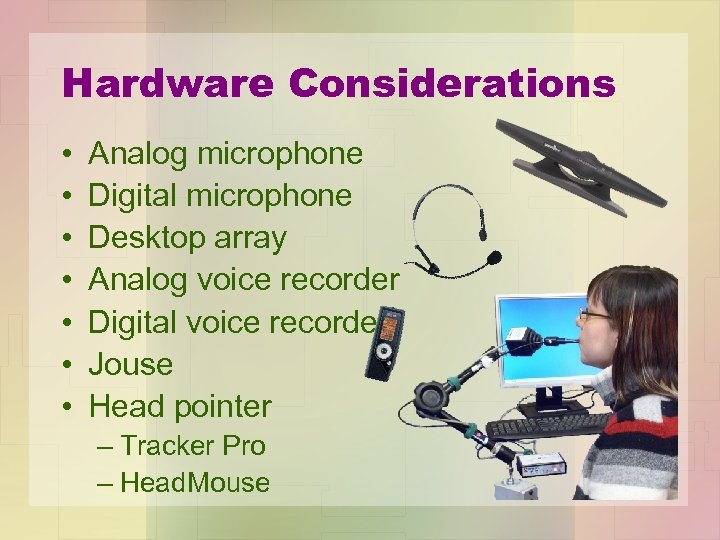 Hardware Considerations • • Analog microphone Digital microphone Desktop array Analog voice recorder Digital voice recorder Jouse Head pointer – Tracker Pro – Head. Mouse
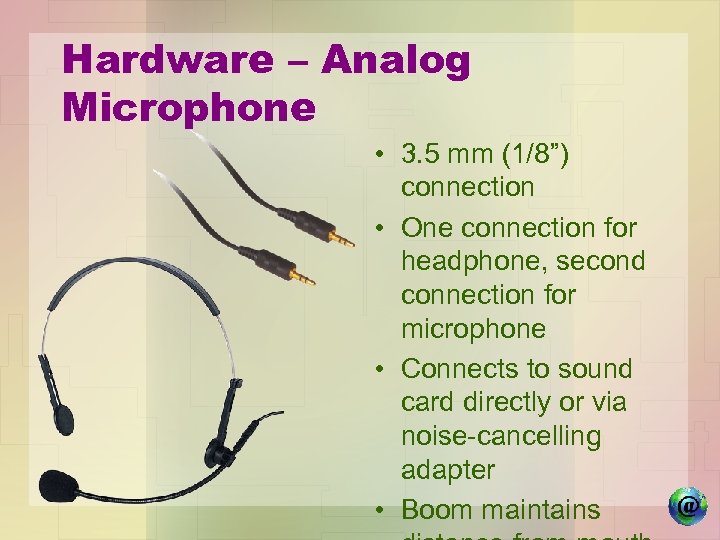 Hardware – Analog Microphone • 3. 5 mm (1/8”) connection • One connection for headphone, second connection for microphone • Connects to sound card directly or via noise-cancelling adapter • Boom maintains
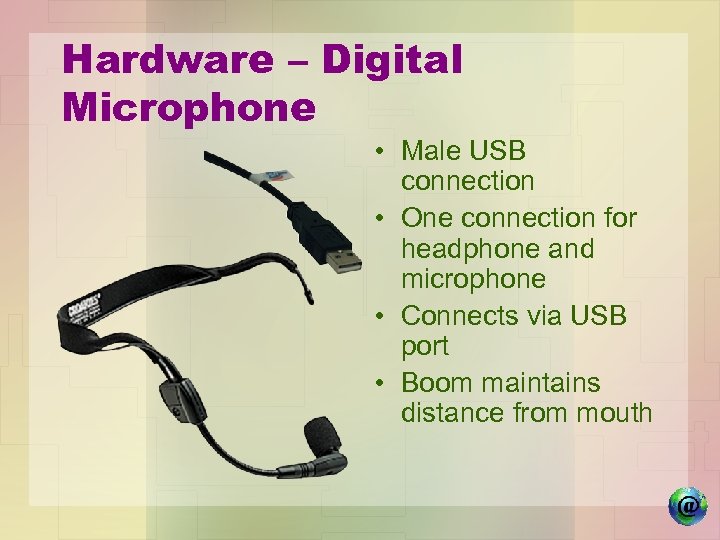 Hardware – Digital Microphone • Male USB connection • One connection for headphone and microphone • Connects via USB port • Boom maintains distance from mouth
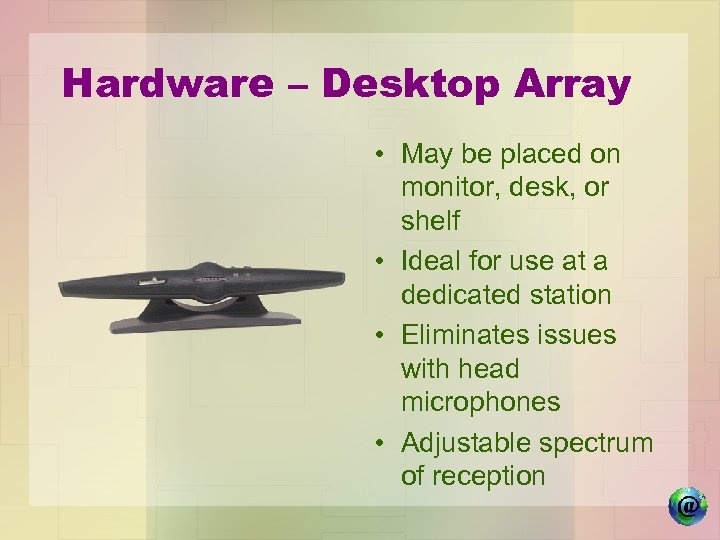 Hardware – Desktop Array • May be placed on monitor, desk, or shelf • Ideal for use at a dedicated station • Eliminates issues with head microphones • Adjustable spectrum of reception
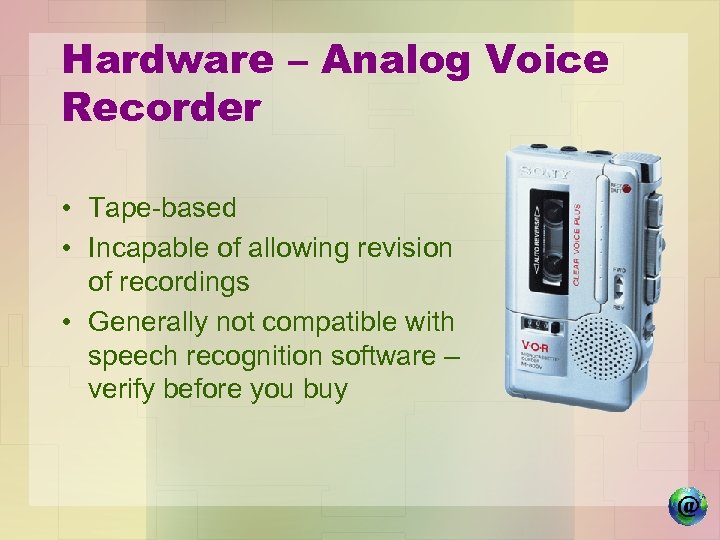 Hardware – Analog Voice Recorder • Tape-based • Incapable of allowing revision of recordings • Generally not compatible with speech recognition software – verify before you buy
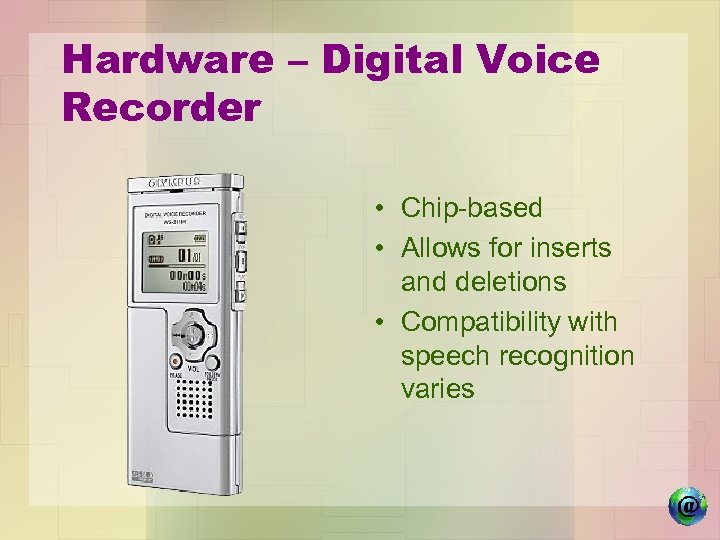 Hardware – Digital Voice Recorder • Chip-based • Allows for inserts and deletions • Compatibility with speech recognition varies
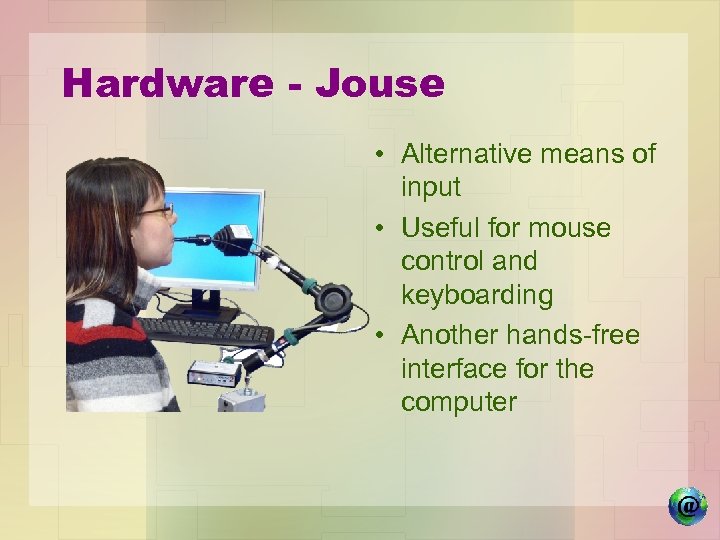 Hardware - Jouse • Alternative means of input • Useful for mouse control and keyboarding • Another hands-free interface for the computer
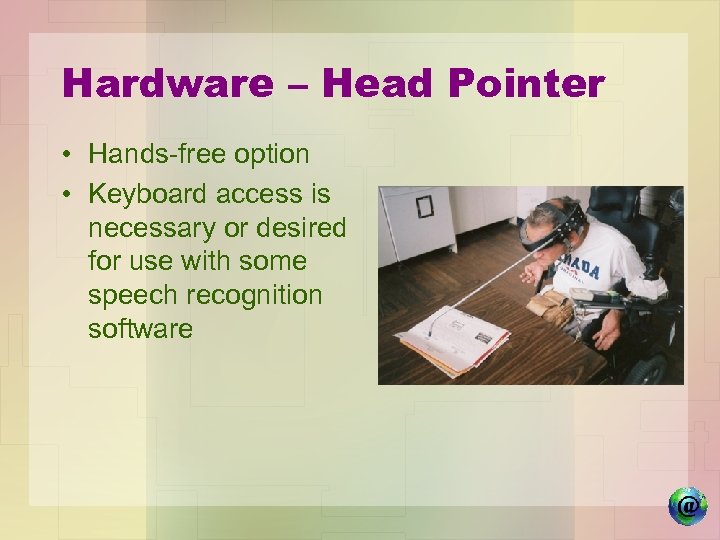 Hardware – Head Pointer • Hands-free option • Keyboard access is necessary or desired for use with some speech recognition software
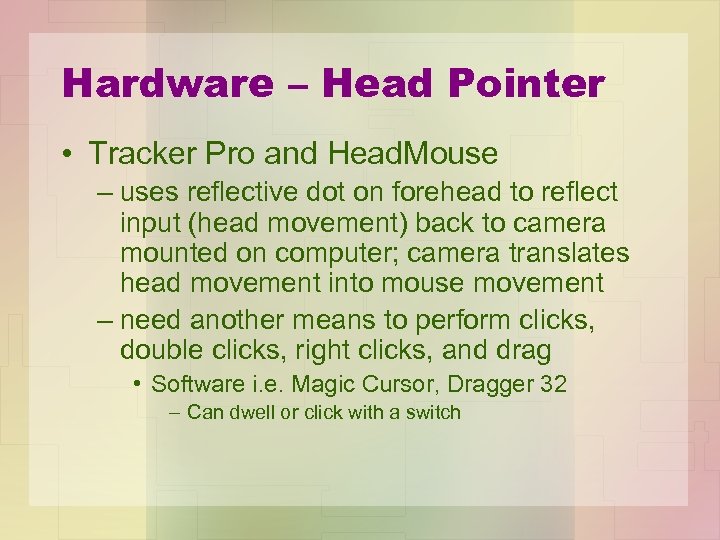 Hardware – Head Pointer • Tracker Pro and Head. Mouse – uses reflective dot on forehead to reflect input (head movement) back to camera mounted on computer; camera translates head movement into mouse movement – need another means to perform clicks, double clicks, right clicks, and drag • Software i. e. Magic Cursor, Dragger 32 – Can dwell or click with a switch
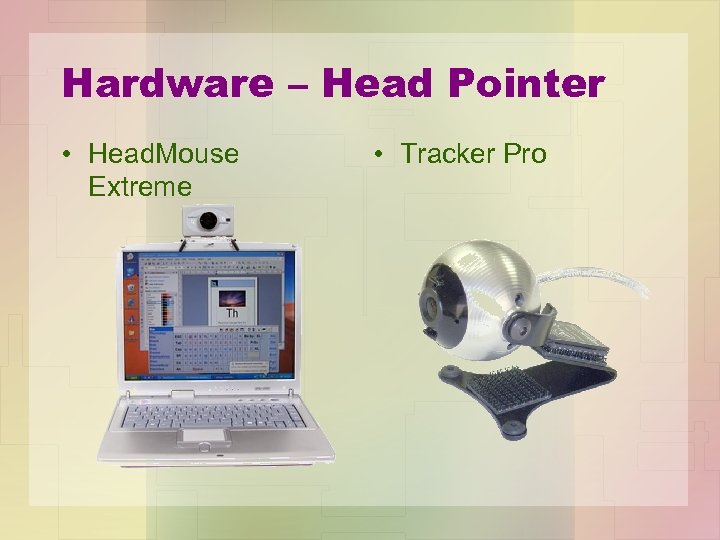 Hardware – Head Pointer • Head. Mouse Extreme • Tracker Pro
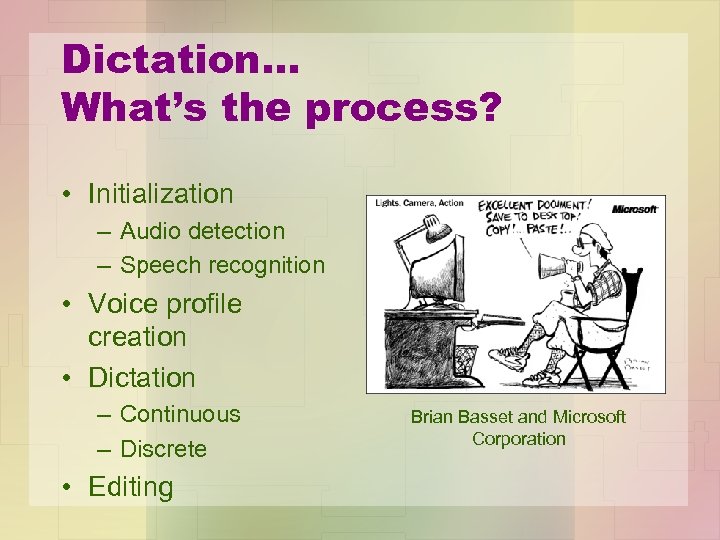 Dictation… What’s the process? • Initialization – Audio detection – Speech recognition • Voice profile creation • Dictation – Continuous – Discrete • Editing Brian Basset and Microsoft Corporation
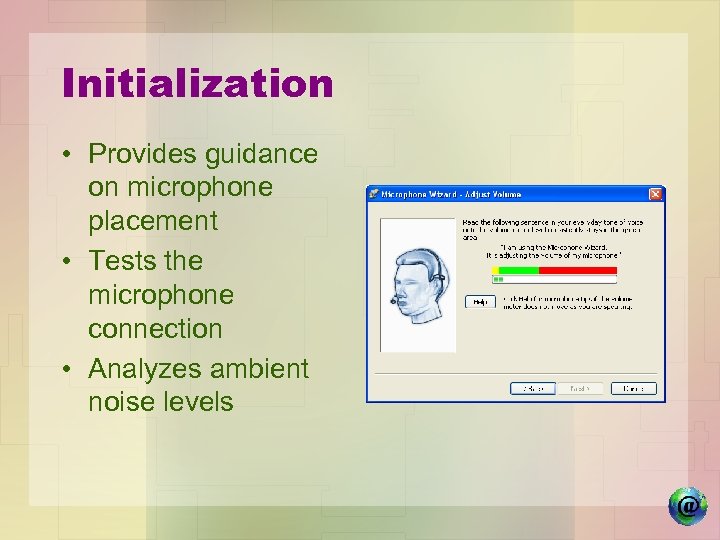 Initialization • Provides guidance on microphone placement • Tests the microphone connection • Analyzes ambient noise levels
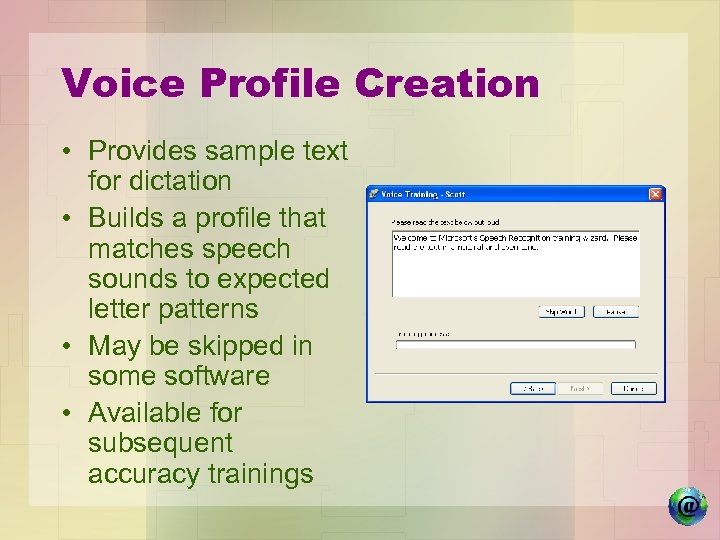 Voice Profile Creation • Provides sample text for dictation • Builds a profile that matches speech sounds to expected letter patterns • May be skipped in some software • Available for subsequent accuracy trainings
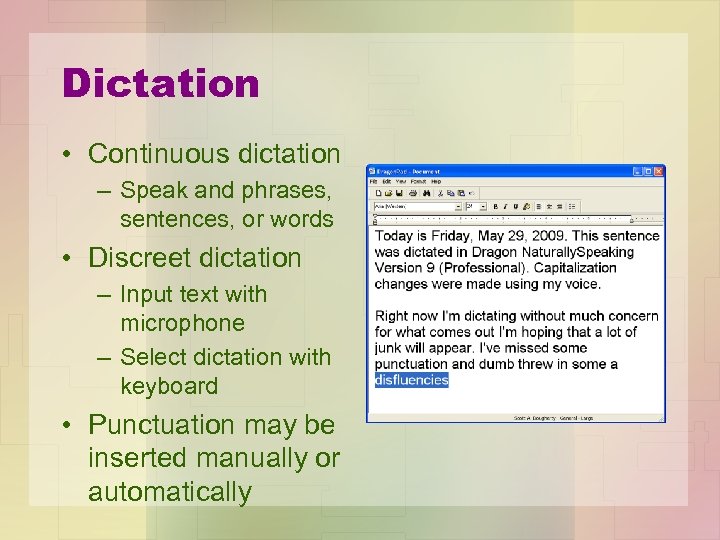 Dictation • Continuous dictation – Speak and phrases, sentences, or words • Discreet dictation – Input text with microphone – Select dictation with keyboard • Punctuation may be inserted manually or automatically
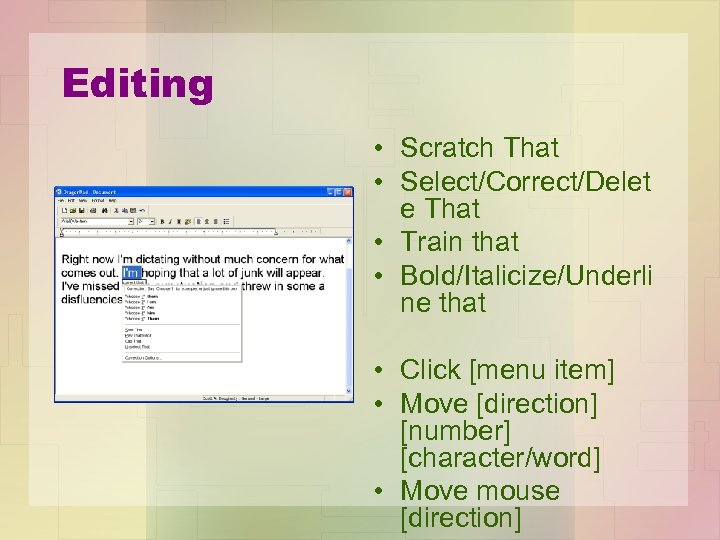 Editing • Scratch That • Select/Correct/Delet e That • Train that • Bold/Italicize/Underli ne that • Click [menu item] • Move [direction] [number] [character/word] • Move mouse [direction]
 Training for Computer Access • Complete tutorials provided with software • Dictate from book or magazine for practice including punctuations i. e. , . ? “ and formatting • Dictate from “off the top of your head” – Usually takes more time when dictating from thoughts rather than hard copy – Watch for pauses, umms, uhhs, mumbling • • Dictation Formatting Use in Applications i. e. Word, E-mail, Web Access Timeframe varies with cognitive abilities and computer expertise; typical user – 20 hours to cover basics
 Talking Points • • Initializing struggling readers Use as a note taking tool Editing errors – keyboard or the mouse? Multiple profiles for a single user Computer access strategies Dragon Naturally Speaking on a Mac? Use at school and home
 More Talking Points • “I want all of the teachers to dictate their lectures” • Dictating “under the weather” • Matching microphones to users and environments • Test-taking
 Contact information Scott A. Dougherty IDEA Training and Consultation Coordinator, AT Cricket Rizzo MS, OTR/L, ATP Occupational Therapist Allegheny Intermediate Unit #3 475 East Waterfront Drive Homestead, PA 15120 -1144 Westmoreland Intermediate Unit #7 102 Equity Drive Greensburg, PA 15601 scott. dougherty@aiu 3. net 412 -394 -1375 lrizzo@wiu. k 12. pa. us (724) 836 -2460 , ext. 2193 These presentation materials can be downloaded at http: //www. aiu 3. net/Level 3. aspx? id=3822