


 Скачать презентацию Introduction to Physics Computing MT 2013 Lecture 1
adaf6e4d0e2a0308a0063992ceee701f.ppt
- Количество слайдов: 32
 Introduction to Physics Computing MT 2013 Lecture 1 J Tseng
 Outline n n n Objectives of the computing course Some practical course details Basic concepts and pitfalls MT 2013 (I) Introduction to Physics Computing (Tseng) 2
 Objectives n Learn basic computing skills q q n Lectures – basic ideas q q n Computation and numerical methods Data processing and analysis Modelling and simulation Awareness of other uses of computers in physics How to tell computers what to do How computers work Practical course – learn by doing q q Actual programming Actual applications MT 2013 (I) Introduction to Physics Computing (Tseng) 3
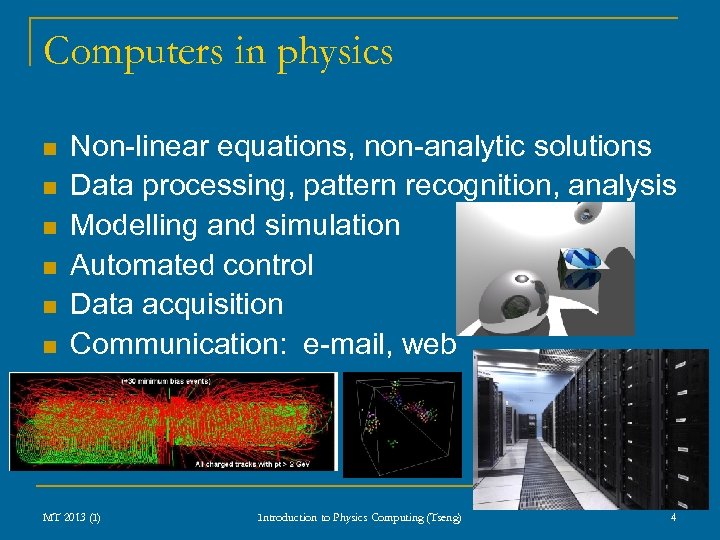 Computers in physics n n n Non-linear equations, non-analytic solutions Data processing, pattern recognition, analysis Modelling and simulation Automated control Data acquisition Communication: e-mail, web MT 2013 (I) Introduction to Physics Computing (Tseng) 4
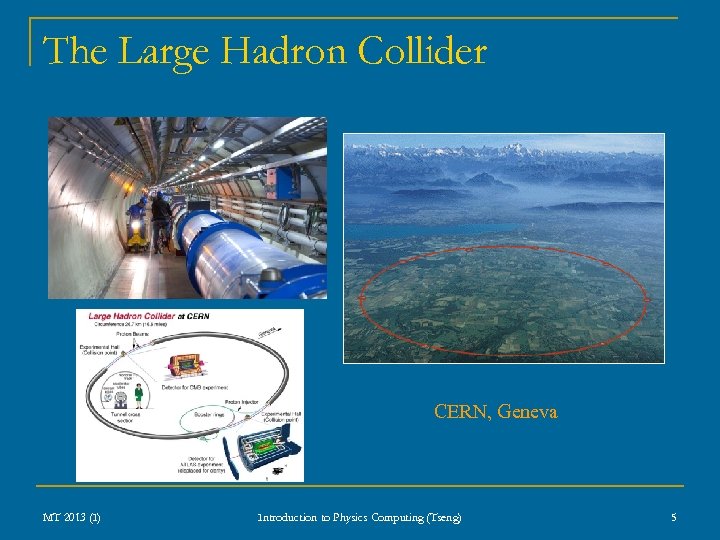 The Large Hadron Collider CERN, Geneva MT 2013 (I) Introduction to Physics Computing (Tseng) 5
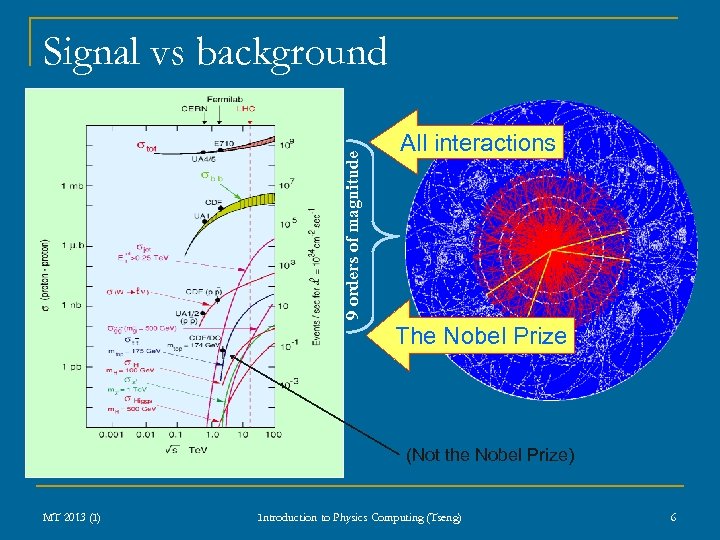 9 orders of magnitude Signal vs background All interactions The Nobel Prize (Not the Nobel Prize) MT 2013 (I) Introduction to Physics Computing (Tseng) 6
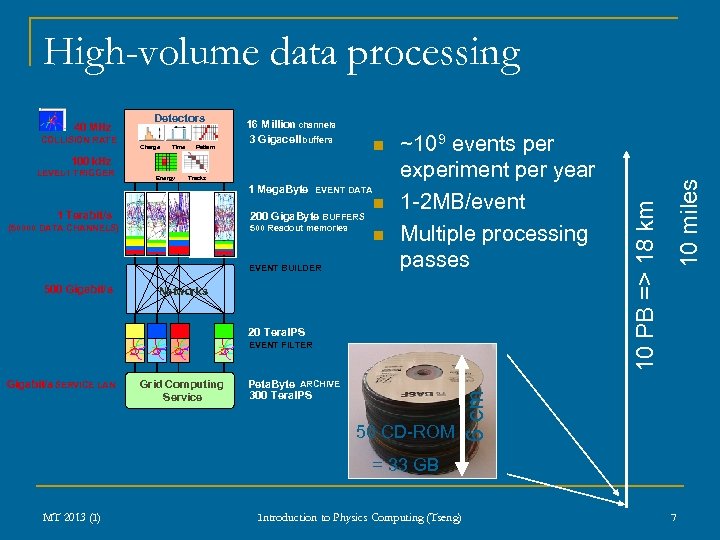 COLLISION RATE Detectors Charge Time Pattern 16 Million channels 3 Gigacell buffers n 100 k. Hz LEVEL TRIGGER -1 Energy Tracks 1 Mega. Byte EVENT DATA 1 Terabit/s 200 Giga. Byte BUFFERS (50000 DATA CHANNELS) 500 Readout memories EVENT BUILDER 500 Gigabit/s n n ~109 events per experiment per year 1 -2 MB/event Multiple processing passes Networks 20 Tera. IPS Gigabit/s SERVICE LAN Grid Computing Service Peta. Byte ARCHIVE 300 Tera. IPS 50 CD-ROM 6 cm EVENT FILTER 10 miles 40 MHz 10 PB => 18 km High-volume data processing = 33 GB MT 2013 (I) Introduction to Physics Computing (Tseng) 7
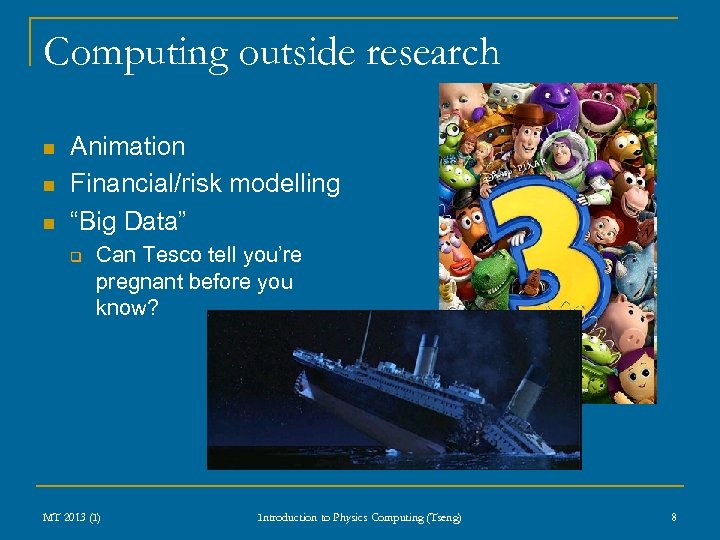 Computing outside research n n n Animation Financial/risk modelling “Big Data” q Can Tesco tell you’re pregnant before you know? MT 2013 (I) Introduction to Physics Computing (Tseng) 8
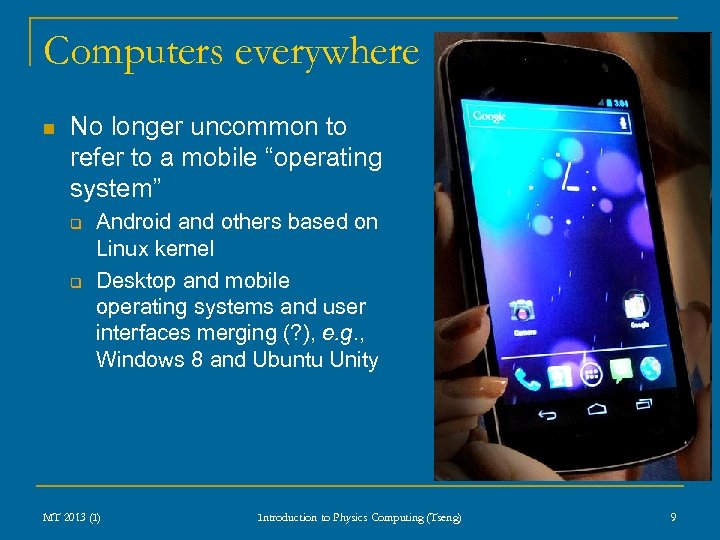 Computers everywhere n No longer uncommon to refer to a mobile “operating system” q q Android and others based on Linux kernel Desktop and mobile operating systems and user interfaces merging (? ), e. g. , Windows 8 and Ubuntu Unity MT 2013 (I) Introduction to Physics Computing (Tseng) 9
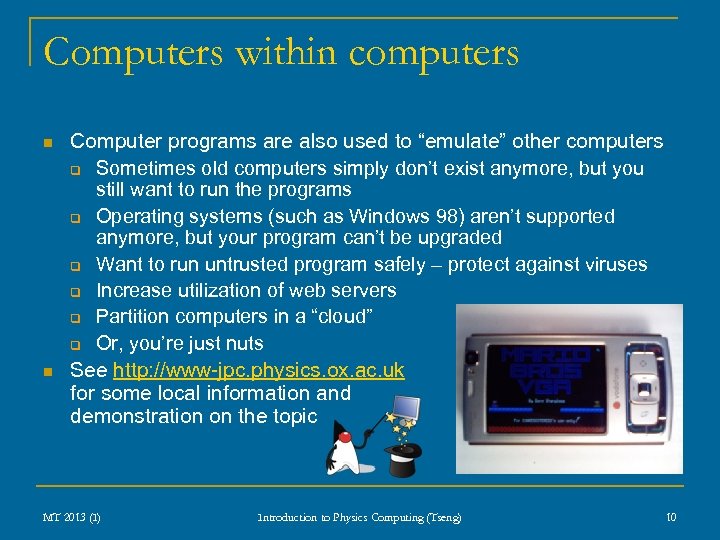 Computers within computers n n Computer programs are also used to “emulate” other computers q Sometimes old computers simply don’t exist anymore, but you still want to run the programs q Operating systems (such as Windows 98) aren’t supported anymore, but your program can’t be upgraded q Want to run untrusted program safely – protect against viruses q Increase utilization of web servers q Partition computers in a “cloud” q Or, you’re just nuts See http: //www-jpc. physics. ox. ac. uk for some local information and demonstration on the topic MT 2013 (I) Introduction to Physics Computing (Tseng) 10
 How to tell a computer what to do n n n Examples given can involve millions of instructions Built from much simpler logical elements Basic idea: issue a sequence of instructions q q You can issue this sequence by hand, one instruction at a time Sequences can be written and stored programs, functions MT 2013 (I) Introduction to Physics Computing (Tseng) 11
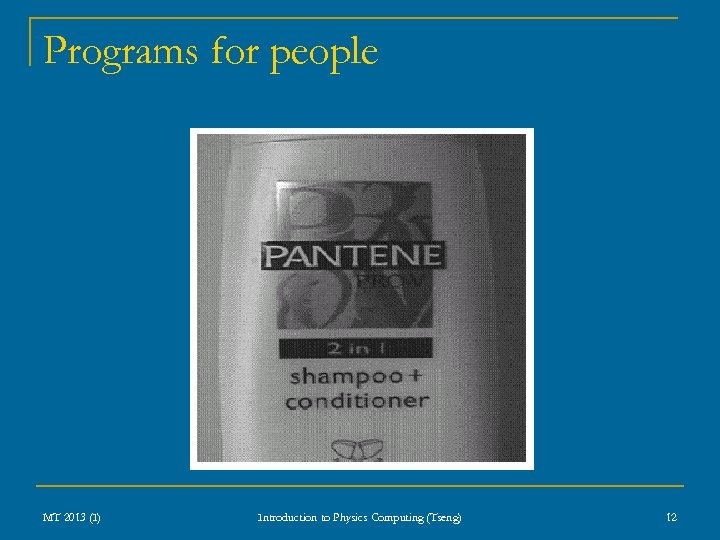 Programs for people MT 2013 (I) Introduction to Physics Computing (Tseng) 12
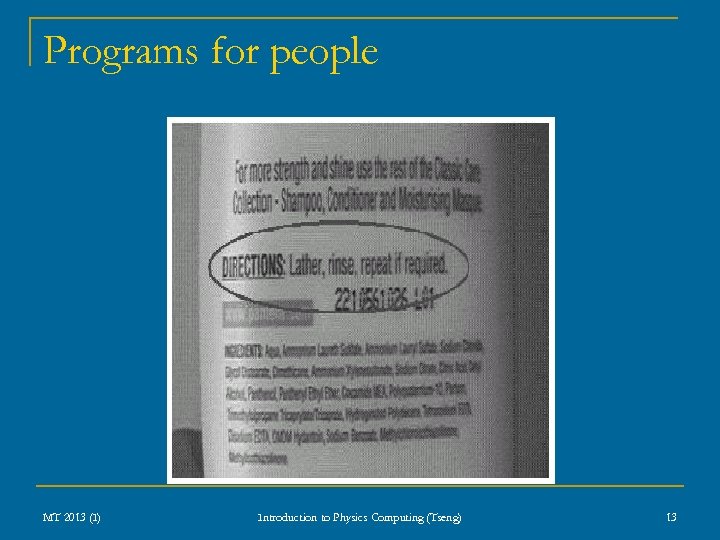 Programs for people MT 2013 (I) Introduction to Physics Computing (Tseng) 13
 Programs for computers n n Computers are not people Computers are really, really stupid Ø q q q n n Therefore programming can’t be mysterious They have to be told everything There is minimal cultural context Sequence is important: what does a computer know, and when does it know it? “A computer does what you tell it to do, not what you want it to do” In general, the best relationship with computers is not to trust them MT 2013 (I) Introduction to Physics Computing (Tseng) 14
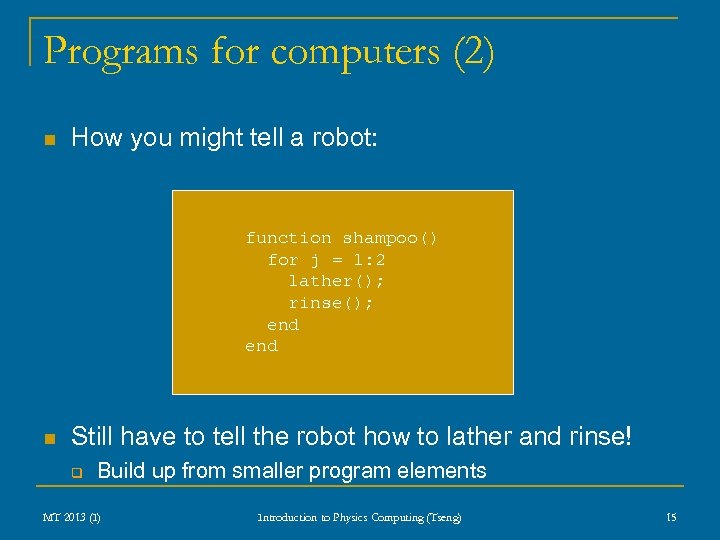 Programs for computers (2) n How you might tell a robot: function shampoo() for j = 1: 2 lather(); rinse(); end n Still have to tell the robot how to lather and rinse! q Build up from smaller program elements MT 2013 (I) Introduction to Physics Computing (Tseng) 15
 Programming language n Previous example is in the style of a “high-level” programming language q q q n “High level” simply means there’s a good chance a properly trained human can figure out what the instructions do “Low level” languages are harder to figure out, e. g. , the actual numerical codes the computer uses to put voltages down wires In either case, there is usually a strict grammar, or else the computer will get confused No matter high “high level” a language, it is still built on lower-level constructs q q One goal of computer science is to find out more natural ways for humans to express what they want to fundamentally stupid machines We will look at one popular construct called “object-oriented programming” later in the course MT 2013 (I) Introduction to Physics Computing (Tseng) 16
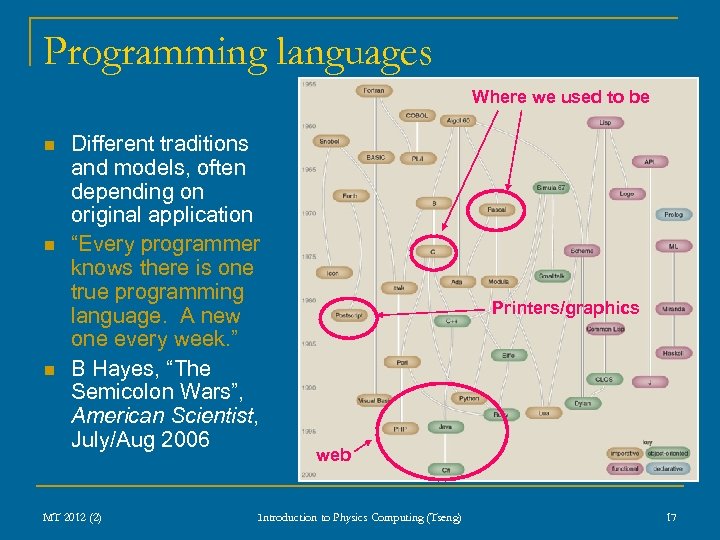 Programming languages Where we used to be n n n Different traditions and models, often depending on original application “Every programmer knows there is one true programming language. A new one every week. ” B Hayes, “The Semicolon Wars”, American Scientist, July/Aug 2006 MT 2012 (2) Printers/graphics web Introduction to Physics Computing (Tseng) 17
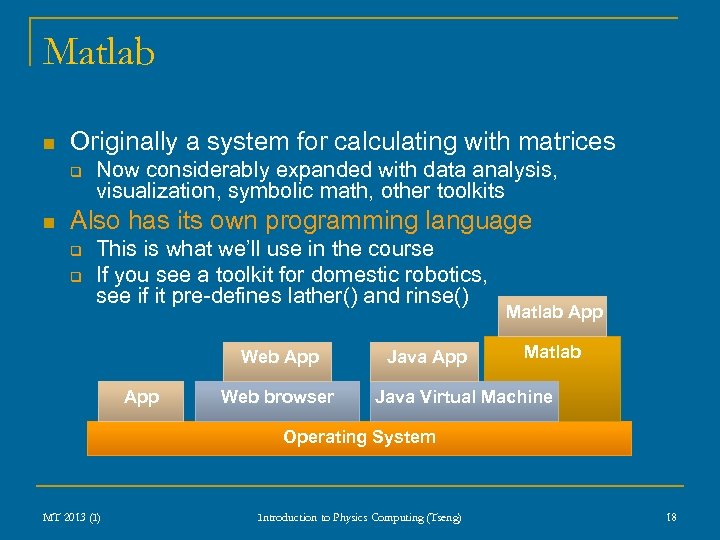 Matlab n Originally a system for calculating with matrices q n Now considerably expanded with data analysis, visualization, symbolic math, other toolkits Also has its own programming language q q This is what we’ll use in the course If you see a toolkit for domestic robotics, see if it pre-defines lather() and rinse() Web App Web browser Java App Matlab Java Virtual Machine Operating System MT 2013 (I) Introduction to Physics Computing (Tseng) 18
 Other “super” calculators q Octave n n n q mostly similar syntax with Matlab open source command line rather than graphical user interface Mathematica n MT 2013 (I) Also very popular for scientific computing Introduction to Physics Computing (Tseng) 19
 Practical course details n All students are signed up to do CO 01 first, using the online Prelims Computing Course q q q n http: //www-teaching. physics. ox. ac. uk/CO-MATLAB/ This will take you through the elements of Matlab use for calculations and programming language Best way to learn to program is to do it You should know when you are to show up in lab q q There are 20 -30 computers, so pre-allocation is intended to make sure everyone gets time to do it If you get behind, you can show up for extra sessions. Check with the demonstrators on shift – pre-allocated students get priority MT 2013 (I) Introduction to Physics Computing (Tseng) 20
 Practical course details (2) n You can also start CO 01 at home q This will reduce the amount of time you actually have to sit in lab q Come to lab for questions and to be marked off by a demonstrator q The demonstrator is not responsible for figuring out problems with your home computer – be prepared to transfer your work to the lab machines q You can install Matlab on your computer n n n The Department has bought student licences for all undergraduates See the Prelims Computing Course webpage for the link to download Asking for help or getting marked in lab q Get a demonstrator’s attention q Don’t be surprised if you may have to wait q Continue working as far as you can at your computer q Demonstrators should attend largely in sequence MT 2013 (I) Introduction to Physics Computing (Tseng) 21
 Lecture scheme Learn by doing in the practical lab Lectures will try to convey more general ideas and pitfalls n n Getting started with Matlab as a calculator Simple programs Encoding concepts q q q n Intention is not to duplicate online course material in lectures, but to point out areas of common misunderstanding MT 2013 (I) Introduction to Physics Computing (Tseng) 22
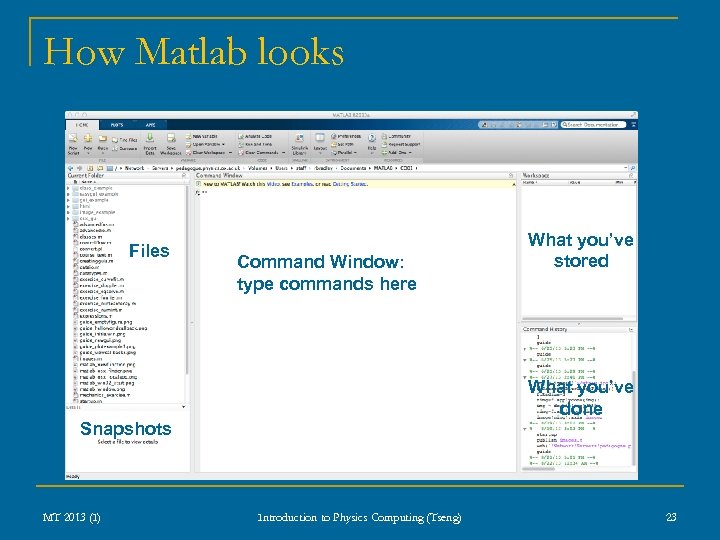 How Matlab looks Files Command Window: type commands here What you’ve stored What you’ve done Snapshots MT 2013 (I) Introduction to Physics Computing (Tseng) 23
 Most important Matlab commands n exit q q n clear q q n For slightly less drastic problems This just clears out your storage without having to exit Matlab help q n Type this in the Command Window Press the ENTER or RETURN key Restart if needed This should always clear up catastrophic confusion Type this followed by a command or function These are also available in the menus MT 2013 (I) Introduction to Physics Computing (Tseng) 24
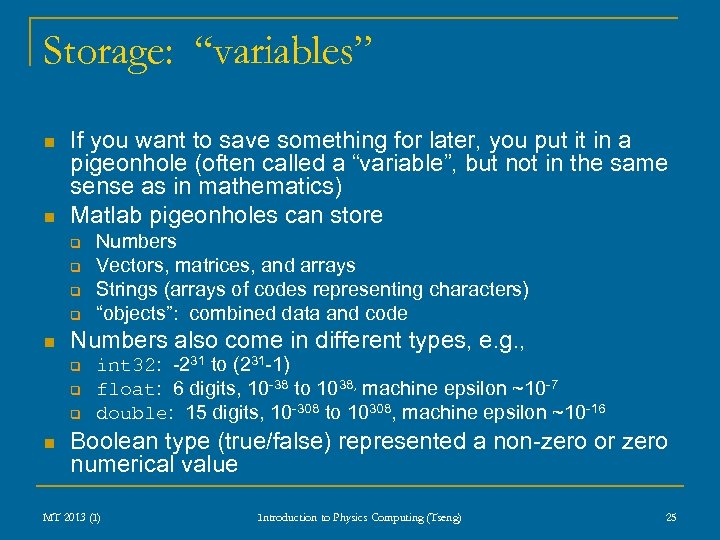 Storage: “variables” n n If you want to save something for later, you put it in a pigeonhole (often called a “variable”, but not in the same sense as in mathematics) Matlab pigeonholes can store q q n Numbers also come in different types, e. g. , q q q n Numbers Vectors, matrices, and arrays Strings (arrays of codes representing characters) “objects”: combined data and code int 32: -231 to (231 -1) float: 6 digits, 10 -38 to 1038, machine epsilon ~10 -7 double: 15 digits, 10 -308 to 10308, machine epsilon ~10 -16 Boolean type (true/false) represented a non-zero or zero numerical value MT 2013 (I) Introduction to Physics Computing (Tseng) 25
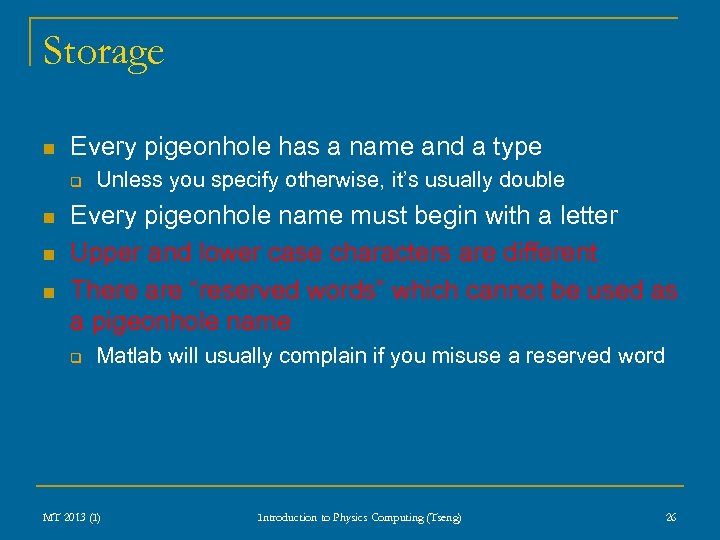 Storage n Every pigeonhole has a name and a type q n n n Unless you specify otherwise, it’s usually double Every pigeonhole name must begin with a letter Upper and lower case characters are different There are “reserved words” which cannot be used as a pigeonhole name q Matlab will usually complain if you misuse a reserved word MT 2013 (I) Introduction to Physics Computing (Tseng) 26
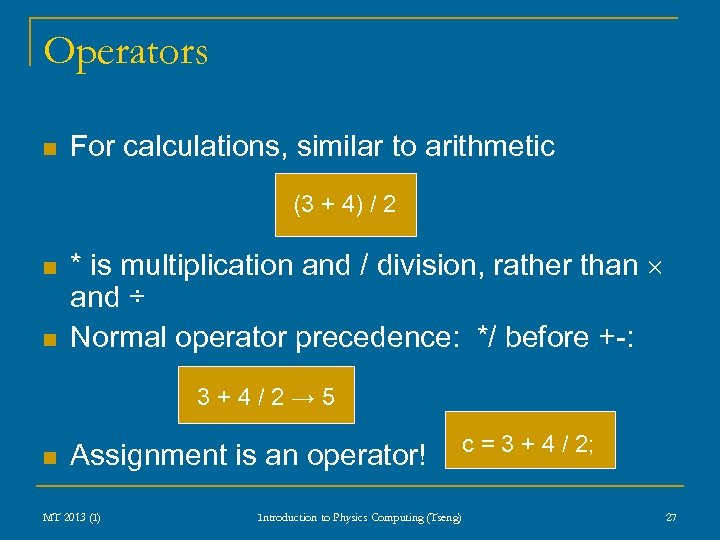 Operators n For calculations, similar to arithmetic (3 + 4) / 2 n n * is multiplication and / division, rather than and ÷ Normal operator precedence: */ before +-: 3+4/2→ 5 n Assignment is an operator! MT 2013 (I) Introduction to Physics Computing (Tseng) c = 3 + 4 / 2; 27
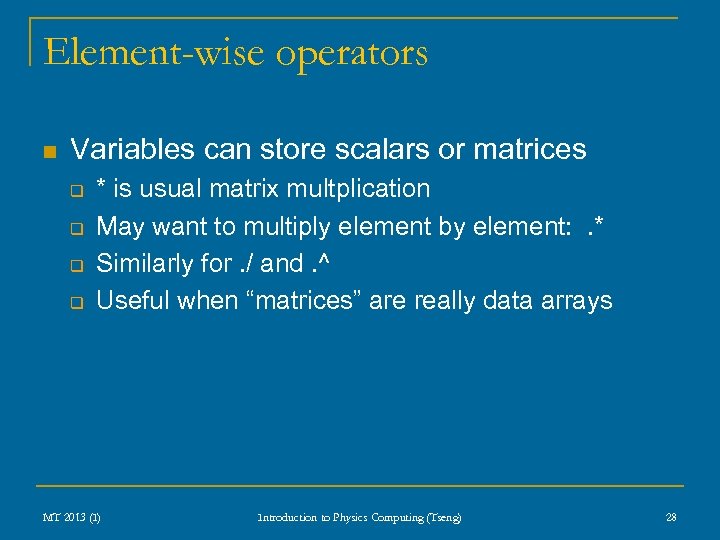 Element-wise operators n Variables can store scalars or matrices q q * is usual matrix multplication May want to multiply element by element: . * Similarly for. / and. ^ Useful when “matrices” are really data arrays MT 2013 (I) Introduction to Physics Computing (Tseng) 28
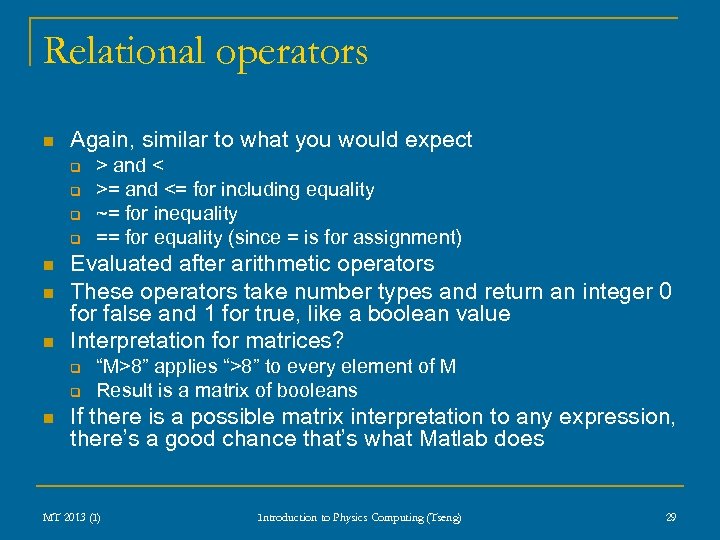 Relational operators n Again, similar to what you would expect q q n n n Evaluated after arithmetic operators These operators take number types and return an integer 0 for false and 1 for true, like a boolean value Interpretation for matrices? q q n > and < >= and <= for including equality ~= for inequality == for equality (since = is for assignment) “M>8” applies “>8” to every element of M Result is a matrix of booleans If there is a possible matrix interpretation to any expression, there’s a good chance that’s what Matlab does MT 2013 (I) Introduction to Physics Computing (Tseng) 29
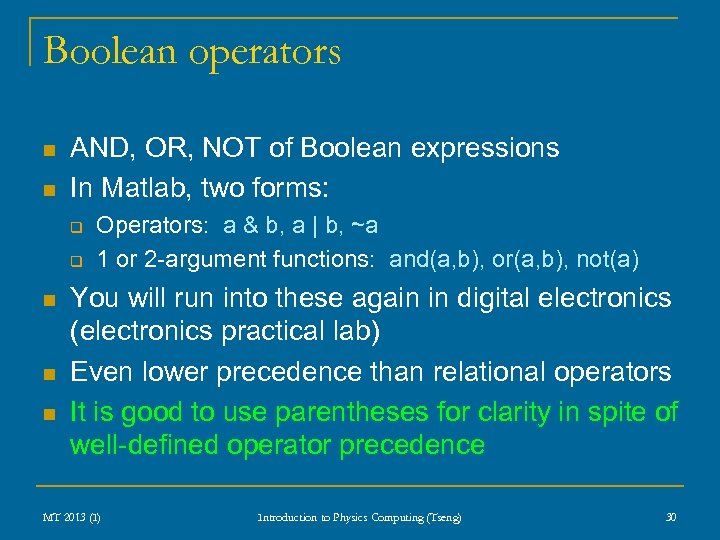 Boolean operators n n AND, OR, NOT of Boolean expressions In Matlab, two forms: q q n n n Operators: a & b, a | b, ~a 1 or 2 -argument functions: and(a, b), or(a, b), not(a) You will run into these again in digital electronics (electronics practical lab) Even lower precedence than relational operators It is good to use parentheses for clarity in spite of well-defined operator precedence MT 2013 (I) Introduction to Physics Computing (Tseng) 30
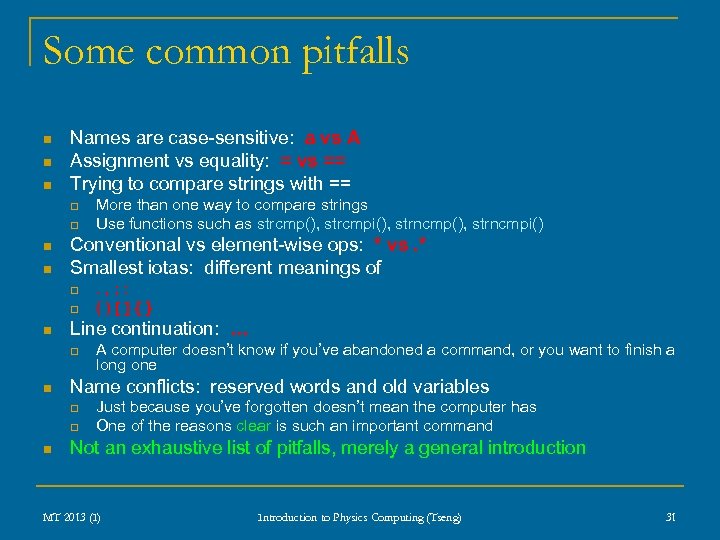 Some common pitfalls n n n Names are case-sensitive: a vs A Assignment vs equality: = vs == Trying to compare strings with == q q n n Conventional vs element-wise ops: * vs. * Smallest iotas: different meanings of q q n A computer doesn’t know if you’ve abandoned a command, or you want to finish a long one Name conflicts: reserved words and old variables q q n . , ; : ()[]{} Line continuation: … q n More than one way to compare strings Use functions such as strcmp(), strcmpi(), strncmpi() Just because you’ve forgotten doesn’t mean the computer has One of the reasons clear is such an important command Not an exhaustive list of pitfalls, merely a general introduction MT 2013 (I) Introduction to Physics Computing (Tseng) 31
 Next step n Get started with CO 01 at home/in college q q n Learn by doing Ask for help when you get stuck – some concepts may take a little getting used to Next week: programs, control flow MT 2013 (I) Introduction to Physics Computing (Tseng) 32