


 Скачать презентацию Introduction to Networking What is a Network
Introduction to Networking.pptx
- Количество слайдов: 23
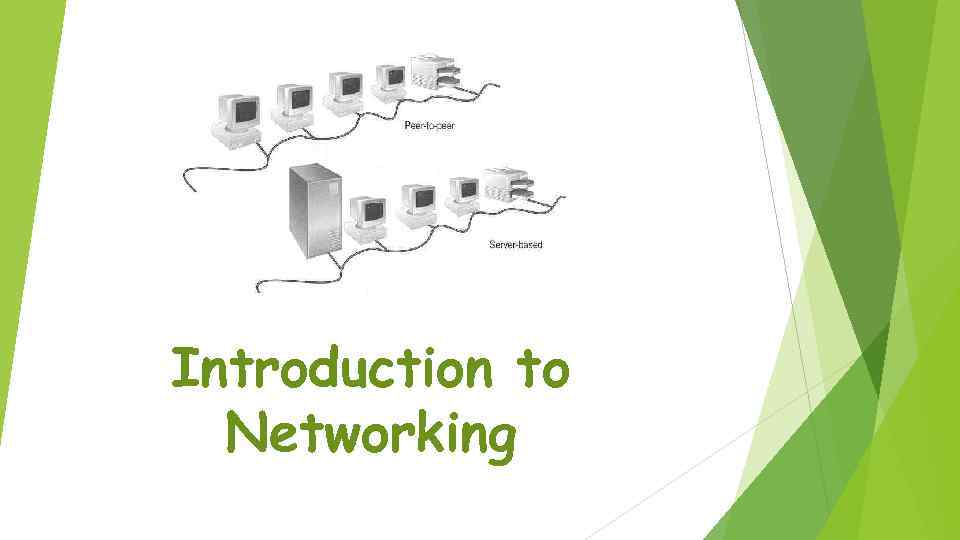 Introduction to Networking
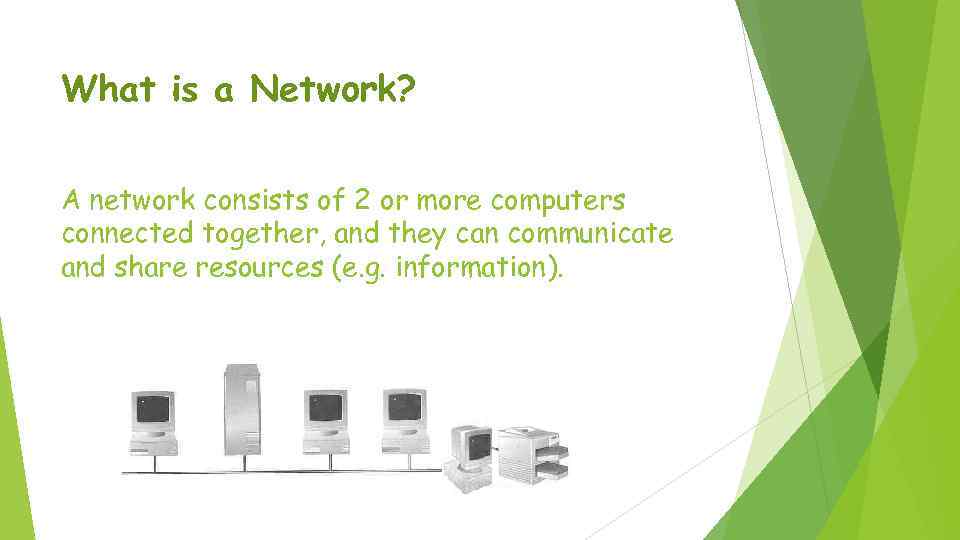 What is a Network? A network consists of 2 or more computers connected together, and they can communicate and share resources (e. g. information).
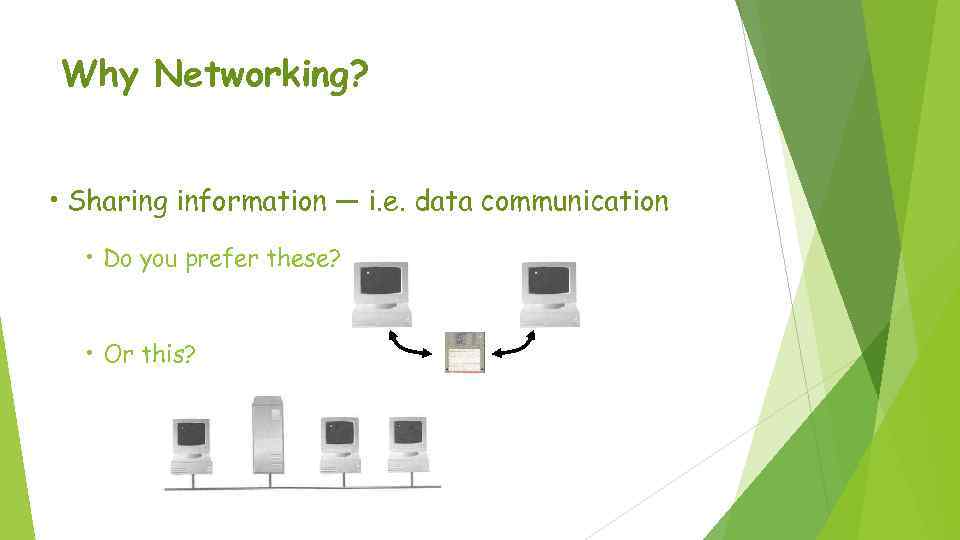 Why Networking? • Sharing information — i. e. data communication • Do you prefer these? • Or this?
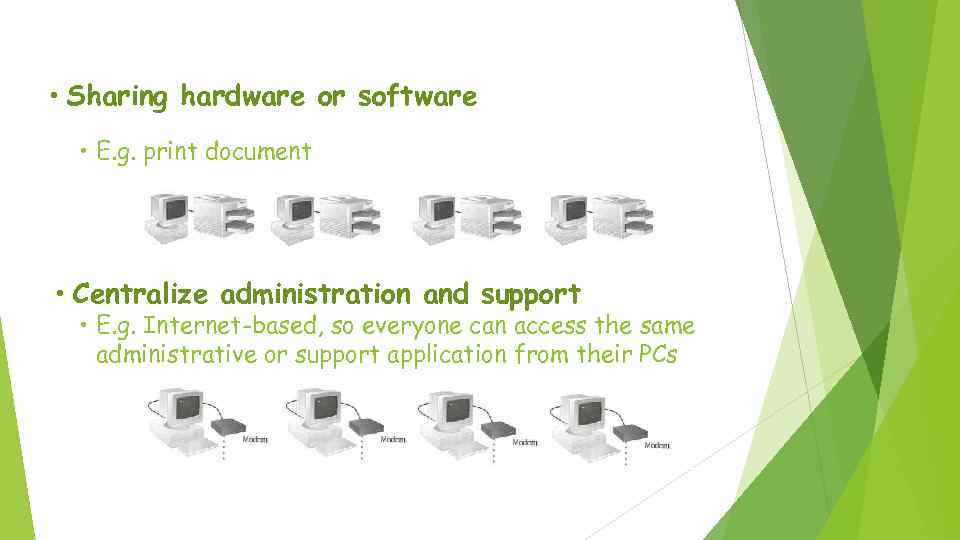 • Sharing hardware or software • E. g. print document • Centralize administration and support • E. g. Internet-based, so everyone can access the same administrative or support application from their PCs
 How many kinds of Networks? • Depending on one’s perspective, we can classify networks in different ways • Based on transmission media: Wired (UTP, coaxial cables, fiber-optic cables) and Wireless • Based on network size: LAN and WAN (and MAN) • Based on management method: Peer-to-peer and Client/Server • Based on topology (connectivity): Bus, Star, Ring …
 Transmission Media Two main categories: Guided ― wires, cables Unguided ― wireless transmission, microwave, infrared, sound, sonar e. g. radio, We will concentrate on guided media here: Twisted-Pair cables: ØUnshielded Twisted-Pair (UTP) cables ØShielded Twisted-Pair (STP) cables Coaxial cables Fiber-optic cables
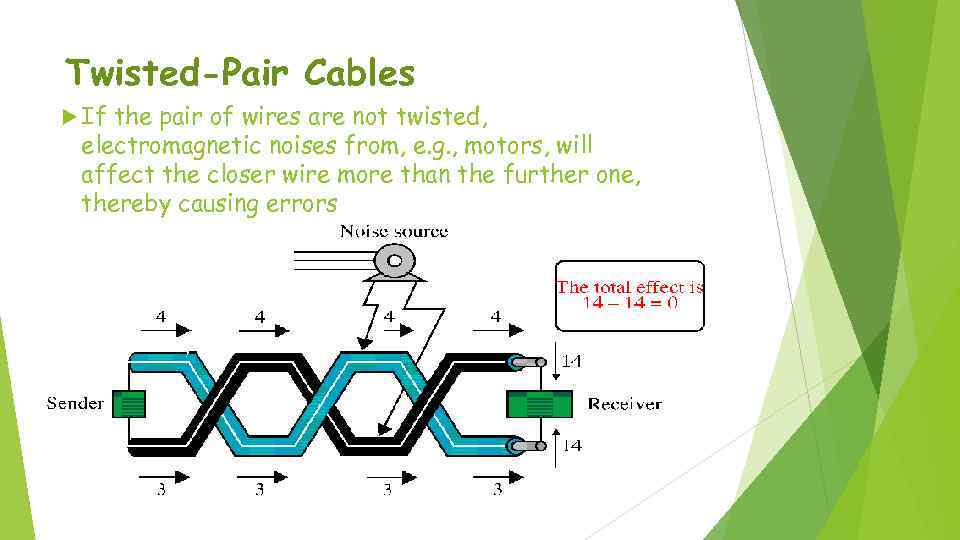 Twisted-Pair Cables If the pair of wires are not twisted, electromagnetic noises from, e. g. , motors, will affect the closer wire more than the further one, thereby causing errors
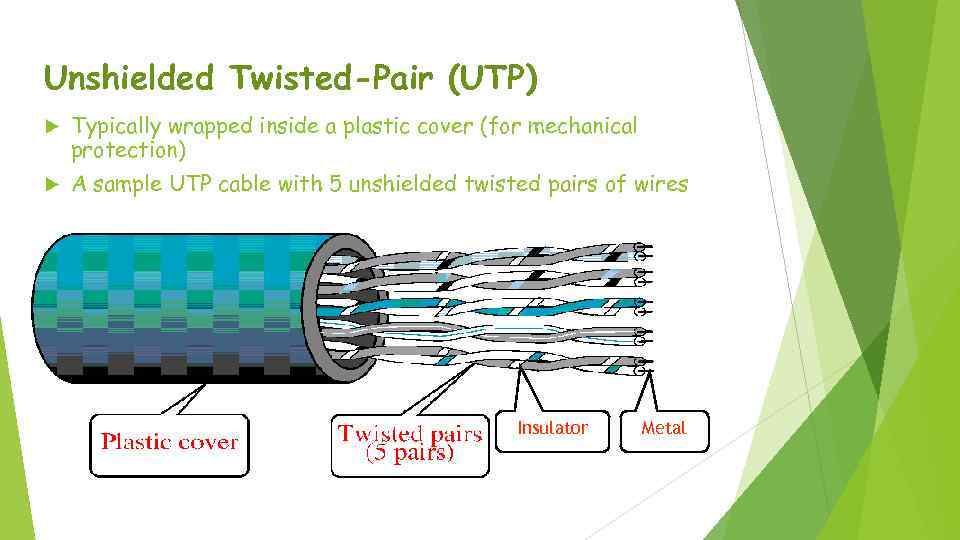 Unshielded Twisted-Pair (UTP) Typically wrapped inside a plastic cover (for mechanical protection) A sample UTP cable with 5 unshielded twisted pairs of wires Insulator Metal
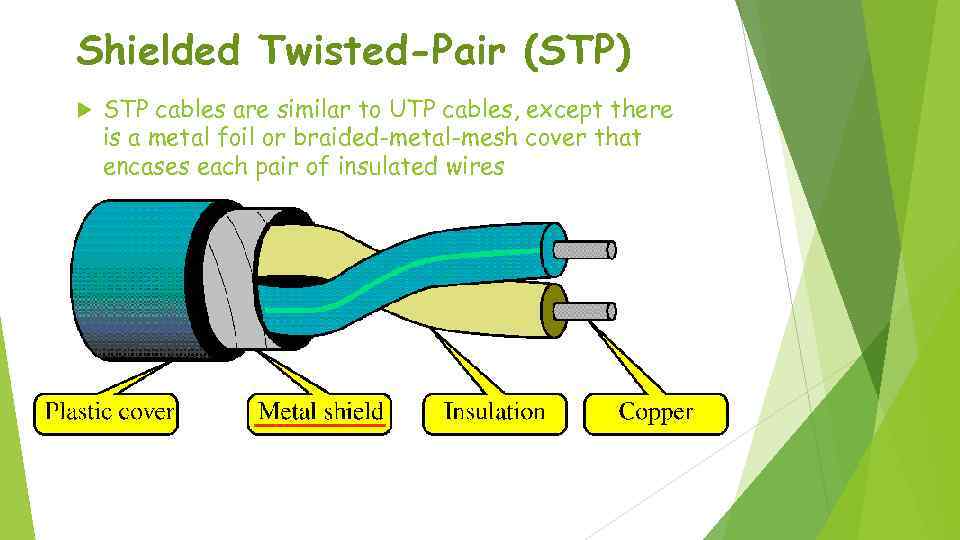 Shielded Twisted-Pair (STP) STP cables are similar to UTP cables, except there is a metal foil or braided-metal-mesh cover that encases each pair of insulated wires
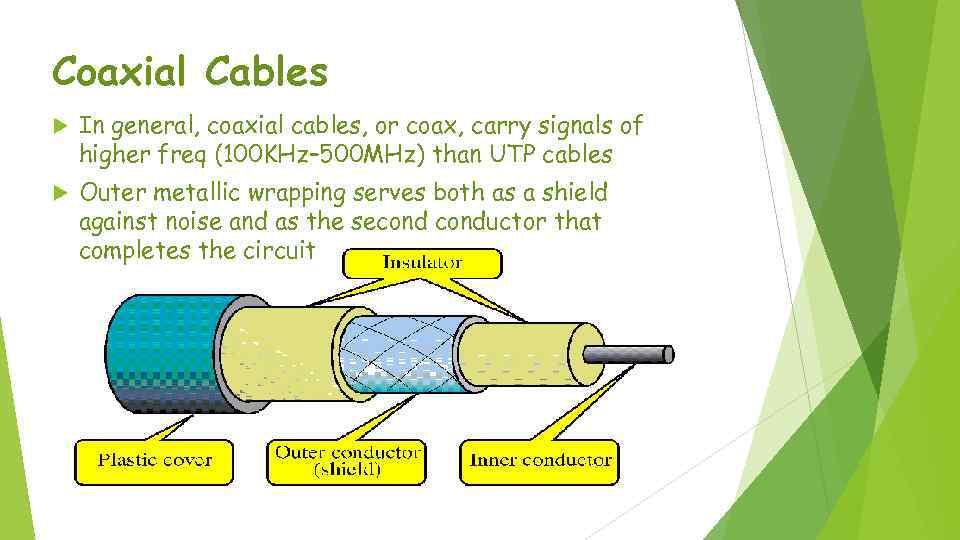 Coaxial Cables In general, coaxial cables, or coax, carry signals of higher freq (100 KHz– 500 MHz) than UTP cables Outer metallic wrapping serves both as a shield against noise and as the seconductor that completes the circuit
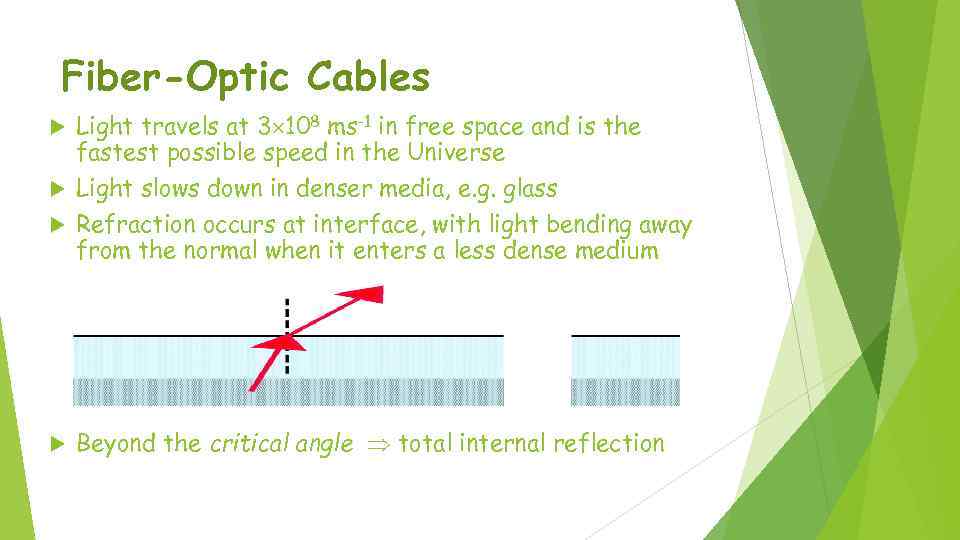 Fiber-Optic Cables Light travels at 3 108 ms-1 in free space and is the fastest possible speed in the Universe Light slows down in denser media, e. g. glass Refraction occurs at interface, with light bending away from the normal when it enters a less dense medium Beyond the critical angle total internal reflection
 LAN and WAN • Local Area Network (LAN) • Small network, short distance • A room, a floor, a building • Limited by no. of computers and distance covered • Usually one kind of technology throughout the LAN • Serve a department within an organization • Examples: • Network inside the Student Computer Room • Network inside CF 502 • Network inside your home
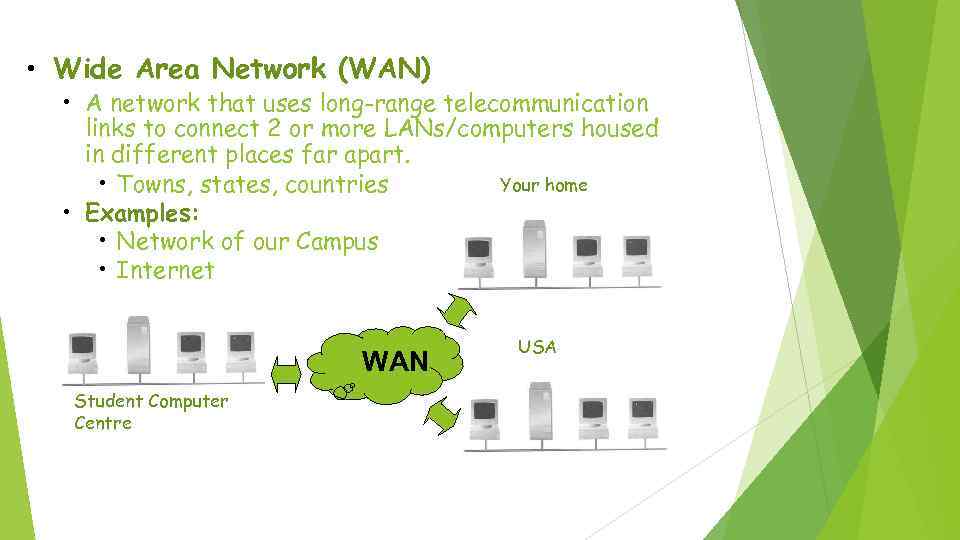 • Wide Area Network (WAN) • A network that uses long-range telecommunication links to connect 2 or more LANs/computers housed in different places far apart. Your home • Towns, states, countries • Examples: • Network of our Campus • Internet WAN Student Computer Centre USA
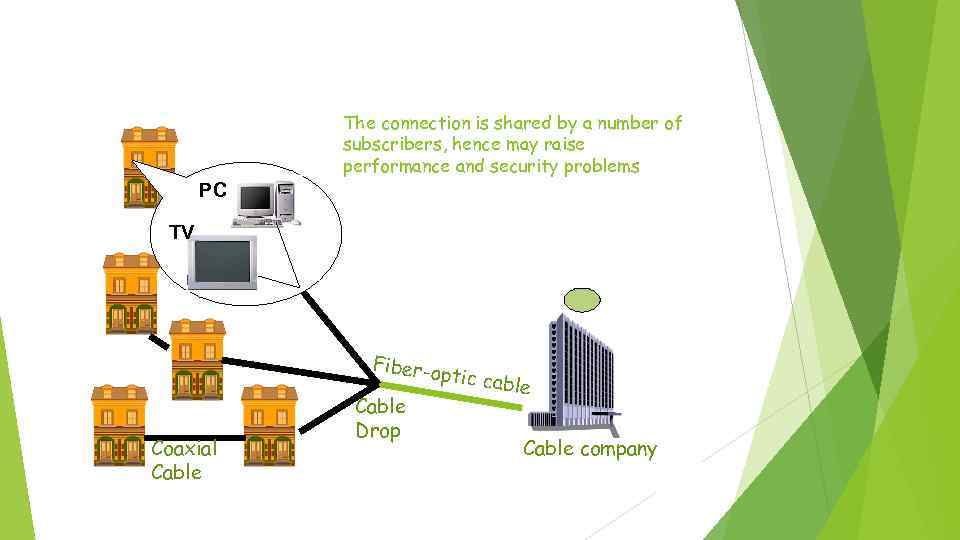 The connection is shared by a number of subscribers, hence may raise performance and security problems PC TV Fiber-o ptic cab Coaxial Cable Drop le Cable company
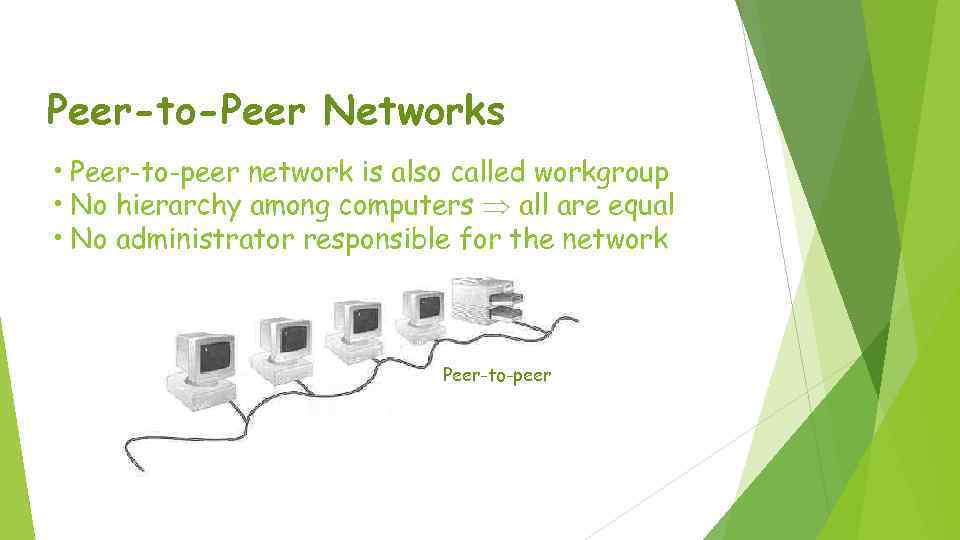 Peer-to-Peer Networks • Peer-to-peer network is also called workgroup • No hierarchy among computers all are equal • No administrator responsible for the network Peer-to-peer
 • Advantages of peer-to-peer networks: • Low cost • Simple to configure • User has full accessibility of the computer • Disadvantages of peer-to-peer networks: • May have duplication in resources • Difficult to uphold security policy • Difficult to handle uneven loading • Where peer-to-peer network is appropriate: • • 10 or less users No specialized services required Security is not an issue Only limited growth in the foreseeable future
 Clients and Servers • Network Clients (Workstation) • Computers that request network resources or services • Network Servers • Computers that manage and provide network resources and services to clients • Usually have more processing power, memory and hard disk space than clients • Run Network Operating System that can manage not only data, but also users, groups, security, and applications on the network • Servers often have a more stringent requirement on its performance and reliability
 • Advantages of client/server networks • Facilitate resource sharing – centrally administrate and control • Facilitate system backup and improve fault tolerance • Enhance security – only administrator can have access to Server • Support more users – difficult to achieve with peer -to-peer networks • Disadvantages of client/server networks • High cost for Servers • Need expert to configure the network • Introduce a single point of failure to the system
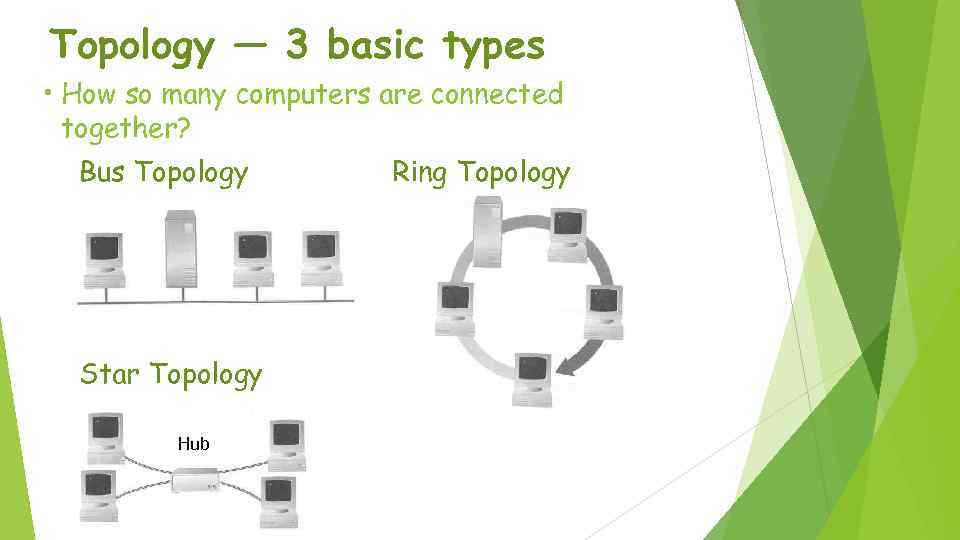 Topology ― 3 basic types • How so many computers are connected together? Bus Topology Star Topology Hub Ring Topology
 • Bus Topology • • Simple and low-cost A single cable called a trunk (backbone, segment) Only one computer can send messages at a time Passive topology - computer only listen for, not regenerate data • Star Topology • Each computer has a cable connected to a single point • More cabling, hence higher cost • All signals transmission through the hub; if down, entire network down • Depending on the intelligence of hub, two or more computers may send message at the same time
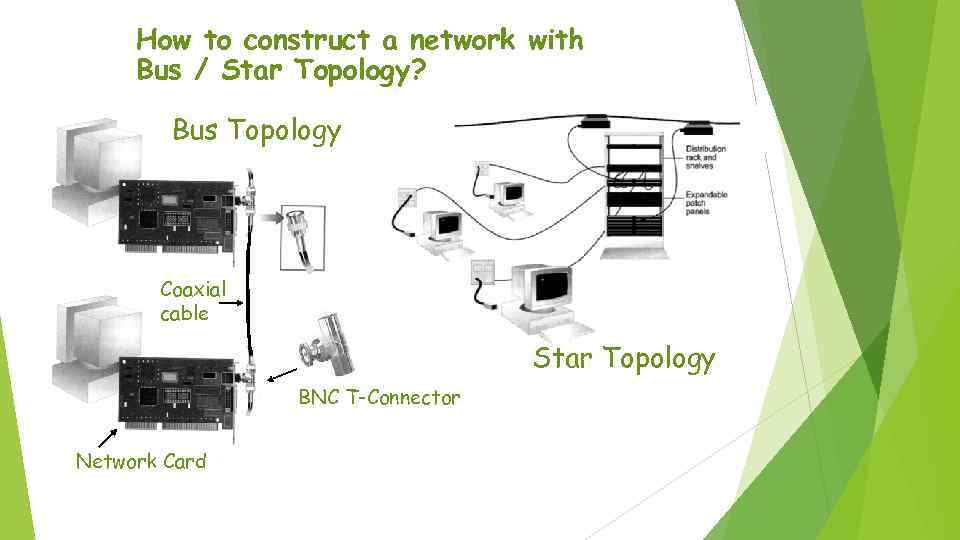 How to construct a network with Bus / Star Topology? Bus Topology Coaxial cable Star Topology BNC T-Connector Network Card
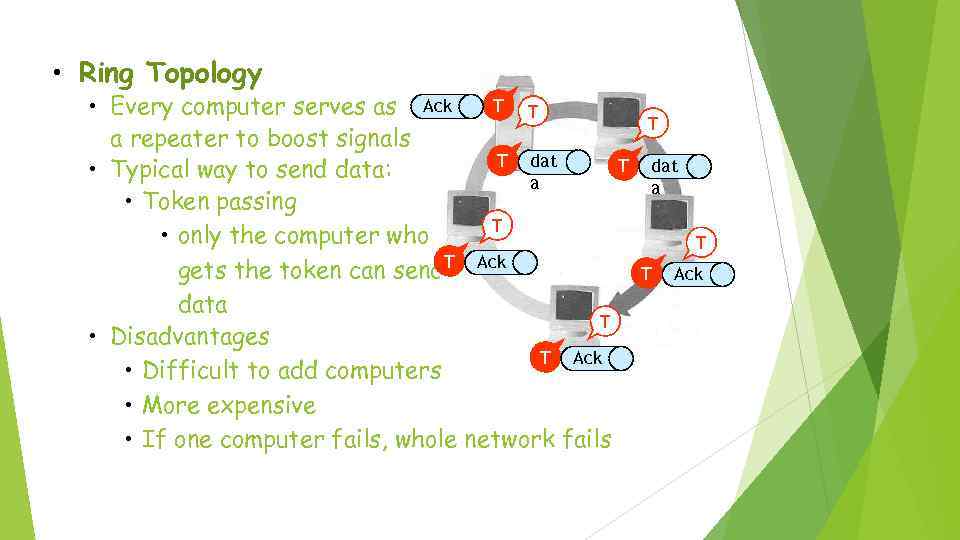 • Ring Topology T T • Every computer serves as Ack a repeater to boost signals T dat T • Typical way to send data: a • Token passing T • only the computer who gets the token can send. T Ack data T • Disadvantages T Ack • Difficult to add computers • More expensive • If one computer fails, whole network fails T dat a T T Ack
 Thanks for your attention