


 Скачать презентацию Introduction to Localization World Silicon Valley 2009 Angelika
826f2ee61bb79b92e2e87ab548c105b3.ppt
- Количество слайдов: 70
 Introduction to Localization World Silicon Valley 2009 Angelika Zerfass Daniel Goldschmidt , Richard Sikes
 Agenda • The Problem – Description – Definition • Localization Process – Overview – Beginning – Ending • Planning Tips • Pitfalls
 Agenda Localization, Internationalization, Globalization, Translation, Regionalization, Marketization… too many “ation” terms… During this session we will make sense of them for you
 Agenda Globalization to understand requirements (for going global) Internationalization to enable products to meet requirements Localization to fulfill requirements
 The problem (Description)
 The Problem • A known company developed a powerful product for CRM (Customer Relationship Management System) • The first and main market was, as usual, the USA • The board decided that it is time to penetrate new markets: Europe, Far. East, Middle East The R&D department claimed – no problem, we are fully UNICODE…let’s go!
 The Problem Ouch…
 The Problem #1 – String Externalization • All the GUI (graphical user interface) had to be translated to the target languages • But lots of strings were hard-coded (written directly into the code)
 The Problem #2 - Sorting • After translating the GUI, the first installation took place in Spain • Some customers were unhappy: Many indexes and lexical orders were corrupted • In Traditional Spanish, the letters “CH “ and “LL” have their own positions in the sort order • A, B, C, CH, D…K, L, LL, M, … etc. – Curioso – Chalina – Luz – Llama
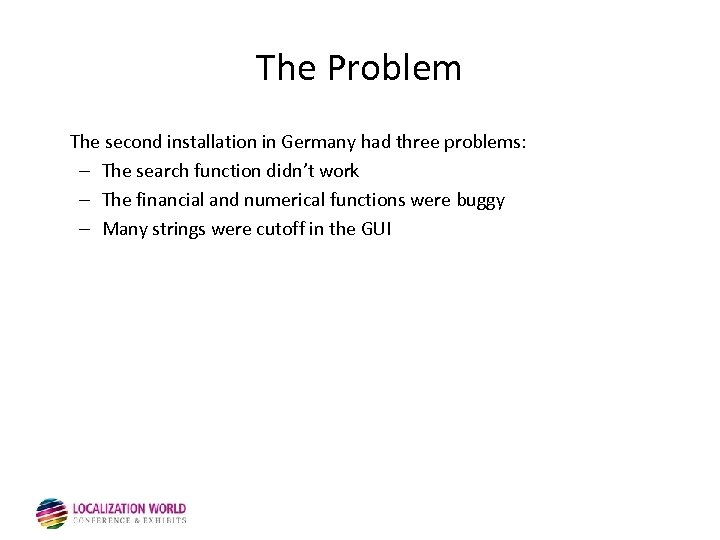 The Problem The second installation in Germany had three problems: – The search function didn’t work – The financial and numerical functions were buggy – Many strings were cutoff in the GUI
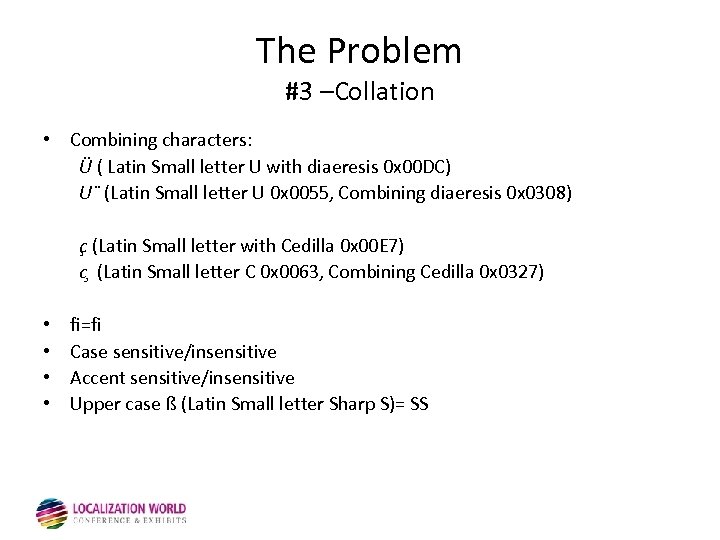 The Problem #3 –Collation • Combining characters: Ü ( Latin Small letter U with diaeresis 0 x 00 DC) U¨ (Latin Small letter U 0 x 0055, Combining diaeresis 0 x 0308) ç (Latin Small letter with Cedilla 0 x 00 E 7) c (Latin Small letter C 0 x 0063, Combining Cedilla 0 x 0327) • • fi=fi Case sensitive/insensitive Accent sensitive/insensitive Upper case ß (Latin Small letter Sharp S)= SS
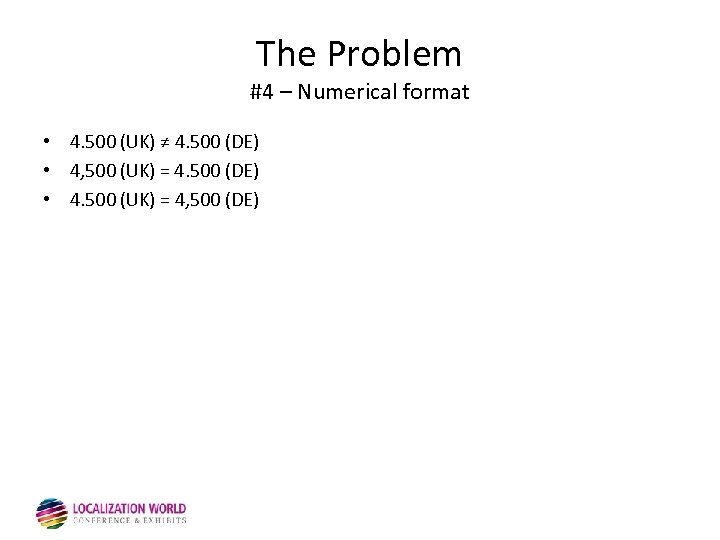 The Problem #4 – Numerical format • 4. 500 (UK) ≠ 4. 500 (DE) • 4, 500 (UK) = 4. 500 (DE) • 4. 500 (UK) = 4, 500 (DE)
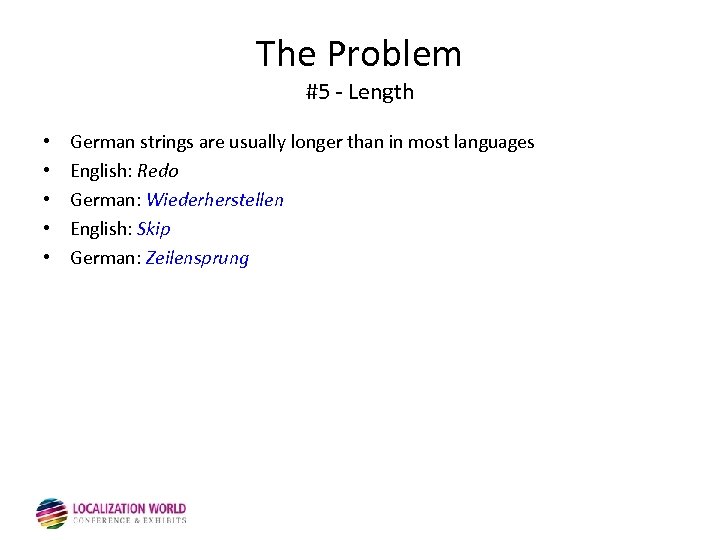 The Problem #5 - Length • • • German strings are usually longer than in most languages English: Redo German: Wiederherstellen English: Skip German: Zeilensprung
 The Problem #6 – Date Format • The client from Spain called after 2 months; the license had expired earlier then expected! Does 01/07/2006 mean: “July, first 2006” Or “January, seventh 2006”?
 The Problem #6 – Date Format, Calendars • • The first day of the week is Monday. . . or Sunday (weekend) Year length Week numbers (ISO? Other? ) Last Monday
 The Problem #7 - Encoding The installation in Russia was catastrophic: • All imported data from the legacy systems was full of question marks. • All data inserted by the user couldn’t be retrieved from the database • This was the first installation using a non “Western European” encoding!
 The Problem #8 - Segmentation • In Japan the problem even got worse: the parsers stopped working. • In Japanese, there are no white spaces in-between words. The tokenizers didn’t work properly Tokenization is the process of demarcating and possibly classifying sections of a string of input characters.
 The Problem #9 – Politics The Hebrew website had some minor issues: When localizing a website for Israel, which map shall we use: • The one with Judea and Samaria • The one with the Palestinian Authority • The one without the occupied territories “Judea and Samaria” vs. “occupied territories”
 The Problem #10 – Grammar • Singular? Plural? • Male, female, something else?
 The Problem #11 – Graphics & Symbols The OK gesture: • English-speaking: OK • France: zero, nothing, worthless • Mediterranean: a rude sign • Japan: money • Brazil & Germany: vulgar, obscene gesture
 The Problem more issues • • Color scheme Time zone Paper sizes (A 4 vs. Letter) Phone numbers Address format Temperature Measurements
 Culture is Everywhere “If I'm selling to you, I speak your language. If I'm buying, dann müssen Sie Deutsch sprechen (then you must speak German)” Willy Brandt
 The Problem (Definition)
 Terms Globalization • Adaptation of marketing strategies to regional requirements of all kinds. Internationalization • Engineering of a product to enable efficient adaptation of that product to local requirements. Localization • Localization is the process of adapting a (software) product and accompanying materials to suit a target-market locale.
 Terms Locale • A locale is a geographic region defined by a combination of language and cultural norms. “Locale” is not to be confused with “language. ”For example fr-FR, fr-CA, fr-CH. Fully supporting locales requires: – Globalization – to understand requirements – Internationalization – to enable products to meet requirements – Localization – to fulfill requirements
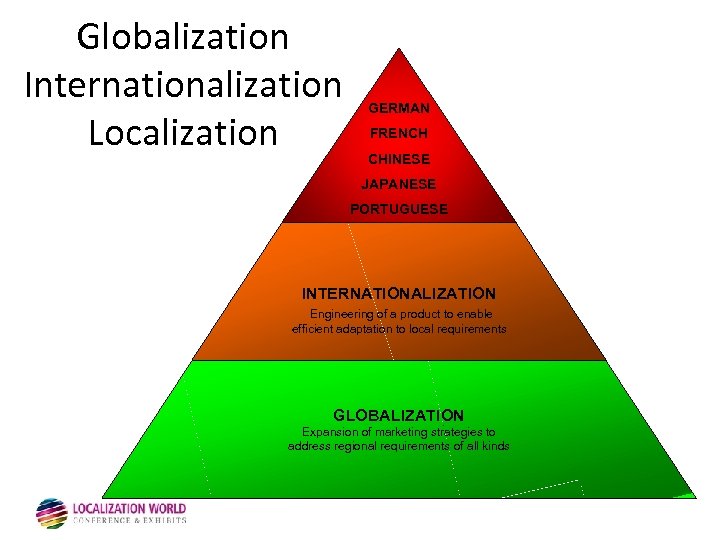 Globalization Internationalization Localization GERMAN FRENCH CHINESE LOCALIZATION Adapting software and JAPANESE accompanying materials to suit. PORTUGUESE target-market locales INTERNATIONALIZATION Engineering of a product to enable efficient adaptation to local requirements GLOBALIZATION Expansion of marketing strategies to Expansion of requirements of all to address regionalmarketing strategieskinds address regional requirements of all kinds
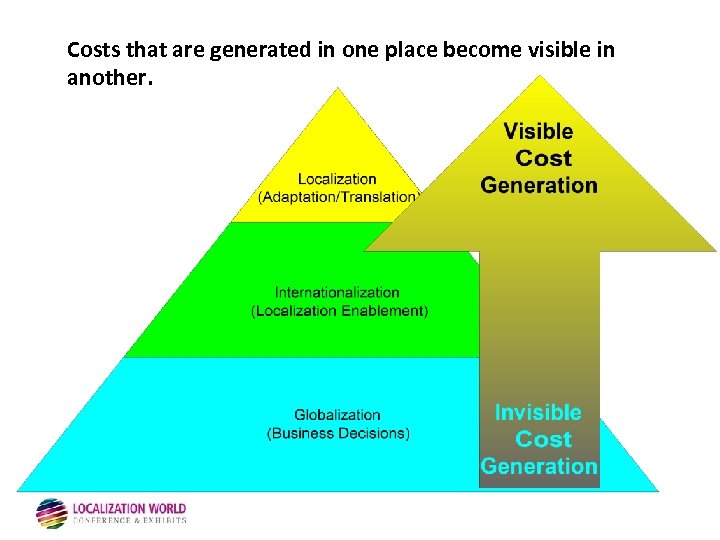 Costs that are generated in one place become visible in another.
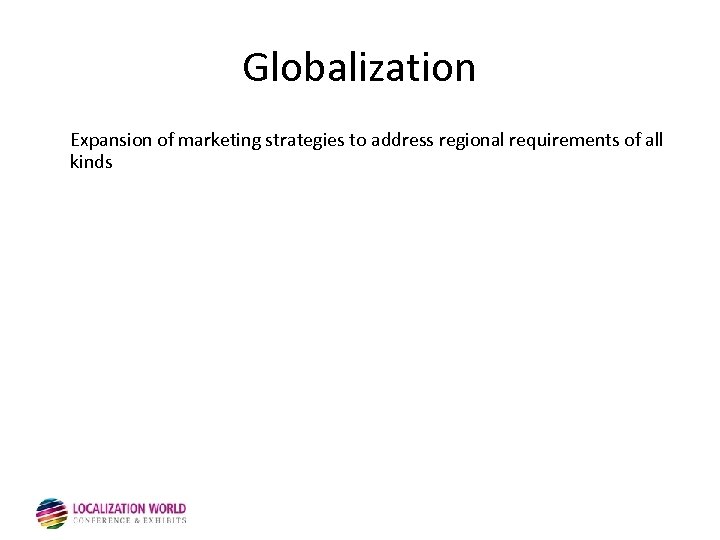 Globalization Expansion of marketing strategies to address regional requirements of all kinds
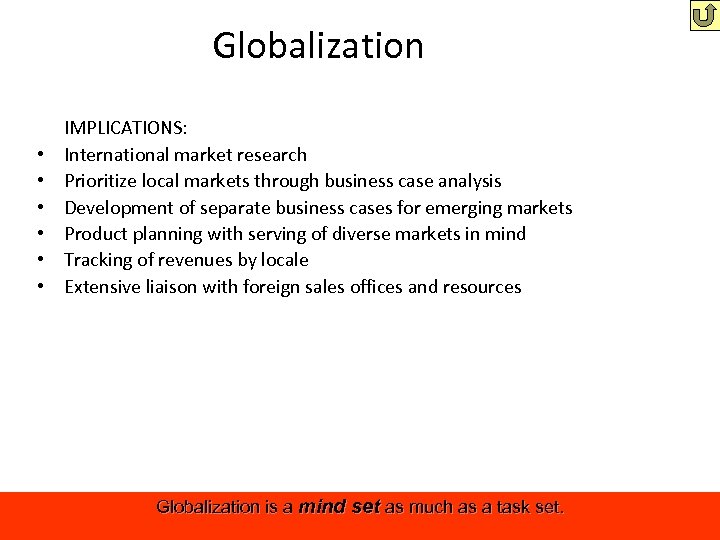 Globalization • • • IMPLICATIONS: International market research Prioritize local markets through business case analysis Development of separate business cases for emerging markets Product planning with serving of diverse markets in mind Tracking of revenues by locale Extensive liaison with foreign sales offices and resources Globalization is a mind set as much as a task set.
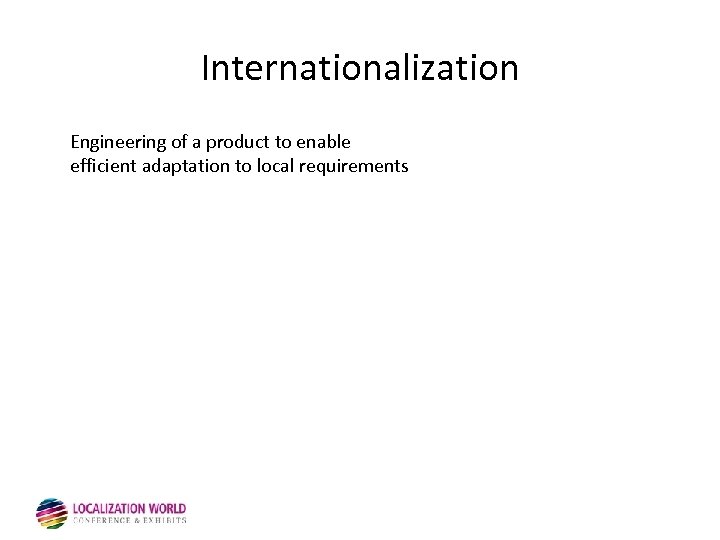 Internationalization Engineering of a product to enable efficient adaptation to local requirements
 Internationalization IMPLICATIONS: • Removal of cultural assumptions (such as date formats) • Implementation of support for global norms (such as language character sets or accounting procedures). Internationalization is an expansion of product capability to be local-generic.
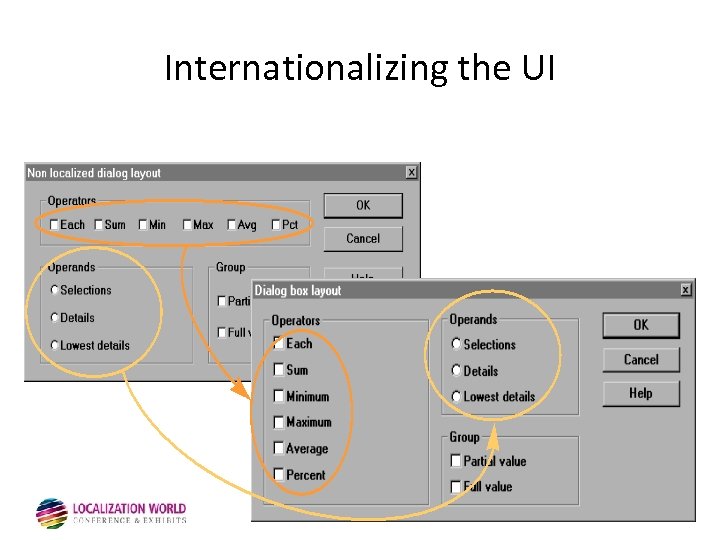 Internationalizing the UI
 Localization The process of adapting software and accompanying materials to suit a target-market locale with the goal of making the product "transparent" to that locale, so that native users would interact with it as if it were developed there and for that locale alone.
 Localization IMPLICATIONS: • Language and character set support • Support for various format settings such as decimal delimitation, time/date display, and other such norms. • Conformance with locale-specific technical norms. Localization imposes constraints on software’s regional applicability.
 Localization • Success Product appears to be developed in the target market • Failure: We can easily notice that the program was adapted (Please read the instructions on the package of hygiene products in the bathroom…)
 Concatenation – Definition • Building sentences out of two or more separate parts using replaceable string variables. • Changes in situation will cause the calling string to call a different sub-string. This can lead to various types of problems: – Linguistic logic hiccoughs – The translator can’t determine what or where the substrings are • Programmers LOVE concatenation!
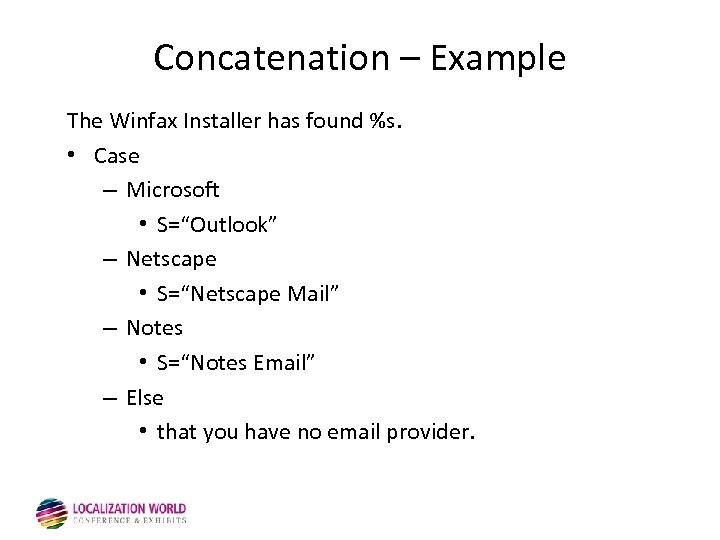 Concatenation – Example The Winfax Installer has found %s. • Case – Microsoft • S=“Outlook” – Netscape • S=“Netscape Mail” – Notes • S=“Notes Email” – Else • that you have no email provider.
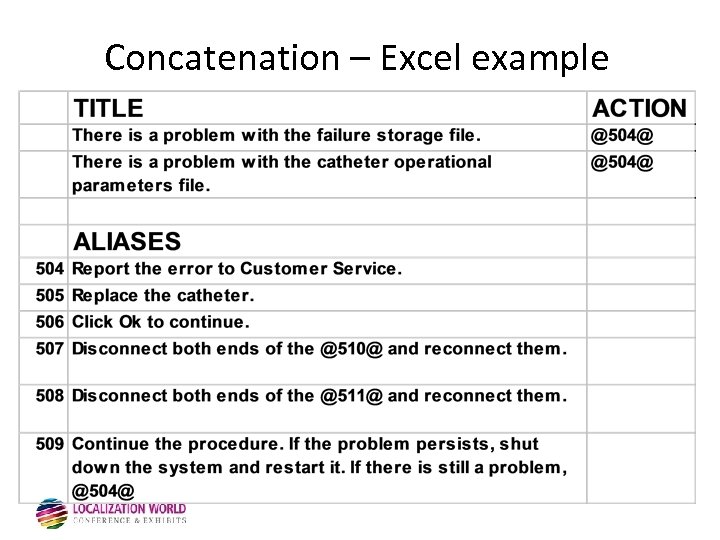 Concatenation – Excel example
 The Other Side of the Fence What Localization Managers Often Face Internally • • • Lack of Understanding re Localization Issues and Processes Poorly Internationalized Software Underestimation of the “Ripple Effect” Caused by Changes Inadequate Version Control Core Project Slippage Marketing Managers Who Can’t Plan Ahead Changing Priorities Inadequate International Quality Assurance FUD About Localization HOW CAN YOU HELP?
 The Process
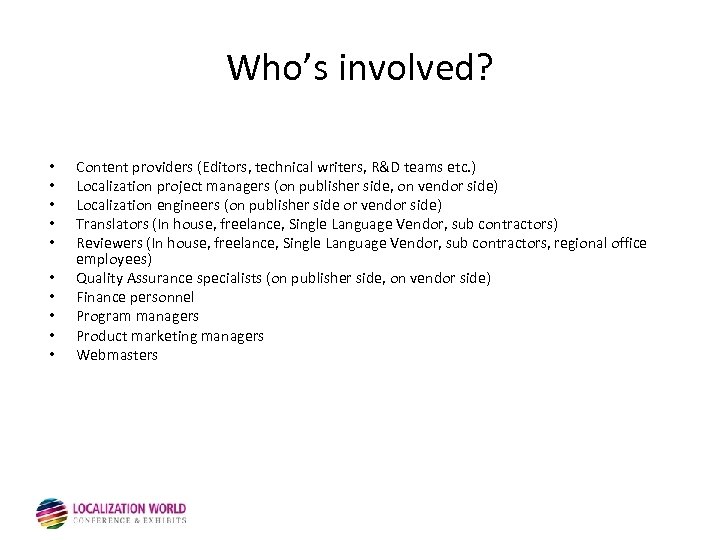 Who’s involved? • • • Content providers (Editors, technical writers, R&D teams etc. ) Localization project managers (on publisher side, on vendor side) Localization engineers (on publisher side or vendor side) Translators (In house, freelance, Single Language Vendor, sub contractors) Reviewers (In house, freelance, Single Language Vendor, sub contractors, regional office employees) Quality Assurance specialists (on publisher side, on vendor side) Finance personnel Program managers Product marketing managers Webmasters
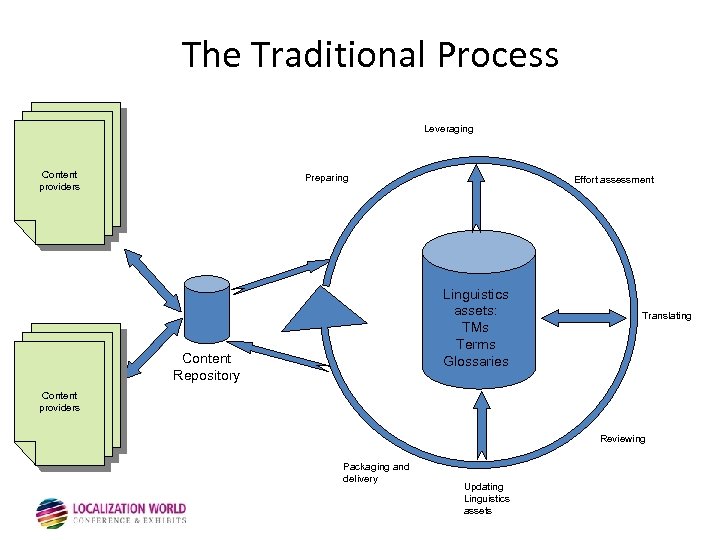 The Traditional Process Leveraging Content providers Preparing Effort assessment Linguistics assets: TMs Terms Glossaries Content Repository Translating Content providers Reviewing Packaging and delivery Updating Linguistics assets
 Preparation
 Preparation • Research and collect all relevant components - be sure to have everything you need • Create LBOM (localization bill of materials) • Prepare the content (text segmentation, resource extraction etc. ) using the appropriate tools.
 Preparation • Run a pseudo-localization to test localization readiness • Check: – Externalization of strings – Adaptation of the GUI (length, date, time, currency etc. ) – Handling of string concatenations – Software functionality – Data entry, transfer, persistence, and redisplay – and…
 Preparation • Prepare glossary – add new terms/update changed terms • If you don’t have a glossary – prepare one, send it for translation and approve it BEFORE work starts • If you as a client own the TM – provide vendor with most recent version • If your vendor owns the TM – be sure the last (clean) version is being used (and also try to change your contract so that you get ownership of the TM)
 Preparation Prepare a “Localization Kit”: A Localization Kit contains everything that anyone who touches the project needs to know in order to do their work. Localization Kit includes: • Product: – – – – • • • Text strings Menus Dialogs Shortcut keys Images Functional l 10 n components (tax rules) Documentation and OLH files … Glossaries TMs Localization Guidelines and Expectations
 Preparation • Leverage the content against your TMs • Get comparative quotes and time estimation • Obtain information regarding resource arability
 Preparation: The Vendor • The vendor is your best friend! • However, this friend sells words (for translation)!
 Testing / QA
 Testing / QA 5 types of testing: • Before localization – i 18 n testing – l 10 n readiness testing (pseudo localization) • After localization – Cosmetic testing – Linguistic testing – Functional testing
 Testing / QA • • Effort Estimations: i 18 n QA: the same timeframe as the original acceptance tests Pseudo localization: the same timeframe as the original acceptance tests Cosmetic/ linguistic – one pass on all dialogs/ screens/ menus etc. Usually a matter of days. Functional testing - the same timeframe as the original full test cycle of the original product
 Testing / QA i 18 n testing: • Is the software really locale independent • Does your software know how to handle data in different languages (double-byte enabled? )
 Testing / QA • • Cosmetic Testing: Check to see if the UI is broken Dialogs, buttons, menus etc. – have they been properly localized Chinese words are shorter, but the characters are higher! French words lengths…
 Testing / QA Linguistic testing: • Does the translation make sense in the context? • Edite vs. Edition • Share vs. Shares
 Testing / QA Functional testing: • Full acceptance test of the product in target language • Usually not done due to cost and time
 Testing / QA In country reviewing: • Resources in or from the country/market, who know the target market and target language to check if localization makes sense
 Document Quality Control • Document QC is another kind of Quality Control, and is just as important (sometimes). • Issues to watch for: – Linguistic – Technical – Layout • Pagination • Screenshots and surrounding text in sync • Cross-references and hyperlinks • Conditional text
 Project Wrap • • TM update Delivery Invoice Management Post-mortem
 Planning Tips
 Planning Tips • Kick off meeting – Touch on a all aspects of project, size, timeline, number of languages etc. • Analysis of source meeting – Outline potential L 10 n/I 18 n issues with source code • Scheduling and budgeting – Based on size, timeline, number of languages etc. schedule resources, quotes, • Terminology setup – Create glossary leveraging existing glossaries, adding additional terminology by using tools such as SDL Trados Term. Extract. • Preparation of source Material • and…. .
 Planning Tips • Translation of Software – Translation, editing and proof-reading (TEP) of software • Translation of documentation – Translation, editing and proof-reading (TEP) of documentation • Testing the Software – Testing of software for functional, linguistic and cosmetic defects • Screen Capture – Capture screenshots for documentation, help files • DTP – Prepare the hard copy of the documents
 Planning Tips • Start planning from the end: focus on the release date • Make sure that you work within a realistic timeframe – allow extra time, in case things go wrong (buffers, slippage, holidays) • Check the required time for QA • Estimate number of words, make sure what your are paying for (source/target) • Rule of thumb: Number of words / 2000 = number of translator days for translation – Software = slower – Flowing documentation ~ faster – Diminishing returns as more translators added
 Planning Tips • • Keep in mind that translations can start before all resources are ready You can start translating your material once the GUI is frozen Think about running QA for several languages in parallel Remember that the process might require several iterations
 Pitfalls
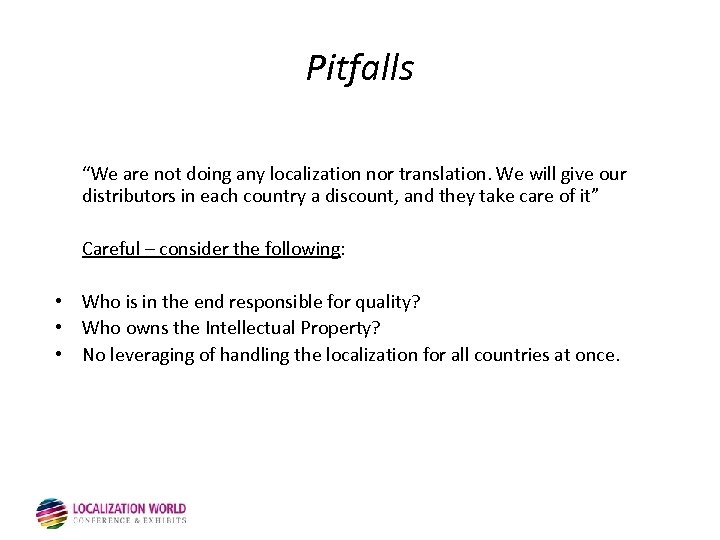 Pitfalls “We are not doing any localization nor translation. We will give our distributors in each country a discount, and they take care of it” Careful – consider the following: • Who is in the end responsible for quality? • Who owns the Intellectual Property? • No leveraging of handling the localization for all countries at once.
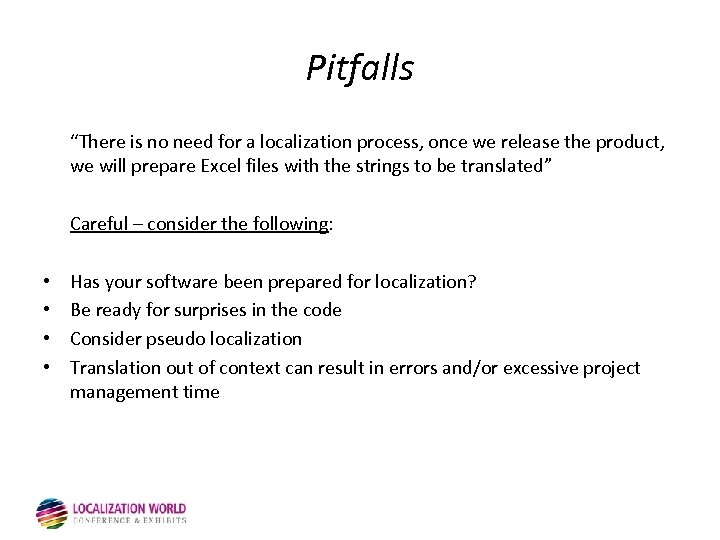 Pitfalls “There is no need for a localization process, once we release the product, we will prepare Excel files with the strings to be translated” Careful – consider the following: • • Has your software been prepared for localization? Be ready for surprises in the code Consider pseudo localization Translation out of context can result in errors and/or excessive project management time
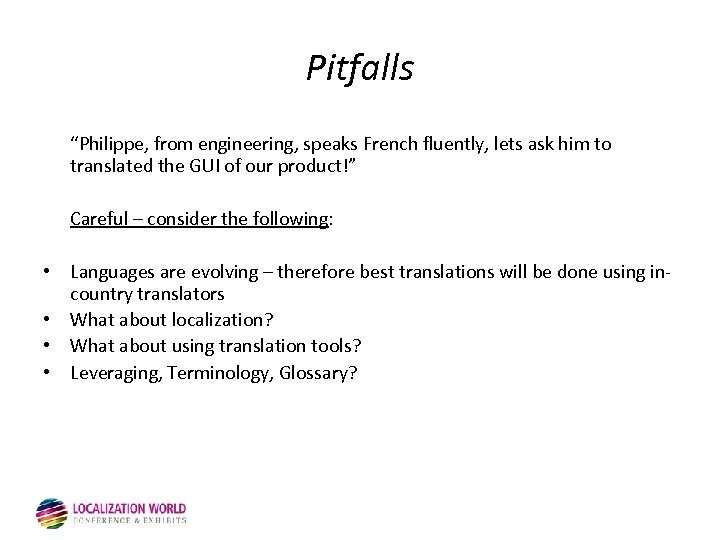 Pitfalls “Philippe, from engineering, speaks French fluently, lets ask him to translated the GUI of our product!” Careful – consider the following: • Languages are evolving – therefore best translations will be done using incountry translators • What about localization? • What about using translation tools? • Leveraging, Terminology, Glossary?
 Q/A • Ask now……
 Thank you for your attention