


 Скачать презентацию Introduction to Fortinet Unified Threat Management Module
ce422d48525071f6b78e07acabac8331.ppt
- Количество слайдов: 62
 Introduction to Fortinet Unified Threat Management
 Module Objectives • By the end of this module participants will be able to: • Identify the major features of the Forti. Gate Unified Threat Management appliance • Access and use the Forti. Gate administration interfaces • Create administrators • Configure the Forti. Gate unit for the lab environment used to complete the hands-on exercises
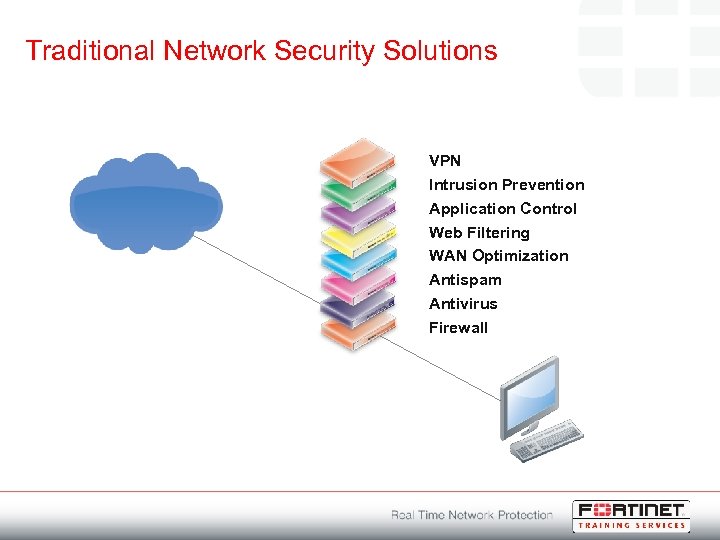 Traditional Network Security Solutions VPN Intrusion Prevention Application Control Web Filtering WAN Optimization Antispam Antivirus Firewall
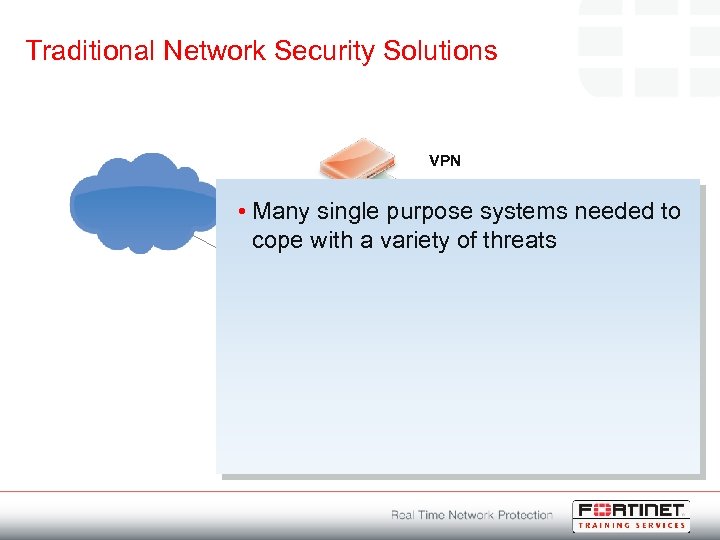 Traditional Network Security Solutions • VPN Intrusion Prevention Application Control Many single purpose systems needed Web Filtering cope with a variety of threats WAN Optimization Antispam Antivirus Firewall to
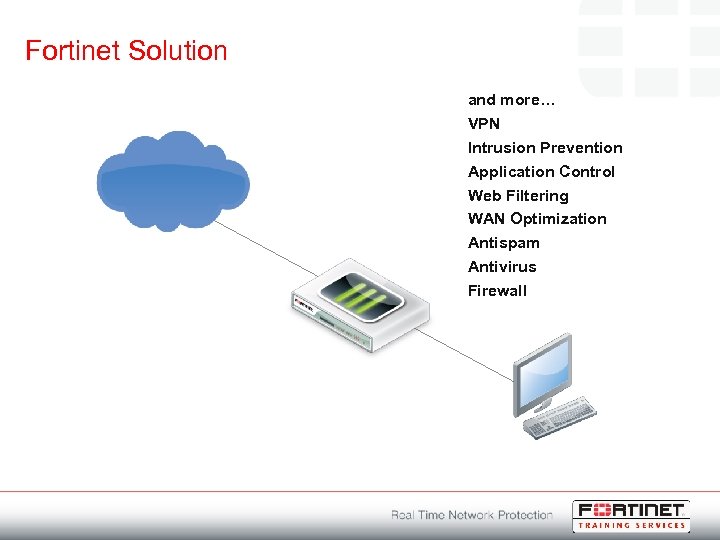 Fortinet Solution and more… VPN Intrusion Prevention Application Control Web Filtering WAN Optimization Antispam Antivirus Firewall
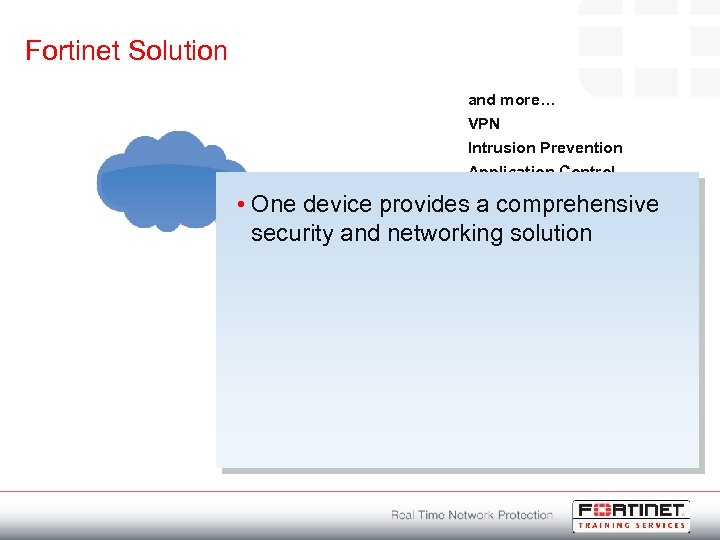 Fortinet Solution • and more… VPN Intrusion Prevention Application Control One device provides. Web Filtering a comprehensive WAN Optimization security and networking solution Antispam Antivirus Firewall
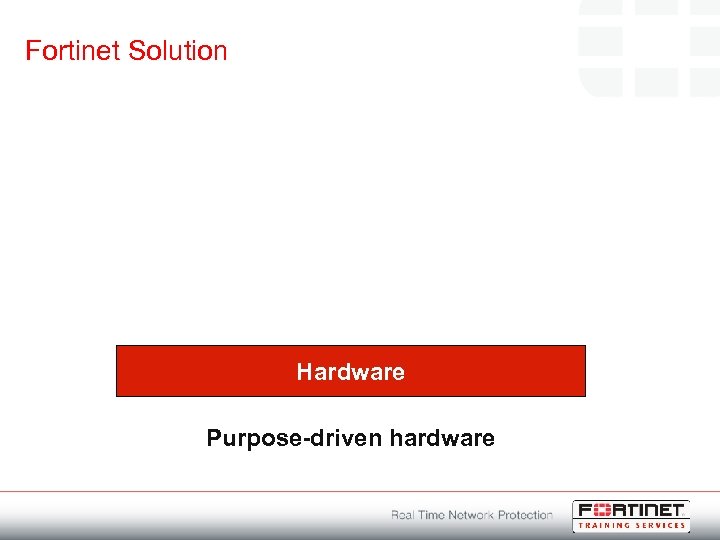 Fortinet Solution Hardware Purpose-driven hardware
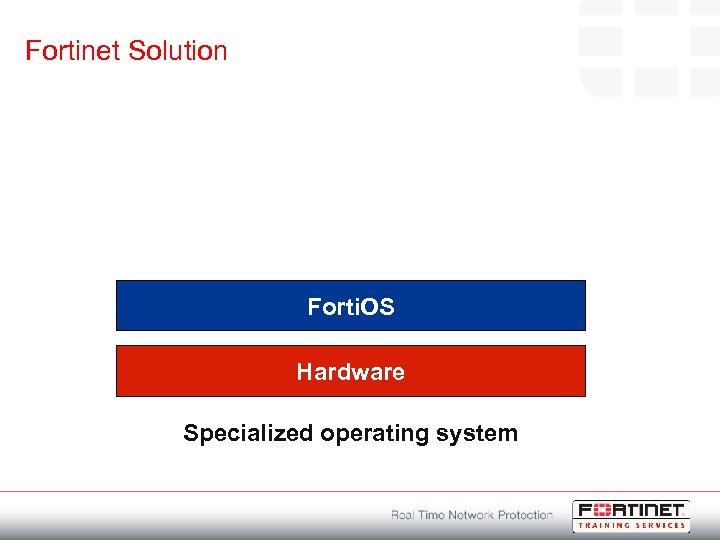 Fortinet Solution Forti. OS Hardware Specialized operating system
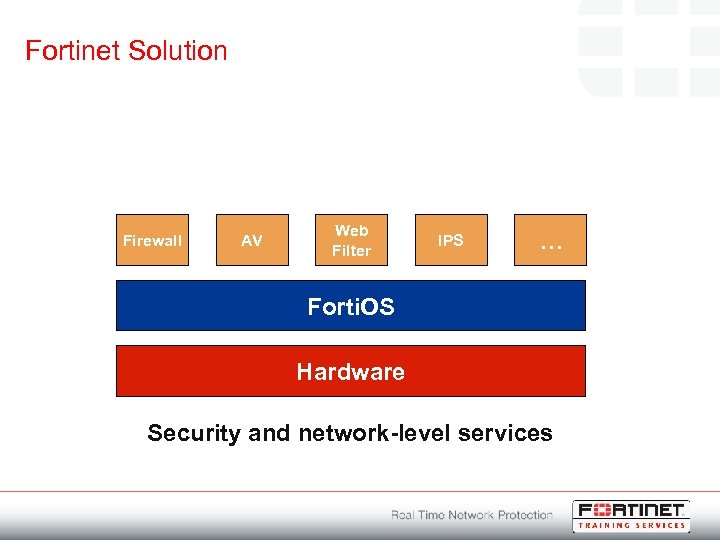 Fortinet Solution Firewall AV Web Filter IPS … Forti. OS Hardware Security and network-level services
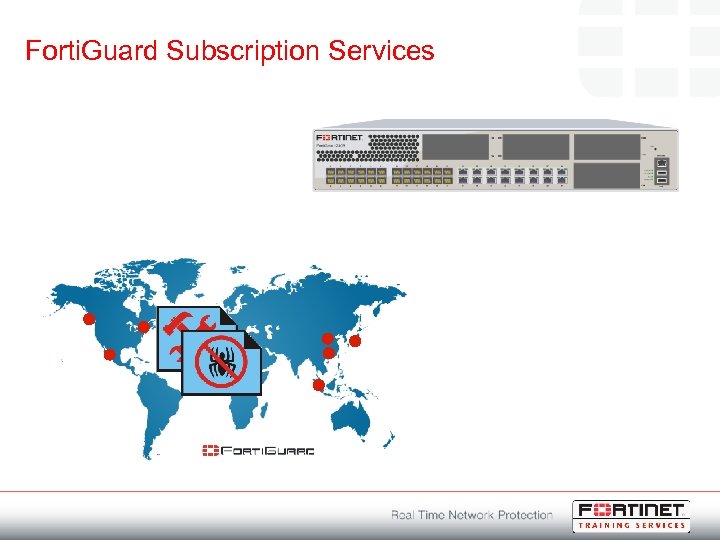
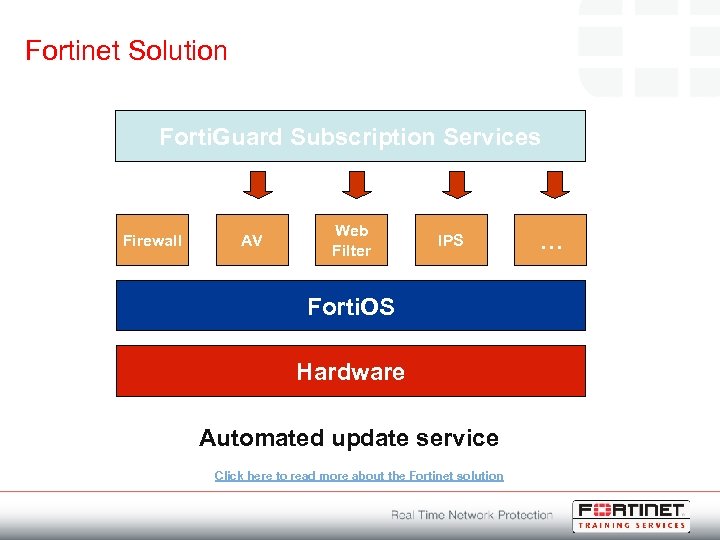 Fortinet Solution Forti. Guard Subscription Services Firewall AV Web Filter IPS Forti. OS Hardware Automated update service Click here to read more about the Fortinet solution …
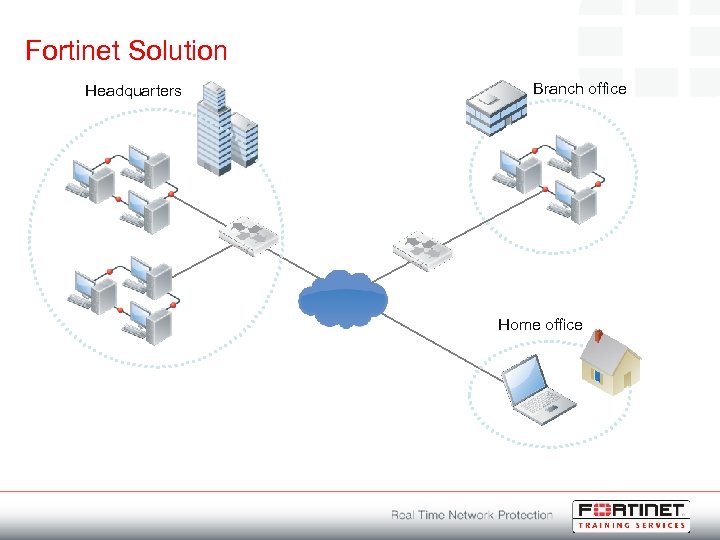 Fortinet Solution Headquarters Branch office Home office
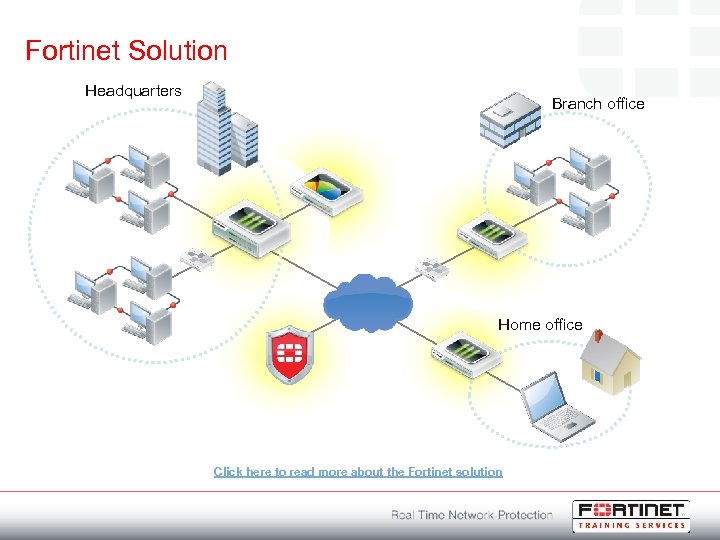 Fortinet Solution Headquarters Branch office Home office Click here to read more about the Fortinet solution
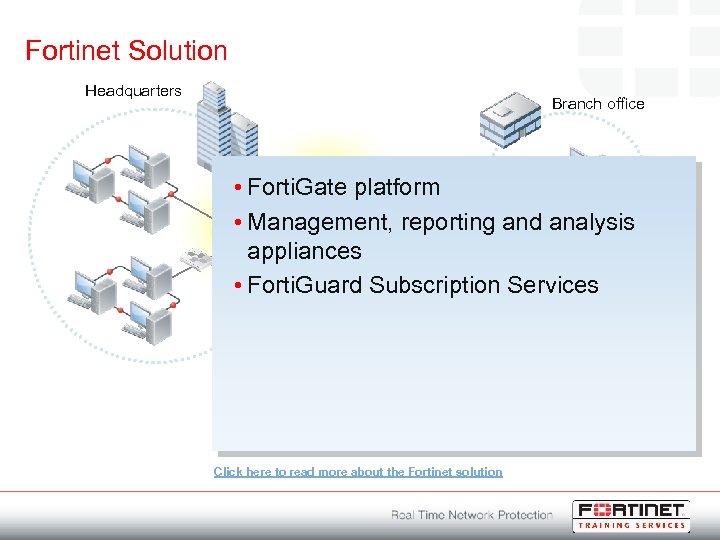 Fortinet Solution Headquarters Branch office • Forti. Gate platform • Management, reporting and analysis appliances • Forti. Guard Subscription Services Home office Click here to read more about the Fortinet solution
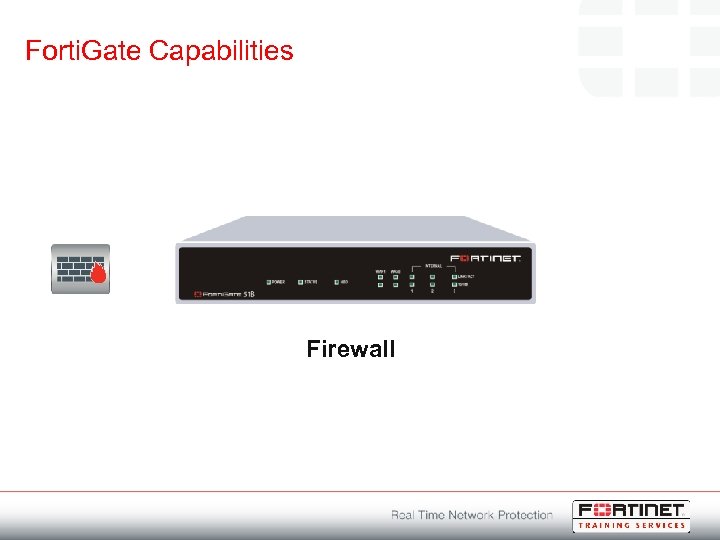 Forti. Gate Capabilities Firewall
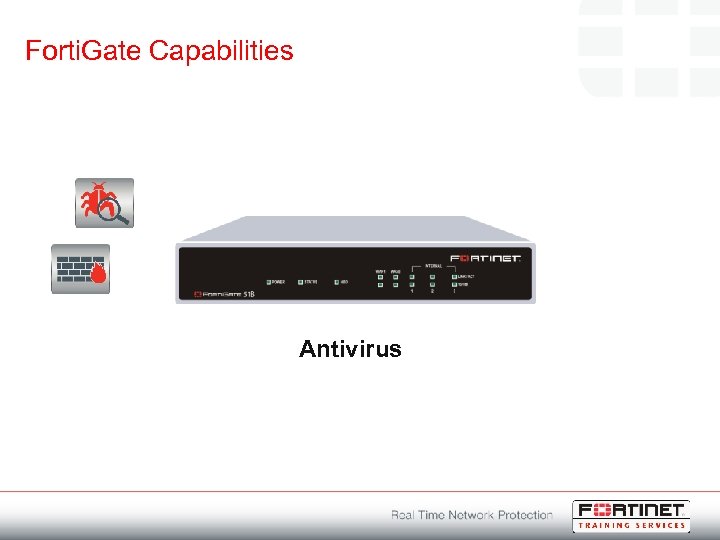 Forti. Gate Capabilities Antivirus
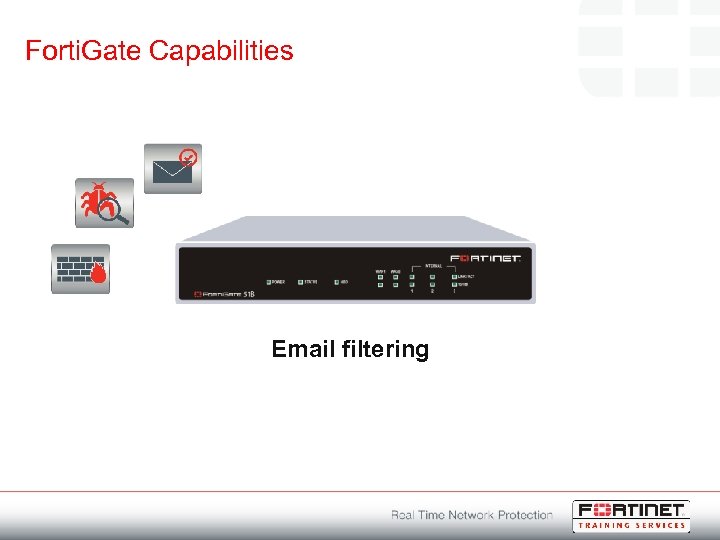 Forti. Gate Capabilities Email filtering
 Forti. Gate Capabilities Web filtering
 Forti. Gate Capabilities Intrusion prevention
 Forti. Gate Capabilities Application control
 Forti. Gate Capabilities Data leak prevention
 Forti. Gate Capabilities WAN optimization
 Forti. Gate Capabilities Secure VPN
 Forti. Gate Capabilities Wireless
 Forti. Gate Capabilities Dynamic routing
 Forti. Gate Capabilities Endpoint compliance
 Forti. Gate Capabilities Virtual domains
 Forti. Gate Capabilities Traffic shaping
 Forti. Gate Capabilities High availability
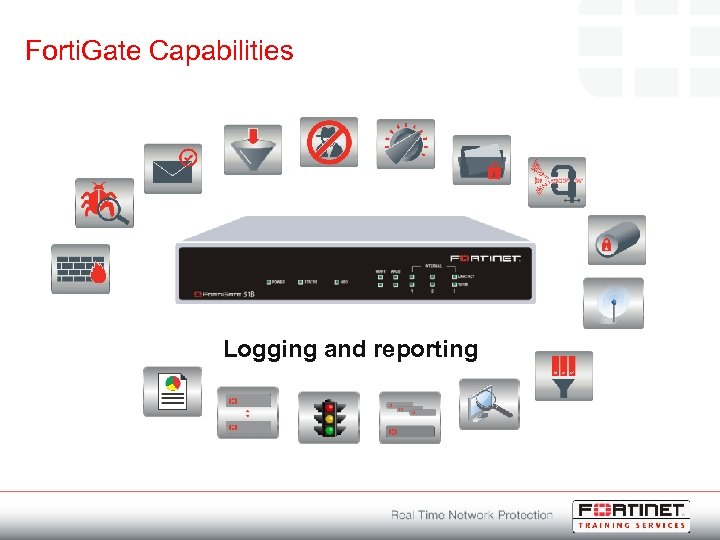 Forti. Gate Capabilities Logging and reporting
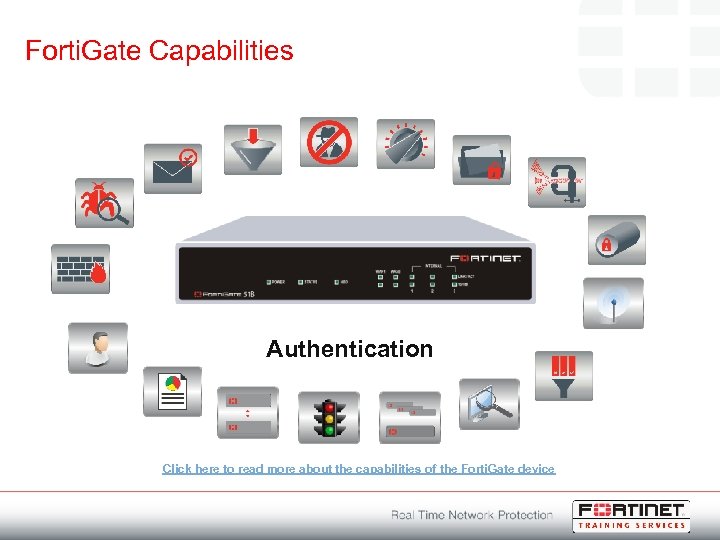 Forti. Gate Capabilities Authentication Click here to read more about the capabilities of the Forti. Gate device
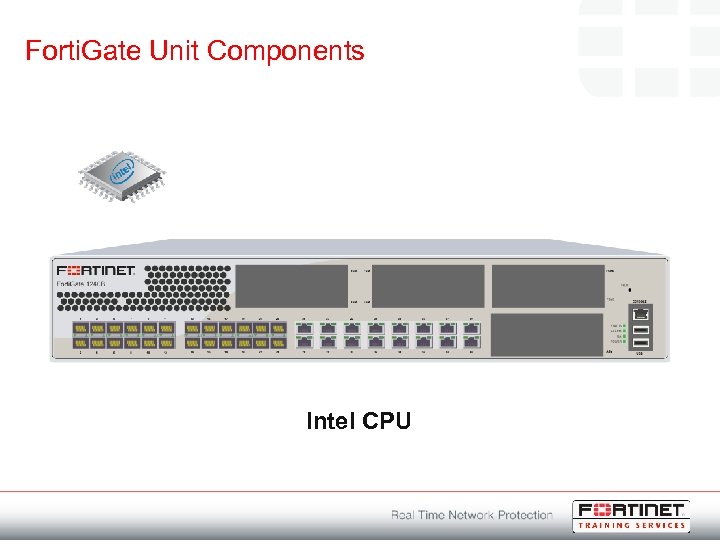 Forti. Gate Unit Components Intel CPU
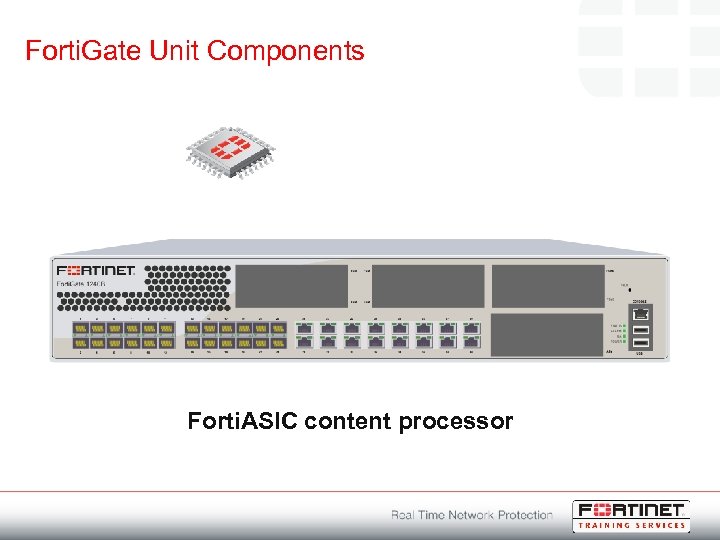 Forti. Gate Unit Components Forti. ASIC content processor
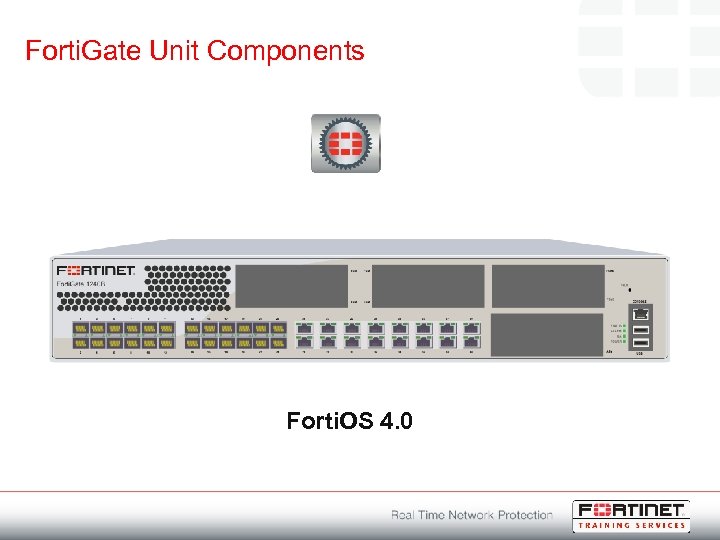 Forti. Gate Unit Components Forti. OS 4. 0
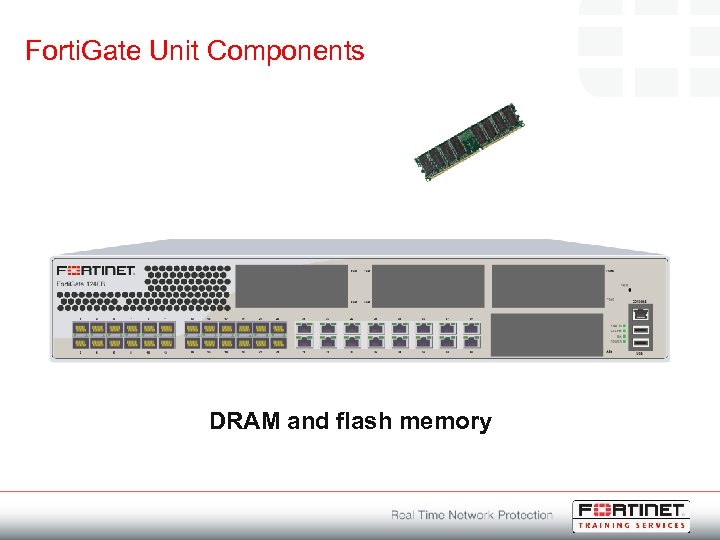 Forti. Gate Unit Components DRAM and flash memory
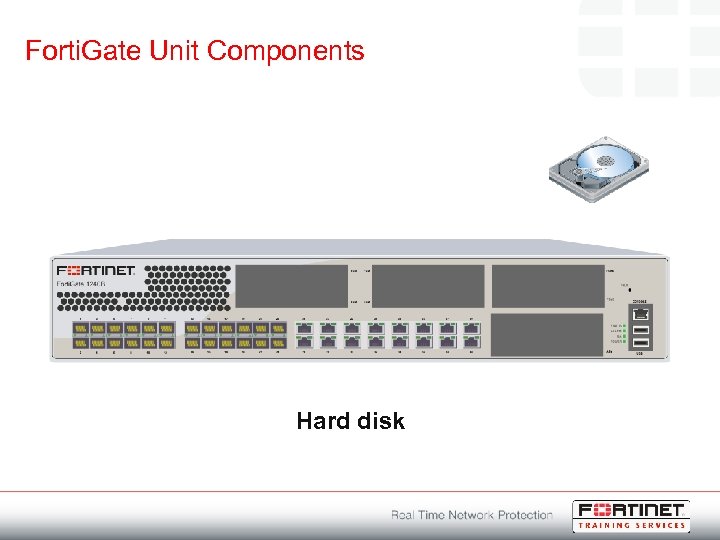 Forti. Gate Unit Components Hard disk
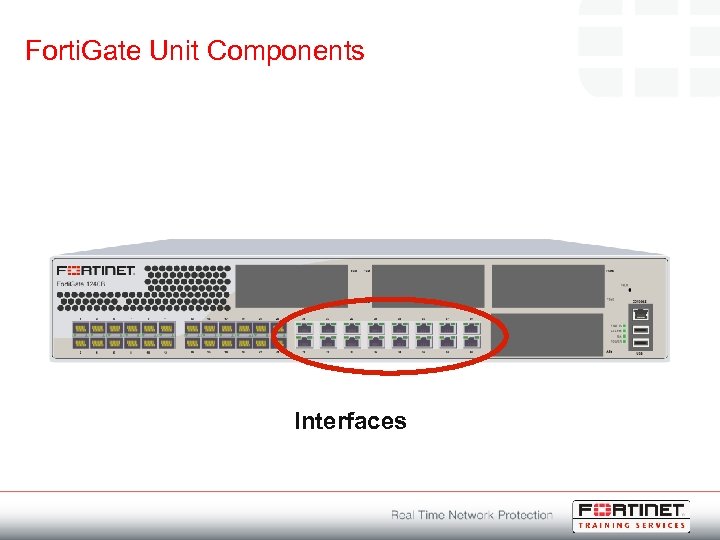 Forti. Gate Unit Components Interfaces
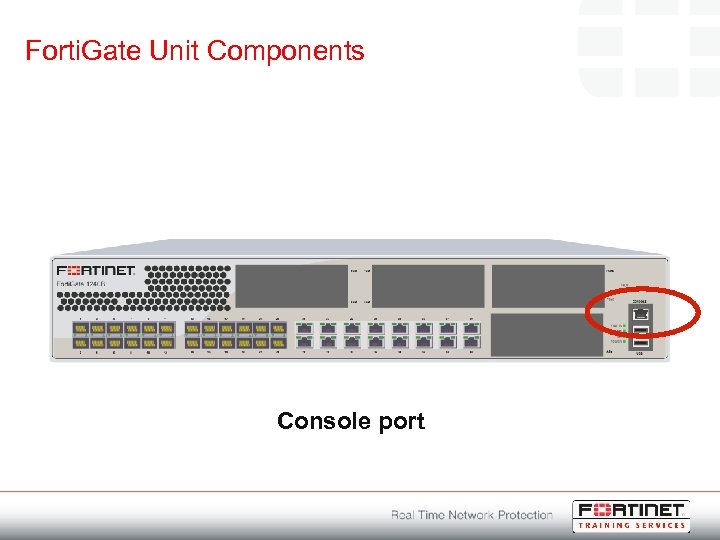 Forti. Gate Unit Components Console port
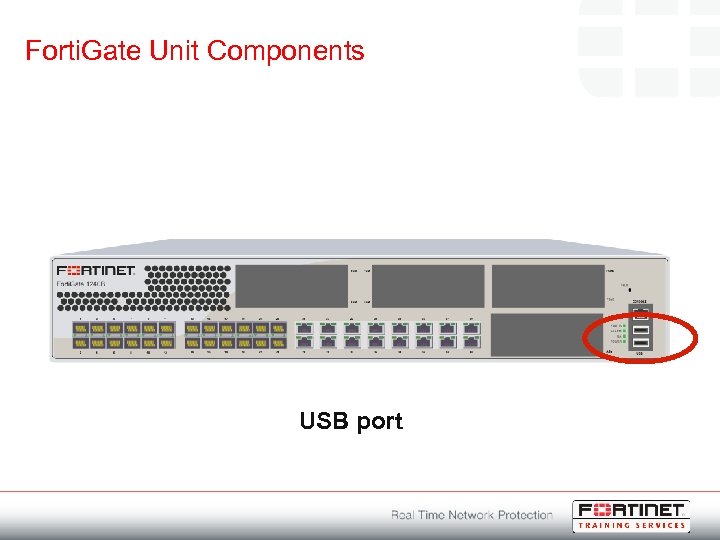 Forti. Gate Unit Components USB port
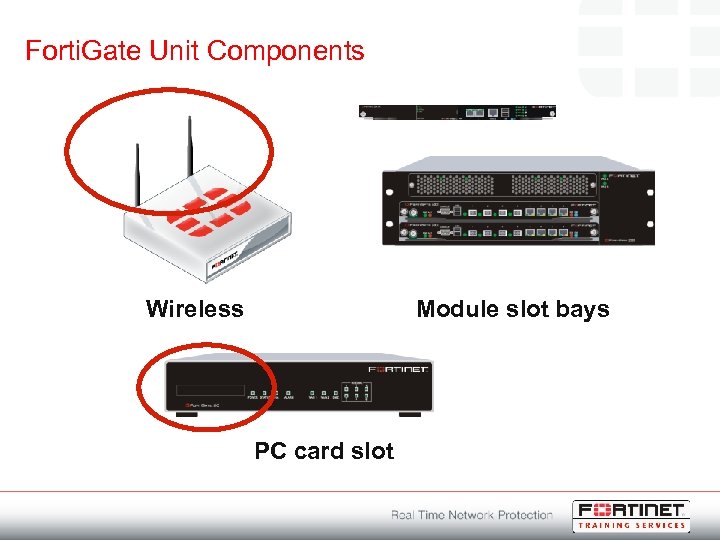 Forti. Gate Unit Components Wireless Module slot bays PC card slot
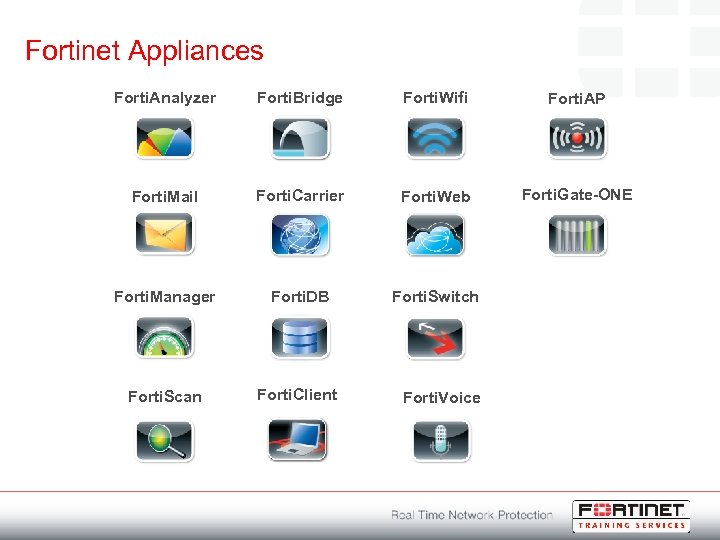 Fortinet Appliances Forti. Analyzer Forti. Bridge Forti. Wifi Forti. AP Forti. Mail Forti. Carrier Forti. Web Forti. Gate-ONE Forti. Manager Forti. DB Forti. Switch Forti. Scan Forti. Client Forti. Voice
 Forti. Guard Subscription Services
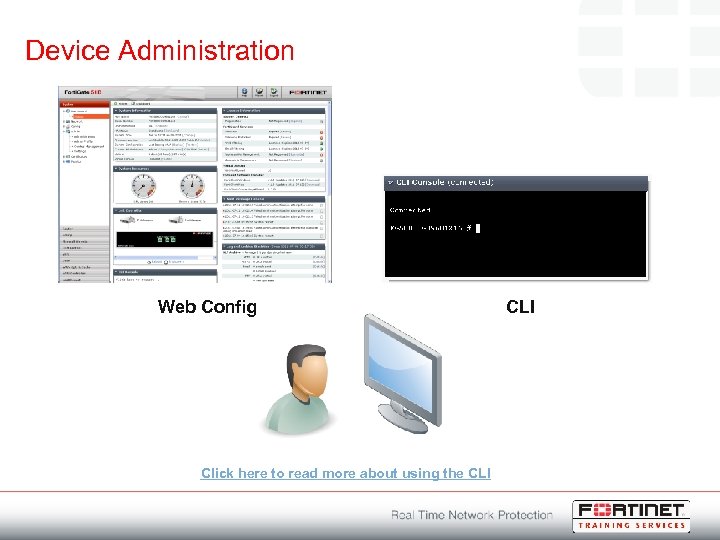 Device Administration Web Config Click here to read more about using the CLI
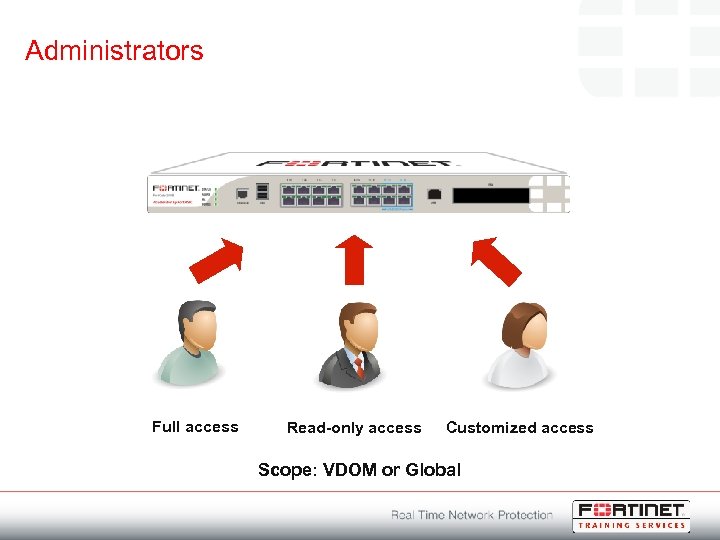 Administrators Full access Read-only access Customized access Scope: VDOM or Global
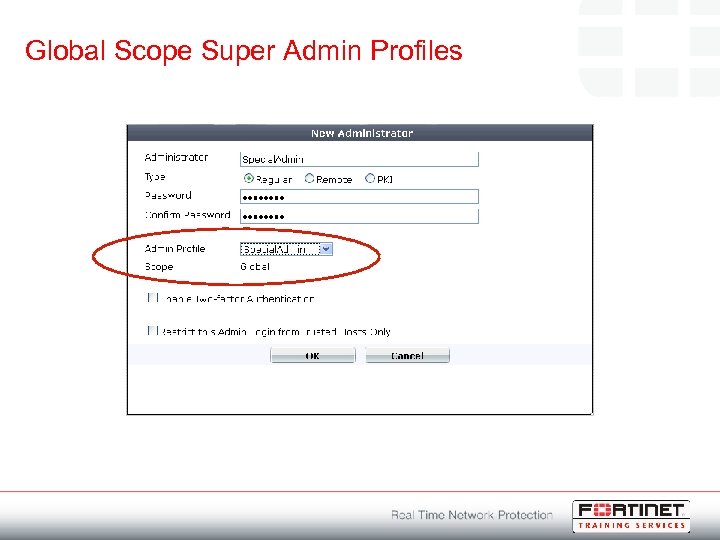 Global Scope Super Admin Profiles
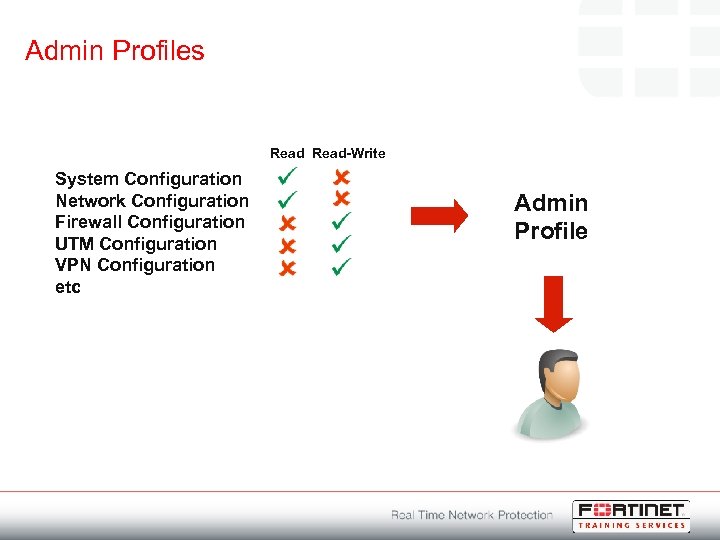 Admin Profiles Read-Write System Configuration Network Configuration Firewall Configuration UTM Configuration VPN Configuration etc Admin Profile
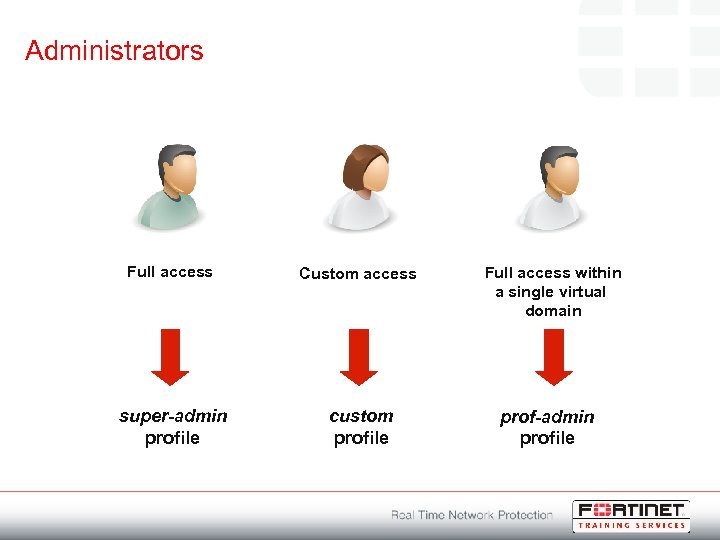 Administrators Full access Custom access super-admin profile custom profile Full access within a single virtual domain prof-admin profile
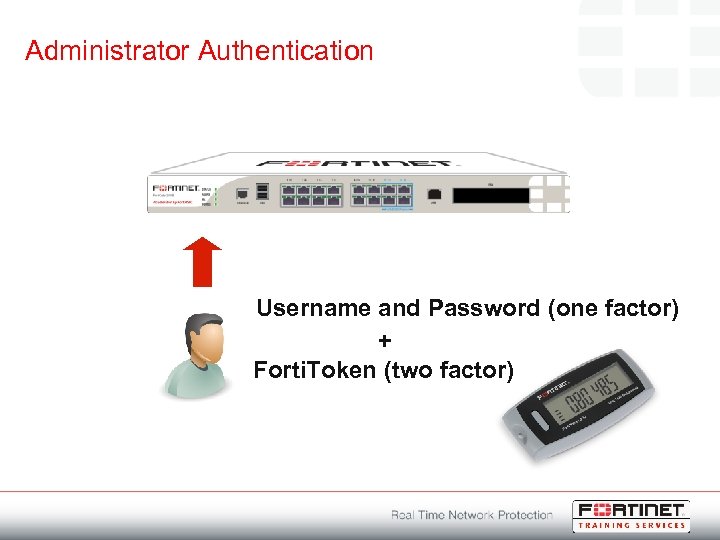 Administrator Authentication Username and Password (one factor) + Forti. Token (two factor)
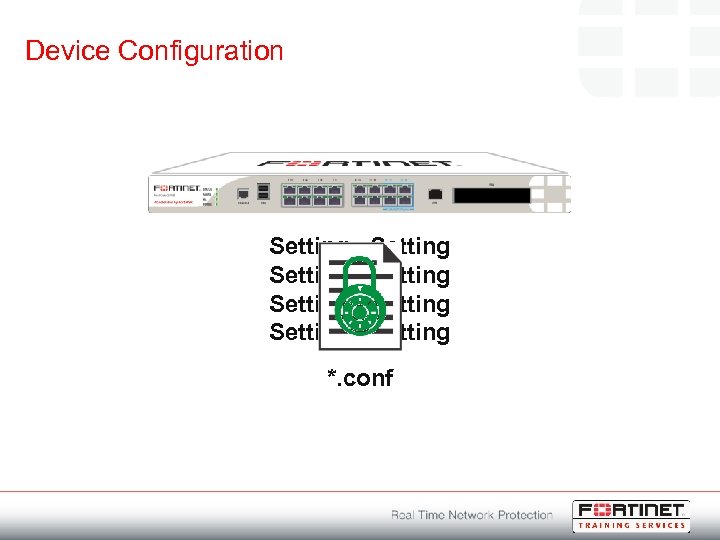 Device Configuration Setting Setting *. conf
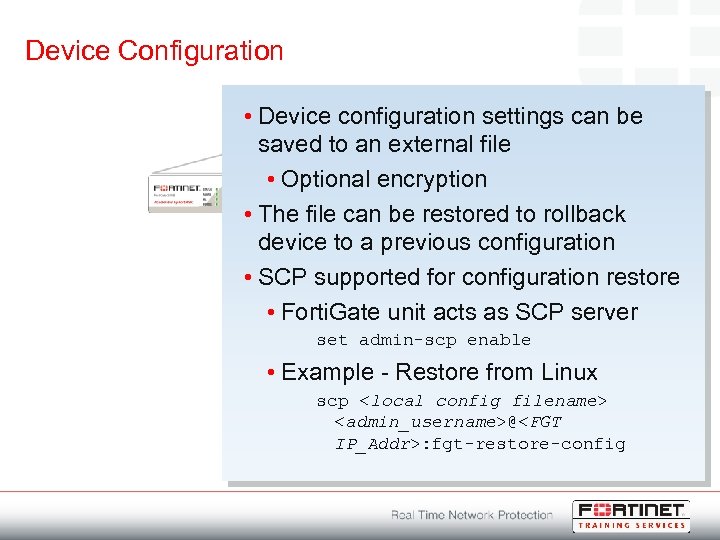 Device Configuration • Device configuration settings can be saved to an external file • Optional encryption • The file can be restored to rollback device to a previous configuration • SCP supported for configuration restore • Forti. Gate unit acts as SCP server set admin-scp enable • Example - Restore from Linux *. conf scp
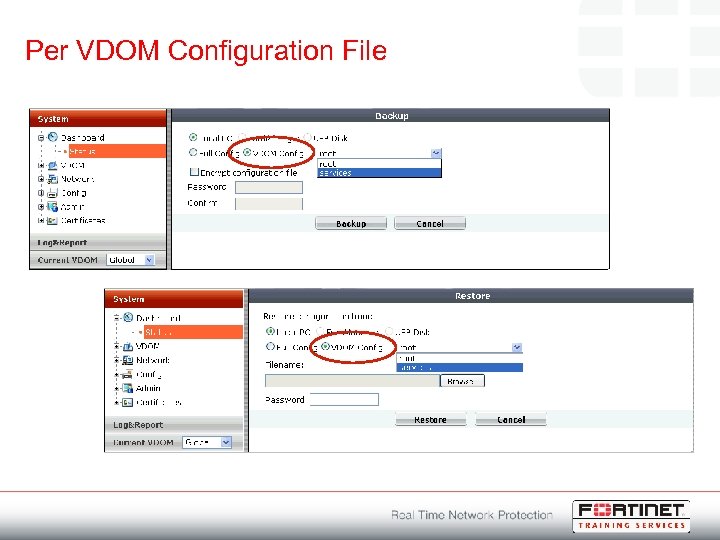 Per VDOM Configuration File
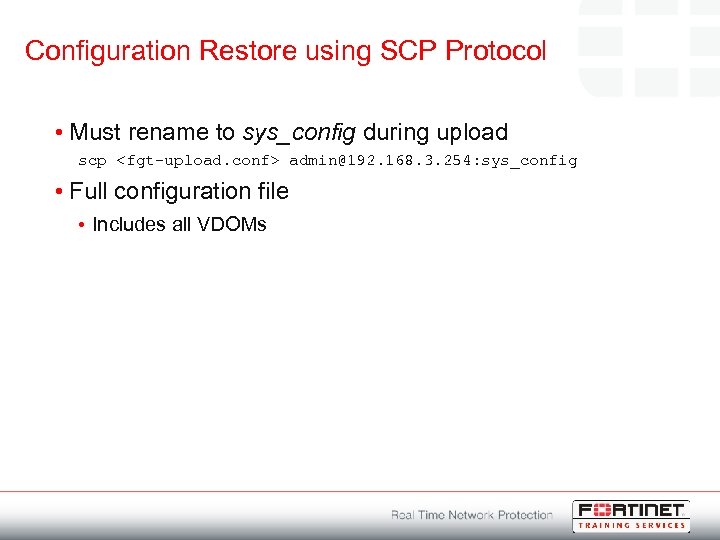 Configuration Restore using SCP Protocol • Must rename to sys_config during upload scp
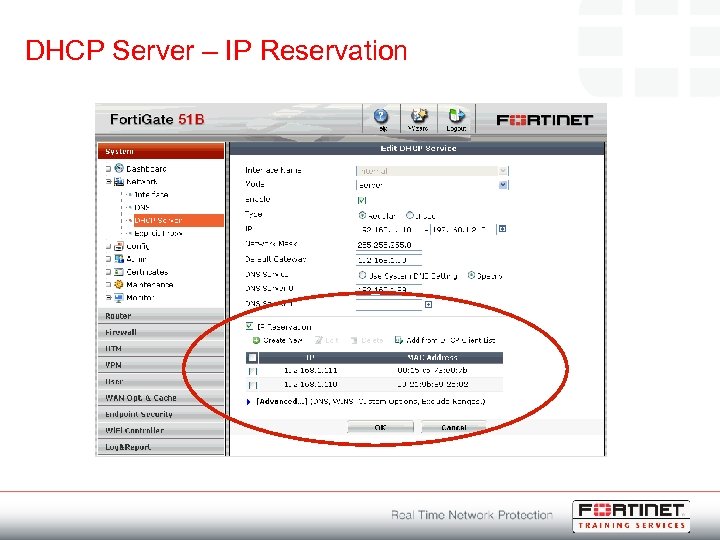 DHCP Server – IP Reservation
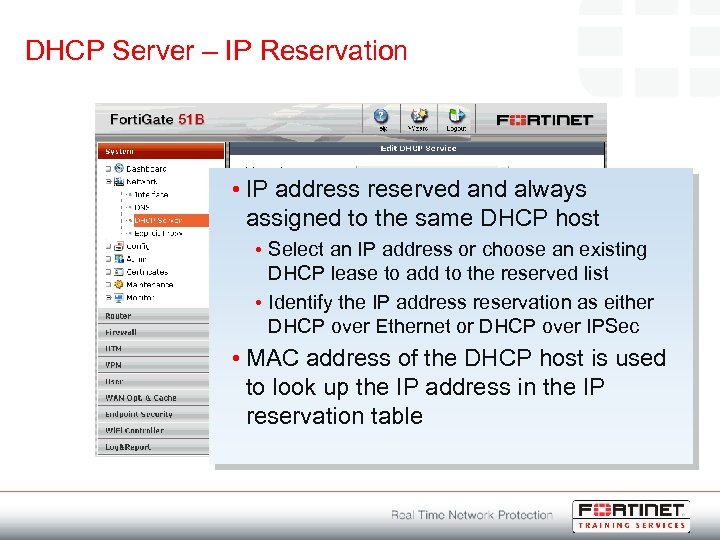 DHCP Server – IP Reservation • IP address reserved and always assigned to the same DHCP host • Select an IP address or choose an existing DHCP lease to add to the reserved list • Identify the IP address reservation as either DHCP over Ethernet or DHCP over IPSec • MAC address of the DHCP host is used to look up the IP address in the IP reservation table
 Forti. Gate DNS Server • Resolve DNS lookups from an internal network • Methods to set up DNS for each interface: • Relay DNS requests to the DNS servers configured for the unit • Resolve DNS requests using a Forti. Gate DNS database • Unresolved DNS requests are dropped • Split DNS configuration • DNS requests can be resolved using a Forti. Gate DNS database and any unresolved DNS requests can be relayed to DNS servers configured for the unit • One DNS database can be shared by all the Forti. Gate interfaces • If VDOMs are enabled, a DNS database needs be created in each VDOM
 DNS Server Configuration • DNS zones need to be added when configuring the DNS database • Each zone has its own domain name • DNS entries are added to each zone • An entry includes a hostname and the IP address it resolves to • Each entry also specifies the type of DNS entry • • • IPv 4 address (A) or an IPv 6 address (AAAA) name server (NS) canonical name (CNAME) mail exchange (MX) name IPv 4 (PTR) or IPv 6 (PTR)
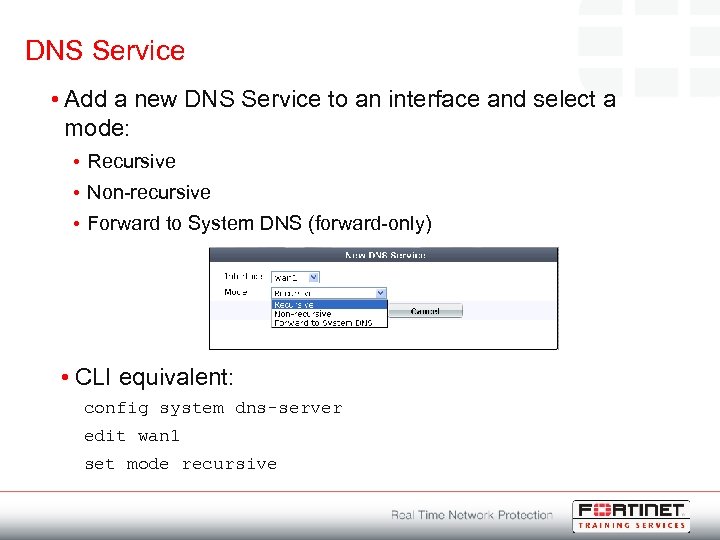 DNS Service • Add a new DNS Service to an interface and select a mode: • Recursive • Non-recursive • Forward to System DNS (forward-only) • CLI equivalent: config system dns-server edit wan 1 set mode recursive
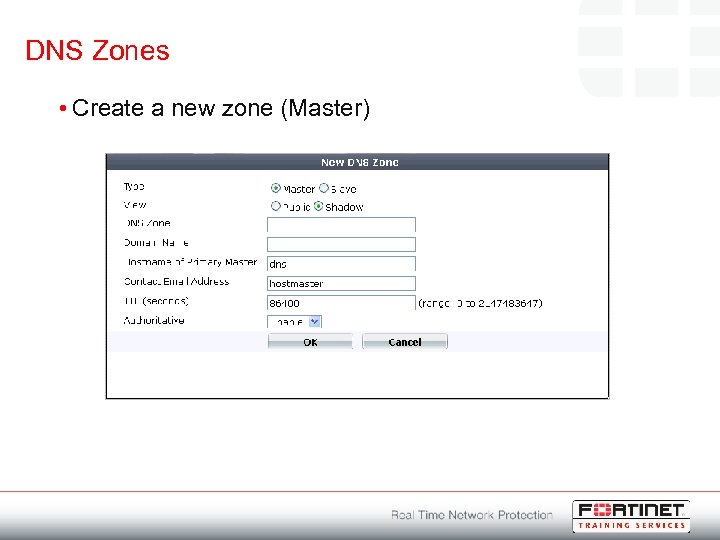 DNS Zones • Create a new zone (Master)
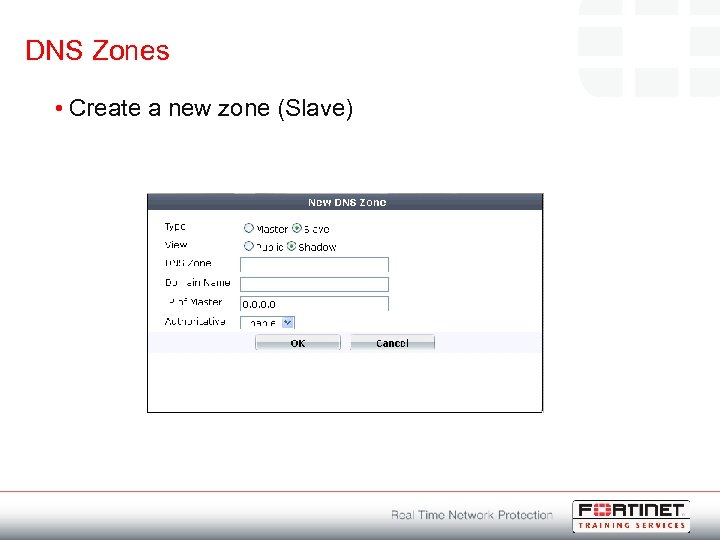 DNS Zones • Create a new zone (Slave)
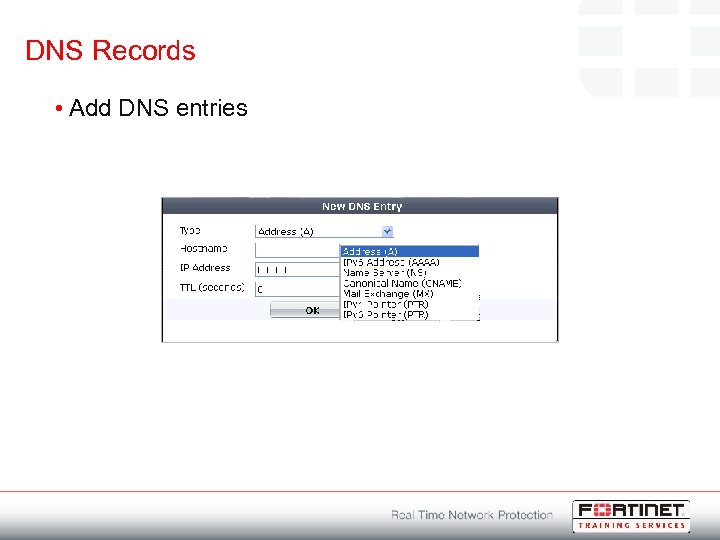 DNS Records • Add DNS entries
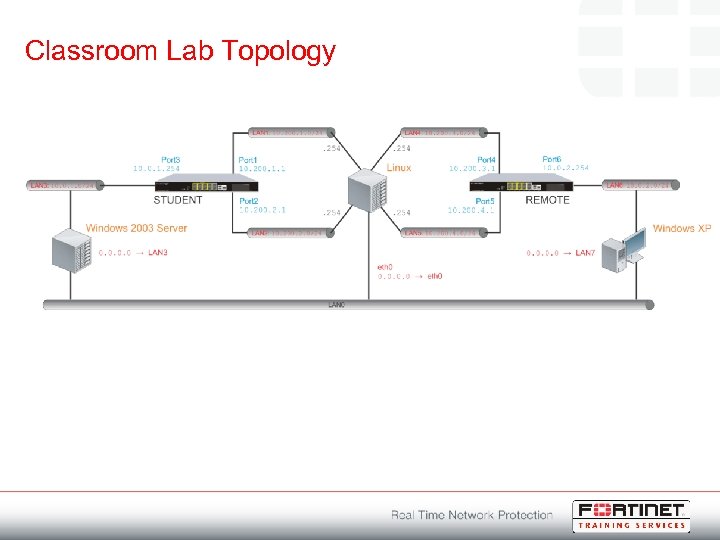 Classroom Lab Topology
 Labs • Lab – Virtual Lab Environment Basics • Logging in to the Virtual Lab Environment Click here for instructions on accessing the virtual lab environment • Lab - Initial Setup • Exploring the CLI • Accessing Web Config • Configuring Network Interfaces • Configuring the Forti. Gate DNS Server • Enabling DNS Recursive • Configuring Global System Settings • Configuring Administrative Users Click here for step-by-step instructions on completing this lab
 Student Resources Click here to view the list of resources used in this module