


 Скачать презентацию Introduction to Flash Action Script 3 0 Introduction
c4f1ef7a395b860a7158aa75828e2177.ppt
- Количество слайдов: 26
 Introduction to Flash Action. Script 3. 0 Introduction to OOP (Object Oriented Programming with AS 3) Thomas Lövgren, Flash developer thomas. lovgren@humlab. umu. se
 Introduction to OOP v Lecture Outline In this lecture we’ll discuss and practice the following topics: n n n n n OOP: Introduction, Planning & Design Classes and Objects Properties Constructor Create a Class file/test it Parameters and get/set methods Encapsulation Inheritance Polymorphism Examples of OOP usage
 Introduction to OOP n n n What is OOP? Object Oriented Programming is programming which is oriented around objects, thus taking advantage of Encapsulation, Polymorphism, and Inheritance to increase code reuse and decrease code maintenance Why OOP? As applications grow, structured programming gets unwieldy, and you'll be best advised to use an Object Oriented approach When should I use Object Oriented? There’s no given rule for this, but in general for large projects, specific/advanced tasks, extended functionality/libraries etc. For small/basic projects it’s probably not worth it, cause OOP planning, design and implementation takes time
 OOP Planning & Design n n OOP is a programming paradigm where we can plan, design and use abstraction to create models based on the real world The object-oriented program design involves: n Identifying the components of the system or application that you want to build n Analyzing and identifying patterns to determine what components are used repeatedly or share characteristics n Classifying components based on similarities and differences
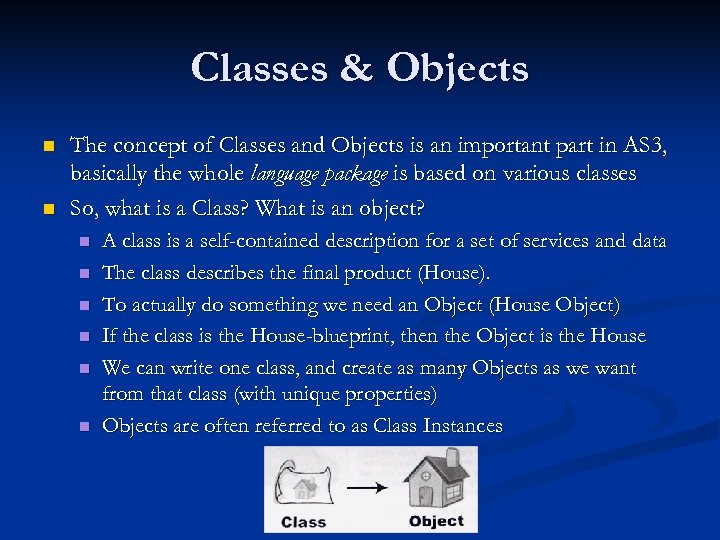 Classes & Objects n n The concept of Classes and Objects is an important part in AS 3, basically the whole language package is based on various classes So, what is a Class? What is an object? n n n A class is a self-contained description for a set of services and data The class describes the final product (House). To actually do something we need an Object (House Object) If the class is the House-blueprint, then the Object is the House We can write one class, and create as many Objects as we want from that class (with unique properties) Objects are often referred to as Class Instances
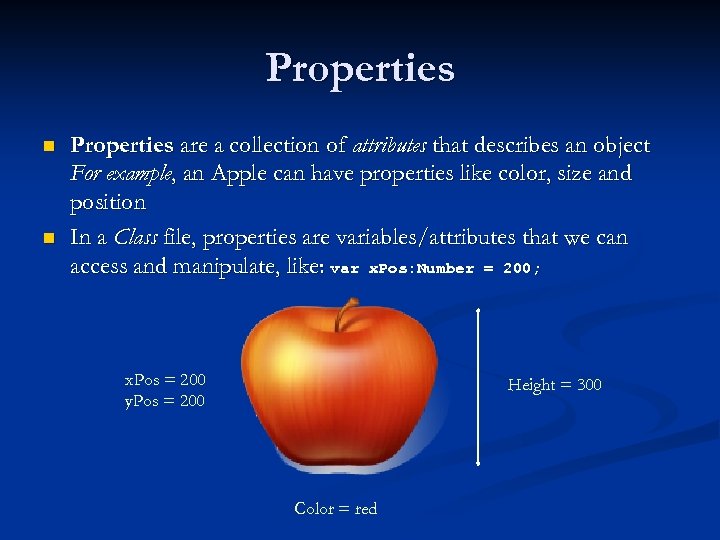 Properties n n Properties are a collection of attributes that describes an object For example, an Apple can have properties like color, size and position In a Class file, properties are variables/attributes that we can access and manipulate, like: var x. Pos: Number = 200; x. Pos = 200 y. Pos = 200 Height = 300 Color = red
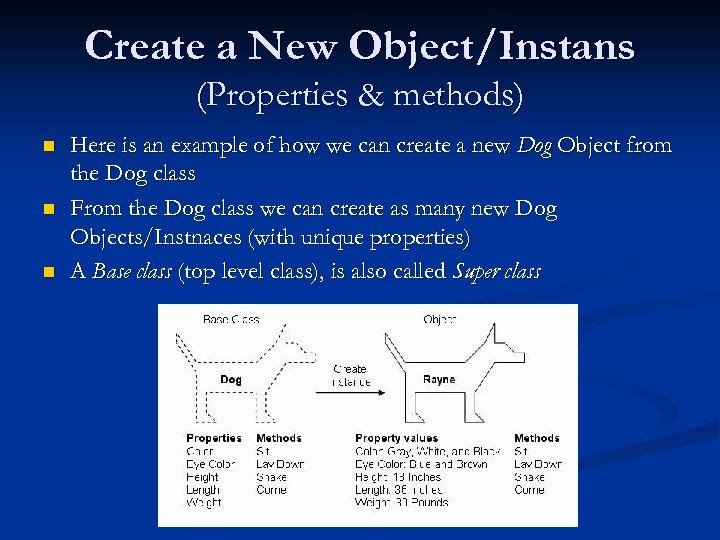 Create a New Object/Instans (Properties & methods) n n n Here is an example of how we can create a new Dog Object from the Dog class From the Dog class we can create as many new Dog Objects/Instnaces (with unique properties) A Base class (top level class), is also called Super class
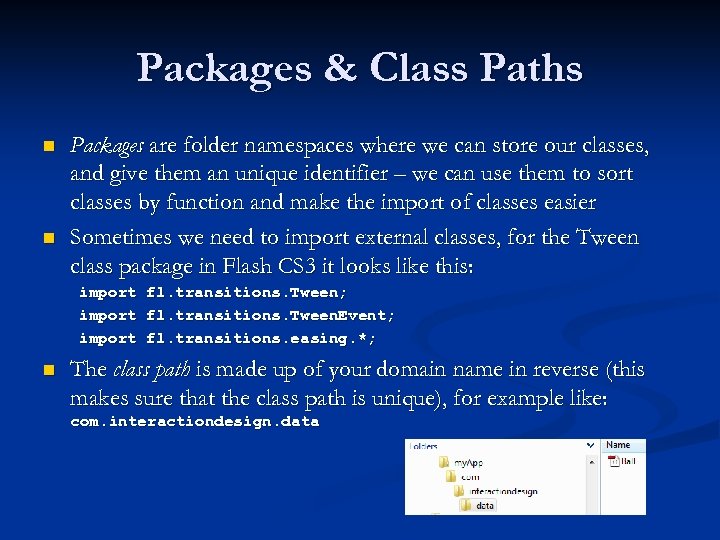 Packages & Class Paths n n Packages are folder namespaces where we can store our classes, and give them an unique identifier – we can use them to sort classes by function and make the import of classes easier Sometimes we need to import external classes, for the Tween class package in Flash CS 3 it looks like this: import n fl. transitions. Tween; fl. transitions. Tween. Event; fl. transitions. easing. *; The class path is made up of your domain name in reverse (this makes sure that the class path is unique), for example like: com. interactiondesign. data
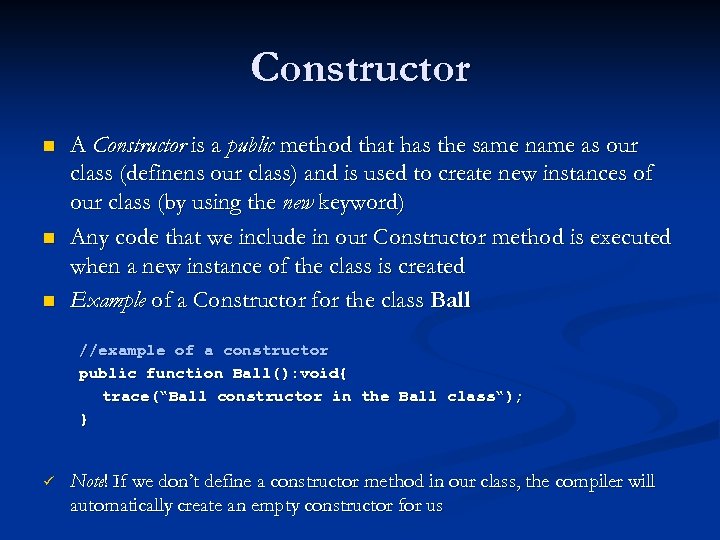 Constructor n n n A Constructor is a public method that has the same name as our class (definens our class) and is used to create new instances of our class (by using the new keyword) Any code that we include in our Constructor method is executed when a new instance of the class is created Example of a Constructor for the class Ball //example of a constructor public function Ball(): void{ trace(“Ball constructor in the Ball class“); } ü Note! If we don’t define a constructor method in our class, the compiler will automatically create an empty constructor for us
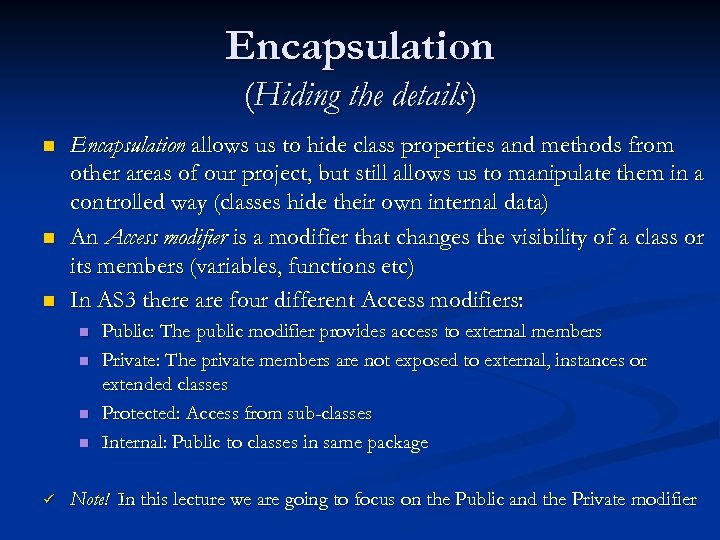 Encapsulation (Hiding the details) n n n Encapsulation allows us to hide class properties and methods from other areas of our project, but still allows us to manipulate them in a controlled way (classes hide their own internal data) An Access modifier is a modifier that changes the visibility of a class or its members (variables, functions etc) In AS 3 there are four different Access modifiers: n n ü Public: The public modifier provides access to external members Private: The private members are not exposed to external, instances or extended classes Protected: Access from sub-classes Internal: Public to classes in same package Note! In this lecture we are going to focus on the Public and the Private modifier
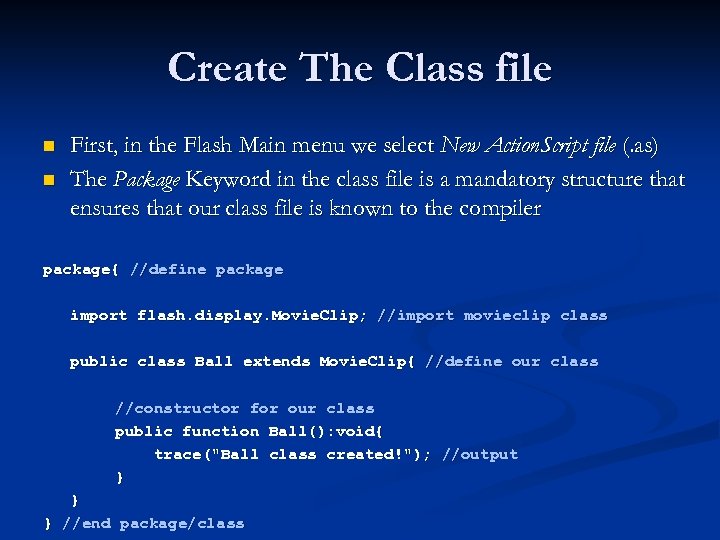 Create The Class file n n First, in the Flash Main menu we select New Action. Script file (. as) The Package Keyword in the class file is a mandatory structure that ensures that our class file is known to the compiler package{ //define package import flash. display. Movie. Clip; //import movieclip class public class Ball extends Movie. Clip{ //define our class //constructor for our class public function Ball(): void{ trace("Ball class created!"); //output } } } //end package/class
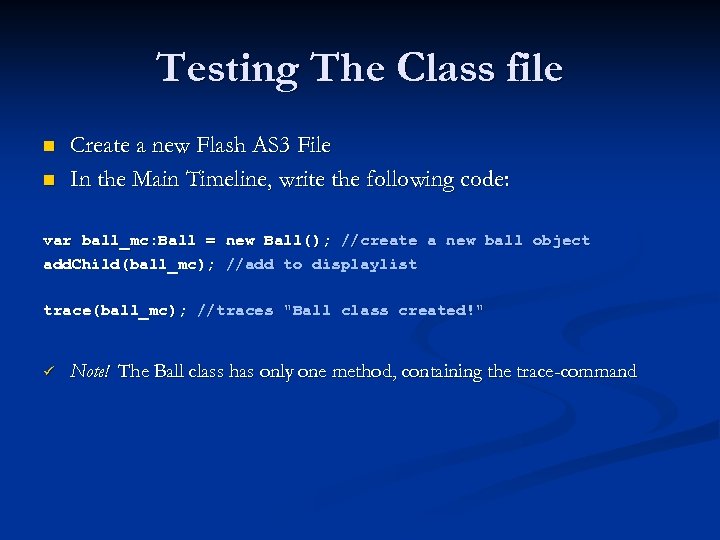 Testing The Class file n n Create a new Flash AS 3 File In the Main Timeline, write the following code: var ball_mc: Ball = new Ball(); //create a new ball object add. Child(ball_mc); //add to displaylist trace(ball_mc); //traces "Ball class created!" ü Note! The Ball class has only one method, containing the trace-command
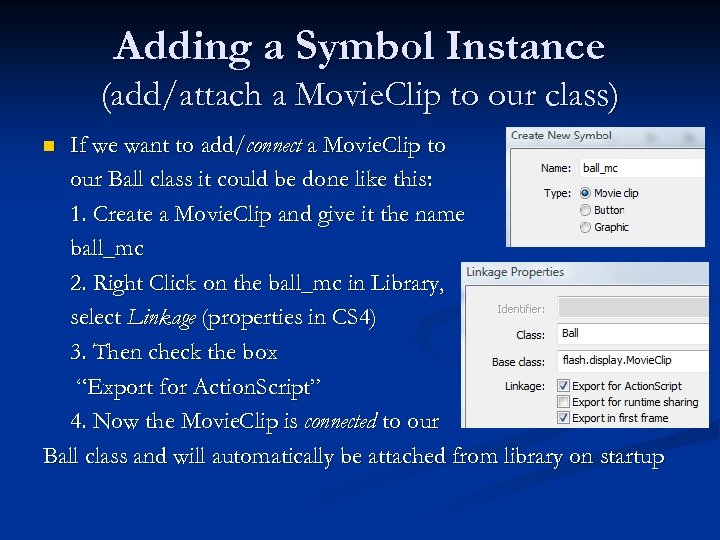 Adding a Symbol Instance (add/attach a Movie. Clip to our class) If we want to add/connect a Movie. Clip to our Ball class it could be done like this: 1. Create a Movie. Clip and give it the name ball_mc 2. Right Click on the ball_mc in Library, select Linkage (properties in CS 4) 3. Then check the box “Export for Action. Script” 4. Now the Movie. Clip is connected to our Ball class and will automatically be attached from library on startup n
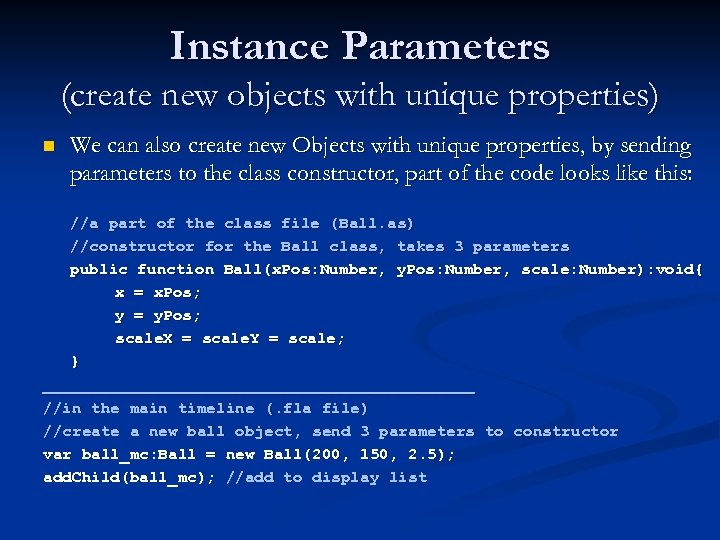 Instance Parameters (create new objects with unique properties) n We can also create new Objects with unique properties, by sending parameters to the class constructor, part of the code looks like this: //a part of the class file (Ball. as) //constructor for the Ball class, takes 3 parameters public function Ball(x. Pos: Number, y. Pos: Number, scale: Number): void{ x = x. Pos; y = y. Pos; scale. X = scale. Y = scale; } _______________________ //in the main timeline (. fla file) //create a new ball object, send 3 parameters to constructor var ball_mc: Ball = new Ball(200, 150, 2. 5); add. Child(ball_mc); //add to display list
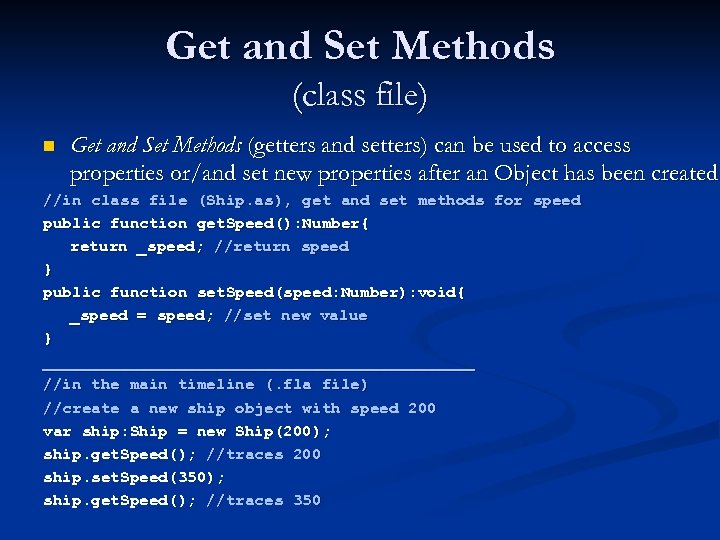 Get and Set Methods (class file) n Get and Set Methods (getters and setters) can be used to access properties or/and set new properties after an Object has been created //in class file (Ship. as), get and set methods for speed public function get. Speed(): Number{ return _speed; //return speed } public function set. Speed(speed: Number): void{ _speed = speed; //set new value } _______________________ //in the main timeline (. fla file) //create a new ship object with speed 200 var ship: Ship = new Ship(200); ship. get. Speed(); //traces 200 ship. set. Speed(350); ship. get. Speed(); //traces 350
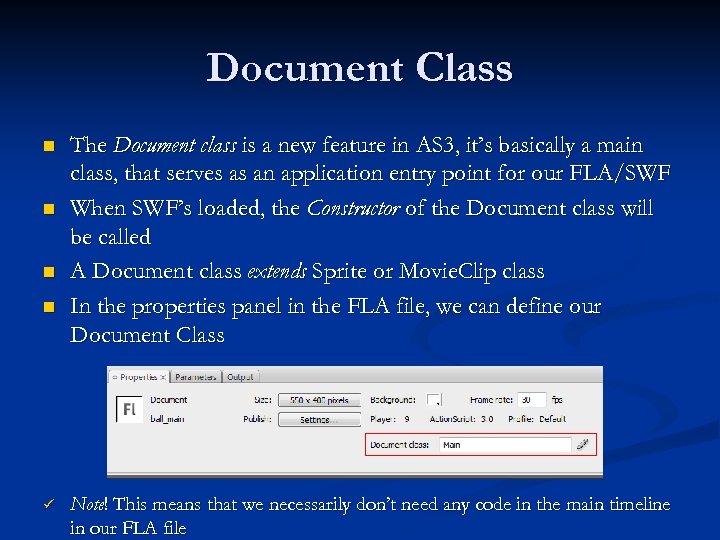 Document Class n n ü The Document class is a new feature in AS 3, it’s basically a main class, that serves as an application entry point for our FLA/SWF When SWF’s loaded, the Constructor of the Document class will be called A Document class extends Sprite or Movie. Clip class In the properties panel in the FLA file, we can define our Document Class Note! This means that we necessarily don’t need any code in the main timeline in our FLA file
 Inheritance (1/2) (Avoid rebuilding the wheel) n n n With Inheritance a class can inherit or extend properties and methods from another class (unless the properties and methods are marked as private) The Subclass (class that’s inherit), can also additional properties and/or methods, change some of the ones from the super/baseclass (the class that’s being extended) The subclass can send received parameters up to the superclass, by using the super() command/method and also override inherited methods from the superclass by using the override keyword
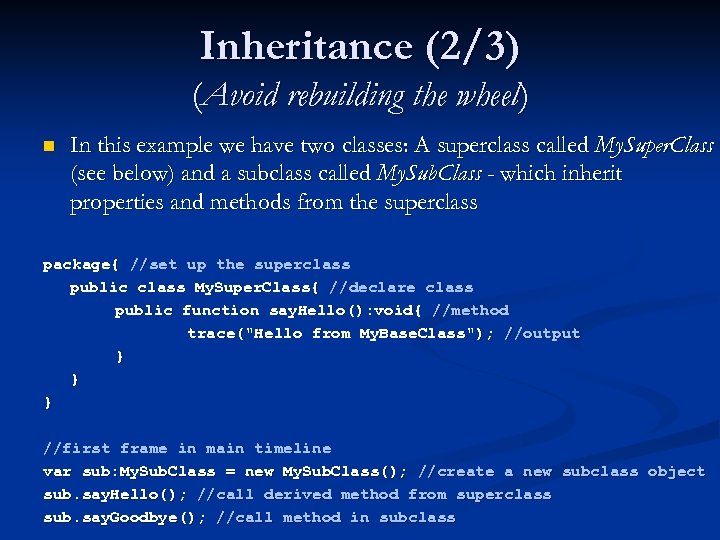 Inheritance (2/3) (Avoid rebuilding the wheel) n In this example we have two classes: A superclass called My. Super. Class (see below) and a subclass called My. Sub. Class - which inherit properties and methods from the superclass package{ //set up the superclass public class My. Super. Class{ //declare class public function say. Hello(): void{ //method trace("Hello from My. Base. Class"); //output } } } //first frame in main timeline var sub: My. Sub. Class = new My. Sub. Class(); //create a new subclass object sub. say. Hello(); //call derived method from superclass sub. say. Goodbye(); //call method in subclass
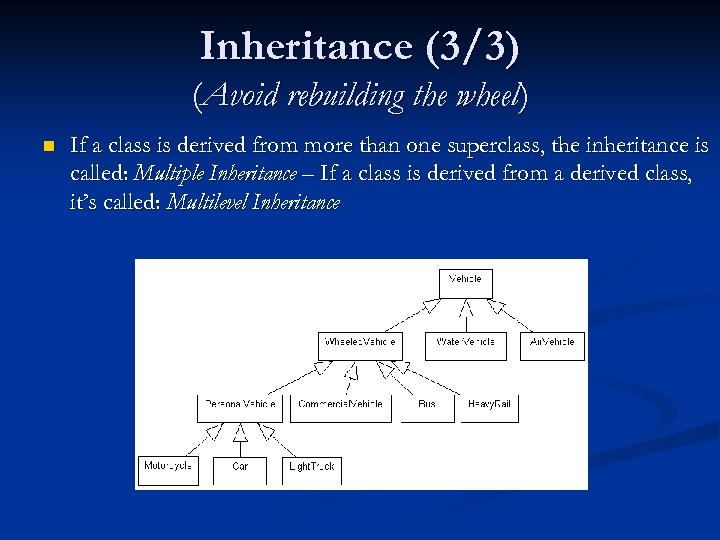 Inheritance (3/3) (Avoid rebuilding the wheel) n If a class is derived from more than one superclass, the inheritance is called: Multiple Inheritance – If a class is derived from a derived class, it’s called: Multilevel Inheritance
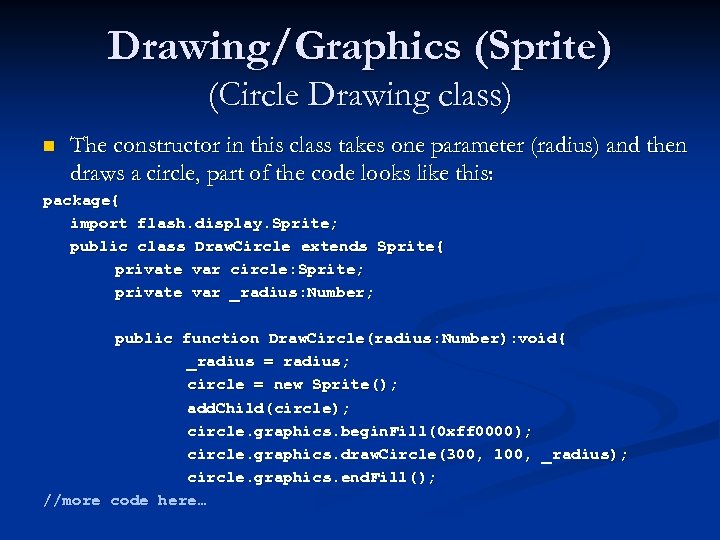 Drawing/Graphics (Sprite) (Circle Drawing class) n The constructor in this class takes one parameter (radius) and then draws a circle, part of the code looks like this: package{ import flash. display. Sprite; public class Draw. Circle extends Sprite{ private var circle: Sprite; private var _radius: Number; public function Draw. Circle(radius: Number): void{ _radius = radius; circle = new Sprite(); add. Child(circle); circle. graphics. begin. Fill(0 xff 0000); circle. graphics. draw. Circle(300, 100, _radius); circle. graphics. end. Fill(); //more code here…
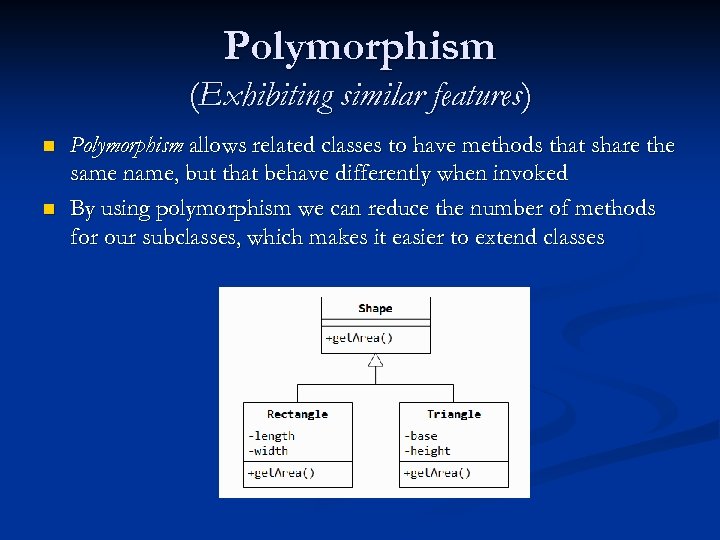 Polymorphism (Exhibiting similar features) n n Polymorphism allows related classes to have methods that share the same name, but that behave differently when invoked By using polymorphism we can reduce the number of methods for our subclasses, which makes it easier to extend classes
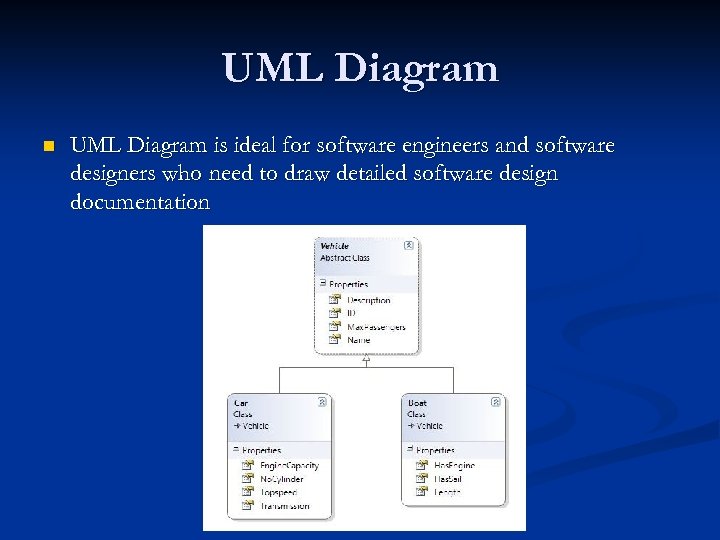 UML Diagram n UML Diagram is ideal for software engineers and software designers who need to draw detailed software design documentation
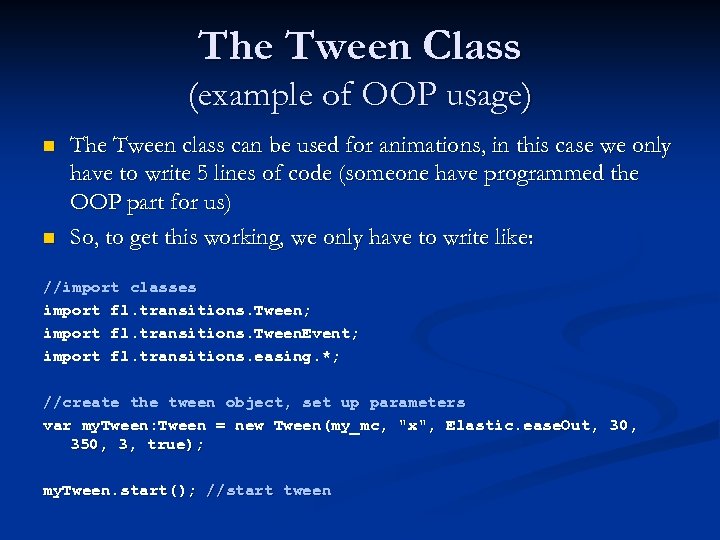 The Tween Class (example of OOP usage) n n The Tween class can be used for animations, in this case we only have to write 5 lines of code (someone have programmed the OOP part for us) So, to get this working, we only have to write like: //import classes import fl. transitions. Tween; import fl. transitions. Tween. Event; import fl. transitions. easing. *; //create the tween object, set up parameters var my. Tween: Tween = new Tween(my_mc, "x", Elastic. ease. Out, 30, 350, 3, true); my. Tween. start(); //start tween
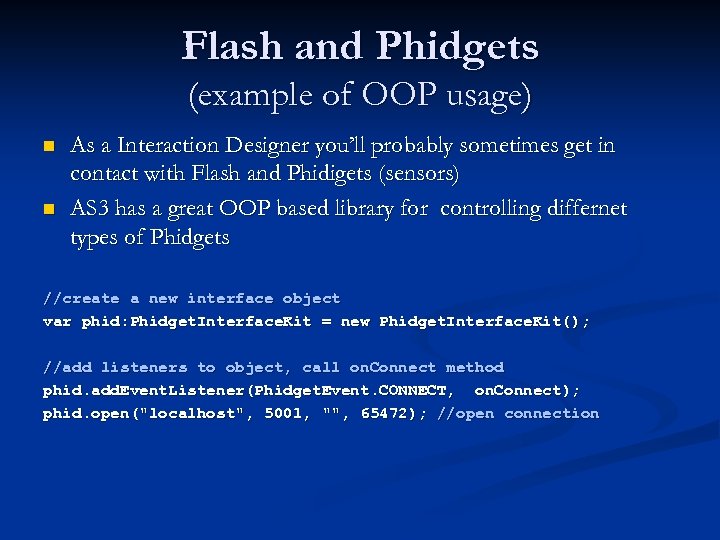 Flash and Phidgets (example of OOP usage) n n As a Interaction Designer you’ll probably sometimes get in contact with Flash and Phidigets (sensors) AS 3 has a great OOP based library for controlling differnet types of Phidgets //create a new interface object var phid: Phidget. Interface. Kit = new Phidget. Interface. Kit(); //add listeners to object, call on. Connect method phid. add. Event. Listener(Phidget. Event. CONNECT, on. Connect); phid. open("localhost", 5001, "", 65472); //open connection
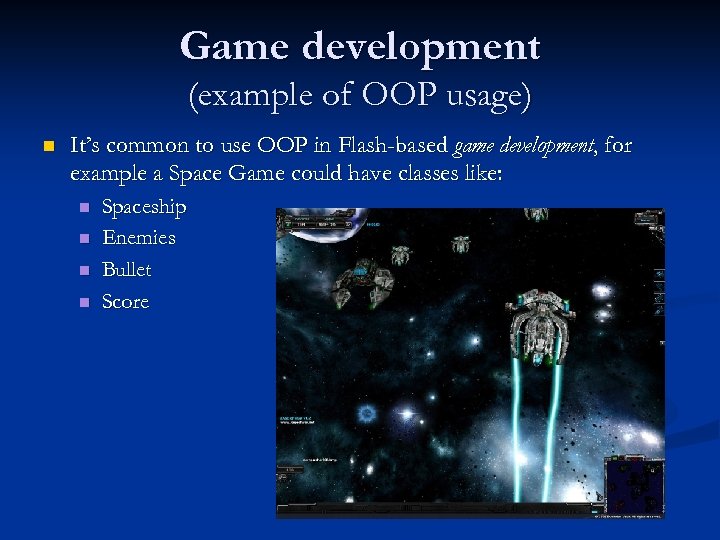 Game development (example of OOP usage) n It’s common to use OOP in Flash-based game development, for example a Space Game could have classes like: n n Spaceship Enemies Bullet Score
 Summary: Benefits of OOP n n n Analyzing user requirements Designing software Constructing software n Reusability (reusable components) n Reliability n Robustness n Extensibility n Maintainability Reduces large problems to smaller, more manageable ones Fits the way the real world works. It is easy to map a real world problem to a solution in OOP code