 Скачать презентацию Introduction to Database Systems Ch 1 Ch 2
0abcaf15603c1527afd310425379678d.ppt
- Количество слайдов: 25



Introduction to Database Systems Ch. 1, Ch. 2 Mr. John Ortiz Dept. of Computer Science University of Texas at San Antonio Lecture 1 Introduction
Teaching Staff ® Instructor: Mr. John Ortiz Office: TBD Phone: NULL Email: jaaaaaoooo@satx. rr. com Office hour: 6 – 7 pm, T & R, after any class ® TA: NULL Lecture 1 Introduction 2
Communication ® Web page of Dr. Zhang: -use as a GUIDE ONLY http: //www. cs. utsa. edu/~wzhang/cs 3743/home æContains everything about the course: syllabus, announcement, assignments, project, lecture notes, etc. ® Generally, I will use Dr. Zhang’s outline, but do not expect my tests to look like any of his ® Mailing list: cs 3743@cs. utsa. edu Lecture 1 Introduction 3
Textbooks ® Required textbook: Fundamentals of Database Systems, 3 rd Edition, by R. Elmasri & S. Navathe ® Recommended textbook: Oracle 8 Programming, A Primer, by R. Sunderraman ® Other books: Reserved in JPL under instructor’s name Lecture 1 Introduction 4
The Study of Databases ? ® Several aspects: æModeling and design of databases æDatabase programming: querying and update operations æDatabase implementation ® Database study cuts across many fields of Computer Science: OS, languages, AI, Logic, multimedia, theory, . . . Lecture 1 Introduction 6
Course Outline ® From a user perspective æBasic concepts: database, DBMS, … æData modeling: ER, relational, OO, … æDatabase design: logical & physical design æUse of databases: query, update, loading, … æDatabase applications: design, implementing ® From a system perspective æData storage: device, structure, access, … æQuery processing, optimization æTransaction processing, and more … Lecture 1 Introduction 7
Prerequisite ® Programming (either C/C++ or Java) ® Unix operating system ® Data structure & algorithm ® Mathematics (logic, sets, algebra, …) Lecture 1 Introduction 10
Requirements ® Read, read æTextbooks, System manual, … ® Practice, practice æHomework, project æPlay with sample programs, examples in books, your own ideas, … ® Communicate, communicate æWith instructor, TA, each other, … ® Be honest æNo cheating, plagiarism, … Lecture 1 Introduction 11
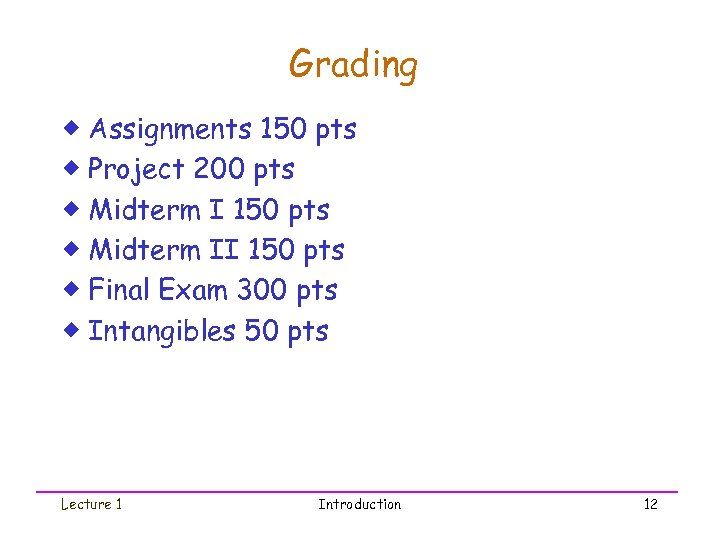
Grading ® Assignments 150 pts ® Project 200 pts ® Midterm I 150 pts ® Midterm II 150 pts ® Final Exam 300 pts ® Intangibles 50 pts Lecture 1 Introduction 12
The Course Project ® Goal æDevelop a realistic database application æGain experience in team work ® Topic? æYour choice with my approval, be creative ® Team æ 4 members, elect a leader, complete selforganizing, collaboration, overcome differences ® Milestones æProgress in 5 parts Lecture 1 Introduction 13
What is a Database System? Database System = Database + DBMS ® A Database is æA large, integrated collection of data æModels a real-world enterprise. òEntities (e. g. , students, courses) òRelationships (e. g. , Mary takes CS 123) ® A Database Management System (DBMS) is a software package designed to store and manage databases easily and efficiently. Lecture 1 Introduction 14
Why Use a DBMS? Suppose we need to build a university information system. How do we æstore the data? (use file structures…) æquery the data? (write programs…) æUpdate data safely? (more programs…) æprovide different views on the same data? (registrar versus students) (more prog…) ædeal with crashes? (more prog…) Way too complicated! Go buy a DBMS! Lecture 1 Introduction 15
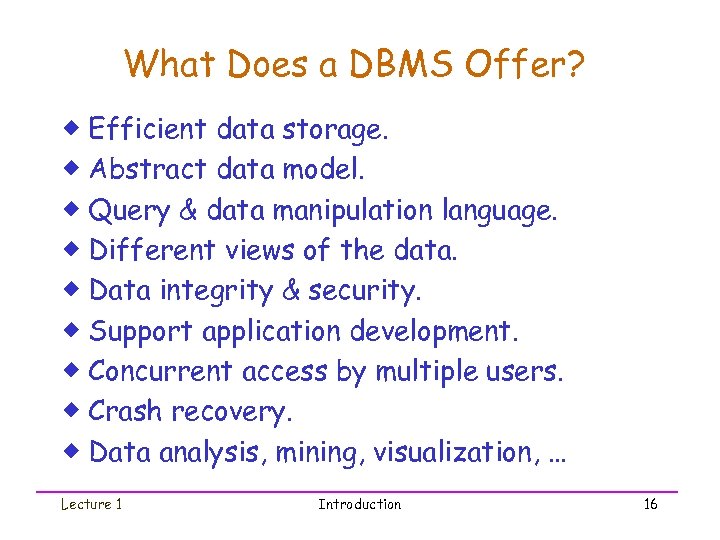
What Does a DBMS Offer? ® Efficient data storage. ® Abstract data model. ® Query & data manipulation language. ® Different views of the data. ® Data integrity & security. ® Support application development. ® Concurrent access by multiple users. ® Crash recovery. ® Data analysis, mining, visualization, … Lecture 1 Introduction 16
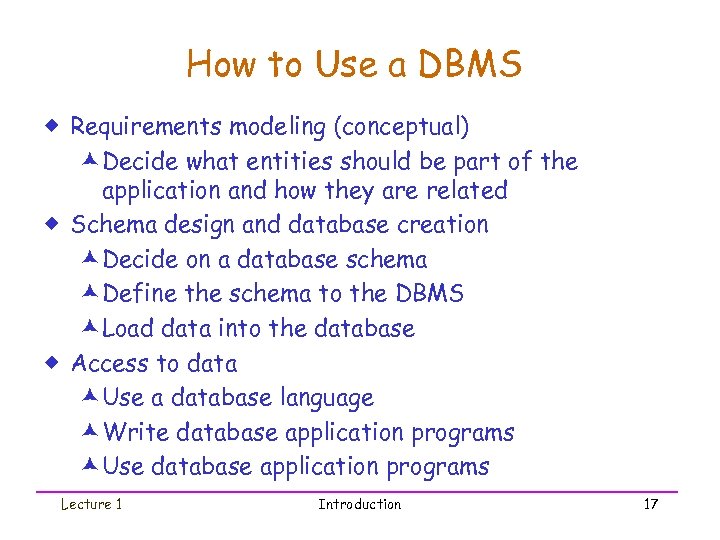
How to Use a DBMS ® Requirements modeling (conceptual) æDecide what entities should be part of the application and how they are related ® Schema design and database creation æDecide on a database schema æDefine the schema to the DBMS æLoad data into the database ® Access to data æUse a database language æWrite database application programs æUse database application programs Lecture 1 Introduction 17
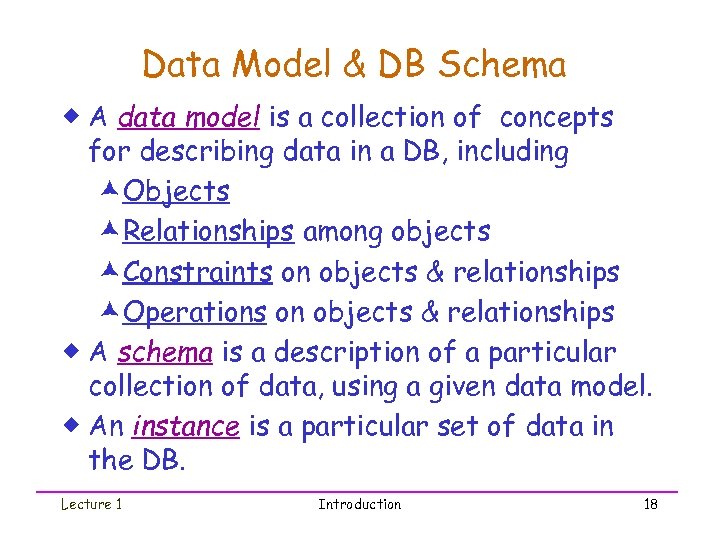
Data Model & DB Schema ® A data model is a collection of concepts for describing data in a DB, including æObjects æRelationships among objects æConstraints on objects & relationships æOperations on objects & relationships ® A schema is a description of a particular collection of data, using a given data model. ® An instance is a particular set of data in the DB. Lecture 1 Introduction 18
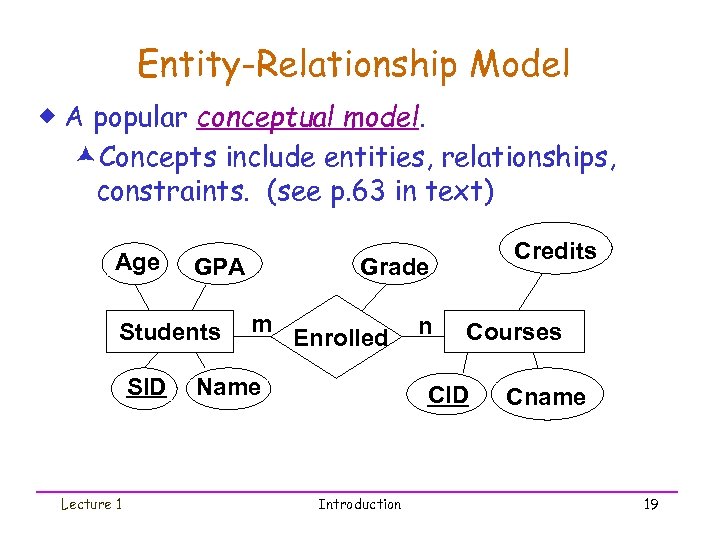
Entity-Relationship Model ® A popular conceptual model. æConcepts include entities, relationships, constraints. (see p. 63 in text) Age GPA Students SID Lecture 1 Credits Grade m Enrolled Name n Courses CID Introduction Cname 19
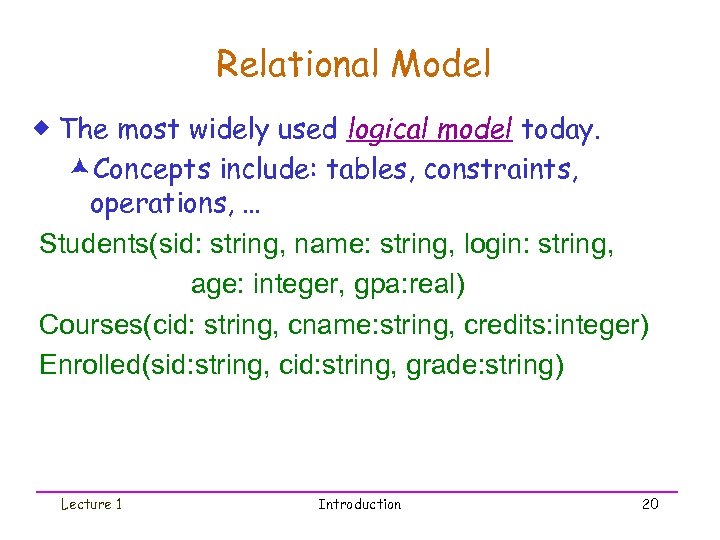
Relational Model ® The most widely used logical model today. æConcepts include: tables, constraints, operations, … Students(sid: string, name: string, login: string, age: integer, gpa: real) Courses(cid: string, cname: string, credits: integer) Enrolled(sid: string, cid: string, grade: string) Lecture 1 Introduction 20
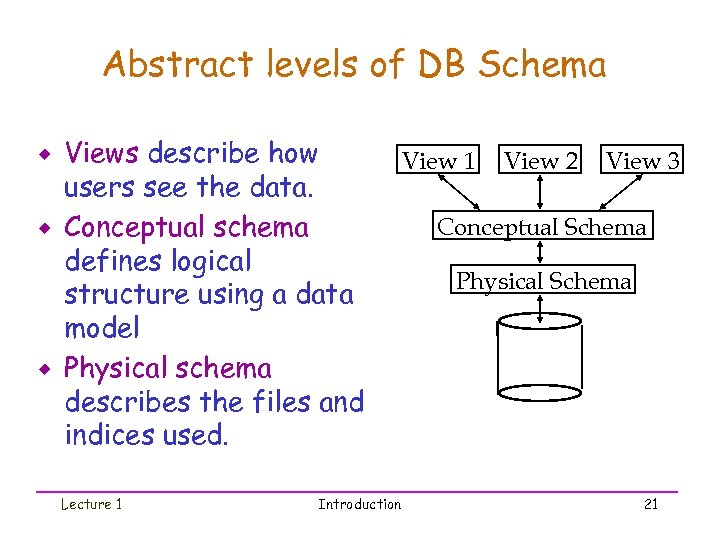
Abstract levels of DB Schema ® ® ® Views describe how users see the data. Conceptual schema defines logical structure using a data model Physical schema describes the files and indices used. Lecture 1 Introduction View 1 View 2 View 3 Conceptual Schema Physical Schema 21
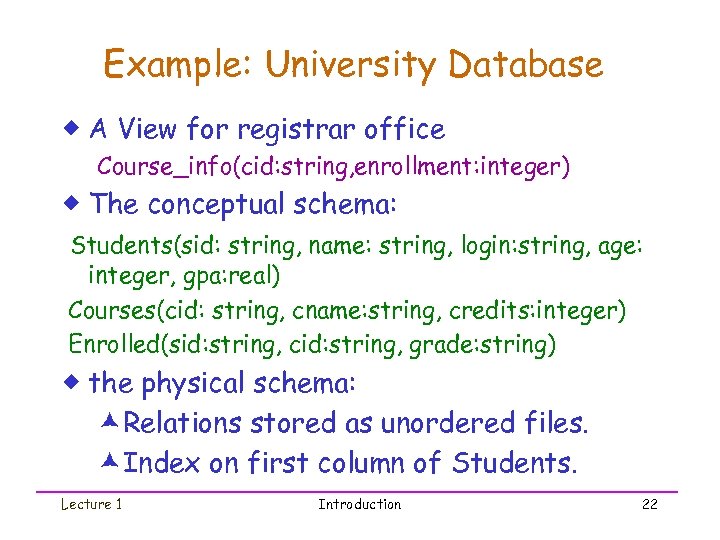
Example: University Database ® A View for registrar office Course_info(cid: string, enrollment: integer) ® The conceptual schema: Students(sid: string, name: string, login: string, age: integer, gpa: real) Courses(cid: string, cname: string, credits: integer) Enrolled(sid: string, cid: string, grade: string) ® the physical schema: æRelations stored as unordered files. æIndex on first column of Students. Lecture 1 Introduction 22
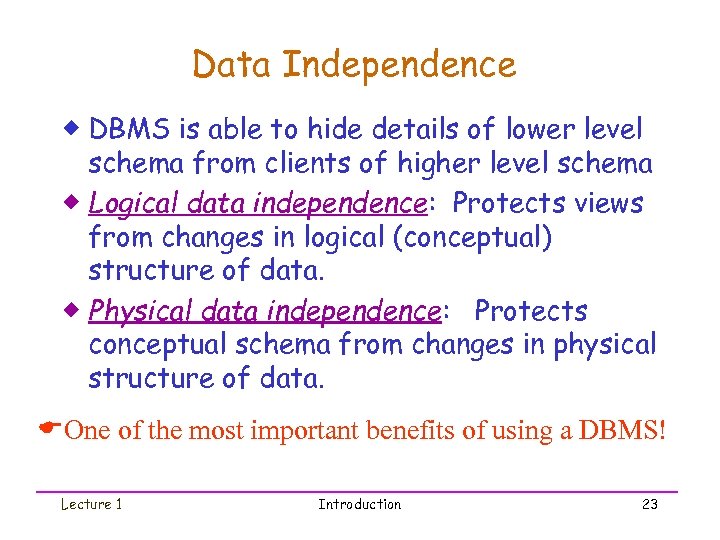
Data Independence ® DBMS is able to hide details of lower level schema from clients of higher level schema ® Logical data independence: Protects views from changes in logical (conceptual) structure of data. ® Physical data independence: Protects conceptual schema from changes in physical structure of data. EOne of the most important benefits of using a DBMS! Lecture 1 Introduction 23
Database Language ® Data Definition Language (DDL). Used to define & change database schemas. ® Storage Definition Language (SDL). Specify the physical schema. ® View Definition Language (VDL). Used to represent information to users. ® Data Manipulation Language (DML). Used to query & update data. Lecture 1 Introduction 24
Who Are Happy w/ Databases? ® DBMS implementers (? ? ? ) ® End users and DBMS vendors ® DB application programmers æE. g. smart webmasters ® Database administrator (DBA) æDesigns logical /physical schemas æHandles security and authorization æData availability, crash recovery æDatabase tuning as needs evolve Must understand how a DBMS works! Lecture 1 Introduction 25
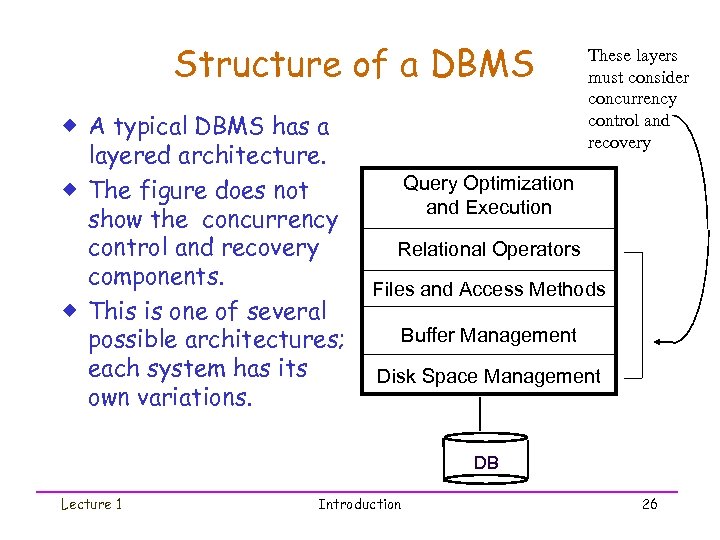
Structure of a DBMS ® A typical DBMS has a layered architecture. ® The figure does not show the concurrency control and recovery components. ® This is one of several possible architectures; each system has its own variations. These layers must consider concurrency control and recovery Query Optimization and Execution Relational Operators Files and Access Methods Buffer Management Disk Space Management DB Lecture 1 Introduction 26
Summary ® DBMS used to maintain, query large datasets. ® Benefits include recovery from system crashes, concurrent access, quick application development, data integrity, and security. ® Levels of abstraction give data independence. ® A DBMS typically has a layered architecture. ® DBAs hold responsible jobs and are well-paid! ® DBMS R&D is one of the broadest, most exciting areas in CS. Lecture 1 Introduction 27
Look Ahead ® Read from the textbook: æChapters 1 & 2 ® Next Topic: ER model ® Read from the textbook æChapter 3 Lecture 1 Introduction 28
Скачать презентацию Introduction to Database Systems Ch 1 Ch 2
0abcaf15603c1527afd310425379678d.ppt