 Скачать презентацию Introduction To Computer Science Bina Ramamurthy 3 16 2018 1
a74fcb19af0d36642a0b21daad9e2d49.ppt
- Количество слайдов: 12



Introduction To Computer Science Bina Ramamurthy 3/16/2018 1
Objectives 4 Understanding of basic terminology for computers. 4 Understanding problem-solving methodology using a computer 2
Computing Systems: Hardware and Software 4 A computer is a machine designed to perform operations specified with a set of instructions called a program. 4 Hardware refers to the computer equipment. – keyboard, mouse, terminal, hard disk, printer 4 Software refers to the programs that describe the steps we want the computer to perform. 3
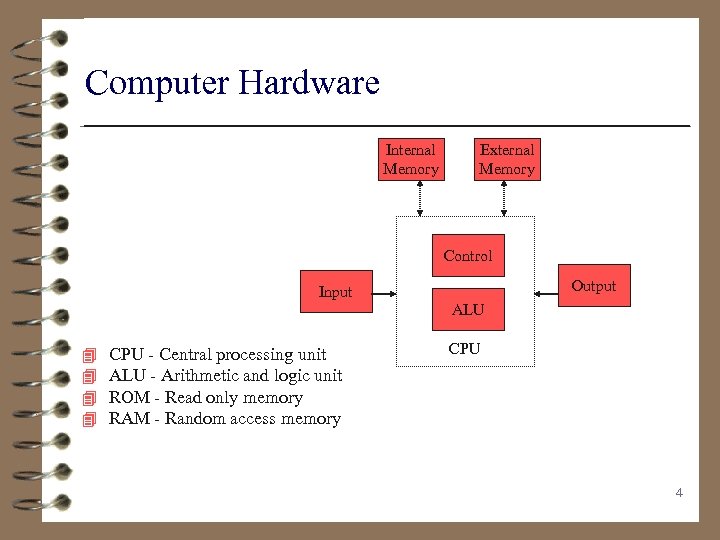
Computer Hardware Internal Memory External Memory Control Output Input ALU 4 4 CPU - Central processing unit ALU - Arithmetic and logic unit ROM - Read only memory RAM - Random access memory CPU 4
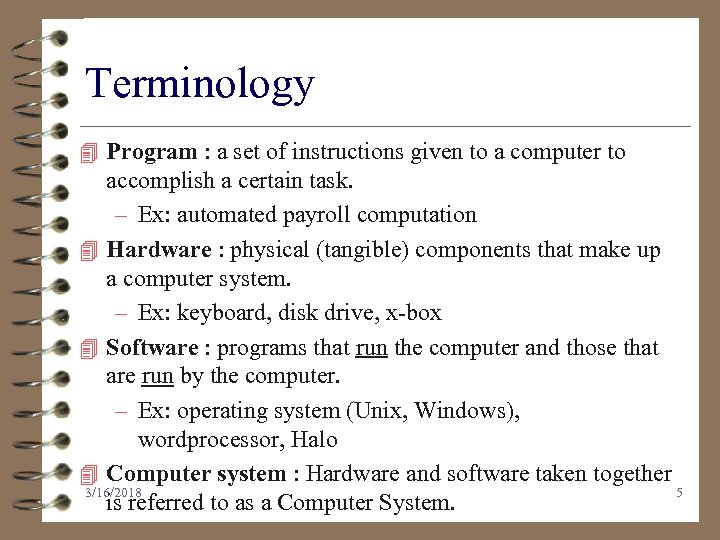
Terminology 4 Program : a set of instructions given to a computer to accomplish a certain task. – Ex: automated payroll computation 4 Hardware : physical (tangible) components that make up a computer system. – Ex: keyboard, disk drive, x-box 4 Software : programs that run the computer and those that are run by the computer. – Ex: operating system (Unix, Windows), wordprocessor, Halo 4 Computer system : Hardware and software taken together 3/16/2018 5 is referred to as a Computer System.
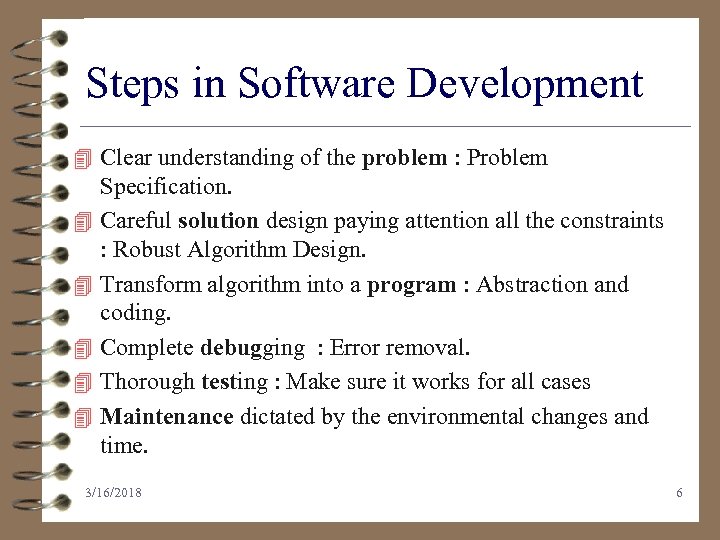
Steps in Software Development 4 Clear understanding of the problem : Problem 4 4 4 Specification. Careful solution design paying attention all the constraints : Robust Algorithm Design. Transform algorithm into a program : Abstraction and coding. Complete debugging : Error removal. Thorough testing : Make sure it works for all cases Maintenance dictated by the environmental changes and time. 3/16/2018 6
The Programming Language “Whenever you are developing something new, you have tasks. You have to create a new subject matter. You have to create a language which is appropriate to discuss the subject matter. Many people are insufficiently aware of the second obligation. ” ---Famous Computer Scientist Dijkstra This supports our move from Pascal Modula-2 C++ Java Python 3/16/2018 7
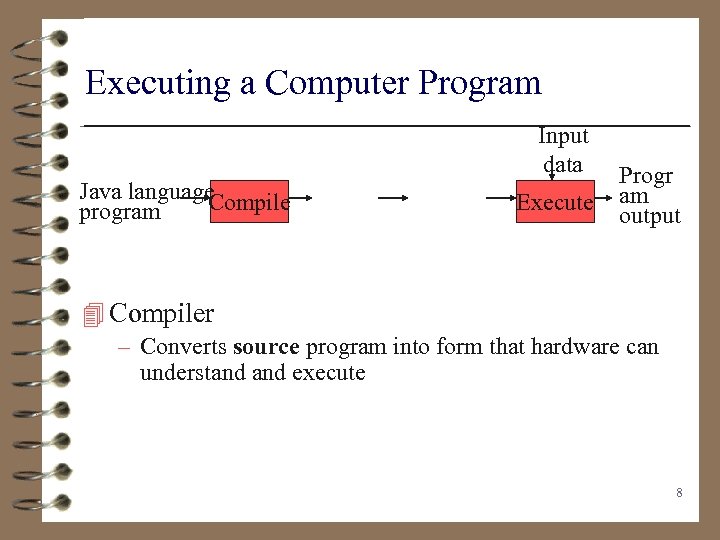
Executing a Computer Program Input data Java language Compile program Execute Progr am output 4 Compiler – Converts source program into form that hardware can understand execute 8
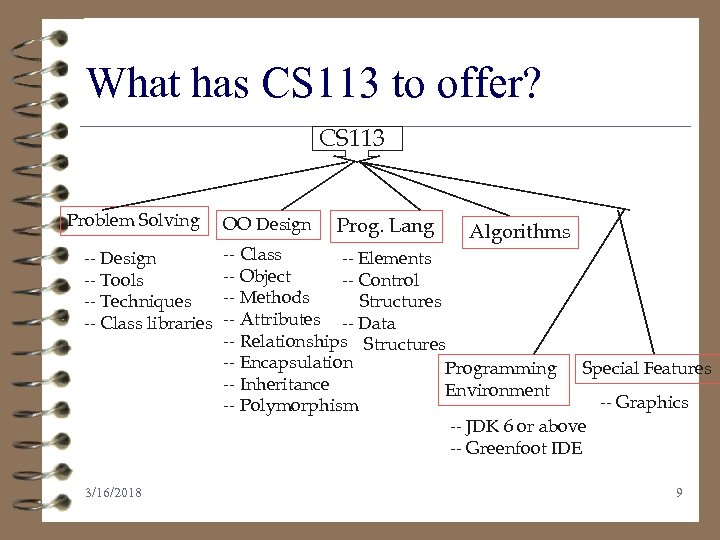
What has CS 113 to offer? CS 113 Problem Solving -- Design -- Tools -- Techniques -- Class libraries 3/16/2018 OO Design Prog. Lang Algorithms -- Class -- Elements -- Object -- Control -- Methods Structures -- Attributes -- Data -- Relationships Structures -- Encapsulation Programming Special Features -- Inheritance Environment -- Graphics -- Polymorphism -- JDK 6 or above -- Greenfoot IDE 9
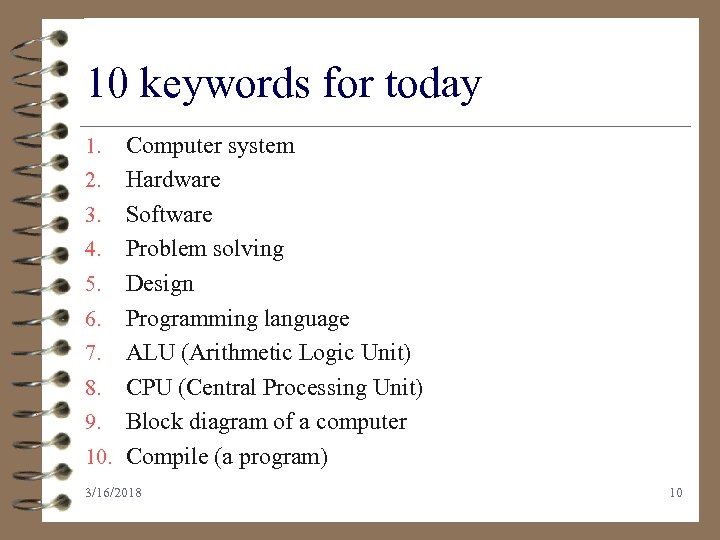
10 keywords for today 1. 2. 3. 4. 5. 6. 7. 8. 9. 10. Computer system Hardware Software Problem solving Design Programming language ALU (Arithmetic Logic Unit) CPU (Central Processing Unit) Block diagram of a computer Compile (a program) 3/16/2018 10
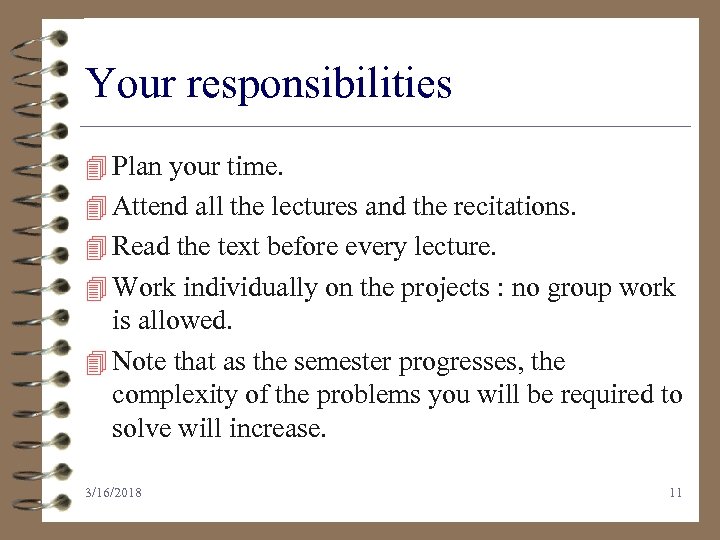
Your responsibilities 4 Plan your time. 4 Attend all the lectures and the recitations. 4 Read the text before every lecture. 4 Work individually on the projects : no group work is allowed. 4 Note that as the semester progresses, the complexity of the problems you will be required to solve will increase. 3/16/2018 11
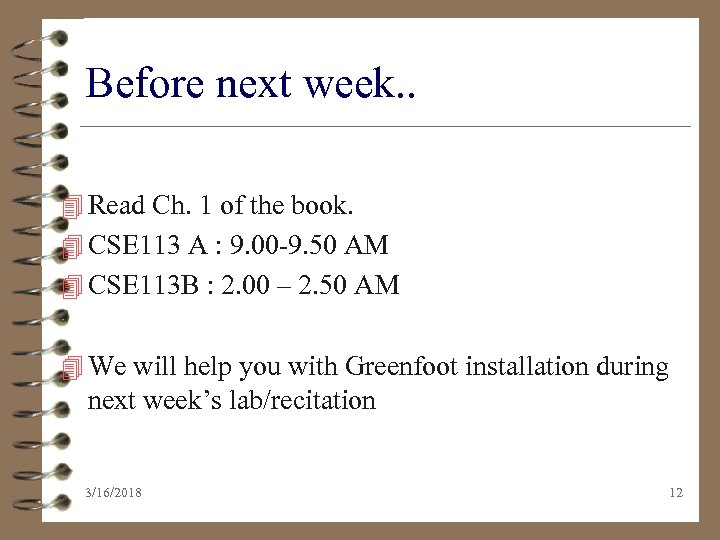
Before next week. . 4 Read Ch. 1 of the book. 4 CSE 113 A : 9. 00 -9. 50 AM 4 CSE 113 B : 2. 00 – 2. 50 AM 4 We will help you with Greenfoot installation during next week’s lab/recitation 3/16/2018 12
Скачать презентацию Introduction To Computer Science Bina Ramamurthy 3 16 2018 1
a74fcb19af0d36642a0b21daad9e2d49.ppt