


 Скачать презентацию Introducing CM ECF Case Management Electronic Case Filing
b133d49f3cd666efa466b6a8fda73fc5.ppt
- Количество слайдов: 57
 Introducing CM ECF Case Management Electronic Case Filing February 2005
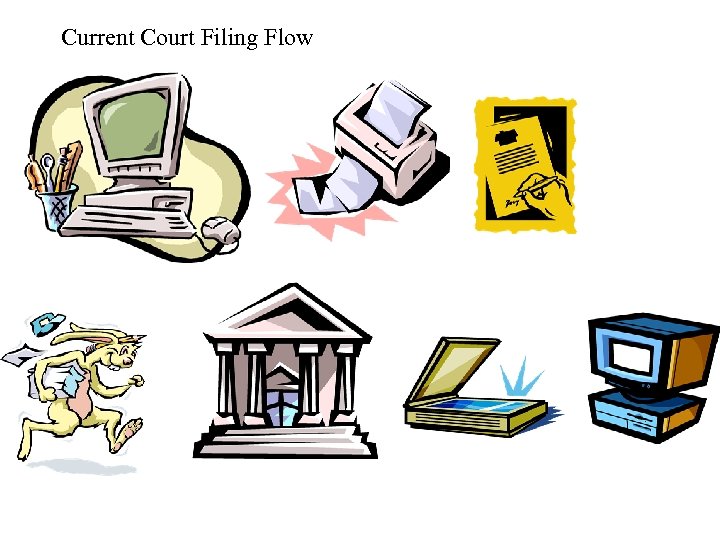 Current Court Filing Flow
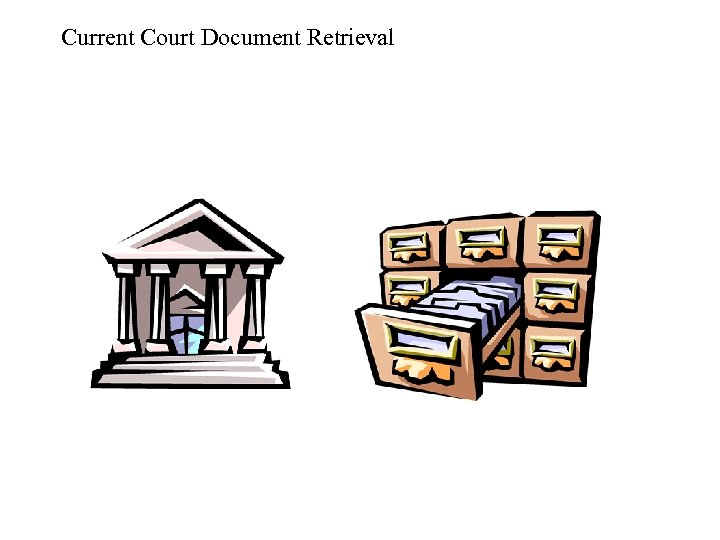 Current Court Document Retrieval
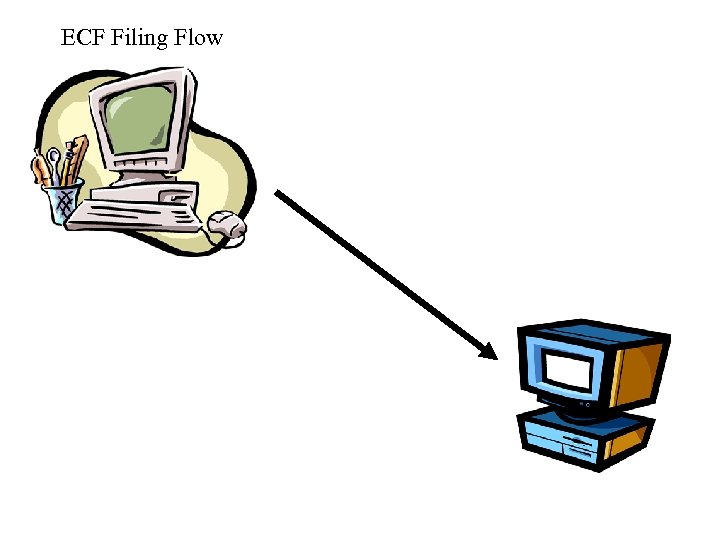 ECF Filing Flow
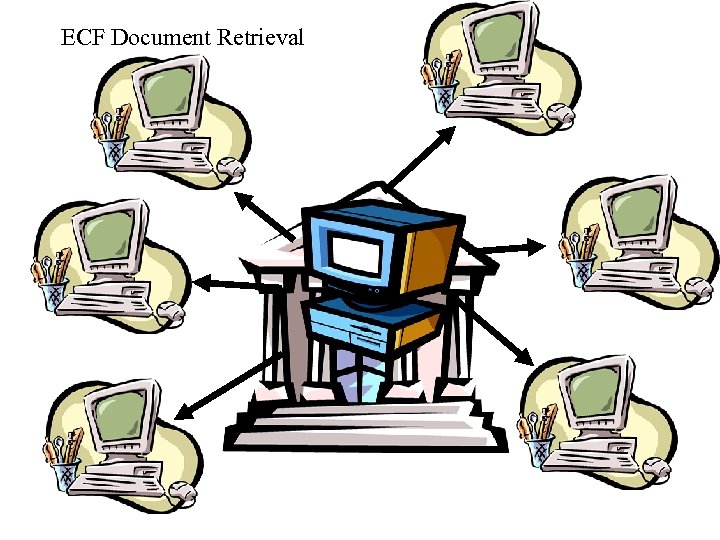 ECF Document Retrieval
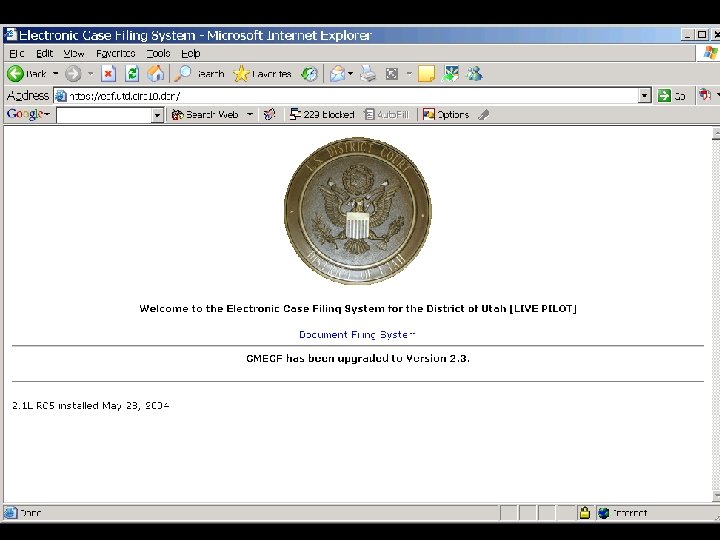
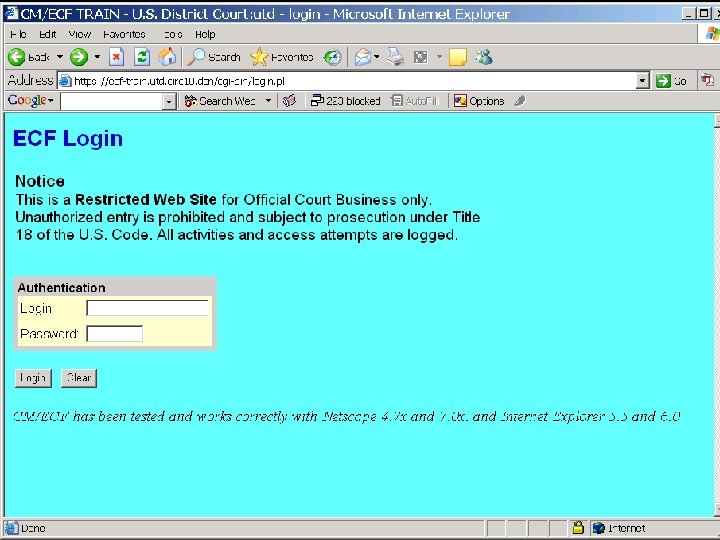
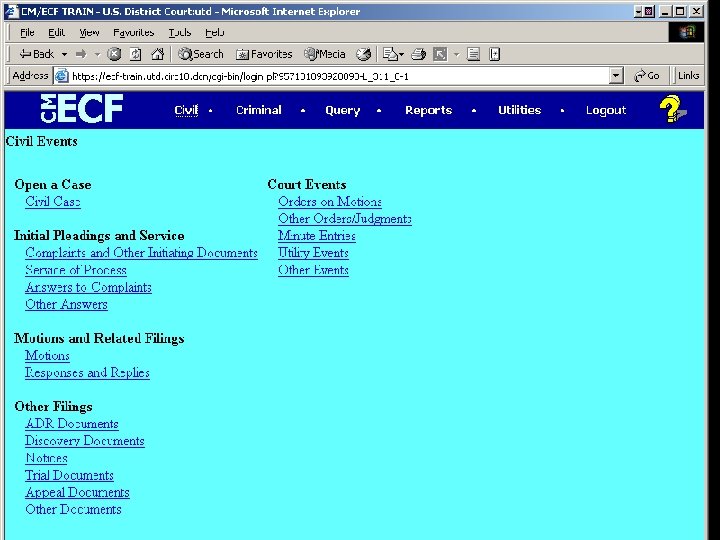
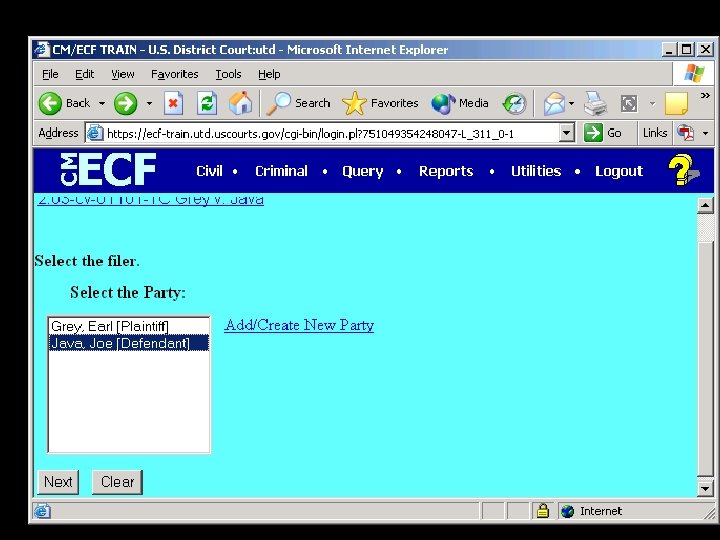
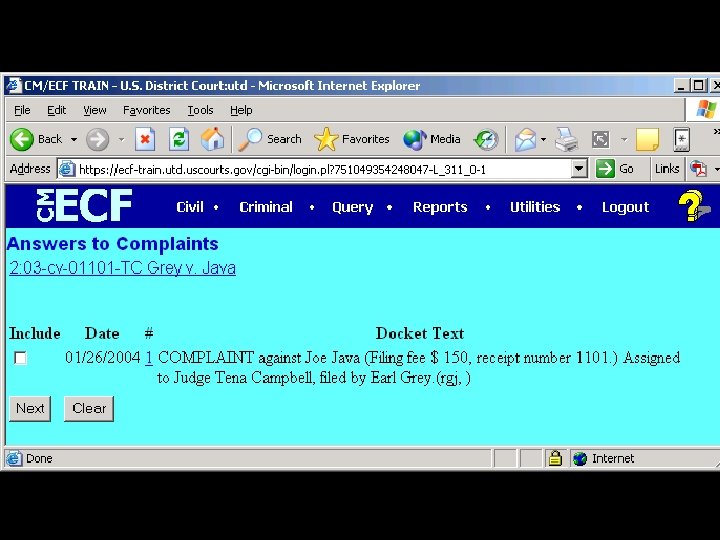
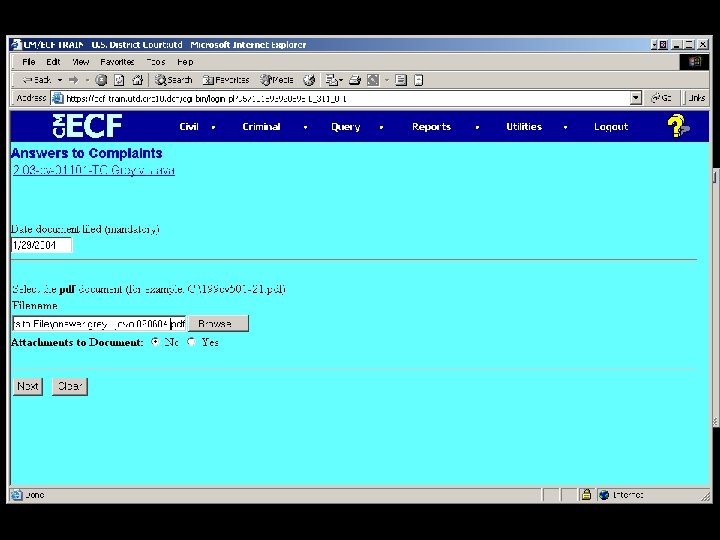
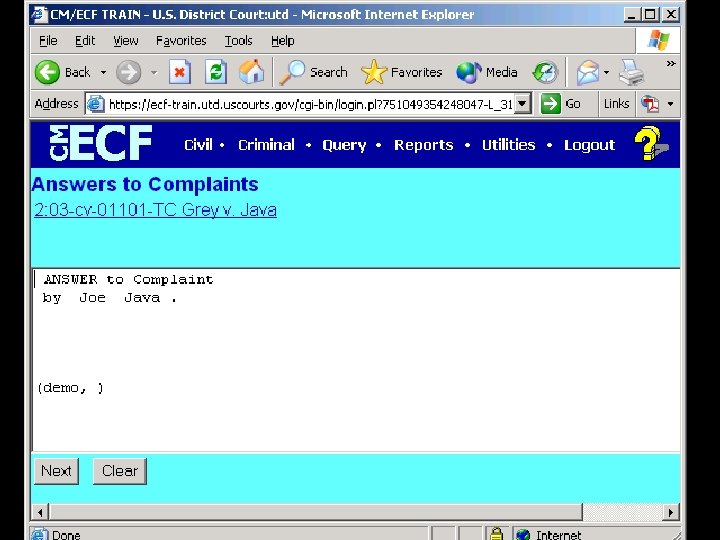
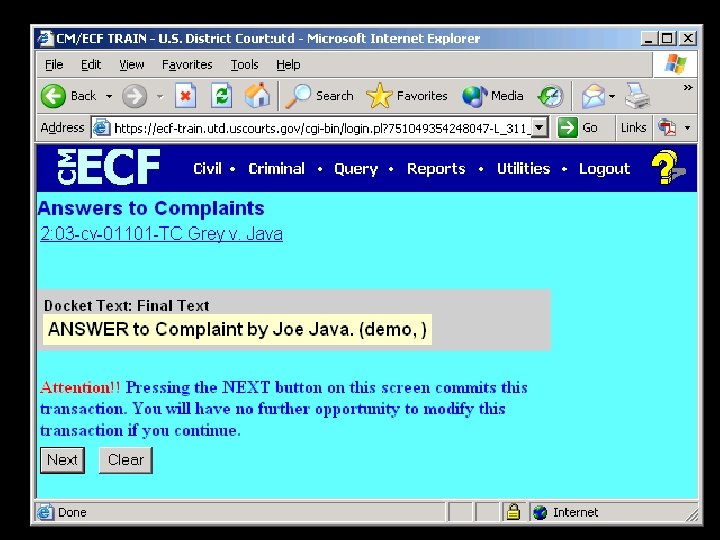
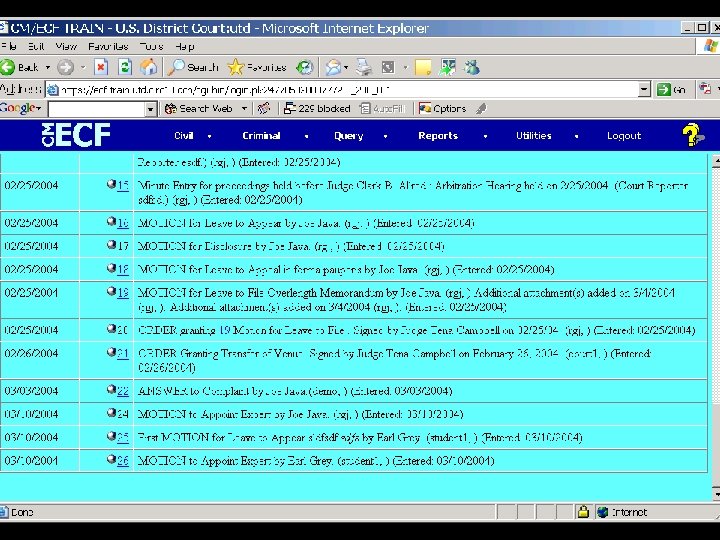
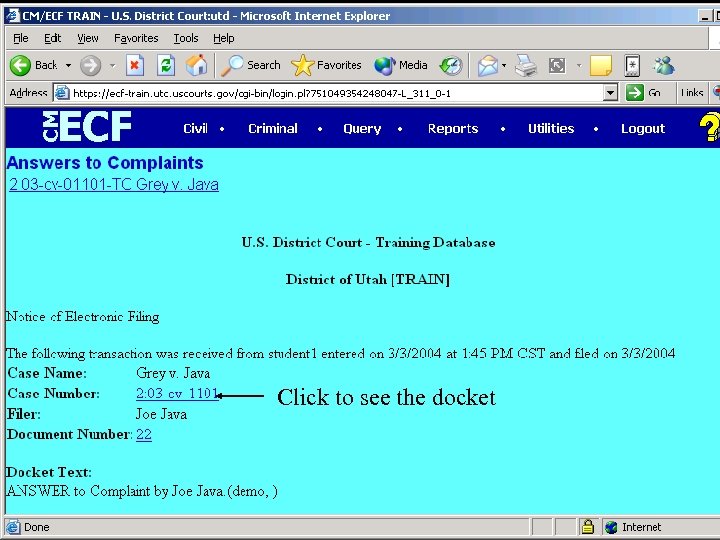 Click to see the docket
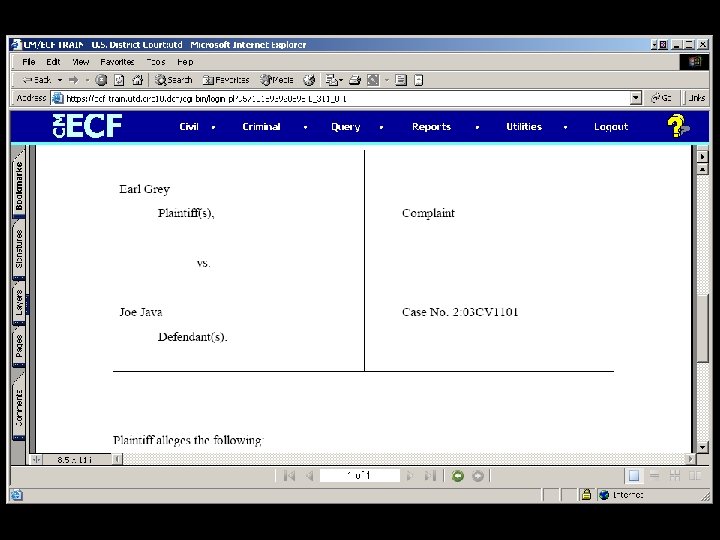
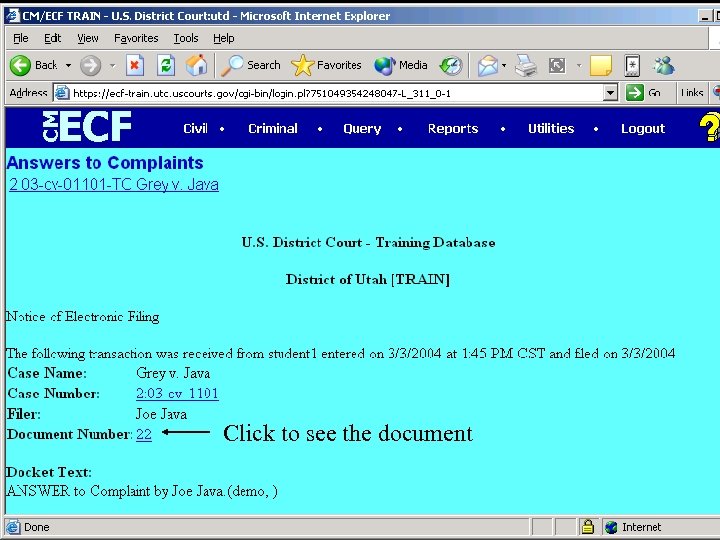 Click to see the document
 Basic Steps in ECF • • • Login Choose a transaction Identify the case Provide basic ‘cover’ information Attach converted document – Word processing ---- PDF • Receive notification • Retrieve document
 Support Options • Most technical problems are in the law firm – workstation or network – so office MIS staff is first line of support. • The court will train an-house CM/ECF expert. • Court web site has significant information. • PACER telephone tech support. • Local court helpdesk, email or phone support.
 The Basics PDF Conversion PACER E Mail Noticing Privacy Protection
 PDF Conversion
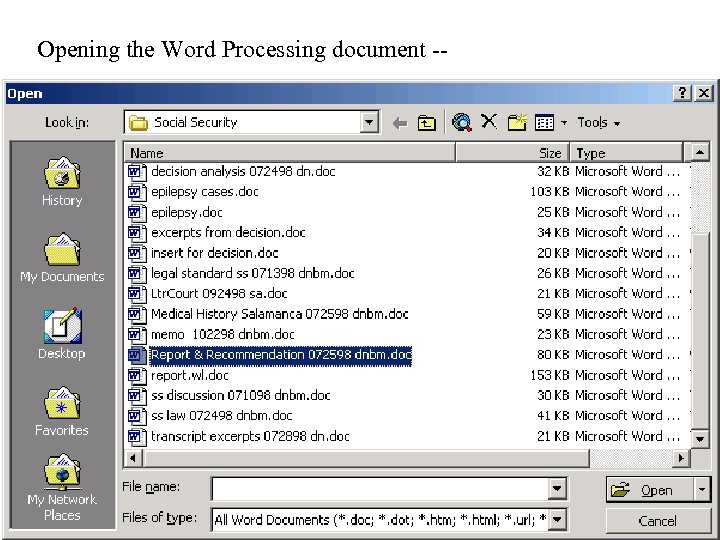 Opening the Word Processing document --
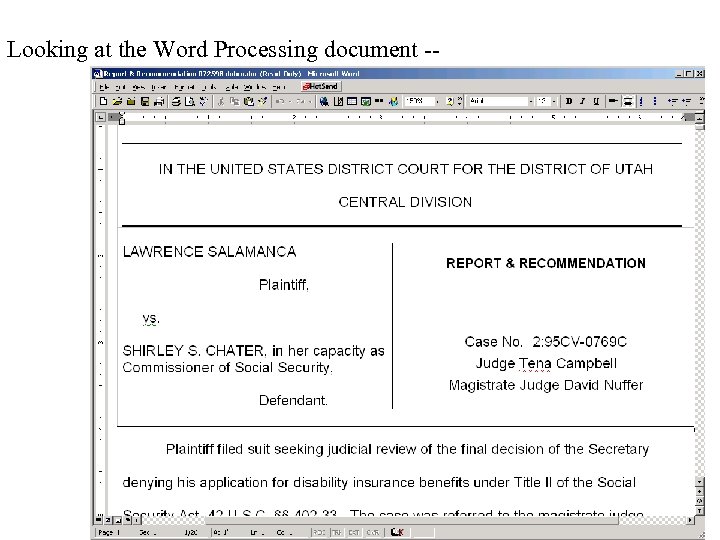 Looking at the Word Processing document --
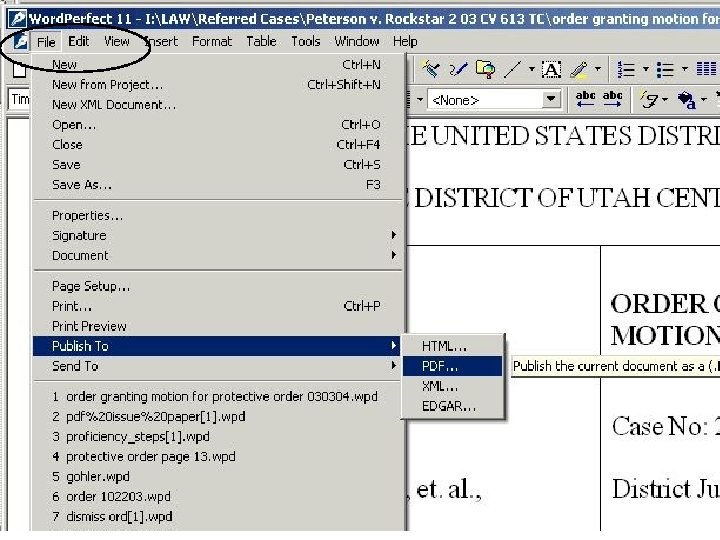
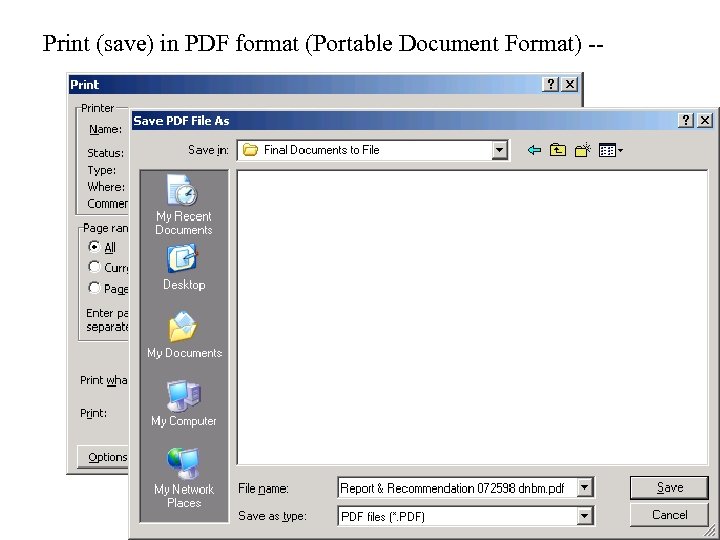 Print (save) in PDF format (Portable Document Format) --
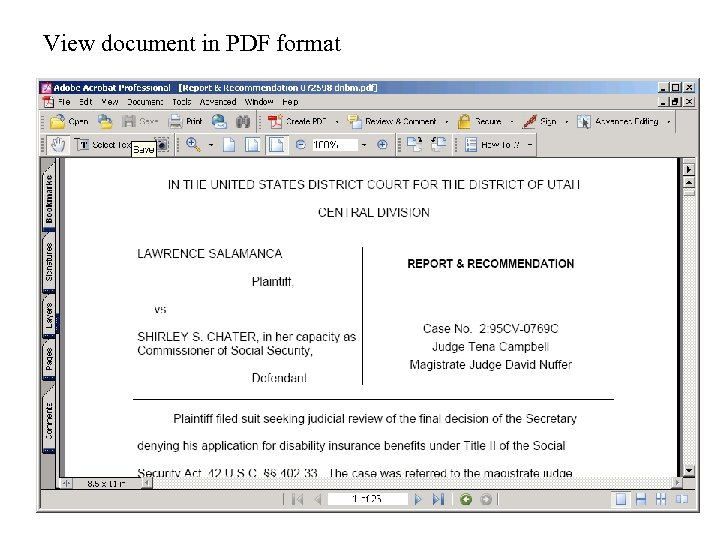 View document in PDF format
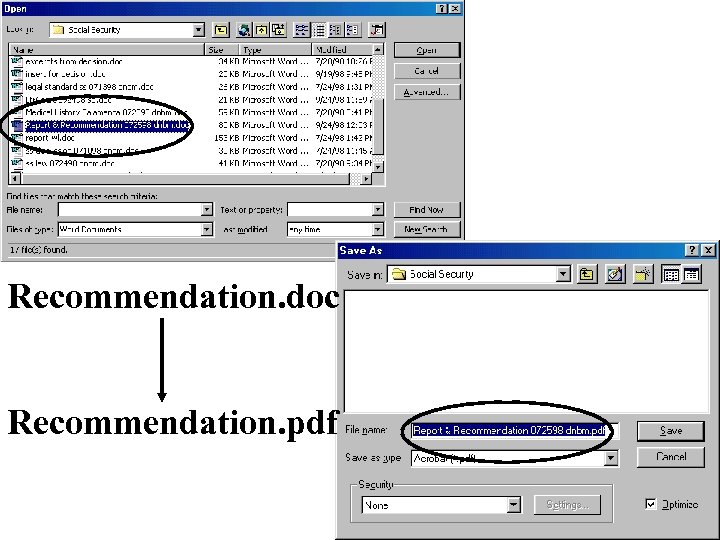 Recommendation. doc Recommendation. pdf
 PDF Software • PDF Viewing – Adobe Acrobat Reader – free http: //www. adobe. com/products/acrobat/readstep 2. html • PDF Creation – Adobe Acrobat Standard/Pro http: //www. adobe. com/products/acrobat/main. html – Cute PDF Writer/Cute PDF Plus http: //www. acrosoftware. com/Products/Cute. PDF/ – pdf. Factory/pdf. Factory Pro http: //www. softwarelabs. com/pdffactory. htm
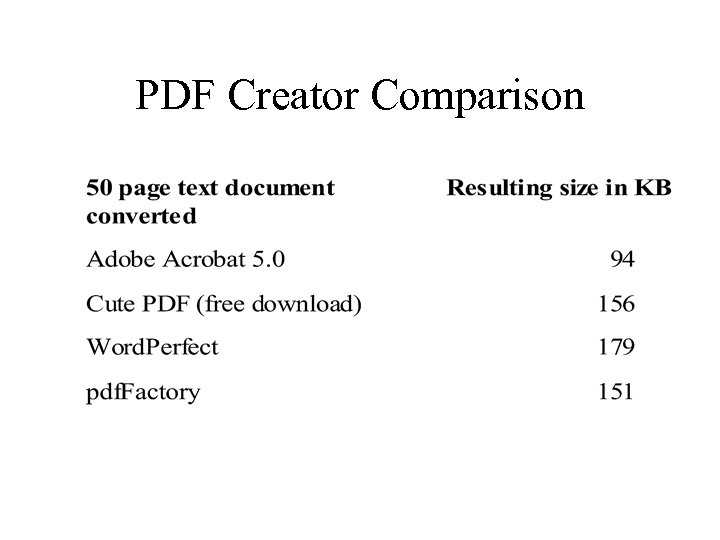 PDF Creator Comparison
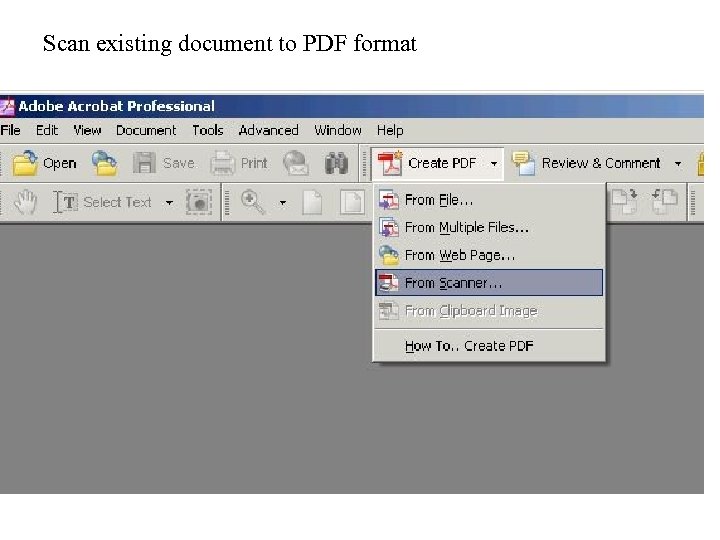 Scan existing document to PDF format
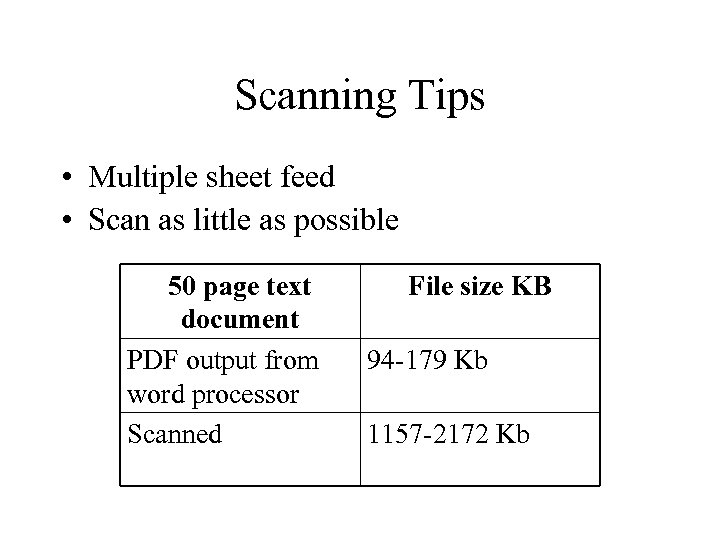 Scanning Tips • Multiple sheet feed • Scan as little as possible 50 page text document PDF output from word processor Scanned File size KB 94 -179 Kb 1157 -2172 Kb
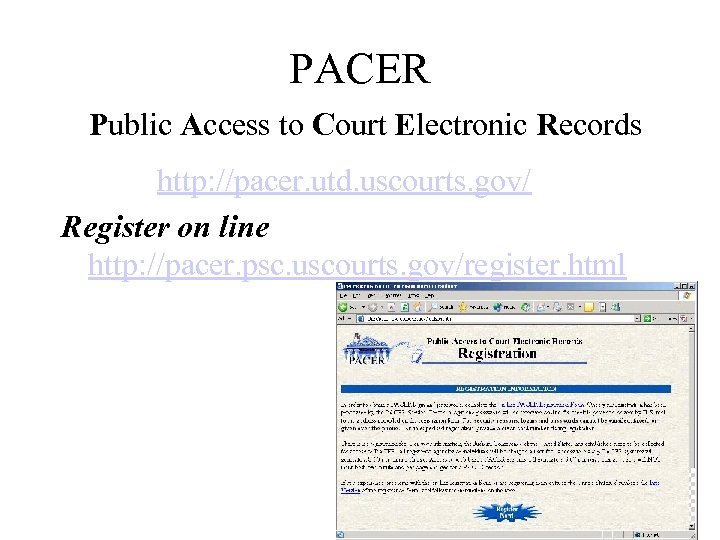 PACER Public Access to Court Electronic Records http: //pacer. utd. uscourts. gov/ Register on line http: //pacer. psc. uscourts. gov/register. html
 E Mail Noticing • Currently – E-mail enclosing document • Under CM ECF – Notice of Electronic Filing with link to document and “free look” and e-mail service of discovery items which are not filed • 80% of federal notices go out by e-mail.
 Privacy and Public Access to Electronic Case Files
 Issues: • Is an electronic file different than a paper file? • What protections are appropriate? • Privacy vs. Access
 Privacy Policy Redact • social security numbers, * • dates of birth, • financial account numbers, * • minor’s names • home addresses beyond city/state info Any case or document may be sealed for privacy reasons Filer must redact! *last four digits may be shown if relevant
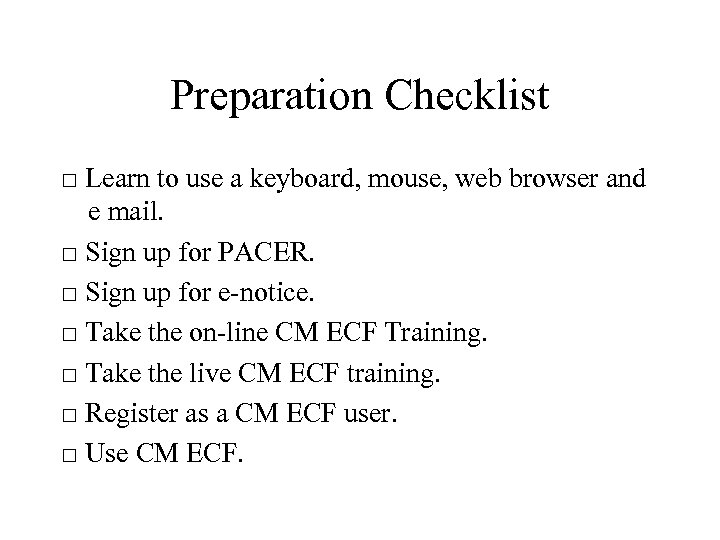 Preparation Checklist □ Learn to use a keyboard, mouse, web browser and e mail. □ Sign up for PACER. □ Sign up for e-notice. □ Take the on-line CM ECF Training. □ Take the live CM ECF training. □ Register as a CM ECF user. □ Use CM ECF.
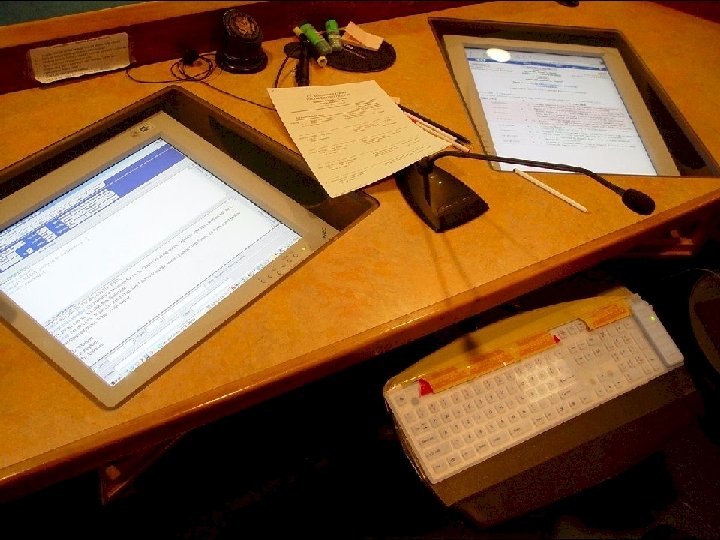
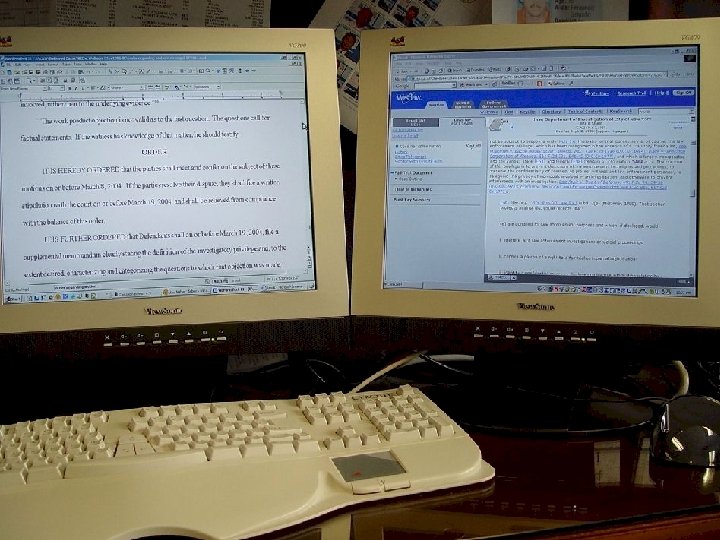
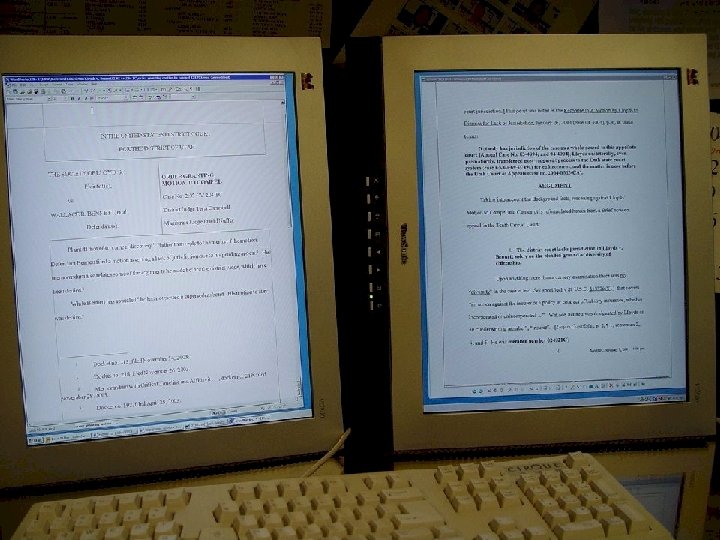
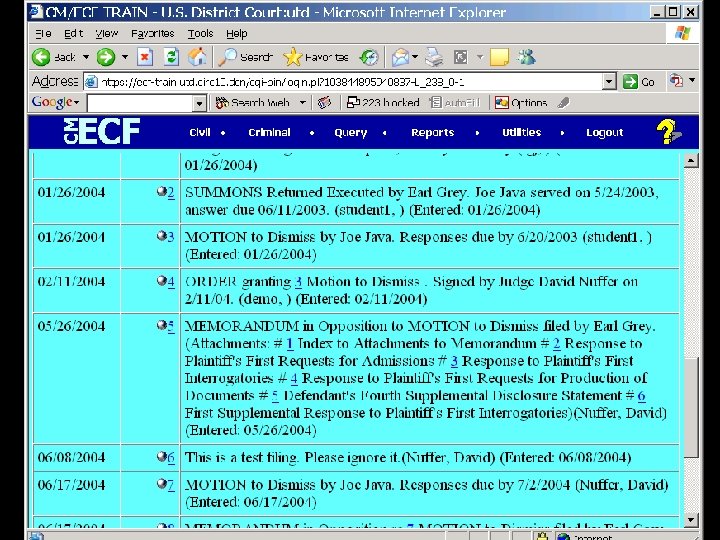
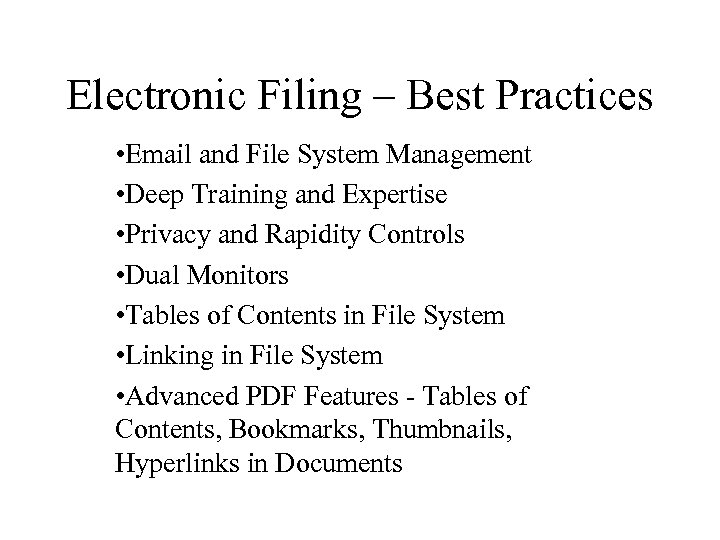 Electronic Filing – Best Practices • Email and File System Management • Deep Training and Expertise • Privacy and Rapidity Controls • Dual Monitors • Tables of Contents in File System • Linking in File System • Advanced PDF Features - Tables of Contents, Bookmarks, Thumbnails, Hyperlinks in Documents
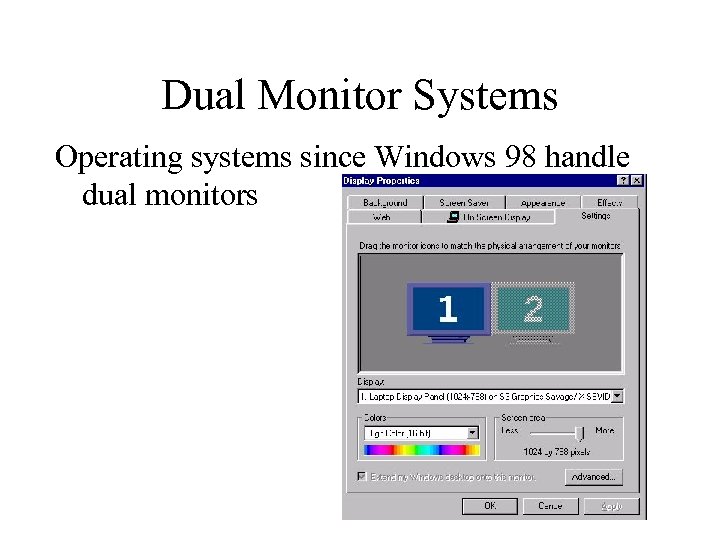 Dual Monitor Systems Operating systems since Windows 98 handle dual monitors
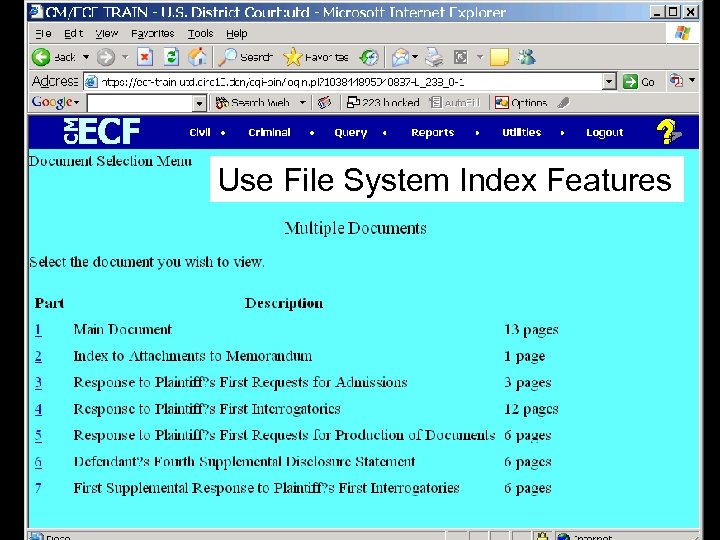 Use File System Index Features
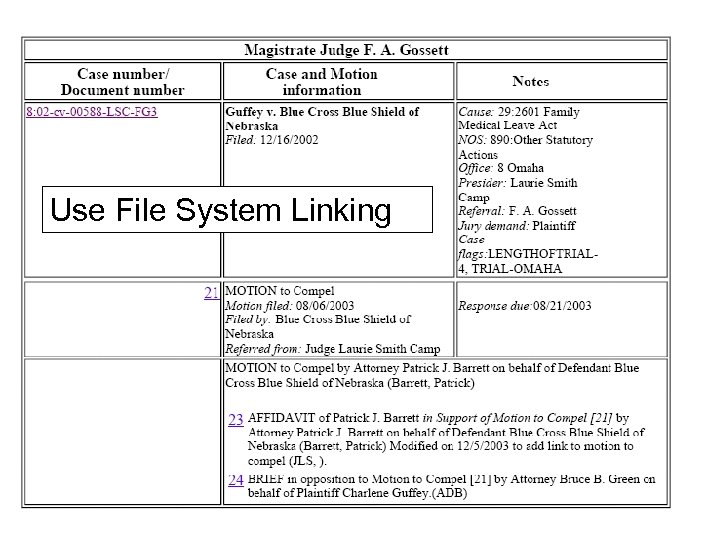 Use File System Linking
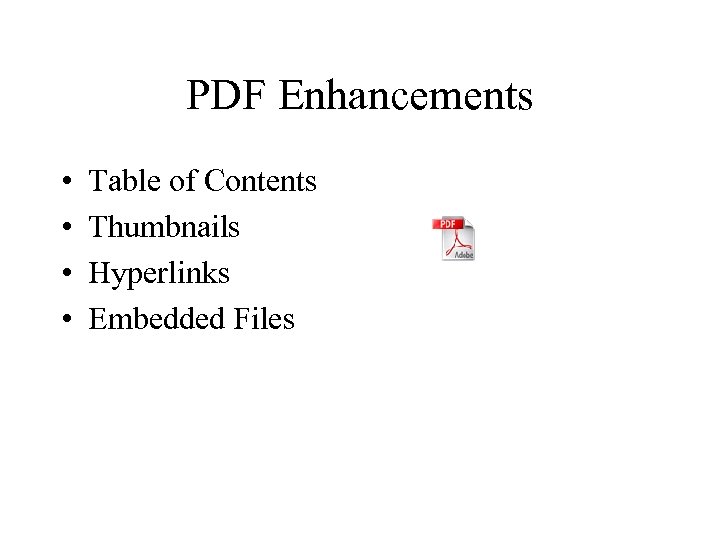 PDF Enhancements • Table of Contents • Thumbnails • Hyperlinks • Embedded Files
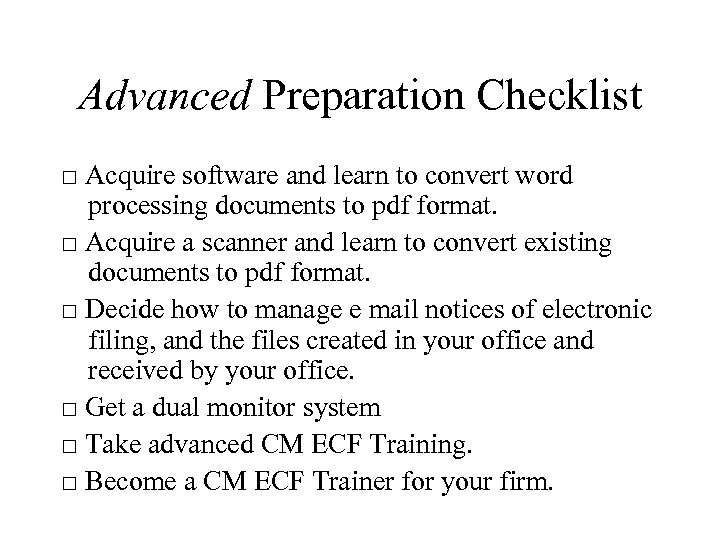 Advanced Preparation Checklist □ Acquire software and learn to convert word processing documents to pdf format. □ Acquire a scanner and learn to convert existing documents to pdf format. □ Decide how to manage e mail notices of electronic filing, and the files created in your office and received by your office. □ Get a dual monitor system □ Take advanced CM ECF Training. □ Become a CM ECF Trainer for your firm.
 Federal Rules of Civil Procedure and Proposed Amendments to Utah Local Rules
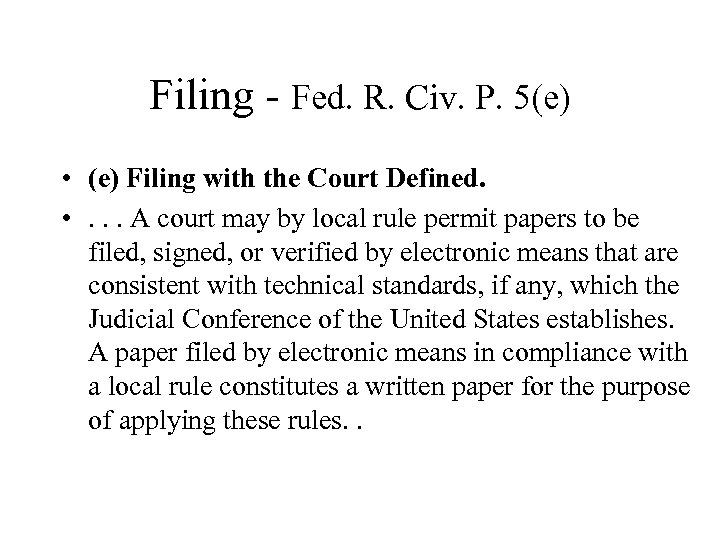 Filing - Fed. R. Civ. P. 5(e) • (e) Filing with the Court Defined. • . . . A court may by local rule permit papers to be filed, signed, or verified by electronic means that are consistent with technical standards, if any, which the Judicial Conference of the United States establishes. A paper filed by electronic means in compliance with a local rule constitutes a written paper for the purpose of applying these rules. .
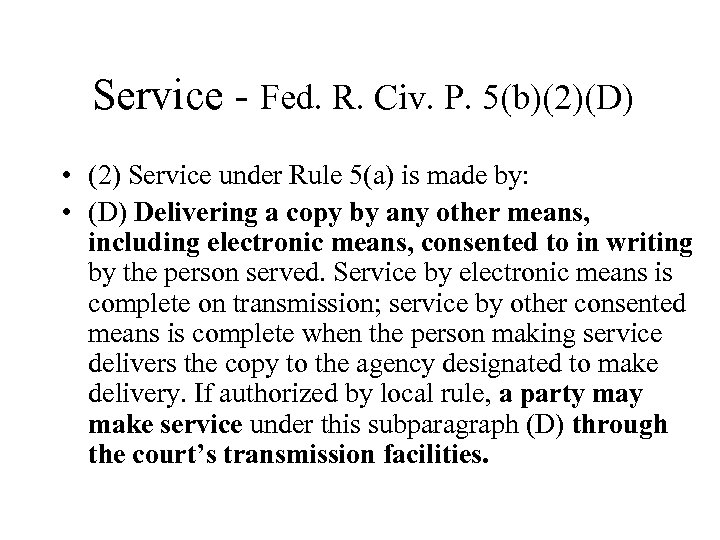 Service - Fed. R. Civ. P. 5(b)(2)(D) • (2) Service under Rule 5(a) is made by: • (D) Delivering a copy by any other means, including electronic means, consented to in writing by the person served. Service by electronic means is complete on transmission; service by other consented means is complete when the person making service delivers the copy to the agency designated to make delivery. If authorized by local rule, a party make service under this subparagraph (D) through the court’s transmission facilities.
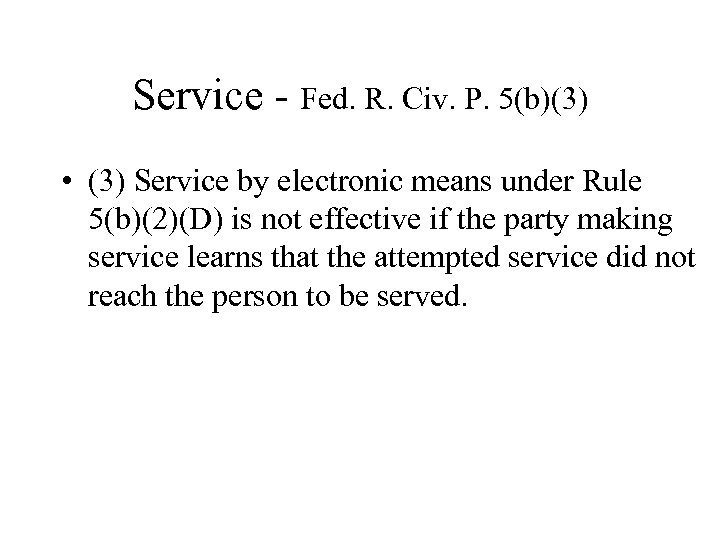 Service - Fed. R. Civ. P. 5(b)(3) • (3) Service by electronic means under Rule 5(b)(2)(D) is not effective if the party making service learns that the attempted service did not reach the person to be served.
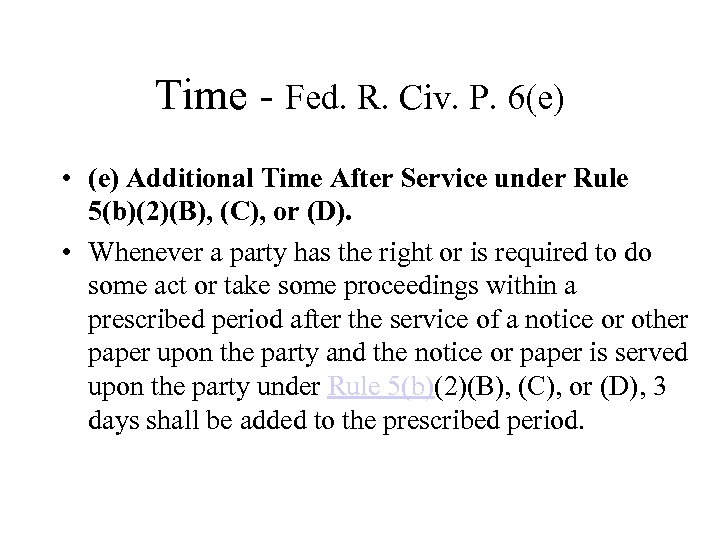 Time - Fed. R. Civ. P. 6(e) • (e) Additional Time After Service under Rule 5(b)(2)(B), (C), or (D). • Whenever a party has the right or is required to do some act or take some proceedings within a prescribed period after the service of a notice or other paper upon the party and the notice or paper is served upon the party under Rule 5(b)(2)(B), (C), or (D), 3 days shall be added to the prescribed period.
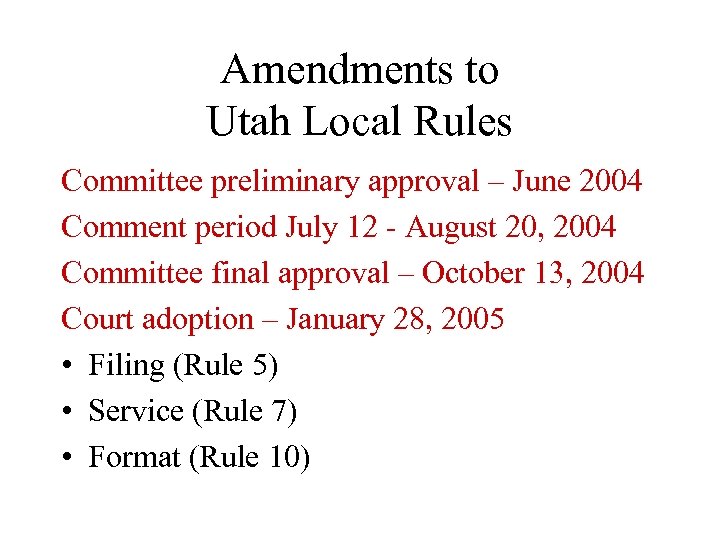 Amendments to Utah Local Rules Committee preliminary approval – June 2004 Comment period July 12 - August 20, 2004 Committee final approval – October 13, 2004 Court adoption – January 28, 2005 • Filing (Rule 5) • Service (Rule 7) • Format (Rule 10)
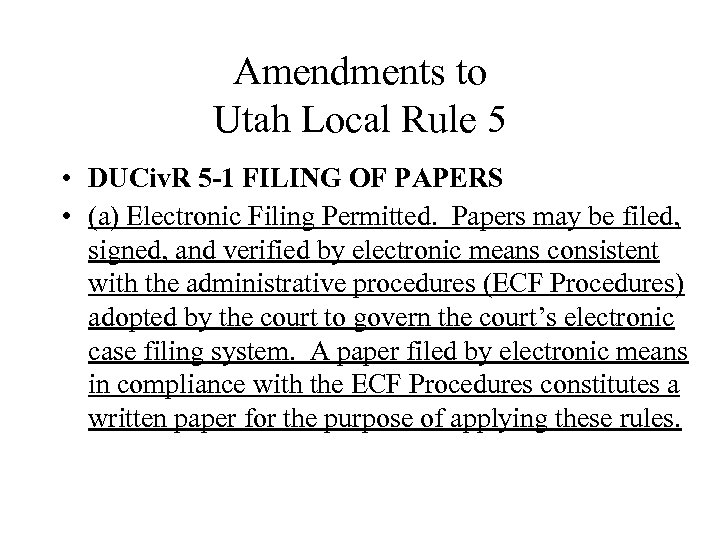 Amendments to Utah Local Rule 5 • DUCiv. R 5 -1 FILING OF PAPERS • (a) Electronic Filing Permitted. Papers may be filed, signed, and verified by electronic means consistent with the administrative procedures (ECF Procedures) adopted by the court to govern the court’s electronic case filing system. A paper filed by electronic means in compliance with the ECF Procedures constitutes a written paper for the purpose of applying these rules.
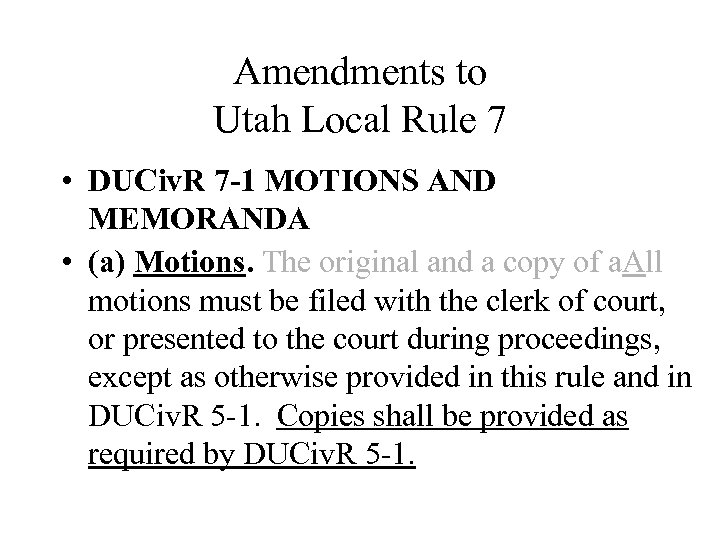 Amendments to Utah Local Rule 7 • DUCiv. R 7 -1 MOTIONS AND MEMORANDA • (a) Motions. The original and a copy of a. All motions must be filed with the clerk of court, or presented to the court during proceedings, except as otherwise provided in this rule and in DUCiv. R 5 -1. Copies shall be provided as required by DUCiv. R 5 -1.
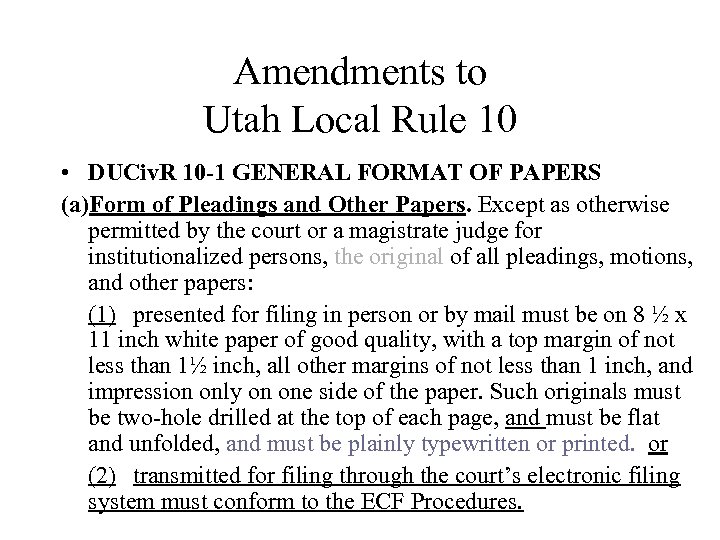 Amendments to Utah Local Rule 10 • DUCiv. R 10 -1 GENERAL FORMAT OF PAPERS (a)Form of Pleadings and Other Papers. Except as otherwise permitted by the court or a magistrate judge for institutionalized persons, the original of all pleadings, motions, and other papers: (1) presented for filing in person or by mail must be on 8 ½ x 11 inch white paper of good quality, with a top margin of not less than 1½ inch, all other margins of not less than 1 inch, and impression only on one side of the paper. Such originals must be two-hole drilled at the top of each page, and must be flat and unfolded, and must be plainly typewritten or printed. or (2) transmitted for filing through the court’s electronic filing system must conform to the ECF Procedures.
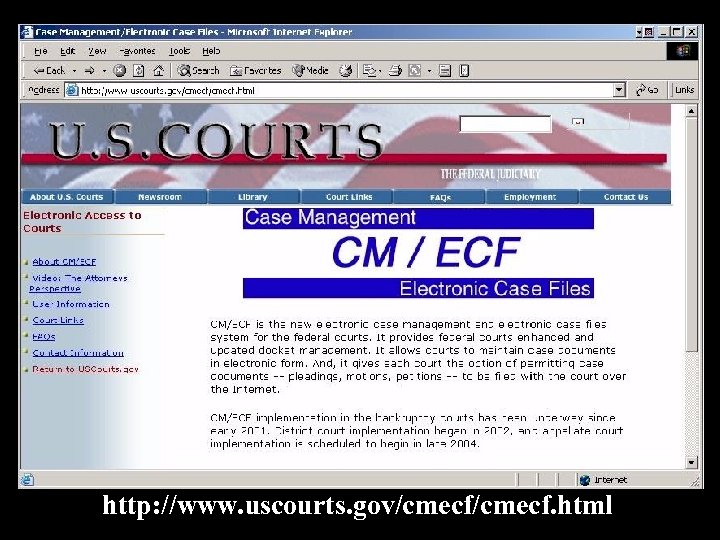 http: //www. uscourts. gov/cmecf. html