


 Скачать презентацию Intro to Analysis Kevin Cox Manager Financial Analysis
c42087a1d7758f9af719e32cce2725ef.ppt
- Количество слайдов: 44
 Intro to Analysis Kevin Cox Manager, Financial Analysis Systems Lennox International #Kscope
 Intro to Me Corporate and consulting history Working in Hyperion tools for 16 years Built/Worked on 70+ databases Member, ODTUG Hyperion SIG Board ● (Elections are open for new members) #Kscope
 Intro to Lennox International www. lennoxinternational. com HVAC, not china, or Unix-based OS Based in Richardson (Dallas), Texas Creates custom and prebuilt HVAC solutions for Residential and Commercial customers Runs Refrigeration unit (frozen food sections, walk in freezers) Runs National Service operations $3 B in annual sales #Kscope
 Intro to Analysis—Objectives Essbase Beginner track Understand what is necessary to get to a analytically friendly database ● User Requirements ● Essbase Design ● Tools #Kscope
 Your CFO walks in… Asks you to create a report for a meeting in 5 minutes with the board. ● Market COGS contribution across last two years A pre-built report that answers this specific question does not yet exist #Kscope
 Flashback… #Kscope
 Ground Rules for a Great Analytic DB Unique names Shorter Names Internalize EVERYTHING from reports Where possible, provide drill paths to supporting detail Make Essbase Business Intelligent Make it easy to use in Excel Ideally, make it easy enough so even a C-level can use it!! #Kscope
 Gather Requirements Essbase just installed, now what? ? Start by gathering requirements Most installations have some initial goal ● Replacing existing spreadsheets ● ● ANYTHING A SPREADSHEET CAN DO, ESSBASE CAN DO. My ears perk up when people say they have model in a spreadsheet ● Simplify reporting out of other systems #Kscope
 Report Requirements Since output of Essbase is a report, existing reports are your best source Naming conventions should follow the naming on the report, with slight adjustments for uniqueness If no naming standards exist, get high-level buyin Data dictionary #Kscope
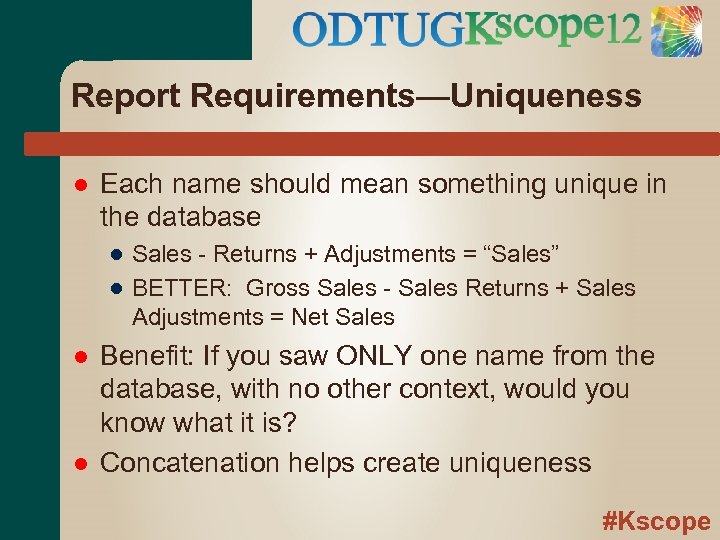 Report Requirements—Uniqueness Each name should mean something unique in the database ● Sales - Returns + Adjustments = “Sales” ● BETTER: Gross Sales - Sales Returns + Sales Adjustments = Net Sales Benefit: If you saw ONLY one name from the database, with no other context, would you know what it is? Concatenation helps create uniqueness #Kscope
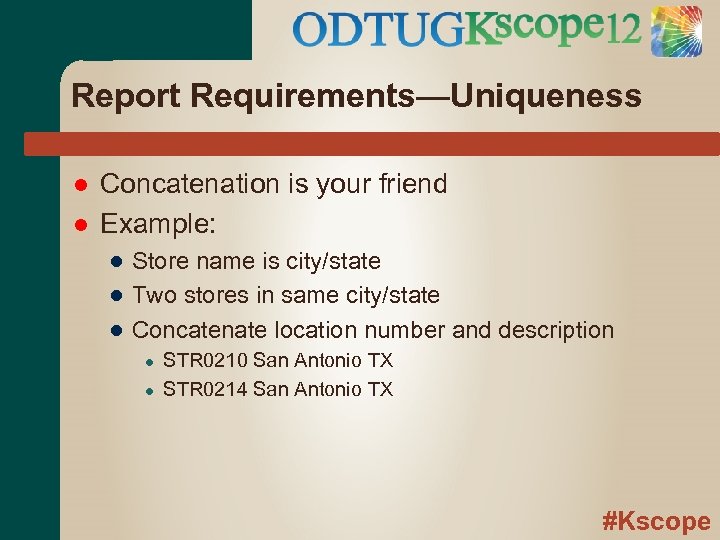 Report Requirements—Uniqueness Concatenation is your friend Example: ● Store name is city/state ● Two stores in same city/state ● Concatenate location number and description ● ● STR 0210 San Antonio TX STR 0214 San Antonio TX #Kscope
 Report Requirements—Short Names Member names use report/screen real estate Sub-items typically indented, using more space Shorten names where possible Don’t be overly aggressive, should be fully understood by report users Okay to have multiple names for the same item #Kscope
 Analytic Essbase Design Essbase was built to serve up reporting Summaries and totals handled by hierarchies HIGHLY RECOMMEND to not “allow duplicates” Minimize dimensions—All input and output needs to reference EVERY stored dimension #Kscope
 Analytic Essbase—Member Names Have member name match source names Do not allow fully numeric member names ● Prefix with a letter or code Use shorter names, when possible ● Longer, verbose descriptions can be in Aliases Avoid spaces if possible ● Use underscore, dash, compression (i. e. Net. Sales) #Kscope
 Analytic Essbase—Alias Requirements got shortened names If some are still too long, leverage alias tables to create shorter names for on-screen usage Alias tables can also be used for multiple languages Alternate Alias tables can also be used for some simple ETL…matching a different source #Kscope
 Analytic Essbase—Numbers Decide on data signage ● All positive, with Aggregation math ● “Natural sign” where all data can be added Decide on ratio display ● Display numbers… 10% stored as “ 10” ● Instant Display (+), Format (+/-), Math (-) ● Mathematic numbers… 10% stores as. 1 ● Instant Display (-), Format (+/-), Math (+) #Kscope
 Analytic Essbase—Storage Loaded Data Shared Data Stored Calculated Data Dynamic Calculated Data TIP: Essbase works, in general, top-down. Any item referencing other items should be located below the referenced items #Kscope
 Analytic Essbase—Math Essbase can handle almost any math Best practice is to put ALL POSSIBLE MATH into database, or at least 80/20 rule ● If there is ANY analysis looked at by more than one person, internalize it to Essbase ● If there is any metric that the CFO looks at, put it in the database BENEFIT: Centralized math gotten right once, and referenced by everyone #Kscope
 Analytic Essbase—Simple Variance Scenario Variance Time Variance Leverage @VAR and @VARPER formulas ● @VARPER results in display numbers Use “Expense” tagging in Accounts, for simple built-in “Favorable”/”Unfavorable” analysis (only if “all positive” data) #Kscope
 Analytic Essbase—Analytics One metric as percentage of another ● Margin % Sales Averages Ratios Rolling metrics (trailing 12 months) #Kscope
 Analytic Essbase—Analytics Due to multiple dimensions, need to decide how some metrics are to be used ● In Line with analysis ● Presented “against” analysis #Kscope
 Analytic Essbase—Analytics Member “Margin % Sales” needs to reference “Margin” and “Sales” in its formula. ● Would be in the same dimension ● Would need to create metric for each “% Sales” ● would appear in the same set of headers #Kscope
 Analytic Essbase—Multi. Dim Analysis Put “% Sales” in another dimension, i. e. Scenario ● Ratio is against all accounts ● Need to build against member of “host” dim, i. e. “Act % Sales”, with formula (Actual / Actual->Sales); ● Great if % Sales is a key metric needed everywhere ● Would appear separate from Accounts #Kscope
 Analytic Essbase—Alternate Needs Not all answers for “primary” rollup Alternate rollup ● Allows batch calc ● Some times hard to manage drill downs with uniqueness issues and shared member limitations Attributes ● Only on sparse dims ● Requires dynamic calc ● Allows for another functional dimension #Kscope
 Analytic Essbase—Optimization Essbase performance is trade off of batch calc time and retrieval time Calcs happen once, retrievals happen frequent For best analysis, make retrievals fast Full optimization is another session (sorry) Dims with analytics are good candidates for Dense (BSO) #Kscope
 Where are we now? You have key reports information and analytics in a database ready to create full reports More importantly, you have everything in between, from the most summarized level to the lowest level of report Most questions for quick analysis grow out of already known metrics Database has full P&L, but C-Level may only want a few levels down from EBIT #Kscope
 Getting Data out of Essbase queries are actually laid out as headers, and upon retrieval instantly become a usable report All dimensions need to be “present” to get data out #Kscope
 Essbase Analytic Options Excel/Office Options ● Spreadsheet Add-In ● Oracle Smart. View for Office Web Options ● Oracle Hyperion Web Analysis ● Oracle Hyperion Reporting and Analysis #Kscope
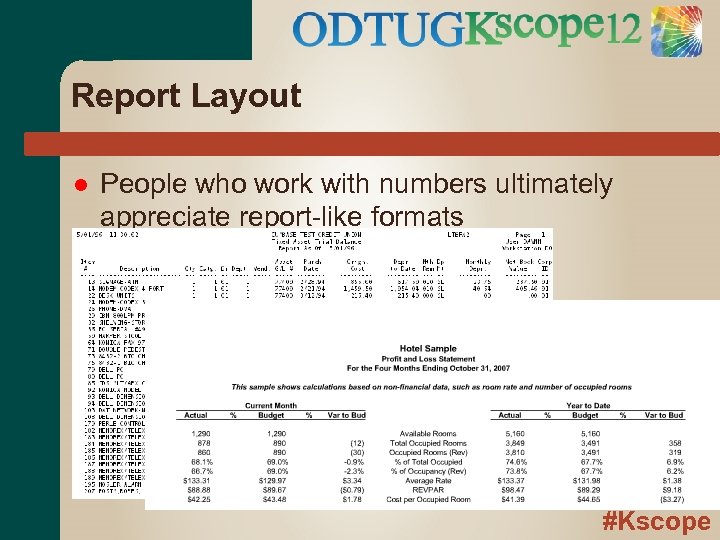 Report Layout People who work with numbers ultimately appreciate report-like formats #Kscope
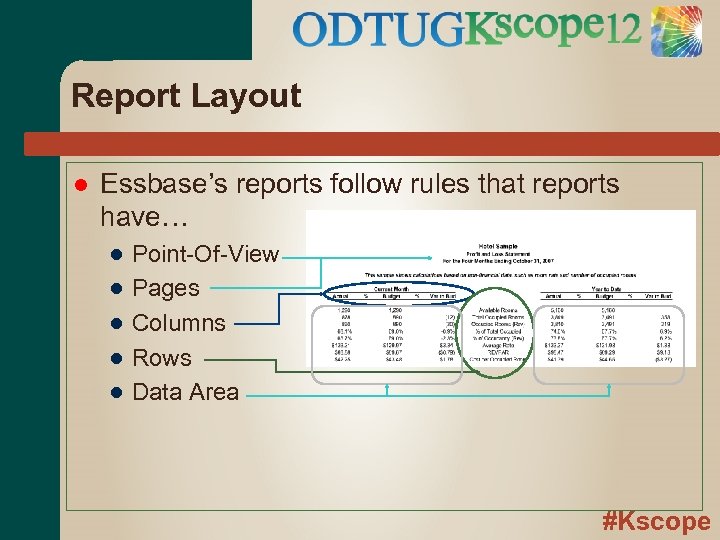 Report Layout Essbase’s reports follow rules that reports have… ● ● ● Point-Of-View Pages Columns Rows Data Area #Kscope
 What is Smart. View is Oracle’s interface to Hyperion information ● ● Essbase Planning (uses forms) Hyperion Financial Management Hyperion Strategic Finance (11. 1. 2. 2) Works across MS Office Suite (32 -bit) ● Excel ● Word, Power. Point ● Outlook #Kscope
 What can Smart. View do? Ad-Hoc reporting Report Templating Set reporting (via functions) Update data Leverage Planning Forms Multiple retrieves per sheet (11. 1. 2. 1. 102) Smart Slice—allows for subcube analysis Run, don’t walk, Begonia/Bottle Brush 10: 30 a 12: 45 p Smart. View hands-on w/ Matt Milella #Kscope
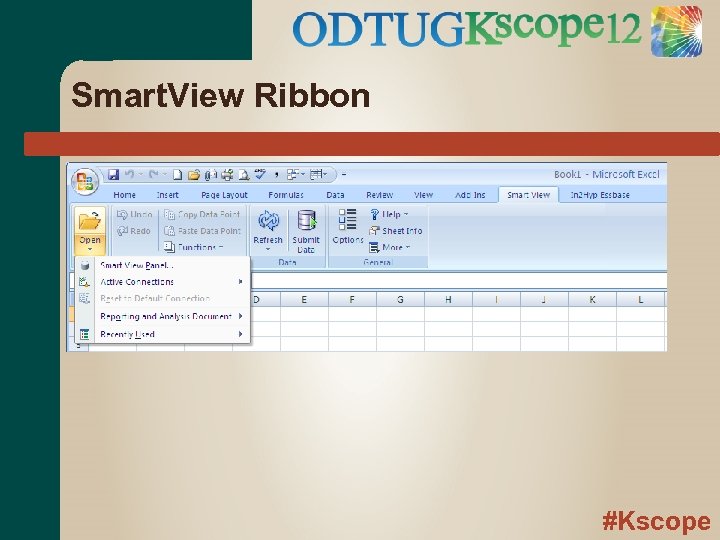 Smart. View Ribbon #Kscope
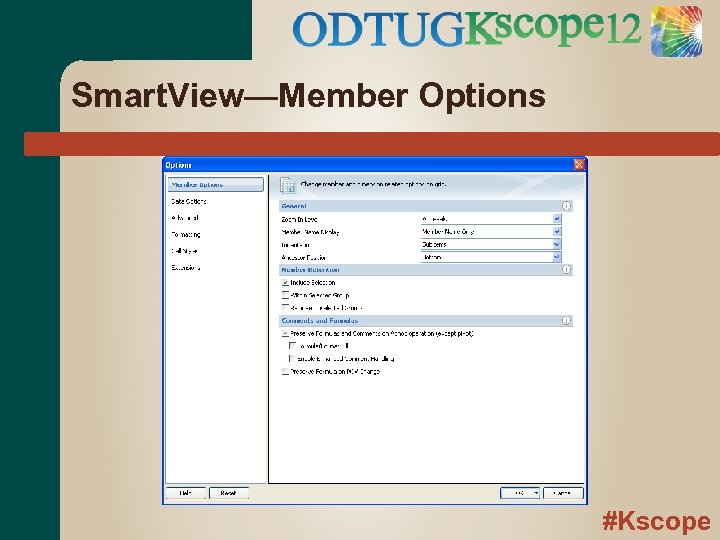 Smart. View—Member Options #Kscope
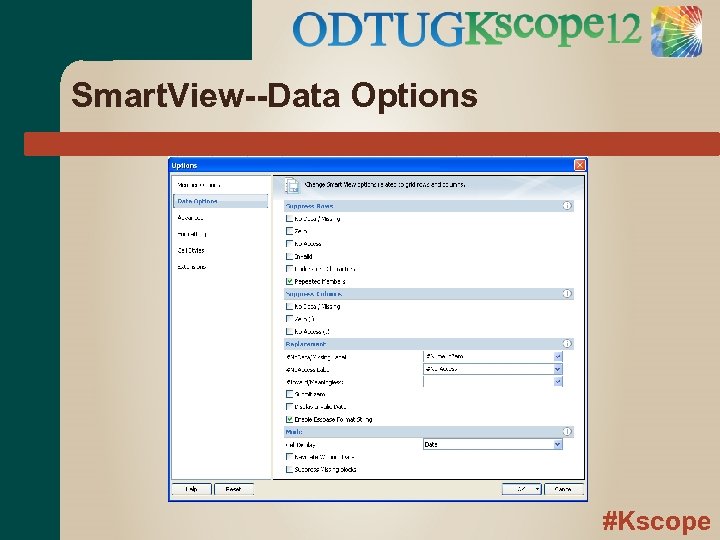 Smart. View--Data Options #Kscope
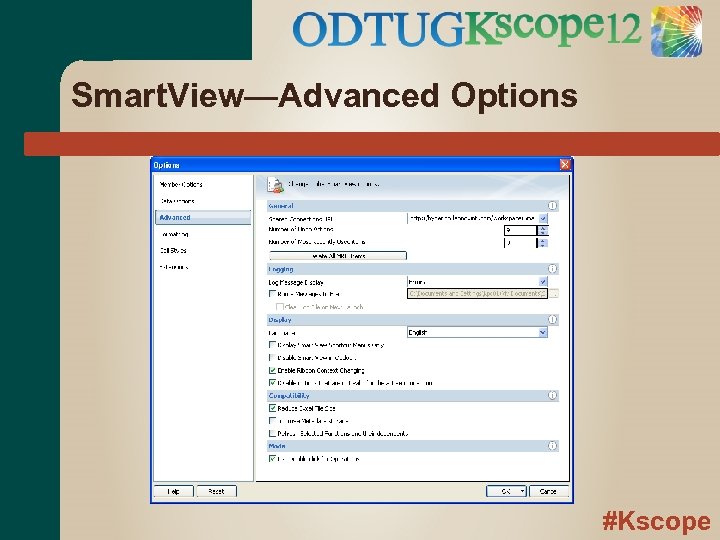 Smart. View—Advanced Options #Kscope
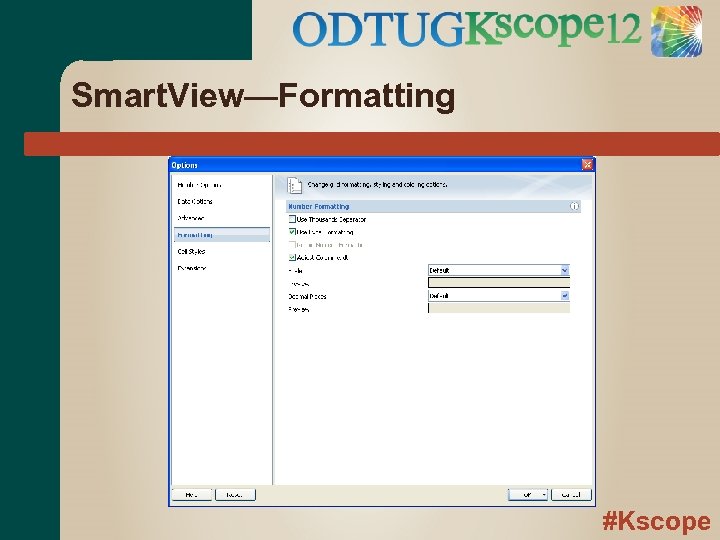 Smart. View—Formatting #Kscope
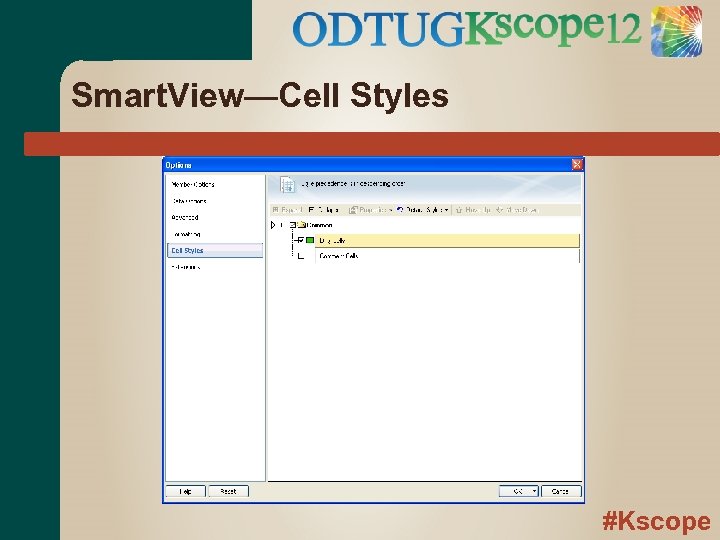 Smart. View—Cell Styles #Kscope
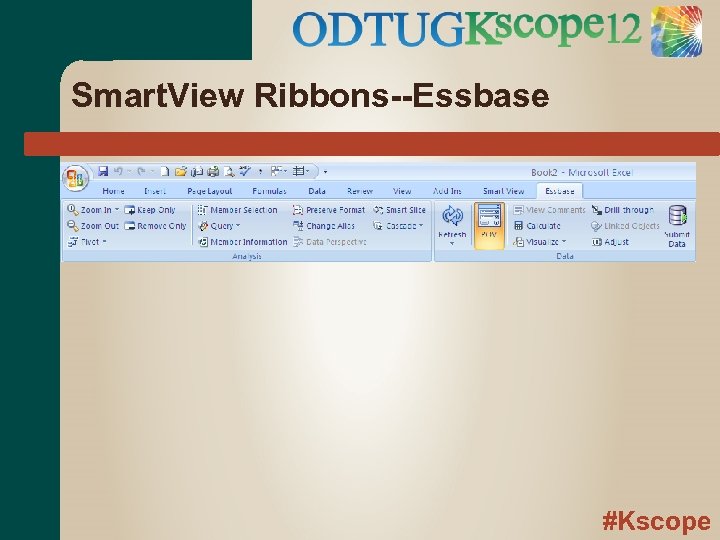 Smart. View Ribbons--Essbase #Kscope
 Smart. View Tips & Tricks-General Suppress Missing data #Numeric. Zero replacement value Keep Only/Remove Only Double Clicks Substitution Variables #Kscope
 Flashback… #Kscope
 Your CFO walks in… Asks you to create a report for a meeting in 5 minutes with the board. ● Market COGS contribution across last two years A pre-built report that answers this specific question does not yet exist #Kscope
 Live Smart. View Demo #Kscope
 Questions? #Kscope