


 Скачать презентацию Internet users in Romania In Romania 53 9
73d7958b735bb7a46d26caa92f07d3f2.ppt
- Количество слайдов: 28
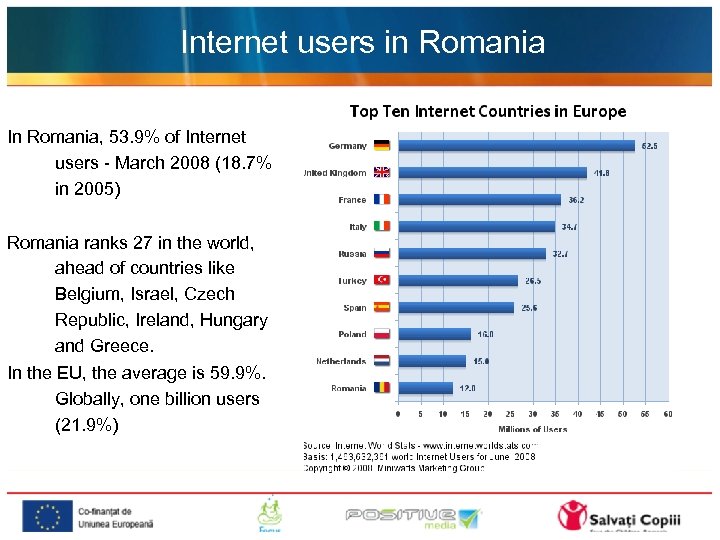 Internet users in Romania In Romania, 53. 9% of Internet users - March 2008 (18. 7% in 2005) Romania ranks 27 in the world, ahead of countries like Belgium, Israel, Czech Republic, Ireland, Hungary and Greece. In the EU, the average is 59. 9%. Globally, one billion users (21. 9%)
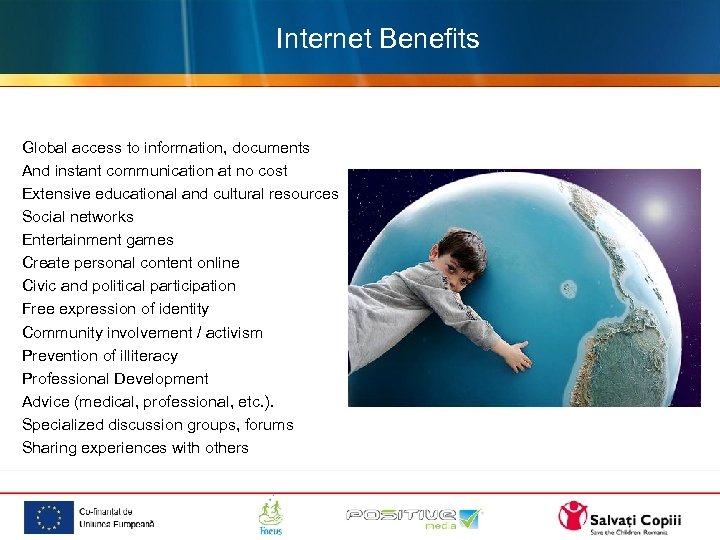 Beneficiile Internetului Internet Benefits ciile Internetului Global access to information, documents And instant communication at no cost Extensive educational and cultural resources Social networks Entertainment games Create personal content online Civic and political participation Free expression of identity Community involvement / activism Prevention of illiteracy Professional Development Advice (medical, professional, etc. ). Specialized discussion groups, forums Sharing experiences with others
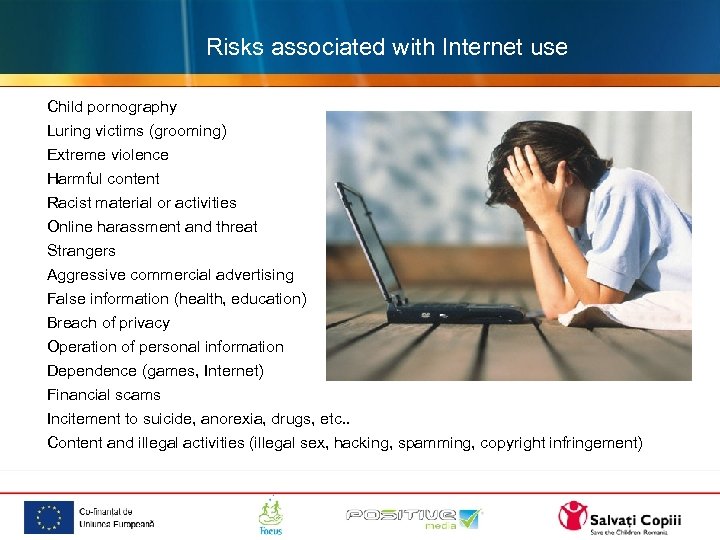 Risks associated with Internet use Child pornography Luring victims (grooming) Extreme violence Harmful content Racist material or activities Online harassment and threat Strangers Aggressive commercial advertising False information (health, education) Breach of privacy Operation of personal information Dependence (games, Internet) Financial scams Incitement to suicide, anorexia, drugs, etc. . Content and illegal activities (illegal sex, hacking, spamming, copyright infringement)
 Computer and the Internet is a problem that many parents face. Many children spend too many hours in front of the computer, visiting sites that do not correspond to their age and parents trying to control this can often lead to conflicts. These conflicts may harm the parent-child relationship over time, reaching a tense atmosphere, the mutual mistrust, where communication is lacking.
 Statistics One in three children (12 -17 years) involved in creating online content. Girls prefer posting photos (54% vs. 40%). Boys prefer video posting (19% vs. 10%). Lenhart, Madden, Magill et al. , 2007 45% of children surveyed admitted that they submitted personal information about them on the Internet. 46% of children receiving e-mail messages from people you do not know. 22% of them respond to messages received from strangers. Information was obtained from the study by Romtelecom, with the help of UNESCO in April 2008. 3000 students were interviewed, aged between 7 and 15 years of major cities, including Bucharest.
 Statistics 32% of teens have visited sites that promote extreme violence and racial Hatred 20% of adolescents have been victims of harassment and threats on the Internet 40% of teens have seen pornography that only adults have access 9% of adolescents agreed to meet with strangers that came about on the Internet. 50% of teens have posted personal data. It notes a shift of interest to children, especially adolescents, instant messaging type chat online content creation through participation in social networks (Hi 5, My. Space, etc. ).
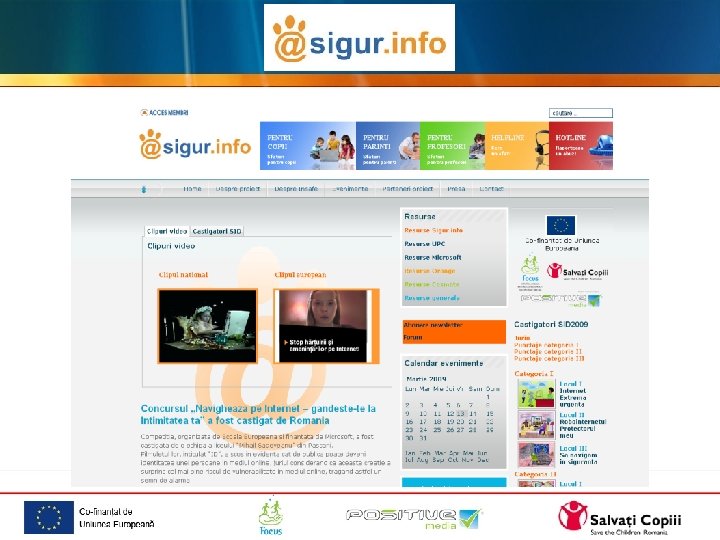
 • Save the Children, Positive Media and Romanian Center for Missing and Sexually Exploited Children in 2007 initiated a consortium project to develop multi Sigur. Info within the European Union program to promote use of safer conditions, the Internet site and new online technologies (Safer Internet Plus). Save the Children is the national coordinator of the project "Sigur. info. From 2007 until 2010 were carried out thousands of information to parents, children, teachers in schools in Romania and outside
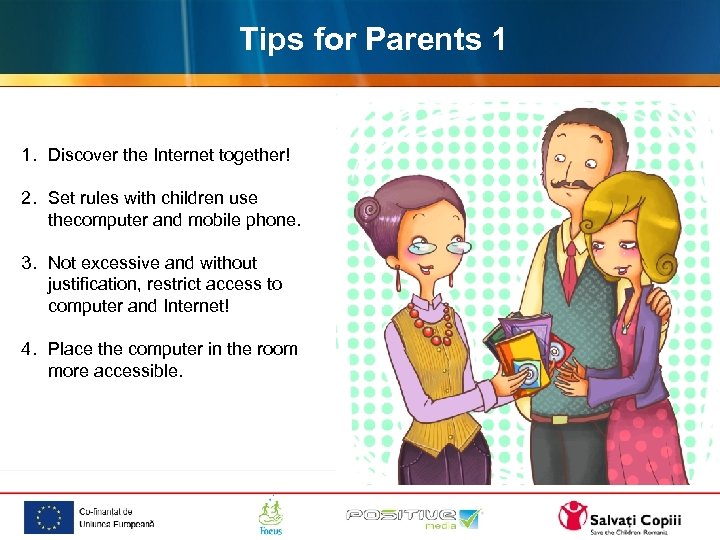 Tips for Parents 1 1. Discover the Internet together! 2. Set rules with children use thecomputer and mobile phone. 3. Not excessive and without justification, restrict access to computer and Internet! 4. Place the computer in the room more accessible.
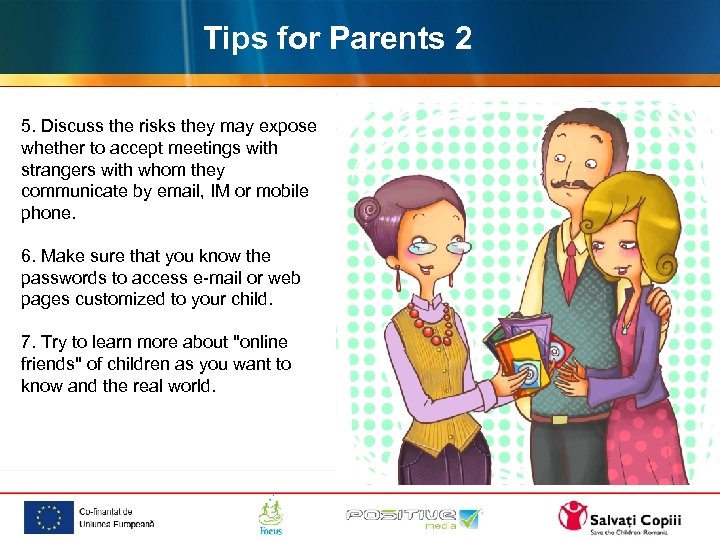 Tips for Parents 2 5. Discuss the risks they may expose whether to accept meetings with strangers with whom they communicate by email, IM or mobile phone. 6. Make sure that you know the passwords to access e-mail or web pages customized to your child. 7. Try to learn more about "online friends" of children as you want to know and the real world.
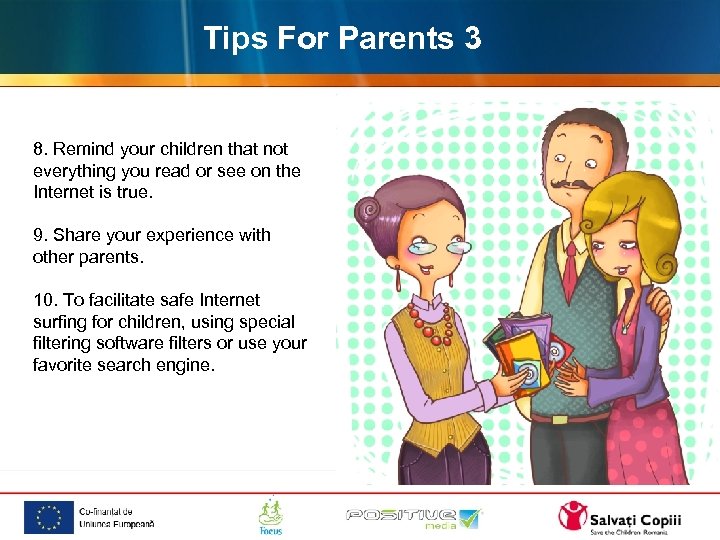 Tips For Parents 3 8. Remind your children that not everything you read or see on the Internet is true. 9. Share your experience with other parents. 10. To facilitate safe Internet surfing for children, using special filtering software filters or use your favorite search engine.
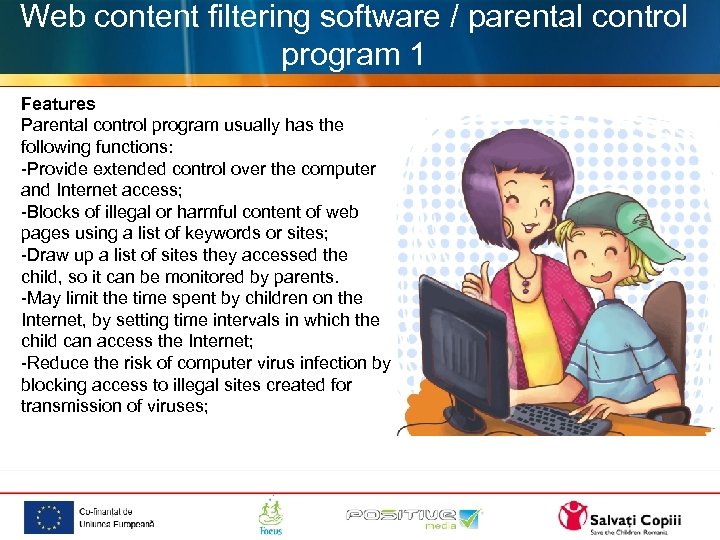 Web content filtering software / parental control program 1 Features Parental control program usually has the following functions: -Provide extended control over the computer and Internet access; -Blocks of illegal or harmful content of web pages using a list of keywords or sites; -Draw up a list of sites they accessed the child, so it can be monitored by parents. -May limit the time spent by children on the Internet, by setting time intervals in which the child can access the Internet; -Reduce the risk of computer virus infection by blocking access to illegal sites created for transmission of viruses;
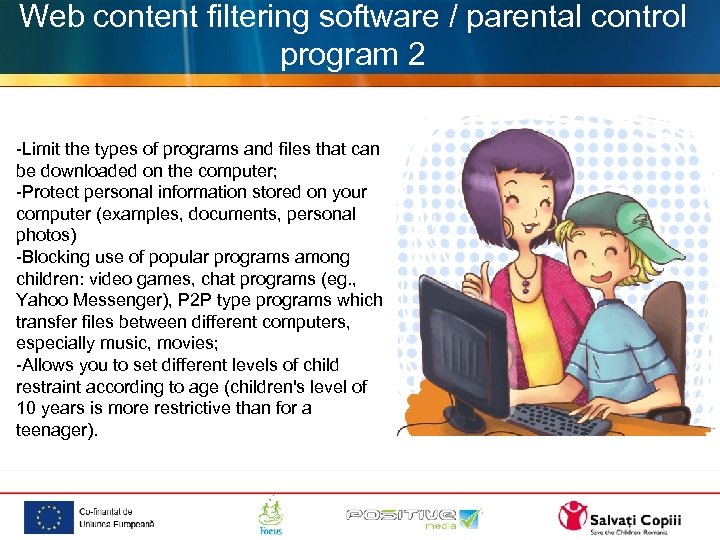 Web content filtering software / parental control program 2 -Limit the types of programs and files that can be downloaded on the computer; -Protect personal information stored on your computer (examples, documents, personal photos) -Blocking use of popular programs among children: video games, chat programs (eg. , Yahoo Messenger), P 2 P type programs which transfer files between different computers, especially music, movies; -Allows you to set different levels of child restraint according to age (children's level of 10 years is more restrictive than for a teenager).
 Web content filtering software / parental control program 3 Disadvantages No parental control program does not guarantee total effectiveness in blocking sites containing illegal or harmful to children. Important: The best way to filter this parent remain near the child between 5 and 10 years using the Internet. If the larger dialogue with them and recall that there are risks that can expose and, in any case be difficult to find, you'll be ready to help.
 Web content filtering software / parental control program 4 Links: http: //www. juniorprotect. ro/index. html http: //www. microsoft. com/windows/wind ows-vista/features/parentalcontrols. aspx http: //www. google. ro/preferences? hl=en http: //kids. msn. com/ http: //help. yahoo. com/l/us/yahoo/search /basics/indexing-07. html
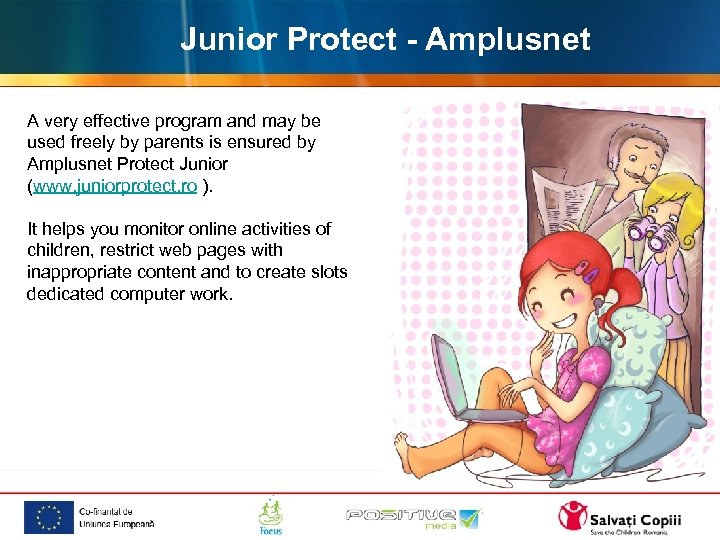 Junior Protect - Amplusnet A very effective program and may be used freely by parents is ensured by Amplusnet Protect Junior (www. juniorprotect. ro ). It helps you monitor online activities of children, restrict web pages with inappropriate content and to create slots dedicated computer work.
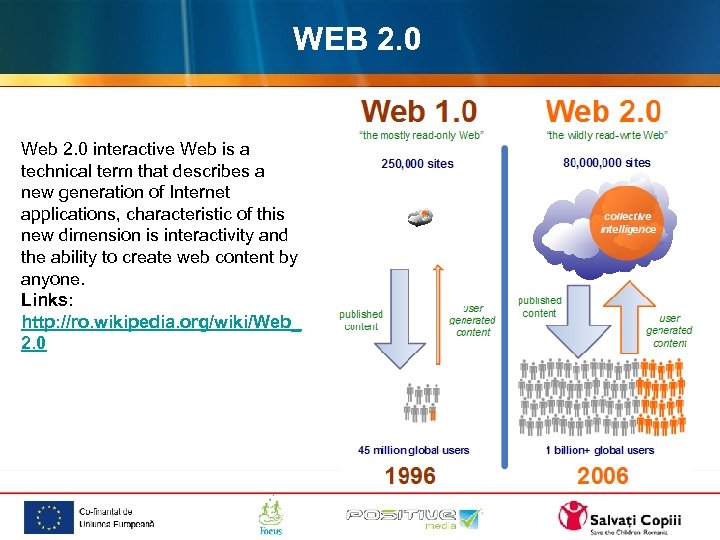 WEB 2. 0 Web 2. 0 interactive Web is a technical term that describes a new generation of Internet applications, characteristic of this new dimension is interactivity and the ability to create web content by anyone. Links: http: //ro. wikipedia. org/wiki/Web_ 2. 0
 Filesharing -Provision of files between users connected to the Internet Examples: DC + + Kaaza, Bitorrent 1. Pirateria 2. Copyright Practical Tips Child-explain these issues and to determine, only through dialogue, to tell you how and why to use these applications
 Computer games or online games / classification or rating system 1 Definition Types of games: Arcade-game Role-games Strategic games Sports games Computer games industry now generates higher profits than those made in the film industry. In 2007, overall revenues have exceeded € 40 billion.
 Computer games or online games / classification or rating system 2 Advantages Fun -Learn to accept democratic rules of cultural diversity -Exchange of ideas between children -Require compliance with rules Risks -Violence -Addiction -Communicate with strangers -Attitudes of ethnic discrimination, racial, gender
 Computer games or online games / classification or rating system 3 Practical Suggestions -Buy games from stores in agreement with the child -Note that the PEGI symbols found on any package -Program to develop online games Child-explain that online game partners are not always those who claim to be Not without justification-restrict the number of hours set for online play
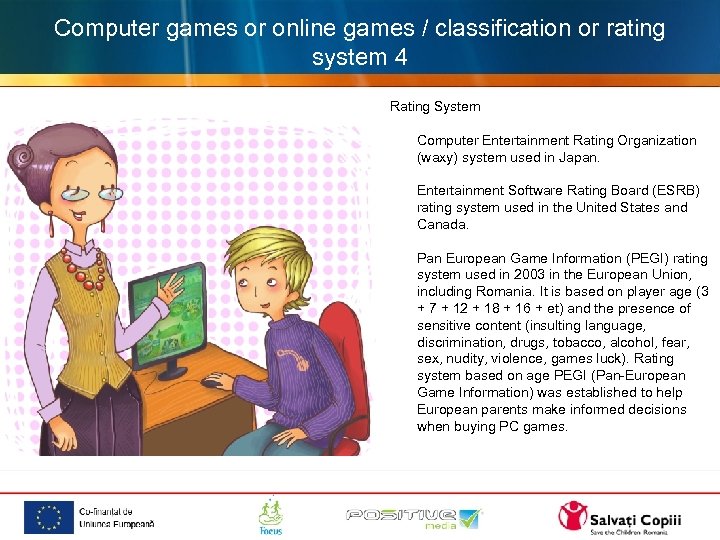 Computer games or online games / classification or rating system 4 Rating System Computer Entertainment Rating Organization (waxy) system used in Japan. Entertainment Software Rating Board (ESRB) rating system used in the United States and Canada. Pan European Game Information (PEGI) rating system used in 2003 in the European Union, including Romania. It is based on player age (3 + 7 + 12 + 18 + 16 + et) and the presence of sensitive content (insulting language, discrimination, drugs, tobacco, alcohol, fear, sex, nudity, violence, games luck). Rating system based on age PEGI (Pan-European Game Information) was established to help European parents make informed decisions when buying PC games.
 Blog 1 An online journal created and posted by groups or individuals, items are displayed in chronological order. Anyone can create their own blog, from children to adults. Currently there are over 3 million active blogs, with a wide variety of topics. www. blogger. com http: //wblog. ro/
 Blog 2 Advantages Perfect opportunity for personal expression As a pedagogical tool, the blog can serve as a motivational factor in the teaching process, by applying this method of online debate a wide range of topics of academic interest. Ability to create multimedia content (inserting images, videos, sound clips, links to other sites or other interactive features)
 Blog 3 Practical Suggestions Children and young people must take into consideration the fact that a blog can not be confused with a diary. No blog posting information, pictures or movies that may have a personal for other people without their consent. Privacy of others is a legal and moral obligation. Copyright law applies to the content of a blog. Any reproduction of text or images without authorization of the author, is prohibited unless explicit reference is made to the source, by adding the appropriate link or the author of that material.
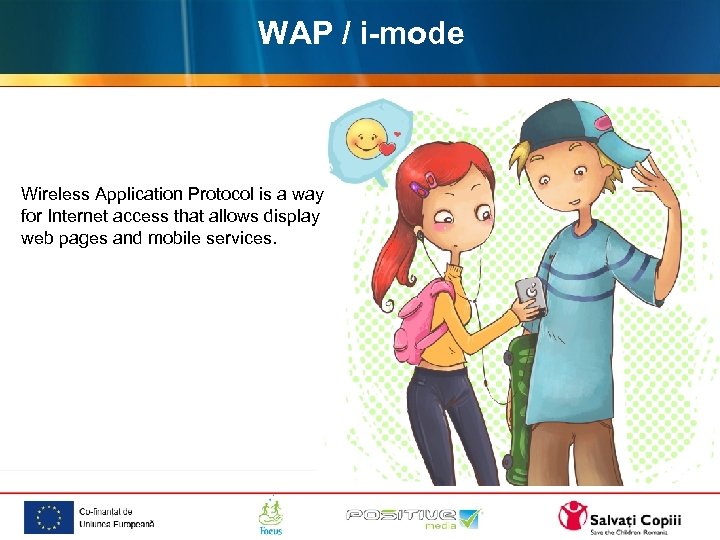 WAP / i-mode Wireless Application Protocol is a way for Internet access that allows display web pages and mobile services.
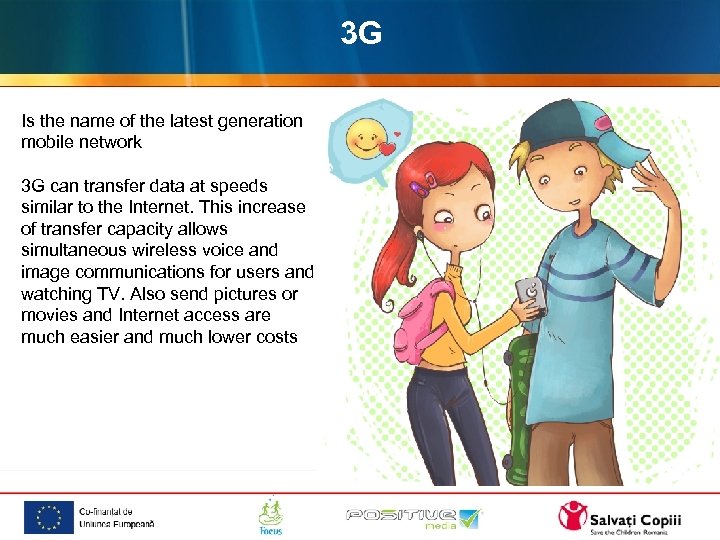 3 G Is the name of the latest generation mobile network 3 G can transfer data at speeds similar to the Internet. This increase of transfer capacity allows simultaneous wireless voice and image communications for users and watching TV. Also send pictures or movies and Internet access are much easier and much lower costs
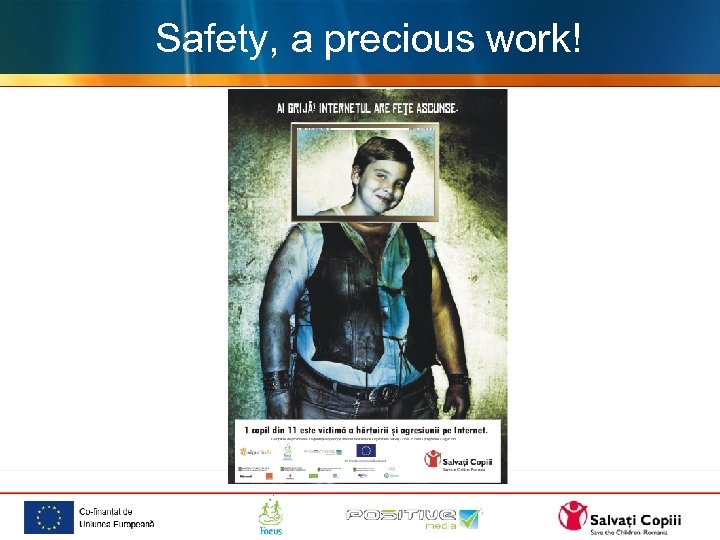 Safety, a precious work!