 Internet Services and WWW Sadiq M. Sait, Ph. D sadiq@ccse. kfupm. edu. sa Department of Computer Engineering King Fahd University of Petroleum and Minerals Dhahran, Saudi Arabia 1
 Topics Covered in this Session A brief overview of relevant Internet Services l Web Page Design and HTML l Web Client/Server Software and HTTP l Images and Image Maps l Frames, Forms & Web-DB integration l E-Commerce l Several other related topics l 2
 Lingo Hyper. Text: Enables linking to places l Link(s) l Hyperlinks: Hot spots on which a user can click to access other: l » topics (in the same document) » documents, (other HTML files, for e. g. ), or » Web sites l URL: Addresses on Internet to which hot spots connect 3
 Lingo GIF, JPEG, XBM, XPM (picture formats) l Netscape, Mosaic, Iexplorer (browsers) l Web. Edit, Ho. TMeta. L, Front. Page (editors/tools) l FTP, TCP/IP, HTTP (protocols) l Applets, J++, javac, Java Engine (Java programming) l xv, clipart, adobe-photoshop etc. , (graphics xv editors) l 4
 Tutorial Outline l Two main components l Internet Services & WWW Web & Related Multimedia l E-Commerce l l Demo of selected concepts 5
 What Is The Internet? l l l Worldwide network of computer networks No central authority Quick communication & data transfer Size more than doubles annually Traffic increases more than 15%/month Offers an enormous array of information 6
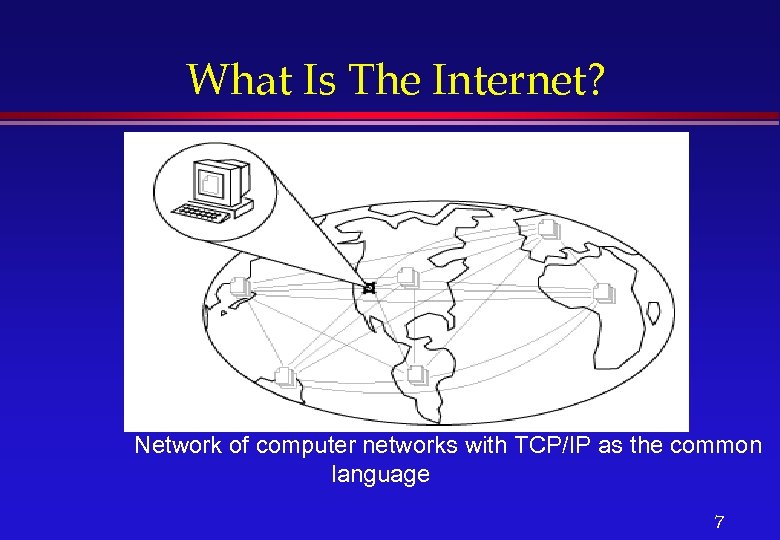 What Is The Internet? Network of computer networks with TCP/IP as the common language 7
 Who Runs The Internet? l l No one owns or runs the Internet. Every computer connected to the Internet is responsible for its own part. The National Science Foundation is responsible for maintaining only the backbone. http: //www. isoc. org If something doesn’t work, you do not complain to the ‘management’ of the Internet. Instead you talk to the system administrators of the computer you are connected to. 8
 Virtual Library l l Databases » Individual Library Catalogs » MEDLINE Publications » English, Arabic and other Newspapers » Electronic journals Software » “Freeware” or “Shareware” Audiovisuals » Graphics, sound, motion pictures 9
 What Do You Do On The Internet? l l l Search and Retrieve Documents Exchange e-mail (100 M email addresses) Download programs, demos and graphics Search databases of Companies and Government Read and Response to USENET groups (30, 000 different topics) Real-time chat, Web-phone and video conference 10
 What Do You Do On The Internet? (Examples) l l l Book an air ticket (best itinerary) Choose and order a book from a bookstore Order Pizza Buy Stocks (invest in companies) See a movie Make friends Visit e-malls, do e-shopping Watch what others are doing Display info about yourself Gossip etc. 11
 What really is a Service? l l l On internet (network of networks), computers communicate with one another. Users of one computer can access services from another. You can use many methods to communicate with a computer somewhere else on the Internet. These methods used to communicate are called services because they service your requests. There a wide variety of services, and each can give you many kinds of information. In summary the internet is a: > way to move data (audio, video, etc) > a bunch of protocols (or rules for machines to communicate with each other) 12
 Clients and Servers l All that we speak of internet fall into three categories: » Clients » Servers » Content l l Software/Hardware that we use to browse the Web, send mail, download files, etc are called clients. Servers respond to clients requests. 13
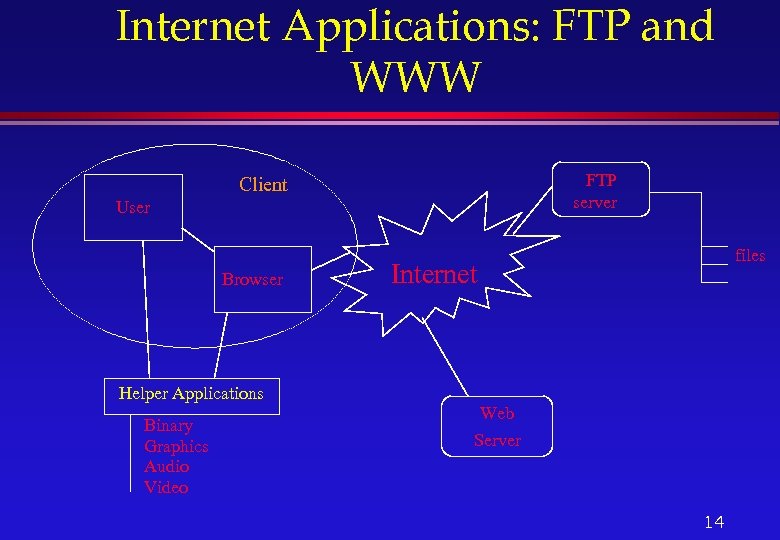 Internet Applications: FTP and WWW FTP server Client User Browser Helper Applications Binary Graphics Audio Video files Internet Web Server 14
 Available Services l Some most popular services on the Internet are: » E-mail » Telnet » FTP » WWW l Others (Archie, Wais, Gopher, News and News Groups, Internet Relay Chat, Internet Phone, Net 2 phone, Video Conferencing, & Internet Collaborative Tools) 15
 Available Services (Contd. ) » Email: Electronic mail » Telnet: Remote login into computer networks » FTP: File Transfer Protocol for transferring computer files » WWW: World Wide Web » Gopher: Searchable index, selectable index of documents » USENET: Newsgroups with different subjects enable people with common interest to share information » Chat: Real-time communications between people on the Internet 16
 E-mail l Most popular, de-facto standard of communication, works between disparate systems, let users attach files (audio, video, animation, etc), and volume of data transferred is billions of bytes/day. l easy to send, read, reply to, and manage, global, economical and very fast, recipients are more likely to reply to an e-mail message, and can be read or written at any time, independent of time zones and business hours 17
 E-mail l Advantages: » » » l Standard way of communication for corporations Less interference or interrupts between work Reply with a number of options No cost within the environment Less chance of miscommunication Can save messages for future retrieval and records Disadvantages » You need to have a computer and a network connection » Less personal than voice (although now we can also have voice mail, with some extra cost) 18
 How e-mail works? l l l Like other internet services e-mail is yet another client-server system, called SMTP (simple message transfer protocol). You use a mail client program to send a message to the post office server (an SMTP server). The post office server identifies the recipient’s address and send the message through the internet to the mail server that handles mail for each recipient’s address. The mail server stores the message in the recipient’s mailbox. The recipient uses an e-mail client program to request new messages from the mail server. The mail server sends the message in the recipient’s mailbox back to the mail client. 19
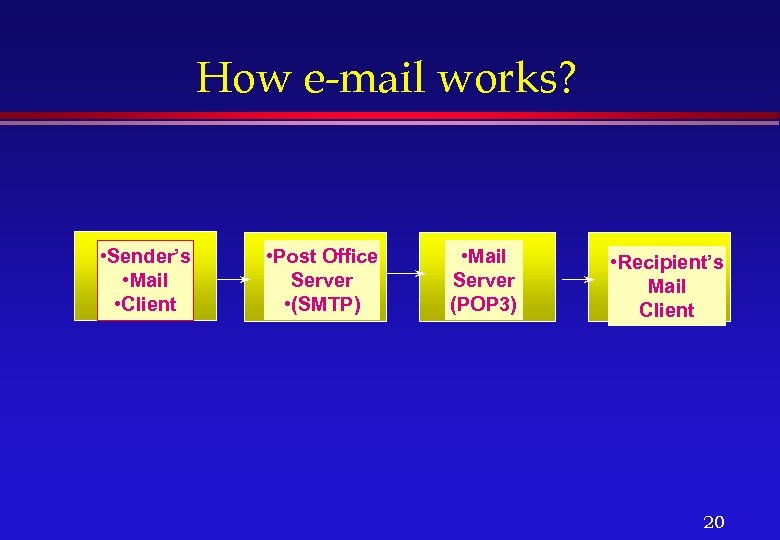 How e-mail works? • Sender’s • Mail • Client • Post Office Server • (SMTP) • Mail Server (POP 3) • Recipient’s Mail Client 20
 E-mail addresses/Mailing lists l Finding an e-mail Address l Finger l Whois l Mailing list/Groups of e-mail addresses 21
 Telnet l l l l Telnet is a program that lets you log into to a remote computer. Why Use Telnet? (Least used part of the Web). Technically telnet is a protocol. . Connection can be established by using SLIP, PPP or dedicated lines. Usually available in the universities and Internet Service Providers. Weakness (a) Only console applications can run. No GUI support unless X terminals are used. (b) Security risk because hackers can trap the IP address of the network. All ports numbered 80 will have Web sites; likewise all port 23 s will be used for telnet, and multi-user games will be found on 4201, etc. 22
 FTP l l l File Transfer Protocol » Allows transfer of any type of file from the remote server to a local computer and vice versa File types could be ASCII or Binary All types of files from text to multimedia can be transferred. Two types of FTP: Secure and Anonymous can download or upload files without having an account on the machine. 23
 Archie l l The archie service is a collection of resource discovery tools that together provide an electronic directory service for locating information in an Internet environment. Archie creates a central index of files available on anonymous FTP sites around the Internet. The Archie servers connect to anonymous FTP sites that agree to participate and download lists of all the files on these sites. These lists of files are merged into a database, which users can then search 24
 WAIS l WAIS stands for Wide Area Information Server and is pronounced “ways”. l WAIS searches for words in documents. l The core of the software is an indexer, used to create full-text indexes of files fed to it, and a server that can use those indexes to search for keywords or whole English expressions among the files indexed. 25
 Gopher l l The term Gopher refers to: - A network protocol - A server type - One of the many Gopher client applications. Gopher protocol and software allow for browsing information systems so that one doesn’t need to know exactly where the needed information is before looking for it. You do need to know the address of a Gopher server to get started. Veronica is a service that provides a (very large) index of titles of Gopher items from most servers throughout the Internet. 26
 Veronica l Veronica is a service that provides a (very large) index of titles of Gopher items from most servers throughout the Internet. l The result of a Veronica search is a set of Gopher items whose titles contain the keyword that the user was searching for. l The Veronica index is accessed via a normal Gopher search item. 27
 Jughead l Another Gopher directory search is Jughead. l Jughead, like Veronica runs as a server on the Gopher site, and provides a pre-built table of directory information that can be searched. l Unlike Veronica, Jughead is usually implemented for a particular Gopher site. 28
 Discussion on the Network news is another way to take part in a lot of discussions over the internet (News, News groups) l Talk l Internet relay chat, voice chat (IRC servers and nicknames l Internet phone l Net 2 Phone l Video Conferencing l 29
 Hotmail, Yahoo Mail, Rocket Mail …. l Hotmail and it’s cousins are all getting to be very popular because » they offer free e-mail accounts, » basically use Web-technology l The disadvantage is that you have to » wait longer; frustrating experience if the mail is plenty and the lines are slow--which they are anyway, most of the time! l The major advantage, however, » is access to mail from virtually anywhere they can access the WWW on the Internet » there is privacy, since mail is left on the server 30
 Why Design Web pages and for Who? Personal Pages l Companies, Organizations l » (schools, universities, research centers, etc) News Networks l Journals l Events (conferences, international games, etc) l Internet/Intranet l 31
 What in this session? What is HTML and why do we care? l WWW and HTTP l Logical versus Physical Formatting l HTML Document structure l Images and Hyperlinks l Tools for creating HTML l Beyond simple HTML l 32
 What is HTML? l HTML is a structured language » rules of nesting All WWW documents are written in HTML l WWW l » World Wide Web » Most popular Internet information service 33
 What is Internet? l What is Internet? » Worlds largest network » Collection of interconnected networks built on the Internet protocol TCP/IP » Growing at an amazing rate » Open system with decentralized management l Estimated: 28. 8 million people over 16 in the US have access, 16. 4 million use the Internet and 11. 5 million use the Web. 34
 World Wide Web Client/Server Architecture l Designed to make it easy for people to share information l » Hides complexities of location of documents » Easy to distribute information » Fun to look at 35
 World Wide Web l Hyperlinks » Highlighted words or pictures » Item pointed to may be another document image, movie, sound clip etc 36
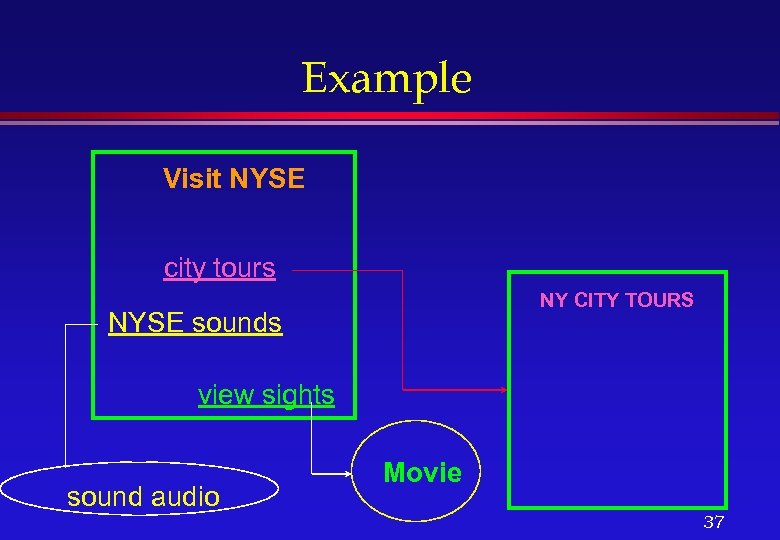 Example Visit NYSE city tours NY CITY TOURS NYSE sounds view sights sound audio Movie 37
 WWW Browsers Interpret HTTP as well as other protocols » ftp, mailto, telnet, gopher, etc. l Display physical formatted HTML text » in-line images » hyperlinks l 38
 WWW browsers (contd. . ) l Helper Applications » Programs on the user’s computer that can be used to display images, movies, sound, etc. that cannot be displayed on the browser itself – Sound files – Movies (MPEG) – Mail – Other file formats 39
 Why learn HTML? l Everyone is a publisher » The architecture of the Internet allows almost anyone to become an information provider for a world wide audience l WWW documents must be in HTML » To create your own home page you need to know some HTML 40
 Why learn HTML? (contd. . ) l Not a must » Can use tools to create HTML » Conversion tools can be used to convert existing HTML documents – Example: La. Te. X 2 HTML – Word documents can be saved in HTML – Frame. Maker documents too l It is very easy to learn 41
 Creating an HTML Page l Requirements » Text or HTML Editor to enter TAGS » Graphics editors » Browser (Netscape, Internet Explorer, Lynx, etc. ) l Focus » Usable and Eye-catching documents » Images in Web pages » Animation 42
 HTML Basics l HTML documents contain 3 things » Text +TAGS » External Multimedia such as graphics, sound, movies, etc. l Example » Your Text Here » Types, used in pairs, or not in pairs » Tags can be nested 43
 What are Tags? l Mark text as » headings, paragraphs » formatting (physical, logical) » list » quotations, etc. l Also for » creating hyperlinks » including images, making tables » fill-in forms, frames 44
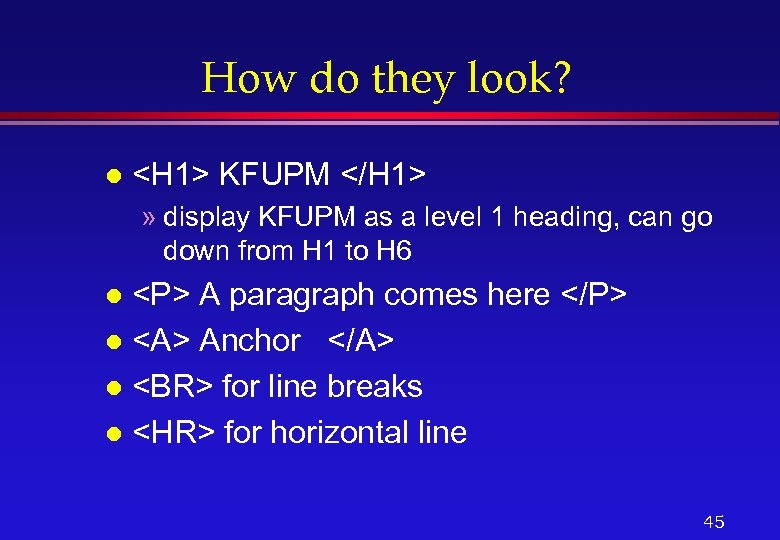 How do they look? l KFUPM » display KFUPM as a level 1 heading, can go down from H 1 to H 6
A paragraph comes here
l
Anchor l
for line breaks l
for horizontal line l 45
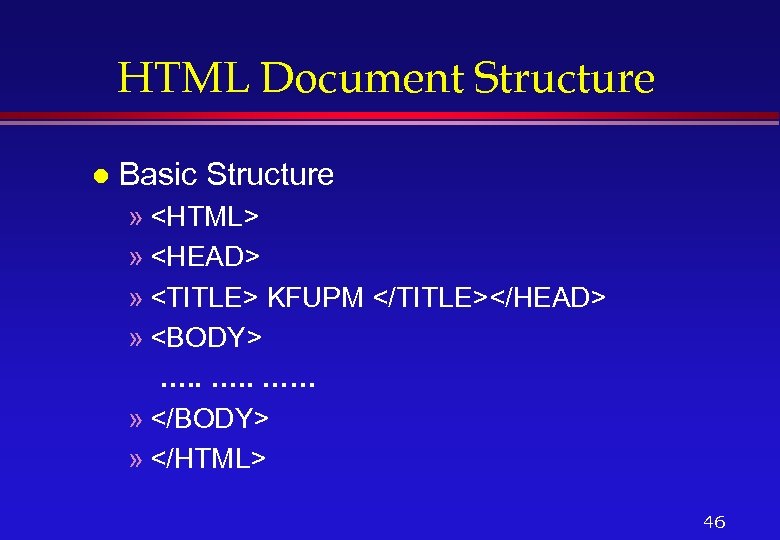 HTML Document Structure l Basic Structure » »
»
KFUPM » …. . …… » » 46
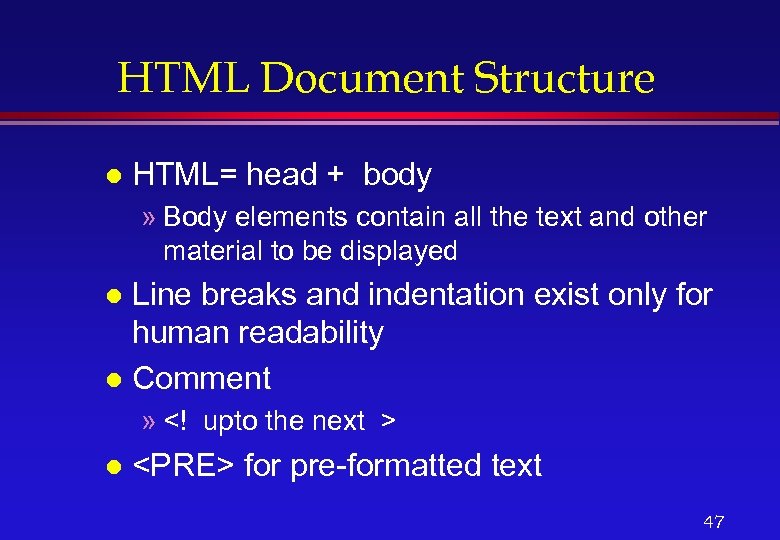 HTML Document Structure l HTML= head + body » Body elements contain all the text and other material to be displayed Line breaks and indentation exist only for human readability l Comment l » l
for pre-formatted text 47
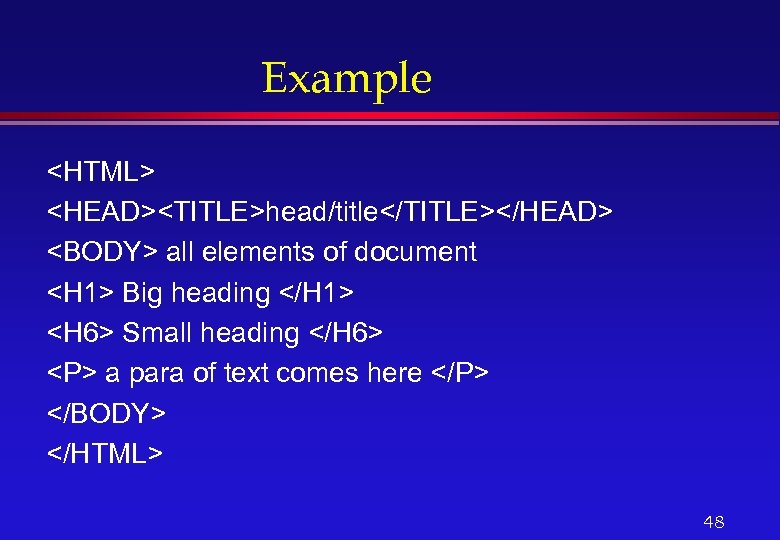 Example
head/title all elements of document
Big heading Small heading a para of text comes here
48
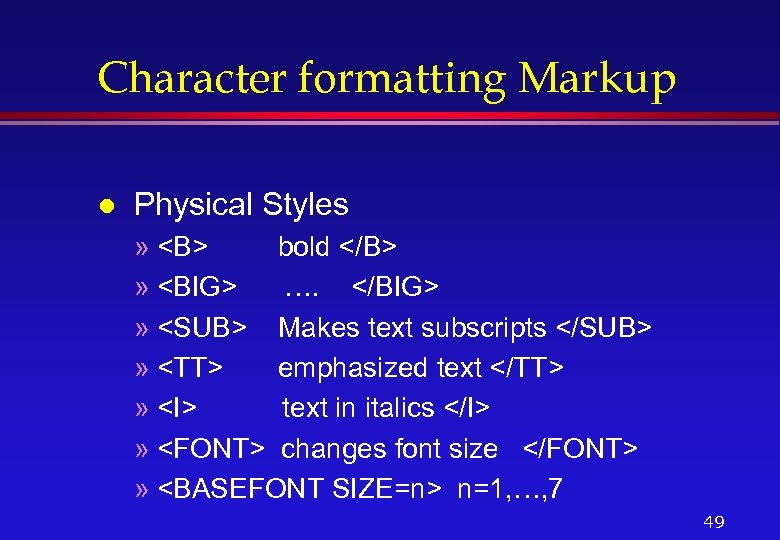 Character formatting Markup l Physical Styles » bold » …. » Makes text subscripts » emphasized text » text in italics » changes font size » n=1, …, 7 49
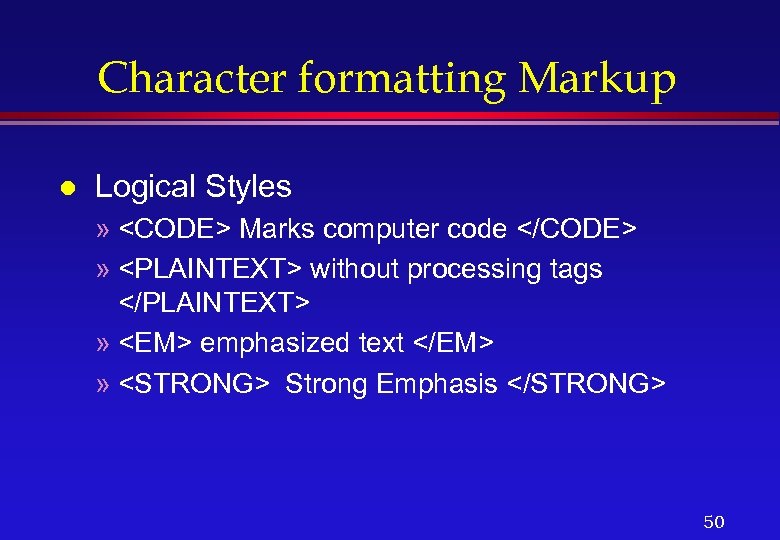 Character formatting Markup l Logical Styles »
 Marks computer code » without processing tags </PLAINTEXT> » <EM> emphasized text </EM> » <STRONG> Strong Emphasis </STRONG> 50 </p>
</div>
<div style="width: auto;" class="description columns twelve"><p><img class="imgdescription" title="List Markup l l l <UL> <LI>. . . <LI>… </UL> » UL specifies" src="https://present5.com/presentation/90c05079f652e3e82eb0f606d3753374/image-51.jpg" alt="List Markup l l l <UL> <LI>. . . <LI>… </UL> » UL specifies" />
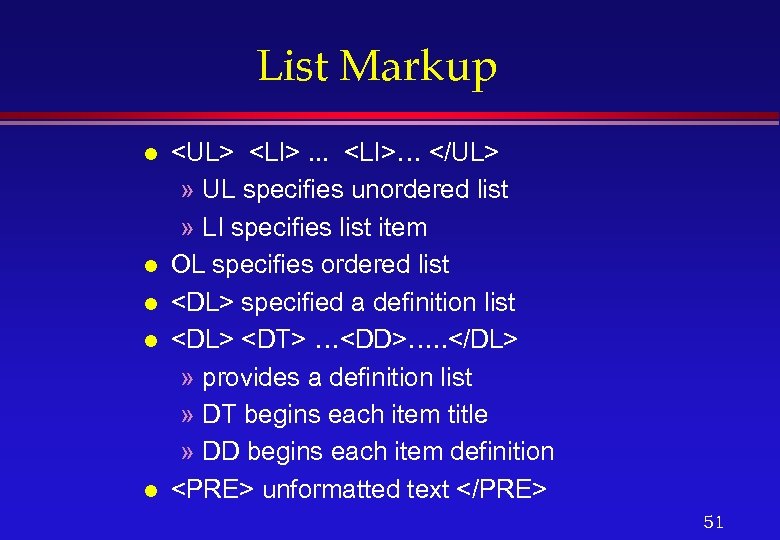
List Markup l l l <UL> <LI>. . . <LI>… </UL> » UL specifies unordered list » LI specifies list item OL specifies ordered list <DL> specified a definition list <DL> <DT> …<DD>…. . </DL> » provides a definition list » DT begins each item title » DD begins each item definition <PRE> unformatted text </PRE> 51 </p>
</div>
<div style="width: auto;" class="description columns twelve"><p><img class="imgdescription" title="Design Goal l Specify logical organization of document » not designed to be an" src="https://present5.com/presentation/90c05079f652e3e82eb0f606d3753374/image-52.jpg" alt="Design Goal l Specify logical organization of document » not designed to be an" />
Design Goal l Specify logical organization of document » not designed to be an editor like Word, Frame. Maker etc. . l Documents with sections of text marked as logical units » Titles » Paragraphs » Lists 52 </p>
</div>
<div style="width: auto;" class="description columns twelve"><p><img class="imgdescription" title="More on Tags l HTML elements » start tag and end tag – <NAME>" src="https://present5.com/presentation/90c05079f652e3e82eb0f606d3753374/image-53.jpg" alt="More on Tags l HTML elements » start tag and end tag – <NAME>" />
More on Tags l HTML elements » start tag and end tag – <NAME> l …. </NAME> Empty elements » <BR> l Attributes for elements » <IMG SRC=“sadiq. gif”> – tag names and attributes are case insensitive – filename is case sensitive 53 </p>
</div>
<div style="width: auto;" class="description columns twelve"><p><img class="imgdescription" title="Spinning your HTML Web l To create hot spots (or Anchors) you need two" src="https://present5.com/presentation/90c05079f652e3e82eb0f606d3753374/image-54.jpg" alt="Spinning your HTML Web l To create hot spots (or Anchors) you need two" />
Spinning your HTML Web l To create hot spots (or Anchors) you need two things » URLs (Uniform Resource Locator) » Links Anchors and Links allow readers to jump from place to place in the document l URL is a fancy way of saying address or location for information on the Internet l 54 </p>
</div>
<div style="width: auto;" class="description columns twelve"><p><img class="imgdescription" title="URL Anatomy & Types l Example: http: //www. ccse. kfupm. edu. sa/~sadiq/tut. html protocol" src="https://present5.com/presentation/90c05079f652e3e82eb0f606d3753374/image-55.jpg" alt="URL Anatomy & Types l Example: http: //www. ccse. kfupm. edu. sa/~sadiq/tut. html protocol" />
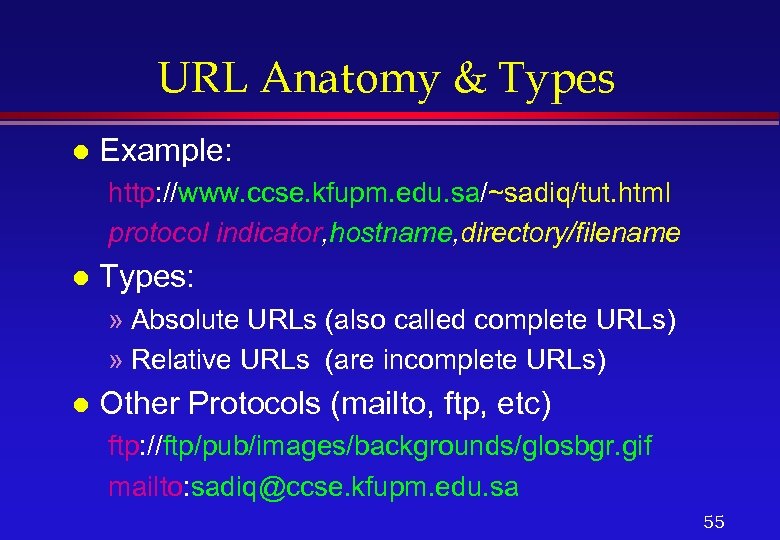
URL Anatomy & Types l Example: http: //www. ccse. kfupm. edu. sa/~sadiq/tut. html protocol indicator, hostname, directory/filename l Types: » Absolute URLs (also called complete URLs) » Relative URLs (are incomplete URLs) l Other Protocols (mailto, ftp, etc) ftp: //ftp/pub/images/backgrounds/glosbgr. gif mailto: sadiq@ccse. kfupm. edu. sa 55 </p>
</div>
<div style="width: auto;" class="description columns twelve"><p><img class="imgdescription" title="Examples l http: //www. ccse. kfupm. edu. sa/~sadiq/tut. html l <IMAGE SRC= ftp: //ftp/pub/images/backgrounds/glosbgr." src="https://present5.com/presentation/90c05079f652e3e82eb0f606d3753374/image-56.jpg" alt="Examples l http: //www. ccse. kfupm. edu. sa/~sadiq/tut. html l <IMAGE SRC= ftp: //ftp/pub/images/backgrounds/glosbgr." />
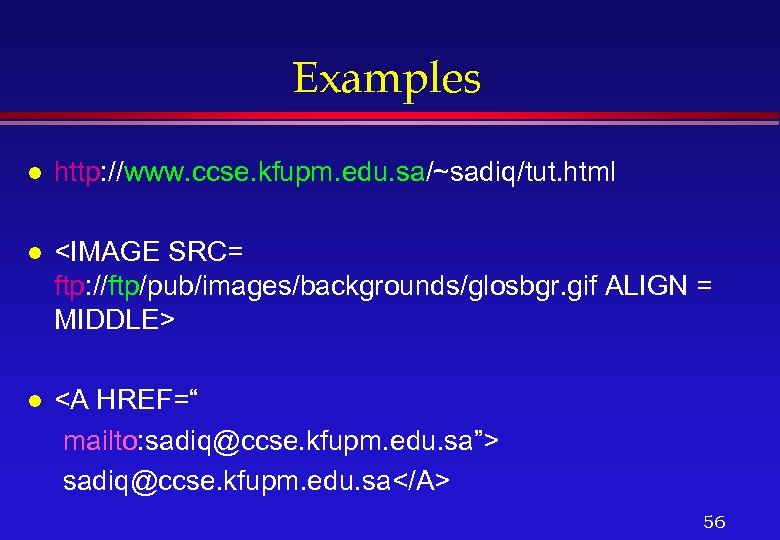
Examples l http: //www. ccse. kfupm. edu. sa/~sadiq/tut. html l <IMAGE SRC= ftp: //ftp/pub/images/backgrounds/glosbgr. gif ALIGN = MIDDLE> l <A HREF=“ mailto: sadiq@ccse. kfupm. edu. sa”> sadiq@ccse. kfupm. edu. sa</A> 56 </p>
</div>
<div style="width: auto;" class="description columns twelve"><p><img class="imgdescription" title="Building Anchors <A> l Components required » The Tag: <A> anchor_name </A> » HREF:" src="https://present5.com/presentation/90c05079f652e3e82eb0f606d3753374/image-57.jpg" alt="Building Anchors <A> l Components required » The Tag: <A> anchor_name </A> » HREF:" />
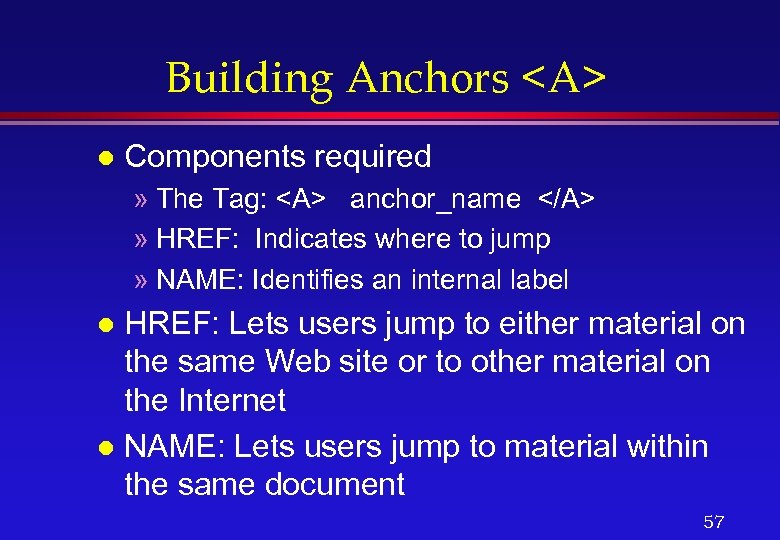
Building Anchors <A> l Components required » The Tag: <A> anchor_name </A> » HREF: Indicates where to jump » NAME: Identifies an internal label HREF: Lets users jump to either material on the same Web site or to other material on the Internet l NAME: Lets users jump to material within the same document l 57 </p>
</div>
<div style="width: auto;" class="description columns twelve"><p><img class="imgdescription" title="Named Anchor & Basic Links l <A HREF=something>anchor_name </A> » something = #name –" src="https://present5.com/presentation/90c05079f652e3e82eb0f606d3753374/image-58.jpg" alt="Named Anchor & Basic Links l <A HREF=something>anchor_name </A> » something = #name –" />
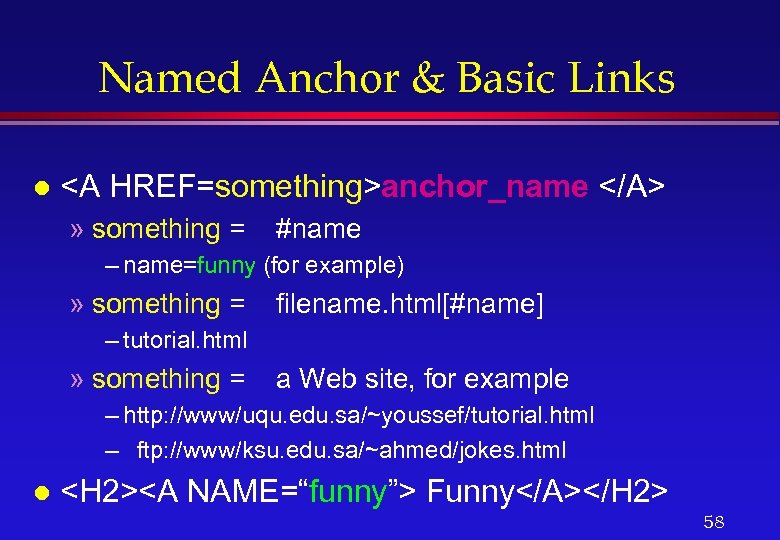
Named Anchor & Basic Links l <A HREF=something>anchor_name </A> » something = #name – name=funny (for example) » something = filename. html[#name] – tutorial. html » something = a Web site, for example – http: //www/uqu. edu. sa/~youssef/tutorial. html – ftp: //www/ksu. edu. sa/~ahmed/jokes. html l <H 2><A NAME=“funny”> Funny</A></H 2> 58 </p>
</div>
<div style="width: auto;" class="description columns twelve"><p><img class="imgdescription" title="Using Images in Web Pages Including l Aligning l Using them as links l" src="https://present5.com/presentation/90c05079f652e3e82eb0f606d3753374/image-59.jpg" alt="Using Images in Web Pages Including l Aligning l Using them as links l" />
Using Images in Web Pages Including l Aligning l Using them as links l Making images load more quickly l Using thumbnail images l 59 </p>
</div>
<div style="width: auto;" class="description columns twelve"><p><img class="imgdescription" title="Adding Images Must include them as GIF or JPG graphics l Use graphic editors," src="https://present5.com/presentation/90c05079f652e3e82eb0f606d3753374/image-60.jpg" alt="Adding Images Must include them as GIF or JPG graphics l Use graphic editors," />
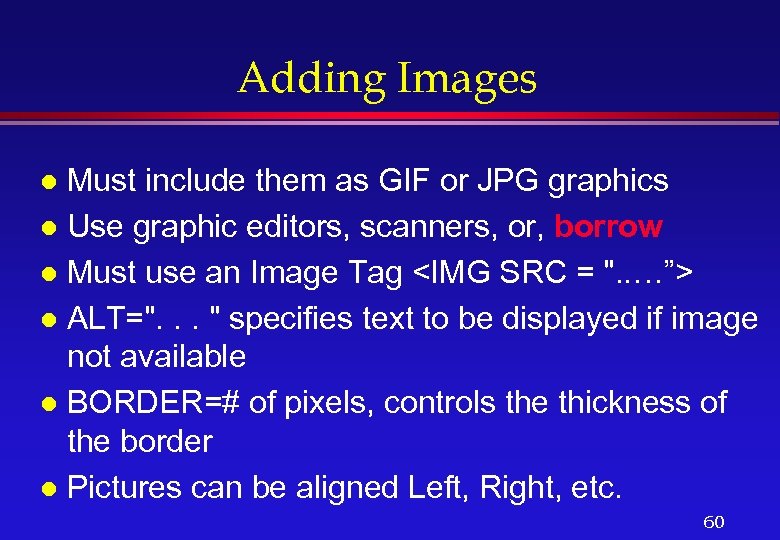
Adding Images Must include them as GIF or JPG graphics l Use graphic editors, scanners, or, borrow l Must use an Image Tag <IMG SRC = ". . …”> l ALT=". . . " specifies text to be displayed if image not available l BORDER=# of pixels, controls the thickness of the border l Pictures can be aligned Left, Right, etc. l 60 </p>
</div>
<div style="width: auto;" class="description columns twelve"><p><img class="imgdescription" title="Example of Image Inclusion xxx <HTML> <HEAD><TITLE> Biography </TITLE></HEAD> <BODY> <H 1> Dr. Sadiq" src="https://present5.com/presentation/90c05079f652e3e82eb0f606d3753374/image-61.jpg" alt="Example of Image Inclusion xxx <HTML> <HEAD><TITLE> Biography </TITLE></HEAD> <BODY> <H 1> Dr. Sadiq" />
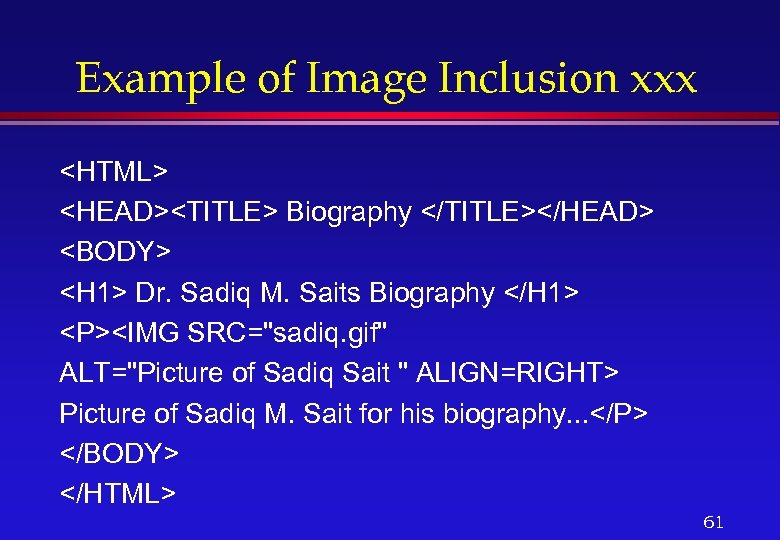
Example of Image Inclusion xxx <HTML> <HEAD><TITLE> Biography </TITLE></HEAD> <BODY> <H 1> Dr. Sadiq M. Saits Biography </H 1> <P><IMG SRC="sadiq. gif" ALT="Picture of Sadiq Sait " ALIGN=RIGHT> Picture of Sadiq M. Sait for his biography. . . </P> </BODY> </HTML> 61 </p>
</div>
<div style="width: auto;" class="description columns twelve"><p><img class="imgdescription" title="Example of Image inclusion <HTML> <HEAD><TITLE> Biography </TITLE></HEAD> <BODY> <H 1> Dr. Sadiq M." src="https://present5.com/presentation/90c05079f652e3e82eb0f606d3753374/image-62.jpg" alt="Example of Image inclusion <HTML> <HEAD><TITLE> Biography </TITLE></HEAD> <BODY> <H 1> Dr. Sadiq M." />
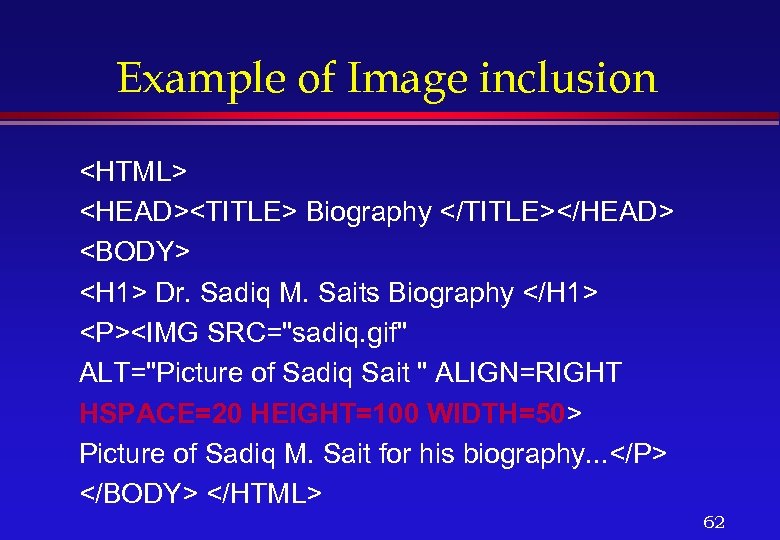
Example of Image inclusion <HTML> <HEAD><TITLE> Biography </TITLE></HEAD> <BODY> <H 1> Dr. Sadiq M. Saits Biography </H 1> <P><IMG SRC="sadiq. gif" ALT="Picture of Sadiq Sait " ALIGN=RIGHT HSPACE=20 HEIGHT=100 WIDTH=50> Picture of Sadiq M. Sait for his biography. . . </P> </BODY> </HTML> 62 </p>
</div>
<div style="width: auto;" class="description columns twelve"><p><img class="imgdescription" title="Some notes on Images l l l Loading of images is made faster by" src="https://present5.com/presentation/90c05079f652e3e82eb0f606d3753374/image-63.jpg" alt="Some notes on Images l l l Loading of images is made faster by" />
Some notes on Images l l l Loading of images is made faster by telling the browser the size of the image Size is specified in pixels You can link by using images » Can have pictures with no borders You can use thumbnail images to link to larger images Making clickable images (image maps) 63 </p>
</div>
<div style="width: auto;" class="description columns twelve"><p><img class="imgdescription" title="Pictures as Links xxx <P> <A HREF="saitbio. html"> <IMG SRC="sadiq. gif"> </A> Sadiq M." src="https://present5.com/presentation/90c05079f652e3e82eb0f606d3753374/image-64.jpg" alt="Pictures as Links xxx <P> <A HREF="saitbio. html"> <IMG SRC="sadiq. gif"> </A> Sadiq M." />
Pictures as Links xxx <P> <A HREF="saitbio. html"> <IMG SRC="sadiq. gif"> </A> Sadiq M. Sait’s brief biography comes here </P> 64 </p>
</div>
<div style="width: auto;" class="description columns twelve"><p><img class="imgdescription" title="Pictures as Links <P> <A HREF="saitbio. html"> <IMG SRC="sadiq. gif" ALT="Picture of Sadiq Sait"" src="https://present5.com/presentation/90c05079f652e3e82eb0f606d3753374/image-65.jpg" alt="Pictures as Links <P> <A HREF="saitbio. html"> <IMG SRC="sadiq. gif" ALT="Picture of Sadiq Sait"" />
Pictures as Links <P> <A HREF="saitbio. html"> <IMG SRC="sadiq. gif" ALT="Picture of Sadiq Sait" ALIGN=RIGHT HSPACE=20 HEIGHT=100 WIDTH=50 BORDER=0> </A> Sadiq M. Sait was born in. . . </P> 65 </p>
</div>
<div style="width: auto;" class="description columns twelve"><p><img class="imgdescription" title="Using Thumbnails <P> <A HREF="sadiqbig. gif"> <IMG SRC="sadiqthumbnail. gif" ALT="Picture of Sadiq Sait"> </A>" src="https://present5.com/presentation/90c05079f652e3e82eb0f606d3753374/image-66.jpg" alt="Using Thumbnails <P> <A HREF="sadiqbig. gif"> <IMG SRC="sadiqthumbnail. gif" ALT="Picture of Sadiq Sait"> </A>" />
Using Thumbnails <P> <A HREF="sadiqbig. gif"> <IMG SRC="sadiqthumbnail. gif" ALT="Picture of Sadiq Sait"> </A> Thumbnail of Sait’s picture…. 66 </p>
</div>
<div style="width: auto;" class="description columns twelve"><p><img class="imgdescription" title="Clickable Images l l Enable readers to click on parts of images (e. g." src="https://present5.com/presentation/90c05079f652e3e82eb0f606d3753374/image-67.jpg" alt="Clickable Images l l Enable readers to click on parts of images (e. g." />
Clickable Images l l Enable readers to click on parts of images (e. g. , click on a state or country in a map) HTML tag used in <MAP> Define clickable areas Examples » Map a rectangle, circle or polygons 67 </p>
</div>
<div style="width: auto;" class="description columns twelve"><p><img class="imgdescription" title="Defining the map xxx l Tells which area readers may click and what link" src="https://present5.com/presentation/90c05079f652e3e82eb0f606d3753374/image-68.jpg" alt="Defining the map xxx l Tells which area readers may click and what link" />
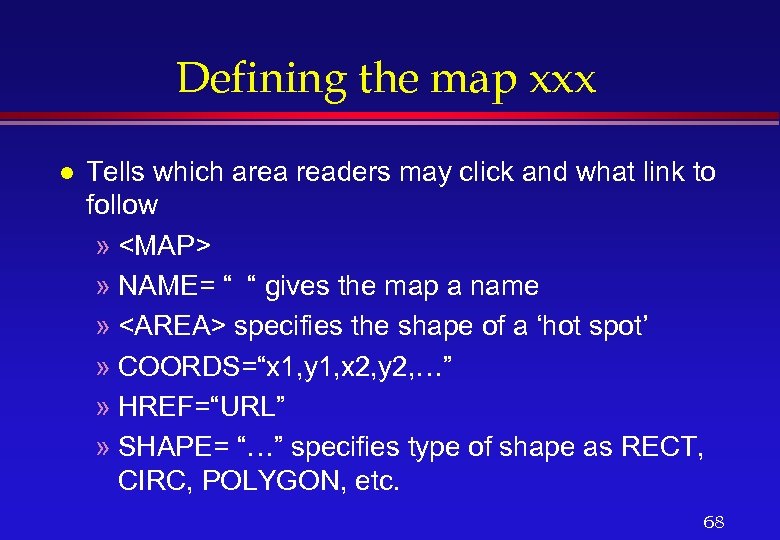
Defining the map xxx l Tells which area readers may click and what link to follow » <MAP> » NAME= “ “ gives the map a name » <AREA> specifies the shape of a ‘hot spot’ » COORDS=“x 1, y 1, x 2, y 2, …” » HREF=“URL” » SHAPE= “…” specifies type of shape as RECT, CIRC, POLYGON, etc. 68 </p>
</div>
<div style="width: auto;" class="description columns twelve"><p><img class="imgdescription" title="Example <P> <IMG ALT=“This is a clickable map. ” SRC=“imagemap. gif” USEMAP=“demomap”> the above" src="https://present5.com/presentation/90c05079f652e3e82eb0f606d3753374/image-69.jpg" alt="Example <P> <IMG ALT=“This is a clickable map. ” SRC=“imagemap. gif” USEMAP=“demomap”> the above" />
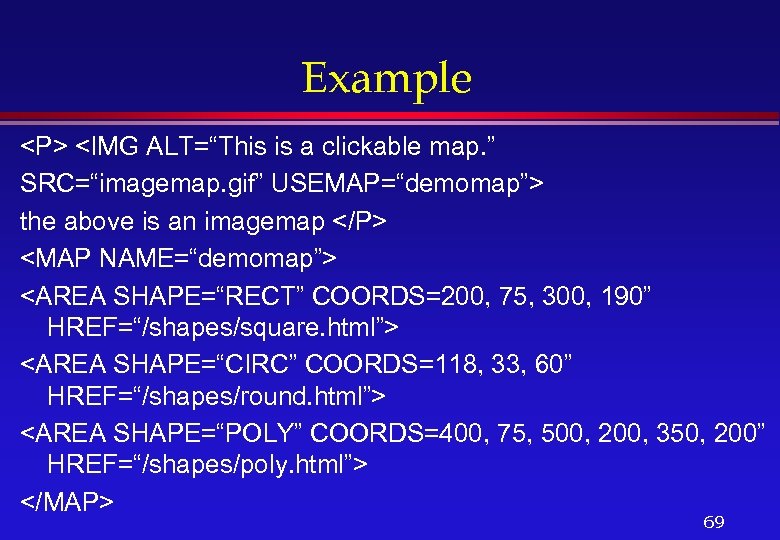
Example <P> <IMG ALT=“This is a clickable map. ” SRC=“imagemap. gif” USEMAP=“demomap”> the above is an imagemap </P> <MAP NAME=“demomap”> <AREA SHAPE=“RECT” COORDS=200, 75, 300, 190” HREF=“/shapes/square. html”> <AREA SHAPE=“CIRC” COORDS=118, 33, 60” HREF=“/shapes/round. html”> <AREA SHAPE=“POLY” COORDS=400, 75, 500, 200, 350, 200” HREF=“/shapes/poly. html”> </MAP> 69 </p>
</div>
<div style="width: auto;" class="description columns twelve"><p><img class="imgdescription" title="Other Attributes l Choosing Colors » Background » Links (link, alink, vlink) » Text" src="https://present5.com/presentation/90c05079f652e3e82eb0f606d3753374/image-70.jpg" alt="Other Attributes l Choosing Colors » Background » Links (link, alink, vlink) » Text" />
Other Attributes l Choosing Colors » Background » Links (link, alink, vlink) » Text Colors can be chosen for tables, background etc. l RGB concept (#FFFFFF=white) l Choosing background (using images, . gif files) l 70 </p>
</div>
<div style="width: auto;" class="description columns twelve"><p><img class="imgdescription" title="Some More Tags CENTER, BLINK, HR, APPLET l <FORM> l » SELECT, OPTION, TEXTAREA" src="https://present5.com/presentation/90c05079f652e3e82eb0f606d3753374/image-71.jpg" alt="Some More Tags CENTER, BLINK, HR, APPLET l <FORM> l » SELECT, OPTION, TEXTAREA" />
Some More Tags CENTER, BLINK, HR, APPLET l <FORM> l » SELECT, OPTION, TEXTAREA l <TABLE> » TR, TH, TD, CAPTION l FRAME » FRAMESET l And many more…. 71 </p>
</div>
<div style="width: auto;" class="description columns twelve"><p><img class="imgdescription" title="Beyond Simple HTML Tables l Forms l Frames l Simple animation l Inclusion of" src="https://present5.com/presentation/90c05079f652e3e82eb0f606d3753374/image-72.jpg" alt="Beyond Simple HTML Tables l Forms l Frames l Simple animation l Inclusion of" />
Beyond Simple HTML Tables l Forms l Frames l Simple animation l Inclusion of Java Applets l Java. Script and CGI programs l 72 </p>
</div>
<div style="width: auto;" class="description columns twelve"><p><img class="imgdescription" title="Tables in HTML Caption l Alignment and Width l Table Header <TH> l Table" src="https://present5.com/presentation/90c05079f652e3e82eb0f606d3753374/image-73.jpg" alt="Tables in HTML Caption l Alignment and Width l Table Header <TH> l Table" />
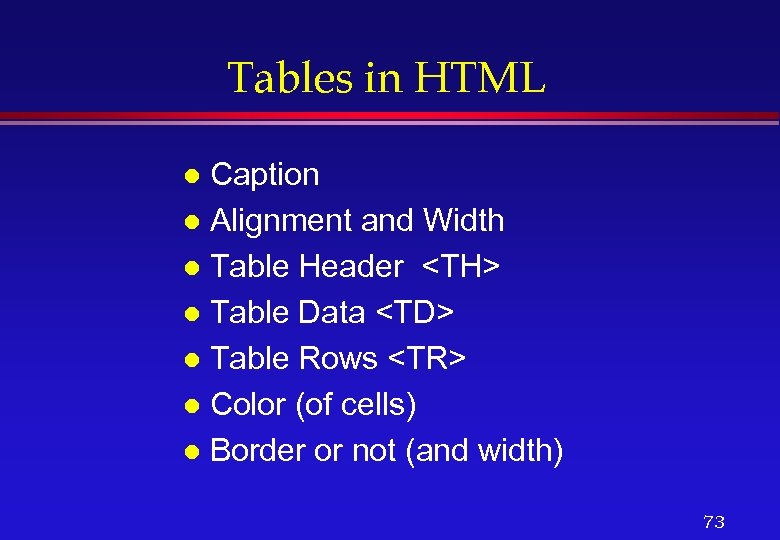
Tables in HTML Caption l Alignment and Width l Table Header <TH> l Table Data <TD> l Table Rows <TR> l Color (of cells) l Border or not (and width) l 73 </p>
</div>
<div style="width: auto;" class="description columns twelve"><p><img class="imgdescription" title="Tables xxx <TABLE BORDER=10 ALIGN=ABSCENTER bgcolor=#68 d 1 cc> <CAPTION><H 3> This is a" src="https://present5.com/presentation/90c05079f652e3e82eb0f606d3753374/image-74.jpg" alt="Tables xxx <TABLE BORDER=10 ALIGN=ABSCENTER bgcolor=#68 d 1 cc> <CAPTION><H 3> This is a" />
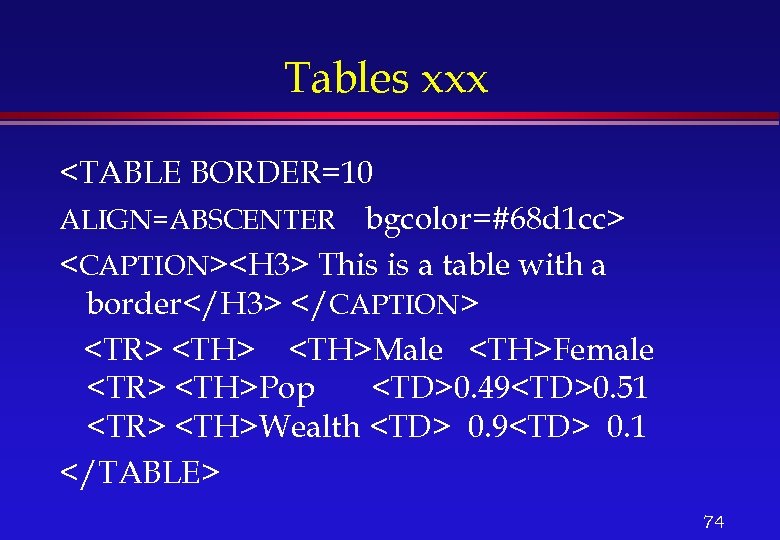
Tables xxx <TABLE BORDER=10 ALIGN=ABSCENTER bgcolor=#68 d 1 cc> <CAPTION><H 3> This is a table with a border</H 3> </CAPTION> <TR> <TH>Male <TH>Female <TR> <TH>Pop <TD>0. 49<TD>0. 51 <TR> <TH>Wealth <TD> 0. 9<TD> 0. 1 </TABLE> 74 </p>
</div>
<div style="width: auto;" class="description columns twelve"><p><img class="imgdescription" title="Forms on Web l What are they used for » Surveys » Collect addresses" src="https://present5.com/presentation/90c05079f652e3e82eb0f606d3753374/image-75.jpg" alt="Forms on Web l What are they used for » Surveys » Collect addresses" />
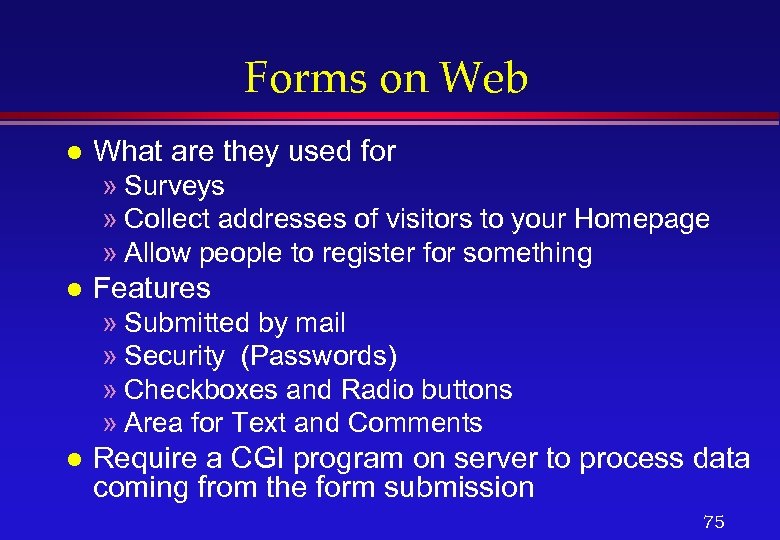
Forms on Web l What are they used for » Surveys » Collect addresses of visitors to your Homepage » Allow people to register for something l Features » Submitted by mail » Security (Passwords) » Checkboxes and Radio buttons » Area for Text and Comments l Require a CGI program on server to process data coming from the form submission 75 </p>
</div>
<div style="width: auto;" class="description columns twelve"><p><img class="imgdescription" title="HTML TAGS/Attributes l l l <FORM> … enclose form. . . </FORM> ACTION=“…” identifies" src="https://present5.com/presentation/90c05079f652e3e82eb0f606d3753374/image-76.jpg" alt="HTML TAGS/Attributes l l l <FORM> … enclose form. . . </FORM> ACTION=“…” identifies" />
HTML TAGS/Attributes l l l <FORM> … enclose form. . . </FORM> ACTION=“…” identifies what should happen when the form is submitted <INPUT …. > identifies some type of input field CHECKED shows which item is selected by default (check box/radio button) TYPE indicates the type of field (text, password, radio, submit, reset, etc) VALUE indicates the value of the button 76 </p>
</div>
<div style="width: auto;" class="description columns twelve"><p><img class="imgdescription" title="Forms (Input Types) <FORM METHOD=POST ACTION= "http: //www. salford. ac. uk/wibblefish"> <A NAME="form_simple">Simple </A>" src="https://present5.com/presentation/90c05079f652e3e82eb0f606d3753374/image-77.jpg" alt="Forms (Input Types) <FORM METHOD=POST ACTION= "http: //www. salford. ac. uk/wibblefish"> <A NAME="form_simple">Simple </A>" />
Forms (Input Types) <FORM METHOD=POST ACTION= "http: //www. salford. ac. uk/wibblefish"> <A NAME="form_simple">Simple </A> <P> Your Name: <INPUT NAME="name" TYPE=TEXT size="24"></P><H 3> <A NAME="form_pass">Password</A> Input</H 3> <P>Your Password: <INPUT NAME="pass" TYPE=PASSWORD size="24"></P> 77 </p>
</div>
<div style="width: auto;" class="description columns twelve"><p><img class="imgdescription" title="Selection/Options in Forms <H 3><A NAME="form_sel">Sel</A> ect from a group</H 3><P> <SELECT> <OPTION>Dhahran <OPTION>Jeddah" src="https://present5.com/presentation/90c05079f652e3e82eb0f606d3753374/image-78.jpg" alt="Selection/Options in Forms <H 3><A NAME="form_sel">Sel</A> ect from a group</H 3><P> <SELECT> <OPTION>Dhahran <OPTION>Jeddah" />
Selection/Options in Forms <H 3><A NAME="form_sel">Sel</A> ect from a group</H 3><P> <SELECT> <OPTION>Dhahran <OPTION>Jeddah <OPTION>Riyadh <OPTION>Taif </SELECT></P> 78 </p>
</div>
<div style="width: auto;" class="description columns twelve"><p><img class="imgdescription" title="Checkboxes in Forms <H 3><A NAME="form_check">Check</A>box to choose a number of parameters</H 3><OL> <LI><INPUT" src="https://present5.com/presentation/90c05079f652e3e82eb0f606d3753374/image-79.jpg" alt="Checkboxes in Forms <H 3><A NAME="form_check">Check</A>box to choose a number of parameters</H 3><OL> <LI><INPUT" />
Checkboxes in Forms <H 3><A NAME="form_check">Check</A>box to choose a number of parameters</H 3><OL> <LI><INPUT NAME="kent" TYPE=CHECKBOX VALUE="kent"> Kent <LI> <INPUT NAME="canterbury" TYPE=CHECKBOX VALUE="canterbury"> Canterbury <LI> <INPUT NAME="manchester" TYPE=CHECKBOX VALUE="manchester"> Manchester <LI> <INPUT NAME="coventry" TYPE=CHECKBOX VALUE="coventry"> Coventry </OL> 79 </p>
</div>
<div style="width: auto;" class="description columns twelve"><p><img class="imgdescription" title="Radio Buttons in Forms <A NAME="form_radio"> Radio</A> buttons to choose only one parameter <INPUT" src="https://present5.com/presentation/90c05079f652e3e82eb0f606d3753374/image-80.jpg" alt="Radio Buttons in Forms <A NAME="form_radio"> Radio</A> buttons to choose only one parameter <INPUT" />
Radio Buttons in Forms <A NAME="form_radio"> Radio</A> buttons to choose only one parameter <INPUT NAME="wib" TYPE=RADIO VALUE="1"> Maybe <INPUT NAME="wib" TYPE=RADIO VALUE="2" >Why not ? <INPUT NAME="wib" TYPE=RADIO VALUE="3">Yes <INPUT NAME="wib" TYPE=RADIO VALUE="4" >No 80 </p>
</div>
<div style="width: auto;" class="description columns twelve"><p><img class="imgdescription" title="Frames SRC: URL of documents to be displayed l NAME: so this frame can" src="https://present5.com/presentation/90c05079f652e3e82eb0f606d3753374/image-81.jpg" alt="Frames SRC: URL of documents to be displayed l NAME: so this frame can" />
Frames SRC: URL of documents to be displayed l NAME: so this frame can be targeted by links in other documents l Physical dimensions: Height, width etc. l Other features: Scrolling, Resizing, etc. l They are a complete HTML document or a page l 81 </p>
</div>
<div style="width: auto;" class="description columns twelve"><p><img class="imgdescription" title="Spicing up your Web Page l Some HTML commands and Tricks » BLINK tag," src="https://present5.com/presentation/90c05079f652e3e82eb0f606d3753374/image-82.jpg" alt="Spicing up your Web Page l Some HTML commands and Tricks » BLINK tag," />
Spicing up your Web Page l Some HTML commands and Tricks » BLINK tag, etc Animation and Sound l Using Java Applets l 82 </p>
</div>
<div style="width: auto;" class="description columns twelve"><p><img class="imgdescription" title="Java Applet inclusion l Compile the Java code (e. g. , use javac) »" src="https://present5.com/presentation/90c05079f652e3e82eb0f606d3753374/image-83.jpg" alt="Java Applet inclusion l Compile the Java code (e. g. , use javac) »" />
Java Applet inclusion l Compile the Java code (e. g. , use javac) » example: javac Blinker l Creates file with extension. class, » example Blinker. class Use the tags <APPLET> … </APPLET> l Specify parameters such as speed, color (for background and text, etc. ) l 83 </p>
</div>
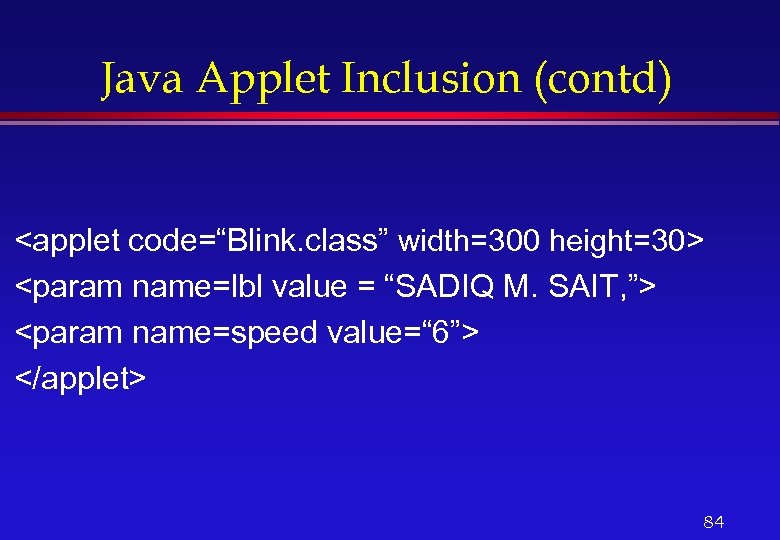
<div style="width: auto;" class="description columns twelve"><p><img class="imgdescription" title="Java Applet Inclusion (contd) <applet code=“Blink. class” width=300 height=30> <param name=lbl value = “SADIQ" src="https://present5.com/presentation/90c05079f652e3e82eb0f606d3753374/image-84.jpg" alt="Java Applet Inclusion (contd) <applet code=“Blink. class” width=300 height=30> <param name=lbl value = “SADIQ" />
Java Applet Inclusion (contd) <applet code=“Blink. class” width=300 height=30> <param name=lbl value = “SADIQ M. SAIT, ”> <param name=speed value=“ 6”> </applet> 84 </p>
</div>
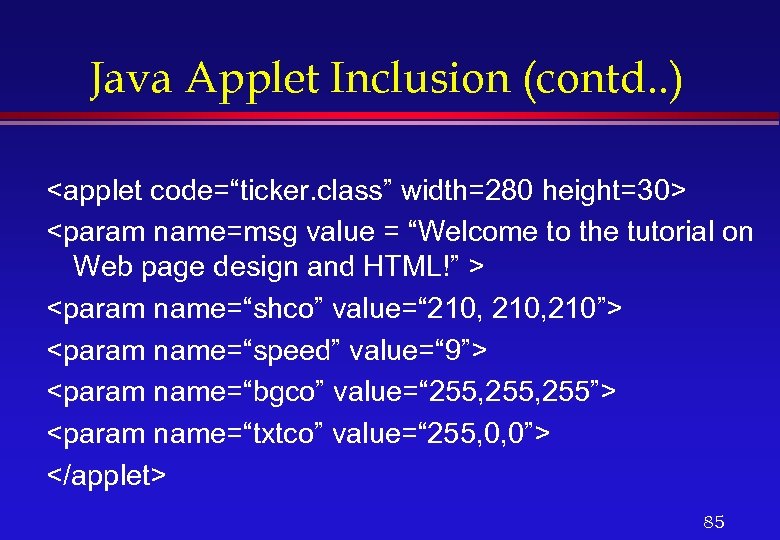
<div style="width: auto;" class="description columns twelve"><p><img class="imgdescription" title="Java Applet Inclusion (contd. . ) <applet code=“ticker. class” width=280 height=30> <param name=msg value" src="https://present5.com/presentation/90c05079f652e3e82eb0f606d3753374/image-85.jpg" alt="Java Applet Inclusion (contd. . ) <applet code=“ticker. class” width=280 height=30> <param name=msg value" />
Java Applet Inclusion (contd. . ) <applet code=“ticker. class” width=280 height=30> <param name=msg value = “Welcome to the tutorial on Web page design and HTML!” > <param name=“shco” value=“ 210, 210”> <param name=“speed” value=“ 9”> <param name=“bgco” value=“ 255, 255”> <param name=“txtco” value=“ 255, 0, 0”> </applet> 85 </p>
</div>
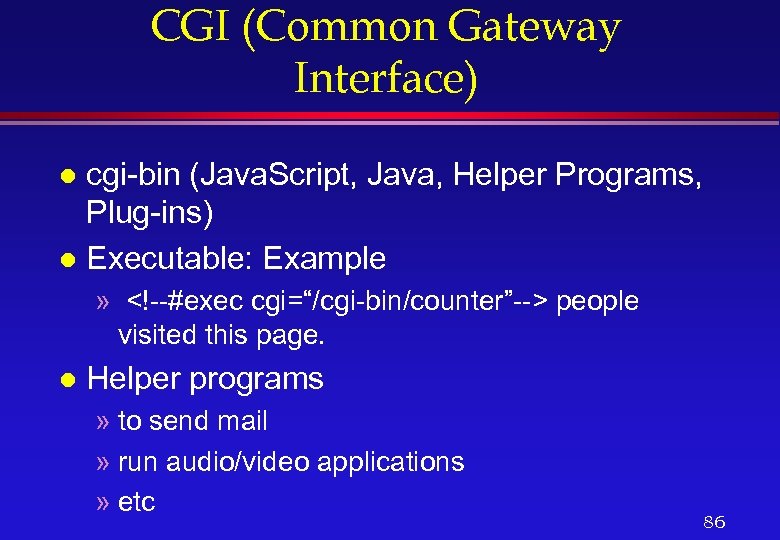
<div style="width: auto;" class="description columns twelve"><p><img class="imgdescription" title="CGI (Common Gateway Interface) cgi-bin (Java. Script, Java, Helper Programs, Plug-ins) l Executable: Example" src="https://present5.com/presentation/90c05079f652e3e82eb0f606d3753374/image-86.jpg" alt="CGI (Common Gateway Interface) cgi-bin (Java. Script, Java, Helper Programs, Plug-ins) l Executable: Example" />
CGI (Common Gateway Interface) cgi-bin (Java. Script, Java, Helper Programs, Plug-ins) l Executable: Example l » [an error occurred while processing the directive] people visited this page. l Helper programs » to send mail » run audio/video applications » etc 86 </p>
</div>
<div style="width: auto;" class="description columns twelve"><p><img class="imgdescription" title="How To Find Information On The Web l On the internet we can »" src="https://present5.com/presentation/90c05079f652e3e82eb0f606d3753374/image-87.jpg" alt="How To Find Information On The Web l On the internet we can »" />
How To Find Information On The Web l On the internet we can » search for a file using Archie » Find an e-mail address – Internet White Pages (internic keeps records) » Finding a gopher site » etc l Search engines using the Web 87 </p>
</div>
<div style="width: auto;" class="description columns twelve"><p><img class="imgdescription" title="Searching and Search Engines l l l Search engines (registering your site) Tools to" src="https://present5.com/presentation/90c05079f652e3e82eb0f606d3753374/image-88.jpg" alt="Searching and Search Engines l l l Search engines (registering your site) Tools to" />
Searching and Search Engines l l l Search engines (registering your site) Tools to discover Web resources on the internet. Help in locating information. They act as an agent between publishers and users. Examples: yahoo, altavista, Webcrawler, etc. 88 </p>
</div>
<div style="width: auto;" class="description columns twelve"><p><img class="imgdescription" title="Web- Directories l A Web-directory, like Yahoo, maintains a database of all the Web" src="https://present5.com/presentation/90c05079f652e3e82eb0f606d3753374/image-89.jpg" alt="Web- Directories l A Web-directory, like Yahoo, maintains a database of all the Web" />
Web- Directories l A Web-directory, like Yahoo, maintains a database of all the Web sites by recording the company name and other important information from the Web-pages like captions, etc. l A Web directory can be compared to the contents page of a book. 89 </p>
</div>
<div style="width: auto;" class="description columns twelve"><p><img class="imgdescription" title="Web-Indexes l A Web Index, like Alta-Vista, maintains exhaustive information of every Web-site by" src="https://present5.com/presentation/90c05079f652e3e82eb0f606d3753374/image-90.jpg" alt="Web-Indexes l A Web Index, like Alta-Vista, maintains exhaustive information of every Web-site by" />
Web-Indexes l A Web Index, like Alta-Vista, maintains exhaustive information of every Web-site by picking up all important and key-words from every single page of the site. l A Web-Index can be compared to the index pages of a book. 90 </p>
</div>
<div style="width: auto;" class="description columns twelve"><p><img class="imgdescription" title="Search Engine Tools Yahoo: www. yahoo. com l Alta Vista: www. altavista. digital. com" src="https://present5.com/presentation/90c05079f652e3e82eb0f606d3753374/image-91.jpg" alt="Search Engine Tools Yahoo: www. yahoo. com l Alta Vista: www. altavista. digital. com" />
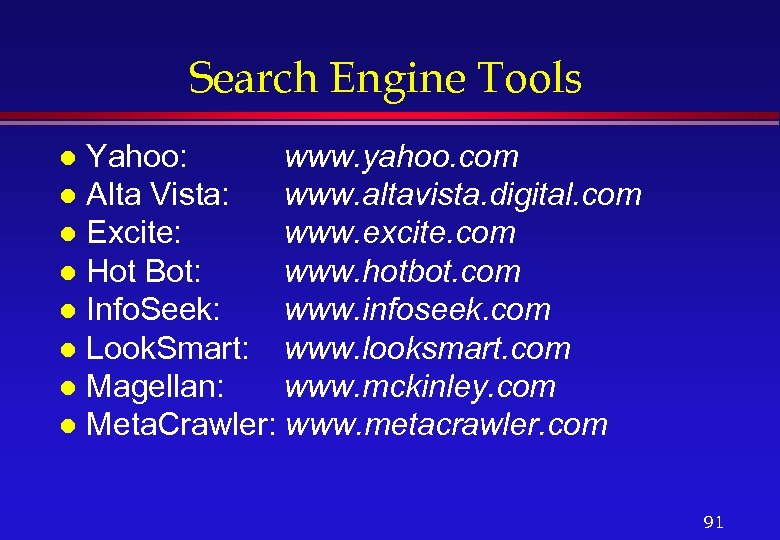
Search Engine Tools Yahoo: www. yahoo. com l Alta Vista: www. altavista. digital. com l Excite: www. excite. com l Hot Bot: www. hotbot. com l Info. Seek: www. infoseek. com l Look. Smart: www. looksmart. com l Magellan: www. mckinley. com l Meta. Crawler: www. metacrawler. com l 91 </p>
</div>
<div style="width: auto;" class="description columns twelve"><p><img class="imgdescription" title="Other & Recent Technologies l l l l Helper programs » to send mail" src="https://present5.com/presentation/90c05079f652e3e82eb0f606d3753374/image-92.jpg" alt="Other & Recent Technologies l l l l Helper programs » to send mail" />
Other & Recent Technologies l l l l Helper programs » to send mail » run audio/video applications » etc Authoring Tools (Front. Page’ 98 for eg. ) VRML, Dynamic HTML, ASPs, etc Video Streaming Push Technology Web Data-Base Integration (through cgi) E-Commerce 92 </p>
</div>
<div style="width: auto;" class="description columns twelve"><p><img class="imgdescription" title="Audio l l Realtime music and spoken words were brought to the Web by" src="https://present5.com/presentation/90c05079f652e3e82eb0f606d3753374/image-93.jpg" alt="Audio l l Realtime music and spoken words were brought to the Web by" />
Audio l l Realtime music and spoken words were brought to the Web by Real. Audio This is a streaming technology that opened the door for broadcast style dynamism Concept was soon applied to video, videoconferencing and multimedia delivery (Plugin-Real. Player) Other audio formats include. wav, . au (from Sun, low telephone quality), AIFF (audio interchange file format) 93 </p>
</div>
<div style="width: auto;" class="description columns twelve"><p><img class="imgdescription" title="Real-time Audio Formats l l l Currently dominated by Progressive Network’s (ww. real. com)" src="https://present5.com/presentation/90c05079f652e3e82eb0f606d3753374/image-94.jpg" alt="Real-time Audio Formats l l l Currently dominated by Progressive Network’s (ww. real. com)" />
Real-time Audio Formats l l l Currently dominated by Progressive Network’s (ww. real. com) Real Audio format Over 28. 8 K modem Real. Audio is == mono FM Radio ISDN format files provide near CD quality New real-time audio formats include » Microsoft’s Netshow, Beatnik (from Thomas Dolby’s company), Headspace, Liquid Audio’s authoring system For more info on Internet audio see www. soundorama. com/formats. html 94 </p>
</div>
<div style="width: auto;" class="description columns twelve"><p><img class="imgdescription" title="Video l l l Majority of down-load and play use Apples’ Quick. Time AVI" src="https://present5.com/presentation/90c05079f652e3e82eb0f606d3753374/image-95.jpg" alt="Video l l l Majority of down-load and play use Apples’ Quick. Time AVI" />
Video l l l Majority of down-load and play use Apples’ Quick. Time AVI and MPEG (Motion Picture Experts Group) are also found Most video is recorded at 160*120 pixels (due to bandwidth limitation) Also limited color and low frame rate is used To play downloaded files through Browsers, links are made in the document using the anchor tag 95 </p>
</div>
<div style="width: auto;" class="description columns twelve"><p><img class="imgdescription" title="Video (Realtime) l Real-time video is also available on the net, established companies with" src="https://present5.com/presentation/90c05079f652e3e82eb0f606d3753374/image-96.jpg" alt="Video (Realtime) l Real-time video is also available on the net, established companies with" />
Video (Realtime) l Real-time video is also available on the net, established companies with their own streaming formats include » Vivo. Active (www. vivoactive. com) » Xing. Tech (www. xingtech. com) » VDO (www. vdo. net) l l All formats support windows (only few support Mac or Unix) Examples of sites include cnn. com, hollywood. com, universalstudios. com, etc. 96 </p>
</div>
<div style="width: auto;" class="description columns twelve"><p><img class="imgdescription" title="Unicast and Multicast l l l Wbesites delivering streaming media operate in unicast mode" src="https://present5.com/presentation/90c05079f652e3e82eb0f606d3753374/image-97.jpg" alt="Unicast and Multicast l l l Wbesites delivering streaming media operate in unicast mode" />
Unicast and Multicast l l l Wbesites delivering streaming media operate in unicast mode (one-to-one) They provide VCR type of controls Multicast is video content to larger number of audience Small unicast audience may be supported through client/server systems For true multicast MBONE may be required Problems become severe as Webcasting tries to emulate high fidelty audio/video 97 </p>
</div>
<div style="width: auto;" class="description columns twelve"><p><img class="imgdescription" title="Quality Limitations l l Broadcasting on the Web is cheap Limitations are also due" src="https://present5.com/presentation/90c05079f652e3e82eb0f606d3753374/image-98.jpg" alt="Quality Limitations l l Broadcasting on the Web is cheap Limitations are also due" />
Quality Limitations l l Broadcasting on the Web is cheap Limitations are also due to modem speeds (56 K or even 28. 8 speeds) Images are generally jerky, grainy (digital) Example (Try www. universalstudios. com) 98 </p>
</div>
<div style="width: auto;" class="description columns twelve"><p><img class="imgdescription" title="Web. Cams l l l Web Cameras are cheap Good quality pictures can be" src="https://present5.com/presentation/90c05079f652e3e82eb0f606d3753374/image-99.jpg" alt="Web. Cams l l l Web Cameras are cheap Good quality pictures can be" />
Web. Cams l l l Web Cameras are cheap Good quality pictures can be snapped and updated using ftp Video clips of small sizes can also be made jpg files can be uploaded to sites hosting Webpages at low rates such as once every 60 seconds Creative Web. Cam with ISpy software is a solution 99 </p>
</div>
<div style="width: auto;" class="description columns twelve"><p><img class="imgdescription" title="Push Technology l In contrast to pulling a Web page by clicking, you can" src="https://present5.com/presentation/90c05079f652e3e82eb0f606d3753374/image-100.jpg" alt="Push Technology l In contrast to pulling a Web page by clicking, you can" />
Push Technology l In contrast to pulling a Web page by clicking, you can schedule a pull (call it a push). l Systems such as Pointcast deliver regular updates to end-users (www. pointcast. com). l By setting up delivery channels, push systems deliver information to the user without having to conduct search. 100 </p>
</div>
<div style="width: auto;" class="description columns twelve"><p><img class="imgdescription" title="Push Technology l l l Recent versions (Marimba www. marimba. com and Back. Web" src="https://present5.com/presentation/90c05079f652e3e82eb0f606d3753374/image-101.jpg" alt="Push Technology l l l Recent versions (Marimba www. marimba. com and Back. Web" />
Push Technology l l l Recent versions (Marimba www. marimba. com and Back. Web www. back. Web. com) have incorporated Web-based content and support for multimedia. Users control the content actually pushed to the desk (unlike in the case of broadcasting). Smarter methods of surfing and content caching, and end users surf local content. 101 </p>
</div>
<div style="width: auto;" class="description columns twelve"><p><img class="imgdescription" title="Electronic Commerce l E-Commerce is buying and selling of goods and services on the" src="https://present5.com/presentation/90c05079f652e3e82eb0f606d3753374/image-102.jpg" alt="Electronic Commerce l E-Commerce is buying and selling of goods and services on the" />
Electronic Commerce l E-Commerce is buying and selling of goods and services on the internet, especially the WWW. 102 </p>
</div>
<div style="width: auto;" class="description columns twelve"><p><img class="imgdescription" title="Electronic Commerce l Involves » Virtual storefronts on Web sites with online catalogs, sometimes" src="https://present5.com/presentation/90c05079f652e3e82eb0f606d3753374/image-103.jpg" alt="Electronic Commerce l Involves » Virtual storefronts on Web sites with online catalogs, sometimes" />
Electronic Commerce l Involves » Virtual storefronts on Web sites with online catalogs, sometimes grouped in a virtual shopping mall » The gathering and use of demographic data » Electronic Data Exchange (EDI) – the business to business exchange of data » Bulk e-mailing as a media for reaching prospective and established customers with news and updates 103 </p>
</div>
<div style="width: auto;" class="description columns twelve"><p><img class="imgdescription" title="Other Requirements l l Infrastructure, delivery system such as UPS in the US Warranty," src="https://present5.com/presentation/90c05079f652e3e82eb0f606d3753374/image-104.jpg" alt="Other Requirements l l Infrastructure, delivery system such as UPS in the US Warranty," />
Other Requirements l l Infrastructure, delivery system such as UPS in the US Warranty, guarantee culture Presence of international companies to boost customer trust and confidence Based on TV model (but it is possible to determine which ad on the internet is bringing in more customers). 104 </p>
</div>
<div style="width: auto;" class="description columns twelve"><p><img class="imgdescription" title="Virtual Stores 24 hour availability l Global reach l Ability to interact and provide" src="https://present5.com/presentation/90c05079f652e3e82eb0f606d3753374/image-105.jpg" alt="Virtual Stores 24 hour availability l Global reach l Ability to interact and provide" />
Virtual Stores 24 hour availability l Global reach l Ability to interact and provide custom info and ordering l Multimedia capabilities l 105 </p>
</div>
<div style="width: auto;" class="description columns twelve"><p><img class="imgdescription" title="Examples l l l Expected to be a multibillion dollar source of revenue for" src="https://present5.com/presentation/90c05079f652e3e82eb0f606d3753374/image-106.jpg" alt="Examples l l l Expected to be a multibillion dollar source of revenue for" />
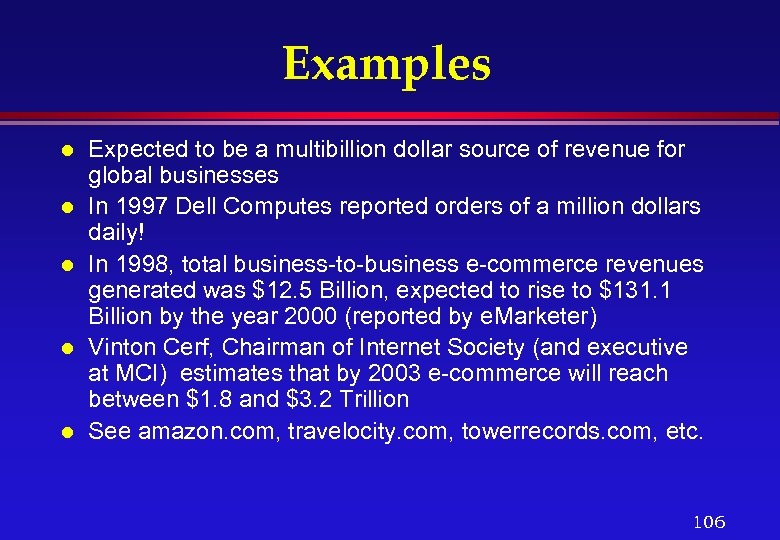
Examples l l l Expected to be a multibillion dollar source of revenue for global businesses In 1997 Dell Computes reported orders of a million dollars daily! In 1998, total business-to-business e-commerce revenues generated was $12. 5 Billion, expected to rise to $131. 1 Billion by the year 2000 (reported by e. Marketer) Vinton Cerf, Chairman of Internet Society (and executive at MCI) estimates that by 2003 e-commerce will reach between $1. 8 and $3. 2 Trillion See amazon. com, travelocity. com, towerrecords. com, etc. 106 </p>
</div>
<div style="width: auto;" class="description columns twelve"><p><img class="imgdescription" title="Three Options 1. 2. 3. Buy ready-made solution ibm Net. Commerce Rent space in" src="https://present5.com/presentation/90c05079f652e3e82eb0f606d3753374/image-107.jpg" alt="Three Options 1. 2. 3. Buy ready-made solution ibm Net. Commerce Rent space in" />
Three Options 1. 2. 3. Buy ready-made solution ibm Net. Commerce Rent space in a network-based e-commerce solution i. Cat Commerce and Yahoo Store Build the system from scratch with components and parts (requires expertise, time, and budget---- but will give exact solution). Another option is to use a ‘plug-in’ application to Front. Page’ 98 --- Just. Add. Commerce For stats and growth of e-commerce and demographs see http: //www. wilson. Web. com/Webmarket/demograf. htm or http: //ww. emarketer. com/estats 107 </p>
</div>
<div style="width: auto;" class="description columns twelve"><p><img class="imgdescription" title="EDI l l l EDI is the exchange of business data using an understood" src="https://present5.com/presentation/90c05079f652e3e82eb0f606d3753374/image-108.jpg" alt="EDI l l l EDI is the exchange of business data using an understood" />
EDI l l l EDI is the exchange of business data using an understood data format. It was in existence long before the Web Involves data exchange among parties that know each other well and make arrangement for one-to-one connection, usually dial-up. An EDI message contains a string of data elements which are separated by delimiters. Each data element represents a fact, such as price, product model number, etc. The entire string is called a data segment. 108 </p>
</div>
<div style="width: auto;" class="description columns twelve"><p><img class="imgdescription" title="EDI l l l A transaction set contains one or more data segments framed" src="https://present5.com/presentation/90c05079f652e3e82eb0f606d3753374/image-109.jpg" alt="EDI l l l A transaction set contains one or more data segments framed" />
EDI l l l A transaction set contains one or more data segments framed by a header and trailer. This is the EDI message or unit of transmission. A transaction set usually contains information that would typically be contained in a business document or form. Trading partners are parties who exchange EDI transmission. 109 </p>
</div>
<div style="width: auto;" class="description columns twelve"><p><img class="imgdescription" title="Bulk E-mail l Sending ads and info (sometimes in the form of newsletters) is" src="https://present5.com/presentation/90c05079f652e3e82eb0f606d3753374/image-110.jpg" alt="Bulk E-mail l Sending ads and info (sometimes in the form of newsletters) is" />
Bulk E-mail l Sending ads and info (sometimes in the form of newsletters) is a method for marketers to reach potential E-commerce customers. Sometimes customers request to be added to newsletter or ‘’special offer’’ mailing list when visiting Web sites. More often e-mail address are ‘harvested’ and sold to bulk e-mailers who send their messages to as many Web users as possible 110 </p>
</div>
<div style="width: auto;" class="description columns twelve"><p><img class="imgdescription" title="Bulk E-mail l Unsolicited e-mail is considered to be a ‘’SPAM’’ to the reciever." src="https://present5.com/presentation/90c05079f652e3e82eb0f606d3753374/image-111.jpg" alt="Bulk E-mail l Unsolicited e-mail is considered to be a ‘’SPAM’’ to the reciever." />
Bulk E-mail l Unsolicited e-mail is considered to be a ‘’SPAM’’ to the reciever. The email should include a message that explains how to remove yourself from the list (usually by replying with remove in the subject heading) See http: //www. isoc. org/internet/issues/spamming http: //www. anti-spam. net http: //email. miningco. com http: //stopspam. sparklist. com 111 </p>
</div>
<div style="width: auto;" class="description columns twelve"><p><img class="imgdescription" title="Steps l Netscape Virtual Office gives 7 steps to selling online: Step 1: Getting" src="https://present5.com/presentation/90c05079f652e3e82eb0f606d3753374/image-112.jpg" alt="Steps l Netscape Virtual Office gives 7 steps to selling online: Step 1: Getting" />
Steps l Netscape Virtual Office gives 7 steps to selling online: Step 1: Getting a free e-mail address for life Step 2: Building a custom Website for free Step 3: How to attract visitors to your site for free (with Register it) Step 4: How to track visitors (with Hitometer) Step 5: Tuning your Website (by running critical diagnostics) Step 6: Finding new customers for free Step 7: Selling Online 112 </p>
</div>
<div style="width: auto;" class="description columns twelve"><p><img class="imgdescription" title="NVO E-Store (an example) l l l A cost effective solution to selling on-line" src="https://present5.com/presentation/90c05079f652e3e82eb0f606d3753374/image-113.jpg" alt="NVO E-Store (an example) l l l A cost effective solution to selling on-line" />
NVO E-Store (an example) l l l A cost effective solution to selling on-line Can add a store to your Website in few minutes Can try it out for free for 30 days Company logos and other products images can be uploaded by simple clicks. Shopping carts, security of credit card data, confirmation via e-mail, automatic tax calculation, shipping charges, and detailed tracking and analysis are provided. 113 </p>
</div>
<div style="width: auto;" class="description columns twelve"><p><img class="imgdescription" title="Things One Must do l Every business who wishes to accept credit cards through" src="https://present5.com/presentation/90c05079f652e3e82eb0f606d3753374/image-114.jpg" alt="Things One Must do l Every business who wishes to accept credit cards through" />
Things One Must do l Every business who wishes to accept credit cards through a Website much have all the following: » Merchant Account » Shopping Cart » Secure Server » Processing Mechanism – Real time – Manual 114 </p>
</div>
<div style="width: auto;" class="description columns twelve"><p><img class="imgdescription" title="Merchant Account l l This is like a contract with the credit card company" src="https://present5.com/presentation/90c05079f652e3e82eb0f606d3753374/image-115.jpg" alt="Merchant Account l l This is like a contract with the credit card company" />
Merchant Account l l This is like a contract with the credit card company These companies process your transactions and forward the money to your business account (you must have a business account) Fees is reasonable, (application fee $50 -$400, monthly statement fee $10 -$30, Per transaction fee $0. 30 -$1. 00 and monthly minimum transaction fee $20 -$50). Some e-commerce packages include the application for a merchant account. 115 </p>
</div>
<div style="width: auto;" class="description columns twelve"><p><img class="imgdescription" title="Shopping Cart l l l This is the software on your Web site which" src="https://present5.com/presentation/90c05079f652e3e82eb0f606d3753374/image-116.jpg" alt="Shopping Cart l l l This is the software on your Web site which" />
Shopping Cart l l l This is the software on your Web site which allows customers to ``Browse your store’’ and select items to ``place in their shopping cart’ for purchase when they check out. The SW computes applicable state sales tax, shipping costs (if any) and quantity totals. Many companies charge $100 -$1000 for this SW. Some companies give it free with their Ecommerce package (e. g. , S-Mart sopping Cart software is available free). 116 </p>
</div>
<div style="width: auto;" class="description columns twelve"><p><img class="imgdescription" title="Secure Server Most customers will not give their credit card information over the internet" src="https://present5.com/presentation/90c05079f652e3e82eb0f606d3753374/image-117.jpg" alt="Secure Server Most customers will not give their credit card information over the internet" />
Secure Server Most customers will not give their credit card information over the internet unless its over a secure server. l The current popular secure server is ‘’SSL’’ (secure socket layer). l SSL encrypts the data being passed from your consumer’s browser to the secure server (making data useless if intercepted) l 117 </p>
</div>
<div style="width: auto;" class="description columns twelve"><p><img class="imgdescription" title="Processing Mechanism This is the final requirement. Now that you have the merchant account," src="https://present5.com/presentation/90c05079f652e3e82eb0f606d3753374/image-118.jpg" alt="Processing Mechanism This is the final requirement. Now that you have the merchant account," />
Processing Mechanism This is the final requirement. Now that you have the merchant account, shopping cart software and a secure Web site, you will need a way to transmit your credit card transactions to your merchant account l There are two methods l 118 </p>
</div>
<div style="width: auto;" class="description columns twelve"><p><img class="imgdescription" title="Processing Mechanism Methods l l l Real Time: Customer credit card info is checked" src="https://present5.com/presentation/90c05079f652e3e82eb0f606d3753374/image-119.jpg" alt="Processing Mechanism Methods l l l Real Time: Customer credit card info is checked" />
Processing Mechanism Methods l l l Real Time: Customer credit card info is checked for approval immediately while he waits. Manual: This means that each transaction is entered by the merchant after the consumer’s purchase is made. To process in real-time one must have a direct Web link with the processing company, usually through the secure Web site (Cybercash, a costly was to achieve real-time processing). 119 </p>
</div>
<div style="width: auto;" class="description columns twelve"><p><img class="imgdescription" title="Free Software l l l Several sites provide free software or free demo downloads." src="https://present5.com/presentation/90c05079f652e3e82eb0f606d3753374/image-120.jpg" alt="Free Software l l l Several sites provide free software or free demo downloads." />
Free Software l l l Several sites provide free software or free demo downloads. Examples: http: //www. dansie. net and Perl$hop http: //www. arpanet. com/perlshop provide free shopping cart software. Another most powerful free shopping cart system is available from Mini. Vend. (Runs on Perl 5. 04 under Unix and Windows). 120 </p>
</div>
<div style="width: auto;" class="description columns twelve"><p><img class="imgdescription" title="Free Software l Mini. Vend supports just about every need for a leading edge" src="https://present5.com/presentation/90c05079f652e3e82eb0f606d3753374/image-121.jpg" alt="Free Software l Mini. Vend supports just about every need for a leading edge" />
Free Software l Mini. Vend supports just about every need for a leading edge shopping site. Online credit processing Cyber. Cash, Authorize. Net, Payment. Net, security with SSL and PGP, powerful database connectivity with SQL and DBI/DBD, internationalization, and much more. 121 </p>
</div>
<div style="width: auto;" class="description columns twelve"><p><img class="imgdescription" title="Free Software l There are companies who will handle the whole transaction process, form" src="https://present5.com/presentation/90c05079f652e3e82eb0f606d3753374/image-122.jpg" alt="Free Software l There are companies who will handle the whole transaction process, form" />
Free Software l There are companies who will handle the whole transaction process, form calculating the order to processing the credit transaction. Free. Merchant. com claims free credit card processing and secure account handling (catch? Maybe banners on your site) 122 </p>
</div>
<div style="width: auto;" class="description columns twelve"><p><img class="imgdescription" title="Others Merchant Planet l Sales Gate l Yahoo Stores l IBM All provide solutions" src="https://present5.com/presentation/90c05079f652e3e82eb0f606d3753374/image-123.jpg" alt="Others Merchant Planet l Sales Gate l Yahoo Stores l IBM All provide solutions" />
Others Merchant Planet l Sales Gate l Yahoo Stores l IBM All provide solutions at cost. Products can also be sold through on-line auctions. Check up e. Bay. l 123 </p>
</div>
<div style="width: auto;" class="description columns twelve"><p><img class="imgdescription" title="Internet Service Providers l l Provide connection to the Internet, just like telephone companies" src="https://present5.com/presentation/90c05079f652e3e82eb0f606d3753374/image-124.jpg" alt="Internet Service Providers l l Provide connection to the Internet, just like telephone companies" />
Internet Service Providers l l Provide connection to the Internet, just like telephone companies give connection to Telephone network. Connection Options: » Dial-up Connection: Data over telephone lines, speeds up to 33 Kbps » ISDN: Integrated Service Digital Network: Even though around for a long time, getting very popular now, Speeds up to 128 K-bits/sec 124 </p>
</div>
<div style="width: auto;" class="description columns twelve"><p><img class="imgdescription" title="Connecting To The Internet l Things needed to connect to the Internet » Computer:" src="https://present5.com/presentation/90c05079f652e3e82eb0f606d3753374/image-125.jpg" alt="Connecting To The Internet l Things needed to connect to the Internet » Computer:" />
Connecting To The Internet l Things needed to connect to the Internet » Computer: PC, SUN, Mac or other » ISP connection – Dial-up connection l Telephone connection, ISDN – Dedicated leased lines l T 1, EI, ATM, SONET l Connect to an existing network » Software – Email client, WWW browser, TCP/IP network software 125 </p>
</div>
<div style="width: auto;" class="description columns twelve"><p><img class="imgdescription" title="Finally…. l Summary l Demo 126 " src="https://present5.com/presentation/90c05079f652e3e82eb0f606d3753374/image-126.jpg" alt="Finally…. l Summary l Demo 126 " />
Finally…. l Summary l Demo 126 </p>
</div>
<div style="width: auto;" class="description columns twelve"><p><img class="imgdescription" title="" src="" alt="" />
</p>
</div>
</div>
<div id="inputform">
<script>$("#inputform").load("https://present5.com/wp-content/plugins/report-content/inc/report-form-aj.php");
</script>
</div>
</p>
<!--end entry-content-->
</div>
</article><!-- .post -->
</section><!-- #content -->
<div class="three columns">
<div class="widget-entry">
</div>
</div>
</div>
</div>
<!-- #content-wrapper -->
<footer id="footer" style="padding: 5px 0 5px;">
<div class="container">
<div class="columns twelve">
<!--noindex-->
<!--LiveInternet counter--><script type="text/javascript"><!--
document.write("<img src='//counter.yadro.ru/hit?t26.10;r"+
escape(document.referrer)+((typeof(screen)=="undefined")?"":
";s"+screen.width+"*"+screen.height+"*"+(screen.colorDepth?
screen.colorDepth:screen.pixelDepth))+";u"+escape(document.URL)+
";"+Math.random()+
"' alt='' title='"+" ' "+
"border='0' width='1' height='1'><\/a>")
//--></script><!--/LiveInternet-->
<a href="https://slidetodoc.com/" alt="Наш международный проект SlideToDoc.com!" target="_blank"><img src="https://present5.com/SlideToDoc.png"></a> <script>
$(window).load(function() {
var owl = document.getElementsByClassName('owl-carousel owl-theme owl-loaded owl-drag')[0];
document.getElementById("owlheader").insertBefore(owl, null);
$('#owlheader').css('display', 'inline-block');
});
</script>
<script type="text/javascript">
var yaParams = {'typepage': '1000_top_300k',
'author': '1000_top_300k'
};
</script>
<!-- Yandex.Metrika counter --> <script type="text/javascript" > (function(m,e,t,r,i,k,a){m[i]=m[i]||function(){(m[i].a=m[i].a||[]).push(arguments)}; m[i].l=1*new Date(); for (var j = 0; j < document.scripts.length; j++) {if (document.scripts[j].src === r) { return; }} k=e.createElement(t),a=e.getElementsByTagName(t)[0],k.async=1,k.src=r,a.parentNode.insertBefore(k,a)}) (window, document, "script", "https://mc.yandex.ru/metrika/tag.js", "ym"); ym(32395810, "init", { clickmap:true, trackLinks:true, accurateTrackBounce:true, webvisor:true }); </script> <noscript><div><img src="https://mc.yandex.ru/watch/32395810" style="position:absolute; left:-9999px;" alt="" /></div></noscript> <!-- /Yandex.Metrika counter -->
<!--/noindex-->
<nav id="top-nav">
<ul id="menu-top" class="top-menu clearfix">
</ul> </nav>
</div>
</div><!--.container-->
</footer>
<script type='text/javascript'>
/* <![CDATA[ */
var wpcf7 = {"apiSettings":{"root":"https:\/\/present5.com\/wp-json\/contact-form-7\/v1","namespace":"contact-form-7\/v1"}};
/* ]]> */
</script>
<script type='text/javascript' src='https://present5.com/wp-content/plugins/contact-form-7/includes/js/scripts.js?ver=5.1.4'></script>
<script type='text/javascript' src='https://present5.com/wp-content/themes/sampression-lite/lib/js/jquery.shuffle.js?ver=4.9.26'></script>
<script type='text/javascript' src='https://present5.com/wp-content/themes/sampression-lite/lib/js/scripts.js?ver=1.13'></script>
<script type='text/javascript' src='https://present5.com/wp-content/themes/sampression-lite/lib/js/shuffle.js?ver=4.9.26'></script>
<!--[if lt IE 9]>
<script type='text/javascript' src='https://present5.com/wp-content/themes/sampression-lite/lib/js/selectivizr.js?ver=1.0.2'></script>
<![endif]-->
<script type='text/javascript' src='https://present5.com/wp-content/themes/sampression-lite/lib/js/notify.js?ver=1770605930'></script>
<script type='text/javascript'>
/* <![CDATA[ */
var my_ajax_object = {"ajax_url":"https:\/\/present5.com\/wp-admin\/admin-ajax.php","nonce":"bf5290b76a"};
/* ]]> */
</script>
<script type='text/javascript' src='https://present5.com/wp-content/themes/sampression-lite/lib/js/filer.js?ver=1770605930'></script>
</body>
</html></plaintext></p></div></div></div>



 Скачать презентацию Internet Services and WWW Sadiq M Sait Ph