


 Скачать презентацию Internet Sellouts Final Presentation Enterprise Architecture Group
f766fae990011bc1df73fb3239687e15.ppt
- Количество слайдов: 36
 Internet Sellouts Final Presentation Enterprise Architecture Group
 Internet Sellouts Presentation Overview • Domain Definition, Commonality Analysis • Architecture Variability Analysis, Example Application • Enterprise Architecture • Reference Applications • What Internet Sellouts LLC is NOT
 Domain Definition • Domain: Online Shopping Cart – A set of reusable components and a basic framework in which to build online shopping carts • Framework support product family applications that have a storefront for purchasing goods/services over the Internet • Framework models Buyers, Managers, Authentication, Catalogs, and Orders • Limited Domain Scope: Not B-to-B, Not Do-It-All Business Systems
 Commonality Generic Architecture – Identification of set of requirements in common • Identification of actors - Buyer and Manager • Browse a catalog • Fill a shopping cart by selecting items from catalog • Manages shopping cart – update quantity, subtotal prices • Buyers check out – billing and shipping information • Buyers confirm/track orders • Managers CRUD catalogs • Coded Commonality for Requirement and Reusable Asset Tracking
 Commonality Traceable and Coded Requirements • C 1 Buyer credential verification, authentication • C 2 Buyer searches/browses catalog • C 3 Buyer builds shopping cart • C 4 Buyer manages the shopping cart, and pricing • C 5 Buyer checks out – payment, shipping and receipt • C 6 Buyer tracks order • C 7 Catalog management
 Variability • Clients: browser, Java App, Windows App • Catalog CRUD: html, command-line, realtime, batch • Ordering: carrier choices, expediting options, payment options • Authentication: username/PW, App access list, group membership
 Domain Architecture
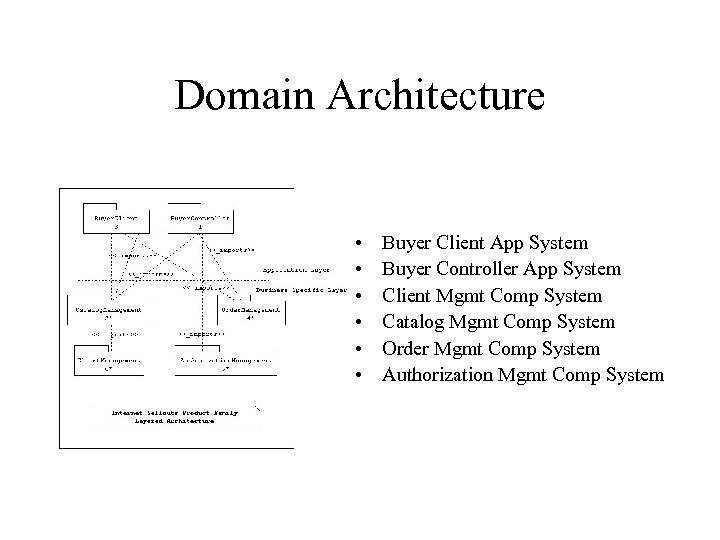 Domain Architecture • • • Buyer Client App System Buyer Controller App System Client Mgmt Comp System Catalog Mgmt Comp System Order Mgmt Comp System Authorization Mgmt Comp System
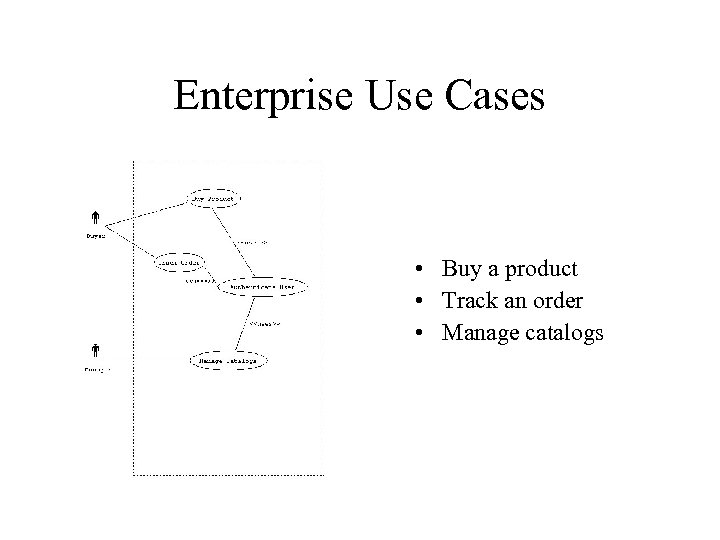 Enterprise Use Cases • Buy a product • Track an order • Manage catalogs
 Buy a Product • The buyer requests access • If access is restricted, the buyer is authenticated • The buyer selects items to buy • The buyer pays for the items • The system gives the buyer a receipt
 Track an Order • The buyer requests access • The buyer provides a tracking number • The system provides the status of the order
 Manage Catalogs • Create a catalog use case • Update a catalog use case • Delete a catalog use case
 Client Mgmt Use Cases • • • Authenticate user Get catalog selection Get item selections Get shipping information Get confirmation Offer receipt
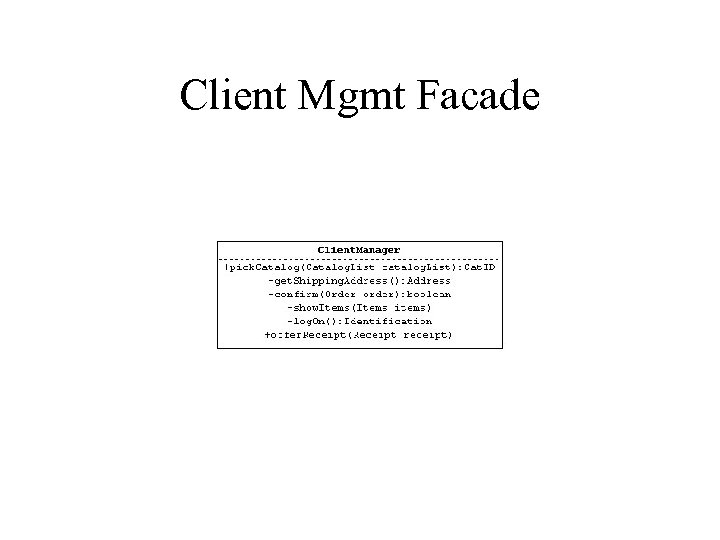 Client Mgmt Facade
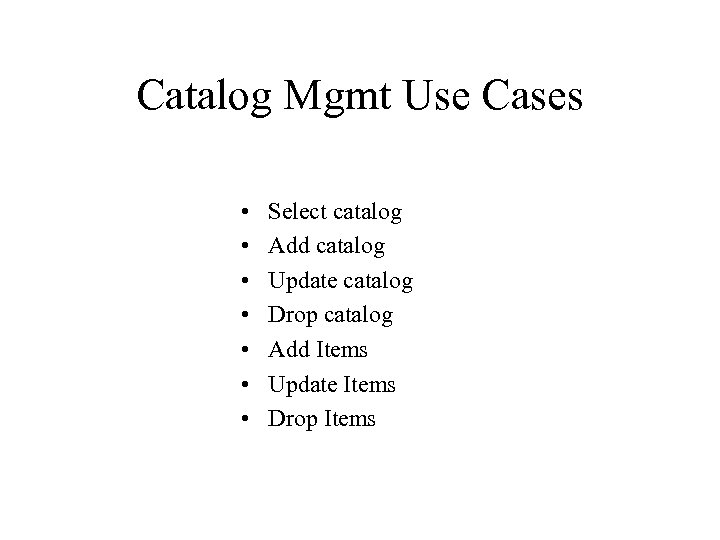 Catalog Mgmt Use Cases • • Select catalog Add catalog Update catalog Drop catalog Add Items Update Items Drop Items
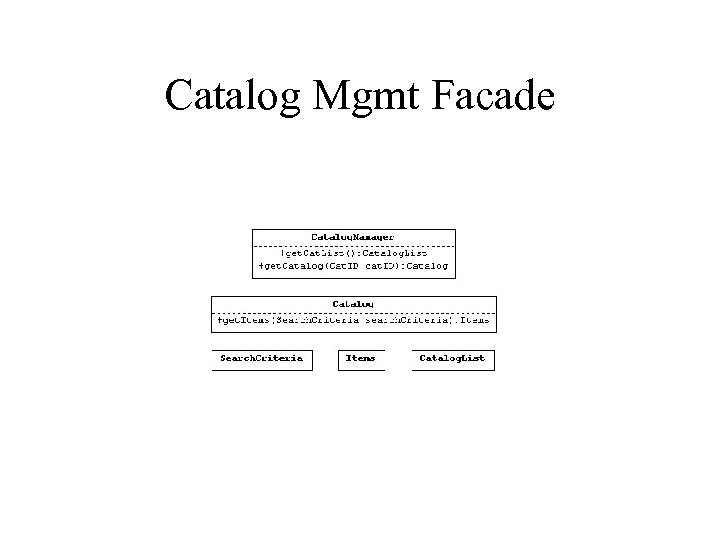 Catalog Mgmt Facade
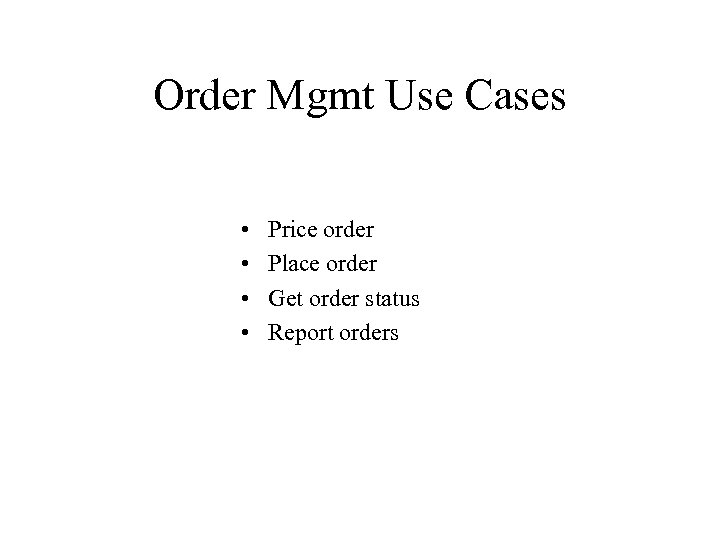 Order Mgmt Use Cases • • Price order Place order Get order status Report orders
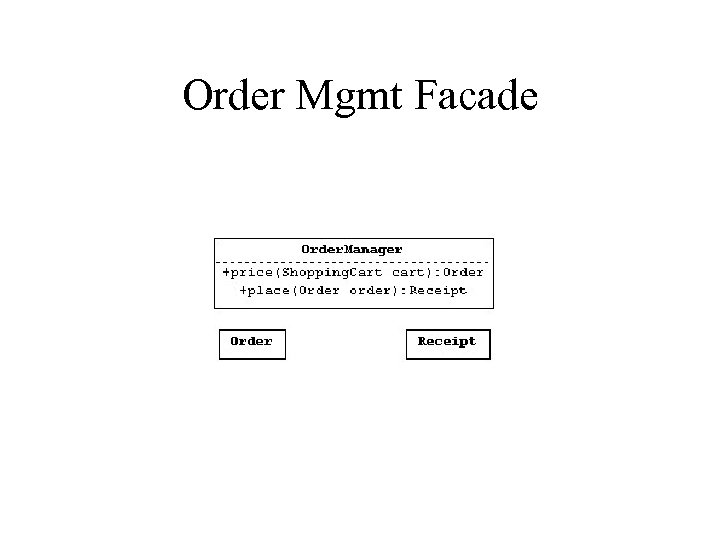 Order Mgmt Facade
 Authorization Mgmt Use Cases • • Confirm member Add member Update member Drop member
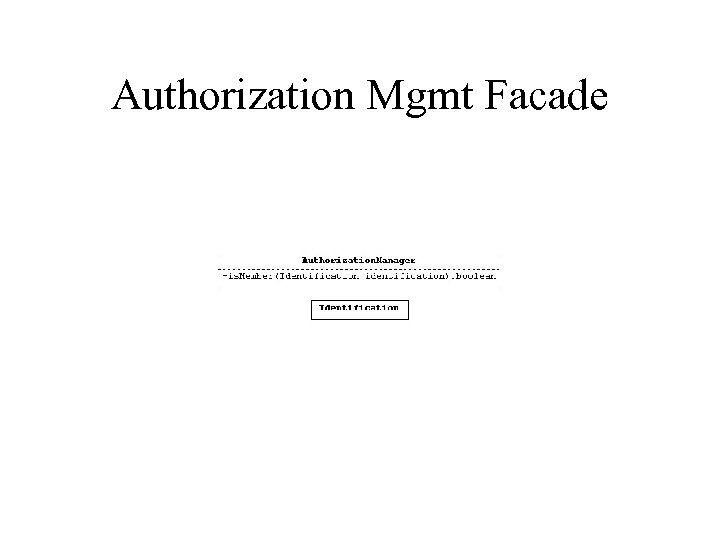 Authorization Mgmt Facade
 Reference Applications
 Prototypes • An online financing application. • An online merchandise selling application. • An online office supply ordering system.
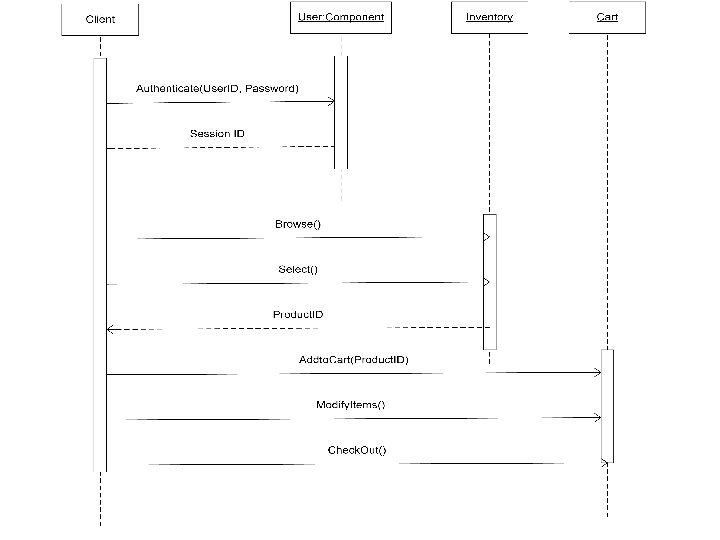
 An Online Financing Application • This system allows clients to select the type of financing product they would like to apply for on a website for mortgage loans, car loans and other types of personal loans. • DIAE Component on Server – 3 components – User Authentication – Product/Service Offering Selections (Inventory) – A Shopping Cart
 An Online Financing Application (cont. . ) • DIAE Component on the Client Side – Package client’s input parameters and communicate with server objects.
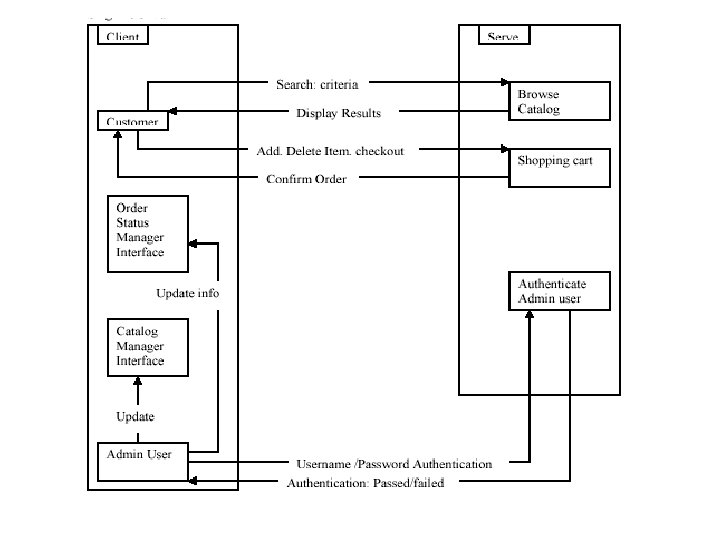
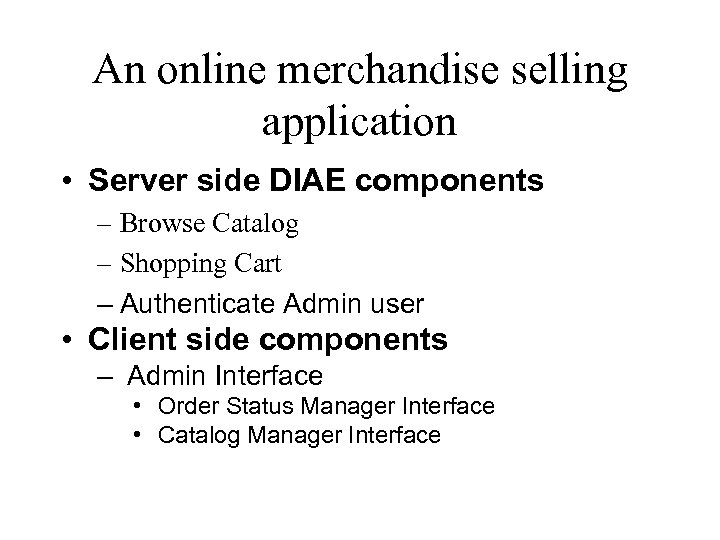 An online merchandise selling application • Server side DIAE components – Browse Catalog – Shopping Cart – Authenticate Admin user • Client side components – Admin Interface • Order Status Manager Interface • Catalog Manager Interface
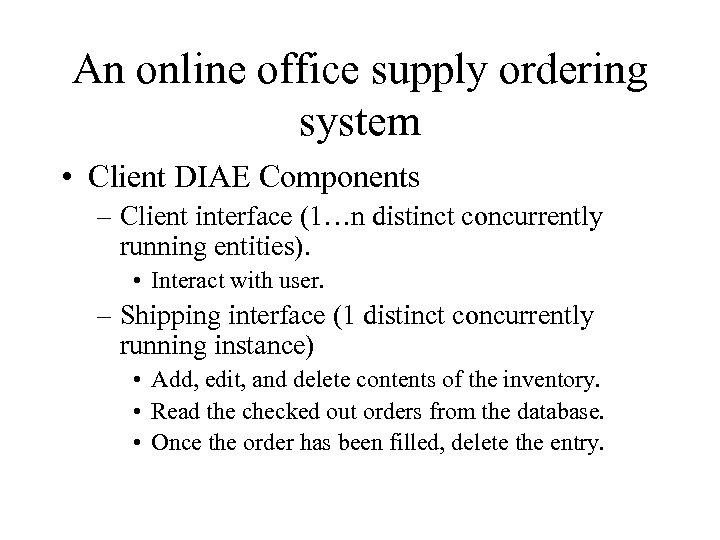 An online office supply ordering system • Client DIAE Components – Client interface (1…n distinct concurrently running entities). • Interact with user. – Shipping interface (1 distinct concurrently running instance) • Add, edit, and delete contents of the inventory. • Read the checked out orders from the database. • Once the order has been filled, delete the entry.
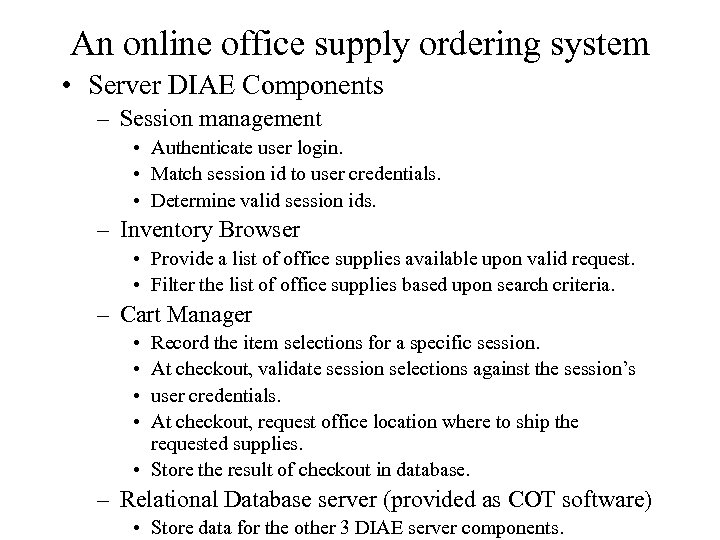 An online office supply ordering system • Server DIAE Components – Session management • Authenticate user login. • Match session id to user credentials. • Determine valid session ids. – Inventory Browser • Provide a list of office supplies available upon valid request. • Filter the list of office supplies based upon search criteria. – Cart Manager • • Record the item selections for a specific session. At checkout, validate session selections against the session’s user credentials. At checkout, request office location where to ship the requested supplies. • Store the result of checkout in database. – Relational Database server (provided as COT software) • Store data for the other 3 DIAE server components.
 Identifying the Domain
 What is the domain? • By now the domain should be relatively clear. – Online, client server – Searchable inventory – Select items to receive – Selected items are validated based upon application specific logic. • Remember the reference applications.
 What is NOT in the domain? • Obviously, things that do not meet the criteria previously described – Video games – Word processors – Online message board
 More subtly… • Real time vending services. – For example: • Medical supply retrieval. • Juke Box / DJ services – Reasons: • Service to fulfill requested order is not in architecture. • Real time delivery of order not guaranteed.
 More subtly (con’t)… • Inventory Management systems. – For example: • Stock management for retail store. • Factory inventory control. – Reasons: • Architecture is designed for browsing the inventory, not managing it. • Administrative interface is not well defined enough to provide enough reuse in these areas.
 More subtly (con’t)… • Free Text Data Repository / Knowledge Base – For example: • Internet search engine’s cache • MSDN help – Reasons: • Search of inventory is not optimized for free text searches. – Some of these could be in the domain. • Phone book – Structured data fits architecture.
 Adding to the domain. • Application domains close to, but not in, the domain can be added. – The current architecture can be extended. – Will incur additional cost to the customer to properly integrate into the architecture. • Architect and create new reuse assets • Low reuse on these applications