


 Скачать презентацию Internet Safety What are your kids doing online
057729ef2c6d48de8a5ad0336b9b66b8.ppt
- Количество слайдов: 9
 Internet Safety What are your kids doing online?
 Advantages to the Internet: l l l Research information from experts Forum for the sharing of ideas Tools to improve productivity Decentralization of information Tools for communication
 Online Dangers: l l l l Plagiarism, file sharing, copyright restrictions Information Literacy – false information Identity theft, Phishing Spamming, Spimming Pornography Cyber Bullying Online predators
 What can we do to protect our kids? l l l Experience the Internet, IM, blog, and profile sites Talk with the kids on your campus about their online activities Learn what they do online Learn the lingo Raise awareness with faculty and parents
 Good Questions to Ask l l l What do your kids do while online? Do they have online profiles? Are their profiles public or private? How many screen names do they have? Who is on their buddy lists? Who are they encountering online?
 Remember the 4 R’s* l l RECOGNIZE techniques used by online predators to deceive, groom, or intimidate their victims. REFUSE requests for personal information or a face-to-face meeting. RESPOND assertively by exiting the program, logging off, or turning off the computer. REPORT any suspicious or dangerous contact that makes you or your child feel uncomfortable. *www. isafe. org
 Steps the district takes to protect our students: l l l Filter content, IM, Blogs Raising the awareness of teachers and administrators Providing professional development for staff Integrating Internet Safety into the curriculum Talking with parents at advisory councils, PTA meetings, special events Bring Online Content in-house
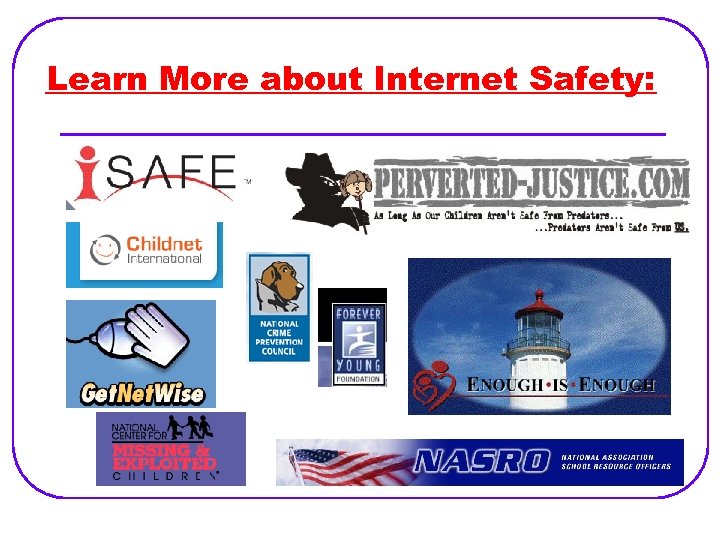 Learn More about Internet Safety:
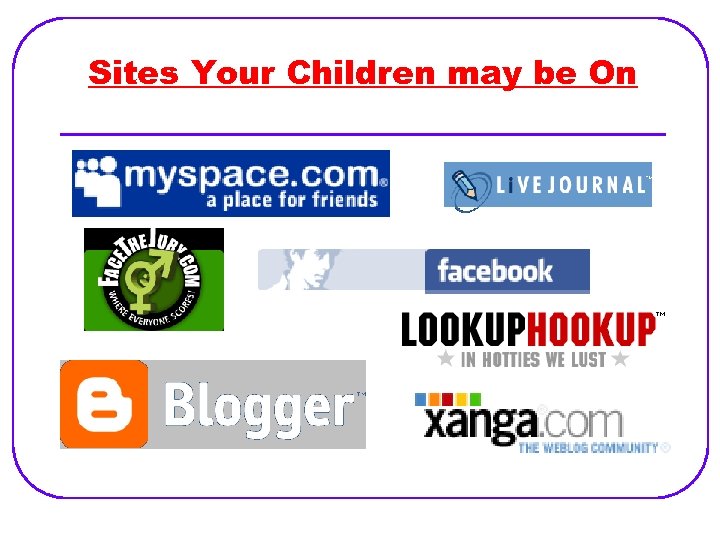 Sites Your Children may be On