


 Скачать презентацию Internet Research Structure of the Internet Understanding
99a919764e609db1581c790be5f0d6bb.ppt
- Количество слайдов: 17
 Internet Research Structure of the Internet
 Understanding the • Even long-time computer users do not understand the fundamental structure and concepts underlying the Internet and World Wide Web. • But Internet research is enhanced with even a basic understanding of an apparent alphabet soup, such as http, URL, IP, . com, www and others.
 The Internet is a network • The Internet is a network of thousands of connected computer networks around the world.
 Networks, clients & servers • Computer networks are built upon client-server relationships. • Simply, the client requests information or a file. The server stores information and responds to requests for information.
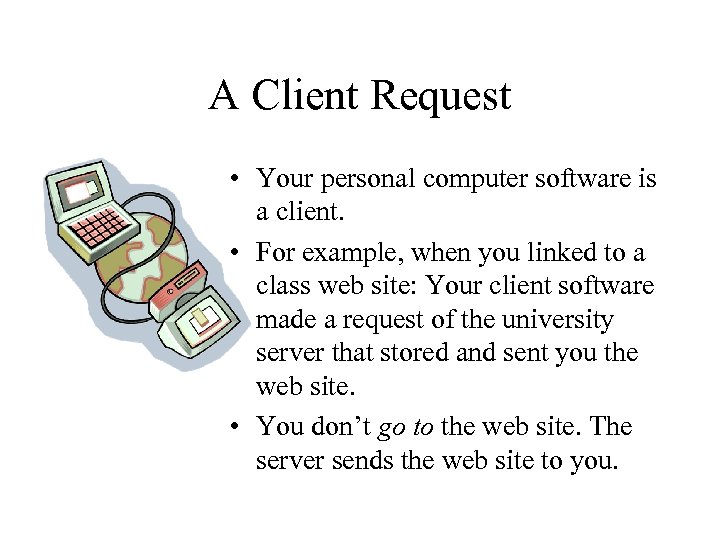 A Client Request • Your personal computer software is a client. • For example, when you linked to a class web site: Your client software made a request of the university server that stored and sent you the web site. • You don’t go to the web site. The server sends the web site to you.
 Client software: The browser • The client software used to make requests of servers, and then display the response to those requests, is called a browser. • The most common Web browsers are Netscape Communicator (previously Navigator) and Microsoft Internet Explorer. • Others include Opera and Lynx.
 IP • How do browsers find the file you want? Like the mailman, they go to a specific address. • Every computer connected to the Internet has been assigned an Internet Protocol number. A Protocol is the rules by which different computers can communicate and transfer files.
 URL: an address • Usually this long string of numbers is in four parts, separated by dots: 323. 556. 123. 8 • But who can remember such numbers? The computer and its number thus are also given a name (an alias) that can serve as an address. • Clients and servers request, identify and send files on the Web using these names in the Uniform (or Universal) Resource Locator: URL.
 http: //www. lehigh. edu • The URL tells you where the information can be found and how to access the information. • For example, the URL for Lehigh University is: http: //www. lehigh. edu
 http: the protocol • Most Web addresses begin with http: //. This is the protocol, the rules by which different computers can communicate on the Web. • Most information on the Web uses the Hypertext Transfer Protocol: http. • The protocol comes first in a Web address so the computers know what kind of “language they should speak together. ”
 www. host • After the protocol comes three separation marks : // • Then comes the name of the “host” computer. Often the host is the server computer linked directly to the World Wide Web from which you are requesting information.
 www. old • www was used in the early days of the Internet to tell people that the site was on the Web. • Now with most information on the Web, the www is mostly a tradition. Many web sites can be reached without even typing the www.
 Master of your domain • To help further identify information, the URL follows the host with a “domain” name. • Domains further organize information, according to the type of organization or the name of a country.
 . com • • • . com is a commercial or business site. org is a non-profit organization. gov is a government site. mil is a military site. ca is a site in Canada. jp is a site in Japan
 Home page • If you only specify a name and domain, you will likely receive the host site’s home page from the server. • If you want to access other information on that computer, you will use the usual “path” and “file name” format used by computers.
 Slash • /////// • You will reach information on the computer by typing a slash, then giving a directory or folder name, and perhaps another slash, with another folder’s name. • For example, http: //www. wired. com/news/today
 Finding the file • It’s good to remember exactly what you are doing. • From your computer, you are finding, requesting, receiving and opening a file that was saved on someone else’s computer perhaps halfway around the world. • That is Internet research.