 Скачать презентацию Internet Librarian International Birmingham UK Authoring Web Sites
beecfb6e3685aaa42310ecb1aa3703a2.ppt
- Количество слайдов: 40



Internet Librarian International Birmingham, UK Authoring Web Sites in XHTML Darlene Fichter darlene. fichter@usask. ca University of Saskatchewan Library Canada 26 March, 2003
Overview n n Frameworks Portlets Why use XHTML? XHTML syntax n n n How XHTML differs from HTML XHTML and CSS XHTML tools
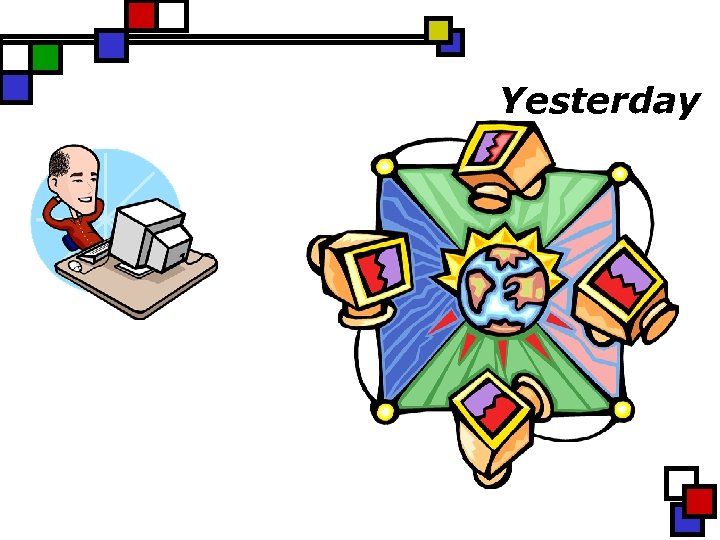
Yesterday
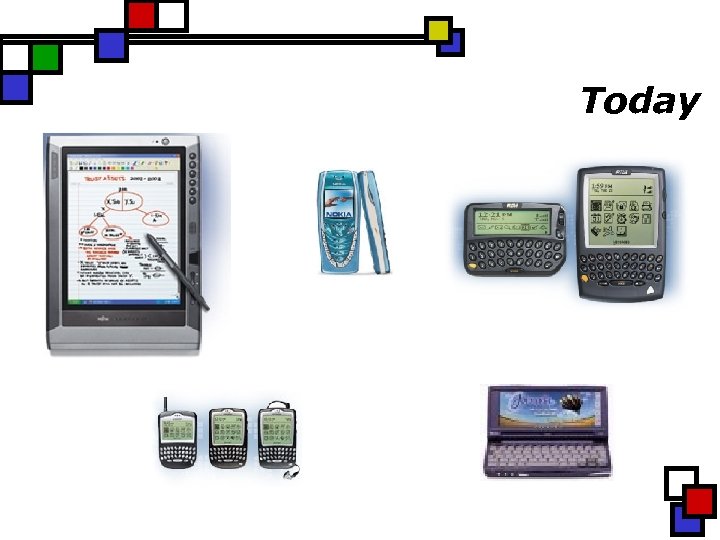
Today
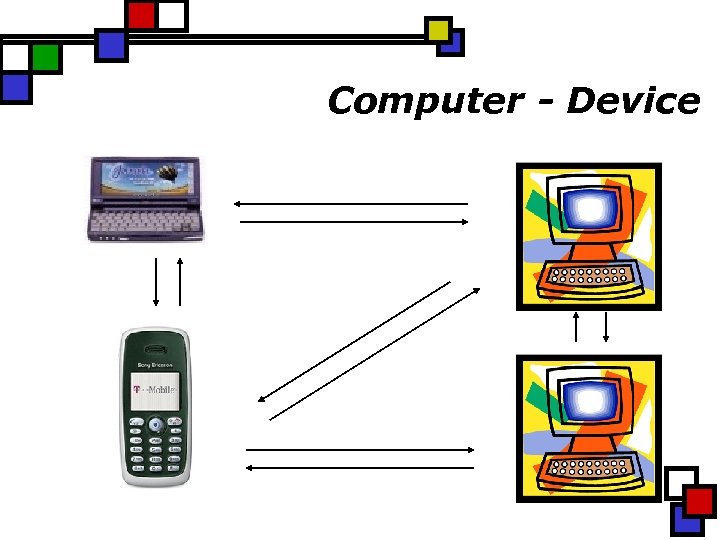
Computer - Device
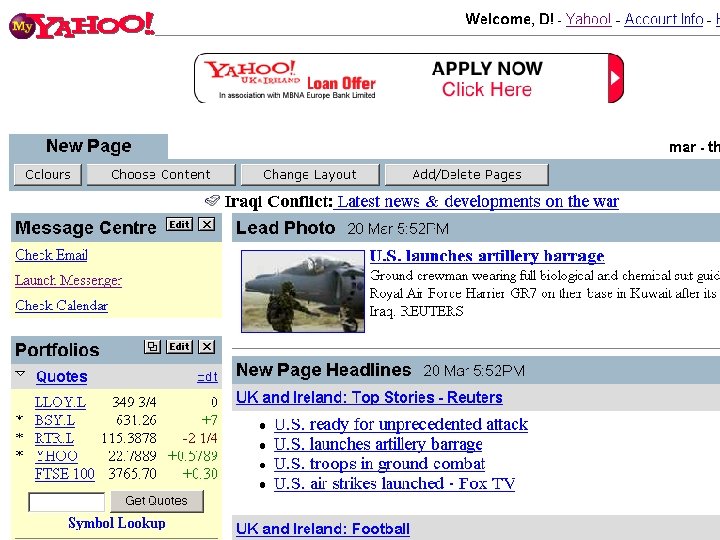
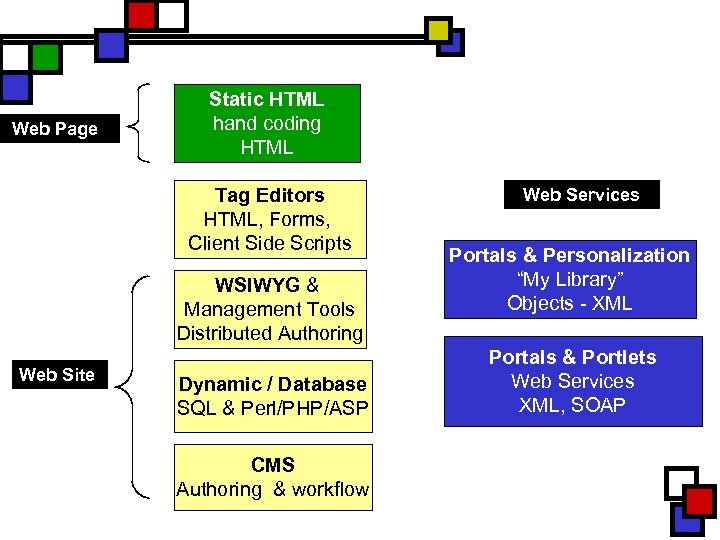
Web Page Static HTML hand coding HTML Tag Editors HTML, Forms, Client Side Scripts WSIWYG & Management Tools Distributed Authoring Web Site Dynamic / Database SQL & Perl/PHP/ASP CMS Authoring & workflow Web Services Portals & Personalization “My Library” Objects - XML Portals & Portlets Web Services XML, SOAP
Content Challenges in 2003: Document Collections n Storage & Management n n n Content Structure Work n n n Ease of use Ease of creation Good retrieval
Service Challenges n Just in Time n n Repackaging Over the Long Term n n Preservation Migration
HTML n n Simple, general-purpose document markup language Simple hyperlinking Designed for collaborative authoring Combined authoring and viewing roles
HTML Strengths n n Open standard Lots of tools and applications Easy and cheap Rapidly adopted
HTML Weaknesses n n Not extensible Supports only “simple” document types Mixes presentation and structure Cross-browser wars
XML n n More meaningful searches Flexible web applications n n n n data from disparate sources/applications client processing multiple views granular updates Open standard Unicode Hope --> good for web delivery
What is XHTML? n n Called “Next generation” HTML that conforms to XML standards Will eventually support integration with other XML applications Device independent web access
Why use XHTML? n n Most documents on the Internet are in HTML – this is the logical next step Simpler than XML for most authors XHTML documents are XML compliant, which allows you to use XML tools such as XSL Future -- XHTML easier than HTML with the next generation of browsers
Why do We Need XHTML? n n Both HTML and SGML have major drawbacks. XML’s use for encoding web documents is still at early stages of adoption
Benefits of Adoption n Easier to develop software n n n Process data using inexpensive software Allows greater end-user control of information display n n handle specialized information distributed over the Web stylesheets Metadata for resource discovery
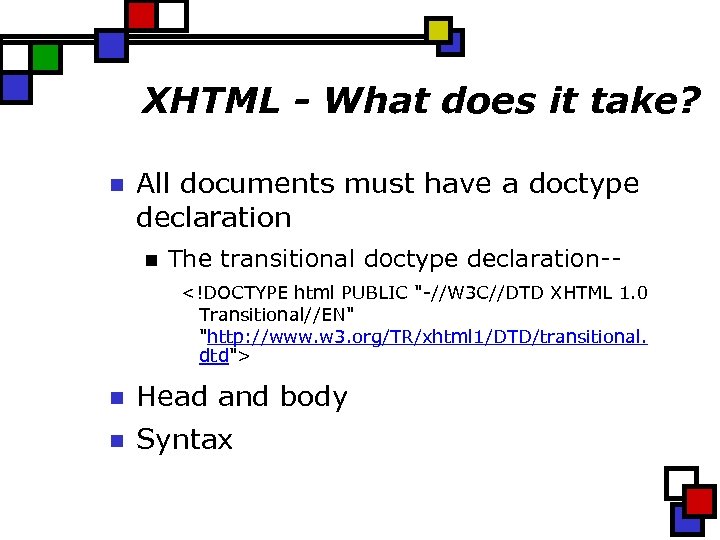
XHTML - What does it take? n All documents must have a doctype declaration n The transitional doctype declaration-<!DOCTYPE html PUBLIC "-//W 3 C//DTD XHTML 1. 0 Transitional//EN" "http: //www. w 3. org/TR/xhtml 1/DTD/transitional. dtd"> n Head and body n Syntax
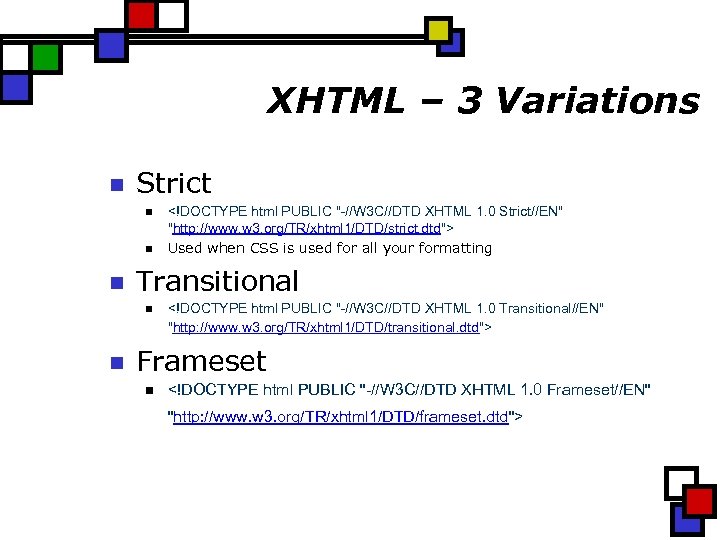
XHTML – 3 Variations n Strict n n n Transitional n n <!DOCTYPE html PUBLIC "-//W 3 C//DTD XHTML 1. 0 Strict//EN" "http: //www. w 3. org/TR/xhtml 1/DTD/strict. dtd"> Used when CSS is used for all your formatting <!DOCTYPE html PUBLIC "-//W 3 C//DTD XHTML 1. 0 Transitional//EN" "http: //www. w 3. org/TR/xhtml 1/DTD/transitional. dtd"> Frameset n <!DOCTYPE html PUBLIC "-//W 3 C//DTD XHTML 1. 0 Frameset//EN" "http: //www. w 3. org/TR/xhtml 1/DTD/frameset. dtd">
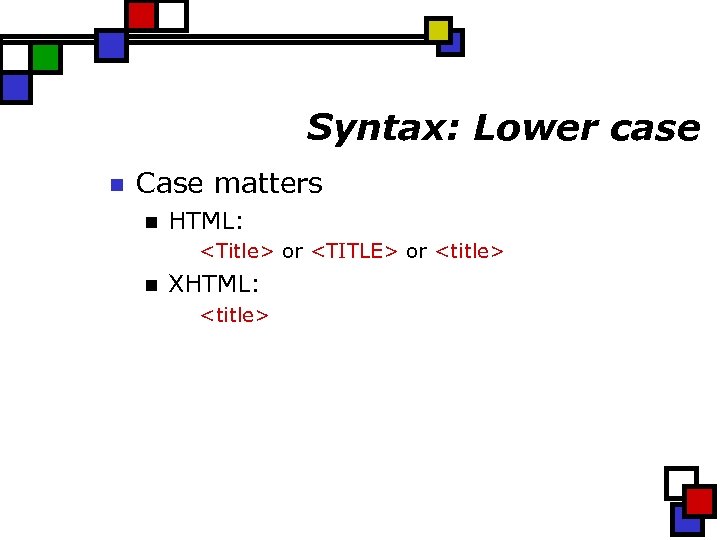
Syntax: Lower case n Case matters n HTML: <Title> or <TITLE> or <title> n XHTML: <title>

Syntax: Attributes n Attributes must be quoted n HTML <p class=quotes> n XHTML <p class=“quotes”>
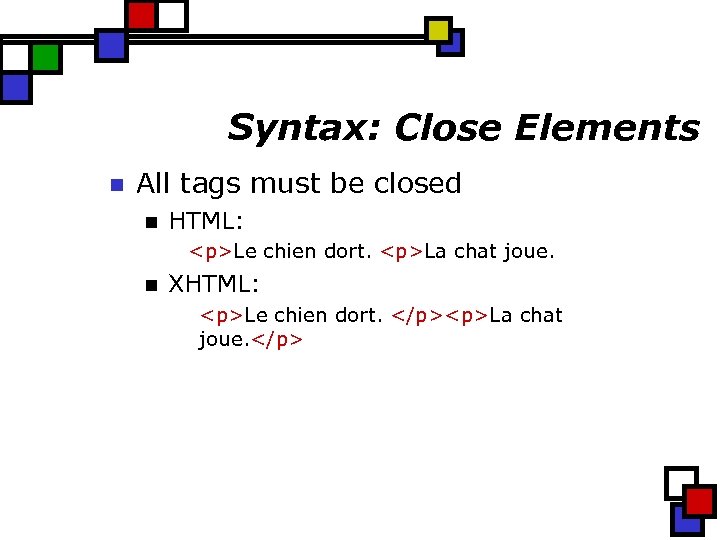
Syntax: Close Elements n All tags must be closed n HTML: <p>Le chien dort. <p>La chat joue. n XHTML: <p>Le chien dort. </p><p>La chat joue. </p>
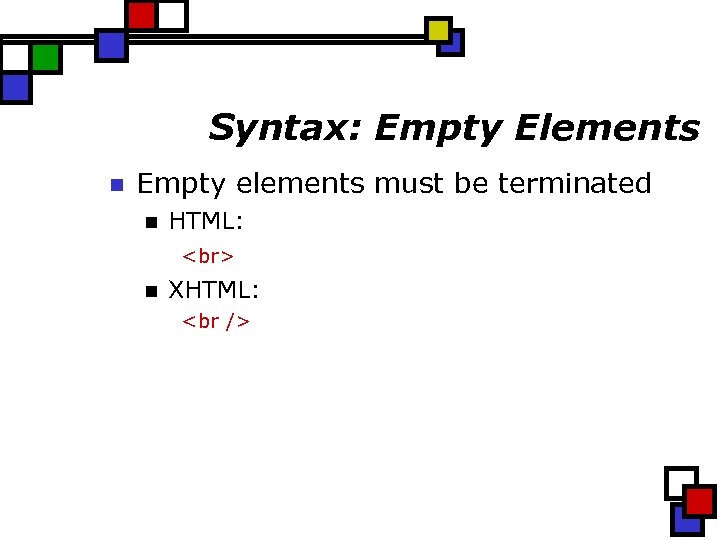
Syntax: Empty Elements n Empty elements must be terminated n HTML: n XHTML:
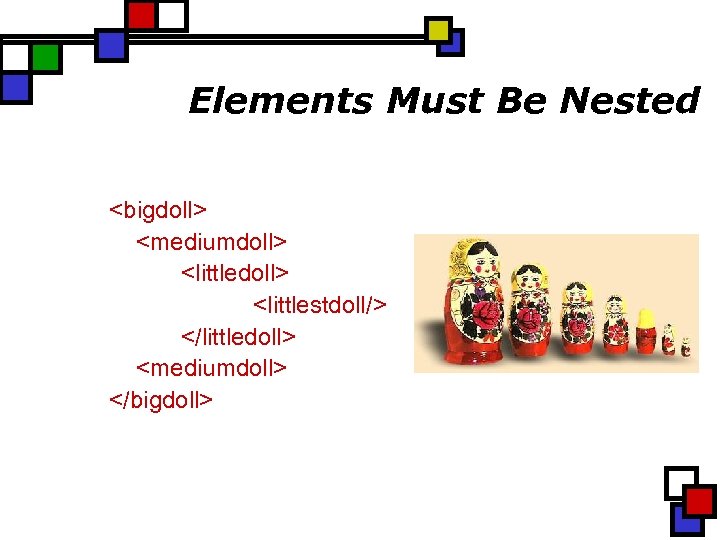
Elements Must Be Nested <bigdoll> <mediumdoll> <littlestdoll/> </littledoll> <mediumdoll> </bigdoll>
![Scripts n <script> and <style> tags must be marked as CDATA <script> <!-- <![CDATA]](https://present5.com/presentation/beecfb6e3685aaa42310ecb1aa3703a2/image-25.jpg "Scripts n <script> and <style> tags must be marked as CDATA <script> <!-- <![CDATA]")
Scripts n <script> and <style> tags must be marked as CDATA <script> <!-- <![CDATA] (script) ]]> - -> </script> Tip: Place your scripts in a external file.
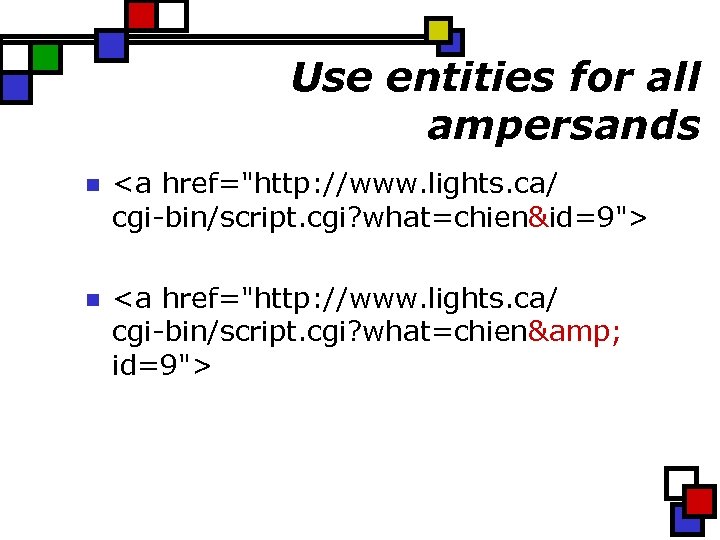
Use entities for all ampersands n <a href="http: //www. lights. ca/ cgi-bin/script. cgi? what=chien&id=9"> n <a href="http: //www. lights. ca/ cgi-bin/script. cgi? what=chien& id=9">
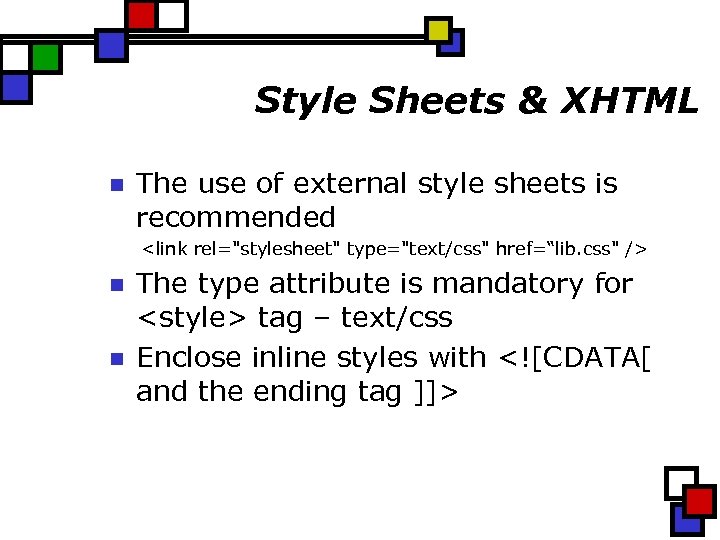
Style Sheets & XHTML n The use of external style sheets is recommended <link rel="stylesheet" type="text/css" href=“lib. css" /> n n The type attribute is mandatory for <style> tag – text/css Enclose inline styles with <![CDATA[ and the ending tag ]]>
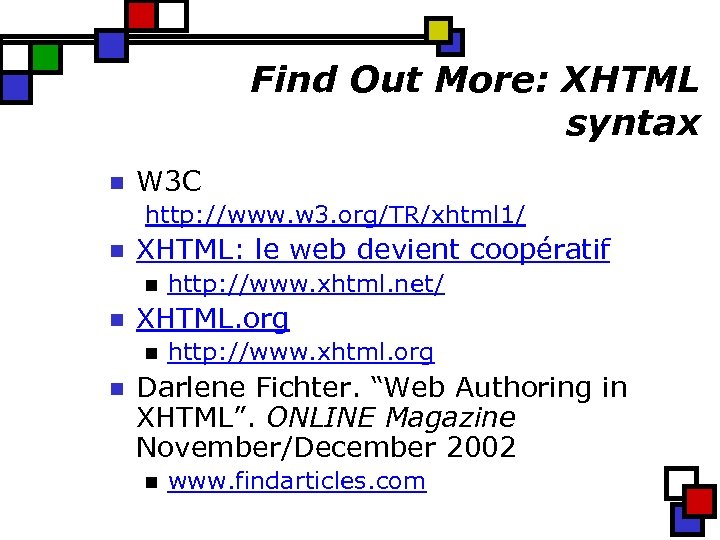
Find Out More: XHTML syntax n W 3 C http: //www. w 3. org/TR/xhtml 1/ n XHTML: le web devient coopératif n n XHTML. org n n http: //www. xhtml. net/ http: //www. xhtml. org Darlene Fichter. “Web Authoring in XHTML”. ONLINE Magazine November/December 2002 n www. findarticles. com
What about conversion? n HTMLTidy n http: //www. w 3. org/People/Raggett/tidy/
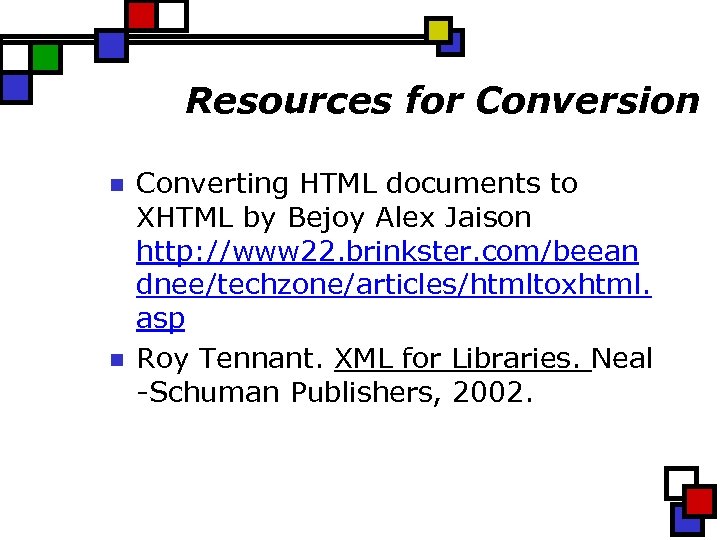
Resources for Conversion n n Converting HTML documents to XHTML by Bejoy Alex Jaison http: //www 22. brinkster. com/beean dnee/techzone/articles/htmltoxhtml. asp Roy Tennant. XML for Libraries. Neal -Schuman Publishers, 2002.
XHTML Validators n Validator n http: //validator. w 3. org/
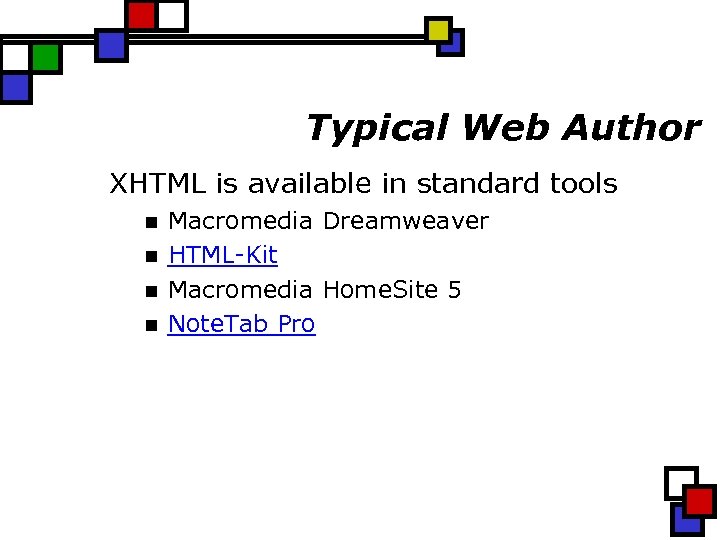
Typical Web Author XHTML is available in standard tools n n Macromedia Dreamweaver HTML-Kit Macromedia Home. Site 5 Note. Tab Pro

Content Provider n Usually authoring in Word n n Import in Dreamweaver Run it through a program like HTML TIDY
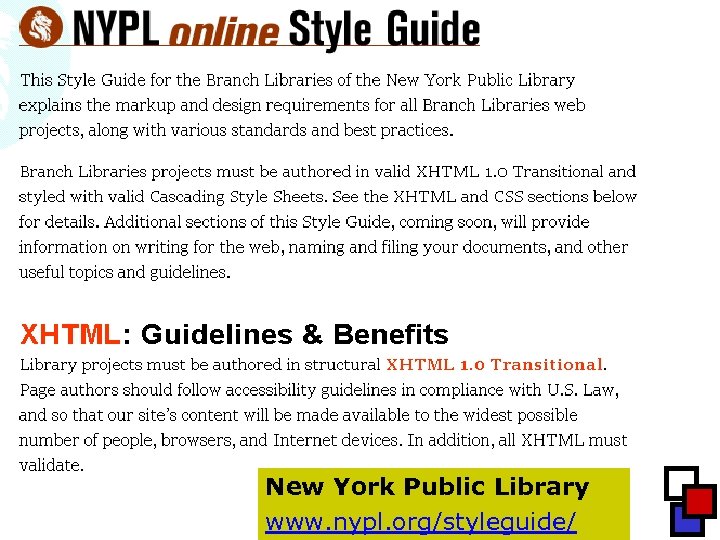
New York Public Library www. nypl. org/styleguide/

Major Project n n Consider the value of the content over the long term Likelihood of delivery to “appliances” If there is an XML “dialect”, use it If not, use XHTML (ideally XML rendered as XHTML)
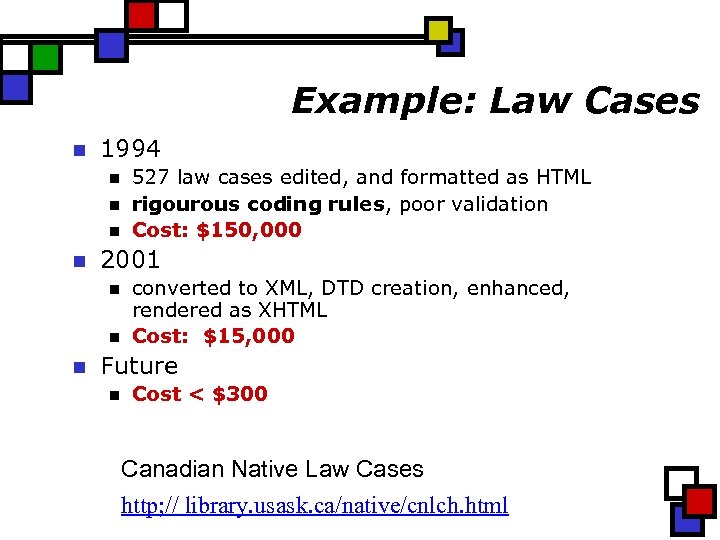
Example: Law Cases n 1994 n n 2001 n n n 527 law cases edited, and formatted as HTML rigourous coding rules, poor validation Cost: $150, 000 converted to XML, DTD creation, enhanced, rendered as XHTML Cost: $15, 000 Future n Cost < $300 Canadian Native Law Cases http; // library. usask. ca/native/cnlch. html
Developers n n Repackaging, reuse, migration, archiving Code n n n How long will this content be around? Always wise to separate presentation from content Decision/Balance n Short term pain/effort vs. long term gain?

XHTML & You n n XHTML will make your life a little more challenging XHTML will make your computer happier (eventually)
Silver Bullets? XHTML / XML n n No! In fact, these new choices just raise some interesting challenges Only certainty is change Content will outlive devices!

Thank you! n Darlene Fichter darlene. fichter@usask. ca University of Saskatchewan Library
Скачать презентацию Internet Librarian International Birmingham UK Authoring Web Sites
beecfb6e3685aaa42310ecb1aa3703a2.ppt