


 Скачать презентацию Internet Engineering OS selection Servers vs Desktop
f81220c932a1ccf1e507efaae35a47f0.ppt
- Количество слайдов: 47
 Internet Engineering OS selection
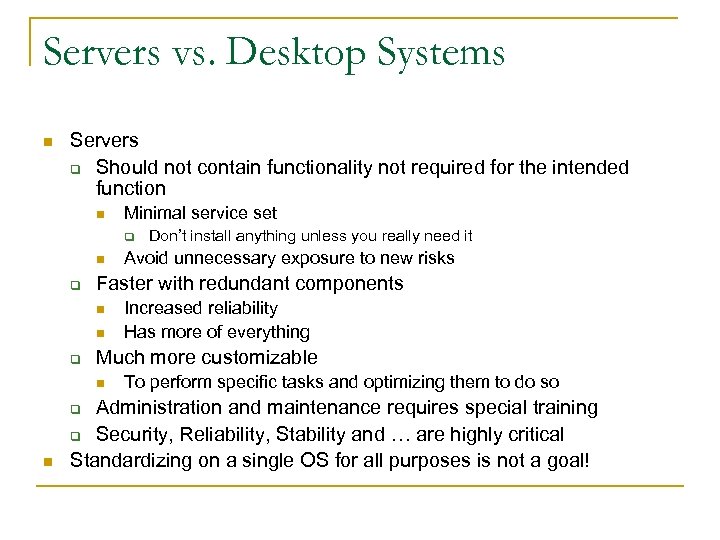 Servers vs. Desktop Systems n Servers q Should not contain functionality not required for the intended function n Minimal service set q n Increased reliability Has more of everything Much more customizable n To perform specific tasks and optimizing them to do so Administration and maintenance requires special training q Security, Reliability, Stability and … are highly critical Standardizing on a single OS for all purposes is not a goal! q n Avoid unnecessary exposure to new risks Faster with redundant components n q Don’t install anything unless you really need it
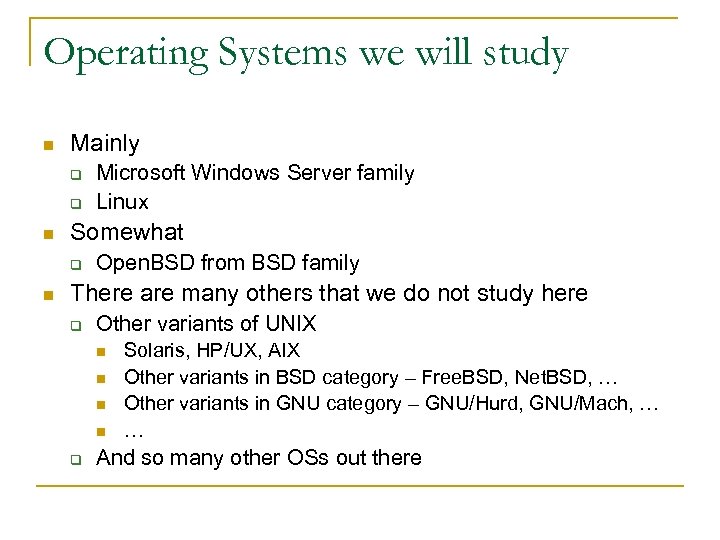 Operating Systems we will study n Mainly q q n Somewhat q n Microsoft Windows Server family Linux Open. BSD from BSD family There are many others that we do not study here q Other variants of UNIX n n q Solaris, HP/UX, AIX Other variants in BSD category – Free. BSD, Net. BSD, … Other variants in GNU category – GNU/Hurd, GNU/Mach, … … And so many other OSs out there
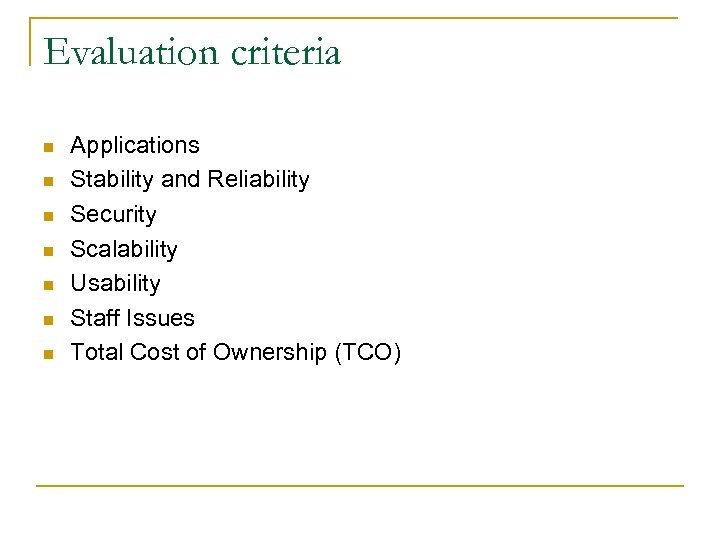 Evaluation criteria n n n n Applications Stability and Reliability Security Scalability Usability Staff Issues Total Cost of Ownership (TCO)
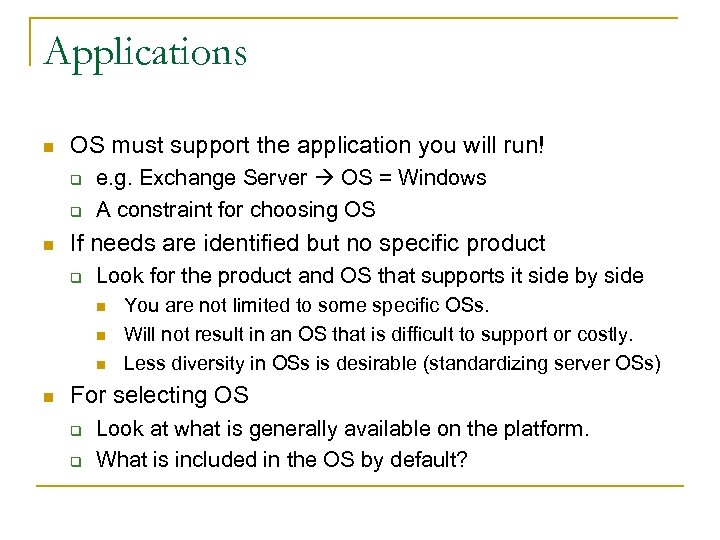 Applications n OS must support the application you will run! q q n e. g. Exchange Server OS = Windows A constraint for choosing OS If needs are identified but no specific product q Look for the product and OS that supports it side by side n n You are not limited to some specific OSs. Will not result in an OS that is difficult to support or costly. Less diversity in OSs is desirable (standardizing server OSs) For selecting OS q q Look at what is generally available on the platform. What is included in the OS by default?
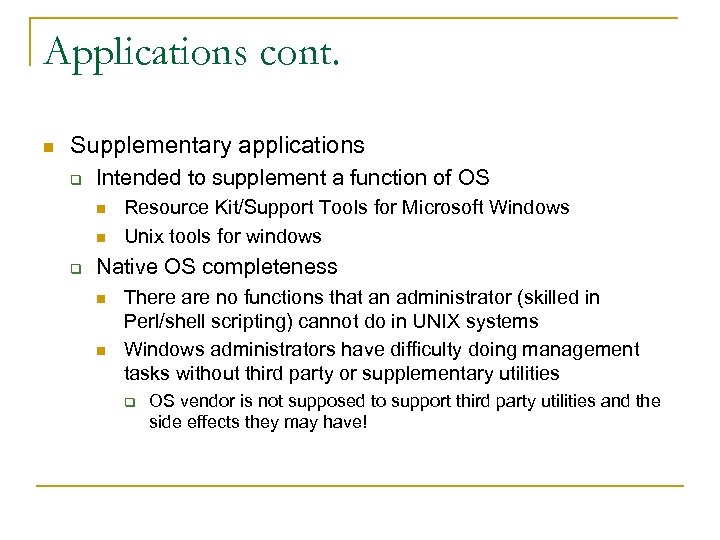 Applications cont. n Supplementary applications q Intended to supplement a function of OS n n q Resource Kit/Support Tools for Microsoft Windows Unix tools for windows Native OS completeness n n There are no functions that an administrator (skilled in Perl/shell scripting) cannot do in UNIX systems Windows administrators have difficulty doing management tasks without third party or supplementary utilities q OS vendor is not supposed to support third party utilities and the side effects they may have!
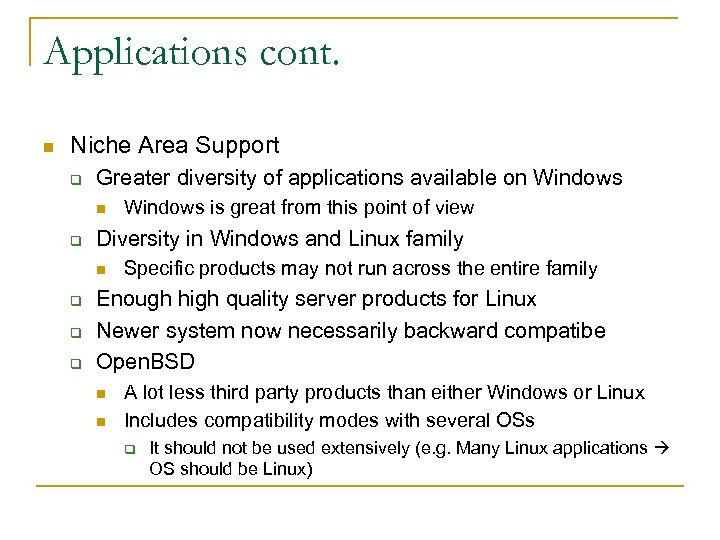 Applications cont. n Niche Area Support q Greater diversity of applications available on Windows n q Diversity in Windows and Linux family n q q q Windows is great from this point of view Specific products may not run across the entire family Enough high quality server products for Linux Newer system now necessarily backward compatibe Open. BSD n n A lot less third party products than either Windows or Linux Includes compatibility modes with several OSs q It should not be used extensively (e. g. Many Linux applications OS should be Linux)
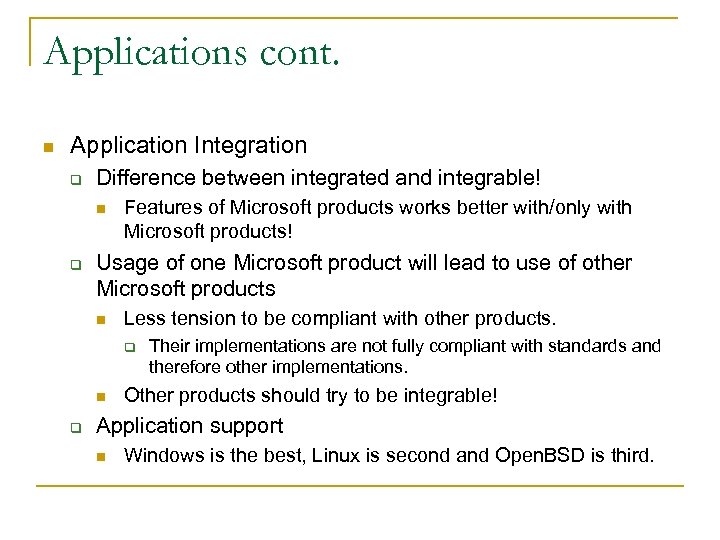 Applications cont. n Application Integration q Difference between integrated and integrable! n q Features of Microsoft products works better with/only with Microsoft products! Usage of one Microsoft product will lead to use of other Microsoft products n Less tension to be compliant with other products. q n q Their implementations are not fully compliant with standards and therefore other implementations. Other products should try to be integrable! Application support n Windows is the best, Linux is second and Open. BSD is third.
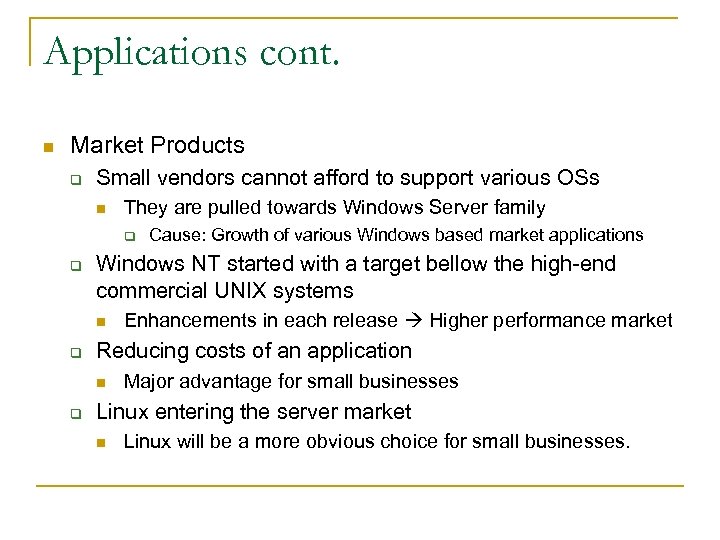 Applications cont. n Market Products q Small vendors cannot afford to support various OSs n They are pulled towards Windows Server family q q Windows NT started with a target bellow the high-end commercial UNIX systems n q Enhancements in each release Higher performance market Reducing costs of an application n q Cause: Growth of various Windows based market applications Major advantage for small businesses Linux entering the server market n Linux will be a more obvious choice for small businesses.
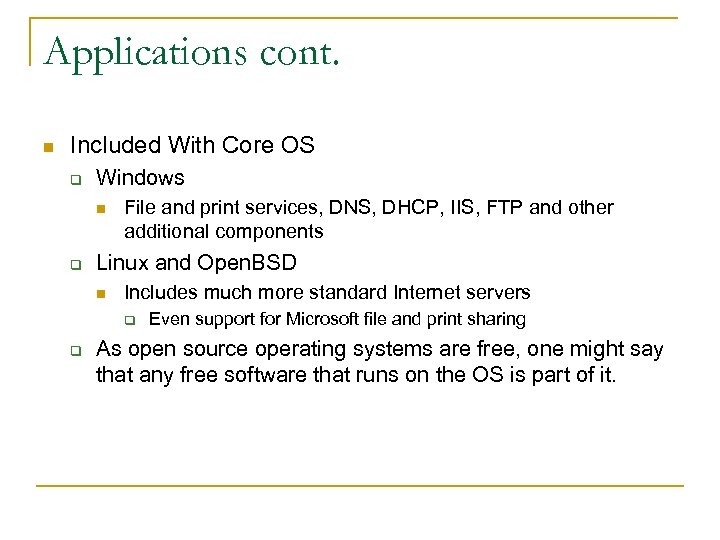 Applications cont. n Included With Core OS q Windows n q File and print services, DNS, DHCP, IIS, FTP and other additional components Linux and Open. BSD n Includes much more standard Internet servers q q Even support for Microsoft file and print sharing As open source operating systems are free, one might say that any free software that runs on the OS is part of it.
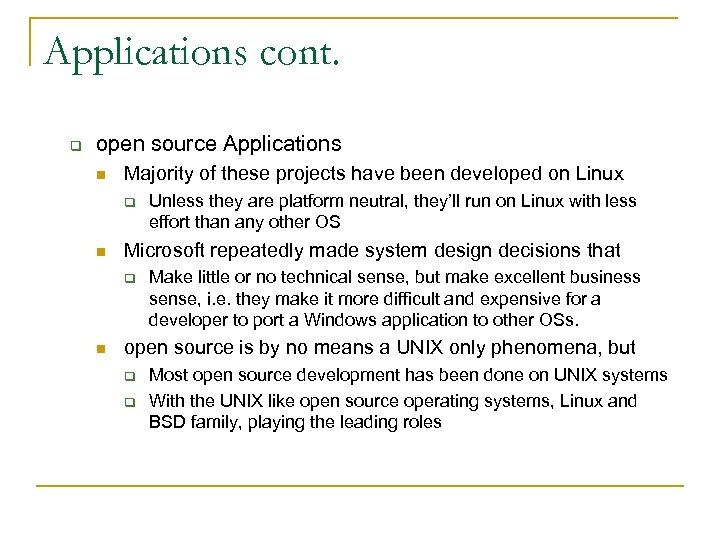 Applications cont. q open source Applications n Majority of these projects have been developed on Linux q n Microsoft repeatedly made system design decisions that q n Unless they are platform neutral, they’ll run on Linux with less effort than any other OS Make little or no technical sense, but make excellent business sense, i. e. they make it more difficult and expensive for a developer to port a Windows application to other OSs. open source is by no means a UNIX only phenomena, but q q Most open source development has been done on UNIX systems With the UNIX like open source operating systems, Linux and BSD family, playing the leading roles
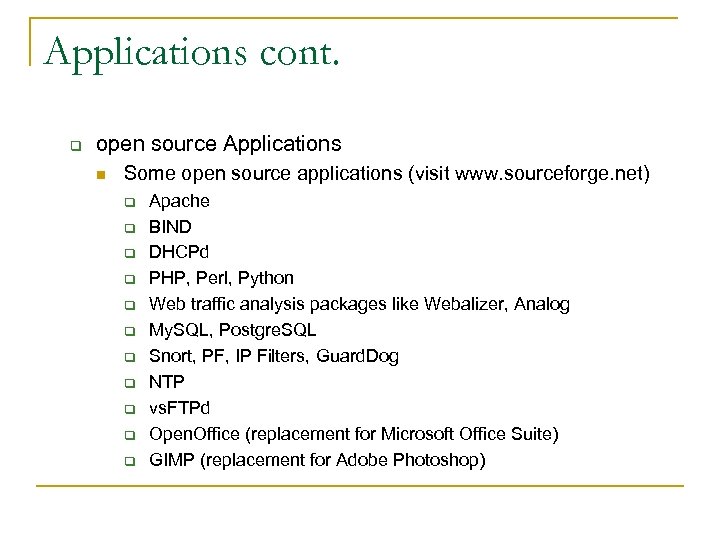 Applications cont. q open source Applications n Some open source applications (visit www. sourceforge. net) q q q Apache BIND DHCPd PHP, Perl, Python Web traffic analysis packages like Webalizer, Analog My. SQL, Postgre. SQL Snort, PF, IP Filters, Guard. Dog NTP vs. FTPd Open. Office (replacement for Microsoft Office Suite) GIMP (replacement for Adobe Photoshop)
 Applications cont. n OS Versions and Fragmentation q Every several years, Microsoft introduces a fundamentally different operating environment or system with major changes in the UI. n n q Windows is designed to hide technical details, but these changes introduces a major learning curve! Technical users may effectively loose a significant part of their knowledge of how Windows works and need start over with the new system These differences are mostly seamless from one version of UNIX to another
 Applications (Summary) n There are many more applications for Windows q n n n Not all needed functionalities are included in the OS Enough products available for the cost of the OS that some businesses can run mostly on open source solutions As Linux is eating into Windows server market share, expect the application advantage for Windows servers to shrink and perhaps disappear. Maintaining an application for Linux and other UNIX variants is minor compared to UNIX and Windows.
 Reliability and Stability n n Both are related to bugs. Stability q q n Reliability q q n Relative resistance to crashes and lessening their affects Bugs and incompatibilities may cause crashes Specific functions stop responding or return invalid results Odd behavior! Availability q q Affected by thing related to reliability and stability To do and keep doing what they are supposed to do n Least possible amount of time staff spend troubleshooting problems
 Reliability and Stability cont. n Reboot required even for minor changes q q n Some systems become less stable for longer uptimes q n Microsoft’s origins in single user systems Is not a part of UNIX or mainframe environments Rarely necessary for UNIX systems Windows flaws in architectural design q q q Windows registry Incredibly confused directory structure and its adverse impact on system recovery System management functions contained in large complex GUI programs mostly with no command-line counterparts
 Reliability and Stability cont. n Windows registry q q Central repository for configuration data and … The fallacy is that registry data is accessed by key name. n q Little fundamental difference between accessing entries in registry and files in different directories with different filenames Numerous binary tree lookups, in a large deeply nested structure, become quite resource intensive n n Confirmed by the fact that Windows systems slow with age as software is added UNIX systems do not slow with age due to software installs.
 Reliability and Stability cont. n Windows GUI Interface Hampers Administrators q Complex GUIs contributes to reliability issues n n Such programs are harder to write and more likely to have their own bugs Often, no alternative interface is provided q n Bug in management interface will result in inability to perform some administrative tasks In the UNIX world, essentially all administrative tasks are performed by relatively simple command line programs that do only one specific thing.
 Reliability and Stability cont. n Linux Stability q q n There is no need to ever reboot except for a kernel or hardware upgrade or change. Registry problem is not applicable to Linux Open. BSD q q q Said to be the most stable and most reliable OS Clean code base Development model
 Security n File Systems q q FAT lacks primary permissions and security facilities needed for a server environment. UNIX allows controls only by owner, group and other. Each of these can be set to any combination of read, write and execute. n q chmod NTFS is much more customizable and provides flexible access control list capabilities. n Windows GUI, xcacls provided in Windows Support Tools
 Security cont. n Password Hashes q Windows passwords are weaker and easier to break. n q n n LANMAN hash BSD MD 5 is one of the strongest hashes Novice administrators really don’t know what they are doing! Making things easy is not that good! Default Installations q q Previously default installation of Windows Server and related network services made it much more easier to attack and exposed the system to many risks. Unix default installation has basic security provisions. n You have to enable anything you want.
 Security cont. n Development Model, Bug Fixes, Security and Reliability q Linux n n q The kernel appears to be under pretty much continuous development and more than one version is being developed simultaneously. Development is a purely volunteer, non-commercial activity. Windows n n Microsoft is the largest software company in the world and is purely commercial. Microsoft responds in a reasonably timely fashion to reported and serious security bugs. It's primarily such bugs that their security alerts describe.
 Security cont. n Open. BSD q q q Open. BSD is the most secure OS available They try to find simple software bugs and they believe that they are the origin of security issue. Secure by default n q q q Four years without a remote hole Outstanding open implementation of security standards. Unix Signal Handler and Open Software Fixes n q All non-essential services are disable by default Fix was available the day after the problem was announced publicly! Open. BSD Daily Security Audit enabled by default
 Scalability n Meanings q q How many processors/How much memory in a single machine, an operating system is capable of supporting. Cluster of machines that work together to solve a common problem. n n Recent projects of this type have consisted of hundreds to thousands of Intel CPUs running Linux. System Performance q q Confusing benchmarks about performance. No general statement on this issue.
 Scalability cont. n Hardware Requirements q Windows has GUI in its kernel n q q n It need reasonably high hardware specifications. Most Linux servers installations do not have X-Windowing System. Hardware specifications of Linux is much smaller than Windows. Price Performance Ratio q q The starting software cost for a public, Windows 2000 web server, is effectively over $4000. There exists free Linux distributions and also commercial ones which costs much less than Windows servers
 Scalability cont. n Relocating Server Applications q q Deep understanding of server status will result in wise decision on relocating server applications. Decision support n n q Windows’ Task Manager or Performance Monitor UNIX’s ps command or Performance Analyzers like atop Duplicated UNIX machines do not need to be kept as replicas. Application server load can be broken up between two machines. n n n Duplication and Load Balancing Highly modular and so highly customizable Migrating Windows functions nearly always means building new machines from scratch. Difficult to duplicate the settings!
 Usability n Ease of Use ≠ Ease of Learning q q Ease of use often regarded as one of the most important characteristics of any software product. Ease of learning is not often used. n n n q Ease of use is nearly always used to mean that a product is easy to learn to use. Normally means how easily a user new to a product can figure out how to perform a specific action. Documentation, architecture, support, training and design GUI tools n n May also make system administration tasks easy to learn. May make repetitive task very burdensome q Such tasks can make use of a system scheduler.
 Usability cont. n Windows Lacks Automation q q Automating the task in Linux by scripts In Windows also possible but is very cumbersome in comparison with Linux n n q Automating the procedures that has no counterpart other than GUI interface should be done with e. g. emulating mouse events or scripting utilities like Auto. It that does somehow ease this job! (Surely not reliable) Easy to use learn Windows tools, become cumbersome to use as the tasks become more repetitive. There are no scripting skills that are routine part of Windows administration n Even batch programming skills, as simple (and limited) as that "language" is, have largely fallen into disuse.
 Usability cont. q q q Most Windows administrators are entirely dependent on the GUI management interface, and even where it should be obvious that something should be automated, do not have the knowledge or skills to do it. UNIX administrators, in contrast, are normally skilled in at least one scripting language, and routinely expect to automate repetitive parts of their jobs. Windows server systems have a pro novice bias and that UNIX systems have an anti-novice bias.
 Usability cont. n Support Options q Windows n Microsoft Knowledge Base, Customer Support, Consultants q q q Most of the things are solved easily if you have employed a guru consultant. The really good ones can solve seemingly very difficult problems, with ease Gurus are expensive to employ and cheap ones learn on your job. Linux n Community Support, Commercial Support (e. g. RHEL), Gurus q q q After gaining mastery and enough experience your are relaxed. It does not hide anything from you, so you can come up with the solution. Google your problem and there should be a discussion about it in a community
 Staff Issues n n n UNIX administrators cost more than Windows ones. Main factor = Cost per machine From all previous discussions it is resulted that maintaining a Linux server needs less effort that Windows one. q So the staff cost is not a major factor as might be considered at first
 Total Cost of Ownership (TCO) n n n Microsoft says TCO of Windows is much lower than Linux Factors q License q Support q Staff q … Windows license price q How many simultaneous client connections? q What server applications? UNIX systems require more up-front learning effort. Security, Stability and Reliability q Moving to security, Linux is more secure in a default install q Given normal installs by typically trained administrators Windows systems are much less stable than Linux installs.
 Summary n No operating system is perfect or even close, even when limited to server only or desktop only roles. q n Tradeoff Windows servers q q With sufficient resources, they can be made stable. Because of variety of third party applications , it may be possible to "do more" on Windows servers than other platforms. As a particular matter, they rarely live up to their promise. Contain enormous array of unused features (may not be easy to disable, for instance kernel customization).
 Summary cont. q q Comparatively unreliable, and thus resource intensive to maintain. Theoretically, they can be made secure, as their built-in security functions are more sophisticated than standard UNIX security facilities. n q Given the complexity of Windows, tools and middleware used to build the applications, and the applications themselves, it's absurd to think that all the security related bugs can be found and fixed. n q Very labor intensive and will result in a machine that will not look like a Windows server. Only hope that the holes that exist are sufficiently difficult and obscure, that no skilled malicious intruder actually finds them. Best hardware support among other OSs.
 Summary cont. n Linux q The default security characteristics of Linux depend on the distribution and install options chosen. q Linux has been used to build powerful parallel supercomputers so it unquestionably clusters well q The newest kernels should be comparable to Windows on multiprocessor systems. q Linux has a very large range of applications, both commercial (proprietary) and open source. q Linux has by far the largest number of open source applications. q All business needs can be met by Linux applications. q Linux has the best and most diverse free support available, which is often better than traditional commercial support.
 Choosing a Linux Distribution n Some server candidates q Commercial n n n q Red Hat Enterprise Linux SUSE Linux Enterprise Server Mandriva Corporate Server Non-commercial n n n Gentoo Debian Fedora Slackware Arch
 Choosing a Linux Distribution cont. n Differences q Base operating system n n q Software management and updating n n q YUM APT Smart Synaptic Hardware management n n q Some customization, e. g. init scripts, kernel Generally binary compatible Kudzu of Red Hat Non-commercial distros never contain proprietary drivers. Proprietary extras
 Choosing a Linux Distribution cont. n Support from server manufacturers mainly q q n Red Hat Enterprise Linux SUSE Linux Enterprise Server Challenging q q Gentoo Debian Slackware Arch
 Choosing a Linux Distribution cont. n Red Hat q Founded in 1994 by Bob Young and Marc Ewing q Leader in development, deployment and Management of Linux and open source solutions for Internet infrastructure q Last version in the Red Hat Linux product line Red Hat Linux 9 n n n q q q Replaced by Fedora Core in late 2003, officially sponsored by Red Hat Developed with community participation Has a short life-span Serves mainly as a testing base for Red Hat Enterprise Linux Widely used, excellent community support, lots of innovation up 2 date and YUM as package managers (RPM) Red Hat Enterprise Linux products best supported by hardware vendors among other Linux distributions Very good commercial support
 Choosing a Linux Distribution cont. n SUSE (formerly Su. Se) q q q q Established by a group of German developers in 1992 Adopted RPM package management format Easy to use Ya. ST configuration tool Frequent releases Excellent documentation Acquired by Novell in late 2003 Professional attention to detail Ya. ST (RPM), third-party APT (RPM) repositories available as package managers
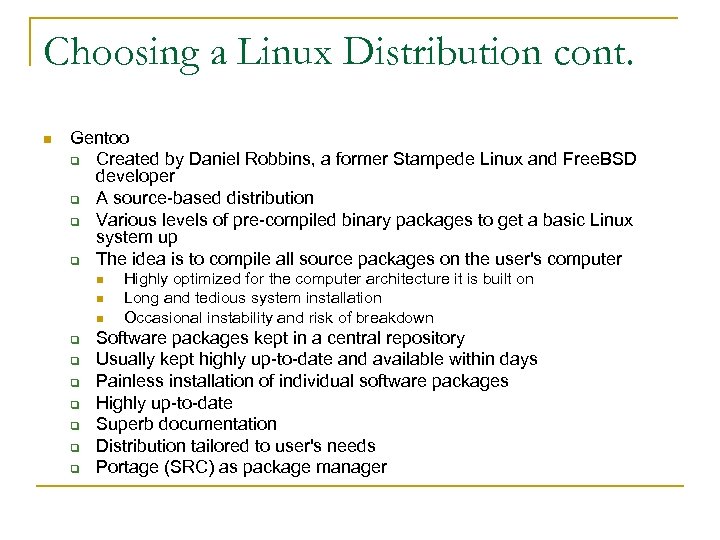 Choosing a Linux Distribution cont. n Gentoo q Created by Daniel Robbins, a former Stampede Linux and Free. BSD developer q A source-based distribution q Various levels of pre-compiled binary packages to get a basic Linux system up q The idea is to compile all source packages on the user's computer n n n q q q q Highly optimized for the computer architecture it is built on Long and tedious system installation Occasional instability and risk of breakdown Software packages kept in a central repository Usually kept highly up-to-date and available within days Painless installation of individual software packages Highly up-to-date Superb documentation Distribution tailored to user's needs Portage (SRC) as package manager
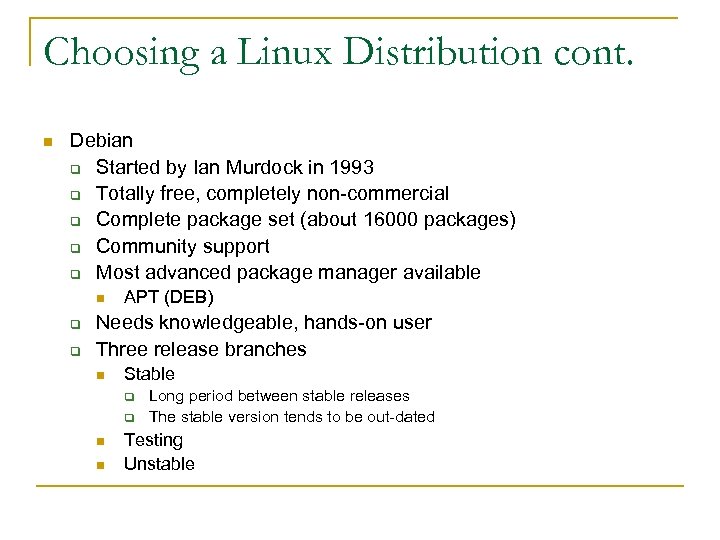 Choosing a Linux Distribution cont. n Debian q Started by Ian Murdock in 1993 q Totally free, completely non-commercial q Complete package set (about 16000 packages) q Community support q Most advanced package manager available n q q APT (DEB) Needs knowledgeable, hands-on user Three release branches n Stable q q n n Long period between stable releases The stable version tends to be out-dated Testing Unstable
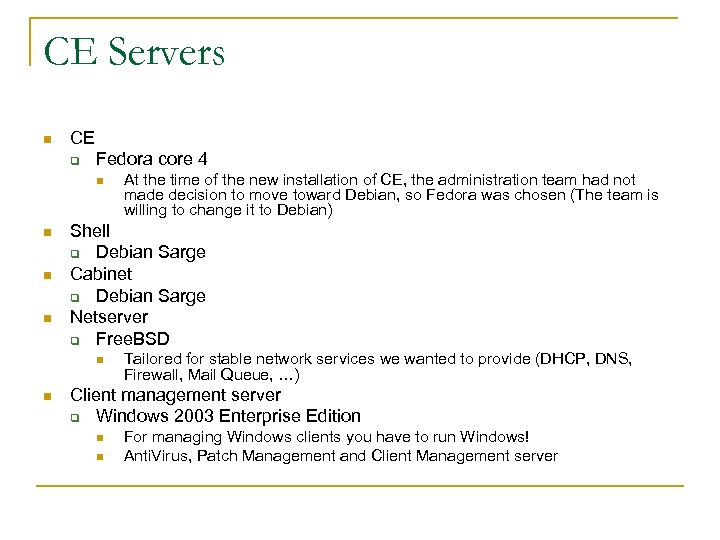 CE Servers n CE q Fedora core 4 n n Shell q Debian Sarge Cabinet q Debian Sarge Netserver q Free. BSD n n At the time of the new installation of CE, the administration team had not made decision to move toward Debian, so Fedora was chosen (The team is willing to change it to Debian) Tailored for stable network services we wanted to provide (DHCP, DNS, Firewall, Mail Queue, …) Client management server q Windows 2003 Enterprise Edition n n For managing Windows clients you have to run Windows! Anti. Virus, Patch Management and Client Management server
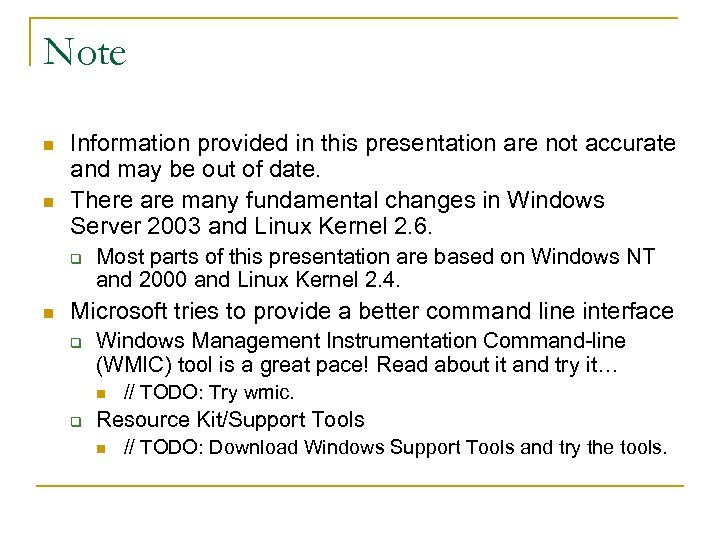 Note n n Information provided in this presentation are not accurate and may be out of date. There are many fundamental changes in Windows Server 2003 and Linux Kernel 2. 6. q n Most parts of this presentation are based on Windows NT and 2000 and Linux Kernel 2. 4. Microsoft tries to provide a better command line interface q Windows Management Instrumentation Command-line (WMIC) tool is a great pace! Read about it and try it… n q // TODO: Try wmic. Resource Kit/Support Tools n // TODO: Download Windows Support Tools and try the tools.
 References n Geod. Soft: Linux, Open. BSD, Windows Server Comparison q n Software in Review – The differences between Linux distributions q n http: //geodsoft. com/opinion/server_comp/ http: //www. softwareinreview. com/cms/content/view/26/1/ Distro. Watch. com q http: //distrowatch. com/
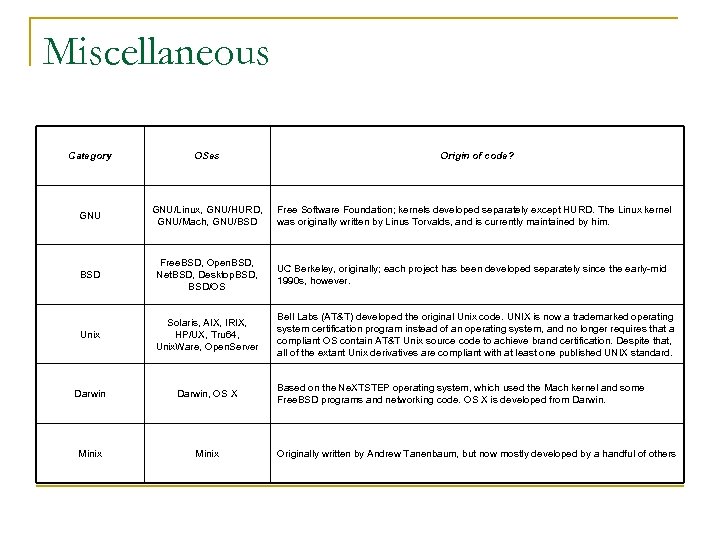 Miscellaneous Category OSes Origin of code? GNU/Linux, GNU/HURD, GNU/Mach, GNU/BSD Free Software Foundation; kernels developed separately except HURD. The Linux kernel was originally written by Linus Torvalds, and is currently maintained by him. BSD Free. BSD, Open. BSD, Net. BSD, Desktop. BSD, BSD/OS UC Berkeley, originally; each project has been developed separately since the early-mid 1990 s, however. Unix Solaris, AIX, IRIX, HP/UX, Tru 64, Unix. Ware, Open. Server Bell Labs (AT&T) developed the original Unix code. UNIX is now a trademarked operating system certification program instead of an operating system, and no longer requires that a compliant OS contain AT&T Unix source code to achieve brand certification. Despite that, all of the extant Unix derivatives are compliant with at least one published UNIX standard. Darwin, OS X Minix Based on the Ne. XTSTEP operating system, which used the Mach kernel and some Free. BSD programs and networking code. OS X is developed from Darwin. Originally written by Andrew Tanenbaum, but now mostly developed by a handful of others
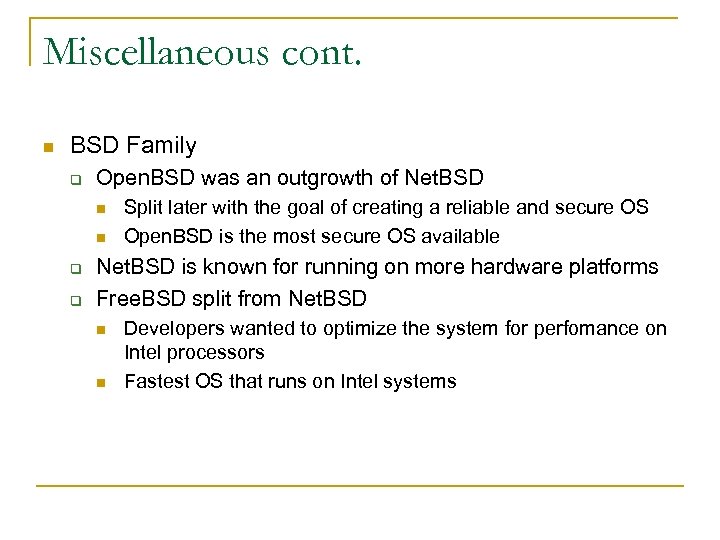 Miscellaneous cont. n BSD Family q Open. BSD was an outgrowth of Net. BSD n n q q Split later with the goal of creating a reliable and secure OS Open. BSD is the most secure OS available Net. BSD is known for running on more hardware platforms Free. BSD split from Net. BSD n n Developers wanted to optimize the system for perfomance on Intel processors Fastest OS that runs on Intel systems