 Скачать презентацию INTERFACE OPERATING SYSTEM WINDOWS SULTANBEKOVA ZHANSAYA —
Жансая Интерфейс.pptx
- Количество слайдов: 31



INTERFACE OPERATING SYSTEM WINDOWS SULTANBEKOVA ZHANSAYA
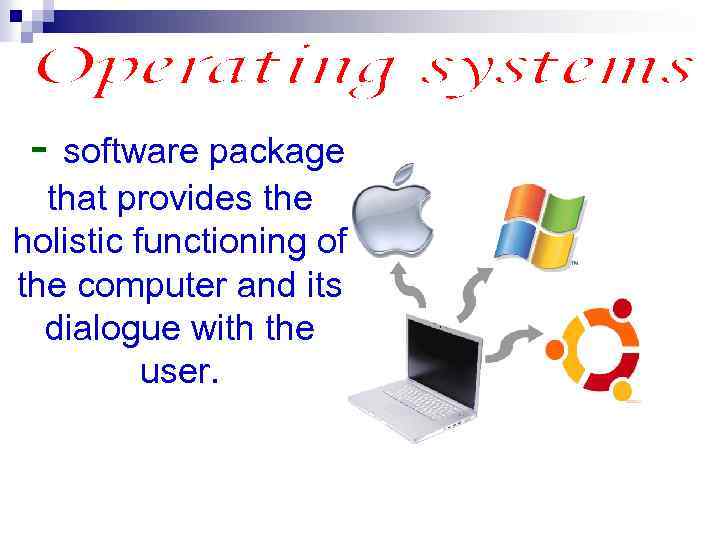
- software package that provides the holistic functioning of the computer and its dialogue with the user.
Операционная система
Windows operating system this is the first graphical, multitasking, windowed operating system with user-friendly interface. Year of establishment – 1995
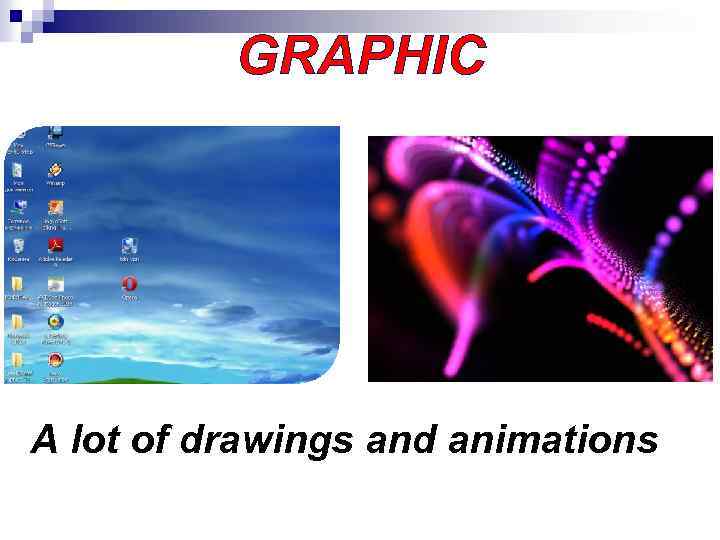
GRAPHIC A lot of drawings and animations
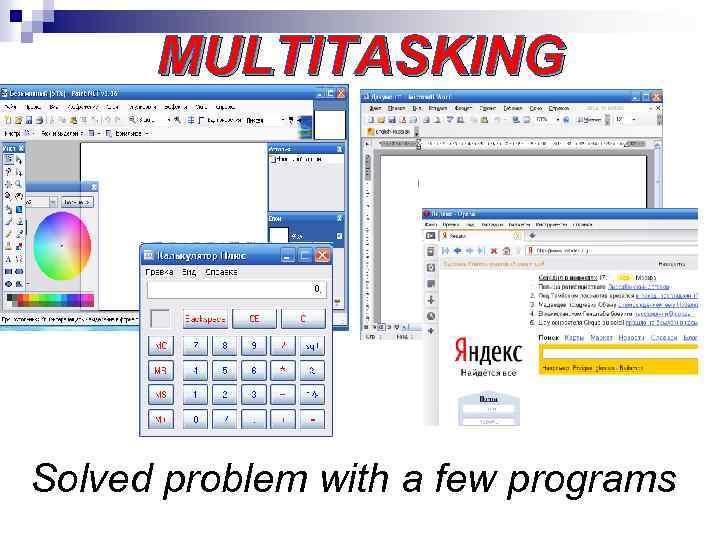
MULTITASKING Solved problem with a few programs
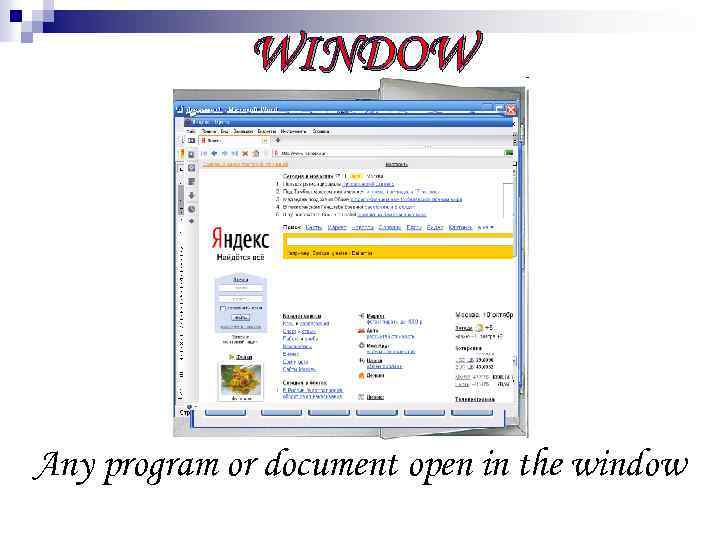
WINDOW Any program or document open in the window
Interface many tools and methods of interaction between objects.

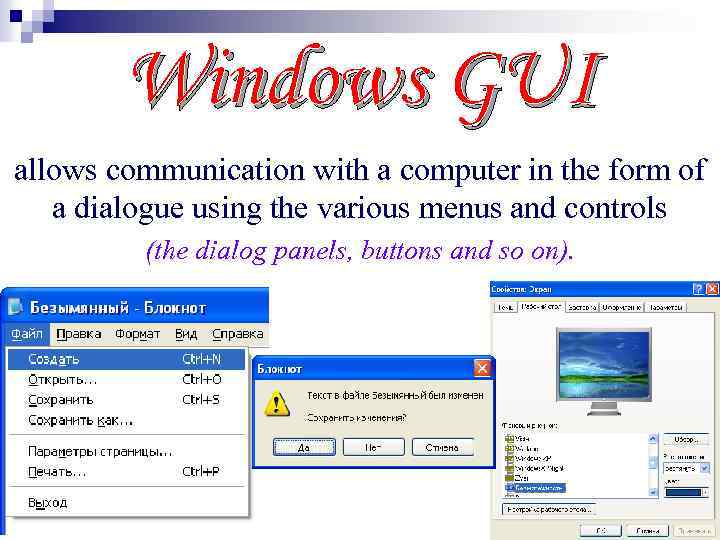
Windows GUI allows communication with a computer in the form of a dialogue using the various menus and controls (the dialog panels, buttons and so on).
Elements of the Windows graphical interface: n Desk n Icons n Labels n Files n Folder n Task bar n Window
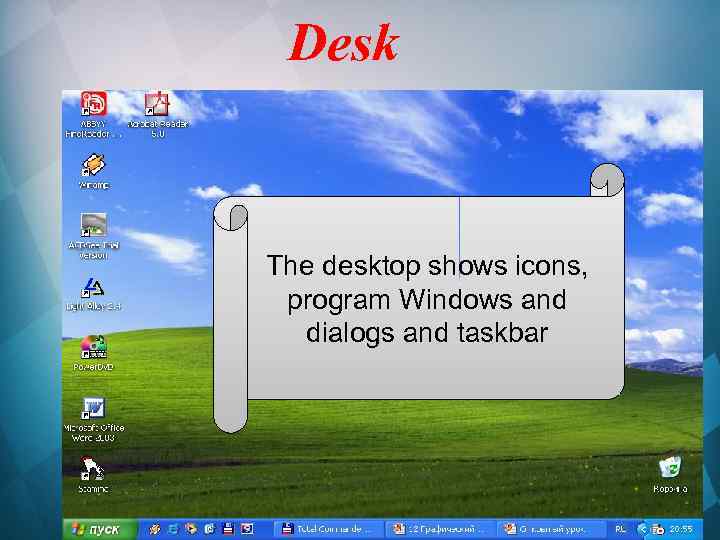
Desk The desktop shows icons, program Windows and dialogs and taskbar
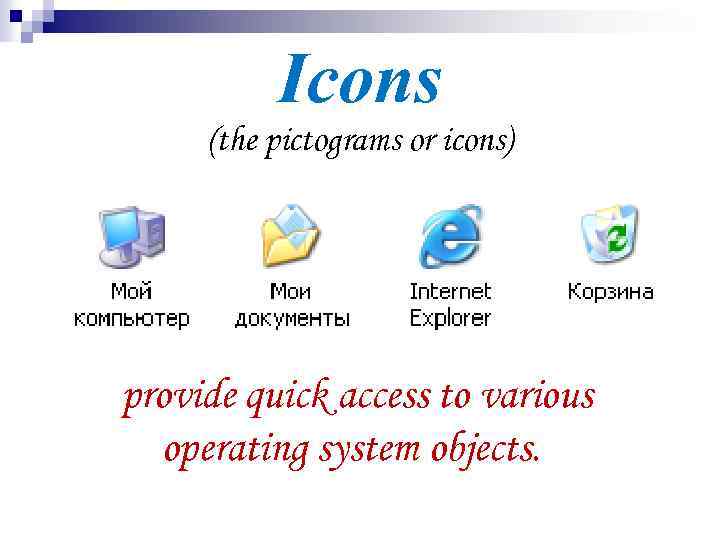
Icons (the pictograms or icons) provide quick access to various operating system objects.
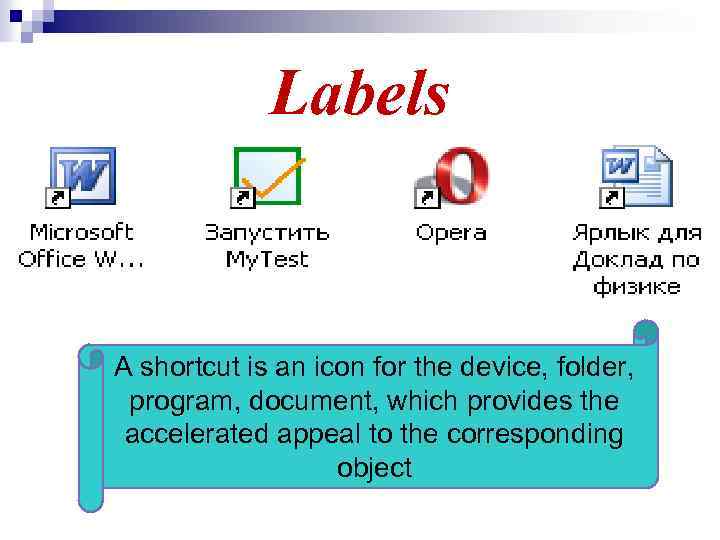
Labels A shortcut is an icon for the device, folder, program, document, which provides the accelerated appeal to the corresponding object
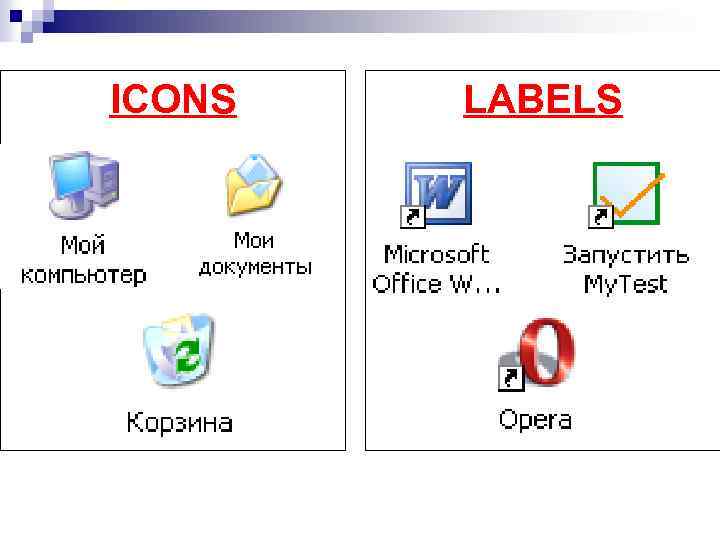
ICONS LABELS
Files and folders
Files and folders
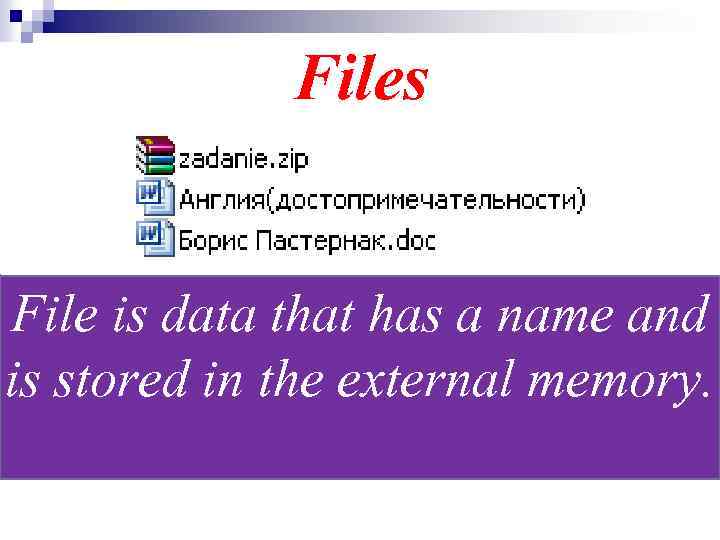
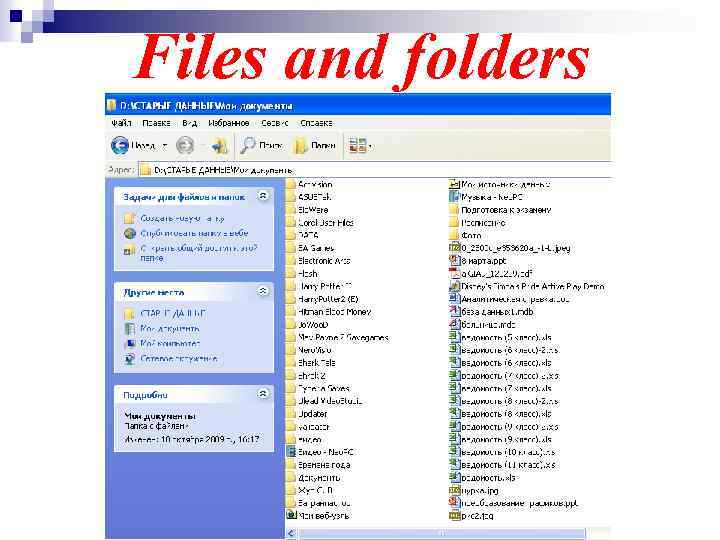
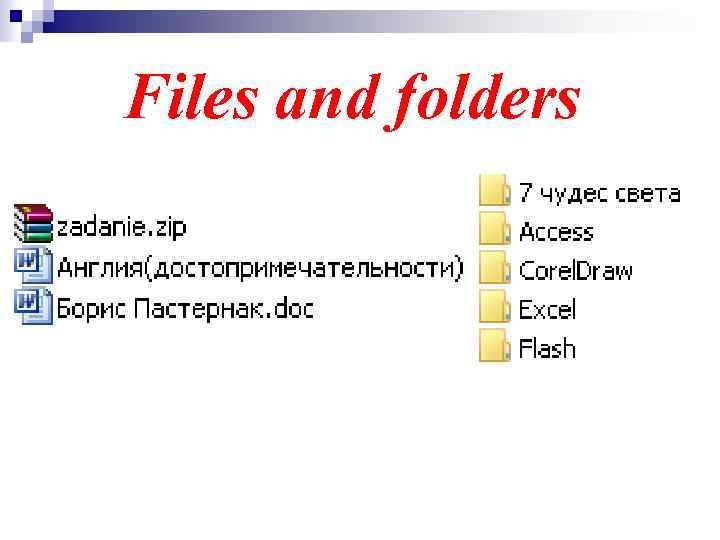
Files File is data that has a name and is stored in the external memory.
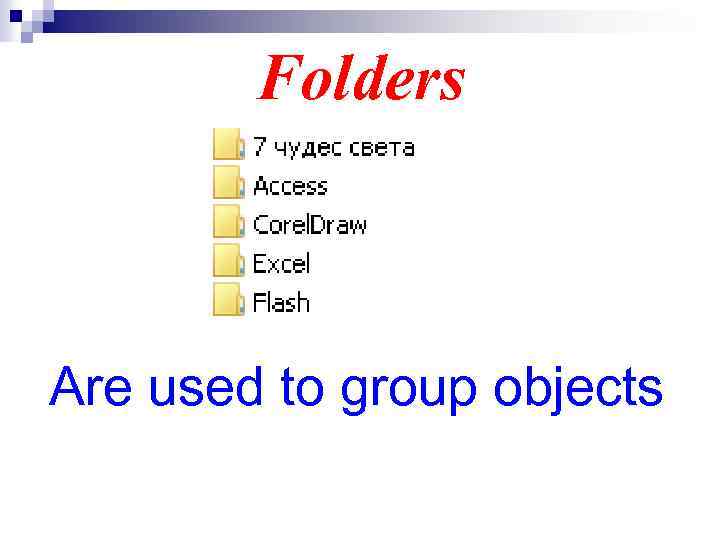
Folders Are used to group objects
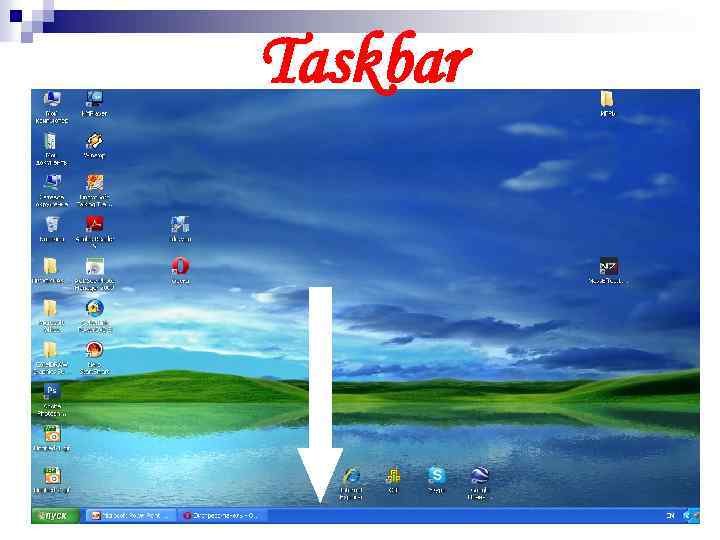
Taskbar
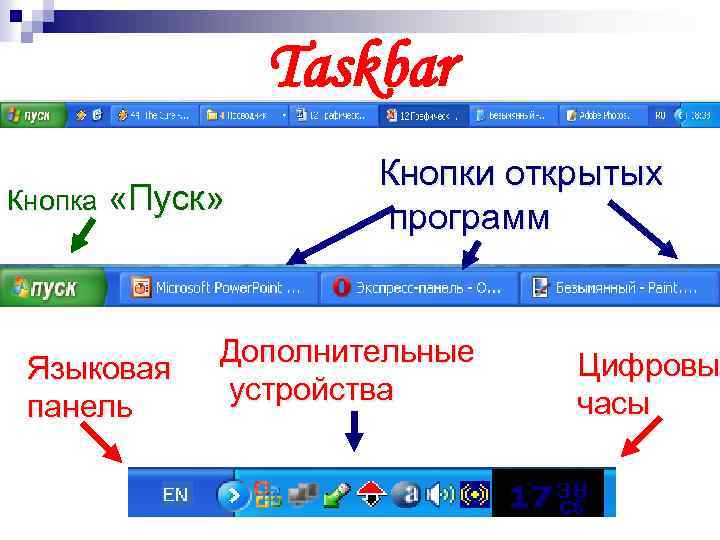
Taskbar Кнопка «Пуск» Языковая панель Кнопки открытых программ Дополнительные устройства Цифровы часы
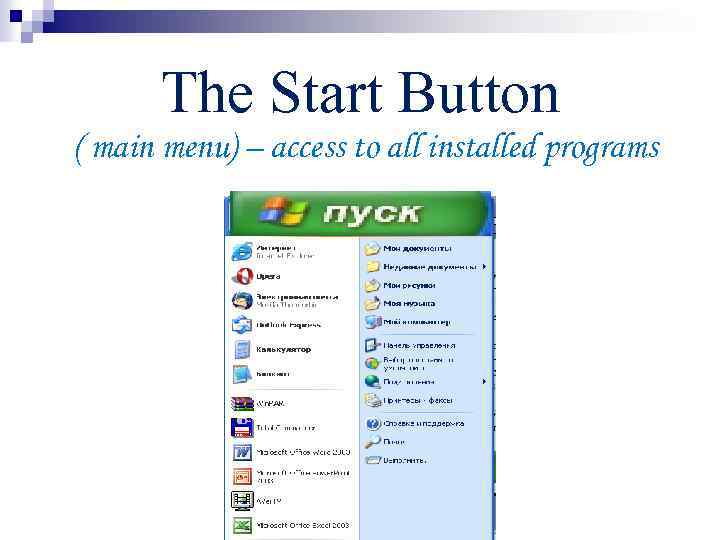
The Start Button ( main menu) – access to all installed programs
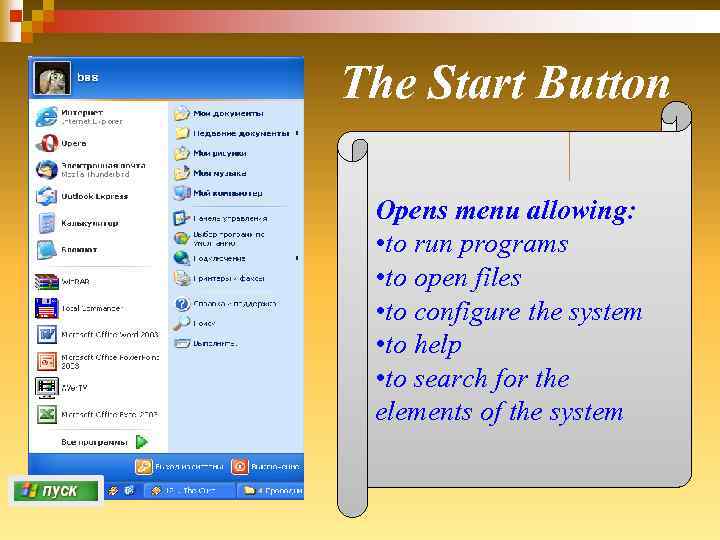
The Start Button Opens menu allowing: • to run programs • to open files • to configure the system • to help • to search for the elements of the system
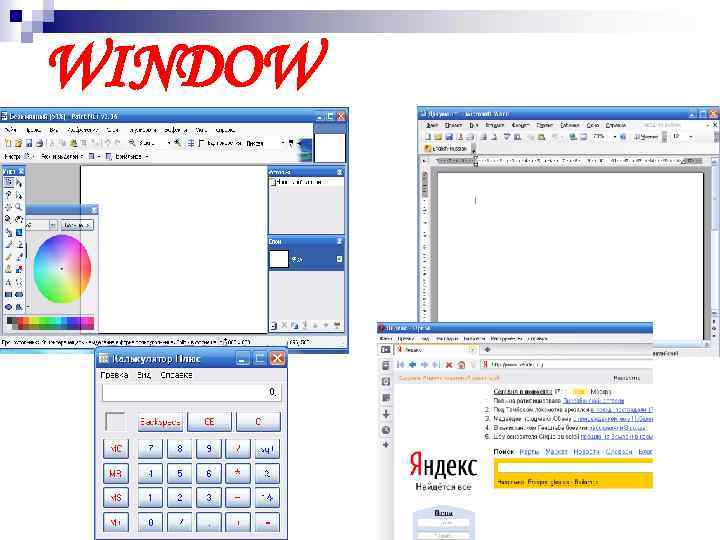
WINDOW
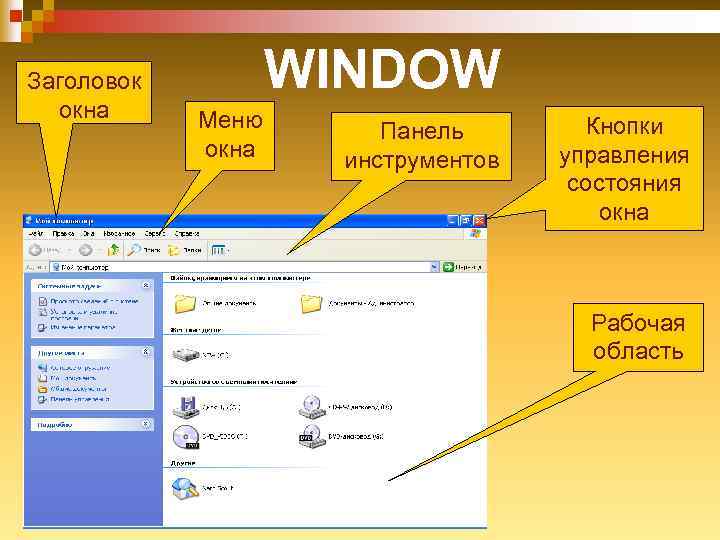
Заголовок окна WINDOW Меню окна Панель инструментов Кнопки управления состояния окна Рабочая область
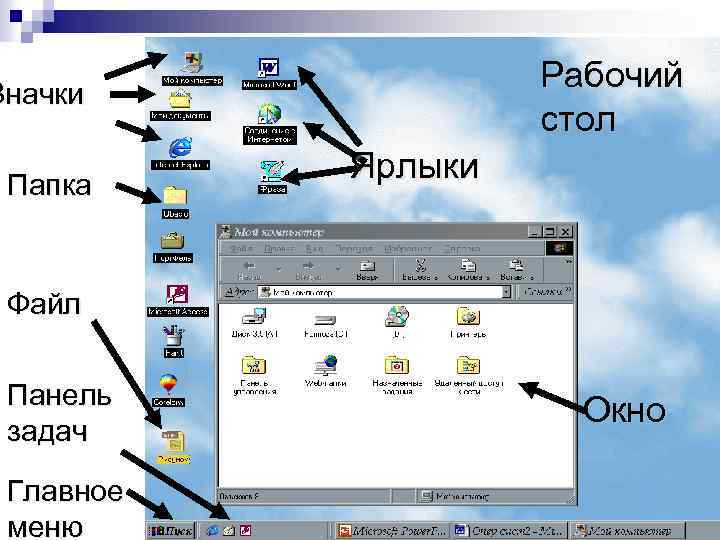
Рабочий стол Значки Папка Ярлыки Файл Панель задач Главное меню Окно
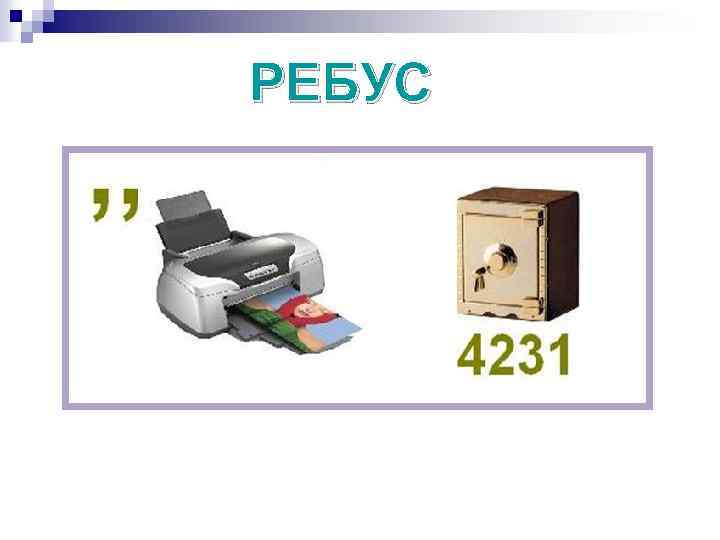
РЕБУС
ОТВЕТ ИНТЕР+СЕЙФ ИНТЕРФЕЙС
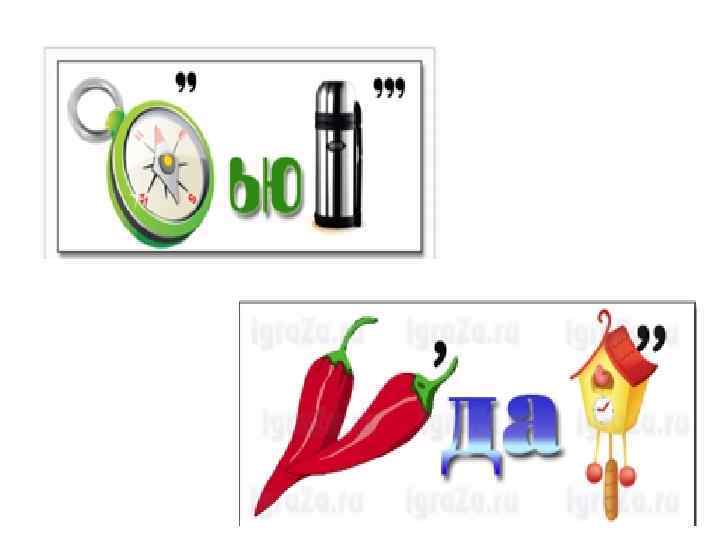
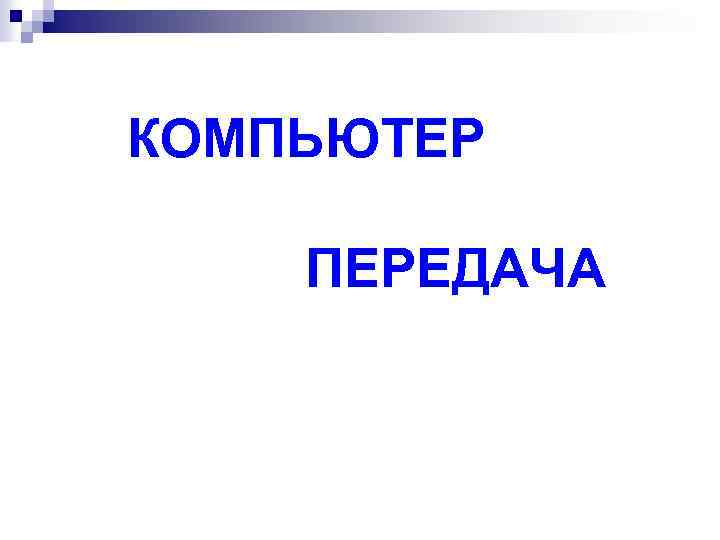
КОМПЬЮТЕР ПЕРЕДАЧА
Thank you for your attention!
Скачать презентацию INTERFACE OPERATING SYSTEM WINDOWS SULTANBEKOVA ZHANSAYA —
Жансая Интерфейс.pptx