 Скачать презентацию Interactive Web Mapping with Google Maps and Google
7f3ba8ea35762bc620b57c37f276fbeb.ppt
- Количество слайдов: 83




Interactive Web Mapping with Google Maps and Google Apps An Introduction to KML, Google Fusion Tables, and the Google Maps API Hammond Sanitary District

Workshop Schedule 9: 00 -10: 30 – Part I A. Introductions B. KML C. Fusion Tables D. Question and Answer 10: 30 -10: 45 – Break 10: 45 -12: 00 – Part II A. Google Maps API B. Programming C. Hammond. GIS Demonstration D. Question and Answer Hammond Sanitary District
Who we are: Hammond Sanitary District Becky Mc. Kinley, GISP GIS Manager bmckinley@hammondsd. com Tom Ramker GIS Technician tramker@hammondsd. com Hammond Sanitary District
City of Hammond, IN Ø Located in extreme northwest corner of state, borders Lake Michigan and Illinois Ø Population: 80, 830 Ø Employees: 634 Ø GIS Department : 2 Ø http: //www. gohammond. com/ Hammond Sanitary District
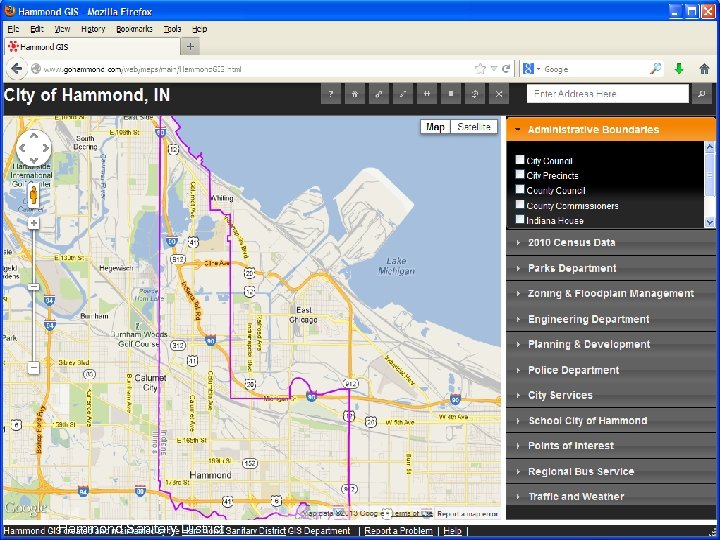
What we do: Maintain base map data, utility network data, and several other data layers for the Hammond Sanitary District and the City of Hammond Ø Provide mapping services to all city departments Ø Have implemented and maintain an interactive map for the City of Hammond’s website to be utilized by both city employees and the general public Ø Hammond Sanitary District
Hammond Sanitary District
Our Goal Ø Utilize freely available tools and applications offered by Google to share our extensive spatial data library Ø Create an application that allows this data to be easily accessed by city officials and the general public Ø Make it easy to maintain and update with minimal work for the Web Design/IT staff Hammond Sanitary District
What’s the big deal? Ø Allows GIS data to be displayed in a familiar, easy-to-use interface Ø Requires no additional software, licenses, viewers, log-ins, etc. Ø Easily shared Ø No servers, all cloud based Ø Zero Cost Hammond Sanitary District
What you need: Google Account Ø l allows access to all google applications, including Google Sites, Google Maps API, Google Drive (formerly Google Documents), Google Fusion Tables, Google Analytics Internet Connection Ø l needed to upload data to Google Cloud and to access Google APIs Data Ø l shapefiles, kml files, or tabular data (. csv, . tsv, . xls, etc. ) Hammond Sanitary District
Useful Additions : Working knowledge of Google Maps Ø Google Earth Ø Text Editor Ø l Ø Minimal programming skills l Ø HTML, Java. Script, CSS Newer generation internet browser with web development tools l Ø Wordpad, Notepad, etc. Firefox, Chrome, etc. Website for hosting Hammond Sanitary District
Data Formats Ø There are two types of GIS data that can be displayed using the Google Maps API: KML, and Fusion Tables Ø Both formats can be generated in various ways Ø Shapefiles can easily be converted to either format Hammond Sanitary District
Introduction to KML Ø Keyhole Markup Language Ø XML standard notation for expressing geographic annotation and visualization Ø Displays geographic data in an internet based Earth browser such as Google Earth, or Google Maps, or in certain geospatial software Ø File extension. kml or. kmz Hammond Sanitary District
KML Structure Ø Tag-based structure with nested elements and attributes Ø Basic elements: Placemarks, Paths, Polygons, Overlays Ø Basic Attributes: Description, Style Hammond Sanitary District
KML Geography Ø Uses 3 D geographic coordinates: longitude, latitude and altitude Ø Longitude and latitude components are as defined by the World Geodetic System of 1984 (WGS 84) Ø Altitude is measured from the WGS 84 EGM 96 Geoid vertical datum Ø Mercator projection Hammond Sanitary District
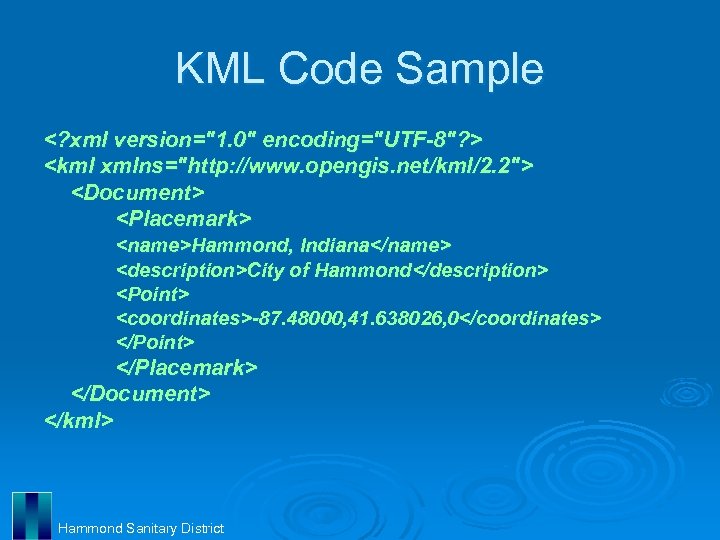
KML Code Sample <? xml version="1. 0" encoding="UTF-8"? > <kml xmlns="http: //www. opengis. net/kml/2. 2"> <Document> <Placemark> <name>Hammond, Indiana</name> <description>City of Hammond</description> <Point> <coordinates>-87. 48000, 41. 638026, 0</coordinates> </Point> </Placemark> </Document> </kml> Hammond Sanitary District
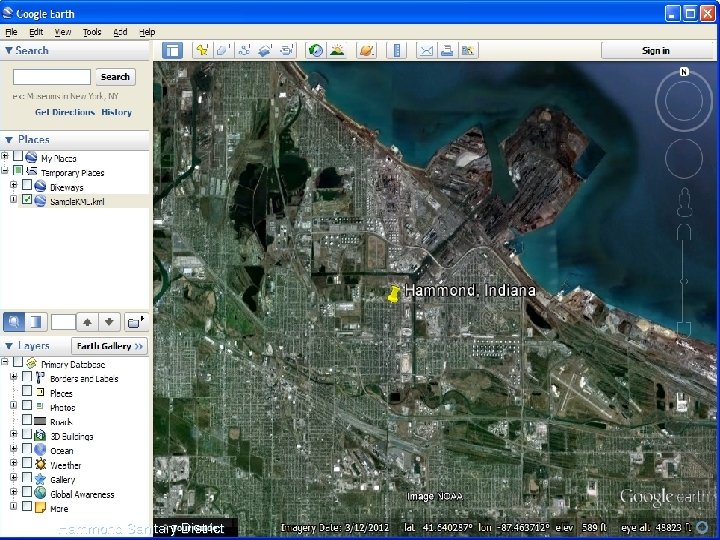
Simple KML SS Hammond Sanitary District
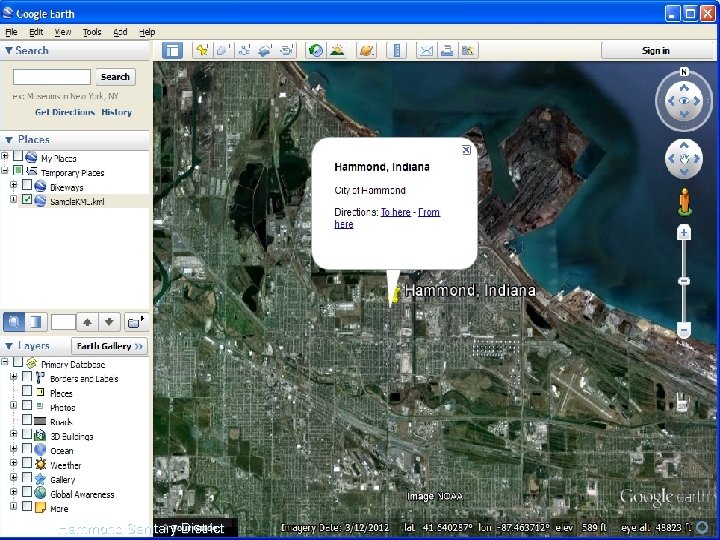
Hammond Sanitary District
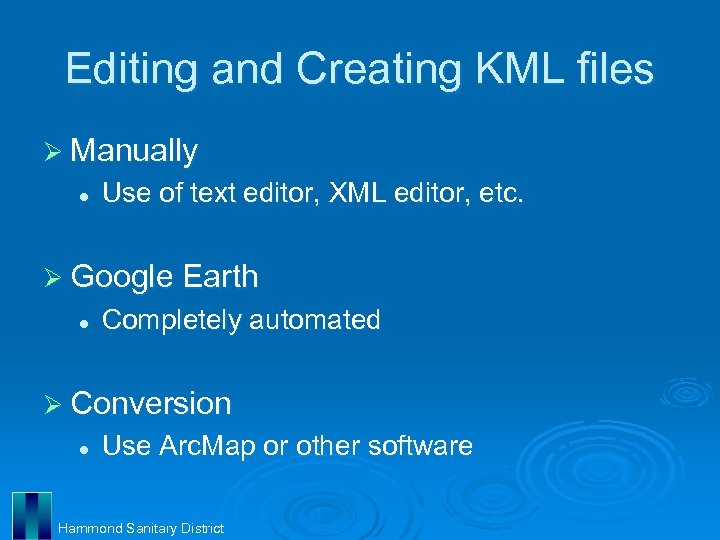
Editing and Creating KML files Ø Manually l Use of text editor, XML editor, etc. Ø Google Earth l Completely automated Ø Conversion l Use Arc. Map or other software Hammond Sanitary District
Editing KML Manually Ø Editing or creating XML code line by line using text editor or XML editor Ø Very intensive coding: case sensitive, very specific ordering of tags Ø May be useful for small, simple data sets of Placemarks Ø Paths and Polygons may have hundreds or thousands of coordinates Hammond Sanitary District
KML in Google Earth Ø Create geography in an automated, familiar interface Ø Heads-up digitizing, geocoding Ø Style and description easily selected and edited in attribute windows Ø Elements can be easily added and removed with simple drag/drop procedures Ø Import several types of imagery Hammond Sanitary District
Demonstration: KML Ø Google Earth Hammond Sanitary District
Creating KML in Arc. Map Ø KML files can be created using Arc. Map(9. 3 or 10) with the Layer To KML or Map To KML conversion tools in the Arc. Toolbox Ø Layer to KML tool converts single Arc. Map layer to. kmz format Ø Map To KML tool converts entire Arc. Map map document to. kmz format Hammond Sanitary District
Optimizing Layers for KML Ø The key KML settings of a feature layer are: l l l The Layer Name property, which is used as the folder name The Layer Description property, which is used as the pop-up content for the containing folder The Symbology, which is used to create a KML symbol The Label expression, which is used to name each feature The Definition Query, which can be used to limit which features are included in the KML representation The HTML Popup properties, which are used to define the pop-up content for individual features Hammond Sanitary District
Optimizing Layers for KML (cont’d) Ø The key KML settings of an image layer are: l l The Layer Name property, which is used as the ground overlay name The Layer Description property, which is used as the pop-up content for the ground overlay Hammond Sanitary District
Demonstration: KML Ø Arc. Map Ø File Folder Ø Google Earth Ø Google Sites Ø Google Maps Hammond Sanitary District
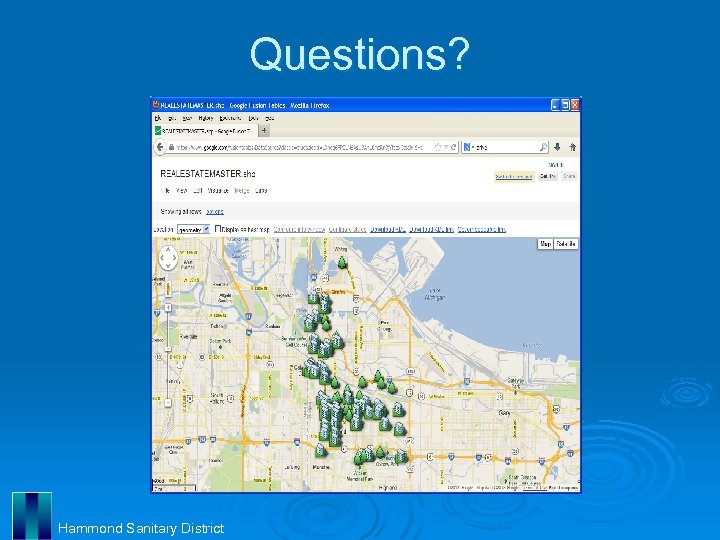
Google Fusion Tables Ø Fusion Tables l l Data visualization web application Allows user to gather, visualize, and share data tables Map data in minutes Located in Google Drive (formerly Google Documents) Hammond Sanitary District
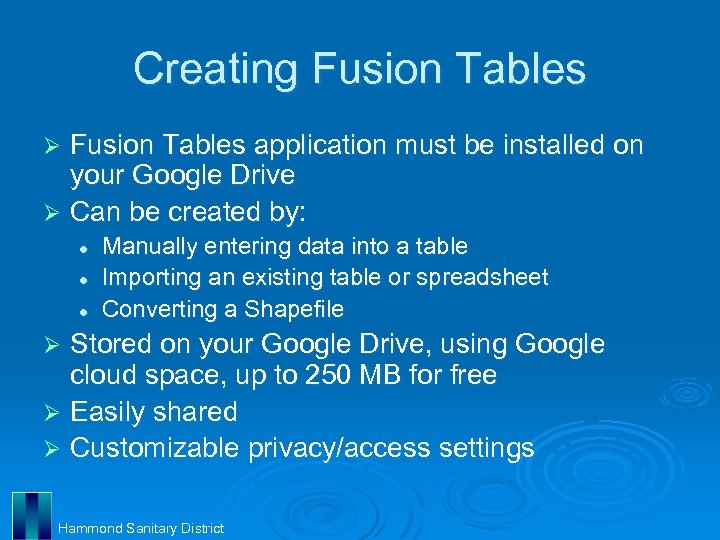
Creating Fusion Tables application must be installed on your Google Drive Ø Can be created by: Ø l l l Manually entering data into a table Importing an existing table or spreadsheet Converting a Shapefile Stored on your Google Drive, using Google cloud space, up to 250 MB for free Ø Easily shared Ø Customizable privacy/access settings Ø Hammond Sanitary District
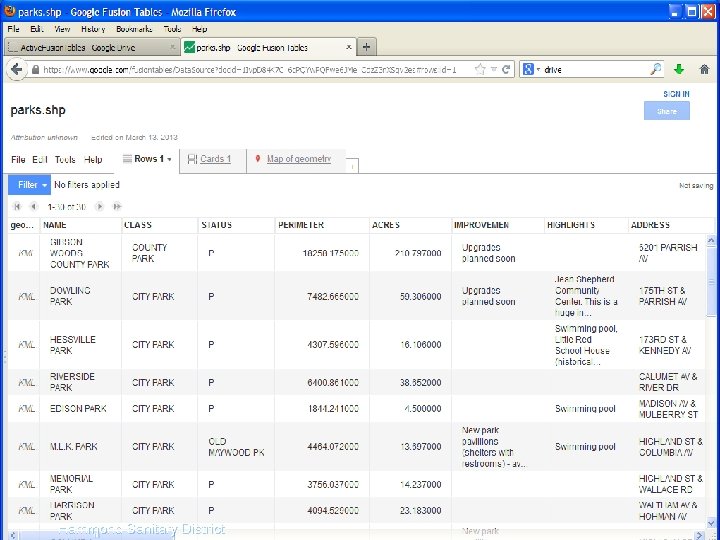
Fusion Tables SS Hammond Sanitary District
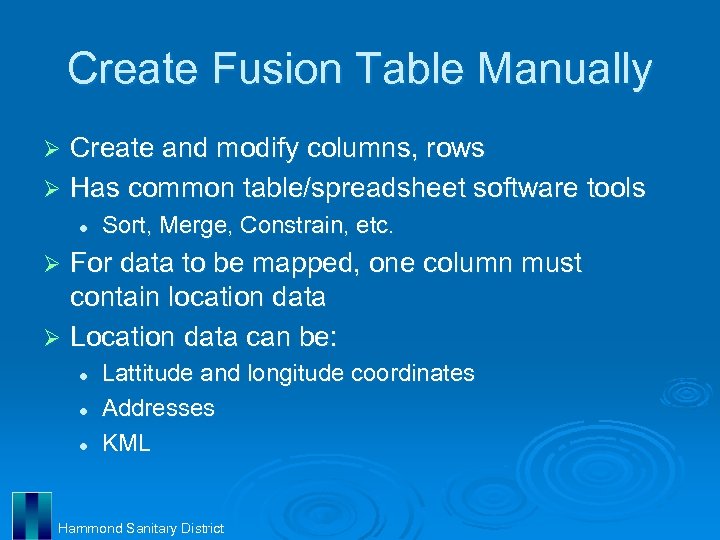
Create Fusion Table Manually Create and modify columns, rows Ø Has common table/spreadsheet software tools Ø l Sort, Merge, Constrain, etc. For data to be mapped, one column must contain location data Ø Location data can be: Ø l l l Lattitude and longitude coordinates Addresses KML Hammond Sanitary District
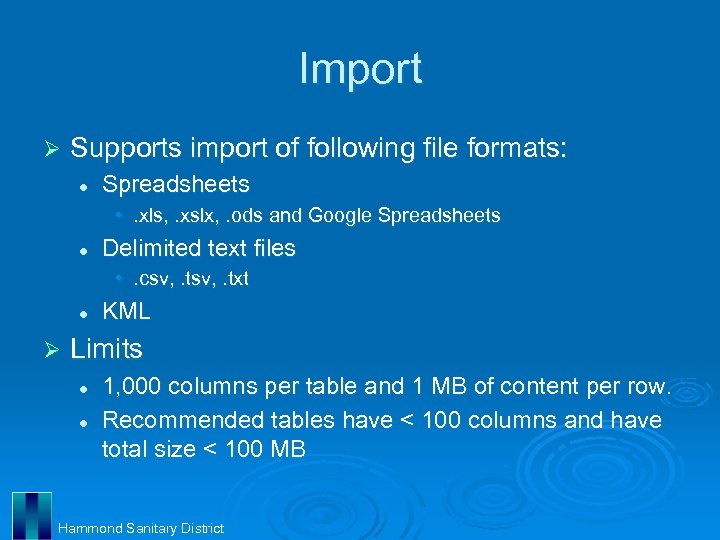
Import Ø Supports import of following file formats: l Spreadsheets • . xls, . xslx, . ods and Google Spreadsheets l Delimited text files • . csv, . txt l Ø KML Limits l l 1, 000 columns per table and 1 MB of content per row. Recommended tables have < 100 columns and have total size < 100 MB Hammond Sanitary District
Preparing Data for Import Ø Only the first sheet is imported to Fusion Tables. Ø Fusion Tables only recognize a single row of column names Ø Delete any comments and explanations that are not part of the tabular data from the file you upload Ø Fill in implied values Ø Does not support formulas Hammond Sanitary District
Preparing Data for Import (cont’d) Ø Multi-part addresses must be concatenated and displayed in one column Ø Lattitude and longitude must be in decimal degrees, can be in two columns Ø Fusion Tables handle percentages as strings. To treat percentages as numbers, change data into actual numbers prior to import Hammond Sanitary District
Shape Escape Ø shpescape. com l l Ø Shapefile to Fusion Table conversion tool Upload shapefile directly from your computer Links to your Google Drive, creates Fusion Table and populates with data Shapefiles must be zipped and must include a. prj, . shp, . shx, and. dbf file for each shapefile Limits l l You are limited to 250 MB in total storage on Google Fusion Tables This application will upload a maximum of 100 k rows Hammond Sanitary District
Demonstration: Fusion Tables Shape Escape Ø Google Drive Ø Fusion Tables Ø Fusion Table Marker Icons Ø Hammond Sanitary District
Questions? Hammond Sanitary District
Programming Ø HTML l Build websites and web elements Ø CSS l Format websites and web elements Ø Java. Script l Provide functionality to websites and create web applications Hammond Sanitary District
HTML Ø Hyper. Text Markup Language Ø Language used to create anything that can be displayed in a web browser Ø Consists of nested elements that generally have 3 components l l l Opening and closing tags Attributes Content: text, graphics, other elements, etc. Hammond Sanitary District
HTML Code Basics <!DOCTYPE> Document Type Declaration, this tells your browser which version of HTML you're using. <html>. . . </html> Standard opening and closing tags for any HTML page; everything else is enclosed in these. <!--. . . --> Comments; whatever is in here will be skipped over by the browser. <head>. . . </head> Header of your document; can contain scripts, styles, descriptions, information. <title>. . . </title> Whatever is between these tags will appear in the title bar of your browser. <meta> Contains page and creator information; used by search engines. <body>. . . </body> Everything visible on your page goes between these tags. Hammond Sanitary District
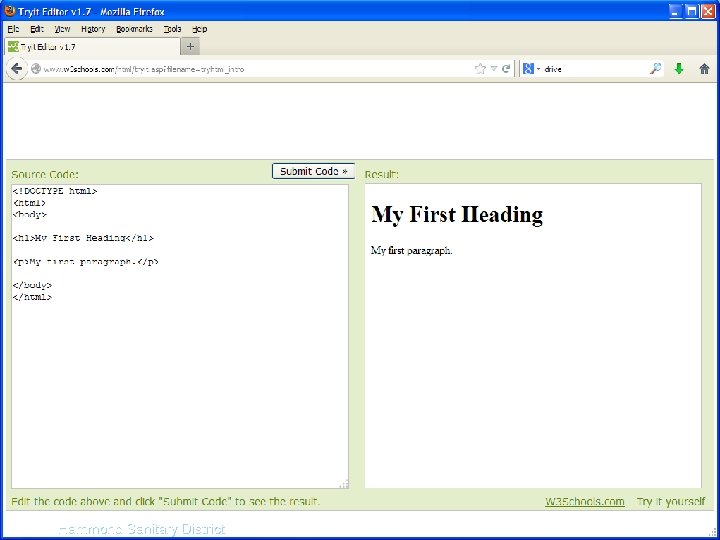
Sample HTML SS Hammond Sanitary District
CSS Ø Ø Ø Cascading Style Sheets Controls look and formatting of any document written in a markup langauge Separates document content from document presentation Simple syntax that uses a number of English keywords to specify the names of various style properties Java. Scripts in HTML must be inserted between <script> and </script> tags. CSS can also be placed in external files with. css extension Hammond Sanitary District
CSS Code Basics A style sheet consists of a list of rules. Each rule or set of rules consists of one or more selectors, and a declaration block. Ø Selectors are used to declare which part of the markup a style applies to. Ø A declaration-block consists of a list of declarations in braces Ø Each declaration itself consists of a property, a colon (: ), and a value Ø Multiple declarations in a block are seperated by a semi-colon (; ) Ø Ø Hammond Sanitary District
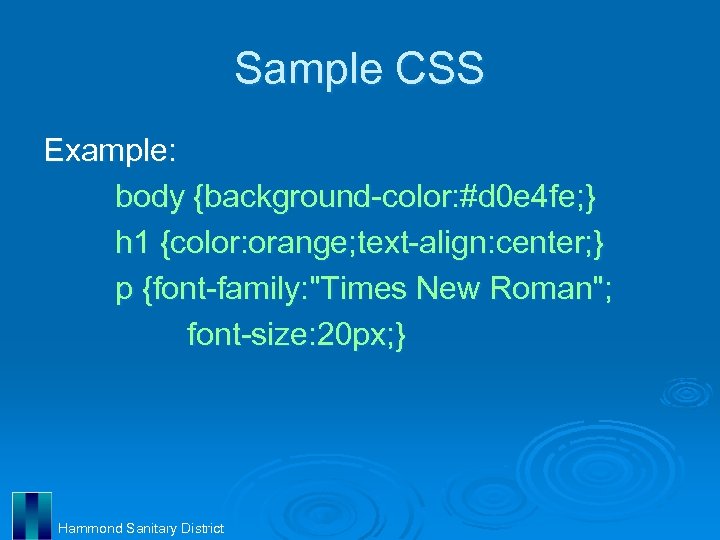
Sample CSS Example: body {background-color: #d 0 e 4 fe; } h 1 {color: orange; text-align: center; } p {font-family: "Times New Roman"; font-size: 20 px; } Hammond Sanitary District
Java. Script Object-oriented programming language Ø Scripting language that is dynamic, weakly typed, and has first-class functions Ø Syntax was strongly influenced by the language C Ø Most common use is to write functions that are embedded in HTML to add functionality to websites Ø Can be executed by all modern web browsers Ø Hammond Sanitary District
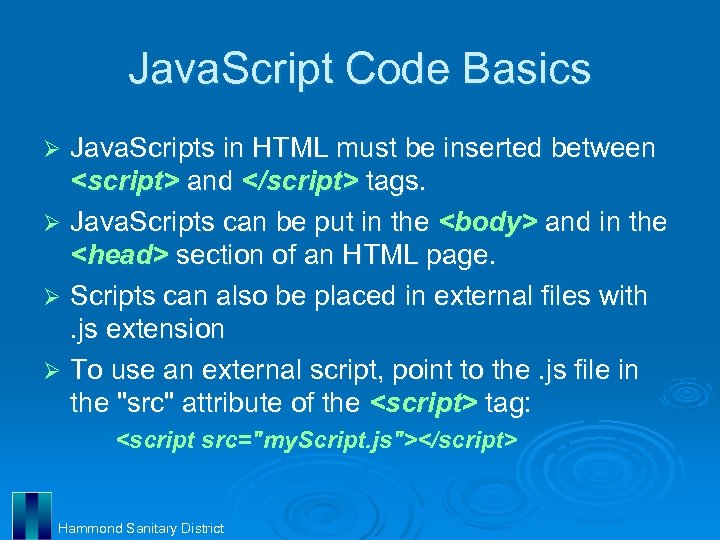
Java. Script Code Basics Java. Scripts in HTML must be inserted between <script> and </script> tags. Ø Java. Scripts can be put in the <body> and in the <head> section of an HTML page. Ø Scripts can also be placed in external files with. js extension Ø To use an external script, point to the. js file in the "src" attribute of the <script> tag: Ø <script src="my. Script. js"></script> Hammond Sanitary District

Java. Script Code Basics (cont’d) Java. Script statements are "commands" to the browser and are separated by semicolons (; ) Ø Statements can be grouped together in blocks Ø Blocks start with a left curly bracket ({), and end with a right curly bracket (}) Ø The purpose of a block is to make the sequence of statements execute together Ø Single line comments start with two backslashes (//) Ø Hammond Sanitary District
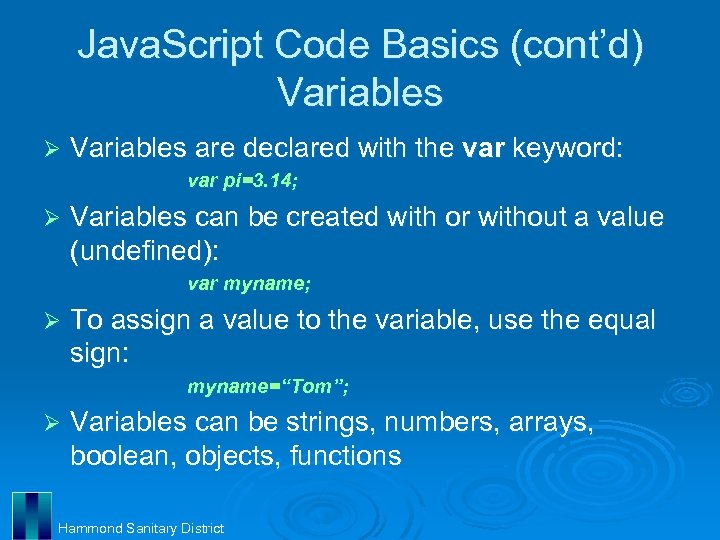
Java. Script Code Basics (cont’d) Variables Ø Variables are declared with the var keyword: var pi=3. 14; Ø Variables can be created with or without a value (undefined): var myname; Ø To assign a value to the variable, use the equal sign: myname=“Tom”; Ø Variables can be strings, numbers, arrays, boolean, objects, functions Hammond Sanitary District
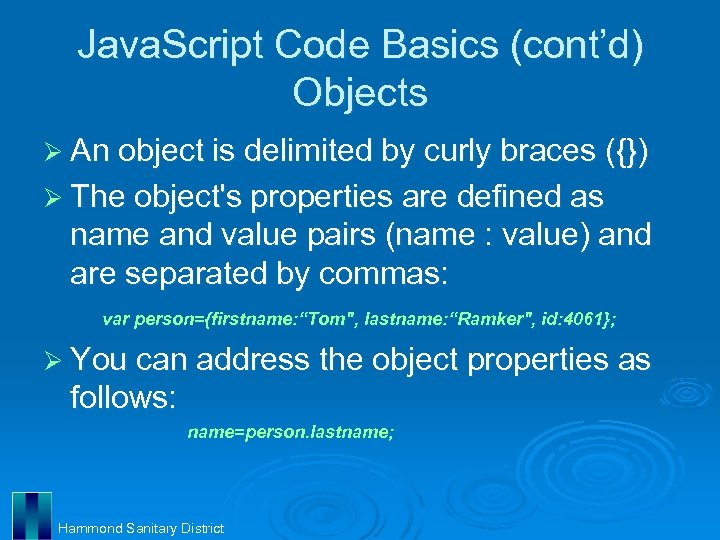
Java. Script Code Basics (cont’d) Objects Ø An object is delimited by curly braces ({}) Ø The object's properties are defined as name and value pairs (name : value) and are separated by commas: var person={firstname: “Tom", lastname: “Ramker", id: 4061}; Ø You can address the object properties as follows: name=person. lastname; Hammond Sanitary District

Java. Script Code Basics (cont’d) Functions Ø A function is written as a code block inside curly braces({}), preceded by the function keyword: functionname() { some code to be executed } The code inside the function will be executed when it is “called” Ø The function can be called directly when an event occurs and it can be called from "anywhere" by Java. Script code Ø When a function is called, it can be “passed” some values: Ø my. Function(argument 1, argument 2) ; function my. Function(var 1, var 2) { some code } Hammond Sanitary District

Java. Script Code Basics (cont’d) Functions 2 Ø A function can also return a value back to where the call was made: function my. Function() { var x=5; return x; } Ø Arithmetic Operators: +, -, /, *, =, +=, -=, *=, /= Ø Comparison Operators: <, >, <=, >=, == Ø Logical Operators: &&, ||, ! Hammond Sanitary District
Java. Script Code Basics (cont’d) Functions 3 if statement - use this statement to execute some code only if a specified condition is true Ø if. . . else statement - use this statement to execute some code if the condition is true and another code if the condition is false Ø if. . . else if. . else statement - use this statement to select one of many blocks of code to be executed Ø switch statement - use this statement to select one of many blocks of code to be executed Ø Hammond Sanitary District
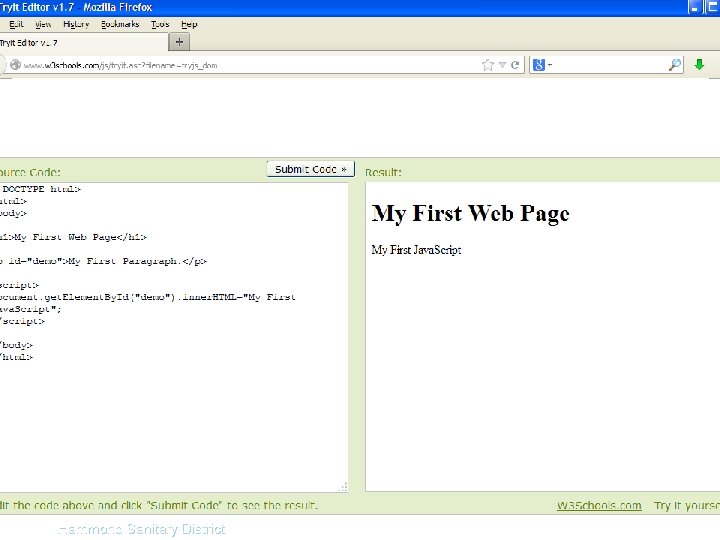
Sample Javascript SS Hammond Sanitary District
Google Maps API Ø API – Application Programming Interface l l Allows different software components to communicate with each other Library that includes tools, variables, data structures, object classes, etc. Ø Google Maps API l l Web version utilizes Java. Script Versions also available for Android and i. OS Hammond Sanitary District
Google Maps API, cont. Ø No cost usage limits and restrictions l l Ø Service must be freely and publicly accessible to end users 25, 000 map loads per day 2, 500 Geocoding requests per day 2, 500 Directions requests per day Google Maps API for Business available for those that do not meet, or exceed these requirements Hammond Sanitary District
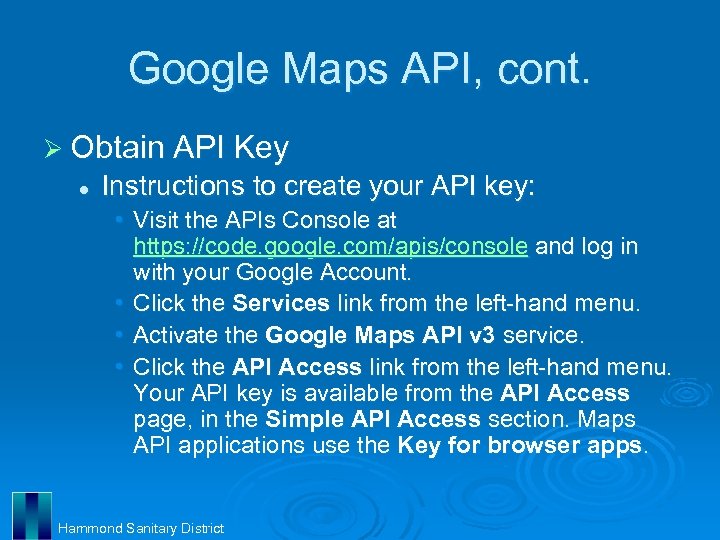
Google Maps API, cont. Ø Obtain API Key l Instructions to create your API key: • Visit the APIs Console at https: //code. google. com/apis/console and log in with your Google Account. • Click the Services link from the left-hand menu. • Activate the Google Maps API v 3 service. • Click the API Access link from the left-hand menu. Your API key is available from the API Access page, in the Simple API Access section. Maps API applications use the Key for browser apps. Hammond Sanitary District
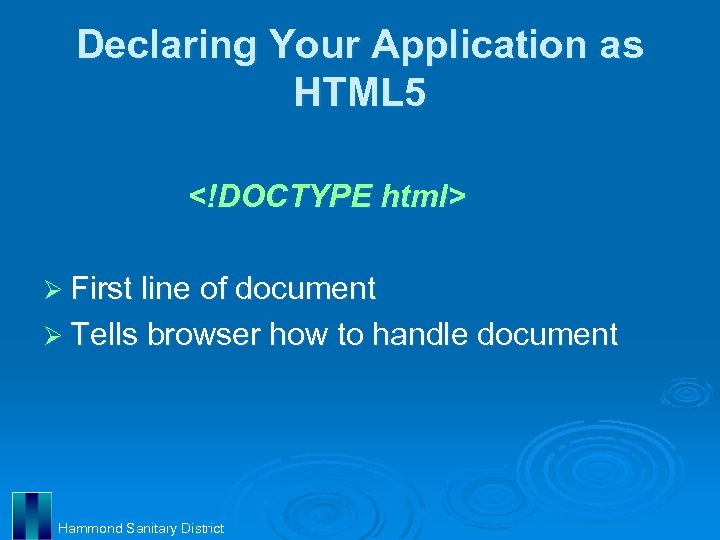
Declaring Your Application as HTML 5 <!DOCTYPE html> Ø First line of document Ø Tells browser how to handle document Hammond Sanitary District
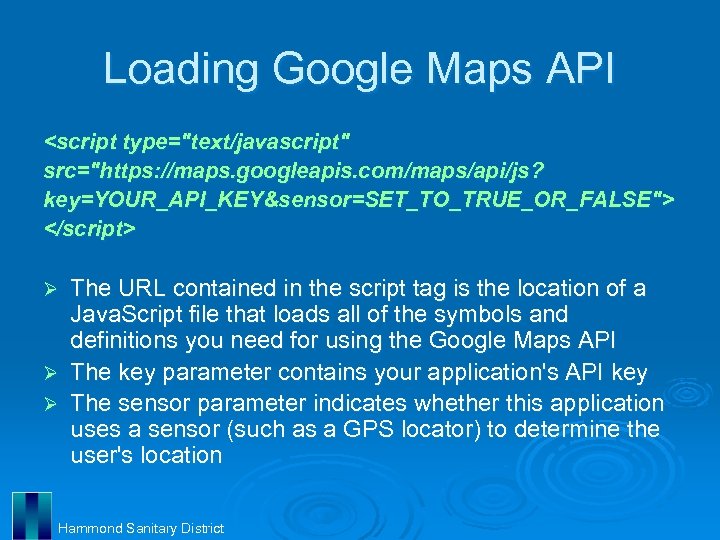
Loading Google Maps API <script type="text/javascript" src="https: //maps. googleapis. com/maps/api/js? key=YOUR_API_KEY&sensor=SET_TO_TRUE_OR_FALSE"> </script> Ø Ø Ø The URL contained in the script tag is the location of a Java. Script file that loads all of the symbols and definitions you need for using the Google Maps API The key parameter contains your application's API key The sensor parameter indicates whether this application uses a sensor (such as a GPS locator) to determine the user's location Hammond Sanitary District
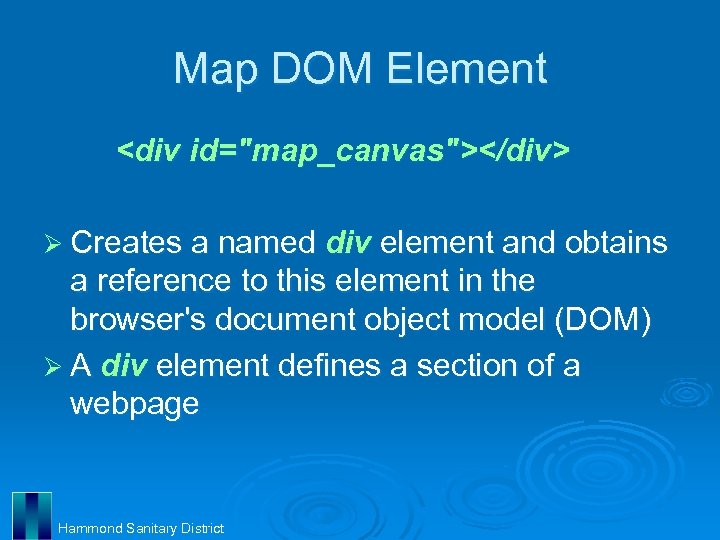
Map DOM Element <div id="map_canvas"></div> Ø Creates a named div element and obtains a reference to this element in the browser's document object model (DOM) Ø A div element defines a section of a webpage Hammond Sanitary District
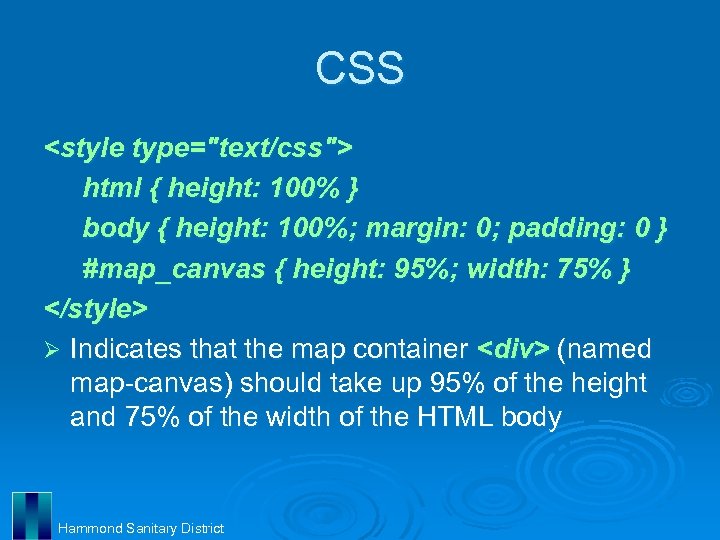
CSS <style type="text/css"> html { height: 100% } body { height: 100%; margin: 0; padding: 0 } #map_canvas { height: 95%; width: 75% } </style> Ø Indicates that the map container <div> (named map-canvas) should take up 95% of the height and 75% of the width of the HTML body Hammond Sanitary District
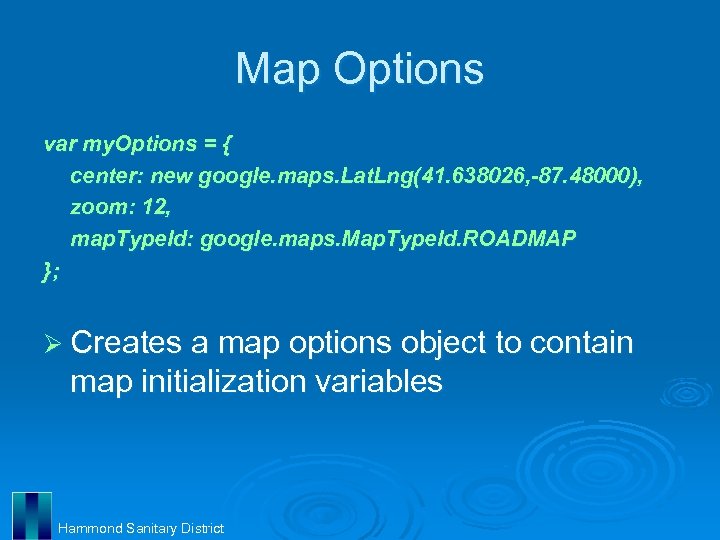
Map Options var my. Options = { center: new google. maps. Lat. Lng(41. 638026, -87. 48000), zoom: 12, map. Type. Id: google. maps. Map. Type. Id. ROADMAP }; Ø Creates a map options object to contain map initialization variables Hammond Sanitary District
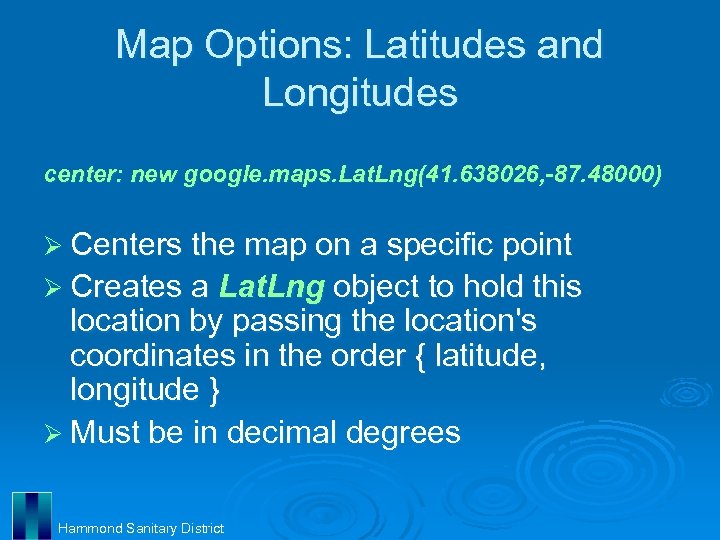
Map Options: Latitudes and Longitudes center: new google. maps. Lat. Lng(41. 638026, -87. 48000) Ø Centers the map on a specific point Ø Creates a Lat. Lng object to hold this location by passing the location's coordinates in the order { latitude, longitude } Ø Must be in decimal degrees Hammond Sanitary District
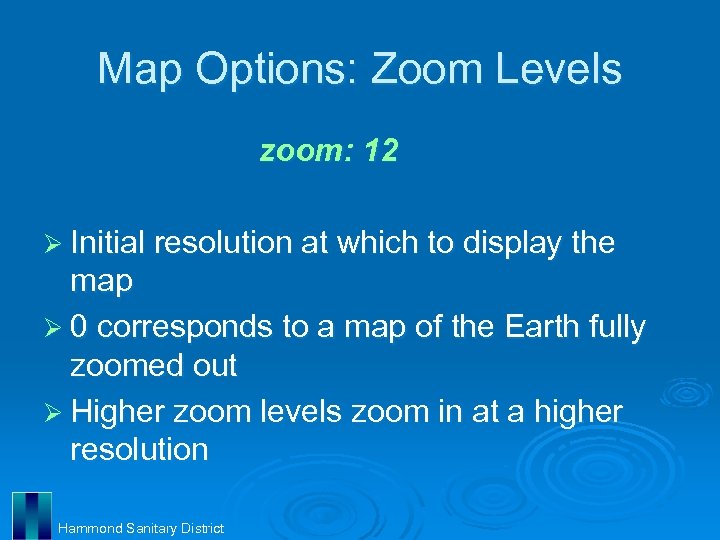
Map Options: Zoom Levels zoom: 12 Ø Initial resolution at which to display the map Ø 0 corresponds to a map of the Earth fully zoomed out Ø Higher zoom levels zoom in at a higher resolution Hammond Sanitary District
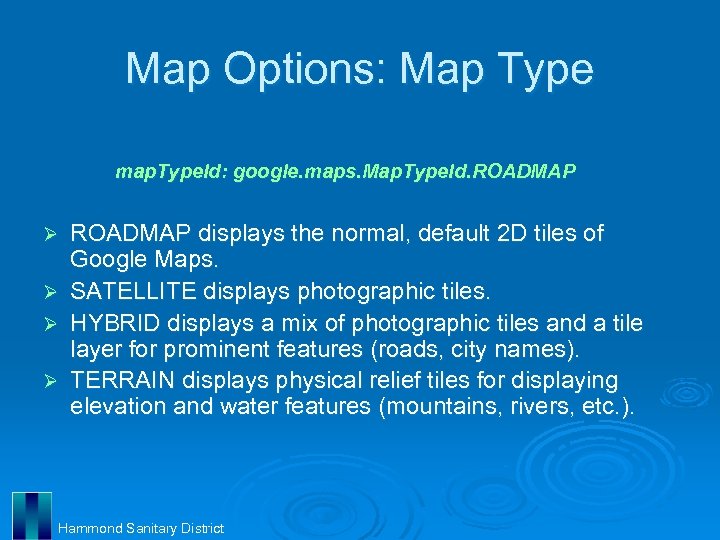
Map Options: Map Type map. Type. Id: google. maps. Map. Type. Id. ROADMAP displays the normal, default 2 D tiles of Google Maps. Ø SATELLITE displays photographic tiles. Ø HYBRID displays a mix of photographic tiles and a tile layer for prominent features (roads, city names). Ø TERRAIN displays physical relief tiles for displaying elevation and water features (mountains, rivers, etc. ). Ø Hammond Sanitary District
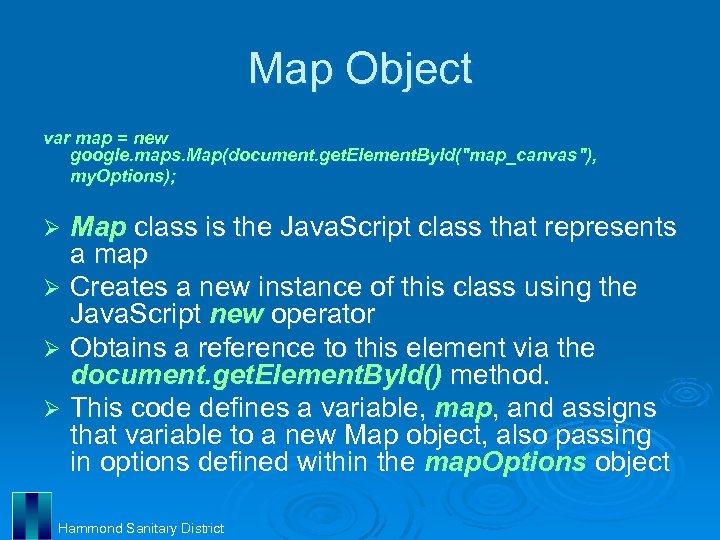
Map Object var map = new google. maps. Map(document. get. Element. By. Id("map_canvas"), my. Options); Map class is the Java. Script class that represents a map Ø Creates a new instance of this class using the Java. Script new operator Ø Obtains a reference to this element via the document. get. Element. By. Id() method. Ø This code defines a variable, map, and assigns that variable to a new Map object, also passing in options defined within the map. Options object Ø Hammond Sanitary District
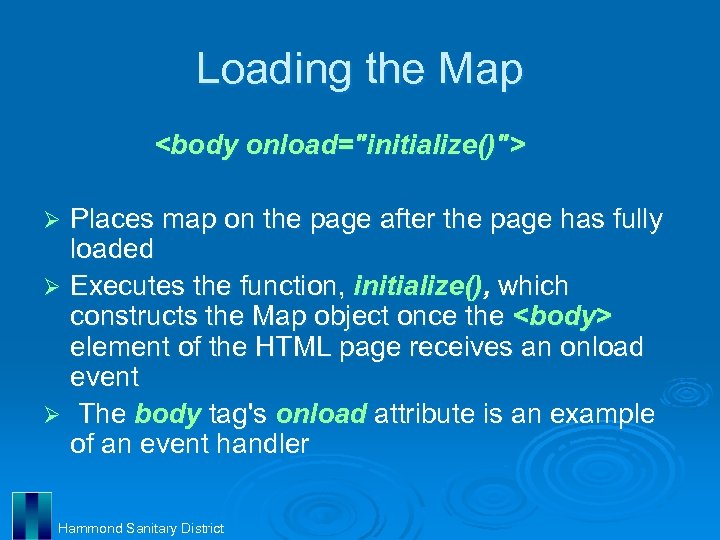
Loading the Map <body onload="initialize()"> Places map on the page after the page has fully loaded Ø Executes the function, initialize(), which constructs the Map object once the <body> element of the HTML page receives an onload event Ø The body tag's onload attribute is an example of an event handler Ø Hammond Sanitary District
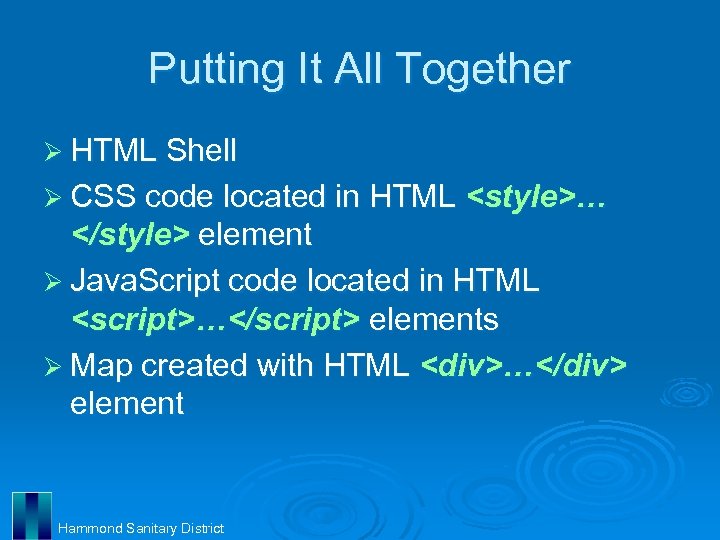
Putting It All Together Ø HTML Shell Ø CSS code located in HTML <style>… </style> element Ø Java. Script code located in HTML <script>…</script> elements Ø Map created with HTML <div>…</div> element Hammond Sanitary District
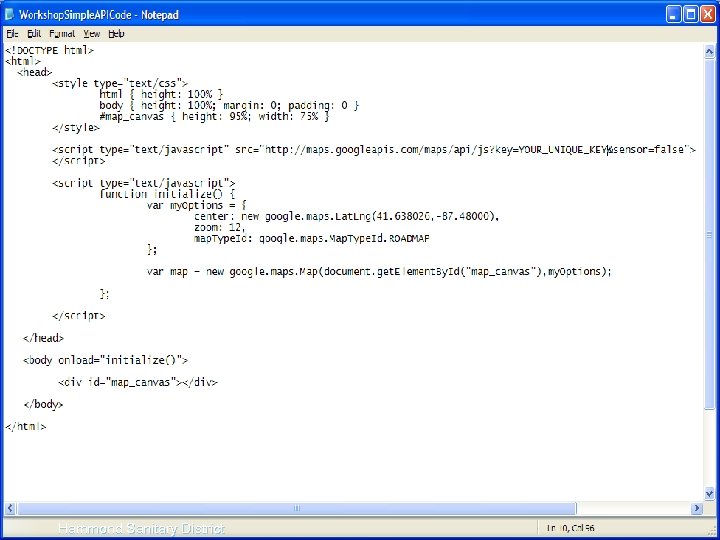
Simple Code SS Hammond Sanitary District
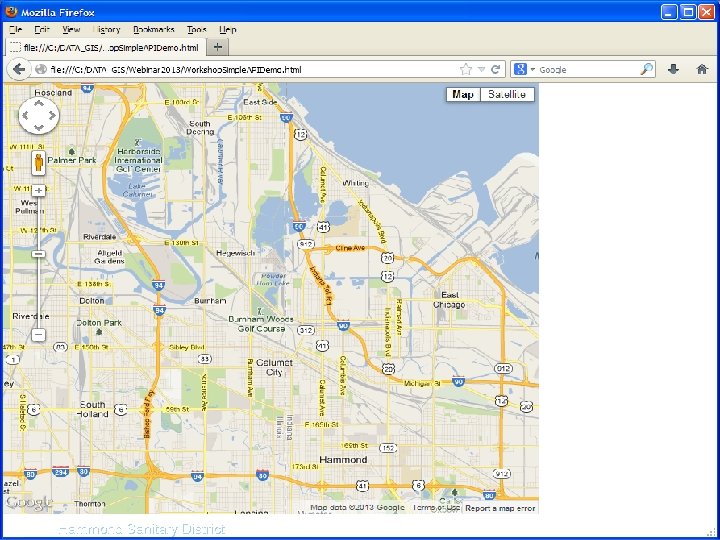
Simple HTML SS Hammond Sanitary District
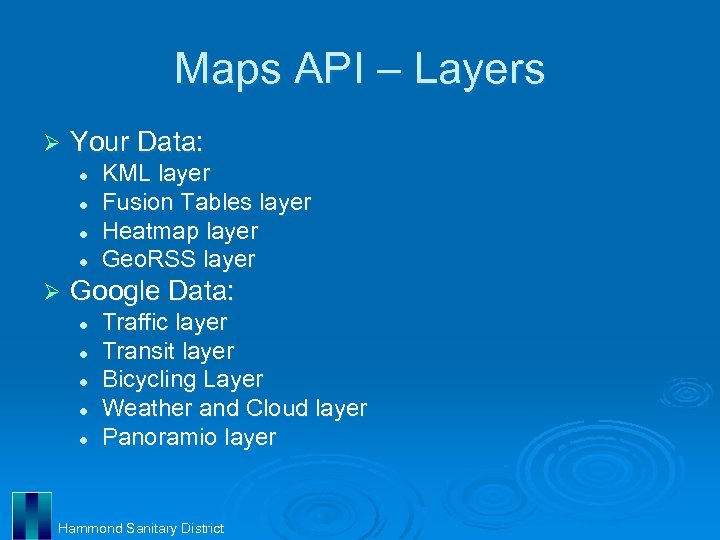
Maps API – Layers Ø Your Data: l l Ø KML layer Fusion Tables layer Heatmap layer Geo. RSS layer Google Data: l l l Traffic layer Transit layer Bicycling Layer Weather and Cloud layer Panoramio layer Hammond Sanitary District
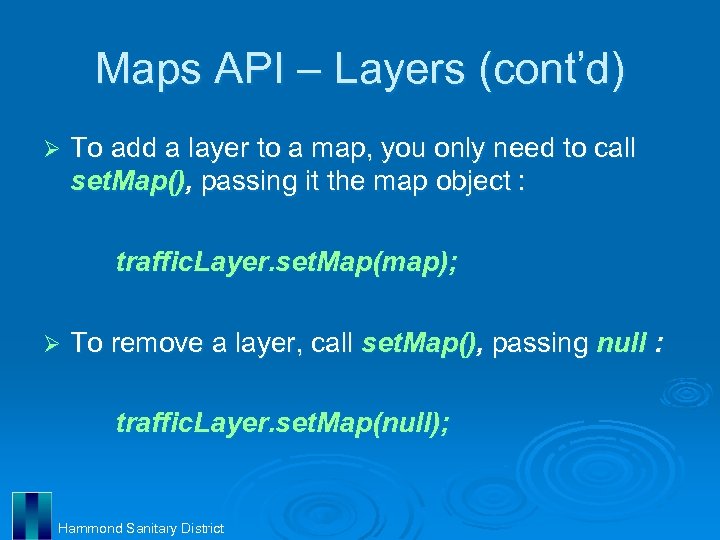
Maps API – Layers (cont’d) Ø To add a layer to a map, you only need to call set. Map(), passing it the map object : traffic. Layer. set. Map(map); Ø To remove a layer, call set. Map(), passing null : traffic. Layer. set. Map(null); Hammond Sanitary District
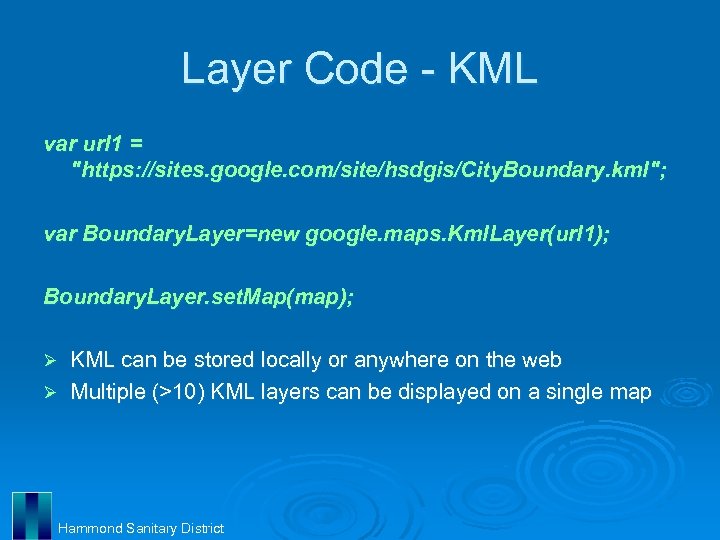
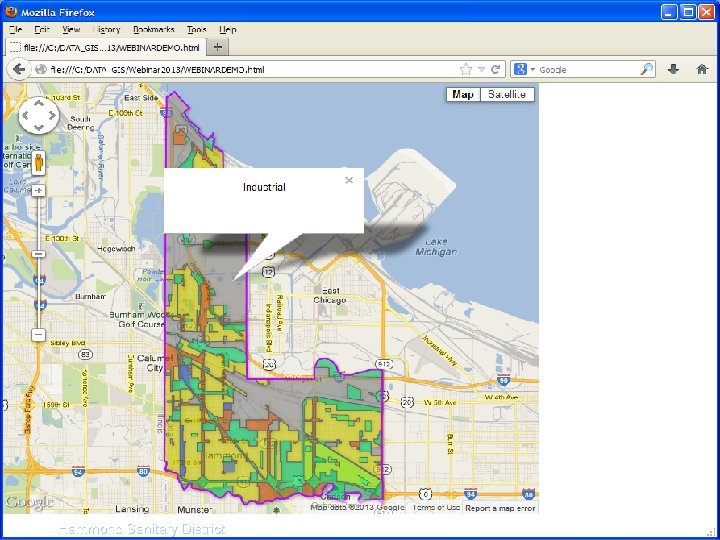
Layer Code - KML var url 1 = "https: //sites. google. com/site/hsdgis/City. Boundary. kml"; var Boundary. Layer=new google. maps. Kml. Layer(url 1); Boundary. Layer. set. Map(map); KML can be stored locally or anywhere on the web Ø Multiple (>10) KML layers can be displayed on a single map Ø Hammond Sanitary District
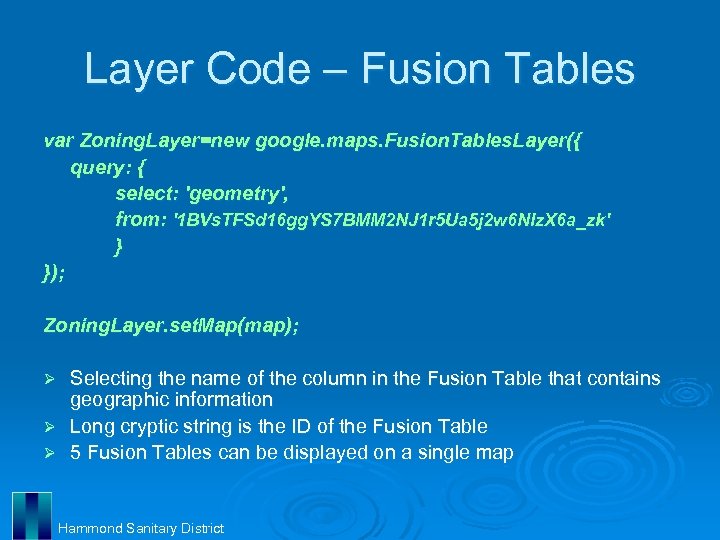
Layer Code – Fusion Tables var Zoning. Layer=new google. maps. Fusion. Tables. Layer({ query: { select: 'geometry', from: '1 BVs. TFSd 16 gg. YS 7 BMM 2 NJ 1 r 5 Ua 5 j 2 w 6 NIz. X 6 a_zk' } }); Zoning. Layer. set. Map(map); Selecting the name of the column in the Fusion Table that contains geographic information Ø Long cryptic string is the ID of the Fusion Table Ø 5 Fusion Tables can be displayed on a single map Ø Hammond Sanitary District
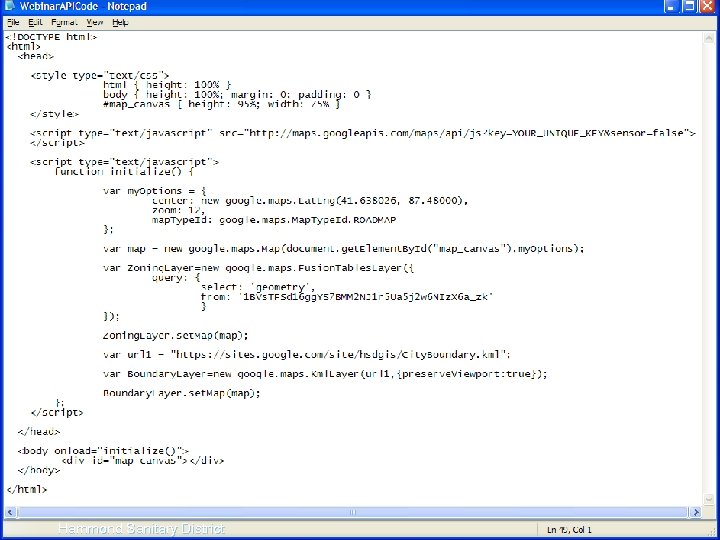
Hammond Sanitary District
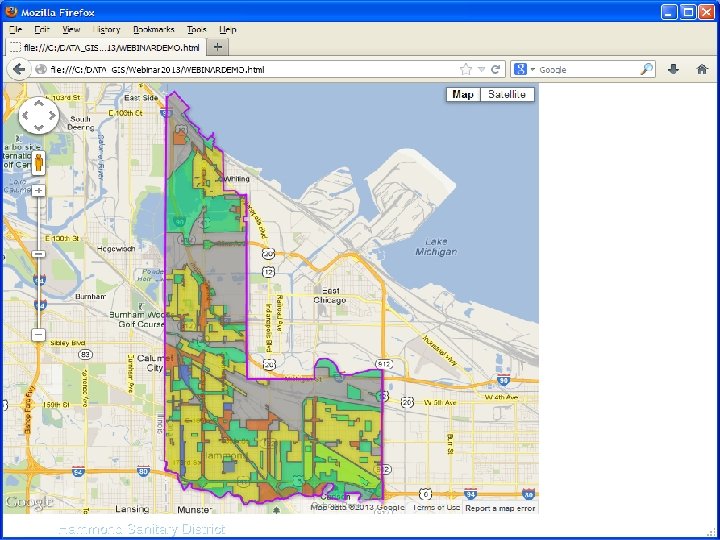
Layers HTML SS Hammond Sanitary District
Hammond Sanitary District
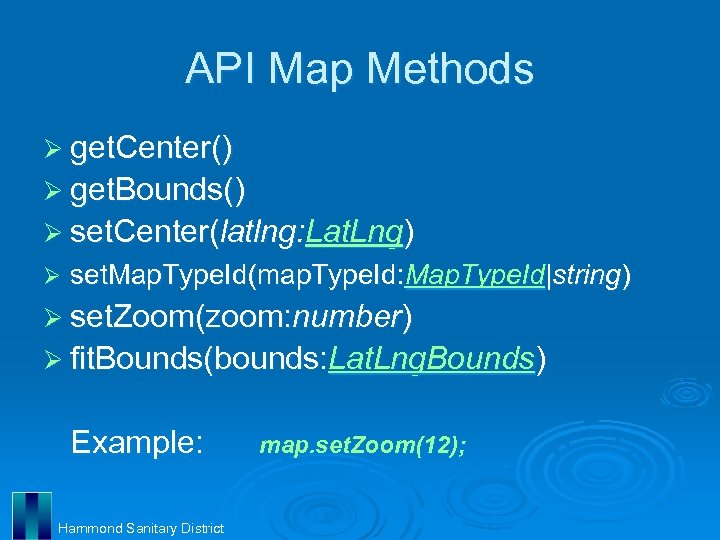
API Map Methods Ø get. Center() Ø get. Bounds() Ø set. Center(latlng: Lat. Lng) Ø set. Map. Type. Id(map. Type. Id: Map. Type. Id|string) Ø set. Zoom(zoom: number) Ø fit. Bounds(bounds: Lat. Lng. Bounds) Example: Hammond Sanitary District map. set. Zoom(12);
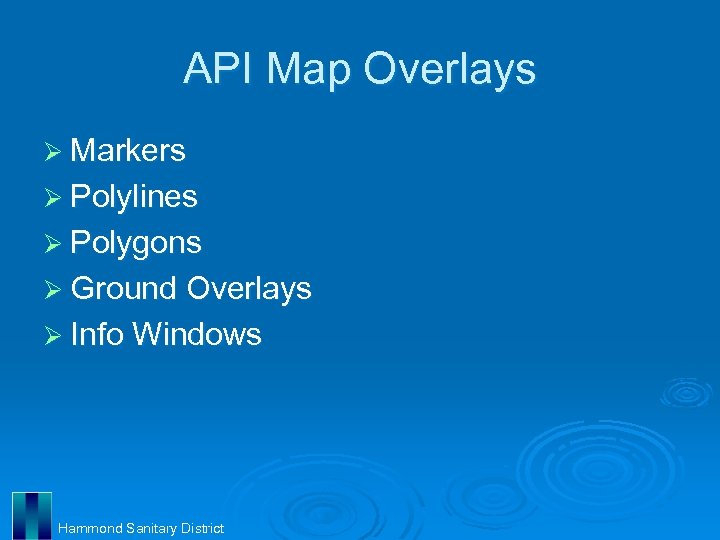
API Map Overlays Ø Markers Ø Polylines Ø Polygons Ø Ground Overlays Ø Info Windows Hammond Sanitary District
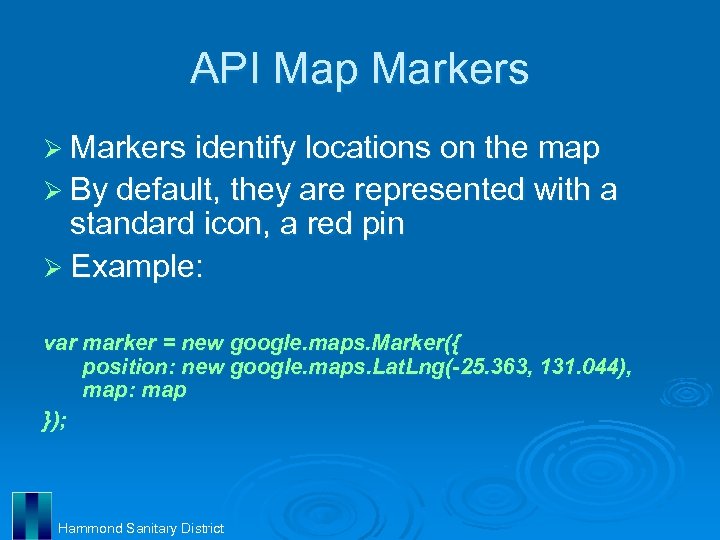
API Map Markers Ø Markers identify locations on the map Ø By default, they are represented with a standard icon, a red pin Ø Example: var marker = new google. maps. Marker({ position: new google. maps. Lat. Lng(-25. 363, 131. 044), map: map }); Hammond Sanitary District
Demonstration: API Complex Ø Hammond. GIS Hammond Sanitary District

Java. Script Tips Ø Case Sensitive Ø Every opening bracket, brace, or parenthesis must have a corresponding, closing counterpart Ø Any variables declared within a function are “local” and can only be used within that function Ø “Global” variables can be used in any function Hammond Sanitary District
Apps for Extra Functionality Ø Google Sites l Used for file storage Ø Google Spreadsheets l Used as a catalog for layers Ø Google Charts l Used to create custom symbology and labeling Ø Google Analytics l Used to track the use of your website Hammond Sanitary District

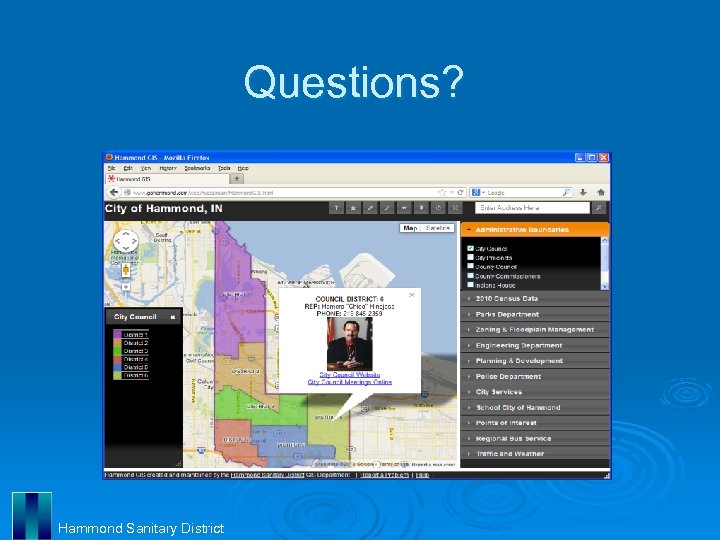
Websites for Reference W 3 Schools Ø l http: //www. w 3 schools. com/ Google KML Tutorial Ø l https: //developers. google. com/kml/documentation/kml_tut Google Fusion Tables Ø l http: //support. google. com/fusiontables/ Google Maps API Tutorial Ø l https: //developers. google. com/maps/documentation/javascript/tutorial Google Developer Ø l https: //developers. google. com/ Google Maps Marker Symbols Ø l https: //www. google. com/fusiontables/Data. Source? snapid=99003 Shape Escape Ø l http: //www. shpescape. com/ Hammond. GIS Ø l http: //www. gohammond. com/web/maps/main/Hammond. GIS. html Hammond Sanitary District
Questions? Hammond Sanitary District

Contact Info Becky Mc. Kinley, GISP GIS Manager bmckinley@hammondsd. com (219) 853 -6413 Ext. 516 Fax: (219) 853 -6321 Tom Ramker GIS Technician tramker@hammondsd. com (219) 853 -6413 Ext. 535 Fax: (219) 853 -6321 Hammond Sanitary District 5143 Columbia Avenue Hammond, Indiana 46327 Hammond Sanitary District
Скачать презентацию Interactive Web Mapping with Google Maps and Google
7f3ba8ea35762bc620b57c37f276fbeb.ppt