


 Скачать презентацию Interactive High-End Touchscreen Information Systems TOYOTA 2005
1f5251fe746d00a189fd2286f9327e78.ppt
- Количество слайдов: 24
 Interactive High-End Touchscreen Information Systems TOYOTA 2005
 The Challenge • Create a Touchscreen Application that: – Was easy to use for showroom customers – Easy to update for new models – Allowed Toyota to update Toyota and Scion information – Allowed dealers to update dealership info
 TOYOTA Dealership Kiosks • Features – Ease of Use – Internet Connectivity – Imbedded Flash presentations – Use of existing advertising materials
 TOYOTA Dealership Kiosks The next set of pages will walk you through a sample of the customer interaction with the touchscreen Press the “Pause” button On your keyboard at any time
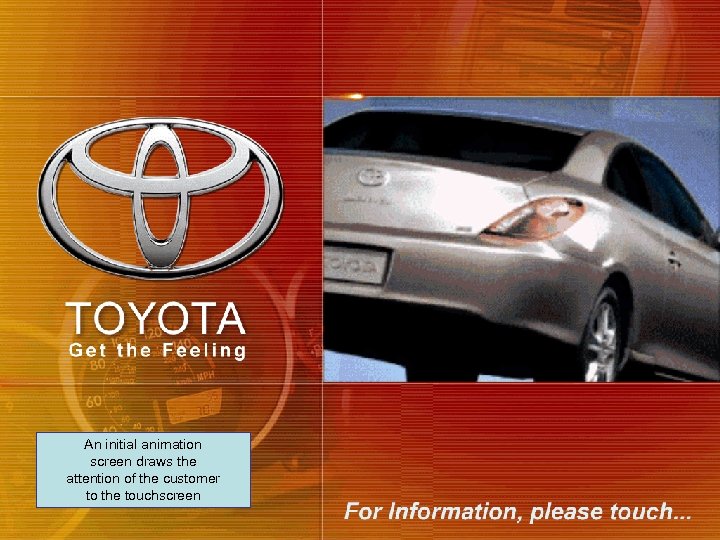 An initial animation screen draws the attention of the customer to the touchscreen
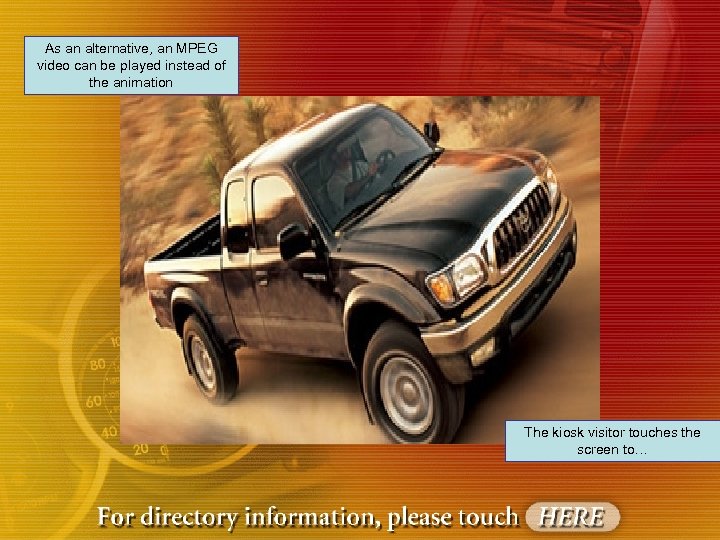 As an alternative, an MPEG video can be played instead of the animation The kiosk visitor touches the screen to…
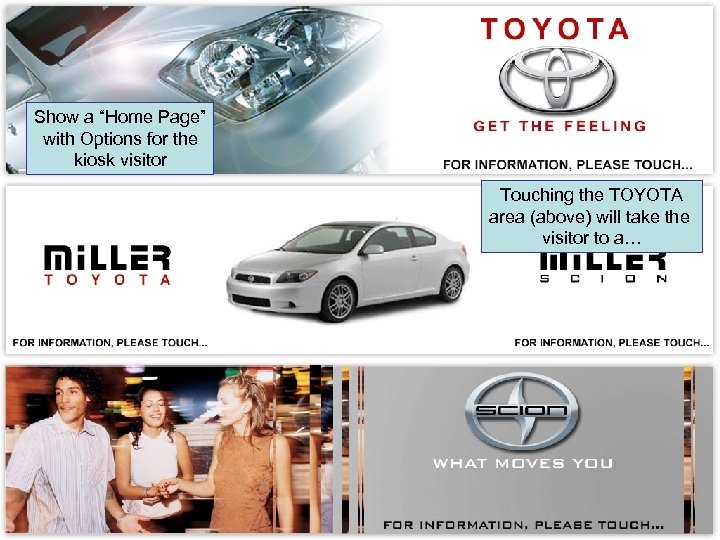 Show a “Home Page” with Options for the kiosk visitor Touching the TOYOTA area (above) will take the visitor to a…
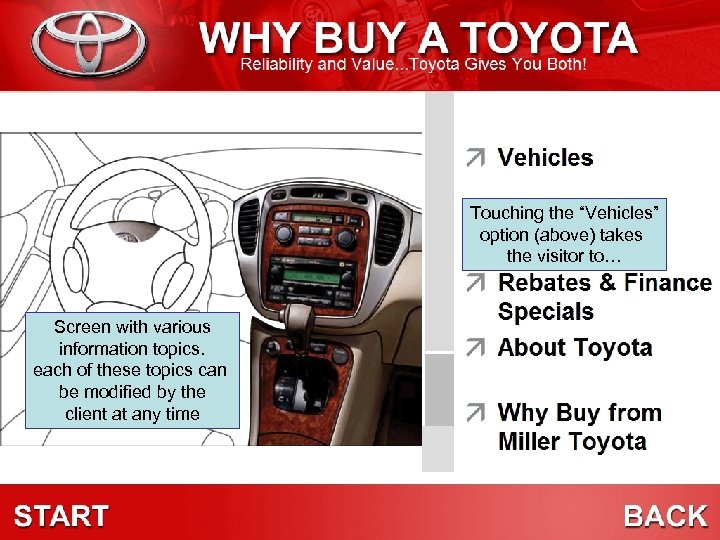 Touching the “Vehicles” option (above) takes the visitor to… Screen with various information topics. each of these topics can be modified by the client at any time
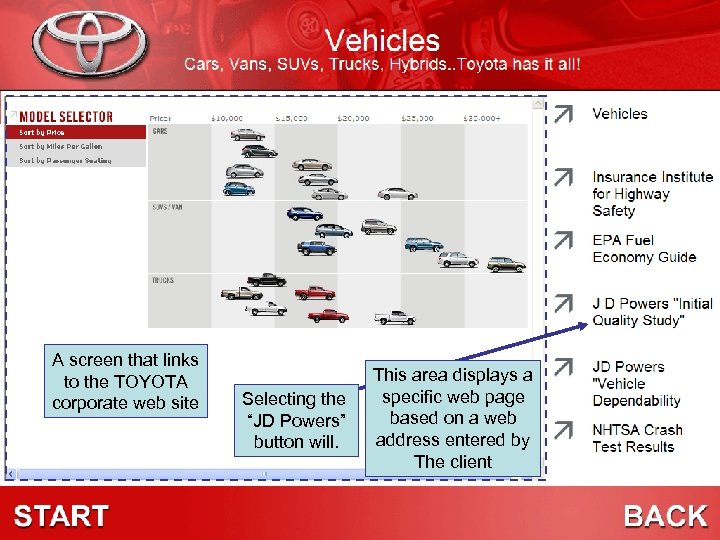 A screen that links to the TOYOTA corporate web site Selecting the “JD Powers” button will. This area displays a specific web page based on a web address entered by The client
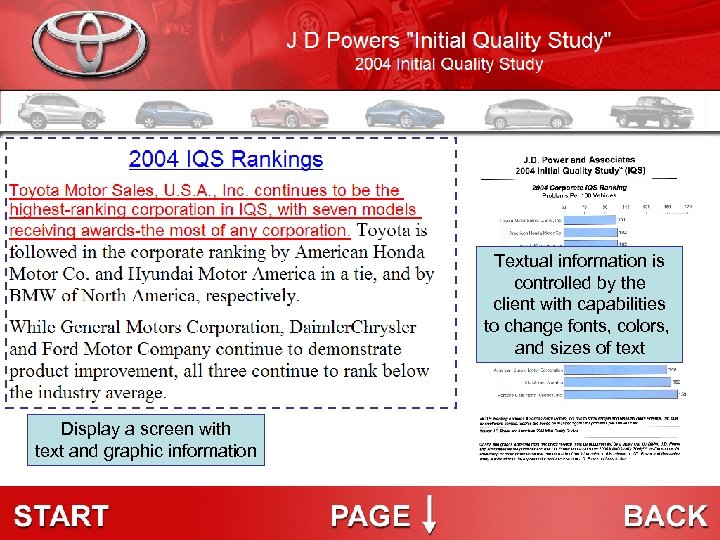 Textual information is controlled by the client with capabilities to change fonts, colors, and sizes of text Display a screen with text and graphic information
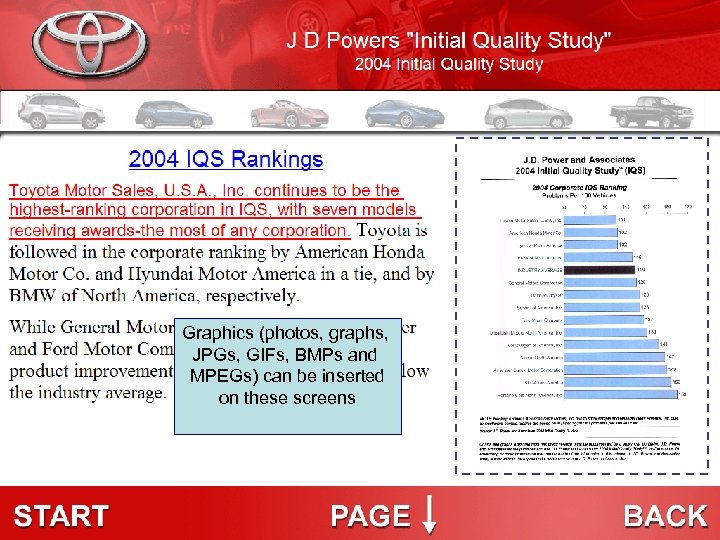 Graphics (photos, graphs, JPGs, GIFs, BMPs and MPEGs) can be inserted on these screens
 TOYOTA Dealership Kiosks The following pages show the Self. Inform editor that created each of the previous screens This editor would be used by Toyota and dealership personnel to make content updates
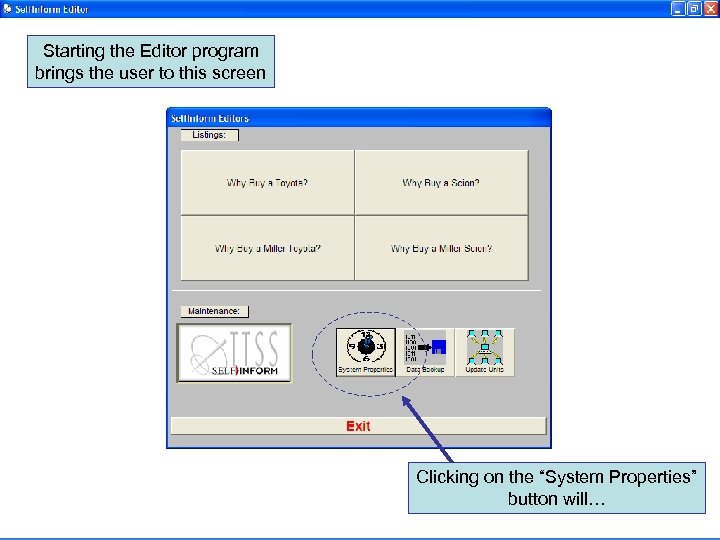 Starting the Editor program brings the user to this screen Clicking on the “System Properties” button will…
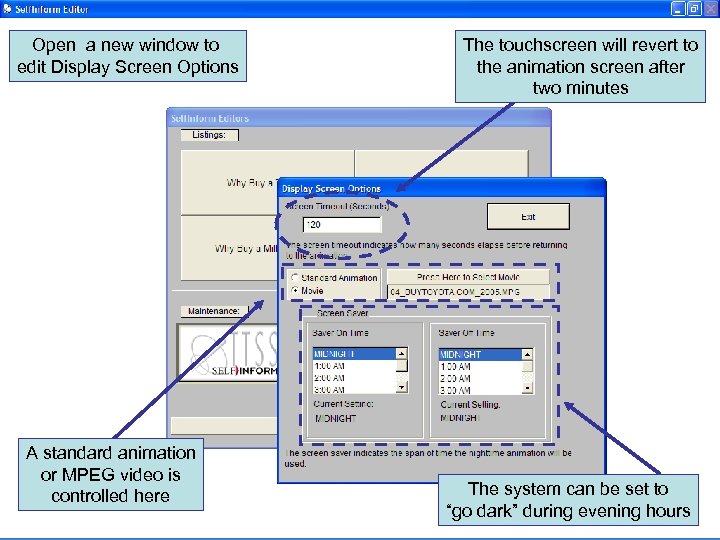 Open a new window to edit Display Screen Options A standard animation or MPEG video is controlled here The touchscreen will revert to the animation screen after two minutes The system can be set to “go dark” during evening hours
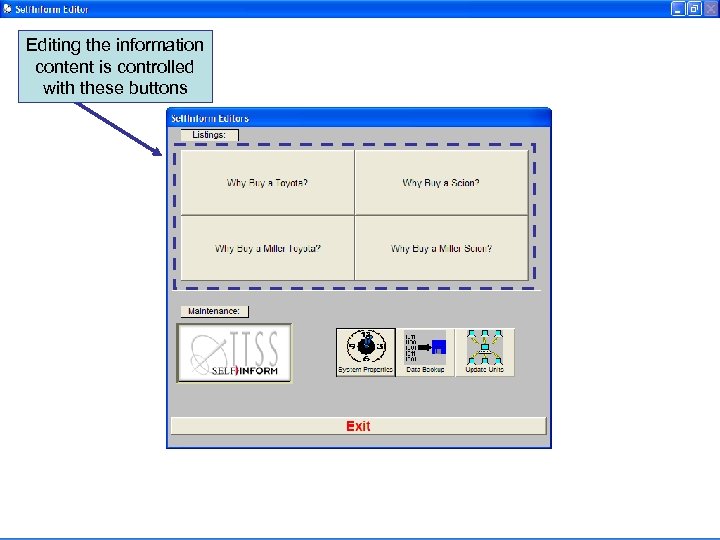 Editing the information content is controlled with these buttons
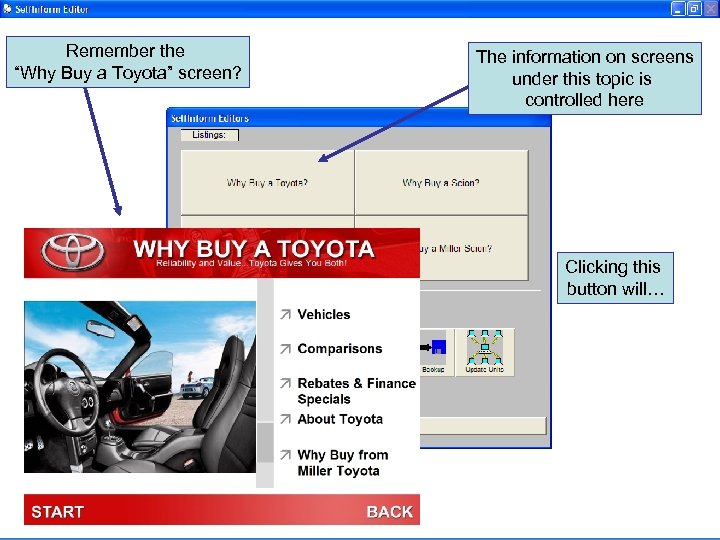 Remember the “Why Buy a Toyota” screen? The information on screens under this topic is controlled here Clicking this button will…
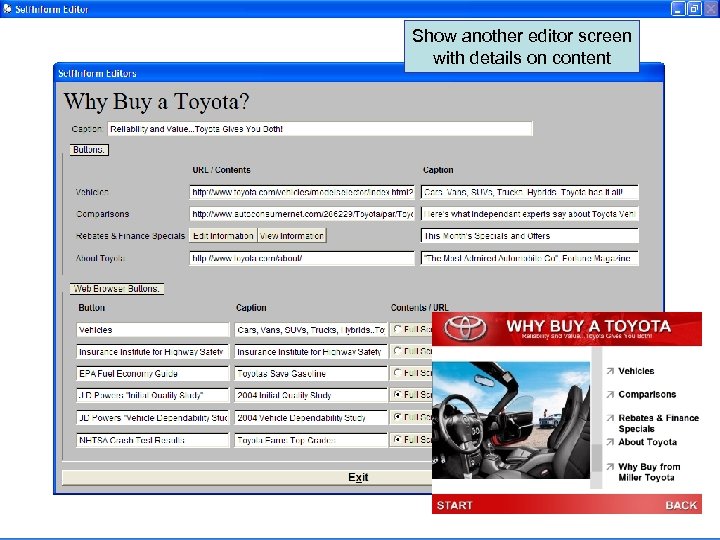 Show another editor screen with details on content
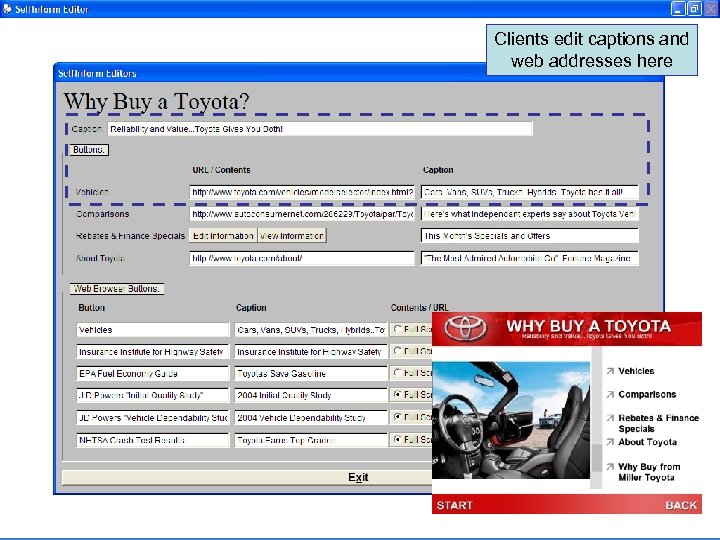 Clients edit captions and web addresses here
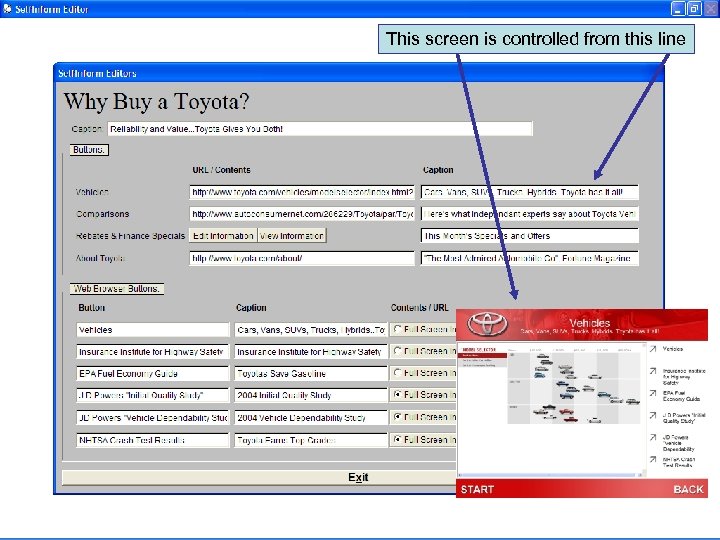 This screen is controlled from this line
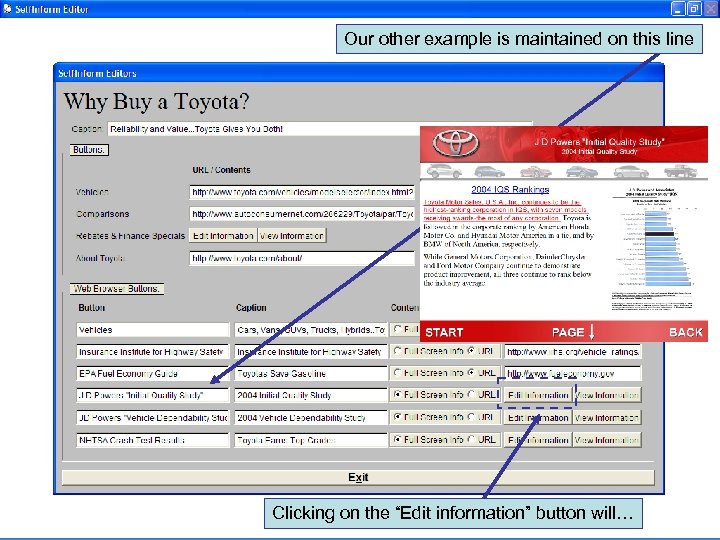 Our other example is maintained on this line Clicking on the “Edit information” button will…
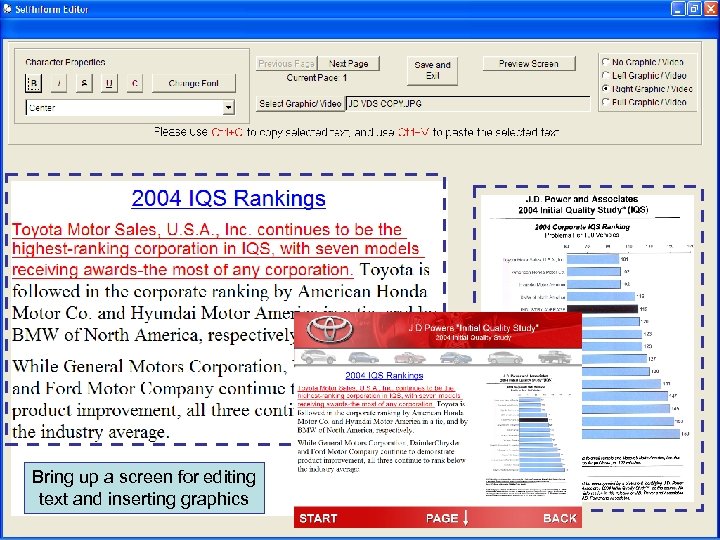 Bring up a screen for editing text and inserting graphics
 The TTSS Difference • Each client is different – We analyze your needs from the sales process through project delivery • Every solution is unique – There are no canned systems. Each client receives systems tailored to your business • Integrate with existing materials – We want to blend with your marketing materials, not reinvent them
 The TTSS Difference • Project management and communications are the key to a successful system – Our PMs have the experience with interactive systems to know the pitfalls and how to steer a successful project • Talk to the right people – We appreciate that there are stakeholders, decision-makers, and hands-on people in organizations. All have input into these projects
 Digital Signage Solutions The Premier Provider of Digital Signage and Wayfinding Solutions Since 1974 For more information Contact TTSS at 800 -355 -1464