


 Скачать презентацию Integration Sage 300 ERP General Ledger Purchase Orders
f947cca537c3941b38355f319650c091.ppt
- Количество слайдов: 65
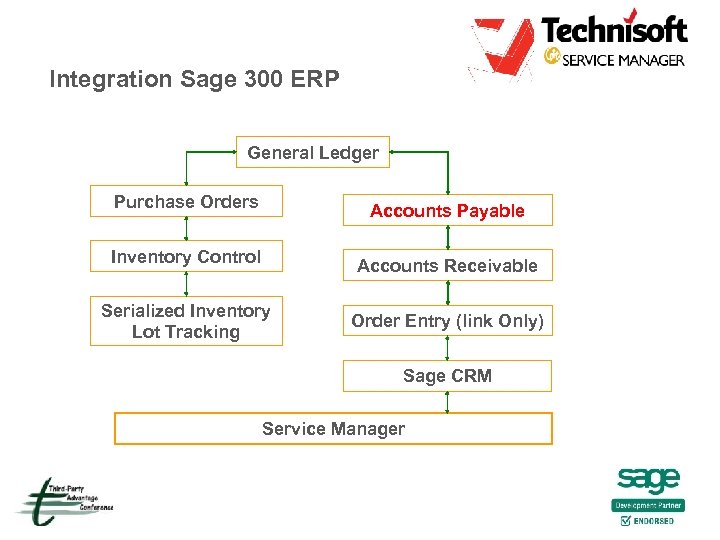 Integration Sage 300 ERP General Ledger Purchase Orders Accounts Payable Inventory Control Accounts Receivable Serialized Inventory Lot Tracking Order Entry (link Only) Sage CRM Service Manager
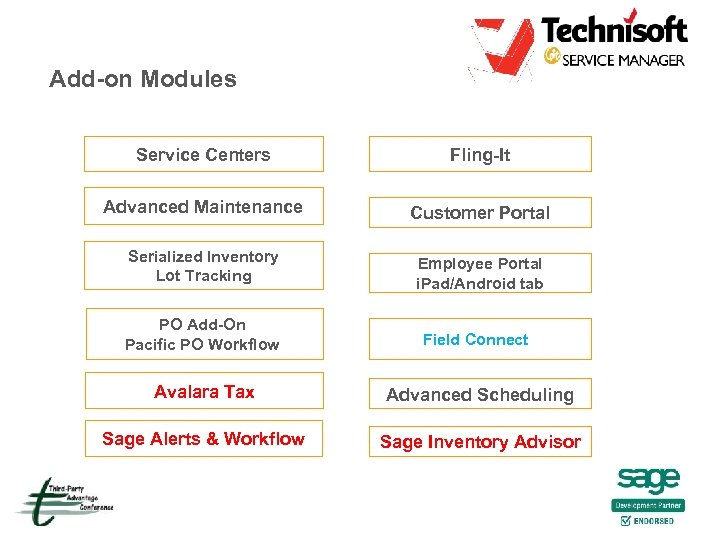 Add-on Modules Service Centers Fling-It Advanced Maintenance Customer Portal Serialized Inventory Lot Tracking Employee Portal i. Pad/Android tab PO Add-On Pacific PO Workflow Field Connect Avalara Tax Advanced Scheduling Sage Alerts & Workflow Sage Inventory Advisor
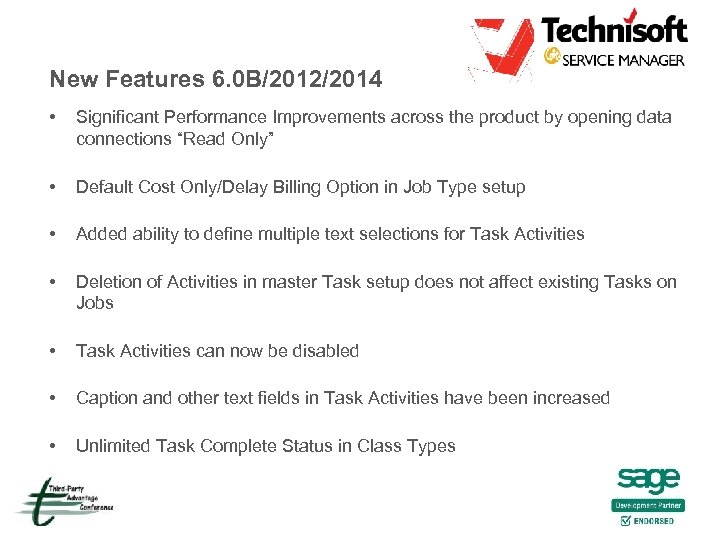 New Features 6. 0 B/2012/2014 • Significant Performance Improvements across the product by opening data connections “Read Only” • Default Cost Only/Delay Billing Option in Job Type setup • Added ability to define multiple text selections for Task Activities • Deletion of Activities in master Task setup does not affect existing Tasks on Jobs • Task Activities can now be disabled • Caption and other text fields in Task Activities have been increased • Unlimited Task Complete Status in Class Types
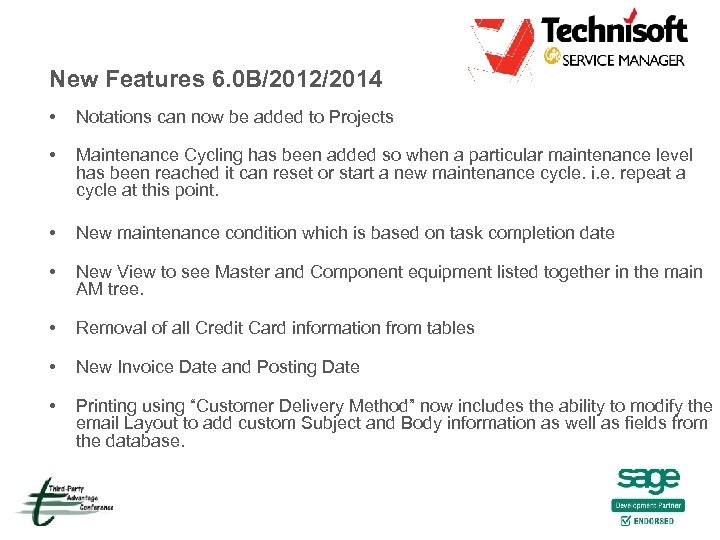 New Features 6. 0 B/2012/2014 • Notations can now be added to Projects • Maintenance Cycling has been added so when a particular maintenance level has been reached it can reset or start a new maintenance cycle. i. e. repeat a cycle at this point. • New maintenance condition which is based on task completion date • New View to see Master and Component equipment listed together in the main AM tree. • Removal of all Credit Card information from tables • New Invoice Date and Posting Date • Printing using “Customer Delivery Method” now includes the ability to modify the email Layout to add custom Subject and Body information as well as fields from the database.
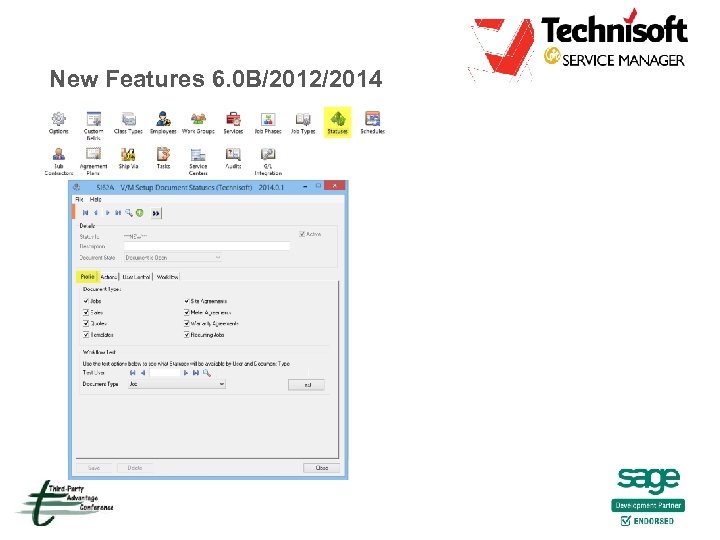
 New Features 6. 0 B/2012/2014 • Unlimited Document Statuses including workflow and security • Add items and other services to Time Entries for additional billing • Time Entry Dispatch Management • Internal Equipment – quick rental available vs what is on site • Estimated replacement cost added to Model Table • Default Service Quantity by Rate added (Service Setup) • Sage Alerts & Workflow • Post Cost Adjustments
 New Features 6. 0 B/2012/2014 • Site Assignment allocation improved including ability to allocate managers to a Site • • Allow Zero Service Cost Invoice Consolidation option can now be turned on or off for the company (Site Setup) • Service Centres new default work location - On site/At Service Centre (Tax Group aligned) • • Sage Inventory Advisor integration (coming shortly) Improved WIP recognition methods and defaults (Completion, Billings & Costs – revenue matching) • Allow edit of Customer Account Set
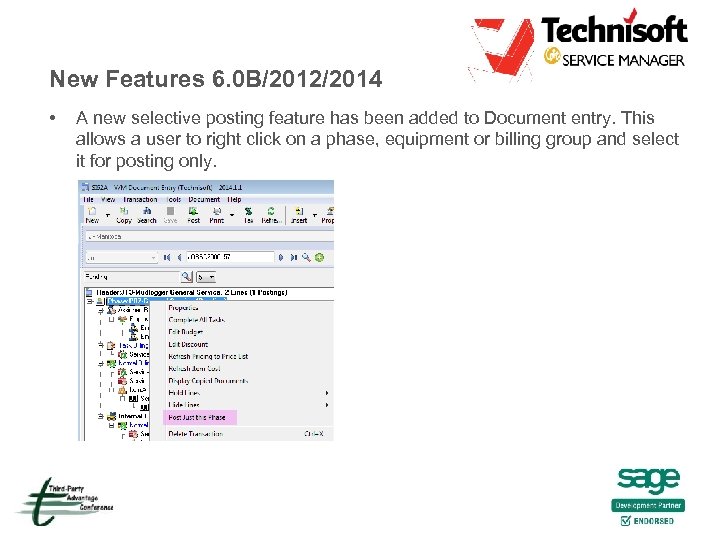 New Features 6. 0 B/2012/2014 • A new selective posting feature has been added to Document entry. This allows a user to right click on a phase, equipment or billing group and select it for posting only.
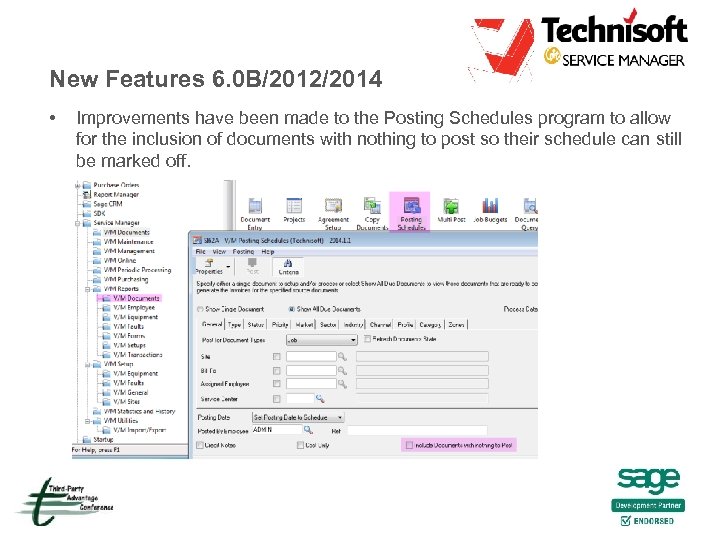 New Features 6. 0 B/2012/2014 • Improvements have been made to the Posting Schedules program to allow for the inclusion of documents with nothing to post so their schedule can still be marked off.
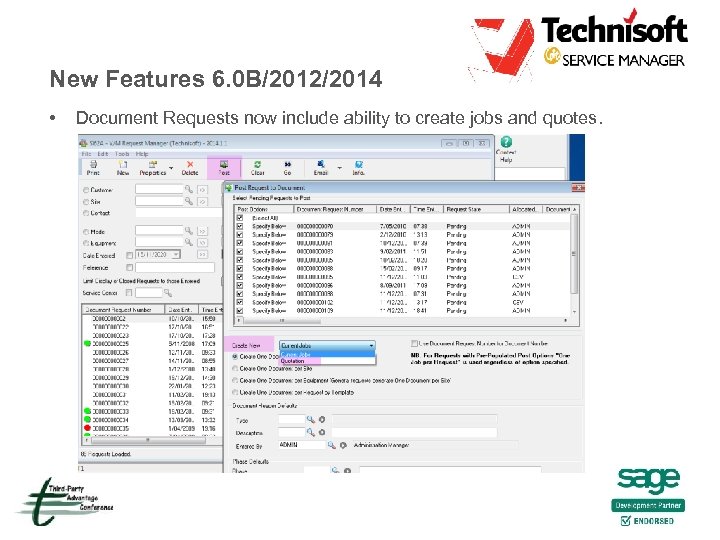 New Features 6. 0 B/2012/2014 • Document Requests now include ability to create jobs and quotes.
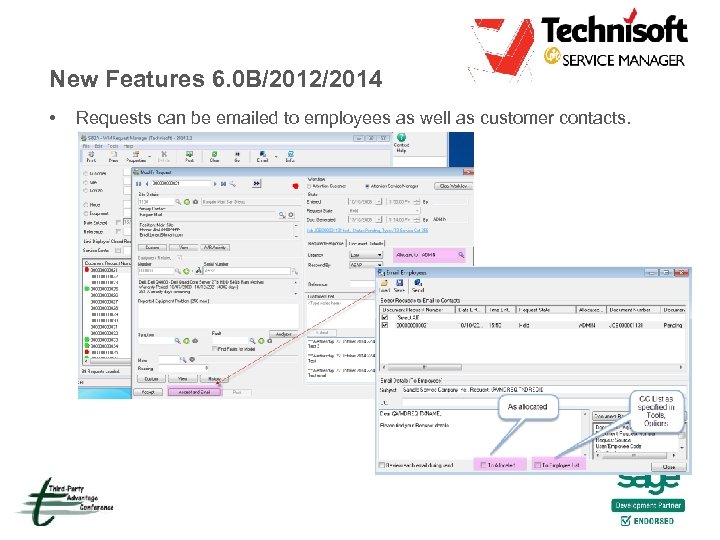 New Features 6. 0 B/2012/2014 • Requests can be emailed to employees as well as customer contacts.
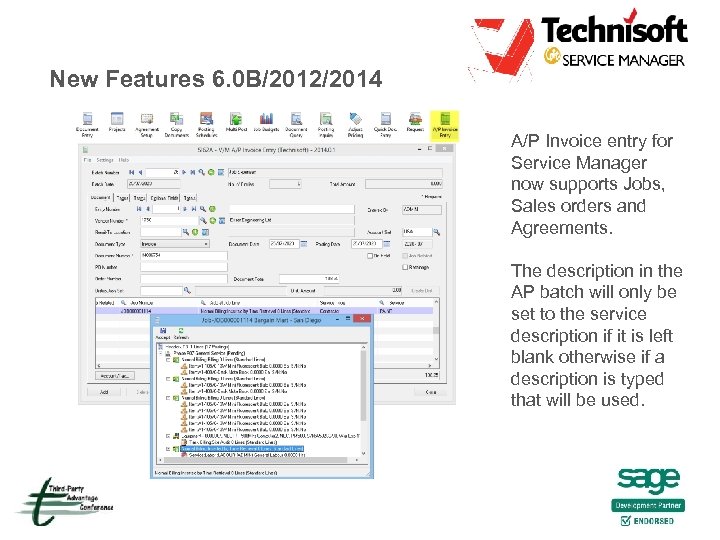 New Features 6. 0 B/2012/2014 A/P Invoice entry for Service Manager now supports Jobs, Sales orders and Agreements. The description in the AP batch will only be set to the service description if it is left blank otherwise if a description is typed that will be used.
 New Features 6. 0 B/2012/2014
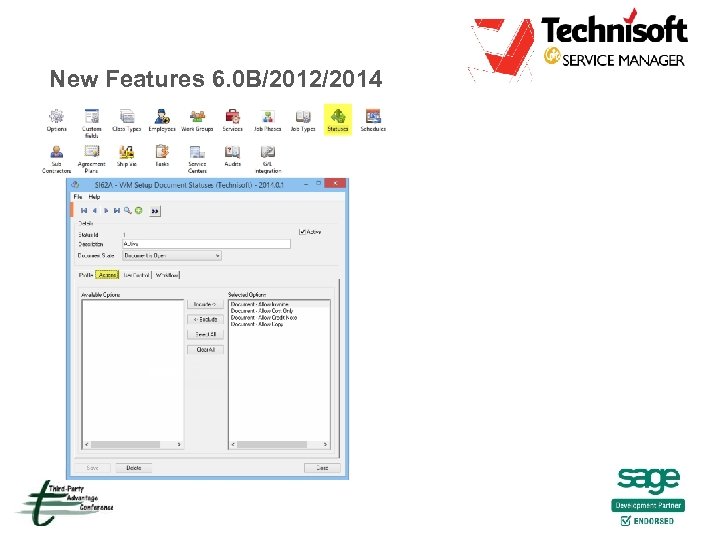 New Features 6. 0 B/2012/2014
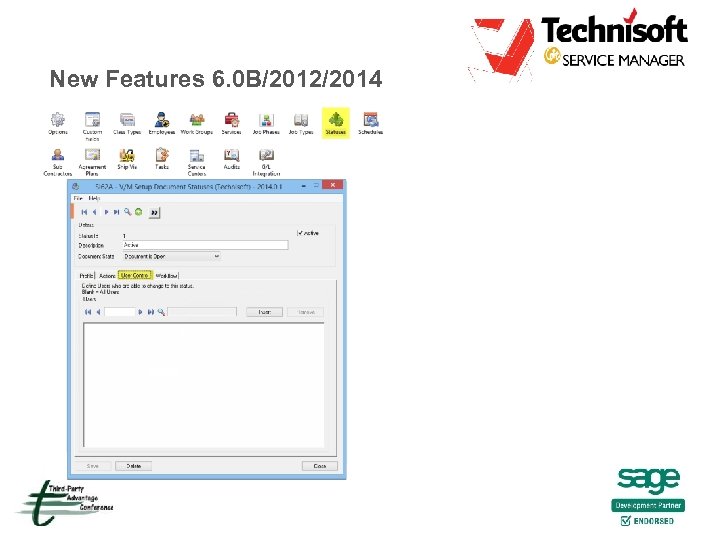 New Features 6. 0 B/2012/2014
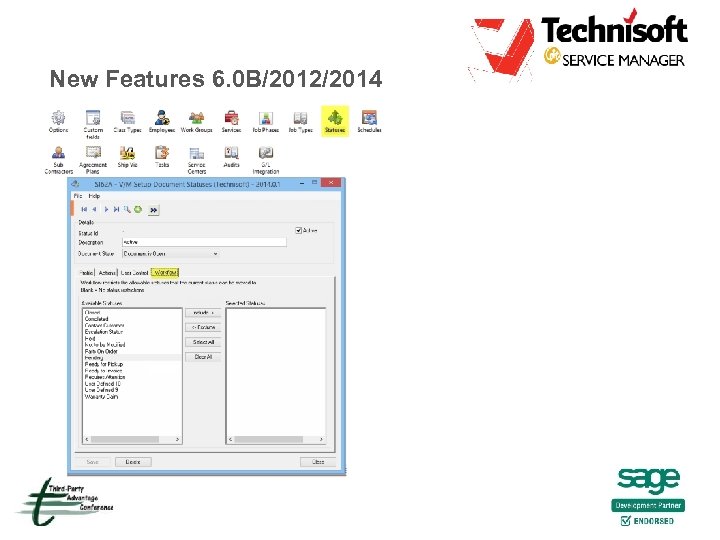 New Features 6. 0 B/2012/2014
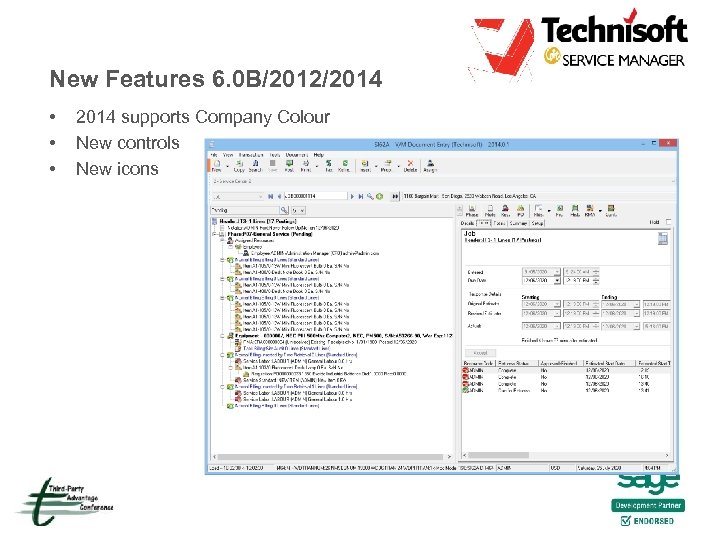 New Features 6. 0 B/2012/2014 • • • 2014 supports Company Colour New controls New icons
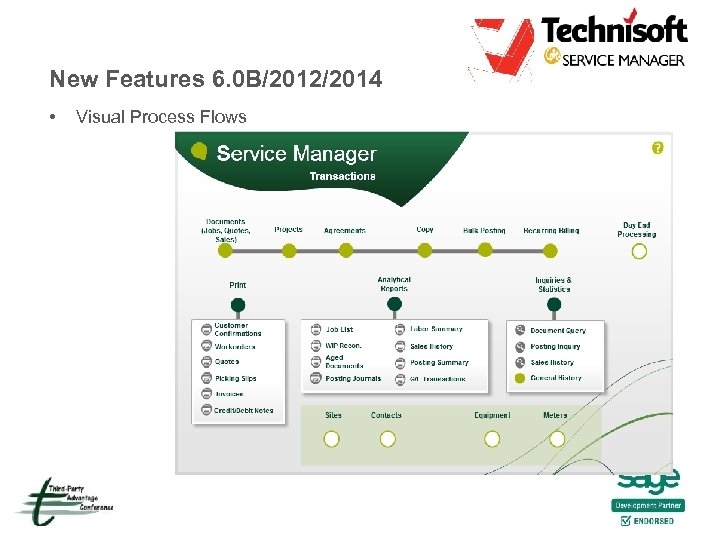 New Features 6. 0 B/2012/2014 • Visual Process Flows
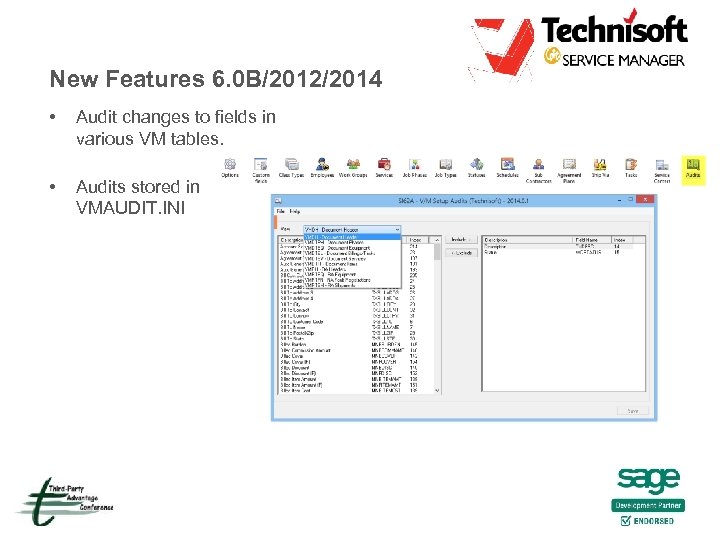 New Features 6. 0 B/2012/2014 • Audit changes to fields in various VM tables. • Audits stored in VMAUDIT. INI
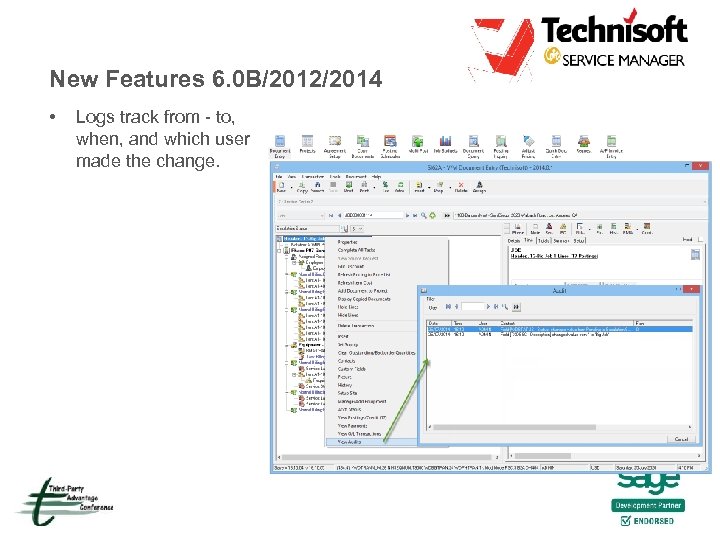 New Features 6. 0 B/2012/2014 • Logs track from - to, when, and which user made the change.
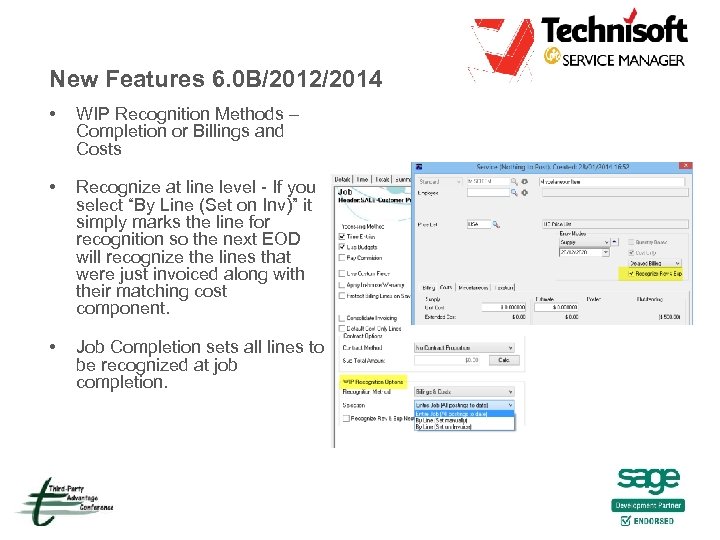 New Features 6. 0 B/2012/2014 • WIP Recognition Methods – Completion or Billings and Costs • Recognize at line level - If you select “By Line (Set on Inv)” it simply marks the line for recognition so the next EOD will recognize the lines that were just invoiced along with their matching cost component. • Job Completion sets all lines to be recognized at job completion.
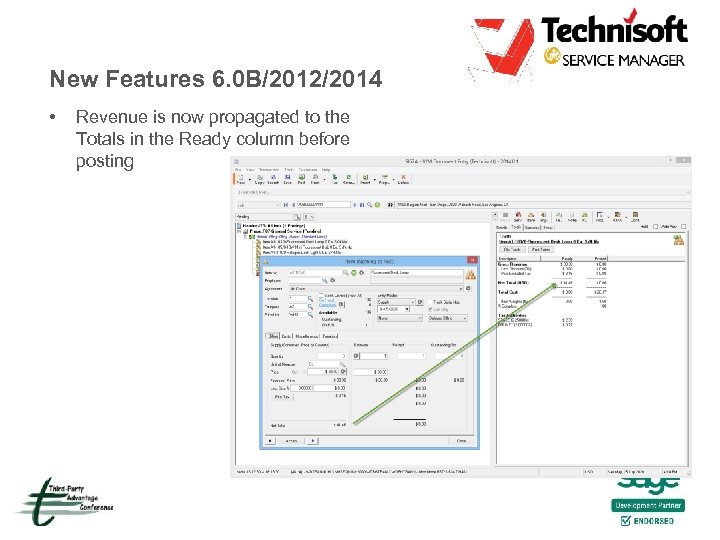 New Features 6. 0 B/2012/2014 • Revenue is now propagated to the Totals in the Ready column before posting
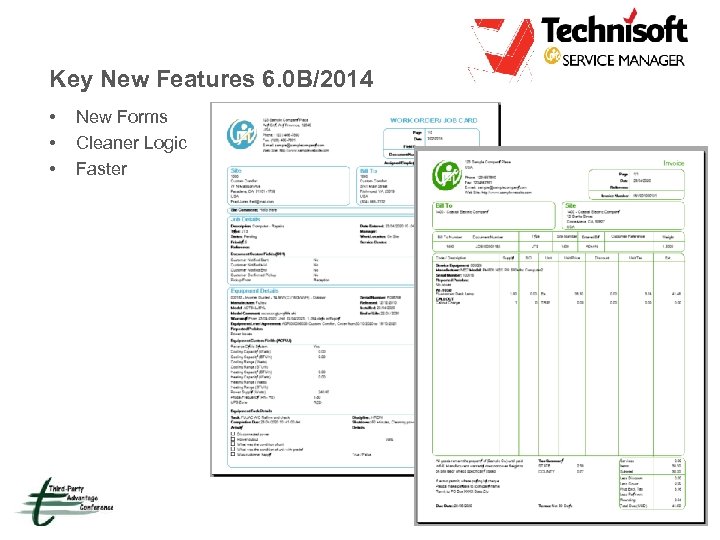 Key New Features 6. 0 B/2014 • • • New Forms Cleaner Logic Faster
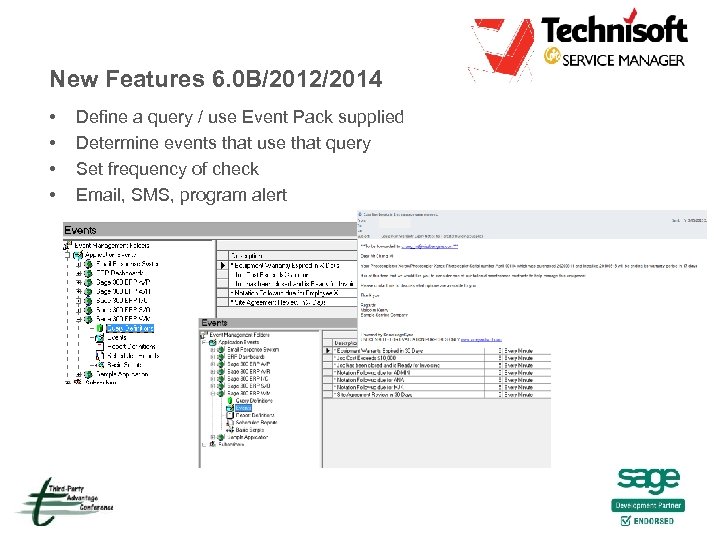 New Features 6. 0 B/2012/2014 • • Define a query / use Event Pack supplied Determine events that use that query Set frequency of check Email, SMS, program alert
 Advanced Scheduling • Available for 6. 0 A + / 6. 1 A (v 2012)/2014* • Up to 300% performance increase - SQL Direct • New Outlook style Calendar • Supports internal equipment , employee & contractor scheduling • Compatible with versions 6. 0 A/6. 0 B/6. 2 A (Not for XP O/S) • This product is free for all current end users with active software assurance.
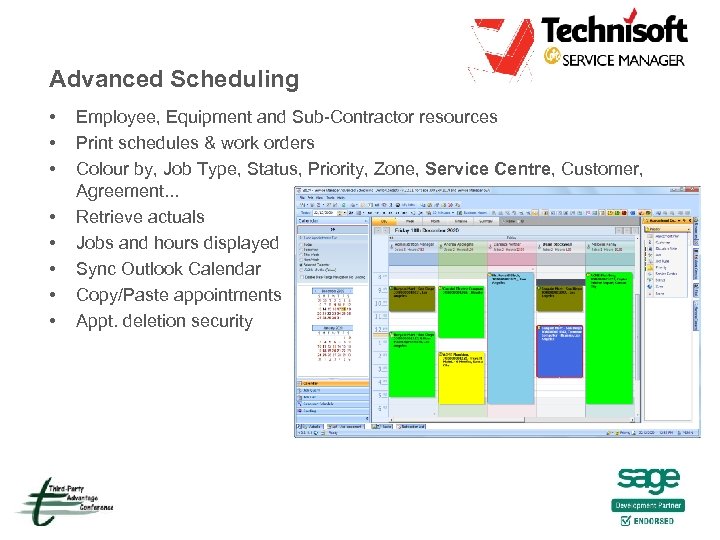 Advanced Scheduling • • Employee, Equipment and Sub-Contractor resources Print schedules & work orders Colour by, Job Type, Status, Priority, Zone, Service Centre, Customer, Agreement. . . Retrieve actuals Jobs and hours displayed Sync Outlook Calendar Copy/Paste appointments Appt. deletion security
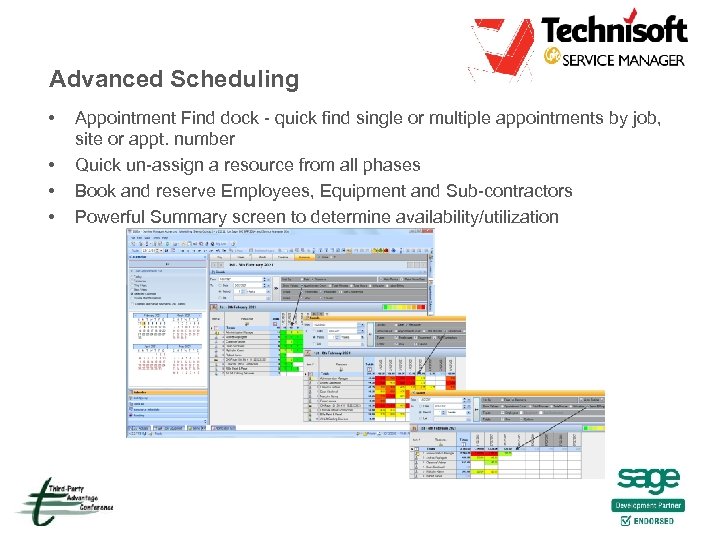 Advanced Scheduling • • Appointment Find dock - quick find single or multiple appointments by job, site or appt. number Quick un-assign a resource from all phases Book and reserve Employees, Equipment and Sub-contractors Powerful Summary screen to determine availability/utilization
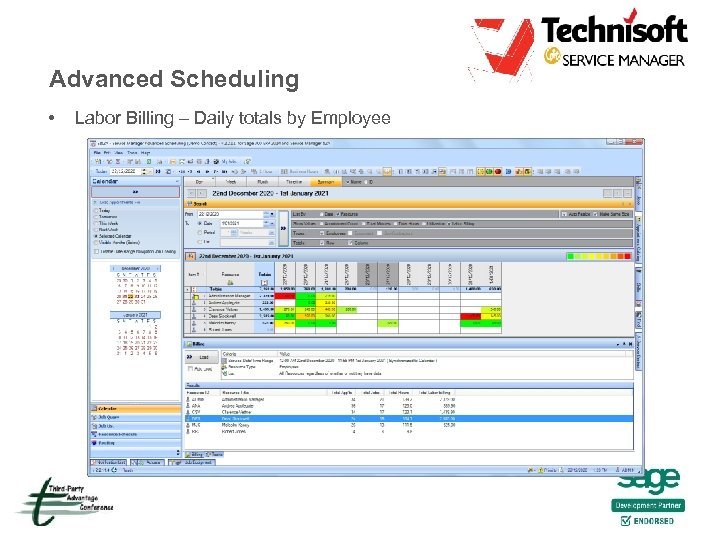 Advanced Scheduling • Labor Billing – Daily totals by Employee
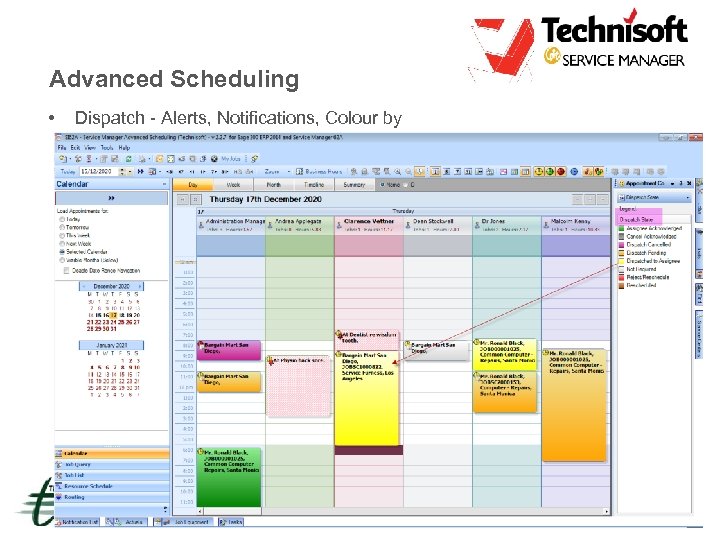 Advanced Scheduling • Dispatch - Alerts, Notifications, Colour by
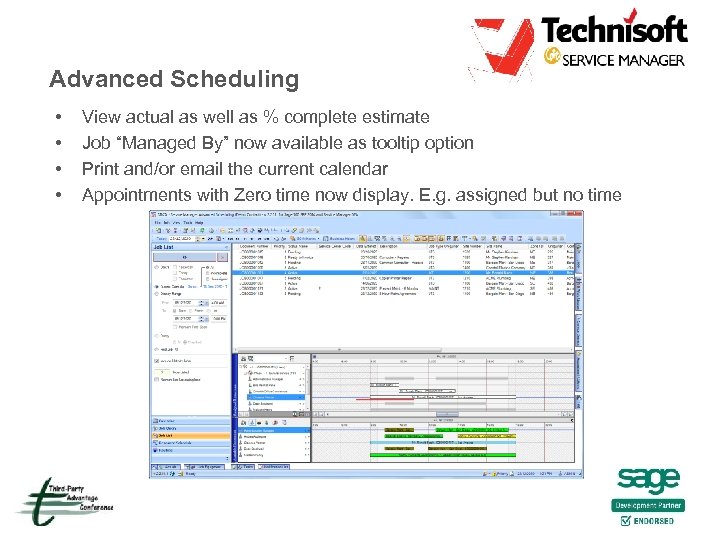 Advanced Scheduling • • View actual as well as % complete estimate Job “Managed By” now available as tooltip option Print and/or email the current calendar Appointments with Zero time now display. E. g. assigned but no time
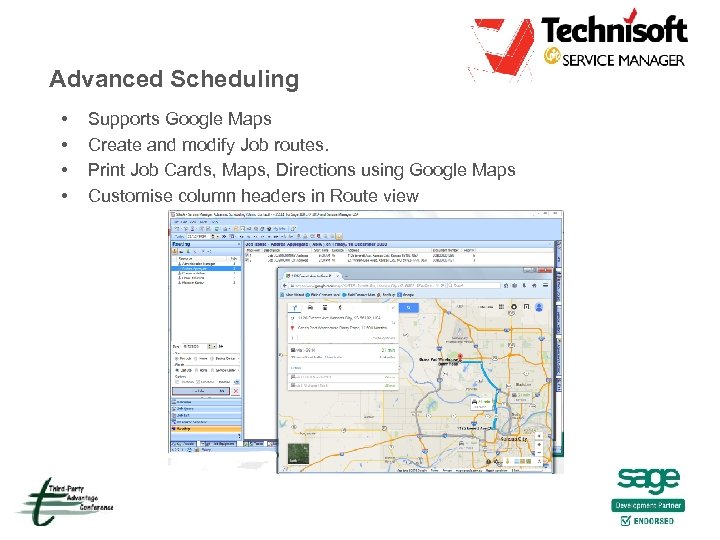 Advanced Scheduling • • Supports Google Maps Create and modify Job routes. Print Job Cards, Maps, Directions using Google Maps Customise column headers in Route view
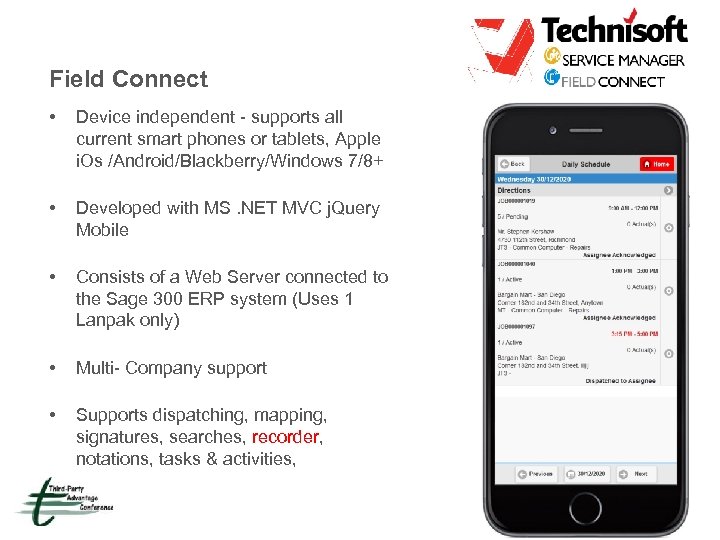 Field Connect • Device independent - supports all current smart phones or tablets, Apple i. Os /Android/Blackberry/Windows 7/8+ • Developed with MS. NET MVC j. Query Mobile • Consists of a Web Server connected to the Sage 300 ERP system (Uses 1 Lanpak only) • Multi- Company support • Supports dispatching, mapping, signatures, searches, recorder, notations, tasks & activities,
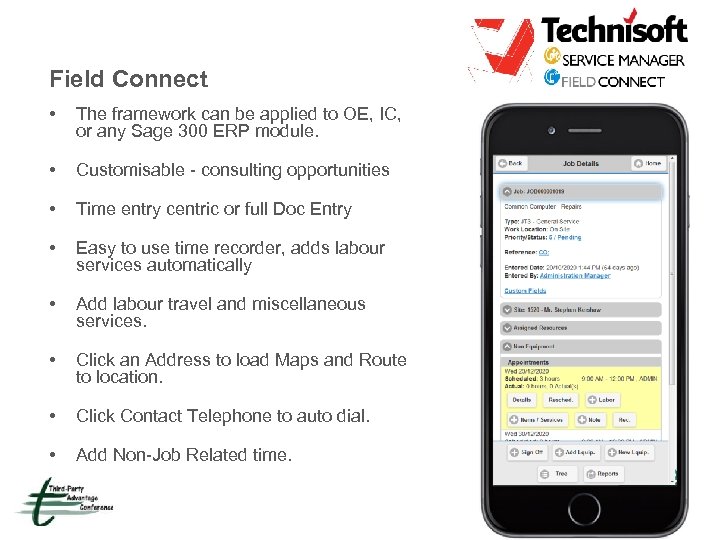 Field Connect • The framework can be applied to OE, IC, or any Sage 300 ERP module. • Customisable - consulting opportunities • Time entry centric or full Doc Entry • Easy to use time recorder, adds labour services automatically • Add labour travel and miscellaneous services. • Click an Address to load Maps and Route to location. • Click Contact Telephone to auto dial. • Add Non-Job Related time.
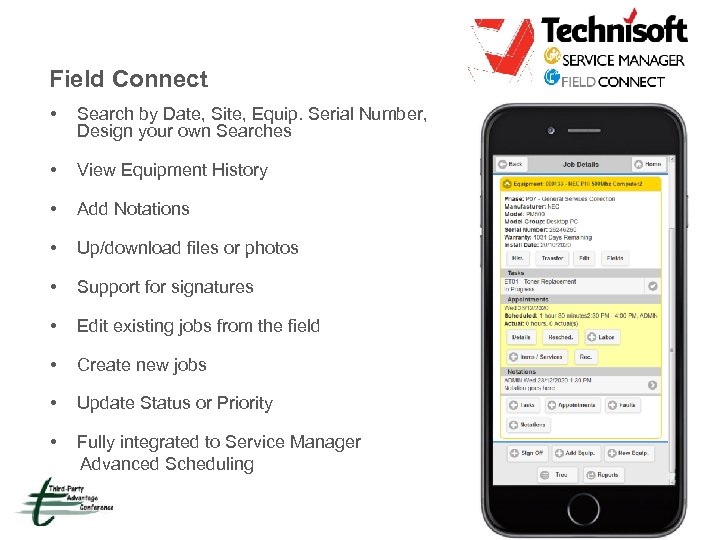 Field Connect • Search by Date, Site, Equip. Serial Number, Design your own Searches • View Equipment History • Add Notations • Up/download files or photos • Support for signatures • Edit existing jobs from the field • Create new jobs • Update Status or Priority • Fully integrated to Service Manager Advanced Scheduling
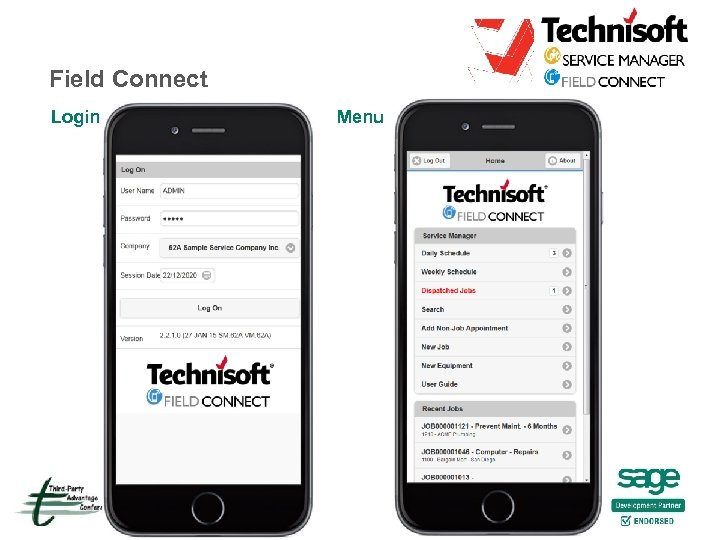 Field Connect Login Menu
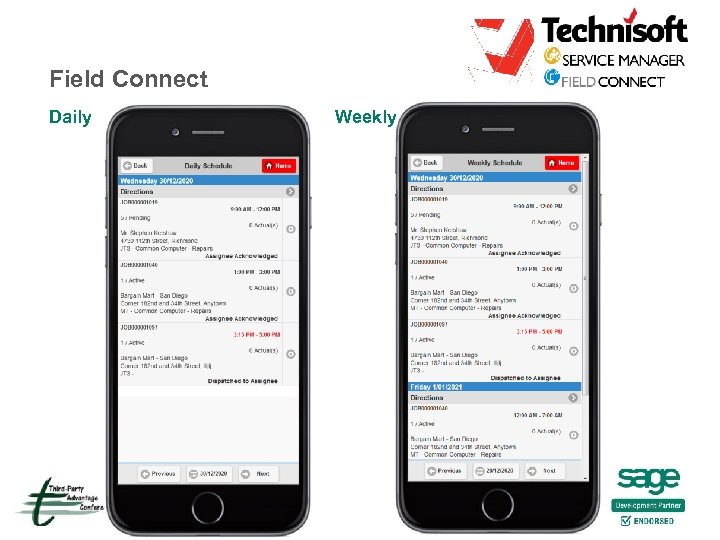 Field Connect Daily Weekly
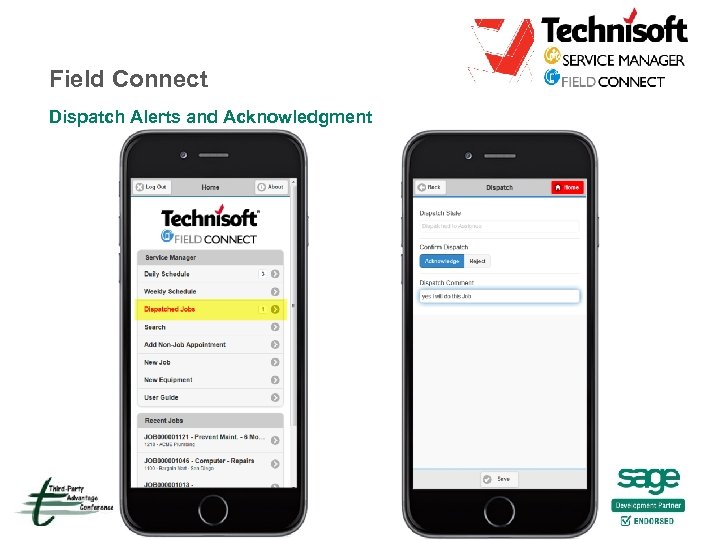 Field Connect Dispatch Alerts and Acknowledgment
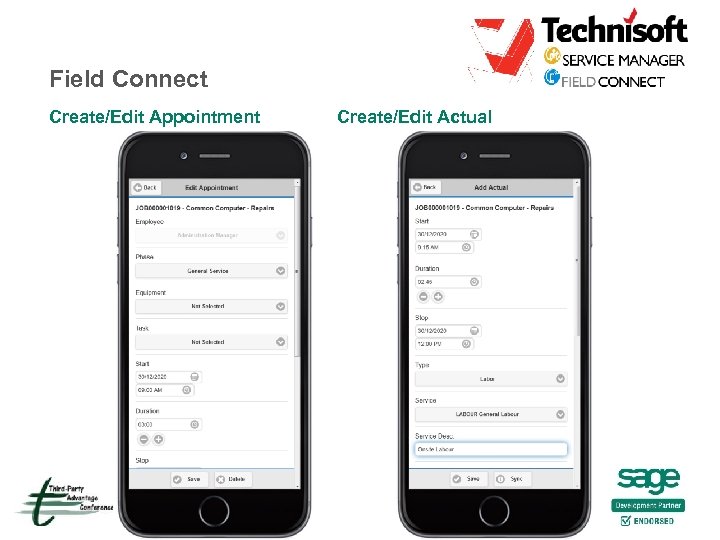 Field Connect Create/Edit Appointment Create/Edit Actual
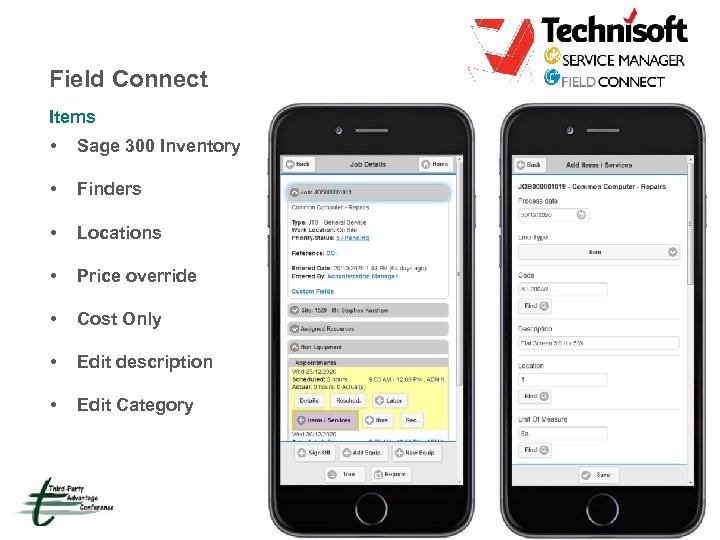 Field Connect Items • Sage 300 Inventory • Finders • Locations • Price override • Cost Only • Edit description • Edit Category
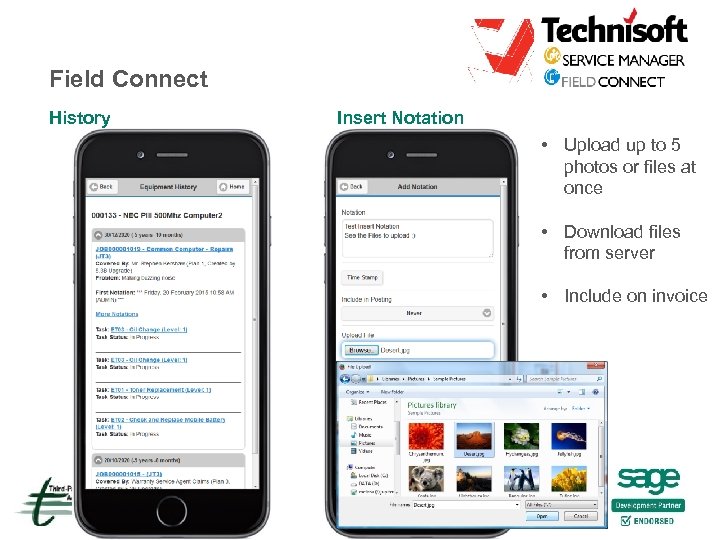 Field Connect History Insert Notation • Upload up to 5 photos or files at once • Download files from server • Include on invoice
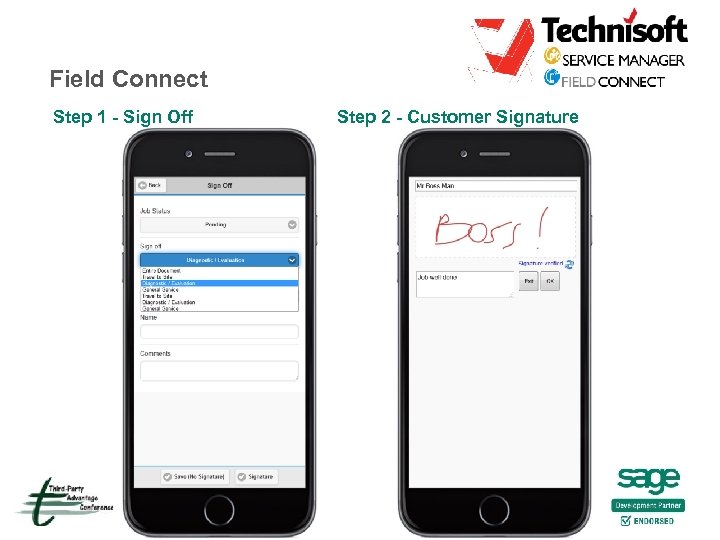 Field Connect Step 1 - Sign Off Step 2 - Customer Signature
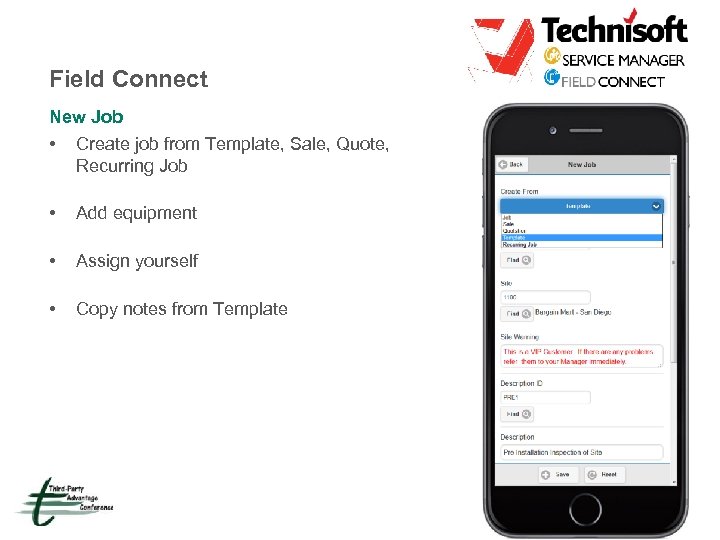 Field Connect New Job • Create job from Template, Sale, Quote, Recurring Job • Add equipment • Assign yourself • Copy notes from Template
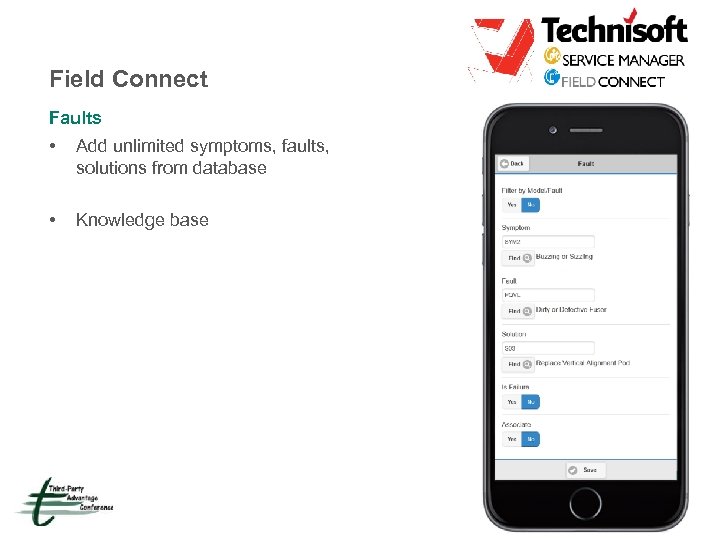 Field Connect Faults • Add unlimited symptoms, faults, solutions from database • Knowledge base
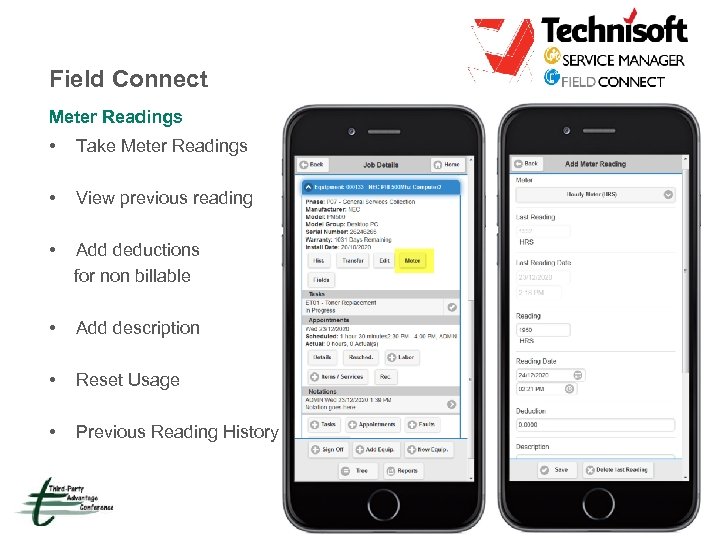 Field Connect Meter Readings • Take Meter Readings • View previous reading • Add deductions for non billable • Add description • Reset Usage • Previous Reading History
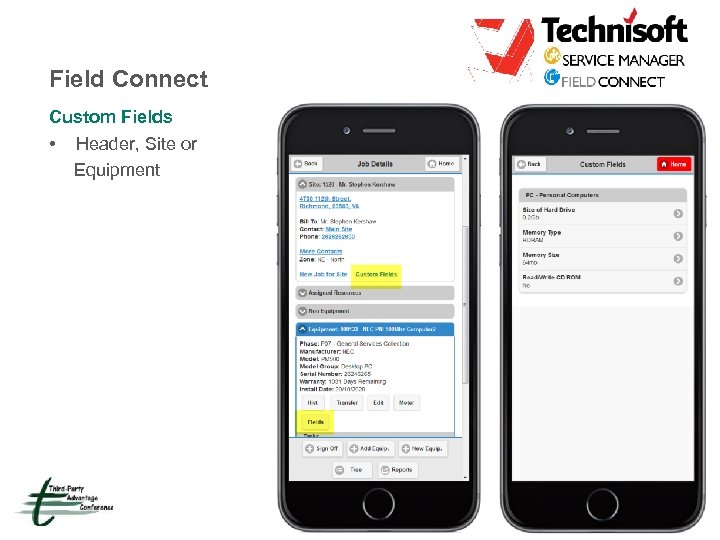 Field Connect Custom Fields • Header, Site or Equipment
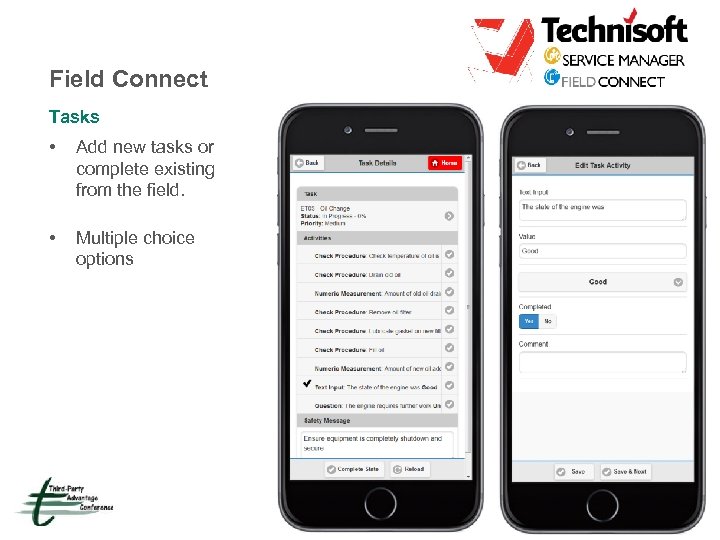 Field Connect Tasks • Add new tasks or complete existing from the field. • Multiple choice options
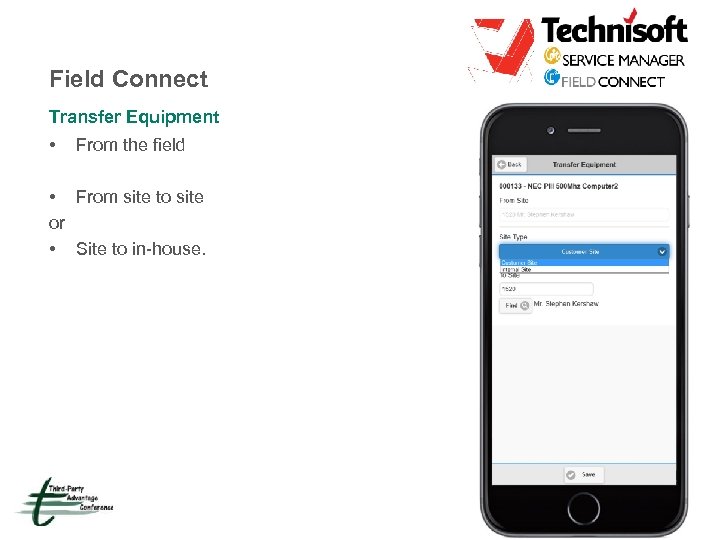 Field Connect Transfer Equipment • From the field • From site to site or • Site to in-house.
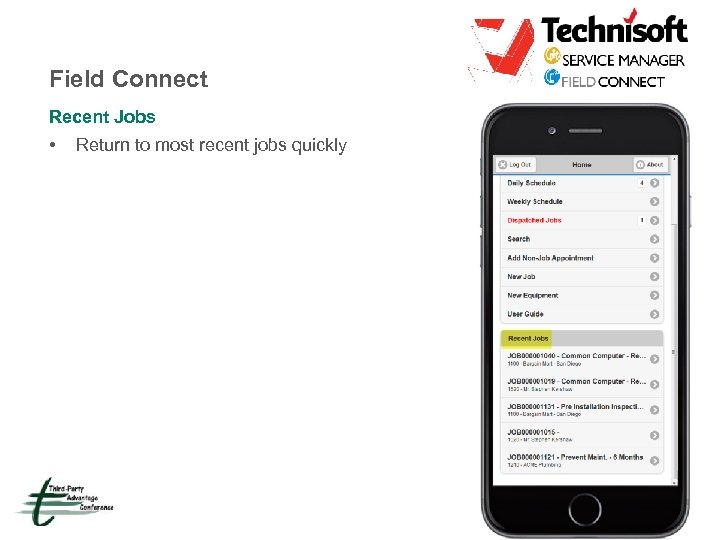 Field Connect Recent Jobs • Return to most recent jobs quickly
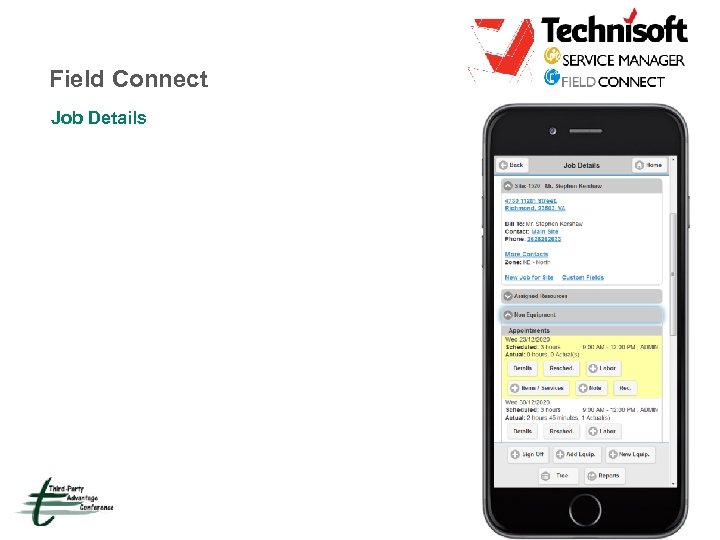 Field Connect Job Details
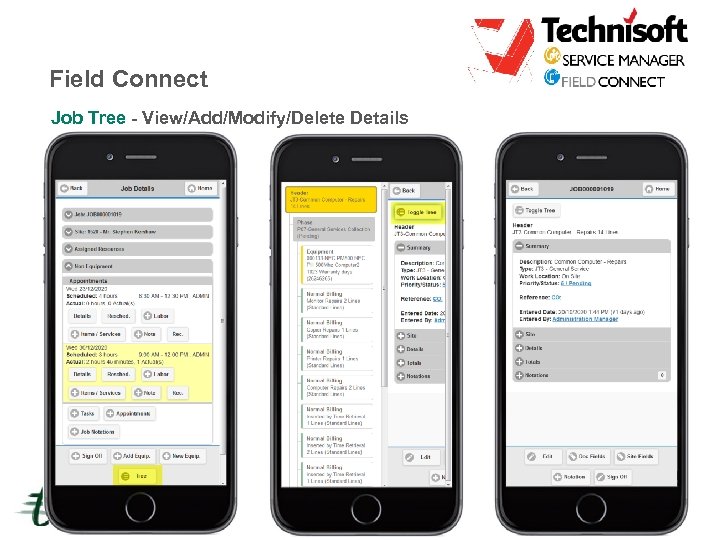 Field Connect Job Tree - View/Add/Modify/Delete Details
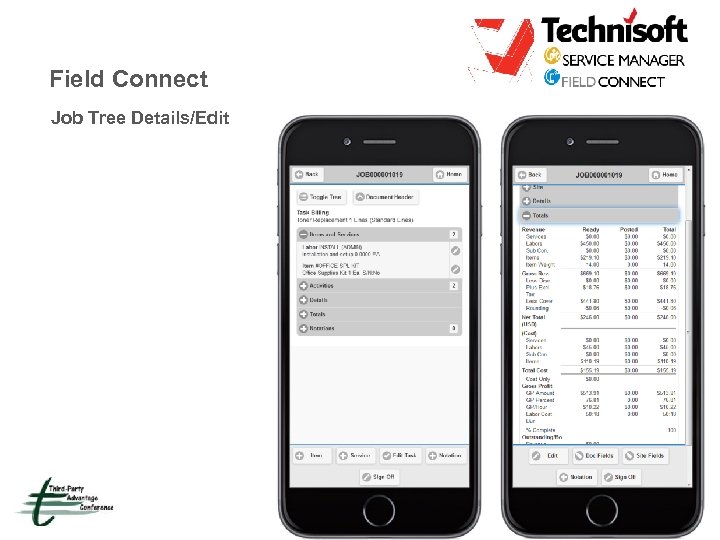 Field Connect Job Tree Details/Edit
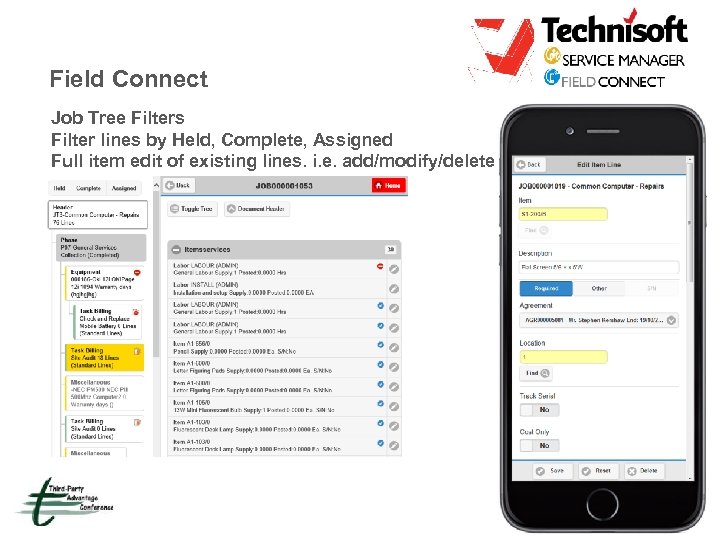 Field Connect Job Tree Filters Filter lines by Held, Complete, Assigned Full item edit of existing lines. i. e. add/modify/delete
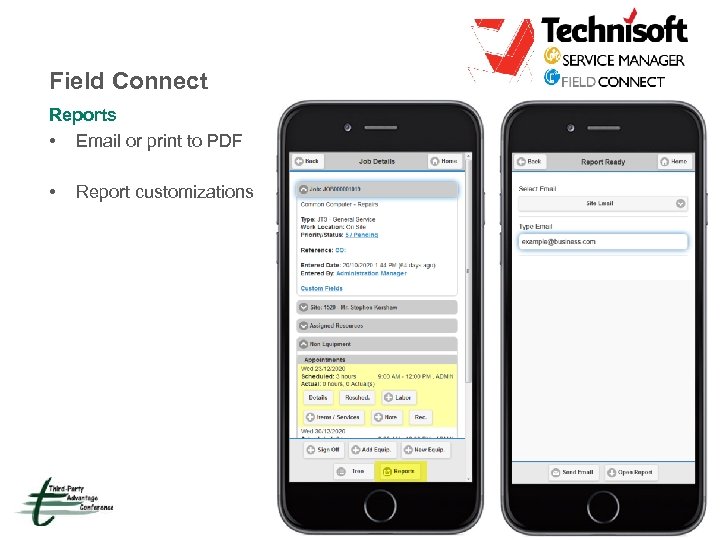 Field Connect Reports • Email or print to PDF • Report customizations
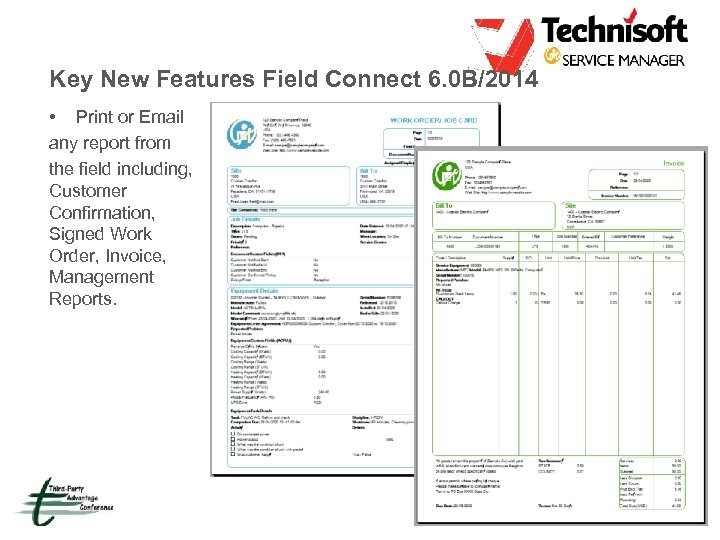 Key New Features Field Connect 6. 0 B/2014 • Print or Email any report from the field including, Customer Confirmation, Signed Work Order, Invoice, Management Reports.
 Field Connect Coming Soon • Email/Print invoice PDF • Payments • Change Bill to • Employee appointment receipt acknowledgments • Offline (Being researched for future) • Consolidate Invoice (Being reviewed)
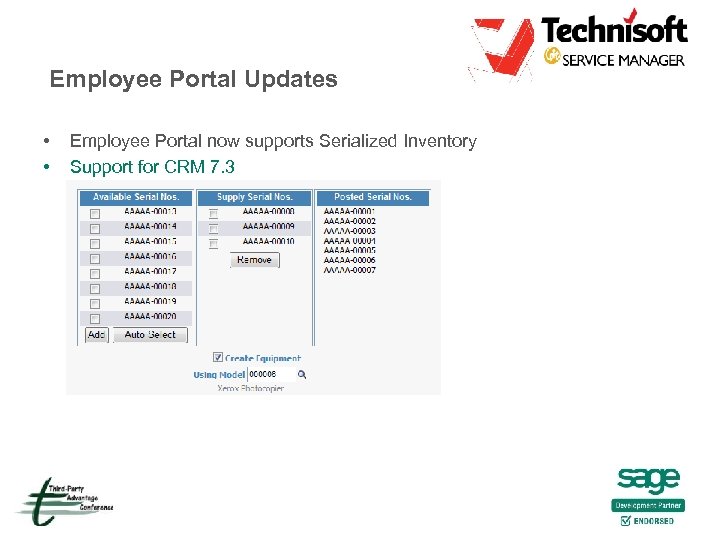 Employee Portal Updates • • Employee Portal now supports Serialized Inventory Support for CRM 7. 3
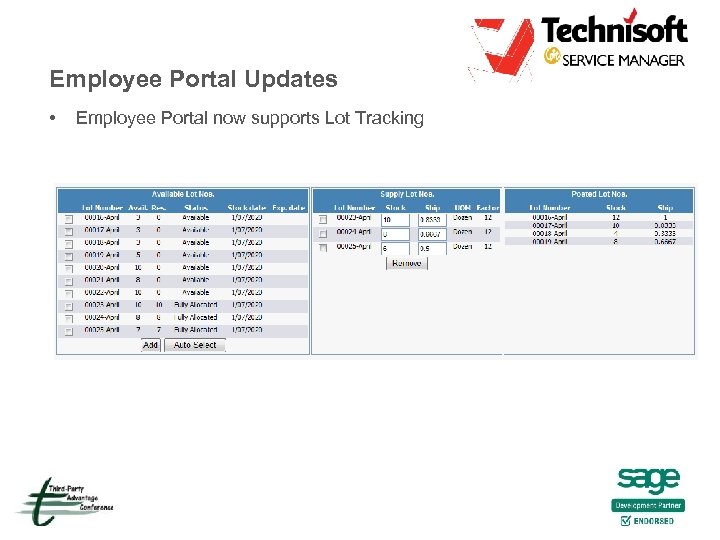 Employee Portal Updates • Employee Portal now supports Lot Tracking
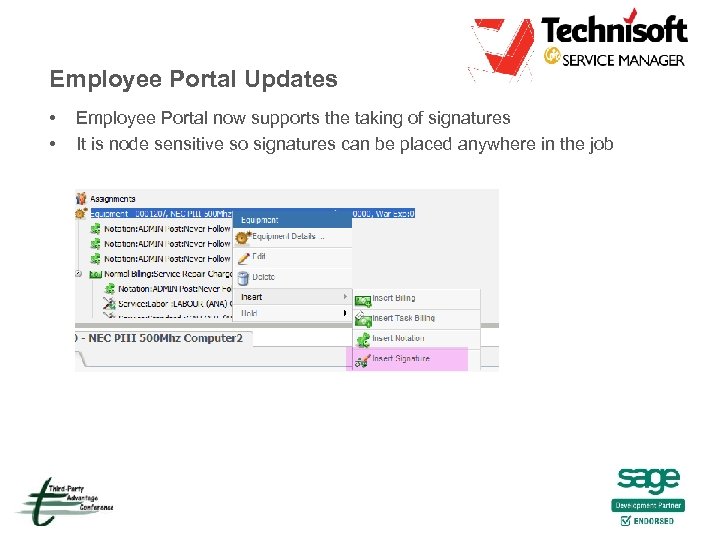 Employee Portal Updates • • Employee Portal now supports the taking of signatures It is node sensitive so signatures can be placed anywhere in the job
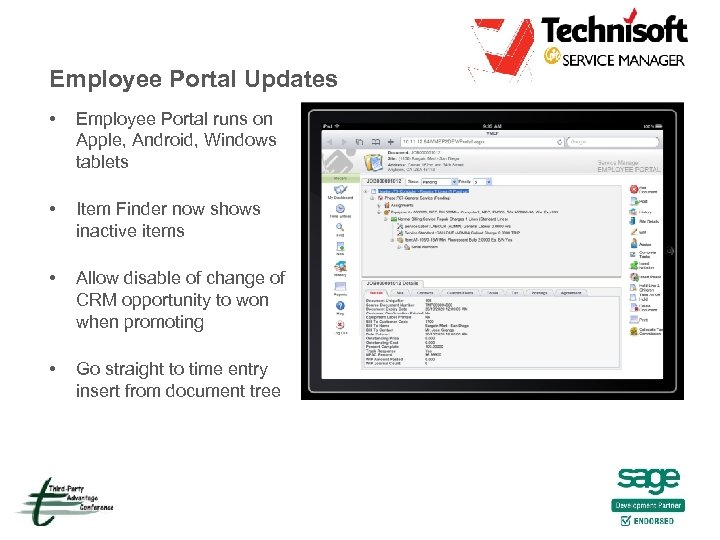 Employee Portal Updates • Employee Portal runs on Apple, Android, Windows tablets • Item Finder now shows inactive items • Allow disable of change of CRM opportunity to won when promoting • Go straight to time entry insert from document tree
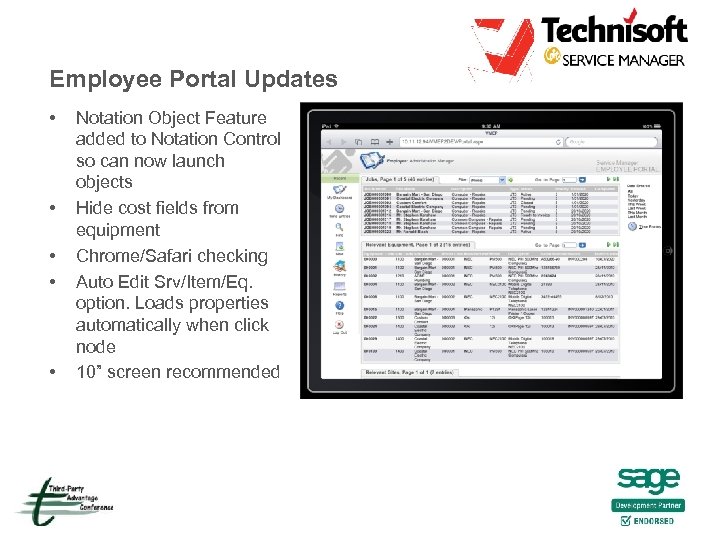 Employee Portal Updates • • • Notation Object Feature added to Notation Control so can now launch objects Hide cost fields from equipment Chrome/Safari checking Auto Edit Srv/Item/Eq. option. Loads properties automatically when click node 10” screen recommended
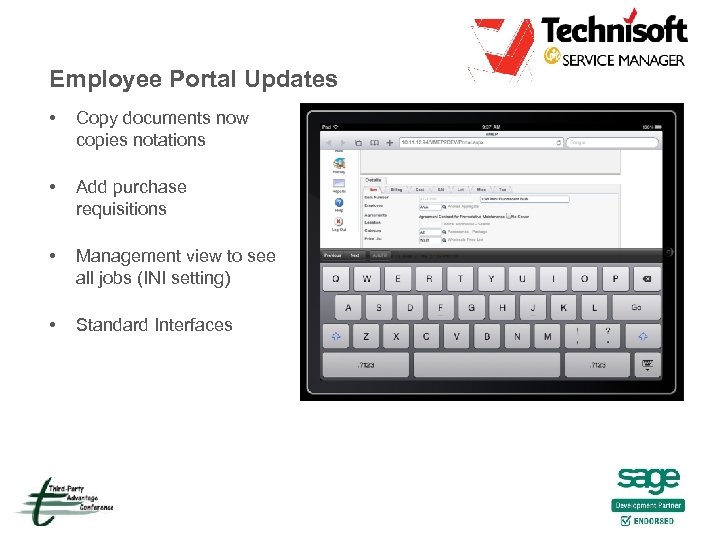 Employee Portal Updates • Copy documents now copies notations • Add purchase requisitions • Management view to see all jobs (INI setting) • Standard Interfaces
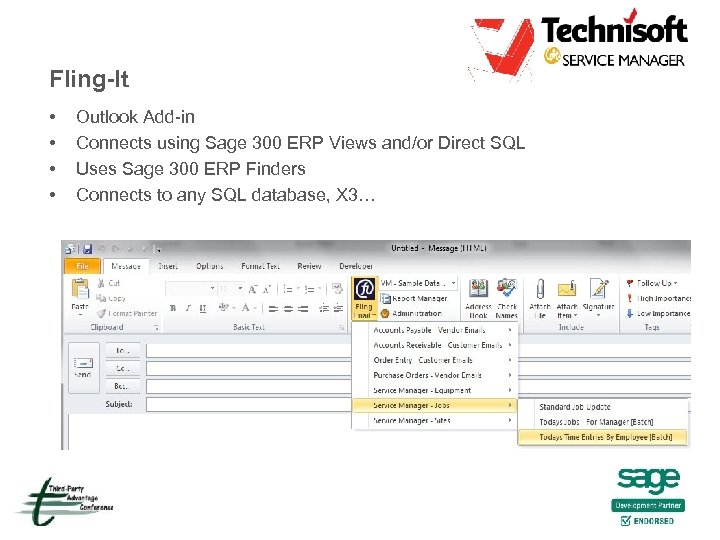 Fling-It • • Outlook Add-in Connects using Sage 300 ERP Views and/or Direct SQL Uses Sage 300 ERP Finders Connects to any SQL database, X 3…
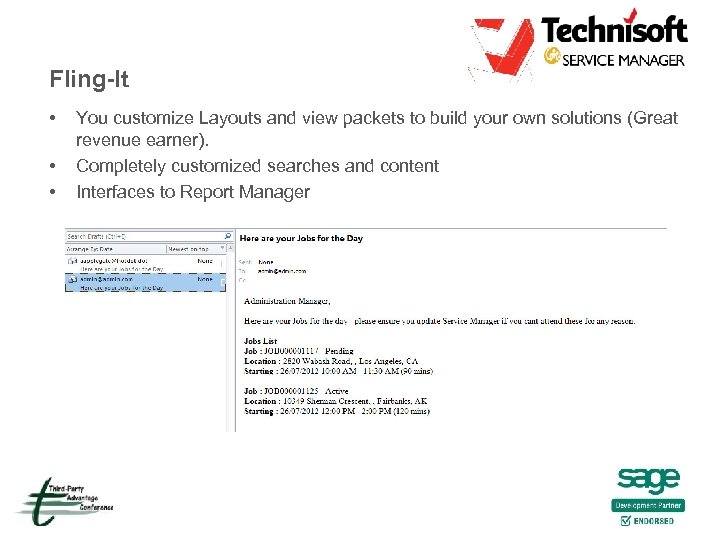 Fling-It • • • You customize Layouts and view packets to build your own solutions (Great revenue earner). Completely customized searches and content Interfaces to Report Manager
 Report Manager Updates • Report Manager has been re written into the Views • All data has been moved from XML files to database tables and managed by native Sage 300 ERP views • Reports are stored in tables on a per Sage 300 ERP company basis with full import/export, dump/load abilities • Significant improvements have been made to the usability of the primary user interface • Verifying parameters will now automatically add new parameters and highlight non-existent ones
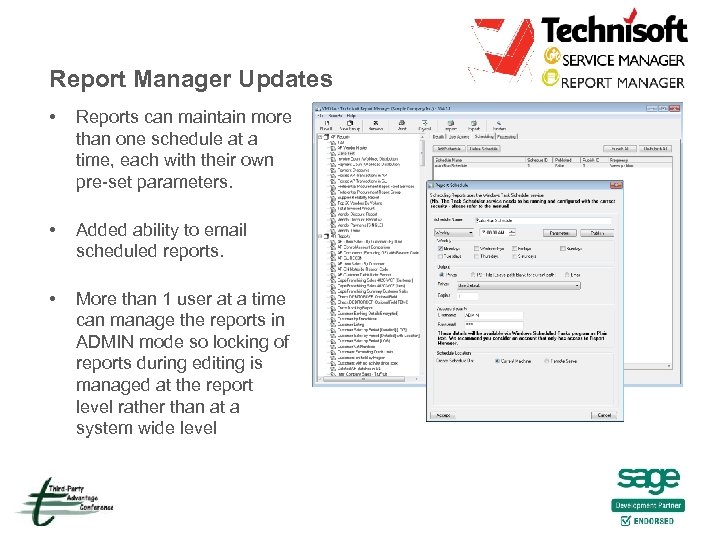 Report Manager Updates • Reports can maintain more than one schedule at a time, each with their own pre-set parameters. • Added ability to email scheduled reports. • More than 1 user at a time can manage the reports in ADMIN mode so locking of reports during editing is managed at the report level rather than at a system wide level
 Markets & Product Positioning • • • Consumer electronics, IT & T, Medical distribution and service - hospital contracting Transport equipment, aviation, rail, trucking White goods after sales service & warranty Jobbing (e. g. , Engineering operations) Heating and cooling (HVAC), all building service & maintenance Pumps, motors, compressors and other high ticket price equipment Facilities management, service and maintenance contracts Call Center Help Desk to job scheduling with CRM interface Mining on shore and offshore, outsourcing companies Commercial cleaning and waste disposal companies