


 Скачать презентацию Integrating Novell and Citrix Technology David Shepherd Technical
1e16c3b5fc4a3df458a9620d0ed4fa58.ppt
- Количество слайдов: 84
 Integrating Novell and Citrix Technology David Shepherd Technical Specialist Novell Consulting Russel Wilkinson Enterprise Pre-Sales Consultant Citrix
 Introduction
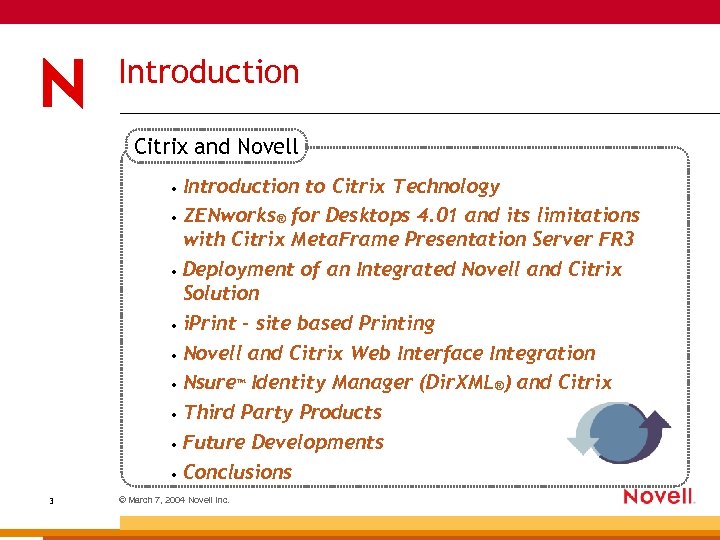 Introduction Citrix and Novell Introduction to Citrix Technology • ZENworks® for Desktops 4. 01 and its limitations with Citrix Meta. Frame Presentation Server FR 3 • Deployment of an Integrated Novell and Citrix Solution • i. Print – site based Printing • Novell and Citrix Web Interface Integration • Nsure™ Identity Manager (Dir. XML®) and Citrix • Third Party Products • Future Developments • Conclusions • 3 © March 7, 2004 Novell Inc.
 Introduction to Citrix Technology
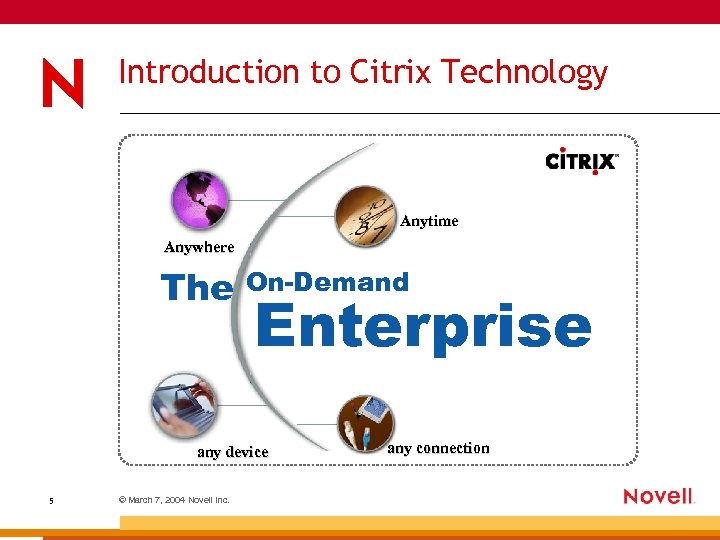 Introduction to Citrix Technology Anytime Anywhere The On-Demand Enterprise any device 5 © March 7, 2004 Novell Inc. any connection
 Citrix Makes the On-Demand Enterprise Possible Infrastructure for the on-demand enterprise 6 © March 7, 2004 Novell Inc.
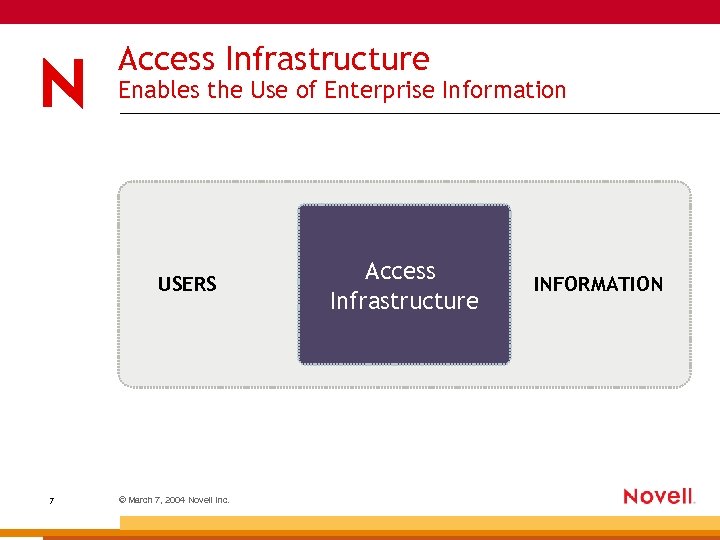 Access Infrastructure Enables the Use of Enterprise Information USERS 7 © March 7, 2004 Novell Inc. Access Infrastructure INFORMATION
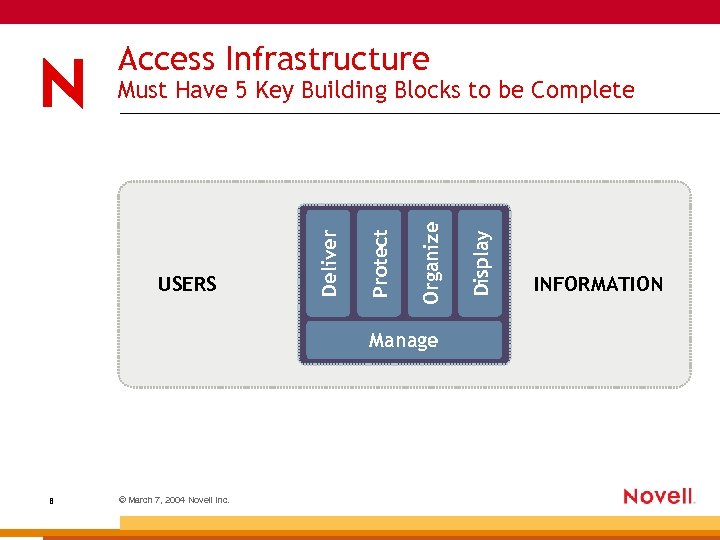 Access Infrastructure Manage 8 © March 7, 2004 Novell Inc. Display Organize Protect USERS Deliver Must Have 5 Key Building Blocks to be Complete INFORMATION
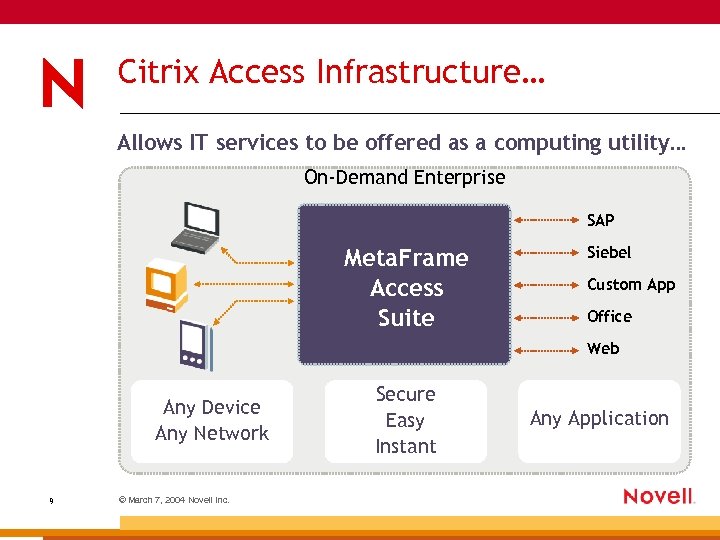 Citrix Access Infrastructure… Allows IT services to be offered as a computing utility… On-Demand Enterprise SAP Meta. Frame Access Suite Siebel Custom App Office Web Any Device Any Network 9 © March 7, 2004 Novell Inc. Secure Easy Instant Any Application
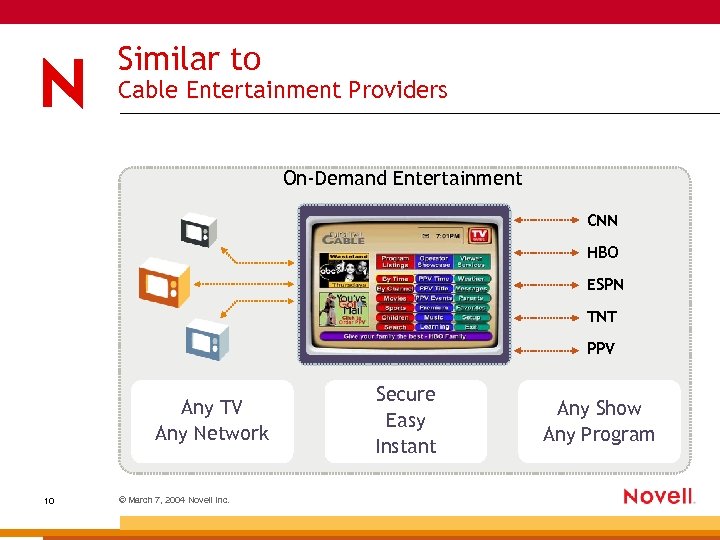 Similar to Cable Entertainment Providers On-Demand Entertainment CNN HBO ESPN TNT PPV Any TV Any Network 10 © March 7, 2004 Novell Inc. Secure Easy Instant Any Show Any Program
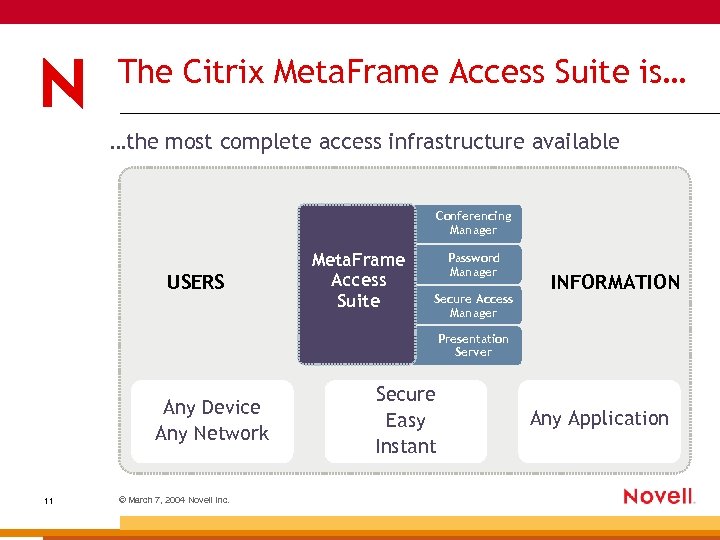 The Citrix Meta. Frame Access Suite is… …the most complete access infrastructure available Conferencing Manager USERS Meta. Frame Access Suite Password Manager Secure Access Manager INFORMATION Presentation Server Any Device Any Network 11 © March 7, 2004 Novell Inc. Secure Easy Instant Any Application
 Citrix Meta. Frame Presentation Server FR 3 Features
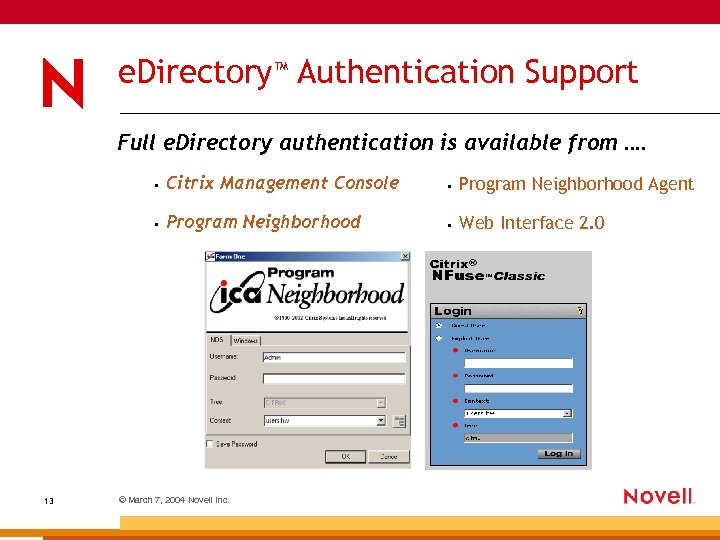 e. Directory™ Authentication Support Full e. Directory authentication is available from …. • • Program Neighborhood Agent • 13 Citrix Management Console Program Neighborhood • Web Interface 2. 0 © March 7, 2004 Novell Inc.
 CMC Enhancements Improving the user experience for the Administrators • Improved navigation – – Quick navigation to an item – “Details” view persists through multiple CMC sessions – 14 Total counts of objects Launch an ICA session to a server desktop from the CMC © March 7, 2004 Novell Inc.
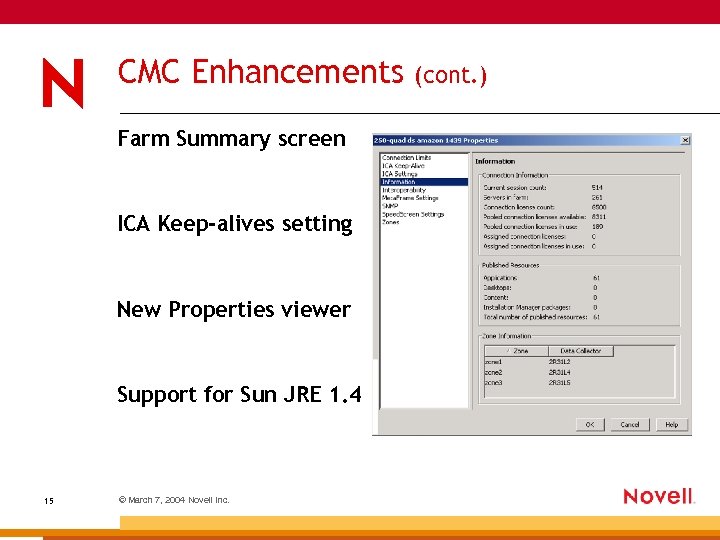 CMC Enhancements Farm Summary screen ICA Keep-alives setting New Properties viewer Support for Sun JRE 1. 4 15 © March 7, 2004 Novell Inc. (cont. )
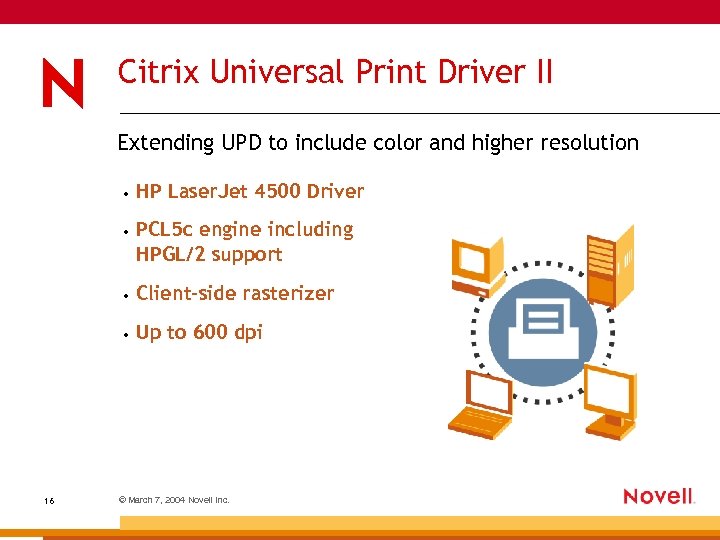 Citrix Universal Print Driver II Extending UPD to include color and higher resolution • • PCL 5 c engine including HPGL/2 support • Client-side rasterizer • 16 HP Laser. Jet 4500 Driver Up to 600 dpi © March 7, 2004 Novell Inc.
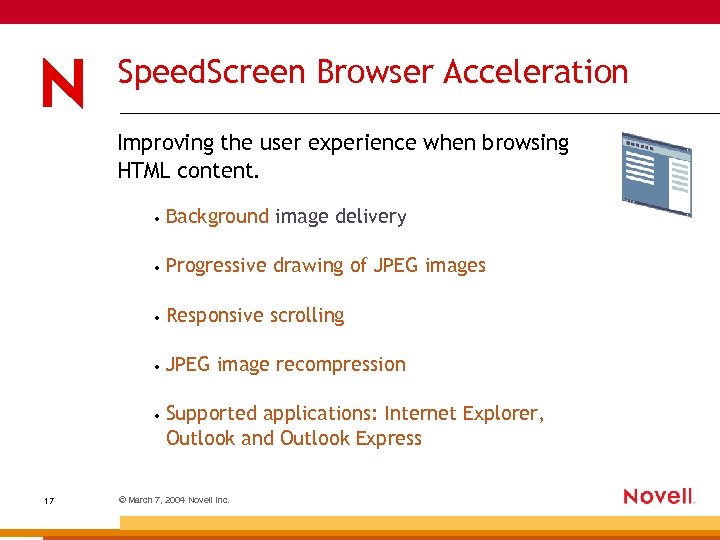 Speed. Screen Browser Acceleration Improving the user experience when browsing HTML content. • • Progressive drawing of JPEG images • Responsive scrolling • JPEG image recompression • 17 Background image delivery Supported applications: Internet Explorer, Outlook and Outlook Express © March 7, 2004 Novell Inc.
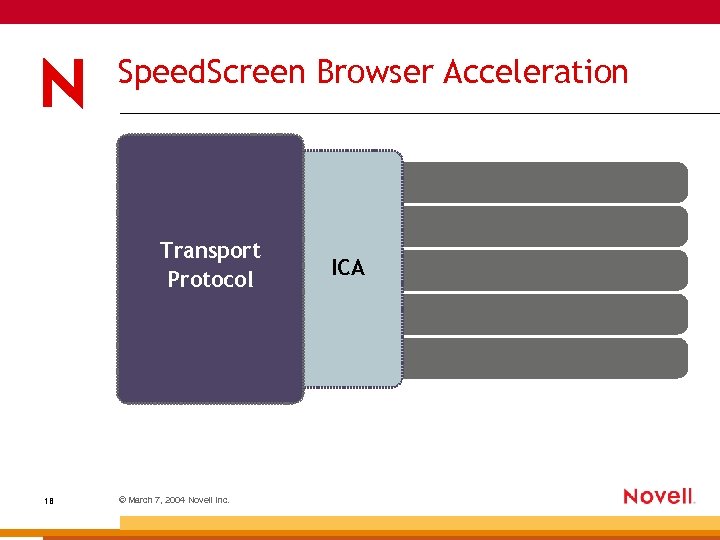 Speed. Screen Browser Acceleration Transport Protocol 18 © March 7, 2004 Novell Inc. ICA
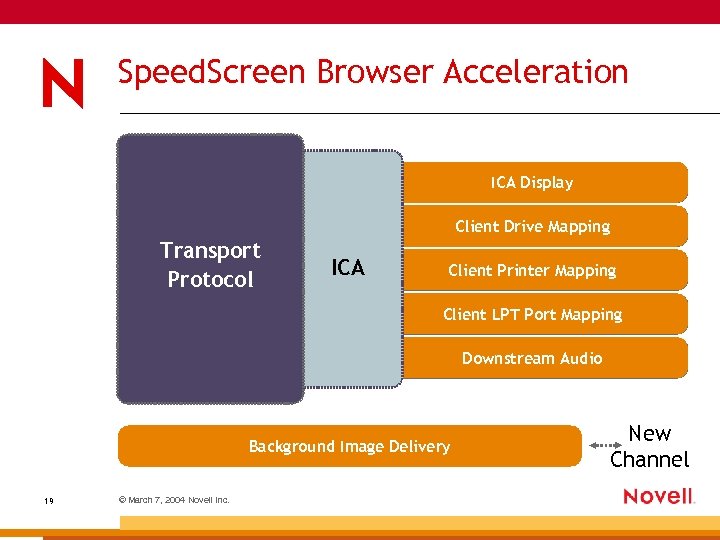 Speed. Screen Browser Acceleration ICA Display Client Drive Mapping Transport Protocol ICA Client Printer Mapping Client LPT Port Mapping Downstream Audio Background Image Delivery 19 © March 7, 2004 Novell Inc. New Channel
 Improved Browsing with Speed. Screen Pre Speed. Screen • • Images were rendered multiple times causing delays • 20 Scrolling up and down was slow and un-responsive A slow connection to the server affected performance © March 7, 2004 Novell Inc.
 Improved Browsing with Speed. Screen With Speed. Screen • Scrolling in a web browser is fast and responsive • Raw image data is transferred directly to the client device • Sizes of images can be reduced, at the expense of quality • Works with applications that use MSHTL to handle images: – 21 IE, Outlook, and Outlook Express © March 7, 2004 Novell Inc.
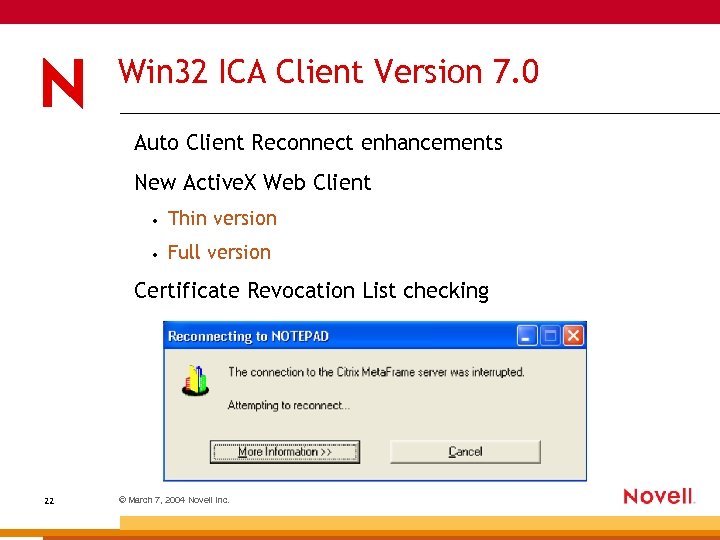 Win 32 ICA Client Version 7. 0 Auto Client Reconnect enhancements New Active. X Web Client • Thin version • Full version Certificate Revocation List checking 22 © March 7, 2004 Novell Inc.
 Citrix Java ICA Client 7. 0 Seamless support with Session Sharing Improved Client Drive Mapping Performance Improved Client Printer Mapping Performance Enhanced XML Error messages Content Redirection (Server-to-client) Support for INS files - proxy auto-config (PAC) Updated SSL library for smaller cab file size 23 © March 7, 2004 Novell Inc.
 Web Interface Integrating Project Columbia Features and Providing Higher Security • • Simplified domain login selection • FIPS 140 support • Multi-Site Support on single web server (For JSP version only) • Java. Script Proxy Auto Configuration for the Java ICA Client • 24 Multi-Farm Support with Single Set of Credentials Private Certificate Authority support with the Java ICA Client © March 7, 2004 Novell Inc.
 ZENworks for Desktops 4. 01 and its Limitations with Citrix Meta. Frame Presentation Server FR 3
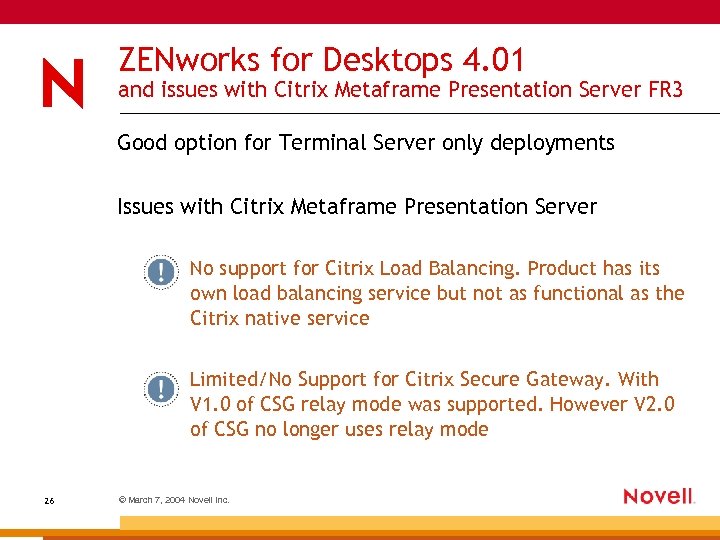 ZENworks for Desktops 4. 01 and issues with Citrix Metaframe Presentation Server FR 3 Good option for Terminal Server only deployments Issues with Citrix Metaframe Presentation Server No support for Citrix Load Balancing. Product has its own load balancing service but not as functional as the Citrix native service Limited/No Support for Citrix Secure Gateway. With V 1. 0 of CSG relay mode was supported. However V 2. 0 of CSG no longer uses relay mode 26 © March 7, 2004 Novell Inc.
 Deployment of an Integrated Solution Novell and Citrix
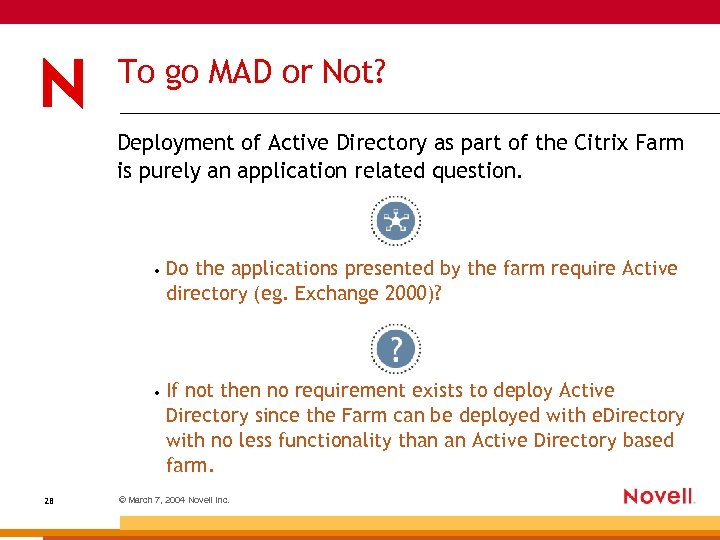 To go MAD or Not? Deployment of Active Directory as part of the Citrix Farm is purely an application related question. • • 28 Do the applications presented by the farm require Active directory (eg. Exchange 2000)? If not then no requirement exists to deploy Active Directory since the Farm can be deployed with e. Directory with no less functionality than an Active Directory based farm. © March 7, 2004 Novell Inc.
 Aims of the Integrated Solution Citrix Servers deployed with no AD Forest or NT Domain User Home Directory/Terminal Server profile on a Net. Ware® 6. 5 Server User configuration and administration from Console. One®/i. Manager Policies deployed from ZENworks for Desktops to manage Citrix Use of i. Print to manage printing on the Citrix Servers Applications presented through the ZENworks Nal/Myapps front end with no difference to the user launching thin/thick apps Full support for Citrix Load Balancing and Secure Gateway 29 © March 7, 2004 Novell Inc.
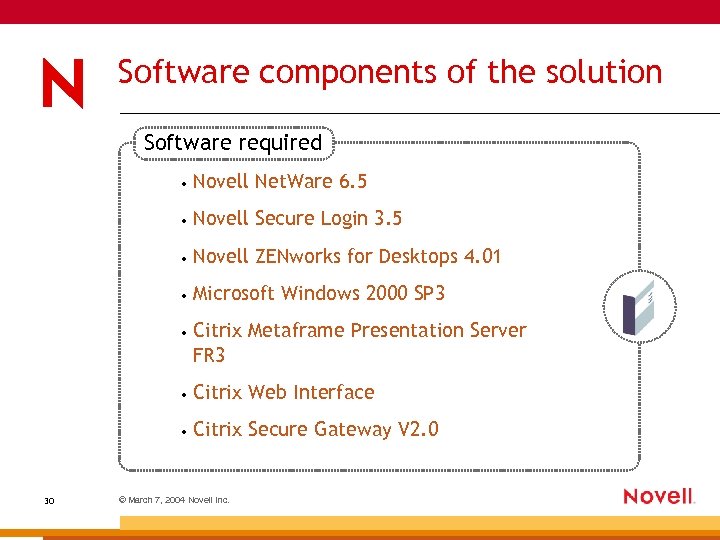 Software components of the solution Software required • • Novell Secure Login 3. 5 • Novell ZENworks for Desktops 4. 01 • Microsoft Windows 2000 SP 3 • Citrix Metaframe Presentation Server FR 3 • Citrix Web Interface • 30 Novell Net. Ware 6. 5 Citrix Secure Gateway V 2. 0 © March 7, 2004 Novell Inc.
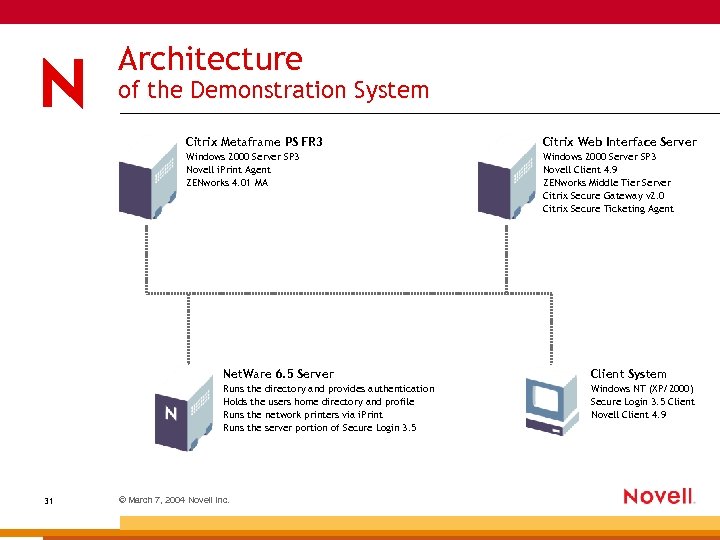 Architecture of the Demonstration System Citrix Metaframe PS FR 3 Citrix Web Interface Server Windows 2000 Server SP 3 Novell i. Print Agent ZENworks 4. 01 MA Windows 2000 Server SP 3 Novell Client 4. 9 ZENworks Middle Tier Server Citrix Secure Gateway v 2. 0 Citrix Secure Ticketing Agent Net. Ware 6. 5 Server 31 Client System Runs the directory and provides authentication Holds the users home directory and profile Runs the network printers via i. Print Runs the server portion of Secure Login 3. 5 Windows NT (XP/2000) Secure Login 3. 5 Client Novell Client 4. 9 © March 7, 2004 Novell Inc.
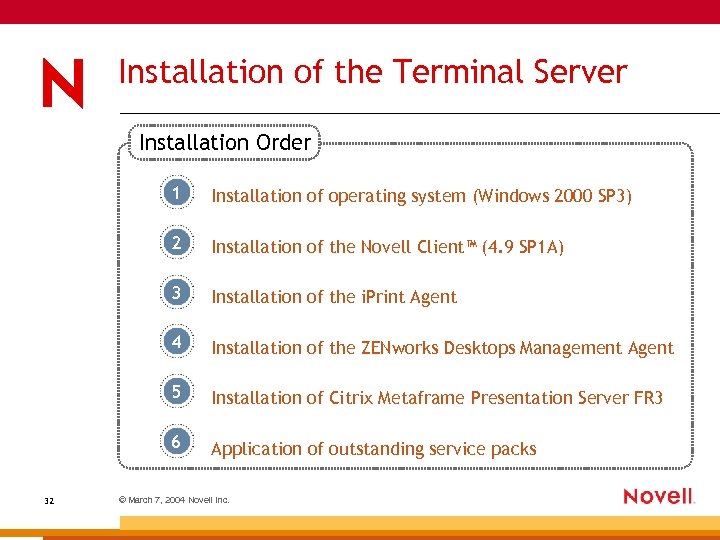 Installation of the Terminal Server Installation Order 1 2 Installation of the Novell Client™ (4. 9 SP 1 A) 3 Installation of the i. Print Agent 4 Installation of the ZENworks Desktops Management Agent 5 Installation of Citrix Metaframe Presentation Server FR 3 6 32 Installation of operating system (Windows 2000 SP 3) Application of outstanding service packs © March 7, 2004 Novell Inc.
 Installation of the Operating System Microsoft Windows 2000 SP 3 plus hotfixes • • Apply SP 3 plus hotfixes • Install server as Workgroup Server • Install Terminal Server option plus Licensing Server (If first server in farm) • Only install required protocols, do not use IPX unless required • Upgrade Web Browser to Internet Explorer 6. 0 plus latest security patches • 33 Issues with SP 4 due to performance Configure DNS resolution © March 7, 2004 Novell Inc.
 Installation of the Novell Client 4. 90 Service Pack 1 A plus hotfixes • Change user install/execute command before installation • DO NOT INSTALL THE NETIDENTITY AGENT • Disable NMAS™ Authentication • Contextless Login – works reliably with SP 1 a • Change the default location profile – turn off saves • Disable unused name resolution methods • Enter a static configuration for the SLP DA • See www. ithowto. com/novell/clientspeed. htm for additional config options • 34 © March 7, 2004 Novell Inc.
 Installation of Citrix Metaframe Presentation Server FR 3 Metaframe Installation The install detects the Novell Client and makes the following registry changes: • HKLMSoftwareMicrosoftWindows. NTCurrentVersionWin. Logon • Value=Gina. DLL Type=REG_SZ • HKLMSoftwareMicrosoftWindows. NTCurrentVersionWin. Logon • Value=CTXGINA. DLL Type=REG_SZ Data=NWGINA. DLL Data=CTXGINA. DLL Adds a Citrix GINA to the Server to enhance the information that Citrix Metaframe can send to the Novell Client 35 © March 7, 2004 Novell Inc.
 Installation of Citrix Metaframe FR 3 (cont. ) Novell Client can be installed after Metaframe but manual registry changes are required 36 © March 7, 2004 Novell Inc.
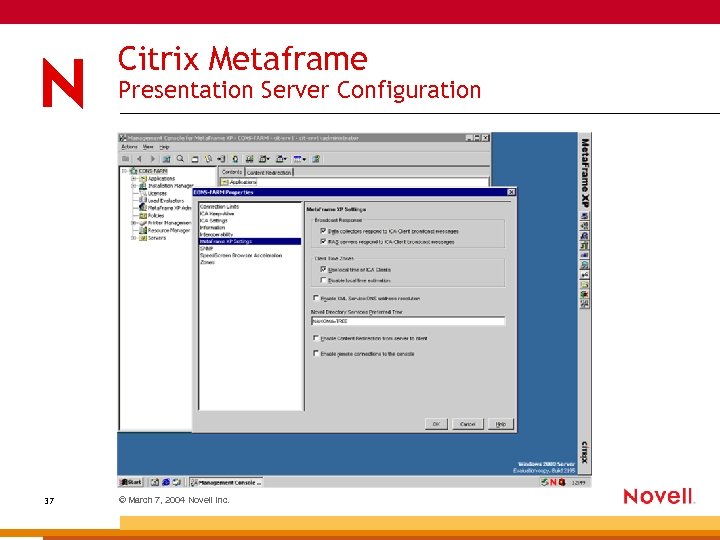 Citrix Metaframe Presentation Server Configuration 37 © March 7, 2004 Novell Inc.
 Installation of the ZENworks Desktop Management Agent Functionality Required • • Dynamic Local User to allow management of users without Active Directory or NT 4 Domain • 38 Application of MS Group Policies held in e. Directory The application of a policy to set the Terminal Server home and profile directories as locations in the Net. Ware File System © March 7, 2004 Novell Inc.
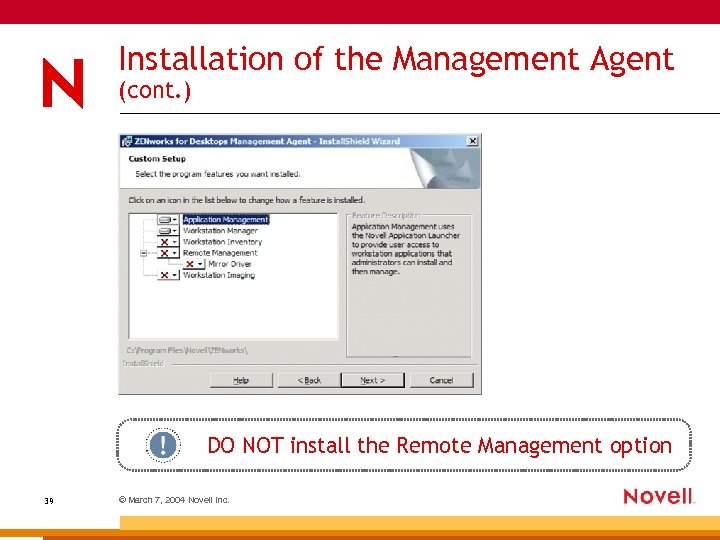 Installation of the Management Agent (cont. ) DO NOT install the Remote Management option 39 © March 7, 2004 Novell Inc.
 Installation of the i. Print Agent Considerations • Run CHANGE USER /INSTALL before install • Use the latest available code (NIPP. exe) • Run CHANGE USER /execute after install • Configure all printers as user printers for Citrix Servers i. Print Issues on a Citrix Server • • 40 ICAPTURE command does not work No automatic auto-update of the i. Print Agent © March 7, 2004 Novell Inc.
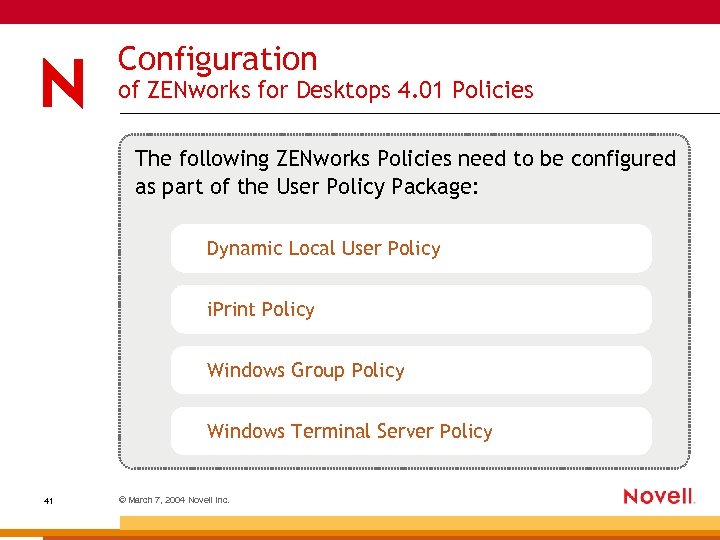 Configuration of ZENworks for Desktops 4. 01 Policies The following ZENworks Policies need to be configured as part of the User Policy Package: Dynamic Local User Policy i. Print Policy Windows Group Policy Windows Terminal Server Policy 41 © March 7, 2004 Novell Inc.
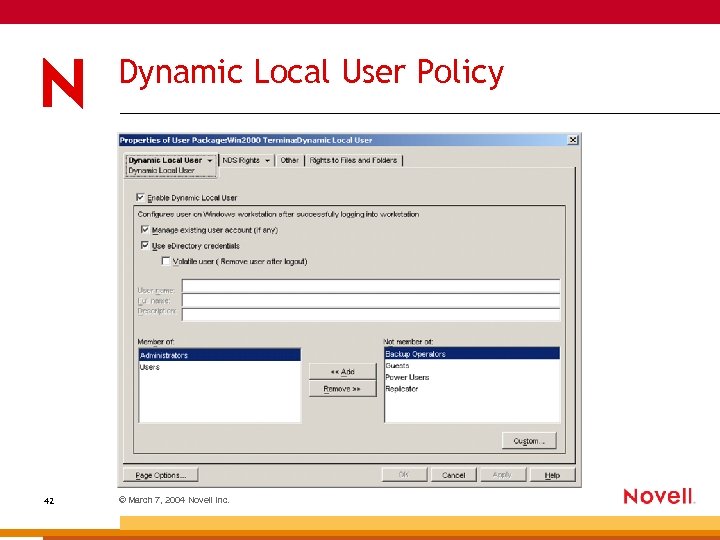 Dynamic Local User Policy 42 © March 7, 2004 Novell Inc.
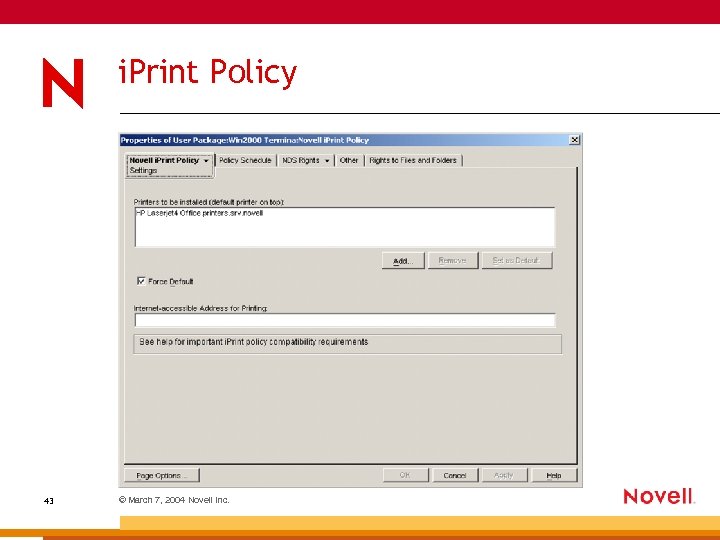 i. Print Policy 43 © March 7, 2004 Novell Inc.
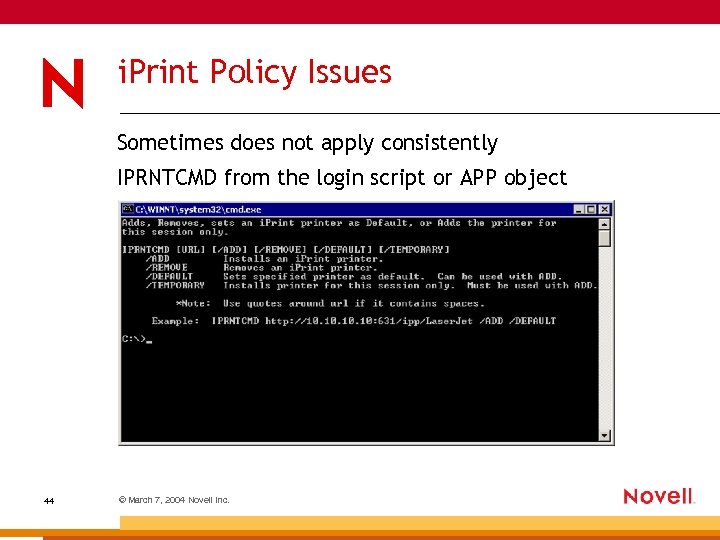 i. Print Policy Issues Sometimes does not apply consistently IPRNTCMD from the login script or APP object 44 © March 7, 2004 Novell Inc.
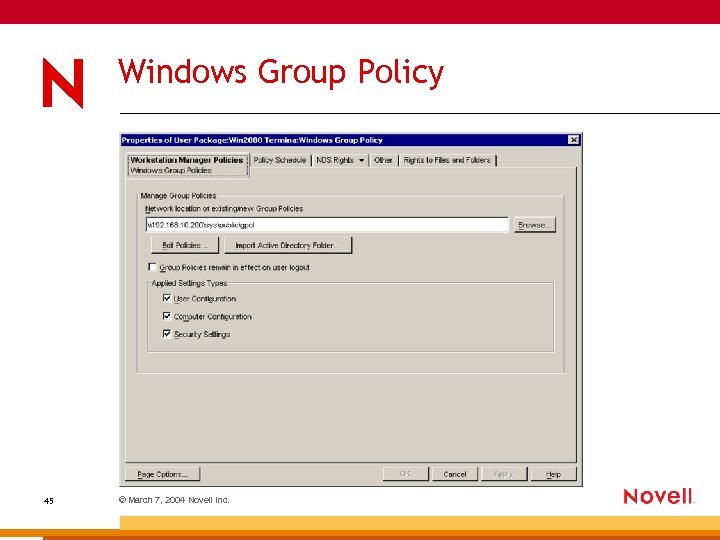 Windows Group Policy 45 © March 7, 2004 Novell Inc.
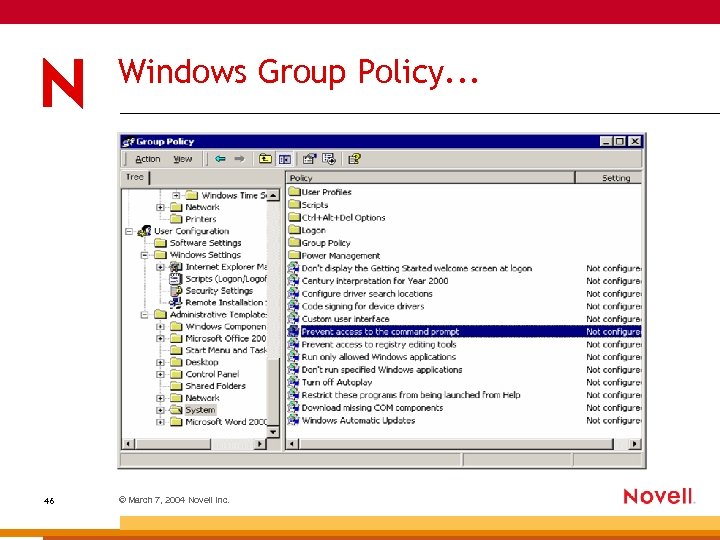 Windows Group Policy. . . 46 © March 7, 2004 Novell Inc.
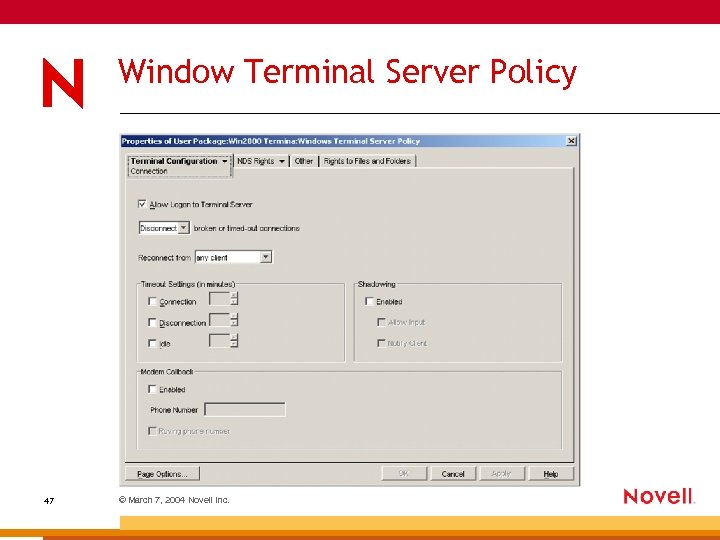 Window Terminal Server Policy 47 © March 7, 2004 Novell Inc.
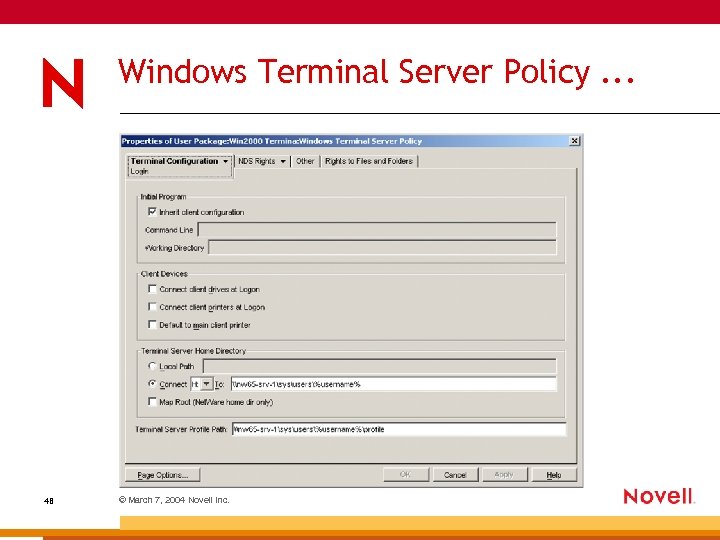 Windows Terminal Server Policy. . . 48 © March 7, 2004 Novell Inc.
 Assignment of Policy Packages ZENworks for Desktops 4. 01 allows the assignment of policies by the authenticated operating system. Different policies supported for the following OS types: • Windows 98 • Windows 2000 Server • Windows XP • Windows 2000 Terminal Services Allows a user to have one policy package for client access and one for Citrix Access 49 © March 7, 2004 Novell Inc.
 i. Print Site based Printing
 Location Dependant Printer Assignment As a user authenticates to the Citrix Server a printer relevant to the users current location is deployed. • • This process purely occurs within the Citrix Session. • 51 This printer is configured as the users default printer until the user authenticates from another site. Site in the context of this section is a range of IP Addresses within a companies infrastructure either internal or external. This printer is transparently removed when the user changes site. © March 7, 2004 Novell Inc.
 Location Dependant Printer Assignment Capabilities i. Print can allow printers to be deployed by the client devices IP Address. This allows a local printer to follow a user around from site to site. • • i. Print deploys the driver to the Citrix Server. • No changes to the Client Device • Process is completely transparent to the user. • 52 Printer is assigned within the Citrix Session. Printer is assigned by comparing the client devices IP Address to see if it belongs to a particular sites subnet. © March 7, 2004 Novell Inc.
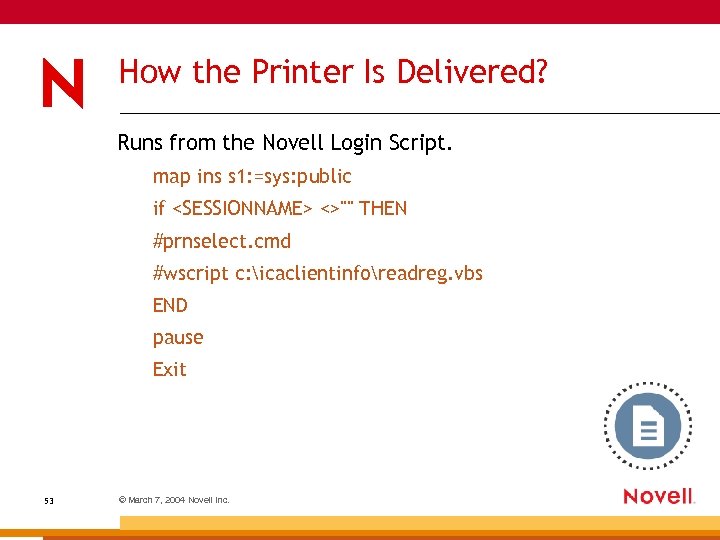 How the Printer Is Delivered? Runs from the Novell Login Script. map ins s 1: =sys: public if
 How the Login Script Works Only runs when authenticating through a Citrix Session by the use of the %SESSIONNAME% env variable. • PRNSELECT. CMD – Removes the previous site printer and then uses ICACLIENTINFO util to set env variable to client devices IP Address. The batch file then runs the SEVICA utility that reads the client IP Address and compares it to a table and sets an enviroment variable in accordance with the subnet that the client IP Address belongs to. • READREG. VBS – Reads the enviroment variable from the registery and executes the IPRNTCMD command with the correct parameters to setup the printer for the session. If no match is found then the env variable is set to NOTFOUND and no printer assignment is done. 54 © March 7, 2004 Novell Inc.
 Novell and Citrix Web Interface Integration
 ZENworks for Desktops 4. 01 and Web Interface Integration How to launch a thin client application from the Nal/Myapps front end • Configuration of Web Interface • Configuration of ZENworks for Desktops Application Objects • ASP Pages to Allow Application Launch – – Secure Login and script to provide SSO – 56 Two additional ASP pages on the Web Interface Server ZENworks Application objects configuration to launch Citrix Published APPS © March 7, 2004 Novell Inc.
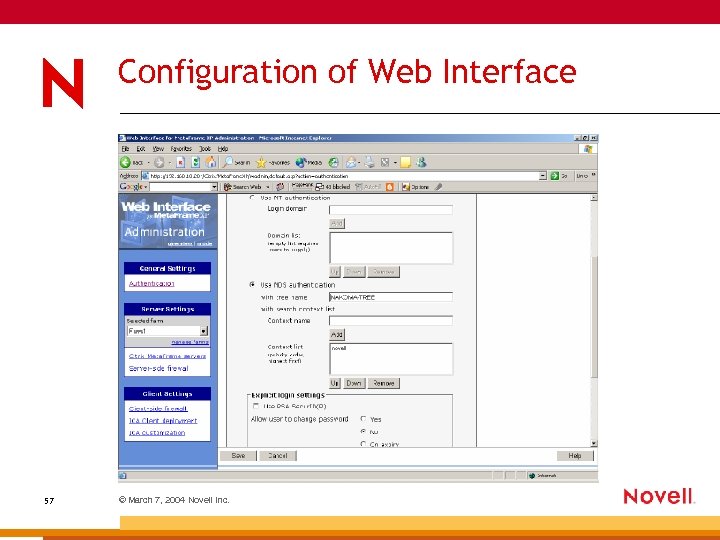 Configuration of Web Interface 57 © March 7, 2004 Novell Inc.
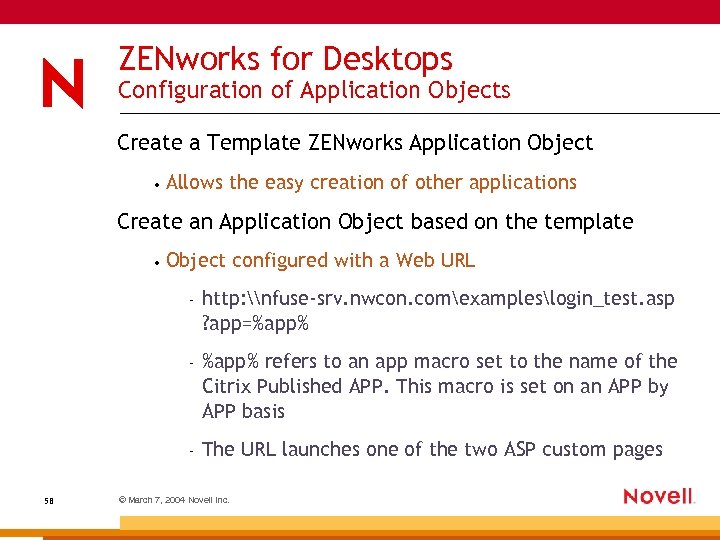 ZENworks for Desktops Configuration of Application Objects Create a Template ZENworks Application Object • Allows the easy creation of other applications Create an Application Object based on the template • Object configured with a Web URL – – %app% refers to an app macro set to the name of the Citrix Published APP. This macro is set on an APP by APP basis – 58 http: \nfuse-srv. nwcon. comexampleslogin_test. asp ? app=%app% The URL launches one of the two ASP custom pages © March 7, 2004 Novell Inc.
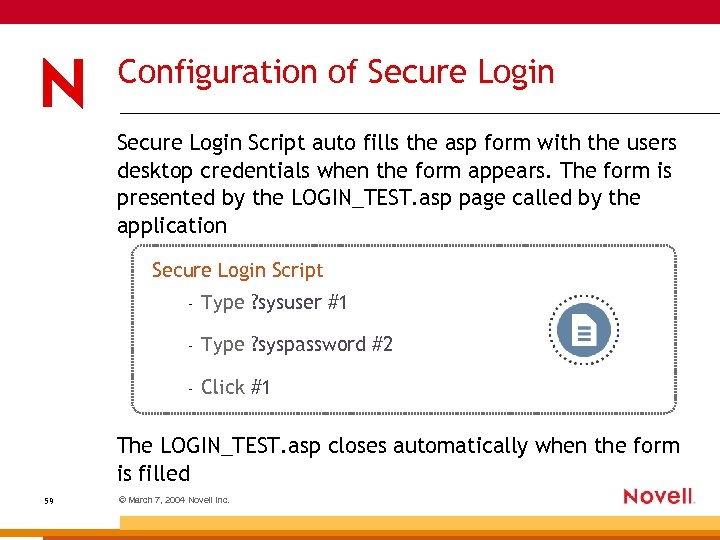 Configuration of Secure Login Script auto fills the asp form with the users desktop credentials when the form appears. The form is presented by the LOGIN_TEST. asp page called by the application Secure Login Script – Type ? sysuser #1 – Type ? syspassword #2 – Click #1 The LOGIN_TEST. asp closes automatically when the form is filled 59 © March 7, 2004 Novell Inc.
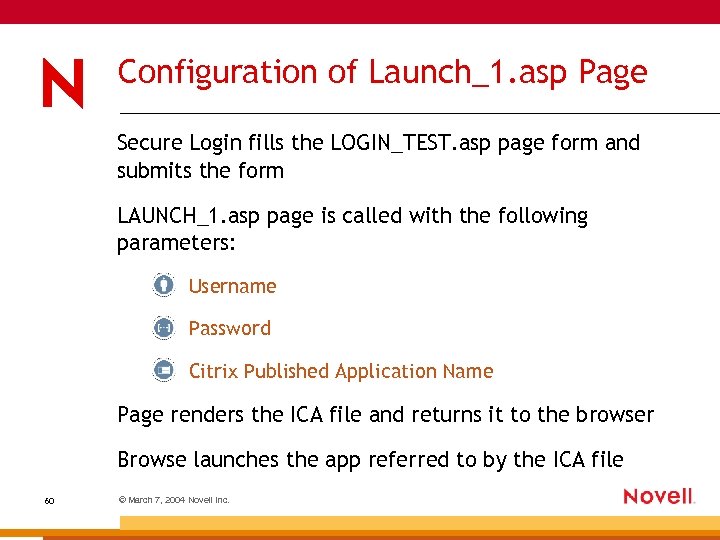 Configuration of Launch_1. asp Page Secure Login fills the LOGIN_TEST. asp page form and submits the form LAUNCH_1. asp page is called with the following parameters: Username Password Citrix Published Application Name Page renders the ICA file and returns it to the browser Browse launches the app referred to by the ICA file 60 © March 7, 2004 Novell Inc.
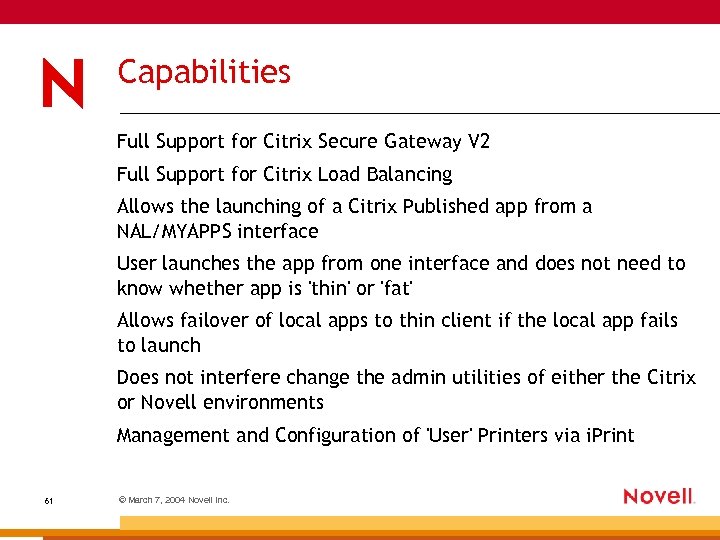 Capabilities Full Support for Citrix Secure Gateway V 2 Full Support for Citrix Load Balancing Allows the launching of a Citrix Published app from a NAL/MYAPPS interface User launches the app from one interface and does not need to know whether app is 'thin' or 'fat' Allows failover of local apps to thin client if the local app fails to launch Does not interfere change the admin utilities of either the Citrix or Novell environments Management and Configuration of 'User' Printers via i. Print 61 © March 7, 2004 Novell Inc.
 Nsure Identity Manager 2 (Dir. XML) and Citrix
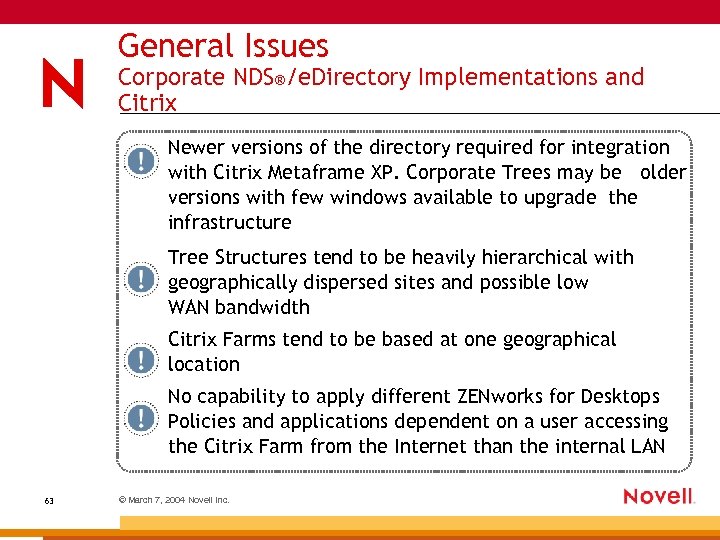 General Issues Corporate NDS®/e. Directory Implementations and Citrix Newer versions of the directory required for integration with Citrix Metaframe XP. Corporate Trees may be older versions with few windows available to upgrade the infrastructure Tree Structures tend to be heavily hierarchical with geographically dispersed sites and possible low WAN bandwidth Citrix Farms tend to be based at one geographical location No capability to apply different ZENworks for Desktops Policies and applications dependent on a user accessing the Citrix Farm from the Internet than the internal LAN 63 © March 7, 2004 Novell Inc.
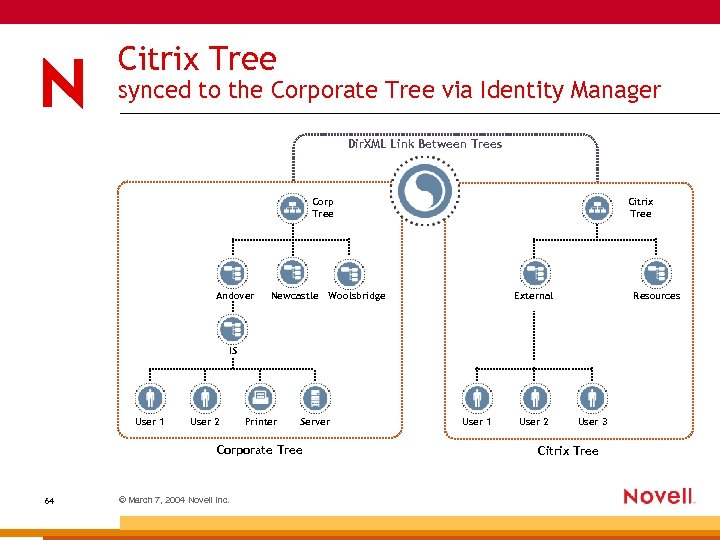 Citrix Tree synced to the Corporate Tree via Identity Manager Dir. XML Link Between Trees Corp Tree Andover Newcastle Citrix Tree Woolsbridge External Resources IS User 1 User 2 Printer Server Corporate Tree 64 © March 7, 2004 Novell Inc. User 1 User 2 User 3 Citrix Tree
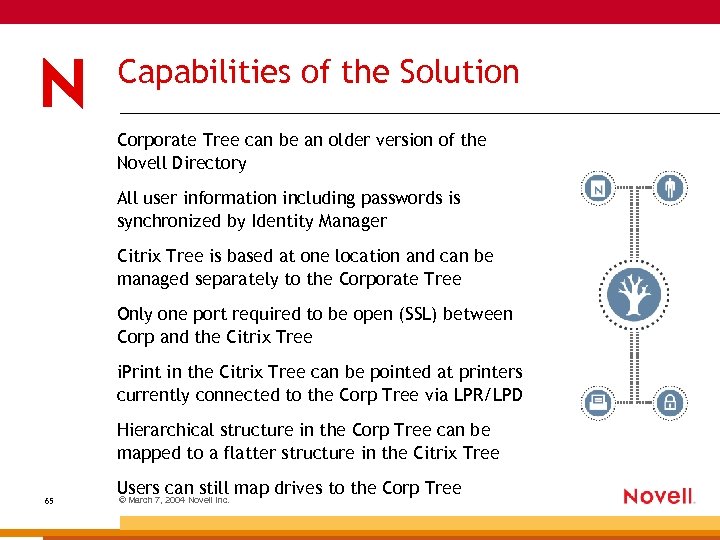 Capabilities of the Solution Corporate Tree can be an older version of the Novell Directory All user information including passwords is synchronized by Identity Manager Citrix Tree is based at one location and can be managed separately to the Corporate Tree Only one port required to be open (SSL) between Corp and the Citrix Tree i. Print in the Citrix Tree can be pointed at printers currently connected to the Corp Tree via LPR/LPD Hierarchical structure in the Corp Tree can be mapped to a flatter structure in the Citrix Tree 65 Users can still map drives to the Corp Tree © March 7, 2004 Novell Inc.
 Using Nsure Identity Manager 2 within a Single Tree Allows the use of 'EXTERNAL' and 'INTERNAL' Organization objects • O=INTERNAL represents the hierarchical Corporate Tree. Users access the Citrix Farm from a Citrix Client install on their desktop. ZENworks for Desktops 4. 01 policies and APPS represent the internal enviroment. • O=EXTERNAL represents a flat container for external access from the INTERNET via Citrix Web Interface. Policies and Apps represent tighter security due to the insecure nature of the access. The O=EXTERNAL container contains copies of user objects from the O=INTERNAL section of the Tree but the policies enforce a tighter security level. 66 © March 7, 2004 Novell Inc.
 Capabilities of the Solution Nsure Identity Manager syncronises user objects from the INTERNAL section of the tree to the EXTERNAL section of the same Tree. • • Only users that meet preset conditions are copied to the EXTERNAL container. (eg. Group Membership) • Web Interface is configured just to look at the EXTERNAL Container and downwards • 67 Users managed within the INTERNAL container Web Interface not available from inside the Company Firewall © March 7, 2004 Novell Inc.
 Citrix, Novell and Linux
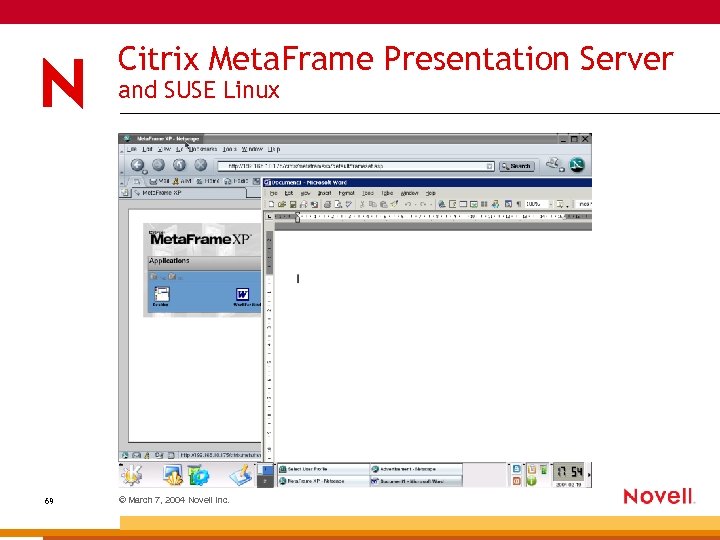 Citrix Meta. Frame Presentation Server and SUSE Linux 69 © March 7, 2004 Novell Inc.
 Linux Desktops and Citrix Meta. Frame Presentation Server Supports most Linux flavours as a client. • • Citrix supports both a Linux native client and a Java Client deployed from the Web Browser. • Allows the deployment of WIN 32 apps from a Linux enviroment. • 70 Web Interface supports Mozilla and Netscape on Linux Allows the deployment of WIN 32 apps that have not yet been ported to a Linux Platform. © March 7, 2004 Novell Inc.
 Demonstration
 Third Party Products
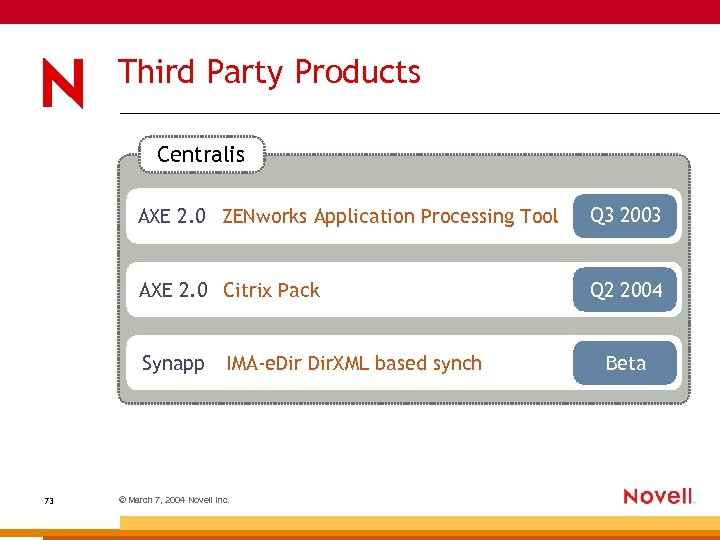 Third Party Products Centralis AXE 2. 0 ZENworks Application Processing Tool Q 3 2003 AXE 2. 0 Citrix Pack Q 2 2004 Synapp 73 IMA-e. Dir. XML based synch © March 7, 2004 Novell Inc. Beta
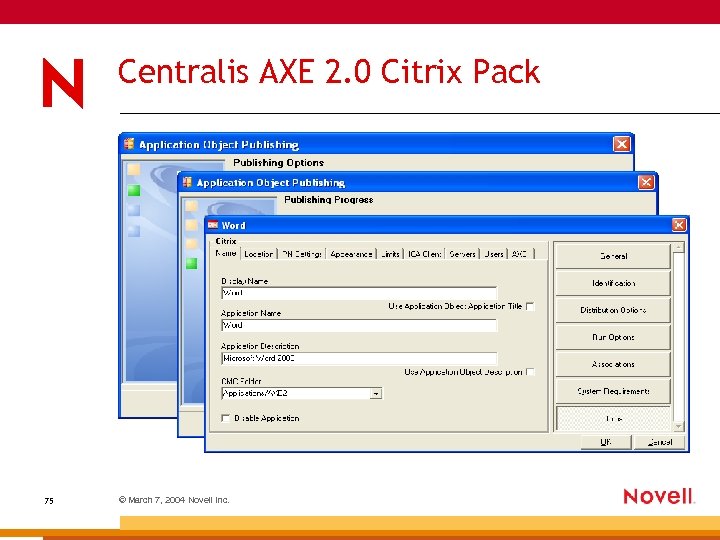
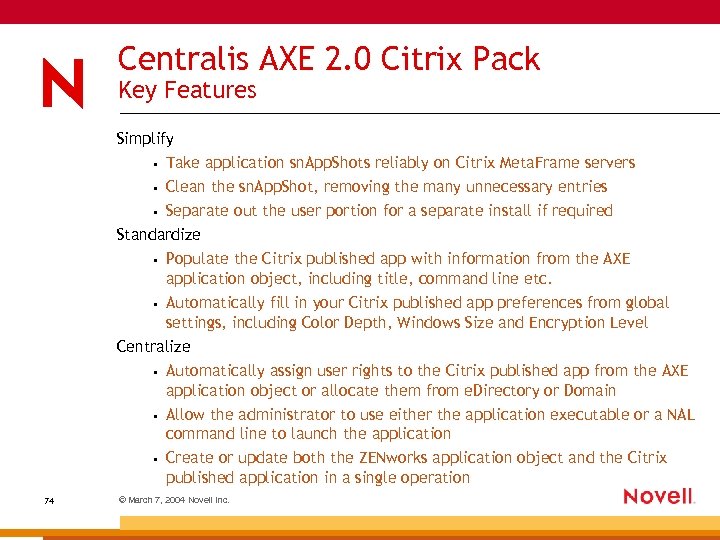 Centralis AXE 2. 0 Citrix Pack Key Features Simplify • Take application sn. App. Shots reliably on Citrix Meta. Frame servers • Clean the sn. App. Shot, removing the many unnecessary entries • Separate out the user portion for a separate install if required Standardize • Populate the Citrix published app with information from the AXE application object, including title, command line etc. • Automatically fill in your Citrix published app preferences from global settings, including Color Depth, Windows Size and Encryption Level Centralize • Automatically assign user rights to the Citrix published app from the AXE application object or allocate them from e. Directory or Domain • Allow the administrator to use either the application executable or a NAL command line to launch the application • Create or update both the ZENworks application object and the Citrix published application in a single operation 74 © March 7, 2004 Novell Inc.
 Centralis AXE 2. 0 Citrix Pack 75 © March 7, 2004 Novell Inc.
 Centralis Contact Information Web site www. centralis. co. uk Software www. centralis. co. uk/download 76 © March 7, 2004 Novell Inc.
 Demonstration
 Future Developments
 Future Developments ZENworks 6. 5 Desktop Management The next version of ZENworks for Desktops i. Chain® Using i. Chain as a secure proxy for ICA traffic 79 © March 7, 2004 Novell Inc.
 In Conclusion
 Conclusion Citrix and Novell when properly integrated provide a rich, manageable and scalable solution beyond the capabilities that either environment can provide in isolation. 81 © March 7, 2004 Novell Inc.
 Any Questions? Contact Information dshepherd@novell. com russel. wilkinson@citrix. com Useful Links Citrix Integration Methodology: www. novell. com/coolsolutions/features/a_citrix_methodology. html Novell Client Documentation: www. ithowto. com/novell/clientspeed. htm Citrix Web Interface Documentation Citrix Consulting Novell Integration Paper www. thinplanet. net www. thethin. net 82 © March 7, 2004 Novell Inc.
 General Disclaimer This document is not to be construed as a promise by any participating company to develop, deliver, or market a product. Novell, Inc. , makes no representations or warranties with respect to the contents of this document, and specifically disclaims any express or implied warranties of merchantability or fitness for any particular purpose. Further, Novell, Inc. , reserves the right to revise this document and to make changes to its content, at any time, without obligation to notify any person or entity of such revisions or changes. All Novell marks referenced in this presentation are trademarks or registered trademarks of Novell, Inc. in the United States and other countries. All third-party trademarks are the property of their respective owners. No part of this work may be practiced, performed, copied, distributed, revised, modified, translated, abridged, condensed, expanded, collected, or adapted without the prior written consent of Novell, Inc. Any use or exploitation of this work without authorization could subject the perpetrator to criminal and civil liability.