


 Скачать презентацию Integrating Human Factors nto the R D Process Presented
e6edcd40dc3087185e79ec64d852e30e.ppt
- Количество слайдов: 66
 Integrating Human Factors nto the R&D Process Presented at Presented by Michael Wiklund, PE, CHFP General Manager – Human Factors Engineering, UL-Wiklund November 5, 2014 UL and the UL logo are trademarks of UL LLC © 2013
 INTRODUCTION
 My background Michael Wiklund, MS, PE General Manager – Human Factors Engineering, UL Certified Human Factors Professional Professor, Tufts University Author/Editor: Usability Testing of Medical Devices Handbook of Human Factors in Medical Device Designing Usability into Medical Products Usability in Practice Member: AAMI Human Factors Engineering Committee IEC Human Factors Engineering Committee 3
 Human factors specialists Seek to optimize the quality of interaction between people and products, making them: • Safe • Effective • Efficient • Satisfying 4
 Participant did notice drug injection pen was expired. 5 Credit: http: //marylandepinephrineresourceschoolnurses. yolasite. com /resources/Epi%20 pen%20 demo. jpg
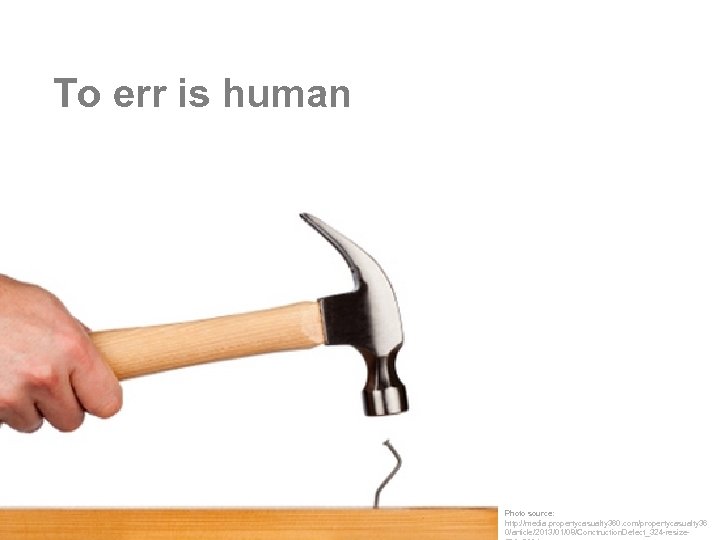 To err is human Photo source: http: //media. propertycasualty 360. com/propertycasualty 36 0/article/2013/01/08/Conctruction. Defect_324 -resize-
 Photo source: http: //www. justjared. com/photo-gallery/2586425/katie-holmes-suri-icecream-17/fullsize/
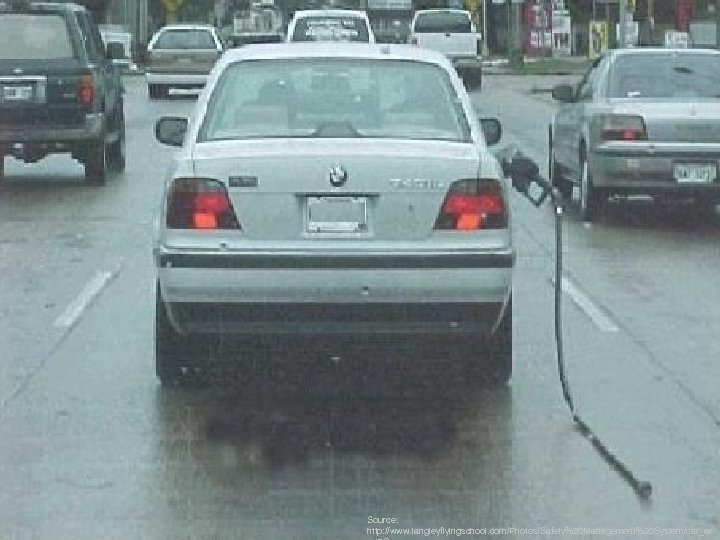 Source: http: //www. langleyflyingschool. com/Photos/Safety%20 Management%20 System/car_er
 To err when using a medical device can be harmful or deadly.
 10
10
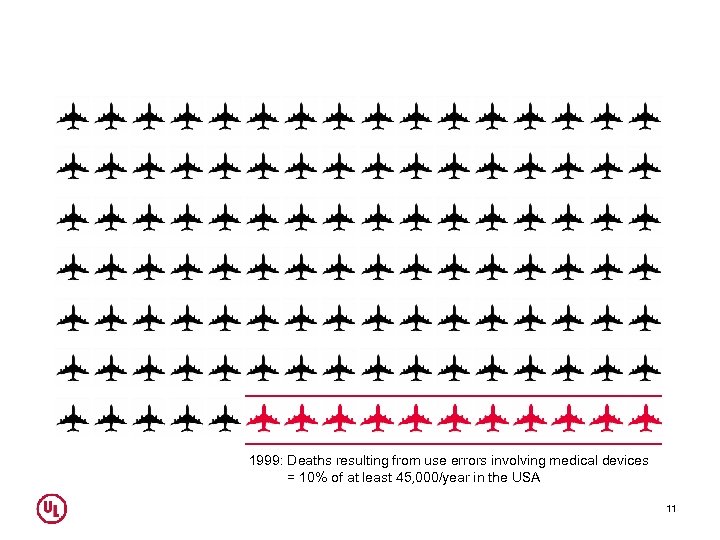 1999: Deaths resulting from use errors involving medical devices = 10% of at least 45, 000/year in the USA 11
 Participant did notice drug injection pen was expired. 12 Credit: http: //marylandepinephrineresourceschoolnurses. yolasite. com /resources/Epi%20 pen%20 demo. jpg
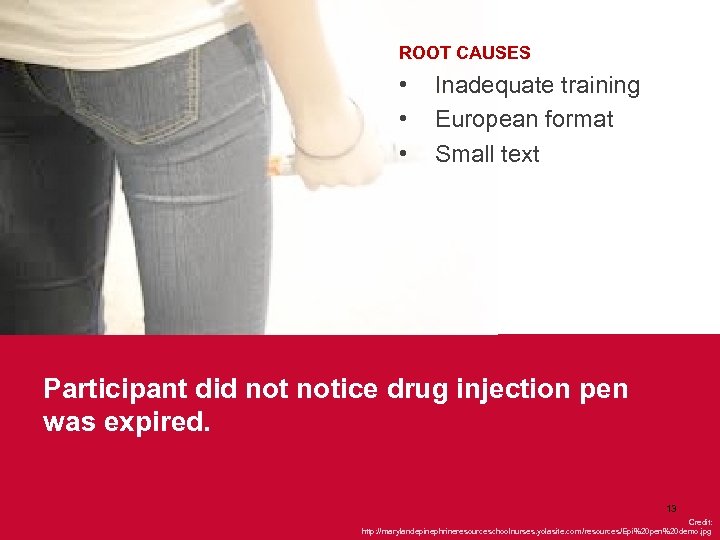 ROOT CAUSES • • • Inadequate training European format Small text Participant did notice drug injection pen was expired. 13 Credit: http: //marylandepinephrineresourceschoolnurses. yolasite. com /resources/Epi%20 pen%20 demo. jpg
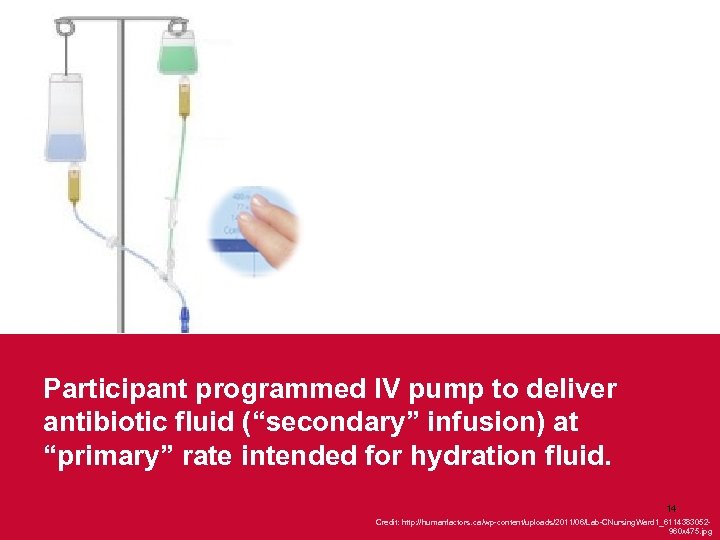 Participant programmed IV pump to deliver antibiotic fluid (“secondary” infusion) at “primary” rate intended for hydration fluid. 14 Credit: http: //humanfactors. ca/wp-content/uploads/2011/06/Lab-CNursing. Ward 1_6114383052960 x 475. jpg
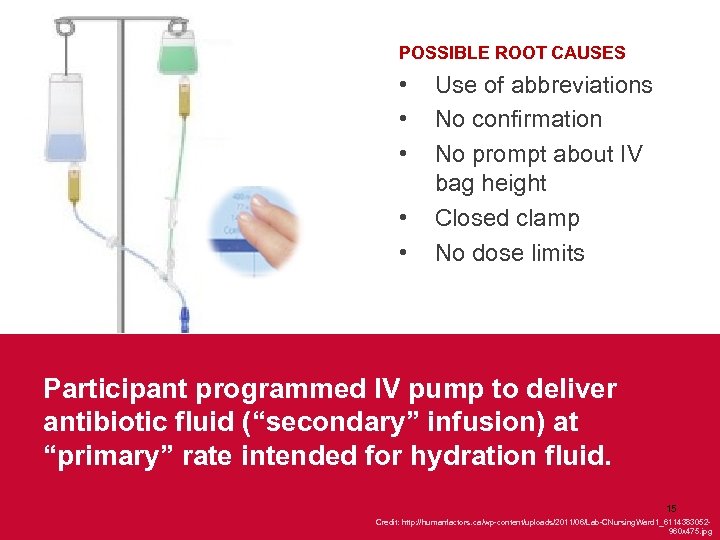 POSSIBLE ROOT CAUSES • • • Use of abbreviations No confirmation No prompt about IV bag height Closed clamp No dose limits Participant programmed IV pump to deliver antibiotic fluid (“secondary” infusion) at “primary” rate intended for hydration fluid. 15 Credit: http: //humanfactors. ca/wp-content/uploads/2011/06/Lab-CNursing. Ward 1_6114383052960 x 475. jpg
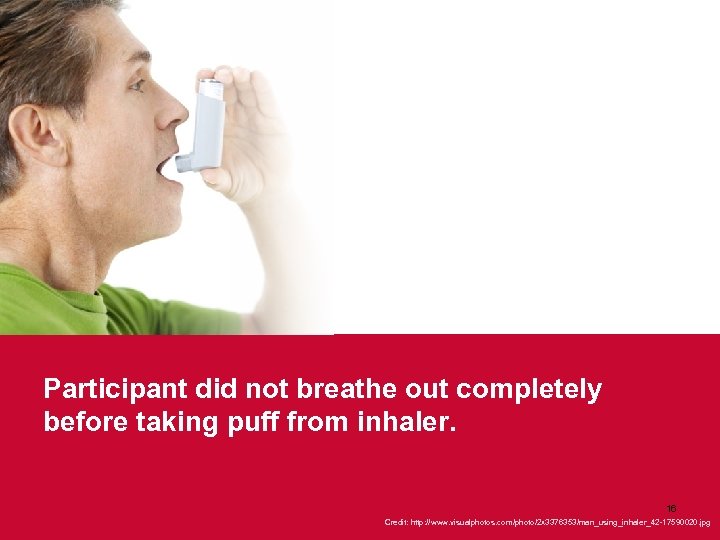 Participant did not breathe out completely before taking puff from inhaler. 16 Credit: http: //www. visualphotos. com/photo/2 x 3376353/man_using_inhaler_42 -17590020. jpg
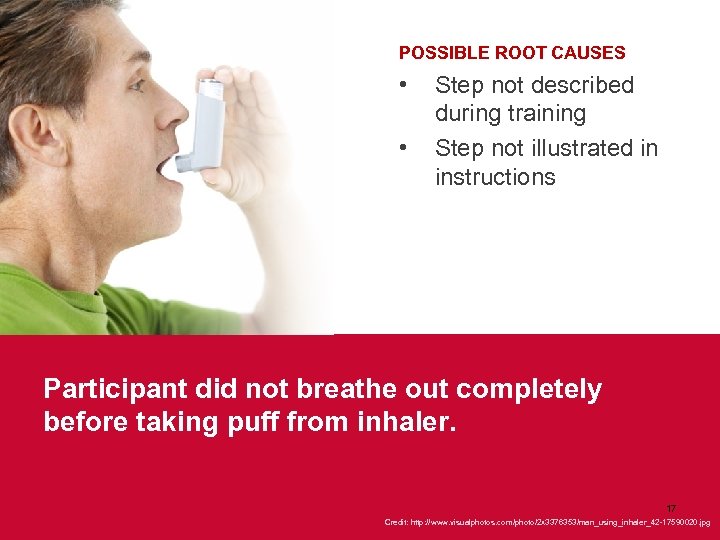 POSSIBLE ROOT CAUSES • • Step not described during training Step not illustrated in instructions Participant did not breathe out completely before taking puff from inhaler. 17 Credit: http: //www. visualphotos. com/photo/2 x 3376353/man_using_inhaler_42 -17590020. jpg
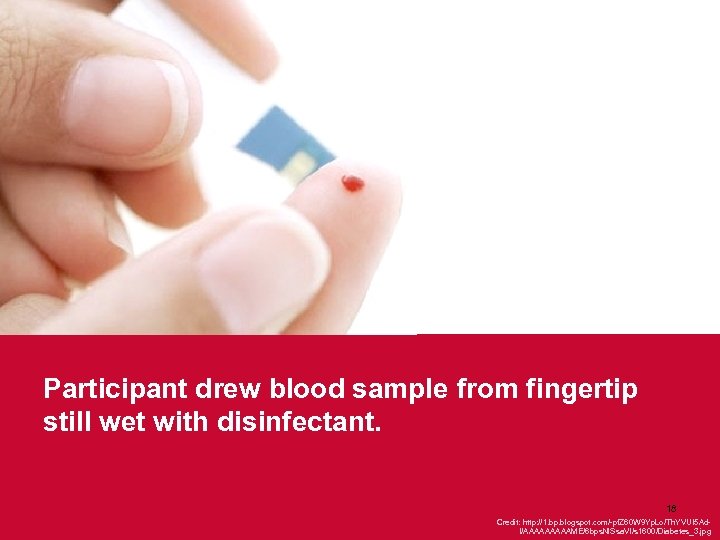 Participant drew blood sample from fingertip still wet with disinfectant. 18 Credit: http: //1. bp. blogspot. com/-pf. Z 60 W 9 Yp. Lo/Th. YVUI 5 Ad. I/AAAAAME/6 bps. Nl. Ssa. VI/s 1600/Diabetes_3. jpg
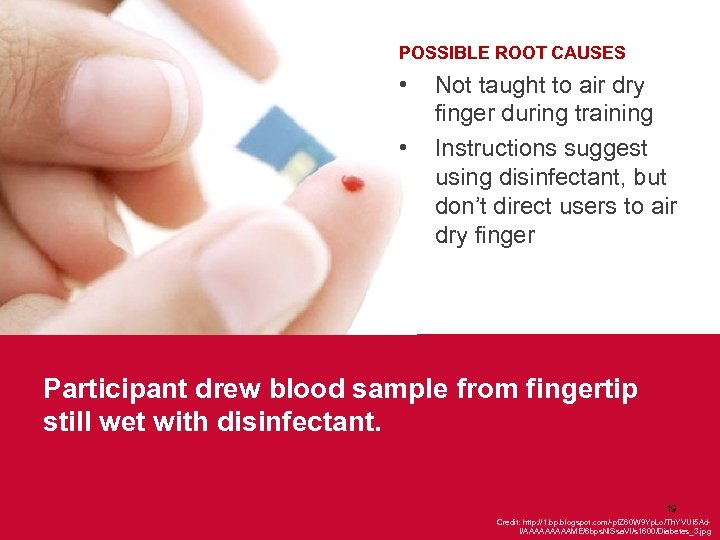 POSSIBLE ROOT CAUSES • • Not taught to air dry finger during training Instructions suggest using disinfectant, but don’t direct users to air dry finger Participant drew blood sample from fingertip still wet with disinfectant. 19 Credit: http: //1. bp. blogspot. com/-pf. Z 60 W 9 Yp. Lo/Th. YVUI 5 Ad. I/AAAAAME/6 bps. Nl. Ssa. VI/s 1600/Diabetes_3. jpg
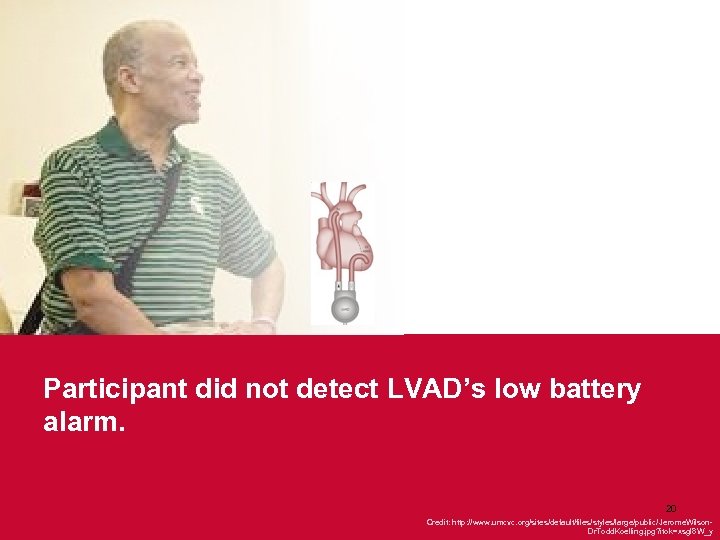 Participant did not detect LVAD’s low battery alarm. 20 Credit: http: //www. umcvc. org/sites/default/files/styles/large/public/ Jerome. Wilson. Dr. Todd. Koelling. jpg? itok=xsgl 8 W_y
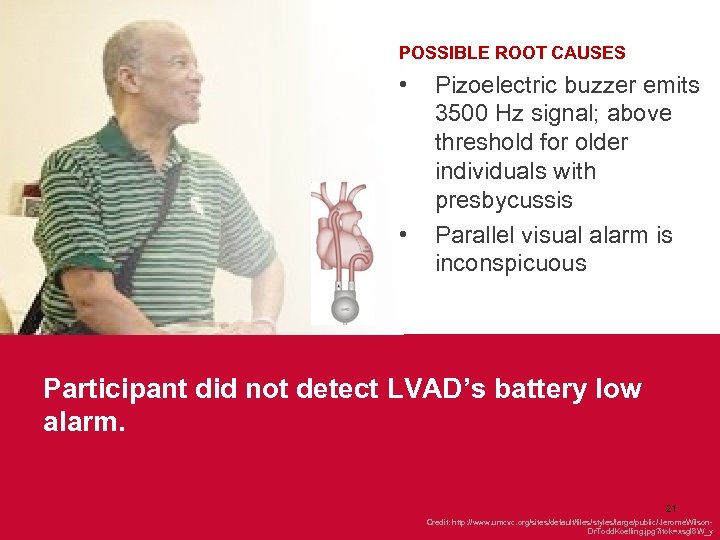 POSSIBLE ROOT CAUSES • • Pizoelectric buzzer emits 3500 Hz signal; above threshold for older individuals with presbycussis Parallel visual alarm is inconspicuous Participant did not detect LVAD’s battery low alarm. 21 Credit: http: //www. umcvc. org/sites/default/files/styles/large/public/ Jerome. Wilson. Dr. Todd. Koelling. jpg? itok=xsgl 8 W_y
 THE HUMAN FACTORS ENGINEERING IMPERATIVE
 Imperative to apply HFE • Today, FDA and other regulatory agencies expect medical devices to reflect good HFE. • Applying HFE is a cornerstone of overall risk management. 25
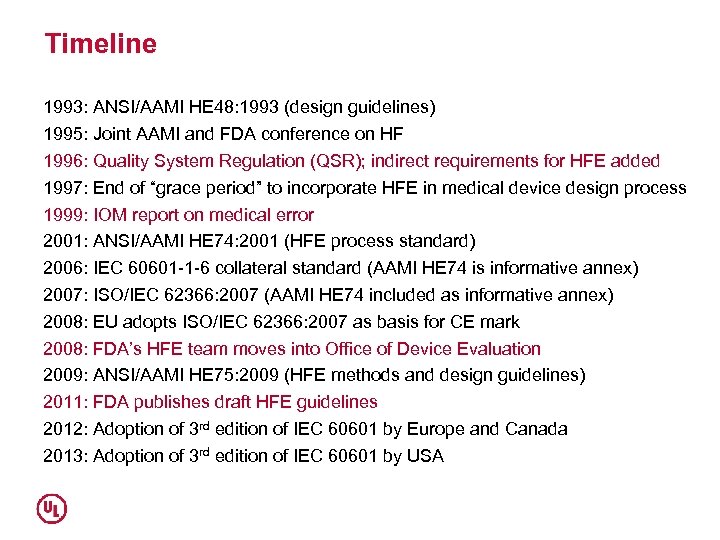 Timeline 1993: ANSI/AAMI HE 48: 1993 (design guidelines) 1995: Joint AAMI and FDA conference on HF 1996: Quality System Regulation (QSR); indirect requirements for HFE added 1997: End of “grace period” to incorporate HFE in medical device design process 1999: IOM report on medical error 2001: ANSI/AAMI HE 74: 2001 (HFE process standard) 2006: IEC 60601 -1 -6 collateral standard (AAMI HE 74 is informative annex) 2007: ISO/IEC 62366: 2007 (AAMI HE 74 included as informative annex) 2008: EU adopts ISO/IEC 62366: 2007 as basis for CE mark 2008: FDA’s HFE team moves into Office of Device Evaluation 2009: ANSI/AAMI HE 75: 2009 (HFE methods and design guidelines) 2011: FDA publishes draft HFE guidelines 2012: Adoption of 3 rd edition of IEC 60601 by Europe and Canada 2013: Adoption of 3 rd edition of IEC 60601 by USA
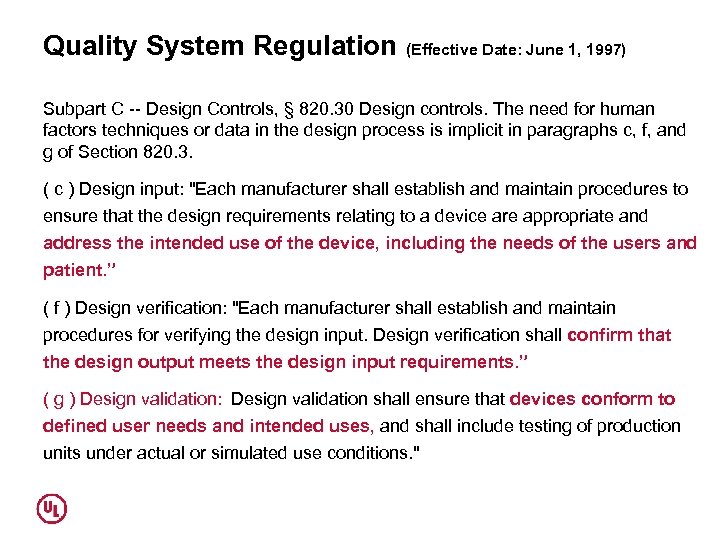 Quality System Regulation (Effective Date: June 1, 1997) Subpart C -- Design Controls, § 820. 30 Design controls. The need for human factors techniques or data in the design process is implicit in paragraphs c, f, and g of Section 820. 3. ( c ) Design input: "Each manufacturer shall establish and maintain procedures to ensure that the design requirements relating to a device are appropriate and address the intended use of the device, including the needs of the users and patient. ” ( f ) Design verification: "Each manufacturer shall establish and maintain procedures for verifying the design input. Design verification shall confirm that the design output meets the design input requirements. ” ( g ) Design validation:
Design validation shall ensure that devices conform to defined user needs and intended uses, and shall include testing of production units under actual or simulated use conditions. "
Quality System Regulation (Effective Date: June 1, 1997) Subpart C -- Design Controls, § 820. 30 Design controls. The need for human factors techniques or data in the design process is implicit in paragraphs c, f, and g of Section 820. 3. ( c ) Design input: "Each manufacturer shall establish and maintain procedures to ensure that the design requirements relating to a device are appropriate and address the intended use of the device, including the needs of the users and patient. ” ( f ) Design verification: "Each manufacturer shall establish and maintain procedures for verifying the design input. Design verification shall confirm that the design output meets the design input requirements. ” ( g ) Design validation:
Design validation shall ensure that devices conform to defined user needs and intended uses, and shall include testing of production units under actual or simulated use conditions. "
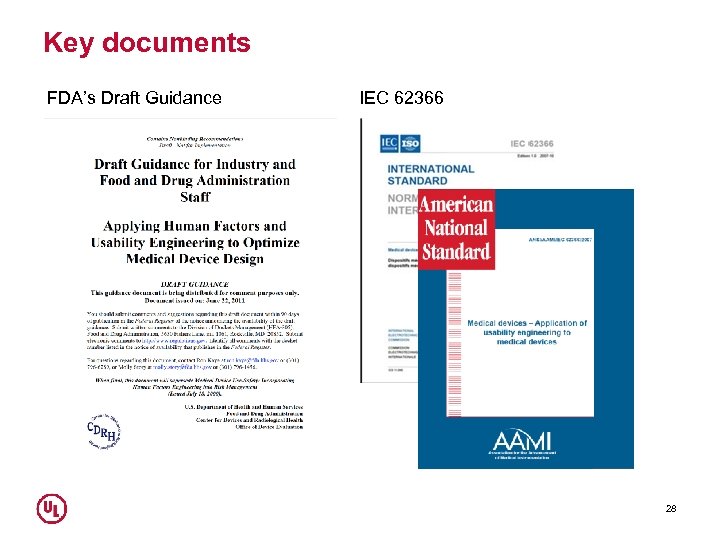 Key documents FDA’s Draft Guidance IEC 62366 28
 Basic expectations • Implement an HFE (UE) program • Define intended users, use environments, potential hazards, potential use errors, and use-related risks • Mitigate use-related risks • Validate user interface designs, proving risk control measures work • Document HFE activities and outcomes 29
 HFE Design History File (one example, partial, simplified) • HFE program plan • User profiles and use environment descriptions • Function and task analysis • Use-related hazard analysis • Known problems analysis • Use-related risk analysis (e. g. , Use-FMEA); iterative • User interface requirements • Application specification, usability specification, and other documents (per IEC 62366) • User interface design products (reflecting application of HFE principles) • Formative evaluation plans and reports • User interface verification report • Summative usability test plan and report (to validate user interface) • HFE Report
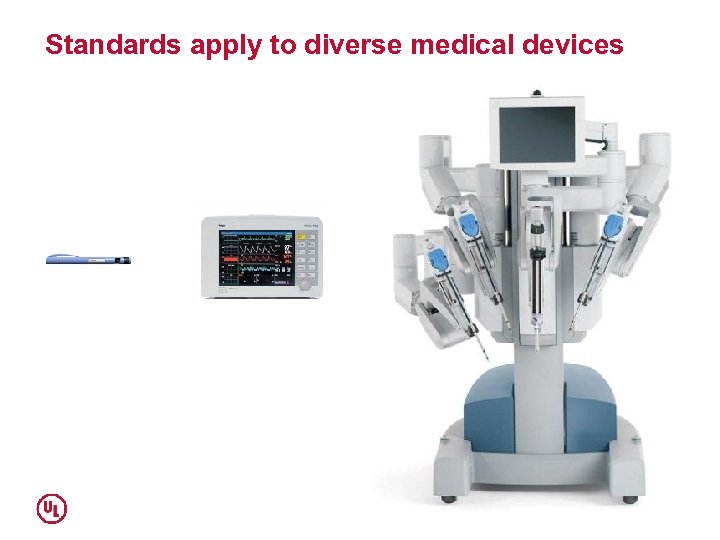 Standards apply to diverse medical devices
 SAMPLE HFE TECHNIQUES AND END-PRODUCTS
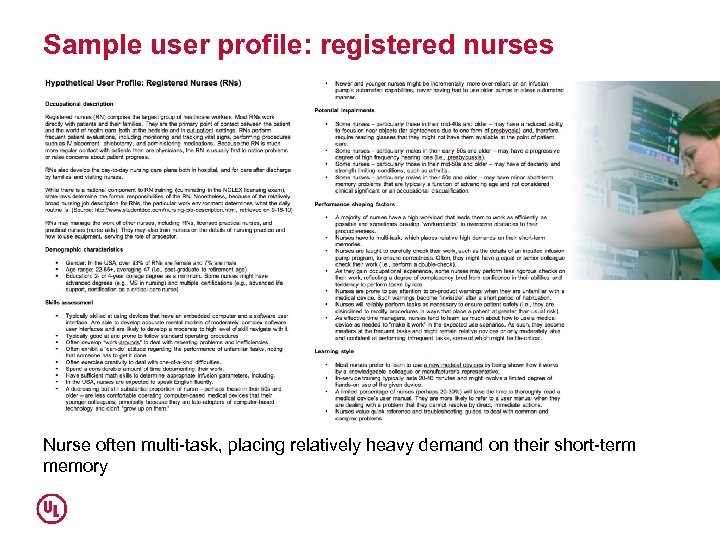 Sample user profile: registered nurses Nurse often multi-task, placing relatively heavy demand on their short-term memory
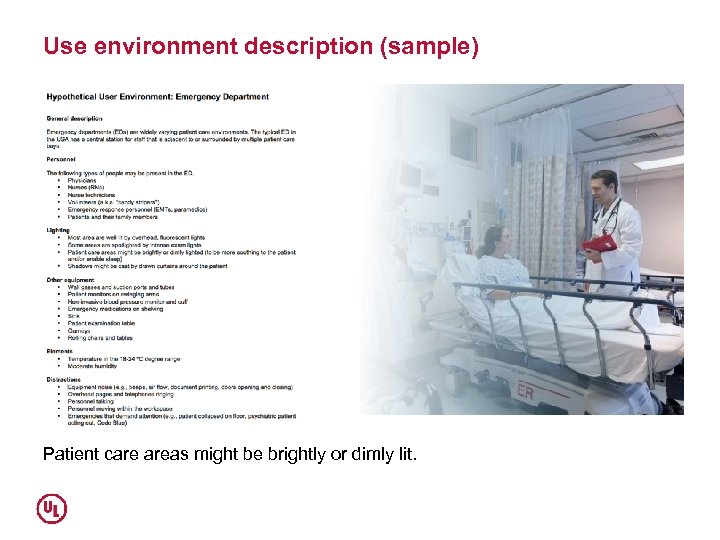 Use environment description (sample) Patient care areas might be brightly or dimly lit.
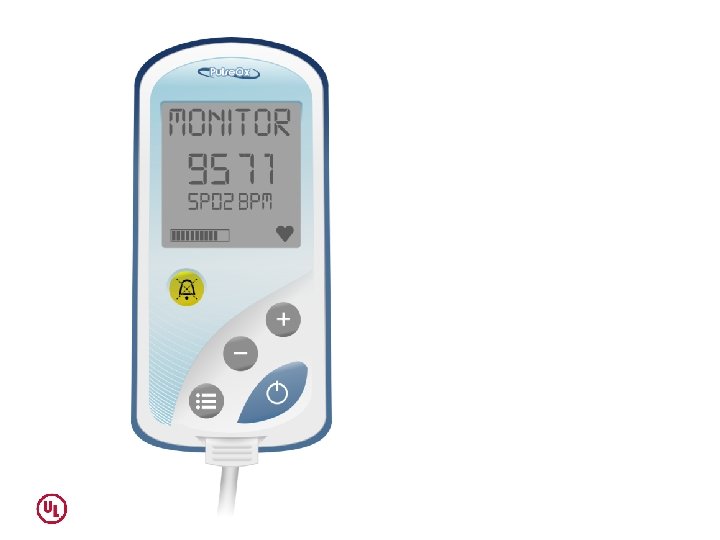
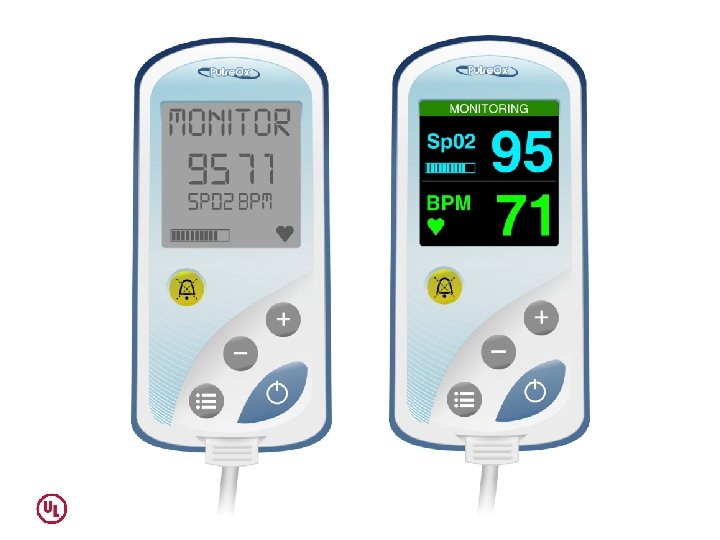
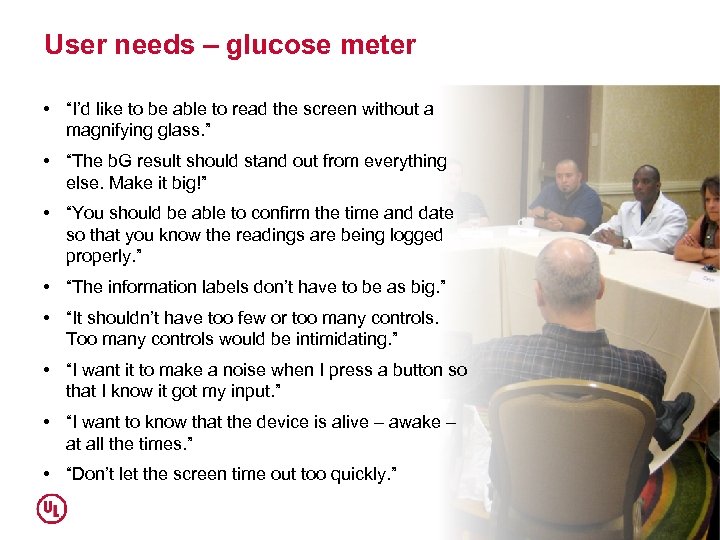 User needs – glucose meter • “I’d like to be able to read the screen without a magnifying glass. ” • “The b. G result should stand out from everything else. Make it big!” • “You should be able to confirm the time and date so that you know the readings are being logged properly. ” • “The information labels don’t have to be as big. ” • “It shouldn’t have too few or too many controls. Too many controls would be intimidating. ” • “I want it to make a noise when I press a button so that I know it got my input. ” • “I want to know that the device is alive – awake – at all the times. ” • “Don’t let the screen time out too quickly. ”
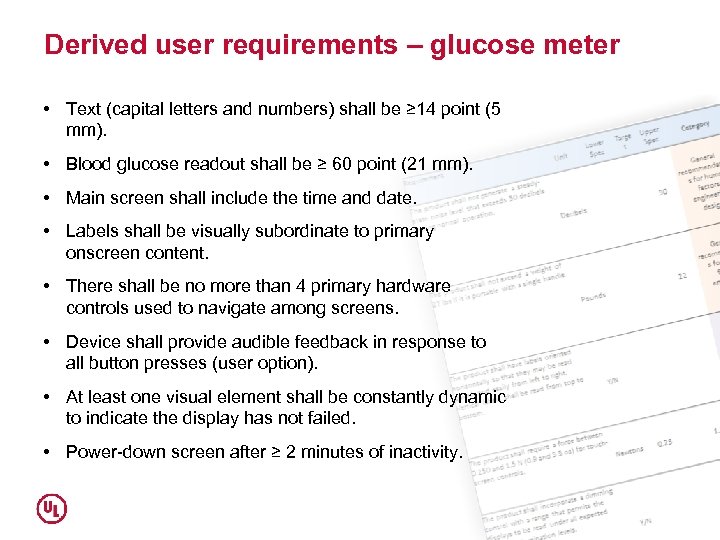 Derived user requirements – glucose meter • Text (capital letters and numbers) shall be ≥ 14 point (5 mm). • Blood glucose readout shall be ≥ 60 point (21 mm). • Main screen shall include the time and date. • Labels shall be visually subordinate to primary onscreen content. • There shall be no more than 4 primary hardware controls used to navigate among screens. • Device shall provide audible feedback in response to all button presses (user option). • At least one visual element shall be constantly dynamic to indicate the display has not failed. • Power-down screen after ≥ 2 minutes of inactivity.
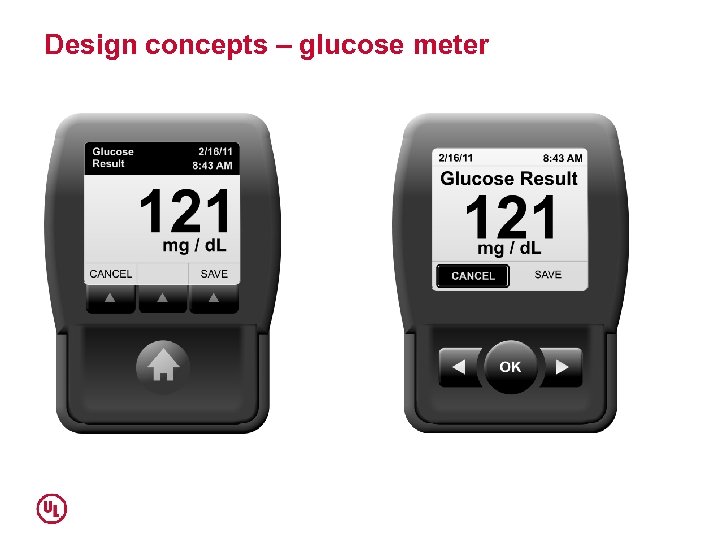 Design concepts – glucose meter
 Task analysis Deconstruct an overall user interactions with a device into its myriad components: perceptions (P), cognitive processes (C), and actions (A). Yields: PCA analysis.
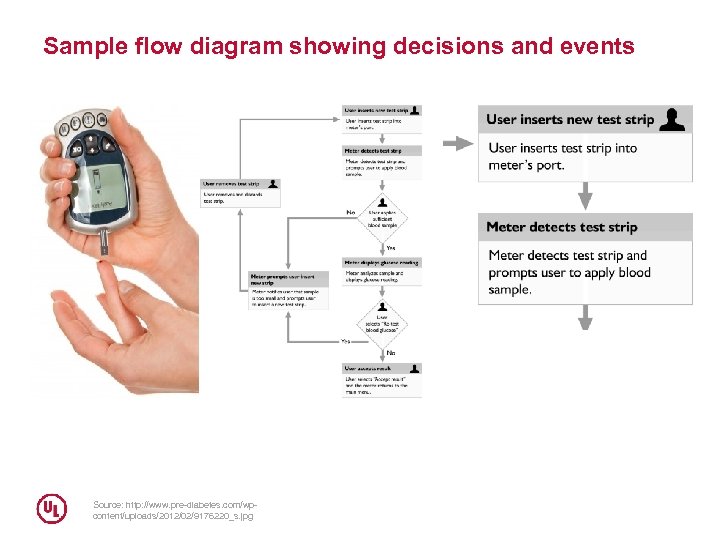 Sample flow diagram showing decisions and events Source: http: //www. pre-diabetes. com/wpcontent/uploads/2012/02/9176220_s. jpg
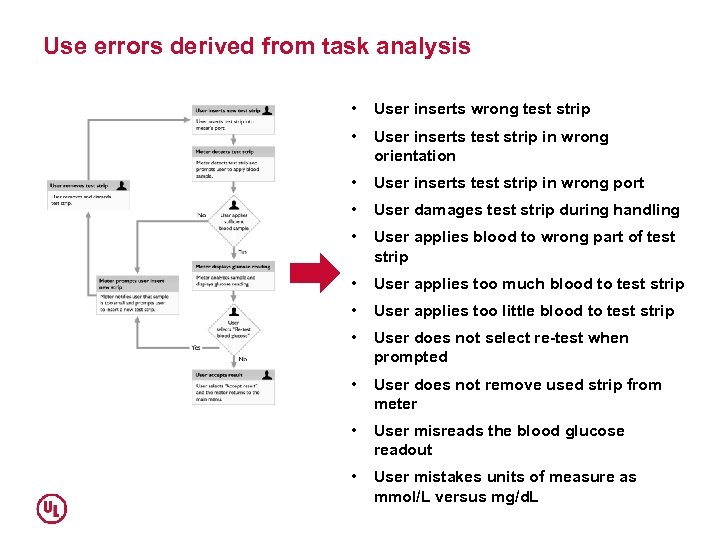 Use errors derived from task analysis • User inserts wrong test strip • User inserts test strip in wrong orientation • User inserts test strip in wrong port • User damages test strip during handling • User applies blood to wrong part of test strip • User applies too much blood to test strip • User applies too little blood to test strip • User does not select re-test when prompted • User does not remove used strip from meter • User misreads the blood glucose readout • User mistakes units of measure as mmol/L versus mg/d. L
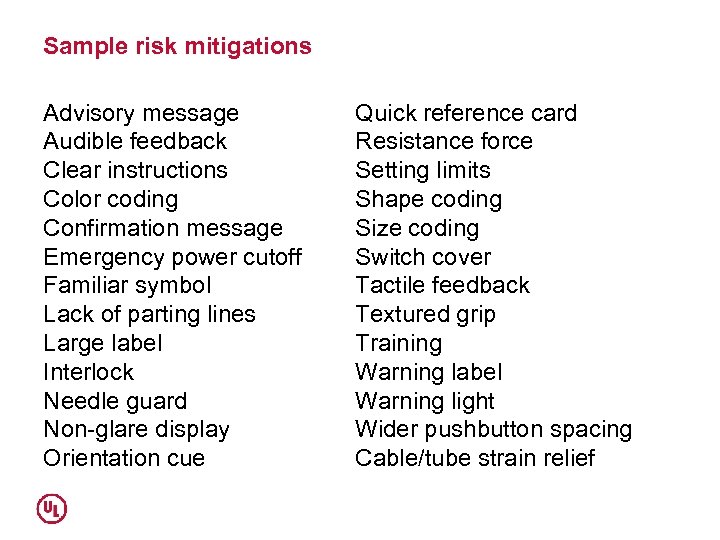 Sample risk mitigations Advisory message Audible feedback Clear instructions Color coding Confirmation message Emergency power cutoff Familiar symbol Lack of parting lines Large label Interlock Needle guard Non-glare display Orientation cue Quick reference card Resistance force Setting limits Shape coding Size coding Switch cover Tactile feedback Textured grip Training Warning label Warning light Wider pushbutton spacing Cable/tube strain relief
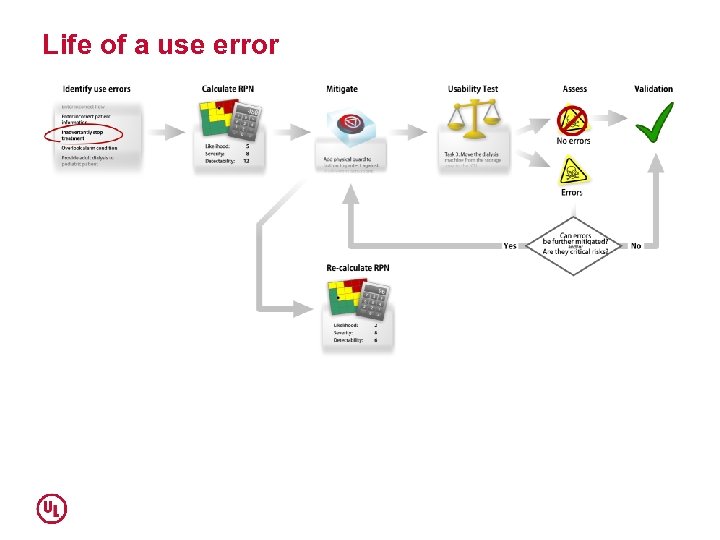 Life of a use error
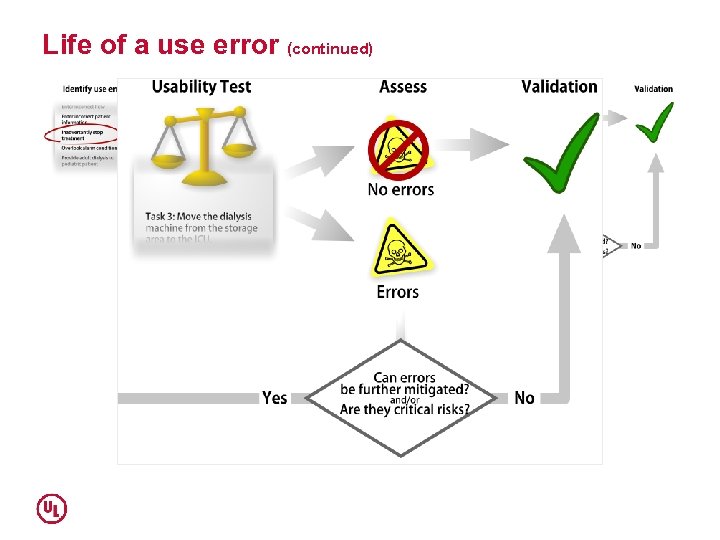 Life of a use error (continued)
 Select a sample size (continued) • Formative tests typically involve ≤ 12 participants, yielding excellent insights while preserving resources for additional tests. • Summative tests typically involve either 15 participants per distinct user group, or 25 participants if the user population is relatively homogeneous (i. e. , there is 1 distinct user group).
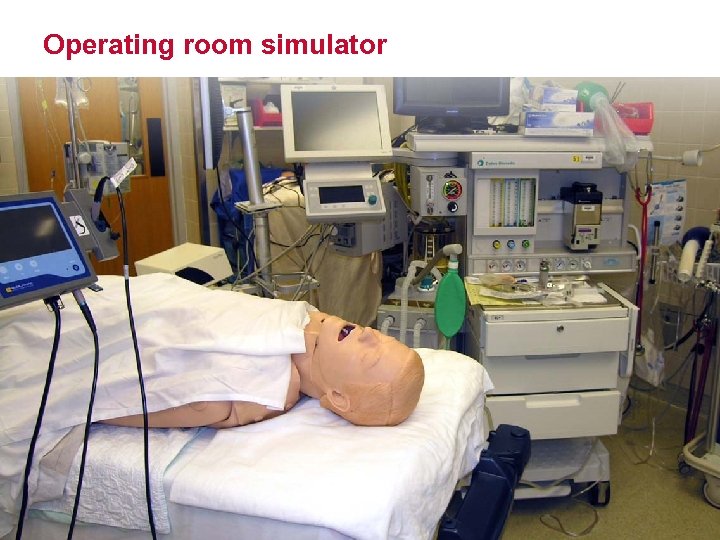 Operating room simulator
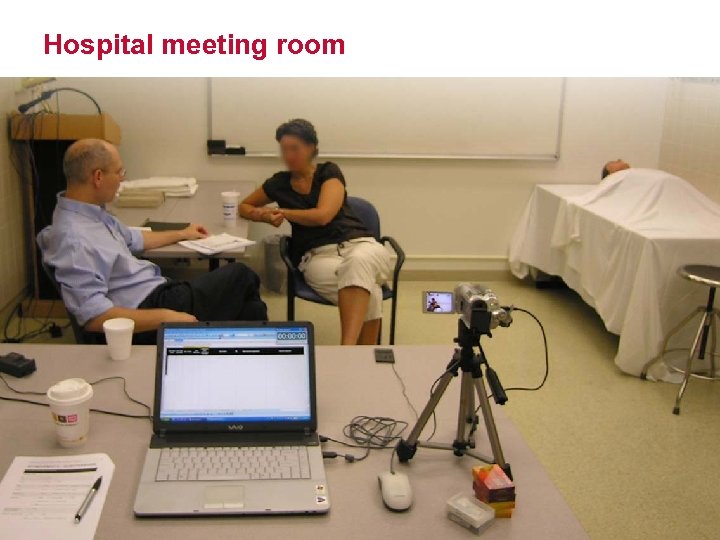 Hospital meeting room
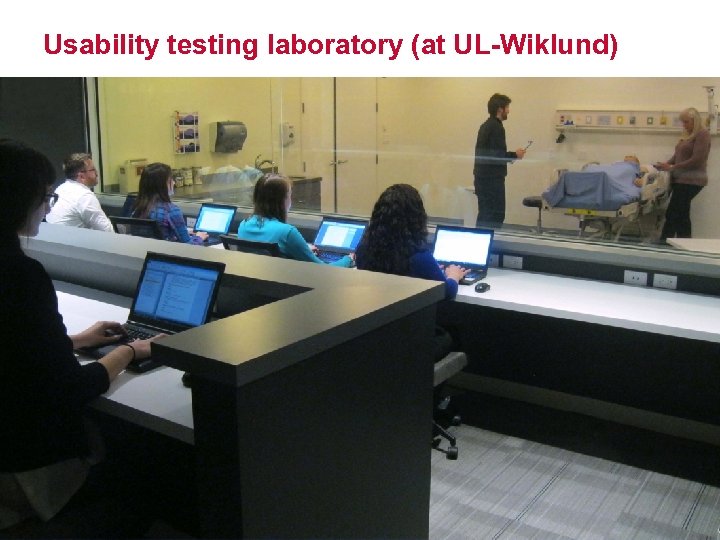 Usability testing laboratory (at UL-Wiklund)
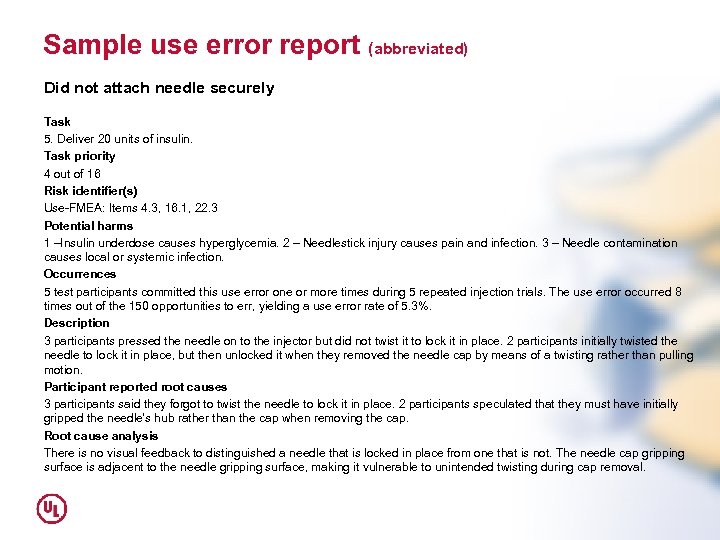 Sample use error report (abbreviated) Did not attach needle securely Task 5. Deliver 20 units of insulin. Task priority 4 out of 16 Risk identifier(s) Use-FMEA: Items 4. 3, 16. 1, 22. 3 Potential harms 1 –Insulin underdose causes hyperglycemia. 2 – Needlestick injury causes pain and infection. 3 – Needle contamination causes local or systemic infection. Occurrences 5 test participants committed this use error one or more times during 5 repeated injection trials. The use error occurred 8 times out of the 150 opportunities to err, yielding a use error rate of 5. 3%. Description 3 participants pressed the needle on to the injector but did not twist it to lock it in place. 2 participants initially twisted the needle to lock it in place, but then unlocked it when they removed the needle cap by means of a twisting rather than pulling motion. Participant reported root causes 3 participants said they forgot to twist the needle to lock it in place. 2 participants speculated that they must have initially gripped the needle’s hub rather than the cap when removing the cap. Root cause analysis There is no visual feedback to distinguished a needle that is locked in place from one that is not. The needle cap gripping surface is adjacent to the needle gripping surface, making it vulnerable to unintended twisting during cap removal.
 THE HFE REPORT
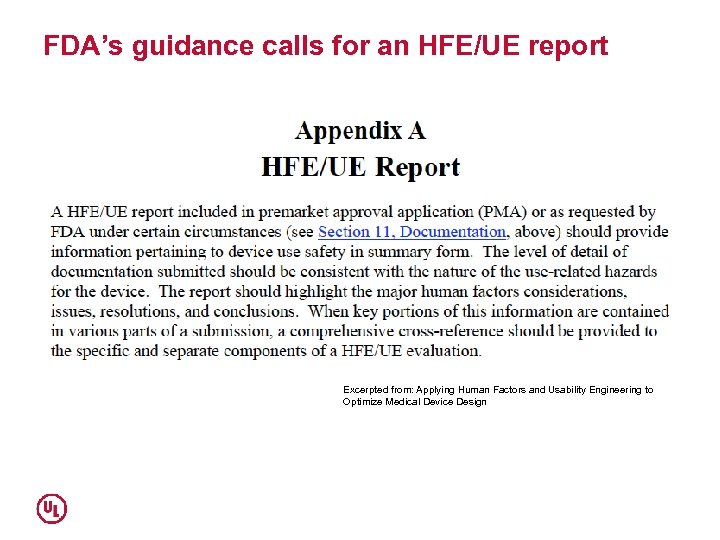 FDA’s guidance calls for an HFE/UE report Excerpted from: Applying Human Factors and Usability Engineering to Optimize Medical Device Design
 Analogy An HFE Report is like a court case. • Opening statement about the manufacturer’s HFE efforts • Presentation of HFE evidence and testimony (i. e. , results of summative usability test) • Closing argument that device is safe and effective
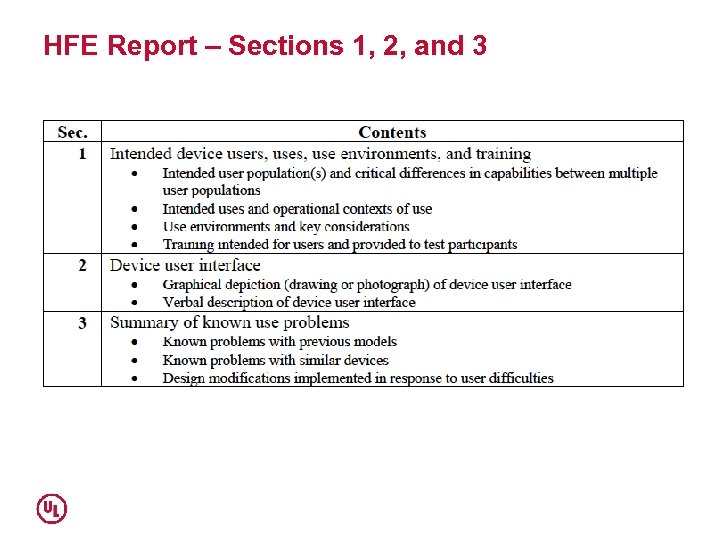 HFE Report – Sections 1, 2, and 3
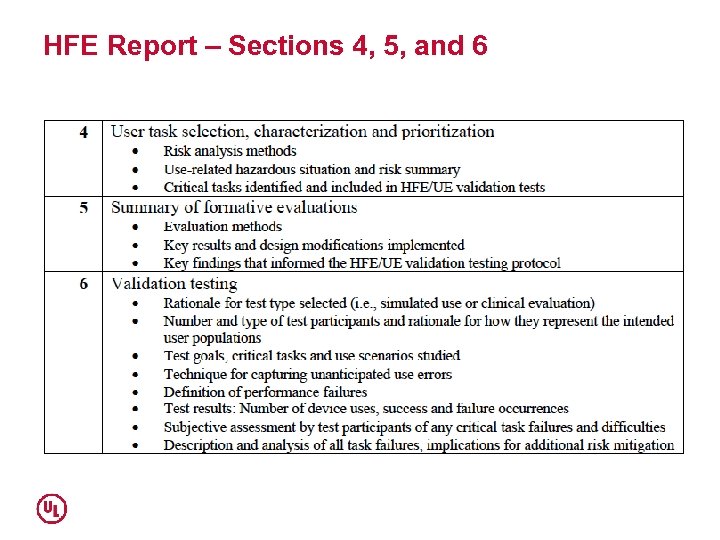 HFE Report – Sections 4, 5, and 6
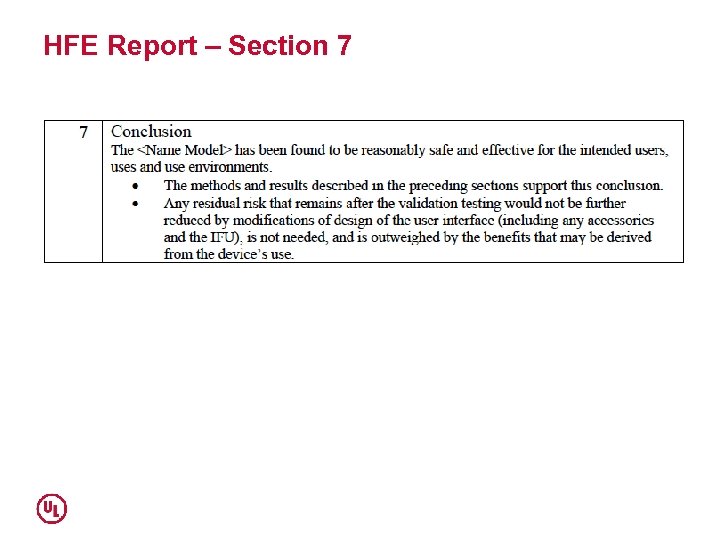 HFE Report – Section 7
 Claim Device is adequately safe and effective for the intended users, its intended uses, and use environments.
 BENEFITS AND COSTS
 HFE benefits and costs Benefits • Faster time to market (regulatory approval) • Simpler user documentation and training • Increased sales related to better first impressions, ease of learning, and initial satisfaction • Reduced risk of recalls, products liability claims • Lower customer support demand • Extended marketability Costs • Possibly $250 K-$500 K for a moderately complex device Return on investment (ROI) • Could be the range of 5: 1 to 10: 1 • ROI factors in the cost of lost sales due to a device’s comparatively poor usability, a reject submission to regulators, a recall, and a lawsuit.
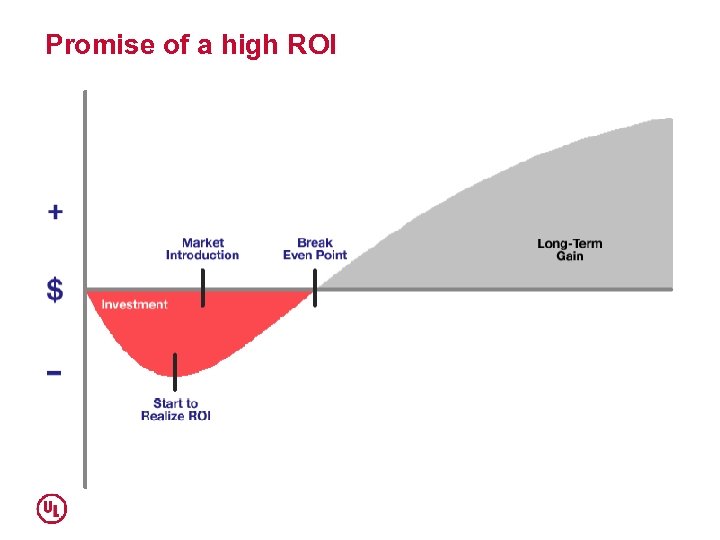 Promise of a high ROI
 HFE PRACTICE MODELS
 Who takes the lead? Initially: • CEO (when inspired) • Regulatory (when facing FDA pushback) • Quality (when procedure driven) Long-term: • R&D (when properly integrated) Briefly: • Marketing (when seeking claims) 60
 Contracting for HFE services (outsourcing) • HFE service broker (in-house) • Engage consultants as needed • Establish strategic relationship with a preferred HFE vendors • Establish strategic relationship with multiple HFE vendors 61
 In-house capability (core competency) • Establish a central HFE department that consults to project teams • Embed HFE specialists within project teams 62
 CONCLUSION
 Experience suggests… • Today, HFE is a mandate rather than an option. • HFE is cost-effective • Existing staff can perform a substantial amount of HFE work, but specialists are needed at times • HFE, if implemented in a timely manner, is not a paperwork exercise. It leads to better devices. • HFE offers commercial advantages.
 Questions? UL and the UL logo are trademarks of UL LLC © 2013
 Contact information UL – Wiklund R&D 300 Baker Avenue, Suite 200 Concord, Massachusetts 01742 USA Telephone: 001 (978) 371– 2700 URL: www. ul. com/ul-hfe Management team: Michael Wiklund General Manager – Human Factors Engineering, E: michael. wiklund@ul. com Jonathan Kendler Design Director – Human Factors Engineering, E: jonathan. kendler@ul. com Allison Strochlic Research Director – Human Factors Engineering, E: allison. strochlic@ul. com